









Frédéric Harper
Senior Technical Evangelist @ Mozilla
@fharper | outofcomfortzone.net

Budapest Firefox OS Workshop – 2013-11-23

Firefox OS
the platform you deserves
Elnézést, én nem beszélek
magyarul
Thanks Google translate…
What you deserve
FIREFOX OS
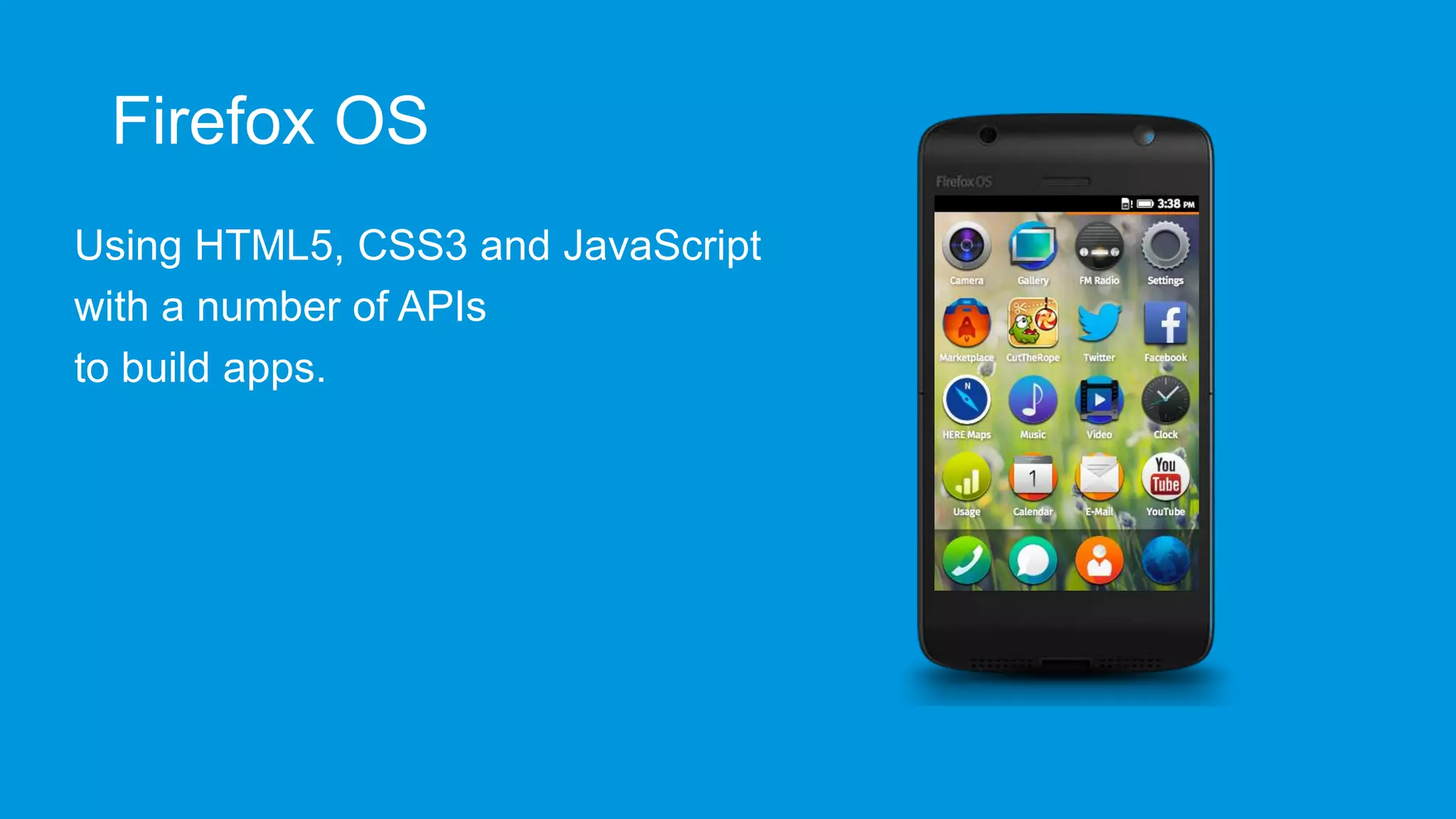
Firefox OS
Using HTML5, CSS3 and JavaScript
with a number of APIs
to build apps.
It’s open source
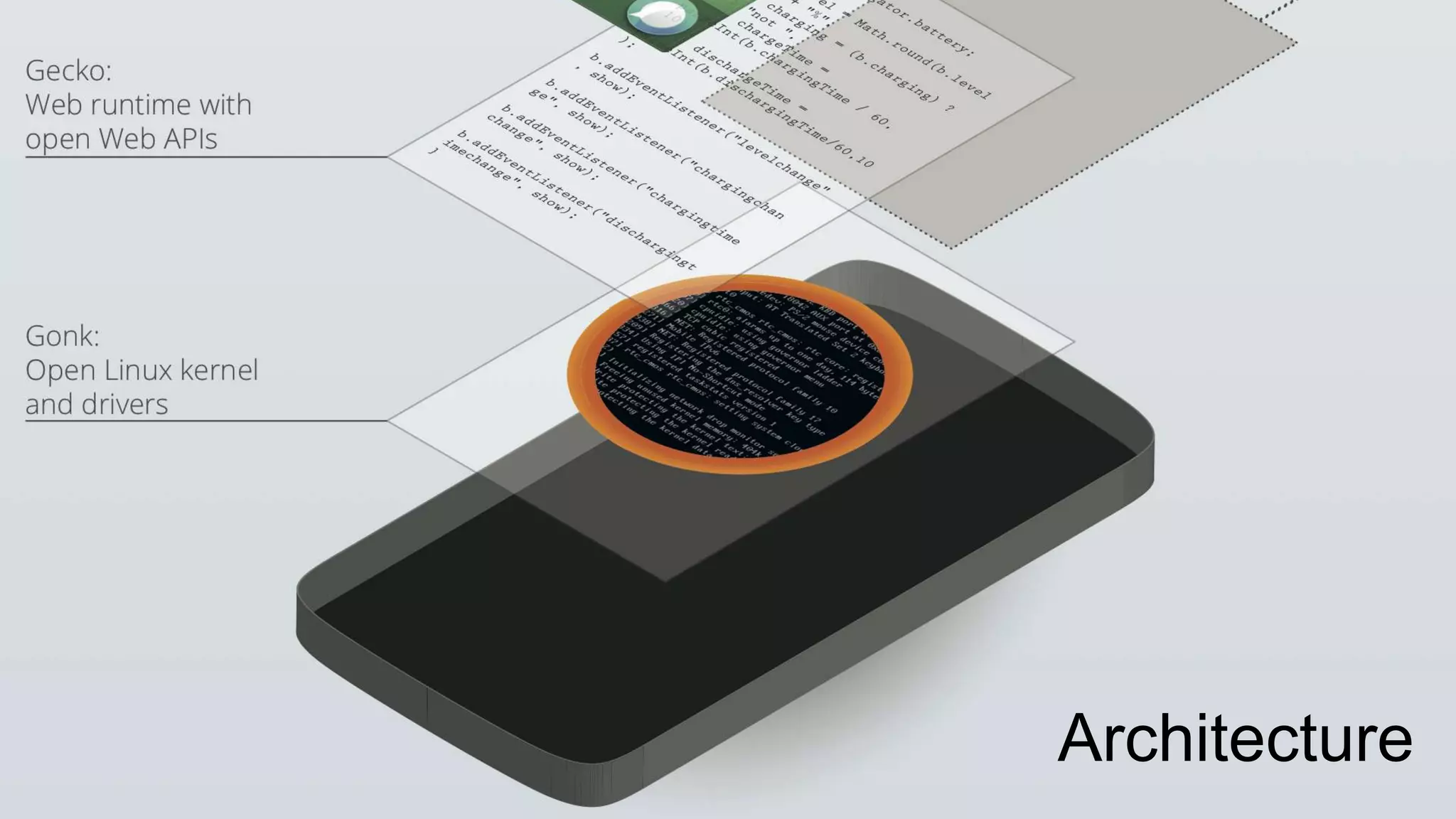
Architecture
Benefits of HTML5
 In-built distribution – the Web

 Simple technologies used by a lot of developers
 Evolution of existing practices
 Open, independent, and standardised
Some facts
 Released in Spain, Poland, Venezuela, Hungary, Colombia,
Uruguay, Mexico, and Brazil
 18 mobile operator, and 6 hardware partners
 Hardware options: ZTE Open, Alcatel One Touch Fire, Geeksphone
Keon, Geeksphone Peak, LG FireWeb…
 Aimed at emerging markets/low end market
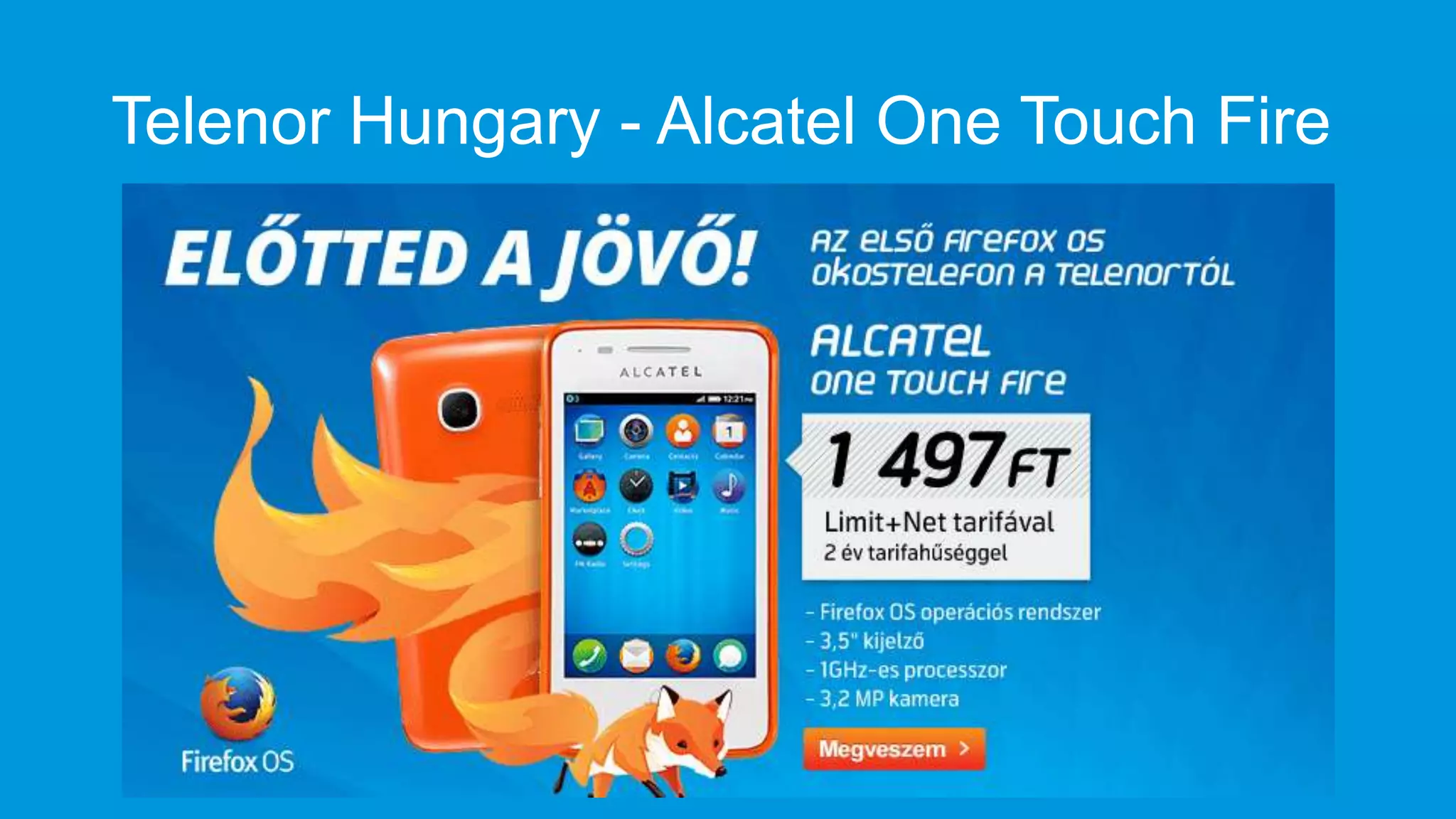
Telenor Hungary - Alcatel One Touch Fire
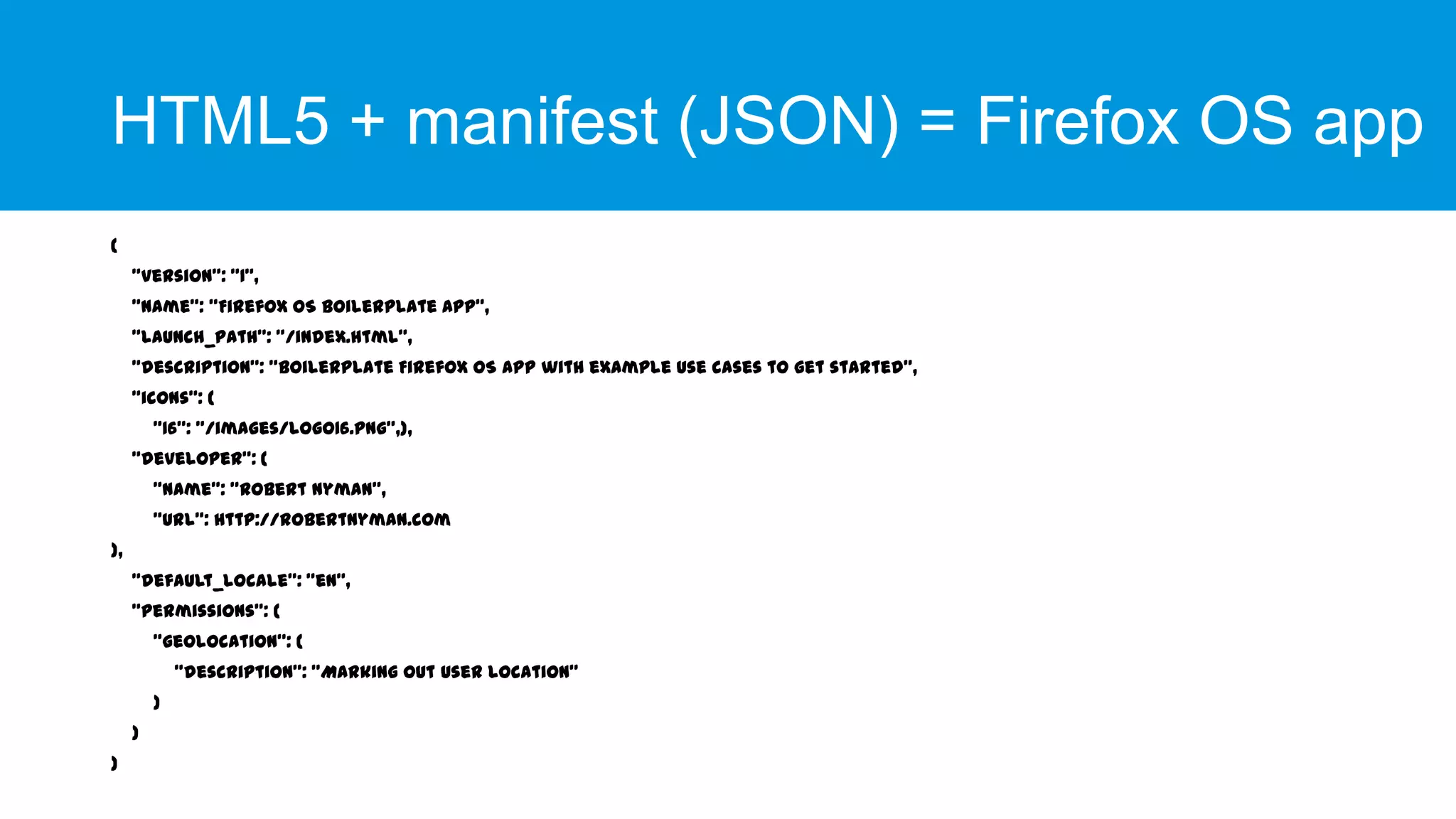
HTML5 + manifest (JSON) = Firefox OS app
{

"version": "1",
"name": "Firefox OS Boilerplate App",
"launch_path": "/index.html",
"description": "Boilerplate Firefox OS app with example use cases to get started",
"icons": {
"16": "/images/logo16.png”,},

"developer": {
"name": "Robert Nyman",
"url": http://robertnyman.com
},
"default_locale": "en",
"permissions": {
"geolocation": {
"description": "Marking out user location"
}
}
}
A Firefox OS app?
 Hosted or packaged app
 Using


Vanilla HTML5



Regular API



Privileged API



Certified API
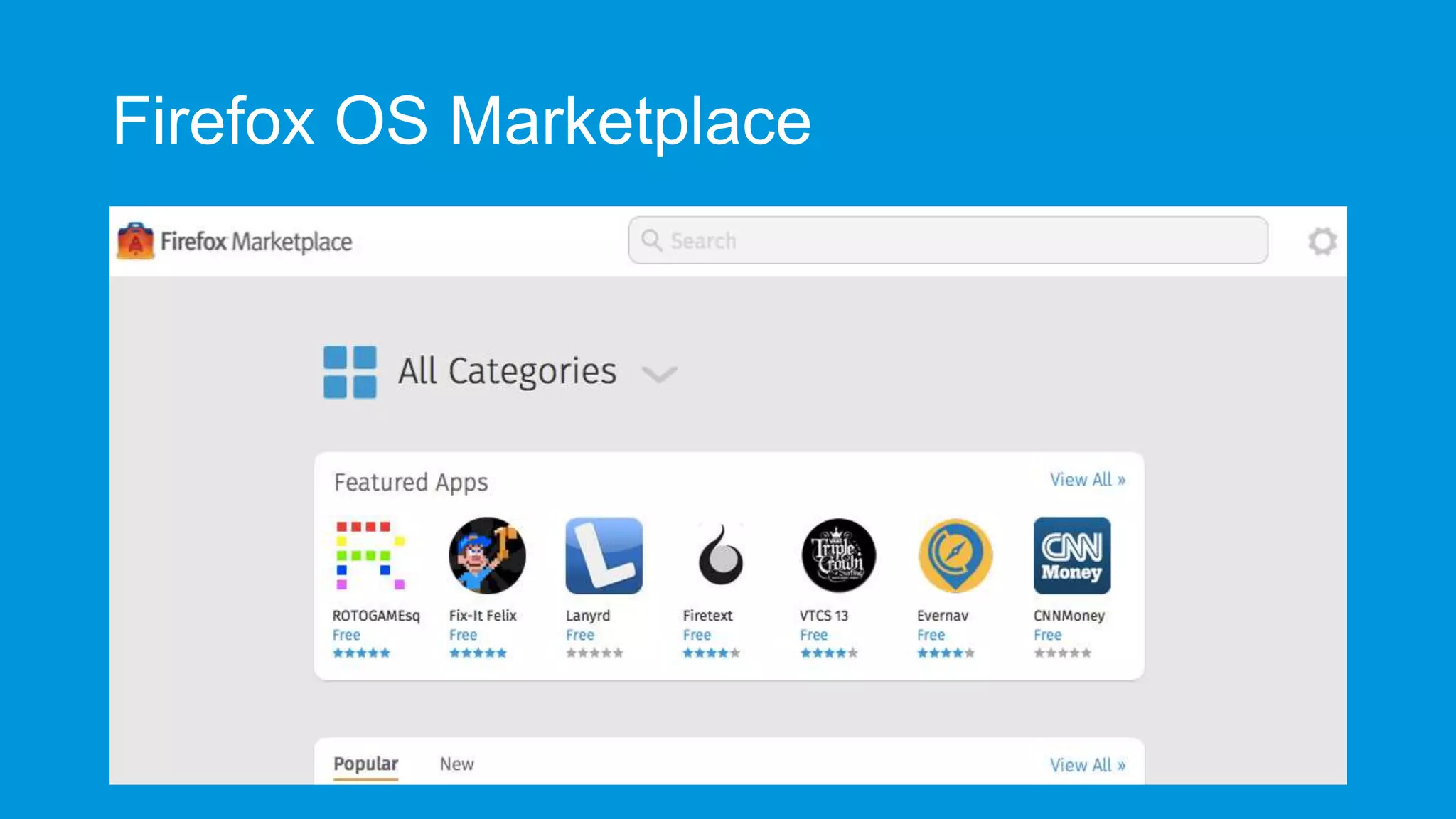
Firefox OS Marketplace
Web APIs
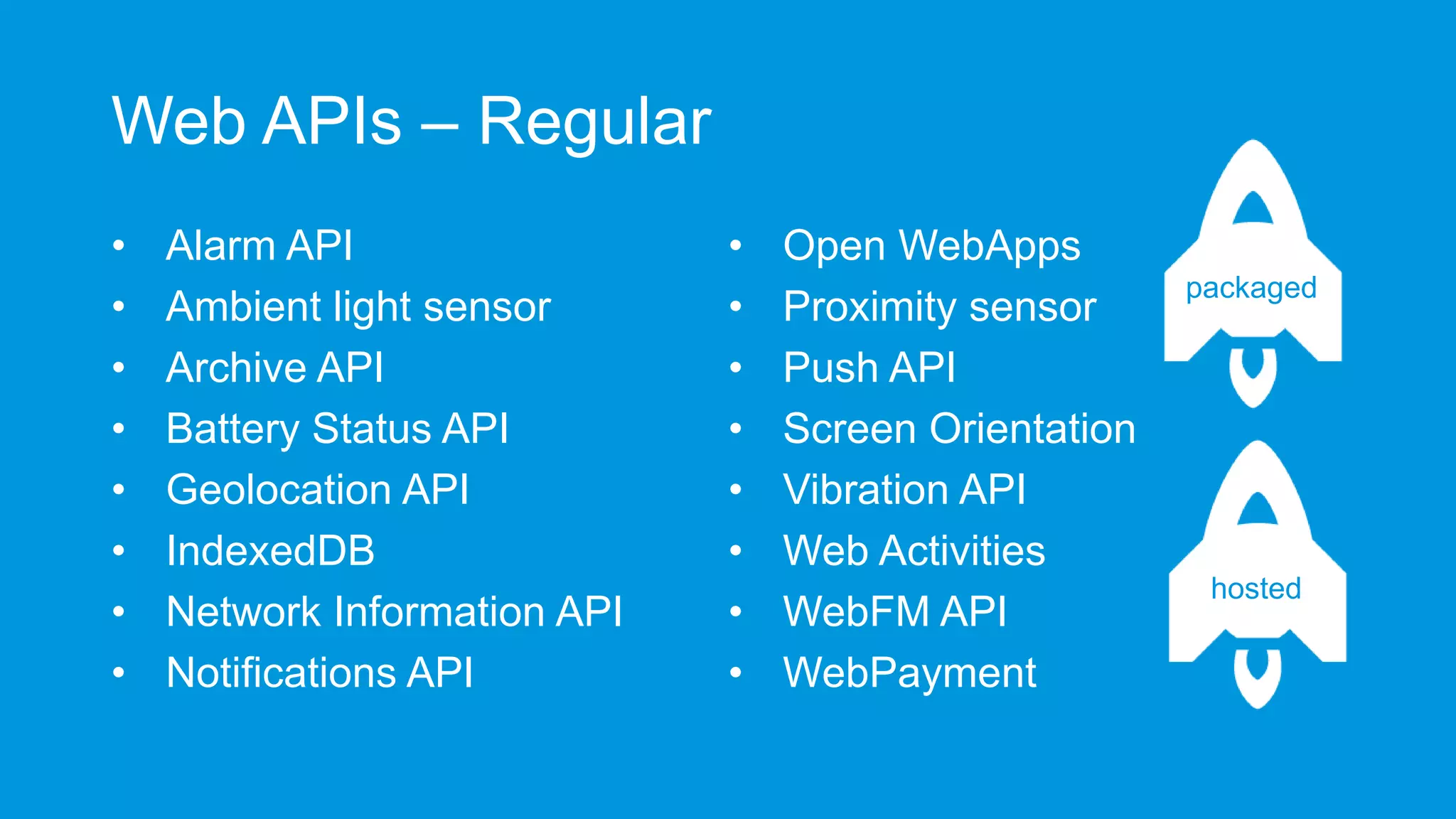
Web APIs – Regular
•
•
•
•
•
•
•
•

Alarm API
Ambient light sensor
Archive API
Battery Status API
Geolocation API
IndexedDB
Network Information API
Notifications API

•
•
•
•
•
•
•
•

Open WebApps
Proximity sensor
Push API
Screen Orientation
Vibration API
Web Activities
WebFM API
WebPayment

packaged

hosted
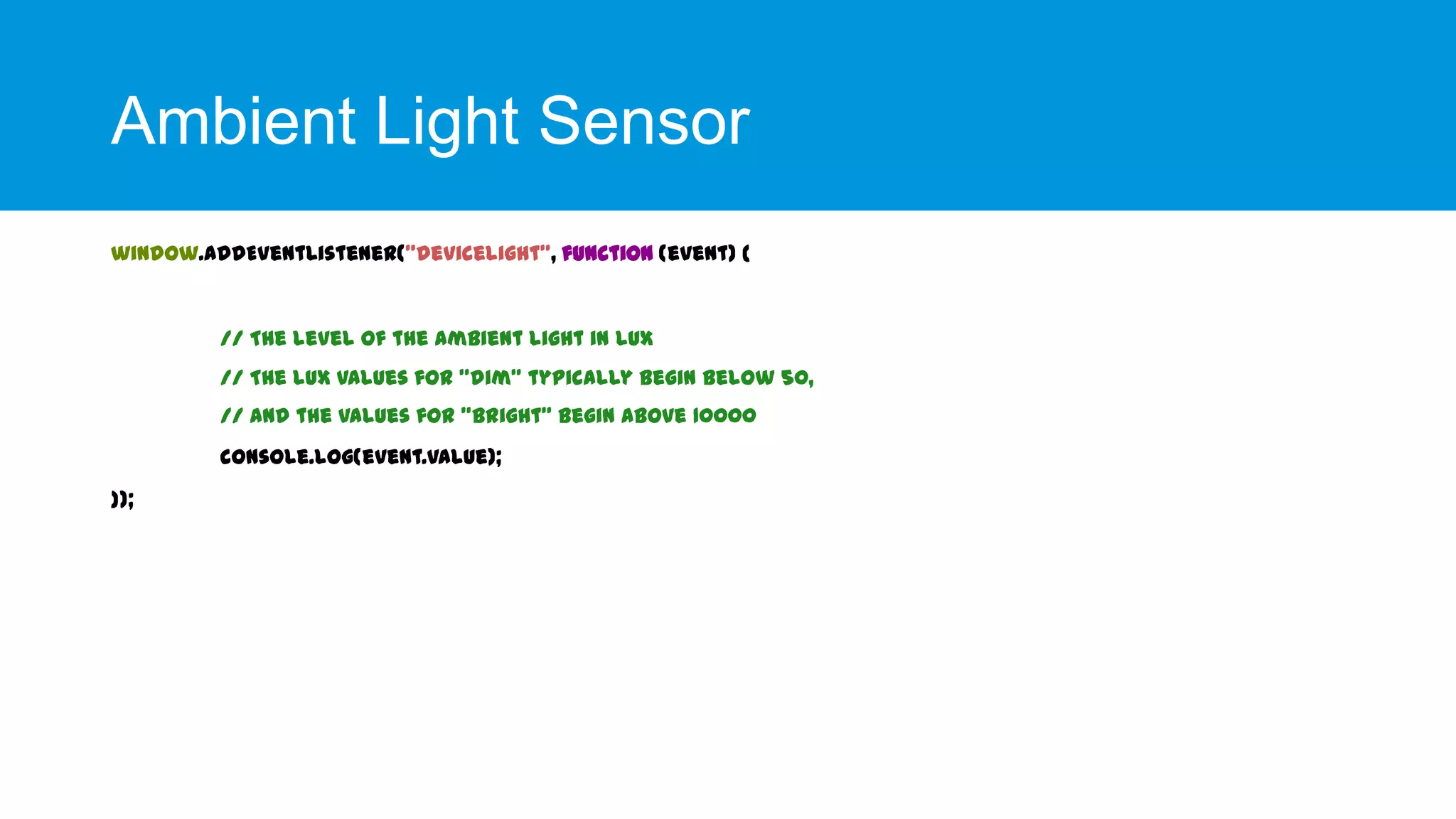
Ambient Light Sensor
window.addEventListener("devicelight", function (event) {

// The level of the ambient light in lux
// The lux values for "dim" typically begin below 50,
// and the values for "bright" begin above 10000
console.log(event.value);
});
Battery Status
Battery Status
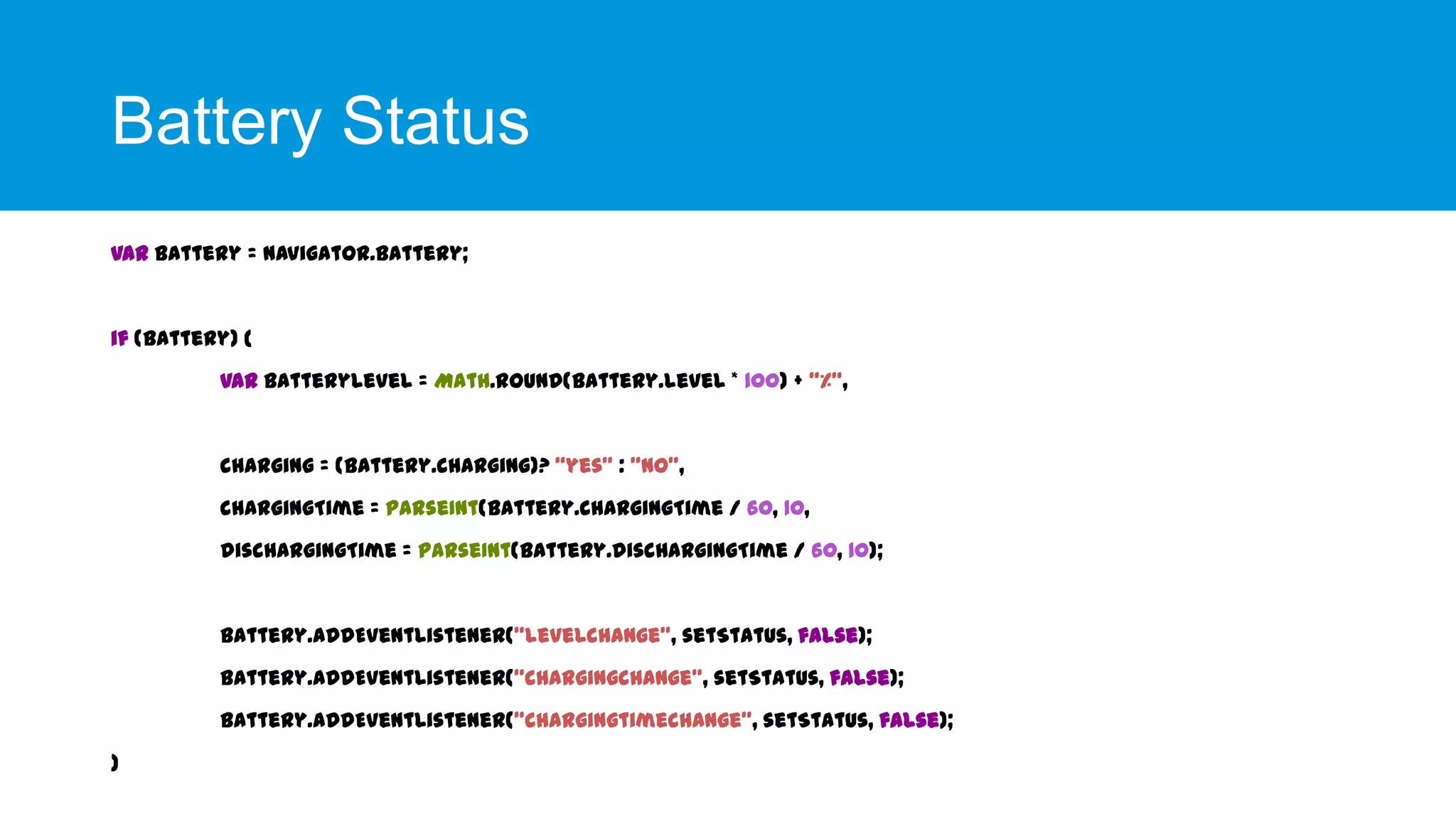
var battery = navigator.battery;

if (battery) {
var batteryLevel = Math.round(battery.level * 100) + "%",

charging = (battery.charging)? “yes" : "no",
chargingTime = parseInt(battery.chargingTime / 60, 10,
dischargingTime = parseInt(battery.dischargingTime / 60, 10);

battery.addEventListener("levelchange", setStatus, false);
battery.addEventListener("chargingchange", setStatus, false);
battery.addEventListener("chargingtimechange", setStatus, false);
}
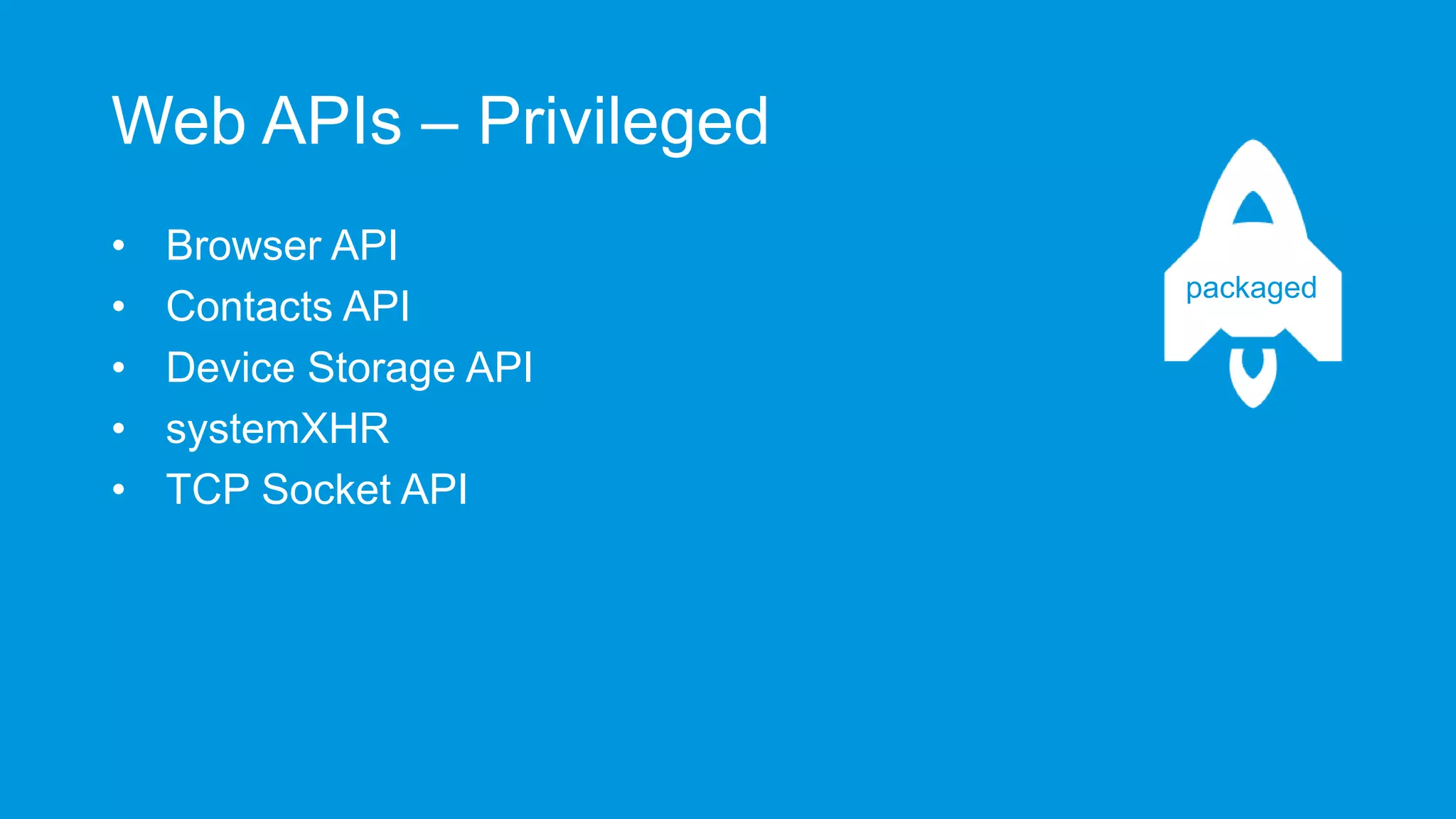
Web APIs – Privileged
•
•
•
•
•

Browser API
Contacts API
Device Storage API
systemXHR
TCP Socket API

packaged
Browser
Browser
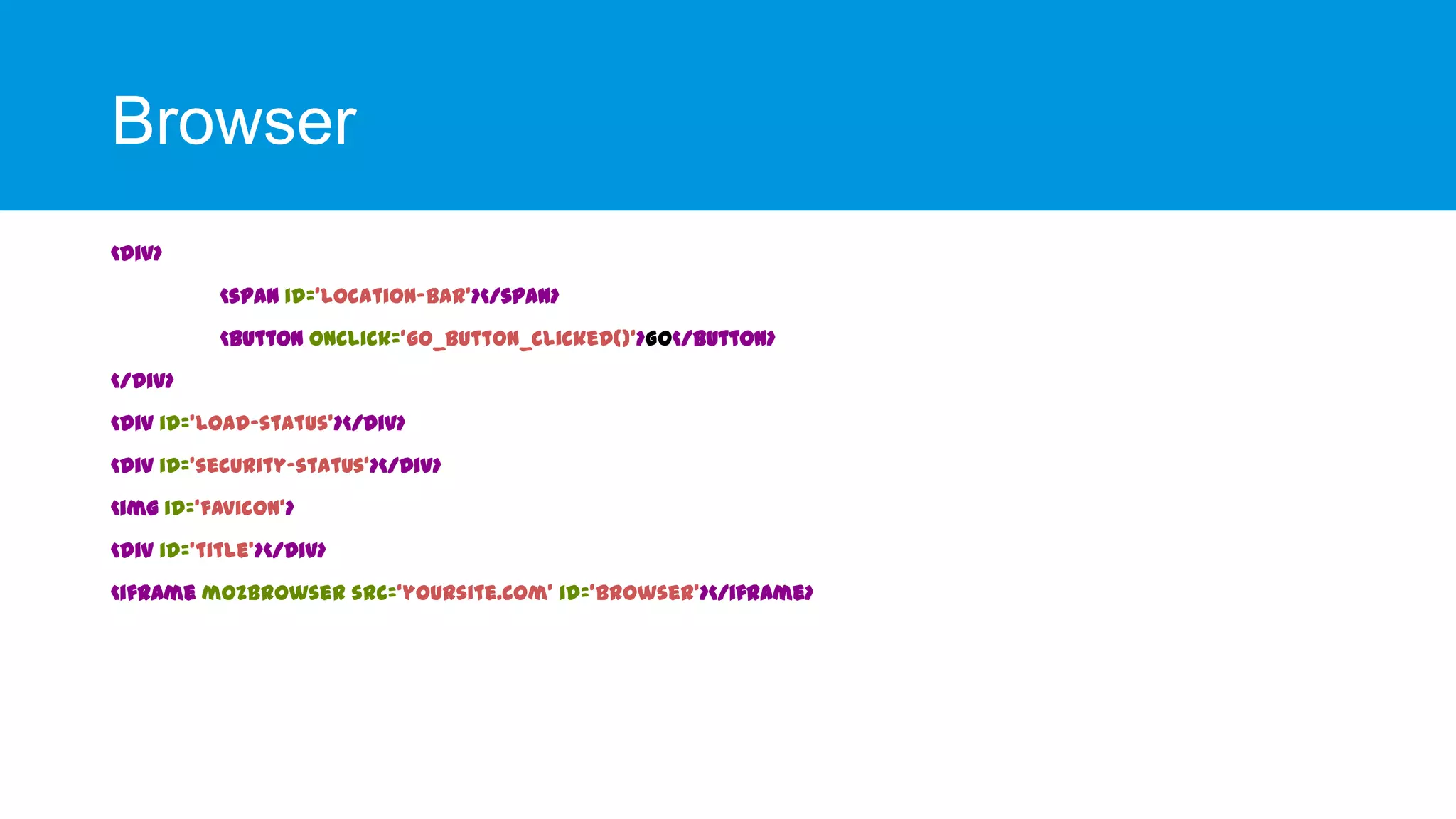
<div>
<span id='location-bar'></span>
<button onclick='go_button_clicked()'>Go</button>
</div>
<div id='load-status'></div>

<div id='security-status'></div>
<img id='favicon'>
<div id='title'></div>
<iframe mozbrowser src=‘yoursite.com' id='browser'></iframe>
Browser
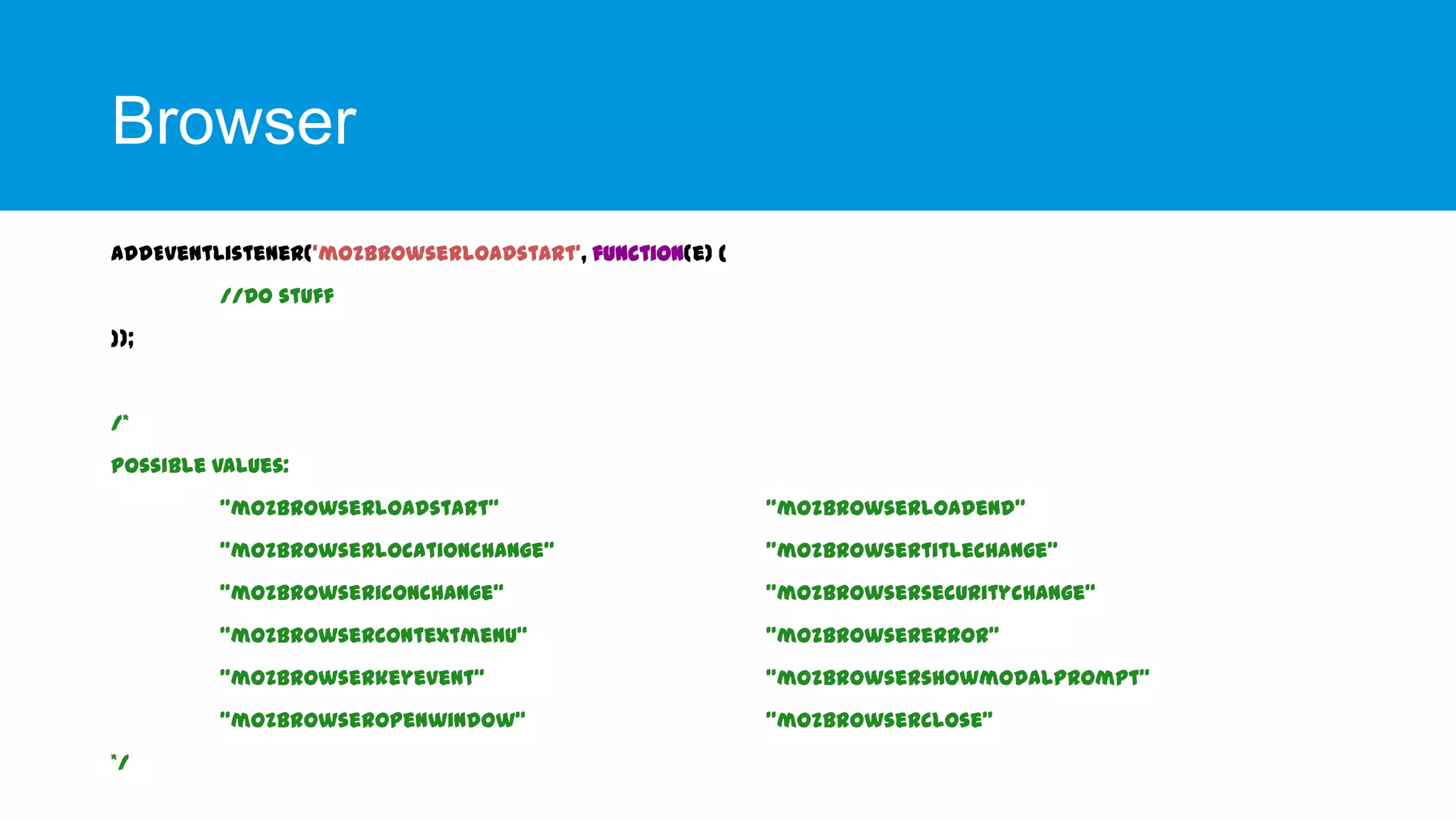
addEventListener('mozbrowserloadstart', function(e) {
//Do stuff
});

/*

Possible values:
"mozbrowserloadstart“
"mozbrowserlocationchange“

"mozbrowsertitlechange"

"mozbrowsericonchange“

"mozbrowsersecuritychange"

"mozbrowsercontextmenu“

"mozbrowsererror"

"mozbrowserkeyevent“

"mozbrowsershowmodalprompt"

"mozbrowseropenwindow“
*/

"mozbrowserloadend"

"mozbrowserclose"
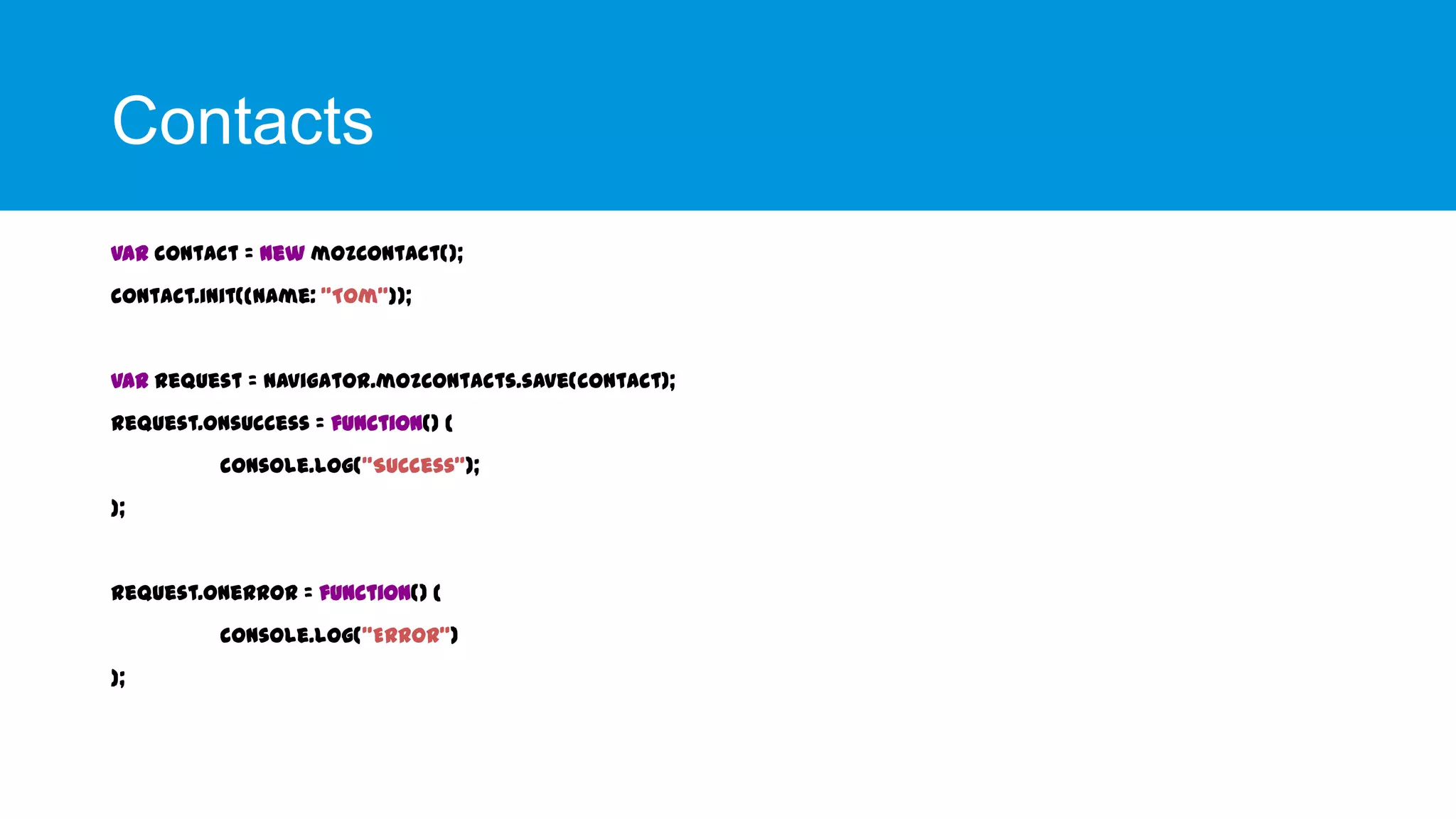
Contacts
Contacts
var contact = new mozContact();
contact.init({name: "Tom"});

var request = navigator.mozContacts.save(contact);
request.onsuccess = function() {

console.log("Success");
};

request.onerror = function() {
console.log("Error")
};
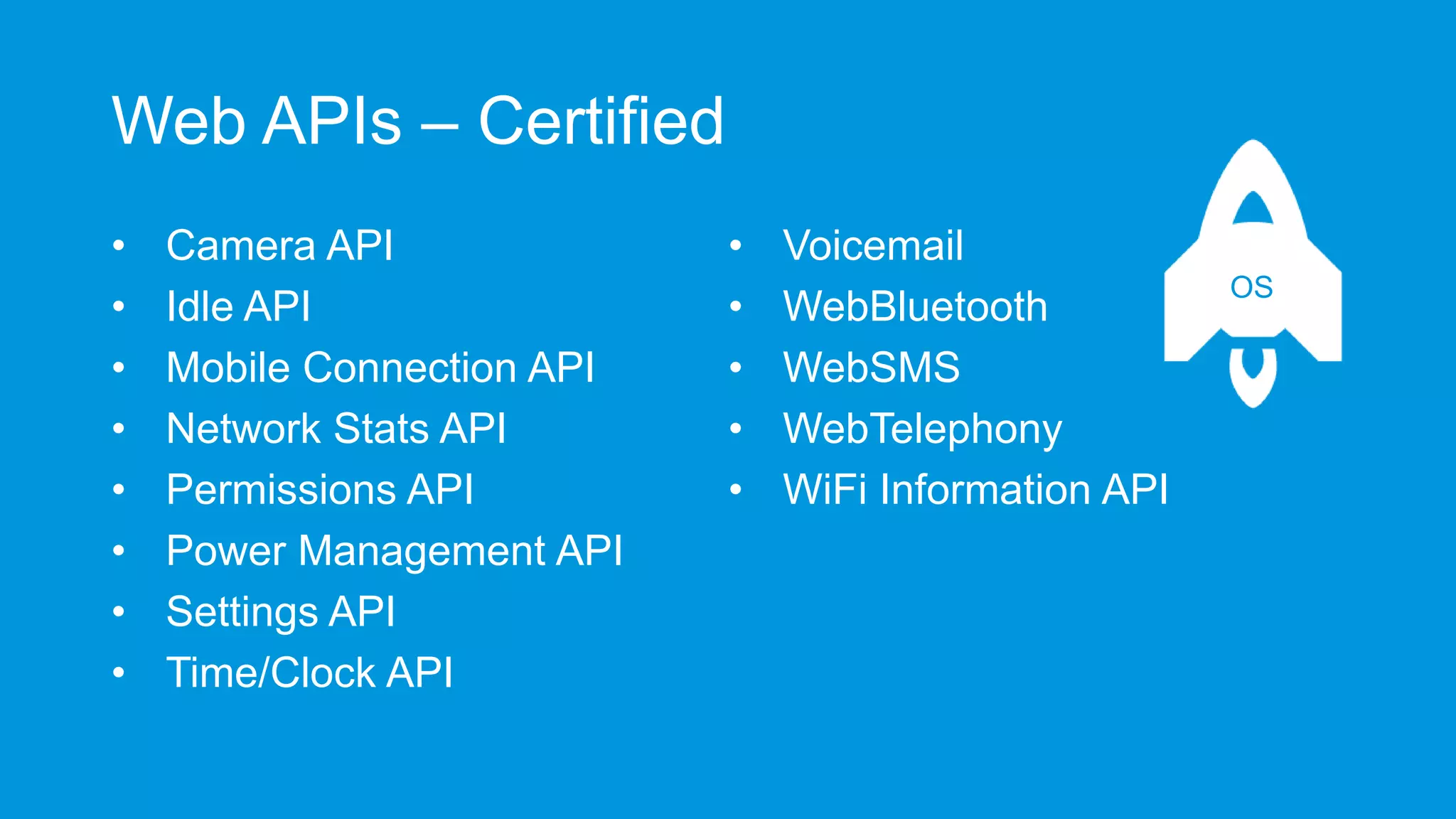
Web APIs – Certified
•
•
•
•
•
•
•
•

Camera API
Idle API
Mobile Connection API
Network Stats API
Permissions API
Power Management API
Settings API
Time/Clock API

•
•
•
•
•

Voicemail
WebBluetooth
WebSMS
WebTelephony
WiFi Information API

OS
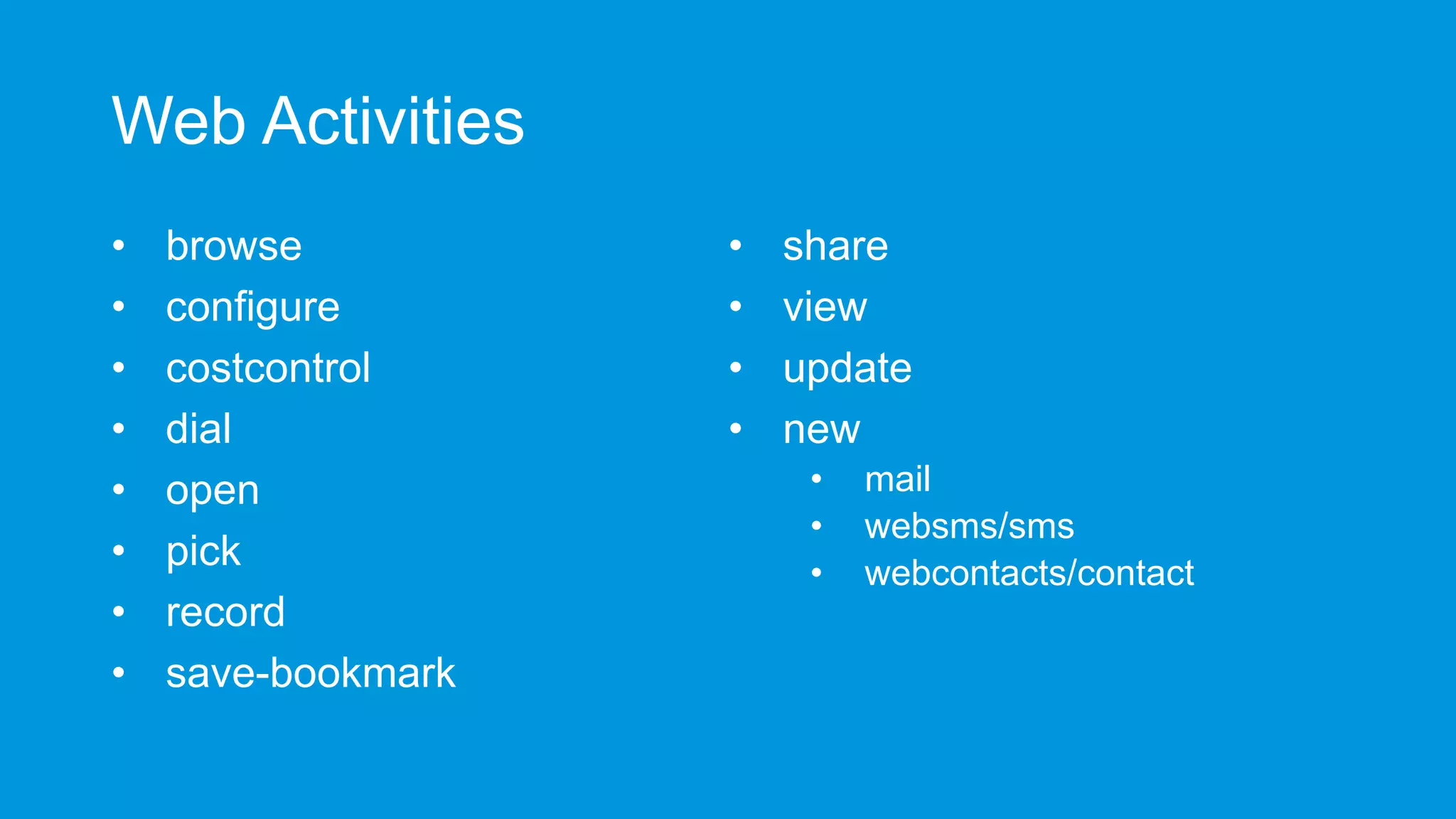
Web Activities
Web Activities
•
•
•
•
•
•
•
•

browse
configure
costcontrol
dial
open
pick
record
save-bookmark

•
•
•
•

share
view
update
new
•
•
•

mail
websms/sms
webcontacts/contact
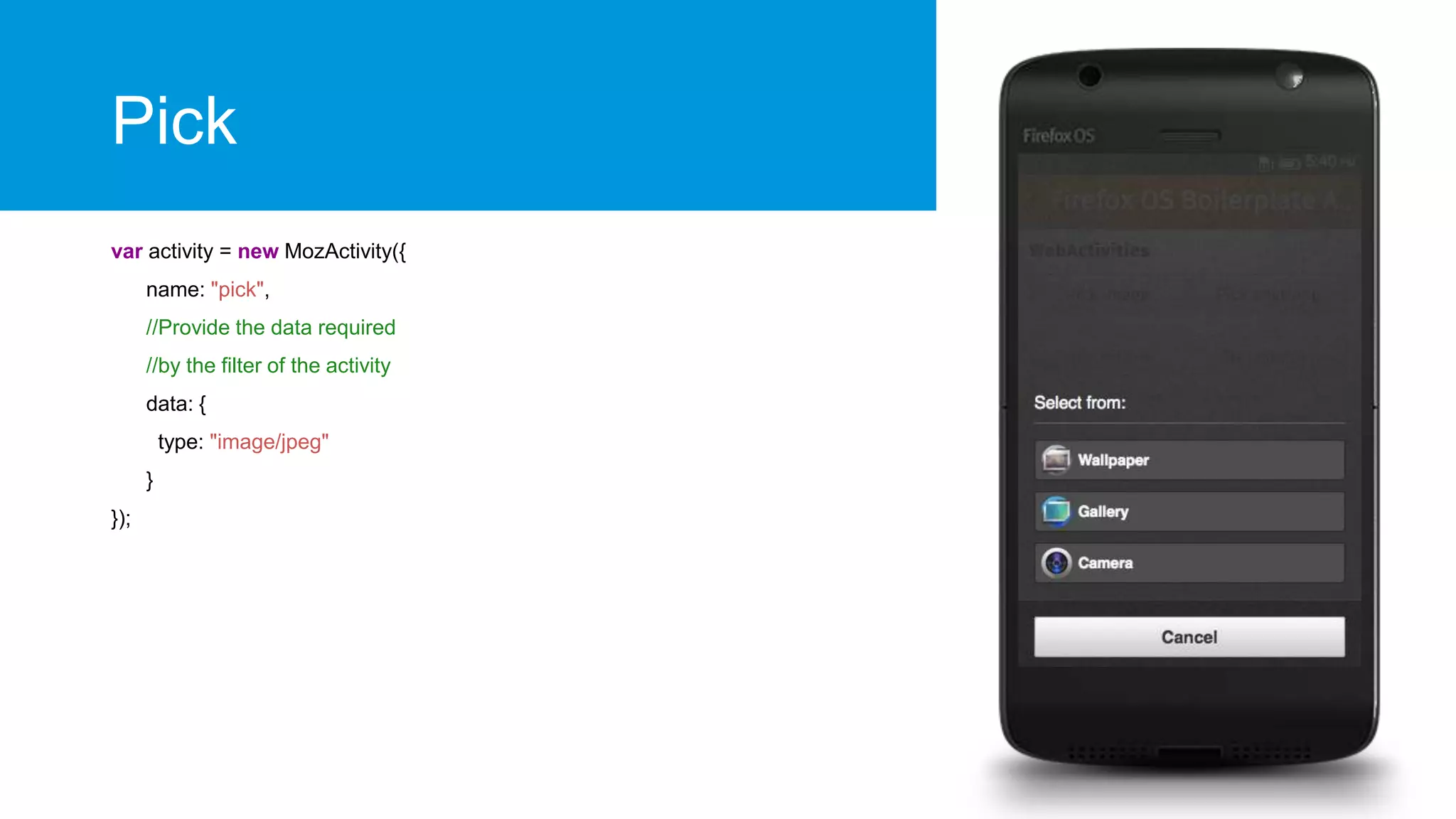
Pick
var activity = new MozActivity({
name: "pick",
//Provide the data required
//by the filter of the activity
data: {
type: "image/jpeg"
}
});
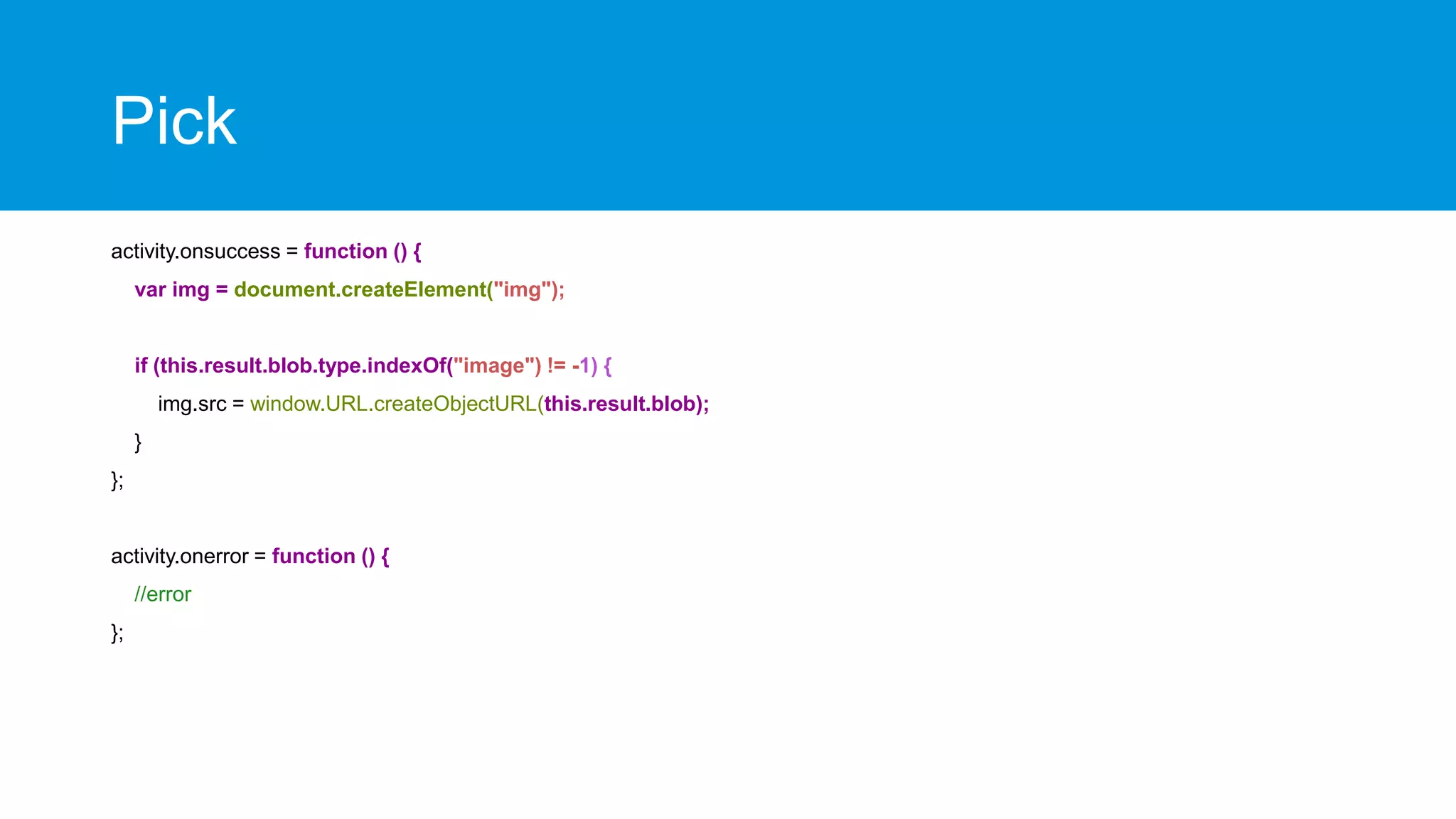
Pick
activity.onsuccess = function () {
var img = document.createElement("img");

if (this.result.blob.type.indexOf("image") != -1) {
img.src = window.URL.createObjectURL(this.result.blob);
}
};

activity.onerror = function () {
//error
};
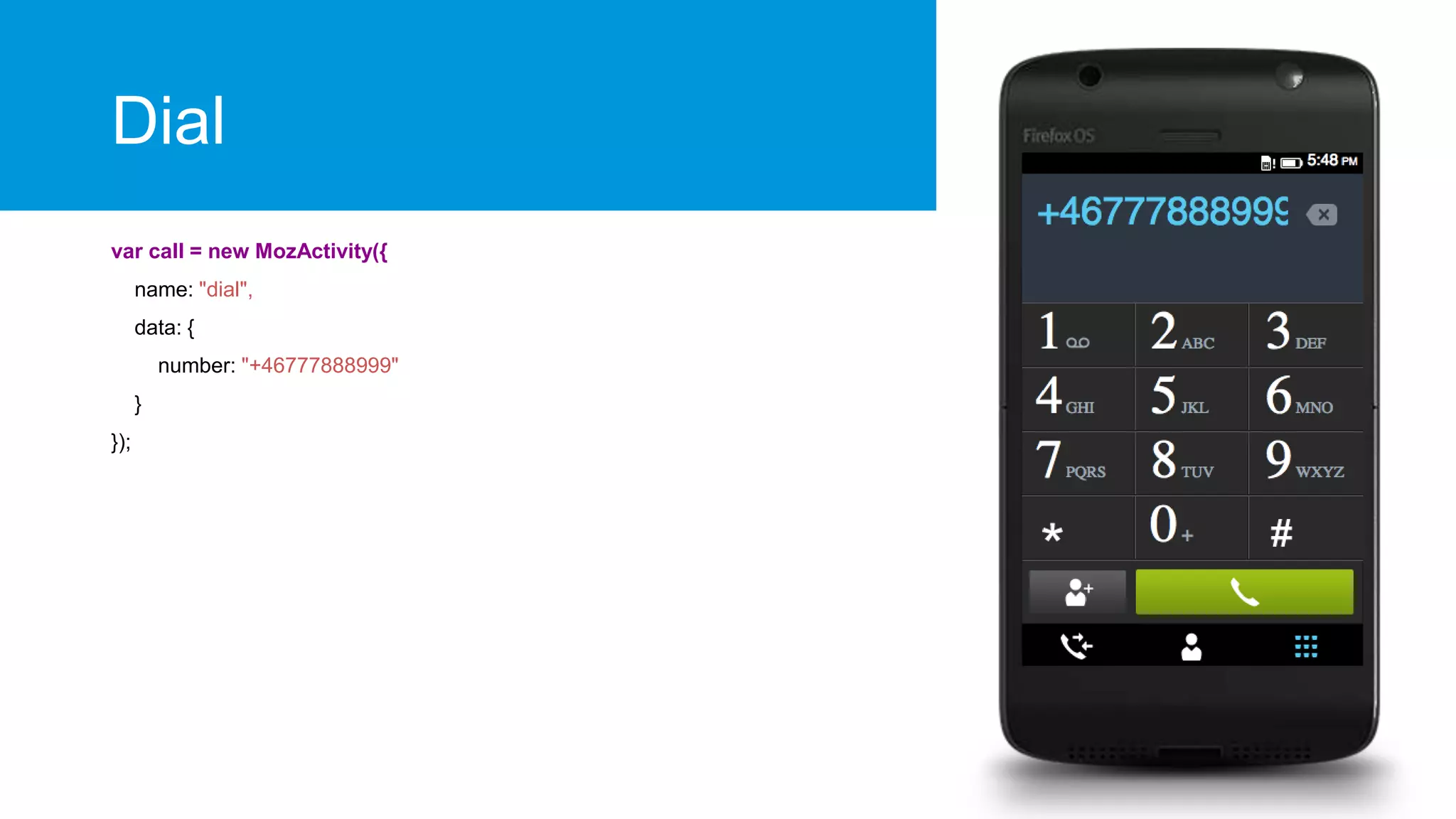
Dial
var call = new MozActivity({
name: "dial",
data: {
number: "+46777888999"
}
});
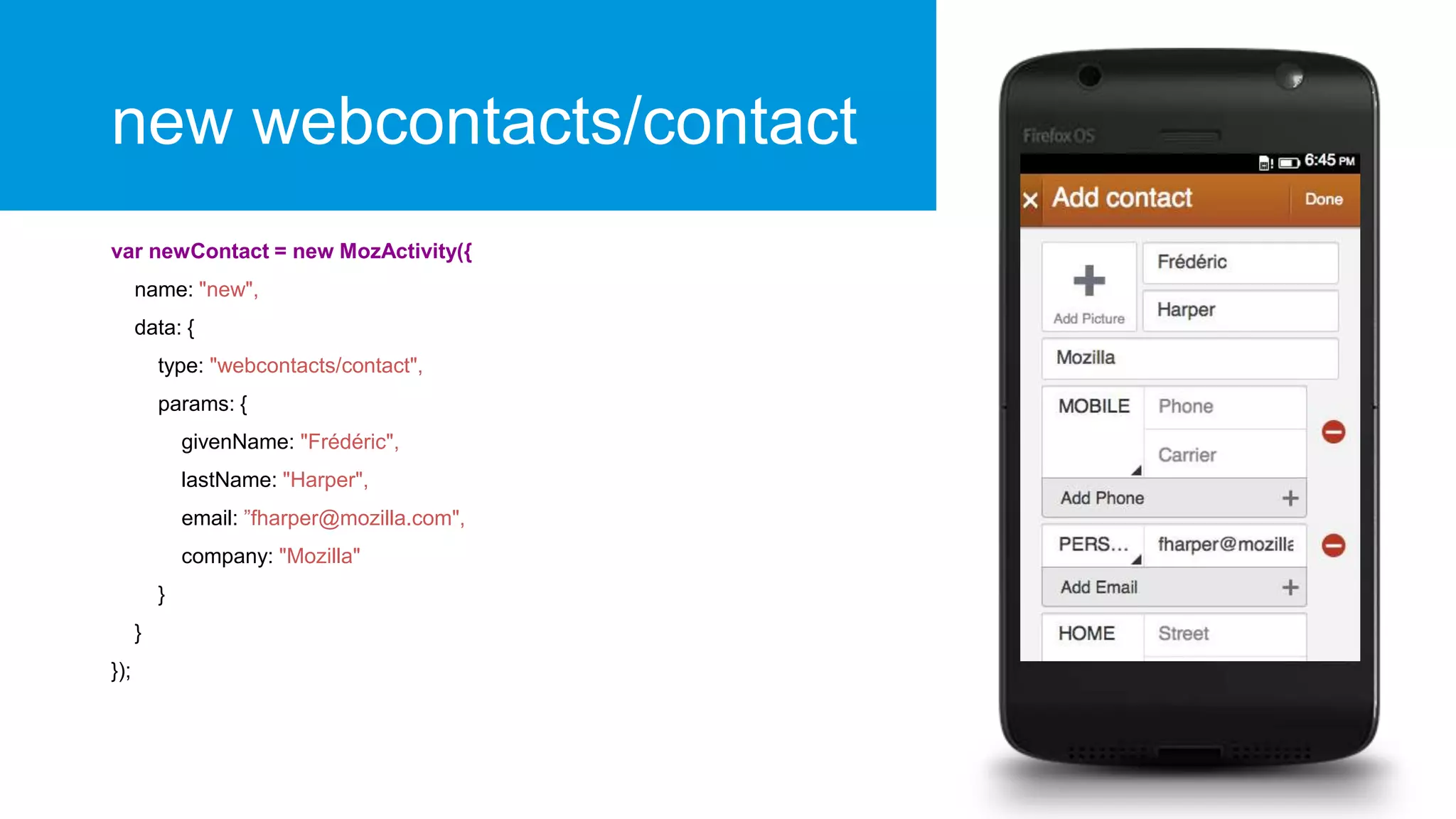
new webcontacts/contact
var newContact = new MozActivity({
name: "new",
data: {
type: "webcontacts/contact",
params: {
givenName: "Frédéric",
lastName: "Harper",
email: ”fharper@mozilla.com",
company: "Mozilla"
}
}
});
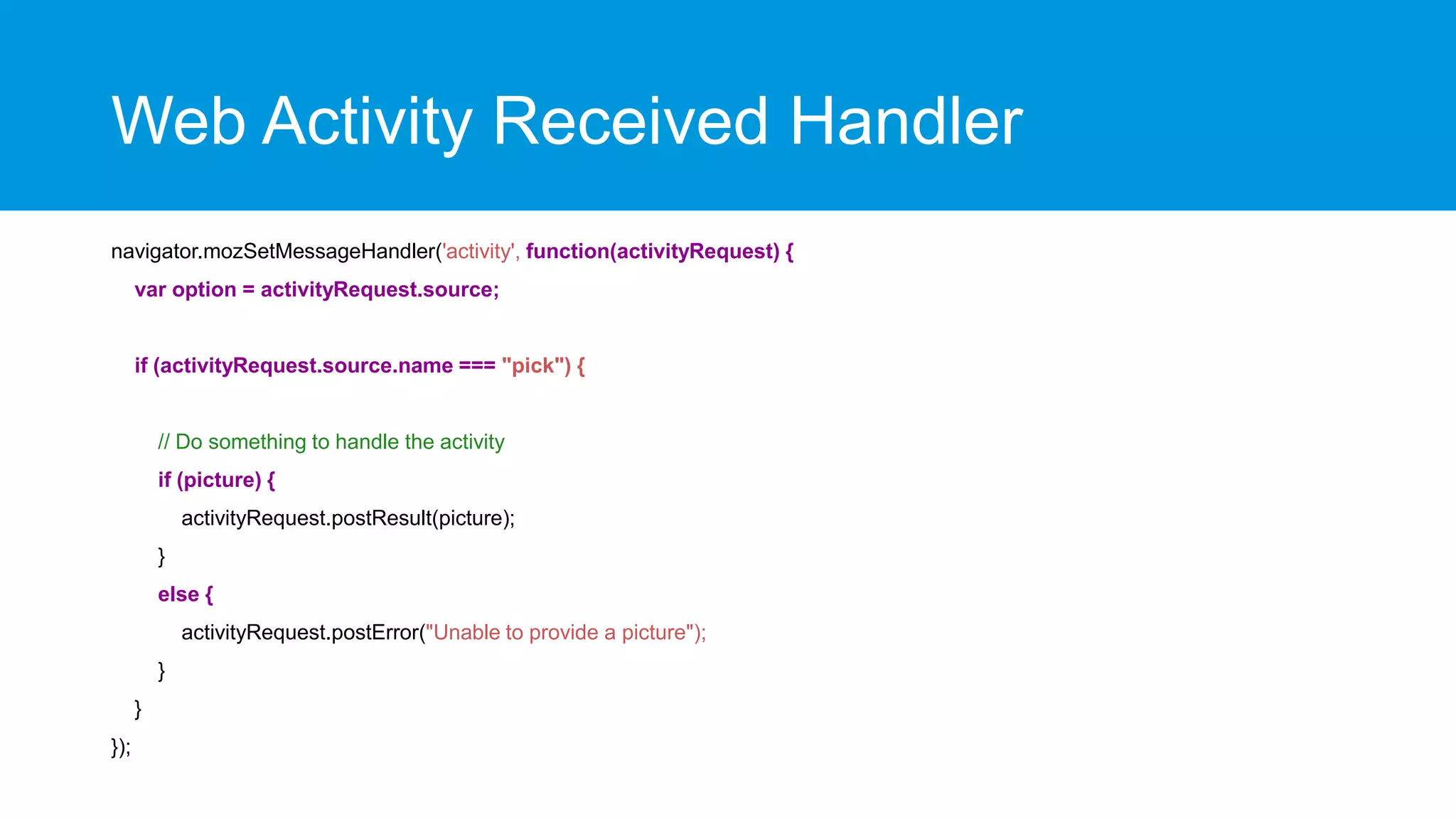
Web Activity Received Handler
navigator.mozSetMessageHandler('activity', function(activityRequest) {
var option = activityRequest.source;

if (activityRequest.source.name === "pick") {

// Do something to handle the activity
if (picture) {
activityRequest.postResult(picture);
}
else {
activityRequest.postError("Unable to provide a picture");
}
}
});
Don’t forget the manifest
"activities": {
"pick": {
"filters": {
"type": ["image/jpeg", "image/png"]
},
"disposition": "inline",
"returnValue": true,
"href": "/index.html#pick"
}
}
Web Activities & hosted app…
How to start
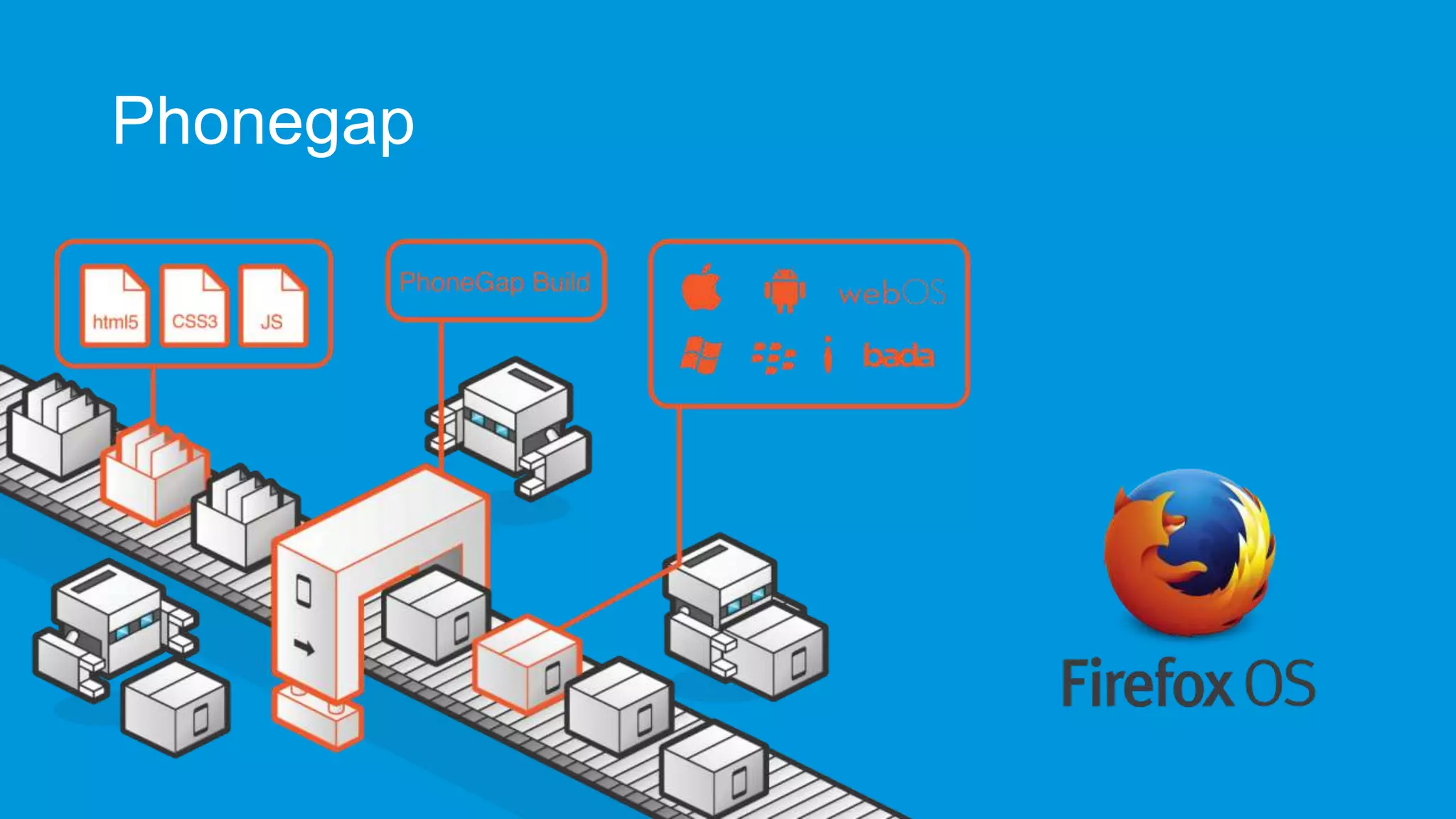
Phonegap
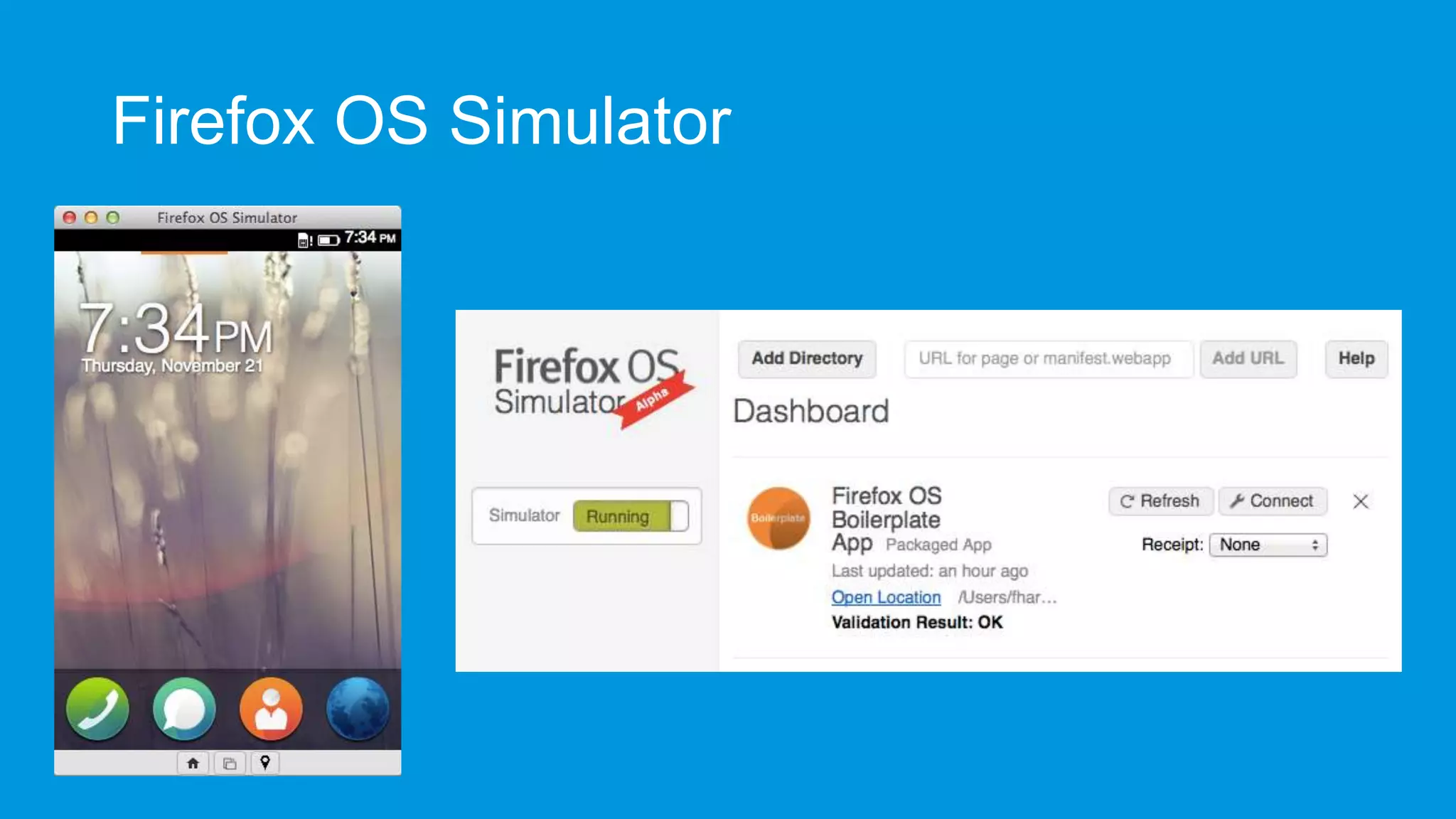
Firefox OS Simulator
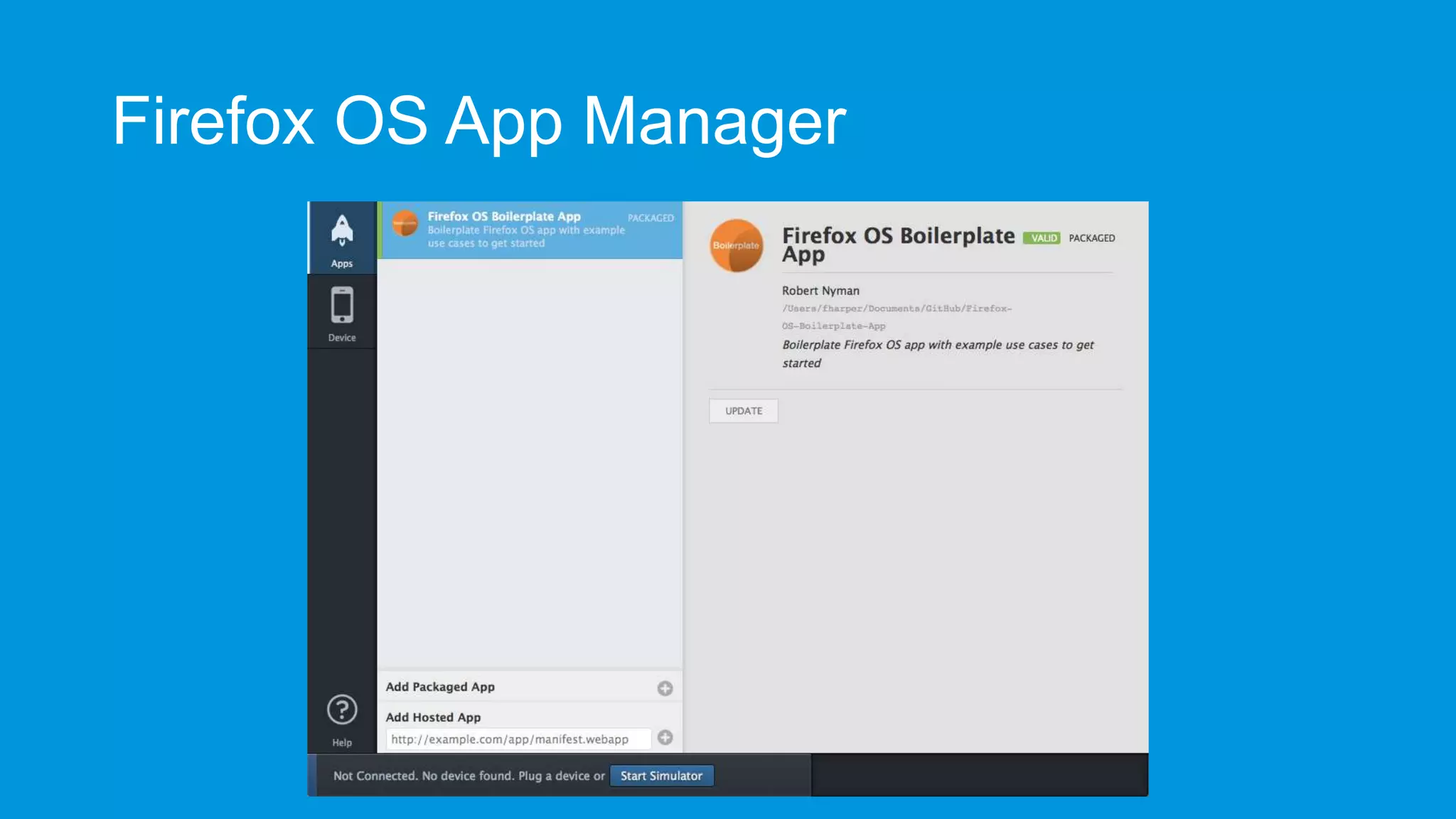
Firefox OS App Manager
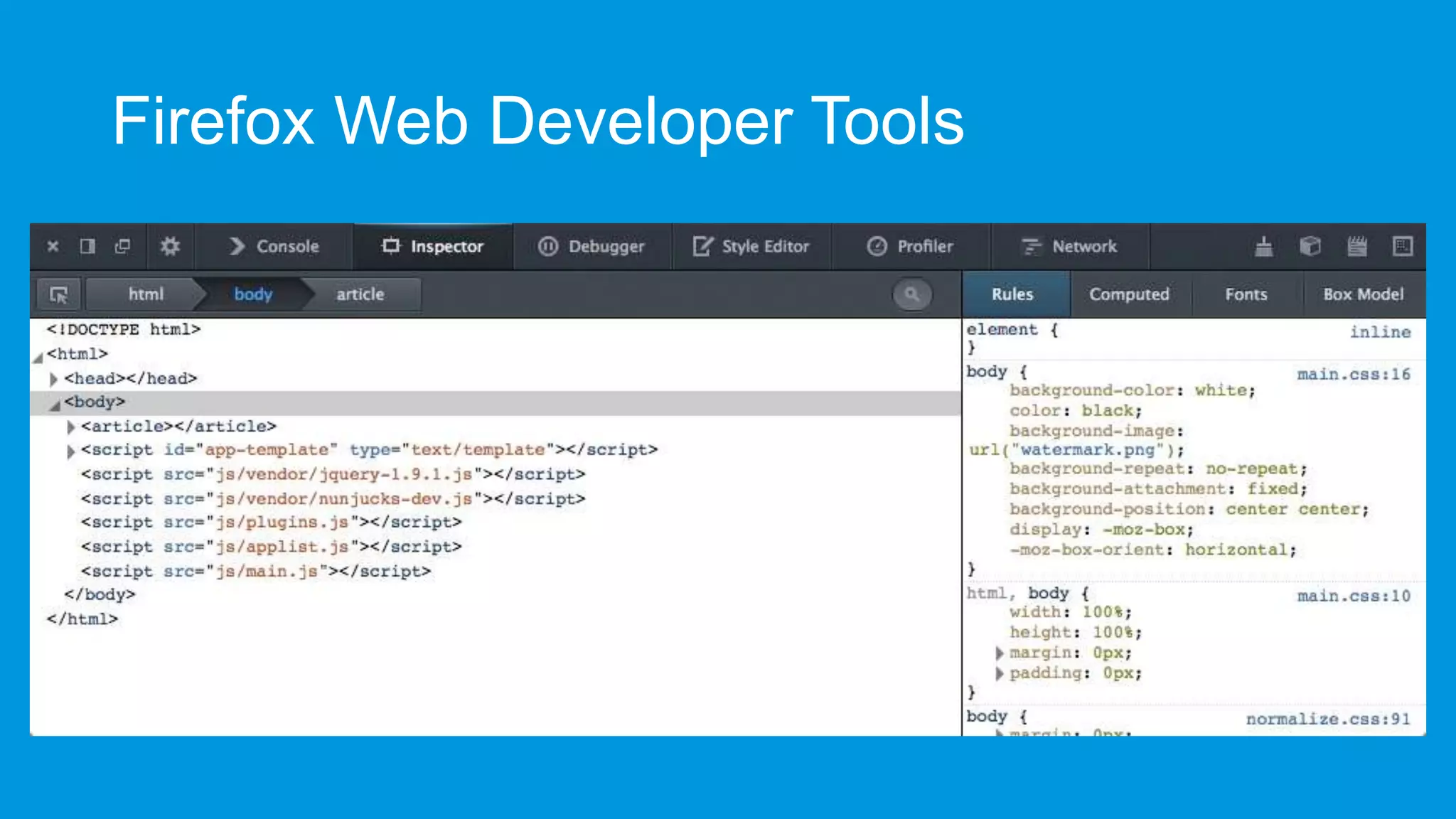
Firefox Web Developer Tools
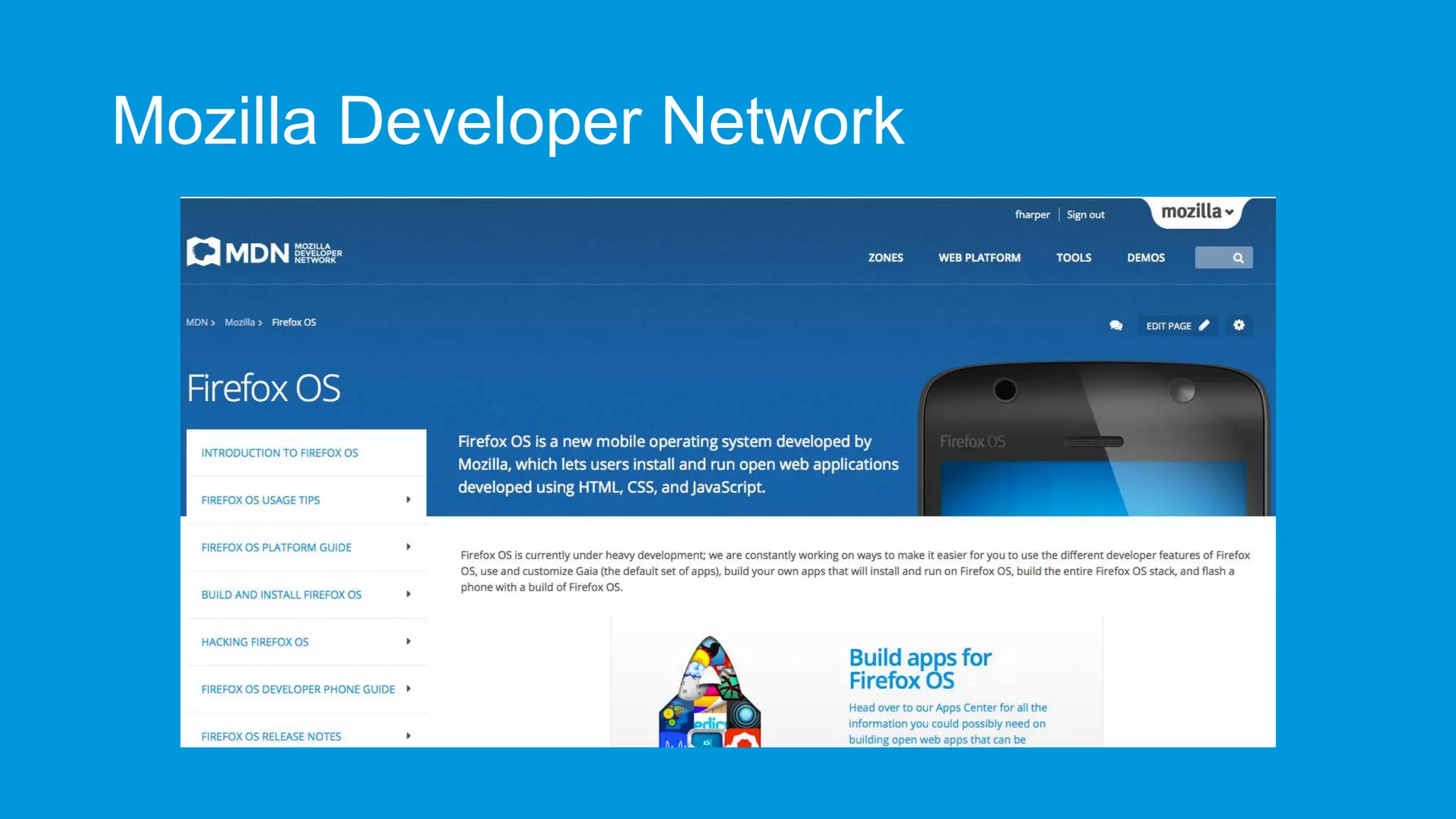
Mozilla Developer Network
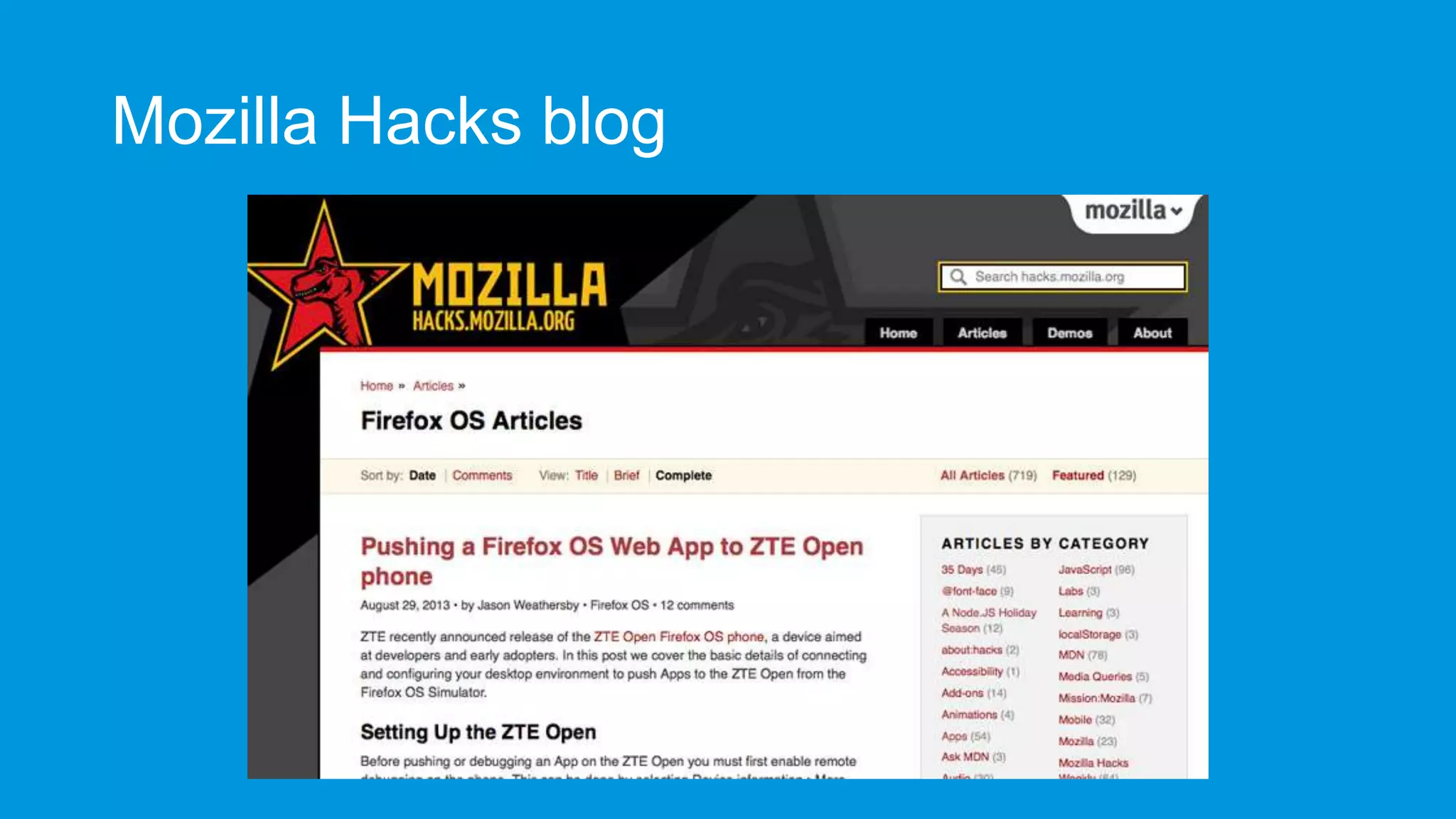
Mozilla Hacks blog
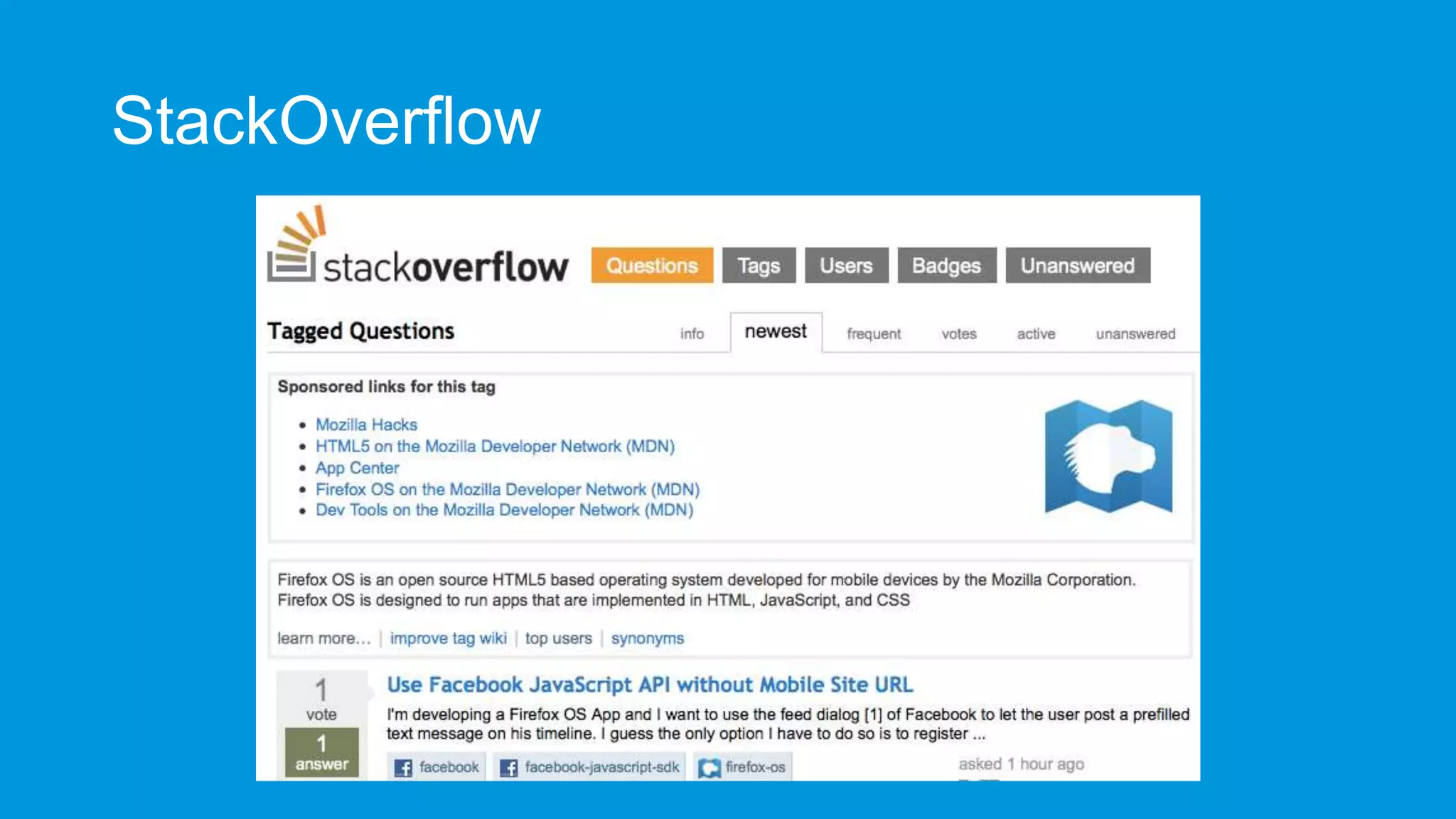
StackOverflow
Some candies
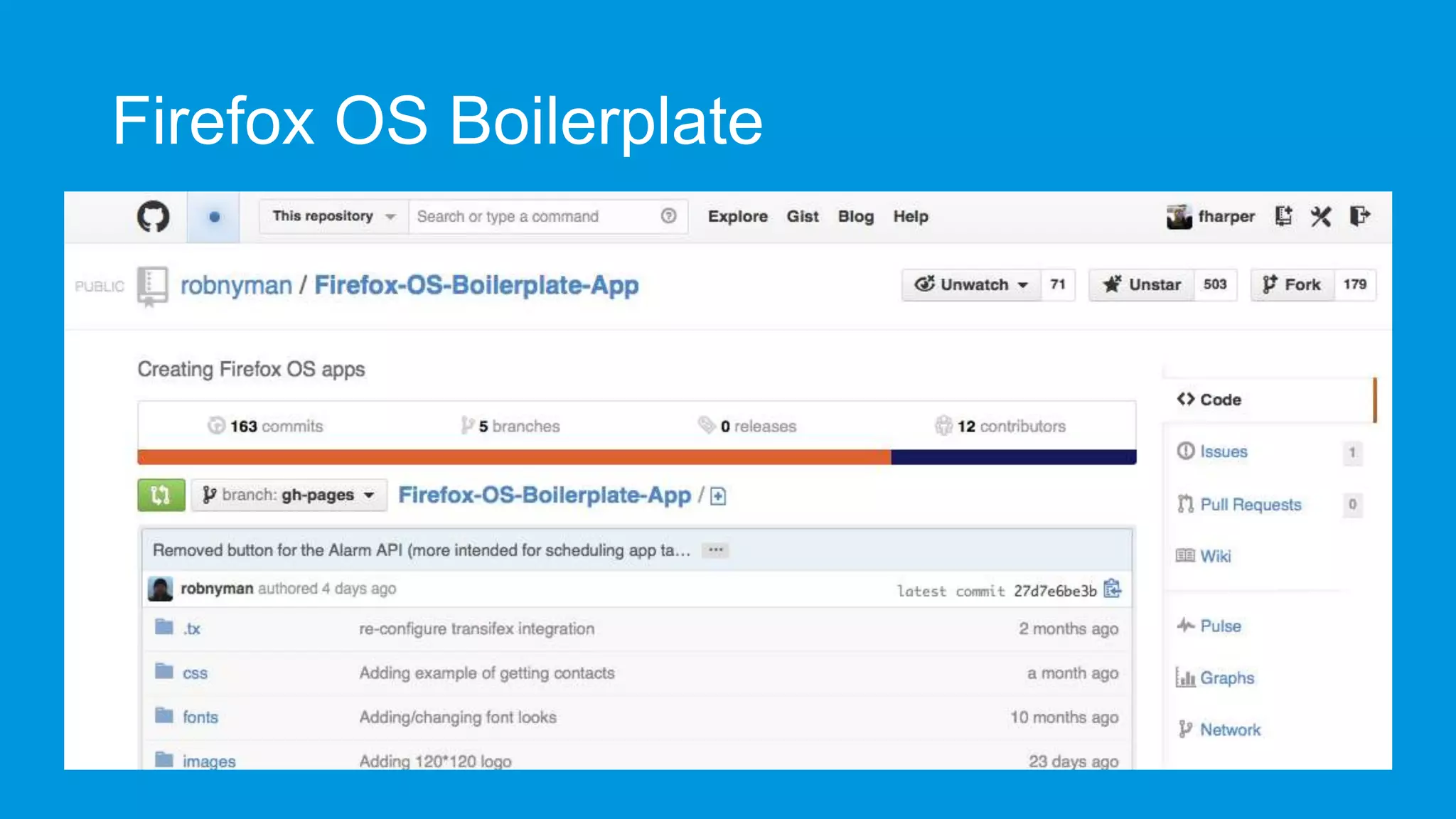
Firefox OS Boilerplate
Prototyping with JSFiddle
• Append /webapp.manifest to
install the app in the Firefox
OS simulator
• Append /fxos.html to get an
install page like a Firefox OS
hosted app.
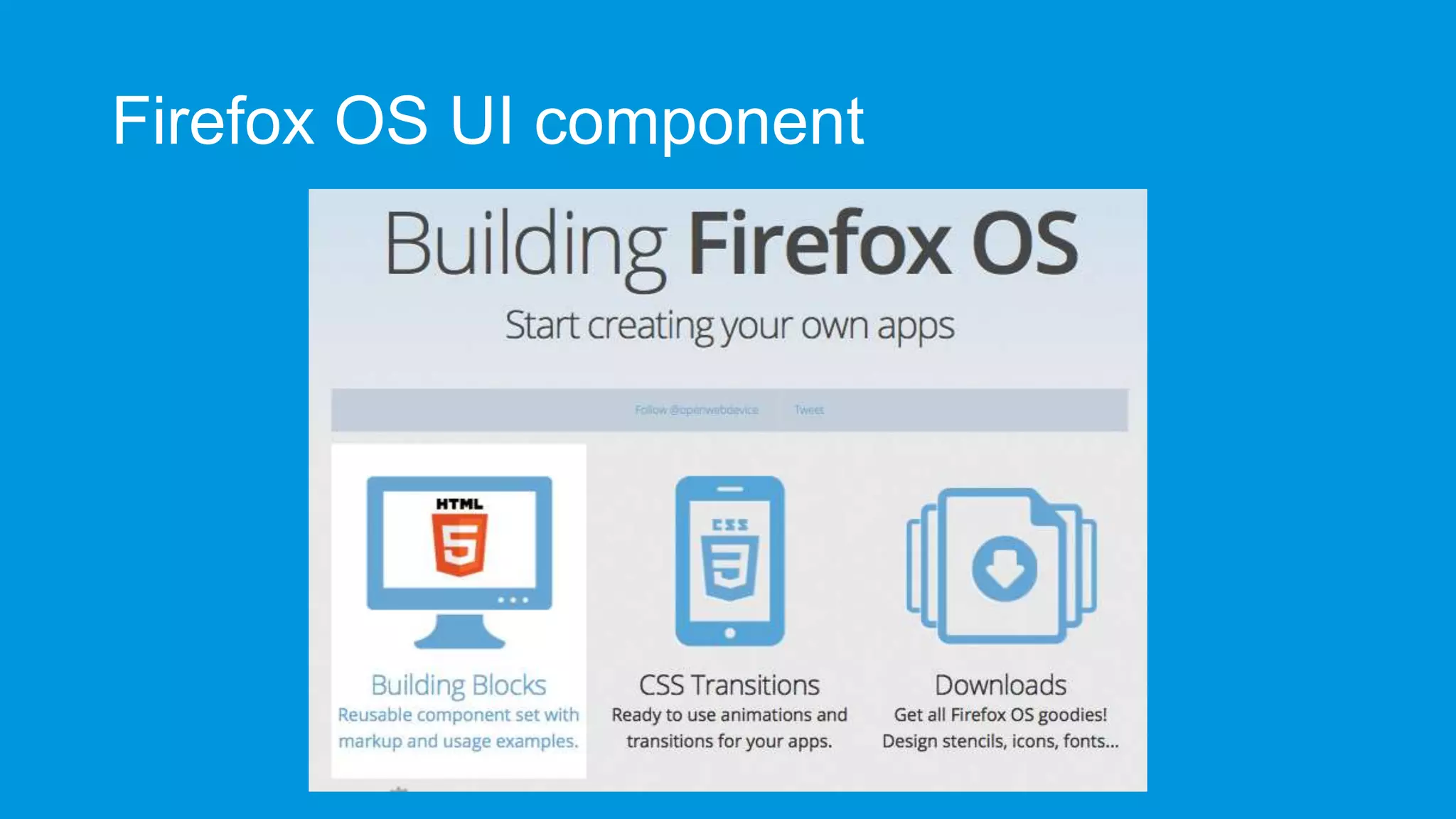
Firefox OS UI component
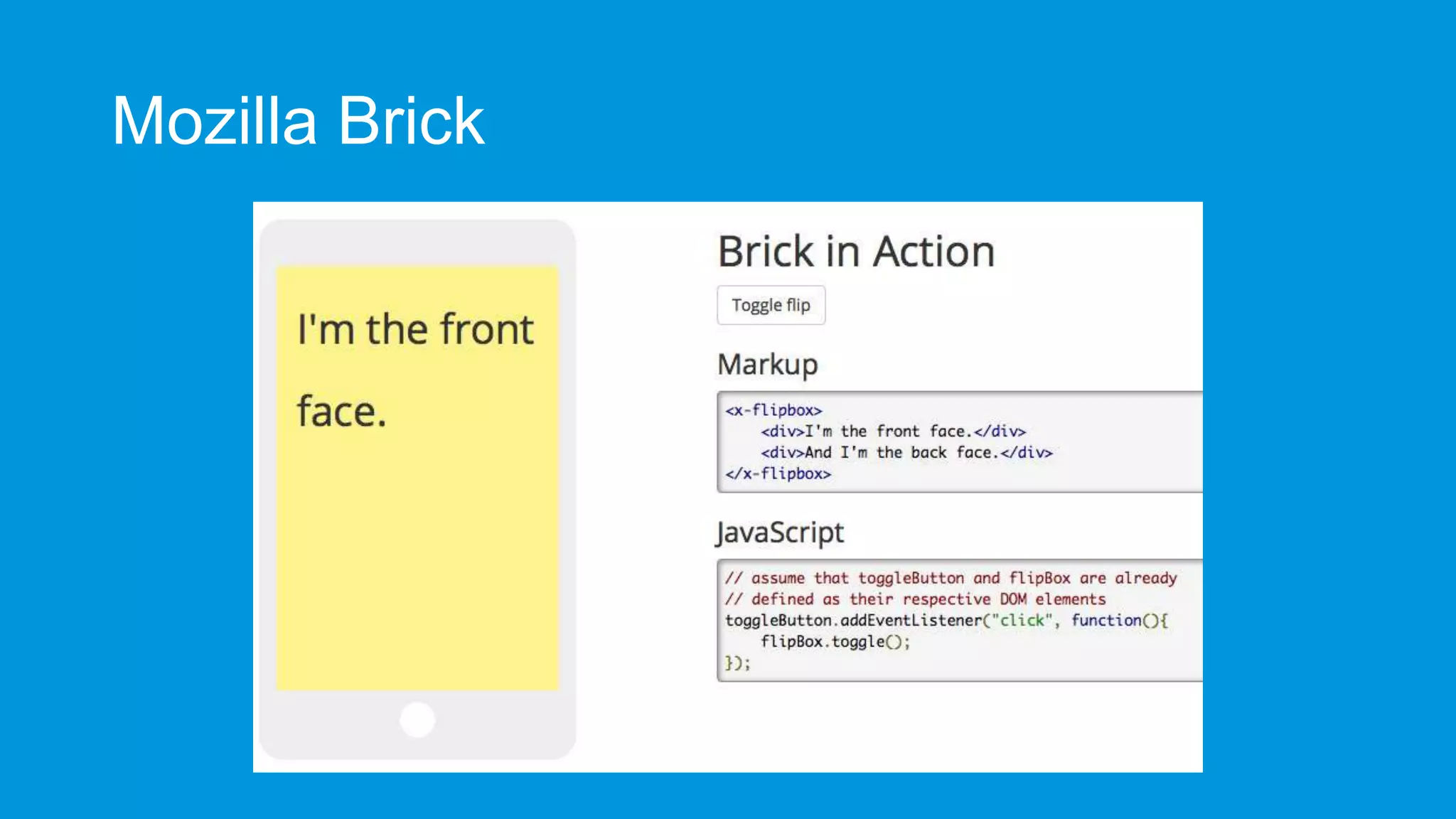
Mozilla Brick
What’s next
More Web APIs
• Calendar API

• Spellcheck API LogAPI

• FileHandle API Sync API

• Resource lock API

• Keyboard/IME API WebRTC • UDP Datagram Socket API
• HTTP-cache API

• WebNFC

• Peer to Peer API

• WebUSB
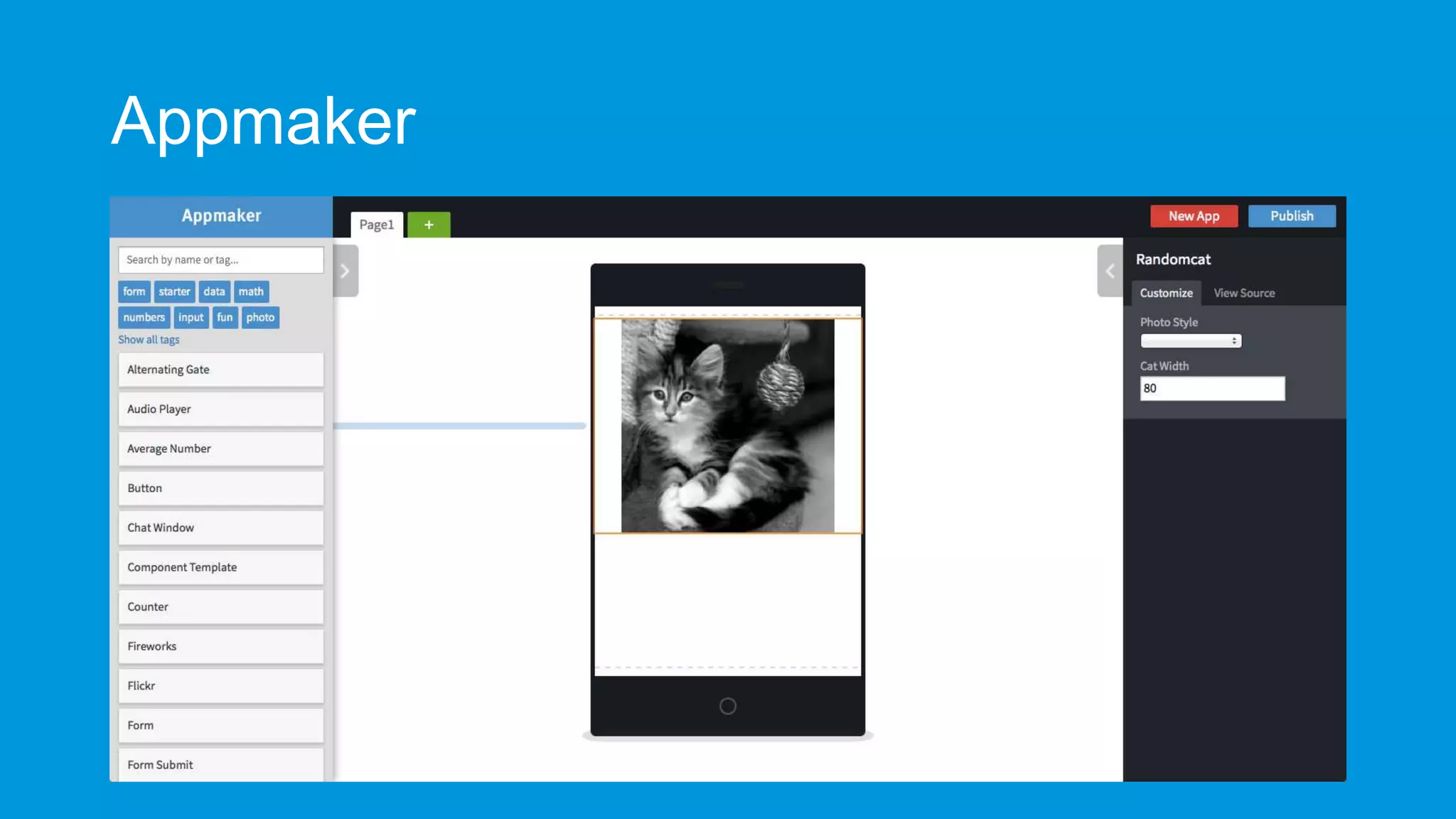
Appmaker
WARNING
(big voice + sound effect)
It’s only the beginning…
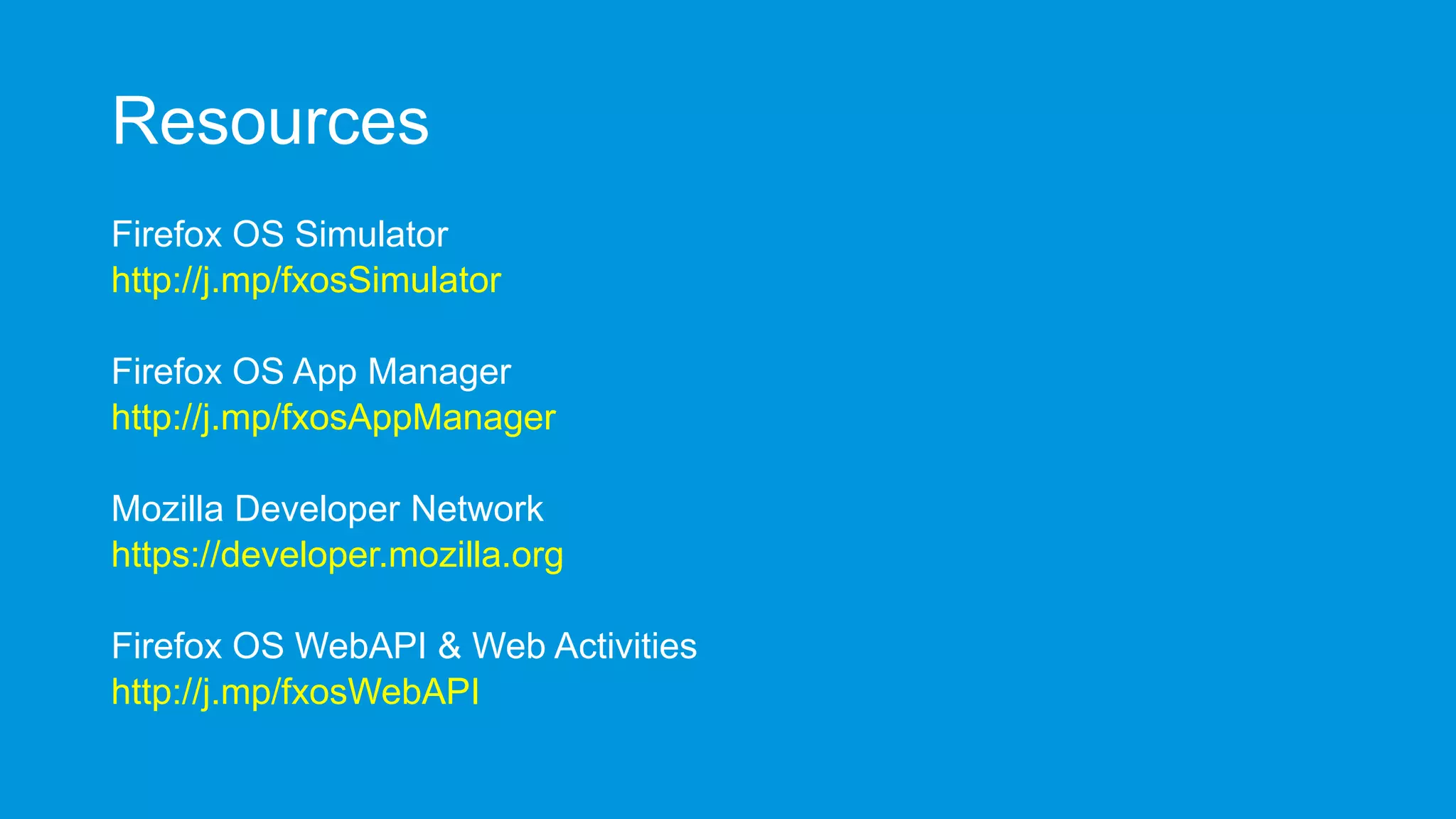
Resources
Firefox OS Simulator
http://j.mp/fxosSimulator

Firefox OS App Manager
http://j.mp/fxosAppManager
Mozilla Developer Network
https://developer.mozilla.org
Firefox OS WebAPI & Web Activities
http://j.mp/fxosWebAPI
Resources
StackOverflow forum
http://j.mp/fxosStackOverflow

Firefox OS Boilerplate
http://j.mp/fxosBoilerplate
Firefox OS UI Component
http://buildingfirefoxos.com/
Mozilla Brick
http://j.mp/mozBrick
Frédéric Harper
fharper@mozilla.com
@fharper
http://hacks.mozilla.com
http://outofcomfortzone.net

Firefox OS - The platform you deserve - Firefox OS Budapest workshop - 2013-11-23

Editor's Notes

  • #2 START CAMTASIASTART ZOOM ITThis presentation is 30 minutesHi, my name is Frédéric HarperI’m a Senior Technical Evangelist at Mozilla focussing on the Open Web with Firefox OSFeel free to tweet about the presentation by adding my Twitter handle @fharper.Good or bad things, I won’t be upset!You can also go, after the presentation, to my personal blog at outofcomfortzone.net or for the lazy one, occz.netYou don’t have to take notes from what you see on the slides, as the slides will be made available on my site soon after the event
  • #18 Let’s start with the Ambien light APIThis API will give you the ability to get values about the ambient light
  • #19 It’s quite simple, you need to add a listener on devicelightYour function will get call when the ambient light will changeYou’ll get a value in lux
  • #20 The next one is kind of obviousIt will give you information on the battery
  • #21 You can get the battery level by getting the value of navigator.battery.levelYou can also do this for charging time, and discharging timeAnother way is to manage event listener on the levelchange, chargingchange, and chargingtimechangeIt’s not just useful for a battery information app, but you can take advantage of it
  • #23 The name of this API is pretty clearI remember many native applications on other platform that were just windows on HTML applicationNow since your application is HTML, the utility for this API would be to let the user navigate to an external websiteIt could be helpful if you have to made the user log in into a third party services, and approve a key for your application, as an example
  • #24 You can add a browser iframe in your application, by adding some codeNote that the important part is the mozbrowser attribute in the iframe elementIf you also want to have a kind of full browser experience, you can add the other elements with those IDs
  • #25 You can also add different listener for different action from the users, but also from the browser iframe
  • #26 Another nice privileged API give you access to the contact list
  • #27 You can get add, modify, and delete a contact to the listYou can also find, and select all contactsThis code example show you how to add a contact to the address book of the user’s phone
  • #58 As you remember, my name is Frédéric HarperI’m Technical Evangelist focussing on Firefox OS, so please contact me if you have any questionsFeel free to follow me on Twitter or add me to LinkedInIf you want to read some amazing technical posts on Firefox, Firefox OS, Developer Tool, and the Open Web, please check our hacks blogLast, but not least, you can check my personal blog: it’s all about gnomes, and unicorns