Responsive Web Design
JavaScript Open Day
get the best of your designs
2015-06-25
Frédéric Harper
@fharper | outofcomfortzone.net
CreativeCommons:https://flic.kr/p/5azfgH
In a
not so far away
galaxy
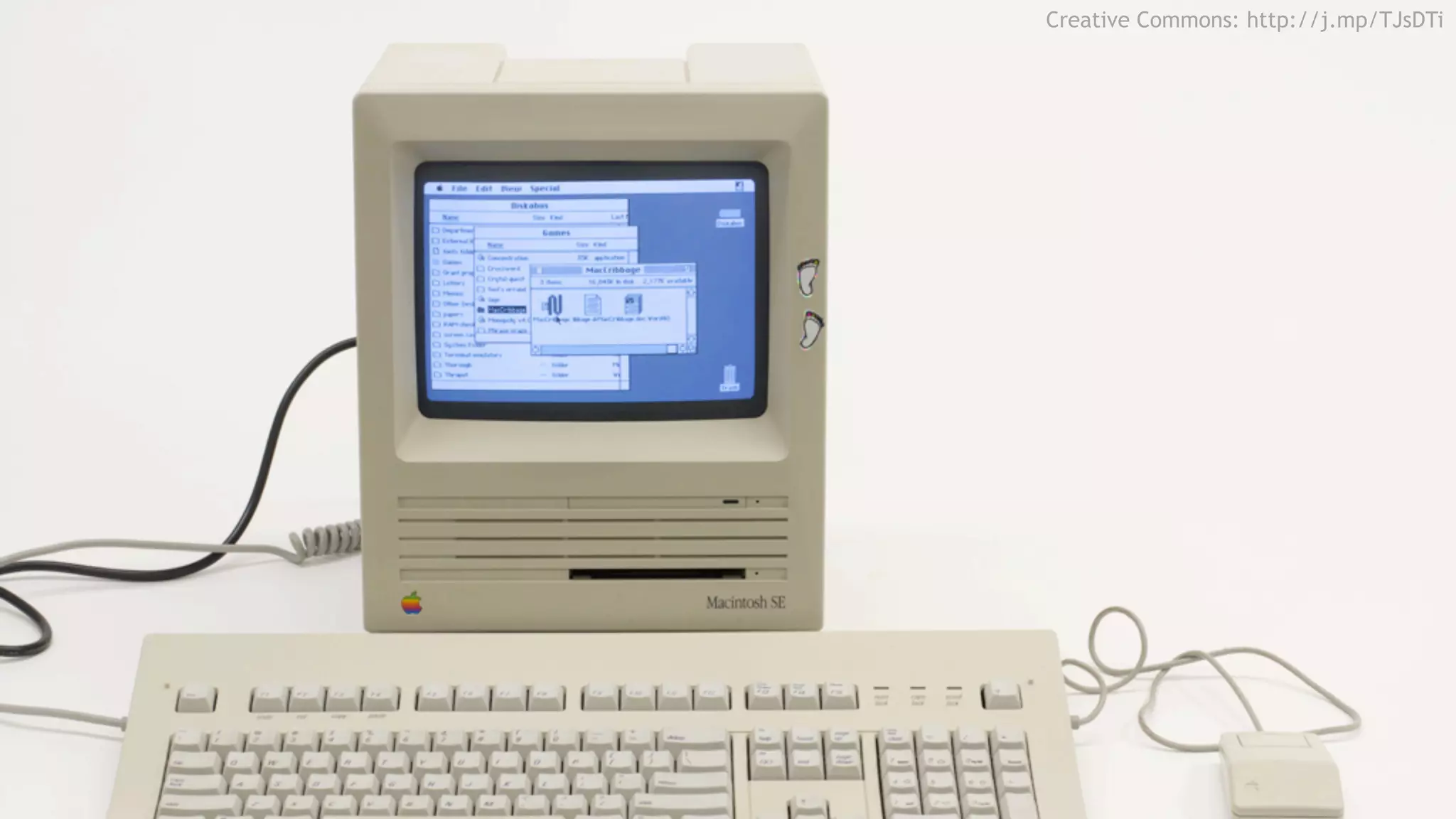
Creative Commons: http://j.mp/TJsDTi
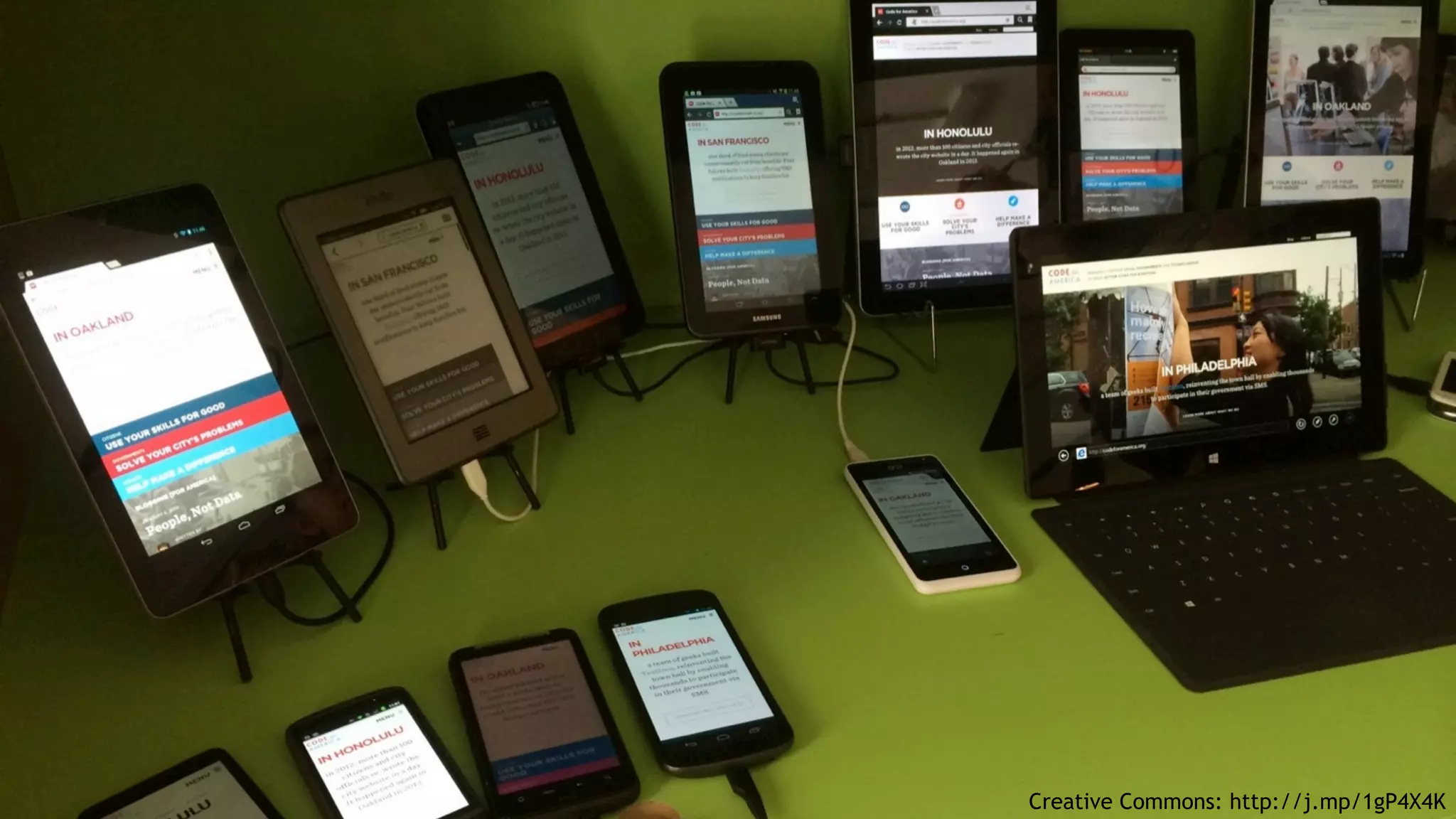
Creative Commons: http://j.mp/1gP4X4K
MIT: http://j.mp/1kKuced
Anti-
patterns
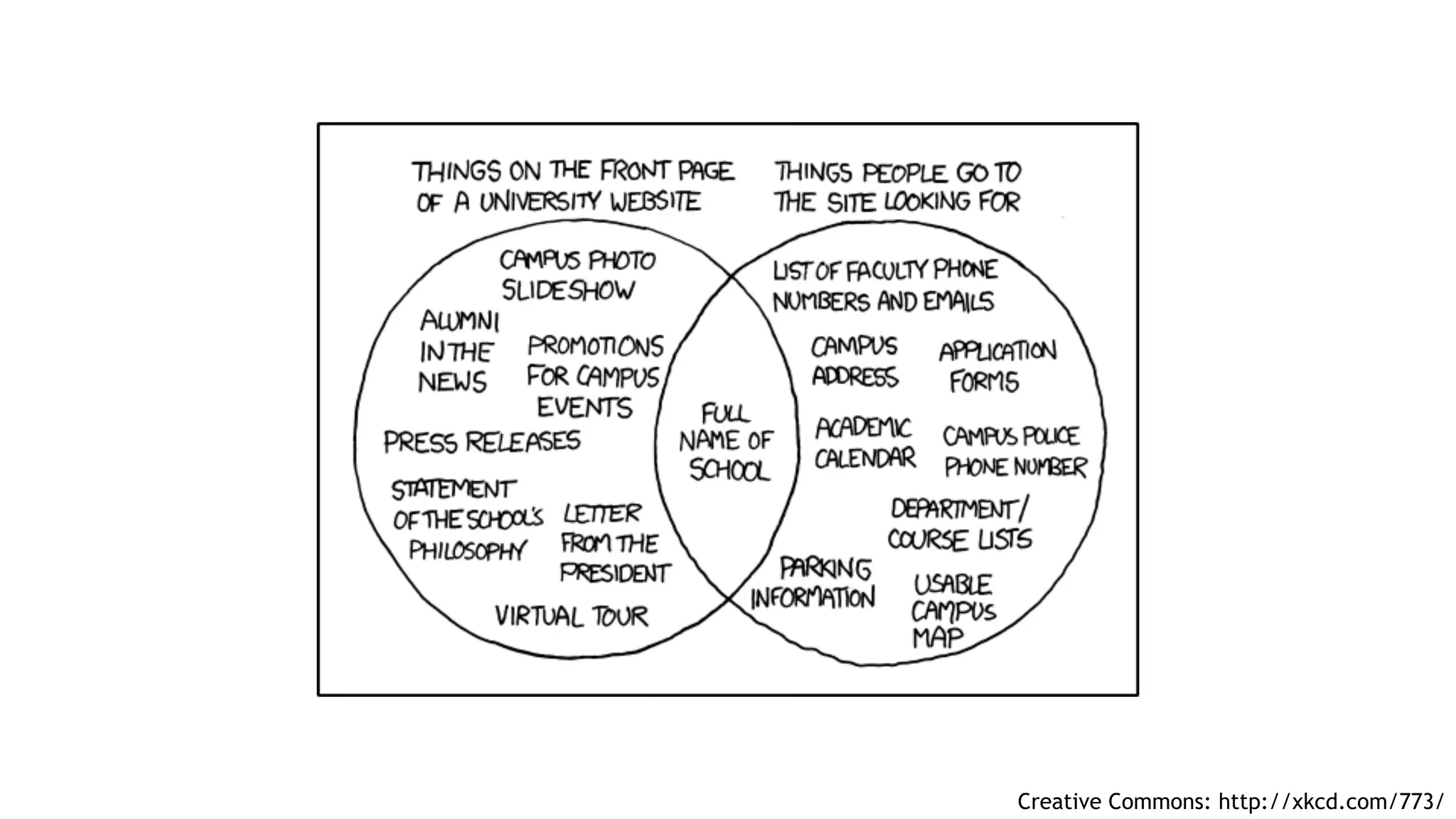
Creative Commons: http://xkcd.com/773/
Responsive
Design
Web
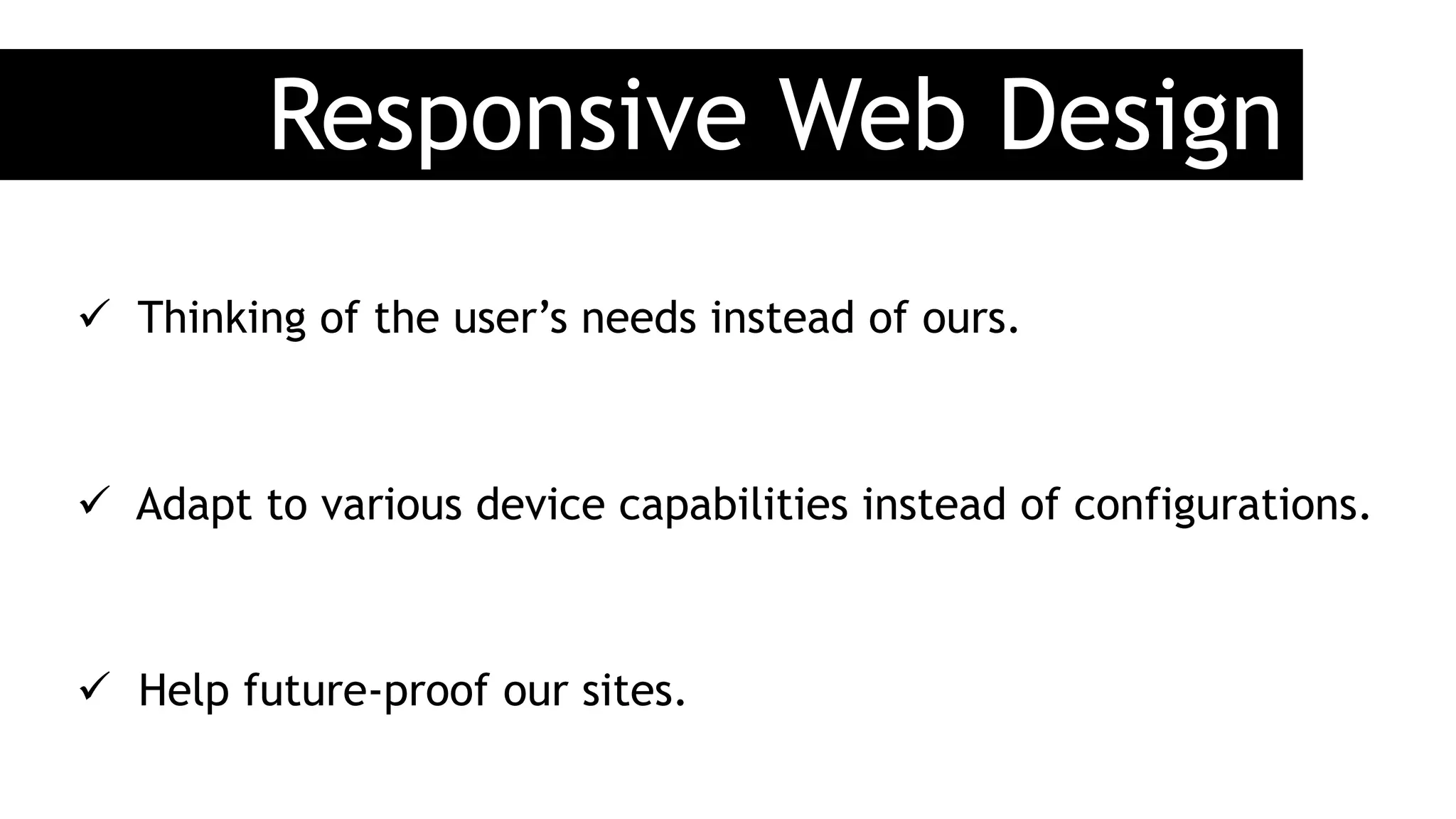
Responsive Web Design
ü  Thinking of the user’s needs instead of ours.
ü  Adapt to various device capabilities instead of configurations.

ü  Help future-proof our sites.
MIT: http://j.mp/1kKuced
That’s
the
way
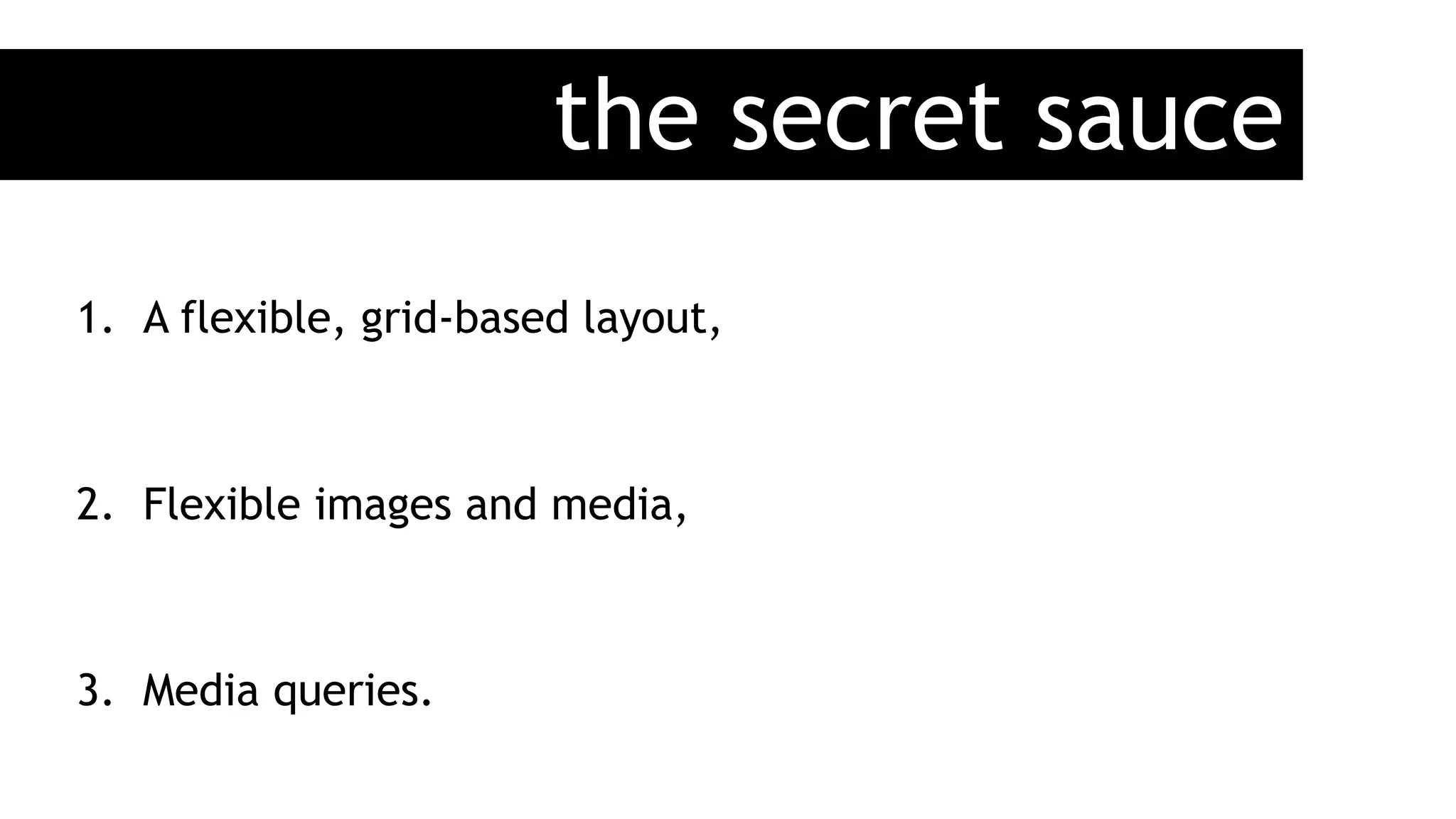
the secret sauce
1.  A flexible, grid-based layout,
2.  Flexible images and media,
3.  Media queries.
Flexible
Layout
Grid-based
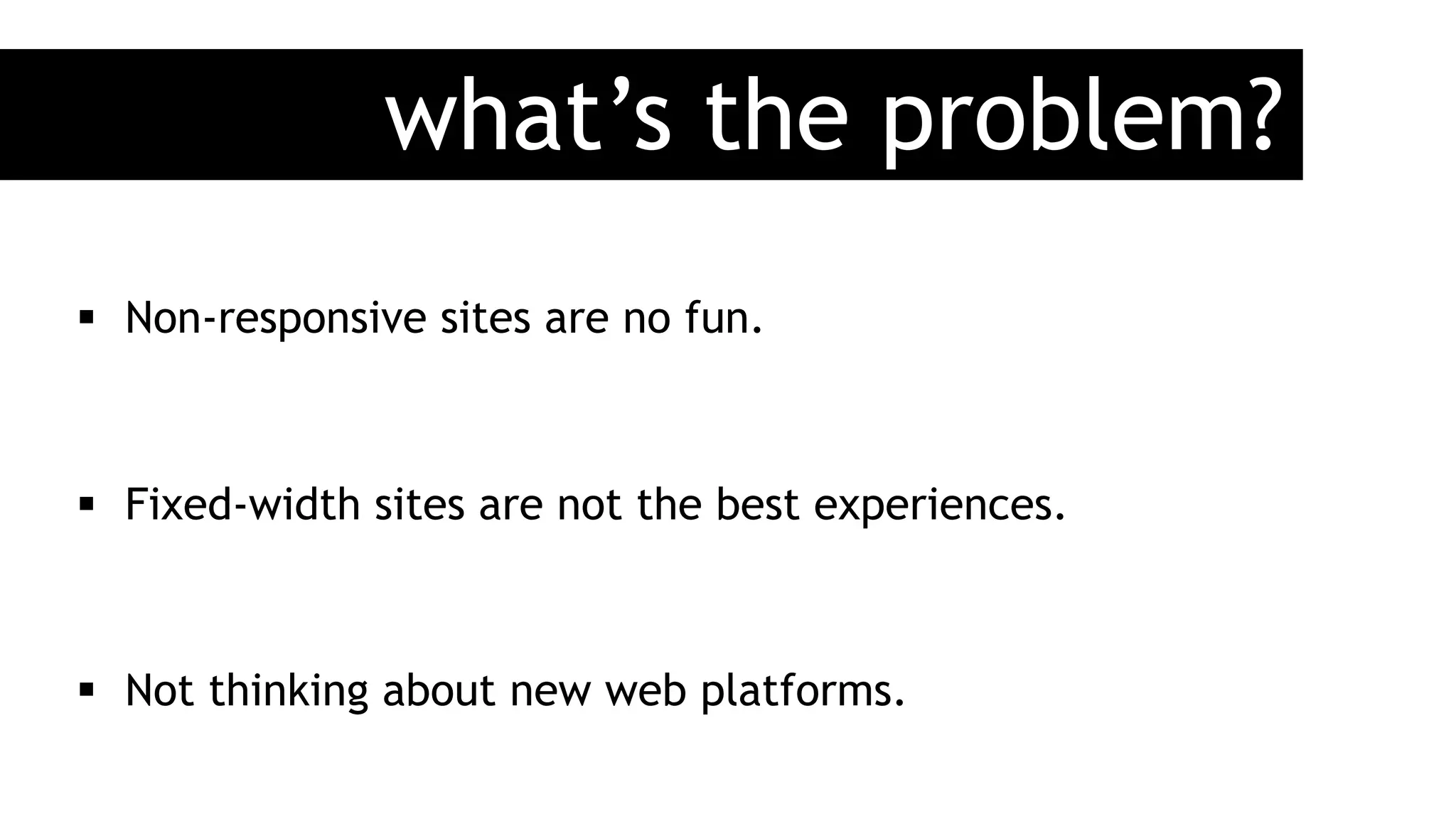
what’s the problem?
§  Non-responsive sites are no fun.
§  Fixed-width sites are not the best experiences.
§  Not thinking about new web platforms.
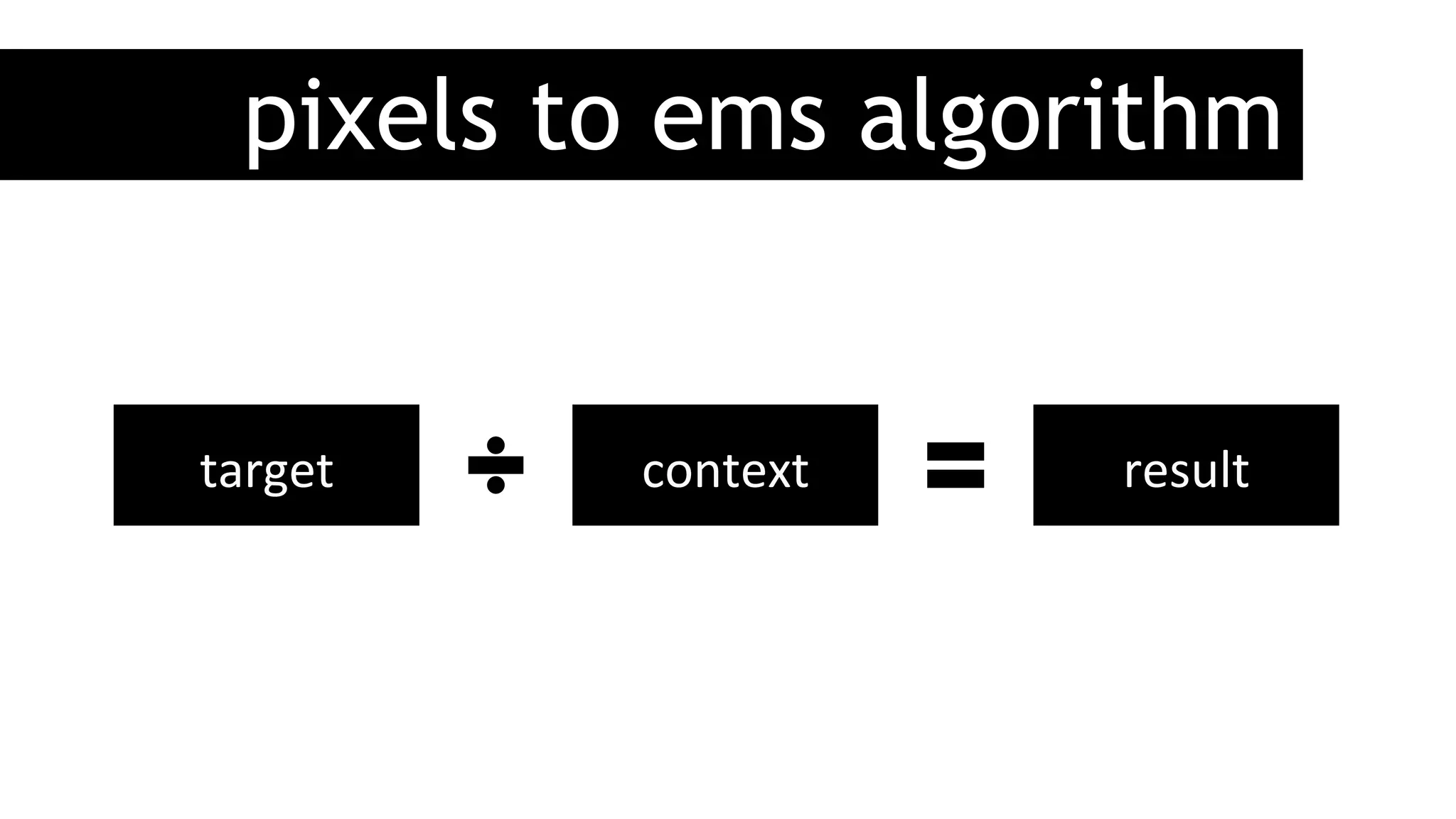
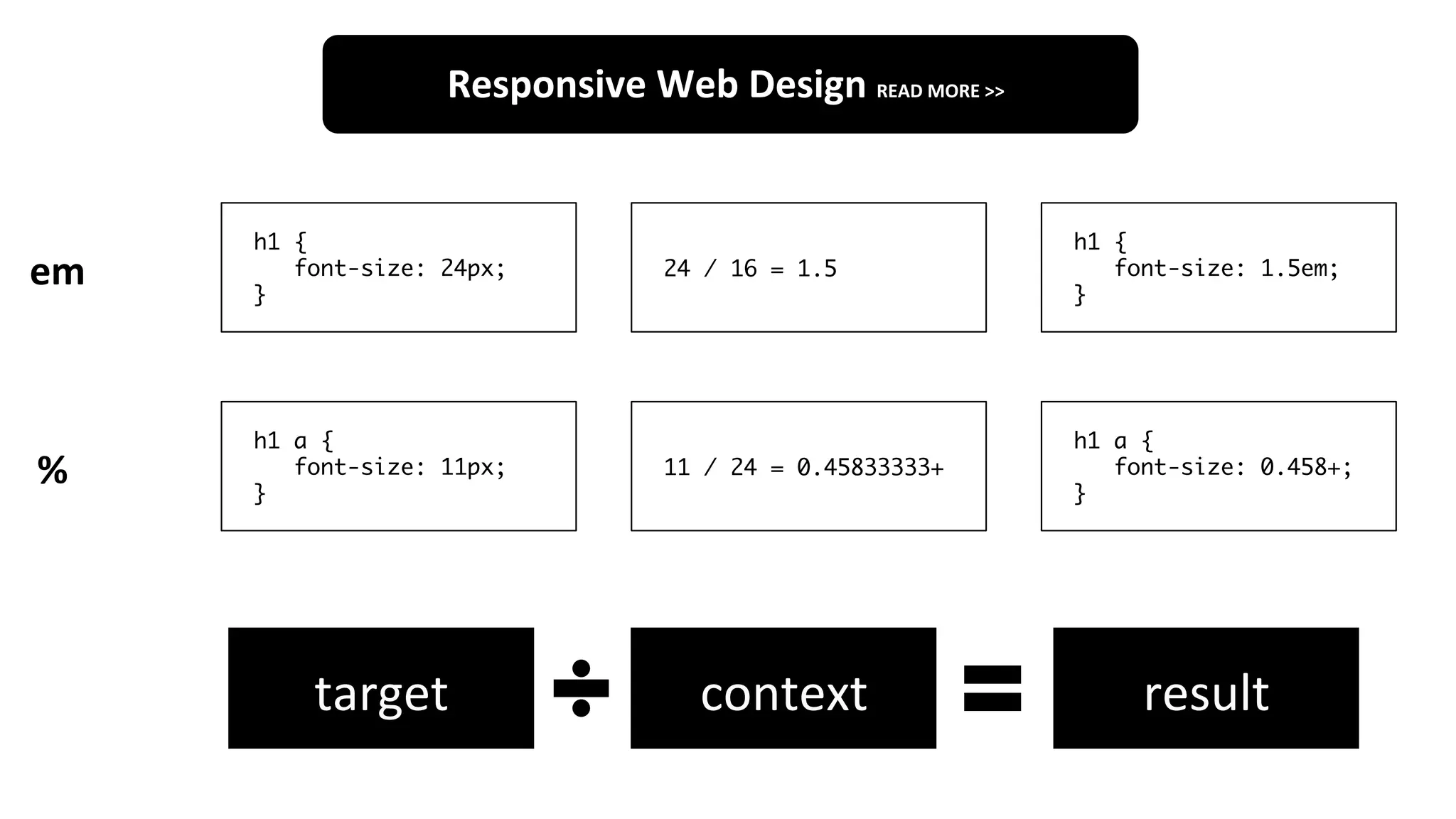
pixels to ems algorithm
target	
   context	
   result	
  
h1 {
font-size: 24px;
}
24 / 16 = 1.5
h1 {
font-size: 1.5em;
}
h1 a {
font-size: 11px;
}
11 / 24 = 0.45833333+
h1 a {
font-size: 0.458+;
}
Responsive	
  Web	
  Design	
  READ	
  MORE	
  >>	
  
em	
  
%	
  
target	
   context	
   result	
  
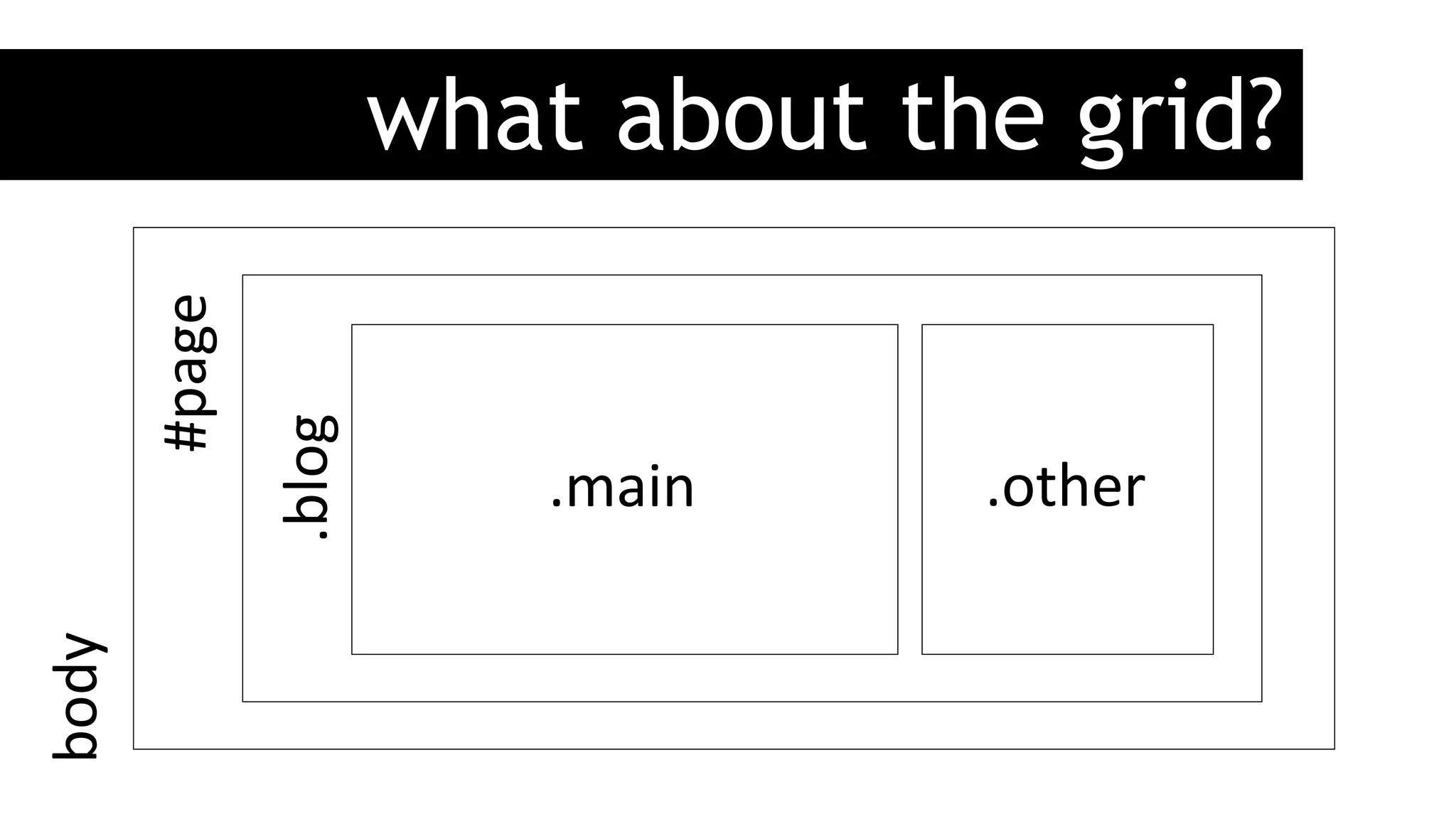
what about the grid?
#page	
  
.main	
   .other	
  
.blog	
  
body	
  
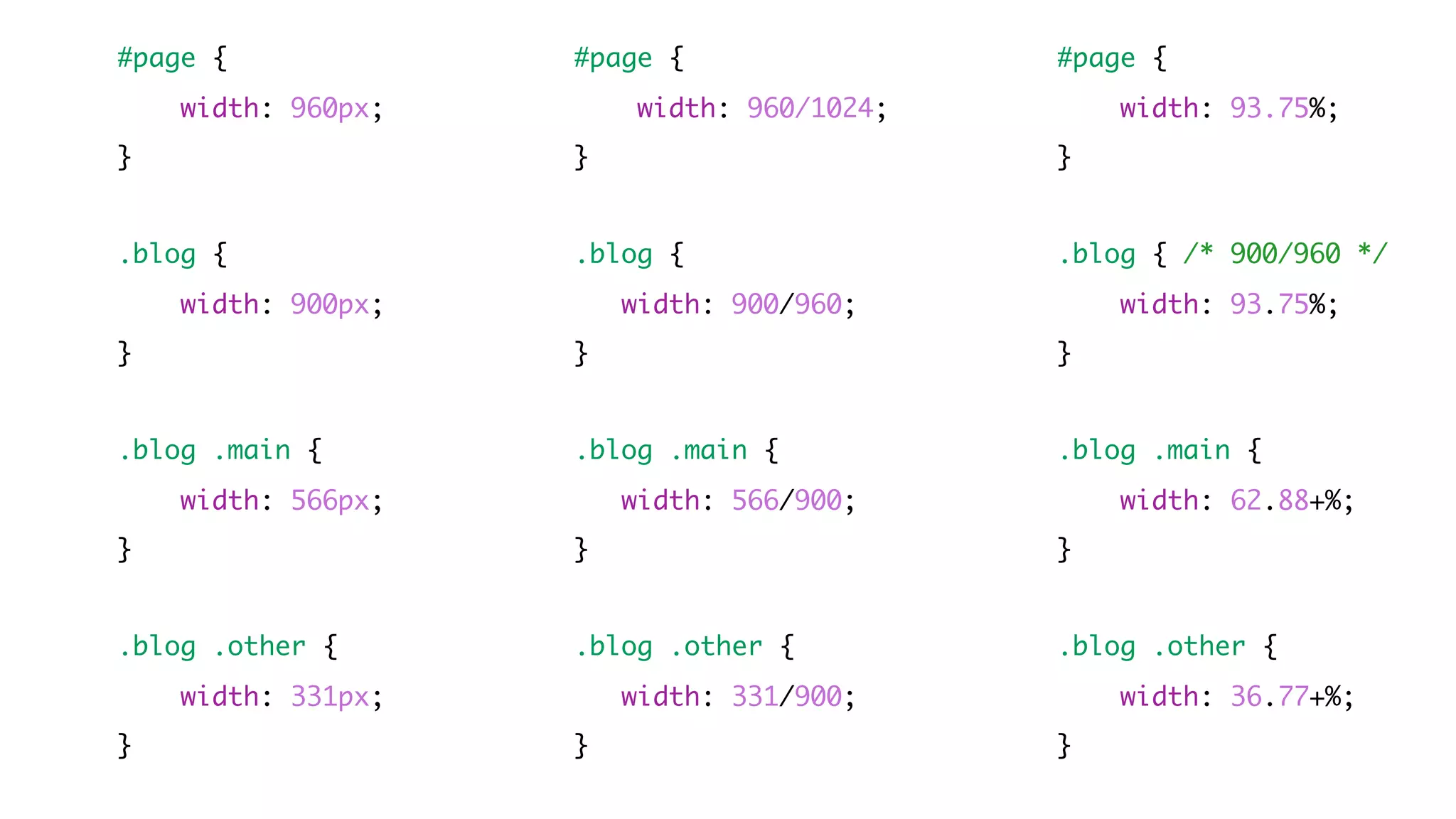
#page {
width: 960px;
}
.blog {
width: 900px;
}
.blog .main {
width: 566px;
}
.blog .other {
width: 331px;
}
#page {
width: 960/1024;
}
.blog {
width: 900/960;
}
.blog .main {
width: 566/900;
}
.blog .other {
width: 331/900;
}
#page {
width: 93.75%;
}
.blog { /* 900/960 */
width: 93.75%;
}
.blog .main {
width: 62.88+%;
}
.blog .other {
width: 36.77+%;
}
Flexible
& Media
Images
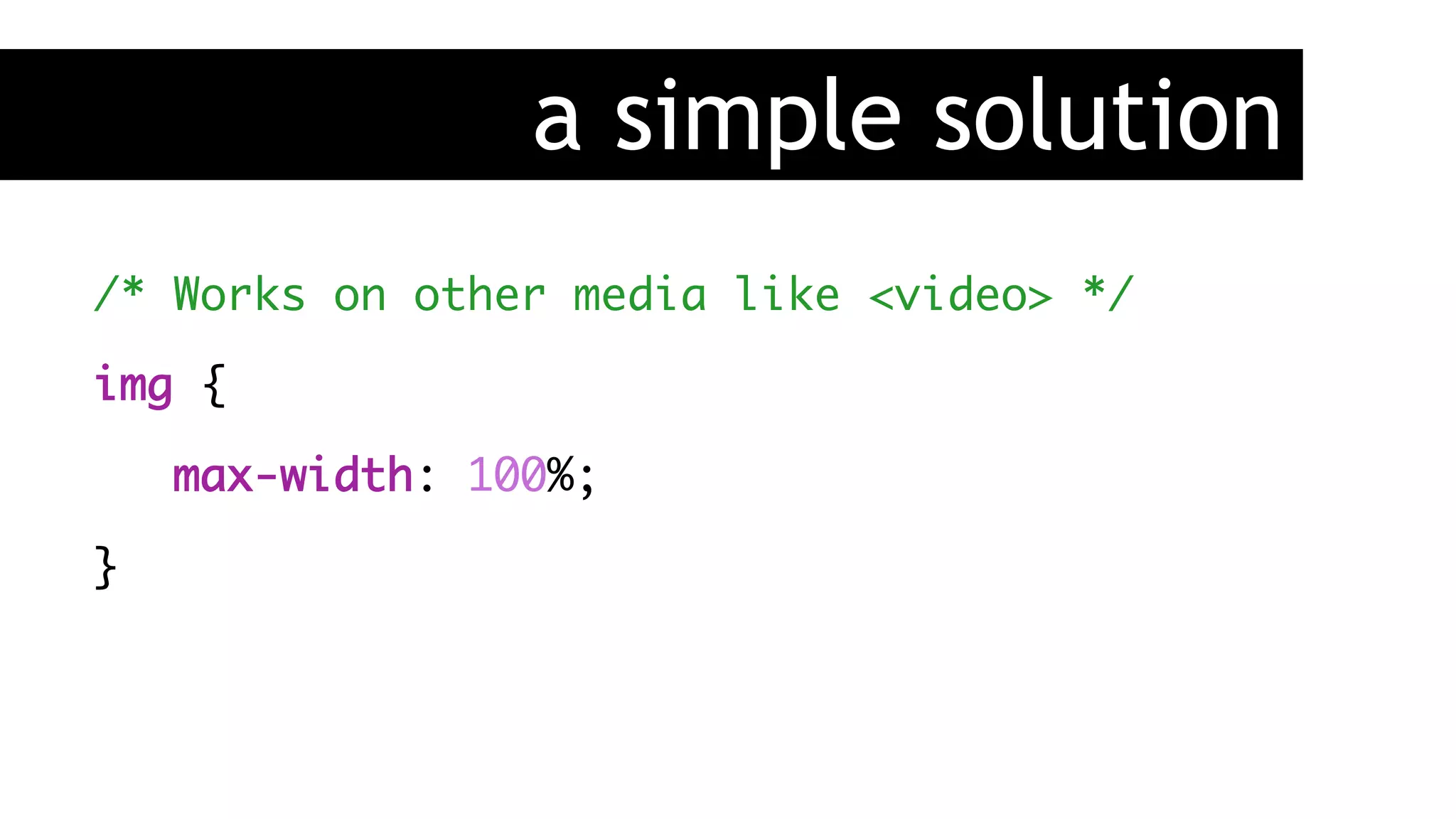
a simple solution
/* Works on other media like <video> */
img {
max-width: 100%;
}
this man is our savior
Media
Queries
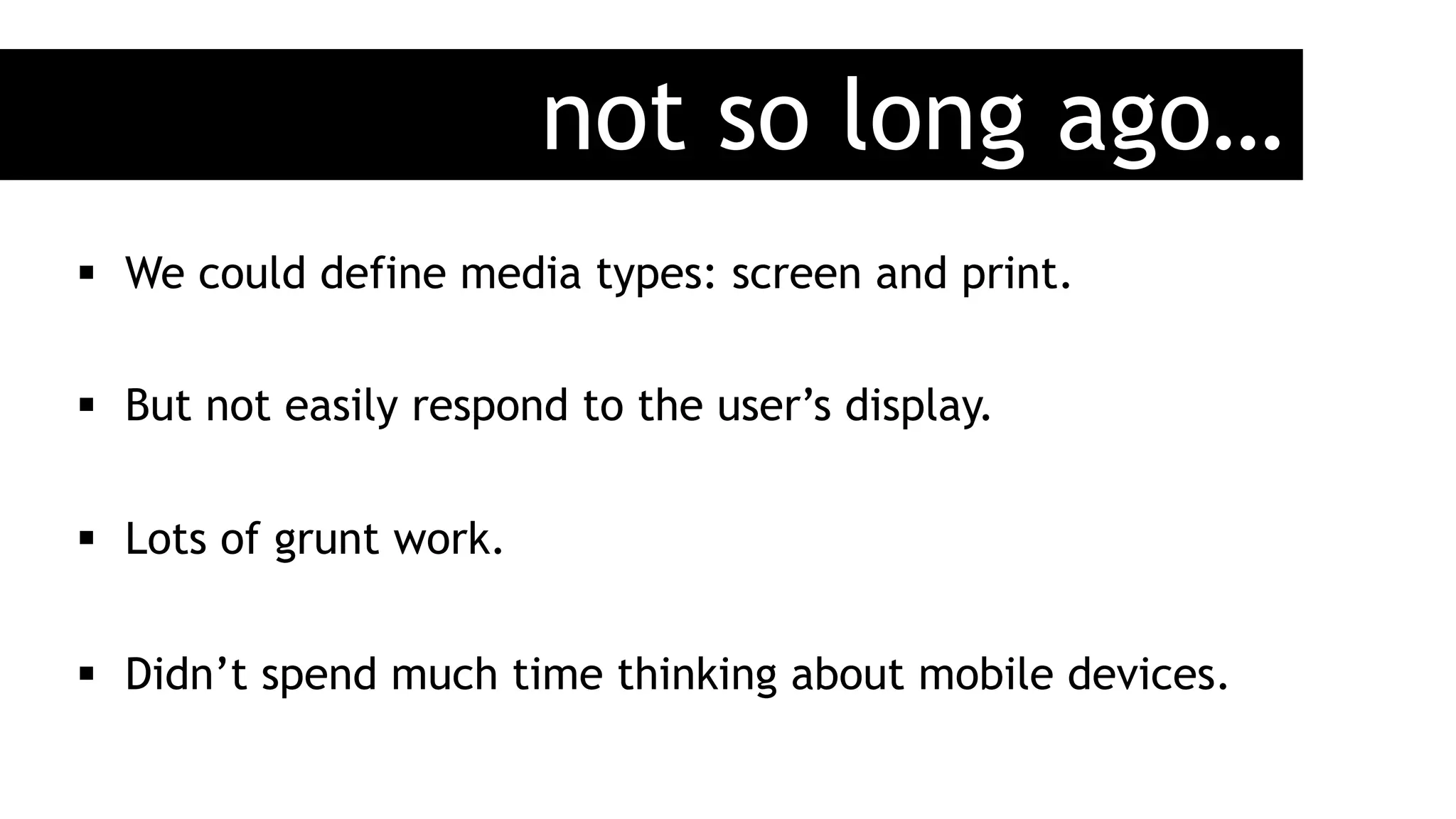
not so long ago…
§  We could define media types: screen and print.
§  But not easily respond to the user’s display.
§  Lots of grunt work.
§  Didn’t spend much time thinking about mobile devices.
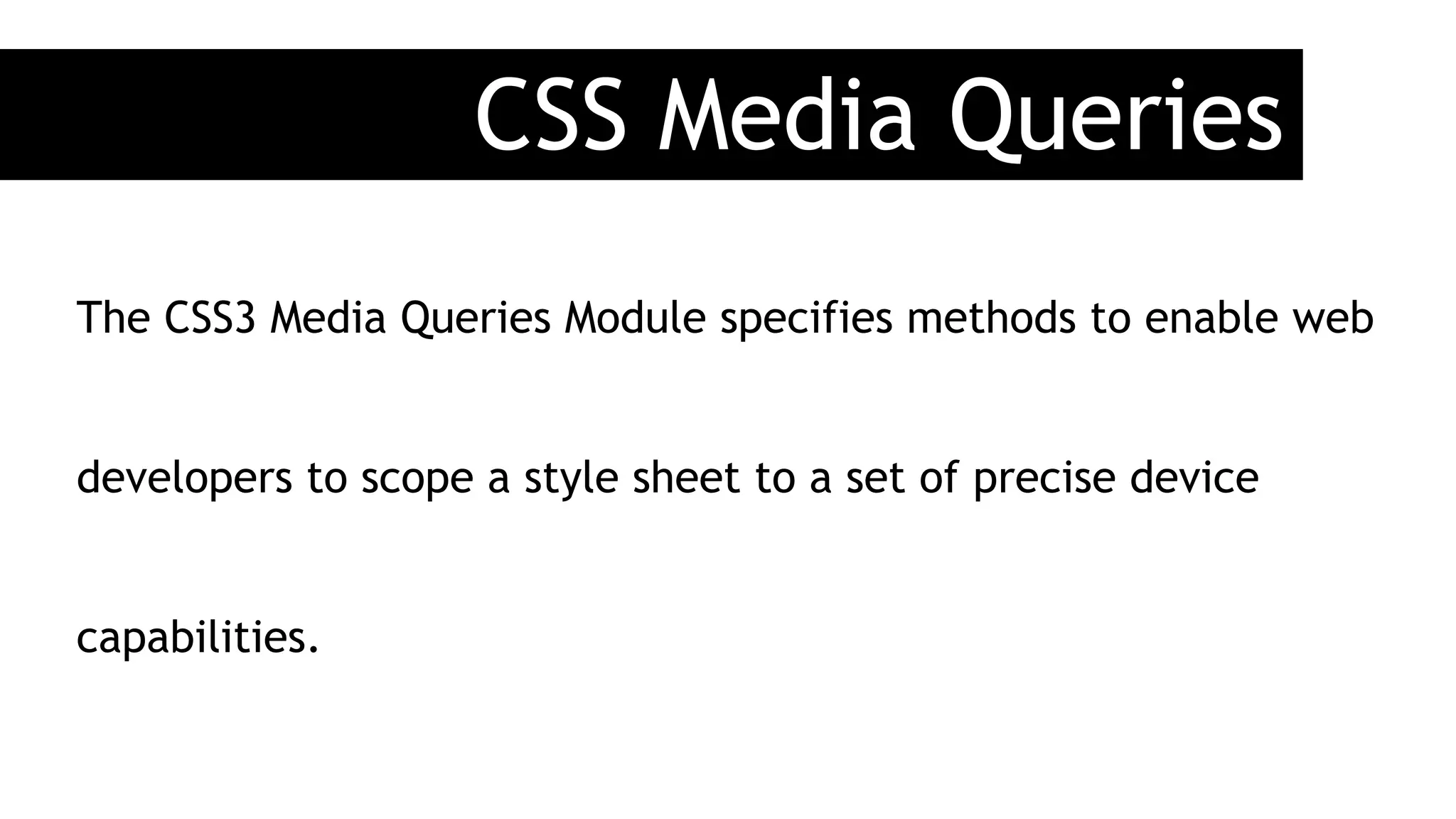
CSS Media Queries
The CSS3 Media Queries Module specifies methods to enable web
developers to scope a style sheet to a set of precise device
capabilities.
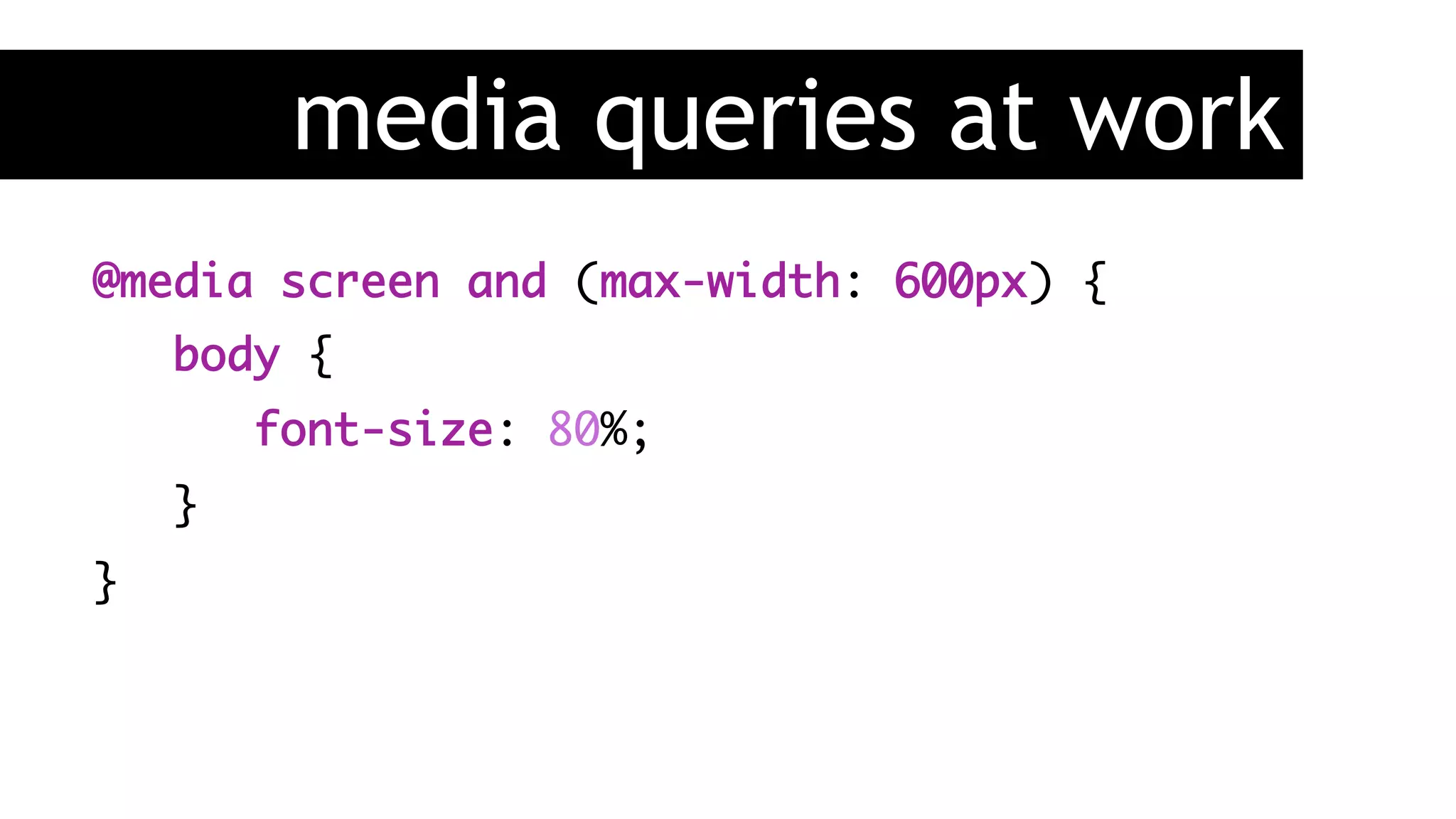
media queries at work
@media screen and (max-width: 600px) {
body {
font-size: 80%;
}
}
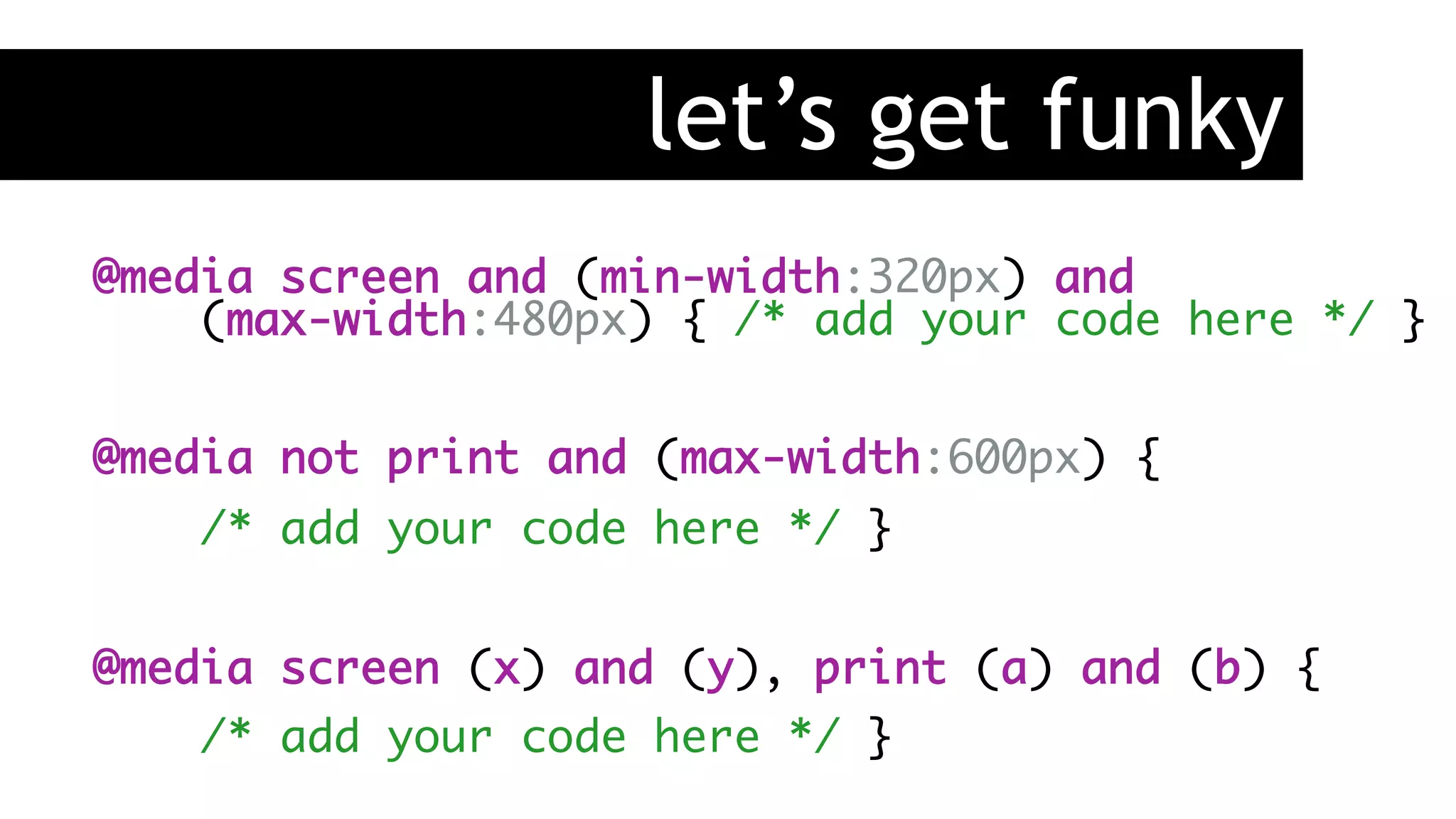
let’s get funky
@media screen and (min-width:320px) and

(max-width:480px) { /* add your code here */ }
@media not print and (max-width:600px) {
/* add your code here */ }
@media screen (x) and (y), print (a) and (b) {
/* add your code here */ }
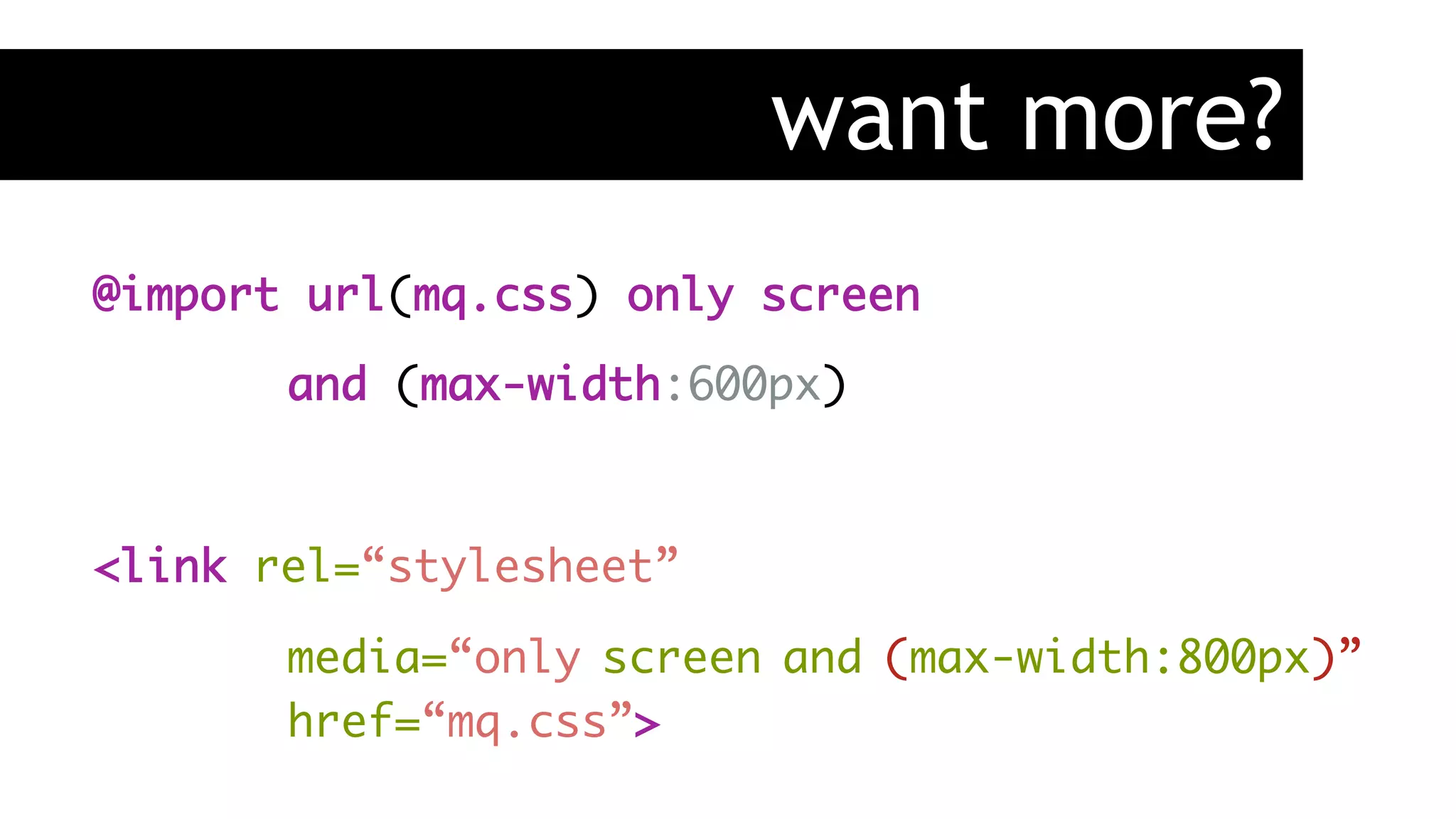
want more?
@import url(mq.css) only screen
and (max-width:600px)
<link rel=“stylesheet”
media=“only screen and (max-width:800px)”
href=“mq.css”>
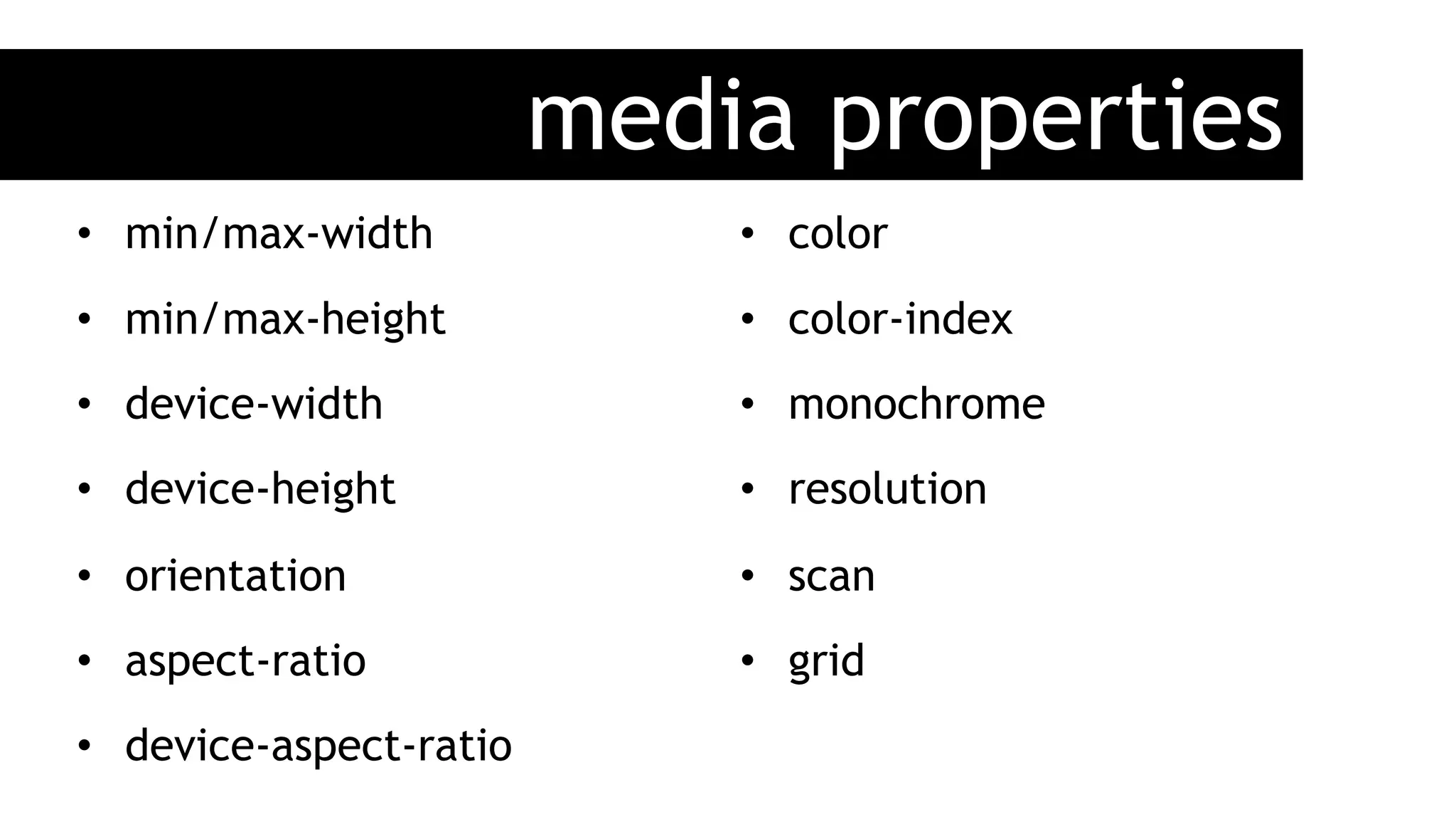
media properties
•  min/max-width
•  min/max-height
•  device-width
•  device-height
•  orientation
•  aspect-ratio
•  device-aspect-ratio
•  color
•  color-index
•  monochrome
•  resolution
•  scan
•  grid
MIT: http://j.mp/1kKuced
Little
Pea
Bakery
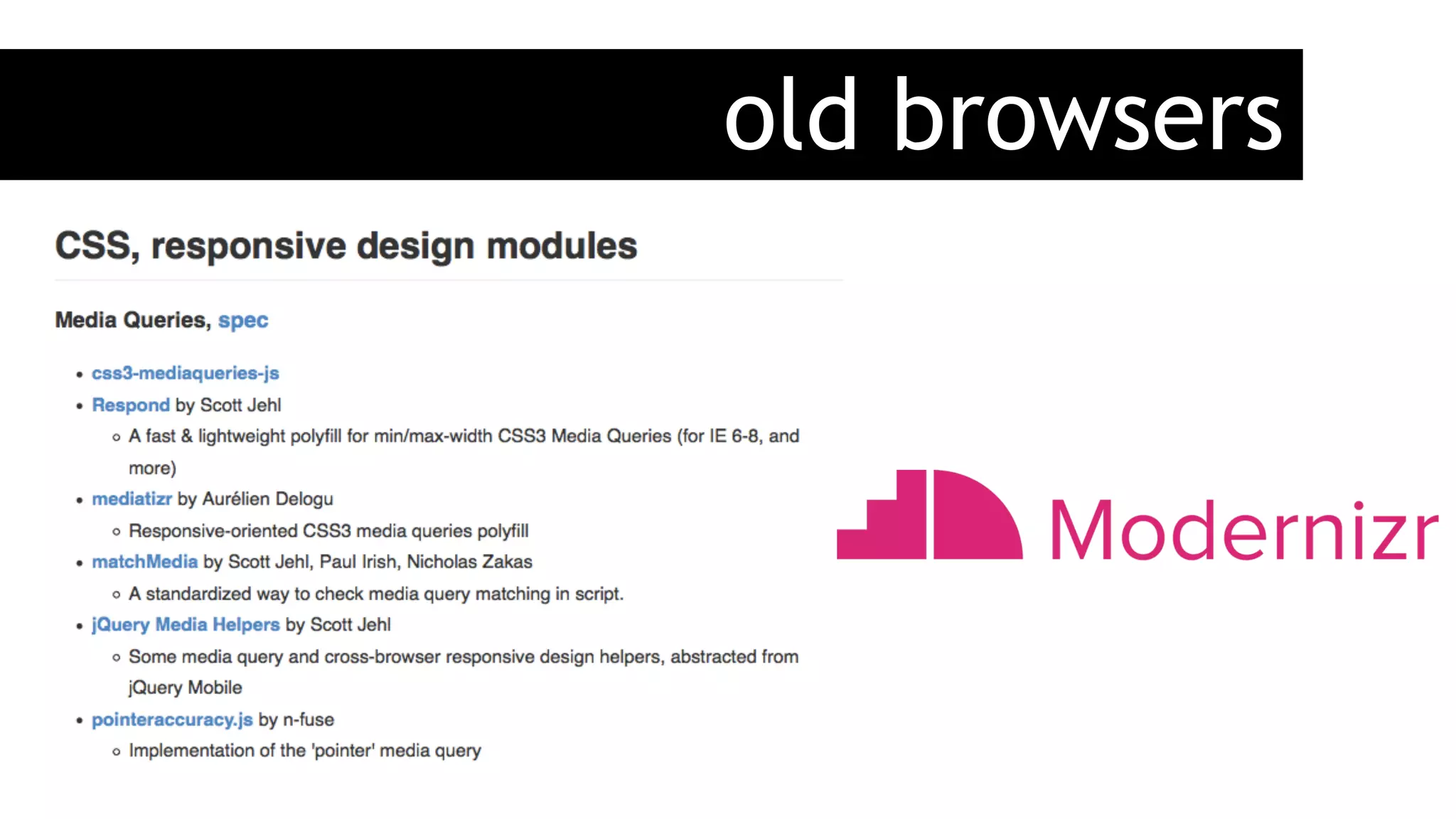
old browsers
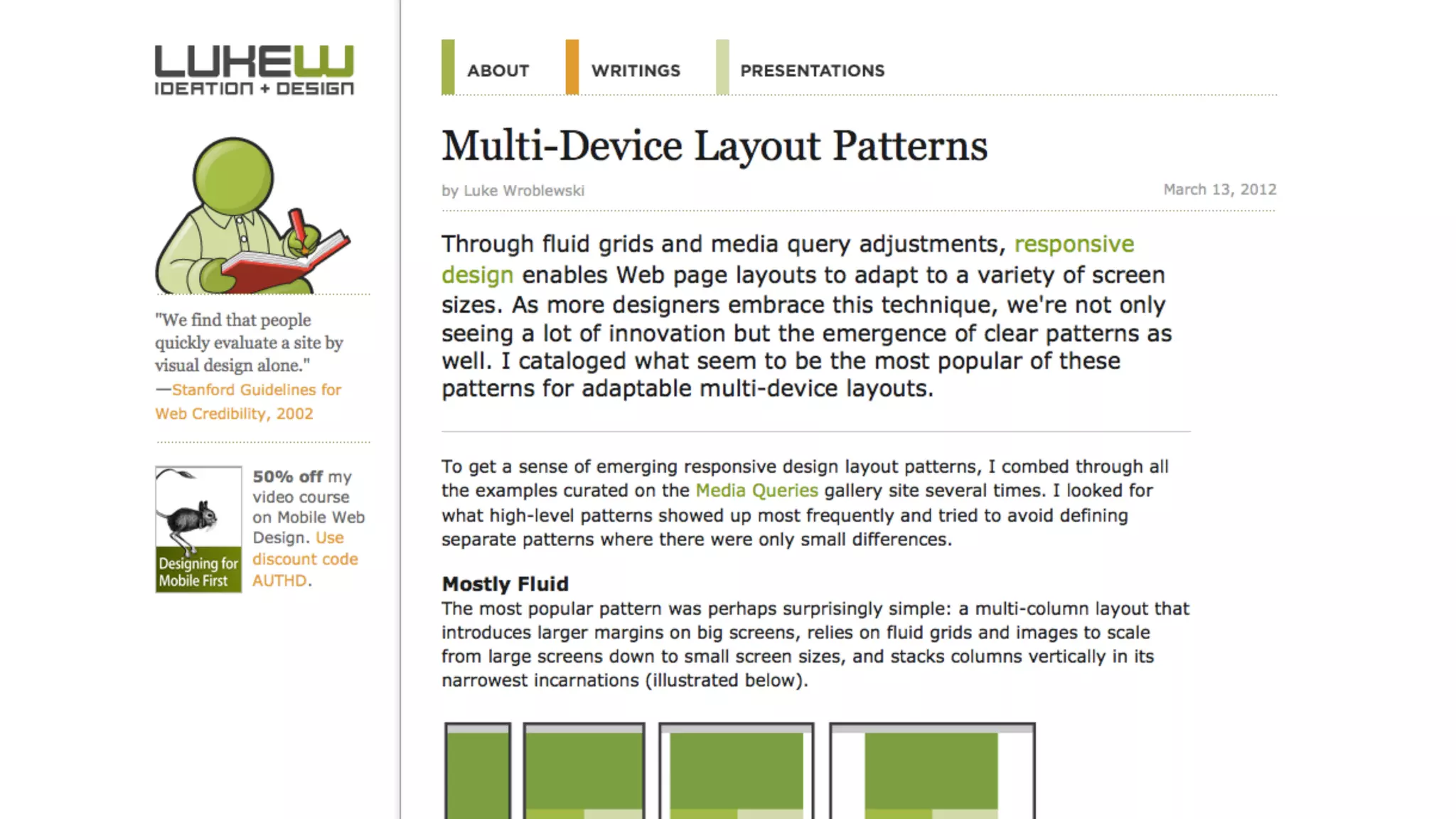
Common
Patterns
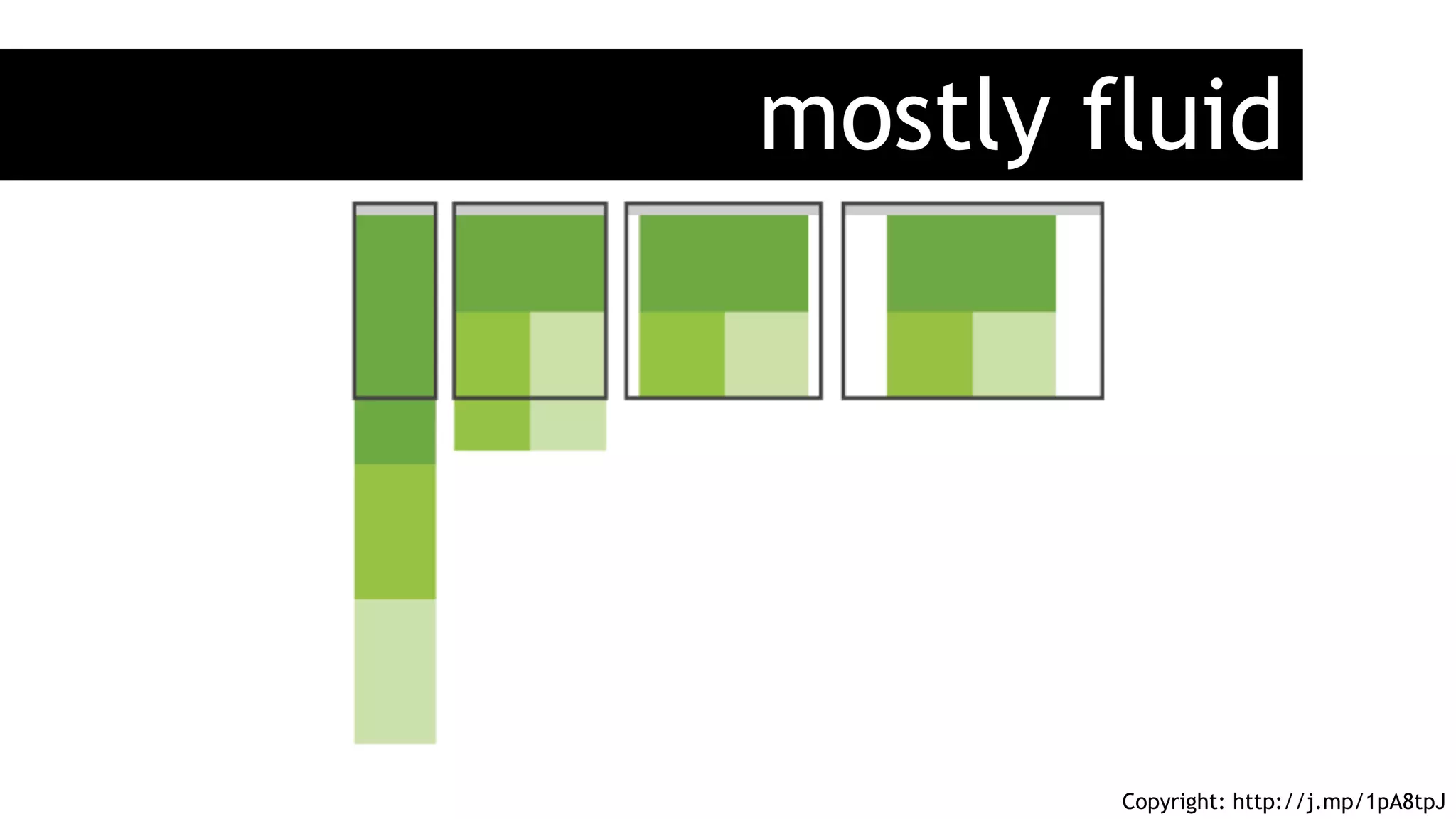
mostly fluid
Copyright: http://j.mp/1pA8tpJ
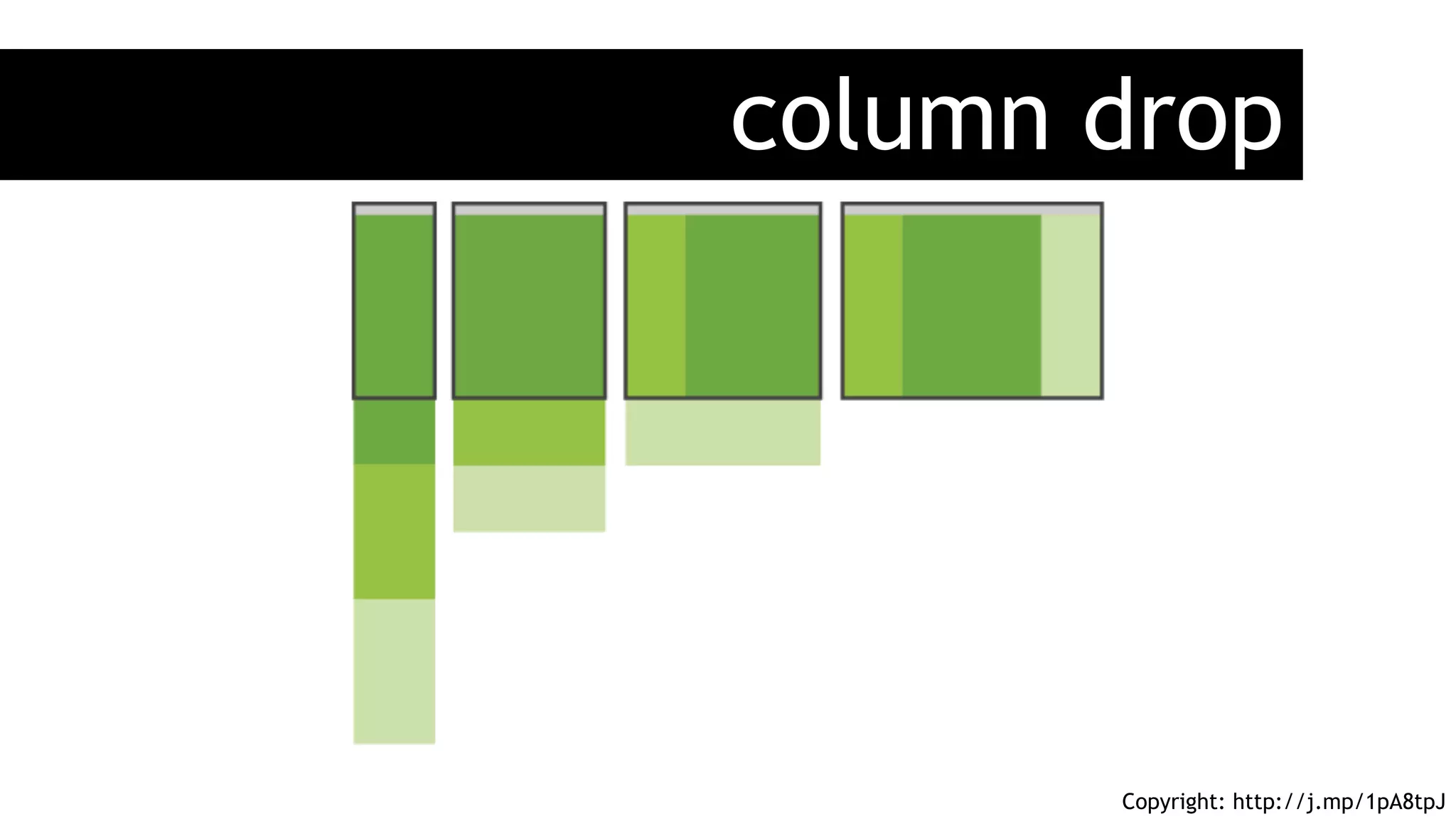
column drop
Copyright: http://j.mp/1pA8tpJ
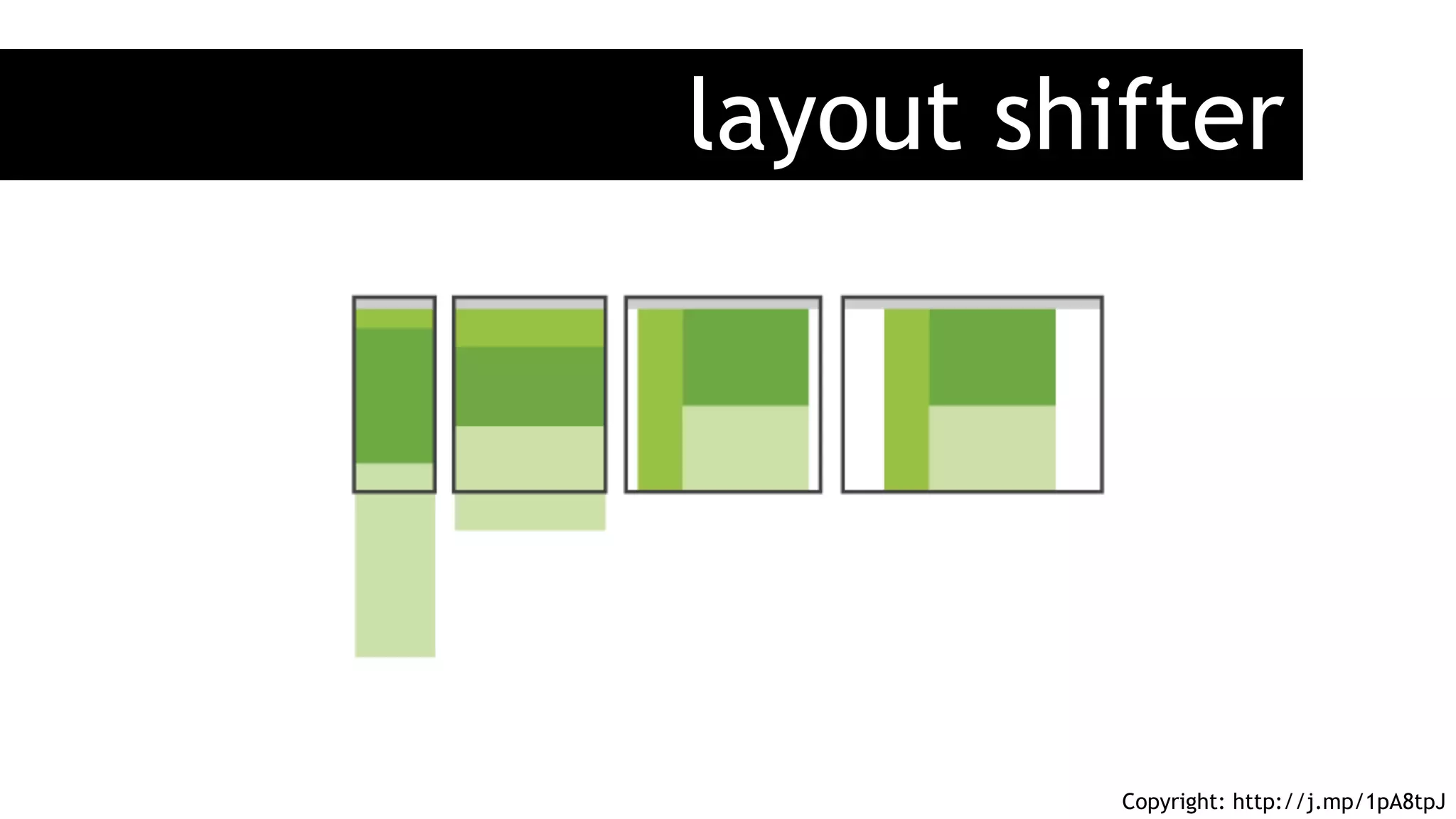
layout shifter
Copyright: http://j.mp/1pA8tpJ
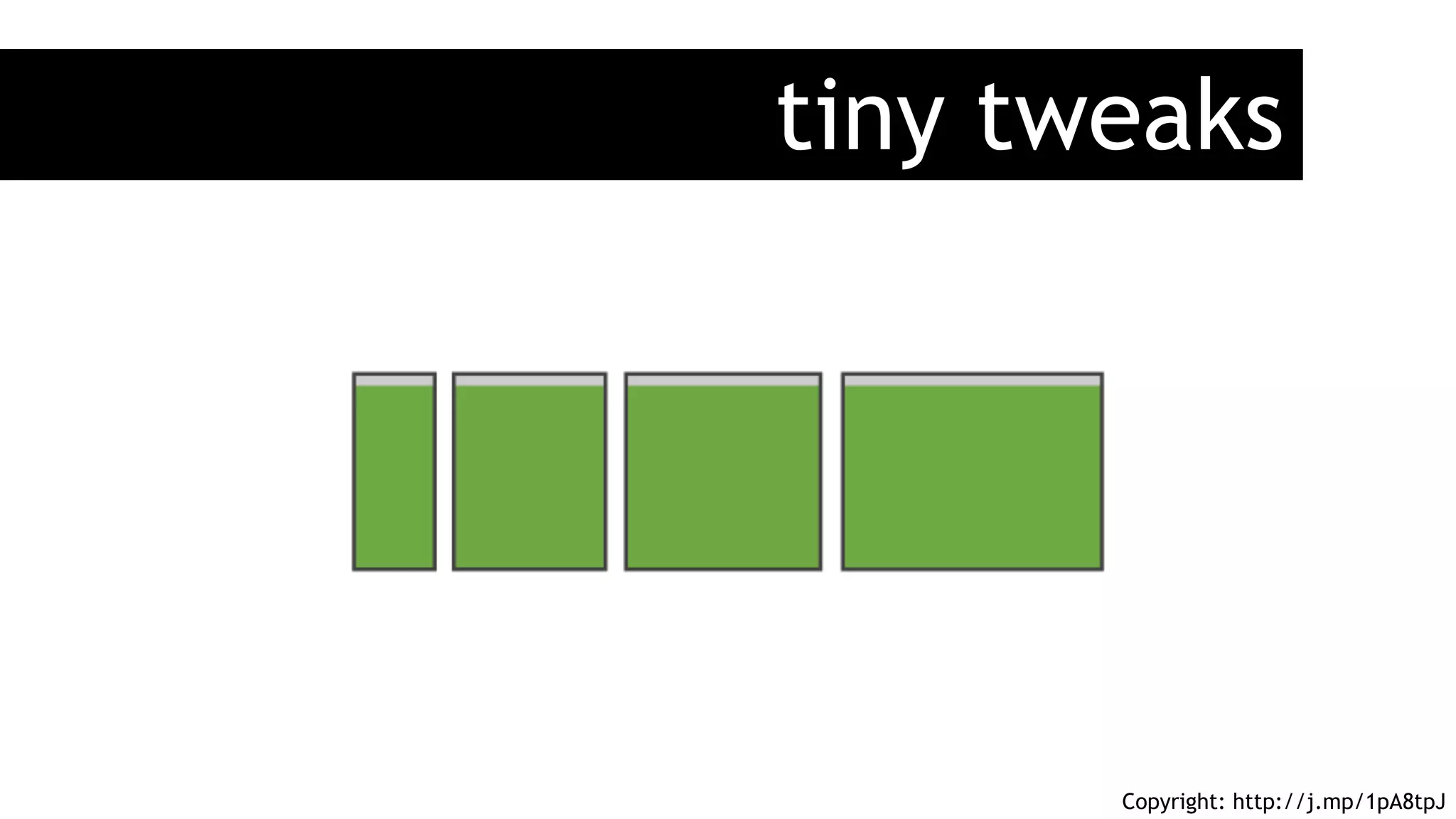
tiny tweaks
Copyright: http://j.mp/1pA8tpJ
Resources
www
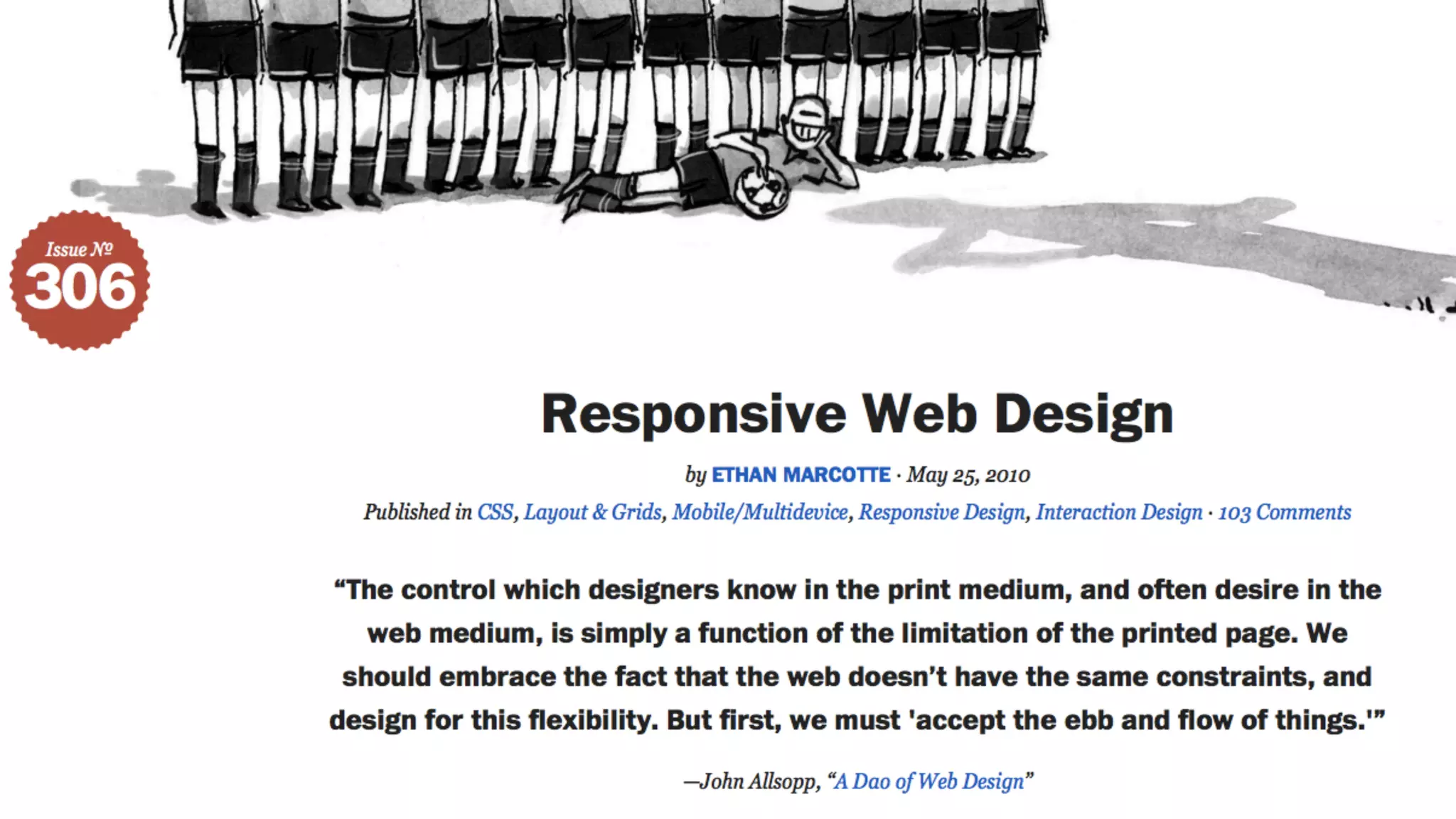
http://www.alistapart.com/articles/responsive-web-design/
https://github.com/Modernizr/Modernizr/wiki/HTML5-Cross-Browser-Polyfills
http://stunningcss3.com/code/bakery/
http://www.lukew.com/ff/entry.asp?1514
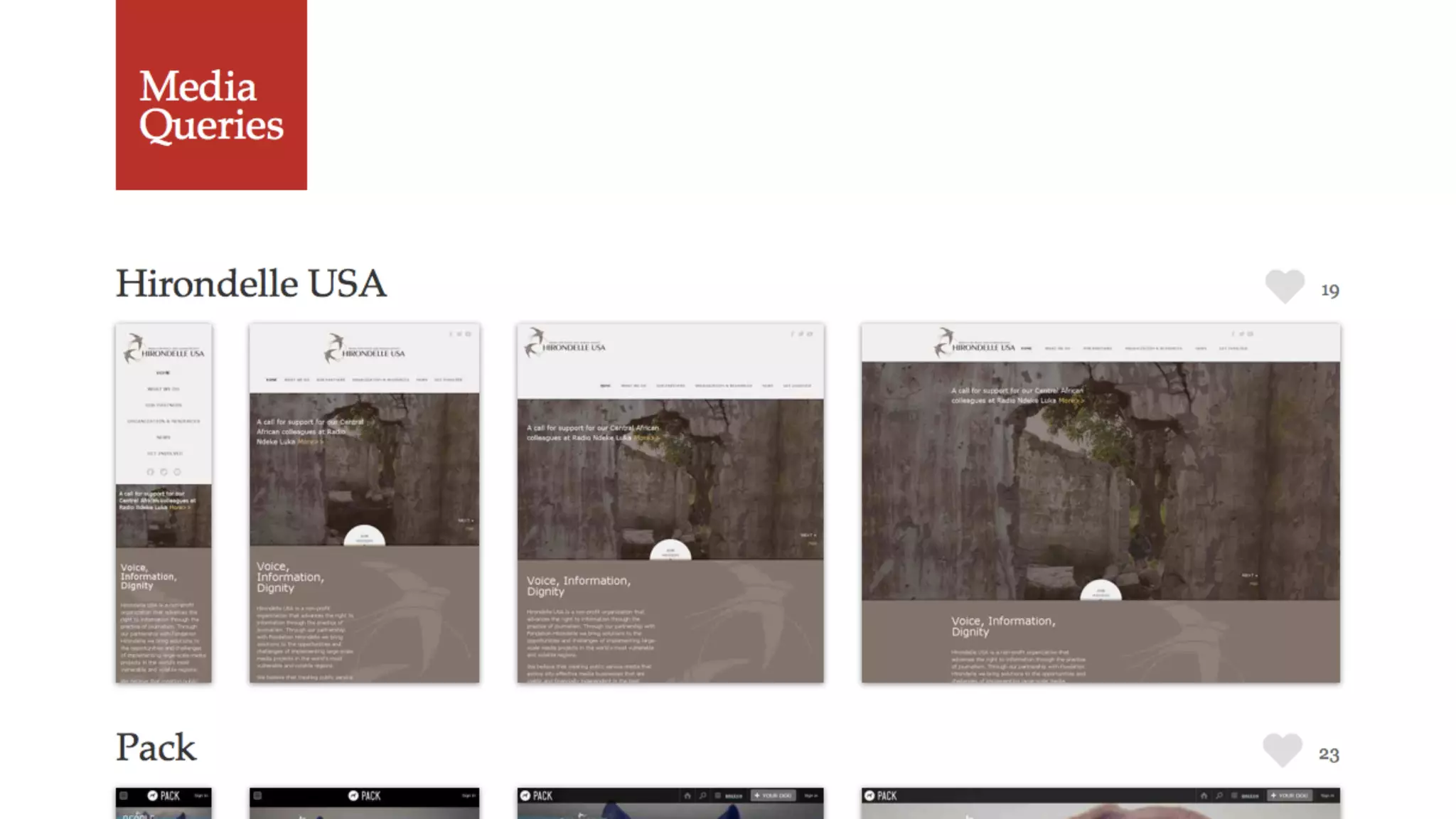
http://mediaqueri.es/
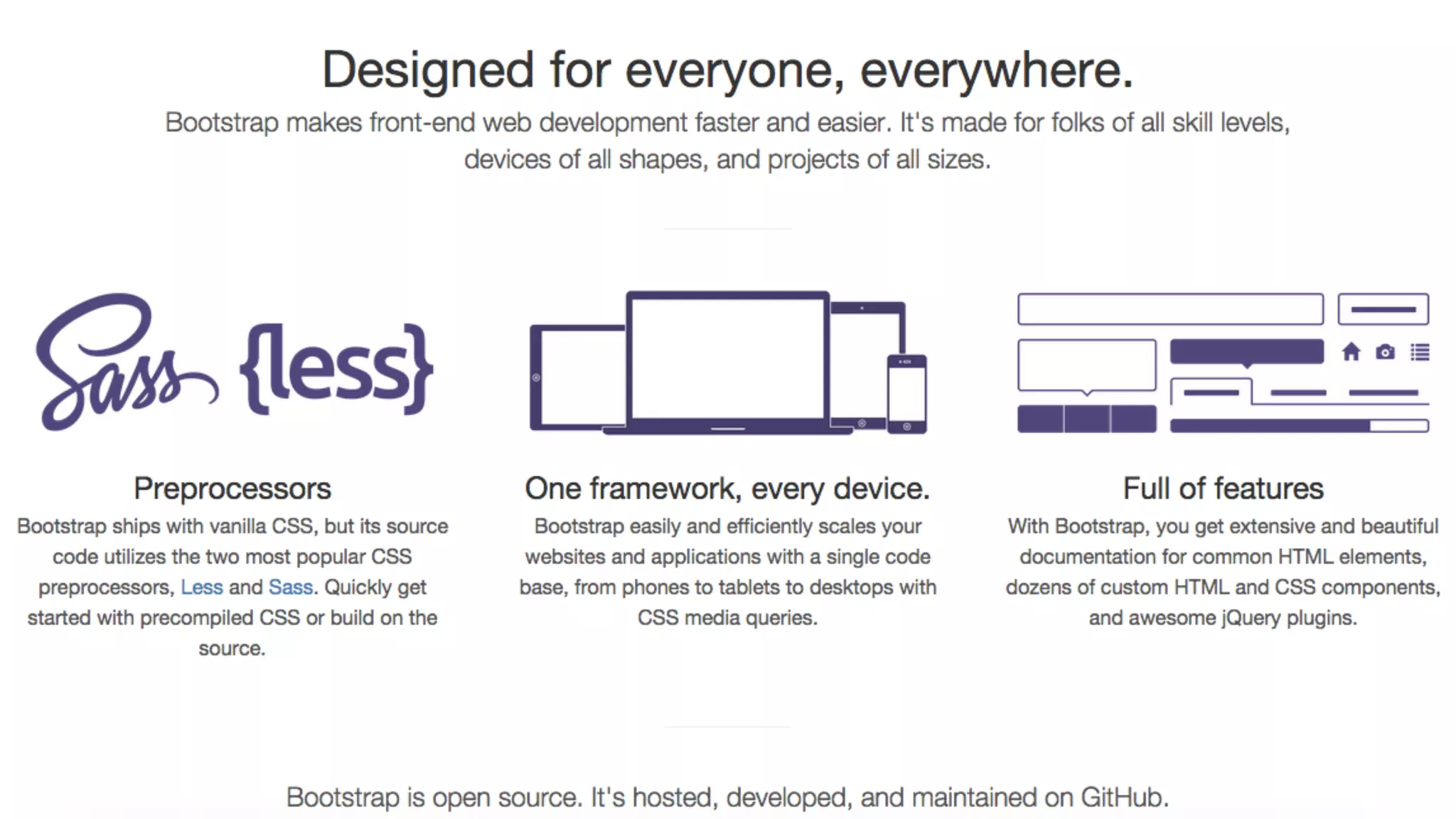
http://getbootstrap.com/
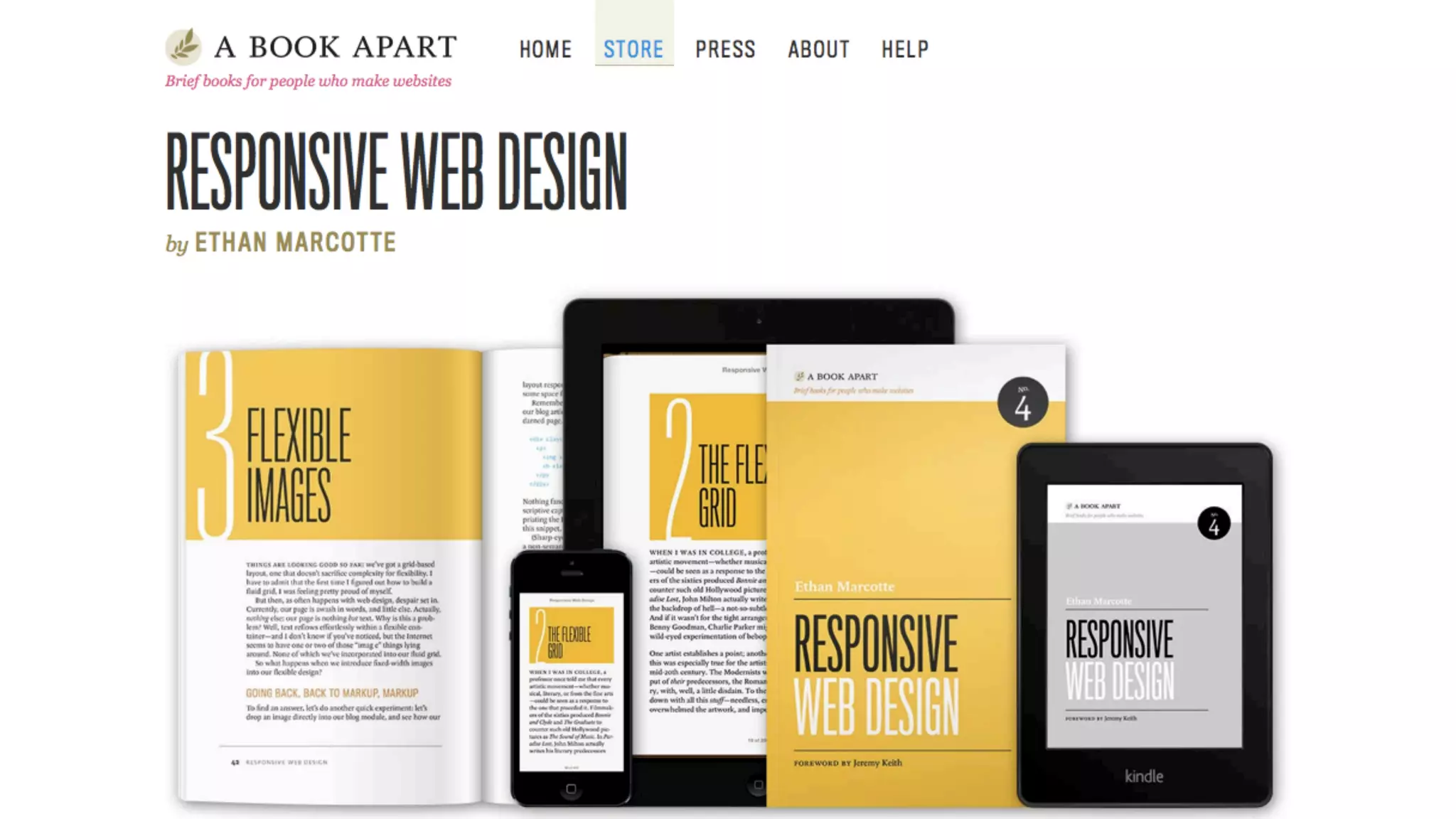
http://www.abookapart.com/products/responsive-web-design
Be
responsible
Be
responsive
responsible
in the end
§  Is it best that all sites are responsive?
§  Do we start with mobile-first?
§  Do we go Adaptive Web Design instead?
§  Do we need or want to do visual comps for every device?
§  Don’t dismiss mobile as walking and looking something up.
Frédéric Harper
fharper@oocz.net
@fharper
http://outofcomfortzone.net

Responsive Web Design, get the best out of your designs - JavaScript Open Day - 2015-06-25