Planning your Multimedia
      Presentation
           Week 1
           P420 - 1 CMLA
           Multimedia Presentation
           for Public Relations
           Swiss German University Indonesia
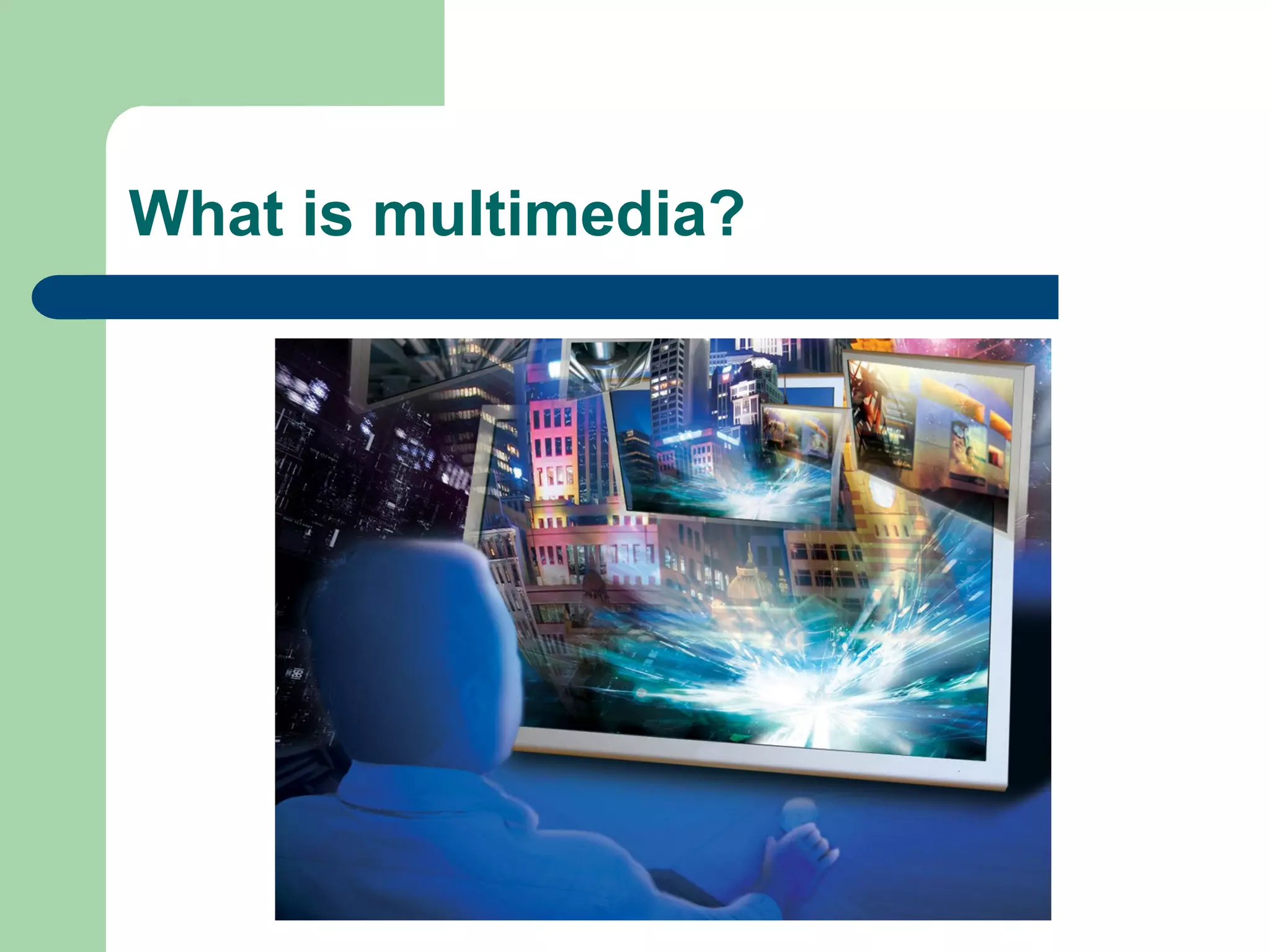
What is multimedia?
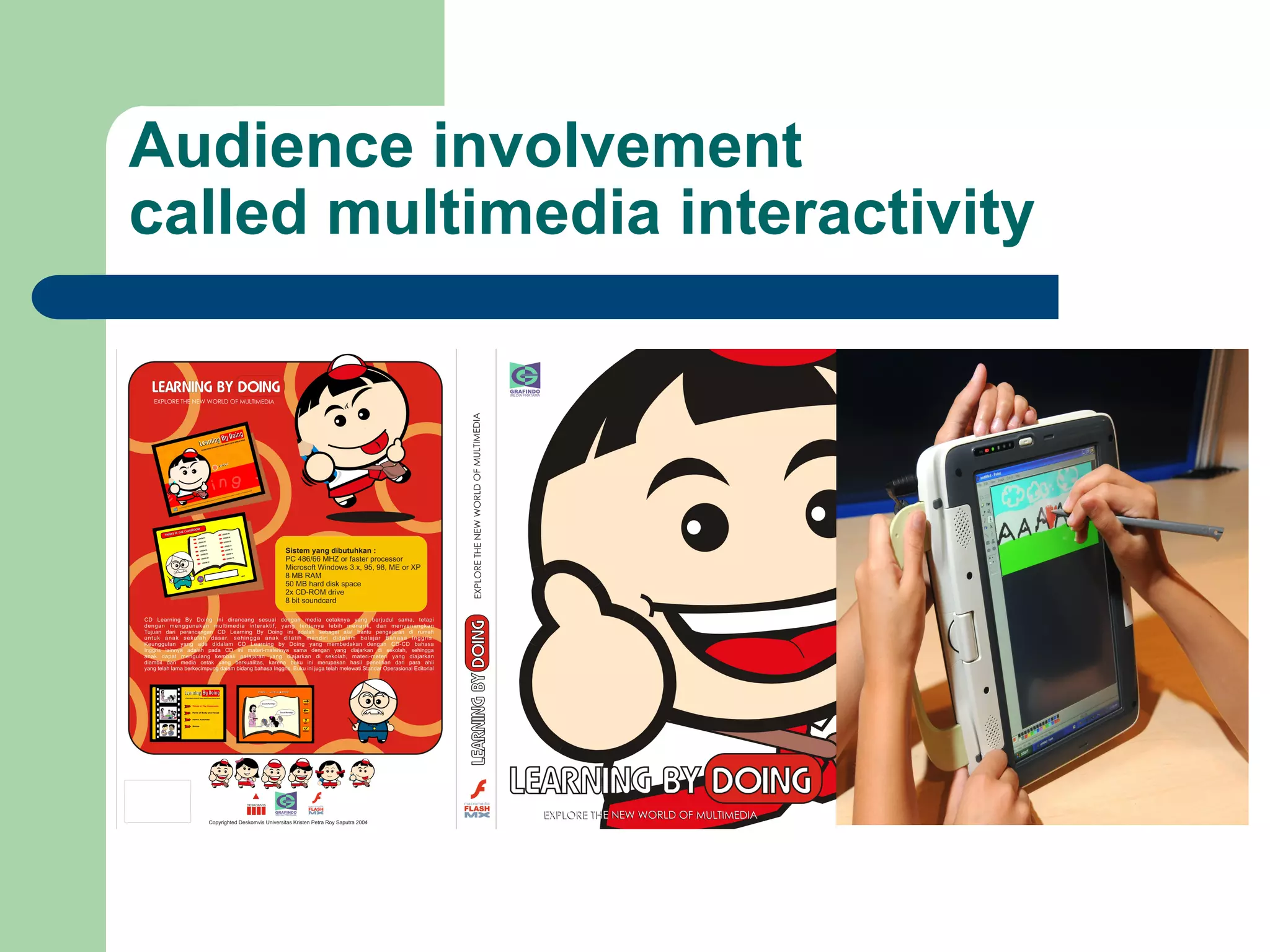
Audience involvement
called multimedia interactivity
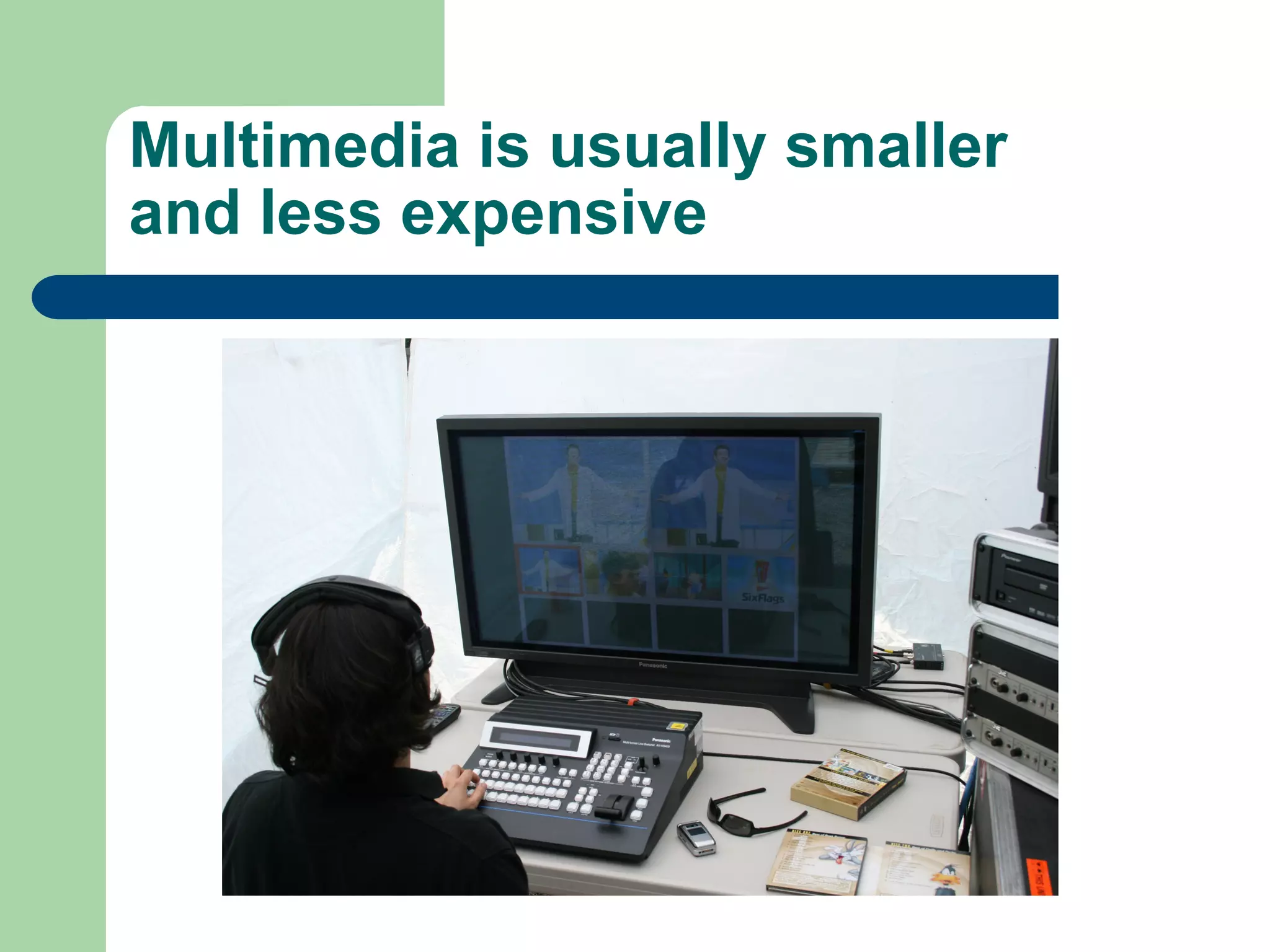
Multimedia is usually smaller
and less expensive
Multimedia development is a
project based process
Planning your multimedia

             l    Successful multimedia are
                   built from a plan and they
                   are successful because of
                   the plan
             l    It may save time, money,
                   effort and lots of potential
                   agony.
             l    80% planning and 20%
                   production
Phases of Multimedia Development


l    Planning your multimedia product
l    Develop the multimedia product
l    Implement the multimedia presentation
Planning the multimedia

l    Develop the design strategy
l    State the purpose
l    Identify the target audience
l    Develop specifications
l    Create wireframes and storyboards
l    Determine the organizational structure
l    Design the navigational structure and user
      interface
Develop multimedia presentation

l    Develop the structure behind presentation
l    Create the multimedia elements
l    Add the content
l    Write additional scripts
Understanding the Design Strategy

l    To ensure the success of your multimedia
      product, all the people involved in its
      creation should collectively develop a design
      strategy
l    It will help ensure that your multimedia
      evolves into a product that effectively
      achieves its purpose for the intended
      audience
Purpose of your multimedia

l    Before building your presentation, the
      purpose must be clearly stated and pervade
      the planning documents
l    The purpose is defined further by the goals
      and objectives.
l    Goals and objectives will guide the
      development process
Sample Purpose Statement

l    “The Website will give students access to all
      course requirements including a syllabus, list
      of assignments, due dates, and staff
      information. In addition, students will be able
      to communicate with one another via chat
      and e-mail as well as post messages to
      shared discussion board”
Target Audience

l    A multimedia presentation must always be
      designed with the target audience in mind.
l    If you do not consider your audience in
      planning, your presentation will flop.
l    It is more important to focus on the user and
      what the user wants that to focus on what
      you, the designer think is cool
Multimedia Product Categories

l    Static
      They are often designed to promote or
      provide information
l    Dynamic
      Provides information and offer some form of
      interactivity such as e-mail, searches,
      questionnaire, and order processing
The purpose and target audience
largely determine the…

l    Tone (ex. Humorous, serious, light, formal)
l    Approach
l    Metaphor (Theme)
l    Emphasis
Specifications of your
presentation

l    Playback system
l    Multimedia Elements
l    Functionality
l    User Interface
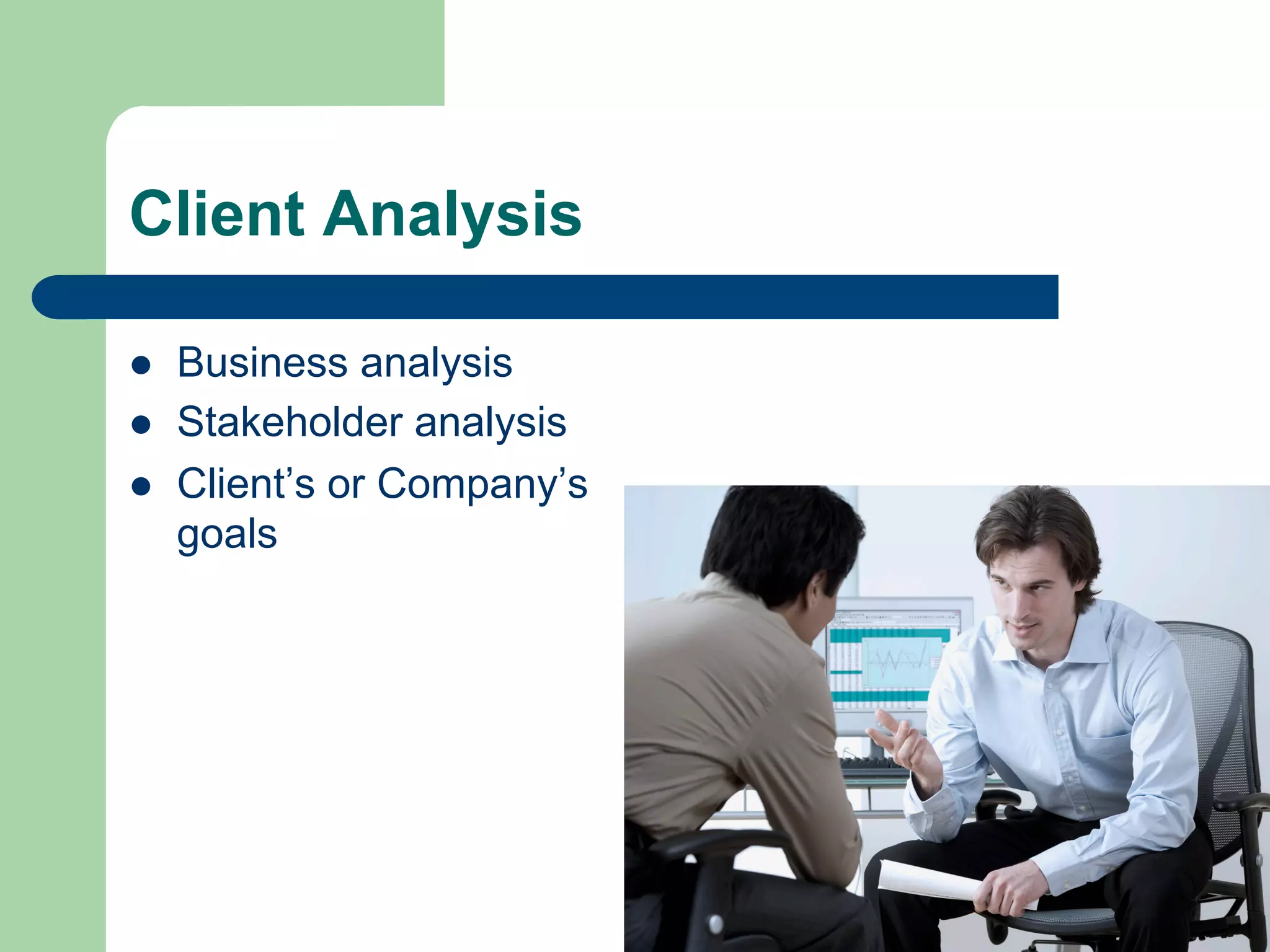
Client Analysis

l    Business analysis
l    Stakeholder analysis
l    Client’s or Company’s
      goals
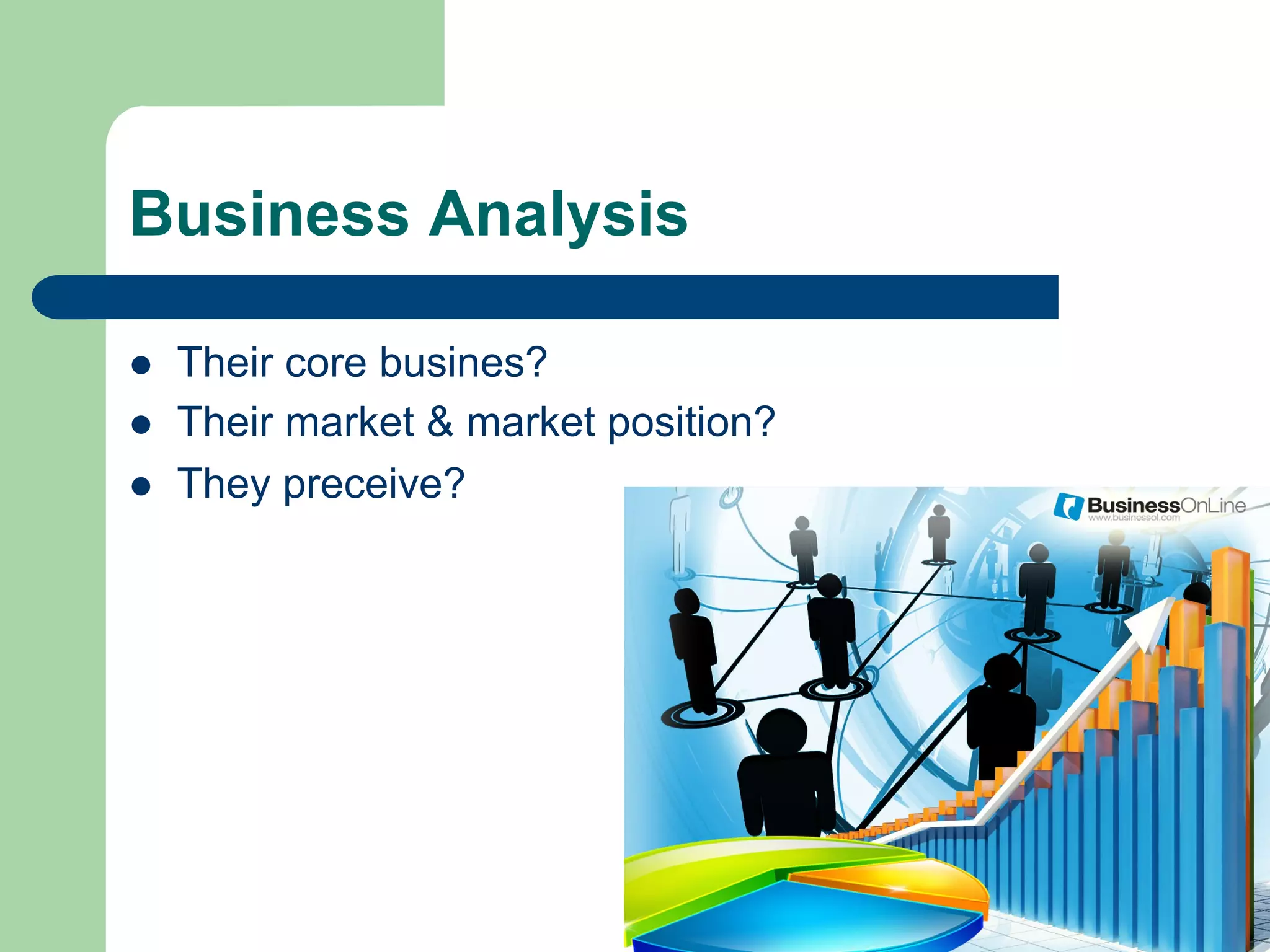
Business Analysis

l    Their core busines?
l    Their market & market position?
l    They preceive?
Stakeholder Analysis

l    Process of systematically gathering and
      analyzing qualitative information to determine
      whose interests should be taken into account
      when developing and implementing a
      multimedia product
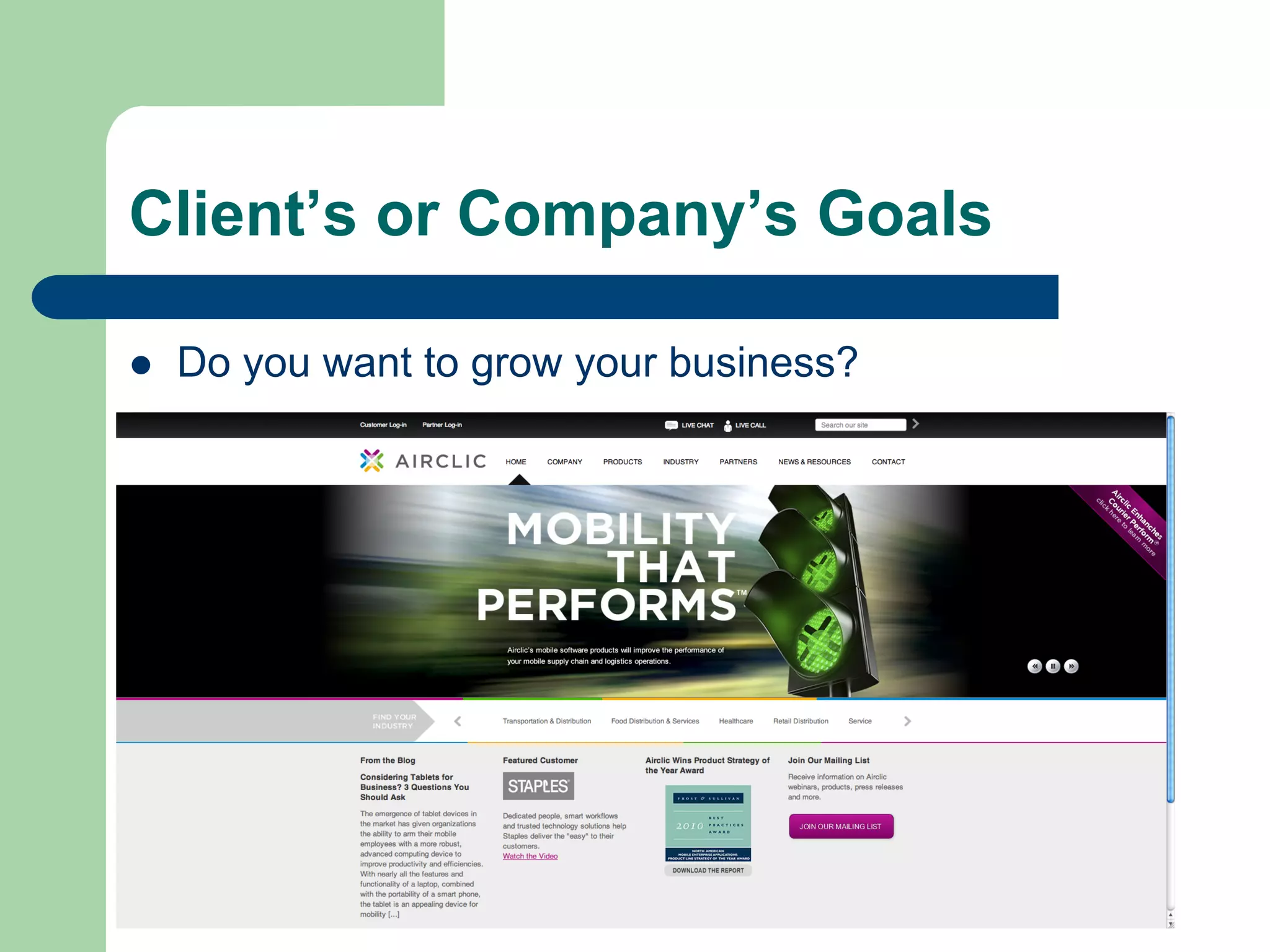
Client’s or Company’s Goals

l    Do you want to grow your business?
Client’s or Company’s Goals

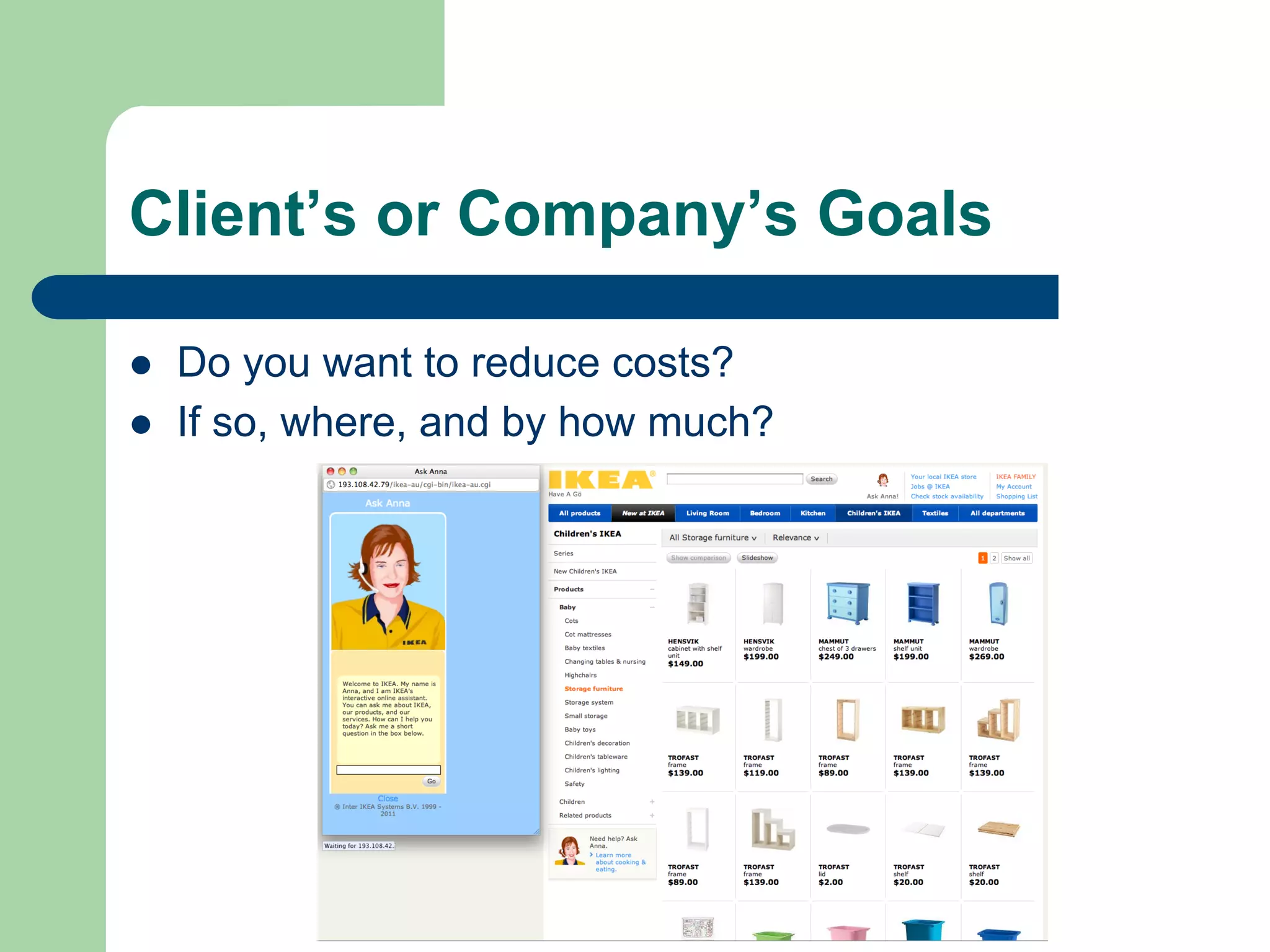
l    Do you want to reduce costs?
l    If so, where, and by how much?
Client’s or Company’s Goals

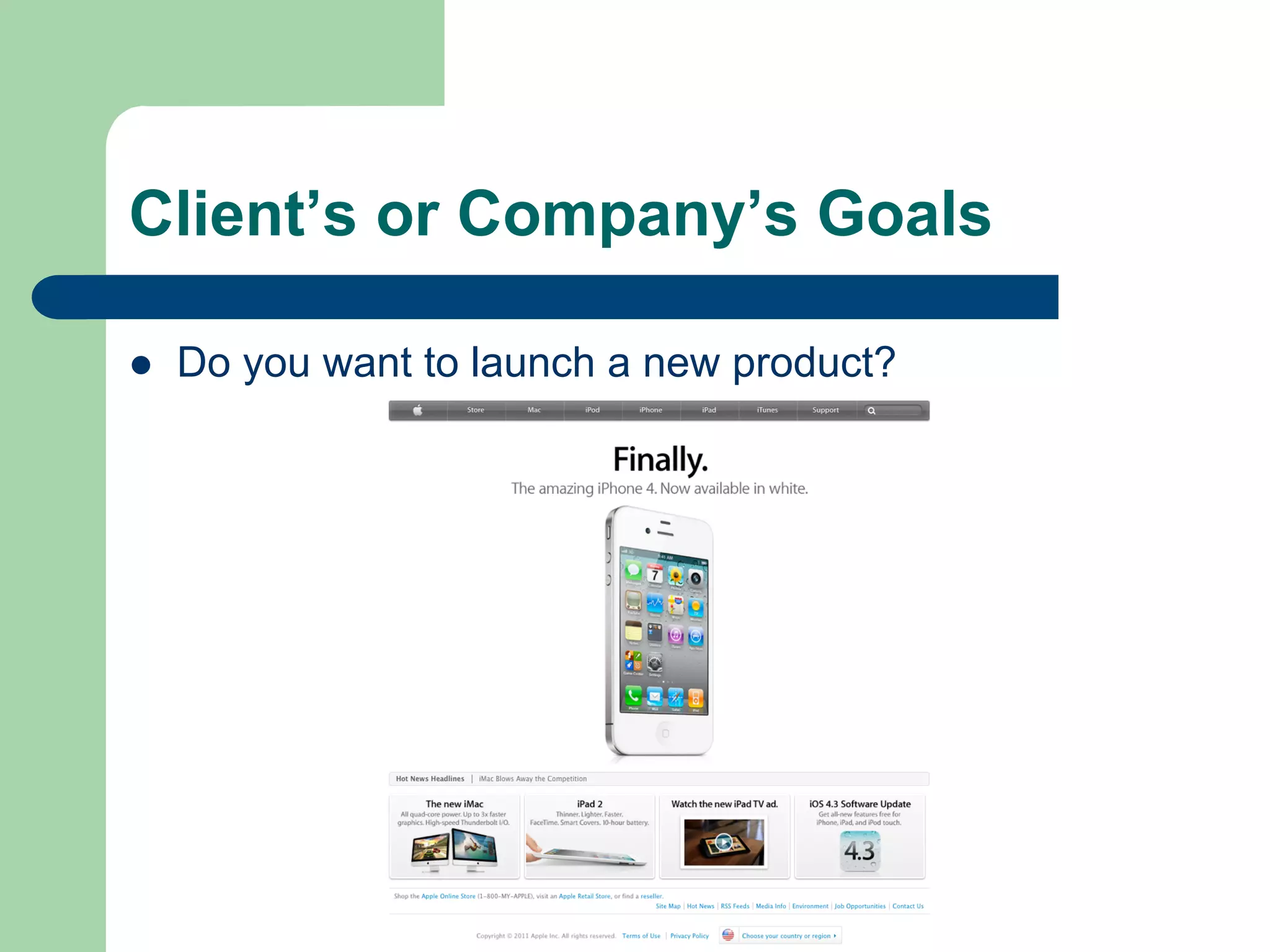
l    Do you want to launch a new product?
Client’s or Company’s Goals

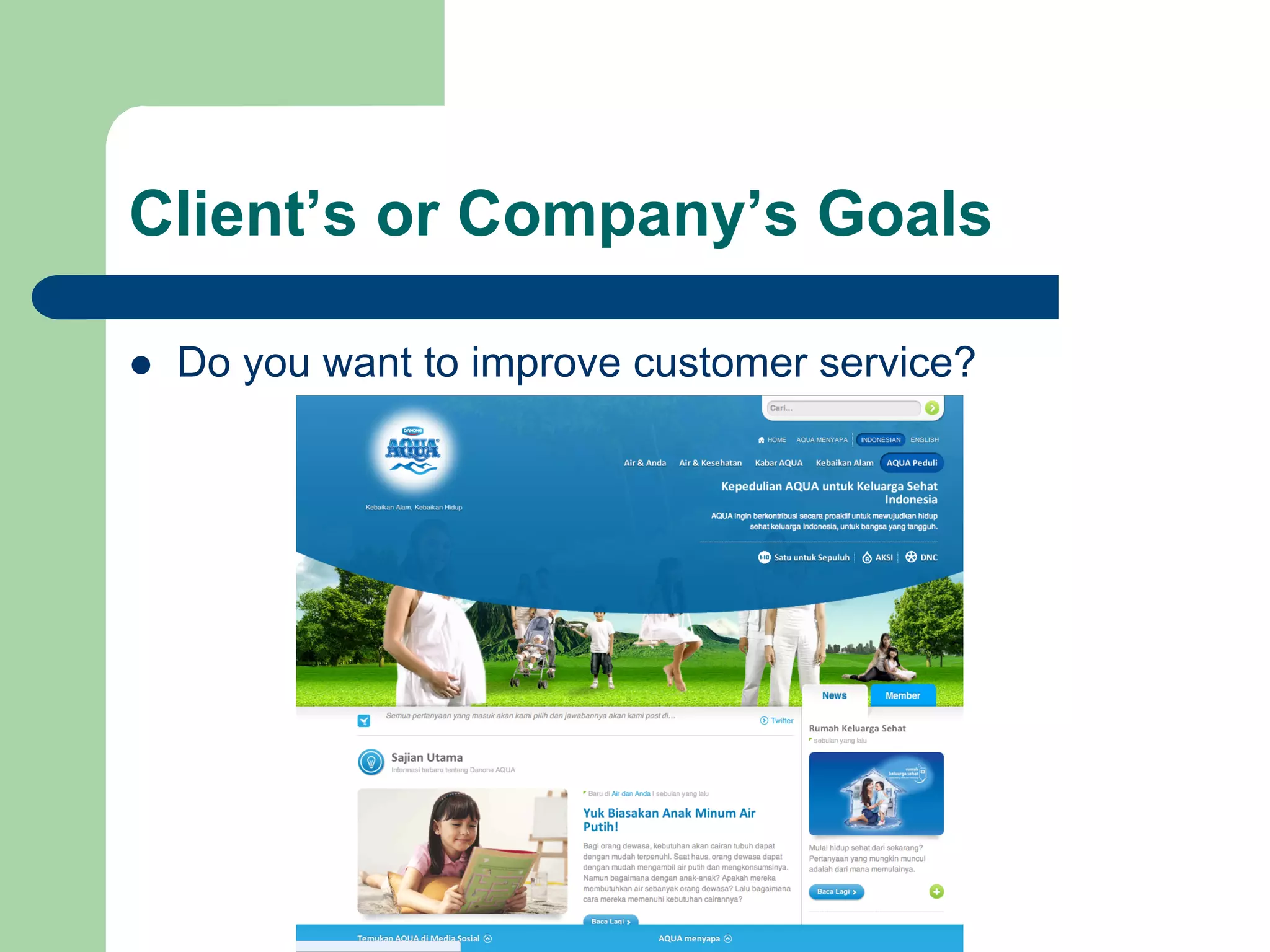
l    Do you want to improve customer service?
Client’s or Company’s Goals

l    Publicity or Online Advertising
l    Online Retailing
l    News and Information
l    Education
l    Community
l    Art
l    Entertainment
Audience Analysis

l    Demographics
l    Cognitive Ability
l    Perceptive Ability
l    Personality Types
l    Ability/Disability
Content Analysis

l    Text
l    Images : Photo, Logo, Symbol, Icon,
               Tables, Chart, Illustration
l    Audio : Podcast, Sound Effects, Ambient,
               Alerts
l    Video : Streaming or Non Streaming
Interface Analysis

l    Interaction Flowcharting
l    Real-World User Scenarios : How would
      person X expect this information to be
      organised. Does person Y find this layout to
      be stimulating, based on our demographic
      findings?
l    Usability Analysis : Standard support,
      Accessibility, Cross-platform support
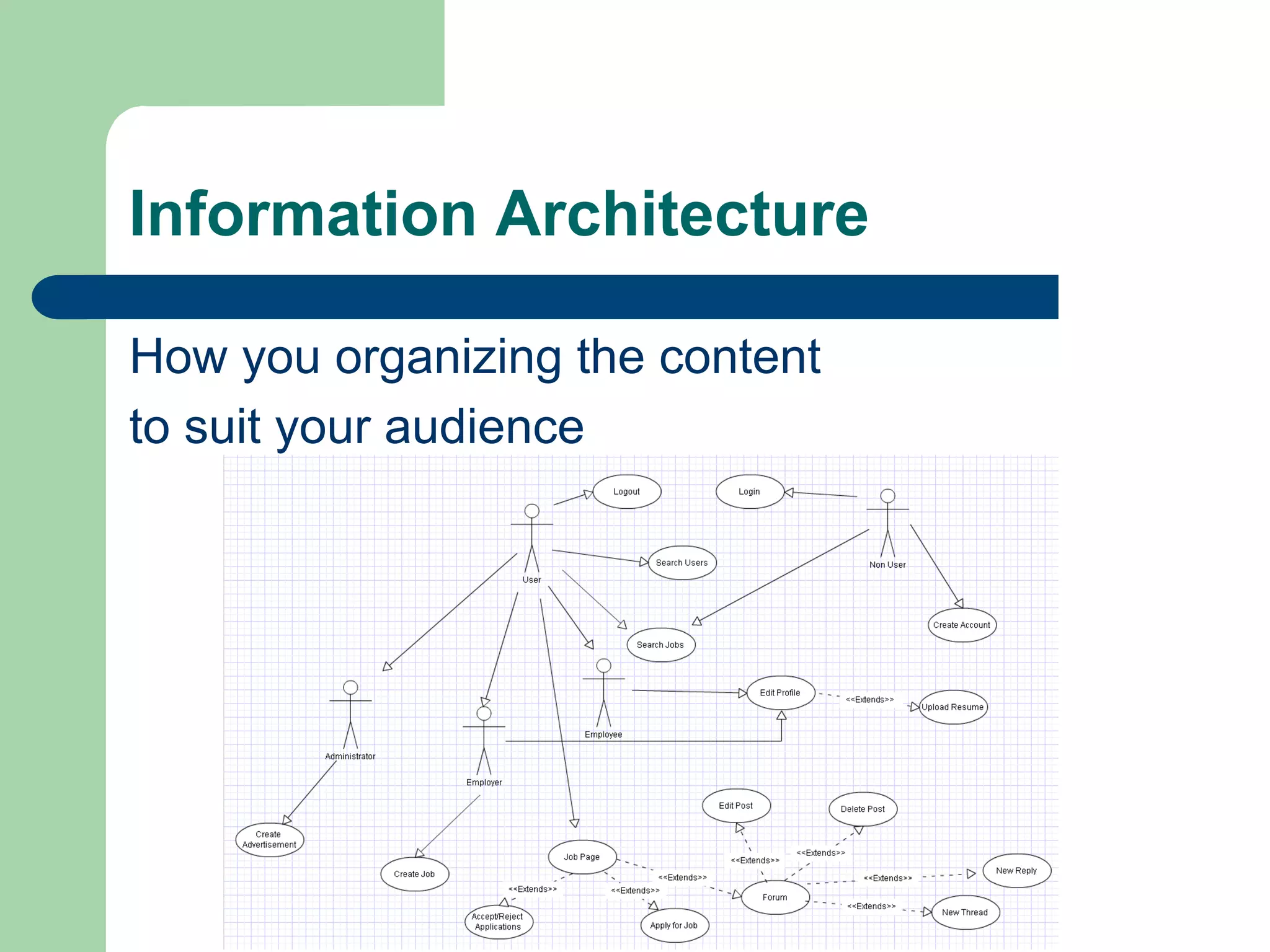
Information Architecture

How you organizing the content
to suit your audience
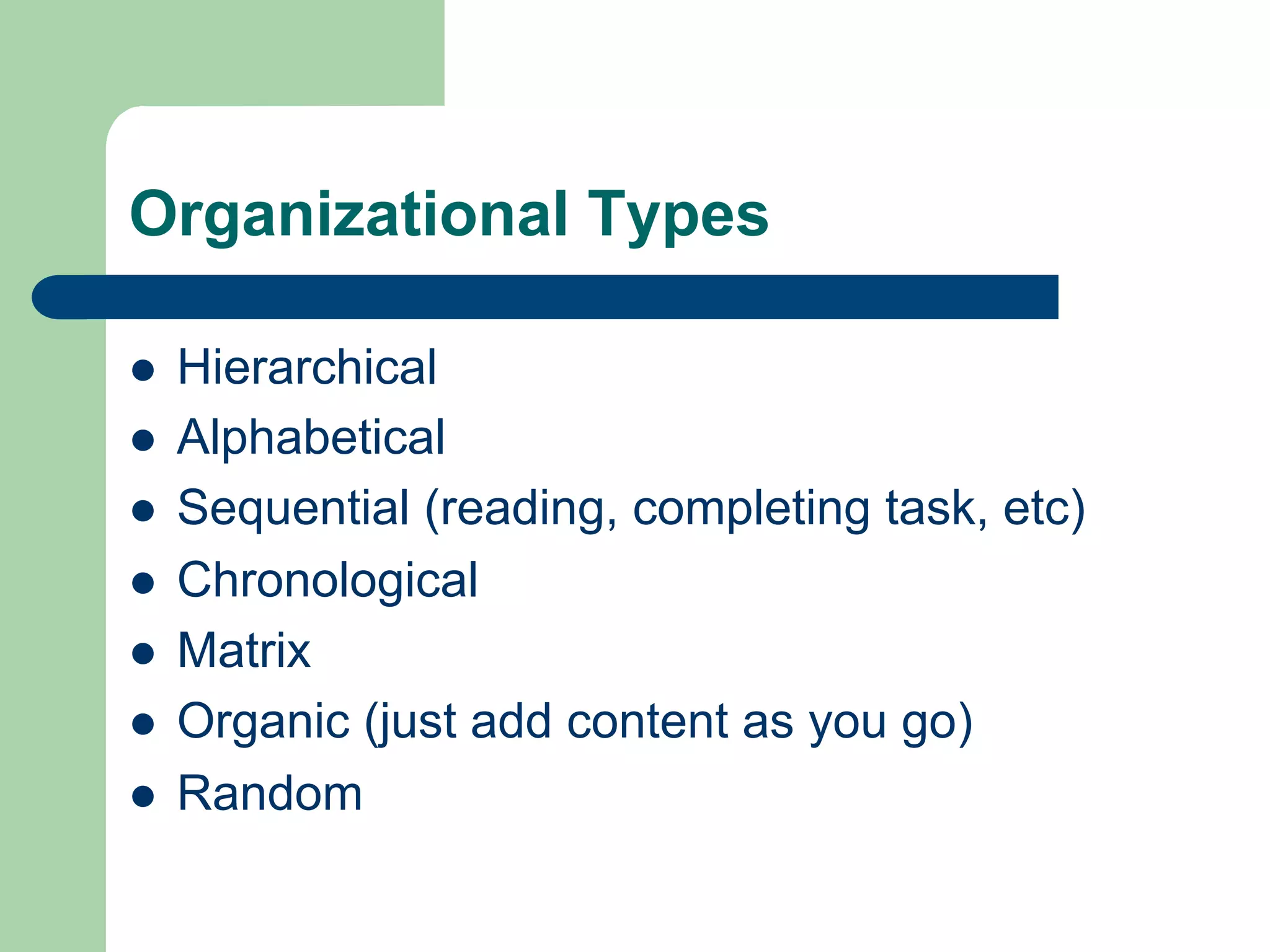
Organizational Types

l    Hierarchical
l    Alphabetical
l    Sequential (reading, completing task, etc)
l    Chronological
l    Matrix
l    Organic (just add content as you go)
l    Random
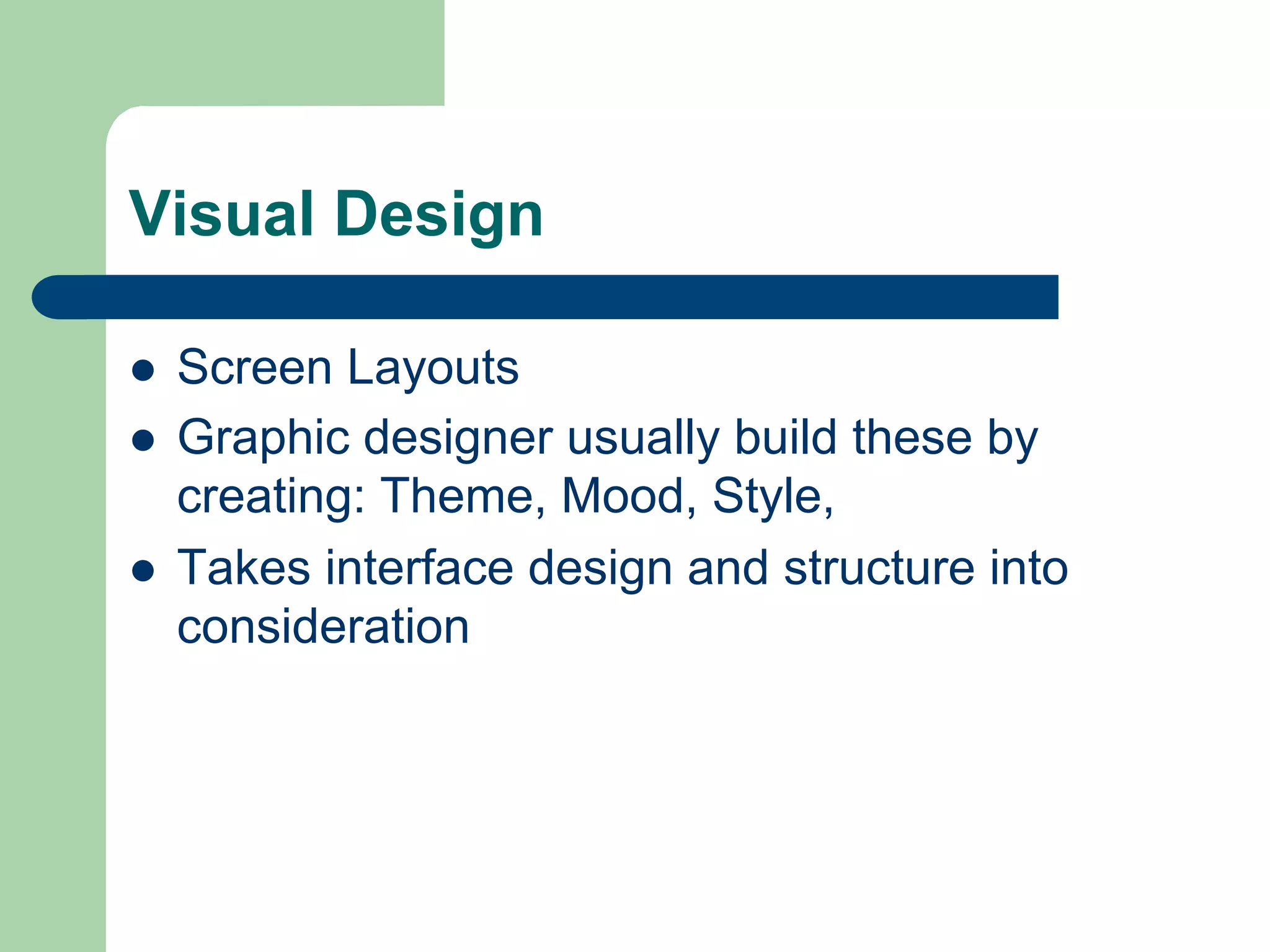
Visual Design

l    Screen Layouts
l    Graphic designer usually build these by
      creating: Theme, Mood, Style,
l    Takes interface design and structure into
      consideration

Planning Your Multimedia Presentation

  • 1.
    Planning your Multimedia Presentation Week 1 P420 - 1 CMLA Multimedia Presentation for Public Relations Swiss German University Indonesia
  • 2.
  • 3.
  • 4.
    Multimedia is usuallysmaller and less expensive
  • 5.
    Multimedia development isa project based process
  • 6.
    Planning your multimedia l  Successful multimedia are built from a plan and they are successful because of the plan l  It may save time, money, effort and lots of potential agony. l  80% planning and 20% production
  • 7.
    Phases of MultimediaDevelopment l  Planning your multimedia product l  Develop the multimedia product l  Implement the multimedia presentation
  • 8.
    Planning the multimedia l  Develop the design strategy l  State the purpose l  Identify the target audience l  Develop specifications l  Create wireframes and storyboards l  Determine the organizational structure l  Design the navigational structure and user interface
  • 9.
    Develop multimedia presentation l  Develop the structure behind presentation l  Create the multimedia elements l  Add the content l  Write additional scripts
  • 10.
    Understanding the DesignStrategy l  To ensure the success of your multimedia product, all the people involved in its creation should collectively develop a design strategy l  It will help ensure that your multimedia evolves into a product that effectively achieves its purpose for the intended audience
  • 11.
    Purpose of yourmultimedia l  Before building your presentation, the purpose must be clearly stated and pervade the planning documents l  The purpose is defined further by the goals and objectives. l  Goals and objectives will guide the development process
  • 12.
    Sample Purpose Statement l  “The Website will give students access to all course requirements including a syllabus, list of assignments, due dates, and staff information. In addition, students will be able to communicate with one another via chat and e-mail as well as post messages to shared discussion board”
  • 13.
    Target Audience l  A multimedia presentation must always be designed with the target audience in mind. l  If you do not consider your audience in planning, your presentation will flop. l  It is more important to focus on the user and what the user wants that to focus on what you, the designer think is cool
  • 14.
    Multimedia Product Categories l  Static They are often designed to promote or provide information l  Dynamic Provides information and offer some form of interactivity such as e-mail, searches, questionnaire, and order processing
  • 15.
    The purpose andtarget audience largely determine the… l  Tone (ex. Humorous, serious, light, formal) l  Approach l  Metaphor (Theme) l  Emphasis
  • 16.
    Specifications of your presentation l  Playback system l  Multimedia Elements l  Functionality l  User Interface
  • 17.
    Client Analysis l  Business analysis l  Stakeholder analysis l  Client’s or Company’s goals
  • 18.
    Business Analysis l  Their core busines? l  Their market & market position? l  They preceive?
  • 19.
    Stakeholder Analysis l  Process of systematically gathering and analyzing qualitative information to determine whose interests should be taken into account when developing and implementing a multimedia product
  • 20.
    Client’s or Company’sGoals l  Do you want to grow your business?
  • 21.
    Client’s or Company’sGoals l  Do you want to reduce costs? l  If so, where, and by how much?
  • 22.
    Client’s or Company’sGoals l  Do you want to launch a new product?
  • 23.
    Client’s or Company’sGoals l  Do you want to improve customer service?
  • 24.
    Client’s or Company’sGoals l  Publicity or Online Advertising l  Online Retailing l  News and Information l  Education l  Community l  Art l  Entertainment
  • 25.
    Audience Analysis l  Demographics l  Cognitive Ability l  Perceptive Ability l  Personality Types l  Ability/Disability
  • 26.
    Content Analysis l  Text l  Images : Photo, Logo, Symbol, Icon, Tables, Chart, Illustration l  Audio : Podcast, Sound Effects, Ambient, Alerts l  Video : Streaming or Non Streaming
  • 27.
    Interface Analysis l  Interaction Flowcharting l  Real-World User Scenarios : How would person X expect this information to be organised. Does person Y find this layout to be stimulating, based on our demographic findings? l  Usability Analysis : Standard support, Accessibility, Cross-platform support
  • 28.
    Information Architecture How youorganizing the content to suit your audience
  • 29.
    Organizational Types l  Hierarchical l  Alphabetical l  Sequential (reading, completing task, etc) l  Chronological l  Matrix l  Organic (just add content as you go) l  Random
  • 30.
    Visual Design l  Screen Layouts l  Graphic designer usually build these by creating: Theme, Mood, Style, l  Takes interface design and structure into consideration