E-commerce, Rules and Relevance
Lucidworks Webinar
Webinar Agenda
• Search Relevancy and E-commerce
• Introduce Lucidworks Rules Editor
• Overview of UI
• Rule types and triggers
• Demonstration of Features
• Rules Under the Hood
• Questions and Answers
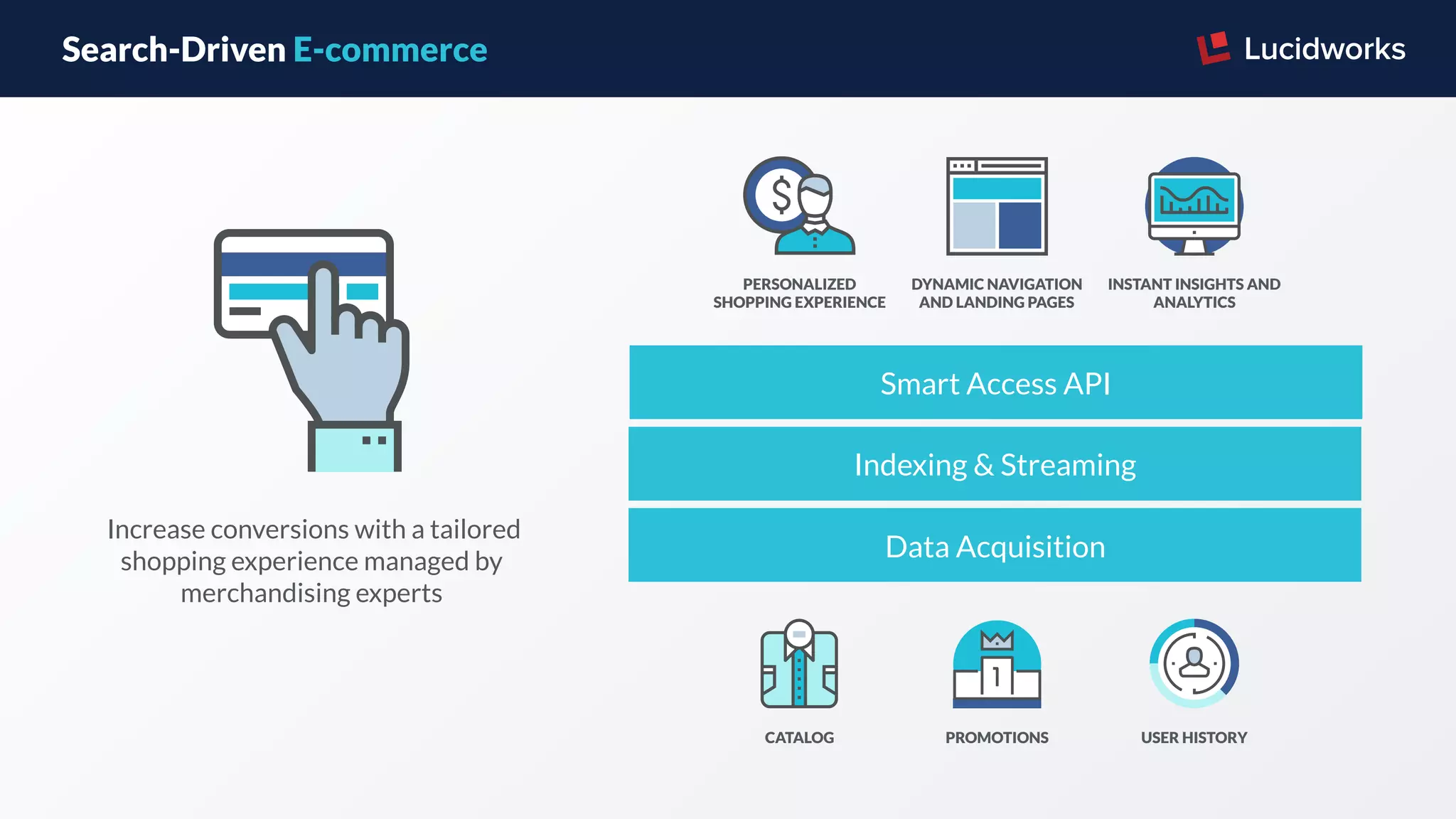
Search-Driven E-commerce
 Increase conversions with a tailored
shopping experience managed by
merchandising experts
CATALOG
DYNAMIC NAVIGATION
AND LANDING PAGES
INSTANT INSIGHTS AND
ANALYTICS
PERSONALIZED
SHOPPING EXPERIENCE
PROMOTIONS USER HISTORY
Data Acquisition
Indexing & Streaming
Smart Access API
What is Relevancy?
Connecting customers to the
products they are interested in
Putting the most relevant
information at the top
Relevancy Drivers
Search Terms
Phrase Matching
Likes (Product Reviews)
Date (Product Launches)
Spellchecking
Auto Suggestions
Signals & Machine Learning
Business Rules
Are a complementary relevancy
tool that can enable a
merchandising expert to more
precisely control the search
experience
Lucidworks Rules Editor Business
Rules for the Fusion Search
Platform
Manage your business
rules in one UI
Powerful features and
simple to use
Includes multiple rule types
and triggers
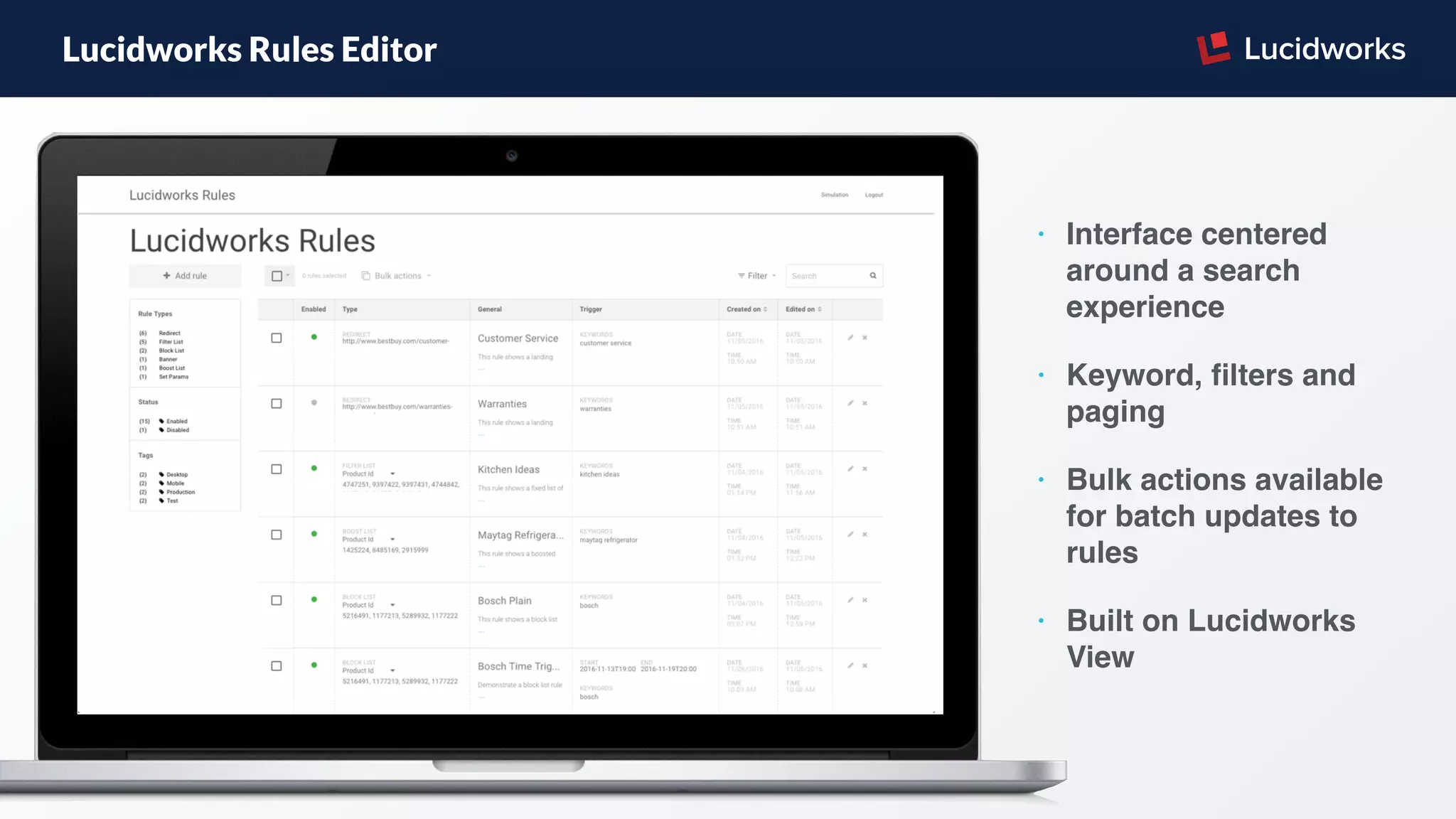
Lucidworks Rules Editor
• Interface centered
around a search
experience
• Keyword, filters and
paging
• Bulk actions available
for batch updates to
rules
• Built on Lucidworks
View
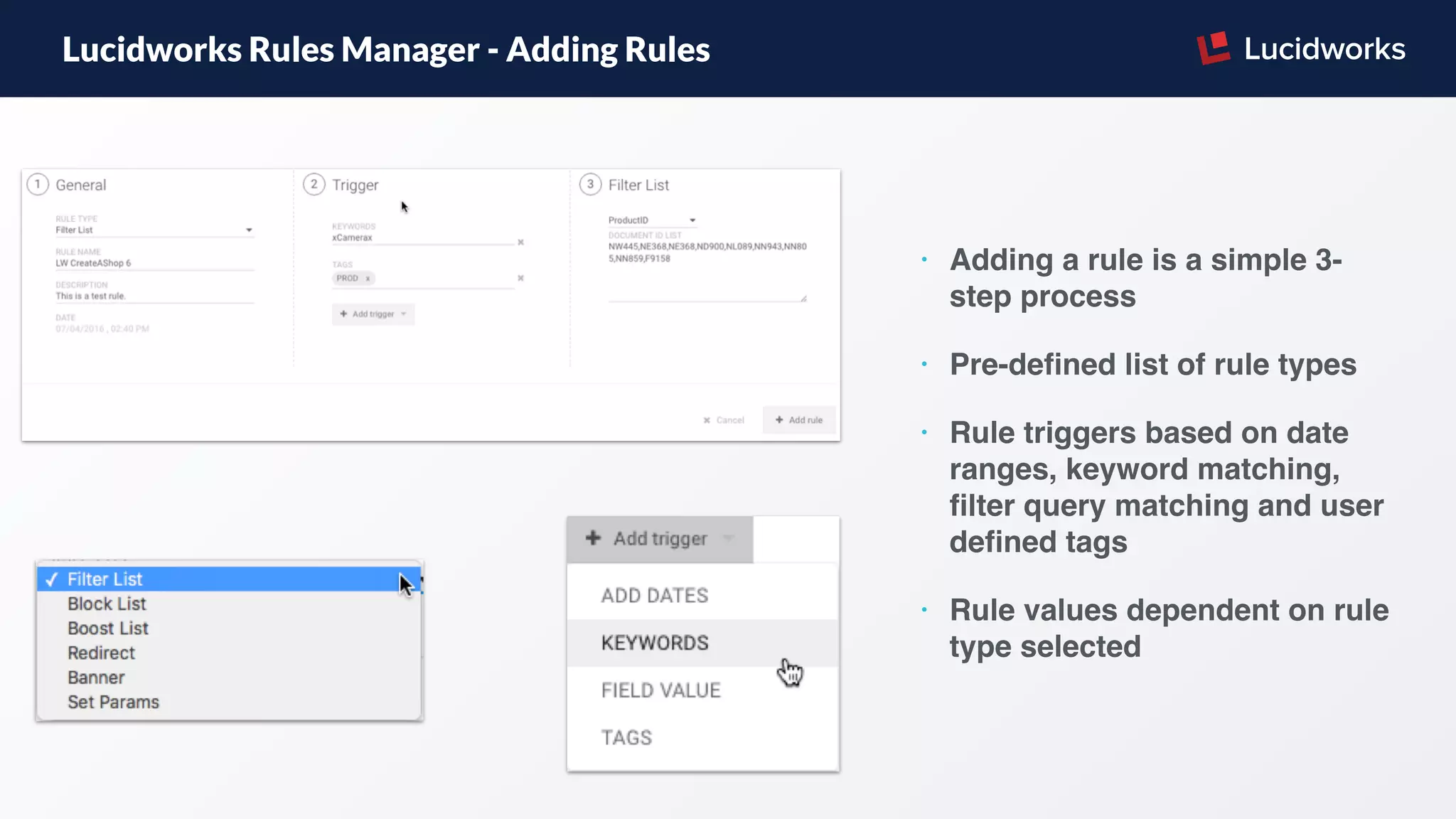
Lucidworks Rules Manager - Adding Rules
• Adding a rule is a simple 3-
step process
• Pre-defined list of rule types
• Rule triggers based on date
ranges, keyword matching,
filter query matching and user
defined tags
• Rule values dependent on rule
type selected
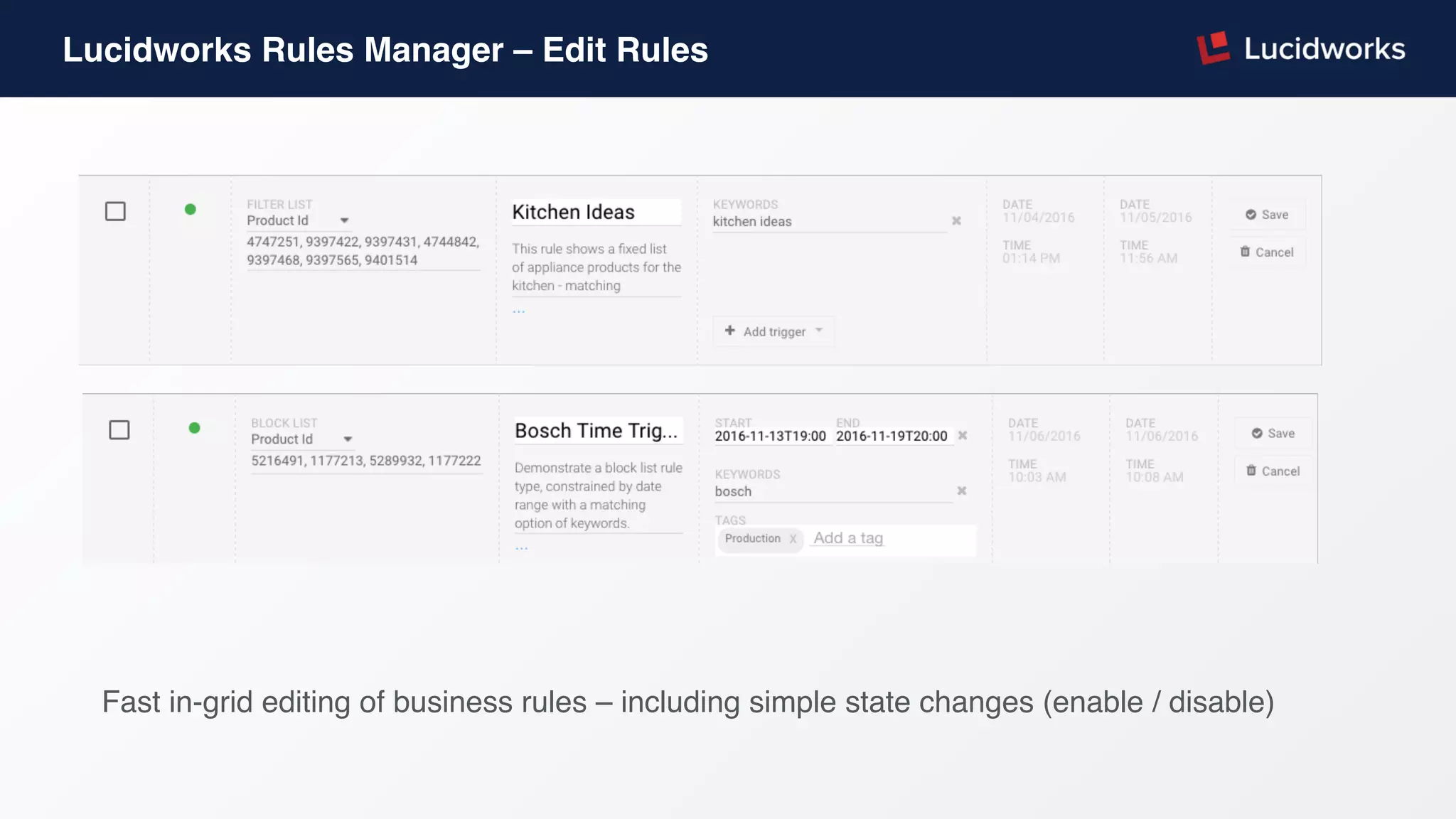
Lucidworks Rules Manager – Edit Rules
Fast in-grid editing of business rules – including simple state changes (enable / disable)
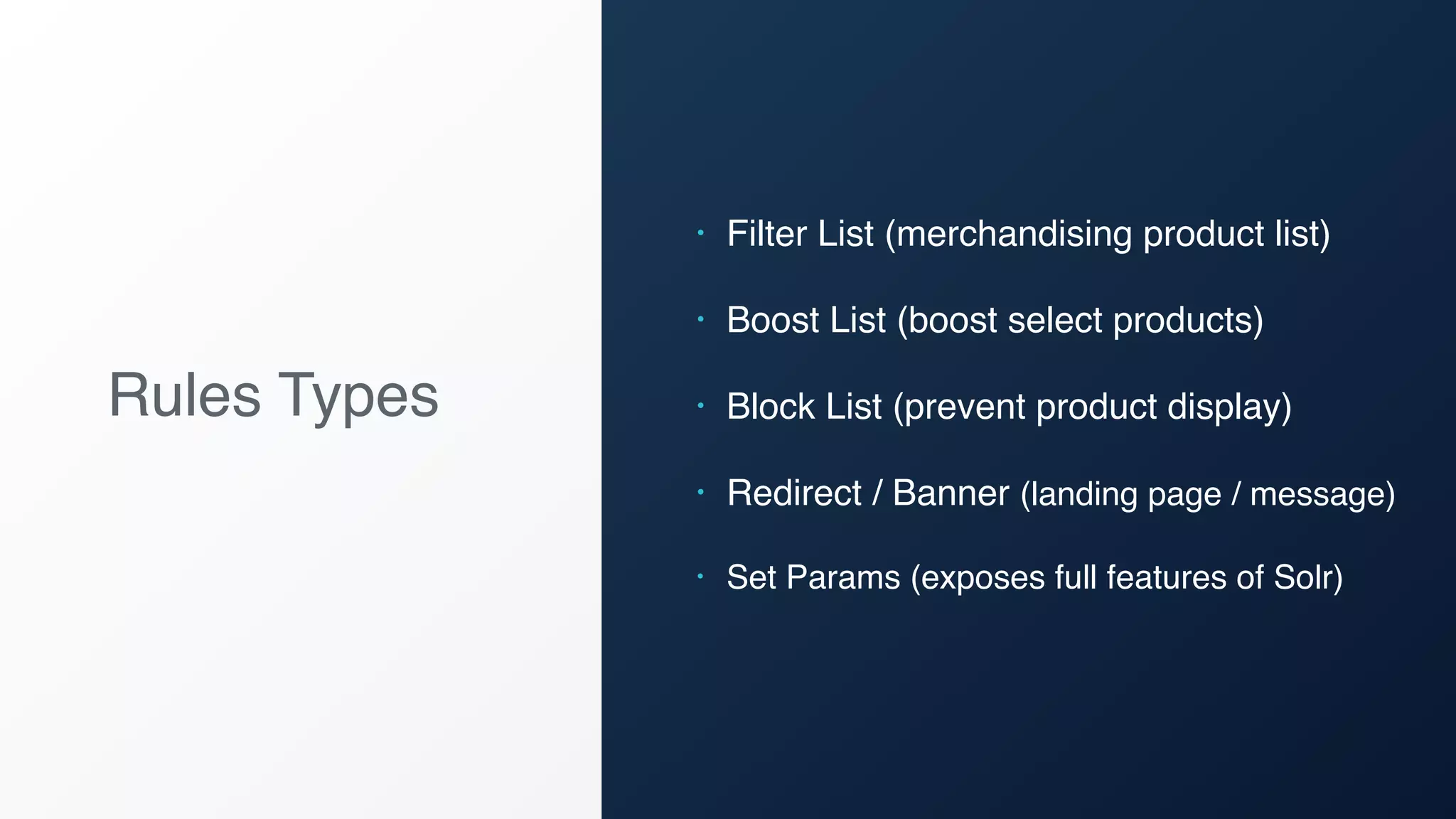
Rules Types
• Filter List (merchandising product list)
• Boost List (boost select products)
• Block List (prevent product display)
• Redirect / Banner (landing page / message)
• Set Params (exposes full features of Solr)
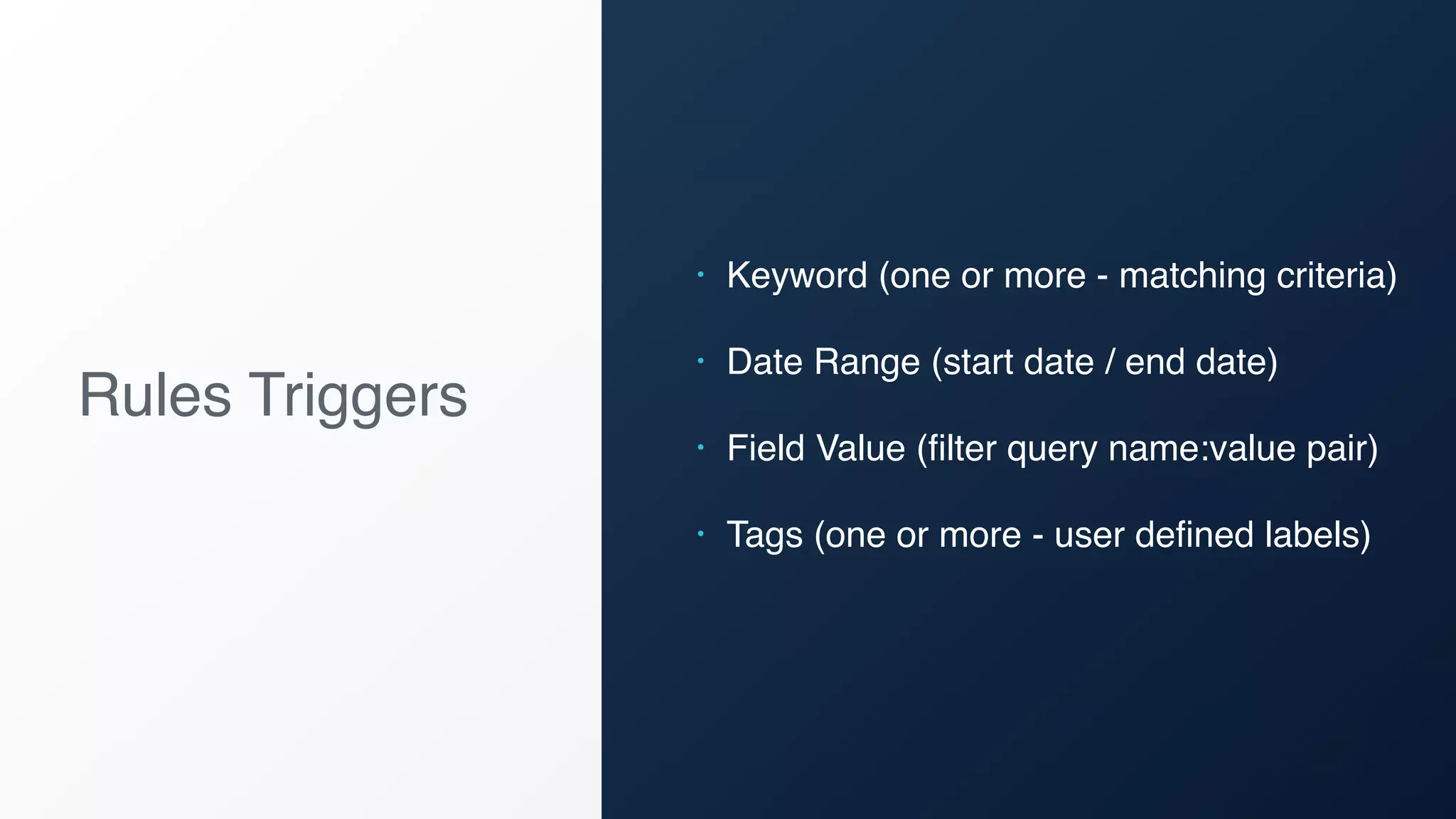
Rules Triggers
• Keyword (one or more - matching criteria)
• Date Range (start date / end date)
• Field Value (filter query name:value pair)
• Tags (one or more - user defined labels)
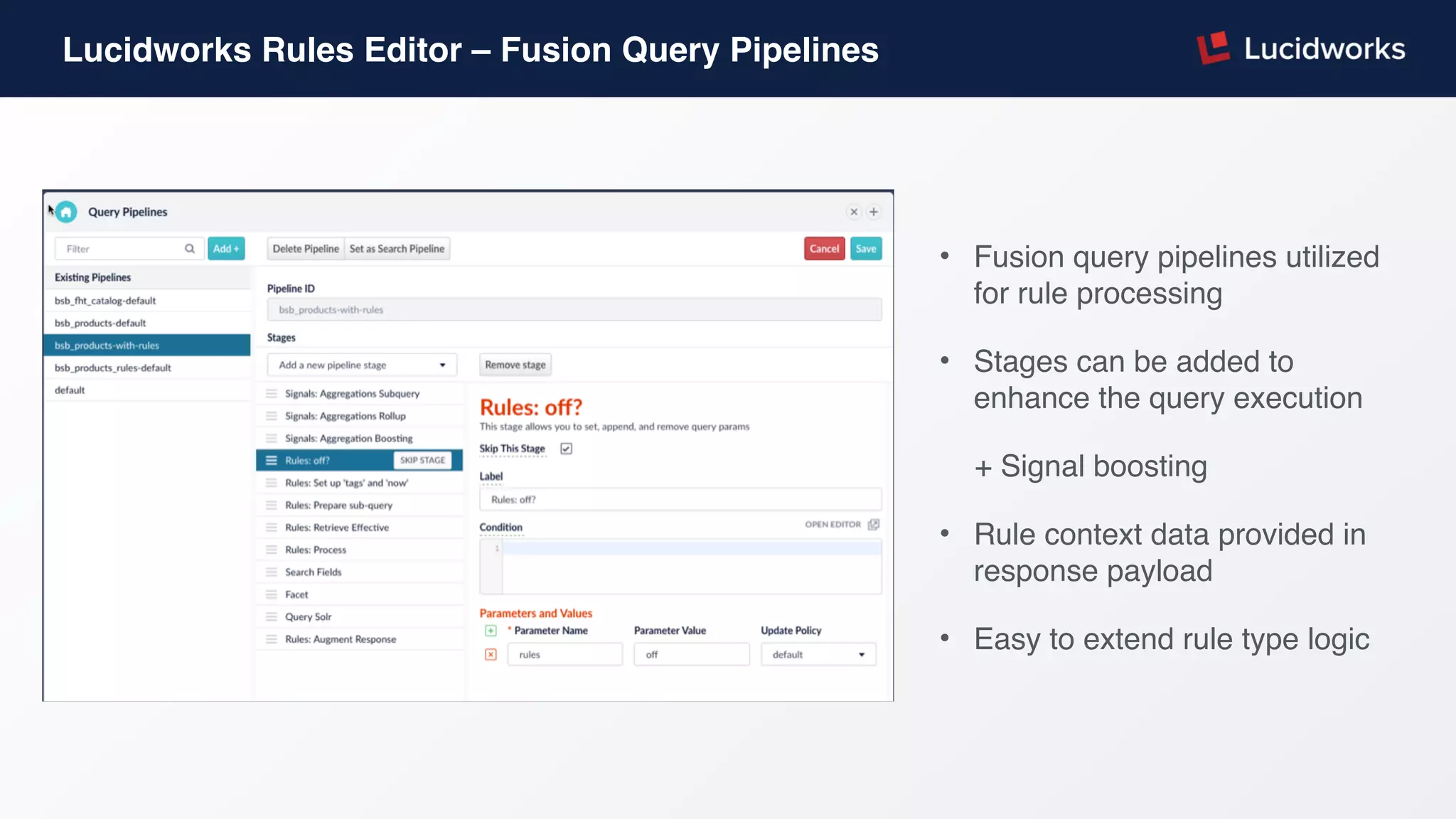
Lucidworks Rules Editor – Fusion Query Pipelines
• Fusion query pipelines utilized
for rule processing
• Stages can be added to
enhance the query execution
+ Signal boosting
• Rule context data provided in
response payload
• Easy to extend rule type logic
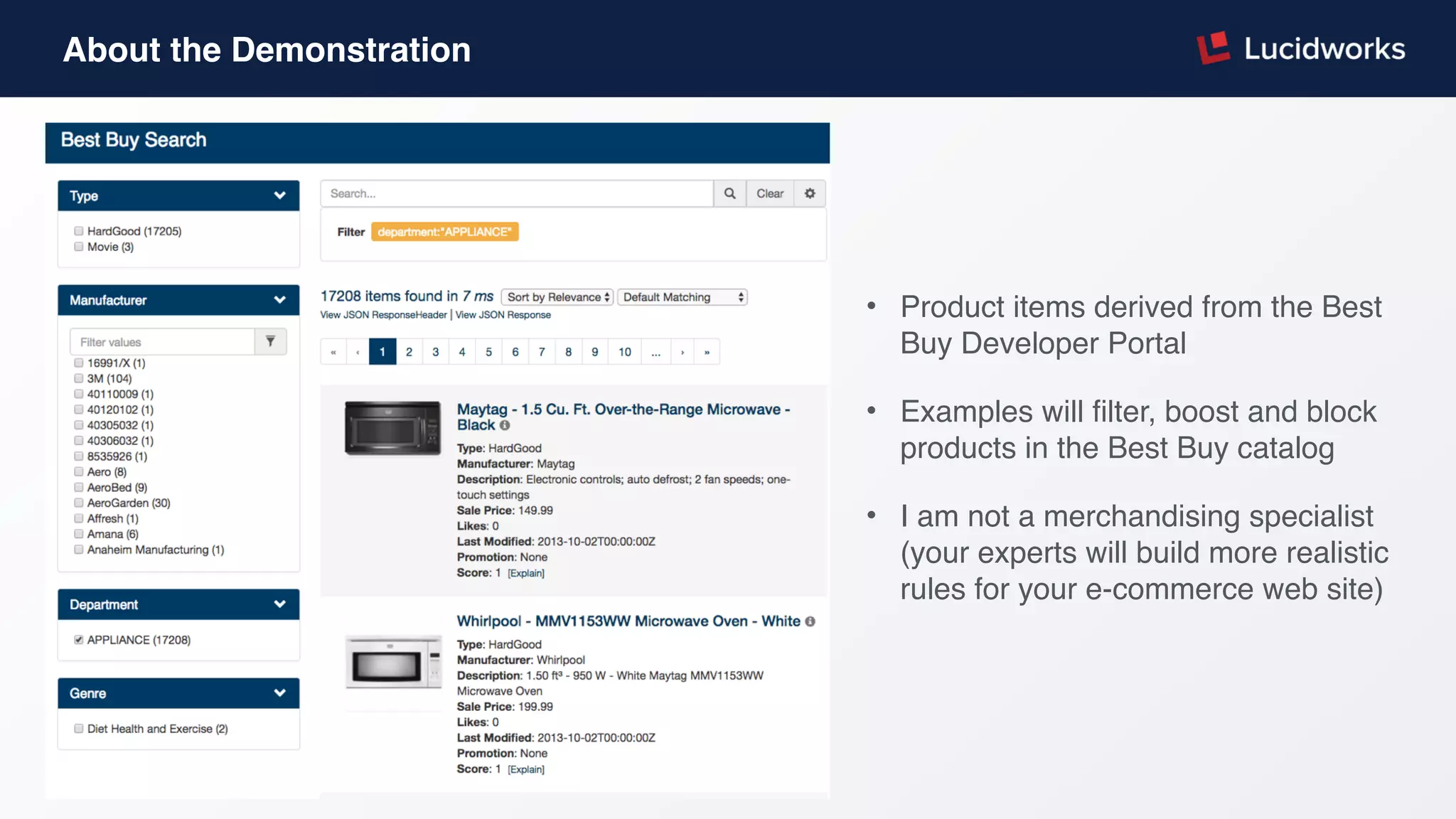
About the Demonstration
• Product items derived from the Best
Buy Developer Portal
• Examples will filter, boost and block
products in the Best Buy catalog
• I am not a merchandising specialist
(your experts will build more realistic
rules for your e-commerce web site)
Lucidworks Rules Editor Demonstration
Rules “Under the Hood”
Rules Roadmap
• Expose the keyword trigger matching
selection through the UI
• A simulation UI will be enhanced further
• Support for field value selecting from an
combo-box UI component
• Integration of key rule features into the
Fusion core engine
Fusion Overview
Access data from anywhere to build intelligent, search-driven applications.
Thank You

Webinar: Ecommerce, Rules, and Relevance

  • 2.
    E-commerce, Rules andRelevance Lucidworks Webinar
  • 3.
    Webinar Agenda • SearchRelevancy and E-commerce • Introduce Lucidworks Rules Editor • Overview of UI • Rule types and triggers • Demonstration of Features • Rules Under the Hood • Questions and Answers
  • 4.
    Search-Driven E-commerce  Increase conversionswith a tailored shopping experience managed by merchandising experts CATALOG DYNAMIC NAVIGATION AND LANDING PAGES INSTANT INSIGHTS AND ANALYTICS PERSONALIZED SHOPPING EXPERIENCE PROMOTIONS USER HISTORY Data Acquisition Indexing & Streaming Smart Access API
  • 5.
    What is Relevancy? Connectingcustomers to the products they are interested in Putting the most relevant information at the top
  • 6.
    Relevancy Drivers Search Terms PhraseMatching Likes (Product Reviews) Date (Product Launches) Spellchecking Auto Suggestions Signals & Machine Learning
  • 7.
    Business Rules Are acomplementary relevancy tool that can enable a merchandising expert to more precisely control the search experience
  • 8.
    Lucidworks Rules EditorBusiness Rules for the Fusion Search Platform Manage your business rules in one UI Powerful features and simple to use Includes multiple rule types and triggers
  • 9.
    Lucidworks Rules Editor •Interface centered around a search experience • Keyword, filters and paging • Bulk actions available for batch updates to rules • Built on Lucidworks View
  • 10.
    Lucidworks Rules Manager- Adding Rules • Adding a rule is a simple 3- step process • Pre-defined list of rule types • Rule triggers based on date ranges, keyword matching, filter query matching and user defined tags • Rule values dependent on rule type selected
  • 11.
    Lucidworks Rules Manager– Edit Rules Fast in-grid editing of business rules – including simple state changes (enable / disable)
  • 12.
    Rules Types • FilterList (merchandising product list) • Boost List (boost select products) • Block List (prevent product display) • Redirect / Banner (landing page / message) • Set Params (exposes full features of Solr)
  • 13.
    Rules Triggers • Keyword(one or more - matching criteria) • Date Range (start date / end date) • Field Value (filter query name:value pair) • Tags (one or more - user defined labels)
  • 14.
    Lucidworks Rules Editor– Fusion Query Pipelines • Fusion query pipelines utilized for rule processing • Stages can be added to enhance the query execution + Signal boosting • Rule context data provided in response payload • Easy to extend rule type logic
  • 15.
    About the Demonstration •Product items derived from the Best Buy Developer Portal • Examples will filter, boost and block products in the Best Buy catalog • I am not a merchandising specialist (your experts will build more realistic rules for your e-commerce web site)
  • 16.
  • 17.
  • 18.
    Rules Roadmap • Exposethe keyword trigger matching selection through the UI • A simulation UI will be enhanced further • Support for field value selecting from an combo-box UI component • Integration of key rule features into the Fusion core engine
  • 19.
    Fusion Overview Access datafrom anywhere to build intelligent, search-driven applications. Thank You