Web Accessibility
   Gone Wilde v e n M!O R E
           w             No wilder
            Jared Smith
         http://webaim.org
Gone wild?
  Mistakes, misconceptions, over-
indulgences, minutia, and generally
   silly aspects of modern web
            accessibility
                ... or “How to FAIL at web accessibility”
Disclaimers
• There will be controversy and you
  may disagree.
• I’ll attempt to be an equal
  opportunity offender
• There’s little logic to the sequencing
  of topics
There is no typical user

   WebAIM surveys of screen reader
         user preferences
Accessibility > Compliance

   The mythical “accessible” web site doesn’t exist!

    Use guidelines as tools to achieve accessibility.

Your site can be fully compliant, yet totally inaccessible.
Focusing on True
Accessibility and Not Merely
        Compliance
Knowing That Accessibility is
      a Continuum
Alt text should present
CONTENT and FUNCTION

  Very rarely a description
•   alt=”bullet”
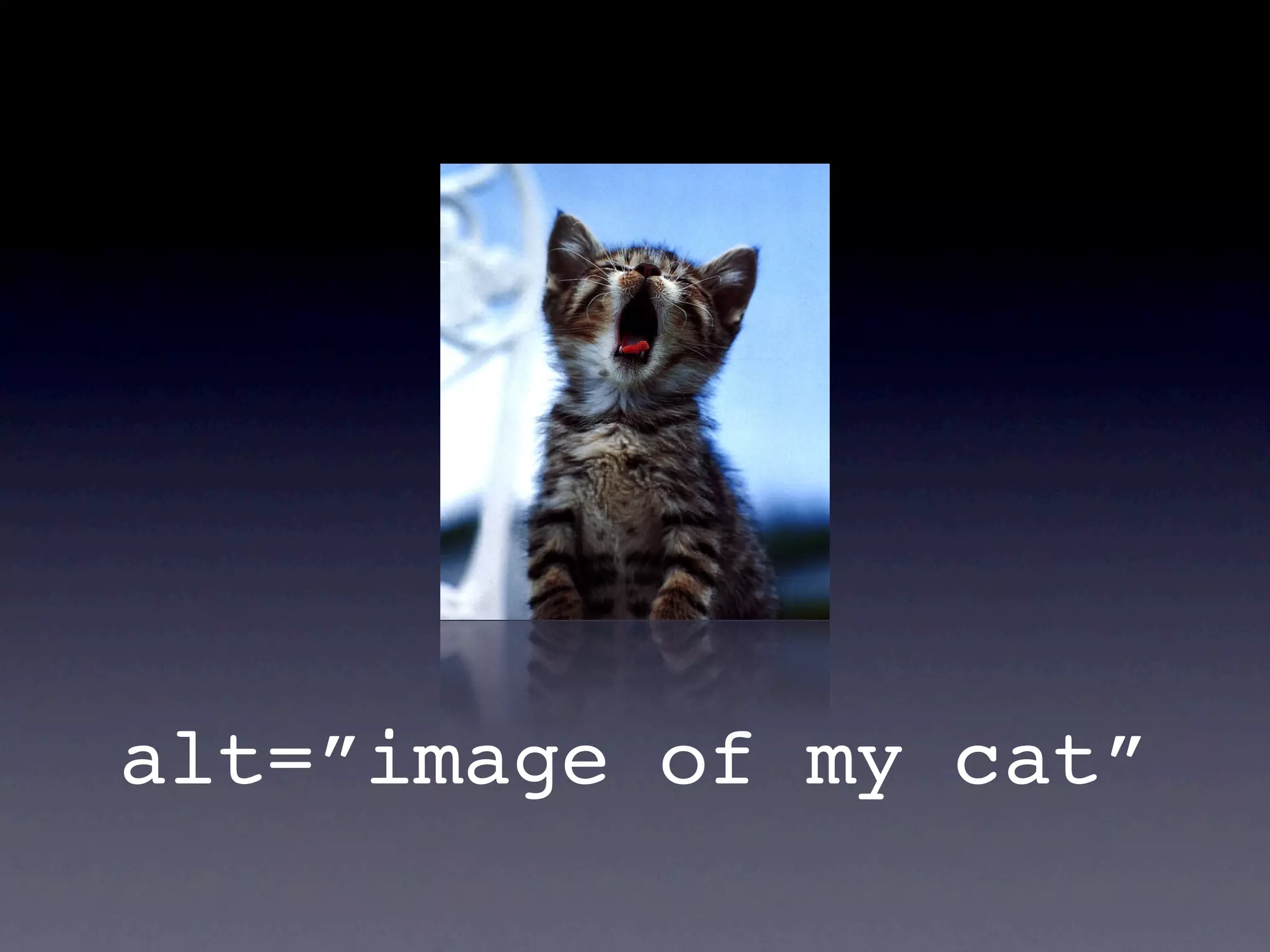
alt=”image of my cat”
Adding “image of...”, “graphic of...”, etc.
             to alt text
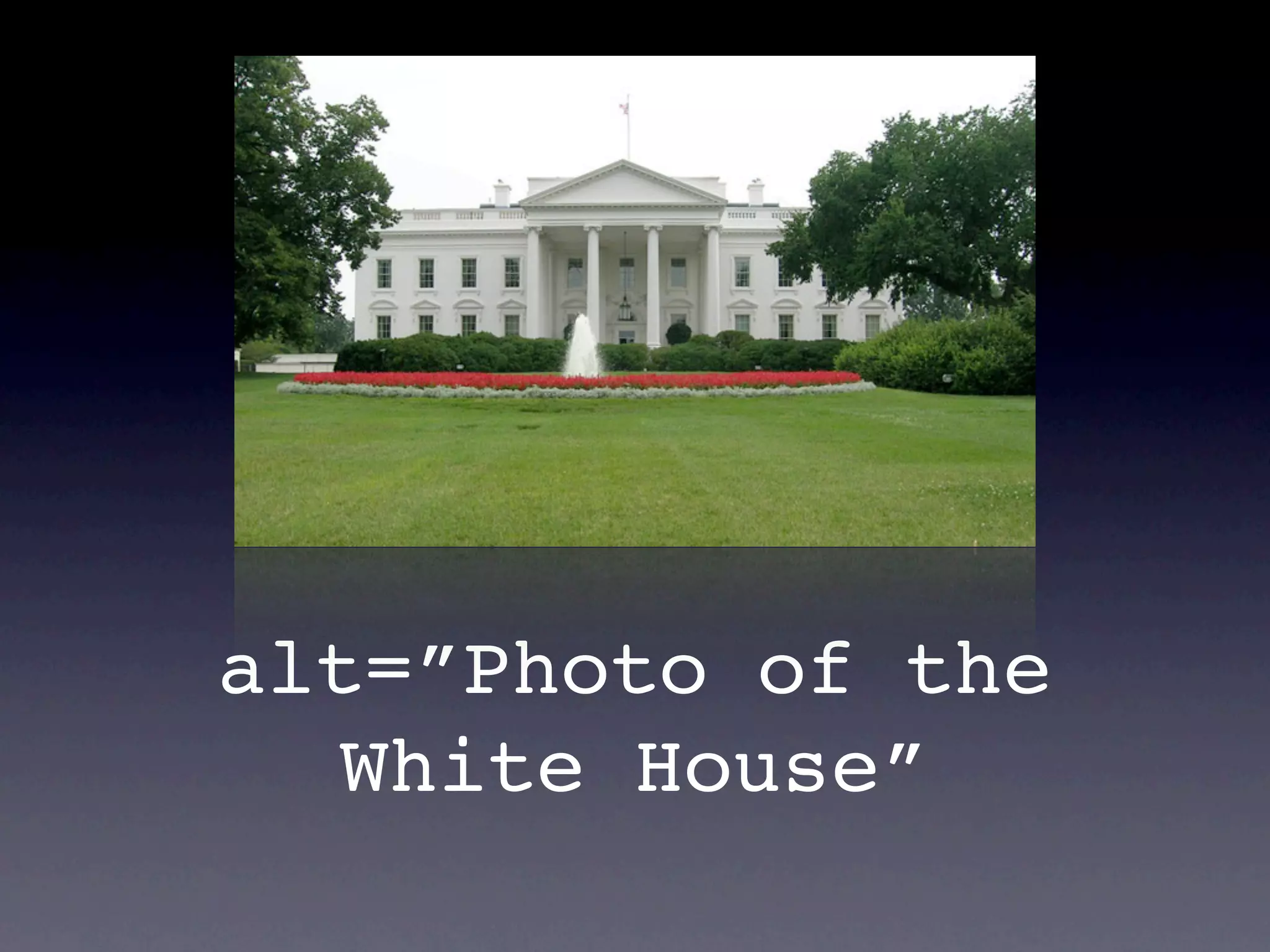
alt=”Photo of the
  White House”
alt=”Photo of the
    White House”


Is “Photo of...” necessary? It doesn’t really matter.
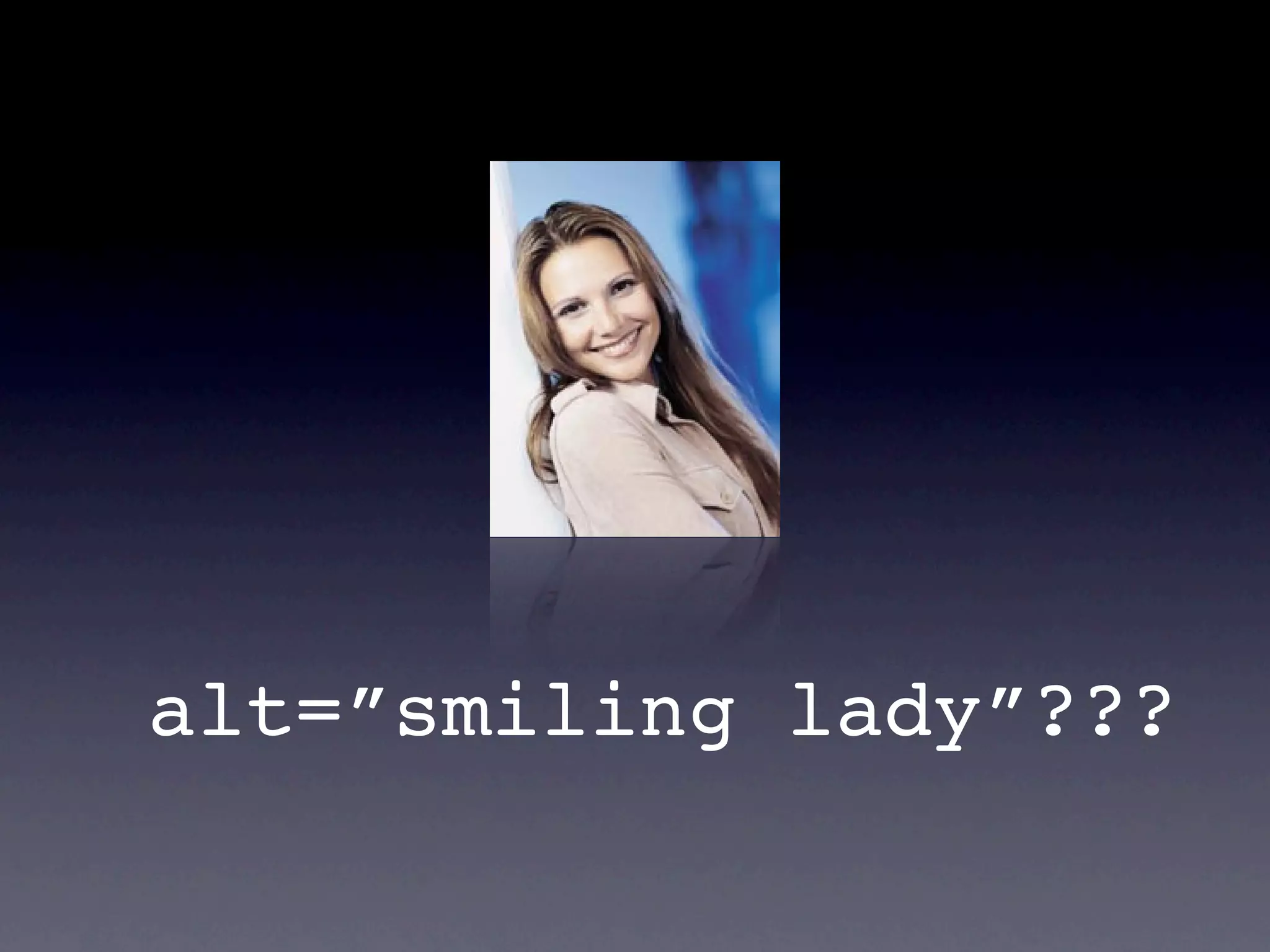
alt=”smiling lady”???
S urv e y say s . . .
“ P h o t o o f s m i l i ng l ad y ”
alt=”smiling lady”
Images that are the only thing within a link
           MUST have alt text


                         Image buttons and hot spots too
Logos that link to the home page
              alt=”WebAIM”
            alt=”WebAIM home”
            alt=”WebAIM logo”
alt=”WebAIM logo with link to home page”

           There’s no real consensus
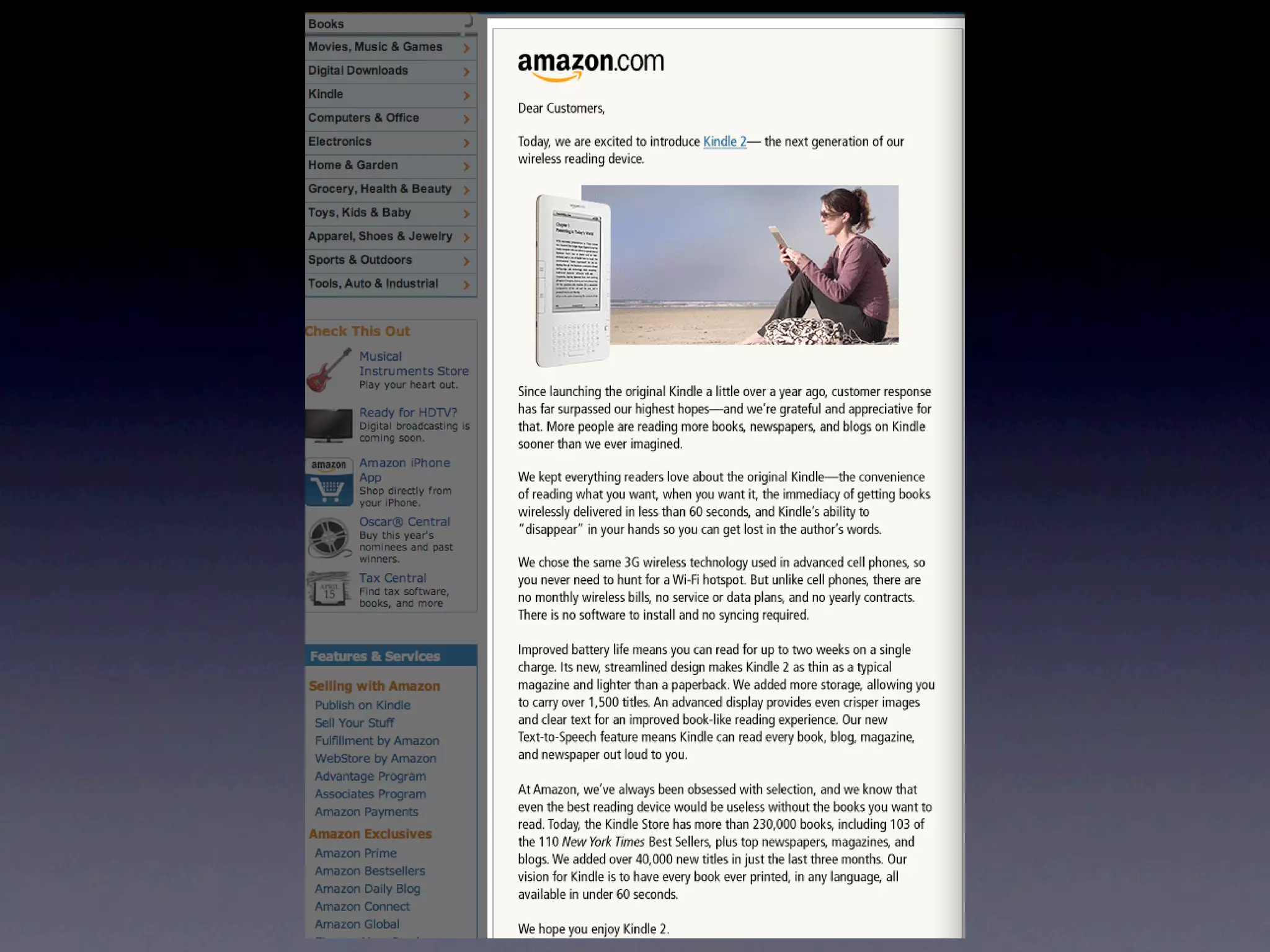
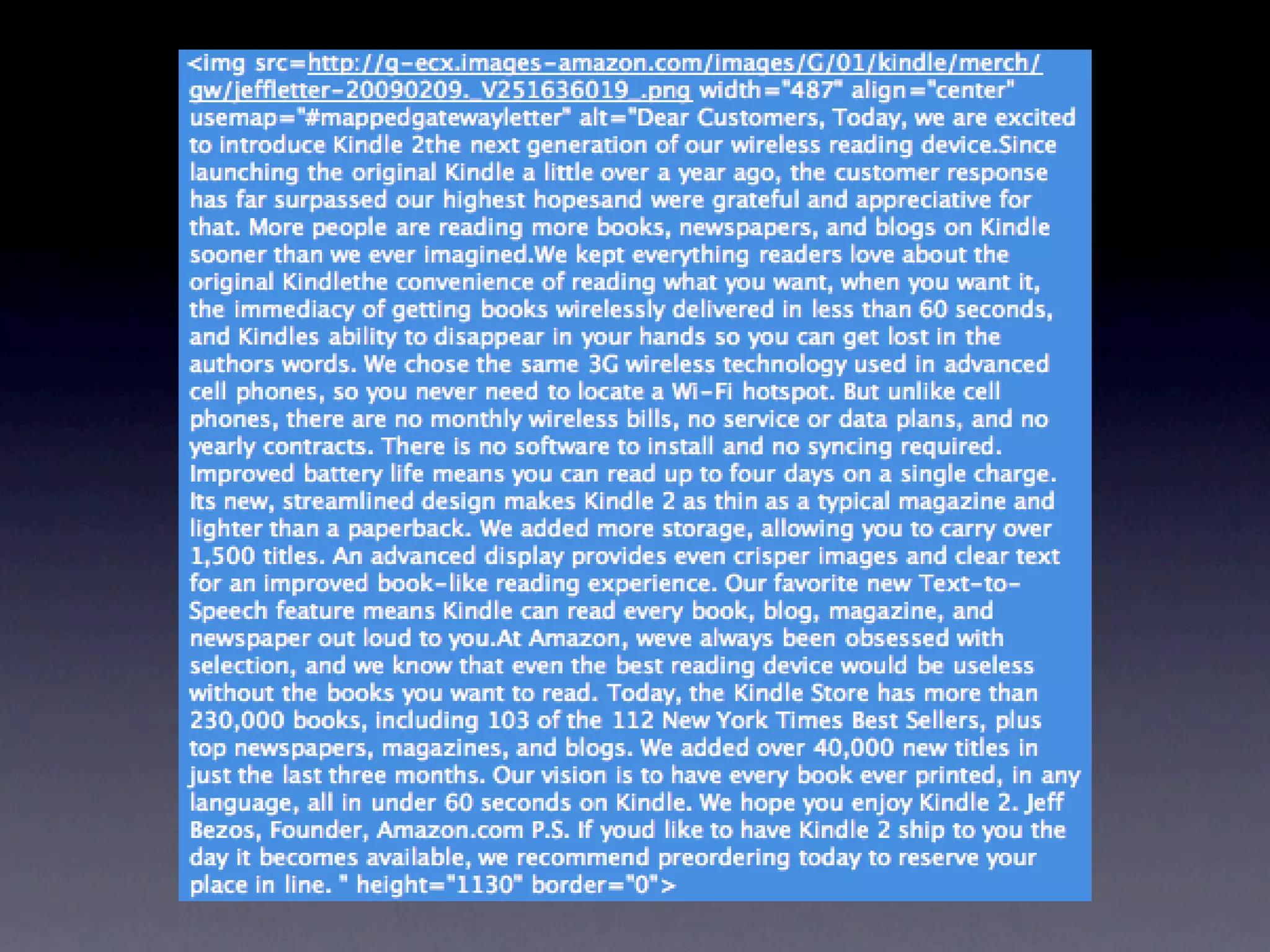
Overly long alt text...


Using real text instead of images
  (when it makes sense to)...
Providing a long description for EVERY complex image
       (focus on CONTENT and FUNCTION)


         Avoiding redundant alternative text
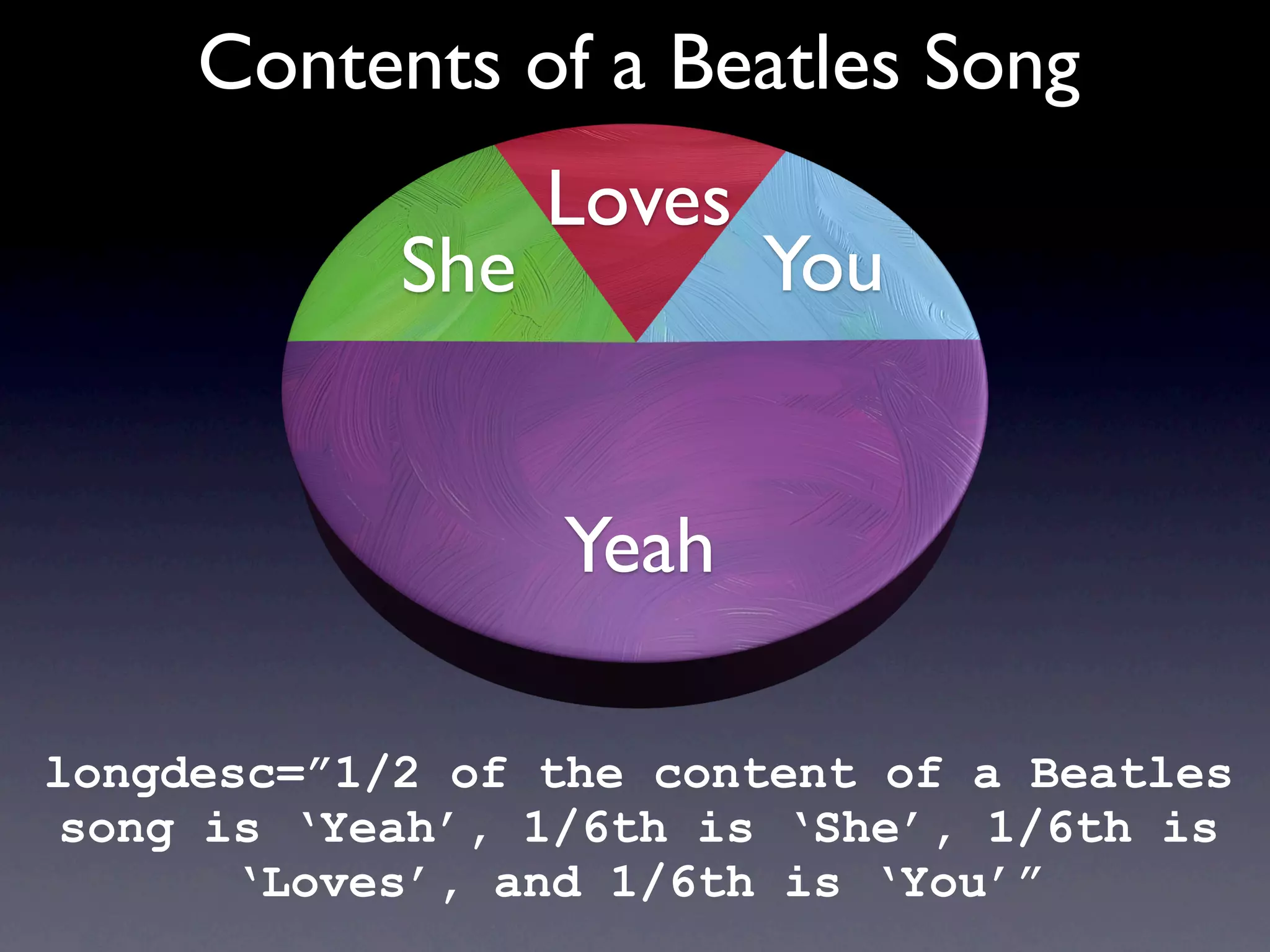
Contents of a Beatles Song
                  Loves
            She           You


                  Yeah

longdesc=”1/2 of the content of a Beatles
song is ‘Yeah’, 1/6th is ‘She’, 1/6th is
      ‘Loves’, and 1/6th is ‘You’”
Putting anything other than
    a URL in longdesc...
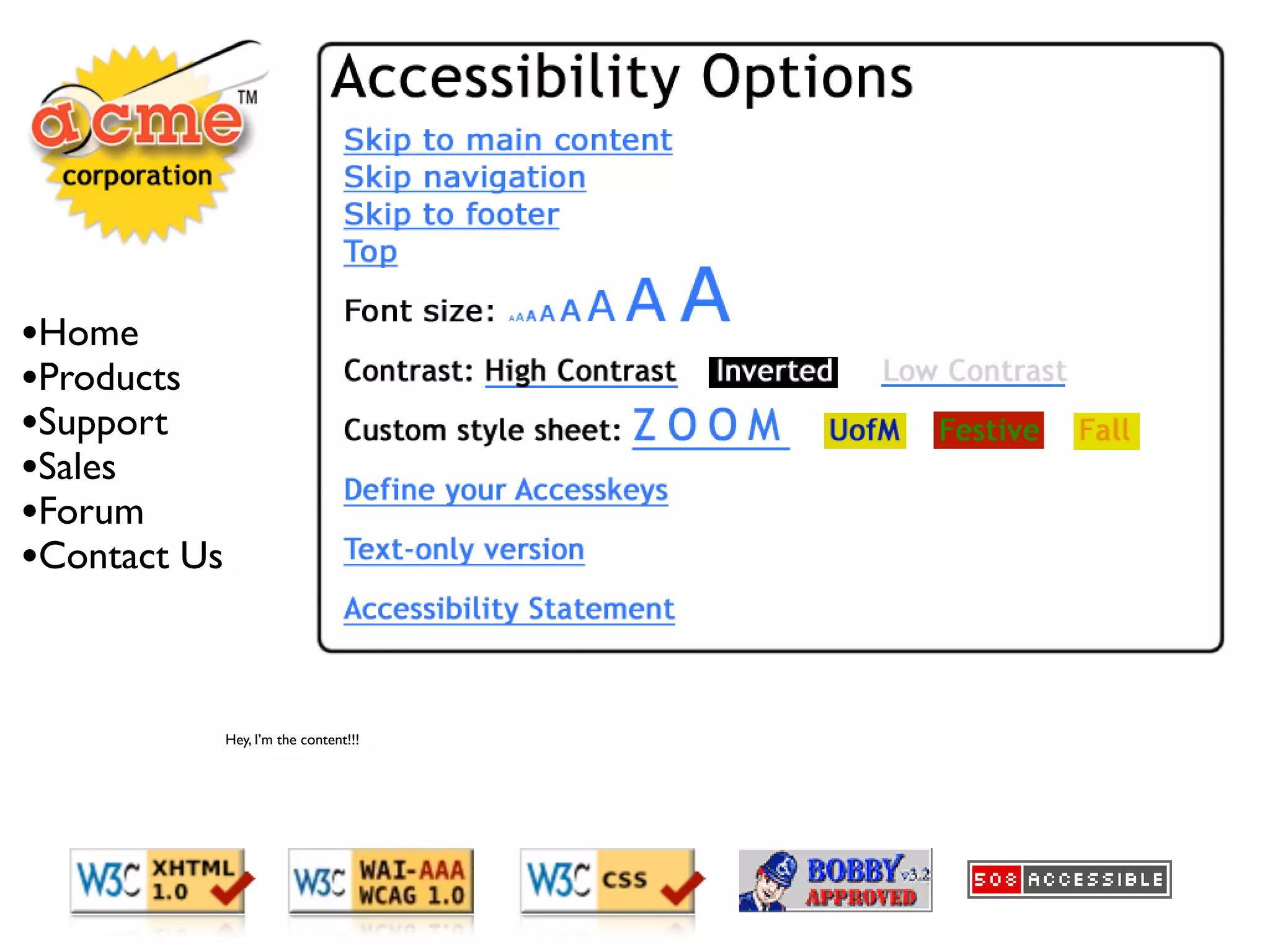
The most accessible site
     on Earth...
•Home
•Products
•Support
•Sales
•Forum
•Contact Us


              Hey, I’m the content!!!
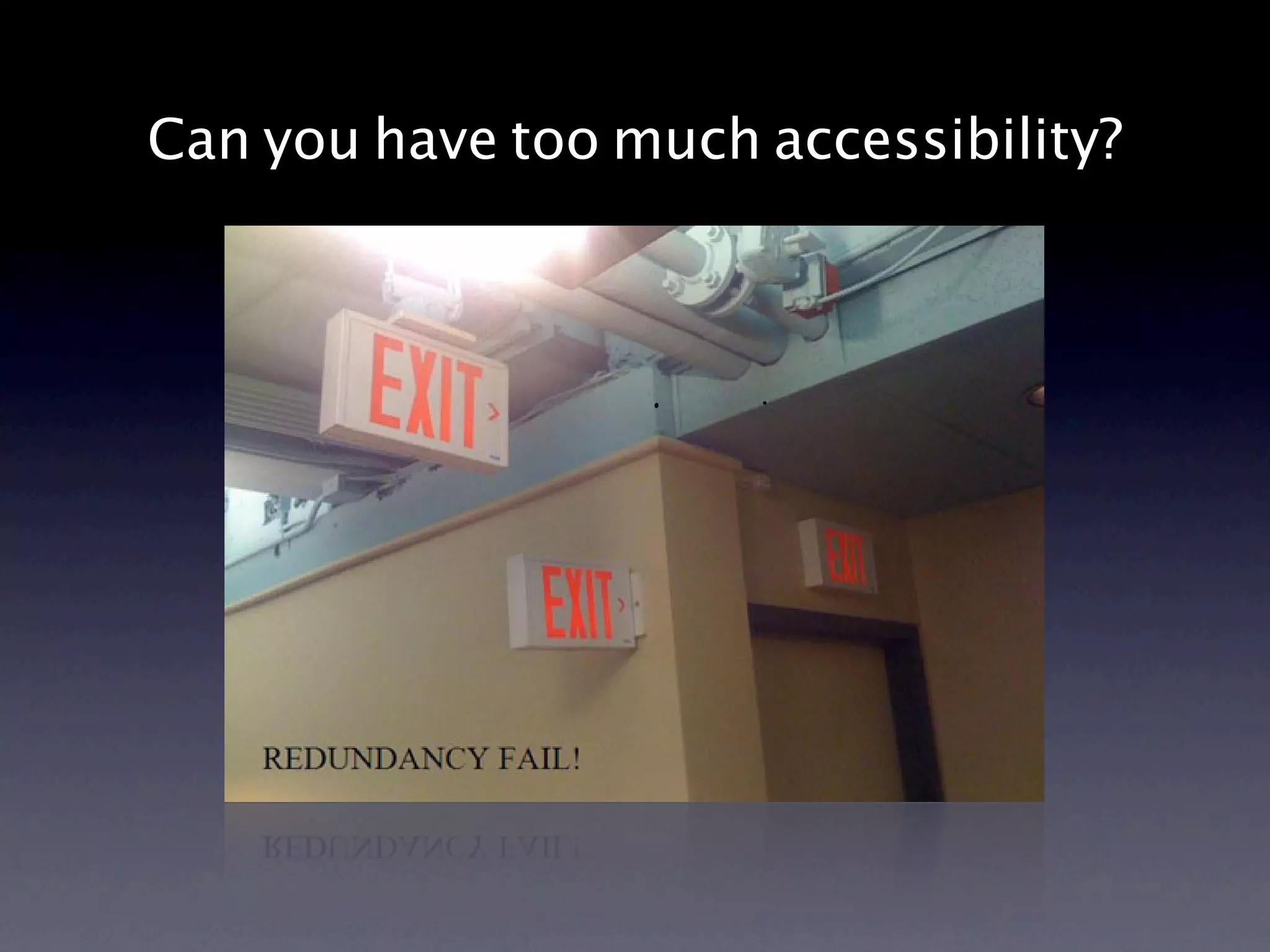
Can you have too much accessibility?
Accessibility preferences
     are for sissies
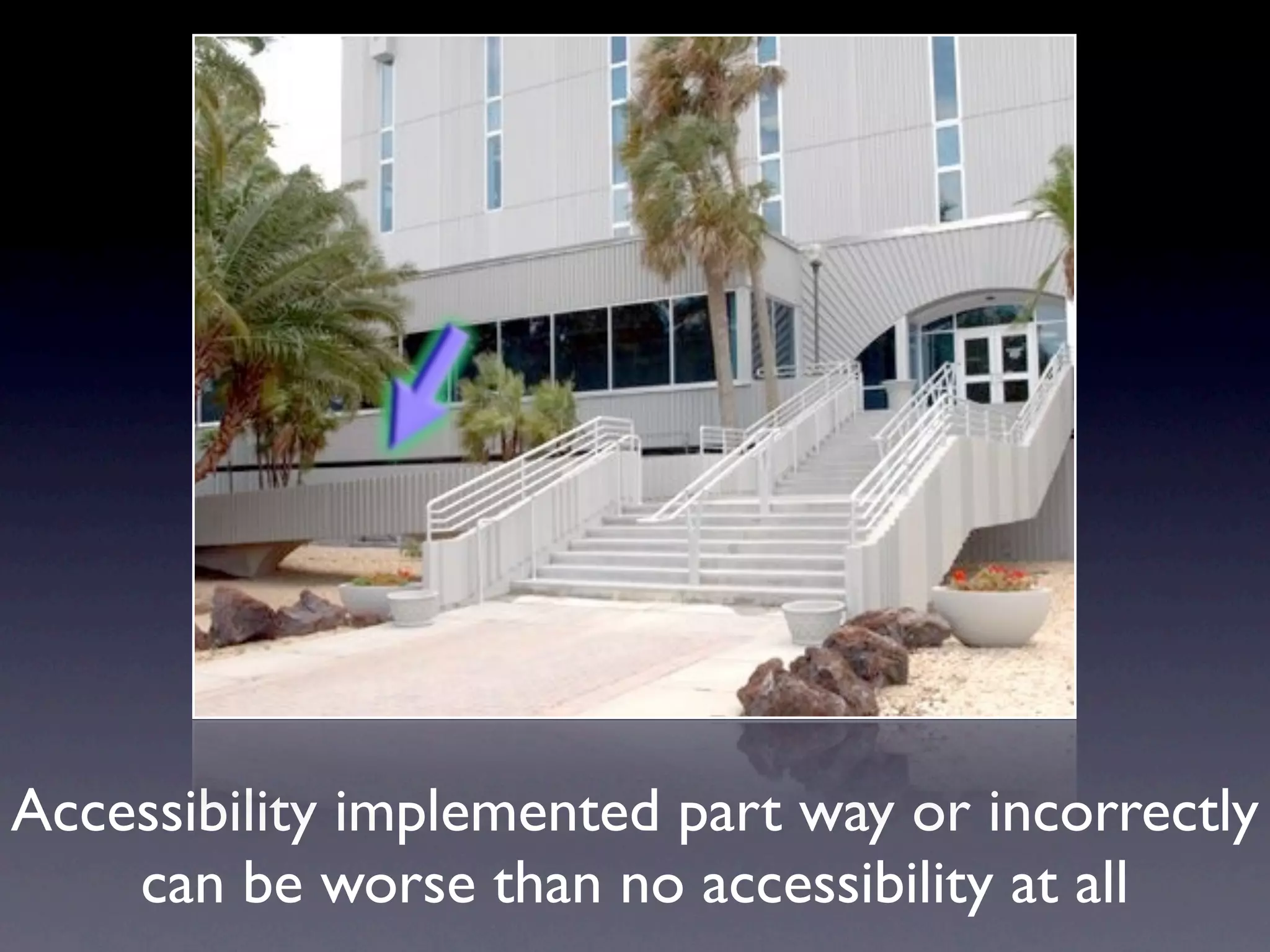
Accessibility implemented part way or incorrectly
    can be worse than no accessibility at all
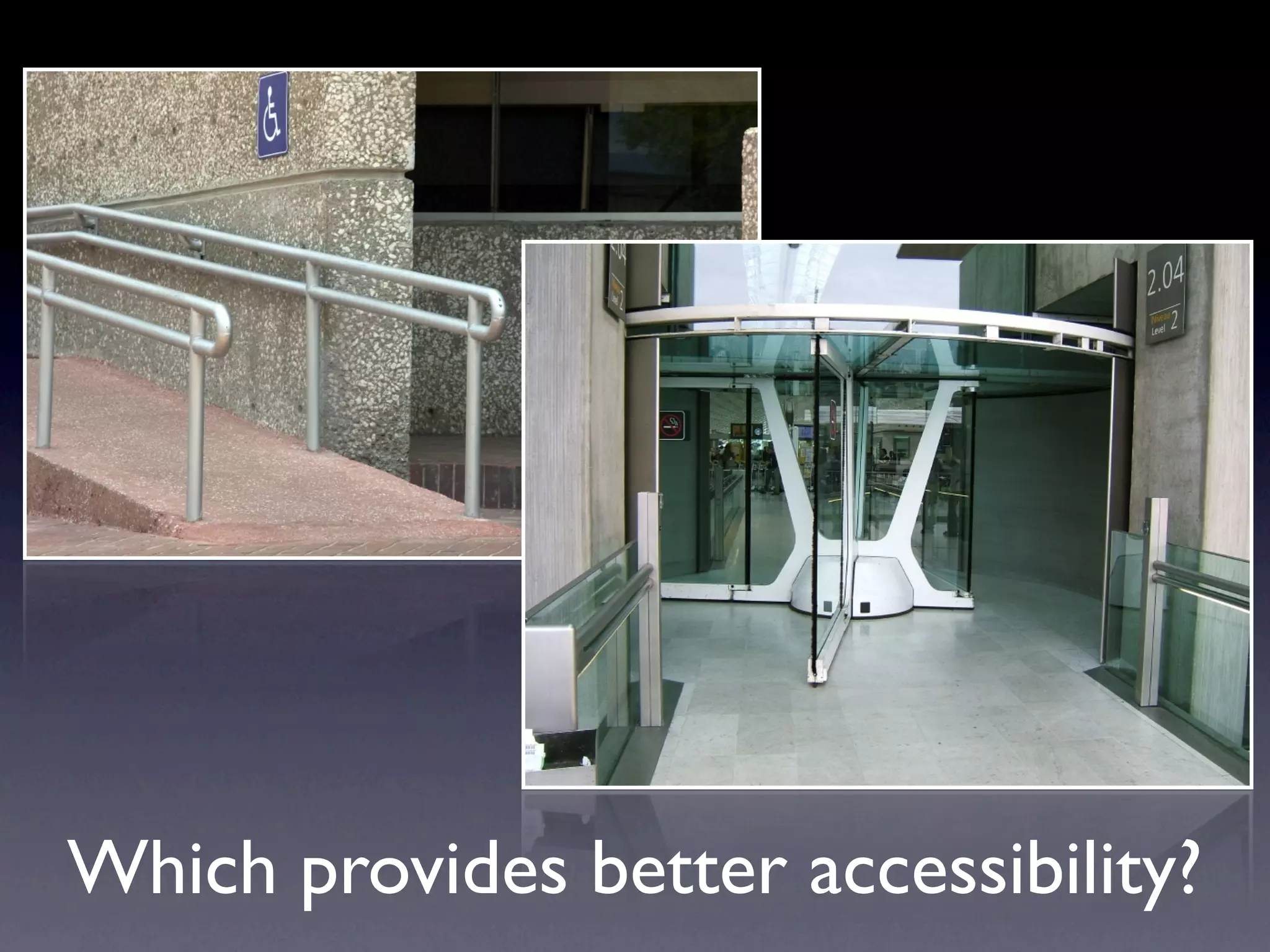
Which provides better accessibility?
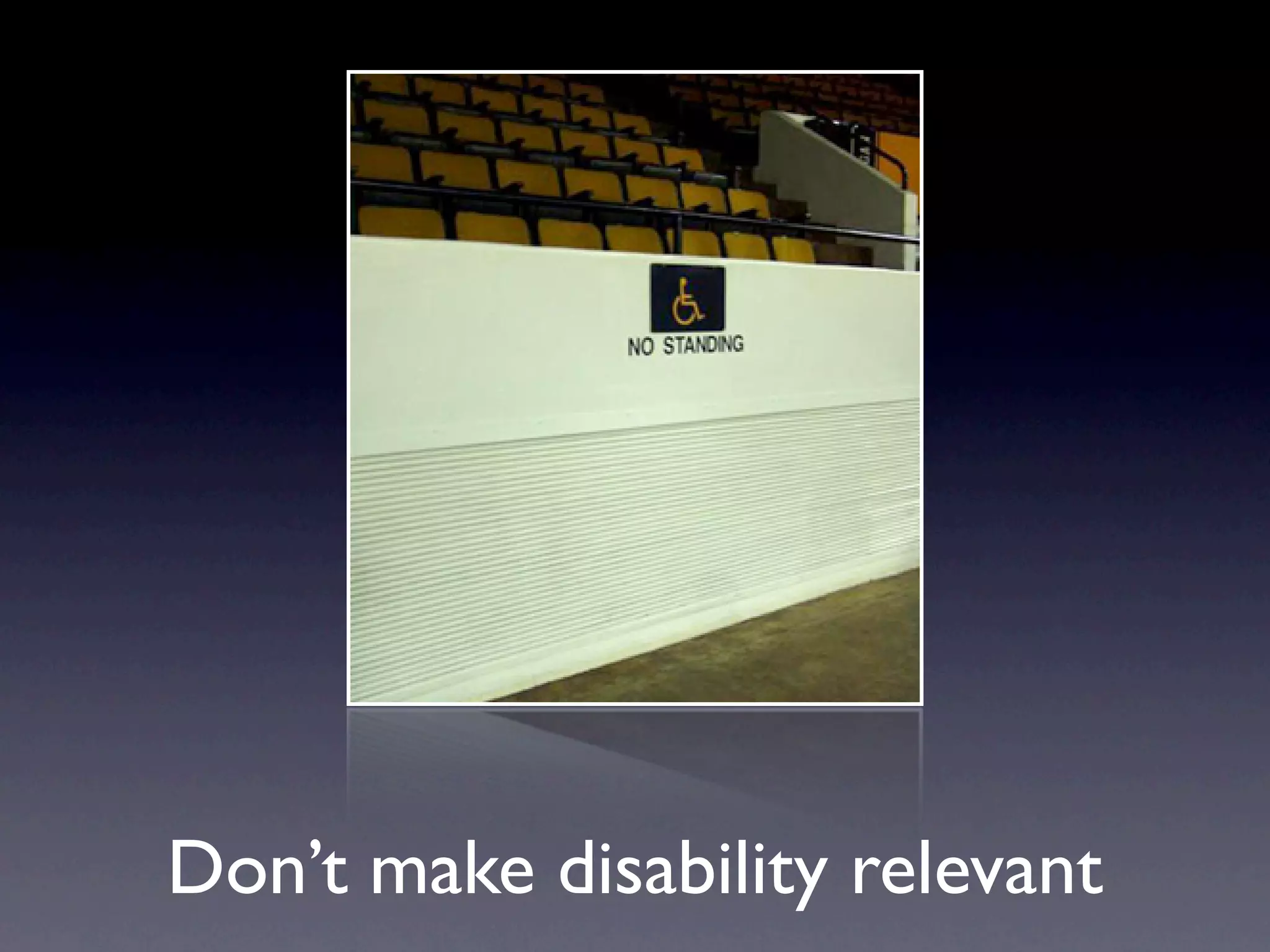
Don’t make disability relevant
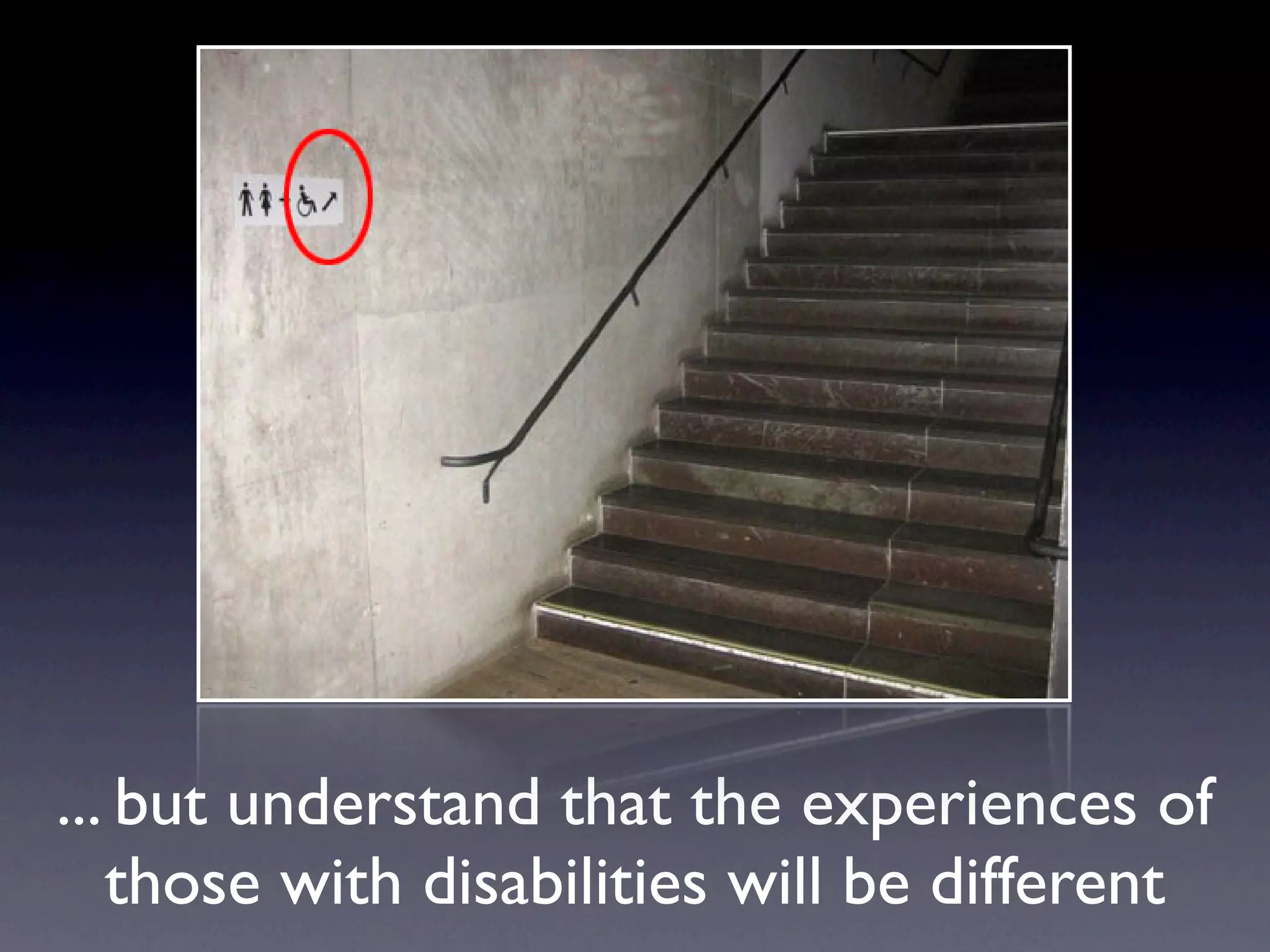
... but understand that the experiences of
   those with disabilities will be different
Building one version of a web
 site that is fully accessible
Accesskey and Tabindex


     (unless you're sure you know what you're doing)

Learn the power of tabindex=”0” and tabindex=”-1”
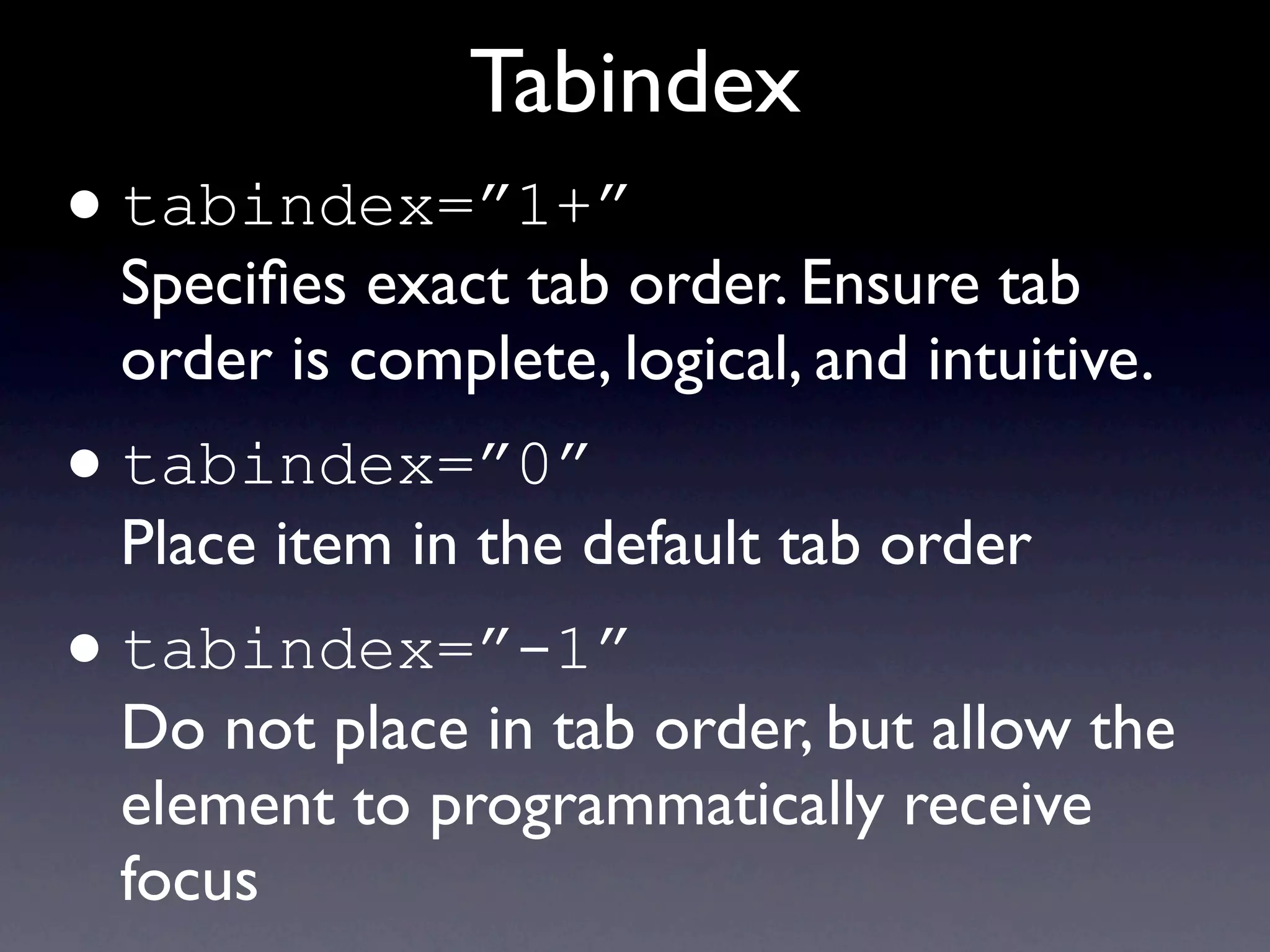
Tabindex
• tabindex=”1+”
    Specifies exact tab order. Ensure tab
    order is complete, logical, and intuitive.
•   tabindex=”0”
    Place item in the default tab order
•   tabindex=”-1”
    Do not place in tab order, but allow the
    element to programmatically receive
    focus
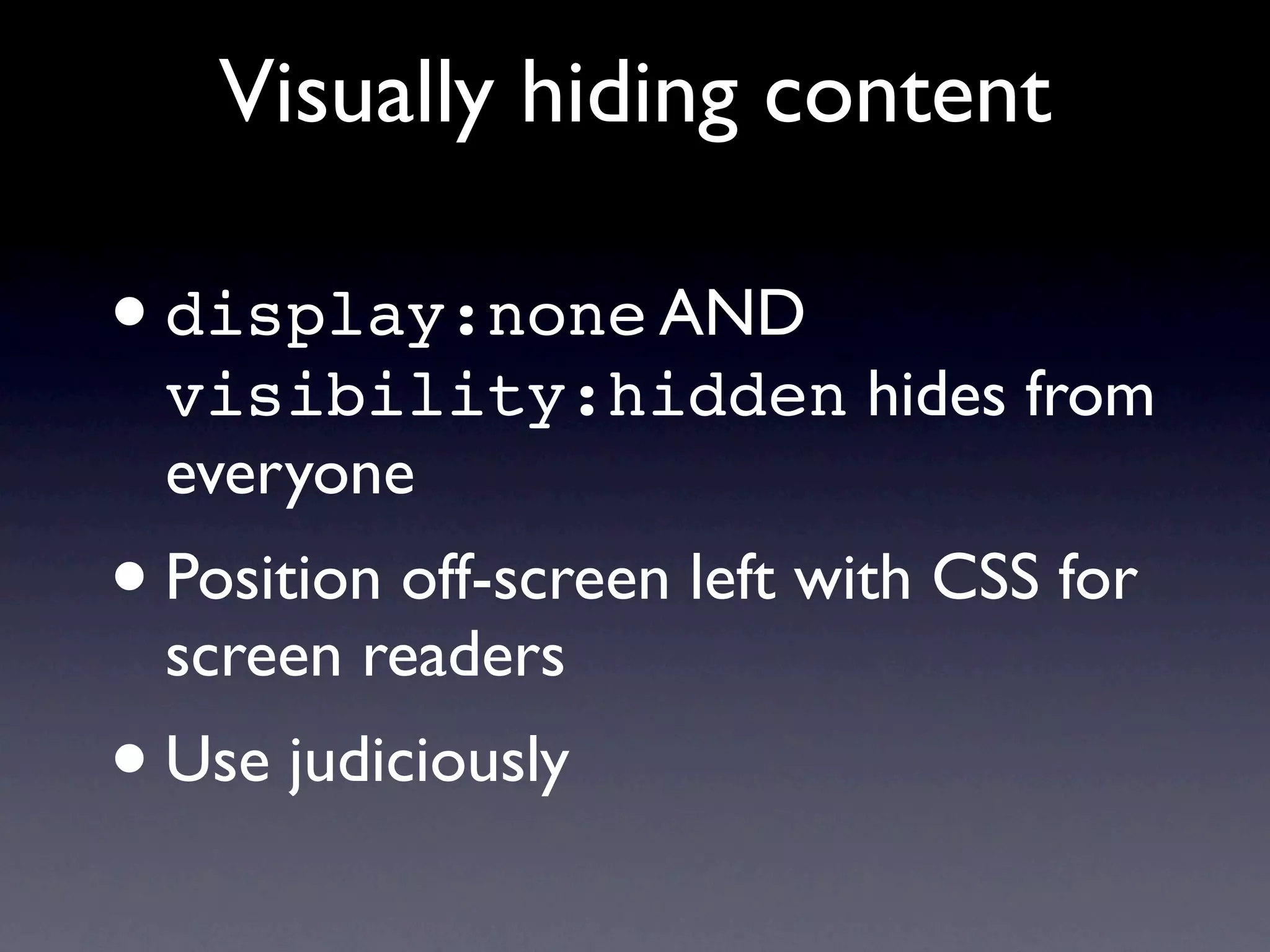
Visually hiding content

• display:none AND
    visibility:hidden hides from
    everyone
•   Position off-screen left with CSS for
    screen readers
• Use judiciously
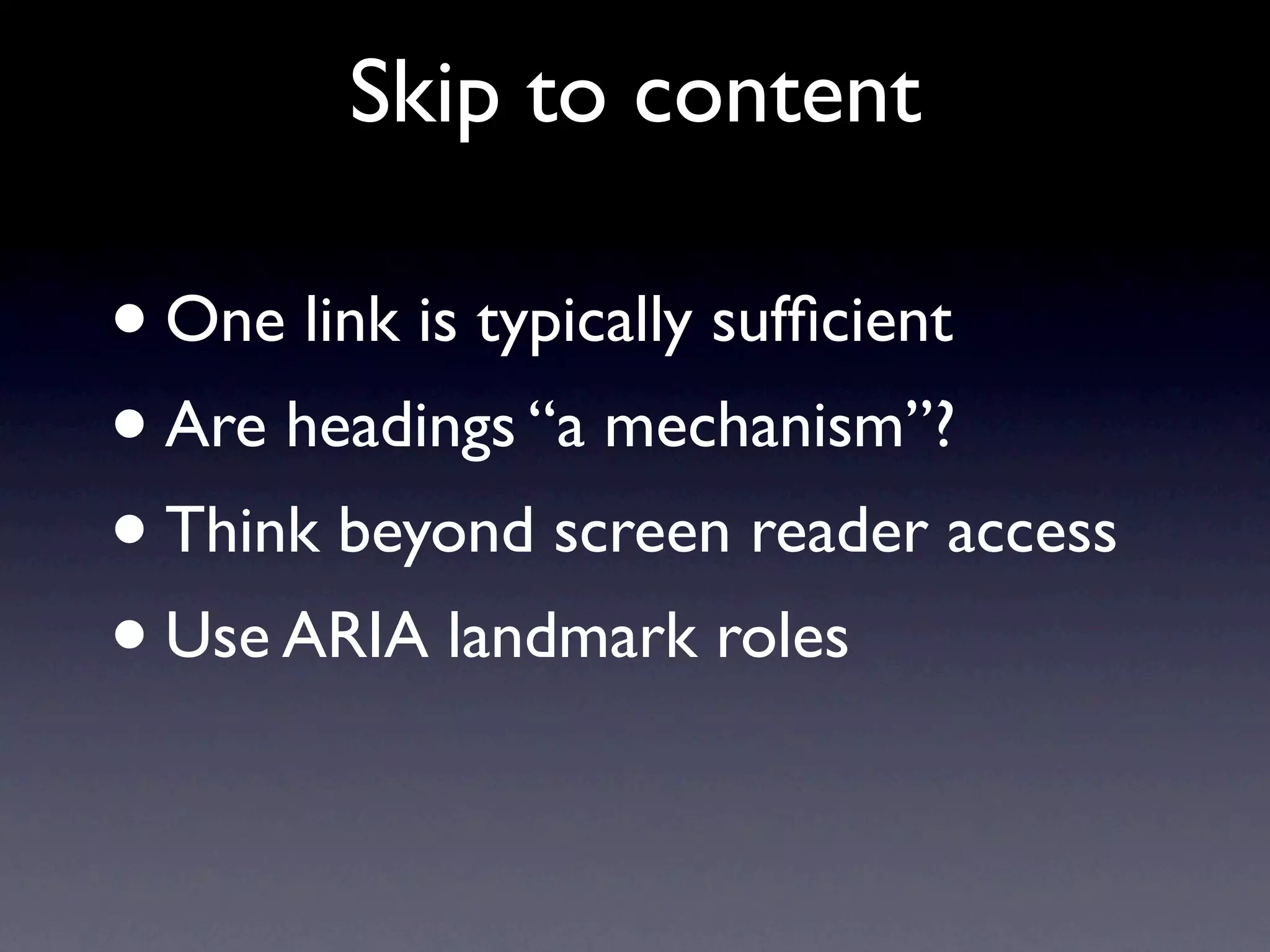
Skip to content

•One link is typically sufficient
• Are headings “a mechanism”?
• Think beyond screen reader access
• Use ARIA landmark roles
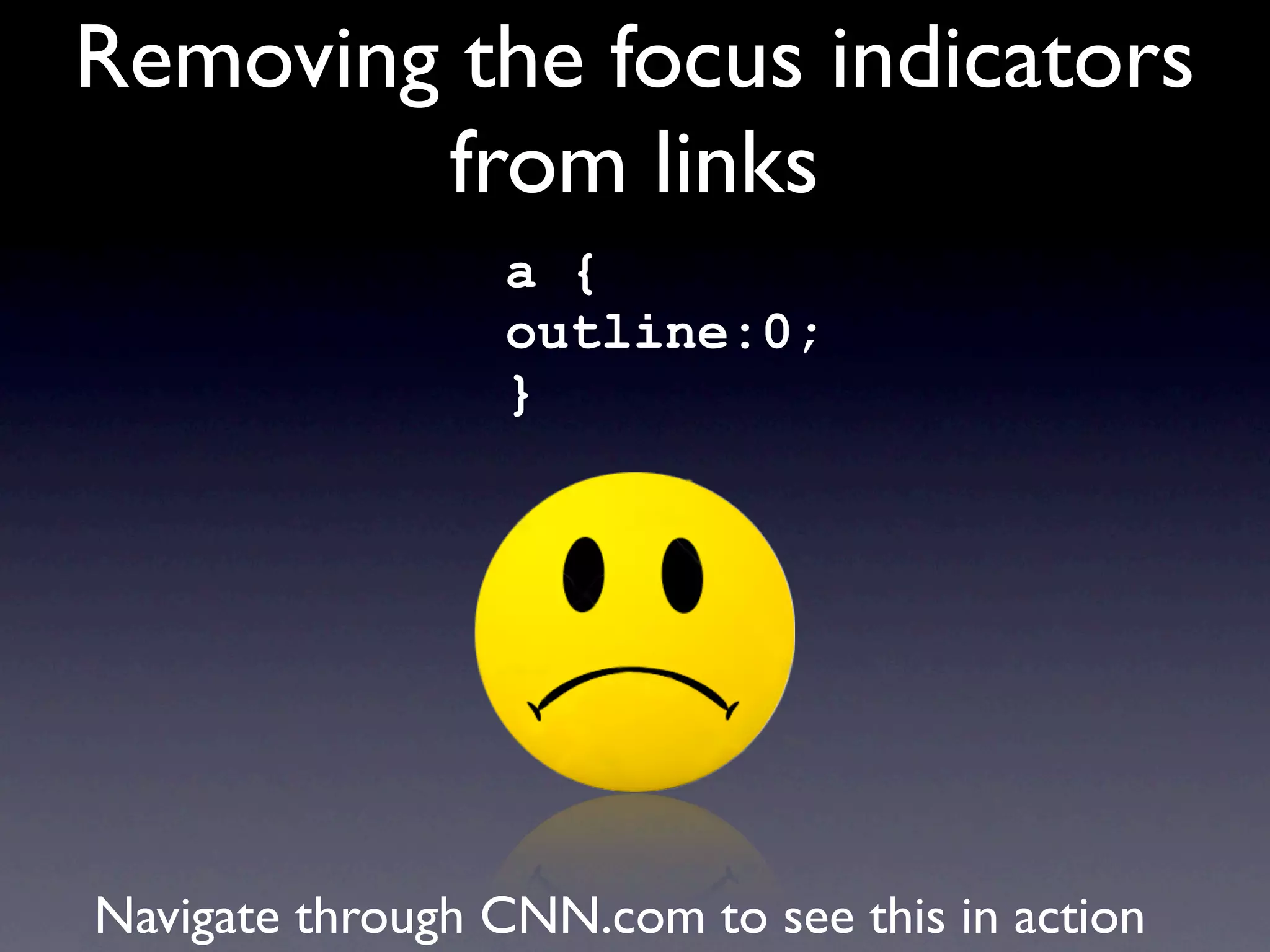
Removing the focus indicators
        from links
                 a {
                 outline:0;
                 }


Navigate through CNN.com to see this in action
Enhancing focus indicators
     a:focus, a:hover {
     outline:1px;
     background-color:#ff0;
     text-decoration:underline;
     }


Non-underlined links must become underlined on hover and focus
Bullet-proof web design...
Headings
Properly structured, one <h1>, never empty


                         ... and other semantic structure.
Title attribute

• Advisory information only
• Ignored by screen readers, except...
    • form elements missing labels
    • <frame title=”navigation”>
    • <acronym>/<abbr>...usually.
Using title attribute properly...
Cognitive disabilities


    (not much happening here)
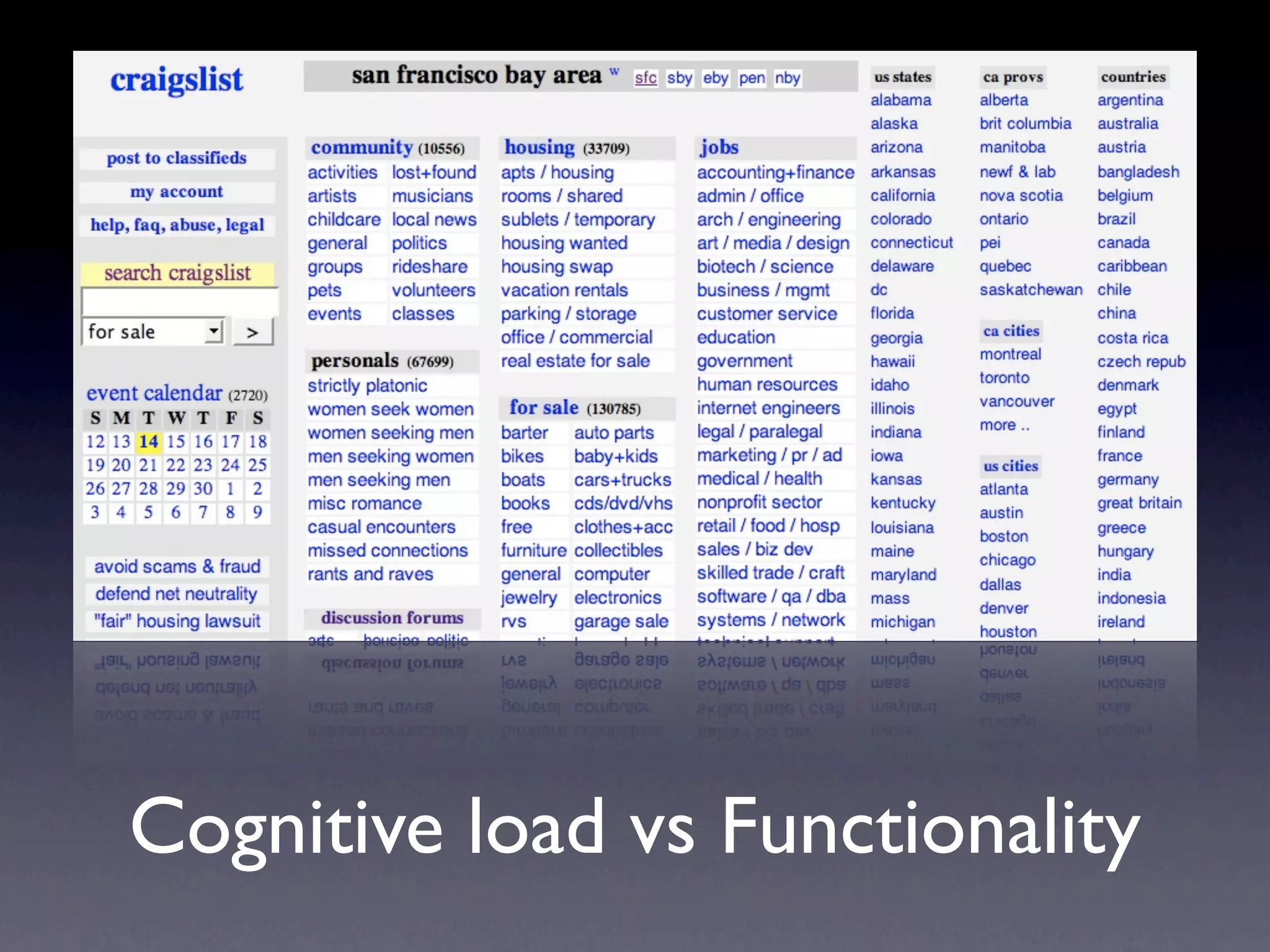
Cognitive load vs Functionality
Other
• Site maps aren’t typically used
• Provide accurate, descriptive page titles
• Don’t provide summary for layout tables
• Don’t stress over screen reader pronunciation
• Expand first instance of acronyms and abbreviations.
  You don’t have to use <acronym>/<abbr> on all
  instances. Don’t worry if well known terms.
• Use fieldset for grouped radio buttons and
  checkboxes
• Layout tables don’t (typically) affect accessibility
Questions?

       Jared Smith
      WebAIM.org
twitter: @jared_w_smith
  AHG hashtag: #ahg09

Web Accessibility Gone Wild