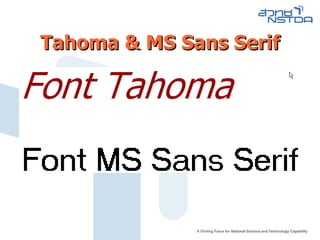
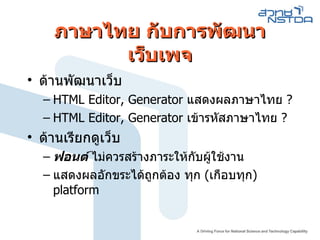
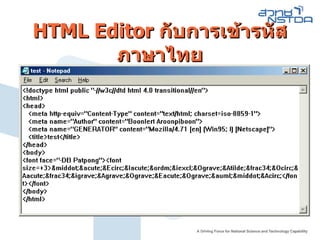
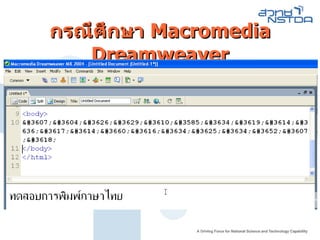
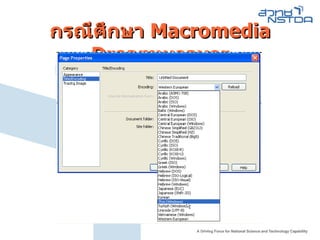
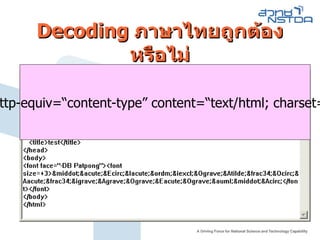
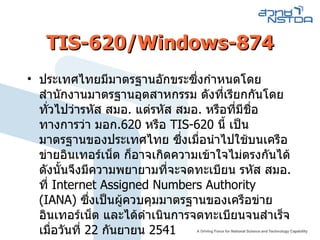
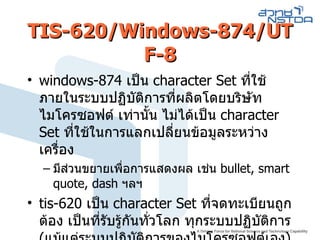
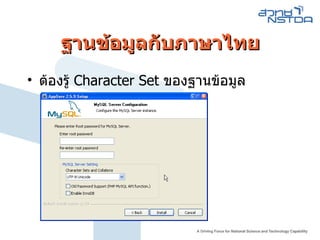
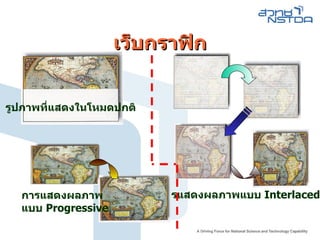
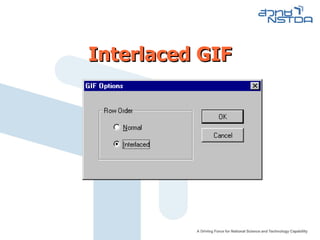
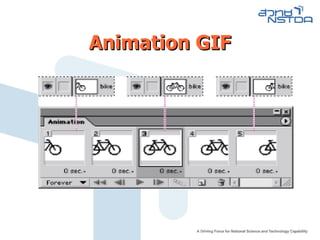
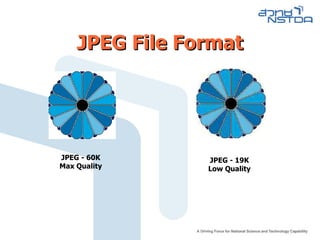
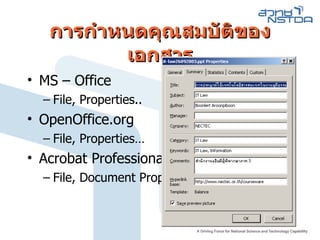
TIS-620/Windows-874/UTF-8 windows-874 เป็น character Set ที่ใช้ภายในระบบปฏิบัติการที่ผลิตโดยบริษัท ไมโครซอฟต์ เท่านั้น ไม่ได้เป็น character Set ที่ใช้ในการแลกเปลี่ยนข้อมูลระหว่างเครื่อง มีส่วนขยายเพื่อการแสดงผล เช่น bullet, smart quote, dash ฯลฯ tis-620 เป็น character Set ที่จดทะเบียนถูกต้อง เป็นที่รับรู้กันทั่วโลก ทุกระบบปฏิบัติการ ( แม้แต่ระบบปฏิบัติการของไมโครซอฟต์เอง )
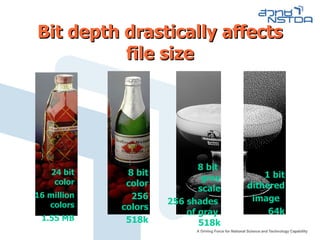
Bit depth drasticallyaffects file size 24 bit color 16 million colors 1.55 MB 8 bit color 256 colors 518k 8 bit gray scale 256 shades of gray 518k 1 bit dithered image 64k
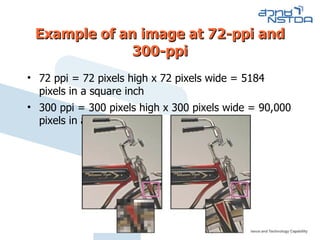
Example of animage at 72-ppi and 300-ppi 72 ppi = 72 pixels high x 72 pixels wide = 5184 pixels in a square inch 300 ppi = 300 pixels high x 300 pixels wide = 90,000 pixels in a square inch
39.
Color Mode Acolor mode determines the color model used to display and print images. Common models include RGB (red, green, blue) CMYK (cyan, magenta, yellow, black) …
40.
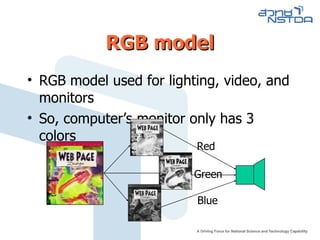
RGB model RGBmodel used for lighting, video, and monitors So, computer’s monitor only has 3 colors Red Green Blue
41.
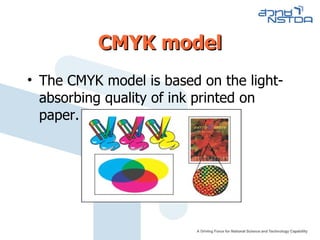
CMYK model TheCMYK model is based on the light-absorbing quality of ink printed on paper.
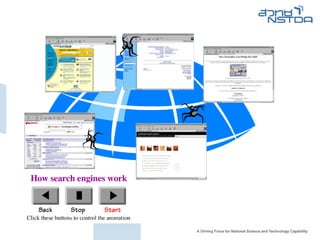
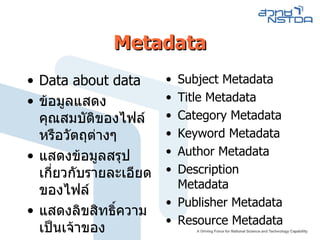
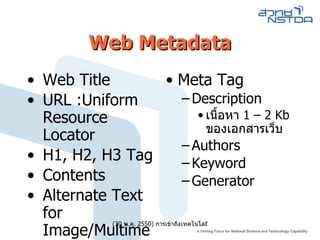
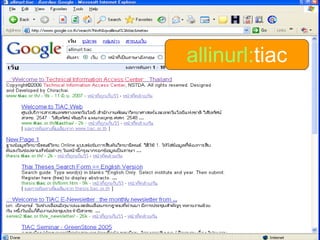
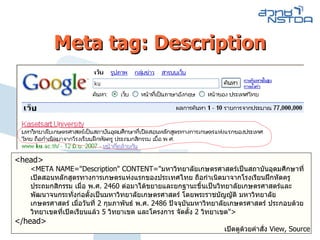
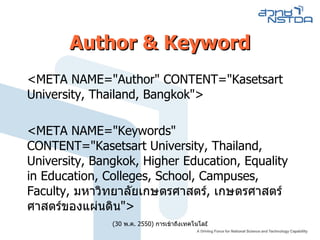
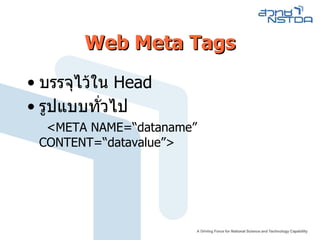
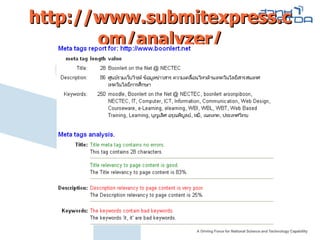
Web Metadata WebTitle URL :Uniform Resource Locator H1, H2, H3 Tag Contents Alternate Text for Image/Multimedia Meta Tag Description เนื้อหา 1 – 2 Kb ของเอกสารเว็บ Authors Keyword Generator
49.
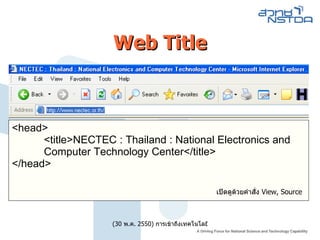
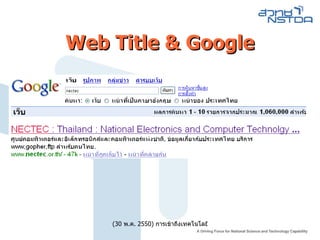
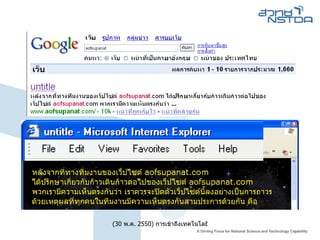
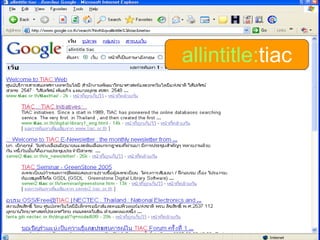
Web Title <head><title>NECTEC : Thailand : National Electronics and Computer Technology Center</title> </head> เปิดดูด้วยคำสั่ง View, Source
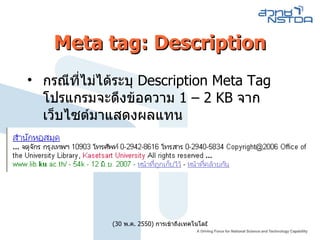
Meta tag: Descriptionกรณีที่ไม่ได้ระบุ Description Meta Tag โปรแกรมจะดึงข้อความ 1 – 2 KB จากเว็บไซต์มาแสดงผลแทน
57.
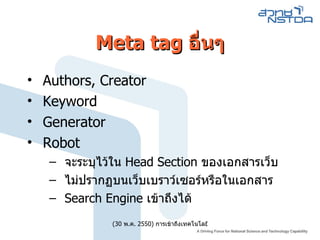
Meta tag อื่นๆAuthors, Creator Keyword Generator Robot จะระบุไว้ใน Head Section ของเอกสารเว็บ ไม่ปรากฏบนเว็บเบราว์เซอร์หรือในเอกสาร Search Engine เข้าถึงได้
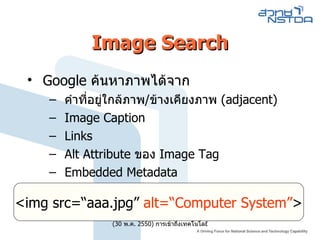
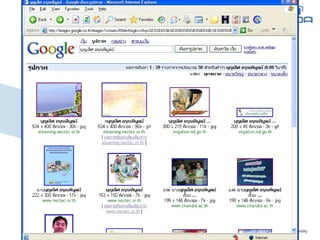
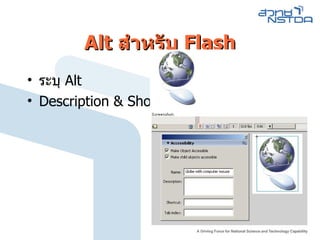
Image Search Google ค้นหาภาพได้จาก คำที่อยู่ใกล้ภาพ / ข้างเคียงภาพ (adjacent) Image Caption Links Alt Attribute ของ Image Tag Embedded Metadata <img src=“aaa.jpg” alt=“Computer System” >
62.
63.
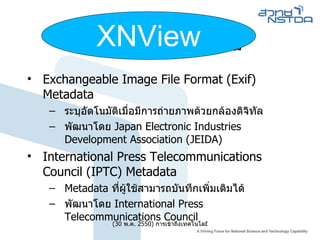
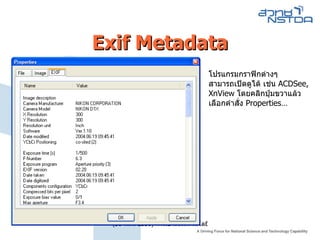
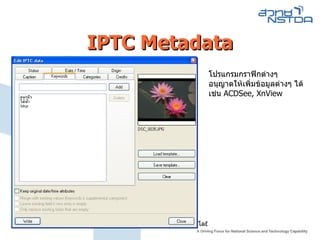
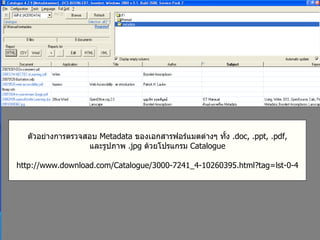
Image Metadata ExchangeableImage File Format (Exif) Metadata ระบุอัตโนมัติเมื่อมีการถ่ายภาพด้วยกล้องดิจิทัล พัฒนาโดย Japan Electronic Industries Development Association (JEIDA) International Press Telecommunications Council (IPTC) Metadata Metadata ที่ผู้ใช้สามารถบันทึกเพิ่มเติมได้ พัฒนาโดย International Press Telecommunications Council XNView
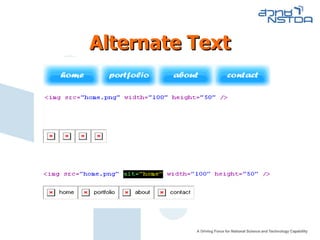
Alternate Text <IMGSRC=“ ชื่อไฟล์ภาพ ” ALT=“ คำอธิบายภาพ” > คำอธิบายภาพควรสื่อความหมายชัดเจน Firefox ไม่แสดงคำอธิบายภาพ แต่ทำงานกับ Attribute TITLE ฃ
73.
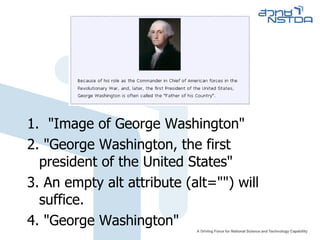
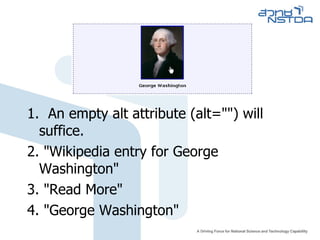
1. "Imageof George Washington" 2. "George Washington, the first president of the United States" 3. An empty alt attribute (alt="") will suffice. 4. "George Washington"
74.
1. Anempty alt attribute (alt="") will suffice. 2. "Wikipedia entry for George Washington" 3. "Read More" 4. "George Washington"
75.
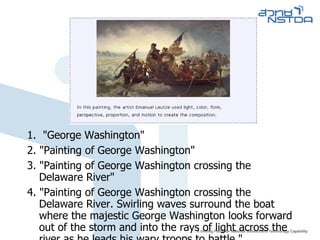
1. "GeorgeWashington" 2. "Painting of George Washington" 3. "Painting of George Washington crossing the Delaware River" 4. "Painting of George Washington crossing the Delaware River. Swirling waves surround the boat where the majestic George Washington looks forward out of the storm and into the rays of light across the river as he leads his wary troops to battle."
76.
1. "EmploymentApplication" 2. "PDF File" 3. "PDF icon" 4. The content of the image is presented in context, so (alt="") is appropriate.
77.
1. "decorativeline" 2. "Beginning of footer" 3. "separator" 4. alt="" will suffice
78.
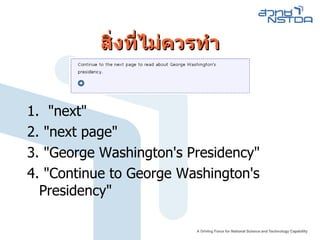
สิ่งที่ไม่ควรทำ 1. "next" 2. "next page" 3. "George Washington's Presidency" 4. "Continue to George Washington's Presidency"
79.
Empty Alt (alt=“”)ภาพที่ไม่สื่อความหมาย ภาพที่ถูกตัดเป็นหลายชิ้น แต่ไม่มีผลต่อการทำงาน ภาพ Background
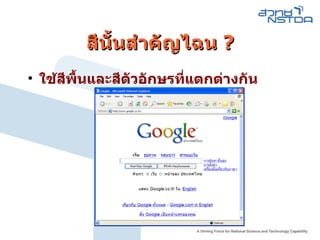
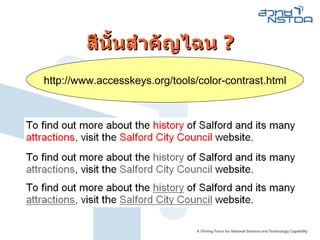
สีนั้นสำคัญไฉน ?http :// www . accesskeys . org / tools / color - contrast . html
85.
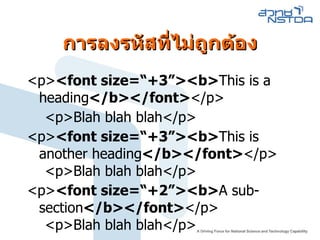
การลงรหัสที่ ไม่ถูกต้อง <p><font size=“+3”><b> This is a heading </b></font> </p> <p>Blah blah blah</p> <p> <font size=“+3”><b> This is another heading </b></font> </p> <p>Blah blah blah</p> <p> <font size=“+2”><b> A sub-section </b></font> </p> <p>Blah blah blah</p>
86.
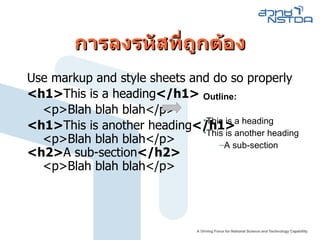
การลงรหัสที่ถูกต้อง Use markupand style sheets and do so properly <h1> This is a heading </h1> <p>Blah blah blah</p> <h1> This is another heading </h1> <p>Blah blah blah</p> <h2> A sub-section </h2> <p>Blah blah blah</p> Outline: This is a heading This is another heading A sub-section
87.
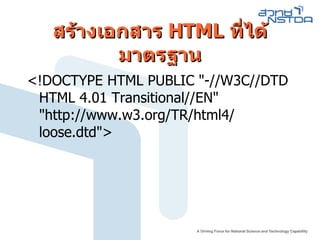
สร้างเอกสาร HTML ที่ได้มาตรฐาน < ! DOCTYPE HTML PUBLIC "-// W3C // DTD HTML 4.01 Transitional // EN " " http :// www . w3 . org / TR / html4 / loose . dtd " >
![การพัฒนาเว็บไซต์ที่สะดวกในการเข้าถึง ตามมาตรฐาน Web Accessibility บุญเลิศ อรุณพิบูลย์ ศูนย์บริการ ความรู้ทางวิทยาศาสตร์และเทคโนโลยี สำนักงานพัฒนาวิทยาศาสตร์และเทคโนโลยีแห่งชาติ [email_address] http://www.stks.or.th](https://image.slidesharecdn.com/20080306webaccessibility-1234618738526245-3/85/Web-Accessibility-Coding-1-320.jpg)
![การพัฒนาเว็บไซต์ที่สะดวกในการเข้าถึง ตามมาตรฐาน Web Accessibility บุญเลิศ อรุณพิบูลย์ ศูนย์บริการ ความรู้ทางวิทยาศาสตร์และเทคโนโลยี สำนักงานพัฒนาวิทยาศาสตร์และเทคโนโลยีแห่งชาติ [email_address] http://www.stks.or.th](https://image.slidesharecdn.com/20080306webaccessibility-1234618738526245-3/75/Web-Accessibility-Coding-1-2048.jpg)