Profile Databases An application in groundwater management “getting to the Z of it all”
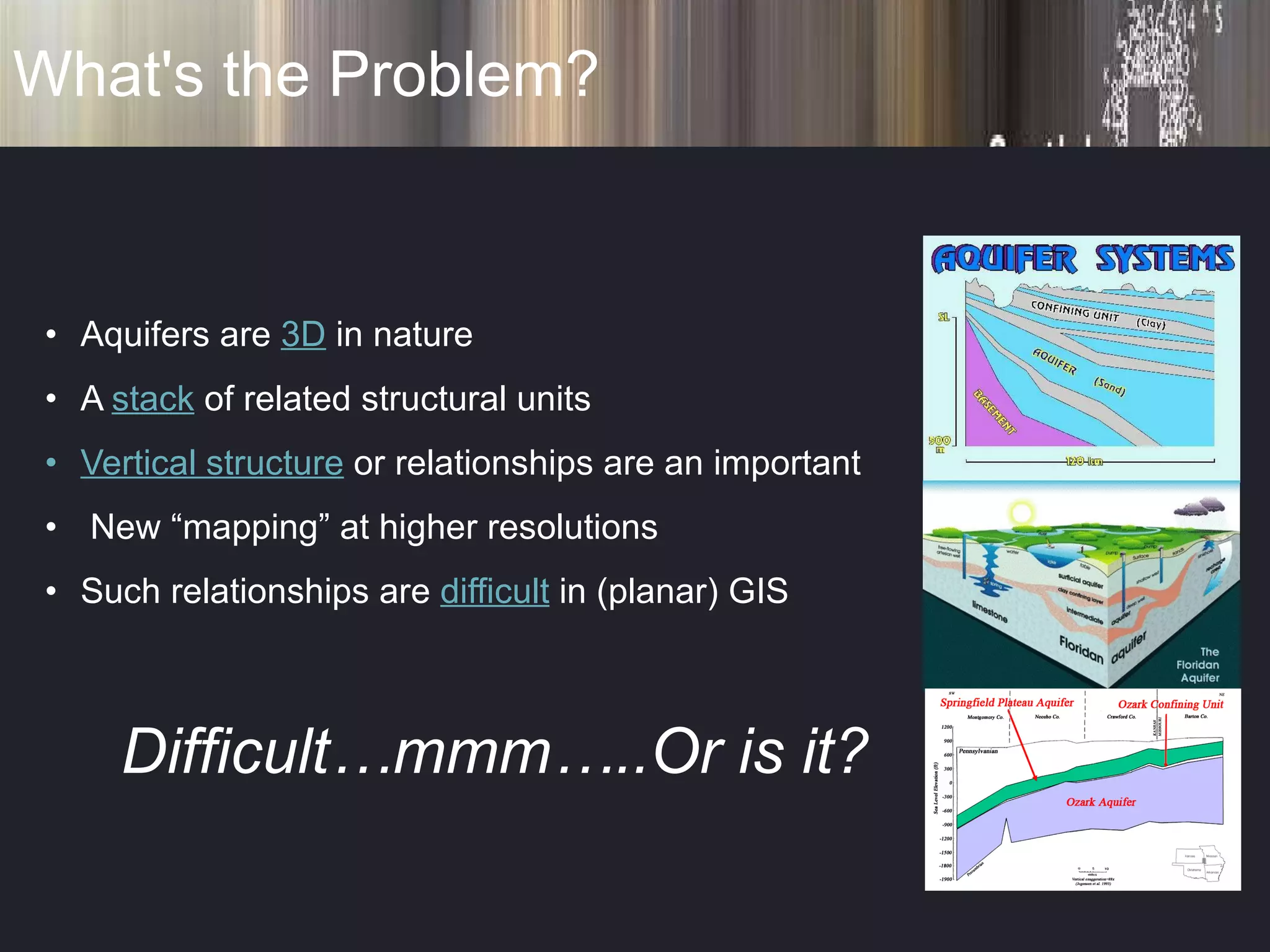
What's the Problem? Aquifers are  3D  in nature  A  stack  of related structural units Vertical structure  or relationships are an important New “mapping” at higher resolutions Such relationships are  difficult  in (planar) GIS Difficult…mmm…..Or is it?
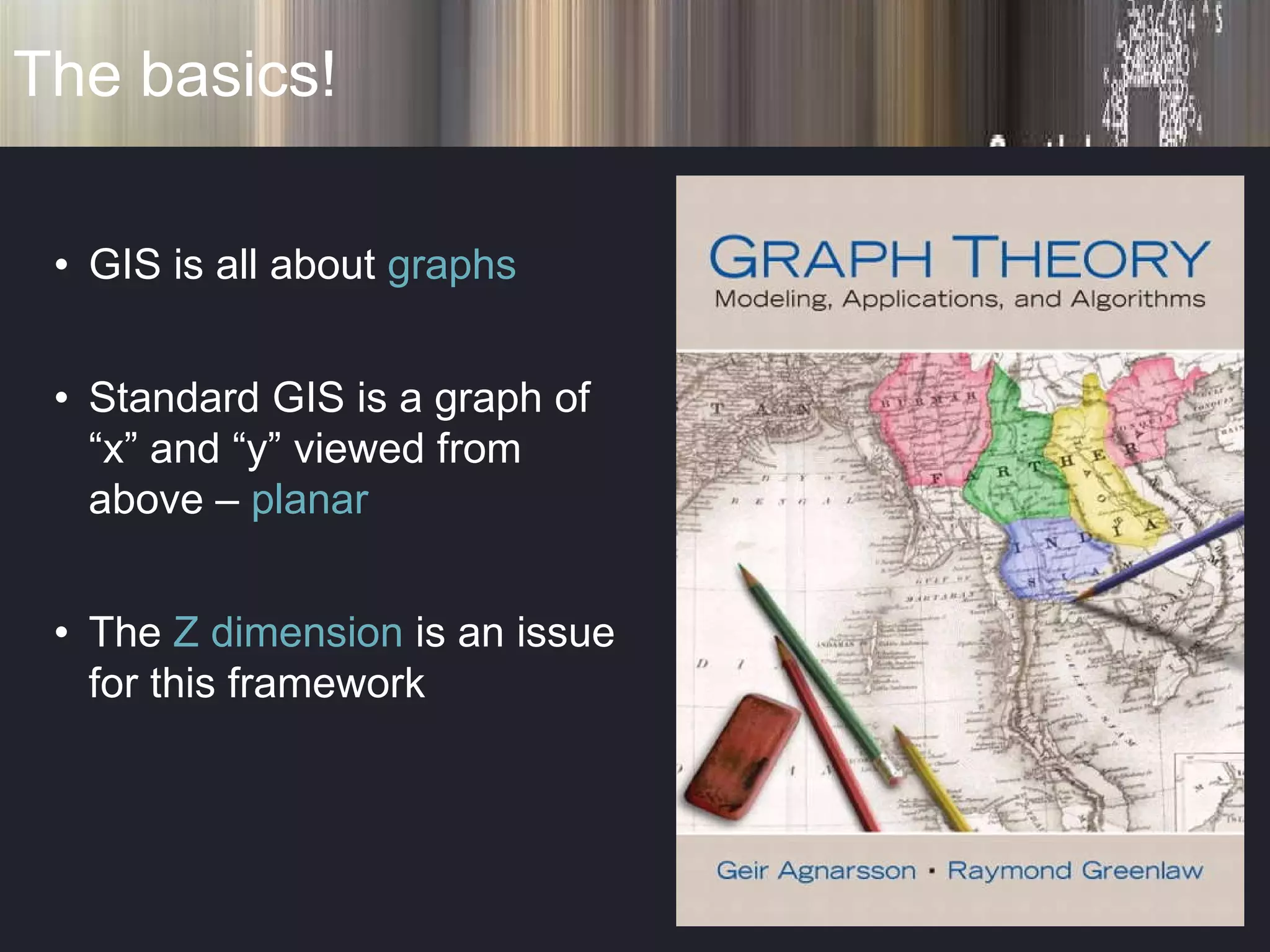
The basics! GIS is all about  graphs Standard GIS is a graph of “x” and “y” viewed from above –  planar The  Z dimension  is an issue for this framework
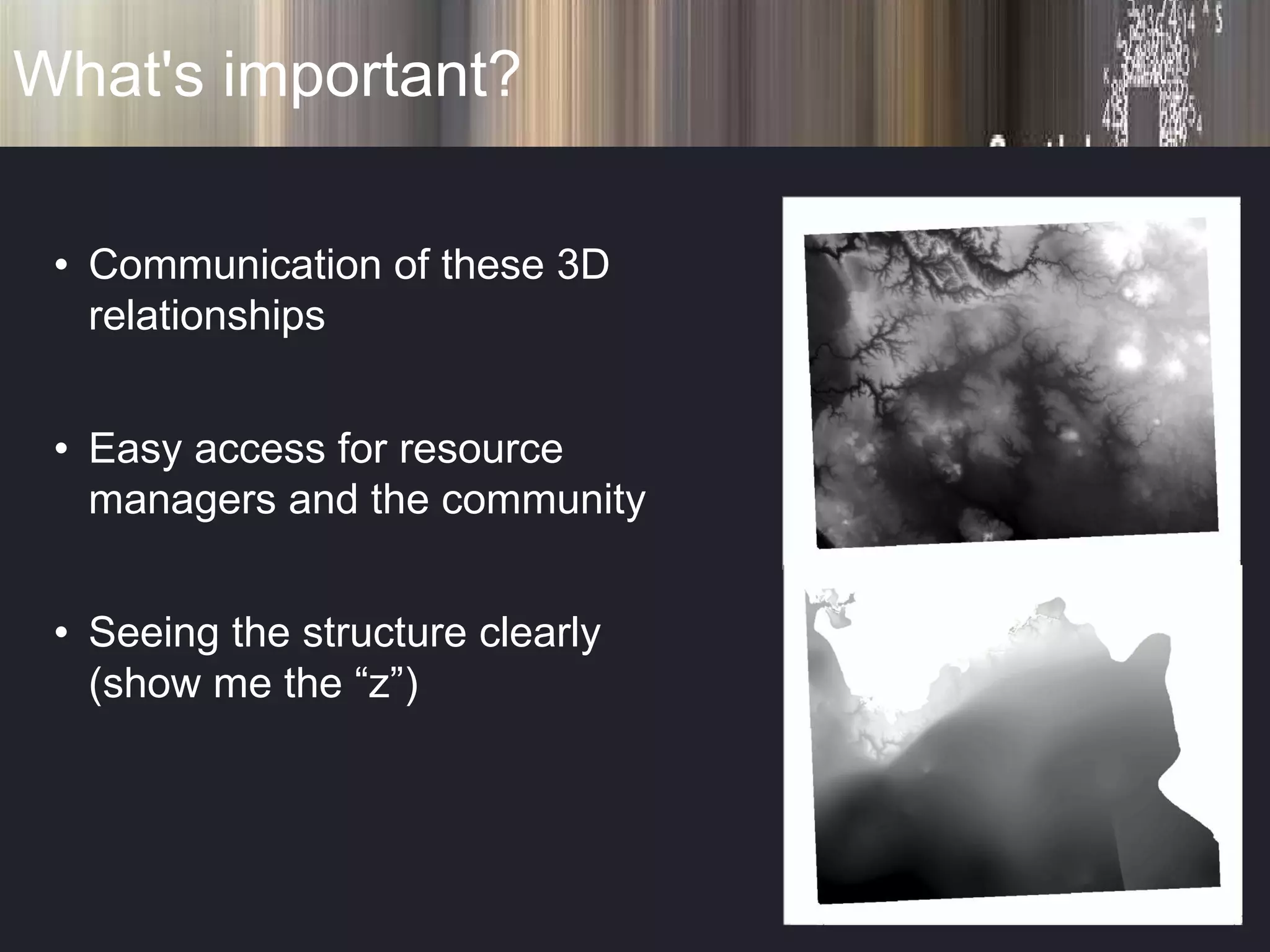
What's important? Communication of these 3D relationships Easy access for resource managers and the community Seeing the structure clearly (show me the “z”)
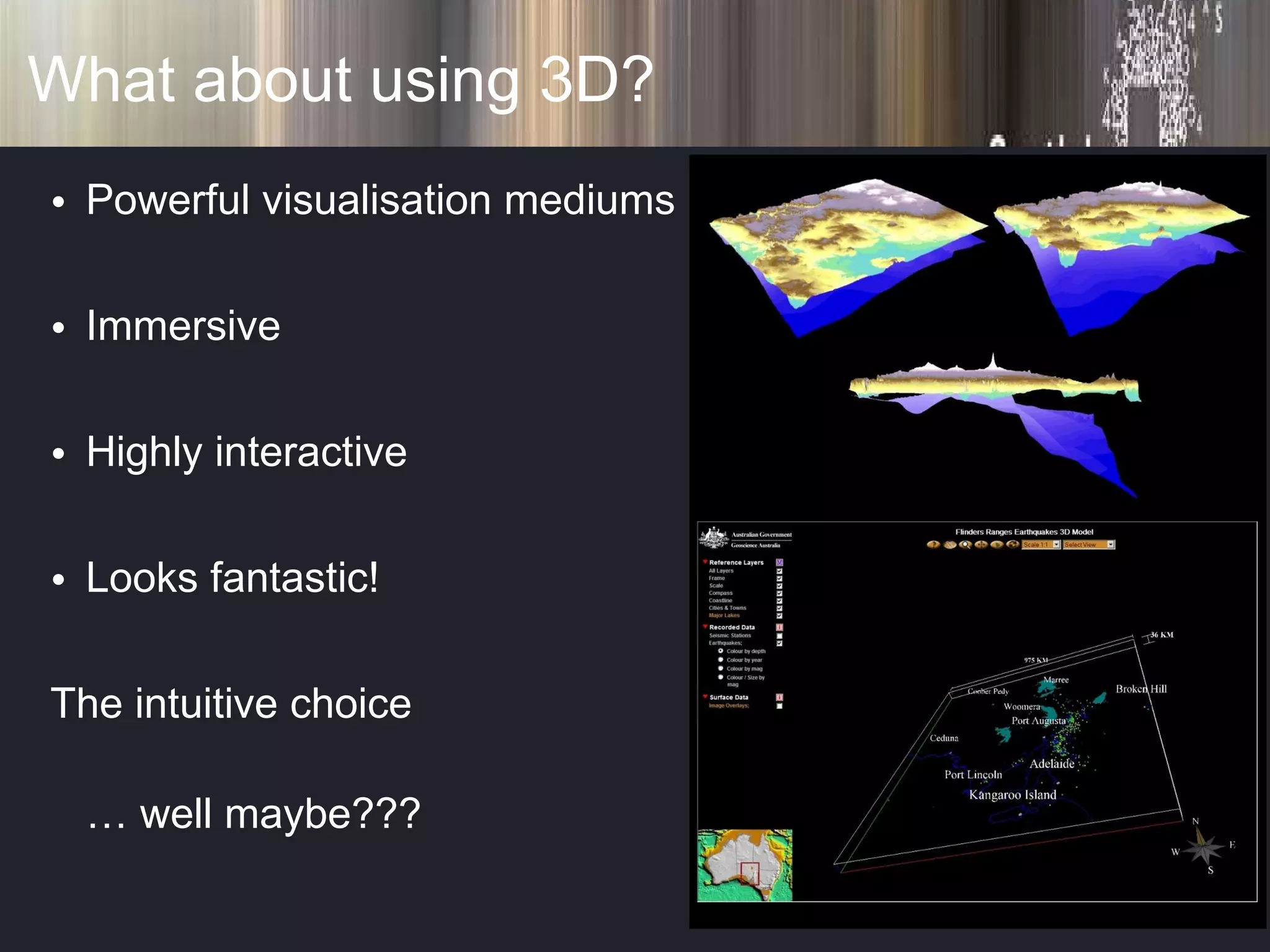
What about using 3D? Powerful visualisation mediums Immersive Highly interactive Looks fantastic! The intuitive choice …  well maybe???
What about using 3D? Special software / skills / conversion = ($ & time) Updating??? Hidden Information Separate formats Systematic???
Deciding what I want? See structure (z) Easy to communicate Augment current business processes Open to a wide user base
Deciding what I want? Part of a standard GIS No additional software Automation Wide distribution (WWW) Extend the data model
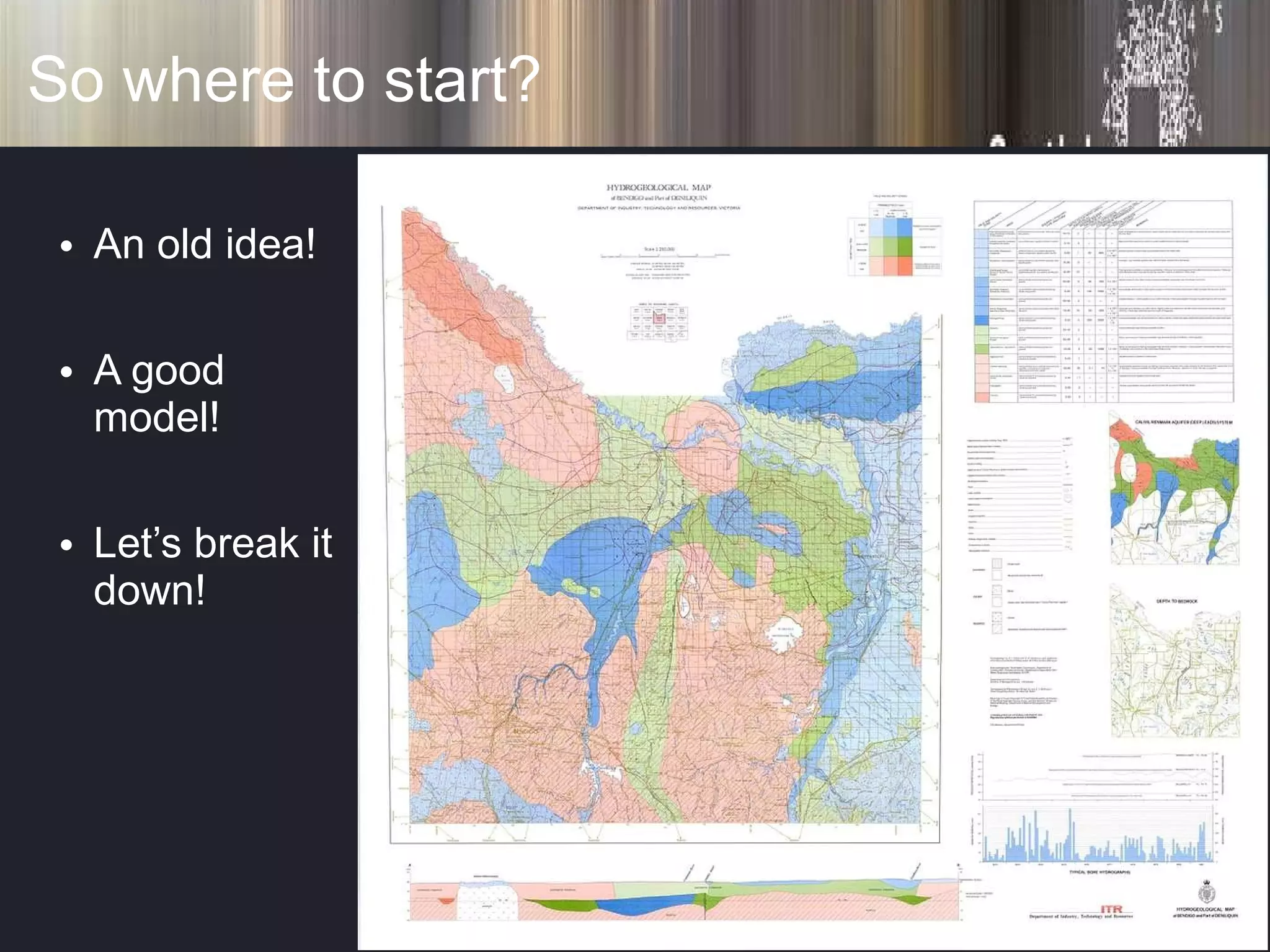
So where to start? An old idea! A good model! Let’s break it down!
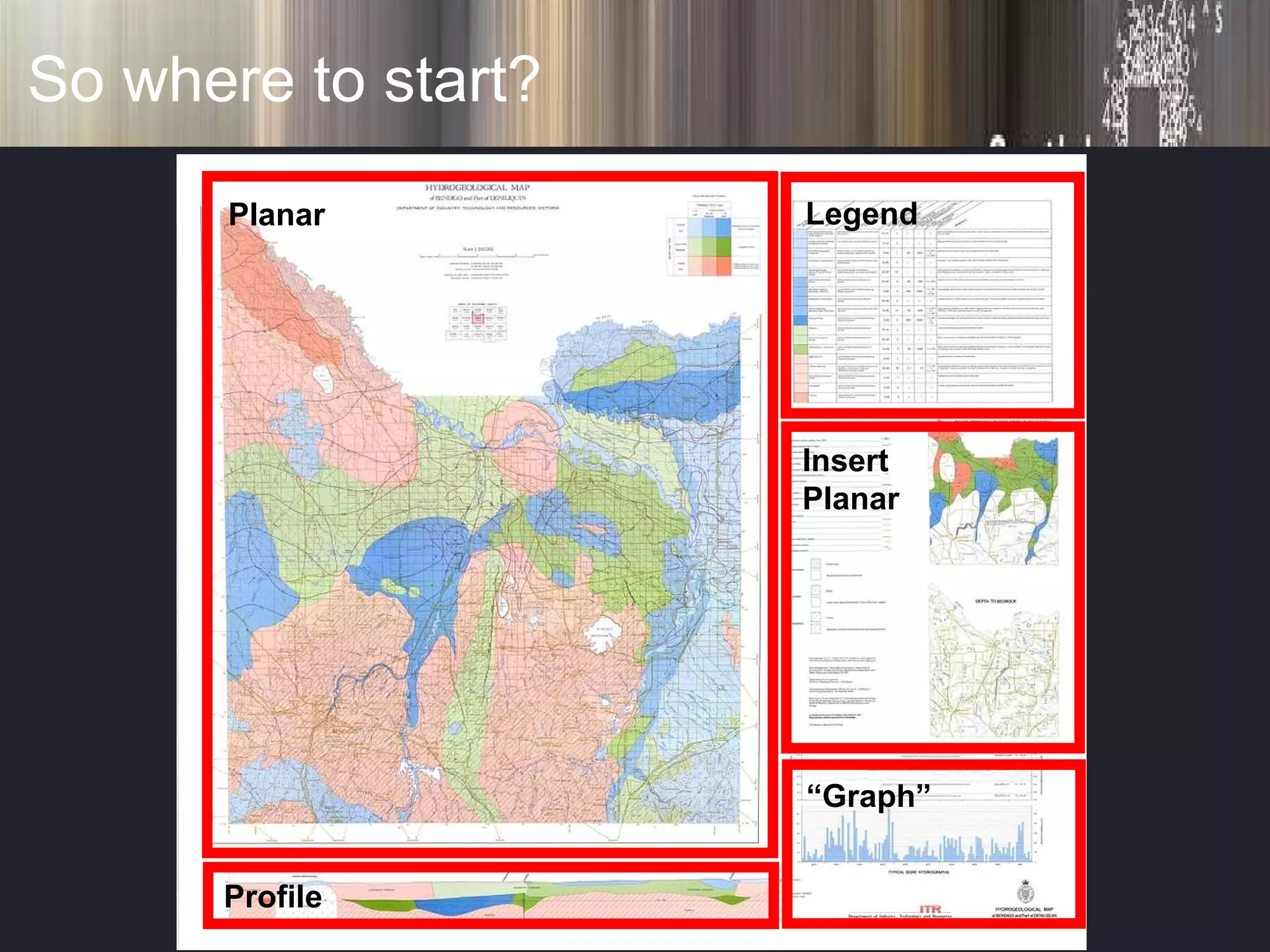
So where to start? Planar Profile Legend Insert Planar “ Graph”
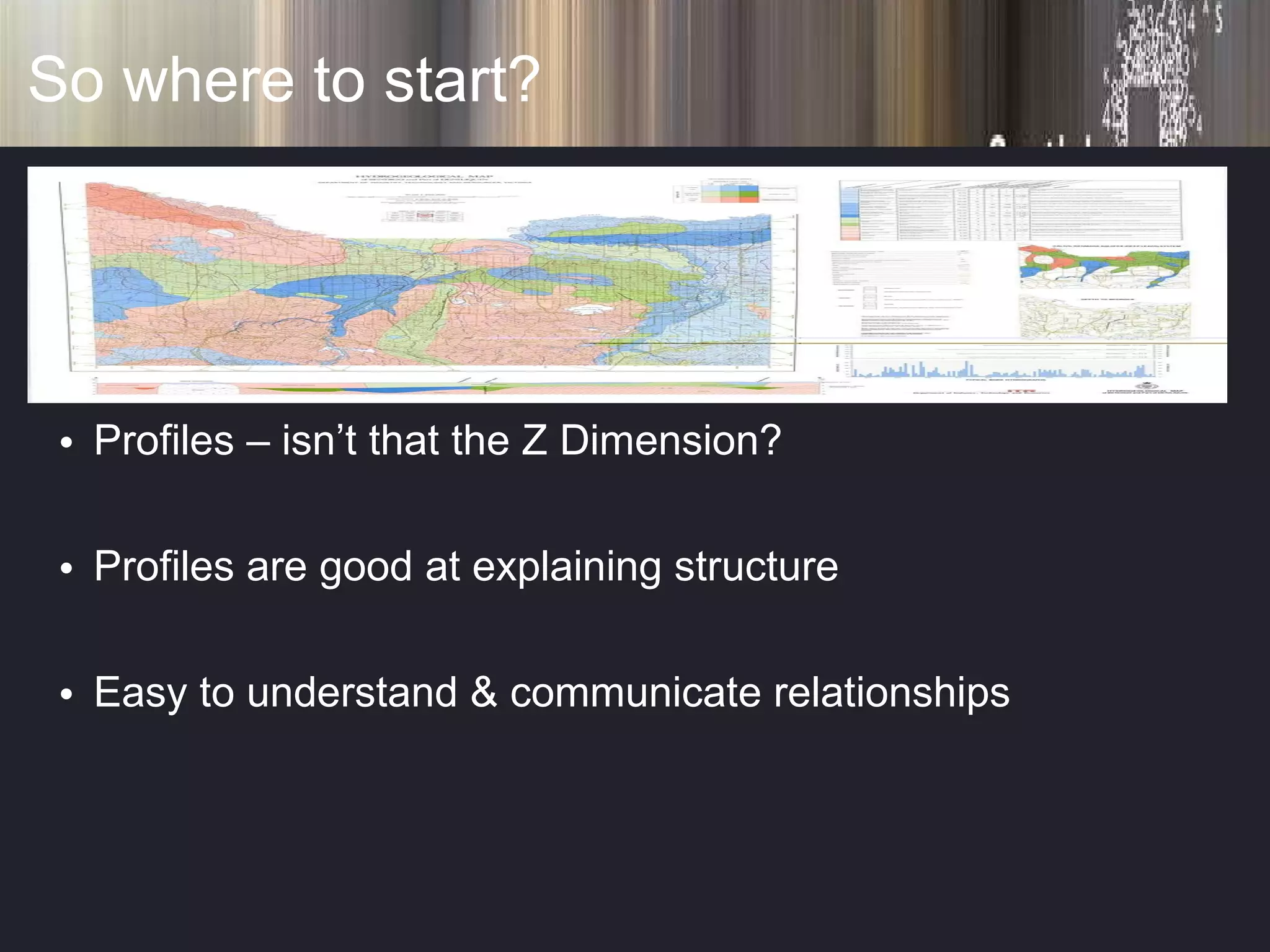
So where to start? Profiles – isn’t that the Z Dimension? Profiles are good at explaining structure Easy to understand & communicate relationships
So can we? Create multiple profiles (x-sections) from planar GIS surfaces Automate the construction of sections Have a relationship between planar and profile views Do all this in a standard GIS
So can we?
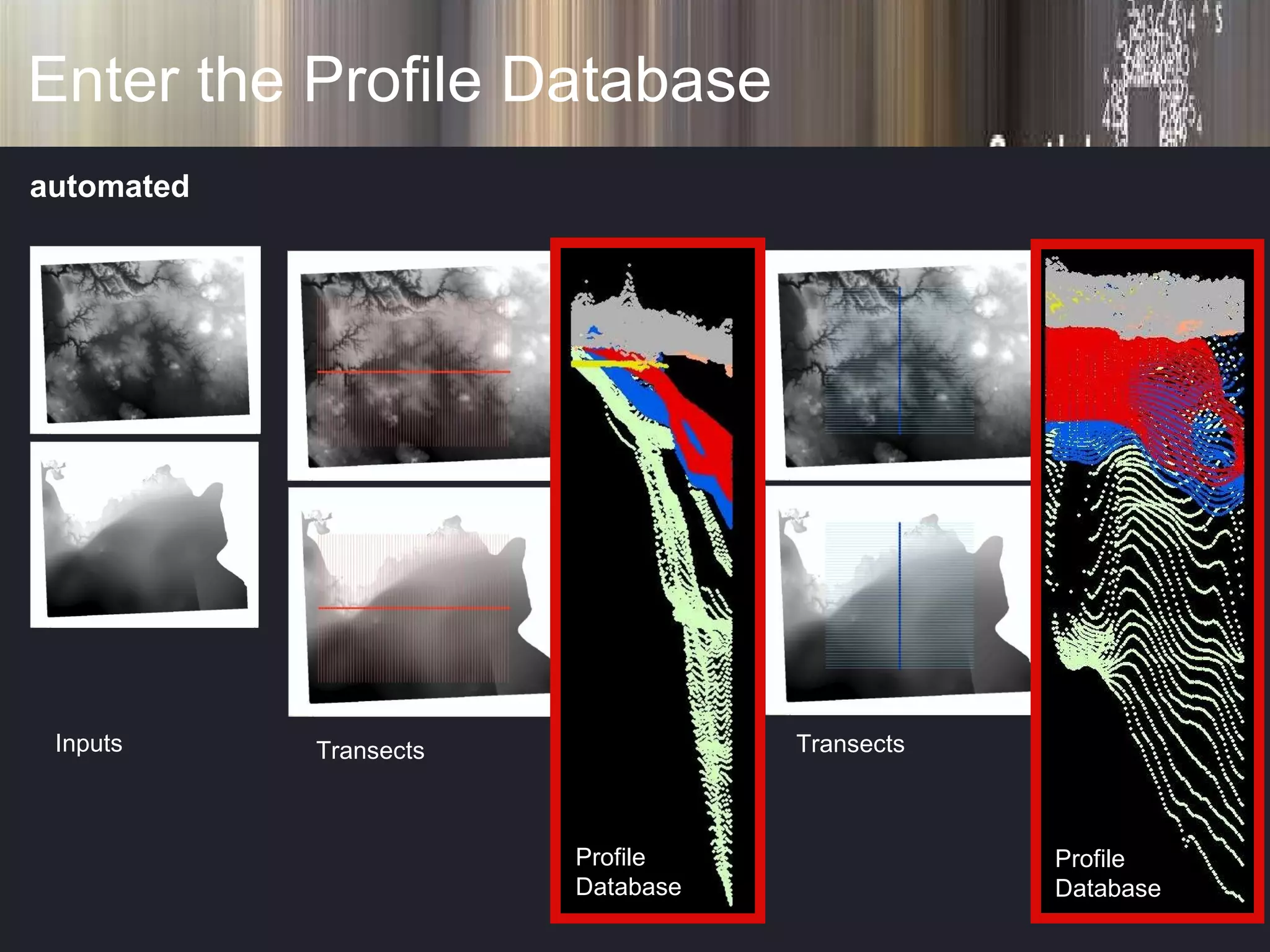
Enter the Profile Database Inputs Transects Transects Profile Database Profile Database automated
You are here! Condah Groundwater Management Area
Profile Database Bits 60km Trace Transect (section) automated
Profile Database Bits 50km automated
Profile Database Bits automated Convert “ x” , “y” To “ d” , “z”
Profile Database Bits Convert “ x” , “y” To “ d” , “z” automated
Profile Database Bits
If you really need a 3D hit! surface basement lta surface basement lta
If you really need a 3D hit! surface basement lta surface basement lta bores
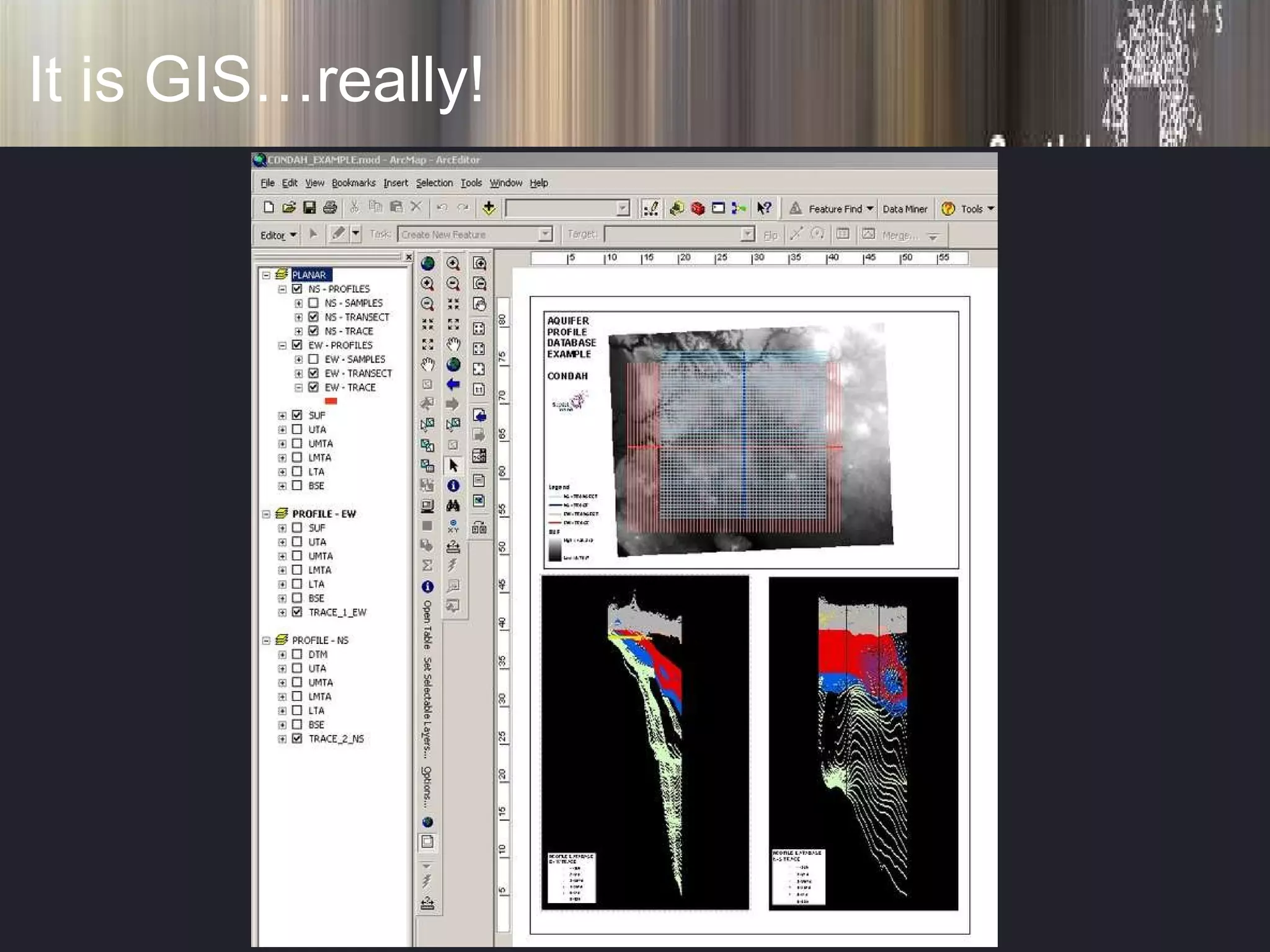
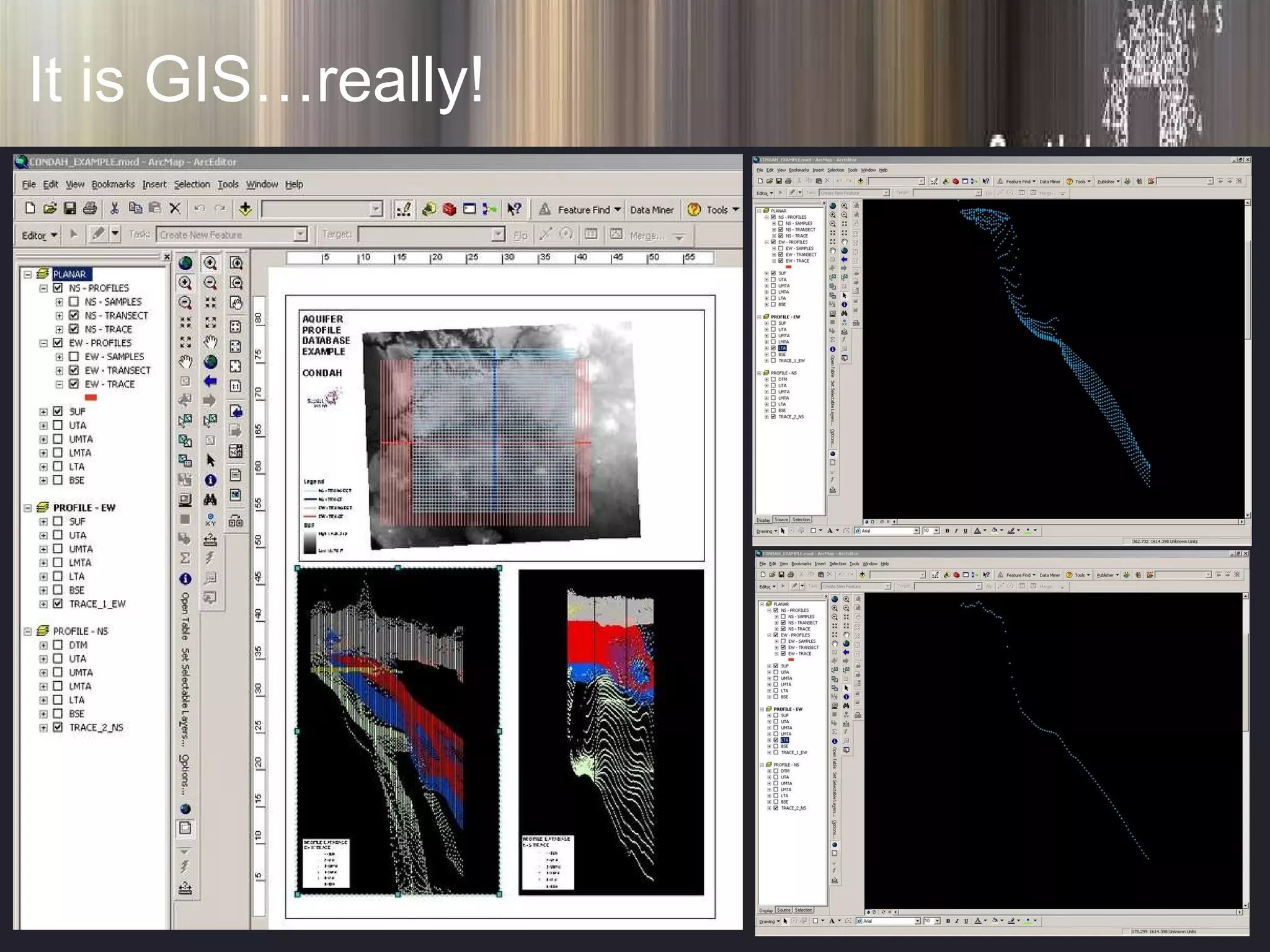
It is GIS…really!
It is GIS…really!
Remember our “model”?
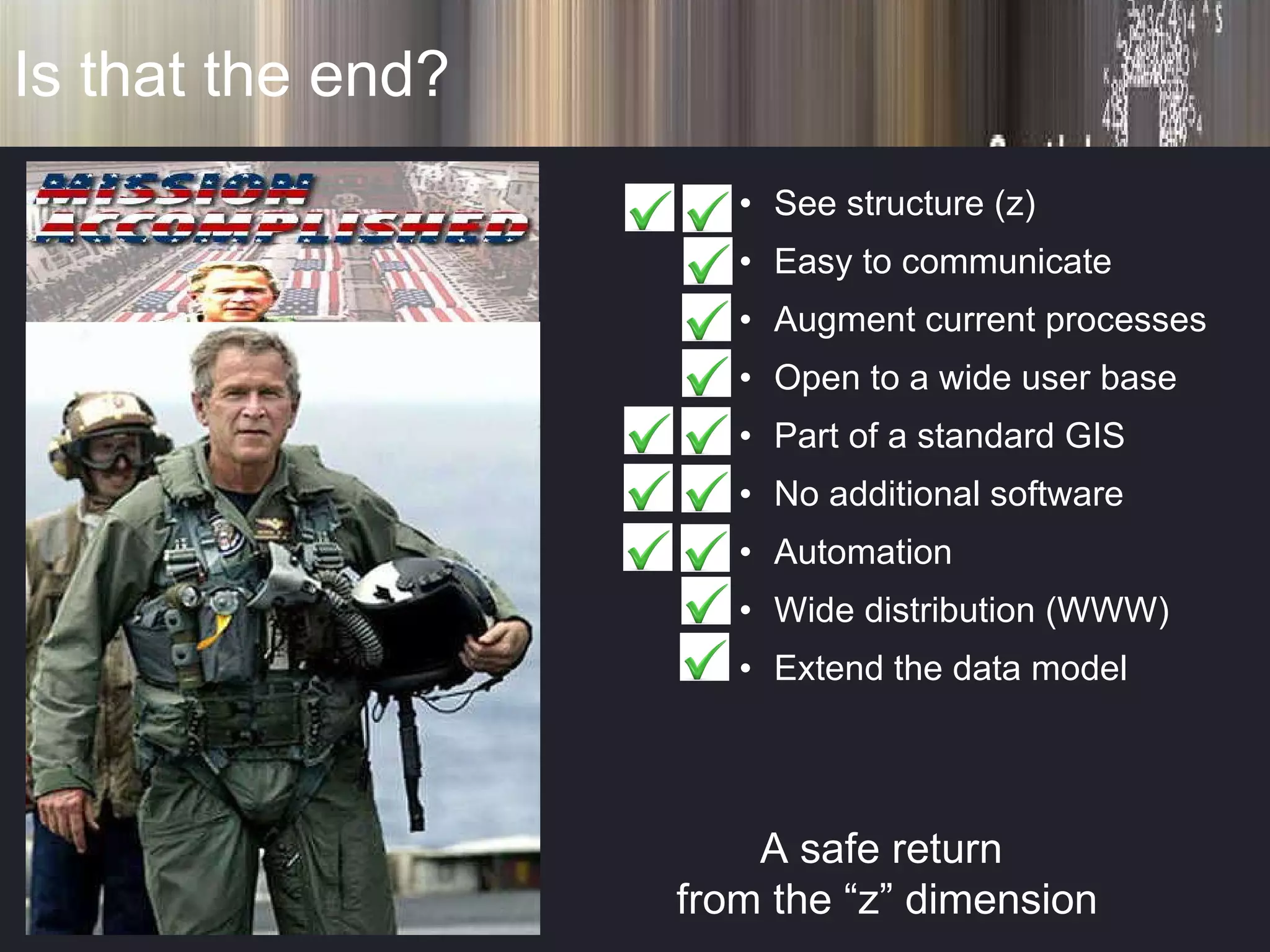
Is that the end? A safe return  from the “z” dimension See structure (z) Easy to communicate Augment current processes Open to a wide user base Part of a standard GIS No additional software Automation Wide distribution (WWW) Extend the data model
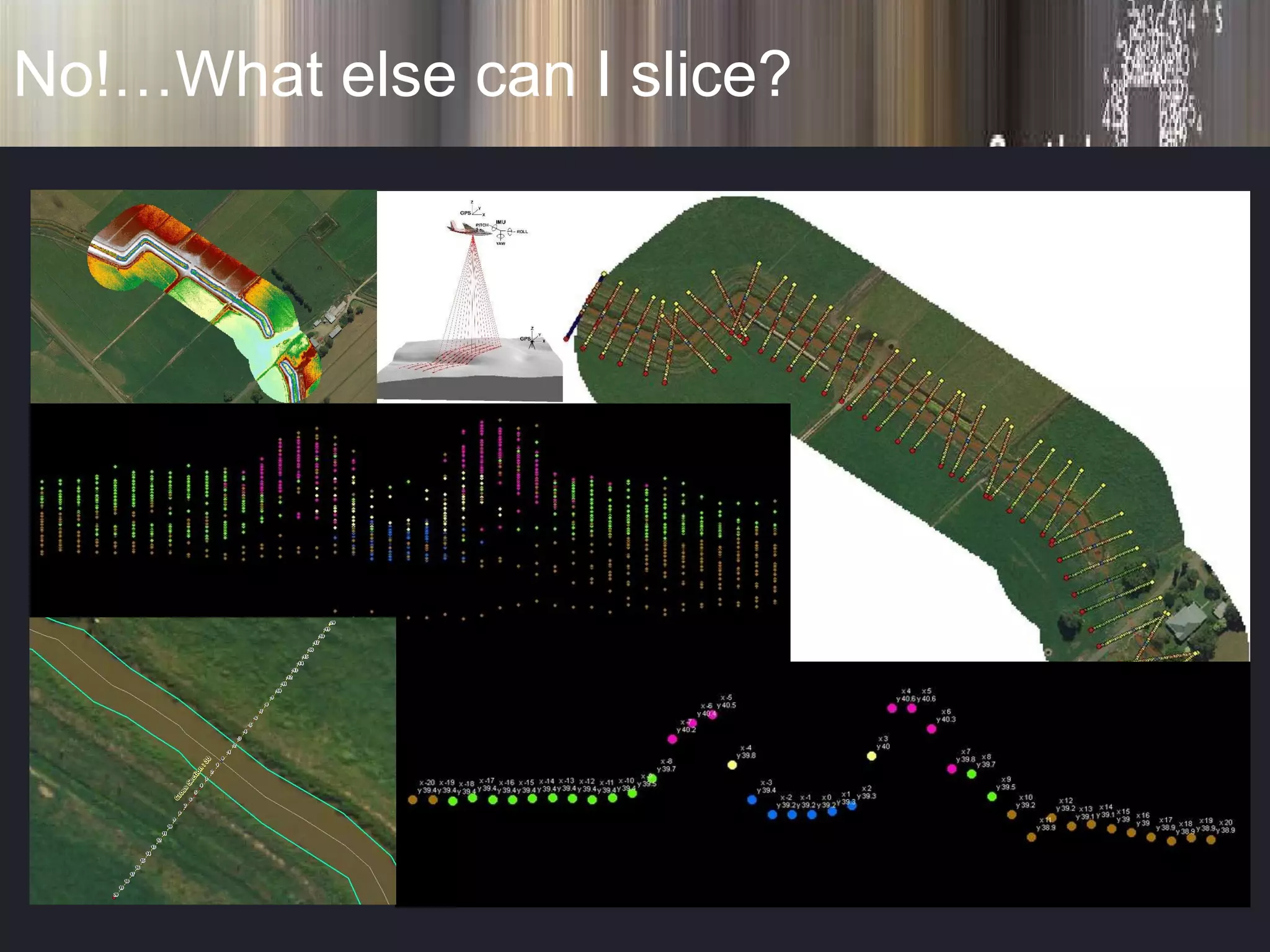
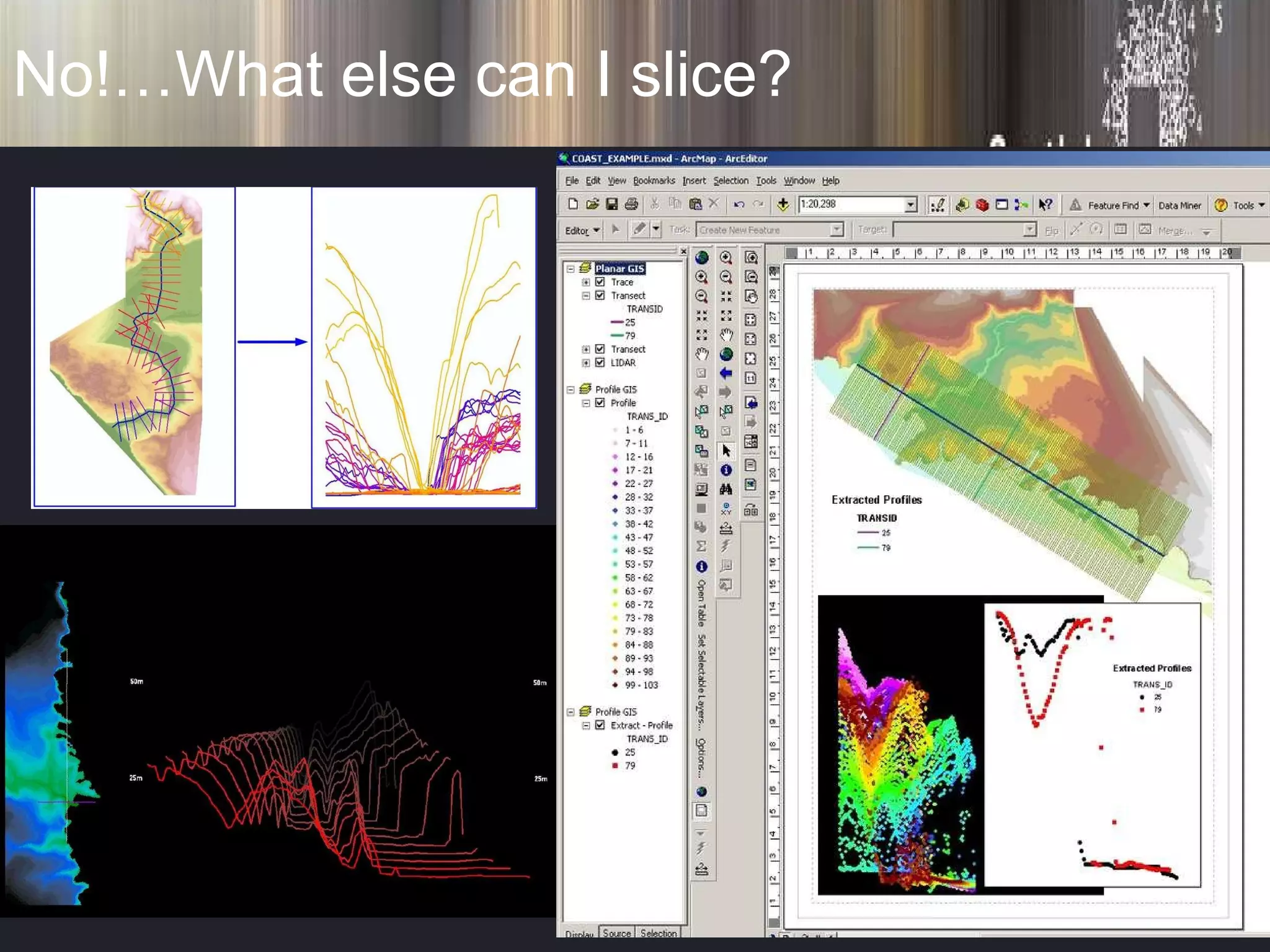
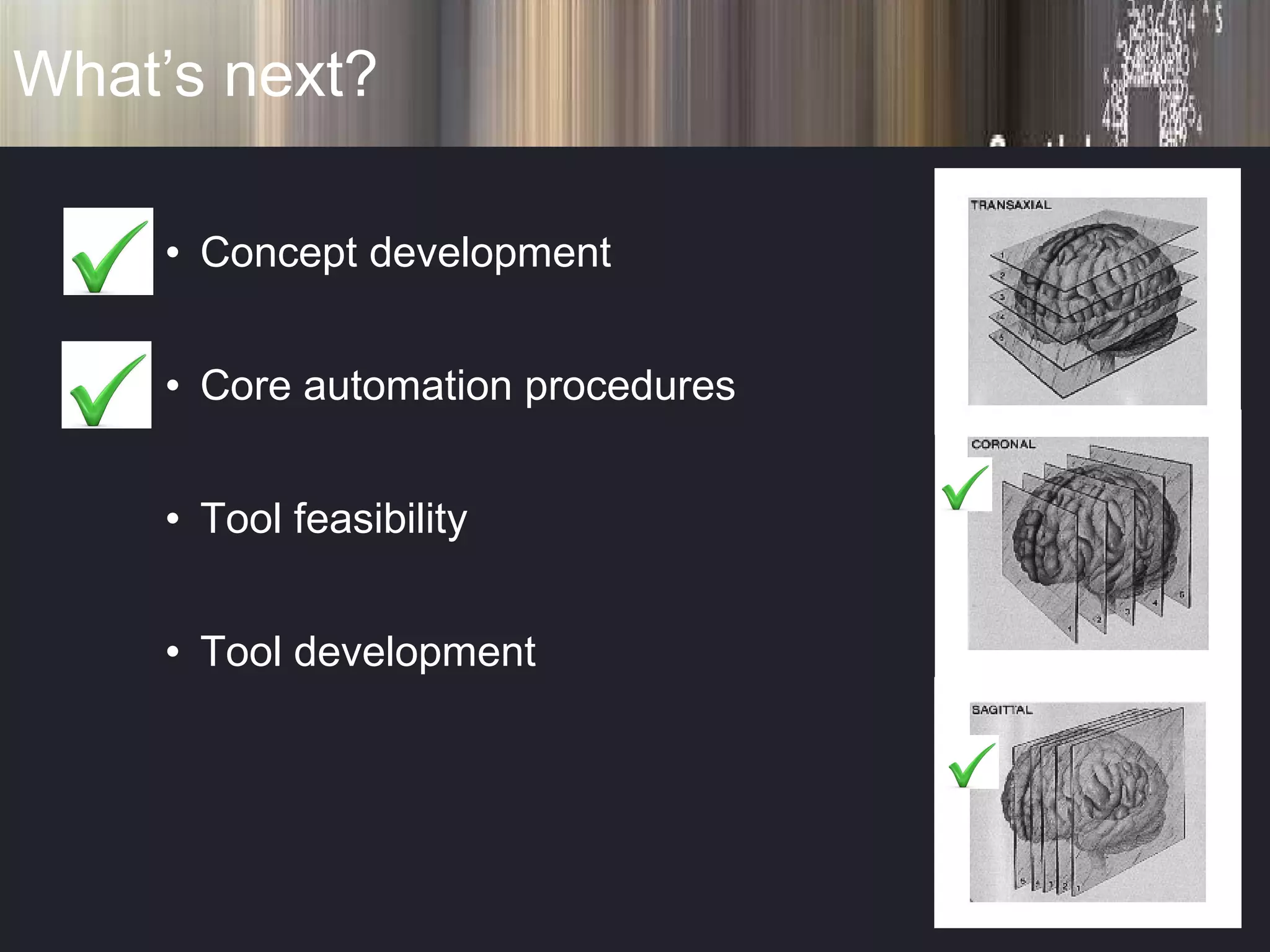
No!…What else can I slice?
What’s next? Concept development Core automation procedures Tool feasibility Tool development
This really is the end! Thanks to my team Mina Jahanshahi Luong Tran and [email_address]

Walis 2009

  • 1.
    Profile Databases Anapplication in groundwater management “getting to the Z of it all”
  • 2.
    What's the Problem?Aquifers are 3D in nature A stack of related structural units Vertical structure or relationships are an important New “mapping” at higher resolutions Such relationships are difficult in (planar) GIS Difficult…mmm…..Or is it?
  • 3.
    The basics! GISis all about graphs Standard GIS is a graph of “x” and “y” viewed from above – planar The Z dimension is an issue for this framework
  • 4.
    What's important? Communicationof these 3D relationships Easy access for resource managers and the community Seeing the structure clearly (show me the “z”)
  • 5.
    What about using3D? Powerful visualisation mediums Immersive Highly interactive Looks fantastic! The intuitive choice … well maybe???
  • 6.
    What about using3D? Special software / skills / conversion = ($ & time) Updating??? Hidden Information Separate formats Systematic???
  • 7.
    Deciding what Iwant? See structure (z) Easy to communicate Augment current business processes Open to a wide user base
  • 8.
    Deciding what Iwant? Part of a standard GIS No additional software Automation Wide distribution (WWW) Extend the data model
  • 9.
    So where tostart? An old idea! A good model! Let’s break it down!
  • 10.
    So where tostart? Planar Profile Legend Insert Planar “ Graph”
  • 11.
    So where tostart? Profiles – isn’t that the Z Dimension? Profiles are good at explaining structure Easy to understand & communicate relationships
  • 12.
    So can we?Create multiple profiles (x-sections) from planar GIS surfaces Automate the construction of sections Have a relationship between planar and profile views Do all this in a standard GIS
  • 13.
  • 14.
    Enter the ProfileDatabase Inputs Transects Transects Profile Database Profile Database automated
  • 15.
    You are here!Condah Groundwater Management Area
  • 16.
    Profile Database Bits60km Trace Transect (section) automated
  • 17.
    Profile Database Bits50km automated
  • 18.
    Profile Database Bitsautomated Convert “ x” , “y” To “ d” , “z”
  • 19.
    Profile Database BitsConvert “ x” , “y” To “ d” , “z” automated
  • 20.
  • 21.
    If you reallyneed a 3D hit! surface basement lta surface basement lta
  • 22.
    If you reallyneed a 3D hit! surface basement lta surface basement lta bores
  • 23.
  • 24.
  • 25.
  • 26.
    Is that theend? A safe return from the “z” dimension See structure (z) Easy to communicate Augment current processes Open to a wide user base Part of a standard GIS No additional software Automation Wide distribution (WWW) Extend the data model
  • 27.
  • 28.
  • 29.
    What’s next? Conceptdevelopment Core automation procedures Tool feasibility Tool development
  • 30.
    This really isthe end! Thanks to my team Mina Jahanshahi Luong Tran and [email_address]