VRML
Presentation
Intro to Presentation
• VRML Made by two word
1. Virtual Reality
2. Modeling Language
Virtual Reality
What is Virtual Reality(VR)?
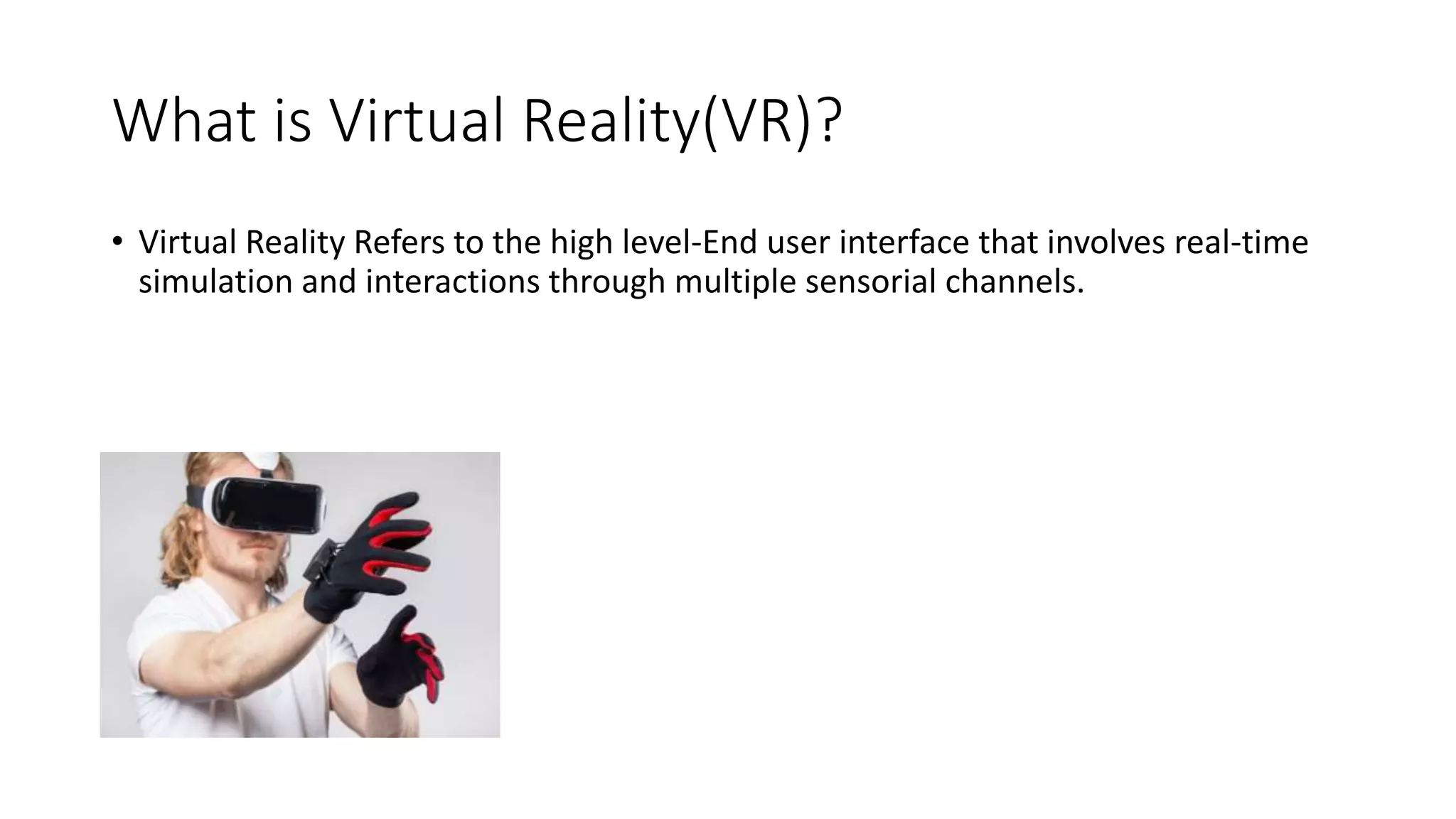
• Virtual Reality Refers to the high level-End user interface that involves real-time
simulation and interactions through multiple sensorial channels.
Why VR?
• VR is able to immerse(Jurna) you in a computer-generated word of
your own making: a city, the interior of humans body, with VR, you
can explore any uncharted territory of the human imagination.
Types Of VR System
Windows on World
(WoW)
• Also Called Desktop VR
• Using a Conventional
Computer monitor to
display the 3d Virtual
World.
Immersive VR
• Completely immerse the
user’s personal viewpoint
• The user has no Visual
content with the physical
world
• Often equipped with a
Head Mounted Display
(HMD)
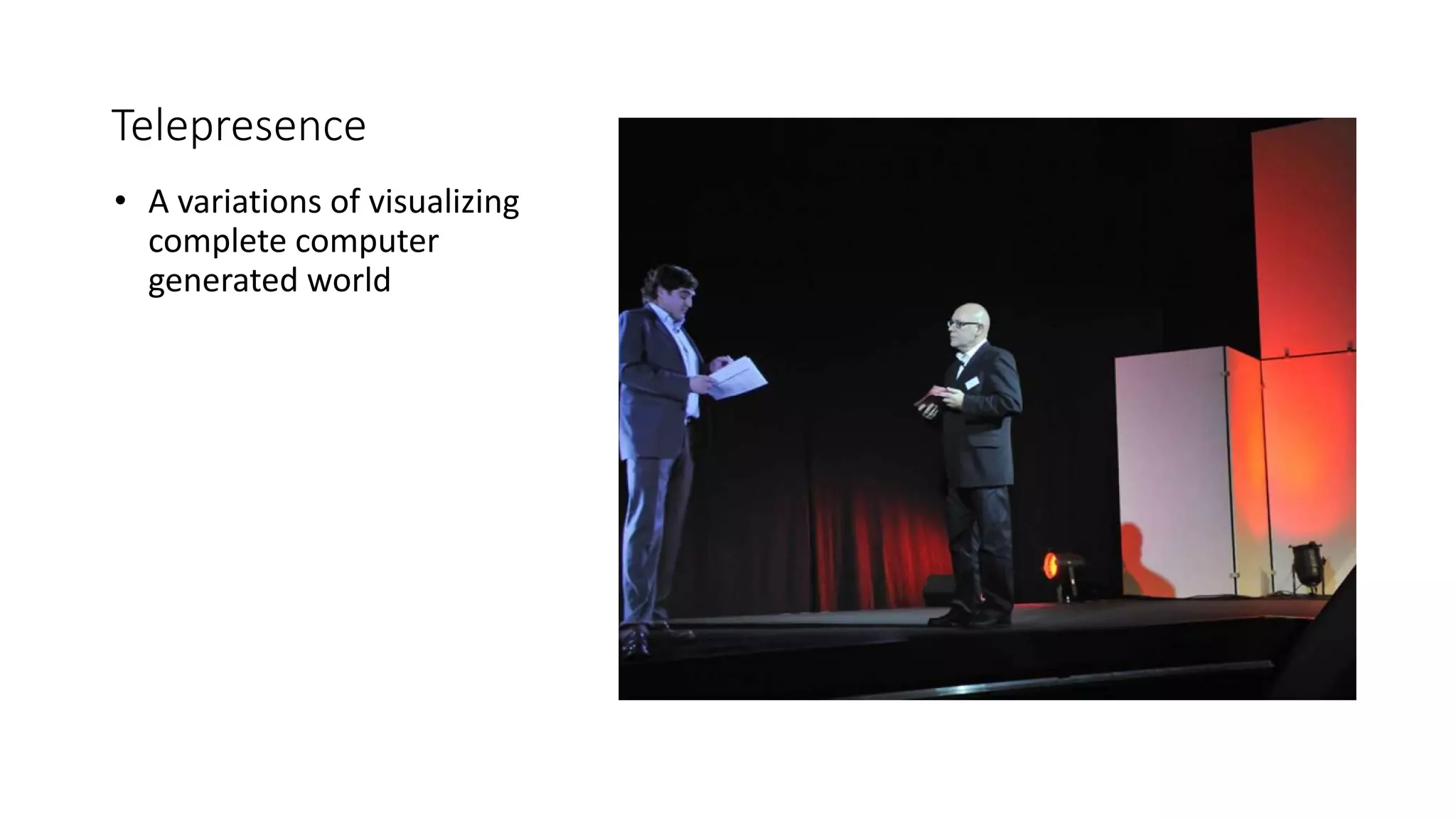
Telepresence
• A variations of visualizing
complete computer
generated world
Mixed Reality
(Augmented Reality)
• The seamless merging of
real space and virtual
space.
• Integrate the computer-
generated virtual objects
into the physical world
which become in a sense
an equal part of our
natural environment.
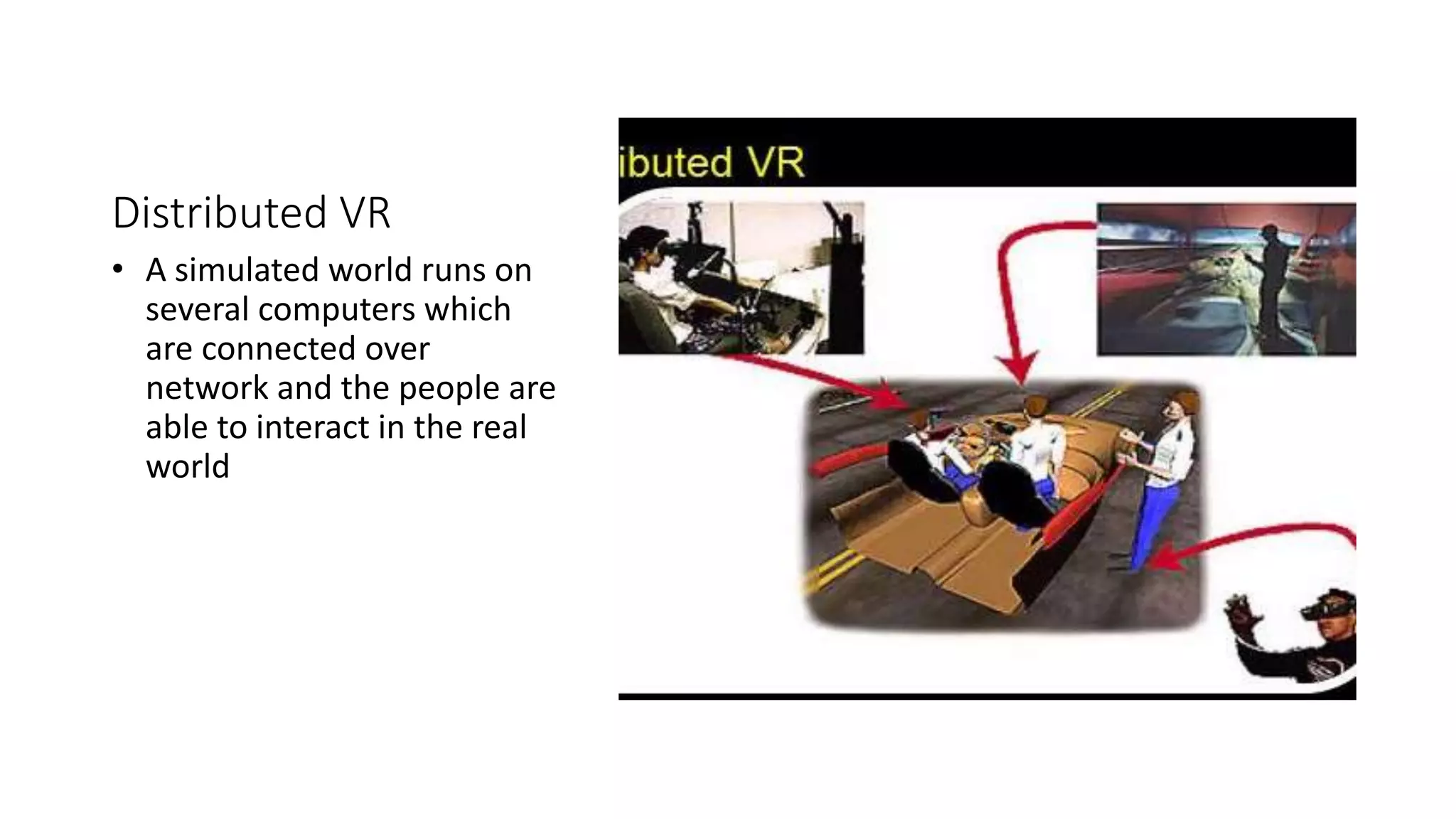
Distributed VR
• A simulated world runs on
several computers which
are connected over
network and the people are
able to interact in the real
world
Modeling Language
What is modeling language?
• A modeling language is any artificial language that
can be used to express information or knowledge or
systems in a structure that is defined by a
consistent(ba usool) set of rules. The rules are used
for interpretation of the meaning of components in
the structure.
• Referral Link:
https://en.wikipedia.org/wiki/Modeling_language
VRML
What is VRML?
• Standard language for interactive simulation with in the WWW.
• Allows to create “Virtual World” networked via internet and hyperlink
with the WWW
• The aspects of virtual world display and interacting using VRML you
do not need and pacific(sulah pasand) device.
The is only been viewed by Netscap or IE with the plugin
Application
• Entertainment
• Medicine
• Manufacturing
• Education and training
• Communication
How to Make Run VRML on
PC
Installation Process
Download Process
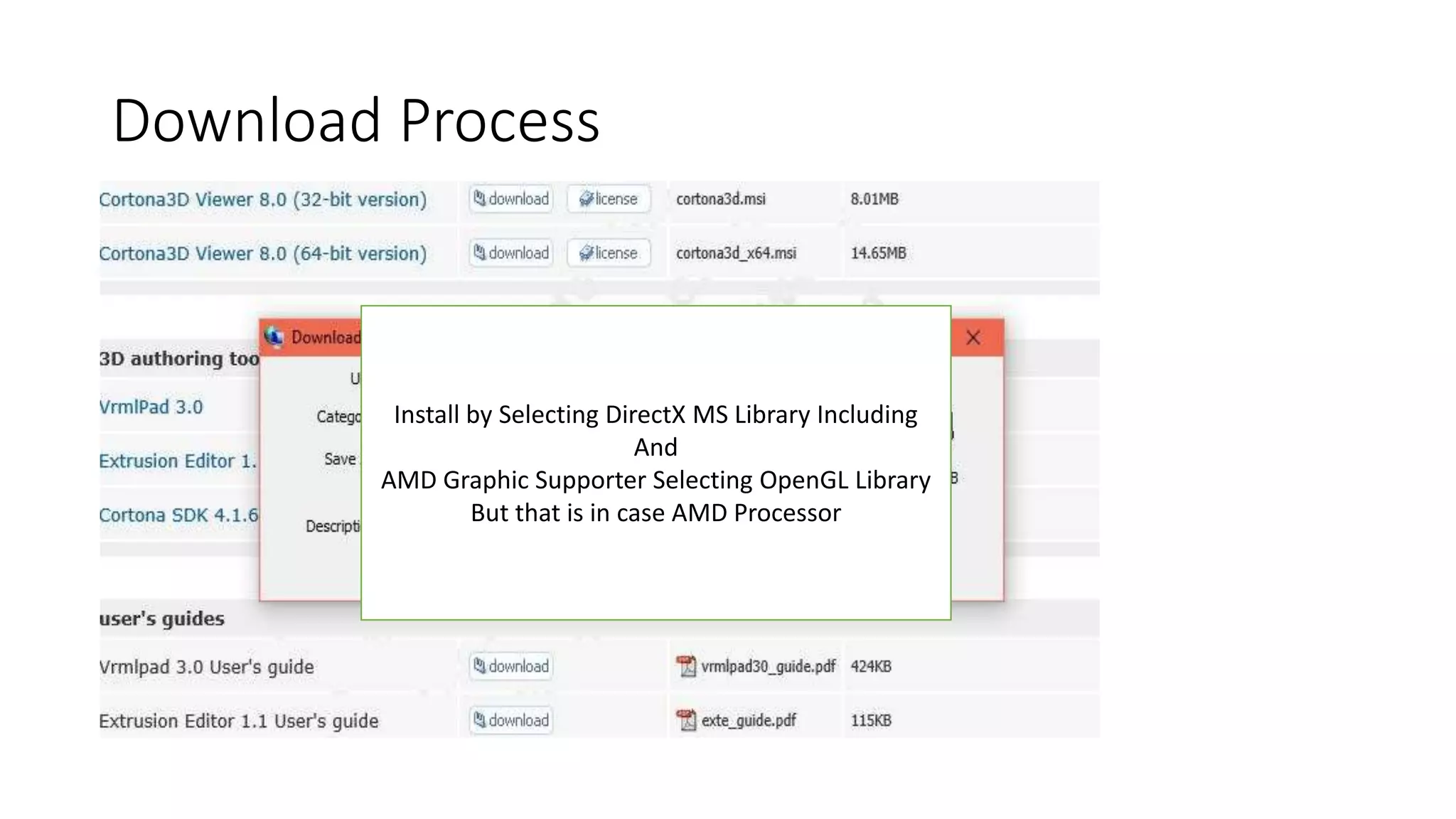
• http://www.parallelgraphics.com/products/cortona/
Install by Selecting DirectX MS Library Including
And
AMD Graphic Supporter Selecting OpenGL Library
But that is in case AMD Processor
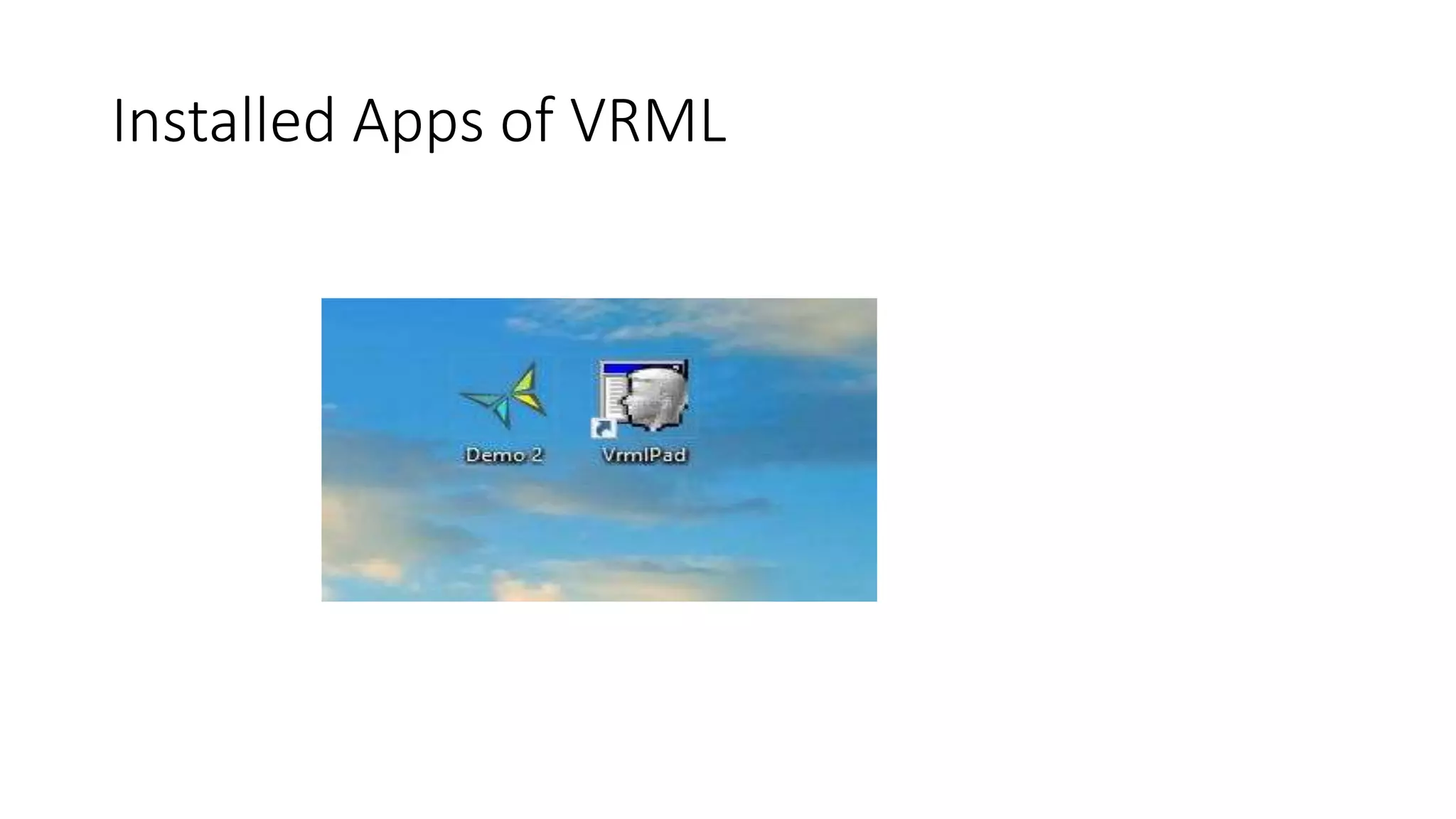
Installed Apps of VRML
Get Information
• http://www.lighthouse3d.com/vrml/tutorial/
Practical
3D Models
What You can…..with VRML and
Scope
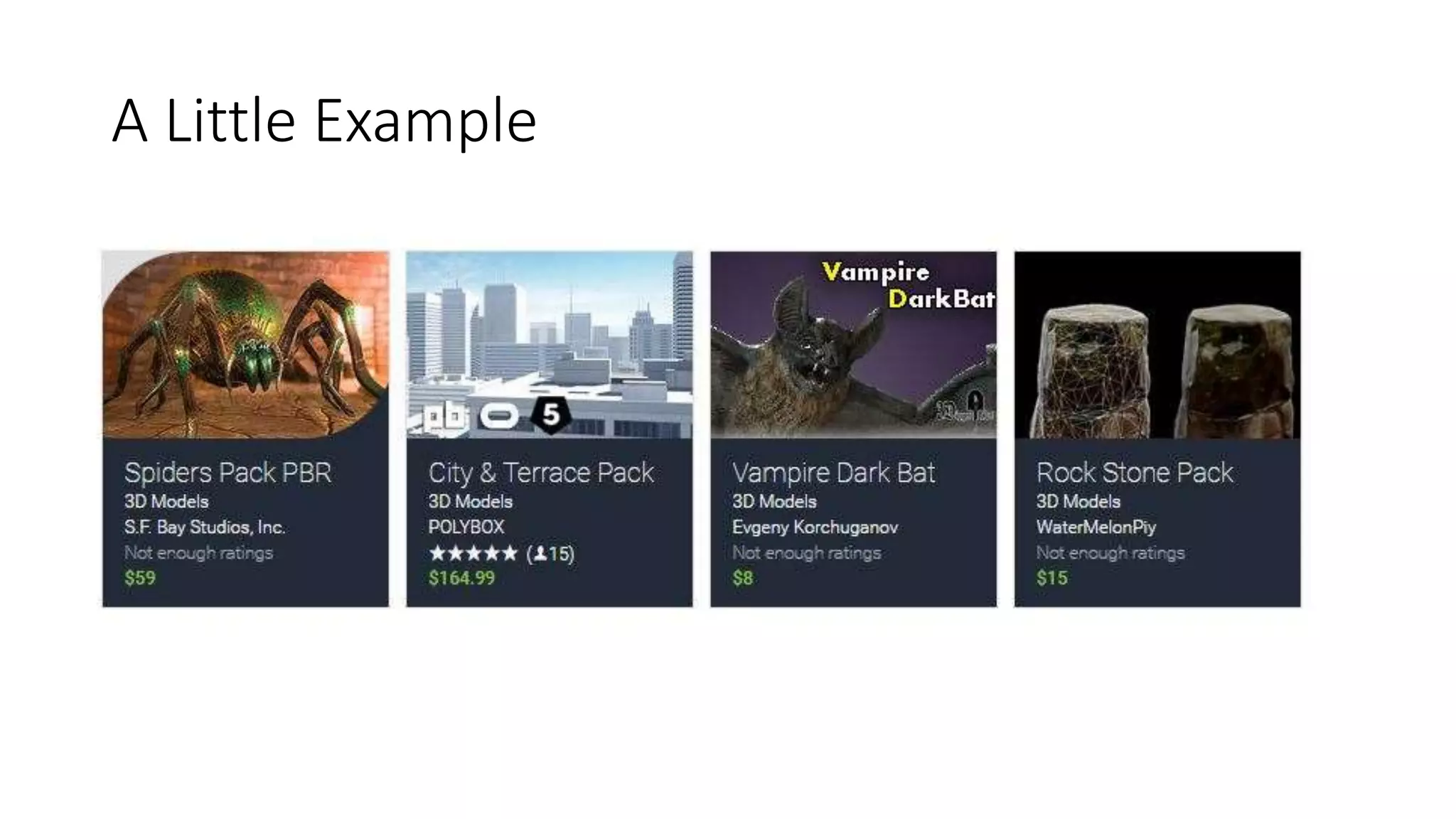
A Little Example
VRML − Basics
• •A VRML file is essentially a collection of Objects called Nodes which
can be something physically: Sphere, Cylinder, etc. or non−physically:
Viewpoints, Hyperlinks Transformations, Sound, etc.
• •Each Node contains Fields which hold the data of the node
VRML − Basics
•Some nodes are container nodes or grouping nodes, which contain
other nodes
•Nodes are arranged in hierarchical structures called scene graphs.
Scene graphs are more than just a collection of nodes; the scene graph
defines an ordering for the nodes. The scene graph has a notion of
state, i.e. nodes earlier in the world can affect nodes that appear later
in the world.
Fundamental Structure to
Create a 3D Model
by
VRML
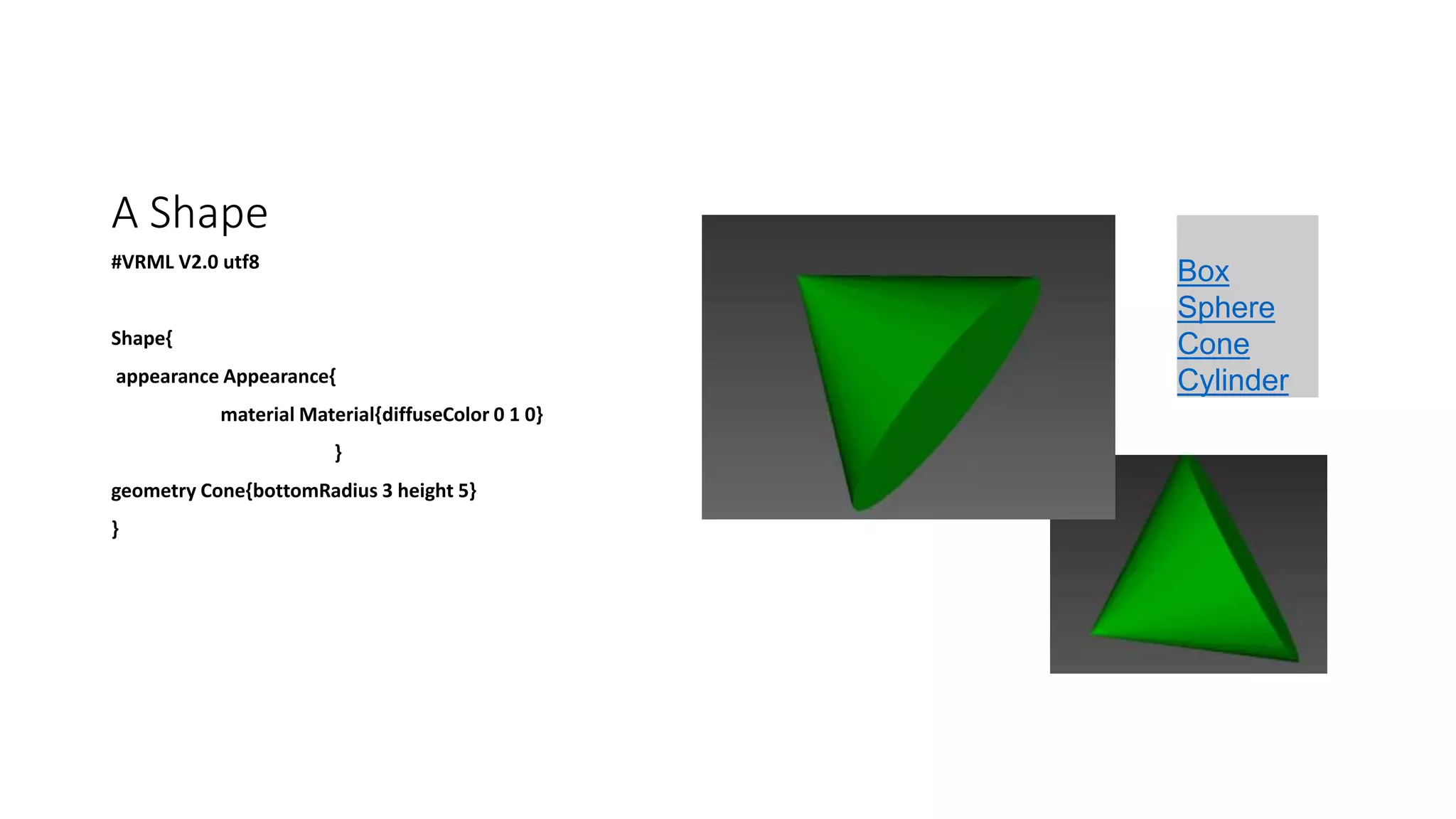
A Shape
#VRML V2.0 utf8
Shape{
appearance Appearance{
material Material{diffuseColor 0 1 0}
}
geometry Cone{bottomRadius 3 height 5}
}
Box
Sphere
Cone
Cylinder
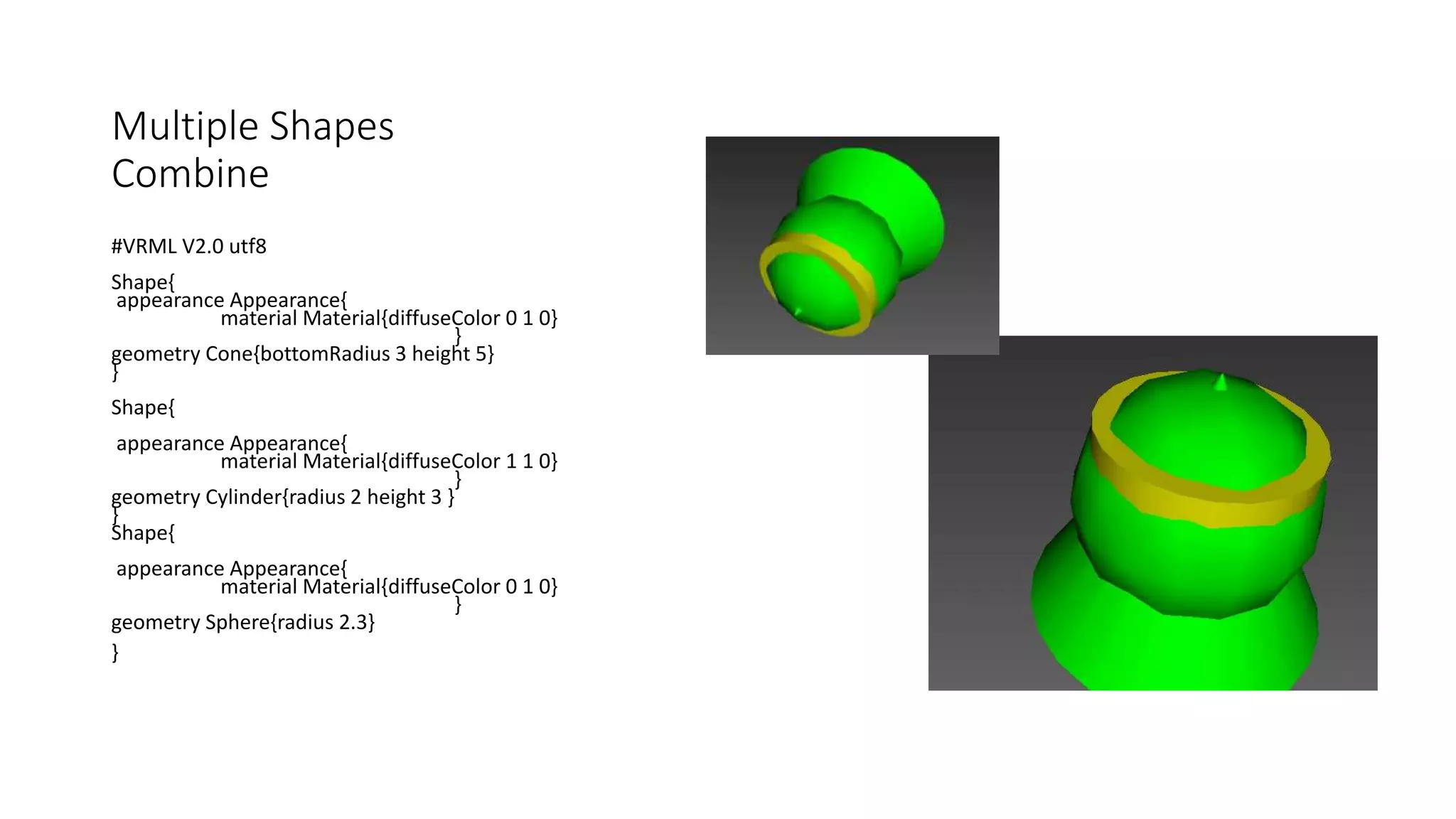
Multiple Shapes
Combine
#VRML V2.0 utf8
Shape{
appearance Appearance{
material Material{diffuseColor 0 1 0}
}
geometry Cone{bottomRadius 3 height 5}
}
Shape{
appearance Appearance{
material Material{diffuseColor 1 1 0}
}
geometry Cylinder{radius 2 height 3 }
}
Shape{
appearance Appearance{
material Material{diffuseColor 0 1 0}
}
geometry Sphere{radius 2.3}
}
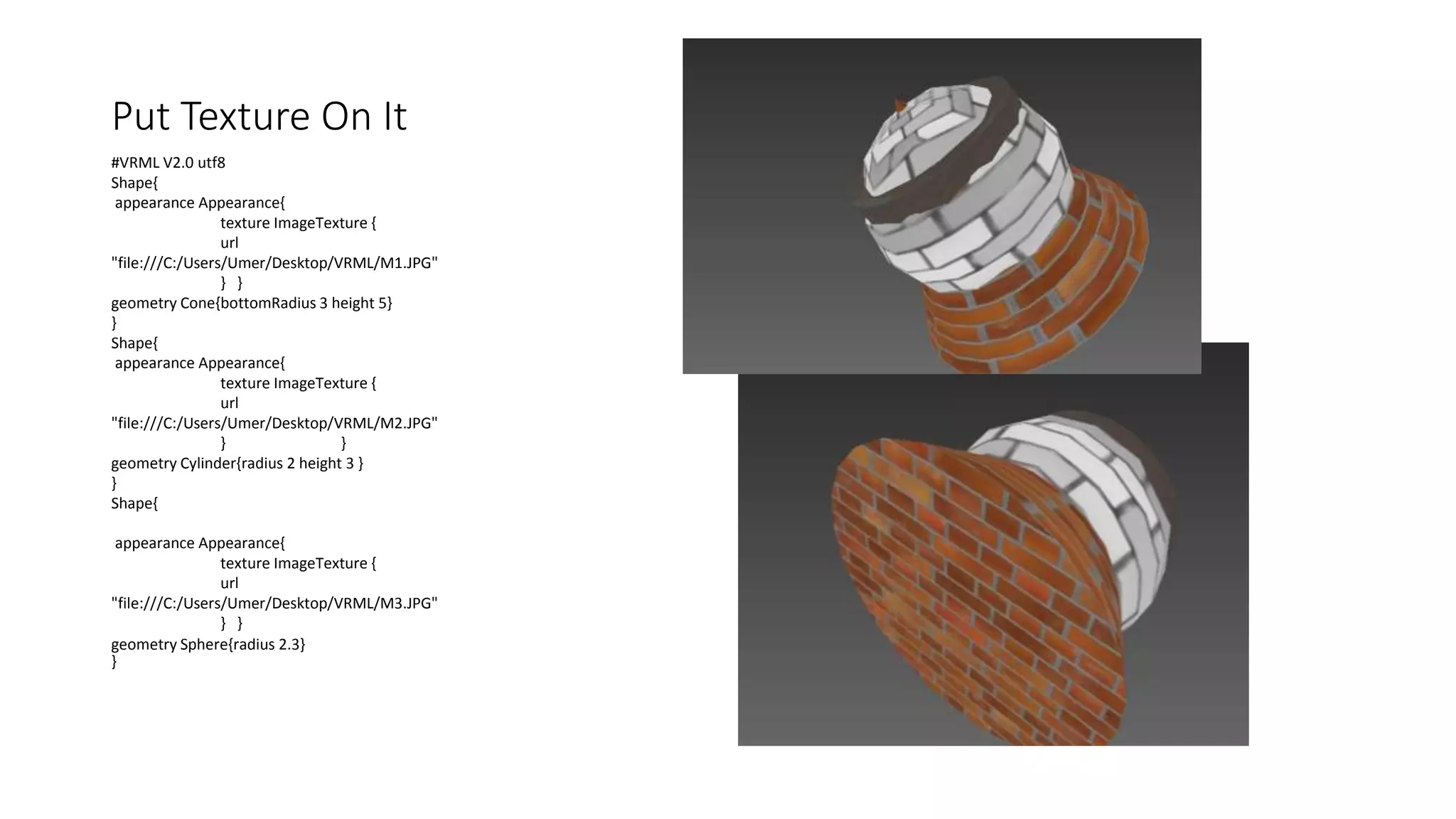
Put Texture On It
#VRML V2.0 utf8
Shape{
appearance Appearance{
texture ImageTexture {
url
"file:///C:/Users/Umer/Desktop/VRML/M1.JPG"
} }
geometry Cone{bottomRadius 3 height 5}
}
Shape{
appearance Appearance{
texture ImageTexture {
url
"file:///C:/Users/Umer/Desktop/VRML/M2.JPG"
} }
geometry Cylinder{radius 2 height 3 }
}
Shape{
appearance Appearance{
texture ImageTexture {
url
"file:///C:/Users/Umer/Desktop/VRML/M3.JPG"
} }
geometry Sphere{radius 2.3}
}
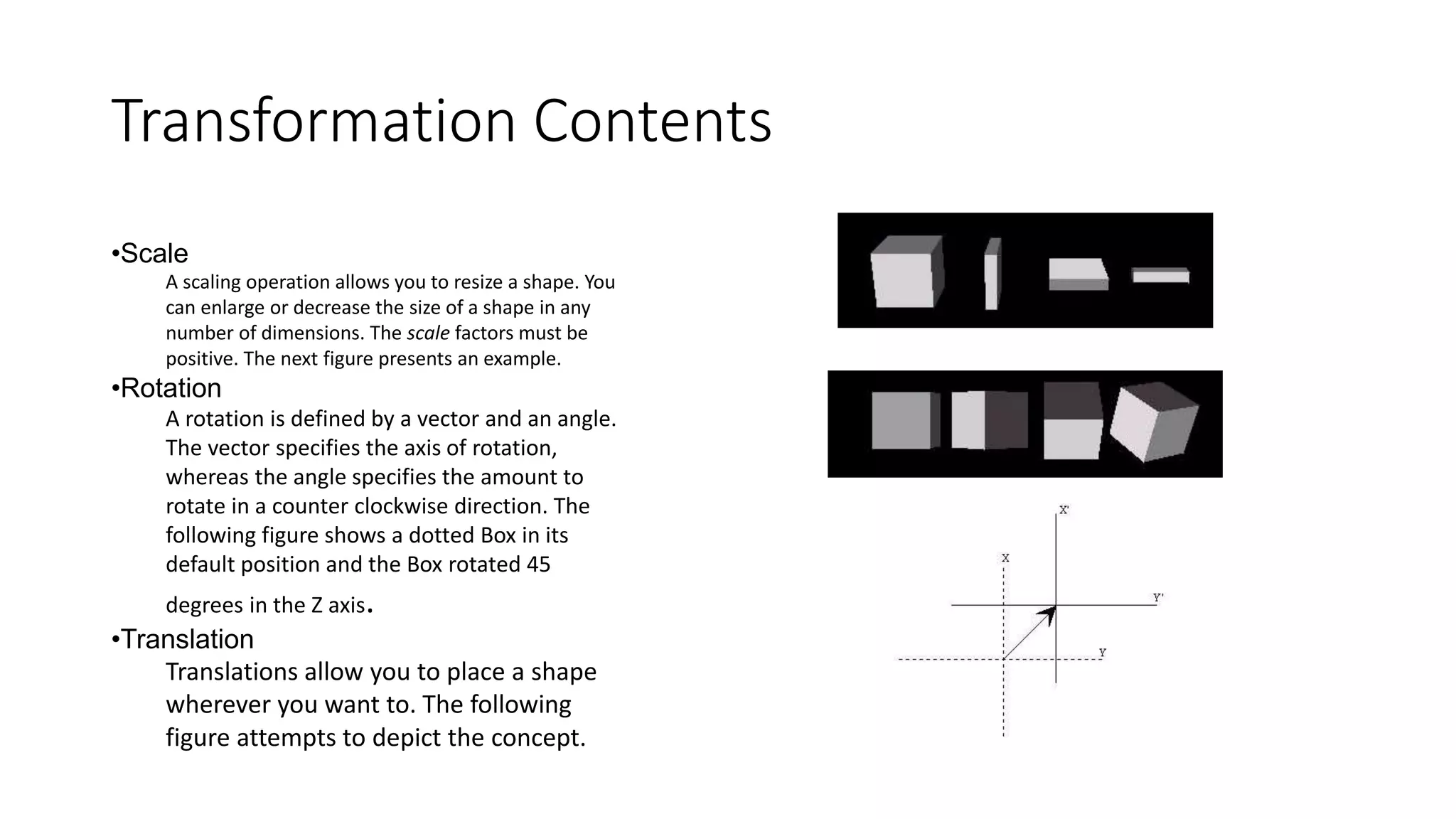
Transformation Contents
•Scale
A scaling operation allows you to resize a shape. You
can enlarge or decrease the size of a shape in any
number of dimensions. The scale factors must be
positive. The next figure presents an example.
•Rotation
A rotation is defined by a vector and an angle.
The vector specifies the axis of rotation,
whereas the angle specifies the amount to
rotate in a counter clockwise direction. The
following figure shows a dotted Box in its
default position and the Box rotated 45
degrees in the Z axis.
•Translation
Translations allow you to place a shape
wherever you want to. The following
figure attempts to depict the concept.
Texture with
Transformation
#VRML V2.0 utf8
Transform{
translation 0 0 0
rotation 0 0 0 0
children[
Shape{
appearance Appearance{
texture ImageTexture {
url
"file:///C:/Users/Umer/Desktop/VRML/M1.JPG"
} }
geometry Box {size 10 10 1}
}]}
Transform{
translation 0 0 3
rotation 1 1 1 90
children[
Shape{
appearance Appearance{
texture ImageTexture {
url
"file:///C:/Users/Umer/Desktop/VRML/M2.JPG"
} }
geometry Cone { height 5 bottomRadius 1}}]}
Animation Demo

Vrml Language (Virtual Reality)

  • 1.
  • 2.
    Intro to Presentation •VRML Made by two word 1. Virtual Reality 2. Modeling Language
  • 3.
  • 4.
    What is VirtualReality(VR)? • Virtual Reality Refers to the high level-End user interface that involves real-time simulation and interactions through multiple sensorial channels.
  • 5.
    Why VR? • VRis able to immerse(Jurna) you in a computer-generated word of your own making: a city, the interior of humans body, with VR, you can explore any uncharted territory of the human imagination.
  • 6.
  • 7.
    Windows on World (WoW) •Also Called Desktop VR • Using a Conventional Computer monitor to display the 3d Virtual World.
  • 8.
    Immersive VR • Completelyimmerse the user’s personal viewpoint • The user has no Visual content with the physical world • Often equipped with a Head Mounted Display (HMD)
  • 9.
    Telepresence • A variationsof visualizing complete computer generated world
  • 10.
    Mixed Reality (Augmented Reality) •The seamless merging of real space and virtual space. • Integrate the computer- generated virtual objects into the physical world which become in a sense an equal part of our natural environment.
  • 11.
    Distributed VR • Asimulated world runs on several computers which are connected over network and the people are able to interact in the real world
  • 12.
  • 13.
    What is modelinglanguage? • A modeling language is any artificial language that can be used to express information or knowledge or systems in a structure that is defined by a consistent(ba usool) set of rules. The rules are used for interpretation of the meaning of components in the structure. • Referral Link: https://en.wikipedia.org/wiki/Modeling_language
  • 14.
  • 15.
    What is VRML? •Standard language for interactive simulation with in the WWW. • Allows to create “Virtual World” networked via internet and hyperlink with the WWW • The aspects of virtual world display and interacting using VRML you do not need and pacific(sulah pasand) device. The is only been viewed by Netscap or IE with the plugin
  • 16.
    Application • Entertainment • Medicine •Manufacturing • Education and training • Communication
  • 17.
    How to MakeRun VRML on PC Installation Process
  • 18.
    Download Process • http://www.parallelgraphics.com/products/cortona/ Installby Selecting DirectX MS Library Including And AMD Graphic Supporter Selecting OpenGL Library But that is in case AMD Processor
  • 19.
  • 20.
  • 21.
  • 22.
    What You can…..withVRML and Scope
  • 23.
  • 24.
    VRML − Basics ••A VRML file is essentially a collection of Objects called Nodes which can be something physically: Sphere, Cylinder, etc. or non−physically: Viewpoints, Hyperlinks Transformations, Sound, etc. • •Each Node contains Fields which hold the data of the node
  • 25.
    VRML − Basics •Somenodes are container nodes or grouping nodes, which contain other nodes •Nodes are arranged in hierarchical structures called scene graphs. Scene graphs are more than just a collection of nodes; the scene graph defines an ordering for the nodes. The scene graph has a notion of state, i.e. nodes earlier in the world can affect nodes that appear later in the world.
  • 26.
  • 27.
    A Shape #VRML V2.0utf8 Shape{ appearance Appearance{ material Material{diffuseColor 0 1 0} } geometry Cone{bottomRadius 3 height 5} } Box Sphere Cone Cylinder
  • 28.
    Multiple Shapes Combine #VRML V2.0utf8 Shape{ appearance Appearance{ material Material{diffuseColor 0 1 0} } geometry Cone{bottomRadius 3 height 5} } Shape{ appearance Appearance{ material Material{diffuseColor 1 1 0} } geometry Cylinder{radius 2 height 3 } } Shape{ appearance Appearance{ material Material{diffuseColor 0 1 0} } geometry Sphere{radius 2.3} }
  • 29.
    Put Texture OnIt #VRML V2.0 utf8 Shape{ appearance Appearance{ texture ImageTexture { url "file:///C:/Users/Umer/Desktop/VRML/M1.JPG" } } geometry Cone{bottomRadius 3 height 5} } Shape{ appearance Appearance{ texture ImageTexture { url "file:///C:/Users/Umer/Desktop/VRML/M2.JPG" } } geometry Cylinder{radius 2 height 3 } } Shape{ appearance Appearance{ texture ImageTexture { url "file:///C:/Users/Umer/Desktop/VRML/M3.JPG" } } geometry Sphere{radius 2.3} }
  • 30.
    Transformation Contents •Scale A scalingoperation allows you to resize a shape. You can enlarge or decrease the size of a shape in any number of dimensions. The scale factors must be positive. The next figure presents an example. •Rotation A rotation is defined by a vector and an angle. The vector specifies the axis of rotation, whereas the angle specifies the amount to rotate in a counter clockwise direction. The following figure shows a dotted Box in its default position and the Box rotated 45 degrees in the Z axis. •Translation Translations allow you to place a shape wherever you want to. The following figure attempts to depict the concept.
  • 31.
    Texture with Transformation #VRML V2.0utf8 Transform{ translation 0 0 0 rotation 0 0 0 0 children[ Shape{ appearance Appearance{ texture ImageTexture { url "file:///C:/Users/Umer/Desktop/VRML/M1.JPG" } } geometry Box {size 10 10 1} }]} Transform{ translation 0 0 3 rotation 1 1 1 90 children[ Shape{ appearance Appearance{ texture ImageTexture { url "file:///C:/Users/Umer/Desktop/VRML/M2.JPG" } } geometry Cone { height 5 bottomRadius 1}}]}
  • 32.

Editor's Notes