How to Debug Common Agent Issues
Volker Fröhlich
12 Sep 2015, Zabbix Conference
The well-known Helpful tools Devil in the details Examples
Who am I?
Volker Fröhlich (volter)
Geizhals Preisvergleich Internet Services AG
(http://geizhals.at)
Action simulator, Zabbix blog, various frontend patches
Fedora packager, Openstreetmap contributor
The well-known Helpful tools Devil in the details Examples
Goals of this talk
Item unsupported, odd values, ...
It is useful to understand the inner workings
How to figure out what’s wrong – efficiently!
The well-known Helpful tools Devil in the details Examples
Overview
1 Well-known facts and gotchas
2 Helpful tools
3 The devil is in the details
4 Examples
The well-known Helpful tools Devil in the details Examples
Modes & Protocols
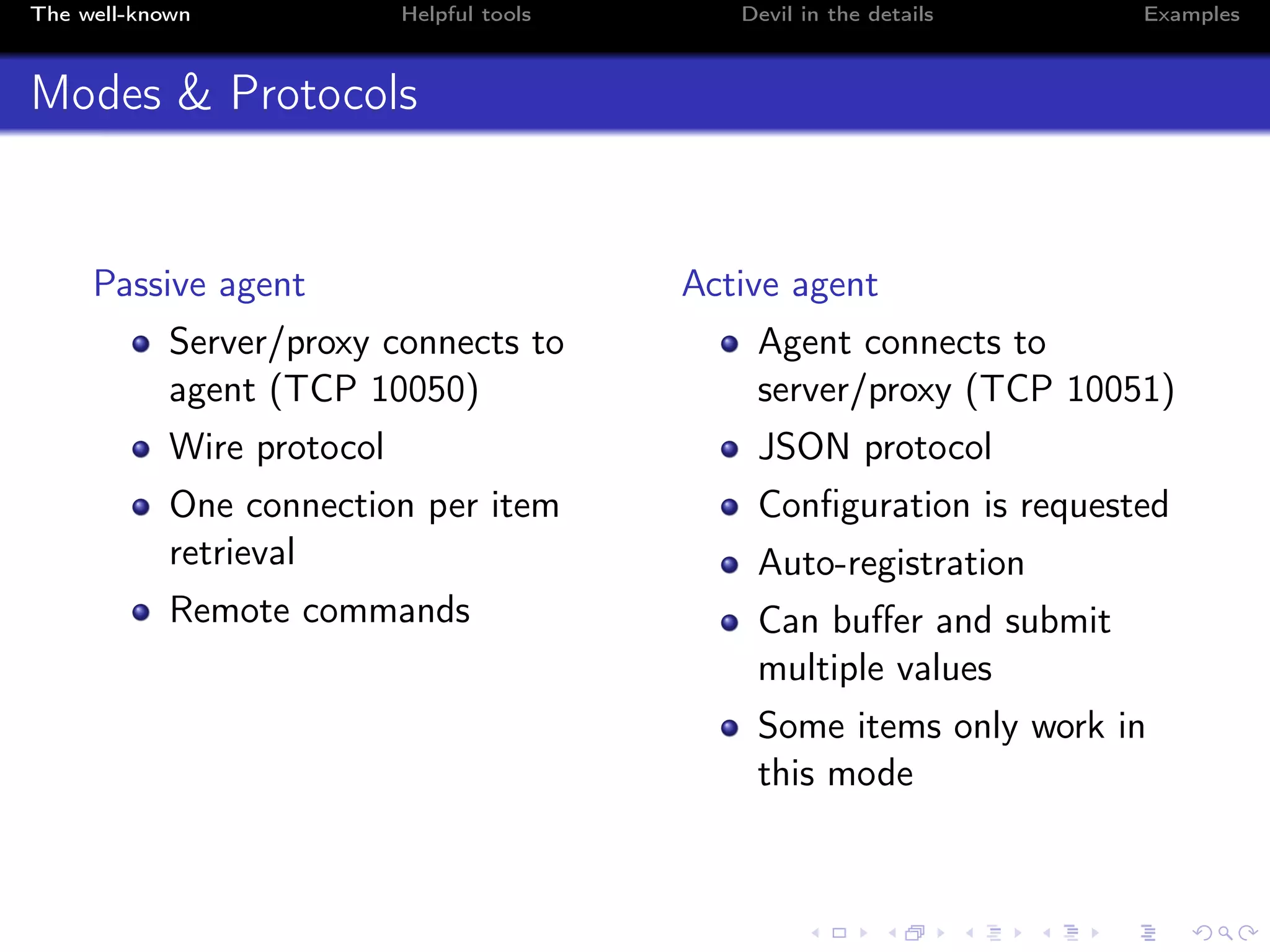
Passive agent
Server/proxy connects to
agent (TCP 10050)
Wire protocol
One connection per item
retrieval
Remote commands
Active agent
Agent connects to
server/proxy (TCP 10051)
JSON protocol
Configuration is requested
Auto-registration
Can buffer and submit
multiple values
Some items only work in
this mode
The well-known Helpful tools Devil in the details Examples
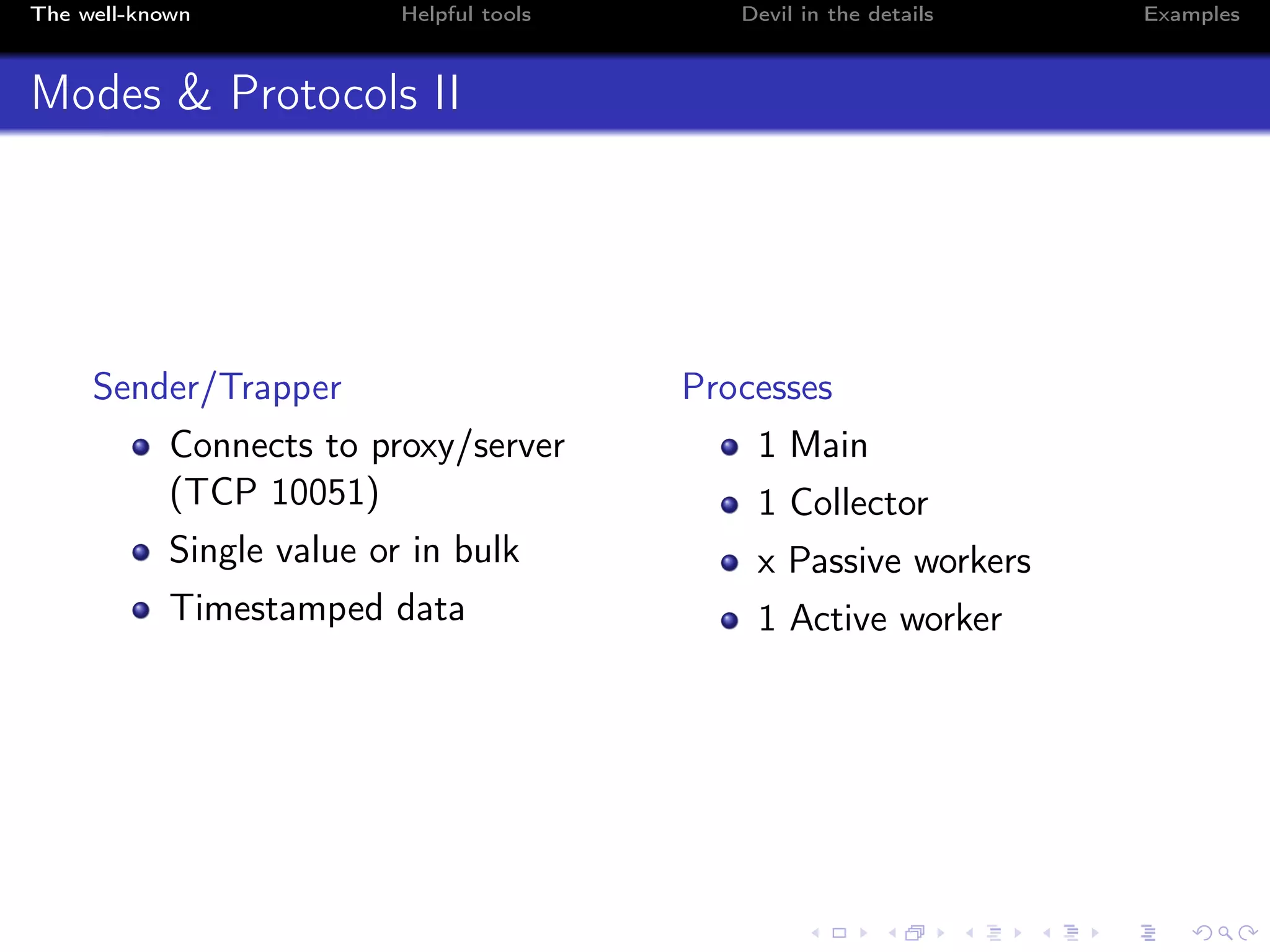
Modes & Protocols II
Sender/Trapper
Connects to proxy/server
(TCP 10051)
Single value or in bulk
Timestamped data
Processes
1 Main
1 Collector
x Passive workers
1 Active worker
The well-known Helpful tools Devil in the details Examples
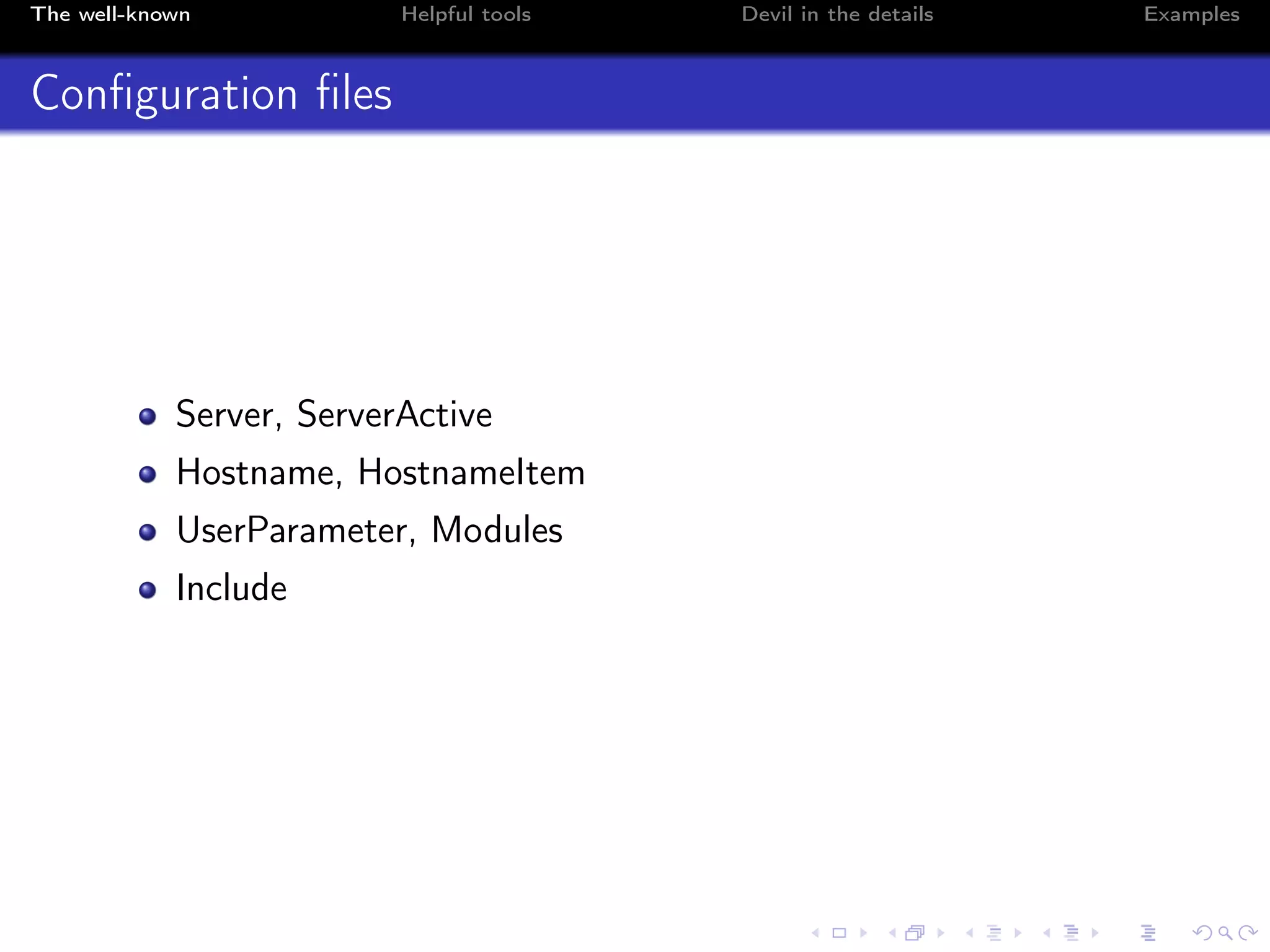
Configuration files
Server, ServerActive
Hostname, HostnameItem
UserParameter, Modules
Include
The well-known Helpful tools Devil in the details Examples
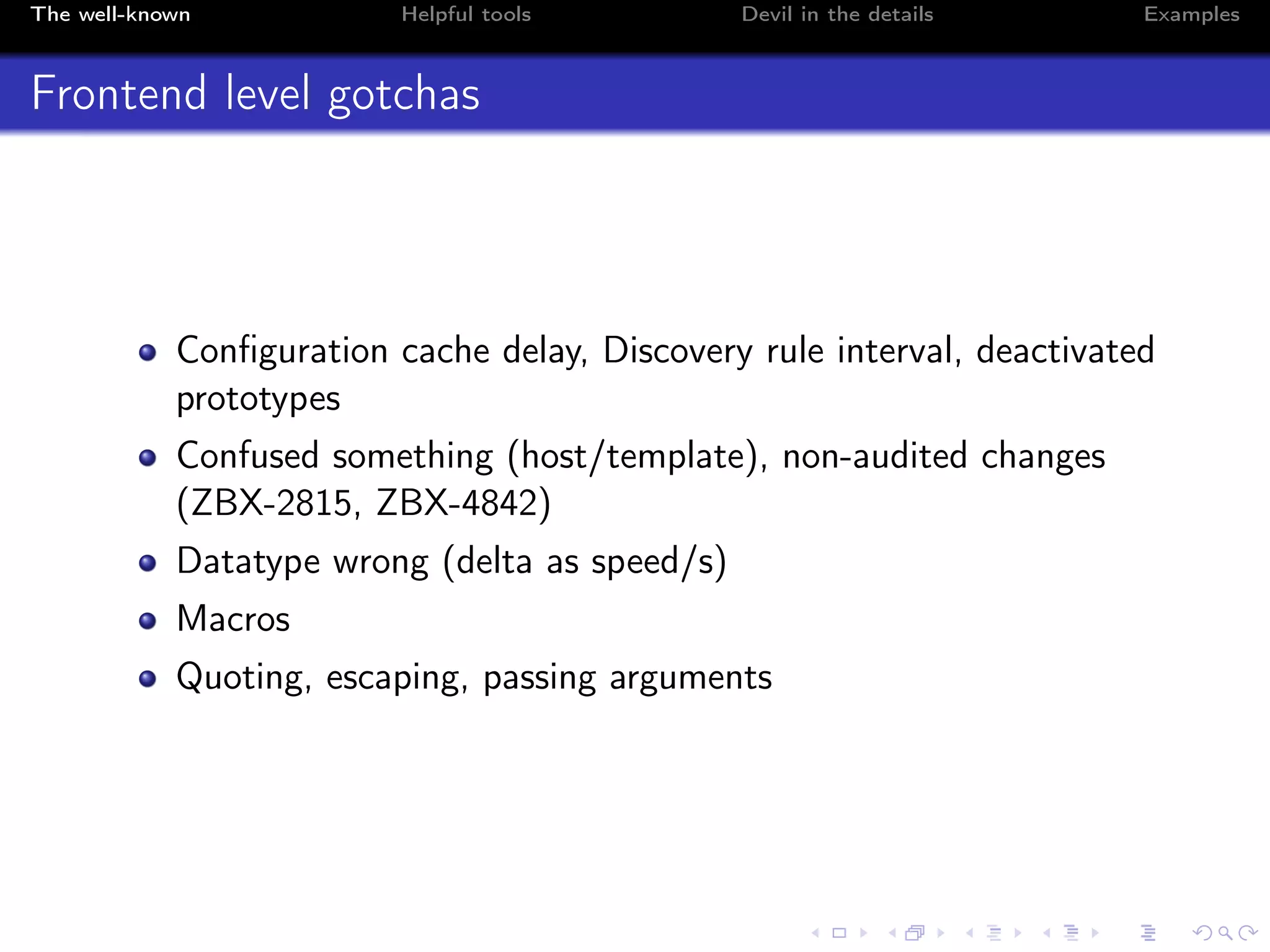
Frontend level gotchas
Configuration cache delay, Discovery rule interval, deactivated
prototypes
Confused something (host/template), non-audited changes
(ZBX-2815, ZBX-4842)
Datatype wrong (delta as speed/s)
Macros
Quoting, escaping, passing arguments
The well-known Helpful tools Devil in the details Examples
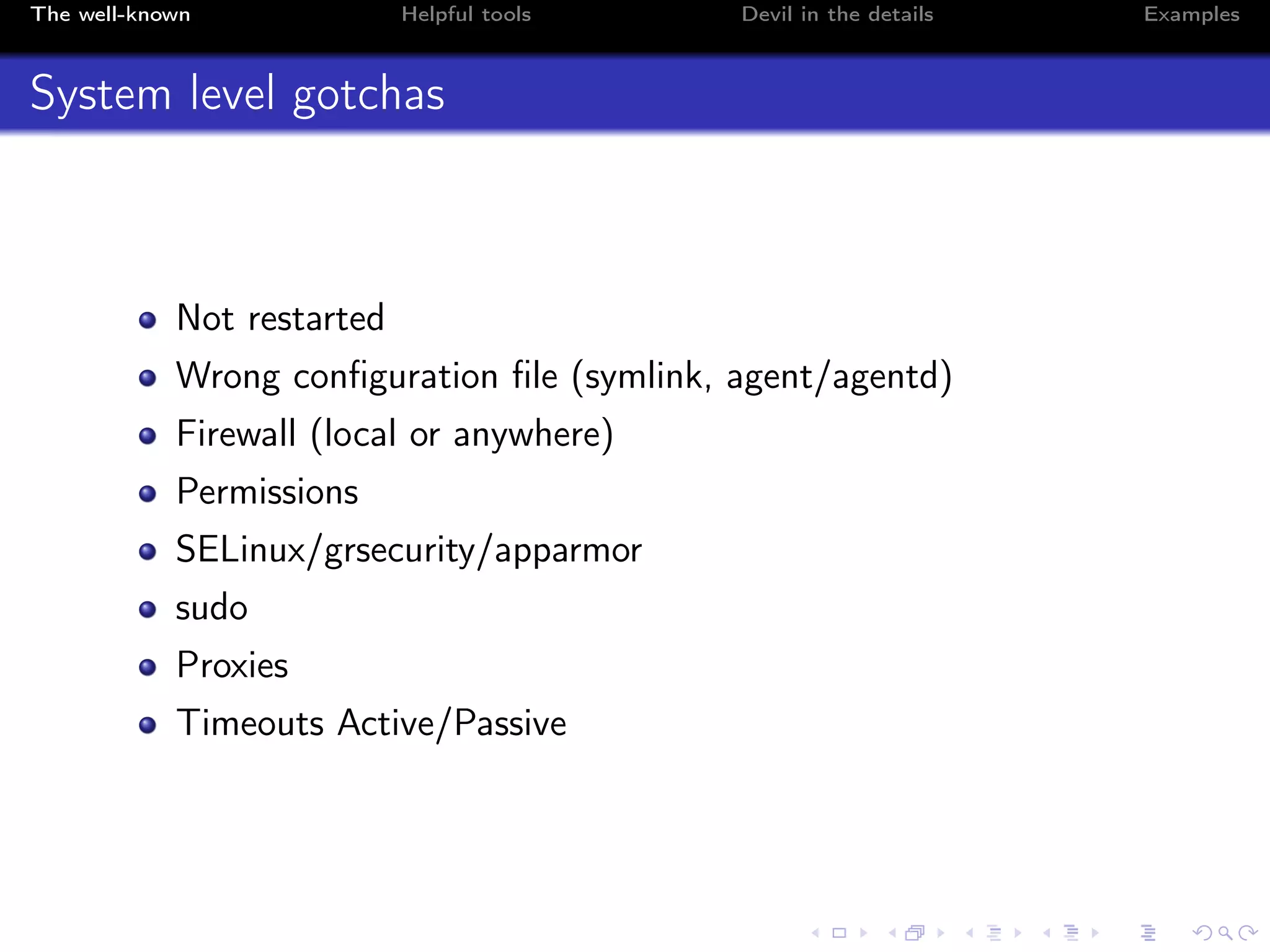
System level gotchas
Not restarted
Wrong configuration file (symlink, agent/agentd)
Firewall (local or anywhere)
Permissions
SELinux/grsecurity/apparmor
sudo
Proxies
Timeouts Active/Passive
The well-known Helpful tools Devil in the details Examples
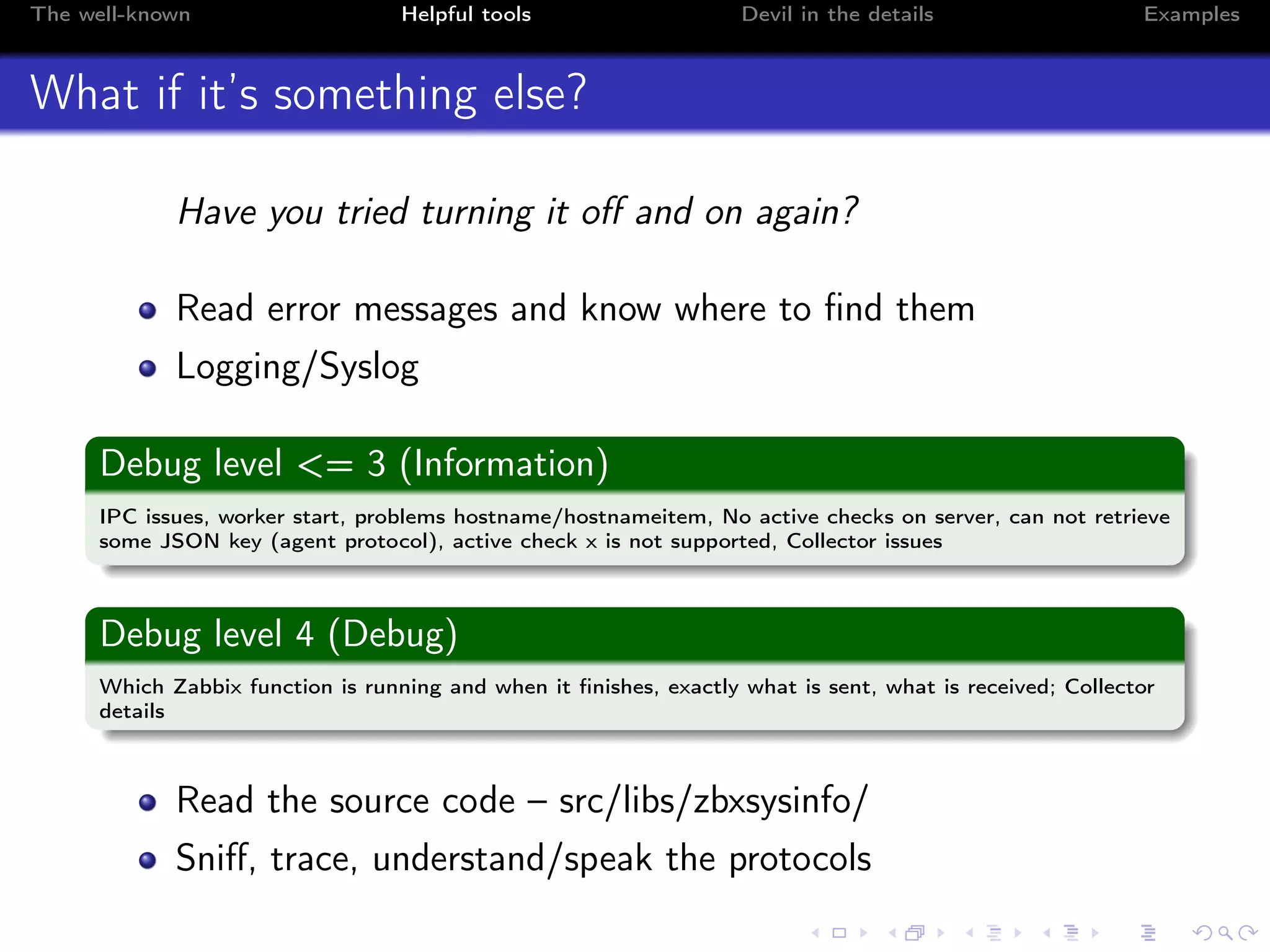
What if it’s something else?
Have you tried turning it off and on again?
Read error messages and know where to find them
Logging/Syslog
Debug level <= 3 (Information)
IPC issues, worker start, problems hostname/hostnameitem, No active checks on server, can not retrieve
some JSON key (agent protocol), active check x is not supported, Collector issues
Debug level 4 (Debug)
Which Zabbix function is running and when it finishes, exactly what is sent, what is received; Collector
details
Read the source code – src/libs/zbxsysinfo/
Sniff, trace, understand/speak the protocols
The well-known Helpful tools Devil in the details Examples
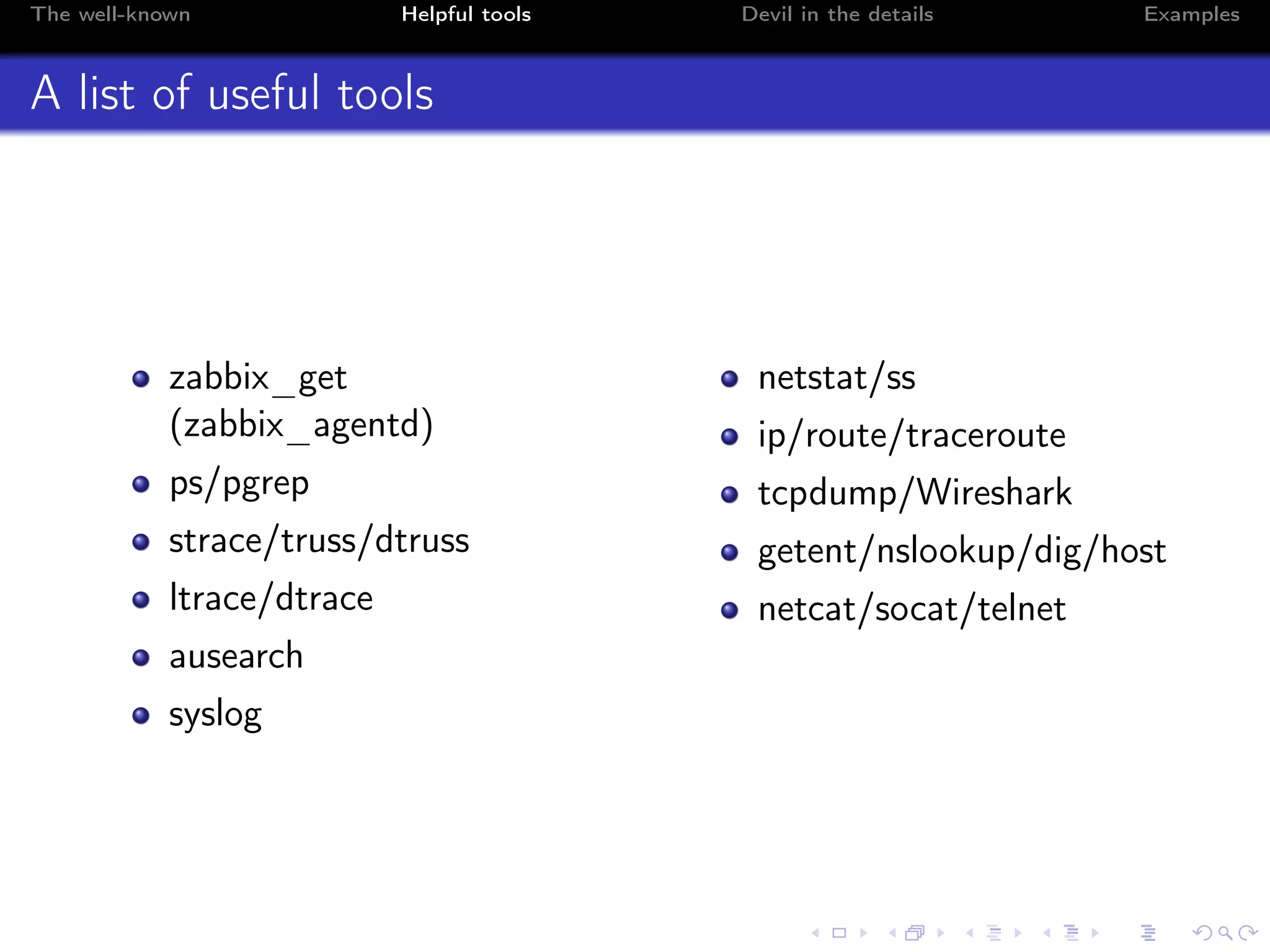
A list of useful tools
zabbix_get
(zabbix_agentd)
ps/pgrep
strace/truss/dtruss
ltrace/dtrace
ausearch
syslog
netstat/ss
ip/route/traceroute
tcpdump/Wireshark
getent/nslookup/dig/host
netcat/socat/telnet
The well-known Helpful tools Devil in the details Examples
strace and ltrace
# strace -f -p <pid1> [-p <pid2>]
[pid 18178] getpeername(6, <unfinished ...>
[pid 18178] <... getpeername resumed> {sa_family=AF_INET, sin_port=htons(48881),
sin_addr=inet_addr("127.0.0.1")}, [16]) = 0
[pid 18178] alarm(7) = 0
[pid 18178] read(6, "ZBXD1", 5) = 5
[pid 18178] read(6, "v0000000", 8) = 8
[pid 18178] read(6, "agent.pingn", 2047) = 11
# ltrace -f -p <pid1> [-p <pid2>]
getpeername(6, 0x7ffca5381ce0, 0x7ffca5381ca4, 0x7ffca5385fdf) = 0
strchr("127.0.0.1", ’,’) = nil
getaddrinfo("127.0.0.1", nil, 0x7ffca5381cb0, 0x7ffca5381ca8) = 0
freeaddrinfo(0xa1b0a0) = <void>
alarm(7) = 0
read(6, "ZBXD001", 5) = 5
read(6, "v", 8) = 8
read(6, "agent.pingn", 2047) = 11
alarm(0) = 7
strlen("agent.pingn") = 11
The well-known Helpful tools Devil in the details Examples
tcpdump
# tcpdump -i lo -nn port 10050
00:20:34.065579 IP 127.0.0.1.49134 > 127.0.0.1.10050: Flags [S], seq 640796155
00:20:34.065599 IP 127.0.0.1.10050 > 127.0.0.1.49134: Flags [S.], seq 2538515492
00:20:34.065612 IP 127.0.0.1.49134 > 127.0.0.1.10050: Flags [.], ack 1
00:20:34.065636 IP 127.0.0.1.49134 > 127.0.0.1.10050: Flags [P.], seq 1:6
00:20:34.065644 IP 127.0.0.1.10050 > 127.0.0.1.49134: Flags [.], ack 6
00:20:34.065670 IP 127.0.0.1.10050 > 127.0.0.1.49134: Flags [.], ack 14
00:20:34.065687 IP 127.0.0.1.49134 > 127.0.0.1.10050: Flags [P.], seq 14:25, ack 1
...
The well-known Helpful tools Devil in the details Examples
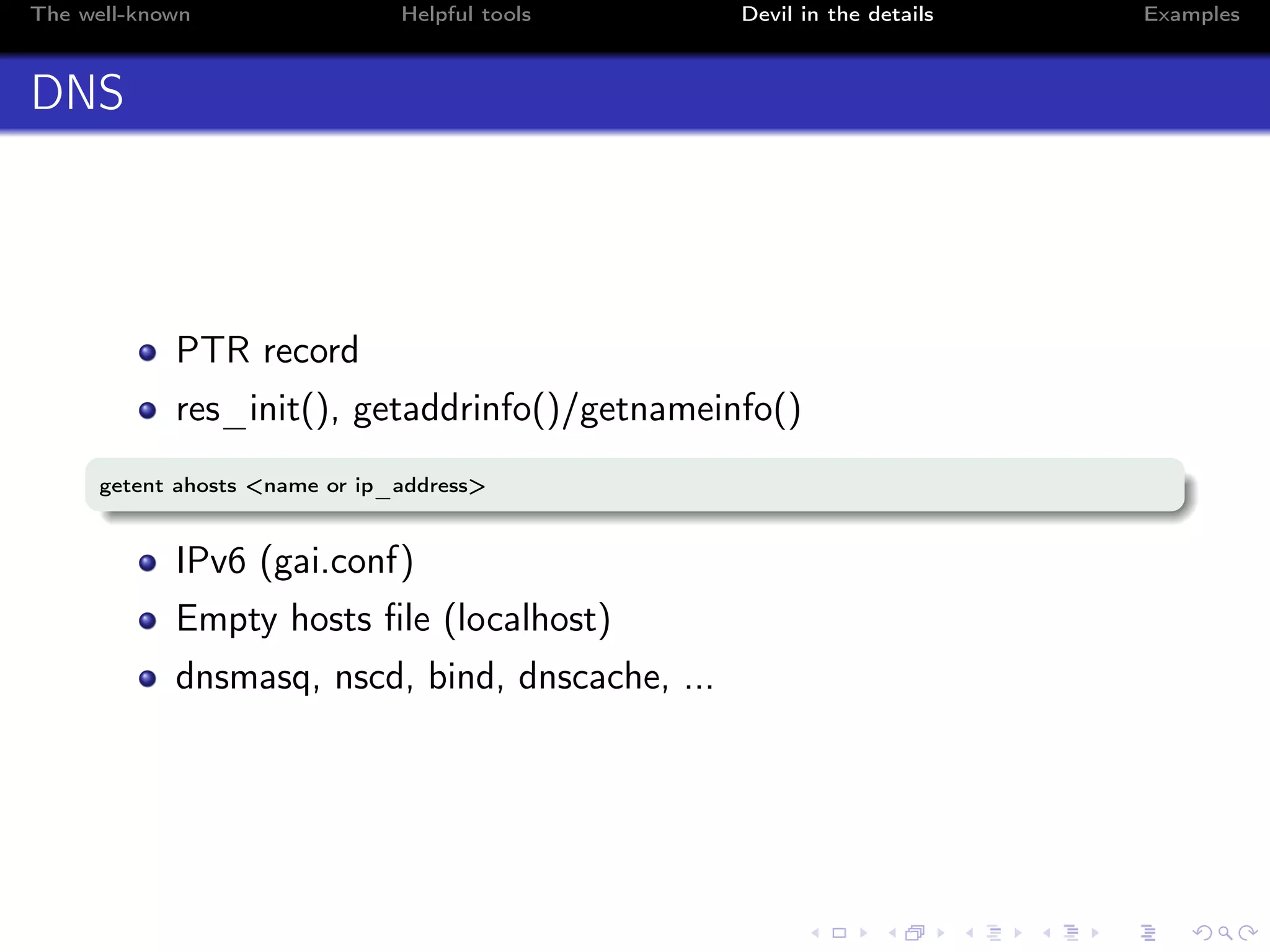
DNS
PTR record
res_init(), getaddrinfo()/getnameinfo()
getent ahosts <name or ip_address>
IPv6 (gai.conf)
Empty hosts file (localhost)
dnsmasq, nscd, bind, dnscache, ...
The well-known Helpful tools Devil in the details Examples
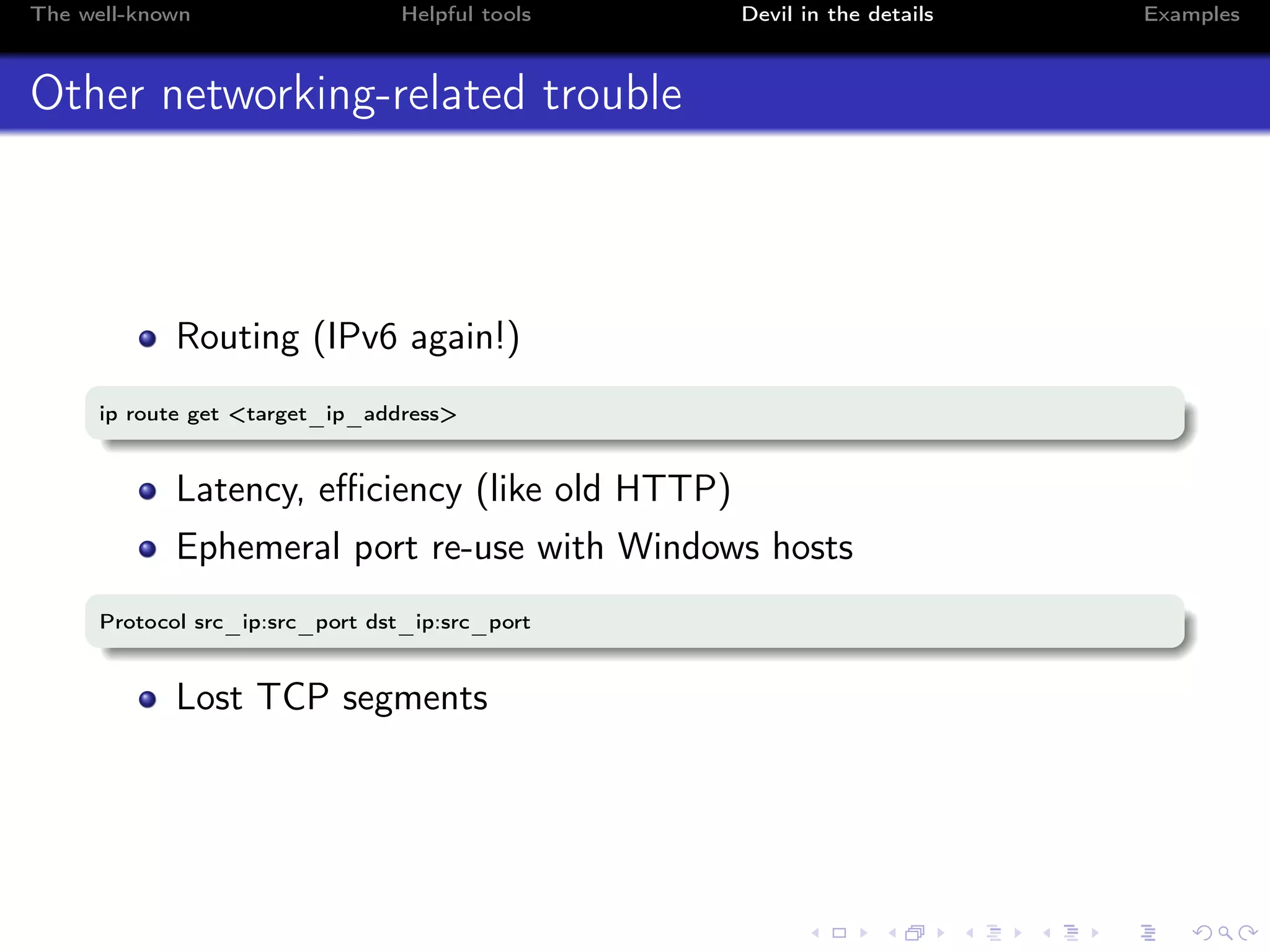
Other networking-related trouble
Routing (IPv6 again!)
ip route get <target_ip_address>
Latency, efficiency (like old HTTP)
Ephemeral port re-use with Windows hosts
Protocol src_ip:src_port dst_ip:src_port
Lost TCP segments
The well-known Helpful tools Devil in the details Examples
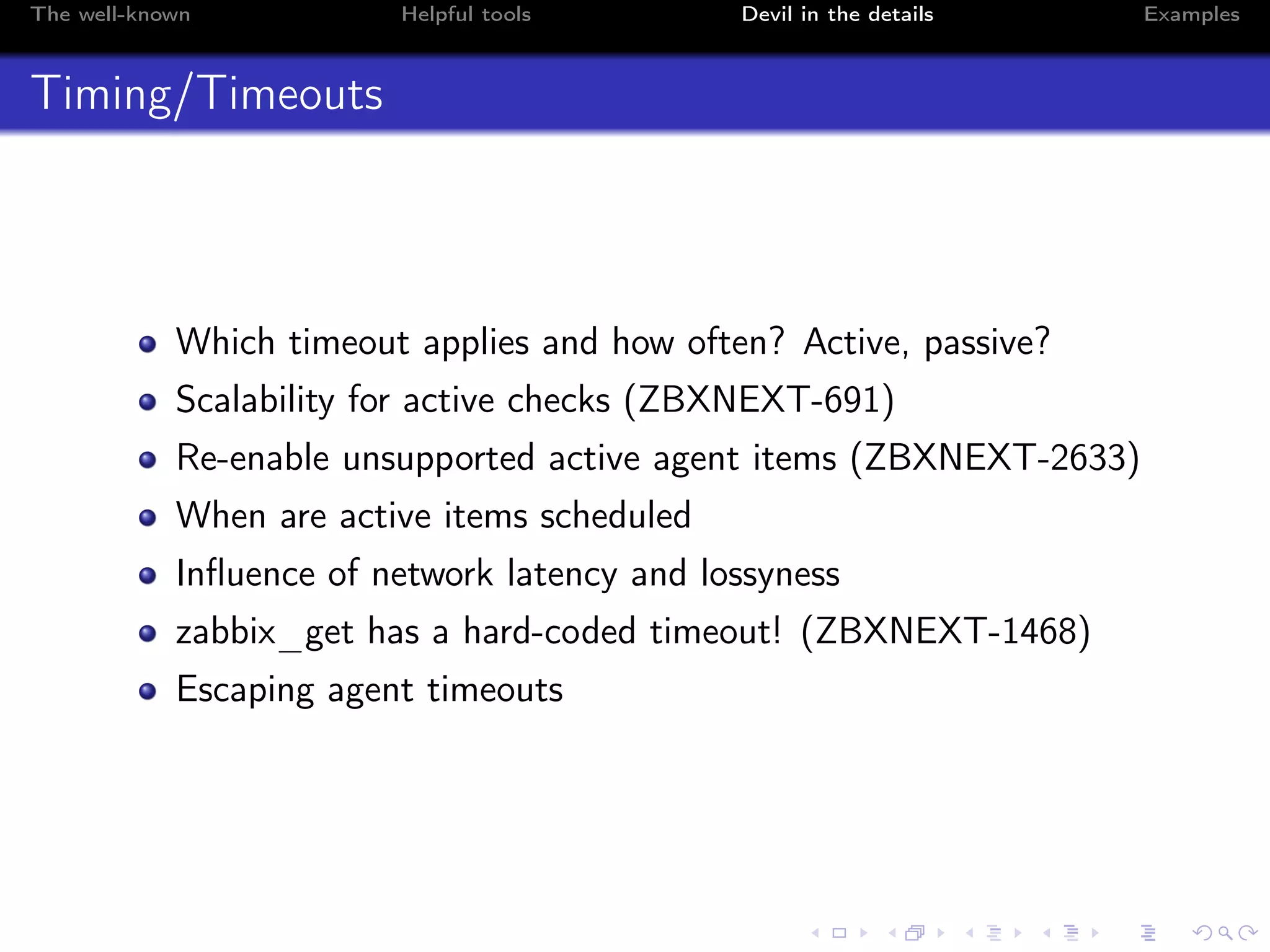
Timing/Timeouts
Which timeout applies and how often? Active, passive?
Scalability for active checks (ZBXNEXT-691)
Re-enable unsupported active agent items (ZBXNEXT-2633)
When are active items scheduled
Influence of network latency and lossyness
zabbix_get has a hard-coded timeout! (ZBXNEXT-1468)
Escaping agent timeouts
The well-known Helpful tools Devil in the details Examples
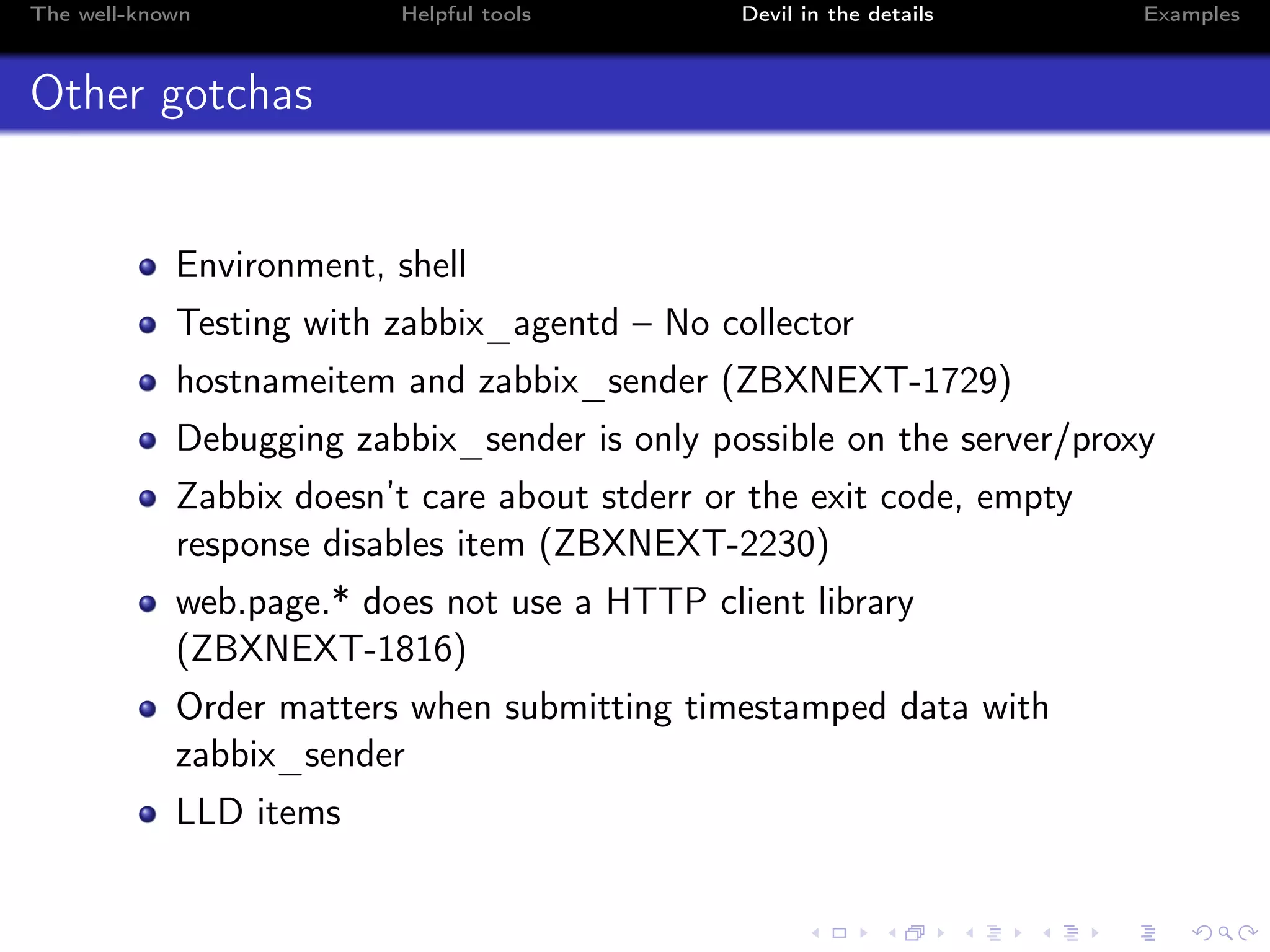
Other gotchas
Environment, shell
Testing with zabbix_agentd – No collector
hostnameitem and zabbix_sender (ZBXNEXT-1729)
Debugging zabbix_sender is only possible on the server/proxy
Zabbix doesn’t care about stderr or the exit code, empty
response disables item (ZBXNEXT-2230)
web.page.* does not use a HTTP client library
(ZBXNEXT-1816)
Order matters when submitting timestamped data with
zabbix_sender
LLD items
The well-known Helpful tools Devil in the details Examples
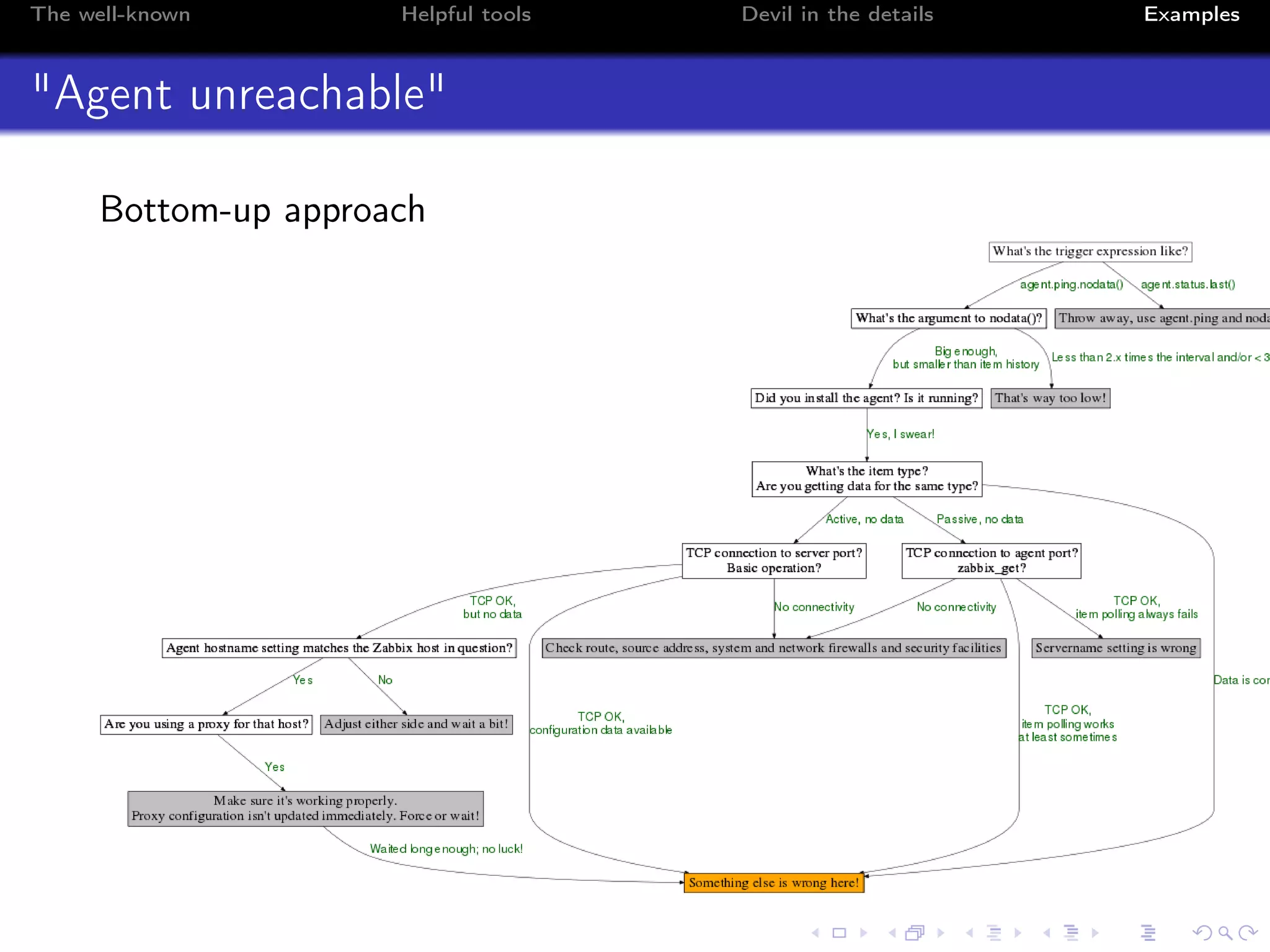
"Agent unreachable"
Bottom-up approach
The well-known Helpful tools Devil in the details Examples
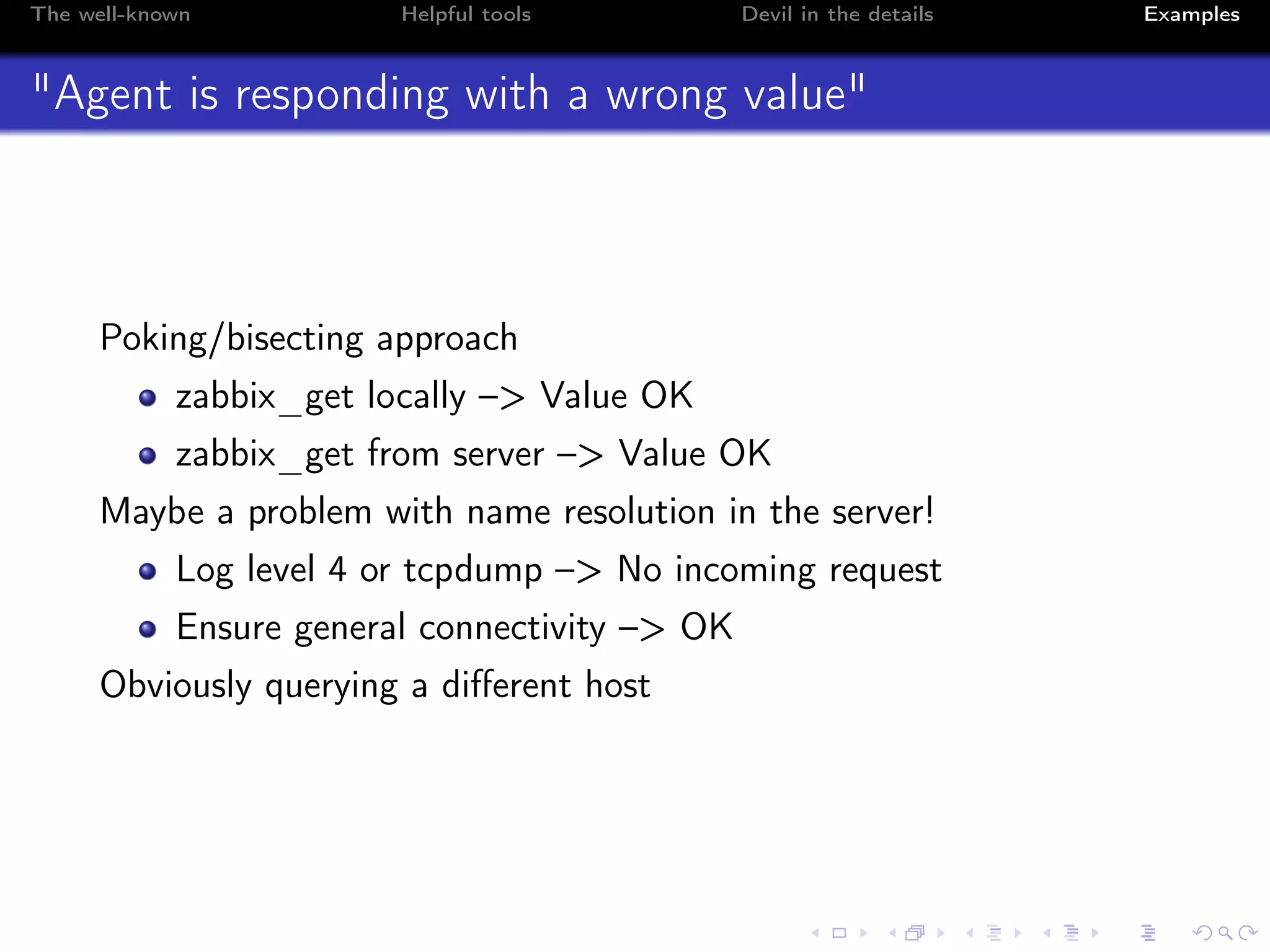
"Agent is responding with a wrong value"
Poking/bisecting approach
zabbix_get locally –> Value OK
zabbix_get from server –> Value OK
Maybe a problem with name resolution in the server!
Log level 4 or tcpdump –> No incoming request
Ensure general connectivity –> OK
Obviously querying a different host
The well-known Helpful tools Devil in the details Examples
Contact information and readings
volter in #zabbix and #zabbix-de on Freenode IRC
volker.froehlich@geizhals.at
Readings
http://blog.zabbix.com/
mysterious-zabbix-problems-how-we-debug-them
http://zabbix.org/wiki/Troubleshooting
http://zabbix.org/wiki/Docs/protocols
Internetworking with TCP/IP, Vol. 1, Douglas E. Comer

Volker Fröhlich - How to Debug Common Agent Issues

  • 1.
    How to DebugCommon Agent Issues Volker Fröhlich 12 Sep 2015, Zabbix Conference
  • 2.
    The well-known Helpfultools Devil in the details Examples Who am I? Volker Fröhlich (volter) Geizhals Preisvergleich Internet Services AG (http://geizhals.at) Action simulator, Zabbix blog, various frontend patches Fedora packager, Openstreetmap contributor
  • 3.
    The well-known Helpfultools Devil in the details Examples Goals of this talk Item unsupported, odd values, ... It is useful to understand the inner workings How to figure out what’s wrong – efficiently!
  • 4.
    The well-known Helpfultools Devil in the details Examples Overview 1 Well-known facts and gotchas 2 Helpful tools 3 The devil is in the details 4 Examples
  • 5.
    The well-known Helpfultools Devil in the details Examples Modes & Protocols Passive agent Server/proxy connects to agent (TCP 10050) Wire protocol One connection per item retrieval Remote commands Active agent Agent connects to server/proxy (TCP 10051) JSON protocol Configuration is requested Auto-registration Can buffer and submit multiple values Some items only work in this mode
  • 6.
    The well-known Helpfultools Devil in the details Examples Modes & Protocols II Sender/Trapper Connects to proxy/server (TCP 10051) Single value or in bulk Timestamped data Processes 1 Main 1 Collector x Passive workers 1 Active worker
  • 7.
    The well-known Helpfultools Devil in the details Examples Configuration files Server, ServerActive Hostname, HostnameItem UserParameter, Modules Include
  • 8.
    The well-known Helpfultools Devil in the details Examples Frontend level gotchas Configuration cache delay, Discovery rule interval, deactivated prototypes Confused something (host/template), non-audited changes (ZBX-2815, ZBX-4842) Datatype wrong (delta as speed/s) Macros Quoting, escaping, passing arguments
  • 9.
    The well-known Helpfultools Devil in the details Examples System level gotchas Not restarted Wrong configuration file (symlink, agent/agentd) Firewall (local or anywhere) Permissions SELinux/grsecurity/apparmor sudo Proxies Timeouts Active/Passive
  • 10.
    The well-known Helpfultools Devil in the details Examples What if it’s something else? Have you tried turning it off and on again? Read error messages and know where to find them Logging/Syslog Debug level <= 3 (Information) IPC issues, worker start, problems hostname/hostnameitem, No active checks on server, can not retrieve some JSON key (agent protocol), active check x is not supported, Collector issues Debug level 4 (Debug) Which Zabbix function is running and when it finishes, exactly what is sent, what is received; Collector details Read the source code – src/libs/zbxsysinfo/ Sniff, trace, understand/speak the protocols
  • 11.
    The well-known Helpfultools Devil in the details Examples A list of useful tools zabbix_get (zabbix_agentd) ps/pgrep strace/truss/dtruss ltrace/dtrace ausearch syslog netstat/ss ip/route/traceroute tcpdump/Wireshark getent/nslookup/dig/host netcat/socat/telnet
  • 12.
    The well-known Helpfultools Devil in the details Examples strace and ltrace # strace -f -p <pid1> [-p <pid2>] [pid 18178] getpeername(6, <unfinished ...> [pid 18178] <... getpeername resumed> {sa_family=AF_INET, sin_port=htons(48881), sin_addr=inet_addr("127.0.0.1")}, [16]) = 0 [pid 18178] alarm(7) = 0 [pid 18178] read(6, "ZBXD1", 5) = 5 [pid 18178] read(6, "v0000000", 8) = 8 [pid 18178] read(6, "agent.pingn", 2047) = 11 # ltrace -f -p <pid1> [-p <pid2>] getpeername(6, 0x7ffca5381ce0, 0x7ffca5381ca4, 0x7ffca5385fdf) = 0 strchr("127.0.0.1", ’,’) = nil getaddrinfo("127.0.0.1", nil, 0x7ffca5381cb0, 0x7ffca5381ca8) = 0 freeaddrinfo(0xa1b0a0) = <void> alarm(7) = 0 read(6, "ZBXD001", 5) = 5 read(6, "v", 8) = 8 read(6, "agent.pingn", 2047) = 11 alarm(0) = 7 strlen("agent.pingn") = 11
  • 13.
    The well-known Helpfultools Devil in the details Examples tcpdump # tcpdump -i lo -nn port 10050 00:20:34.065579 IP 127.0.0.1.49134 > 127.0.0.1.10050: Flags [S], seq 640796155 00:20:34.065599 IP 127.0.0.1.10050 > 127.0.0.1.49134: Flags [S.], seq 2538515492 00:20:34.065612 IP 127.0.0.1.49134 > 127.0.0.1.10050: Flags [.], ack 1 00:20:34.065636 IP 127.0.0.1.49134 > 127.0.0.1.10050: Flags [P.], seq 1:6 00:20:34.065644 IP 127.0.0.1.10050 > 127.0.0.1.49134: Flags [.], ack 6 00:20:34.065670 IP 127.0.0.1.10050 > 127.0.0.1.49134: Flags [.], ack 14 00:20:34.065687 IP 127.0.0.1.49134 > 127.0.0.1.10050: Flags [P.], seq 14:25, ack 1 ...
  • 14.
    The well-known Helpfultools Devil in the details Examples DNS PTR record res_init(), getaddrinfo()/getnameinfo() getent ahosts <name or ip_address> IPv6 (gai.conf) Empty hosts file (localhost) dnsmasq, nscd, bind, dnscache, ...
  • 15.
    The well-known Helpfultools Devil in the details Examples Other networking-related trouble Routing (IPv6 again!) ip route get <target_ip_address> Latency, efficiency (like old HTTP) Ephemeral port re-use with Windows hosts Protocol src_ip:src_port dst_ip:src_port Lost TCP segments
  • 16.
    The well-known Helpfultools Devil in the details Examples Timing/Timeouts Which timeout applies and how often? Active, passive? Scalability for active checks (ZBXNEXT-691) Re-enable unsupported active agent items (ZBXNEXT-2633) When are active items scheduled Influence of network latency and lossyness zabbix_get has a hard-coded timeout! (ZBXNEXT-1468) Escaping agent timeouts
  • 17.
    The well-known Helpfultools Devil in the details Examples Other gotchas Environment, shell Testing with zabbix_agentd – No collector hostnameitem and zabbix_sender (ZBXNEXT-1729) Debugging zabbix_sender is only possible on the server/proxy Zabbix doesn’t care about stderr or the exit code, empty response disables item (ZBXNEXT-2230) web.page.* does not use a HTTP client library (ZBXNEXT-1816) Order matters when submitting timestamped data with zabbix_sender LLD items
  • 18.
    The well-known Helpfultools Devil in the details Examples "Agent unreachable" Bottom-up approach
  • 19.
    The well-known Helpfultools Devil in the details Examples "Agent is responding with a wrong value" Poking/bisecting approach zabbix_get locally –> Value OK zabbix_get from server –> Value OK Maybe a problem with name resolution in the server! Log level 4 or tcpdump –> No incoming request Ensure general connectivity –> OK Obviously querying a different host
  • 20.
    The well-known Helpfultools Devil in the details Examples Contact information and readings volter in #zabbix and #zabbix-de on Freenode IRC volker.froehlich@geizhals.at Readings http://blog.zabbix.com/ mysterious-zabbix-problems-how-we-debug-them http://zabbix.org/wiki/Troubleshooting http://zabbix.org/wiki/Docs/protocols Internetworking with TCP/IP, Vol. 1, Douglas E. Comer