Downloaded 35 times
![zabbix_get pre-3.0
usage:
zabbix_get -s host-name-or-IP [-p port-number] [-I IP-address] -k item-key
zabbix_get -h
zabbix_get -V
Get data from Zabbix agent.
Options:
-s --host host-name-or-IP Specify host name or IP address of a host
-p --port port-number Specify port number of agent running on the host. Default is 10050
-I --source-address IP-address Specify source IP address
-k --key item-key Specify key of the item to retrieve value for
-h --help Display this help message
-V --version Display version number](https://image.slidesharecdn.com/rihardsolups-encryption-150916072910-lva1-app6891/75/Rihards-Olups-Encrypting-Daemon-Traffic-With-Zabbix-3-0-29-2048.jpg)
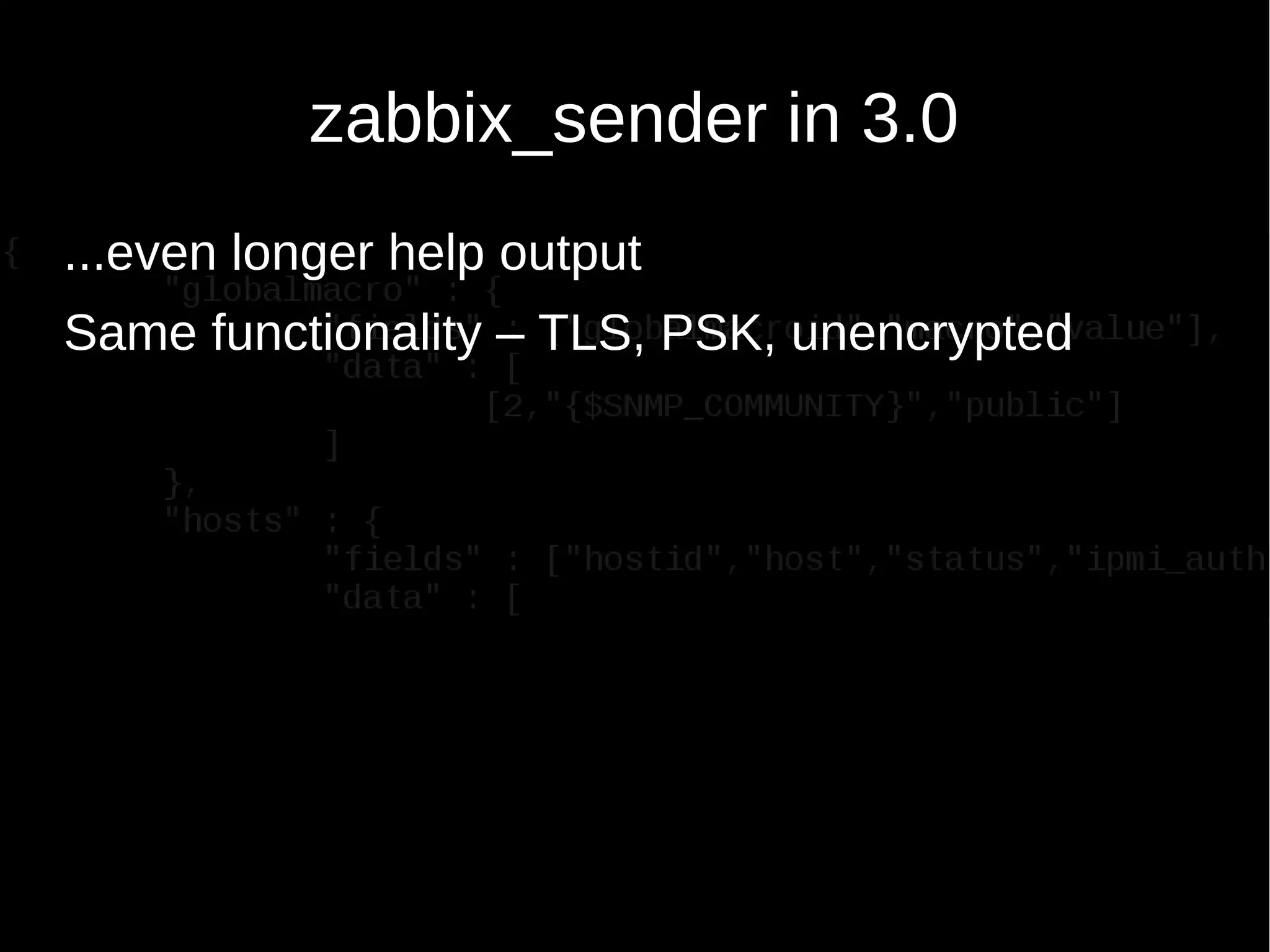
![zabbix_get in 3.0
usage:
zabbix_get -s host-name-or-IP [-p port-number] [-I IP-address] -k item-key
zabbix_get -s host-name-or-IP [-p port-number] [-I IP-address]
--tls-connect cert --tls-ca-file CA-file
[--tls-crl-file CRL-file] [--tls-agent-cert-issuer cert-issuer]
[--tls-agent-cert-subject cert-subject]
--tls-cert-file cert-file --tls-key-file key-file -k item-key
zabbix_get -s host-name-or-IP [-p port-number] [-I IP-address]
--tls-connect psk --tls-psk-identity PSK-identity
--tls-psk-file PSK-file -k item-key
zabbix_get -h
zabbix_get -V
Get data from Zabbix agent.
General options:
-s --host host-name-or-IP Specify host name or IP address of a host
-p --port port-number Specify port number of agent running on the host.
Default is 10050
-I --source-address IP-address Specify source IP address
-k --key item-key Specify key of the item to retrieve value for
-h --help Display this help message
-V --version Display version number
TLS connection options:
--tls-connect value How to connect to agent. Values:
unencrypted - connect without encryption
psk - connect using TLS and a pre-shared
key
cert - connect using TLS and a
certificate
--tls-ca-file CA-file Full pathname of a file containing the top-level
CA(s) certificates for peer certificate
verification
--tls-crl-file CRL-file Full pathname of a file containing revoked
certificates
--tls-agent-cert-issuer cert-issuer Allowed agent certificate issuer
--tls-agent-cert-subject cert-subject Allowed agent certificate subject
--tls-cert-file cert-file Full pathname of a file containing the certificate
or certificate chain
--tls-key-file key-file Full pathname of a file containing the private key
--tls-psk-identity PSK-identity Unique, case sensitive string used to
identify the pre-shared key
--tls-psk-file PSK-file Full pathname of a file containing the pre-shared
key
Example(s):
zabbix_get -s 127.0.0.1 -p 10050 -k "system.cpu.load[all,avg1]"
zabbix_get -s 127.0.0.1 -p 10050 -k "system.cpu.load[all,avg1]"
--tls-connect cert --tls-ca-file /home/zabbix/zabbix_ca_file
--tls-agent-cert-issuer
"CN=Signing CA,OU=IT operations,O=Example Corp,DC=example,DC=com"
--tls-agent-cert-subject
"CN=server1,OU=IT operations,O=Example Corp,DC=example,DC=com"
--tls-cert-file /home/zabbix/zabbix_get.crt
--tls-key-file /home/zabbix/zabbix_get.key
zabbix_get -s 127.0.0.1 -p 10050 -k "system.cpu.load[all,avg1]"
--tls-connect psk --tls-psk-identity "PSK ID Zabbix agentd"
--tls-psk-file /home/zabbix/zabbix_agentd.psk](https://image.slidesharecdn.com/rihardsolups-encryption-150916072910-lva1-app6891/75/Rihards-Olups-Encrypting-Daemon-Traffic-With-Zabbix-3-0-30-2048.jpg)
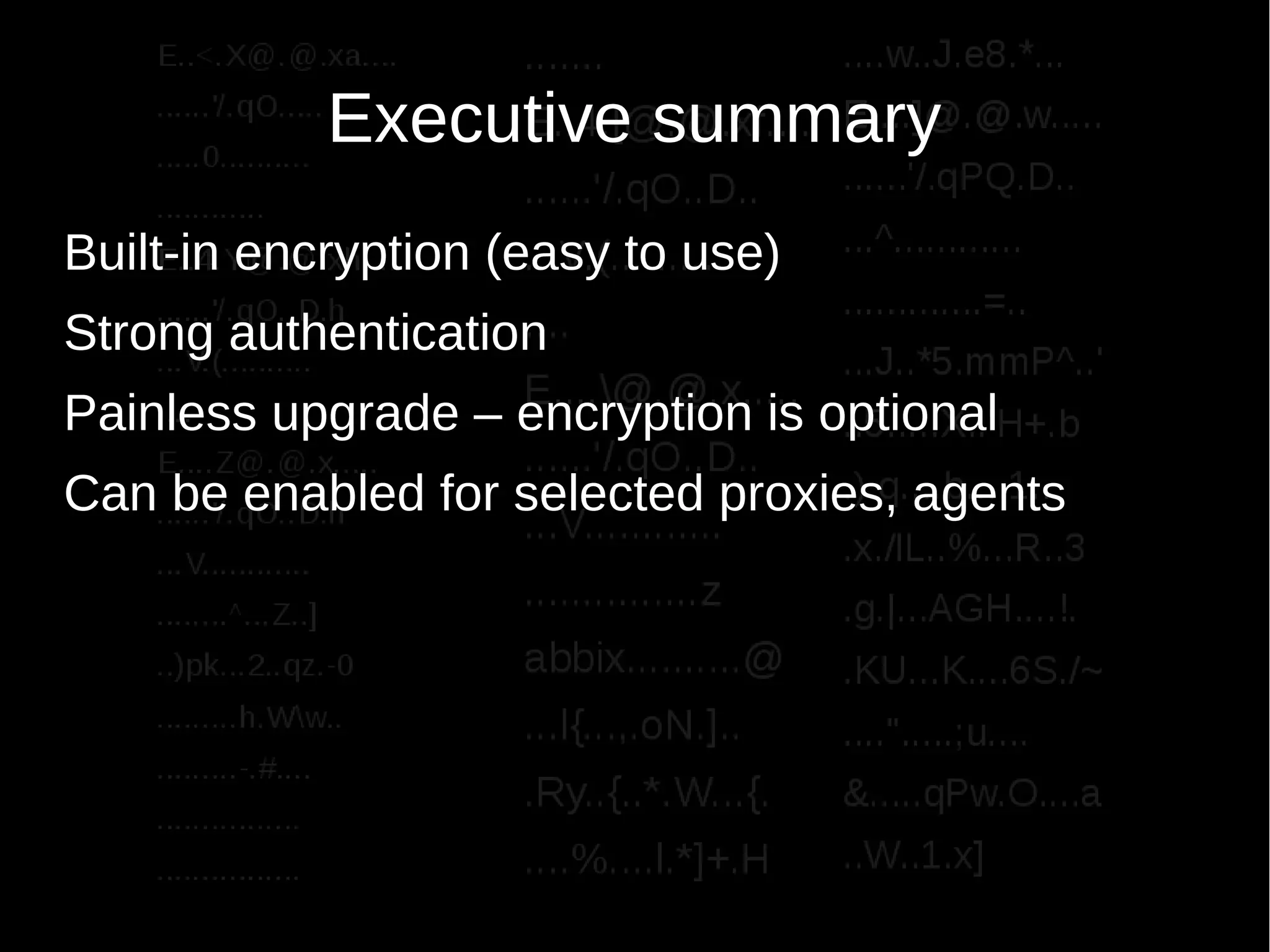
![tcpdump before, after
E...T.@.@.......
.....W'/.1W...w.
...V...........@
...?ZBXD.^......
.{"request":"sen
der.data","data"
:[{"host":"impor
tant.host","key"
:"secret","value
":"revealed"}]}
E..<.X@.@.xa....
......'/.qO.....
.....0..........
............
E..4.Y@.@.xh....
......'/.qO..D.h
...V.(..........
....
E....Z@.@.x.....
......'/.qO..D.h
...V............
........^...Z..]
..)pk...2..qz.-0
.........h.Ww..
.........-.#....
................
................
.......
E..4.[@.@.xf....
......'/.qO..D..
...V.(..........
....
E....@.@.x.....
......'/.qO..D..
...V............
...............z
abbix..........@
...l{...,.oN.]..
.Ry..{..*.W...{.
....%....l.*]+.H
....w..J.e8.*...
E....]@.@.w.....
......'/.qPQ.D..
...^............
.............=..
...J..*5.mmP^..'
..5.....X..'H+.b
.).q....b....1..
.x./lL..%...R..3
.g.|...AGH....!.
.KU...K....6S./~
....".....;u....
&.....qPw.O....a
..W..1.x]](https://image.slidesharecdn.com/rihardsolups-encryption-150916072910-lva1-app6891/75/Rihards-Olups-Encrypting-Daemon-Traffic-With-Zabbix-3-0-34-2048.jpg)
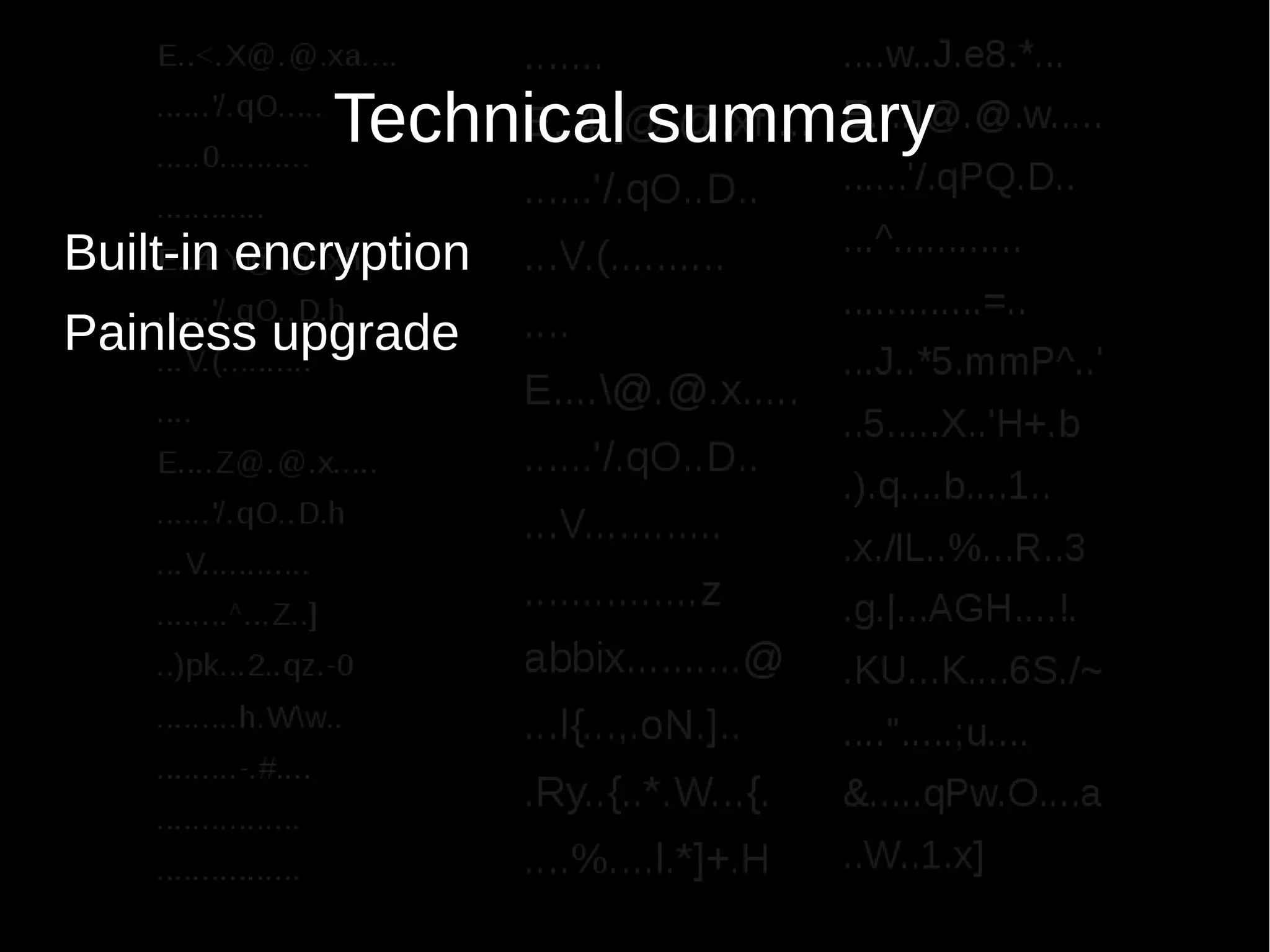
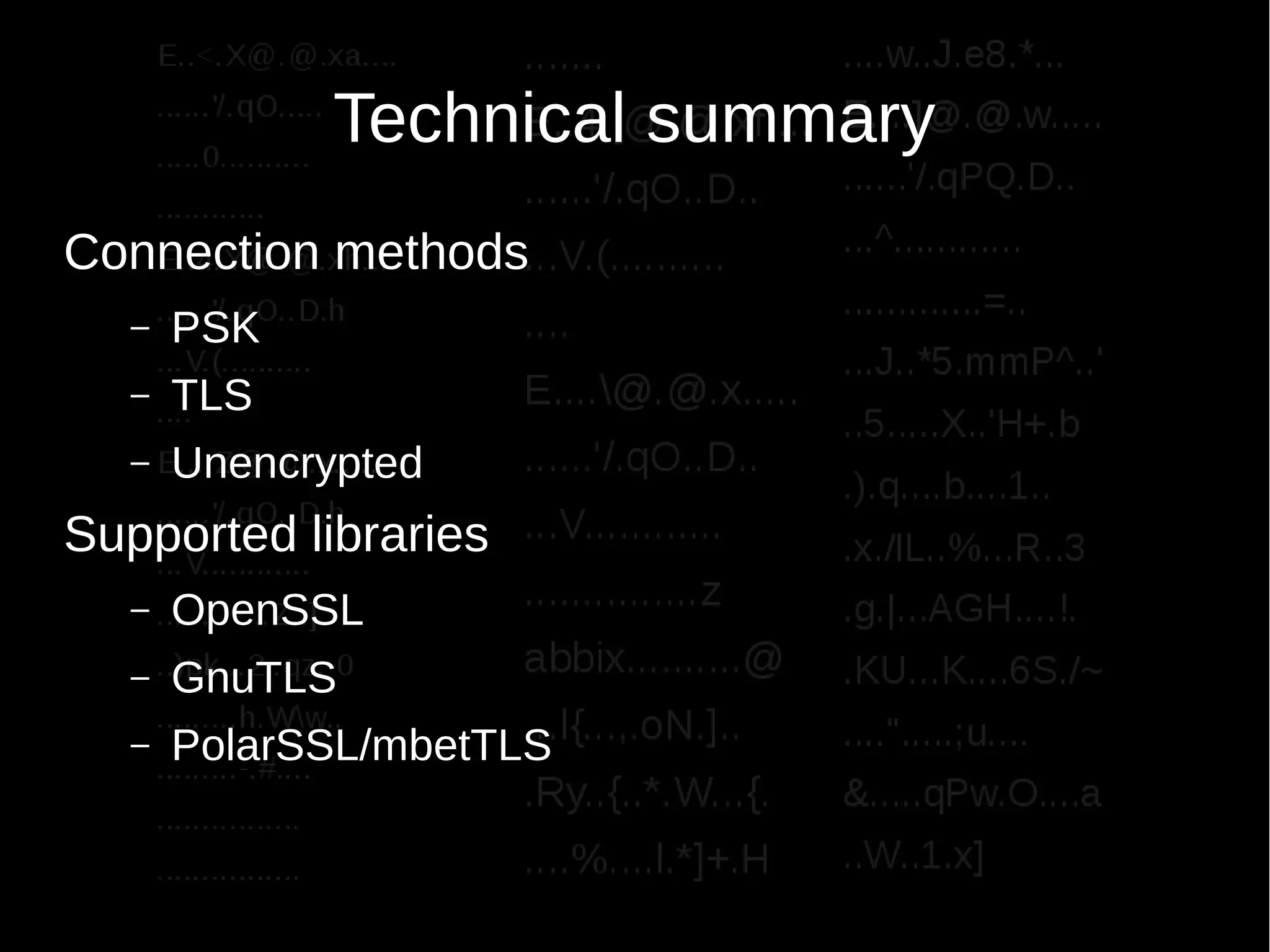
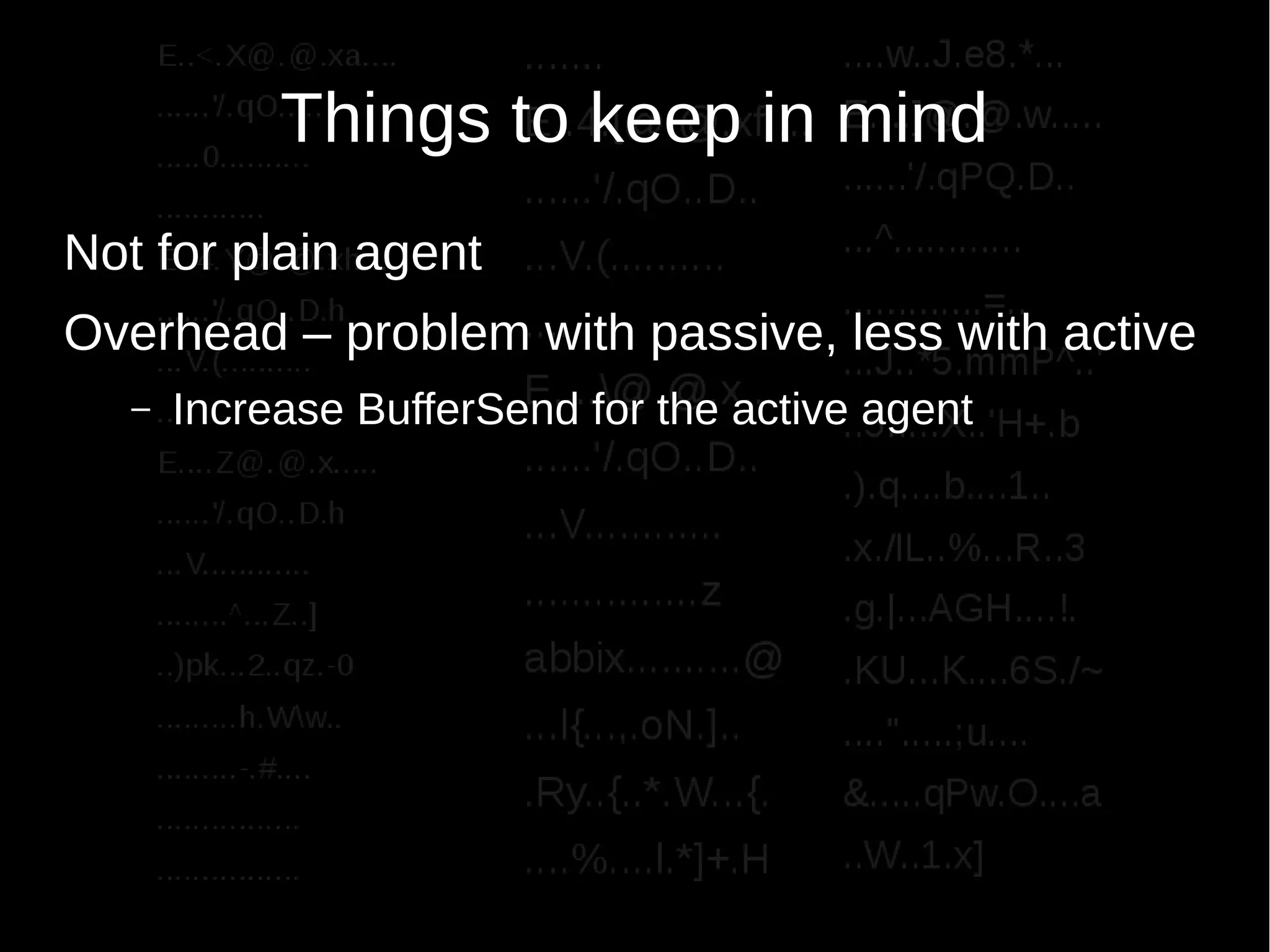
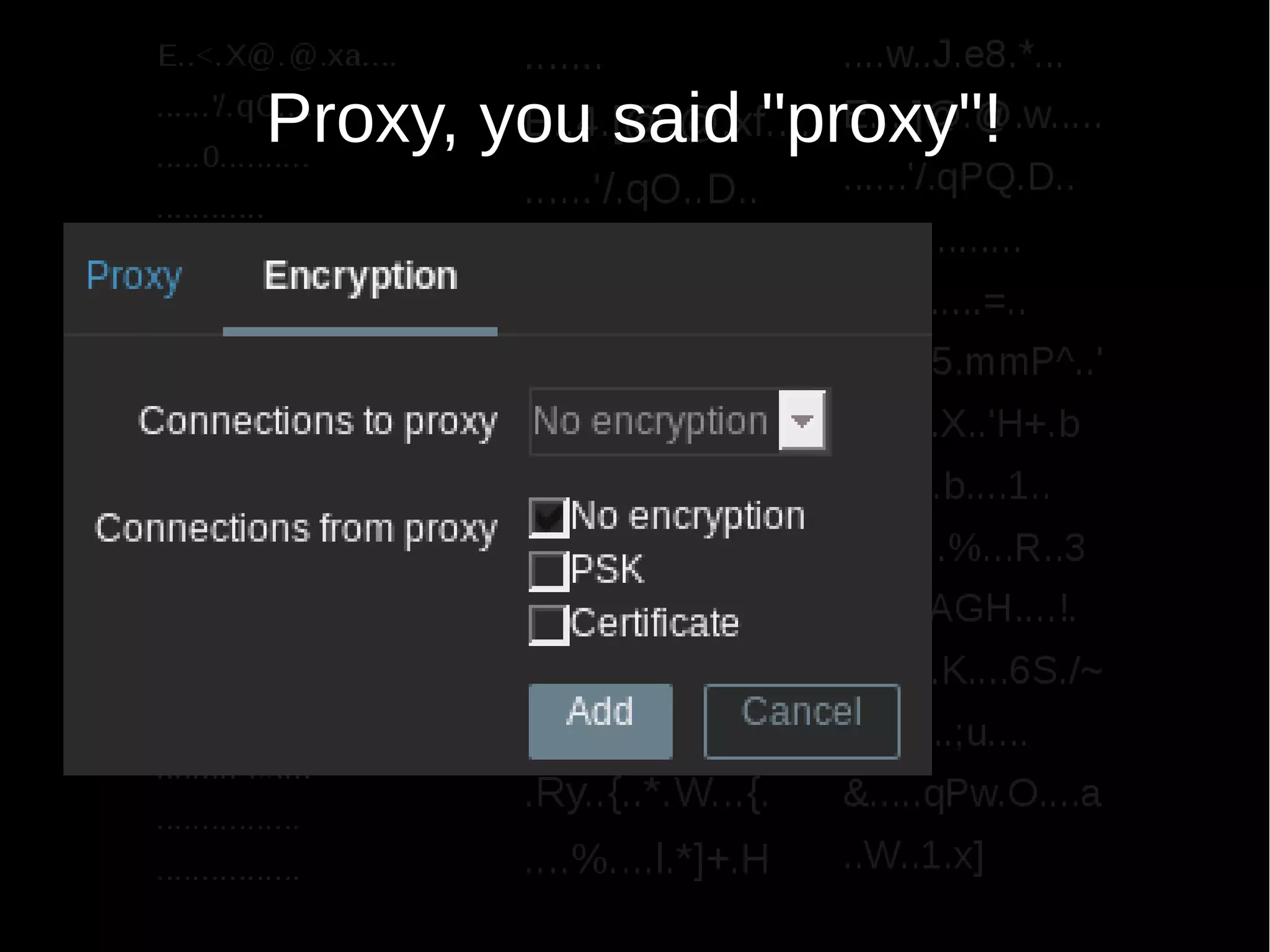

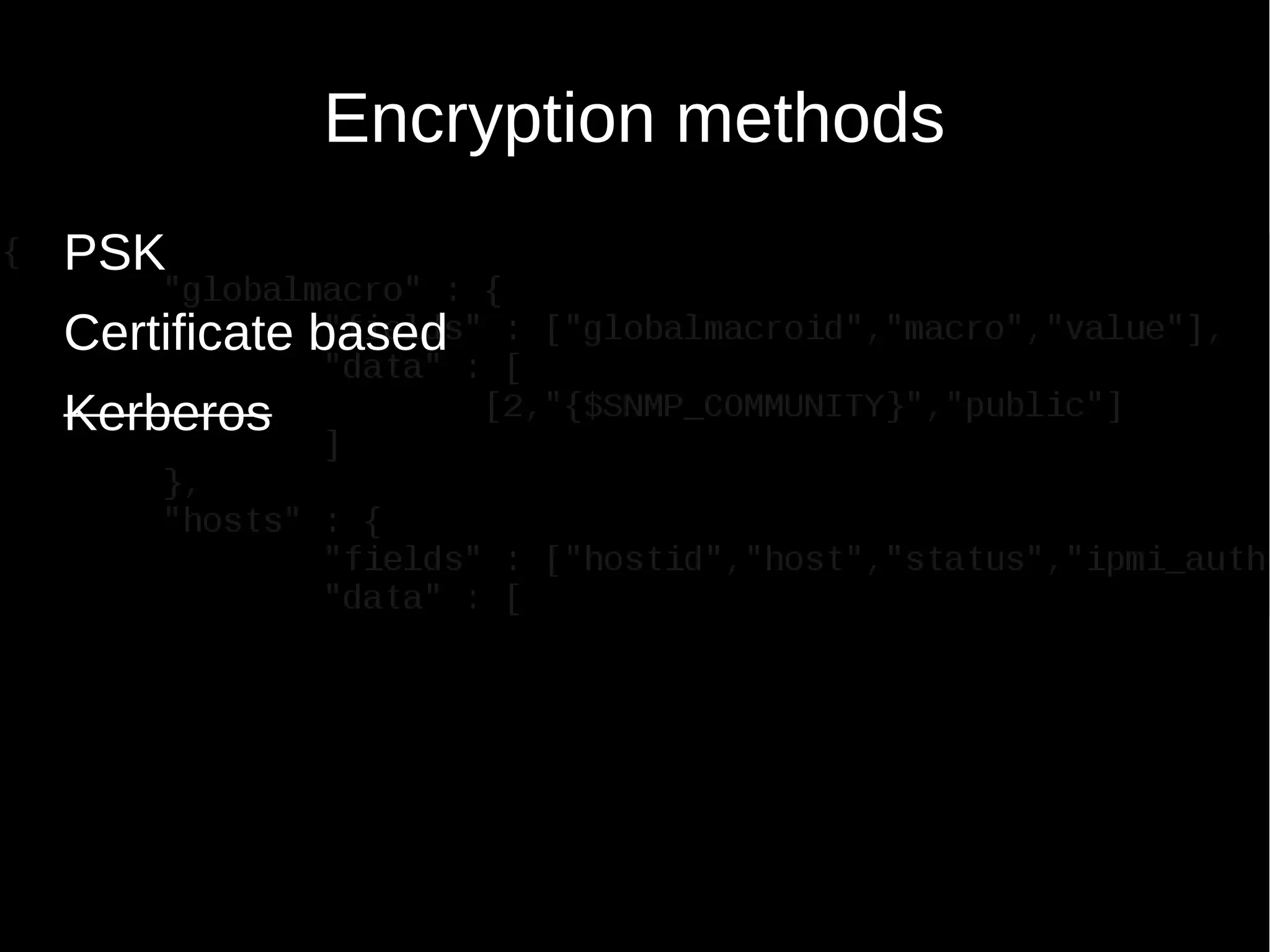
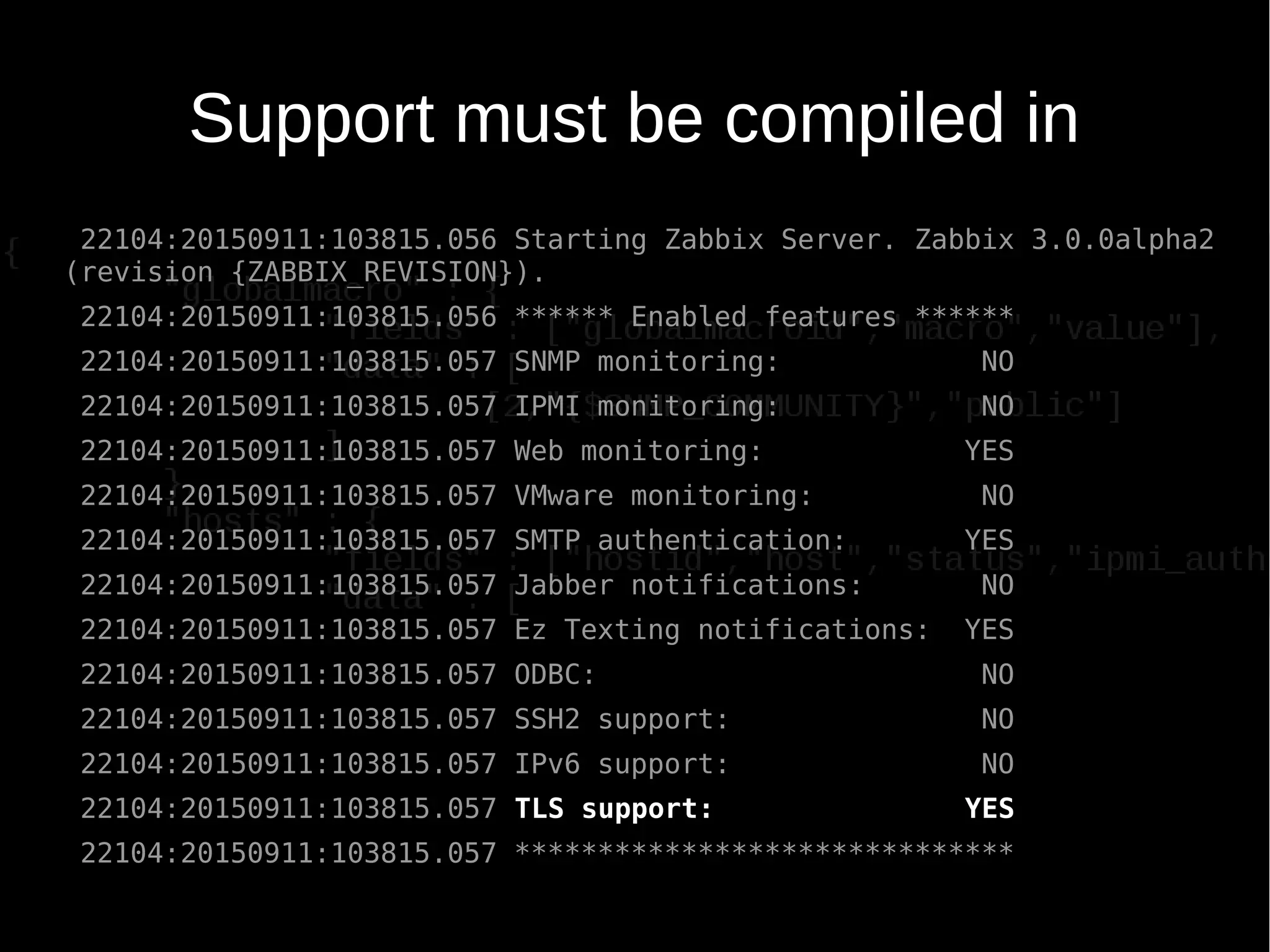
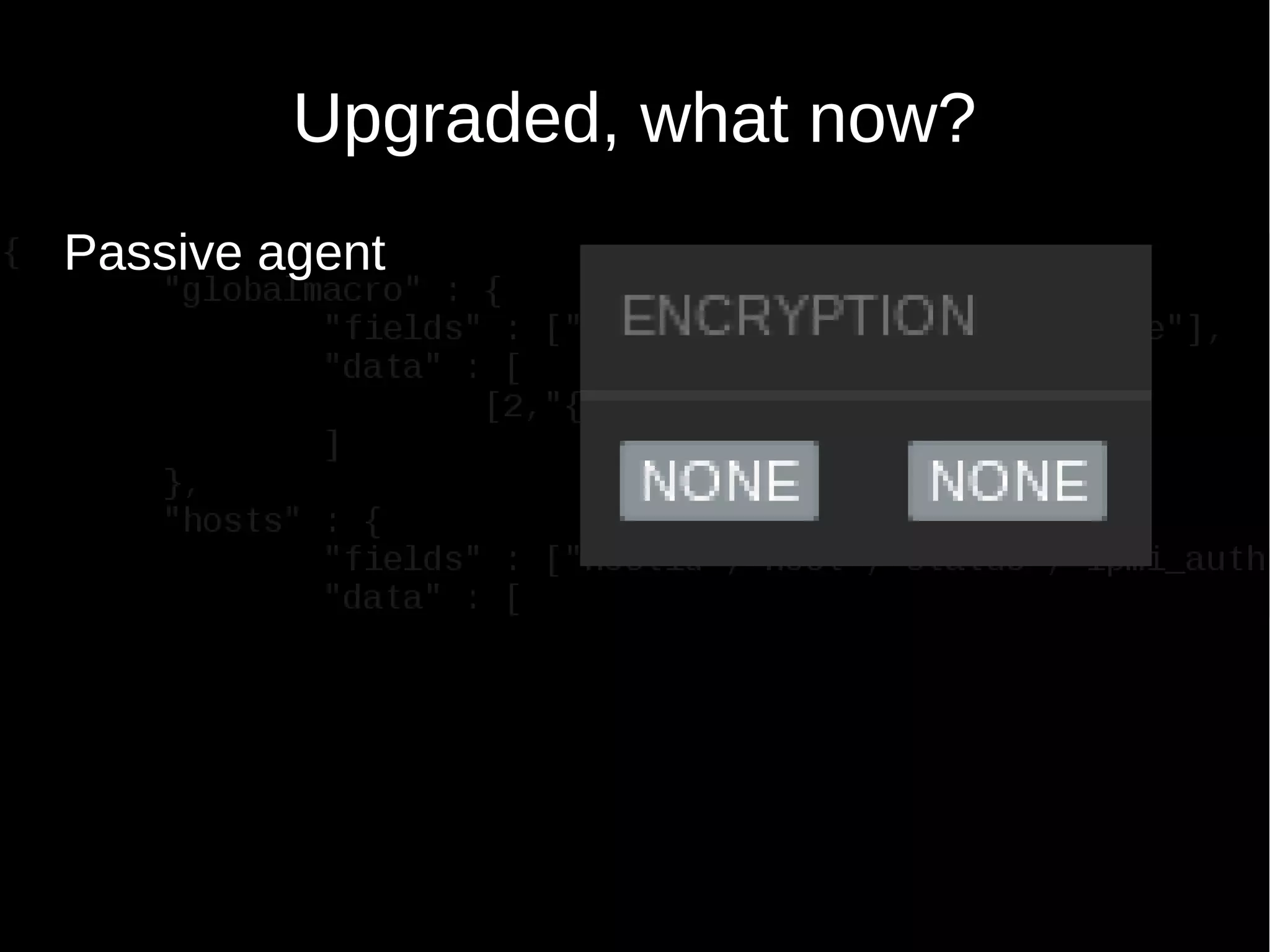
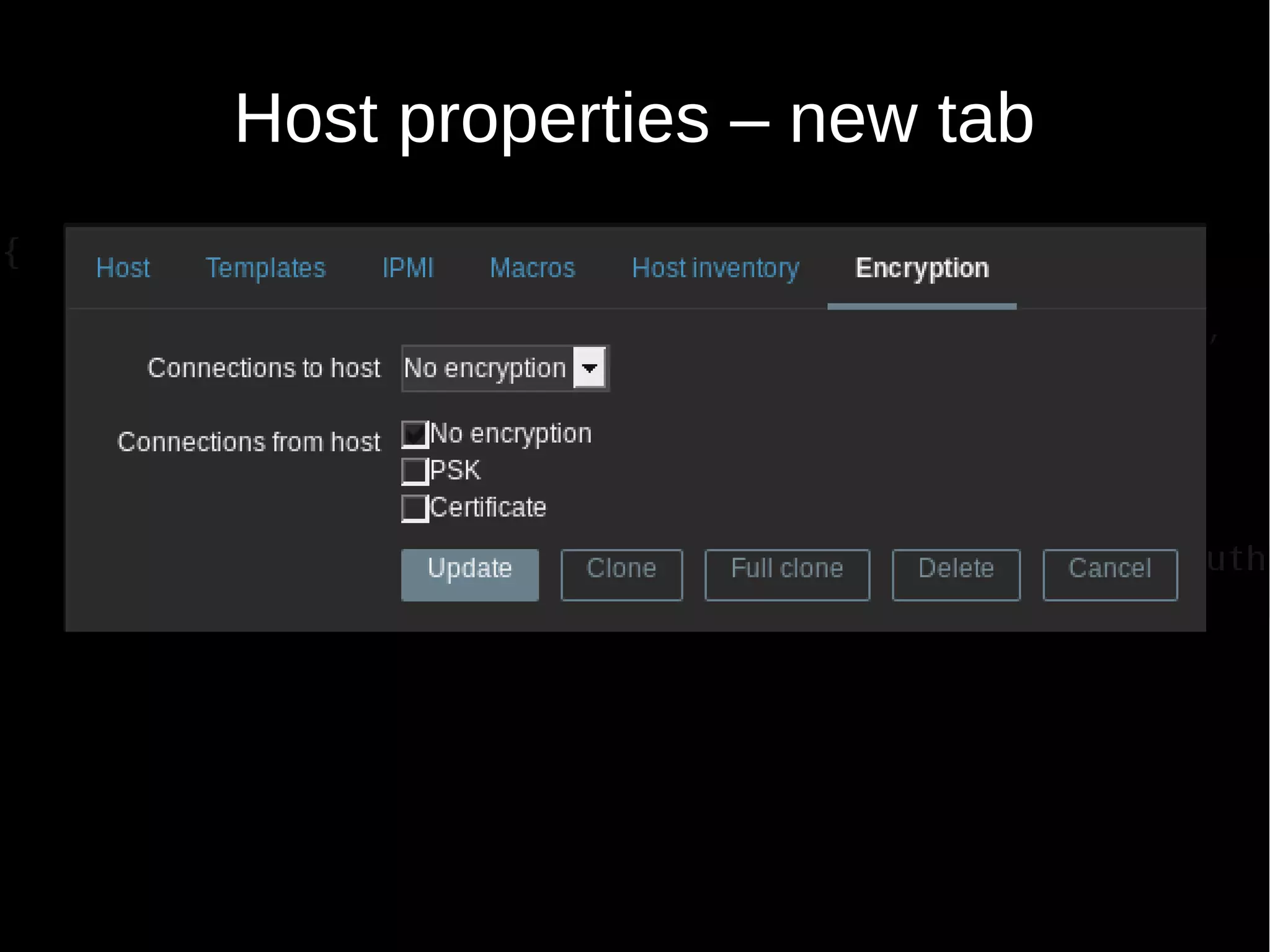
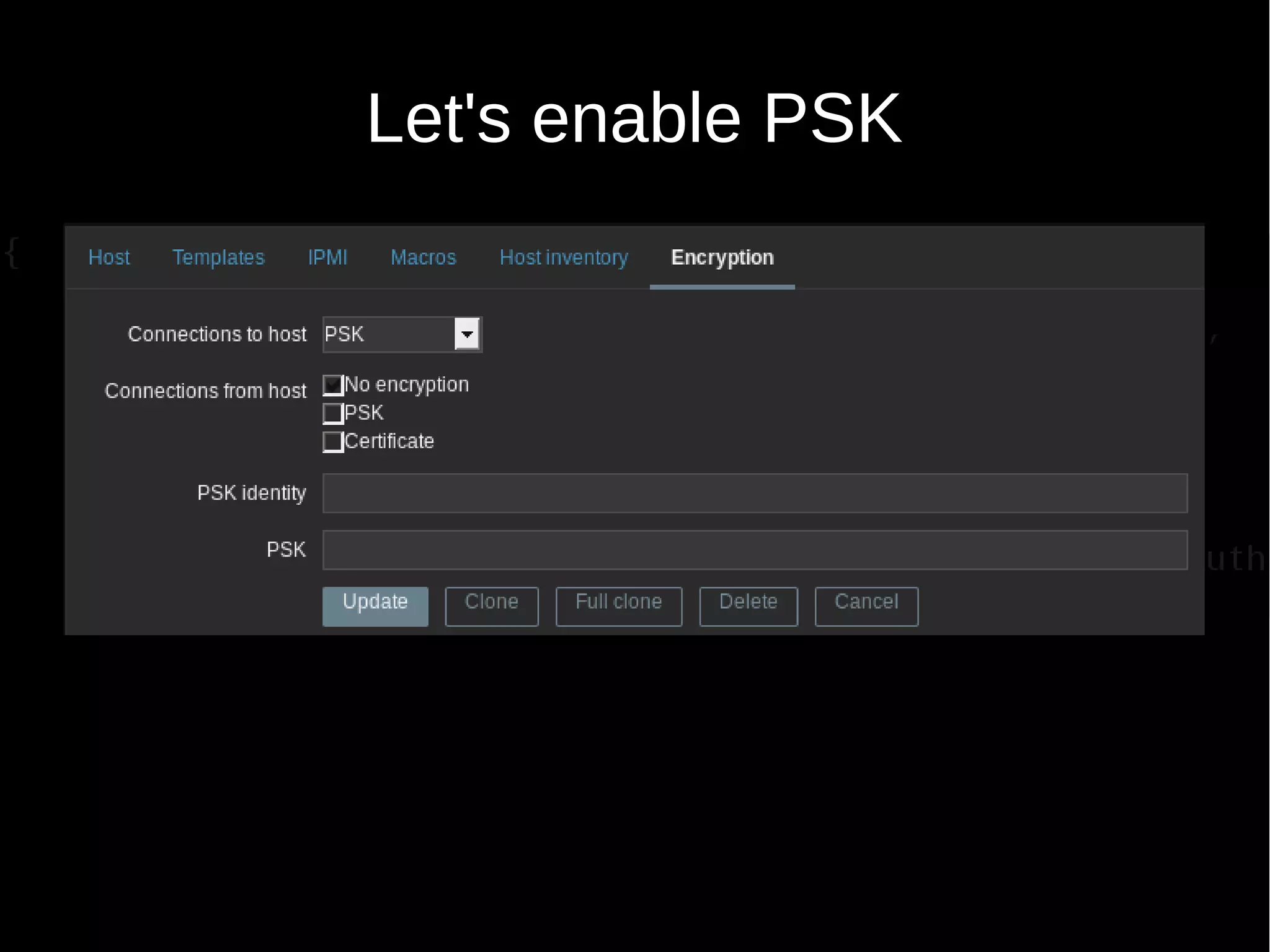
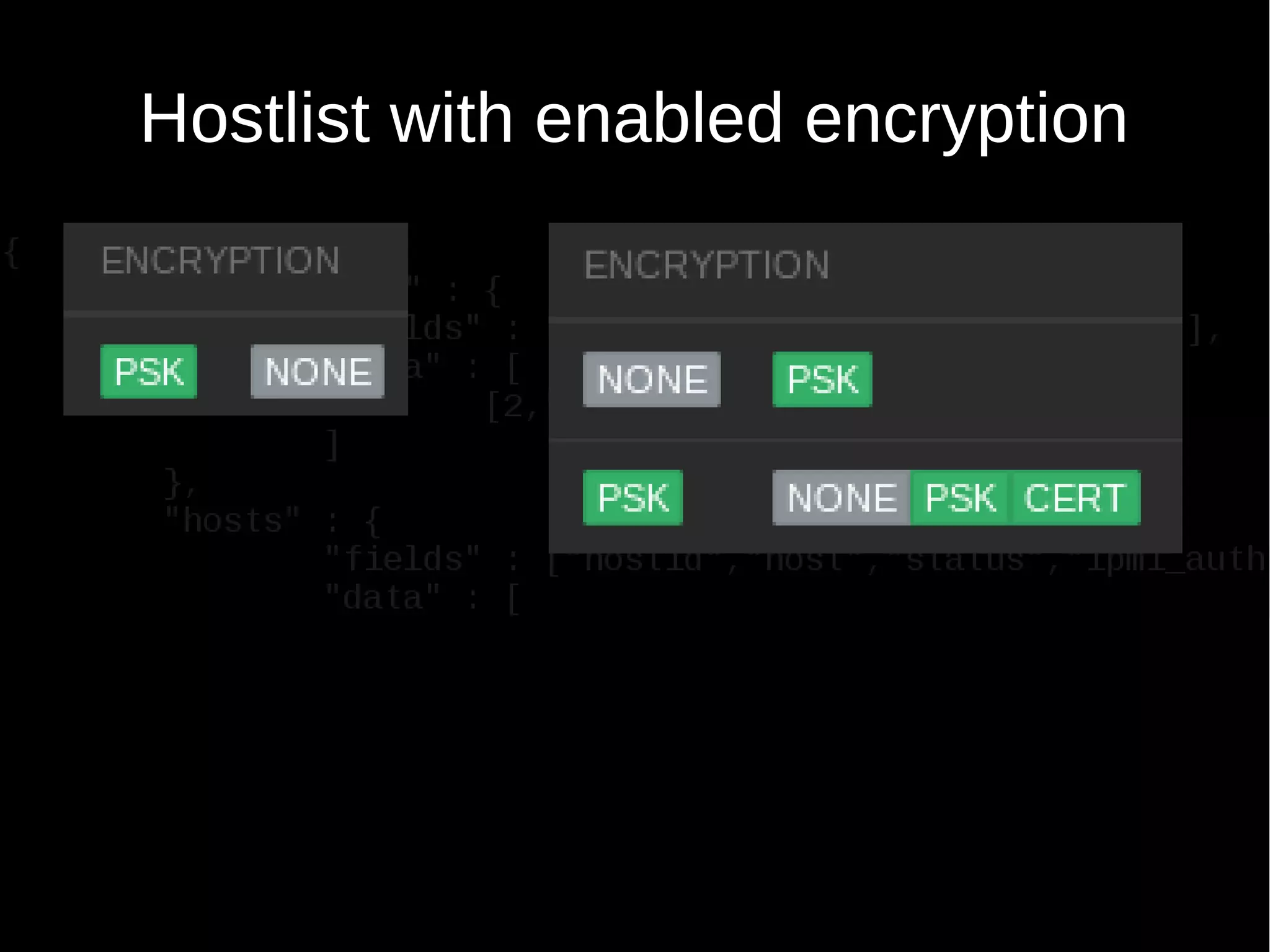
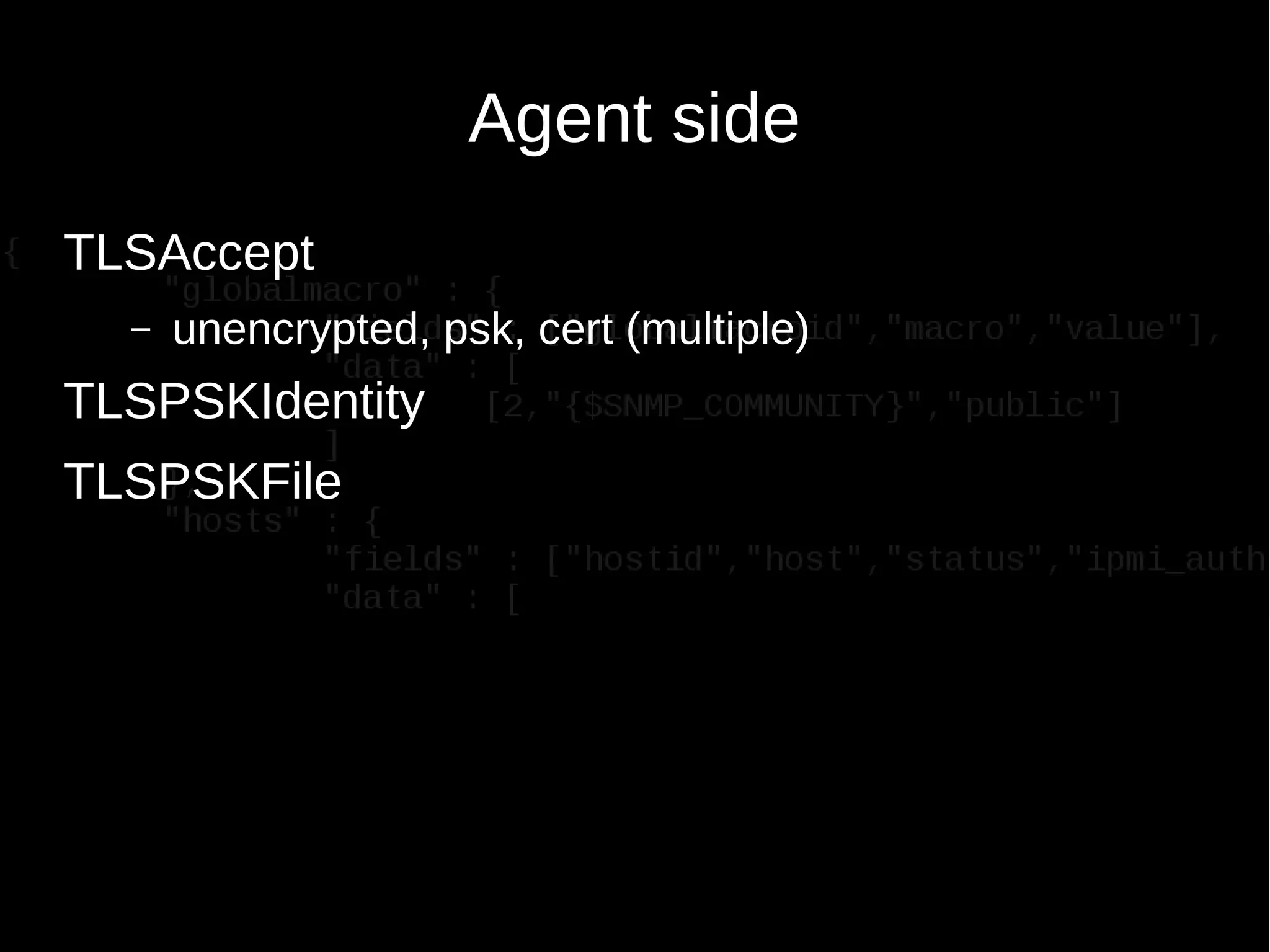
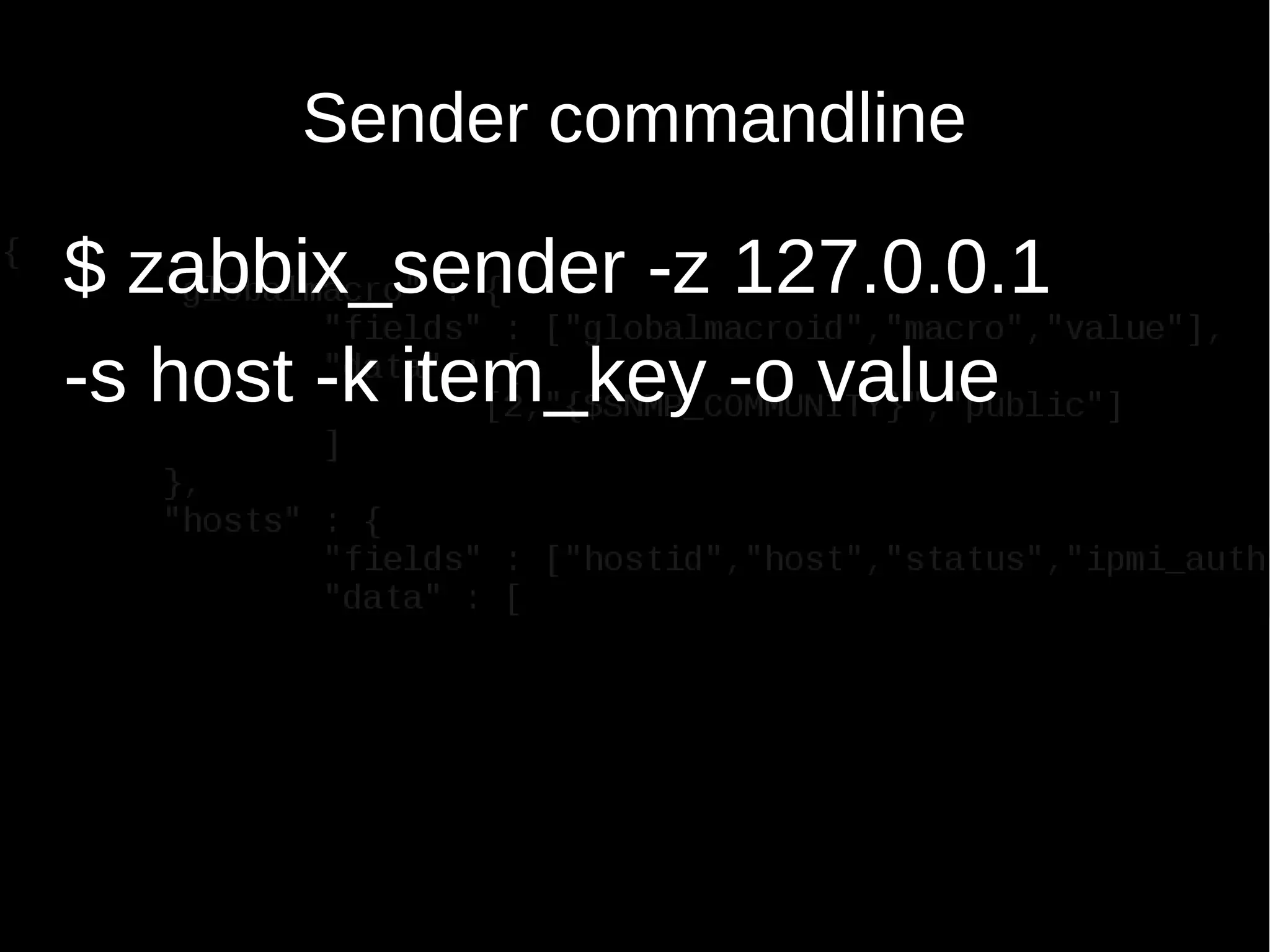
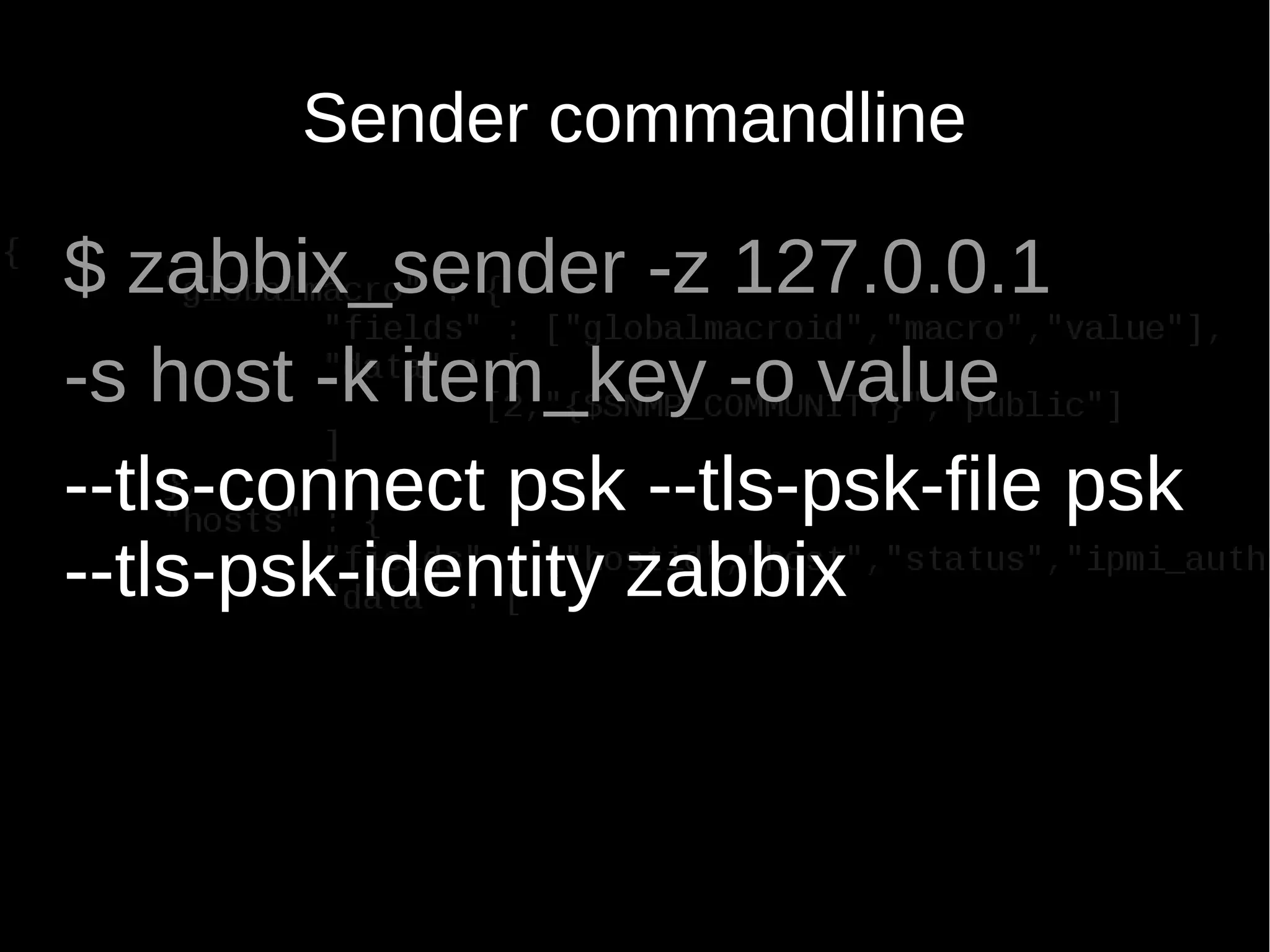
The document discusses encrypting Zabbix daemon traffic using various encryption methods including PSK and TLS in Zabbix 3.0. It provides detailed instructions on upgrading agents to enable encryption, as well as command-line usage for both zabbix_get and zabbix_sender with encryption options. Additionally, it highlights the built-in encryption, strong authentication, and technical considerations for seamless integration.


![[DSC Europe 25] Miodrag Pesovic & Vladislav Radonjic - Federated Data Archite...](https://cdn.slidesharecdn.com/ss_thumbnails/gsbe3y5it5uhndi4e08e-1-251212103249-f1008e0c-thumbnail.jpg?width=640&height=640&fit=bounds)
![[DSC Europe 25] Behzad Hosseini - AI Agents in the Wild: Deploying Models tha...](https://cdn.slidesharecdn.com/ss_thumbnails/3qtejajvsjqrzwfept2c-10-251212103250-7f2b1068-thumbnail.jpg?width=640&height=640&fit=bounds)


![[DSC Europe 25] Dunja Adzic Jovanovic - AI and Cybersecurity: Defending Data ...](https://cdn.slidesharecdn.com/ss_thumbnails/o1zylpbhrtwnixxq2xj8-7-251211083048-185086f6-thumbnail.jpg?width=640&height=640&fit=bounds)
![[DSC Europe 25] Marko Krstic - Understanding the AI Threat Landscape - Risks,...](https://cdn.slidesharecdn.com/ss_thumbnails/tiyim1ins5jvbrvzpzla-2-251209104645-c69d3553-thumbnail.jpg?width=640&height=640&fit=bounds)
![[DSC Europe 25] Nikolay Burlutskiy - Best Practices for Building Enterprise M...](https://cdn.slidesharecdn.com/ss_thumbnails/uirvaiuvq8y1w8hzd9tx-7-251212103249-2619edb4-thumbnail.jpg?width=640&height=640&fit=bounds)
![[DSC Europe 25] Milan Sekuloski - Data, Defence, and Development: Cybersecuri...](https://cdn.slidesharecdn.com/ss_thumbnails/dfrkwwx4qly6atqpbl4z-4-251209104645-c3d4b0ca-thumbnail.jpg?width=640&height=640&fit=bounds)

![[DSC Europe 25] Bassam Maharmeh - Artificial Intelligence: Opportunities and ...](https://cdn.slidesharecdn.com/ss_thumbnails/thhfmr2fqpawzj7hsjpg-5-251211083048-2c23204f-thumbnail.jpg?width=640&height=640&fit=bounds)