Virtual	
  Machine	
  Test	
  Harness	
  (VMTH)	
  
	
  Presented	
  by	
  Ricardo	
  Sanchez	
  (rsanchez.jayhawk@gmail.com)	
  
On	
  behalf	
  of	
  Greg	
  Retkowski	
  (greg@rage.net)	
  
hEps://github.com/gregretkowski/vmth	


SVDevOps	
  Meetup	
  -­‐	
  05/05/11	
  
Agenda	
  

•            Overview	
  
•            Why	
  VMTH?	
  
•            Workflow	
  
•            Tools	
  of	
  the	
  trade	
  
•            Q&A	


5/6/11	
                                       VMTH	
  Project	
           Page	
  2	
  
Overview	
  

•  Unit-­‐test	
  infrastructure	
  automaXon	
  tool	
  
•  Runs	
  against	
  VM	
  running	
  live	
  system	
  image	
  
             •  qemu	
  +	
  centos	
  
•  Integrates	
  with	
  CI	
  (ConXnuous	
  IntegraXon)	
  servers	
  
             •  Triggered	
  a]er	
  every	
  commit	
  
•  VM	
  snapsho^ng	
  to	
  run	
  quickly	
  through	
  test	
  cases	
  
   (the	
  differenXaXng	
  factor	
  of	
  the	
  tool)	
  
5/6/11	
                                        VMTH	
  Project	
              Page	
  3	
  
Why	
  VMTH?	
  

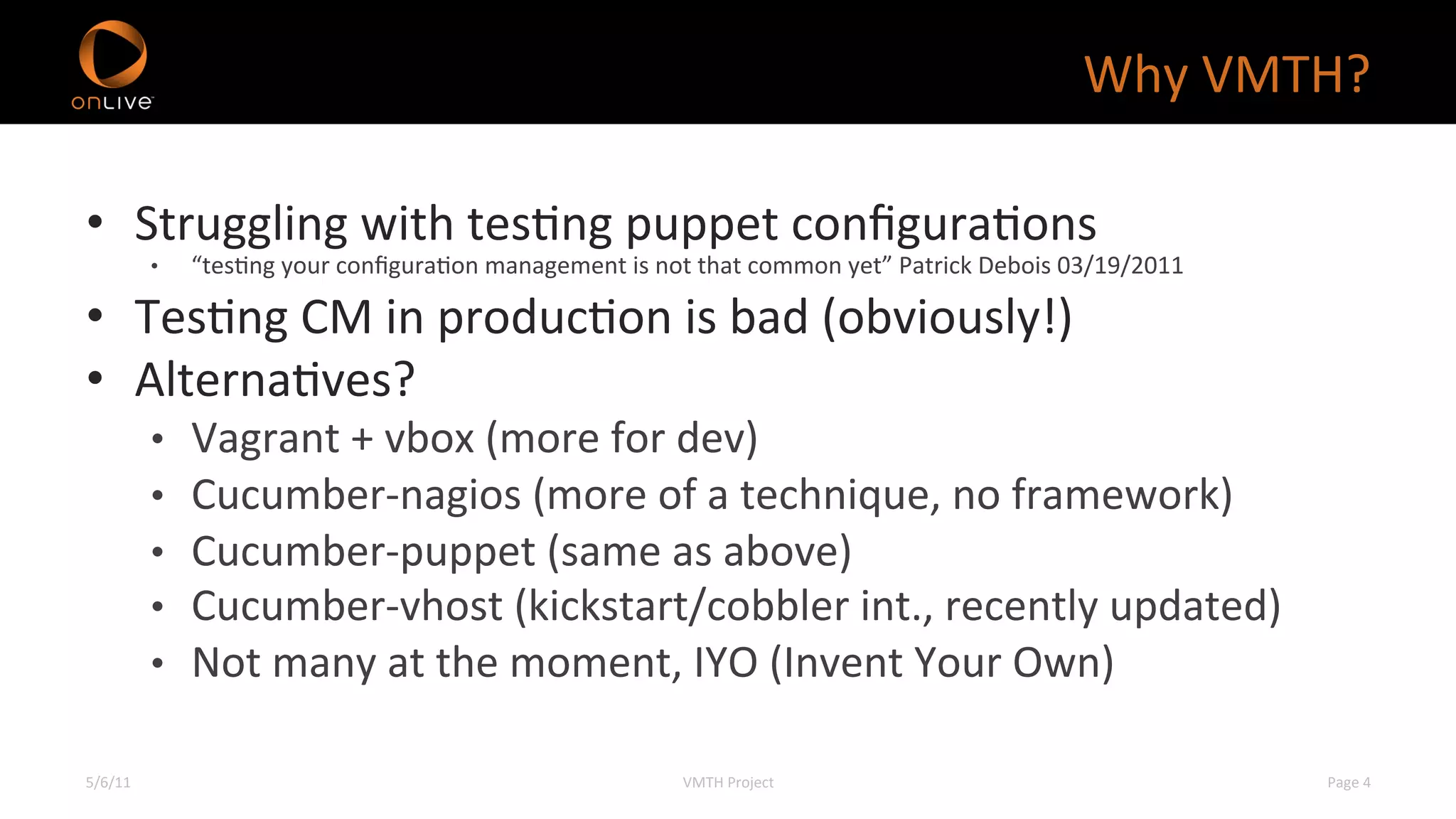
•  Struggling	
  with	
  tesXng	
  puppet	
  configuraXons	
  
             •    “tesXng	
  your	
  configuraXon	
  management	
  is	
  not	
  that	
  common	
  yet”	
  Patrick	
  Debois	
  03/19/2011	
  

•  TesXng	
  CM	
  in	
  producXon	
  is	
  bad	
  (obviously!)	
  
•  AlternaXves?	
  
             •    Vagrant	
  +	
  vbox	
  (more	
  for	
  dev)	
  
             •    Cucumber-­‐nagios	
  (more	
  of	
  a	
  technique,	
  no	
  framework)	
  
             •    Cucumber-­‐puppet	
  (same	
  as	
  above)	
  
             •    Cucumber-­‐vhost	
  (kickstart/cobbler	
  int.,	
  recently	
  updated)	
  
             •    Not	
  many	
  at	
  the	
  moment,	
  IYO	
  (Invent	
  Your	
  Own)	
  

5/6/11	
                                                                     VMTH	
  Project	
  	
                                             Page	
  4	
  
Workflow	
  (Puppet	
  Example)	
  

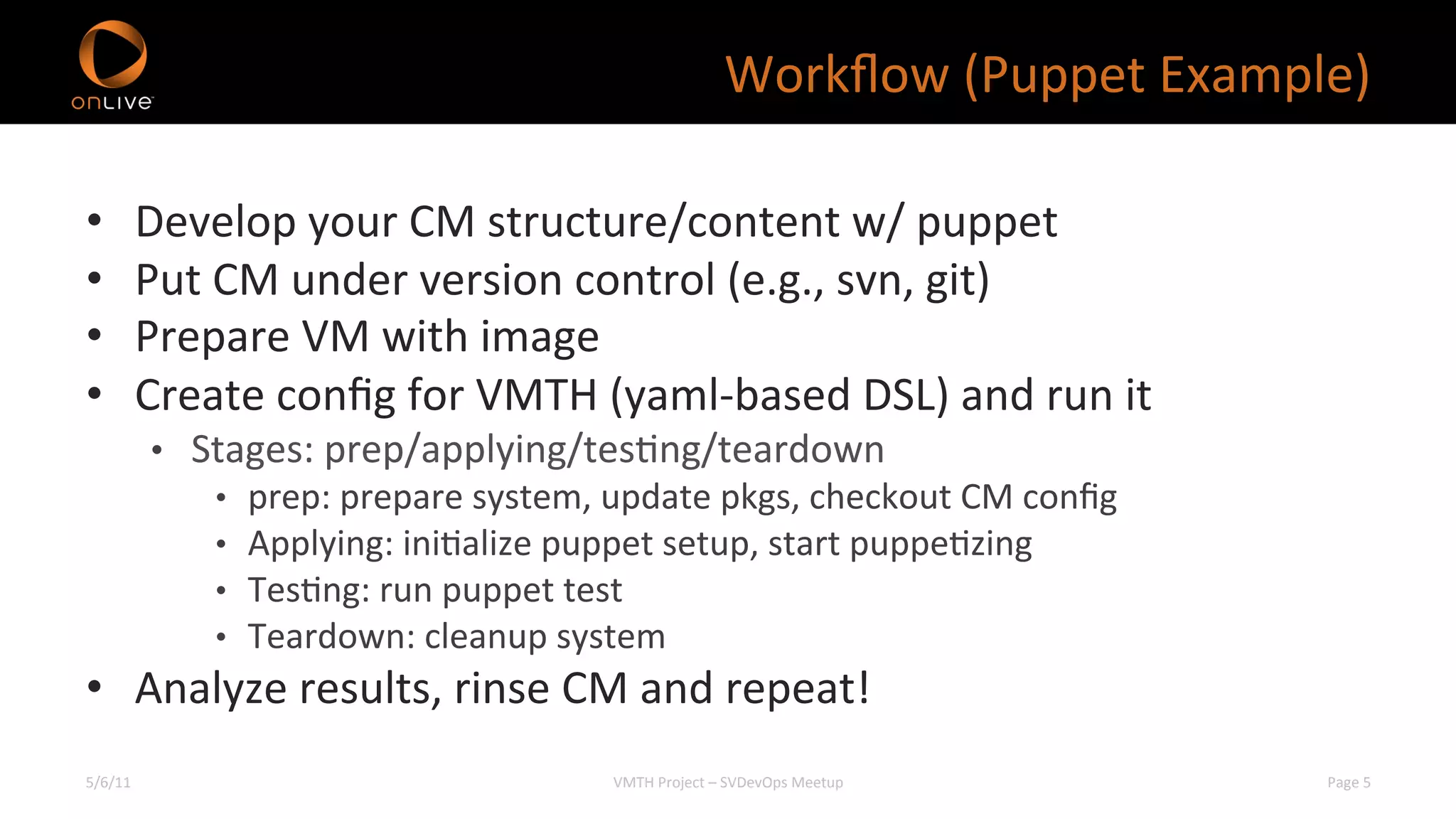
•        Develop	
  your	
  CM	
  structure/content	
  w/	
  puppet	
  
•        Put	
  CM	
  under	
  version	
  control	
  (e.g.,	
  svn,	
  git)	
  
•        Prepare	
  VM	
  with	
  image	
  
•        Create	
  config	
  for	
  VMTH	
  (yaml-­‐based	
  DSL)	
  and	
  run	
  it	
  
             •  Stages:	
  prep/applying/tesXng/teardown	
  
                 •    prep:	
  prepare	
  system,	
  update	
  pkgs,	
  checkout	
  CM	
  config	
  
                 •    Applying:	
  iniXalize	
  puppet	
  setup,	
  start	
  puppeXzing	
  
                 •    TesXng:	
  run	
  puppet	
  test	
  
                 •    Teardown:	
  cleanup	
  system	
  
•  Analyze	
  results,	
  rinse	
  CM	
  and	
  repeat!	
  
5/6/11	
                                              VMTH	
  Project	
  –	
  SVDevOps	
  Meetup	
        Page	
  5	
  
VMTH	
  output	
  

I, [2011-04-28T05:24:56.063042 #27623] INFO -- : Number of tests run : 60
I, [2011-04-28T05:24:56.063090 #27623] INFO -- : Result of ALL tests: Passed? true
VM Test Harness Results....
Elapsed time to complete testing: 05:16:30
+------------------+------------+------------+----------------+
| Scenario           |   Apply |       Test | Execution Time |
+------------------+------------+------------+----------------+
| 0nulltest        | Passed | Passed |                 00:18:05 |
| analytics         | Passed | Passed |                00:09:56 |
| clientupdate | Passed | Passed |                       00:05:54 |
 …
| weblb            | Passed | Passed |                 00:02:47 |
| websrc            | Passed | Passed |                 00:04:02 |
[05:24:56|greg@xxx:vmth_ol]$

5/6/11	
                                VMTH	
  Project	
                            Page	
  6	
  
Tool:	
  vmth	
  
Usage:	
  vmth	
  [op/ons]	


  -­‐s,	
  -­‐-­‐service	
  service_name	


  Test	
  this	
  service	


  -­‐q,	
  -­‐-­‐vmm-­‐cmd-­‐line	


  Just	
  output	
  the	
  vm	
  monitor	
  command	
  line	
  and	
  exit	


  -­‐t,	
  -­‐-­‐console	


  Prep	
  a	
  vm	
  and	
  allocate	
  it	
  to	
  a	
  user	


  -­‐c,	
  -­‐-­‐config-­‐yaml	
  file.yaml	


  The	
  file	
  used	
  to	
  configure	
  the	
  vmth	


  -­‐d,	
  -­‐-­‐debug	


  Run	
  in	
  debugging	
  mode	


  -­‐n,	
  -­‐-­‐no-­‐vmm	


  Run	
  w/o	
  VM	
  management	
  (for	
  dev/debug)	


  -­‐i	
  /path/to/image.cow	


  Specify	
  the	
  vm	
  disk	
  image	
  file	


  -­‐-­‐image-­‐file	


  -­‐y,	
  -­‐-­‐yaml	


  Output	
  Yaml	
  instead	
  of	
  formaPed	
  text	


  -­‐e	
  /path/to/scenarios	


  Specify	
  the	
  scenarios	
  list	
  file	


  -­‐-­‐scenarios-­‐file	


  -­‐o,	
  -­‐-­‐output-­‐file	
  output.yaml	


  Output	
  results	
  to	
  a	
  yaml	
  file	


  -­‐p	
  /path/to/your/source/dir	


  Path	
  to	
  your	
  source	
  directory	


  -­‐-­‐path	


  -­‐h,	
  -­‐?	


  Show	
  this	
  message	
  

# sudo vmth -e testable_services.txt -i /data/greg-test.cow
          -p /home/greg/puppet -c testpup26.yaml -d -o testpup26.output.yaml
5/6/11	
                                                                                                                       VMTH	
  Project	
                                                       Page	
  7	
  
Tool:	
  virb	
  

•  virb	
  (vmth	
  interacXve	
  tool)	
  
             •  Debug	
  and	
  browse	
  through	
  results	


5/6/11	
                                        VMTH	
  Project	
                 Page	
  8	
  
Resources	
  

•  hEps://github.com/gregretkowski/vmth	
  
•  hEp://rubygems.org/gems/vmth	
  
•  Contact:	
  greg@rage.net	


5/6/11	
                 VMTH	
  Project	
               Page	
  9	
  
We	
  are	
  hiring…	
  
hEp://www.onlive.com/corporate/careers	
  
Thanks!	
  
Q&A	
  

Vmth project

  • 1.
    Virtual  Machine  Test  Harness  (VMTH)    Presented  by  Ricardo  Sanchez  (rsanchez.jayhawk@gmail.com)   On  behalf  of  Greg  Retkowski  (greg@rage.net)   hEps://github.com/gregretkowski/vmth     SVDevOps  Meetup  -­‐  05/05/11  
  • 2.
    Agenda   •  Overview   •  Why  VMTH?   •  Workflow   •  Tools  of  the  trade   •  Q&A     5/6/11   VMTH  Project   Page  2  
  • 3.
    Overview   •  Unit-­‐test  infrastructure  automaXon  tool   •  Runs  against  VM  running  live  system  image   •  qemu  +  centos   •  Integrates  with  CI  (ConXnuous  IntegraXon)  servers   •  Triggered  a]er  every  commit   •  VM  snapsho^ng  to  run  quickly  through  test  cases   (the  differenXaXng  factor  of  the  tool)   5/6/11   VMTH  Project   Page  3  
  • 4.
    Why  VMTH?   • Struggling  with  tesXng  puppet  configuraXons   •  “tesXng  your  configuraXon  management  is  not  that  common  yet”  Patrick  Debois  03/19/2011   •  TesXng  CM  in  producXon  is  bad  (obviously!)   •  AlternaXves?   •  Vagrant  +  vbox  (more  for  dev)   •  Cucumber-­‐nagios  (more  of  a  technique,  no  framework)   •  Cucumber-­‐puppet  (same  as  above)   •  Cucumber-­‐vhost  (kickstart/cobbler  int.,  recently  updated)   •  Not  many  at  the  moment,  IYO  (Invent  Your  Own)   5/6/11   VMTH  Project     Page  4  
  • 5.
    Workflow  (Puppet  Example)   •  Develop  your  CM  structure/content  w/  puppet   •  Put  CM  under  version  control  (e.g.,  svn,  git)   •  Prepare  VM  with  image   •  Create  config  for  VMTH  (yaml-­‐based  DSL)  and  run  it   •  Stages:  prep/applying/tesXng/teardown   •  prep:  prepare  system,  update  pkgs,  checkout  CM  config   •  Applying:  iniXalize  puppet  setup,  start  puppeXzing   •  TesXng:  run  puppet  test   •  Teardown:  cleanup  system   •  Analyze  results,  rinse  CM  and  repeat!   5/6/11   VMTH  Project  –  SVDevOps  Meetup   Page  5  
  • 6.
    VMTH  output   I,[2011-04-28T05:24:56.063042 #27623] INFO -- : Number of tests run : 60 I, [2011-04-28T05:24:56.063090 #27623] INFO -- : Result of ALL tests: Passed? true VM Test Harness Results.... Elapsed time to complete testing: 05:16:30 +------------------+------------+------------+----------------+ | Scenario | Apply | Test | Execution Time | +------------------+------------+------------+----------------+ | 0nulltest | Passed | Passed | 00:18:05 | | analytics | Passed | Passed | 00:09:56 | | clientupdate | Passed | Passed | 00:05:54 | … | weblb | Passed | Passed | 00:02:47 | | websrc | Passed | Passed | 00:04:02 | [05:24:56|greg@xxx:vmth_ol]$ 5/6/11   VMTH  Project   Page  6  
  • 7.
    Tool:  vmth   Usage:  vmth  [op/ons]          -­‐s,  -­‐-­‐service  service_name              Test  this  service          -­‐q,  -­‐-­‐vmm-­‐cmd-­‐line                              Just  output  the  vm  monitor  command  line  and  exit          -­‐t,  -­‐-­‐console                                        Prep  a  vm  and  allocate  it  to  a  user          -­‐c,  -­‐-­‐config-­‐yaml  file.yaml            The  file  used  to  configure  the  vmth          -­‐d,  -­‐-­‐debug                                            Run  in  debugging  mode          -­‐n,  -­‐-­‐no-­‐vmm                                          Run  w/o  VM  management  (for  dev/debug)          -­‐i  /path/to/image.cow                        Specify  the  vm  disk  image  file                  -­‐-­‐image-­‐file          -­‐y,  -­‐-­‐yaml                                              Output  Yaml  instead  of  formaPed  text          -­‐e  /path/to/scenarios                        Specify  the  scenarios  list  file                  -­‐-­‐scenarios-­‐file          -­‐o,  -­‐-­‐output-­‐file  output.yaml        Output  results  to  a  yaml  file          -­‐p  /path/to/your/source/dir            Path  to  your  source  directory                  -­‐-­‐path          -­‐h,  -­‐?                                                      Show  this  message   # sudo vmth -e testable_services.txt -i /data/greg-test.cow -p /home/greg/puppet -c testpup26.yaml -d -o testpup26.output.yaml 5/6/11   VMTH  Project   Page  7  
  • 8.
    Tool:  virb   • virb  (vmth  interacXve  tool)   •  Debug  and  browse  through  results   5/6/11   VMTH  Project   Page  8  
  • 9.
    Resources   •  hEps://github.com/gregretkowski/vmth   •  hEp://rubygems.org/gems/vmth   •  Contact:  greg@rage.net   5/6/11   VMTH  Project   Page  9  
  • 10.
    We  are  hiring…   hEp://www.onlive.com/corporate/careers  
  • 11.