













Say hello to my 
little friend 
Tom Kerkhove
Nice to meet you 
Tom Kerkhove 
Kinect for Windows MVP 
Integration Professional at Codit 
www.kinectingforwindows.com 
kerkhove.tom@gmail.com 
+32 473 70 10 74 
@TomKerkhove 
be.linkedin.com/in/tomkerkhove/
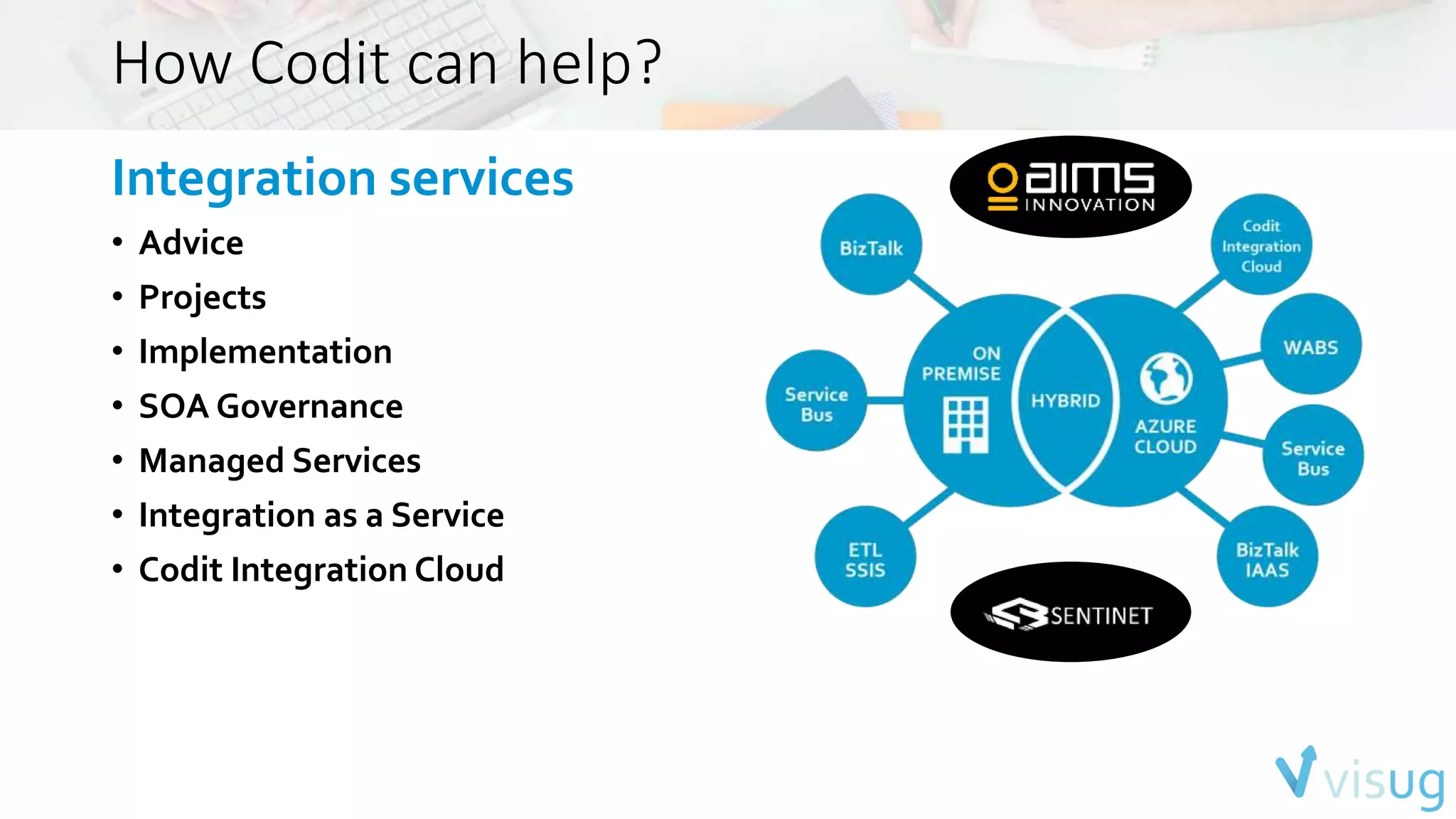
How Codit can help? 
Integration services 
• Advice 
• Projects 
• Implementation 
• SOA Governance 
• Managed Services 
• Integration as a Service 
• Codit Integration Cloud
…
Agenda 
• Hardware 
• Features Overview 
• Diving into the SDK 
• Kinect for Xbox vs Kinect for Windows 
• Scenarios 
• Kinecting the cloud
Hardware
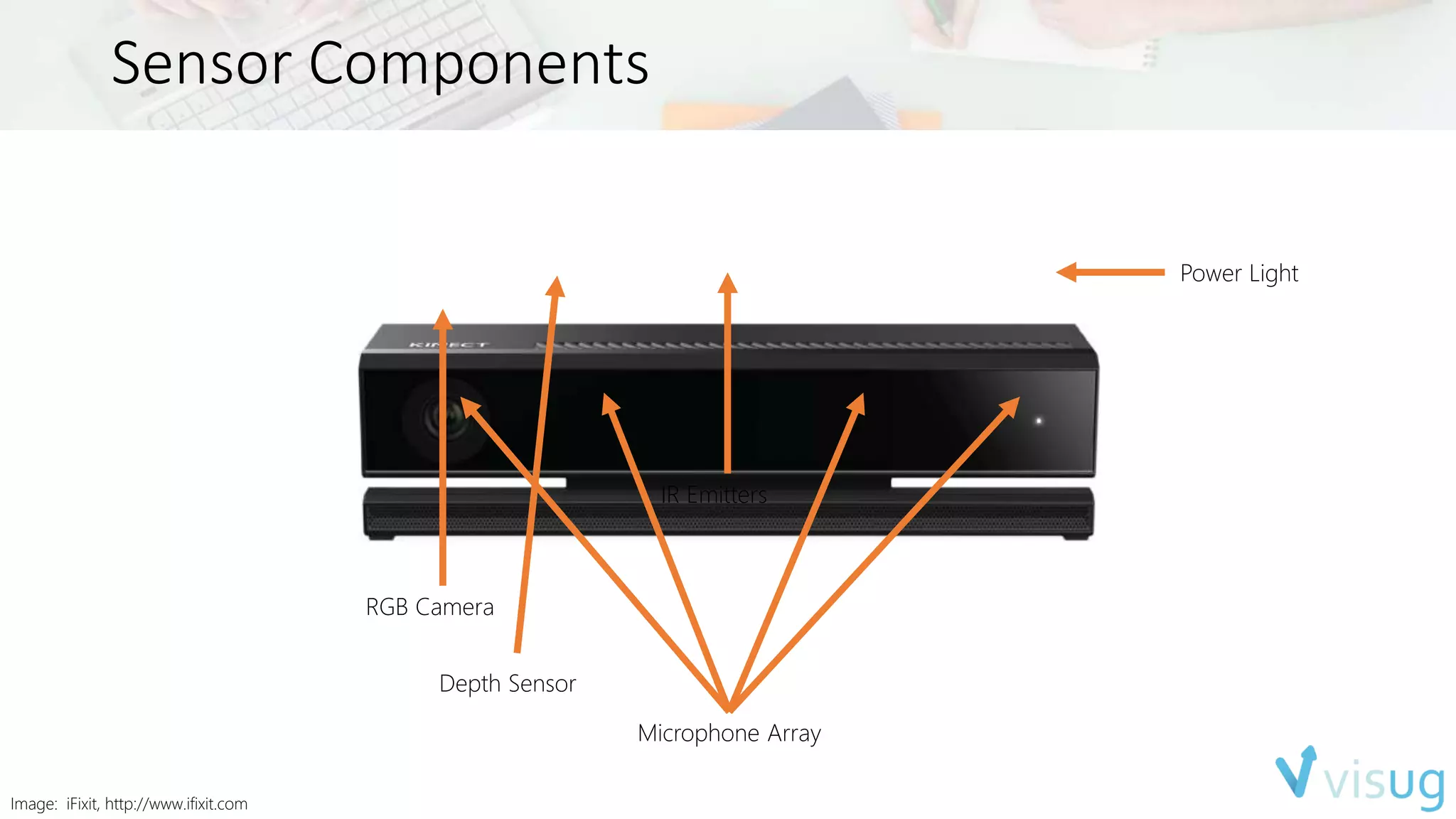
Sensor Components 
Power Light 
RGB Camera 
IR Emitters 
Depth Sensor 
Microphone Array 
Image: iFixit, http://www.ifixit.com
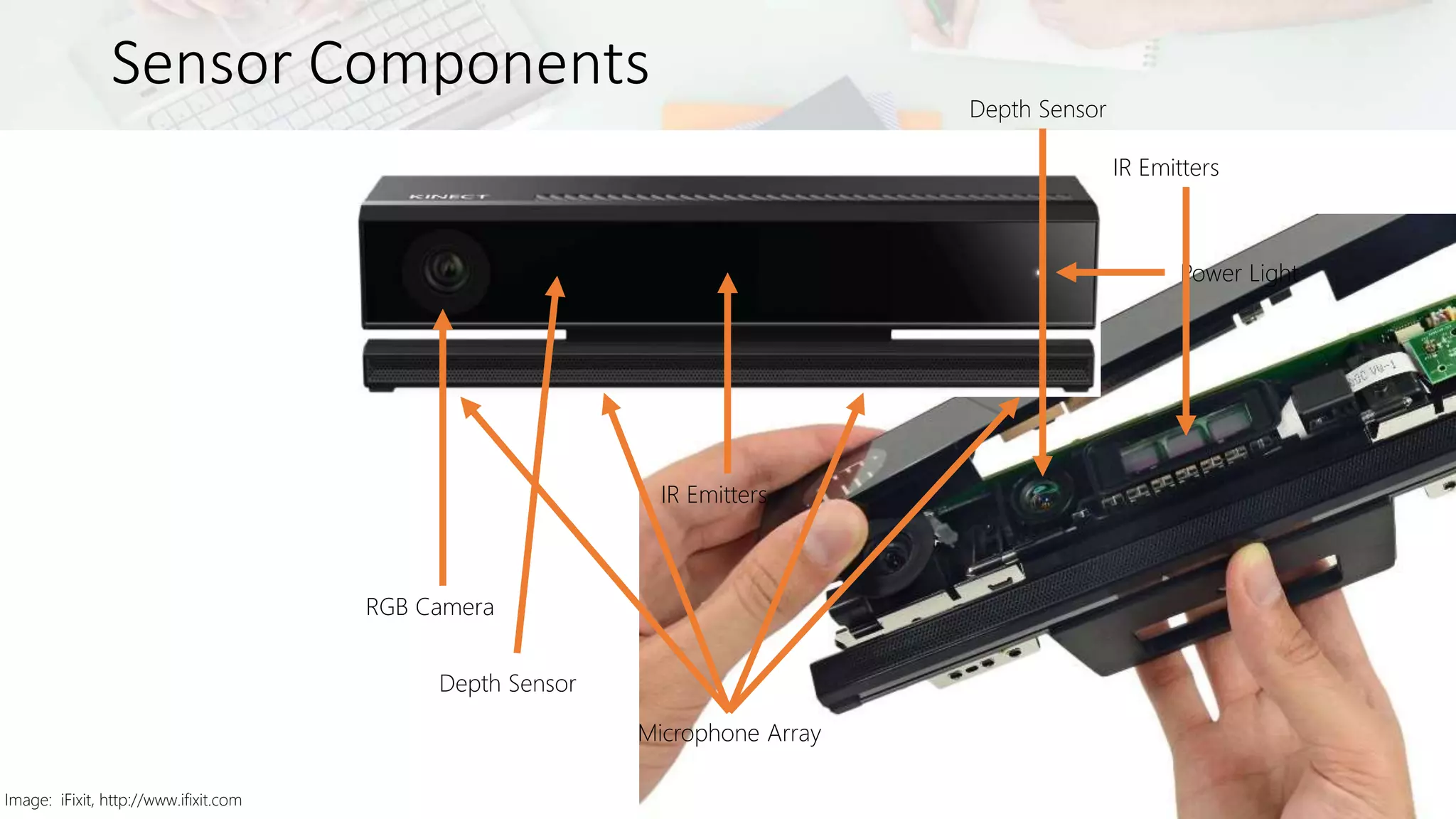
Sensor Components 
Image: iFixit, http://www.ifixit.com 
Power Light 
RGB Camera 
IR Emitters 
Depth Sensor 
Microphone Array 
Depth Sensor 
IR Emitters
Additional information 
• Field-of-View 
• Depth & infrared 
• Horizontal – 70° 
• Vertical – 60° 
• Color camera 
• Horizontal – 85° 
• Vertical – 54° 
• Tilt motor removed 
• Running multiple applications using one sensor is now supported 
• Using multiple sensors on one machine is no longer supported
Feature Overview
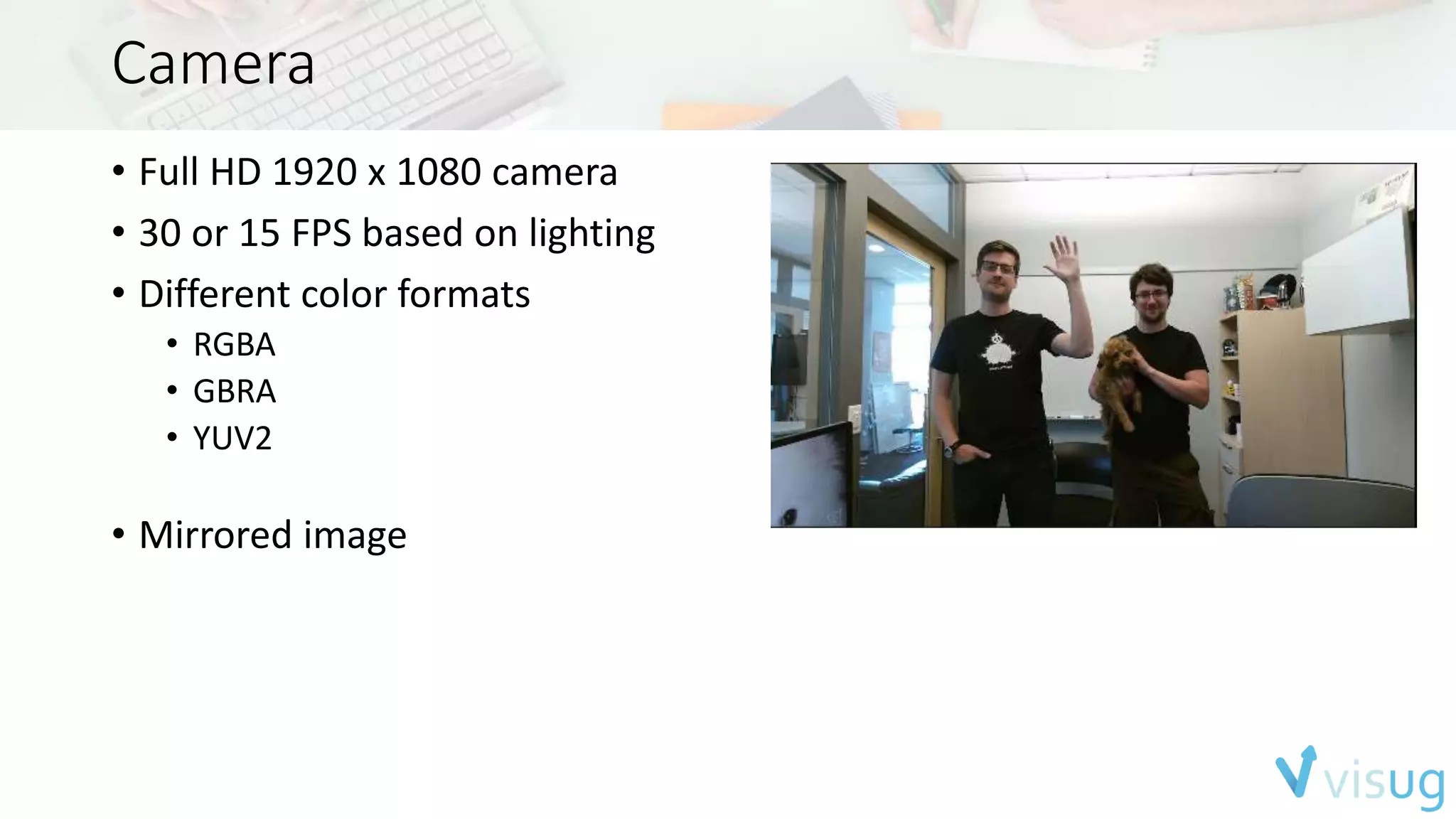
Camera 
• Full HD 1920 x 1080 camera 
• 30 or 15 FPS based on lighting 
• Different color formats 
• RGBA 
• GBRA 
• YUV2 
• Mirrored image
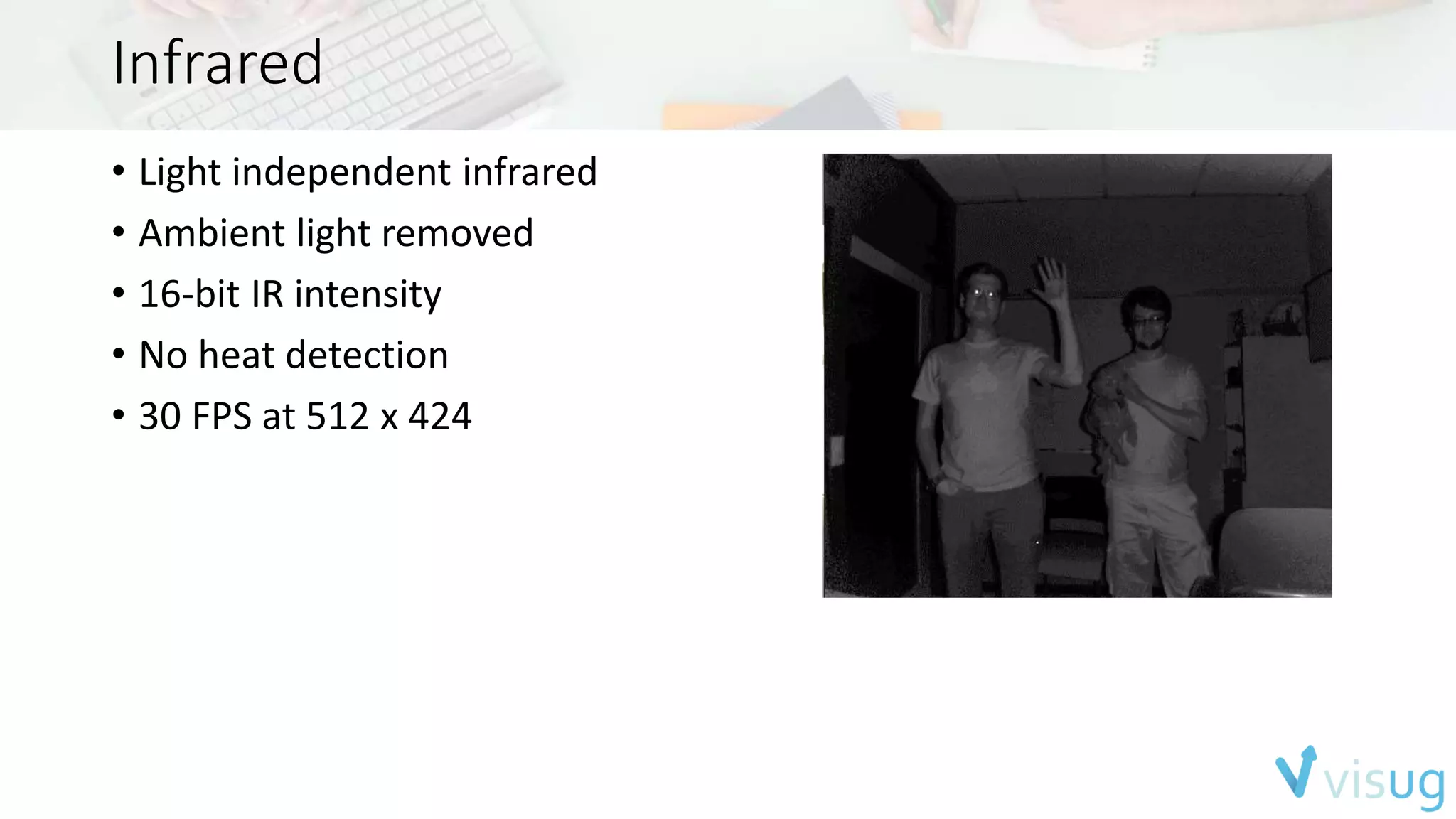
Infrared 
• Light independent infrared 
• Ambient light removed 
• 16-bit IR intensity 
• No heat detection 
• 30 FPS at 512 x 424
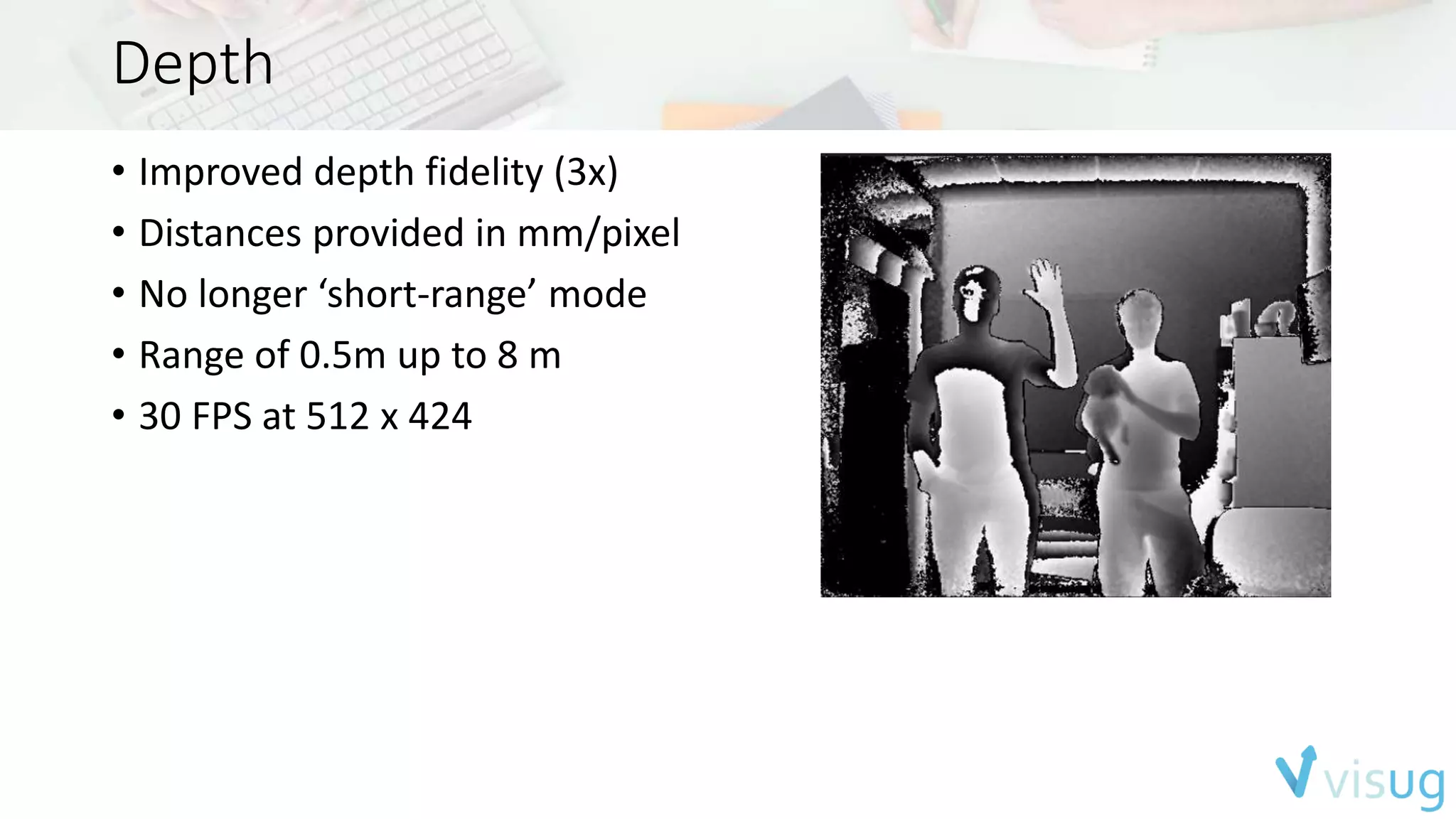
Depth 
• Improved depth fidelity (3x) 
• Distances provided in mm/pixel 
• No longer ‘short-range’ mode 
• Range of 0.5m up to 8 m 
• 30 FPS at 512 x 424
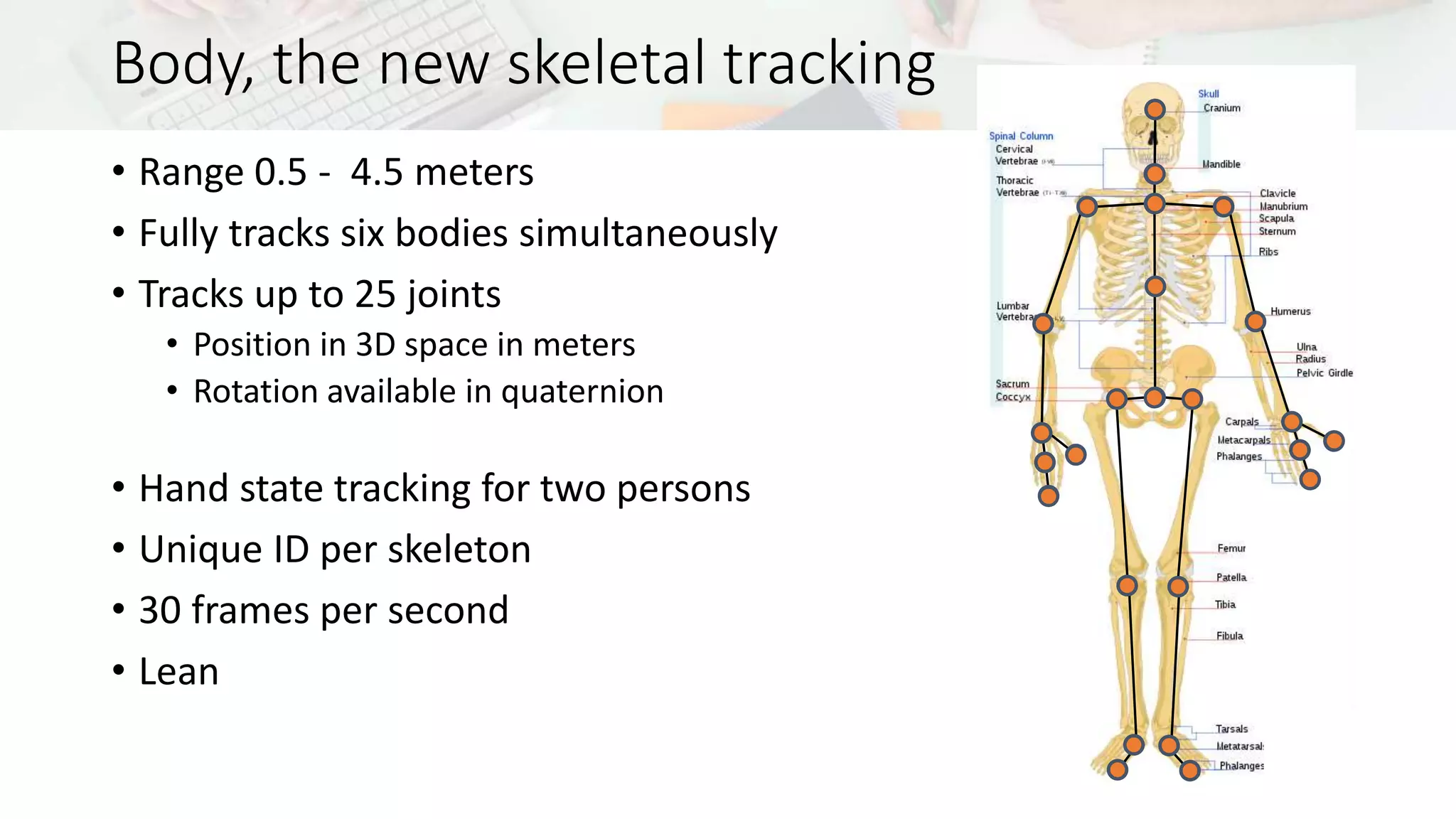
Body, the new skeletal tracking 
• Range 0.5 - 4.5 meters 
• Fully tracks six bodies simultaneously 
• Tracks up to 25 joints 
• Position in 3D space in meters 
• Rotation available in quaternion 
• Hand state tracking for two persons 
• Unique ID per skeleton 
• 30 frames per second 
• Lean
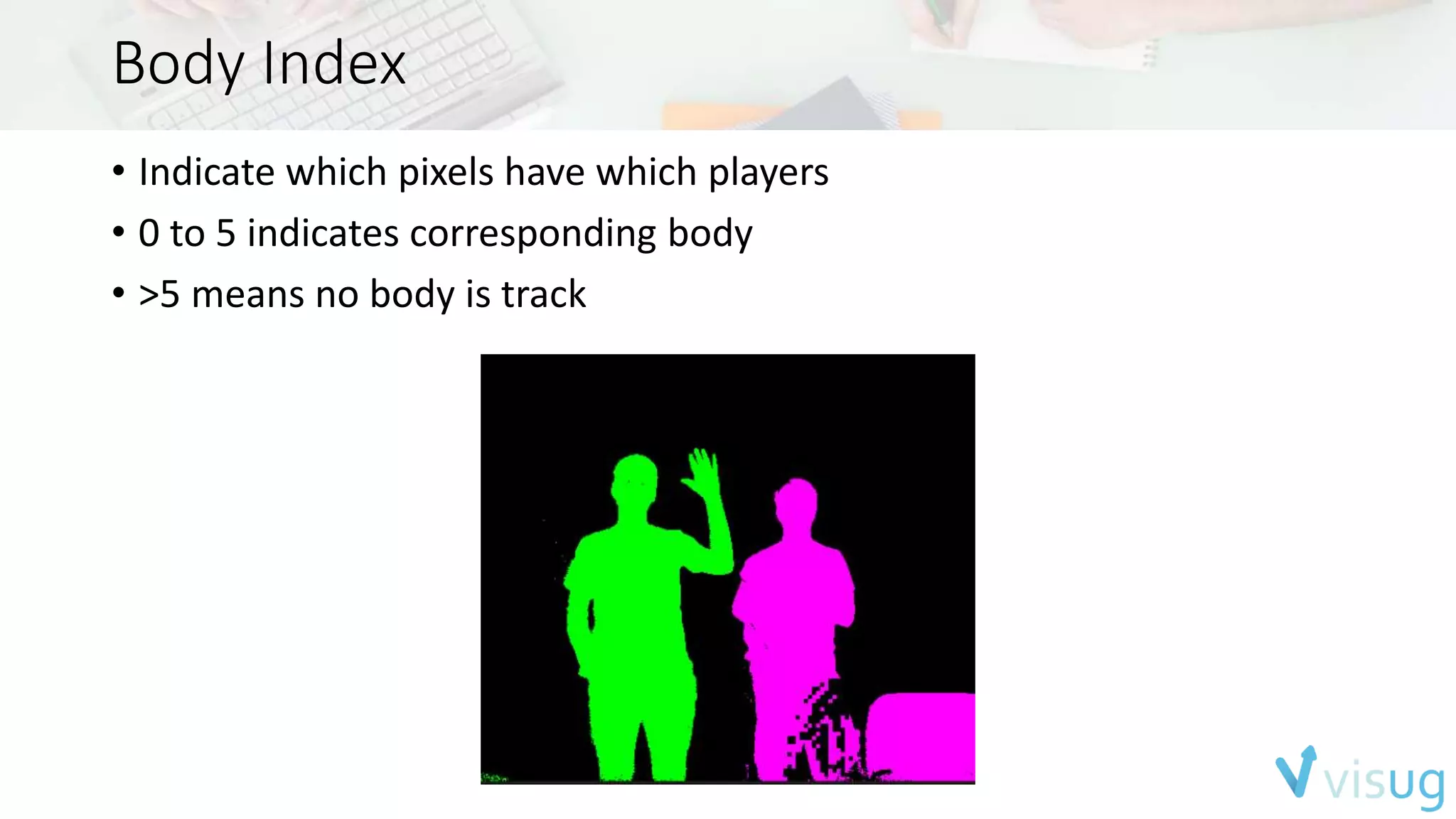
Body Index 
• Indicate which pixels have which players 
• 0 to 5 indicates corresponding body 
• >5 means no body is track
Interaction 
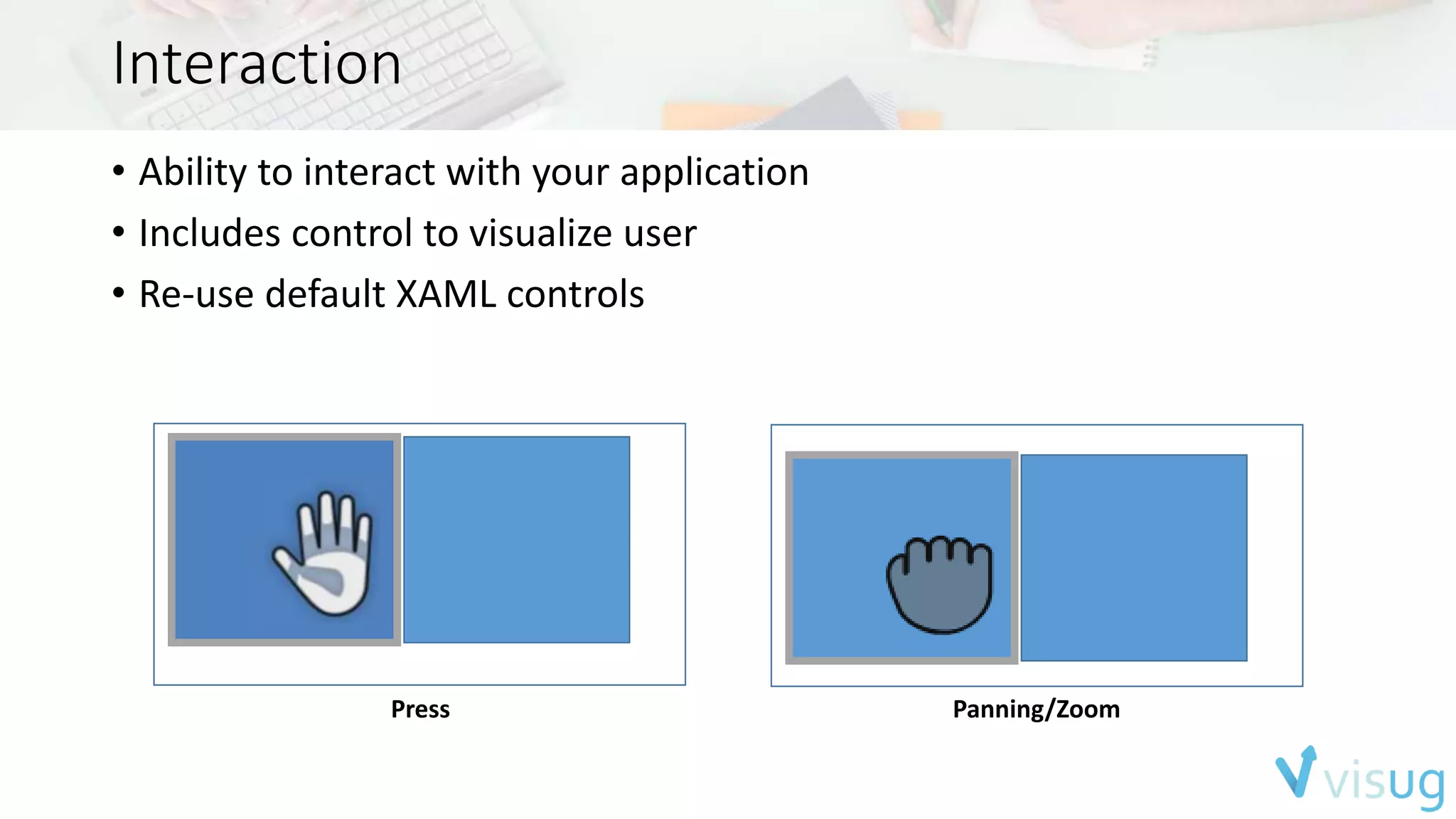
• Ability to interact with your application 
• Includes control to visualize user 
• Re-use default XAML controls 
Press Panning/Zoom
Face 
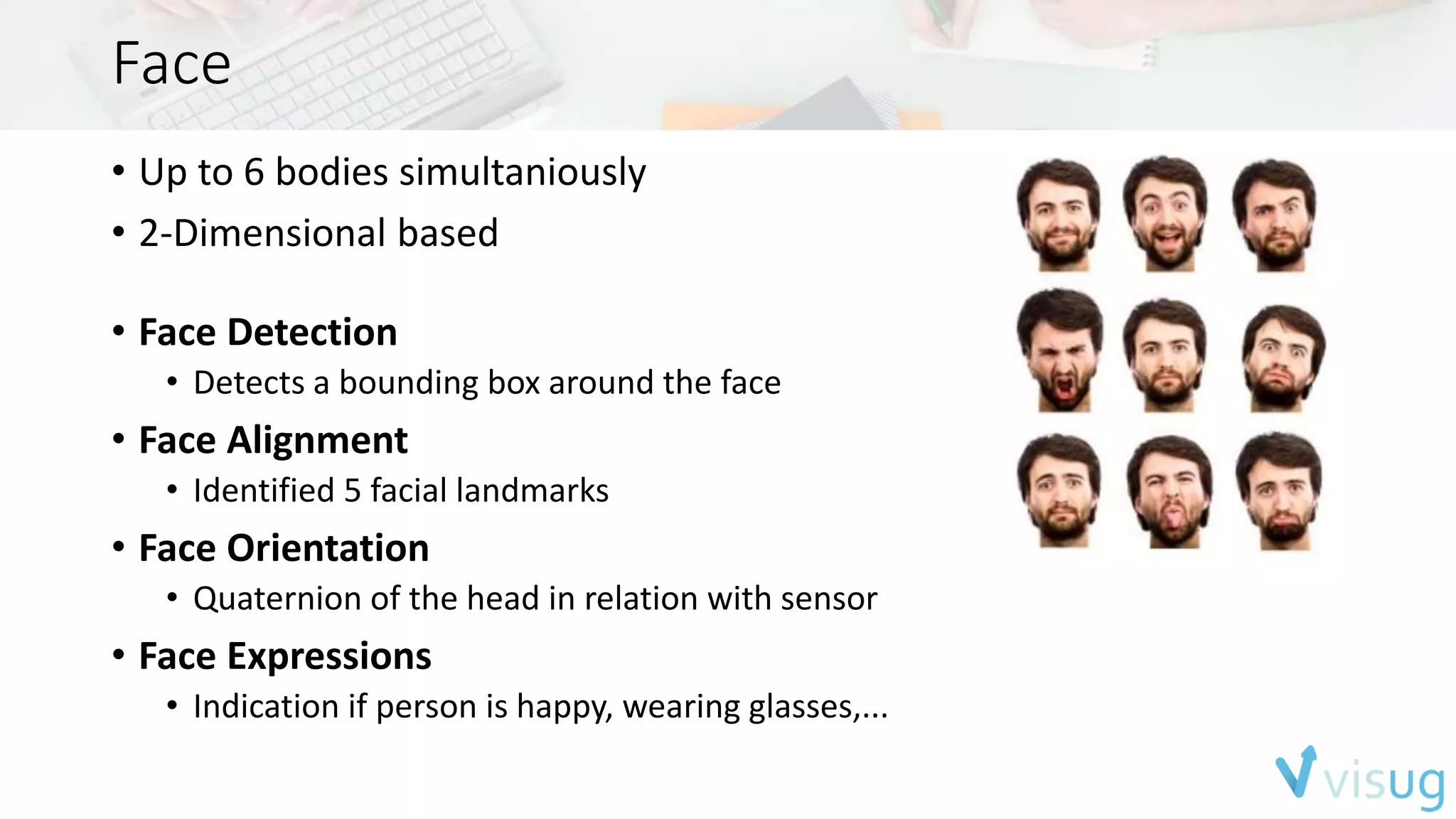
• Up to 6 bodies simultaniously 
• 2-Dimensional based 
• Face Detection 
• Detects a bounding box around the face 
• Face Alignment 
• Identified 5 facial landmarks 
• Face Orientation 
• Quaternion of the head in relation with sensor 
• Face Expressions 
• Indication if person is happy, wearing glasses,...
HD Face 
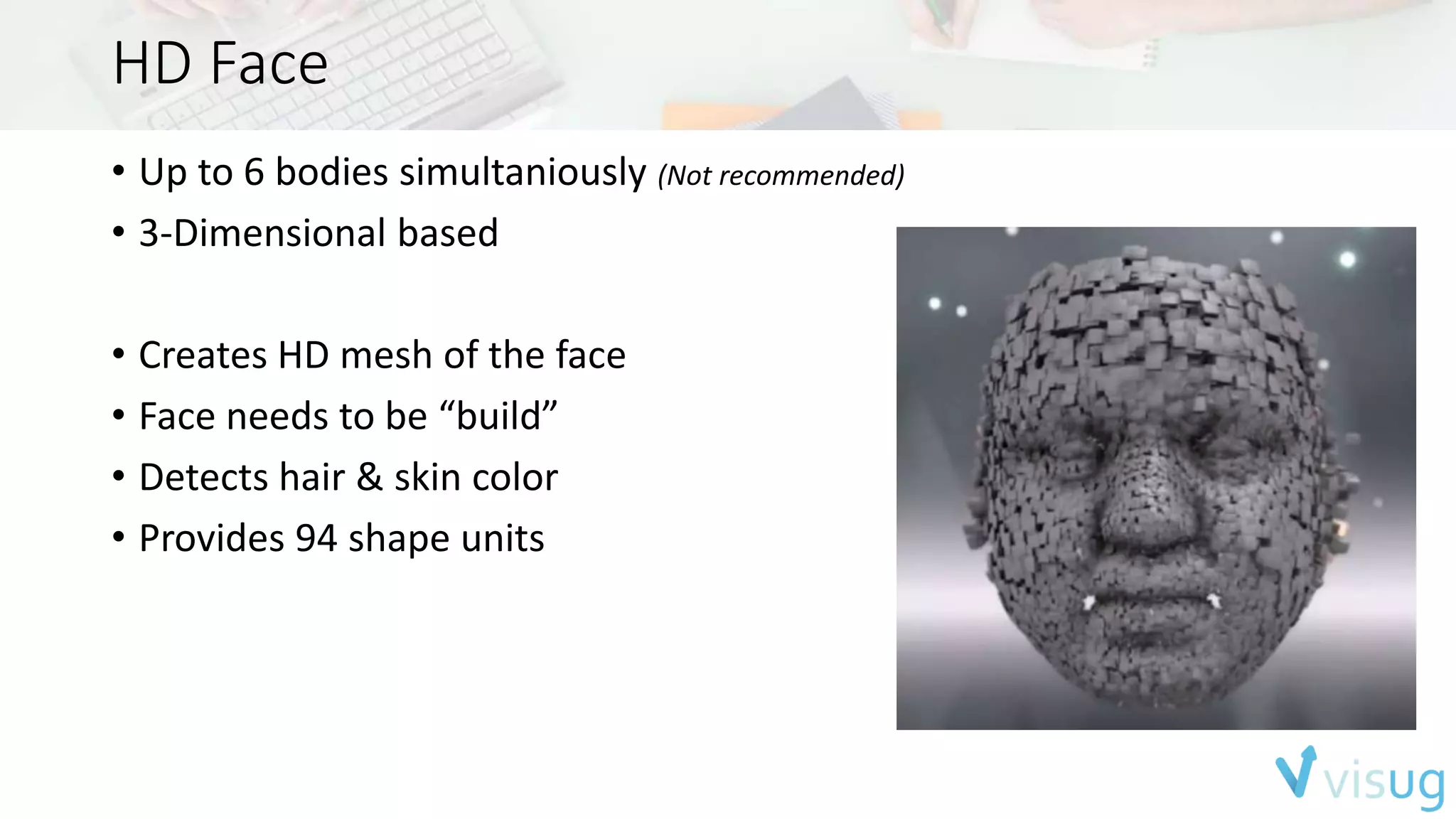
• Up to 6 bodies simultaniously (Not recommended) 
• 3-Dimensional based 
• Creates HD mesh of the face 
• Face needs to be “build” 
• Detects hair & skin color 
• Provides 94 shape units
Fusion 
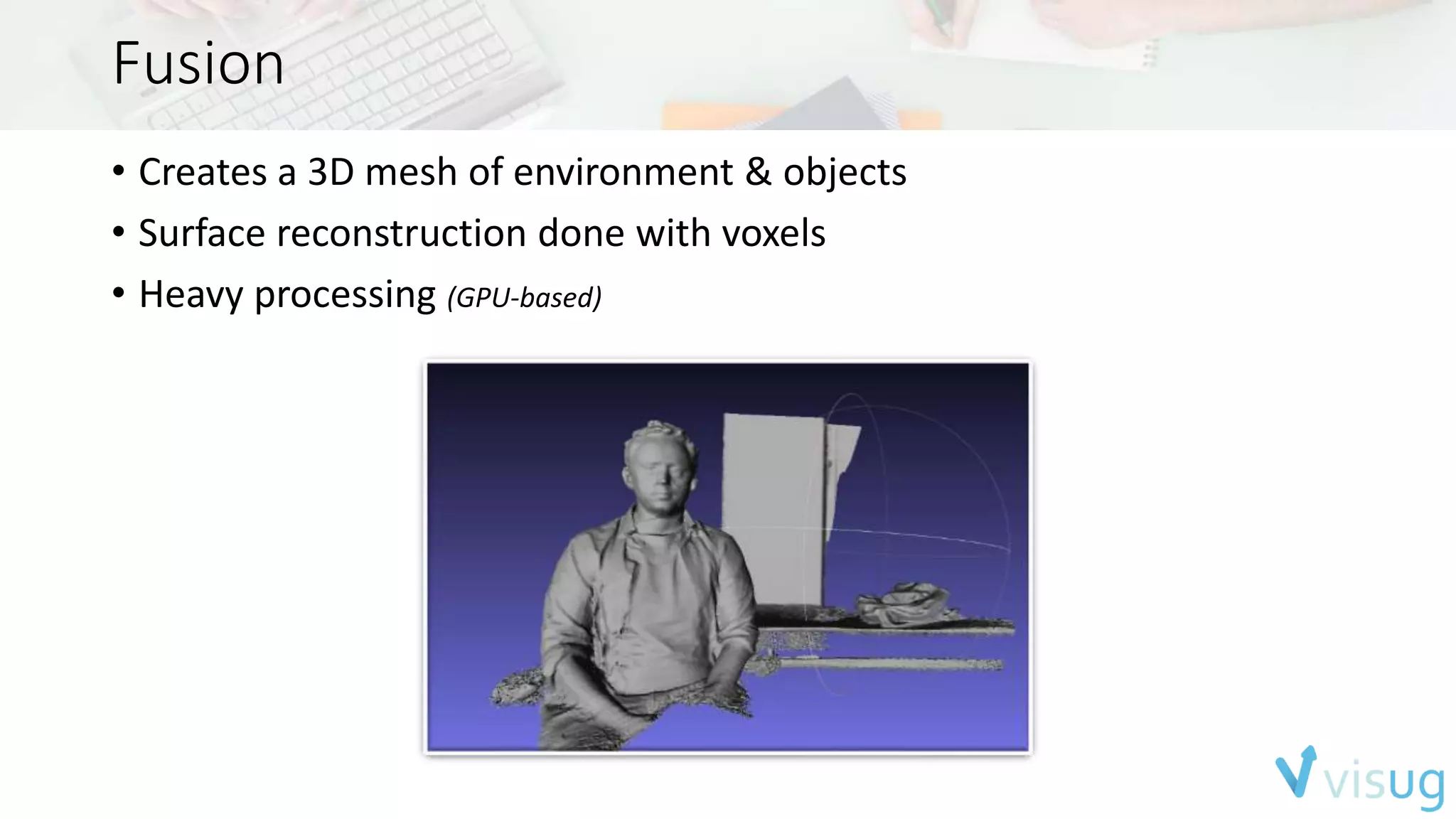
• Creates a 3D mesh of environment & objects 
• Surface reconstruction done with voxels 
• Heavy processing (GPU-based)
Speech 
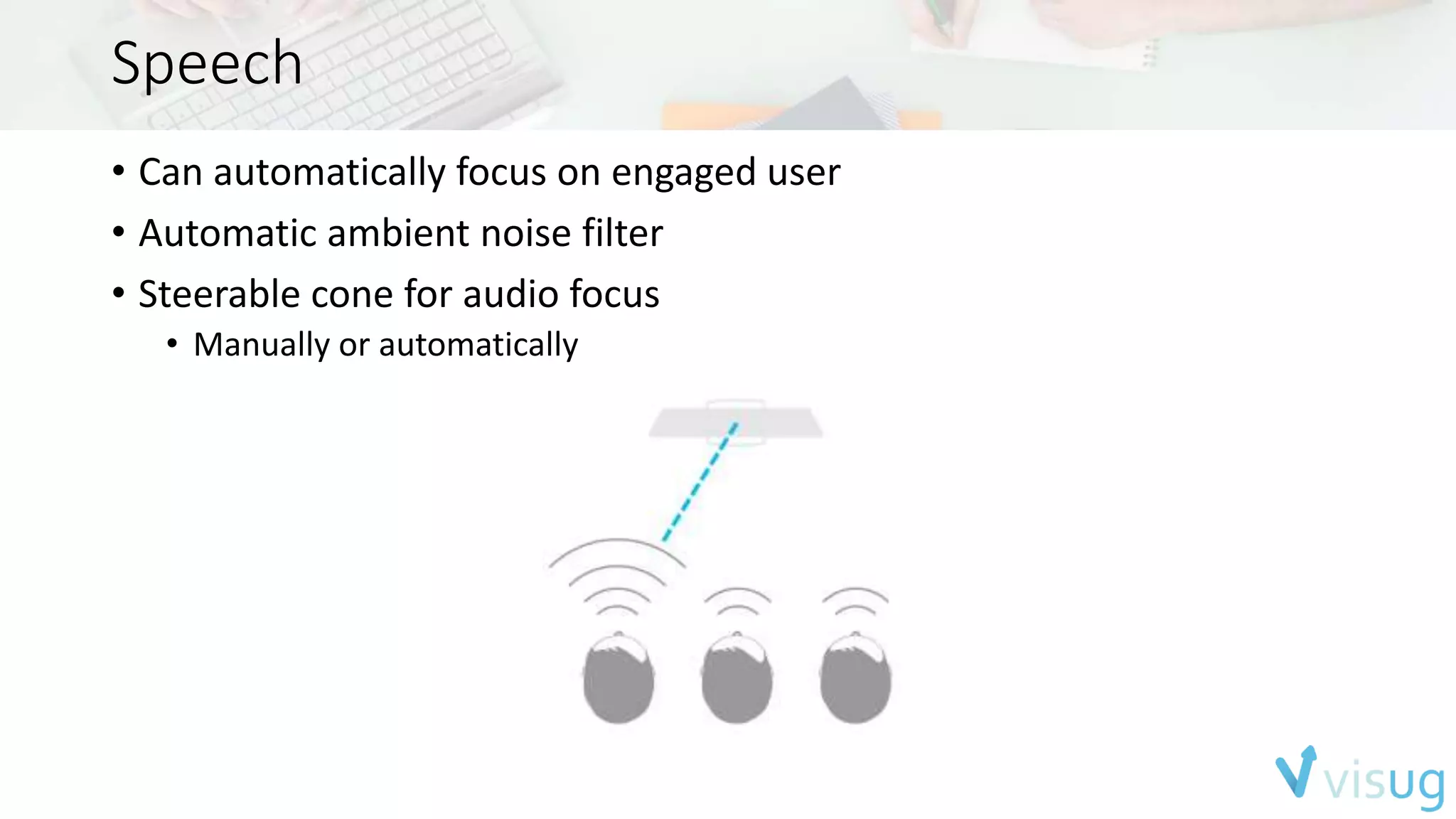
• Can automatically focus on engaged user 
• Automatic ambient noise filter 
• Steerable cone for audio focus 
• Manually or automatically
Diving into the SDK
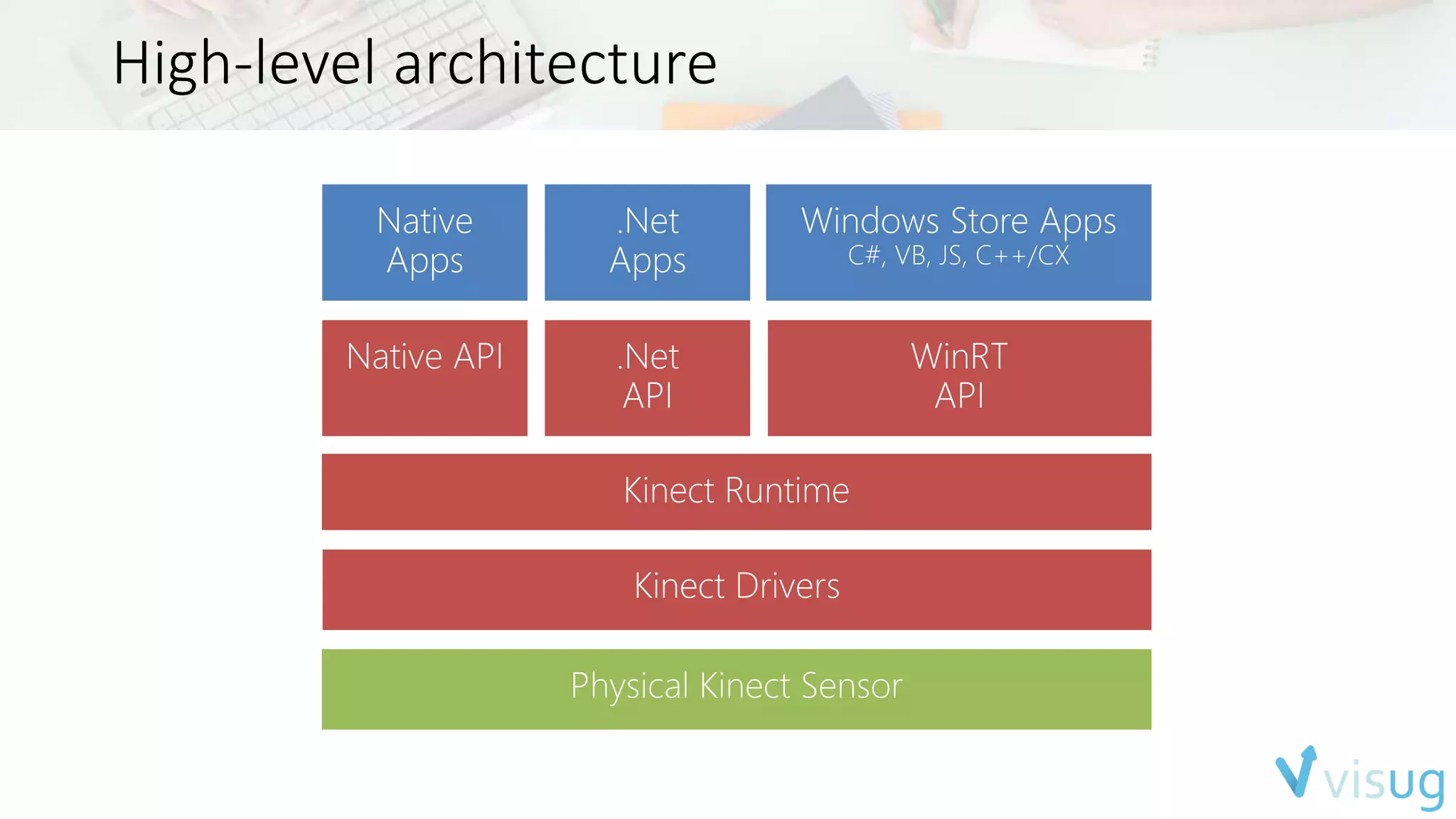
High-level architecture
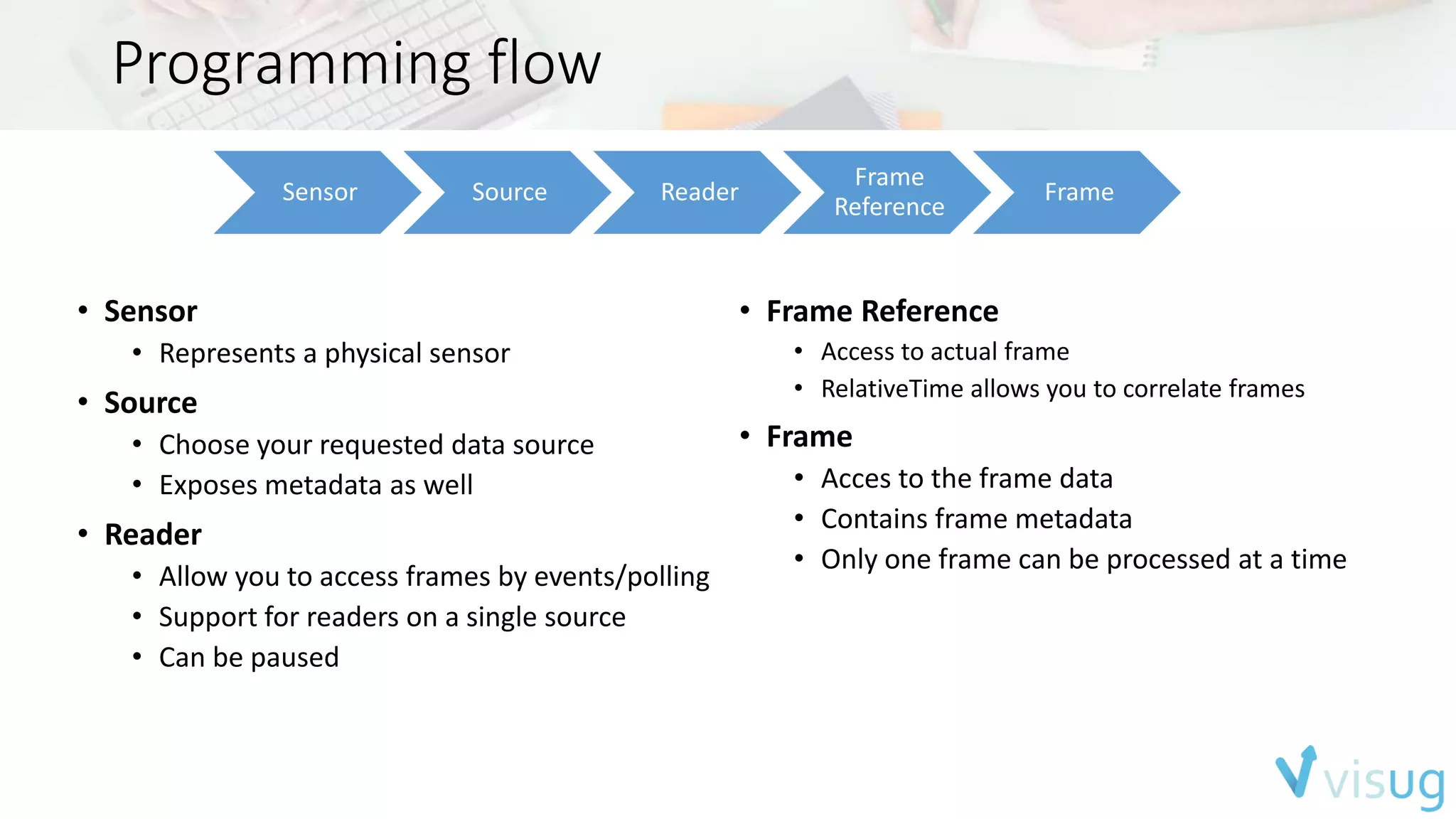
Programming flow 
Sensor Source Reader 
Frame 
Reference 
Frame 
• Sensor 
• Represents a physical sensor 
• Source 
• Choose your requested data source 
• Exposes metadata as well 
• Reader 
• Allow you to access frames by events/polling 
• Support for readers on a single source 
• Can be paused 
• Frame Reference 
• Access to actual frame 
• RelativeTime allows you to correlate frames 
• Frame 
• Acces to the frame data 
• Contains frame metadata 
• Only one frame can be processed at a time
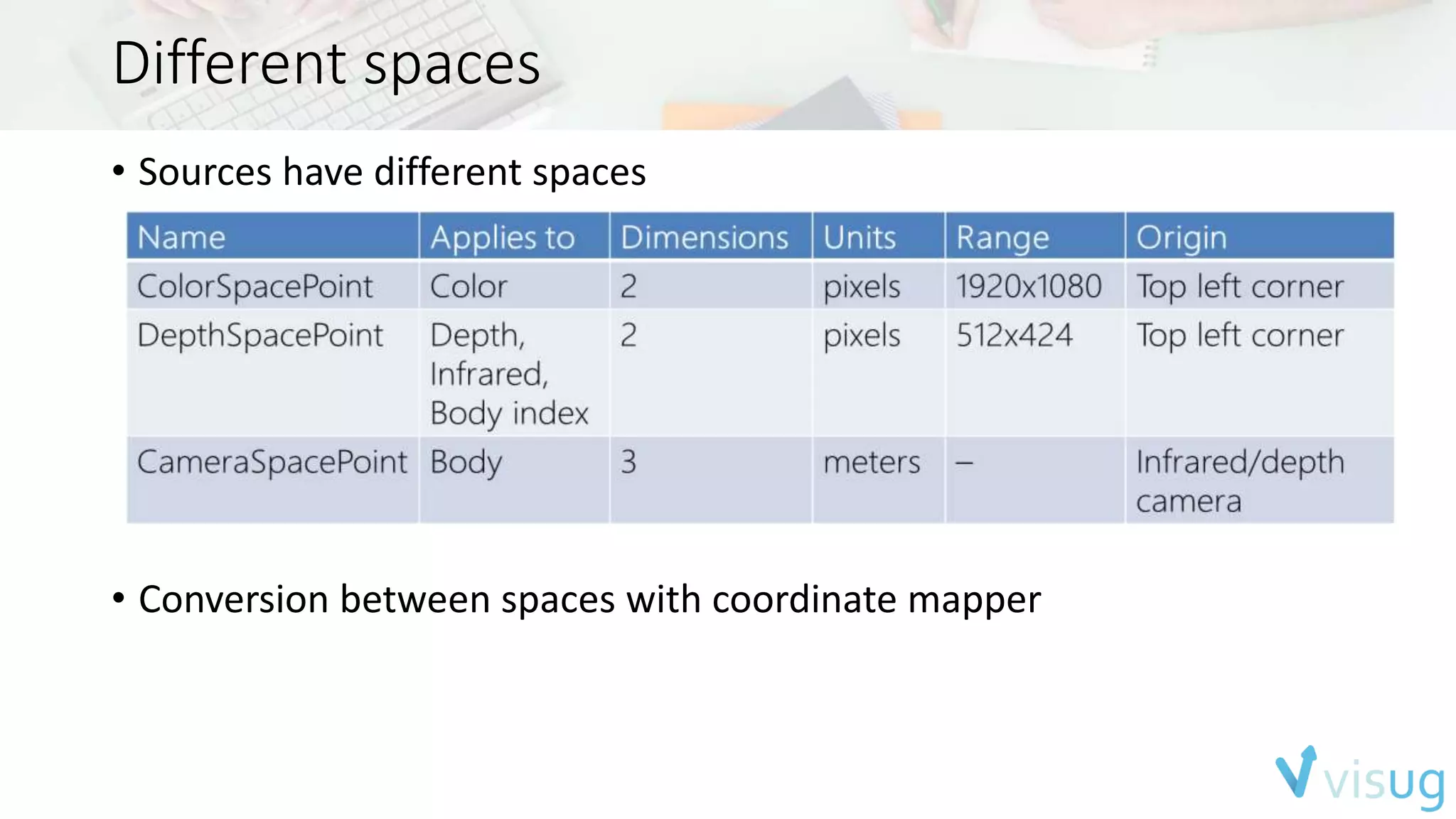
Different spaces 
• Sources have different spaces 
• Conversion between spaces with coordinate mapper
Working with multiple sources 
• All data frames arrive at different time 
• Can be correlated 
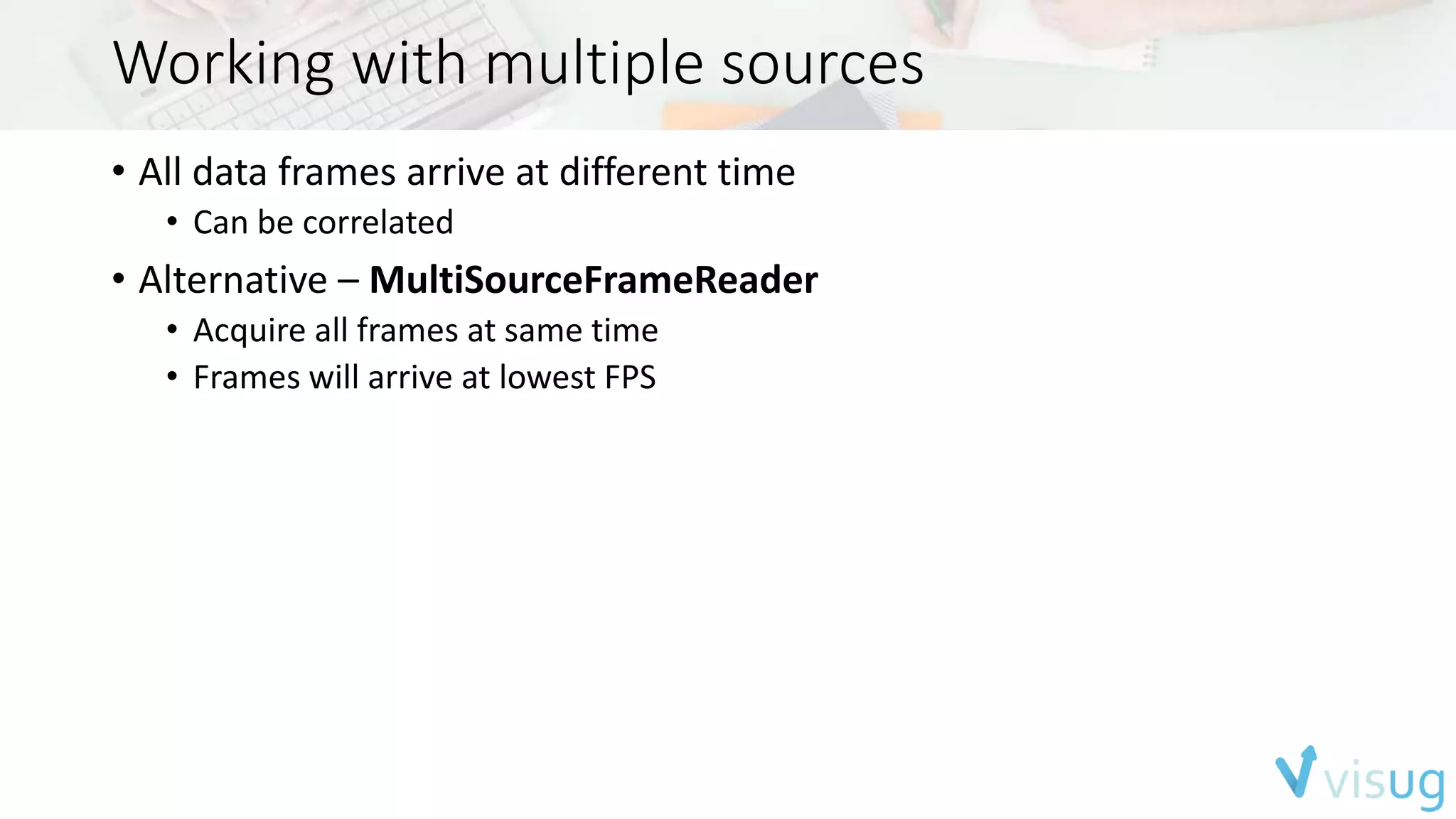
• Alternative – MultiSourceFrameReader 
• Acquire all frames at same time 
• Frames will arrive at lowest FPS
Required Setup 
• CPU -> i7 dual core 3.1 GHz (Recommended) 
• RAM -> 4 GB (Recommended) 
• GPU -> DirectX 11 (Required) 
• USB 3.0 -> Inter or Renesas chipsets (Required) 
• OS -> Windows 8.0/8.1 (Required) 
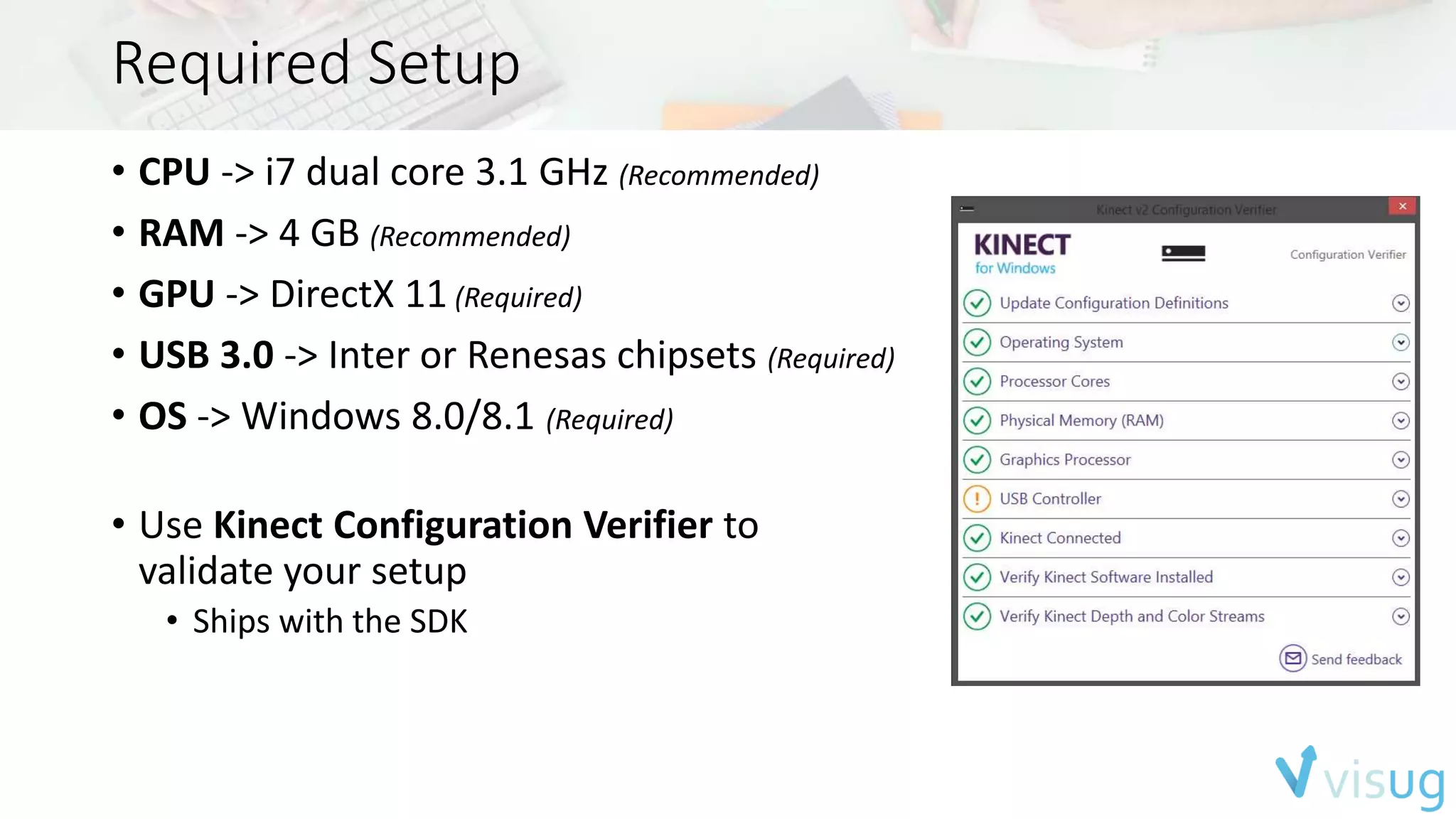
• Use Kinect Configuration Verifier to 
validate your setup 
• Ships with the SDK
Building applications 
• Windows Store apps (XAML / HTML) 
• Driver automatically installed by Windows Update 
• RT devices are not supported 
• Windows Presentation Foundation 
• C++ applications 
• Support for 3th party frameworks
SDK Browser 
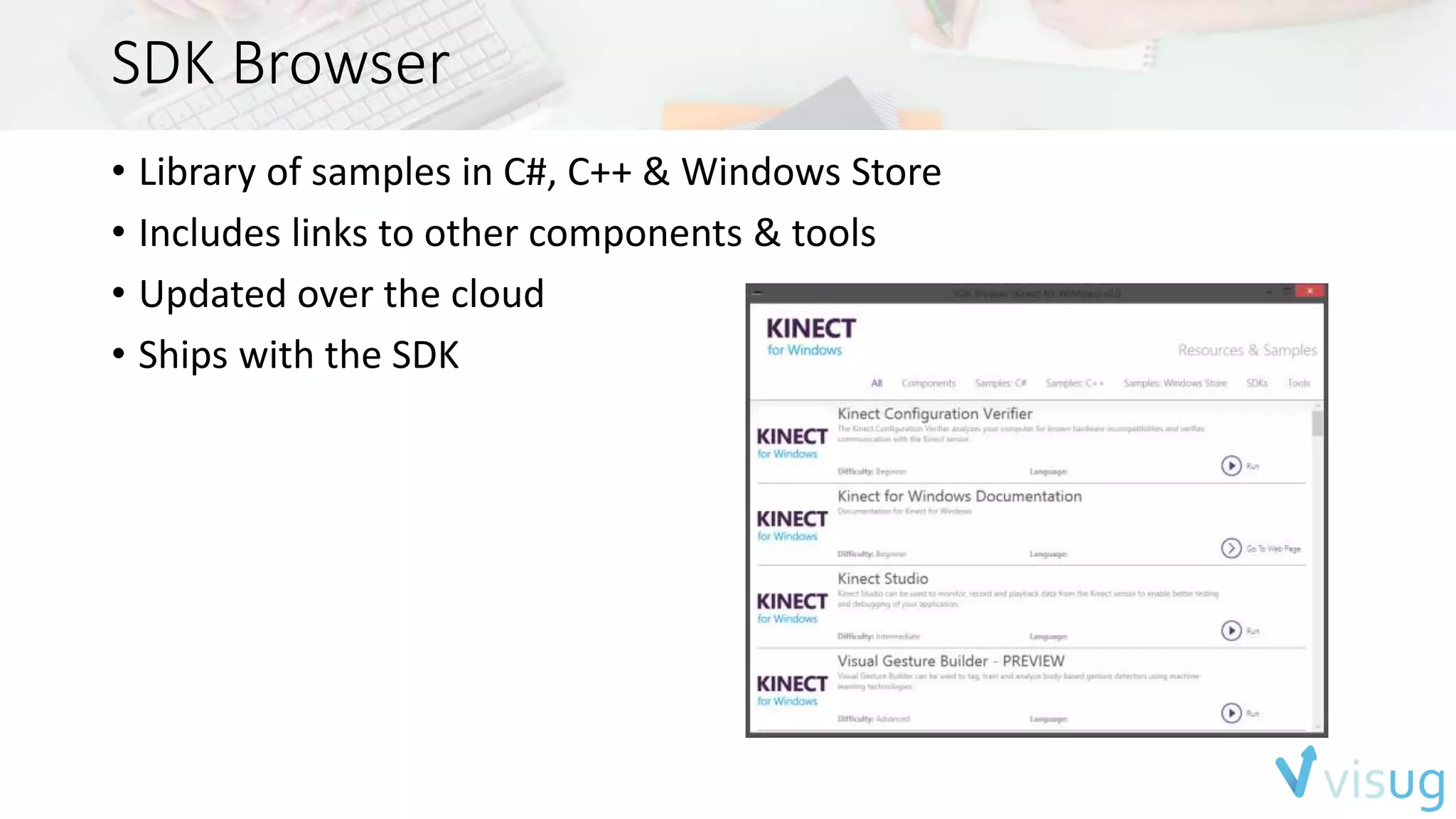
• Library of samples in C#, C++ & Windows Store 
• Includes links to other components & tools 
• Updated over the cloud 
• Ships with the SDK
Kinect Studio 
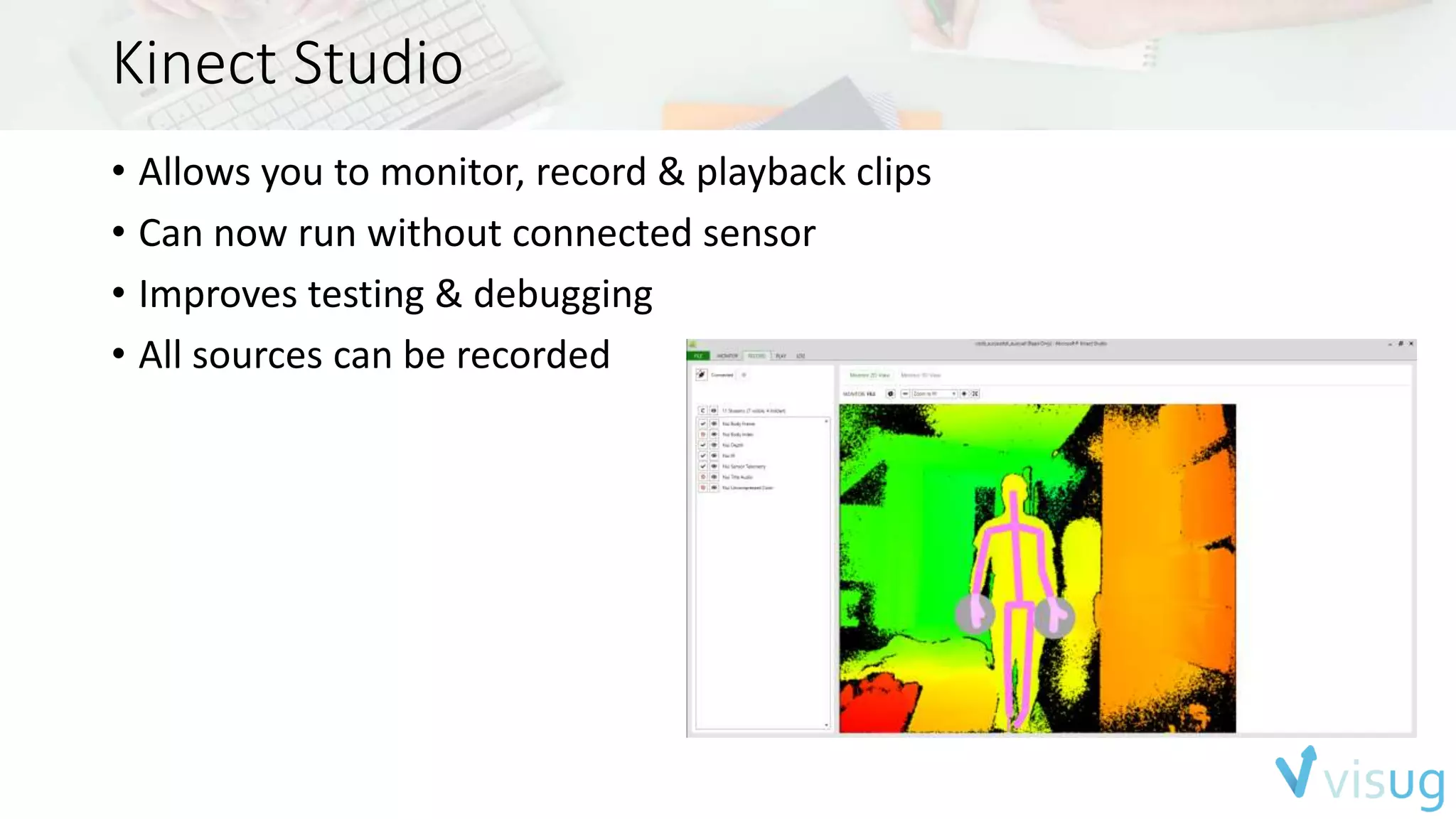
• Allows you to monitor, record & playback clips 
• Can now run without connected sensor 
• Improves testing & debugging 
• All sources can be recorded
Gestures 
Basic Gestures 
Developer detect gestures 
based on Body joints 
Complex gestures 
Uses a machine learning 
approach with Gesture Builder
Gesture Builder 
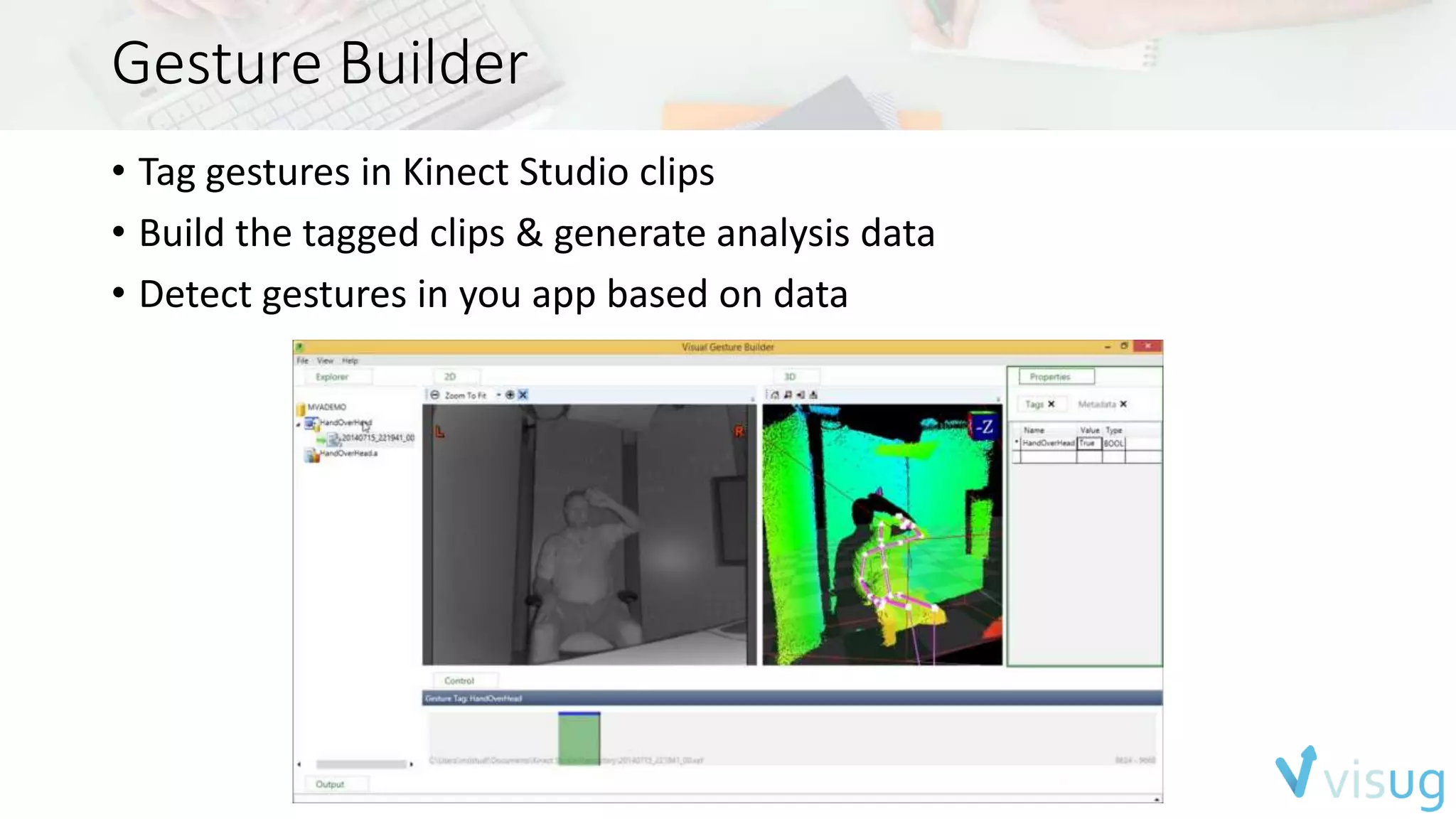
• Tag gestures in Kinect Studio clips 
• Build the tagged clips & generate analysis data 
• Detect gestures in you app based on data
Human Interface Guidelines 
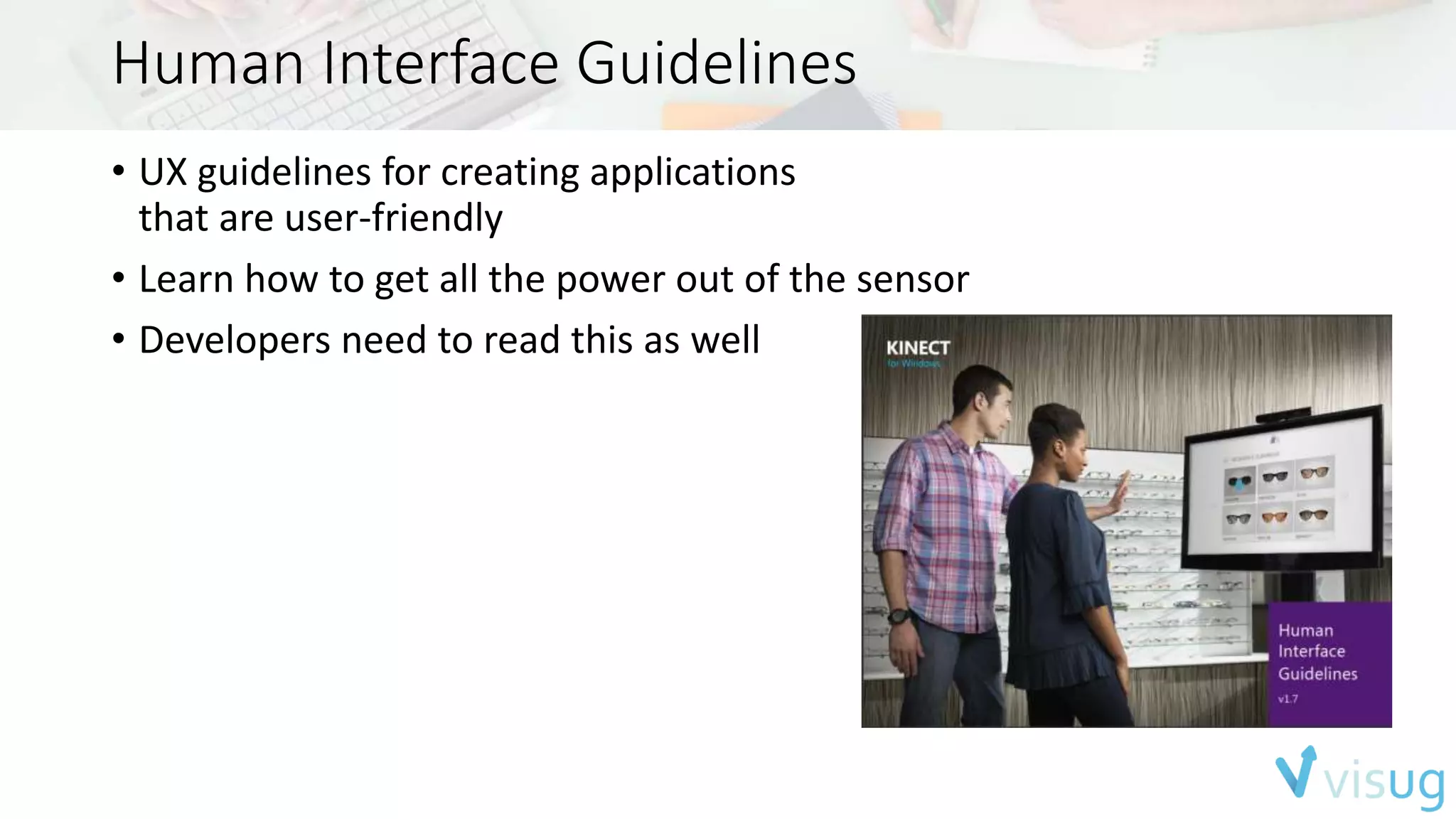
• UX guidelines for creating applications 
that are user-friendly 
• Learn how to get all the power out of the sensor 
• Developers need to read this as well
Kinect for Windows 
& Xbox One
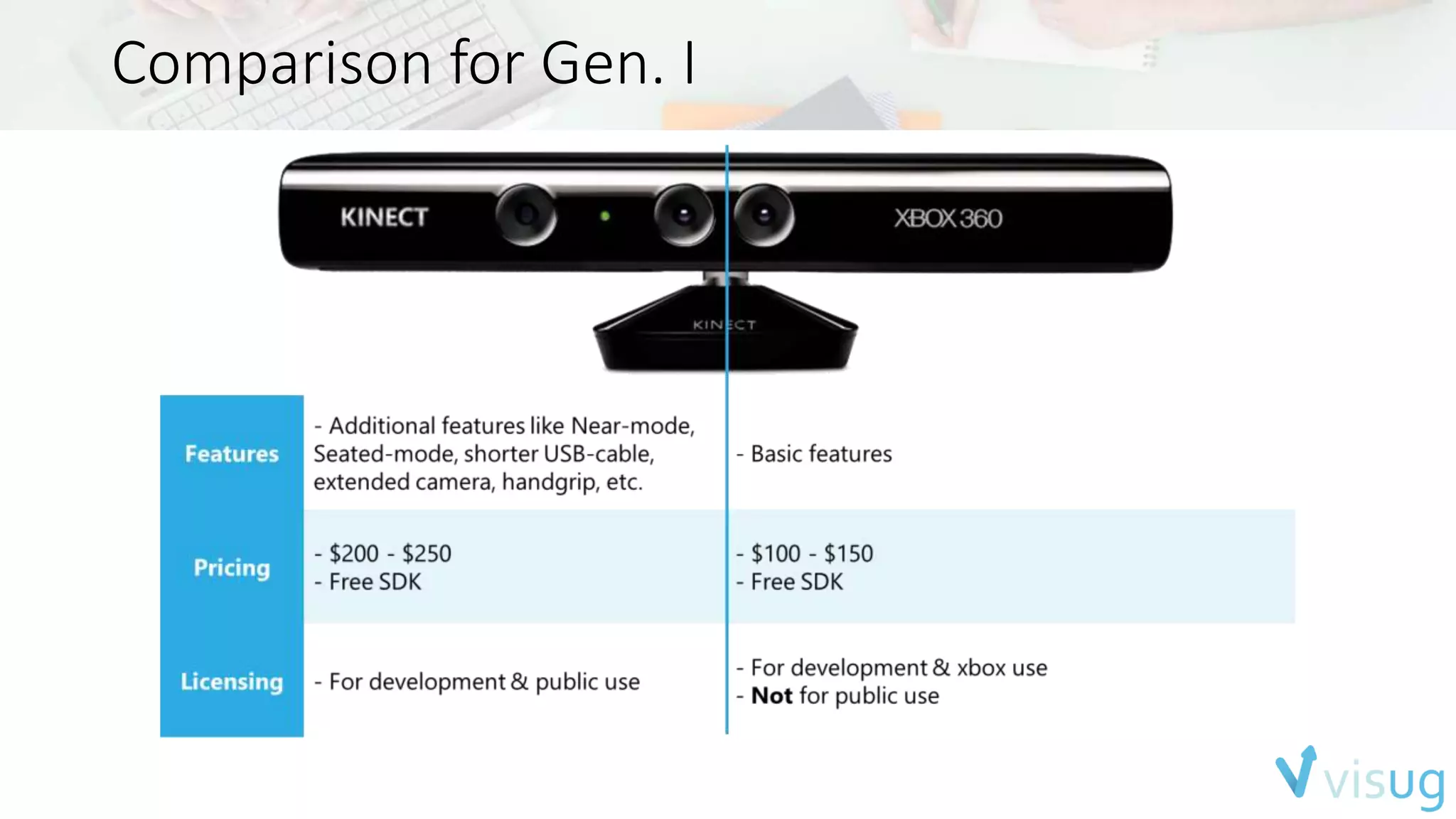
Comparison for Gen. I
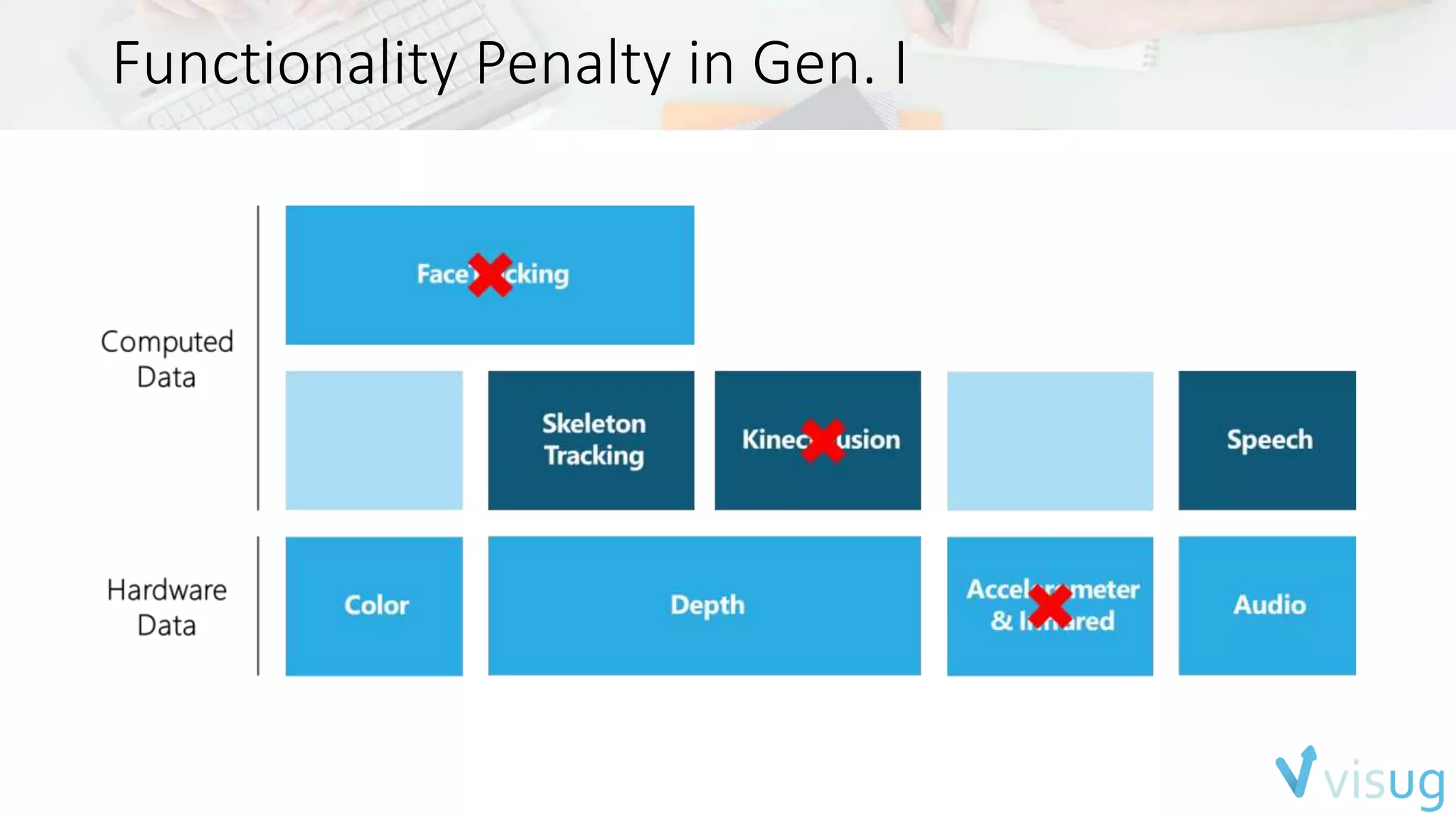
Functionality Penalty in Gen. I
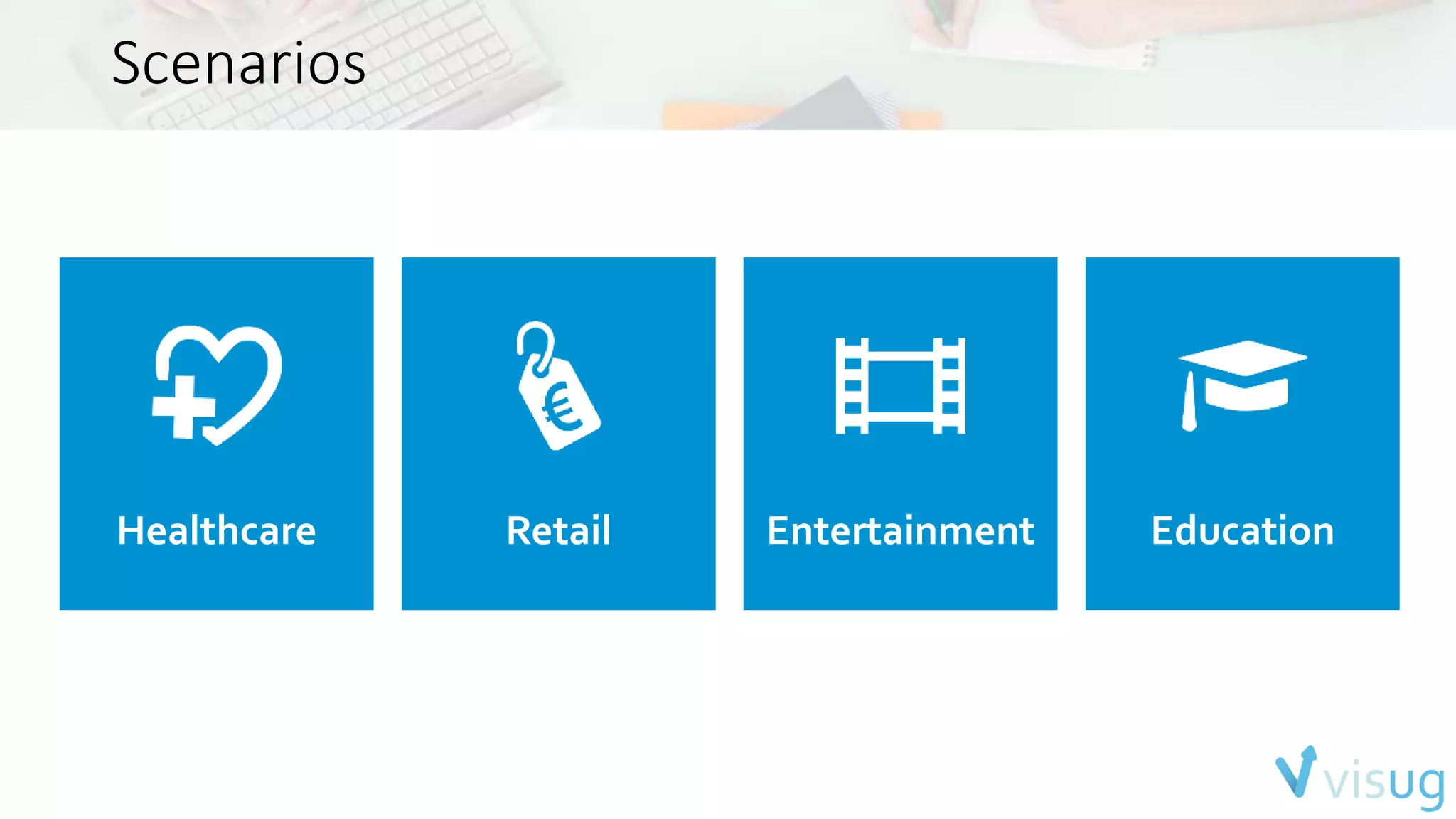
Scenarios
Scenarios 
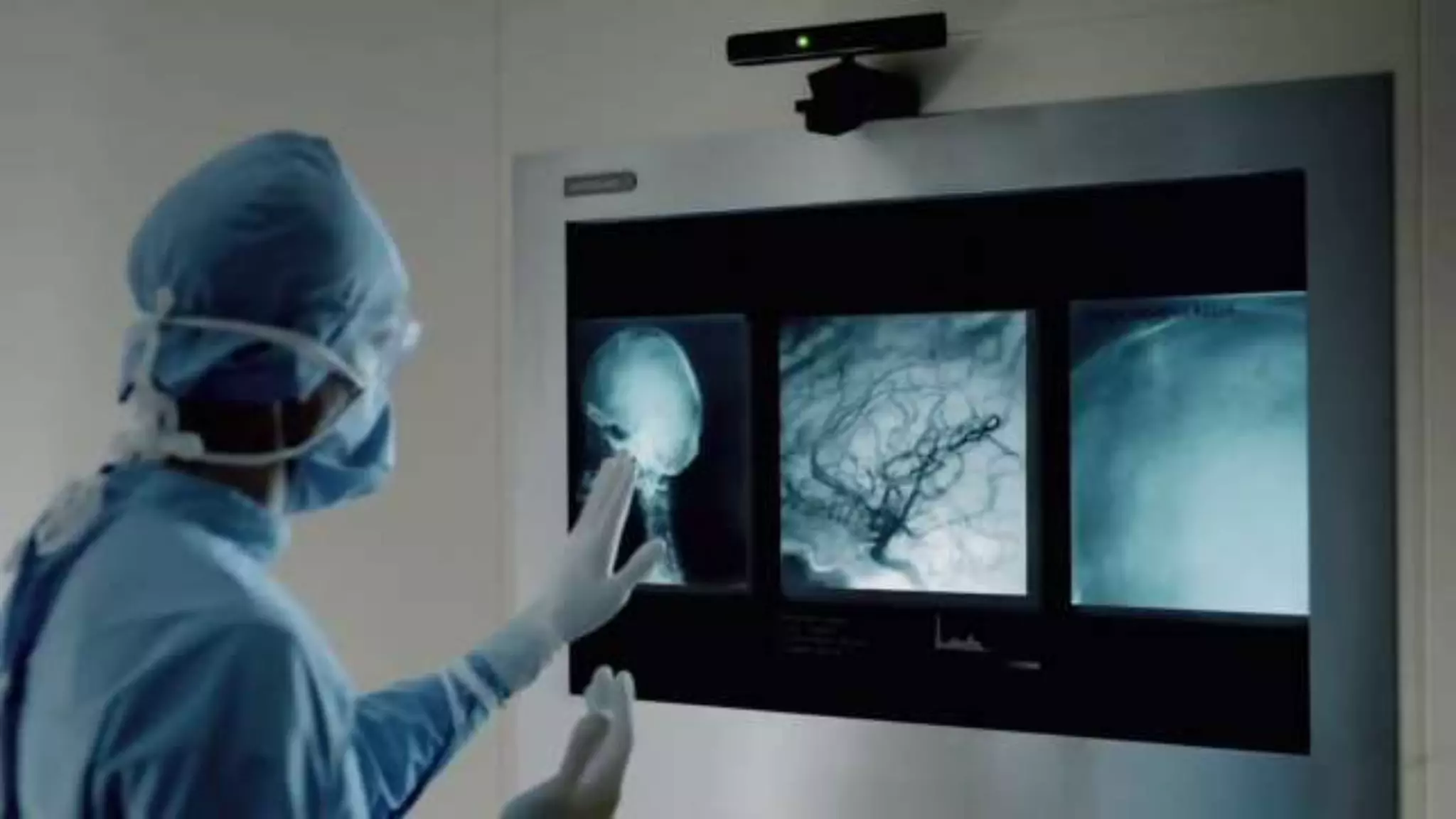
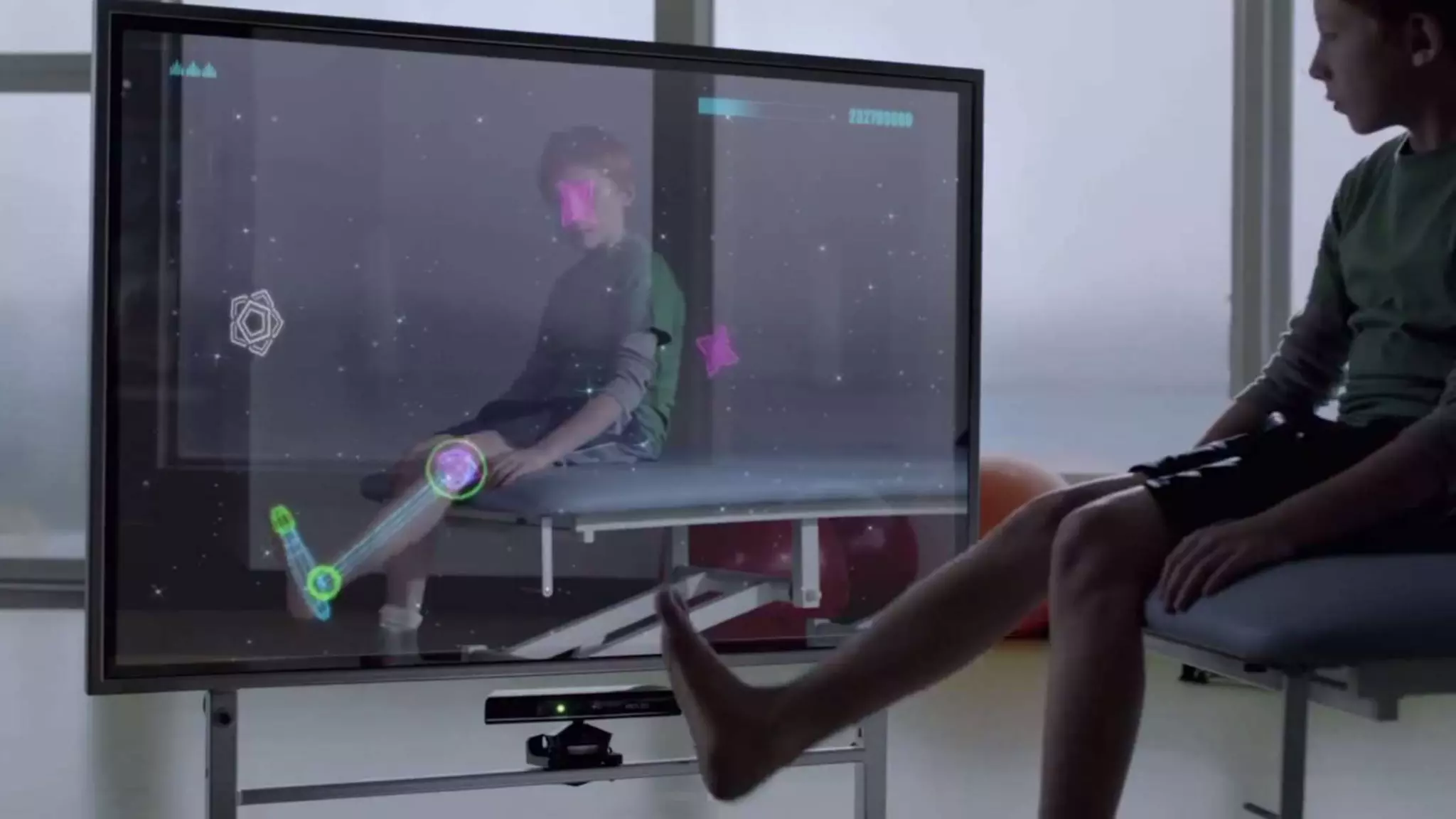
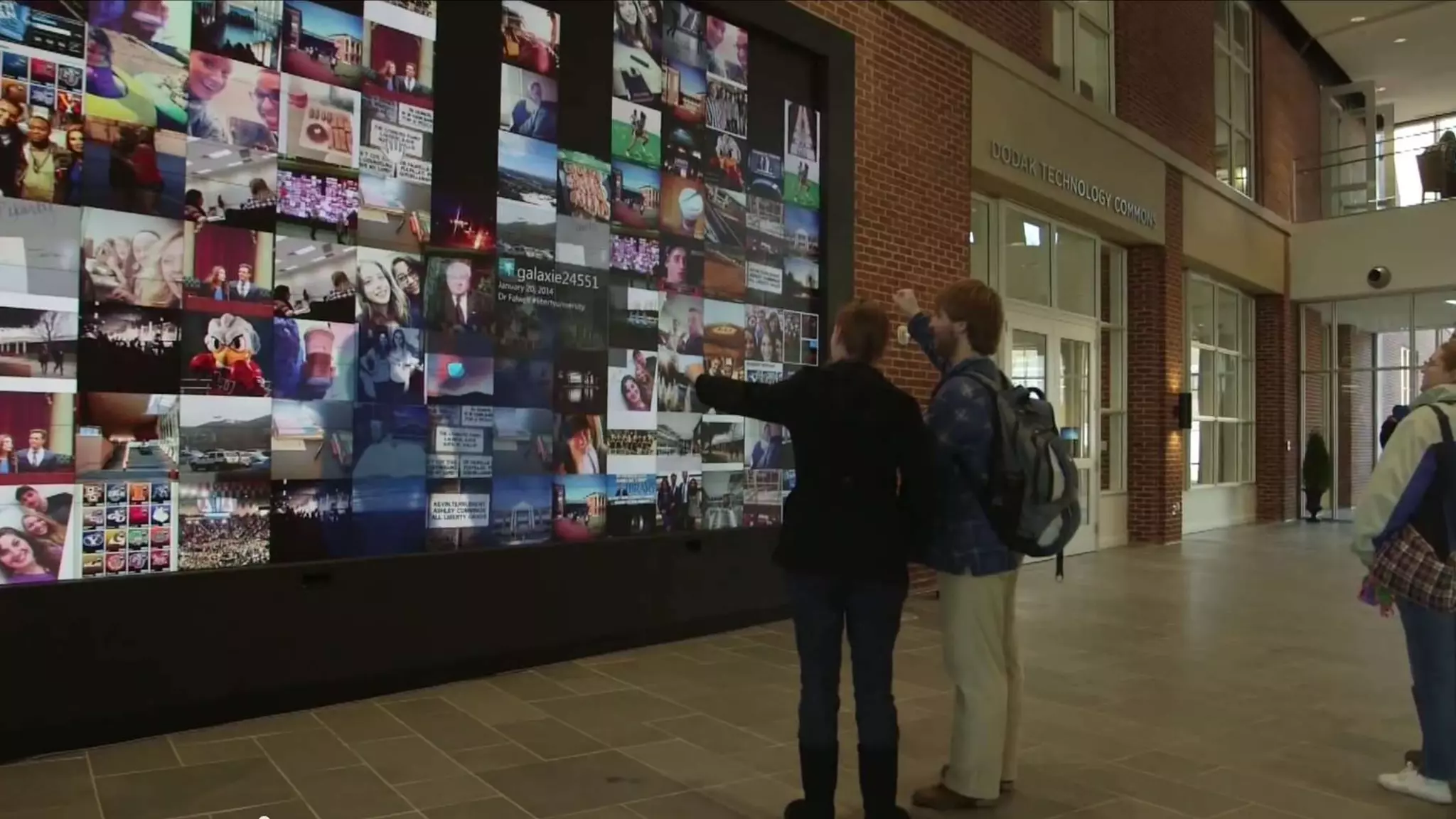
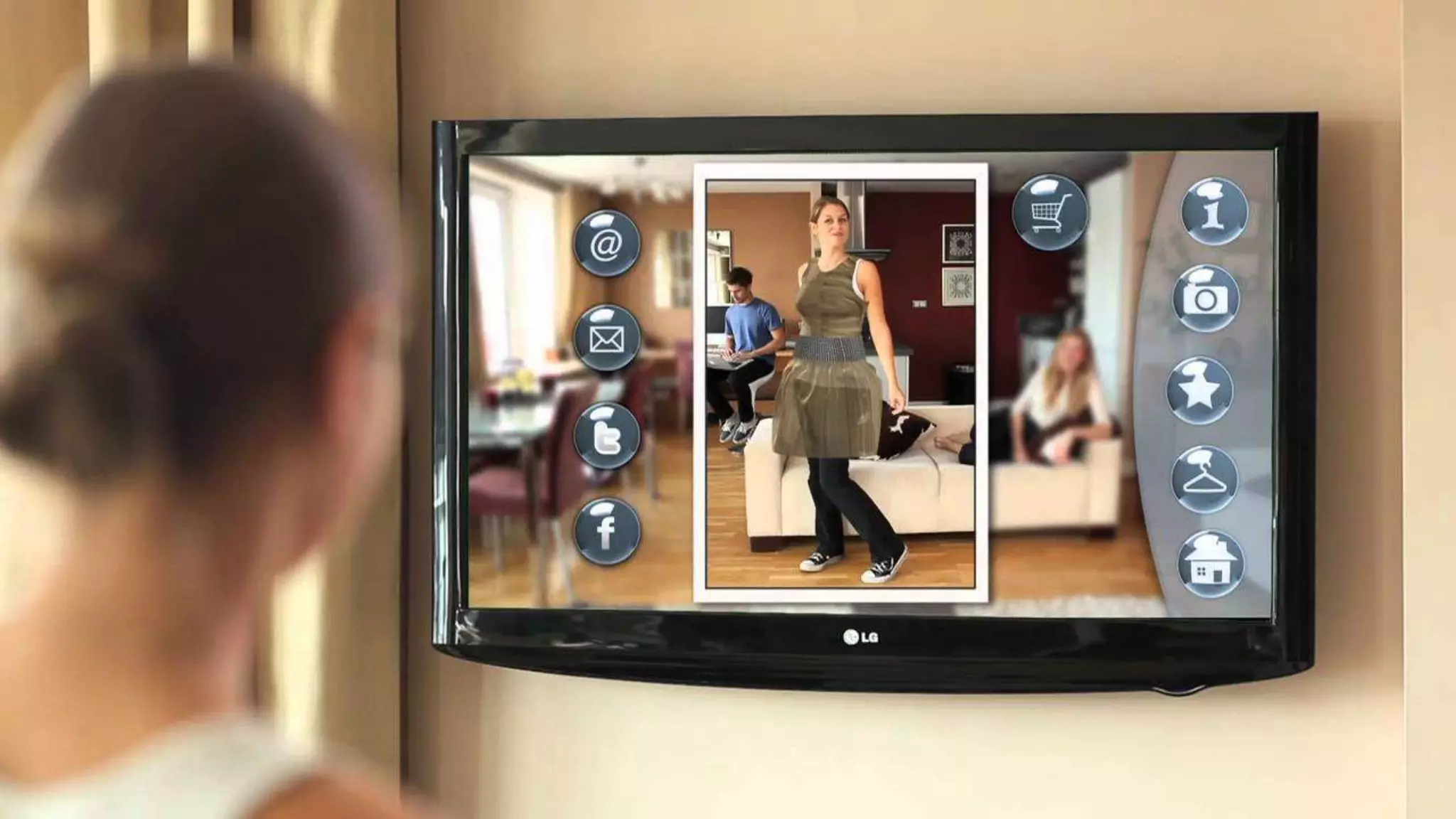
Healthcare Retail Entertainment Education
Liberty University 
slide
Liberty University 
slide
Liberty University 
slide
Liberty University 
slide
Kinecting the Cloud
Kinecting the Cloud 
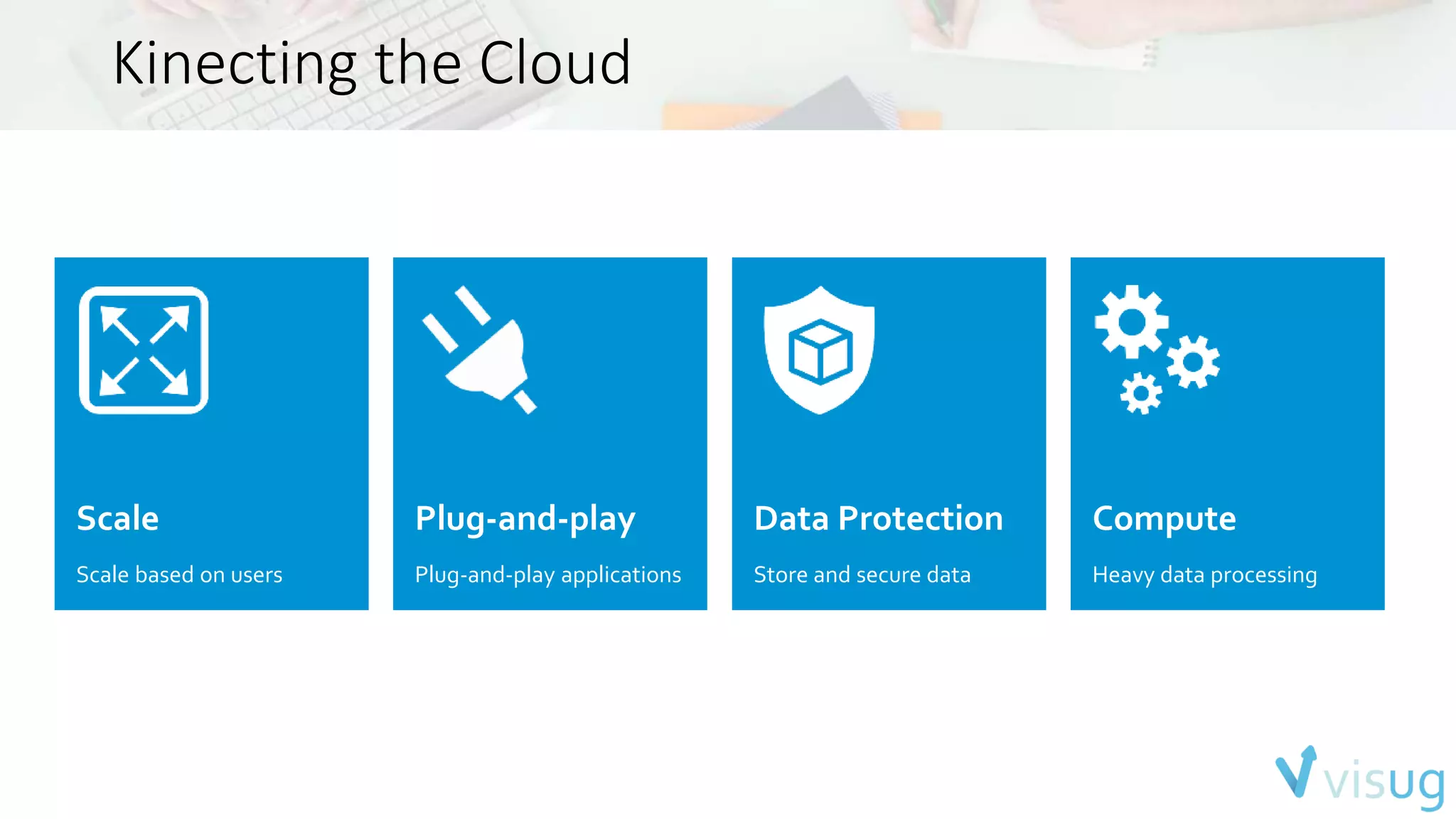
Scale 
Scale based on users 
Plug-and-play 
Plug-and-play applications 
Data Protection 
Store and secure data 
Compute 
Heavy data processing
Kinect On-Demand
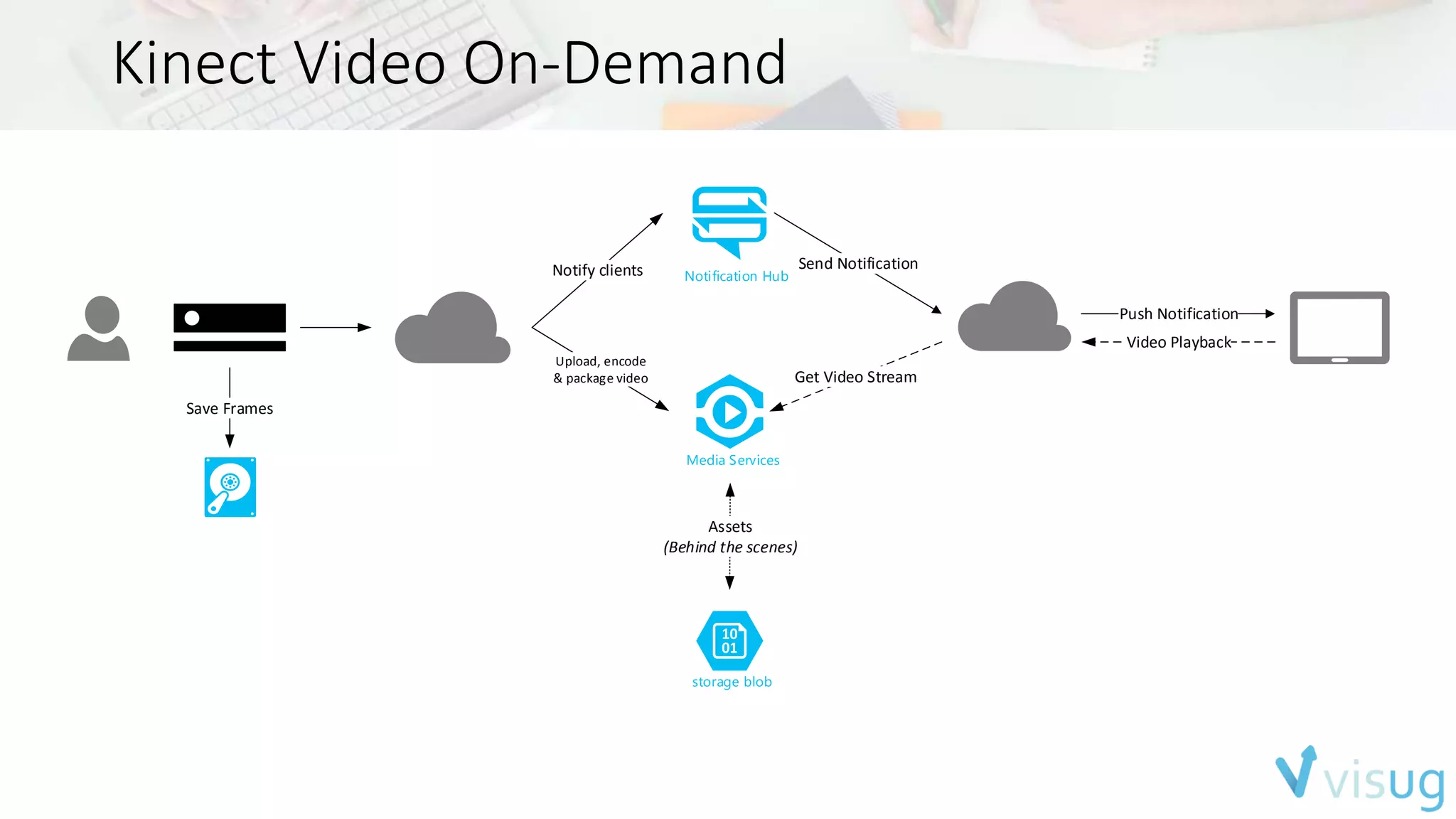
Kinect Video On-Demand 
Notification Hub 
Media Services 
Send Notification 
storage blob 
Get Video Stream 
Assets 
(Behind the scenes) 
Push Notification 
Video Playback 
Notify clients 
Upload, encode 
& package video 
Save Frames
Using Kinect as 
data farmer
Using Kinect as a data farmer 
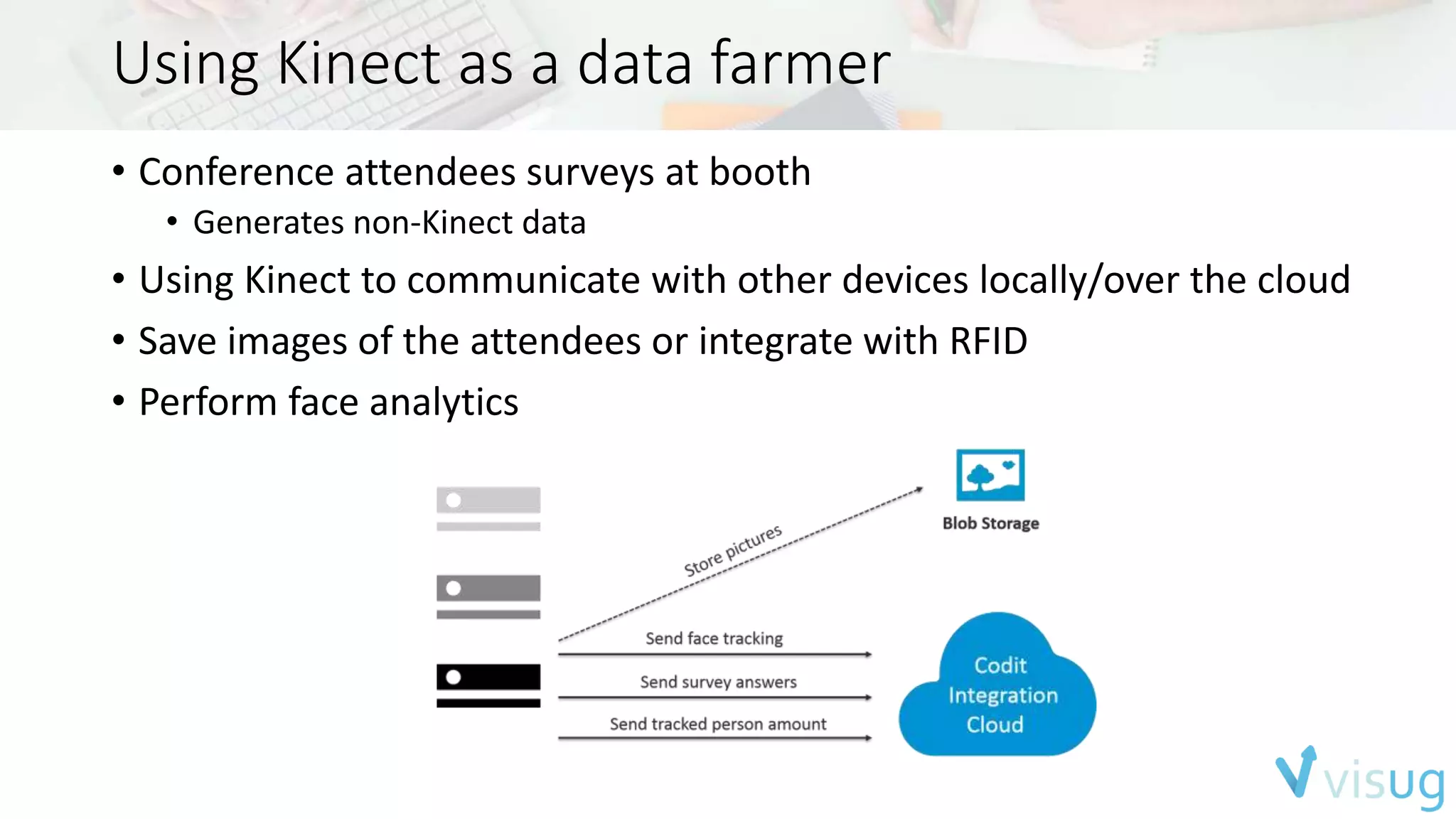
• Conference attendees surveys at booth 
• Generates non-Kinect data 
• Using Kinect to communicate with other devices locally/over the cloud 
• Save images of the attendees or integrate with RFID 
• Perform face analytics
Using Kinect as a data farmer
Using Kinect as a data farmer 
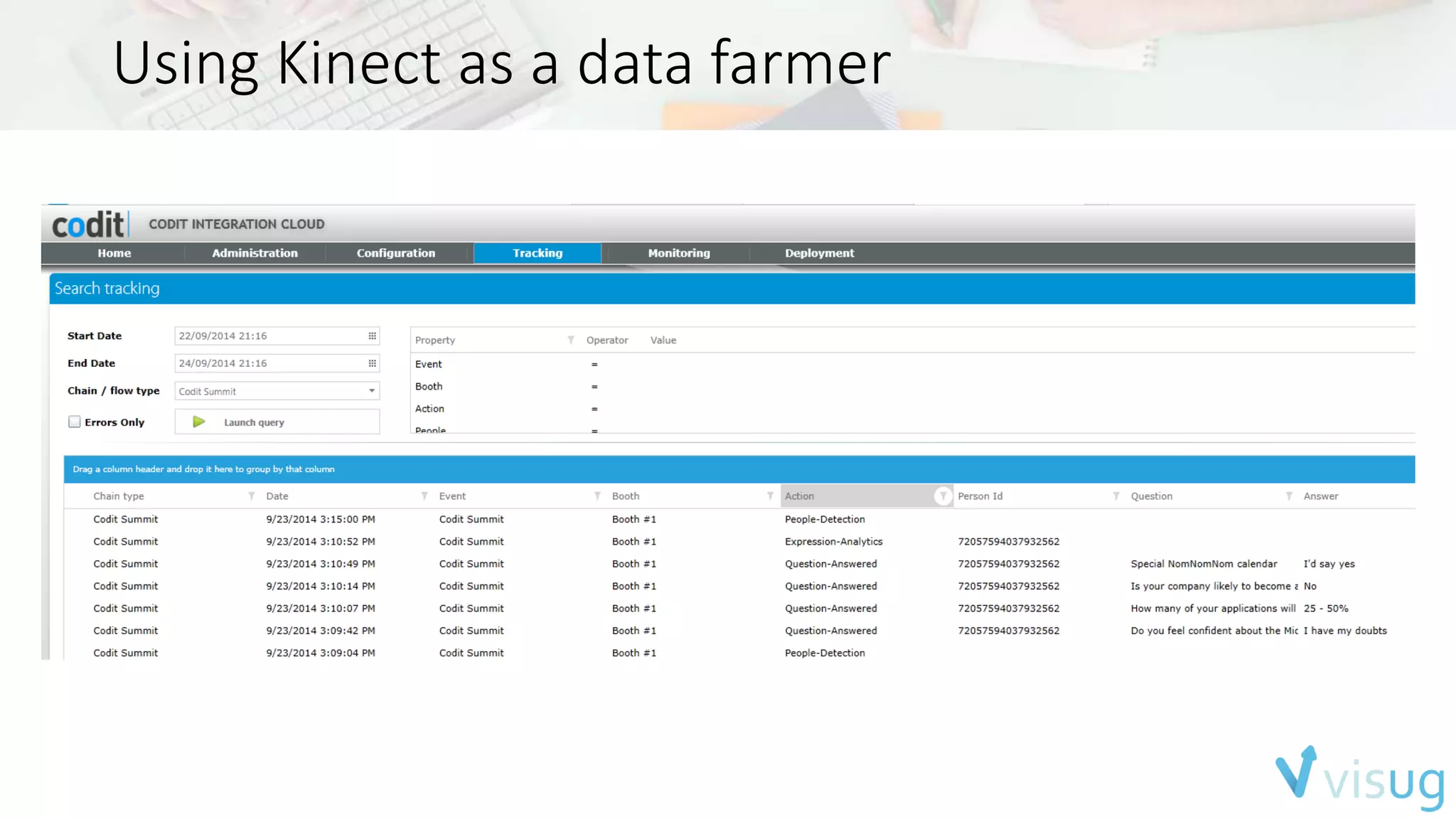
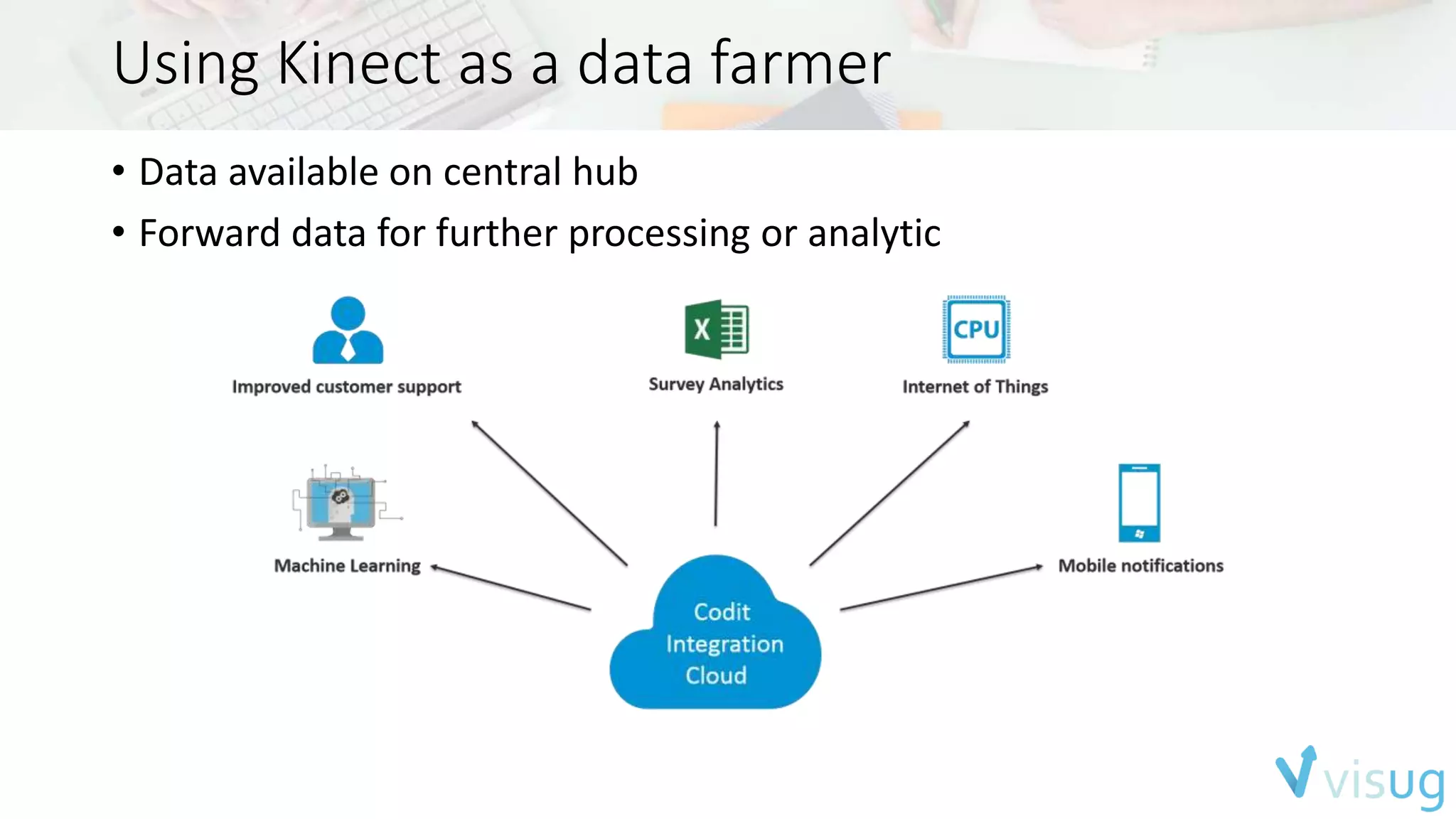
• Data available on central hub 
• Forward data for further processing or analytic
Using Kinect as a data farmer 
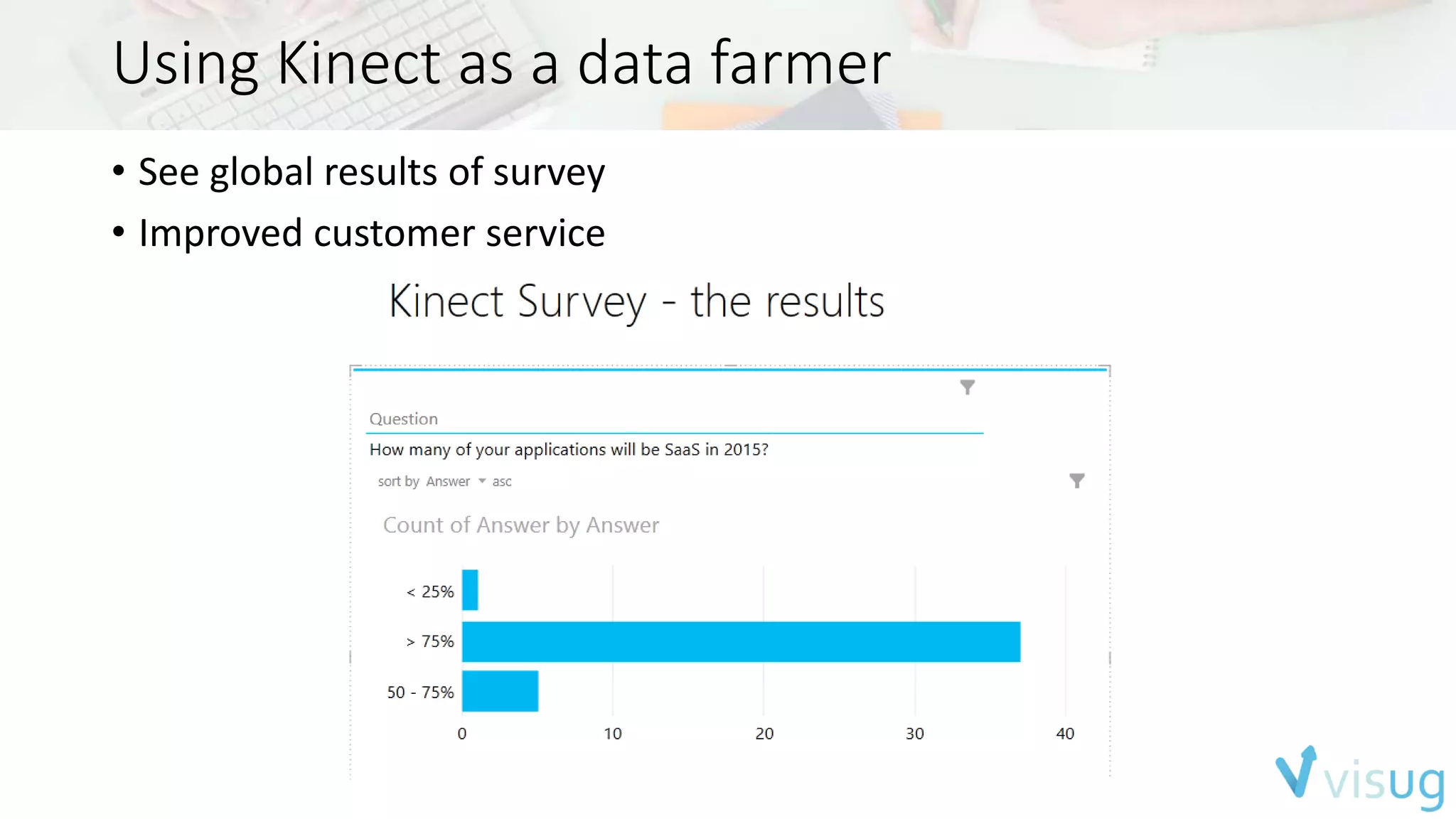
• See global results of survey 
• Improved customer service
Burglar Detection
Burglar Detection 
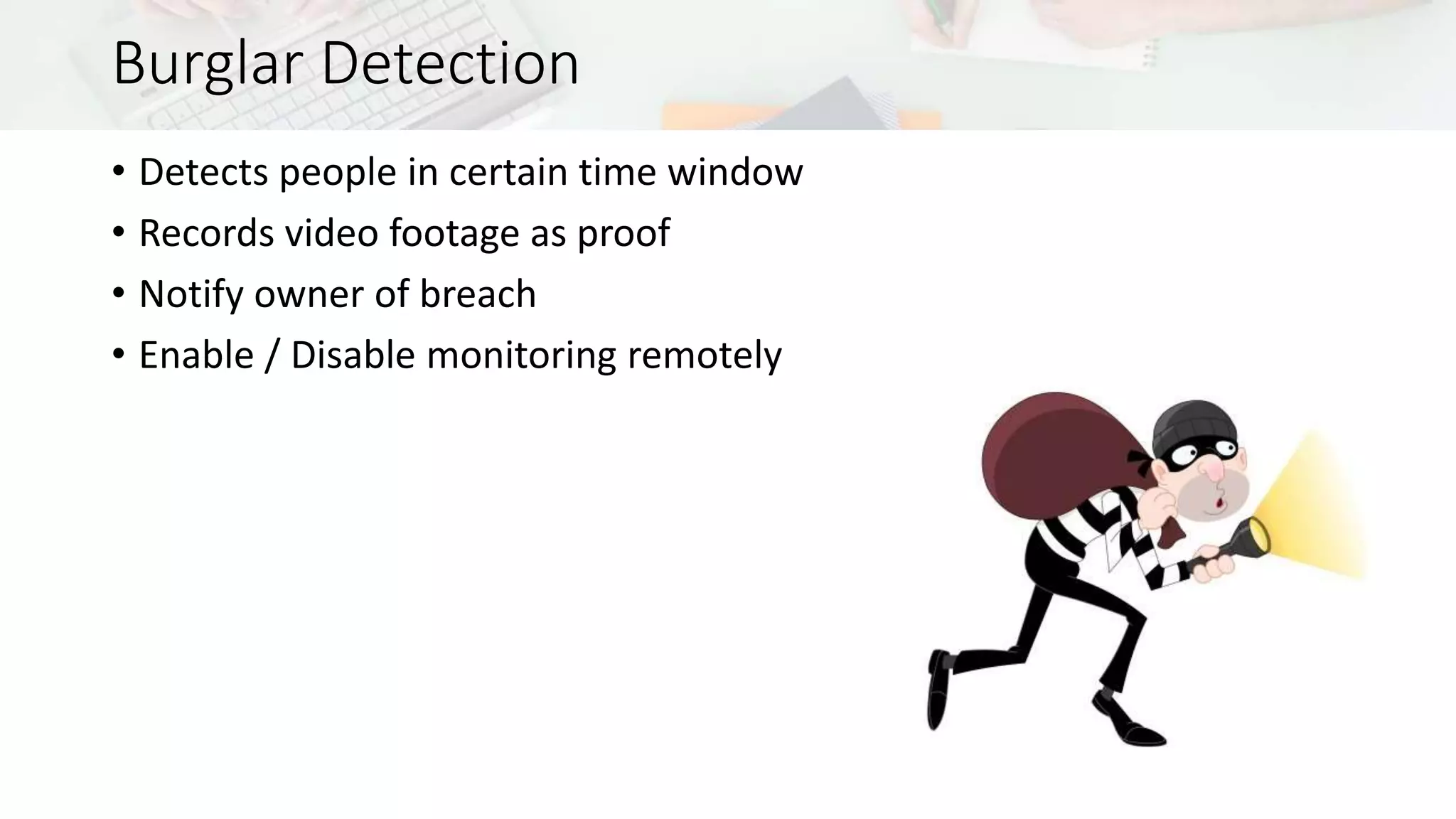
• Detects people in certain time window 
• Records video footage as proof 
• Notify owner of breach 
• Enable / Disable monitoring remotely
Summary 
• Kinect provides a rich set of features 
• Easy-to-use SDK 
• Excellent tooling to help during development 
• Applicable in a variety of scenarios 
• The cloud can come in handy in some scenarios
Thanks for partnering with Visug!
Thank you! 
Contact us via board@visug.be! 
Follow us via @visug.

Visug: Say Hello to my little friend: a session on Kinect

  • 1.
    Say hello tomy little friend Tom Kerkhove
  • 2.
    Nice to meetyou Tom Kerkhove Kinect for Windows MVP Integration Professional at Codit www.kinectingforwindows.com kerkhove.tom@gmail.com +32 473 70 10 74 @TomKerkhove be.linkedin.com/in/tomkerkhove/
  • 3.
    How Codit canhelp? Integration services • Advice • Projects • Implementation • SOA Governance • Managed Services • Integration as a Service • Codit Integration Cloud
  • 4.
  • 5.
    Agenda • Hardware • Features Overview • Diving into the SDK • Kinect for Xbox vs Kinect for Windows • Scenarios • Kinecting the cloud
  • 6.
  • 7.
    Sensor Components PowerLight RGB Camera IR Emitters Depth Sensor Microphone Array Image: iFixit, http://www.ifixit.com
  • 8.
    Sensor Components Image:iFixit, http://www.ifixit.com Power Light RGB Camera IR Emitters Depth Sensor Microphone Array Depth Sensor IR Emitters
  • 9.
    Additional information •Field-of-View • Depth & infrared • Horizontal – 70° • Vertical – 60° • Color camera • Horizontal – 85° • Vertical – 54° • Tilt motor removed • Running multiple applications using one sensor is now supported • Using multiple sensors on one machine is no longer supported
  • 10.
  • 11.
    Camera • FullHD 1920 x 1080 camera • 30 or 15 FPS based on lighting • Different color formats • RGBA • GBRA • YUV2 • Mirrored image
  • 12.
    Infrared • Lightindependent infrared • Ambient light removed • 16-bit IR intensity • No heat detection • 30 FPS at 512 x 424
  • 13.
    Depth • Improveddepth fidelity (3x) • Distances provided in mm/pixel • No longer ‘short-range’ mode • Range of 0.5m up to 8 m • 30 FPS at 512 x 424
  • 14.
    Body, the newskeletal tracking • Range 0.5 - 4.5 meters • Fully tracks six bodies simultaneously • Tracks up to 25 joints • Position in 3D space in meters • Rotation available in quaternion • Hand state tracking for two persons • Unique ID per skeleton • 30 frames per second • Lean
  • 15.
    Body Index •Indicate which pixels have which players • 0 to 5 indicates corresponding body • >5 means no body is track
  • 16.
    Interaction • Abilityto interact with your application • Includes control to visualize user • Re-use default XAML controls Press Panning/Zoom
  • 17.
    Face • Upto 6 bodies simultaniously • 2-Dimensional based • Face Detection • Detects a bounding box around the face • Face Alignment • Identified 5 facial landmarks • Face Orientation • Quaternion of the head in relation with sensor • Face Expressions • Indication if person is happy, wearing glasses,...
  • 18.
    HD Face •Up to 6 bodies simultaniously (Not recommended) • 3-Dimensional based • Creates HD mesh of the face • Face needs to be “build” • Detects hair & skin color • Provides 94 shape units
  • 19.
    Fusion • Createsa 3D mesh of environment & objects • Surface reconstruction done with voxels • Heavy processing (GPU-based)
  • 20.
    Speech • Canautomatically focus on engaged user • Automatic ambient noise filter • Steerable cone for audio focus • Manually or automatically
  • 21.
  • 22.
  • 23.
    Programming flow SensorSource Reader Frame Reference Frame • Sensor • Represents a physical sensor • Source • Choose your requested data source • Exposes metadata as well • Reader • Allow you to access frames by events/polling • Support for readers on a single source • Can be paused • Frame Reference • Access to actual frame • RelativeTime allows you to correlate frames • Frame • Acces to the frame data • Contains frame metadata • Only one frame can be processed at a time
  • 24.
    Different spaces •Sources have different spaces • Conversion between spaces with coordinate mapper
  • 25.
    Working with multiplesources • All data frames arrive at different time • Can be correlated • Alternative – MultiSourceFrameReader • Acquire all frames at same time • Frames will arrive at lowest FPS
  • 26.
    Required Setup •CPU -> i7 dual core 3.1 GHz (Recommended) • RAM -> 4 GB (Recommended) • GPU -> DirectX 11 (Required) • USB 3.0 -> Inter or Renesas chipsets (Required) • OS -> Windows 8.0/8.1 (Required) • Use Kinect Configuration Verifier to validate your setup • Ships with the SDK
  • 27.
    Building applications •Windows Store apps (XAML / HTML) • Driver automatically installed by Windows Update • RT devices are not supported • Windows Presentation Foundation • C++ applications • Support for 3th party frameworks
  • 28.
    SDK Browser •Library of samples in C#, C++ & Windows Store • Includes links to other components & tools • Updated over the cloud • Ships with the SDK
  • 30.
    Kinect Studio •Allows you to monitor, record & playback clips • Can now run without connected sensor • Improves testing & debugging • All sources can be recorded
  • 31.
    Gestures Basic Gestures Developer detect gestures based on Body joints Complex gestures Uses a machine learning approach with Gesture Builder
  • 32.
    Gesture Builder •Tag gestures in Kinect Studio clips • Build the tagged clips & generate analysis data • Detect gestures in you app based on data
  • 33.
    Human Interface Guidelines • UX guidelines for creating applications that are user-friendly • Learn how to get all the power out of the sensor • Developers need to read this as well
  • 34.
    Kinect for Windows & Xbox One
  • 35.
  • 36.
  • 37.
  • 38.
    Scenarios Healthcare RetailEntertainment Education
  • 41.
  • 42.
  • 47.
  • 48.
  • 49.
  • 50.
    Kinecting the Cloud Scale Scale based on users Plug-and-play Plug-and-play applications Data Protection Store and secure data Compute Heavy data processing
  • 51.
  • 52.
    Kinect Video On-Demand Notification Hub Media Services Send Notification storage blob Get Video Stream Assets (Behind the scenes) Push Notification Video Playback Notify clients Upload, encode & package video Save Frames
  • 53.
    Using Kinect as data farmer
  • 54.
    Using Kinect asa data farmer • Conference attendees surveys at booth • Generates non-Kinect data • Using Kinect to communicate with other devices locally/over the cloud • Save images of the attendees or integrate with RFID • Perform face analytics
  • 55.
    Using Kinect asa data farmer
  • 56.
    Using Kinect asa data farmer • Data available on central hub • Forward data for further processing or analytic
  • 57.
    Using Kinect asa data farmer • See global results of survey • Improved customer service
  • 58.
  • 59.
    Burglar Detection •Detects people in certain time window • Records video footage as proof • Notify owner of breach • Enable / Disable monitoring remotely
  • 60.
    Summary • Kinectprovides a rich set of features • Easy-to-use SDK • Excellent tooling to help during development • Applicable in a variety of scenarios • The cloud can come in handy in some scenarios
  • 61.
  • 62.
    Thank you! Contactus via board@visug.be! Follow us via @visug.

Editor's Notes

  • #8 Depth - Time of flight technology IR Emitter – Three sensors sending in different wave lengths/fazes Tilt motor – Gone!
  • #23 - Kinect Drivers are handled automatically - Kinect Runtime manages data from driver run engines and produce data available for APIs
  • #24 - Kinect Drivers are handled automatically - Kinect Runtime manages data from driver run engines and produce data available for APIs
  • #52 Content Delivery Media Compute Data & Analytics Connectivity