This document provides instructions for using various features in Windows Vista, including:
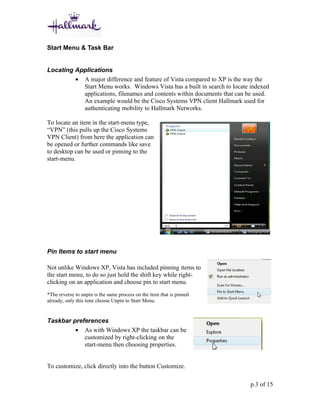
- Locating applications using the Start Menu search function and pinning items to the Start Menu.
- Using the Snipping Tool to take screenshots of portions of the screen.
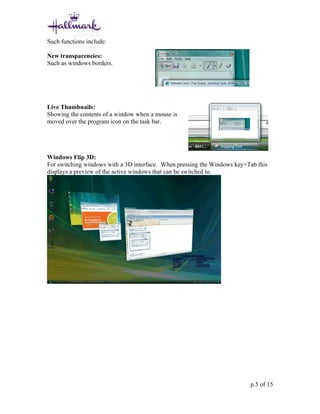
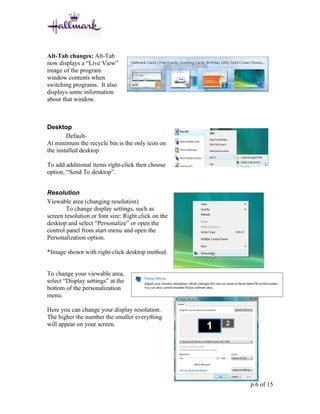
- An overview of the Windows Aero interface enhancements like transparency and live thumbnails.
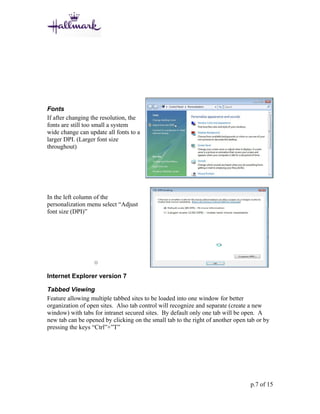
- Changing display settings like resolution and font size through the Personalization menu.
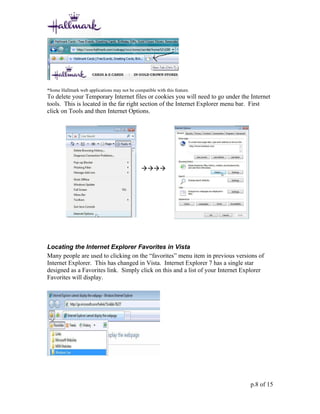
- Using tabbed browsing and locating Favorites in Internet Explorer 7.
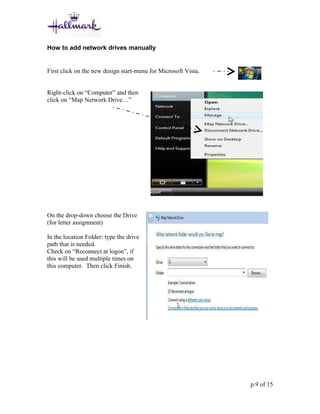
- Manually mapping network drives by providing the drive path in the Map Network Drive dialog.
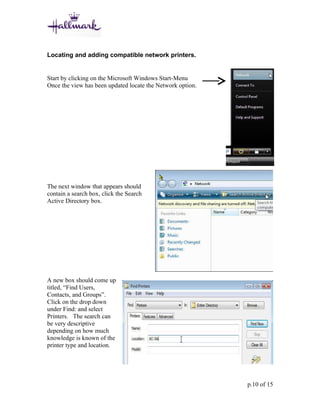
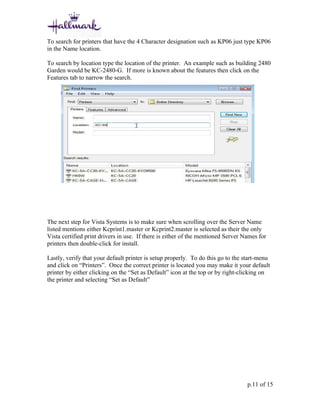
- Searching the network for compatible printers by name, location, or features using Active Directory