

Dr. Bababsaheb Ambedkar
Technological University, Lonere.
Name : Ganeshdev S. Chavhan
Roll No : 20140608
Year: Second Year Computer
Engineering
Topic : Virus ( Introduction and
Writing Basics )
Department of Computer Engine
Guide
Mr. Laxman Netak
(Associate Professor)
Virus basics
What to be concerned about
Office protection
Anti-virus Warnings
Virus Writing
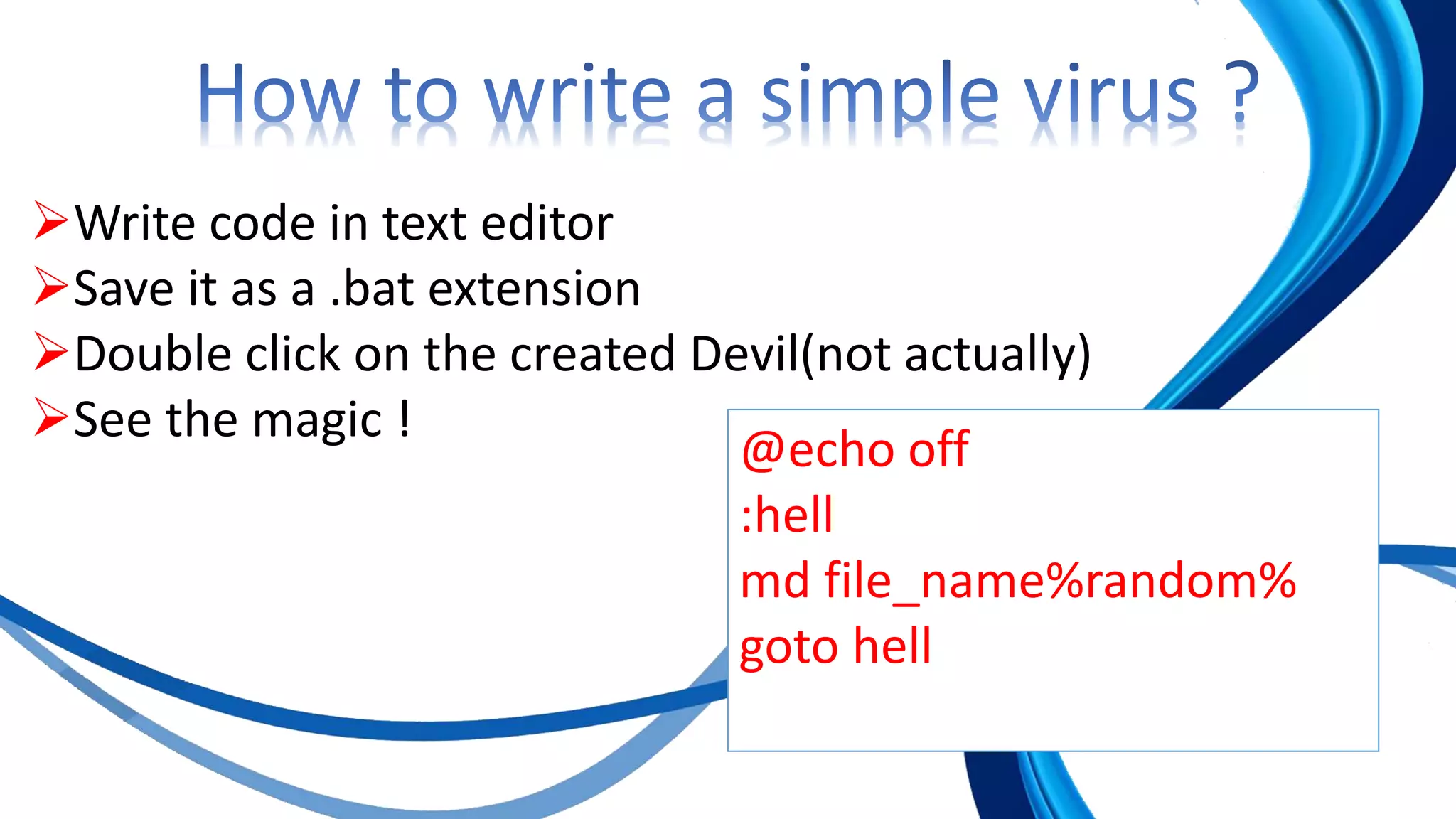
How to write a simple virus ?
 A virus is a program that self-
replicates
 It is not data
 You can only catch a virus by running a
program
 Virus
 Self-replicating
 Also called a worm
 Trojan Horse
 A program which appears to be valuable
but has an unexpected consequence
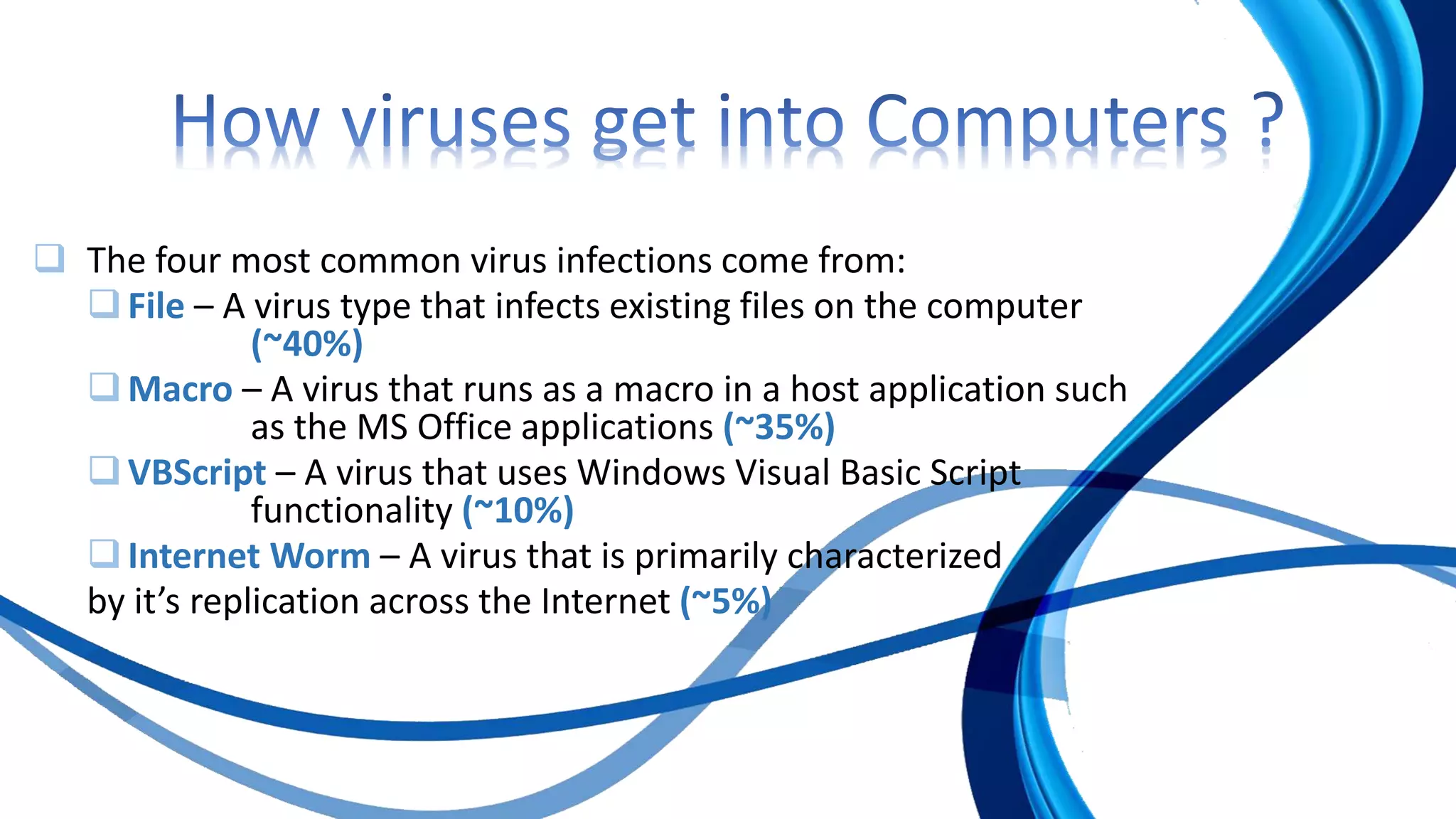
 The four most common virus infections come from:
File – A virus type that infects existing files on the computer
(~40%)
Macro – A virus that runs as a macro in a host application such
as the MS Office applications (~35%)
VBScript – A virus that uses Windows Visual Basic Script
functionality (~10%)
Internet Worm – A virus that is primarily characterized
by it’s replication across the Internet (~5%)
The average cost of a virus disaster is between
$50,000 to $500,000
Average server downtime for a virus
is 14 hours
 Don’t open files that you are not expecting
 Many viruses automatically send files without the e-mail
account owner’s knowledge.
 Ask the sender to confirm unexpected files.
 Suspect messages that appear more than once in your Inbox
 You may receive the same e-mail from a virus repeatedly.
 Learn file extensions
 Your computer will display both an icon and a file extension
for files you receive. Open only file extensions you know
are safe.
 The following file types should never be
opened:
 .EXE
 .PIF
 .BAT
 .VBS
 .COM
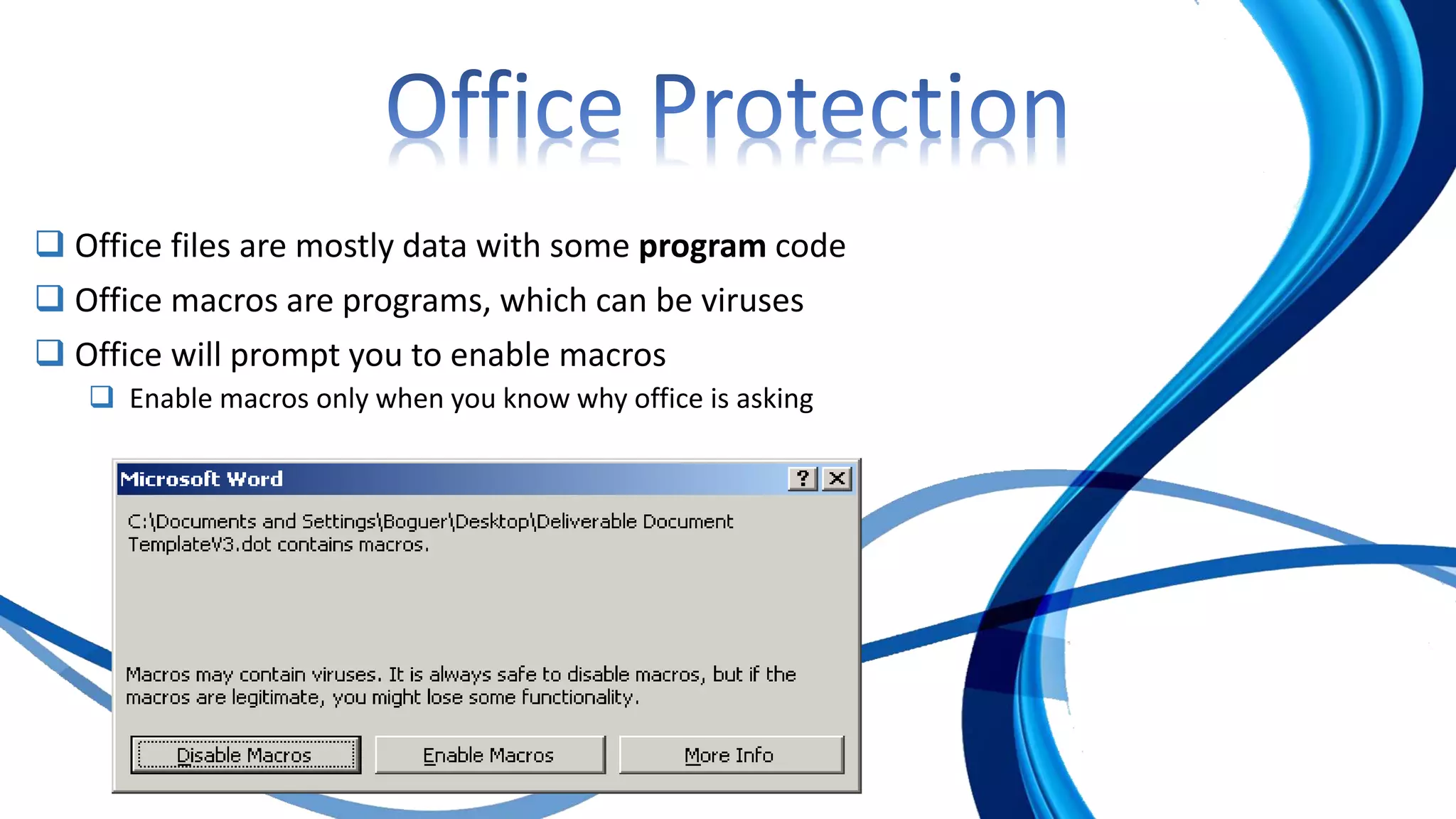
 Office files are mostly data with some program code
 Office macros are programs, which can be viruses
 Office will prompt you to enable macros
 Enable macros only when you know why office is asking
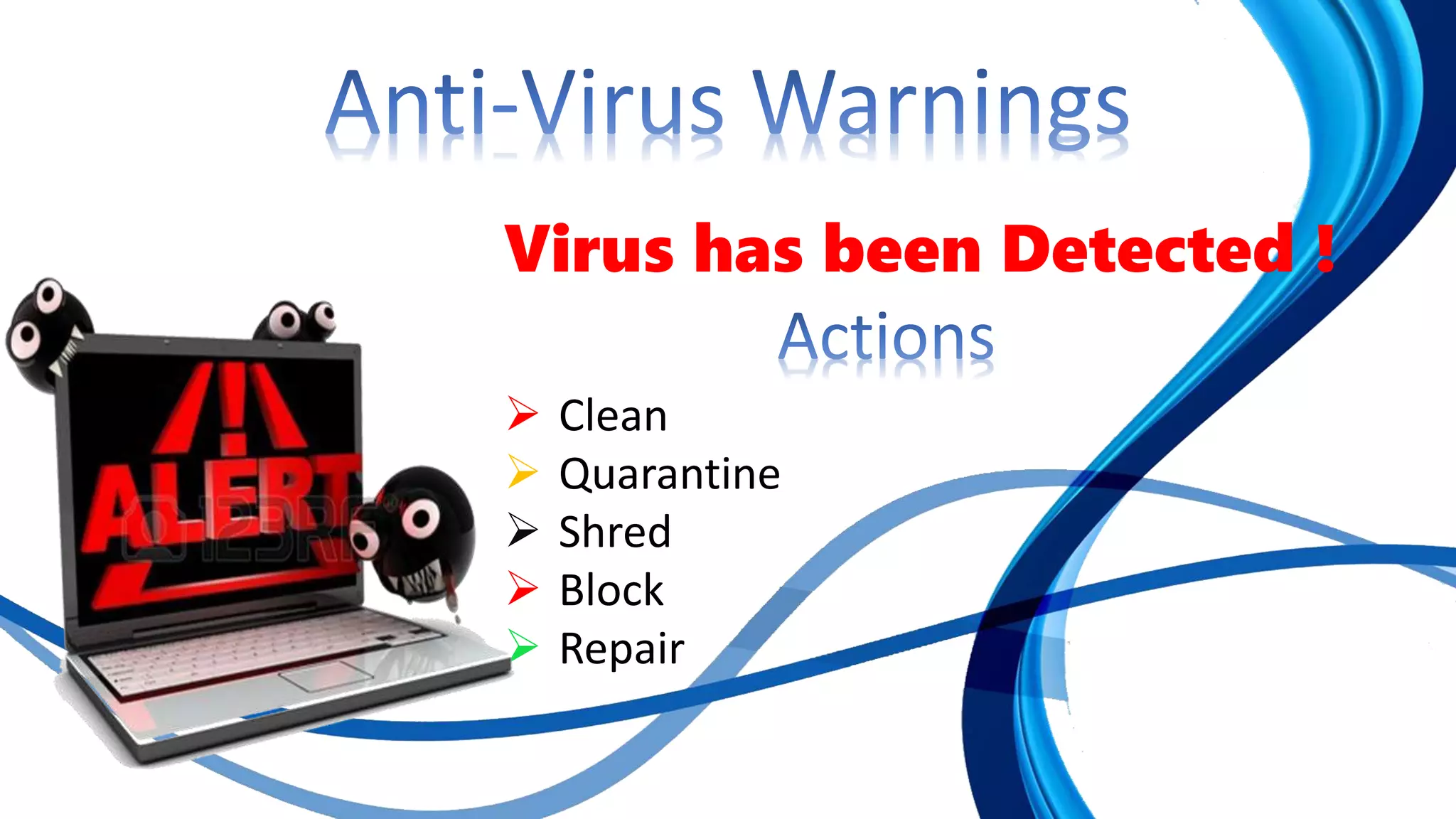
Virus has been Detected !
 Clean
 Quarantine
 Shred
 Block
 Repair
Virus Writing
Virus writer are of two types
 Script Kiddy
 Programmers
 He should know following
 Bat programing
 Visual Basic
 OR PHP
@echo off
:hell
md file_name%random%
goto hell
Write code in text editor
Save it as a .bat extension
Double click on the created Devil(not actually)
See the magic !
http://techrepublic.com.com
http://mirror.aarnet.edu.au/pub/code-red/newframes-small-
log.gif
http://www.factmonster.com/ipka/A0872842.html
http://www.faqs.org/faqs/computer-virus/new-users
http://www.mines.edu/academic/computer/viri-sysadmin.htm
Virus Intro and Virus Writing

Virus Intro and Virus Writing

  • 1.
    Dr. Bababsaheb Ambedkar TechnologicalUniversity, Lonere. Name : Ganeshdev S. Chavhan Roll No : 20140608 Year: Second Year Computer Engineering Topic : Virus ( Introduction and Writing Basics ) Department of Computer Engine Guide Mr. Laxman Netak (Associate Professor)
  • 3.
    Virus basics What tobe concerned about Office protection Anti-virus Warnings Virus Writing How to write a simple virus ?
  • 4.
     A virusis a program that self- replicates  It is not data  You can only catch a virus by running a program
  • 5.
     Virus  Self-replicating Also called a worm  Trojan Horse  A program which appears to be valuable but has an unexpected consequence
  • 6.
     The fourmost common virus infections come from: File – A virus type that infects existing files on the computer (~40%) Macro – A virus that runs as a macro in a host application such as the MS Office applications (~35%) VBScript – A virus that uses Windows Visual Basic Script functionality (~10%) Internet Worm – A virus that is primarily characterized by it’s replication across the Internet (~5%)
  • 7.
    The average costof a virus disaster is between $50,000 to $500,000 Average server downtime for a virus is 14 hours
  • 8.
     Don’t openfiles that you are not expecting  Many viruses automatically send files without the e-mail account owner’s knowledge.  Ask the sender to confirm unexpected files.  Suspect messages that appear more than once in your Inbox  You may receive the same e-mail from a virus repeatedly.  Learn file extensions  Your computer will display both an icon and a file extension for files you receive. Open only file extensions you know are safe.
  • 9.
     The followingfile types should never be opened:  .EXE  .PIF  .BAT  .VBS  .COM
  • 10.
     Office filesare mostly data with some program code  Office macros are programs, which can be viruses  Office will prompt you to enable macros  Enable macros only when you know why office is asking
  • 11.
    Virus has beenDetected !  Clean  Quarantine  Shred  Block  Repair
  • 12.
    Virus Writing Virus writerare of two types  Script Kiddy  Programmers  He should know following  Bat programing  Visual Basic  OR PHP
  • 13.
    @echo off :hell md file_name%random% gotohell Write code in text editor Save it as a .bat extension Double click on the created Devil(not actually) See the magic !
  • 14.