Vim
● Vim comes with most Linux distros and
OS X
● vimrc - allows customization(config file)
● Pathogen - easily install vi plugins
https://github.com/tpope/vim-pathogen
drop .vim plugin files into ~/.vim/bundle
● map caps lock key to Esc
Getting Started
● config settings like:
- ignorecase
- shiftwidth
- syntax highlighting
- tab navigation
- leader character mappings
Let’s take a look at my vimrc
.vimrc wizardry
● ctrlp
- https://github.com/kien/ctrlp.vim
● nerdcommenter
- https://github.com/scrooloose/nerdcommenter
● ack
- https://github.com/mileszs/ack.vim
● vim-coffee-script
- https://github.com/kchmck/vim-coffee-script
● vim-jade
- https://github.com/digitaltoad/vim-jade
Really Neat Plugins
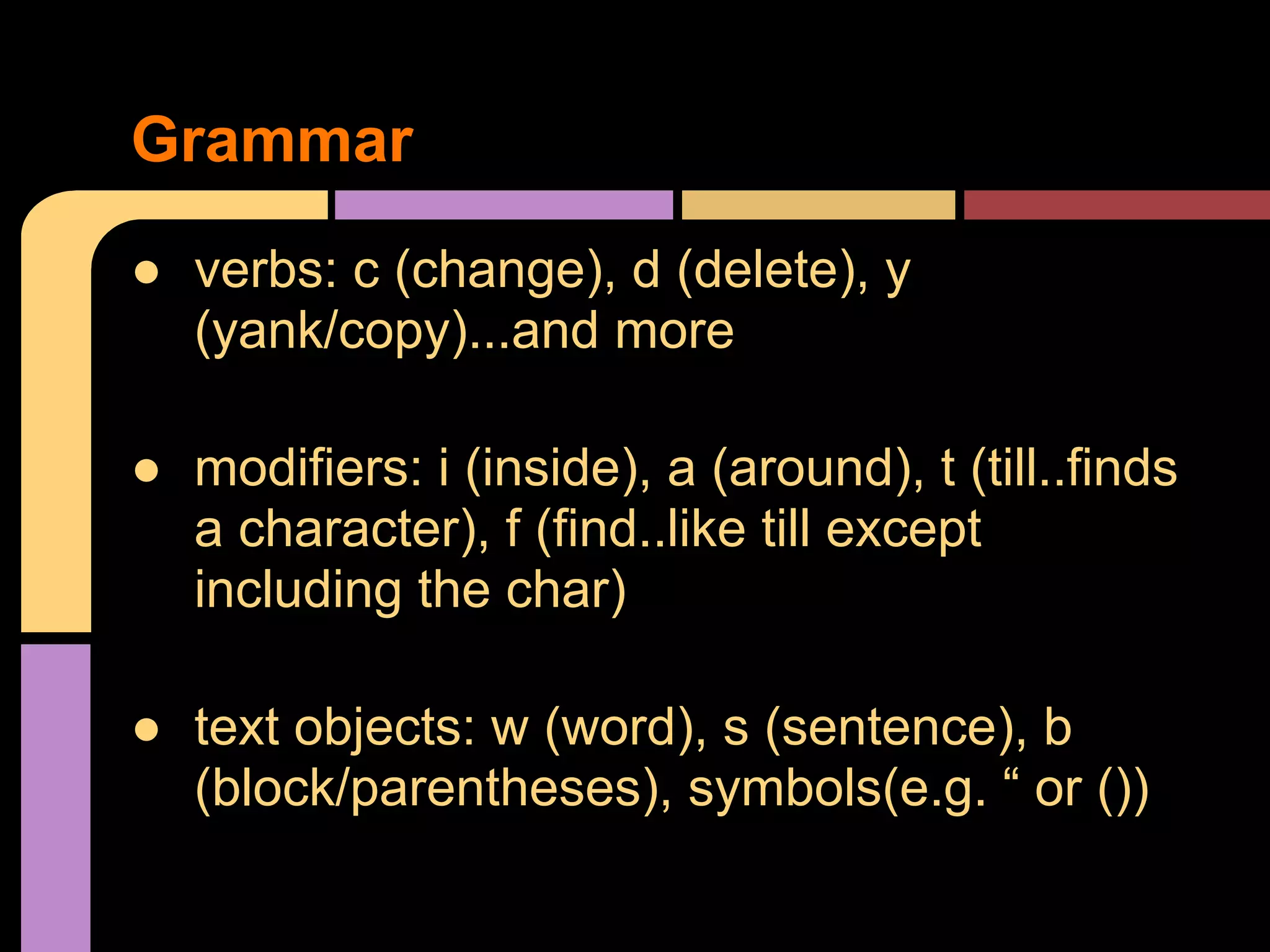
● verbs: c (change), d (delete), y
(yank/copy)...and more
● modifiers: i (inside), a (around), t (till..finds
a character), f (find..like till except
including the char)
● text objects: w (word), s (sentence), b
(block/parentheses), symbols(e.g. “ or ())
Grammar
● Command mode
● Insert mode
● Visual mode
Let’s do some examples
Vim Modes
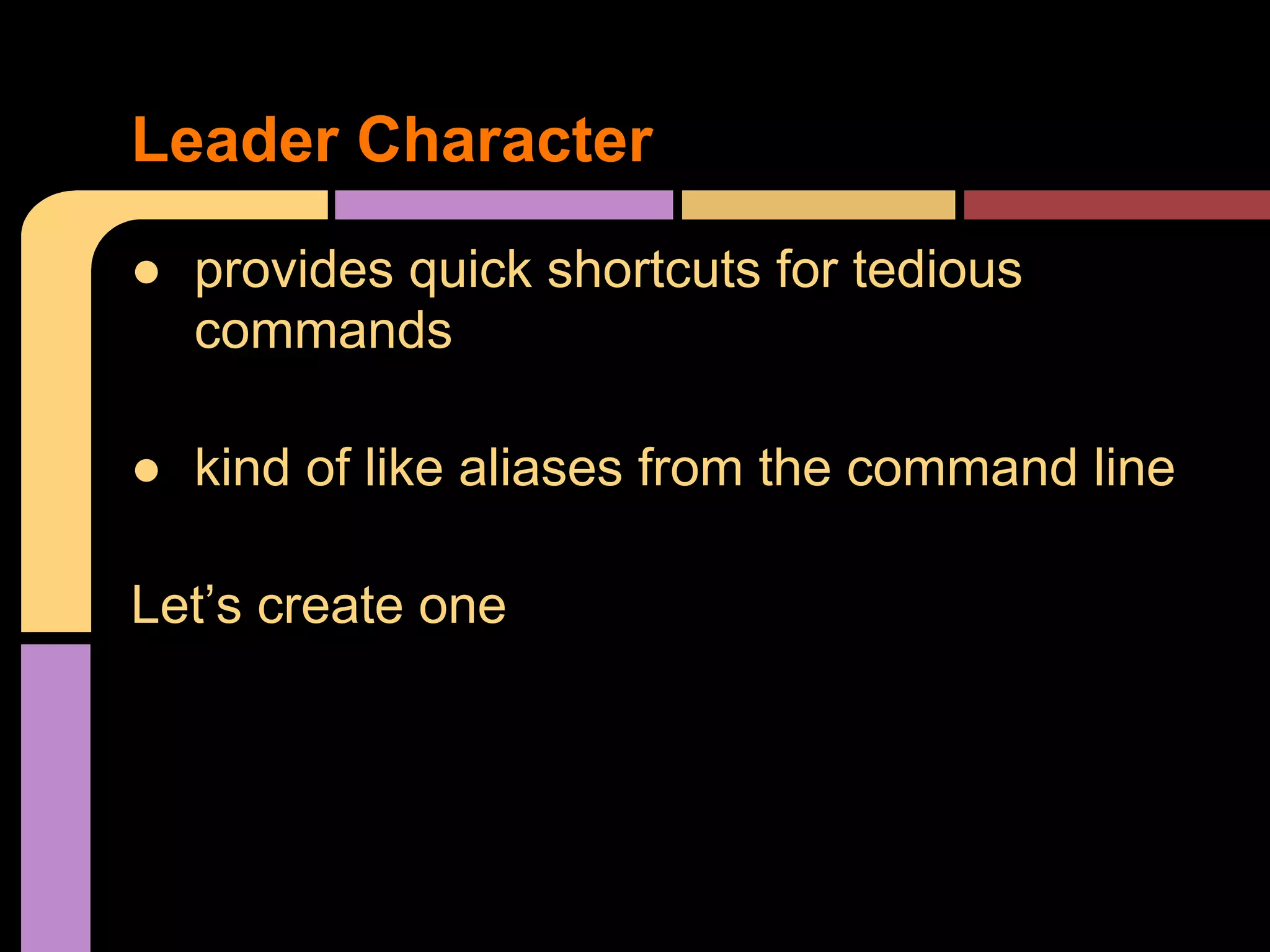
● provides quick shortcuts for tedious
commands
● kind of like aliases from the command line
Let’s create one
Leader Character
● lightweight and fast, no lag
● vi/vim is on most remote servers
● never need your mouse
● great for front-end apps
● keeps you sharp!(syntactically)
● It’s a blast! Sort of like playing a video game while
you work
Why use Vim?
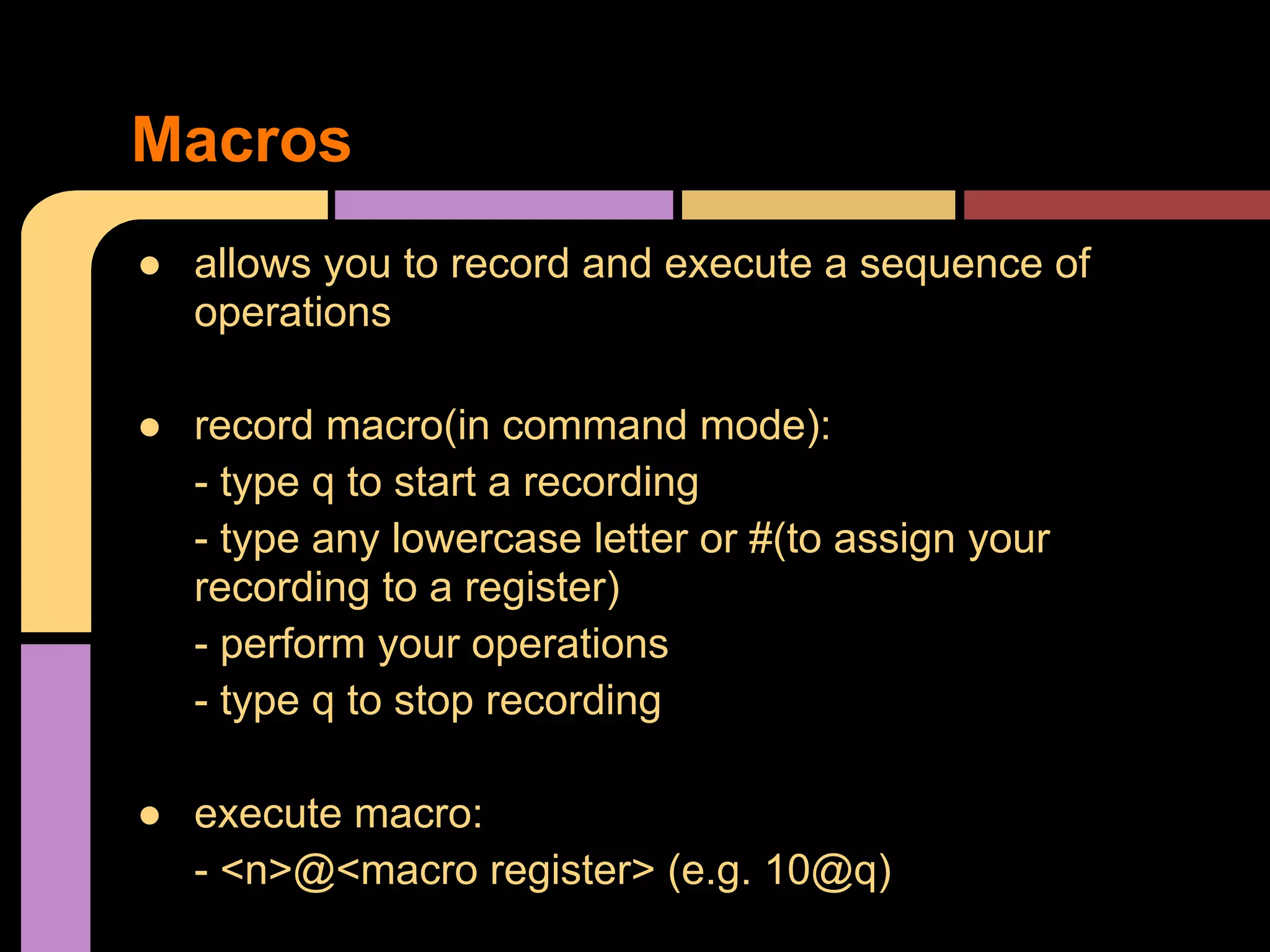
● allows you to record and execute a sequence of
operations
● record macro(in command mode):
- type q to start a recording
- type any lowercase letter or #(to assign your
recording to a register)
- perform your operations
- type q to stop recording
● execute macro:
- <n>@<macro register> (e.g. 10@q)
Macros

Vim

  • 1.
  • 2.
    ● Vim comeswith most Linux distros and OS X ● vimrc - allows customization(config file) ● Pathogen - easily install vi plugins https://github.com/tpope/vim-pathogen drop .vim plugin files into ~/.vim/bundle ● map caps lock key to Esc Getting Started
  • 3.
    ● config settingslike: - ignorecase - shiftwidth - syntax highlighting - tab navigation - leader character mappings Let’s take a look at my vimrc .vimrc wizardry
  • 4.
    ● ctrlp - https://github.com/kien/ctrlp.vim ●nerdcommenter - https://github.com/scrooloose/nerdcommenter ● ack - https://github.com/mileszs/ack.vim ● vim-coffee-script - https://github.com/kchmck/vim-coffee-script ● vim-jade - https://github.com/digitaltoad/vim-jade Really Neat Plugins
  • 5.
    ● verbs: c(change), d (delete), y (yank/copy)...and more ● modifiers: i (inside), a (around), t (till..finds a character), f (find..like till except including the char) ● text objects: w (word), s (sentence), b (block/parentheses), symbols(e.g. “ or ()) Grammar
  • 6.
    ● Command mode ●Insert mode ● Visual mode Let’s do some examples Vim Modes
  • 7.
    ● provides quickshortcuts for tedious commands ● kind of like aliases from the command line Let’s create one Leader Character
  • 8.
    ● lightweight andfast, no lag ● vi/vim is on most remote servers ● never need your mouse ● great for front-end apps ● keeps you sharp!(syntactically) ● It’s a blast! Sort of like playing a video game while you work Why use Vim?
  • 9.
    ● allows youto record and execute a sequence of operations ● record macro(in command mode): - type q to start a recording - type any lowercase letter or #(to assign your recording to a register) - perform your operations - type q to stop recording ● execute macro: - <n>@<macro register> (e.g. 10@q) Macros