1 
Usability Testing 
with young children 
UX Cambridge 2014 
Case study 
Monica Ferraro 
@londrareale
2 
Monica Ferraro 
User Experience Researcher 
City University London 
Playhows 
UXPA UK Secretary 
@londrareale 
@playhows 
@UXPAUK 
About 
me
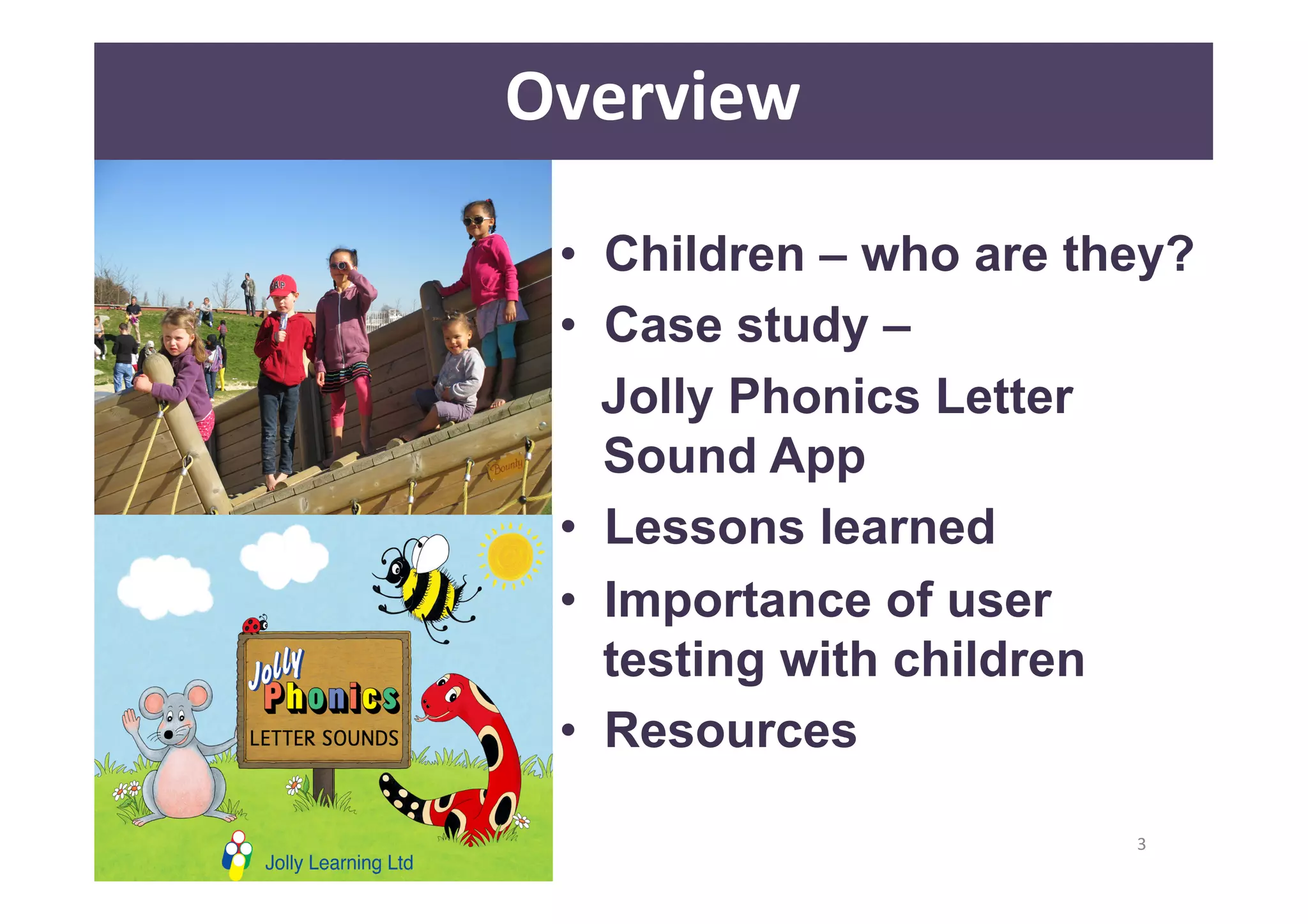
• Children – who are they? 
• Case study – 
Jolly Phonics Letter 
Sound App 
• Lessons learned 
• Importance of user 
testing with children 
• Resources 
3 
Overview
Children 
– 
Who 
are 
they? 
4 
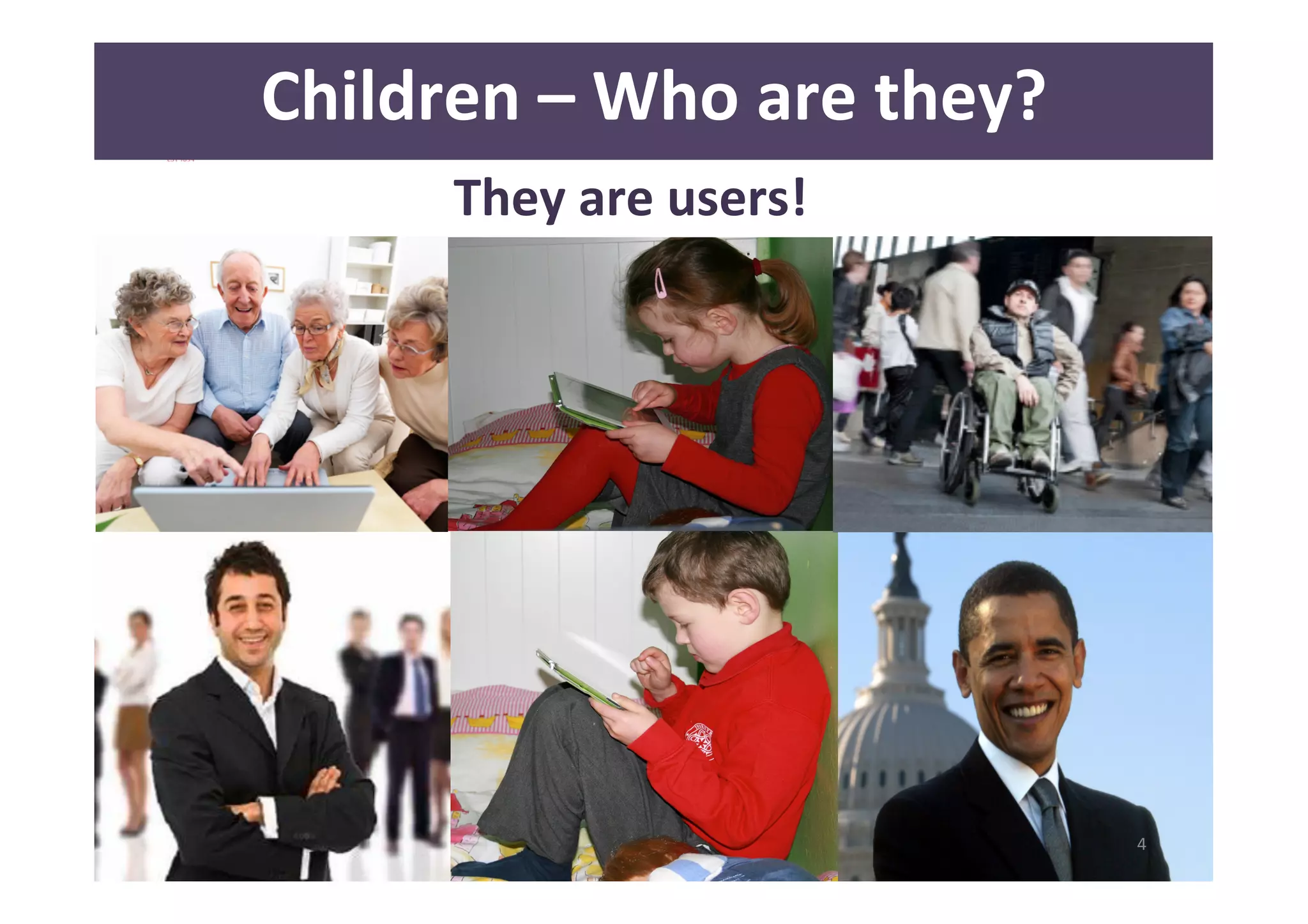
They 
are 
users!
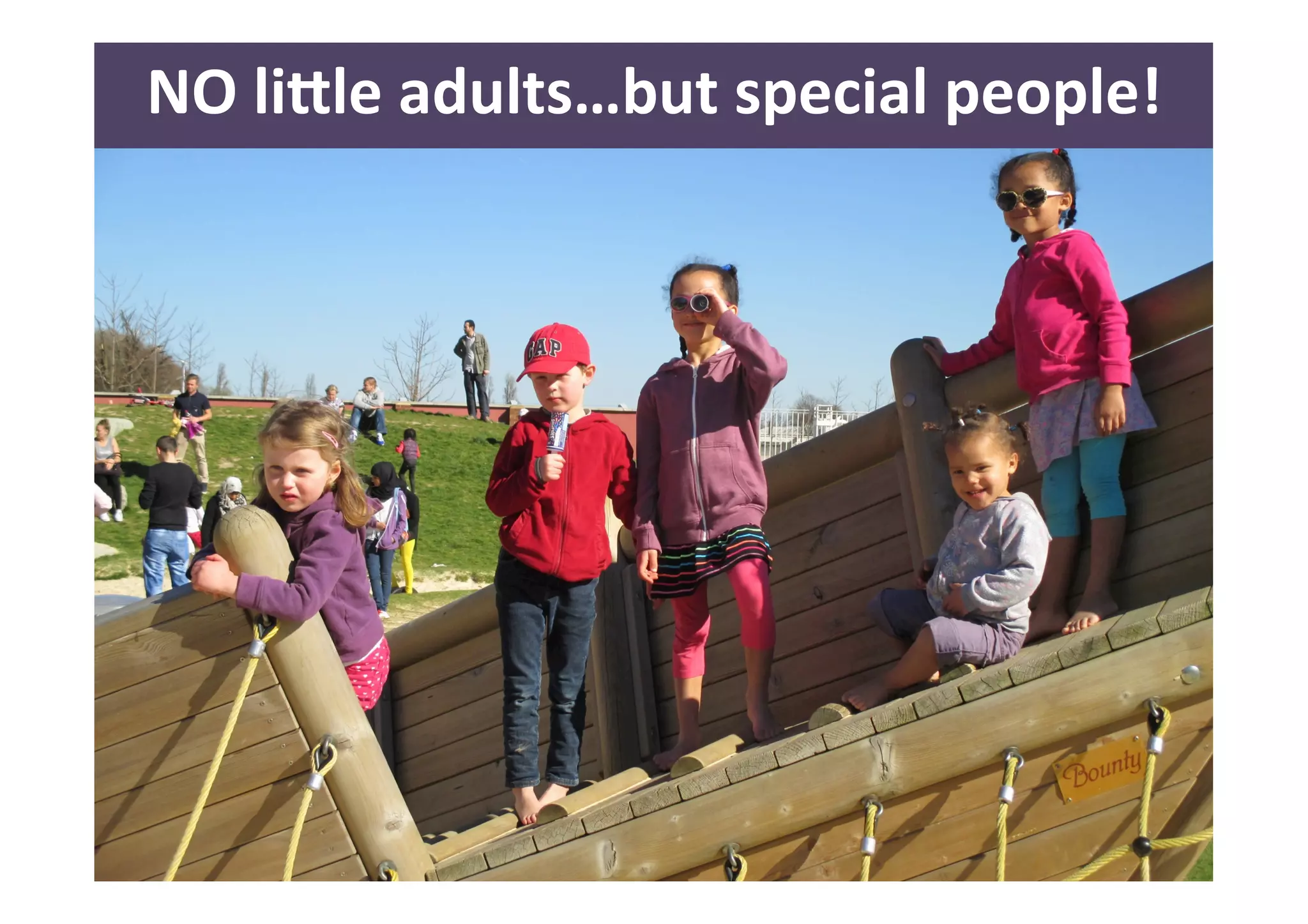
NO 
li<le 
adults…but 
special 
people! 
5
6 
Children 
-­‐ 
Who 
are 
they? 
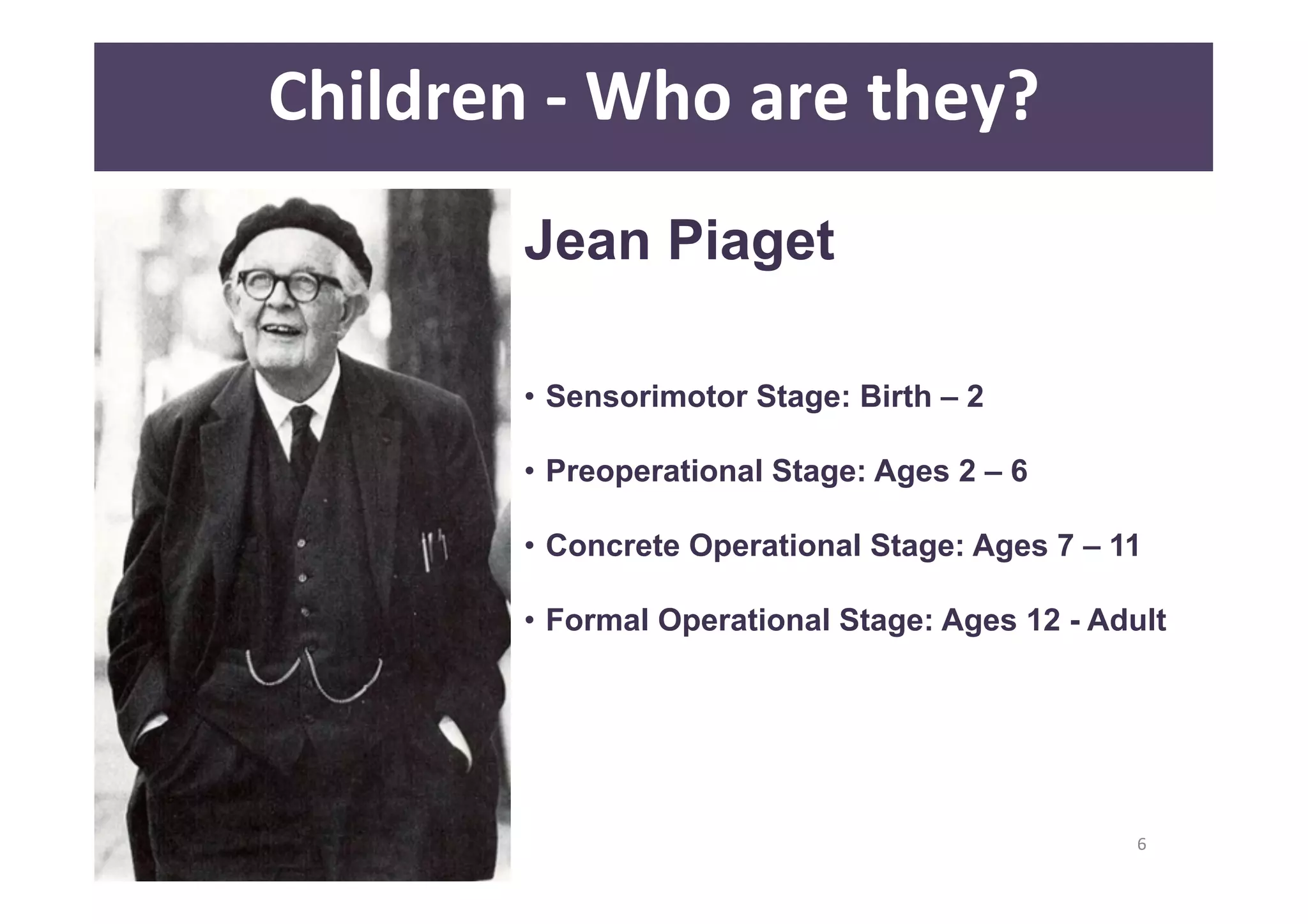
Jean Piaget 
• Sensorimotor Stage: Birth – 2 
• Preoperational Stage: Ages 2 – 6 
• Concrete Operational Stage: Ages 7 – 11 
• Formal Operational Stage: Ages 12 - Adult
7 
Children 
-­‐ 
Who 
are 
they? 
Sensorimotor Stage: Birth – 2 years 
• Knowledge 
of 
world 
is 
limited 
by 
sensory 
percepAons 
and 
motor 
acAviAes, 
simple 
motor 
responses 
• Looking, 
grasping, 
sucking 
• Towards 
18-­‐24 
months 
children 
begin 
to 
understand 
the 
world 
through 
mental 
operaAons 
rather 
than 
purely 
through 
acDons
8 
Children 
-­‐ 
Who 
are 
they? 
Preoperational Stage: 2 – 7 years 
• Language 
development 
• Can’t 
understand 
logic, 
cannot 
mentally 
manipulate 
(much) 
informaDon 
• Difficulty 
to 
take 
the 
point 
of 
view 
of 
other 
people 
• Increased 
play 
and 
pretending 
“ConservaDon”
9 
Children 
-­‐ 
Who 
are 
they? 
Concrete Operational Stage: 7 – 11 years 
• BeQer 
understanding 
of 
mental 
operaAons 
• Begin 
thinking 
logically 
about 
concrete 
events, 
but 
have 
difficulty 
understanding 
abstract 
or 
hypotheAcal 
concepts 
• Youngest 
have 
difficulDes 
to 
think 
aloud
10 
Children 
-­‐ 
Who 
are 
they? 
Formal Operational Stage: 12 - adults 
• Develop 
the 
ability 
to 
think 
about 
abstract 
concepts 
• Develop 
skills 
such 
as 
logical 
thought, 
deducAve 
reasoning, 
and 
systemaAc 
planning 
• Confortable 
on 
carrying 
out 
tasks 
• Can 
be 
more 
technologically 
savvy 
than 
most 
adults
11 
Case 
Study
12 
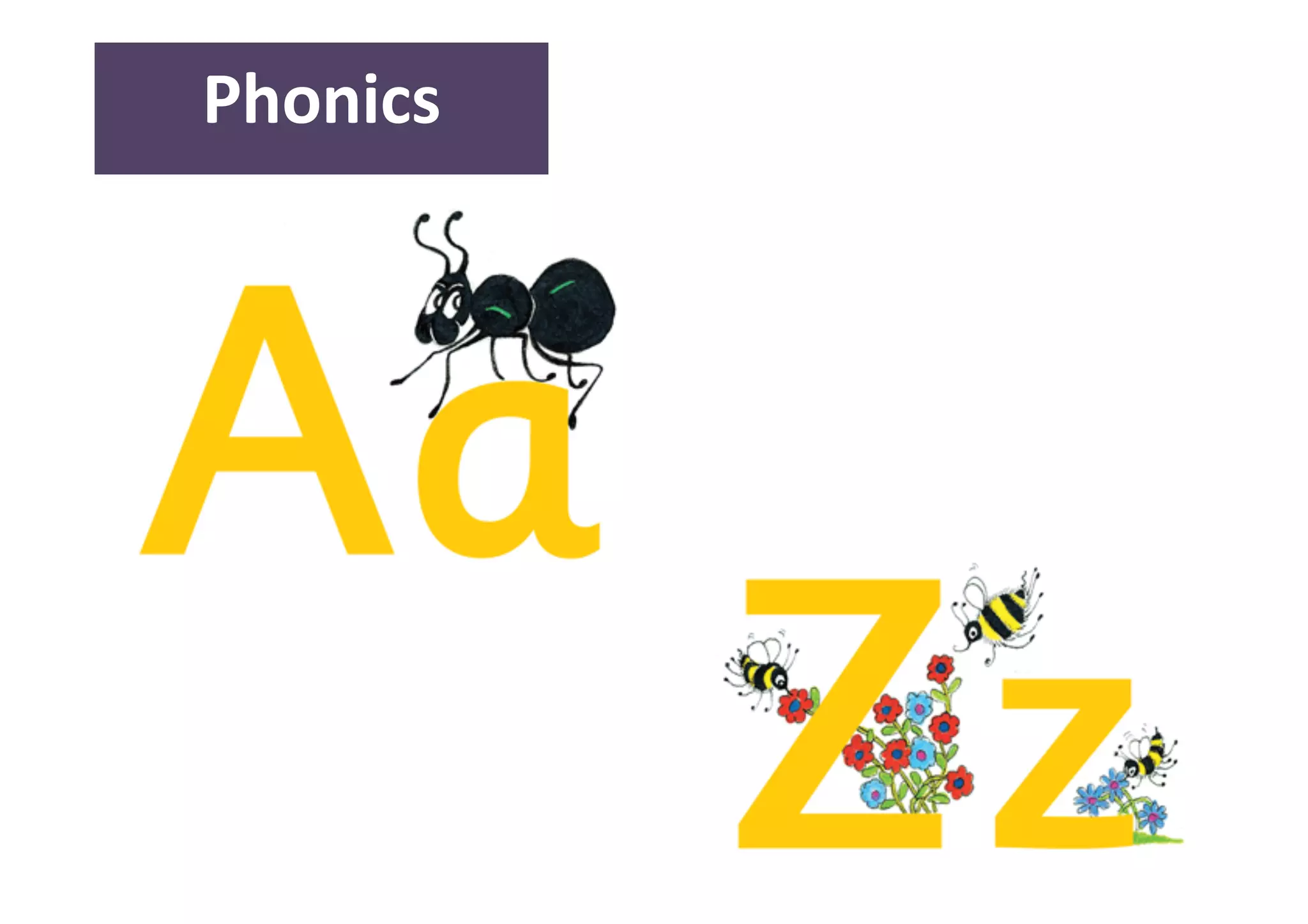
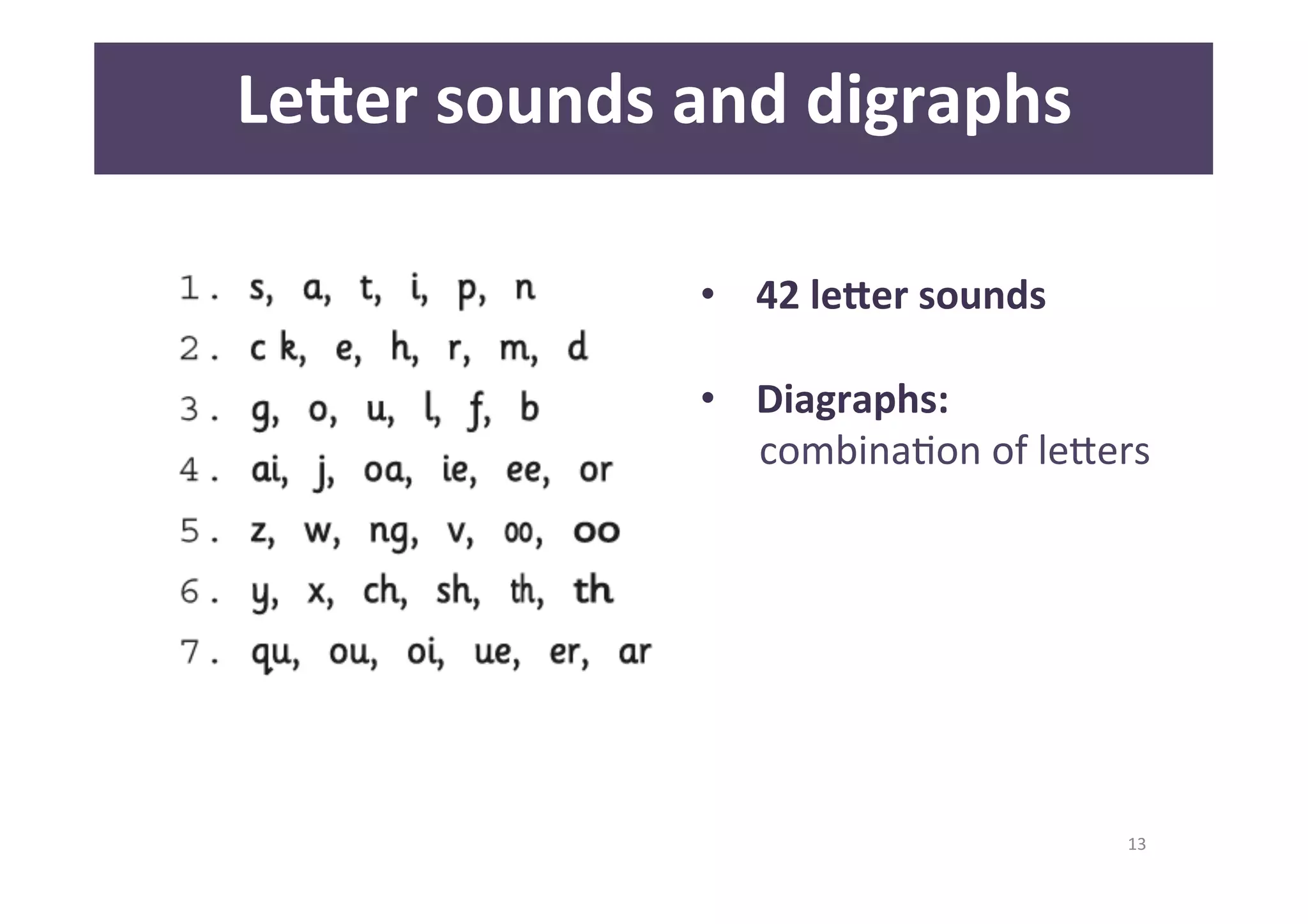
Phonics
13 
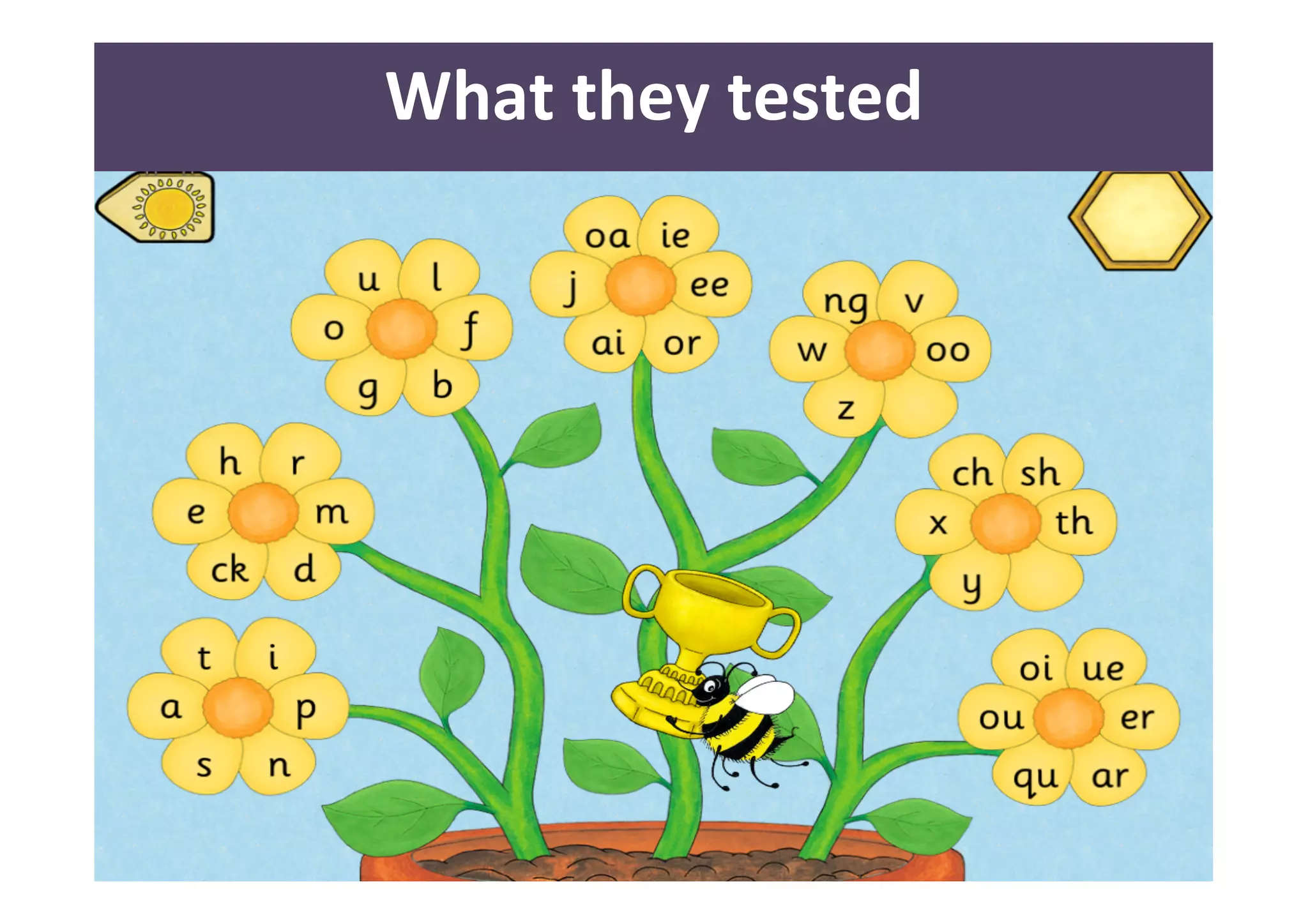
Le<er 
sounds 
and 
digraphs 
• 42 
le<er 
sounds 
• Diagraphs: 
combinaDon 
of 
leQers
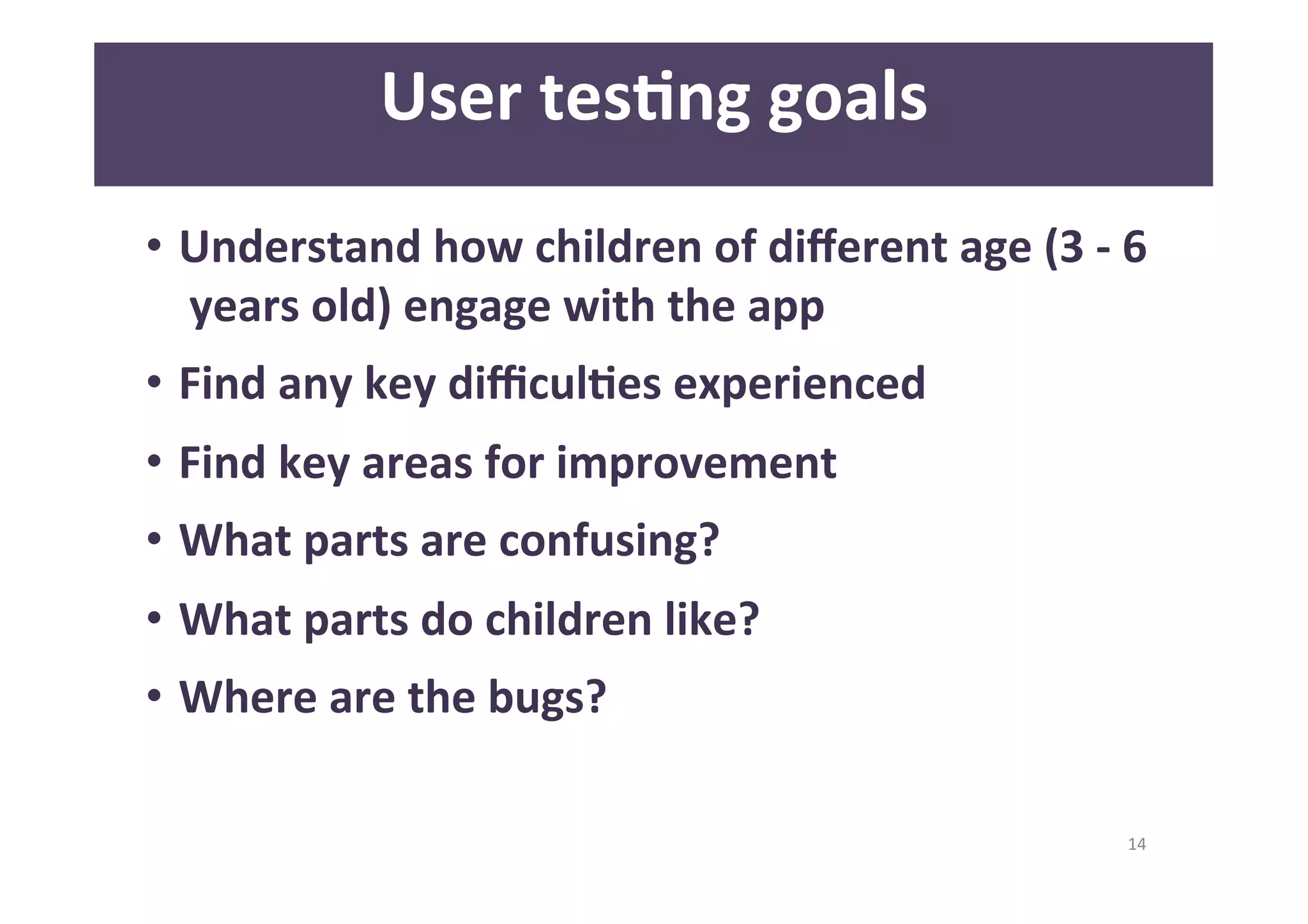
14 
User 
tesAng 
goals 
• Understand 
how 
children 
of 
different 
age 
(3 
-­‐ 
6 
years 
old) 
engage 
with 
the 
app 
• Find 
any 
key 
difficulAes 
experienced 
• Find 
key 
areas 
for 
improvement 
• What 
parts 
are 
confusing? 
• What 
parts 
do 
children 
like? 
• Where 
are 
the 
bugs?
15 
ParAcipants 
Recruitment
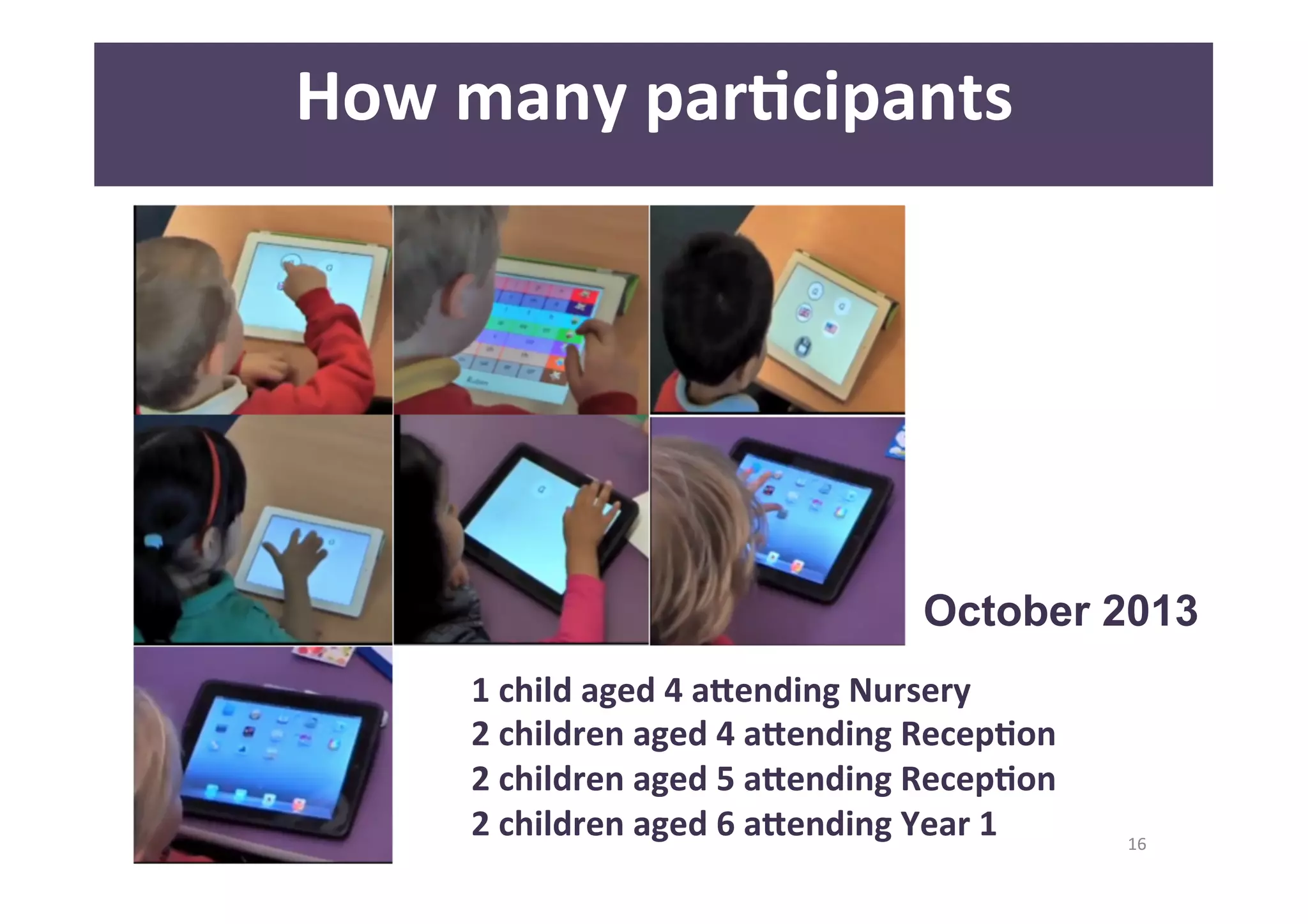
October 2013 
16 
How 
many 
parAcipants 
1 
child 
aged 
4 
a<ending 
Nursery 
2 
children 
aged 
4 
a<ending 
RecepAon 
2 
children 
aged 
5 
a<ending 
RecepAon 
2 
children 
aged 
6 
a<ending 
Year 
1
17 
How 
many 
parAcipants 
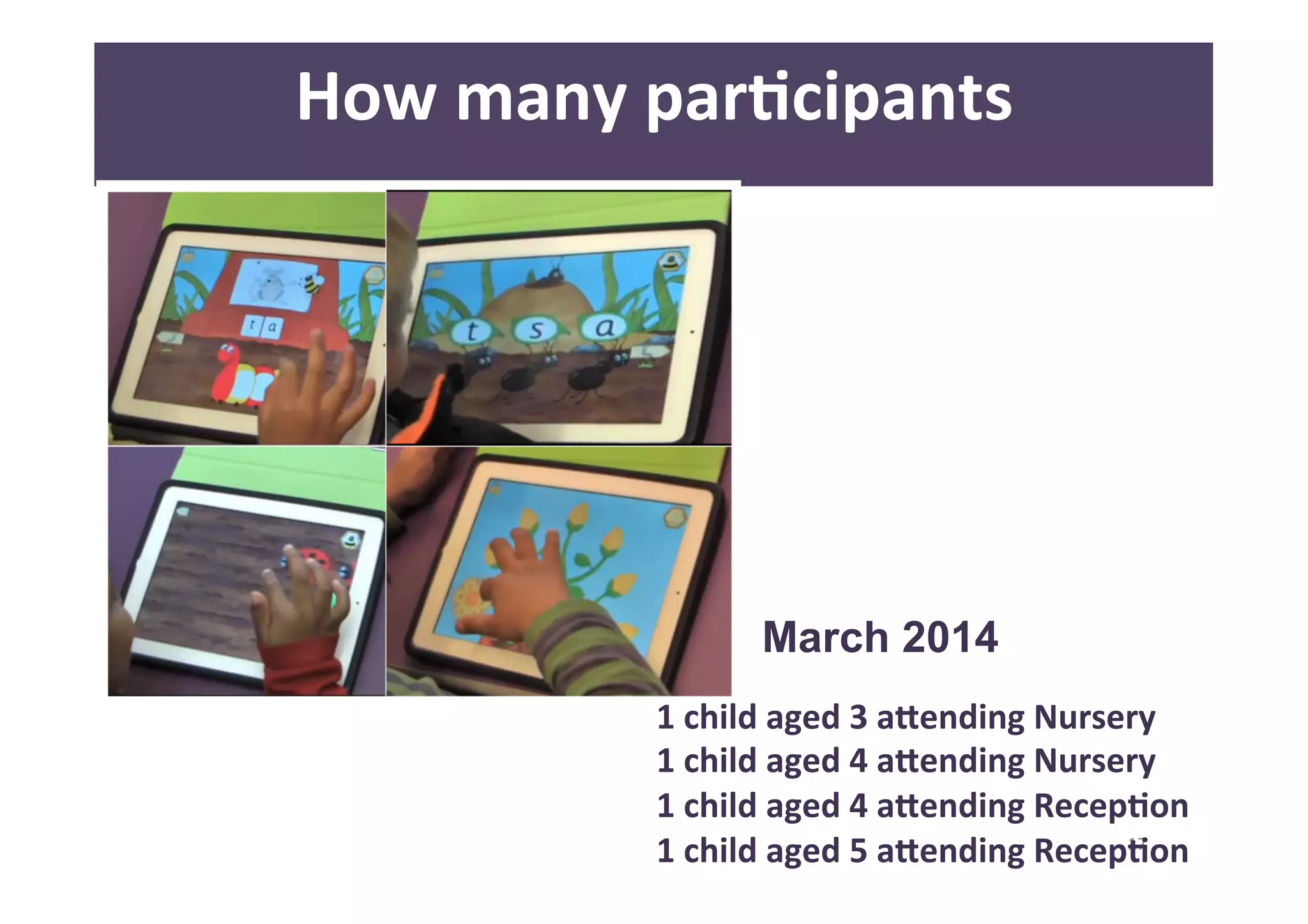
March 2014 
1 
child 
aged 
3 
a<ending 
Nursery 
1 
child 
aged 
4 
a<ending 
Nursery 
1 
child 
aged 
4 
a<ending 
RecepAon 
1 
child 
aged 
5 
a<ending 
RecepAon
18 
Ethics 
-­‐ 
DBS 
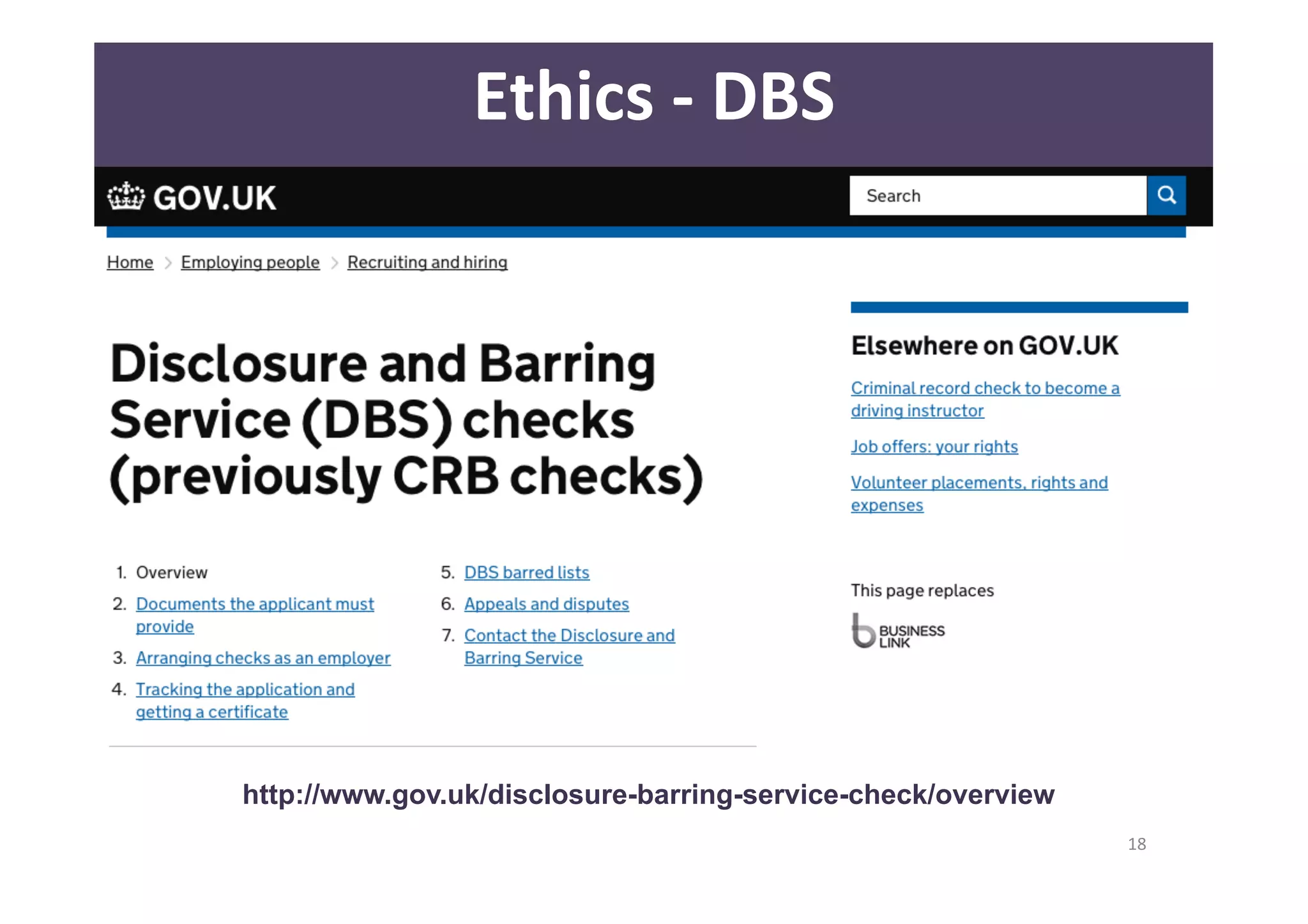
http://www.gov.uk/disclosure-barring-service-check/overview
19 
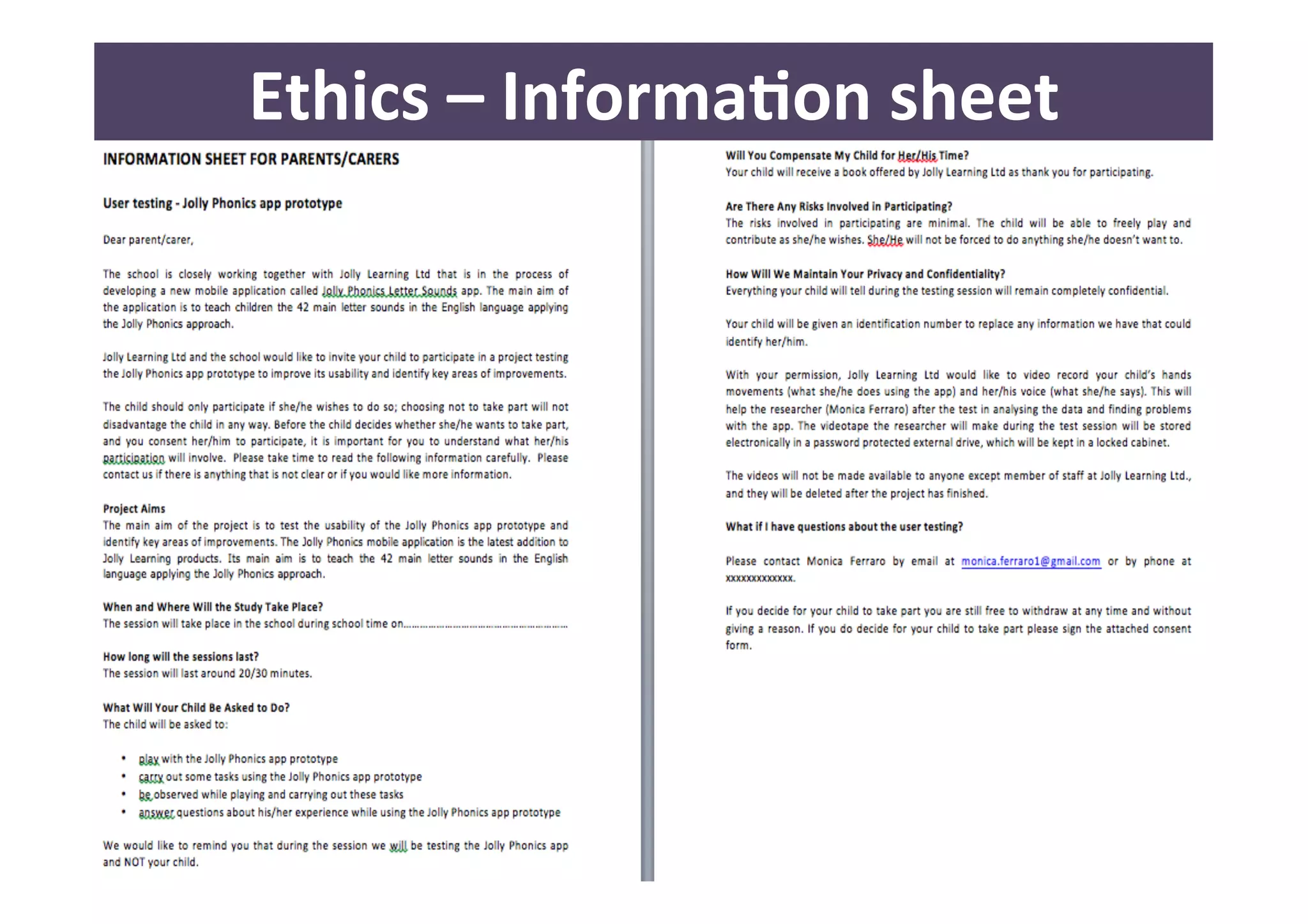
Ethics 
– 
InformaAon 
sheet
20 
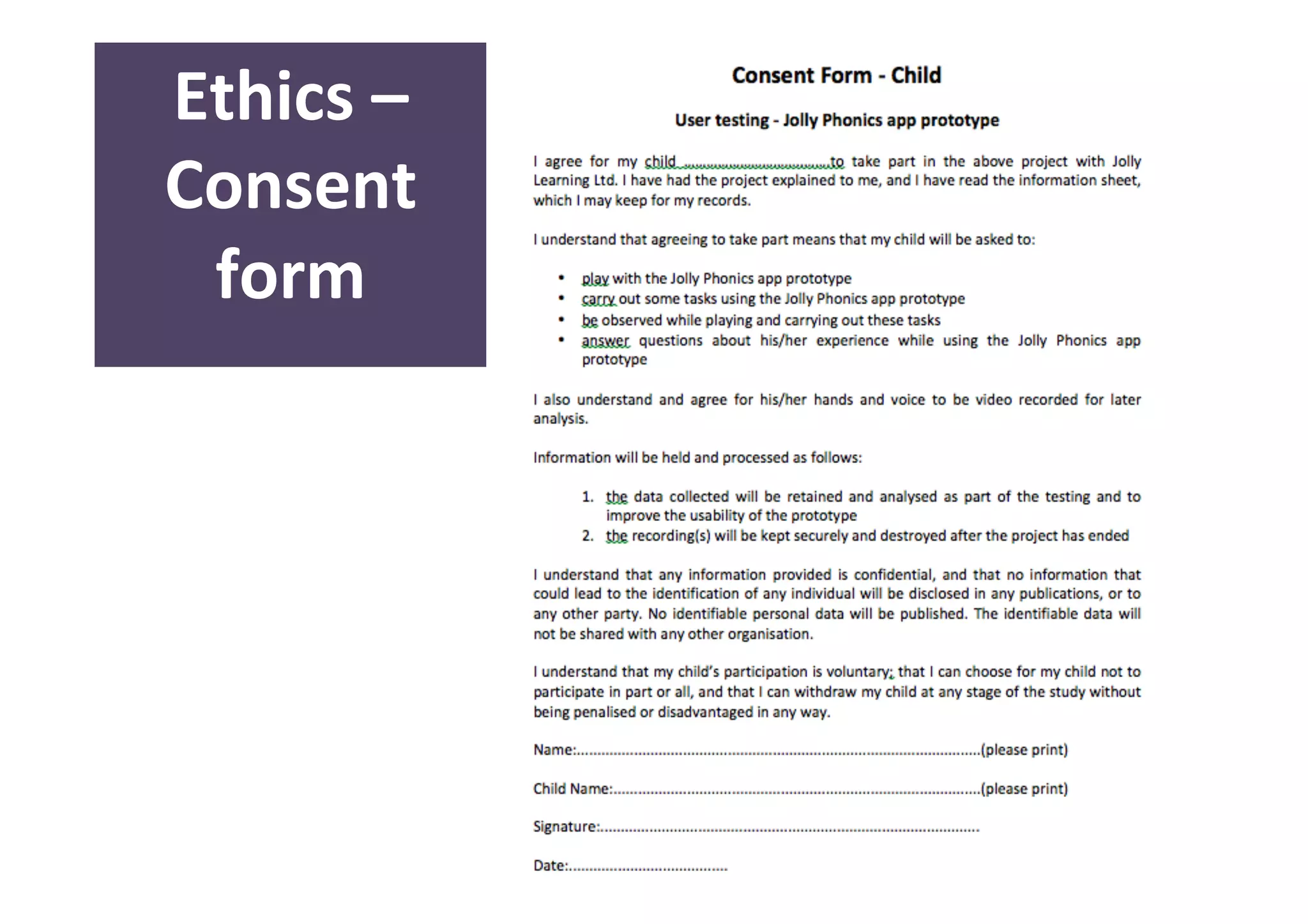
Ethics 
– 
Consent 
form
21 
Se]ngs
22 
Se]ngs
23 
Se]ngs 
“…Kids say the darndest things: 
they just need to be confortable enough 
to open up!” 
- Bill Cosby
24 
Se]ngs 
• Introduce yourself 
“…Hi! I’m Monica and this is Alex…” 
• Breaking the ice 
• Give them importance 
“…we have designed a new game to learn the 
letters and we need your help to understand if it 
works or not…would you like to help us please?...” 
“…but remember…the design is till “top secret”!...”
25 
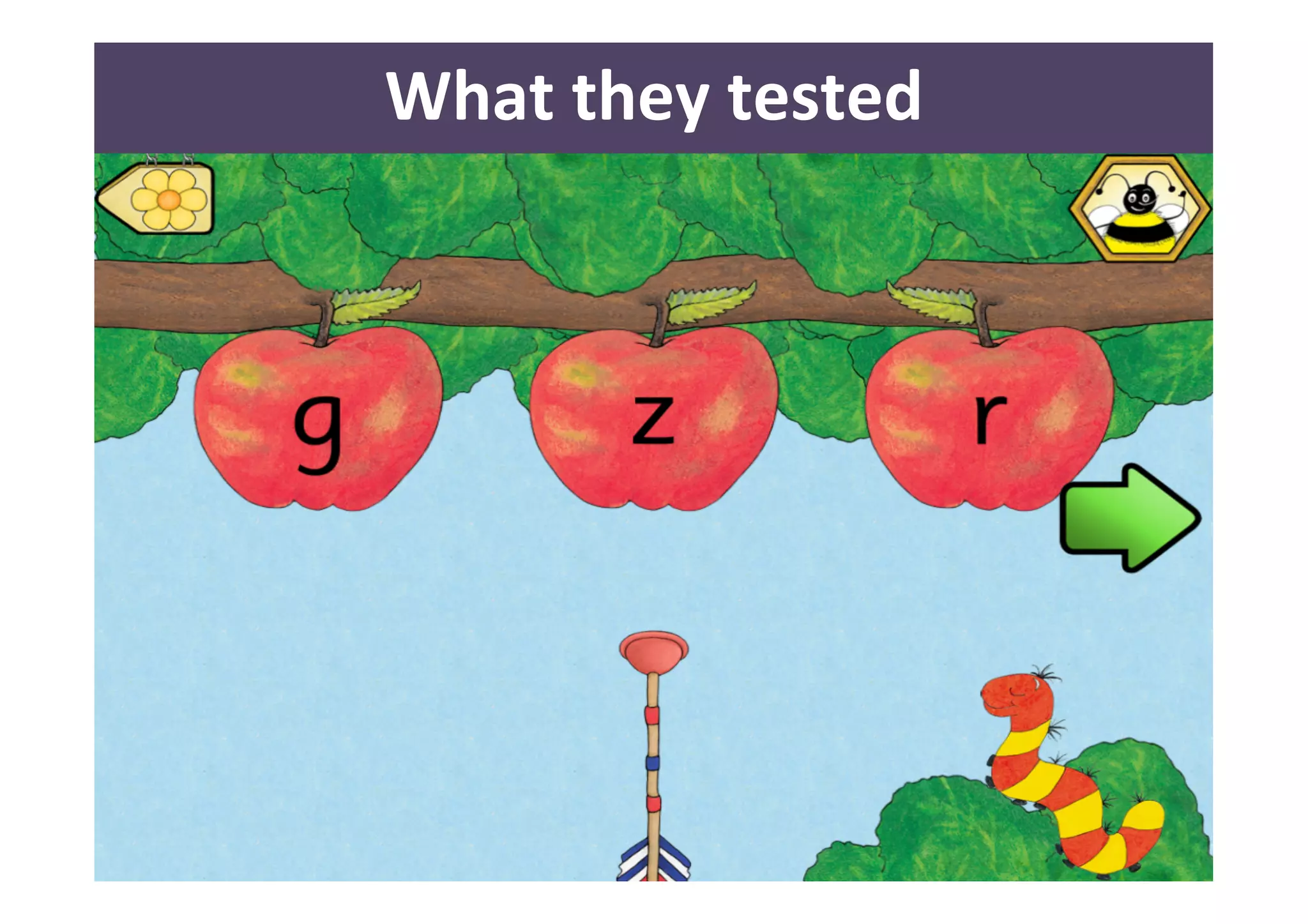
What 
they 
tested 
No scenarios 
No specific task 
YES user journey 
YES observation!
26 
What 
they 
tested 
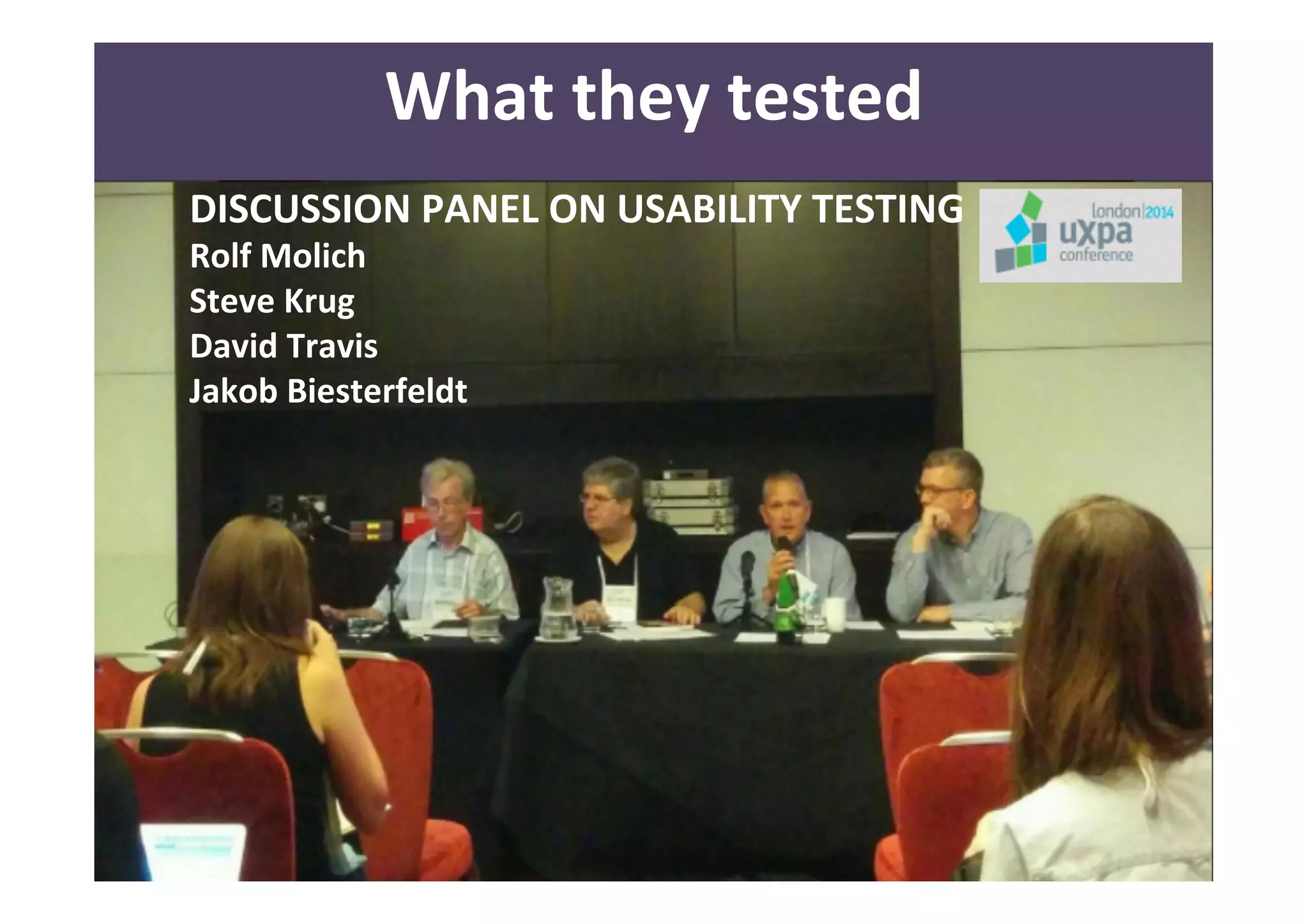
DISCUSSION 
PANEL 
ON 
USABILITY 
TESTING 
Rolf 
Molich 
Steve 
Krug 
David 
Travis 
Jakob 
Biesterfeldt
27 
What 
they 
tested
28 
What 
they 
tested
29 
What 
they 
tested 
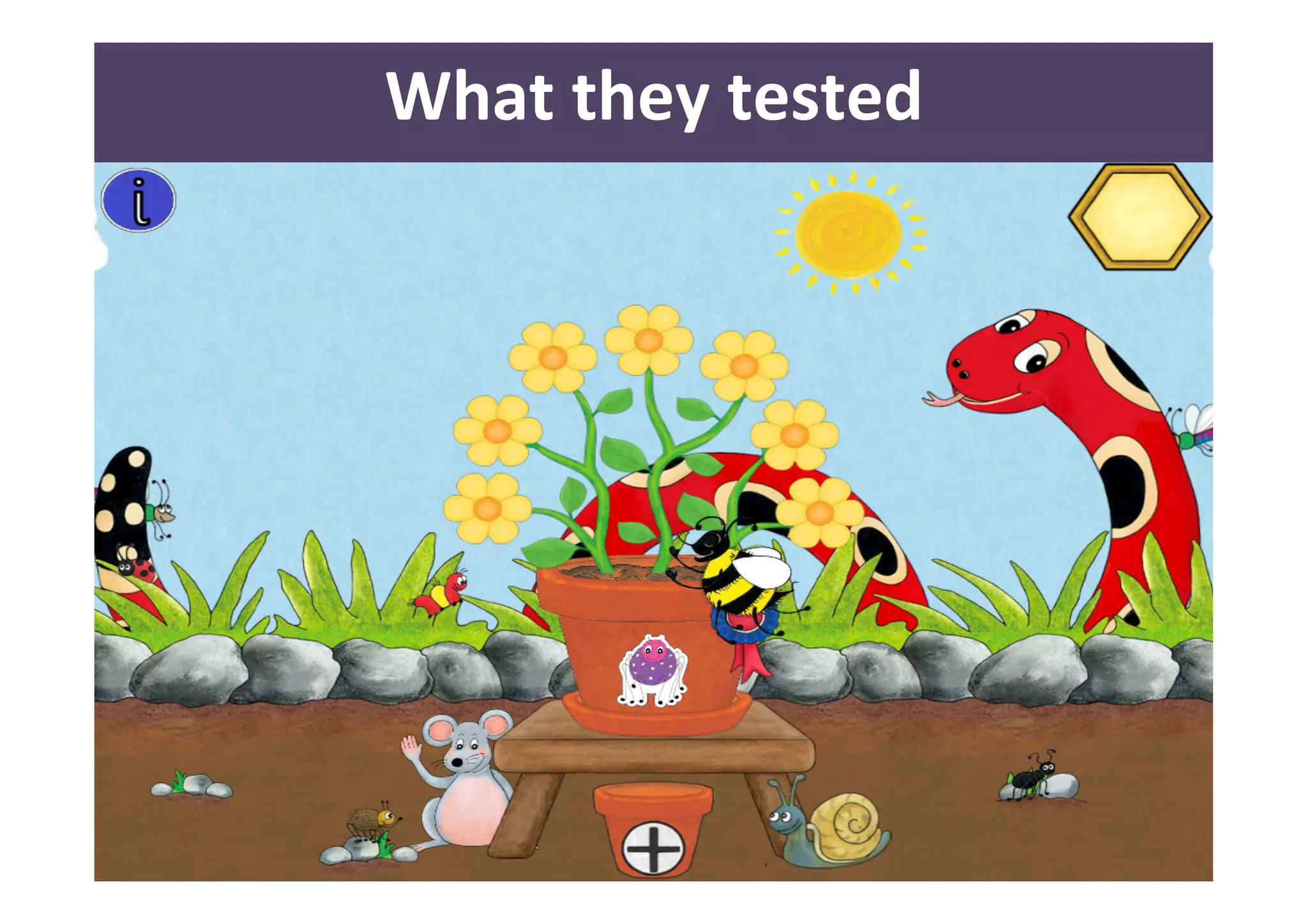
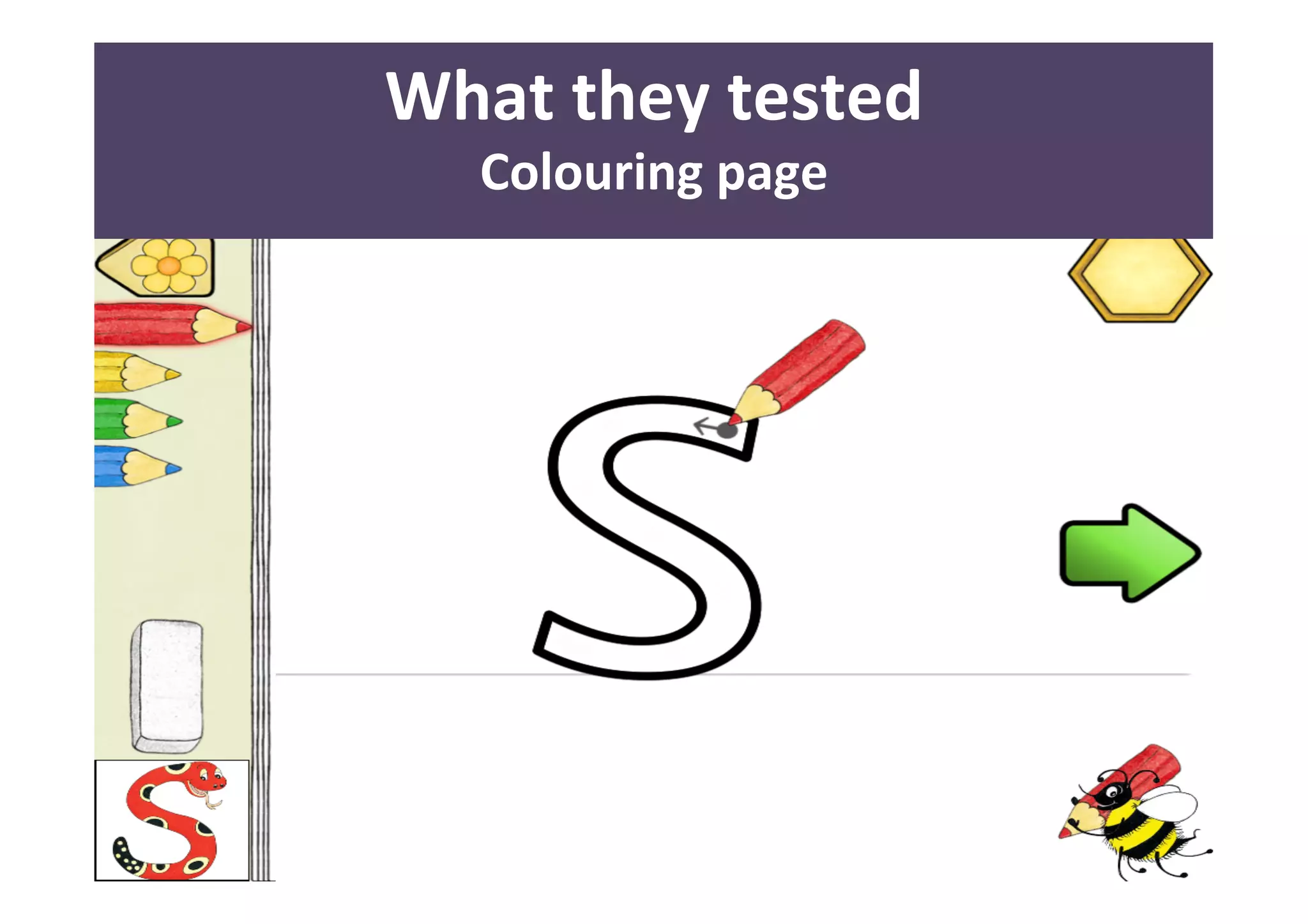
Colouring 
page
30 
What 
they 
tested 
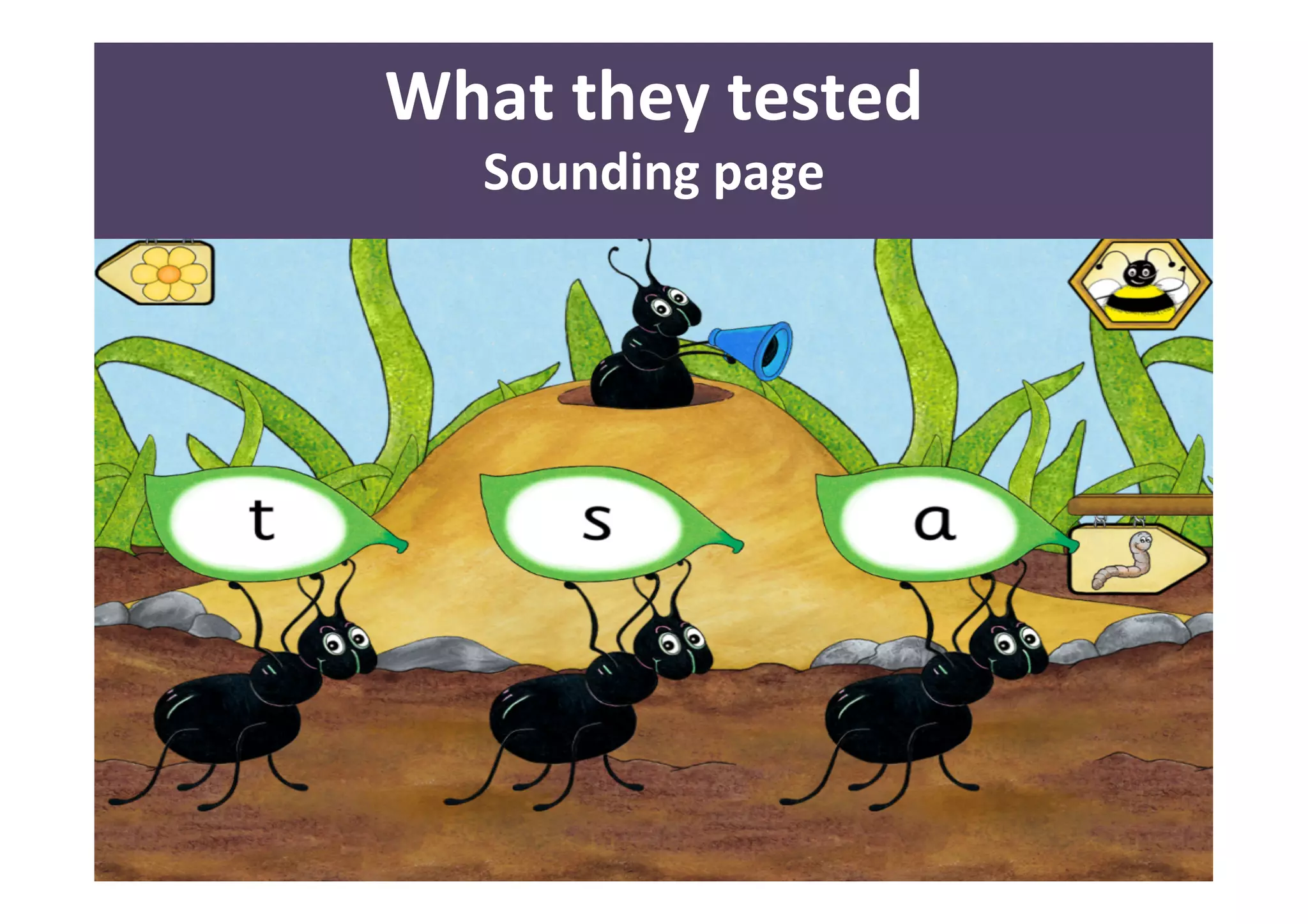
Sounding 
page
31 
What 
they 
tested 
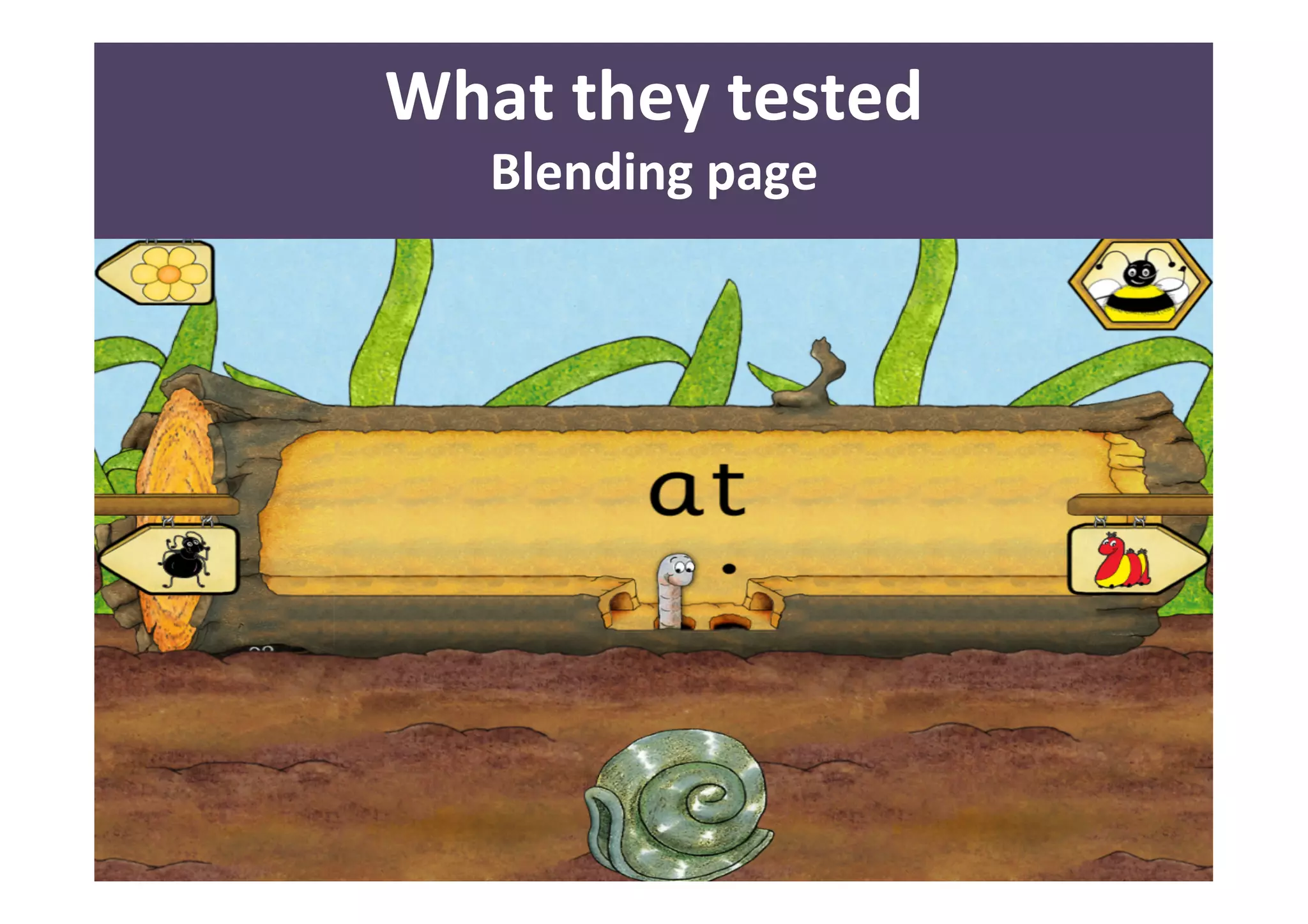
Blending 
page
32 
What 
they 
tested 
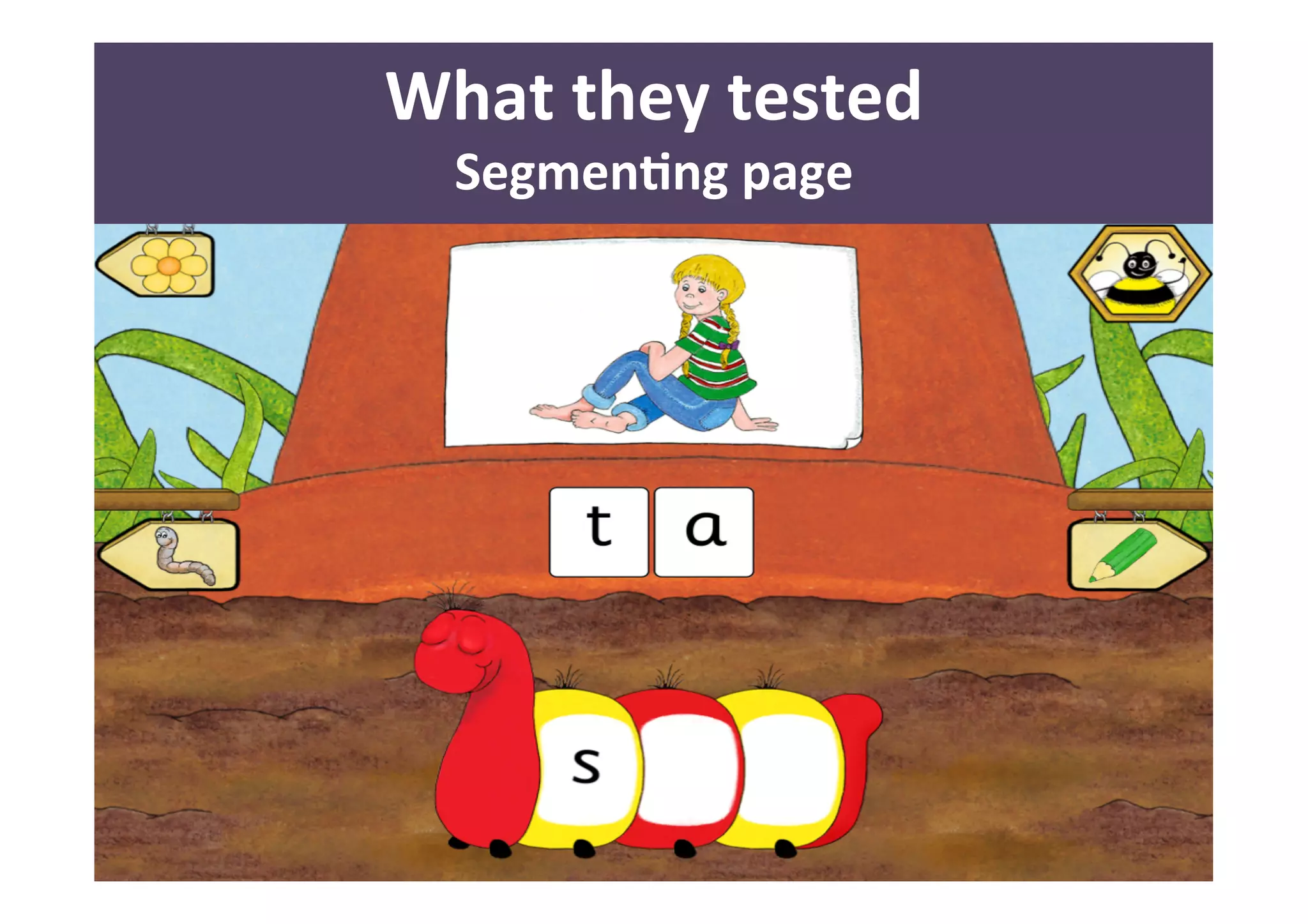
SegmenAng 
page
33 
What 
they 
tested
34 
What 
they 
tested 
Observation – behavior 
• signs 
of 
engagement: 
smiles, 
laughs 
or 
leaning 
forward 
to 
try 
things 
• signs 
of 
disengagement: 
frowns, 
sighs, 
yawns, 
or 
turning 
away 
from 
the 
computer
35 
What 
they 
tested 
Post task questionnaire 
• Did 
you 
like 
the 
app? 
• What 
did 
you 
like 
the 
most? 
• What 
you 
didn’t 
like? 
• Did 
you 
have 
any 
surprise? 
• What 
is 
easy 
or 
difficult? 
• Why?
36 
A<enAon 
span 
“We 
need 
to 
keep 
trying 
this 
for 
5 
more 
minutes… 
then 
we 
can 
try 
something 
different.” 
“…let’s 
go 
and 
see 
the 
next 
page…maybe 
there 
is 
something 
new…maybe 
a 
surprise!” 
“Now 
I 
need 
you 
to…” 
“Let’s 
do 
this…”
37 
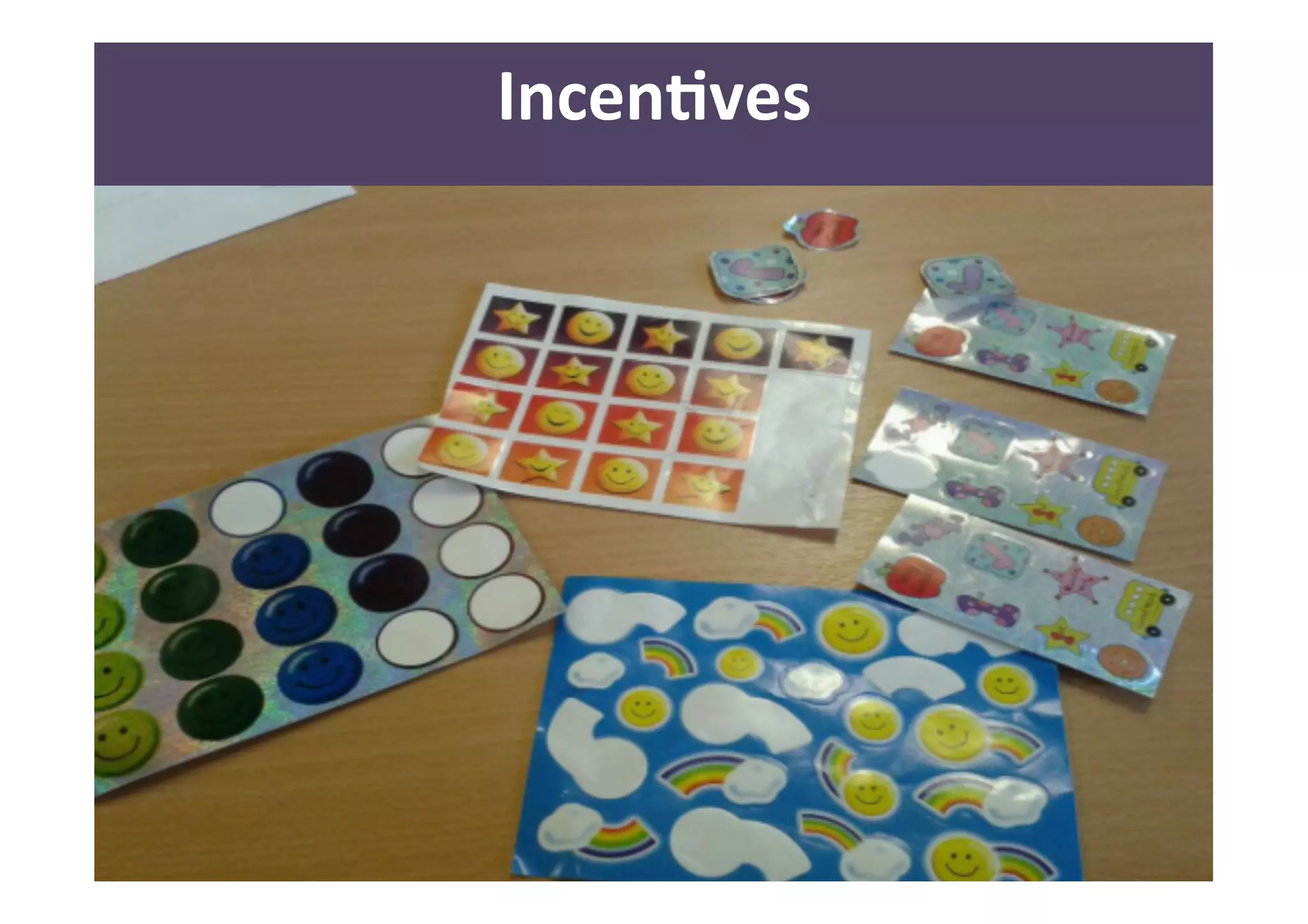
IncenAves
38 
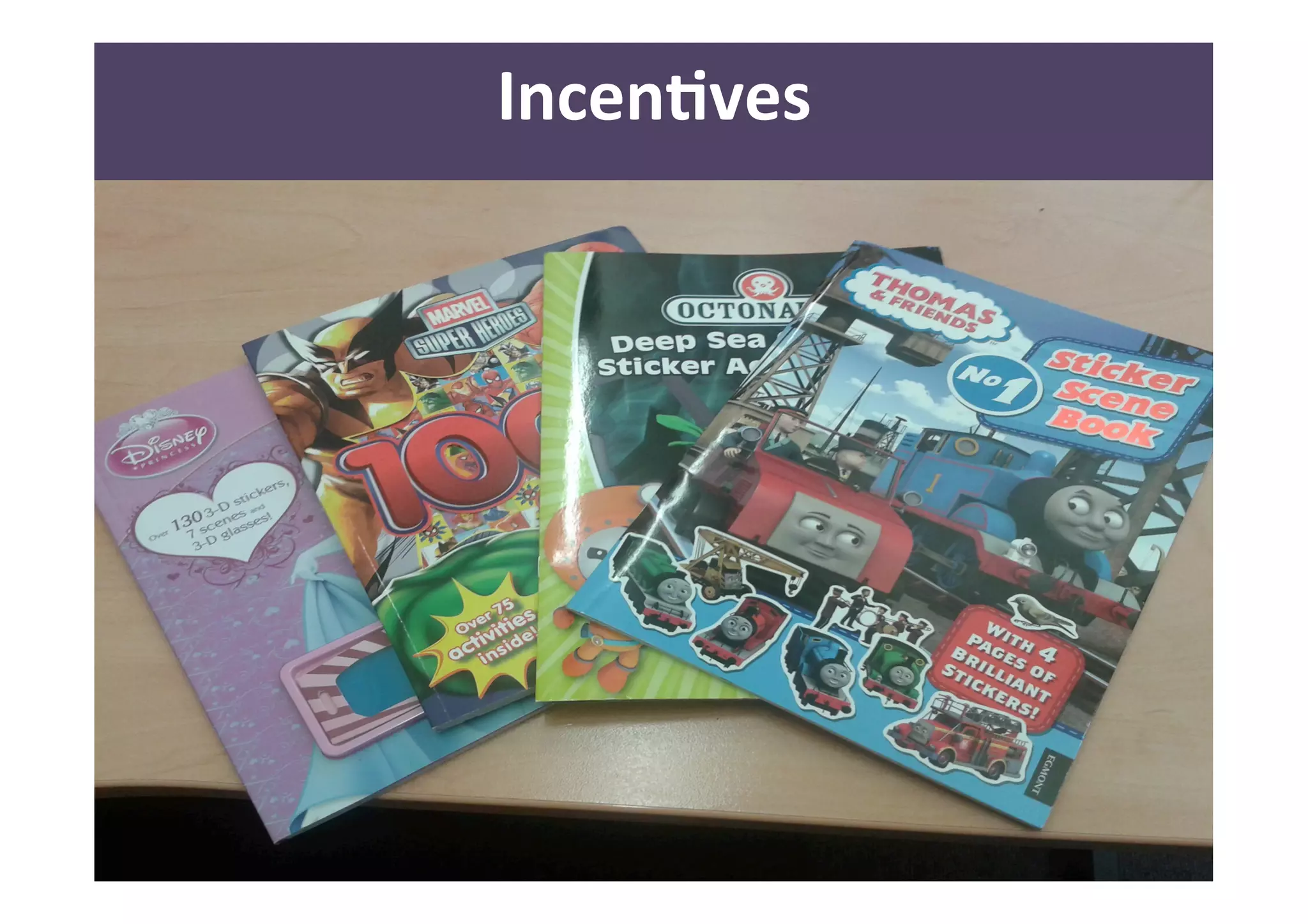
IncenAves
39 
Lessons 
learned 
• Have clear goals in mind 
• Be organised 
• Be open minded! 
• Make the children feel important 
• Thank and reward the children 
• Thank and reward the school 
• Keep in touch with the children, school and 
parents for future collaborations 
• Better testing with only the children and 
no parents or teacher around
40 
Why 
tesAng 
with 
children 
• Brutally honest! 
• Can feel empowered 
(adults want to listen to them) 
• Know more 
• Look at things differently 
• Adults are experts in their own field – 
Children are expert in being children!!!
41 
Why 
tesAng 
with 
children 
“Whatever you’ve designed, you 
absolutely have to test with children because 
They’ll use it in ways you never expected.” 
- Jackie Wolf of Ann Arbor, Mich. 
What Can Experience Designers Learn from Kids? UX MAGAZINE
42 
Why 
it 
is 
important 
• Educators 
• More usable technologies for teaching 
• Parents 
• Better technologies for informal learning 
• Children 
• Technologies that they want to use, 
rather ignore or be frustrated by them
43 
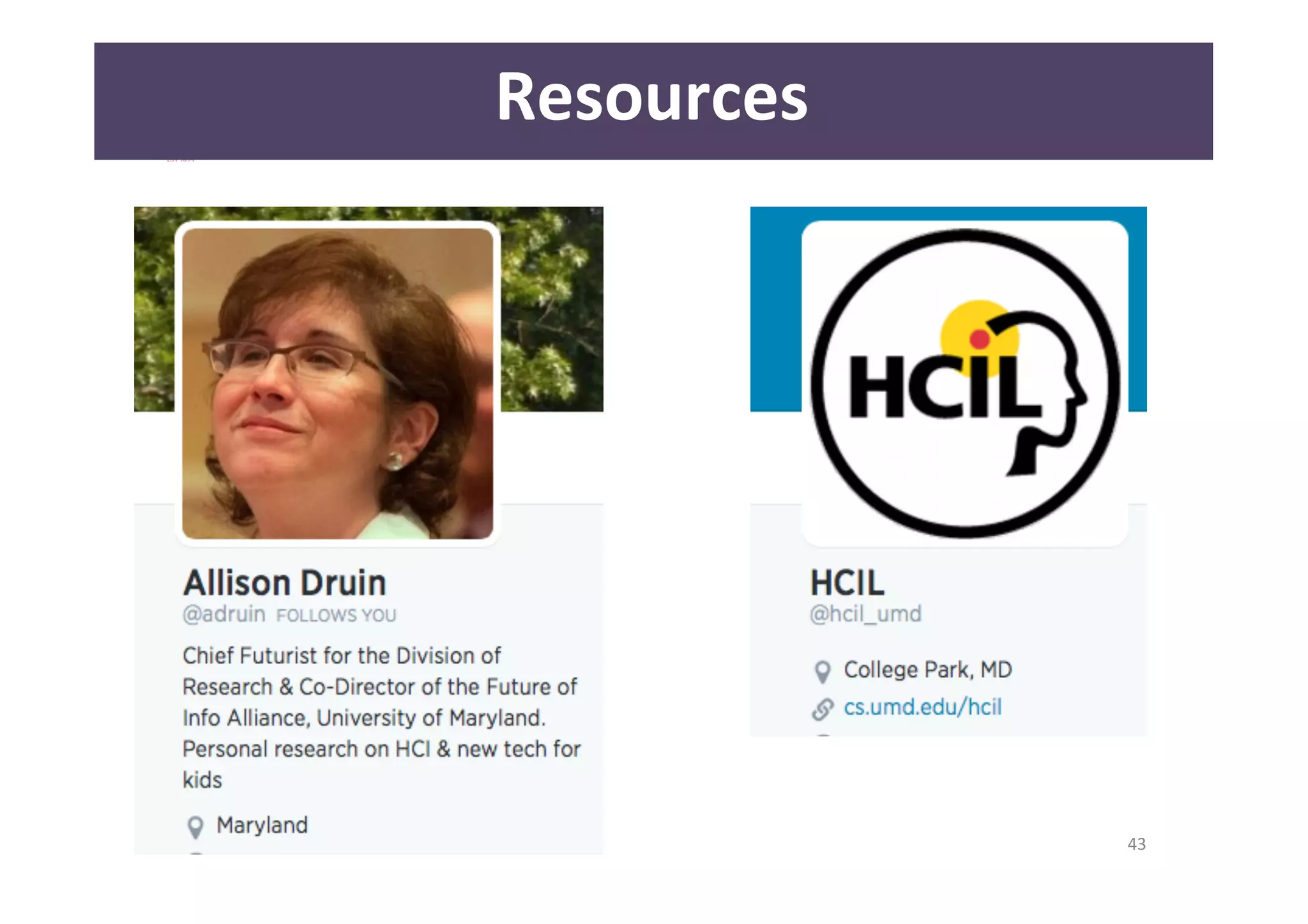
Resources
44 
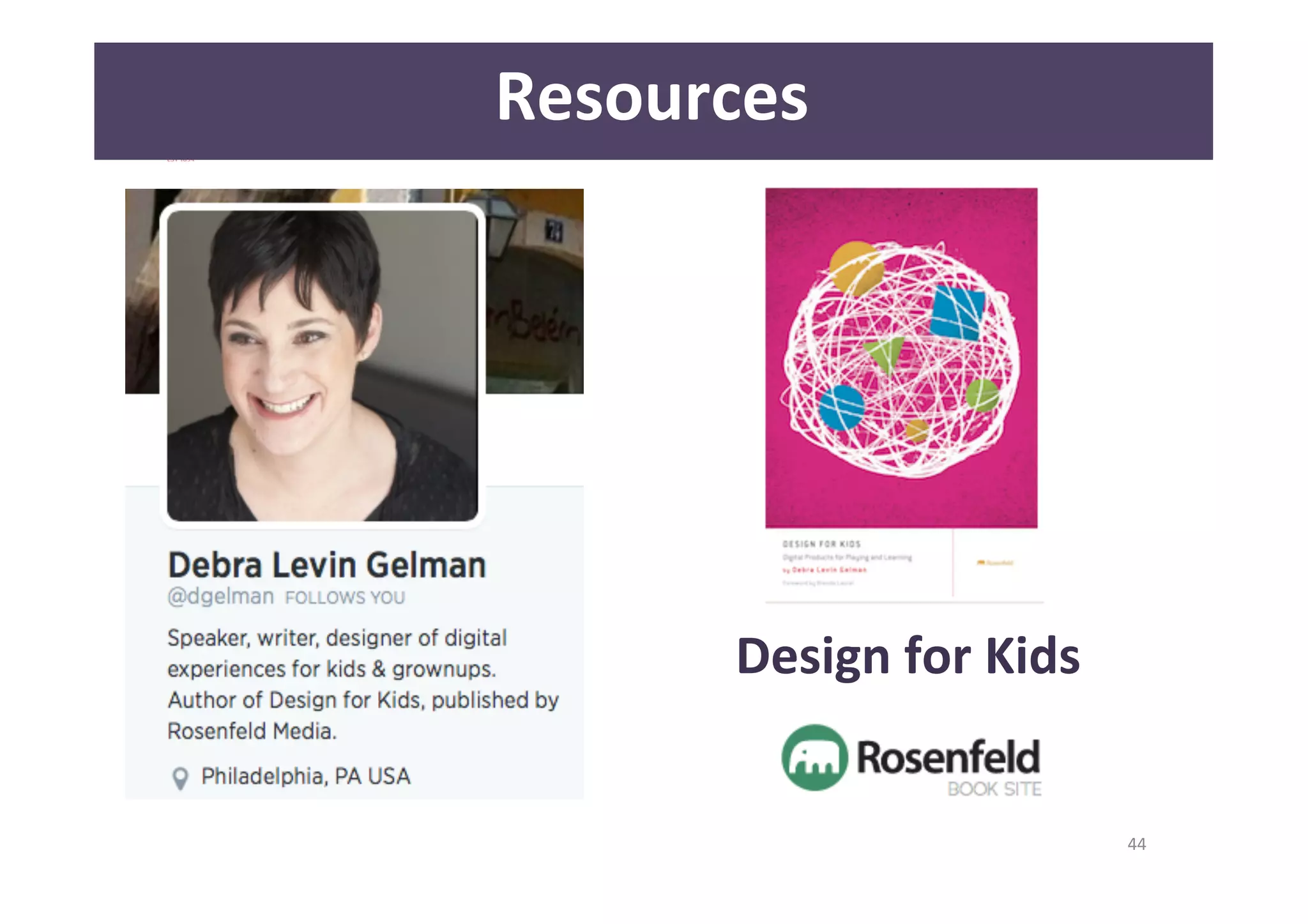
Resources 
Design 
for 
Kids
45 
Resources
Thank you! 
Questions? 
46 
@londrareale

UX Cambridge 2014 - Usability testing with young children

  • 1.
    1 Usability Testing with young children UX Cambridge 2014 Case study Monica Ferraro @londrareale
  • 2.
    2 Monica Ferraro User Experience Researcher City University London Playhows UXPA UK Secretary @londrareale @playhows @UXPAUK About me
  • 3.
    • Children –who are they? • Case study – Jolly Phonics Letter Sound App • Lessons learned • Importance of user testing with children • Resources 3 Overview
  • 4.
    Children – Who are they? 4 They are users!
  • 5.
    NO li<le adults…but special people! 5
  • 6.
    6 Children -­‐ Who are they? Jean Piaget • Sensorimotor Stage: Birth – 2 • Preoperational Stage: Ages 2 – 6 • Concrete Operational Stage: Ages 7 – 11 • Formal Operational Stage: Ages 12 - Adult
  • 7.
    7 Children -­‐ Who are they? Sensorimotor Stage: Birth – 2 years • Knowledge of world is limited by sensory percepAons and motor acAviAes, simple motor responses • Looking, grasping, sucking • Towards 18-­‐24 months children begin to understand the world through mental operaAons rather than purely through acDons
  • 8.
    8 Children -­‐ Who are they? Preoperational Stage: 2 – 7 years • Language development • Can’t understand logic, cannot mentally manipulate (much) informaDon • Difficulty to take the point of view of other people • Increased play and pretending “ConservaDon”
  • 9.
    9 Children -­‐ Who are they? Concrete Operational Stage: 7 – 11 years • BeQer understanding of mental operaAons • Begin thinking logically about concrete events, but have difficulty understanding abstract or hypotheAcal concepts • Youngest have difficulDes to think aloud
  • 10.
    10 Children -­‐ Who are they? Formal Operational Stage: 12 - adults • Develop the ability to think about abstract concepts • Develop skills such as logical thought, deducAve reasoning, and systemaAc planning • Confortable on carrying out tasks • Can be more technologically savvy than most adults
  • 11.
  • 12.
  • 13.
    13 Le<er sounds and digraphs • 42 le<er sounds • Diagraphs: combinaDon of leQers
  • 14.
    14 User tesAng goals • Understand how children of different age (3 -­‐ 6 years old) engage with the app • Find any key difficulAes experienced • Find key areas for improvement • What parts are confusing? • What parts do children like? • Where are the bugs?
  • 15.
  • 16.
    October 2013 16 How many parAcipants 1 child aged 4 a<ending Nursery 2 children aged 4 a<ending RecepAon 2 children aged 5 a<ending RecepAon 2 children aged 6 a<ending Year 1
  • 17.
    17 How many parAcipants March 2014 1 child aged 3 a<ending Nursery 1 child aged 4 a<ending Nursery 1 child aged 4 a<ending RecepAon 1 child aged 5 a<ending RecepAon
  • 18.
    18 Ethics -­‐ DBS http://www.gov.uk/disclosure-barring-service-check/overview
  • 19.
    19 Ethics – InformaAon sheet
  • 20.
    20 Ethics – Consent form
  • 21.
  • 22.
  • 23.
    23 Se]ngs “…Kidssay the darndest things: they just need to be confortable enough to open up!” - Bill Cosby
  • 24.
    24 Se]ngs •Introduce yourself “…Hi! I’m Monica and this is Alex…” • Breaking the ice • Give them importance “…we have designed a new game to learn the letters and we need your help to understand if it works or not…would you like to help us please?...” “…but remember…the design is till “top secret”!...”
  • 25.
    25 What they tested No scenarios No specific task YES user journey YES observation!
  • 26.
    26 What they tested DISCUSSION PANEL ON USABILITY TESTING Rolf Molich Steve Krug David Travis Jakob Biesterfeldt
  • 27.
    27 What they tested
  • 28.
    28 What they tested
  • 29.
    29 What they tested Colouring page
  • 30.
    30 What they tested Sounding page
  • 31.
    31 What they tested Blending page
  • 32.
    32 What they tested SegmenAng page
  • 33.
    33 What they tested
  • 34.
    34 What they tested Observation – behavior • signs of engagement: smiles, laughs or leaning forward to try things • signs of disengagement: frowns, sighs, yawns, or turning away from the computer
  • 35.
    35 What they tested Post task questionnaire • Did you like the app? • What did you like the most? • What you didn’t like? • Did you have any surprise? • What is easy or difficult? • Why?
  • 36.
    36 A<enAon span “We need to keep trying this for 5 more minutes… then we can try something different.” “…let’s go and see the next page…maybe there is something new…maybe a surprise!” “Now I need you to…” “Let’s do this…”
  • 37.
  • 38.
  • 39.
    39 Lessons learned • Have clear goals in mind • Be organised • Be open minded! • Make the children feel important • Thank and reward the children • Thank and reward the school • Keep in touch with the children, school and parents for future collaborations • Better testing with only the children and no parents or teacher around
  • 40.
    40 Why tesAng with children • Brutally honest! • Can feel empowered (adults want to listen to them) • Know more • Look at things differently • Adults are experts in their own field – Children are expert in being children!!!
  • 41.
    41 Why tesAng with children “Whatever you’ve designed, you absolutely have to test with children because They’ll use it in ways you never expected.” - Jackie Wolf of Ann Arbor, Mich. What Can Experience Designers Learn from Kids? UX MAGAZINE
  • 42.
    42 Why it is important • Educators • More usable technologies for teaching • Parents • Better technologies for informal learning • Children • Technologies that they want to use, rather ignore or be frustrated by them
  • 43.
  • 44.
  • 45.
  • 46.
    Thank you! Questions? 46 @londrareale