
UX Basics
Inception to Experience Delivery
Presented by | Amit Sharma- Sr. Mgr Angel Broking
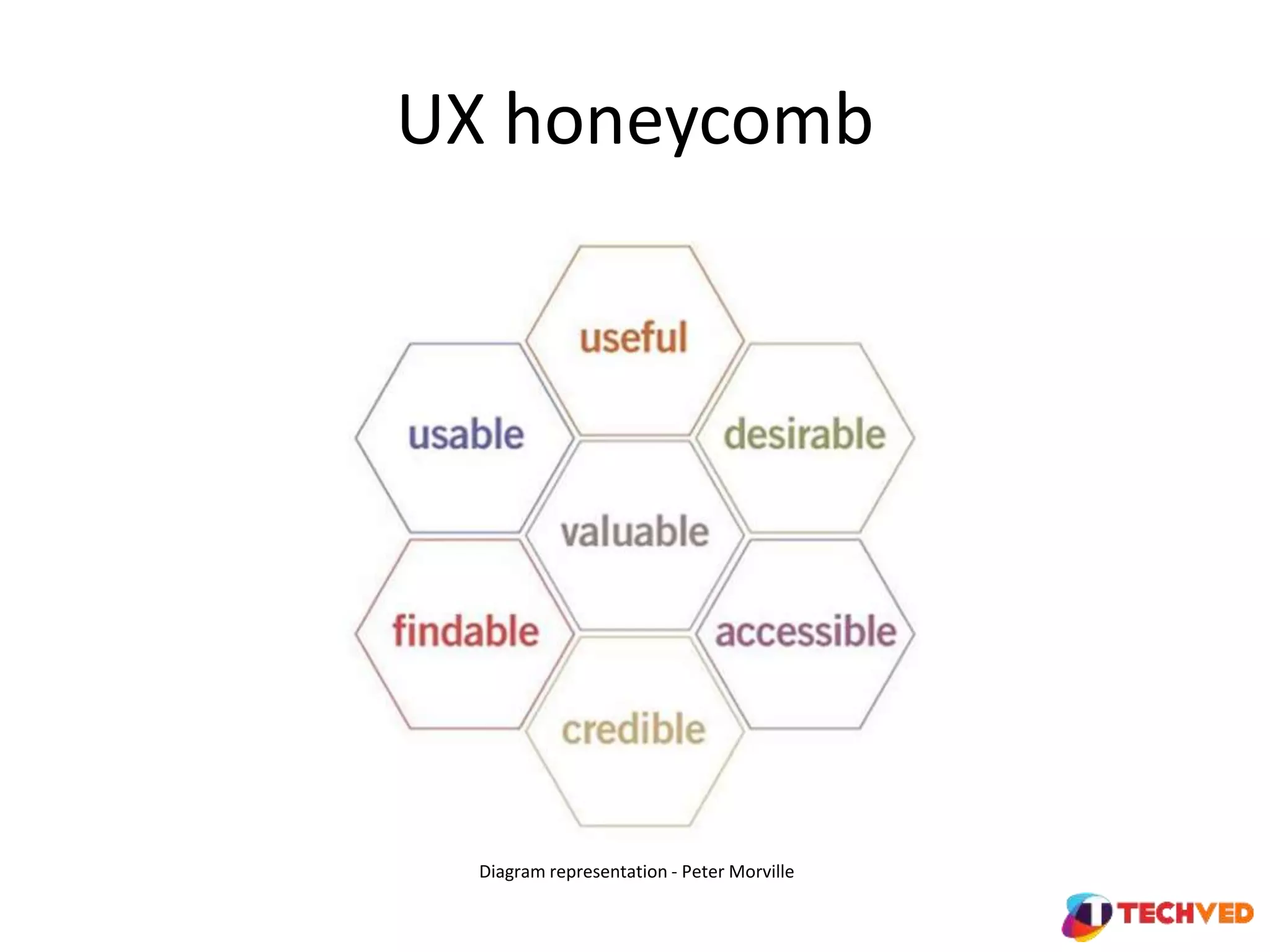
UX honeycomb
Diagram representation - Peter Morville
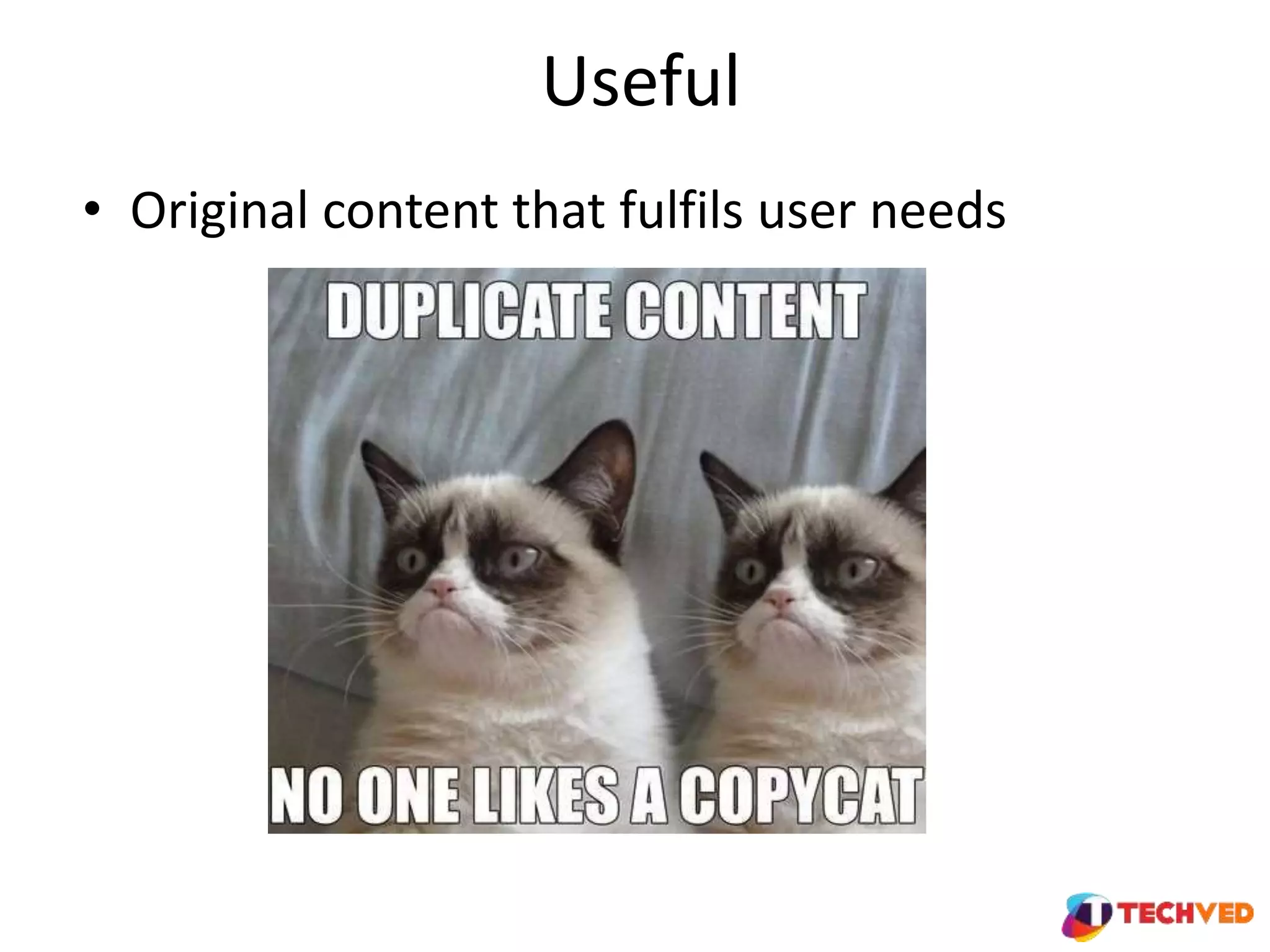
Useful
• Original content that fulfils user needs
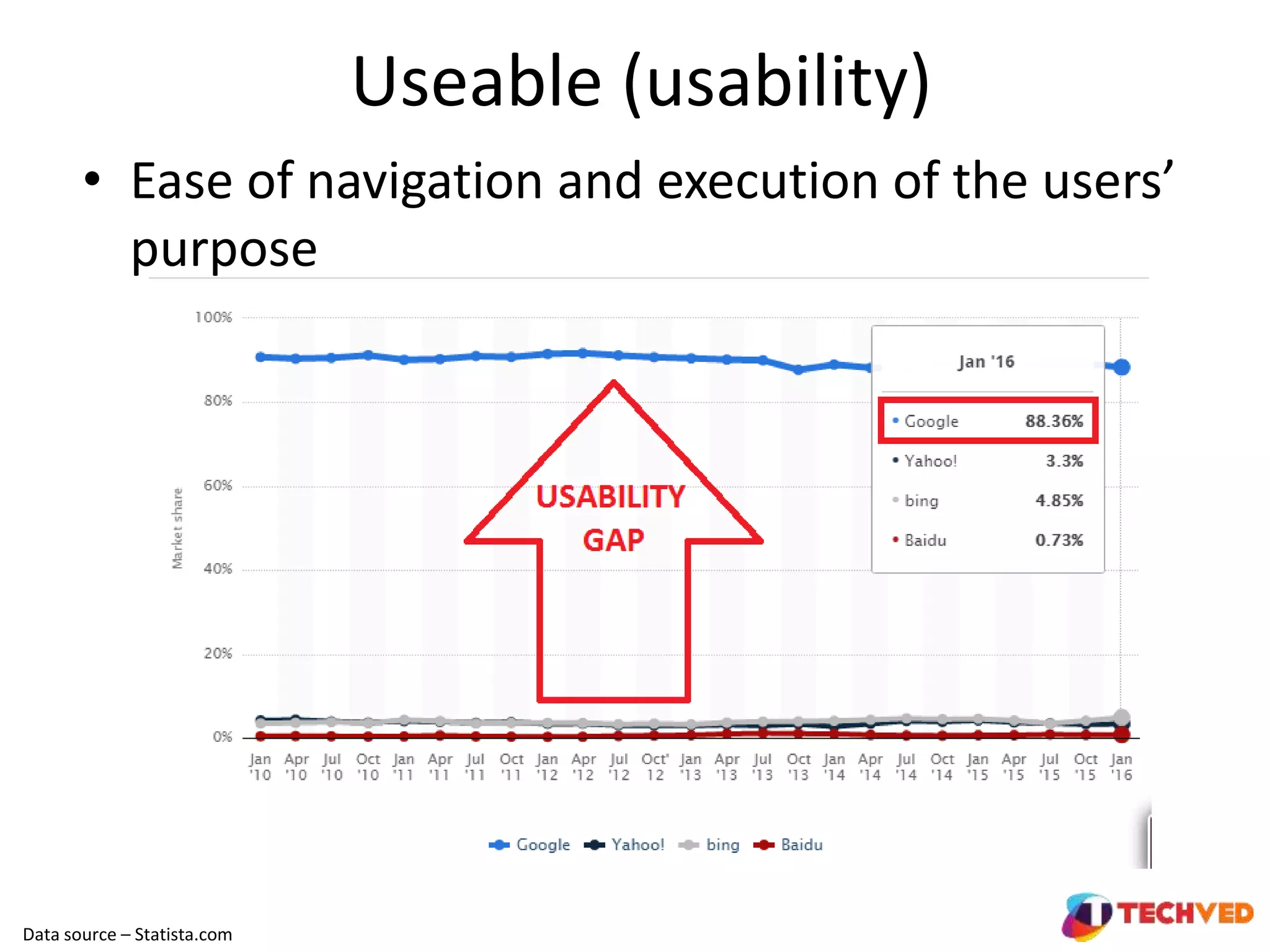
Useable (usability)
• Ease of navigation and execution of the users’
purpose
Data source – Statista.com
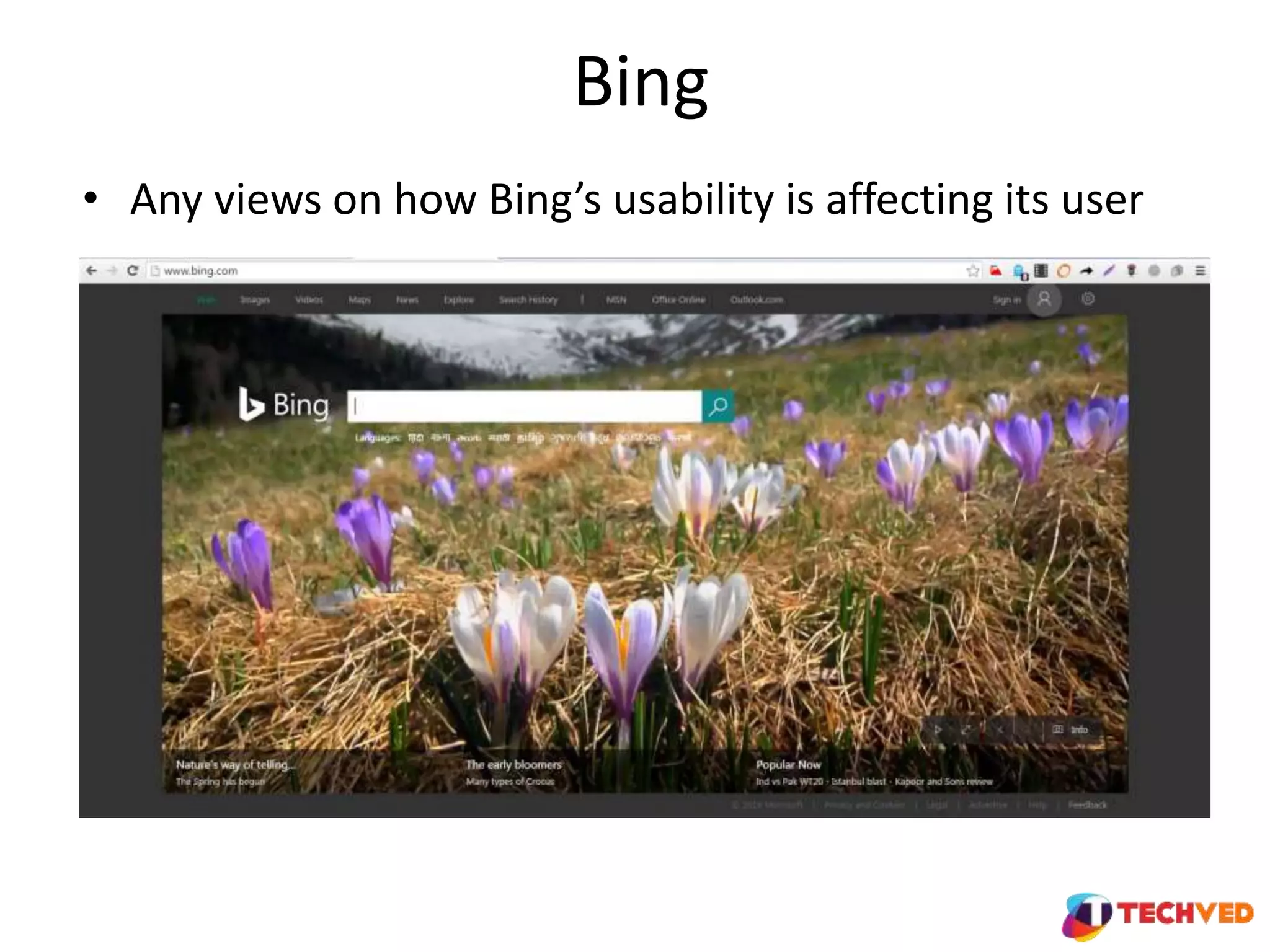
Bing
• Any views on how Bing’s usability is affecting its user
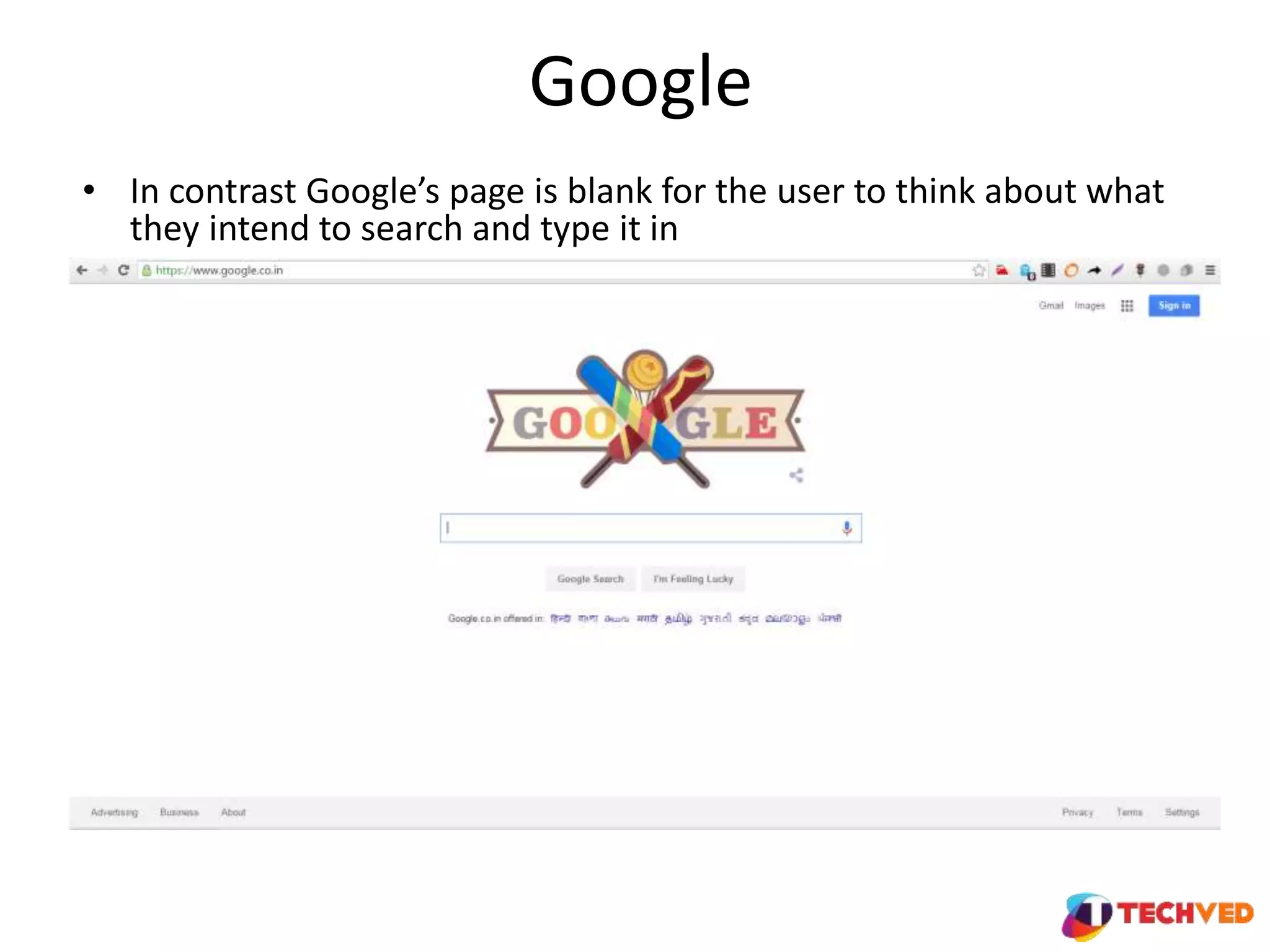
Google
• In contrast Google’s page is blank for the user to think about what
they intend to search and type it in
Activity
• In respective groups, put together comparative examples of websites from
different industries that deliver and don’t on the usability parameter
• You can share them with Rachana who can keep them in a Google drive folder
which can act as an collaborative cloud repository for future reference
Desirable
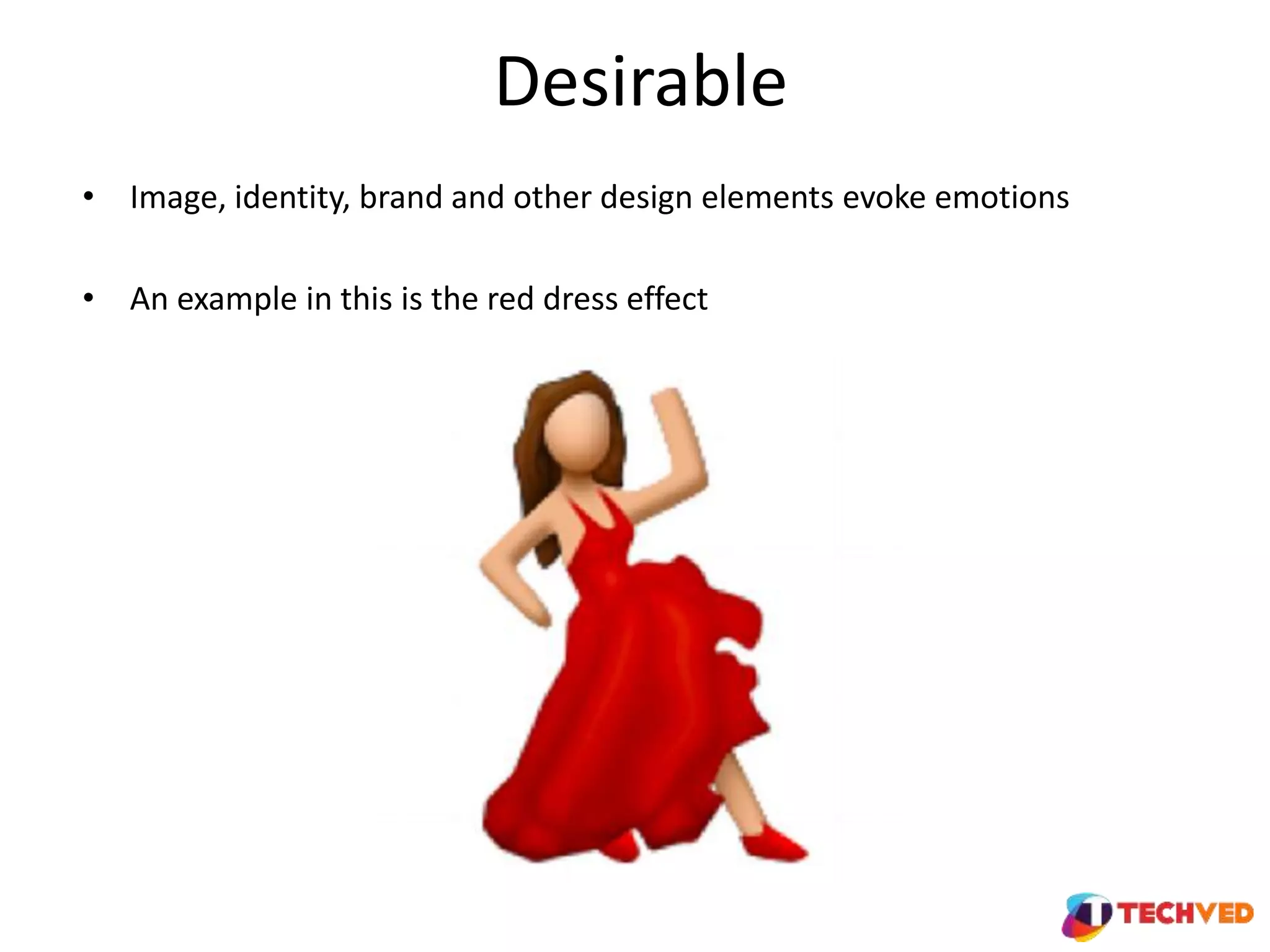
• Image, identity, brand and other design elements evoke emotions
• An example in this is the red dress effect
Desirable
• Desirability is very subjective
• How to get objectivity
• Frame design guidelines in lines with brand elements and latest trends
• Keep testing - AB and other variations
• Push for one click user surveys for design likeability
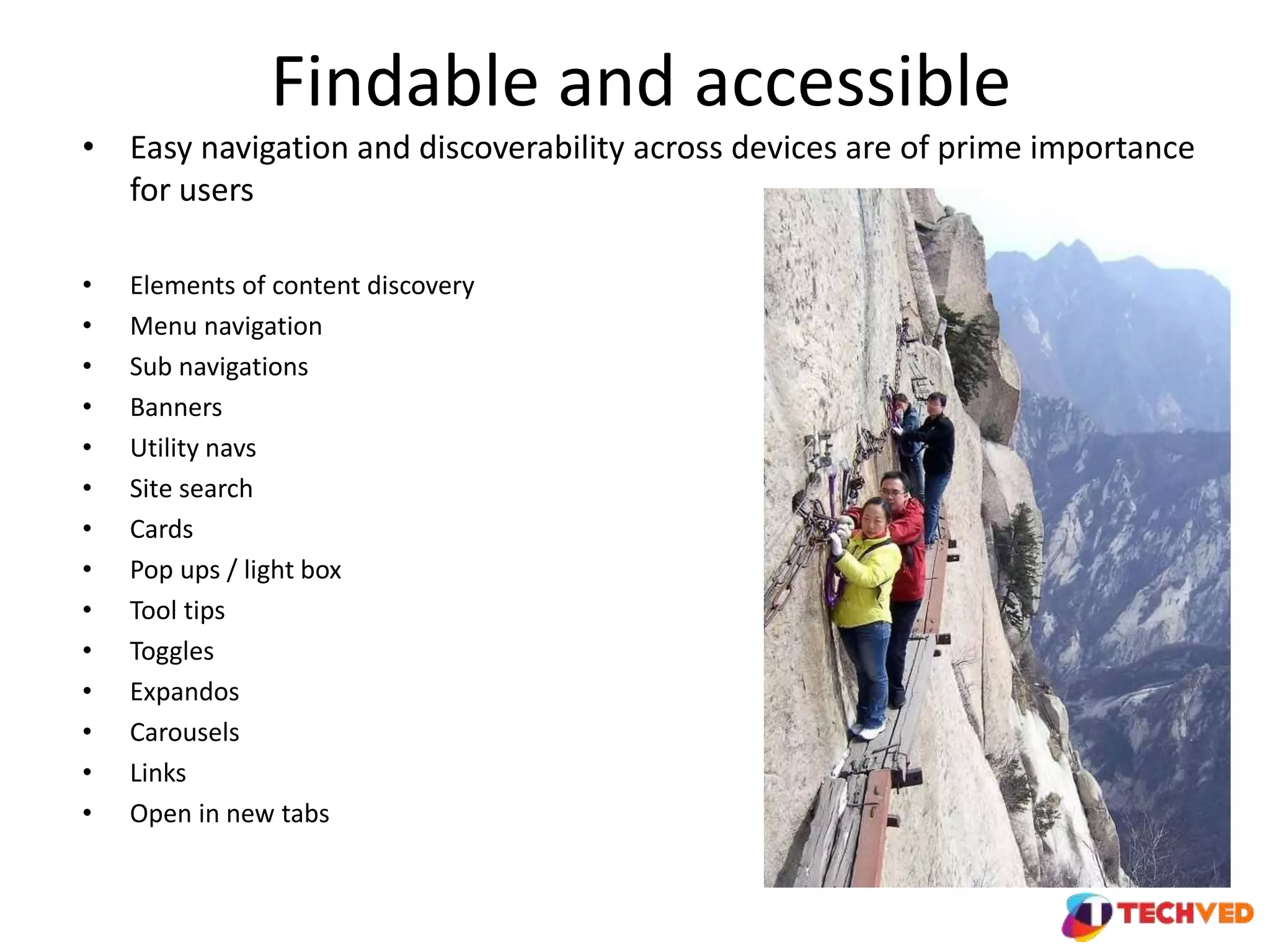
Findable and accessible
• Easy navigation and discoverability across devices are of prime importance
for users
• Elements of content discovery
• Menu navigation
• Sub navigations
• Banners
• Utility navs
• Site search
• Cards
• Pop ups / light box
• Tool tips
• Toggles
• Expandos
• Carousels
• Links
• Open in new tabs
Activity
• In respective groups, put together examples of web design elements from different
industries that deliver qualitative content discoverability
• You can share screenshots with Rachana who can keep them in the collaborative
cloud Google drive folder for collective reference
Credible
• Ensuring users trust and believe you and what your content tells them
• Date, location
• Human elements in images
• Design consistency
• Testimonials
• Coverage in media and publications
• Content authorship
• Quotes
• What else do you think can add to credibility ?
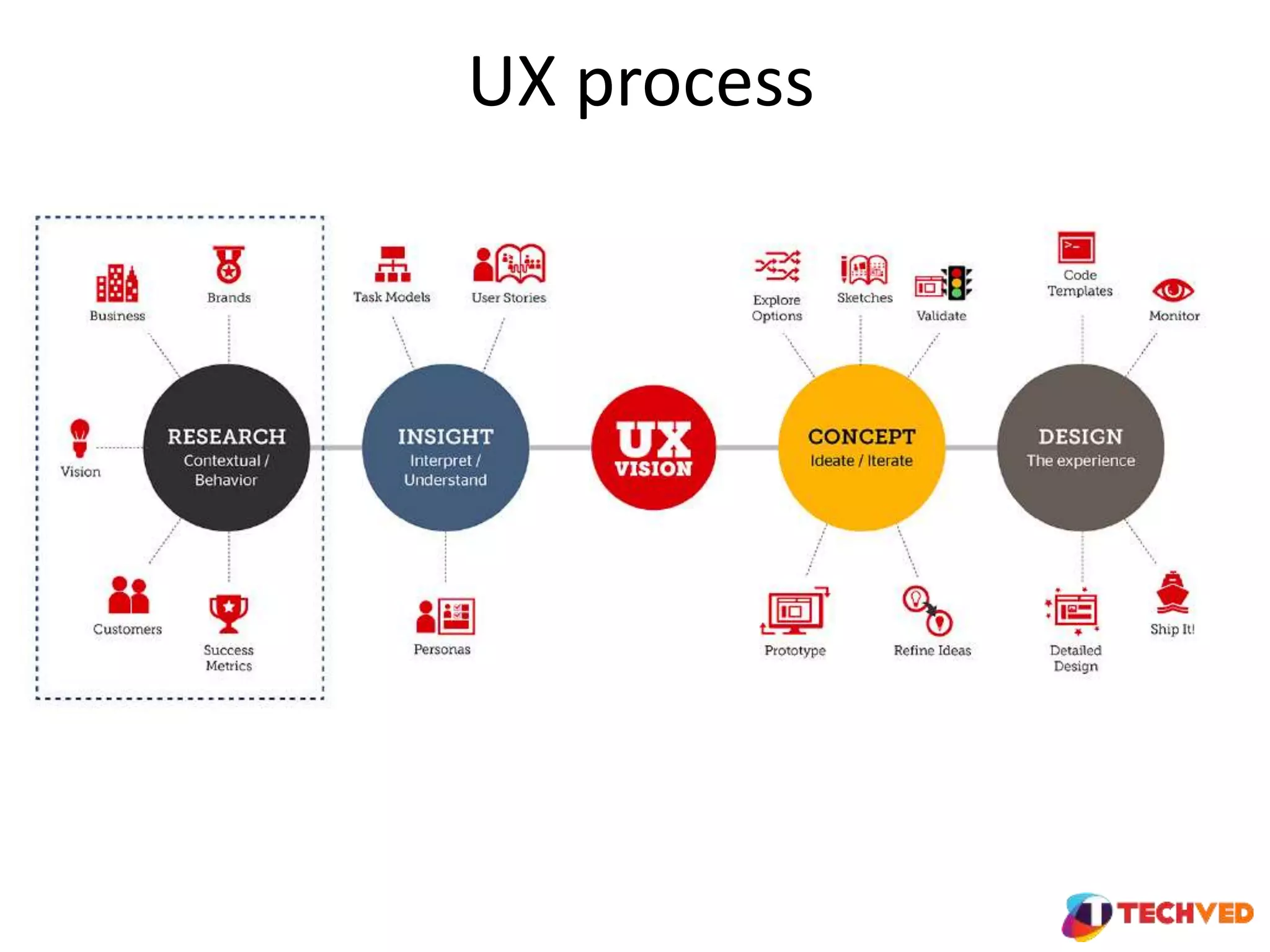
UX process
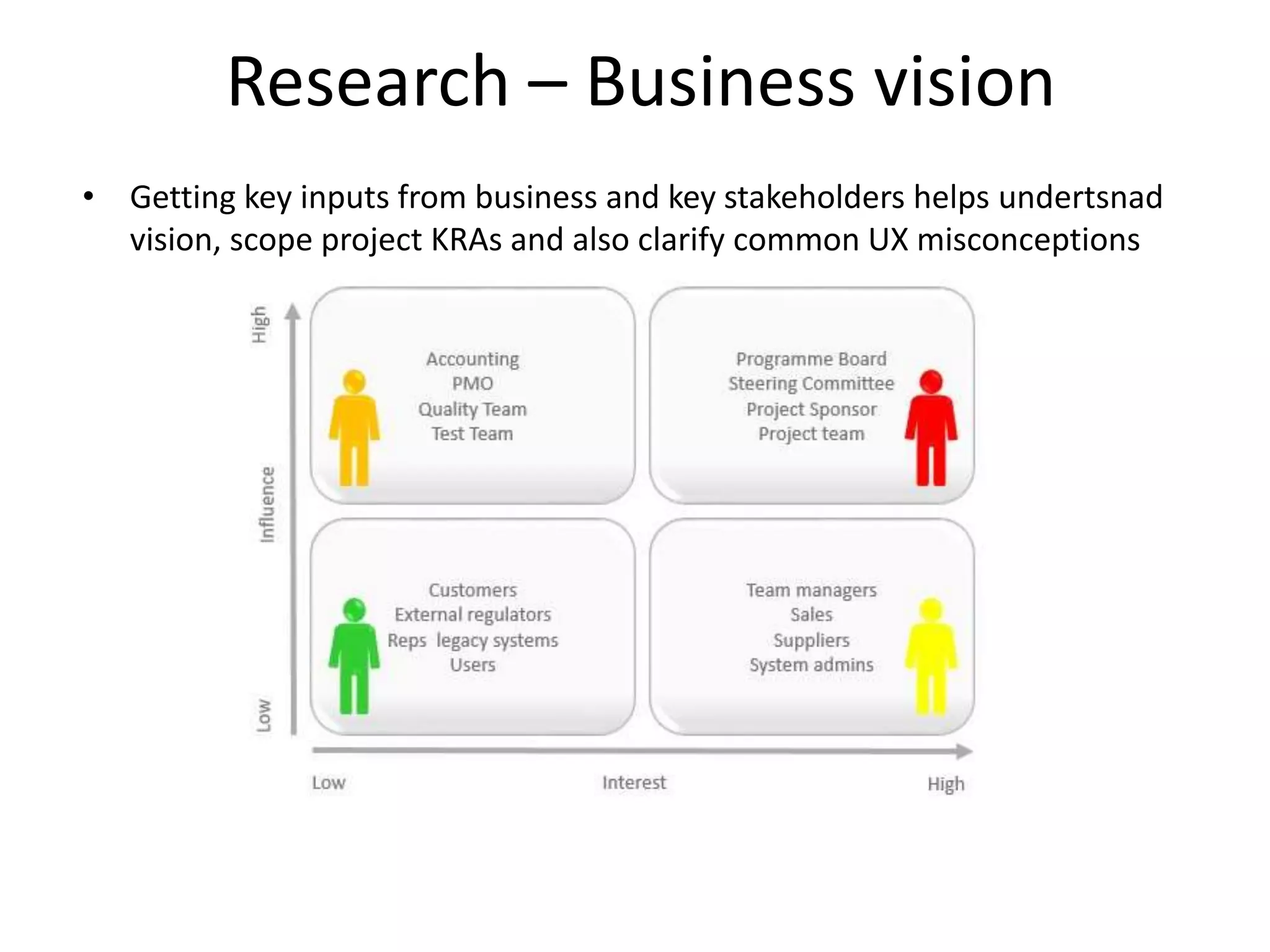
Research – Business vision
• Getting key inputs from business and key stakeholders helps undertsnad
vision, scope project KRAs and also clarify common UX misconceptions
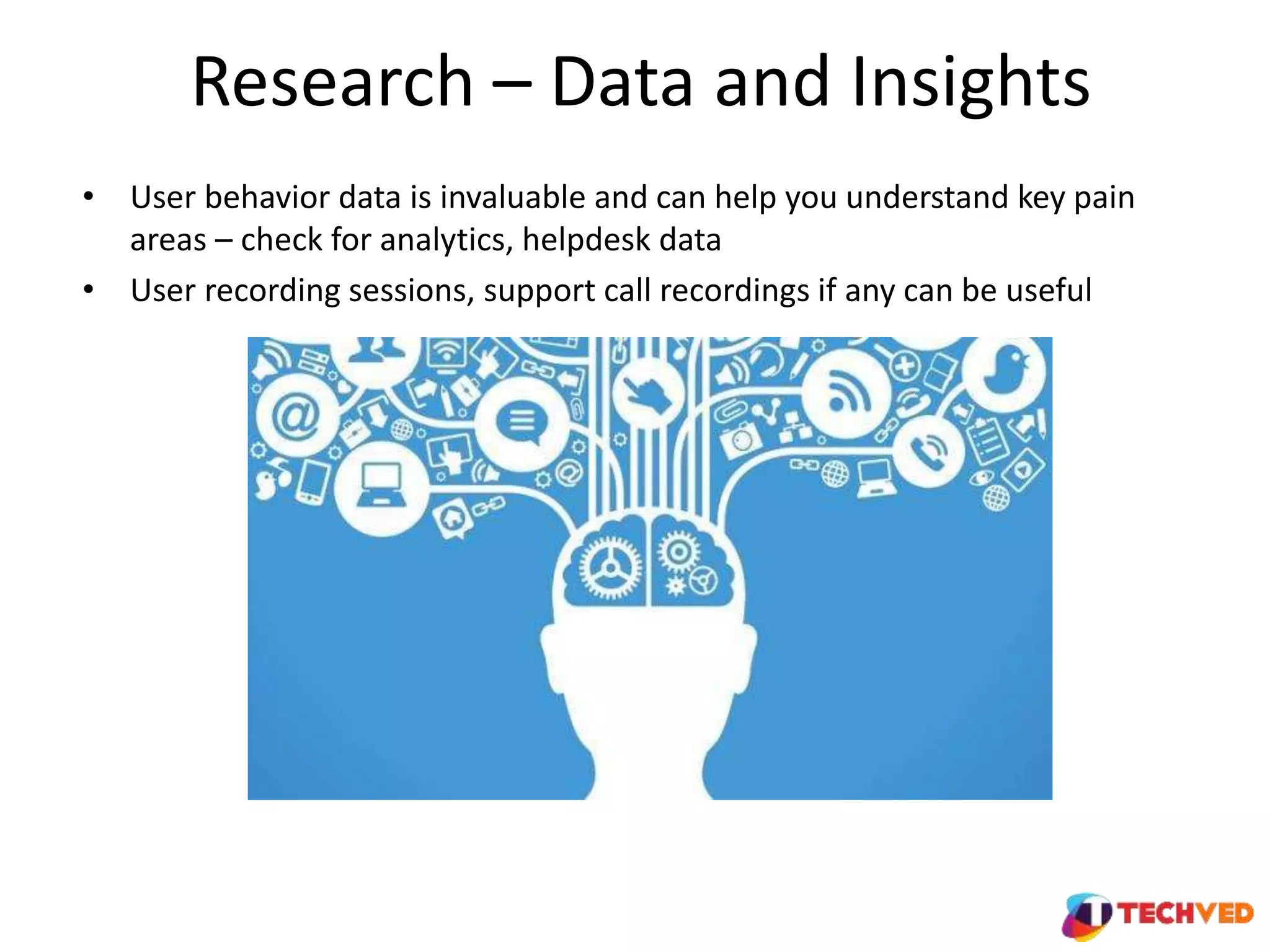
Research – Data and Insights
• User behavior data is invaluable and can help you understand key pain
areas – check for analytics, helpdesk data
• User recording sessions, support call recordings if any can be useful
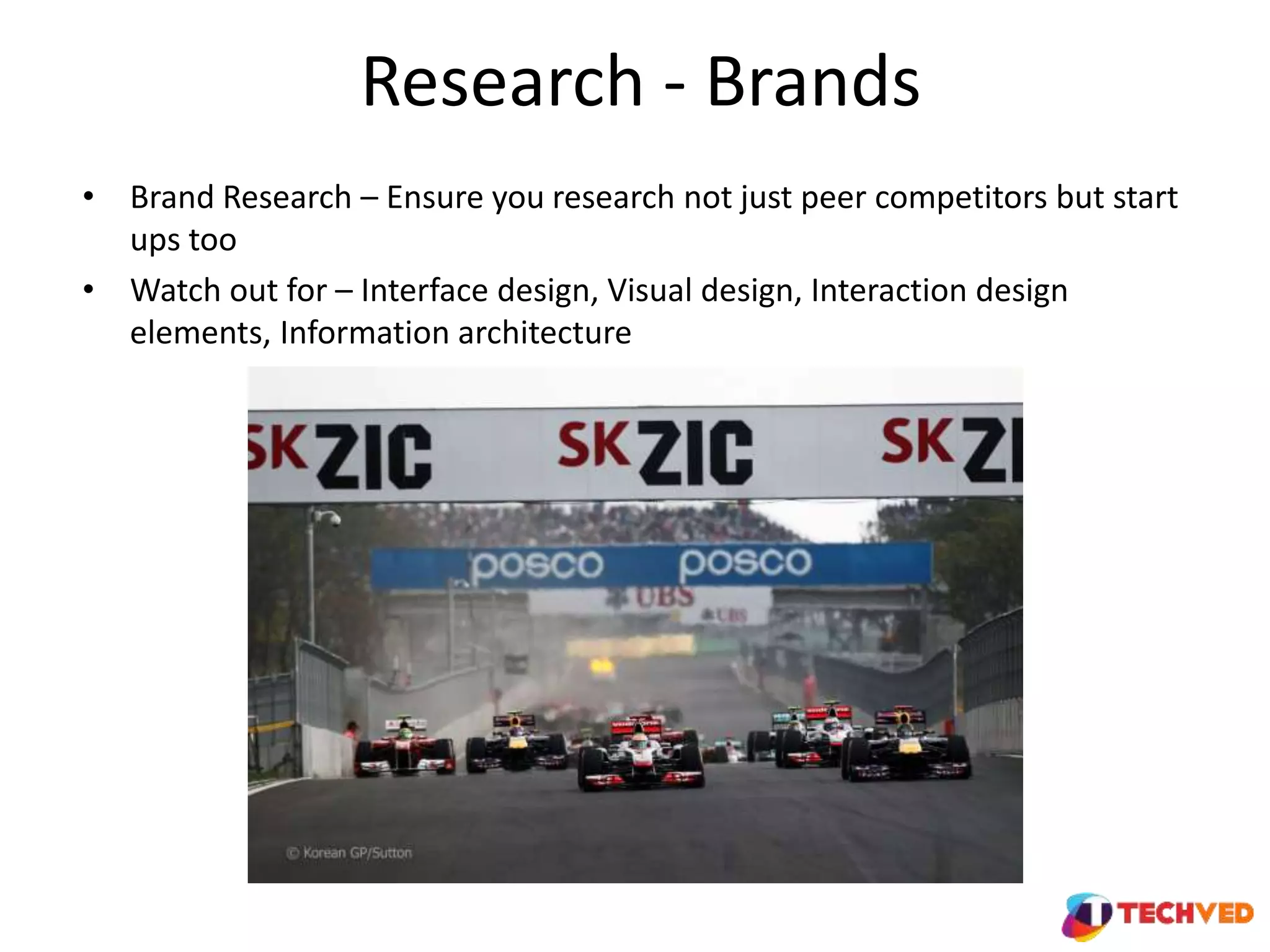
Research - Brands
• Brand Research – Ensure you research not just peer competitors but start
ups too
• Watch out for – Interface design, Visual design, Interaction design
elements, Information architecture
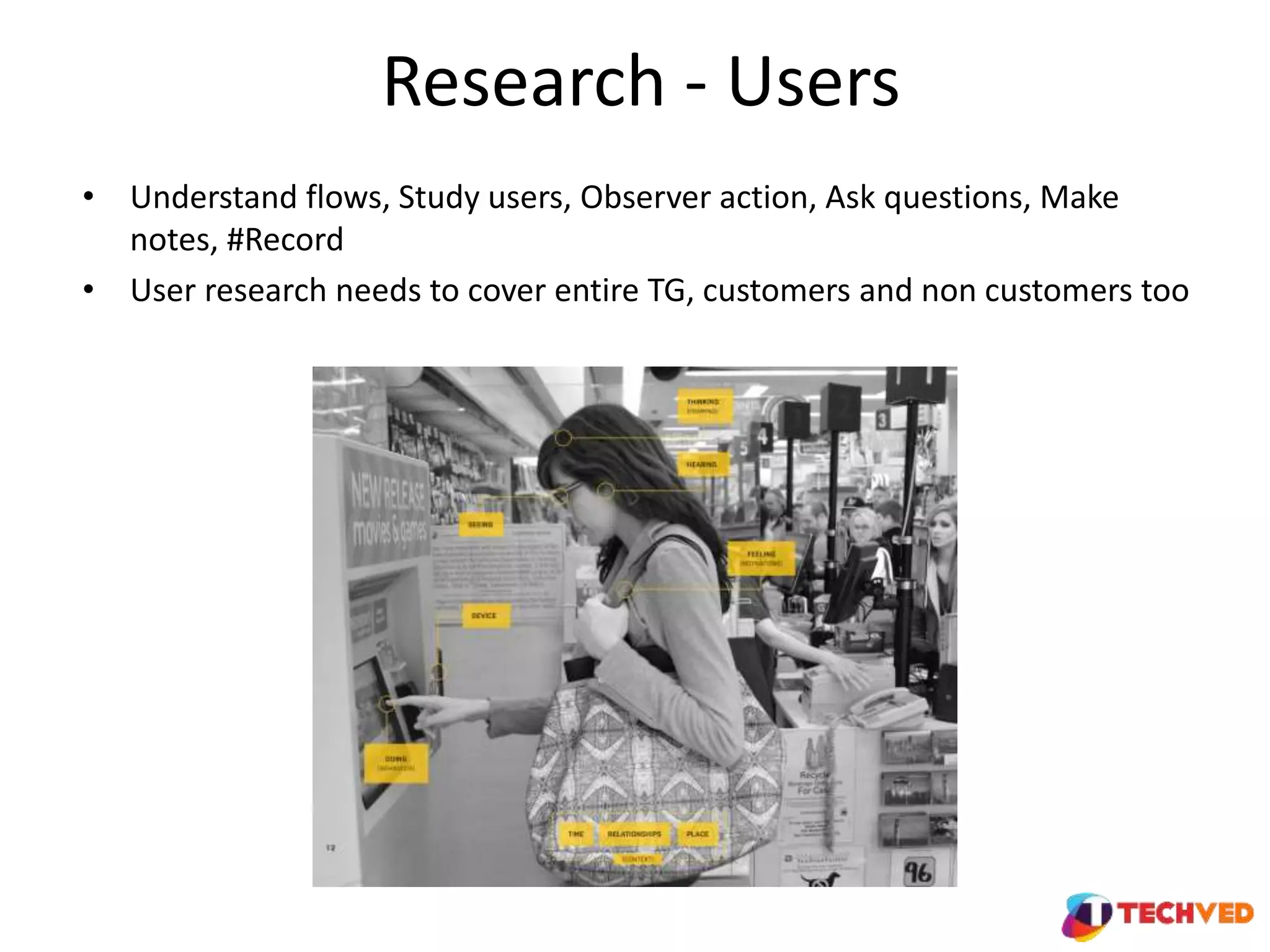
Research - Users
• Understand flows, Study users, Observer action, Ask questions, Make
notes, #Record
• User research needs to cover entire TG, customers and non customers too
Interpret Understand Insights
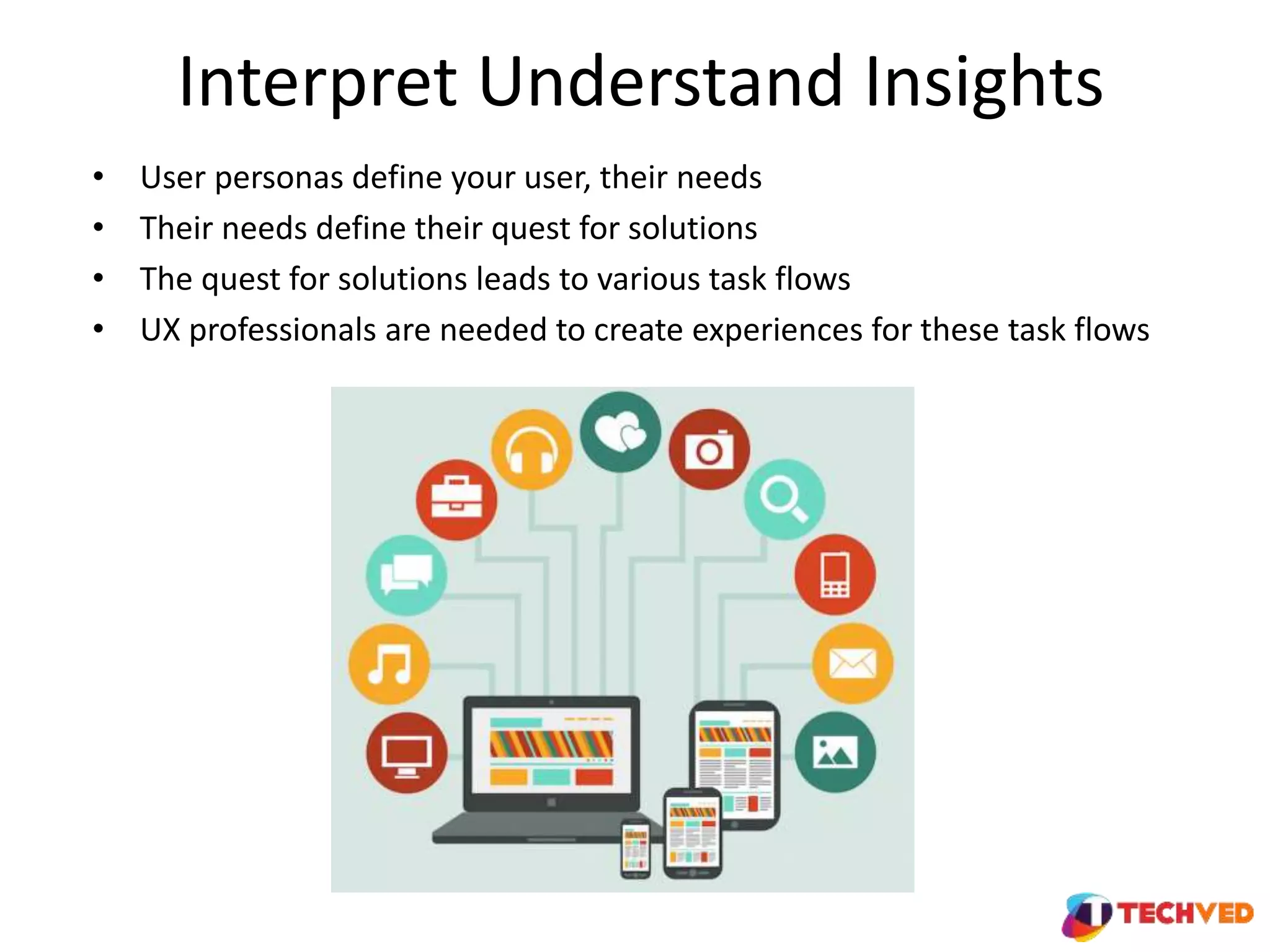
• User personas define your user, their needs
• Their needs define their quest for solutions
• The quest for solutions leads to various task flows
• UX professionals are needed to create experiences for these task flows
UX vision
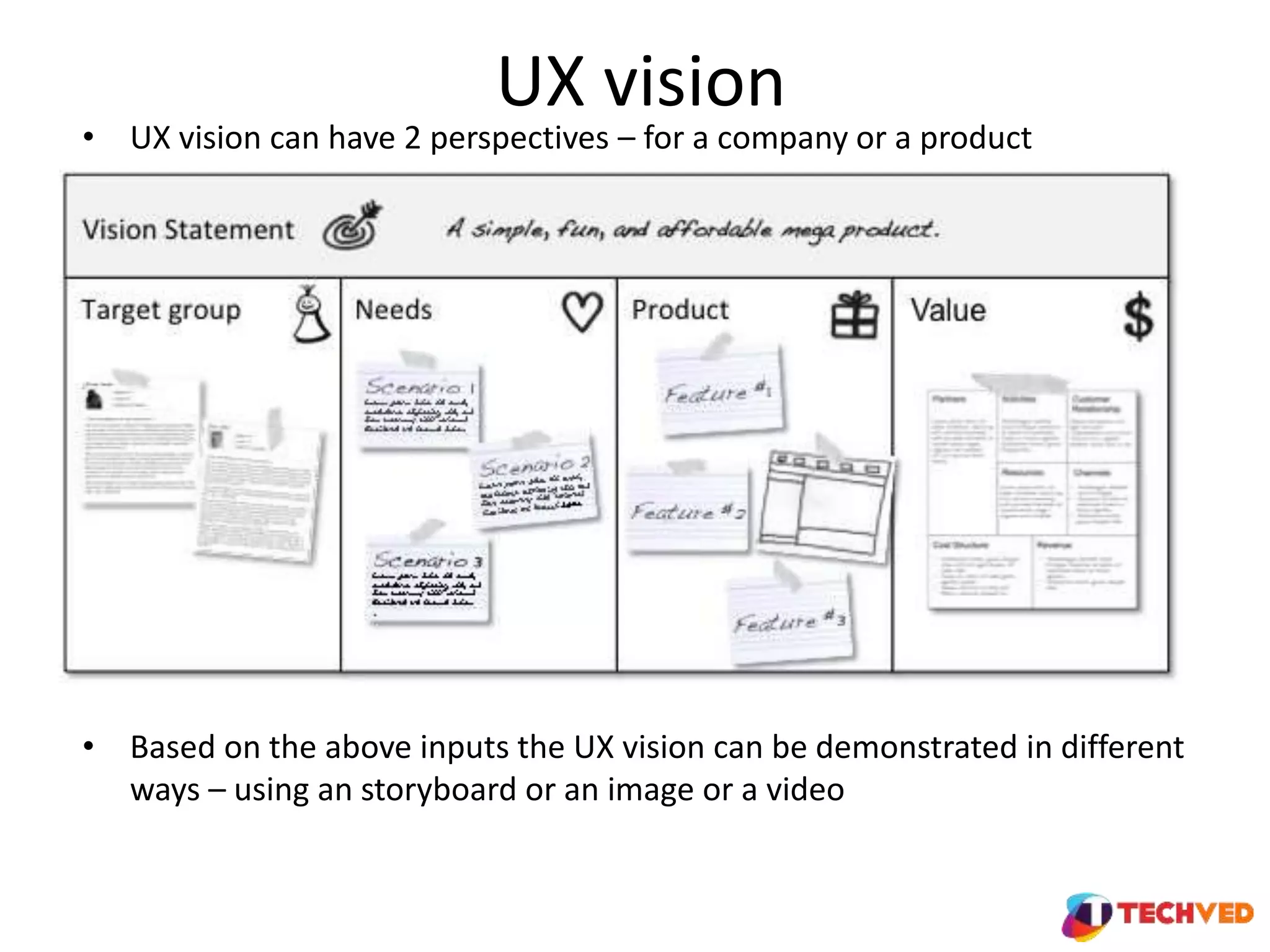
• UX vision can have 2 perspectives – for a company or a product
• Based on the above inputs the UX vision can be demonstrated in different
ways – using an storyboard or an image or a video
Activity
• Pick a website / app / start up of your choice and try to define their UX vision
• You can share them with Rachana who can keep them in a Google drive folder
which can act as an collaborative cloud repository for future reference
Concept – ideate, create, iterate
• The most powerful phase of UX
– Sketch – get to the drawing board
– Explore options – options that are out of the box
– Validate – confirms if you are heading in the right direction
– Create prototypes
– Refine ideas
Design the experience
• UI Design – material design, shapes, CTA, forms, validations, font sizes, copy
highlights
• Responsive code – view across devices especially desktop, laptop, mobiles 5 – 6
inch, tablets
• Review – visuals, performance
My UX thoughts
• Be relevant and contextual to the users, user interaction and goals
• Photoshop is for designing, designers are for building experiences
• Never forget to think mobile when designing, think mobile first
• If its user friendly on mobile, it will be elsewhere automatically
• Spend as much time on copy as you do on visuals
• Flow is your mission, CTA should be the user’s vision
UX basics  inception to experience delivery

UX basics inception to experience delivery

  • 1.
    UX Basics Inception toExperience Delivery Presented by | Amit Sharma- Sr. Mgr Angel Broking
  • 2.
  • 3.
    Useful • Original contentthat fulfils user needs
  • 4.
    Useable (usability) • Easeof navigation and execution of the users’ purpose Data source – Statista.com
  • 5.
    Bing • Any viewson how Bing’s usability is affecting its user
  • 6.
    Google • In contrastGoogle’s page is blank for the user to think about what they intend to search and type it in
  • 7.
    Activity • In respectivegroups, put together comparative examples of websites from different industries that deliver and don’t on the usability parameter • You can share them with Rachana who can keep them in a Google drive folder which can act as an collaborative cloud repository for future reference
  • 8.
    Desirable • Image, identity,brand and other design elements evoke emotions • An example in this is the red dress effect
  • 9.
    Desirable • Desirability isvery subjective • How to get objectivity • Frame design guidelines in lines with brand elements and latest trends • Keep testing - AB and other variations • Push for one click user surveys for design likeability
  • 10.
    Findable and accessible •Easy navigation and discoverability across devices are of prime importance for users • Elements of content discovery • Menu navigation • Sub navigations • Banners • Utility navs • Site search • Cards • Pop ups / light box • Tool tips • Toggles • Expandos • Carousels • Links • Open in new tabs
  • 11.
    Activity • In respectivegroups, put together examples of web design elements from different industries that deliver qualitative content discoverability • You can share screenshots with Rachana who can keep them in the collaborative cloud Google drive folder for collective reference
  • 12.
    Credible • Ensuring userstrust and believe you and what your content tells them • Date, location • Human elements in images • Design consistency • Testimonials • Coverage in media and publications • Content authorship • Quotes • What else do you think can add to credibility ?
  • 13.
  • 14.
    Research – Businessvision • Getting key inputs from business and key stakeholders helps undertsnad vision, scope project KRAs and also clarify common UX misconceptions
  • 15.
    Research – Dataand Insights • User behavior data is invaluable and can help you understand key pain areas – check for analytics, helpdesk data • User recording sessions, support call recordings if any can be useful
  • 16.
    Research - Brands •Brand Research – Ensure you research not just peer competitors but start ups too • Watch out for – Interface design, Visual design, Interaction design elements, Information architecture
  • 17.
    Research - Users •Understand flows, Study users, Observer action, Ask questions, Make notes, #Record • User research needs to cover entire TG, customers and non customers too
  • 18.
    Interpret Understand Insights •User personas define your user, their needs • Their needs define their quest for solutions • The quest for solutions leads to various task flows • UX professionals are needed to create experiences for these task flows
  • 19.
    UX vision • UXvision can have 2 perspectives – for a company or a product • Based on the above inputs the UX vision can be demonstrated in different ways – using an storyboard or an image or a video
  • 20.
    Activity • Pick awebsite / app / start up of your choice and try to define their UX vision • You can share them with Rachana who can keep them in a Google drive folder which can act as an collaborative cloud repository for future reference
  • 21.
    Concept – ideate,create, iterate • The most powerful phase of UX – Sketch – get to the drawing board – Explore options – options that are out of the box – Validate – confirms if you are heading in the right direction – Create prototypes – Refine ideas
  • 22.
    Design the experience •UI Design – material design, shapes, CTA, forms, validations, font sizes, copy highlights • Responsive code – view across devices especially desktop, laptop, mobiles 5 – 6 inch, tablets • Review – visuals, performance
  • 23.
    My UX thoughts •Be relevant and contextual to the users, user interaction and goals • Photoshop is for designing, designers are for building experiences • Never forget to think mobile when designing, think mobile first • If its user friendly on mobile, it will be elsewhere automatically • Spend as much time on copy as you do on visuals • Flow is your mission, CTA should be the user’s vision

Editor's Notes

  • #4 Example from different industry best explains why original content is so imp This slide in itself is a purposeful example that makes a point that it doesn’t serve your needs
  • #5 Self explanatory stats
  • #6 Image distracts user from their purpose of coming to the site Links at the bottom
  • #13 Renowned awards, backlinks from other credible sources
  • #15 Research is UX process is the foundation of the end experience