Social Media for Nonprofits
What is social media? Social media is any tool that lets you share information and interact with others on the Internet.
Why should we care? It’s changing the face of marketing and public relations and, more importantly, the way we communicate with each other.  Social media allows for real-time conversations among many people.  It allows you to build relationships. And, at a relatively low cost to the organization!  Because the conversations are happening…with or without you.
Examples of Social Media: Twitter Facebook Flickr Digg YouTube LinkedIn Blogger SurveyMonkey And much, much more!
Some Fast Facts: There are over 500 million active users on Facebook and 50% log on in any given day There are over 100,000 nonprofits are using Facebook LinkedIn has over 60 million users worldwide Twitter has over 105 million users. New users are signing up at the rate of 300,000 per day. People are watching 2 billion videos a day on YouTube and uploading hundreds of thousands of videos daily. Facts pulled from platform websites and articles.
How can a nonprofit organization benefit from using social media? Increase awareness Engage and interact Build relationships and reap the rewards
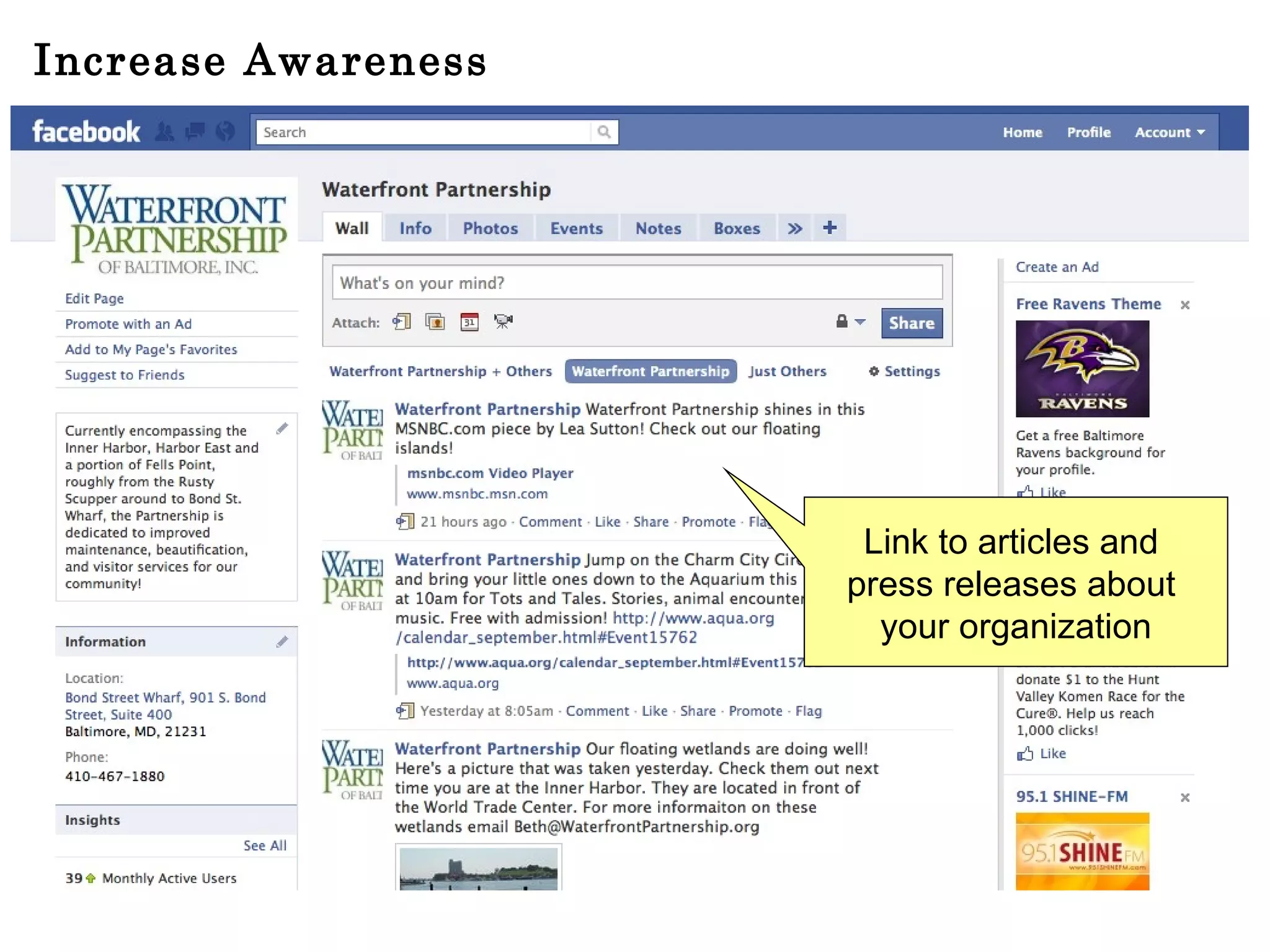
Increase Awareness Link to articles and  press releases about  your organization
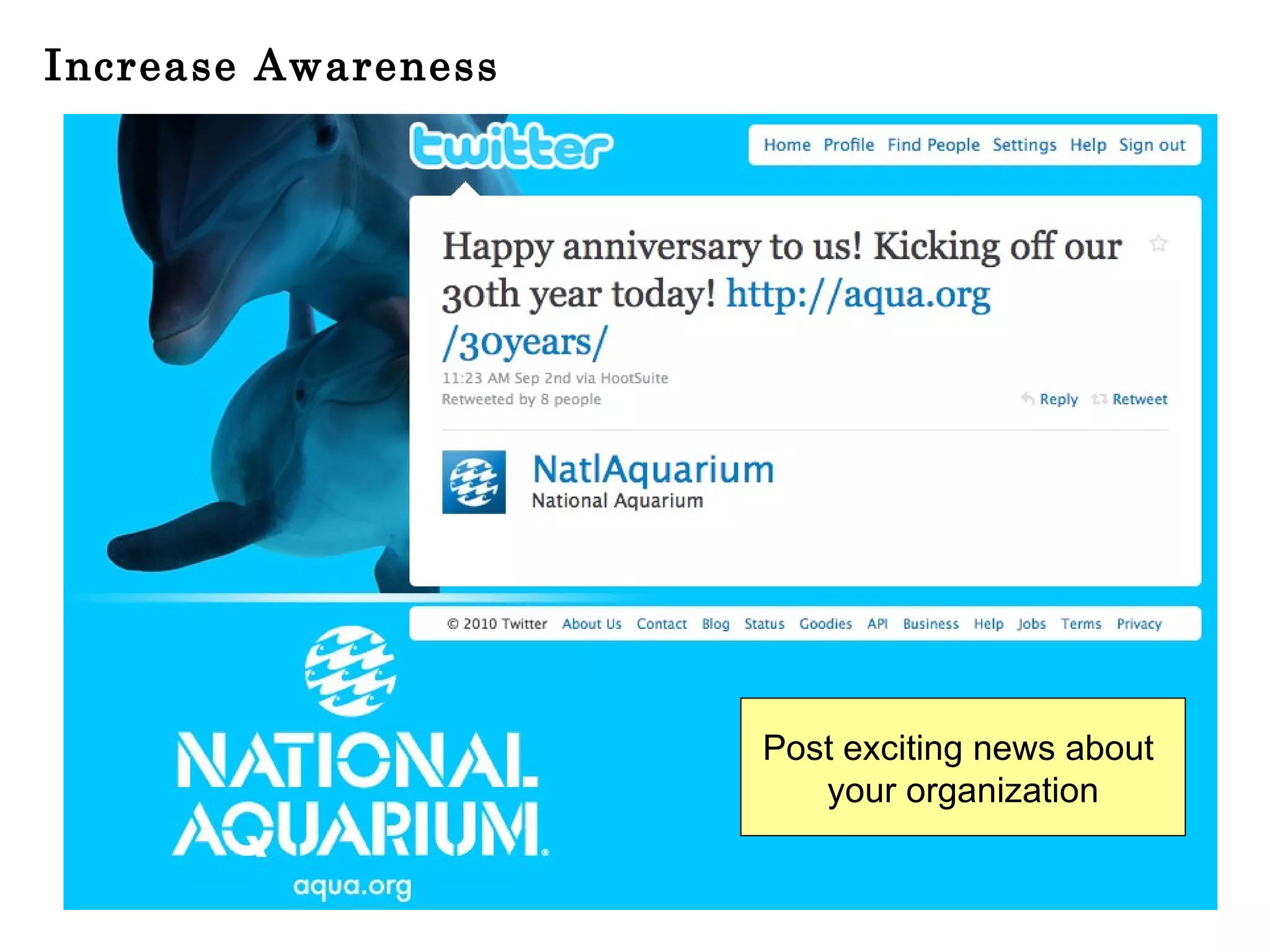
Increase Awareness Post exciting news about  your organization
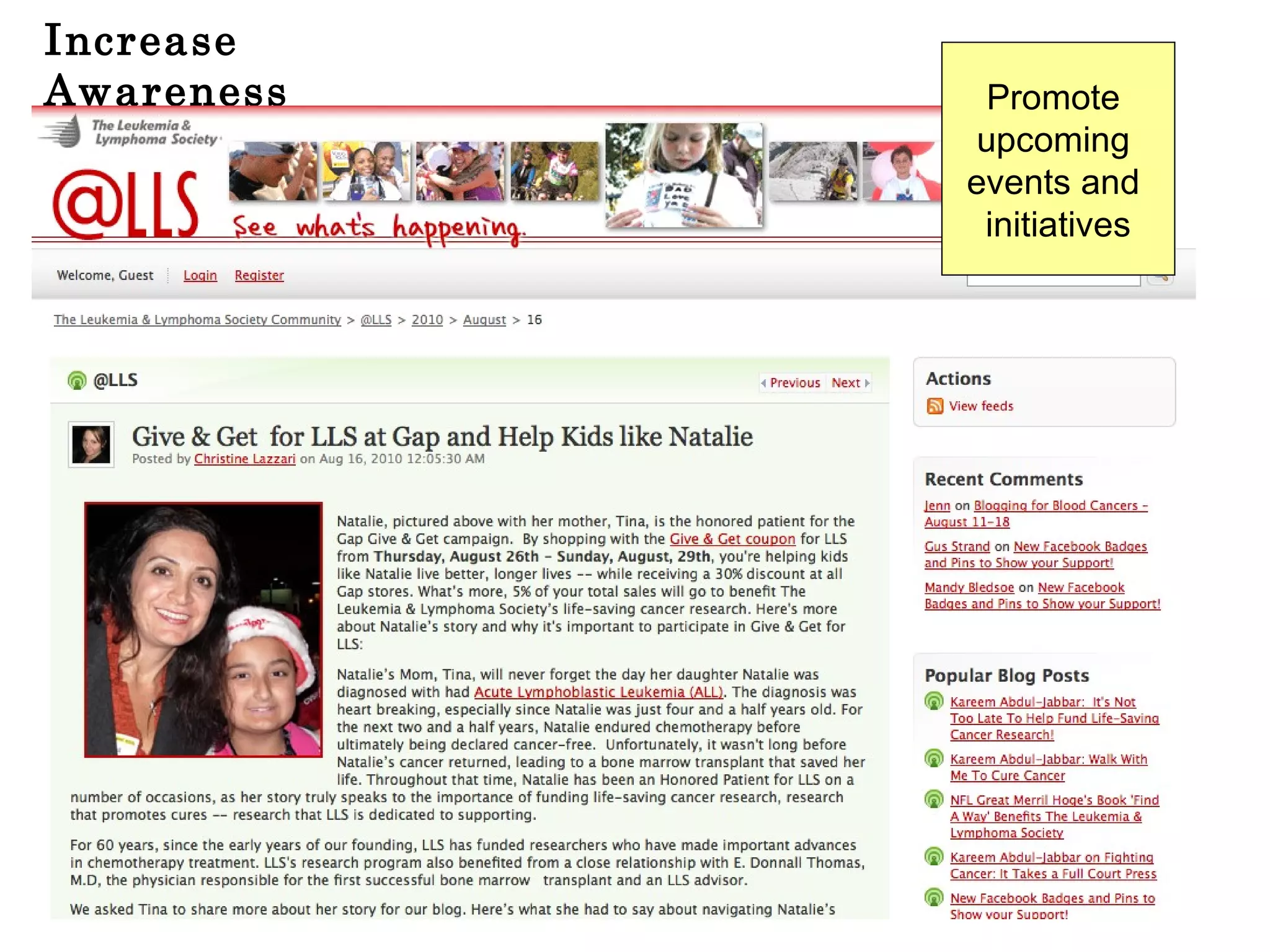
Increase Awareness Promote  upcoming  events and  initiatives
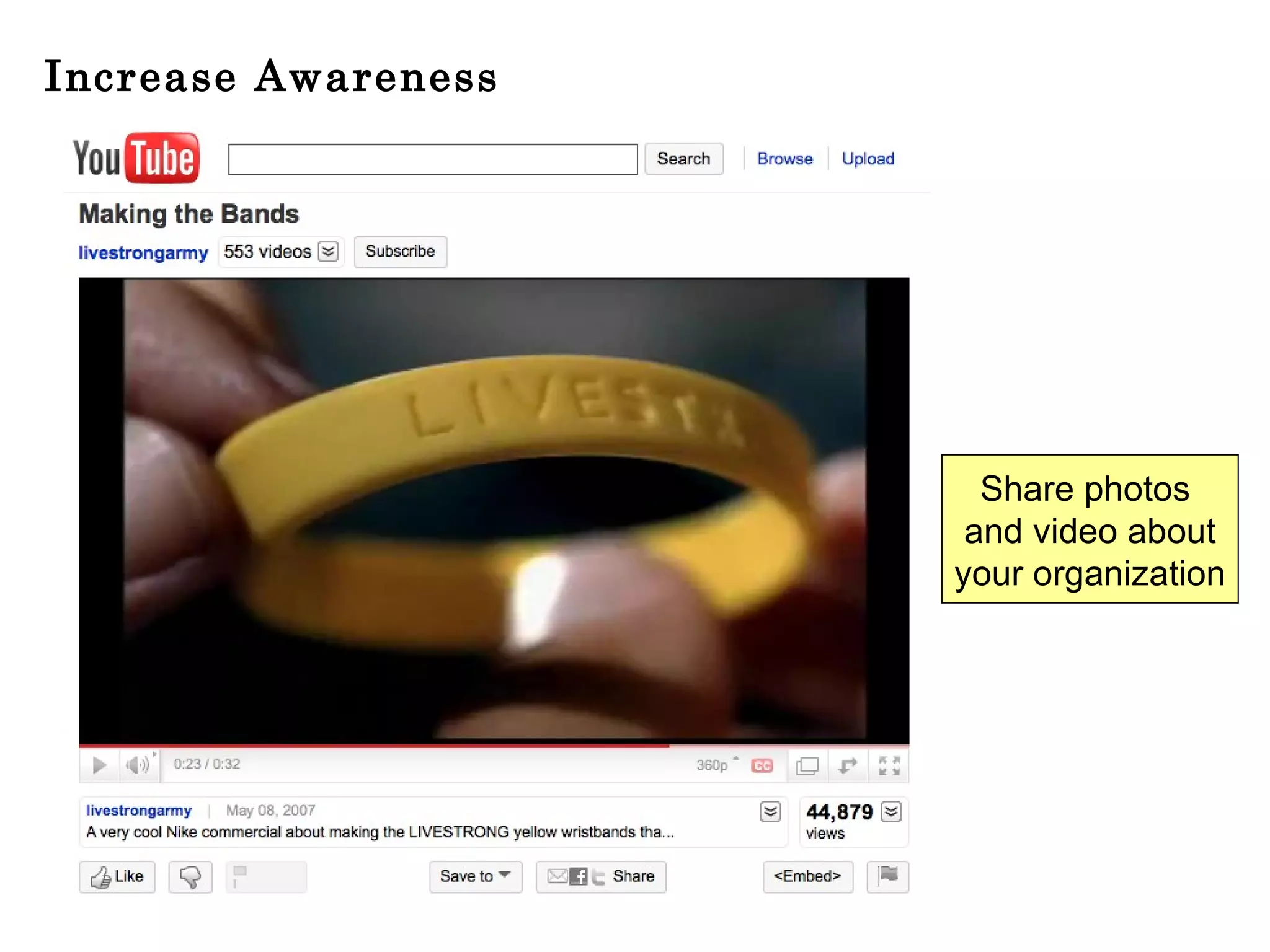
Increase Awareness Share photos  and video about your organization
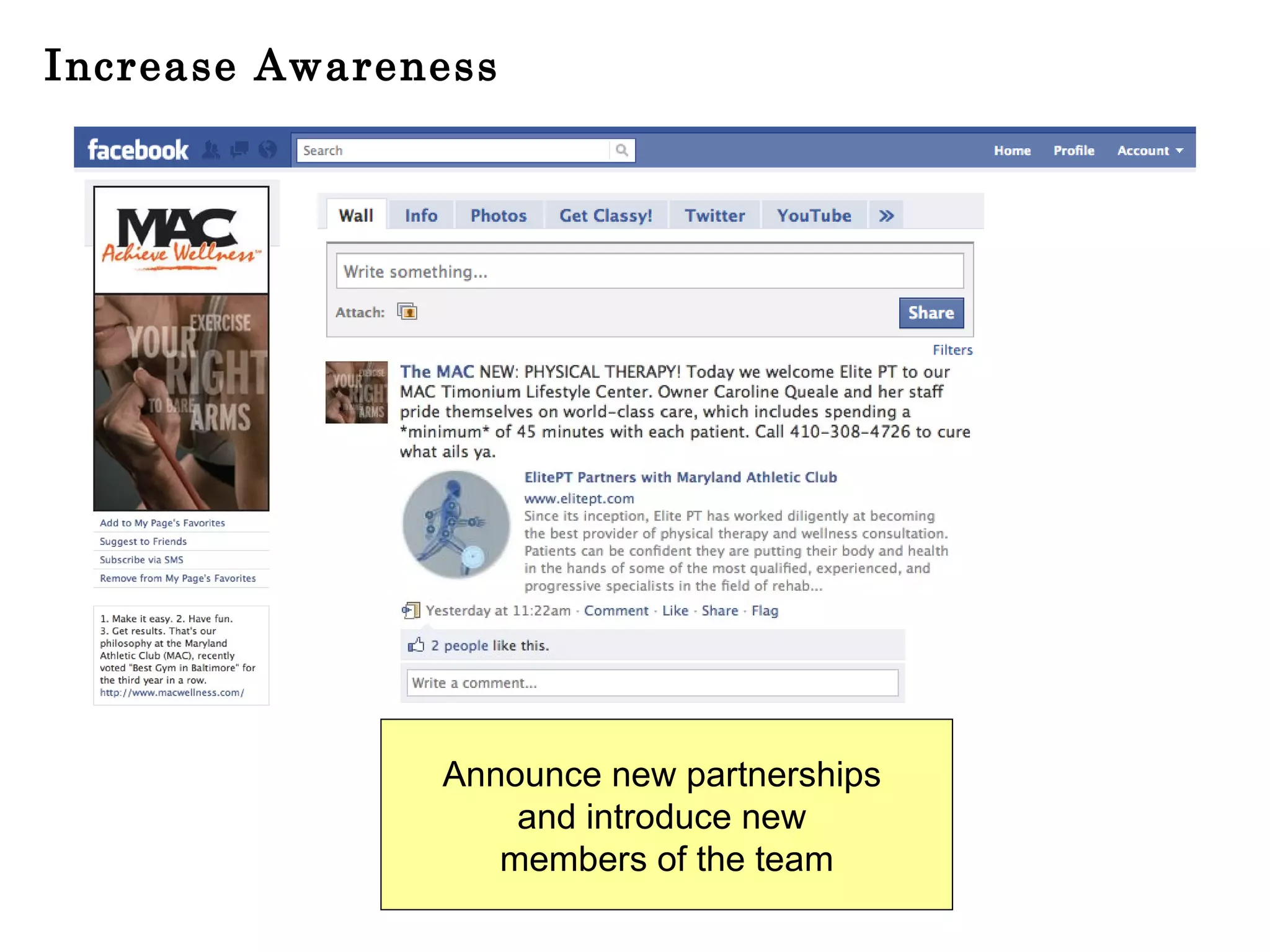
Increase Awareness Announce new partnerships  and introduce new  members of the team
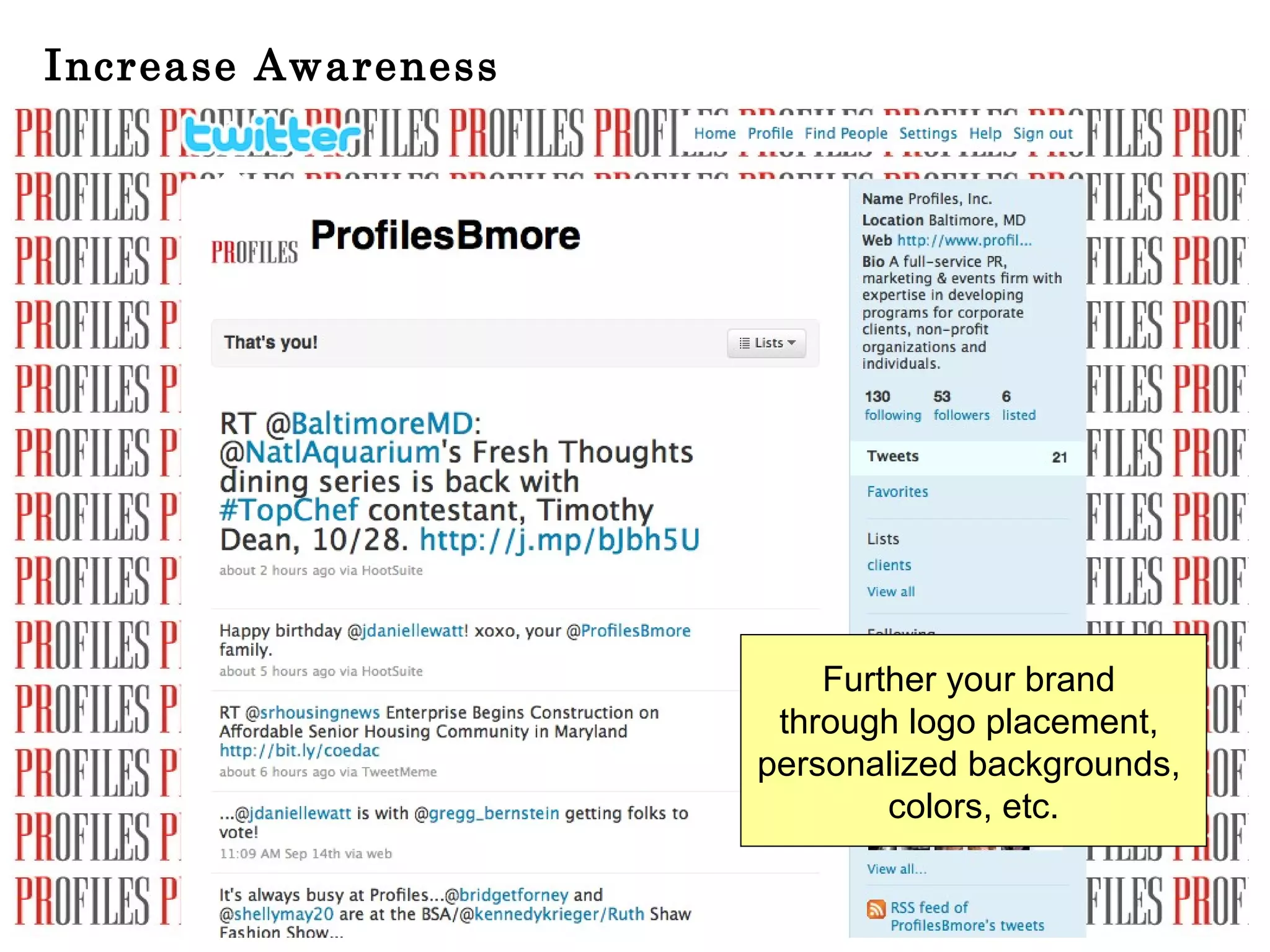
Increase Awareness Further your brand  through logo placement,  personalized backgrounds,  colors, etc.
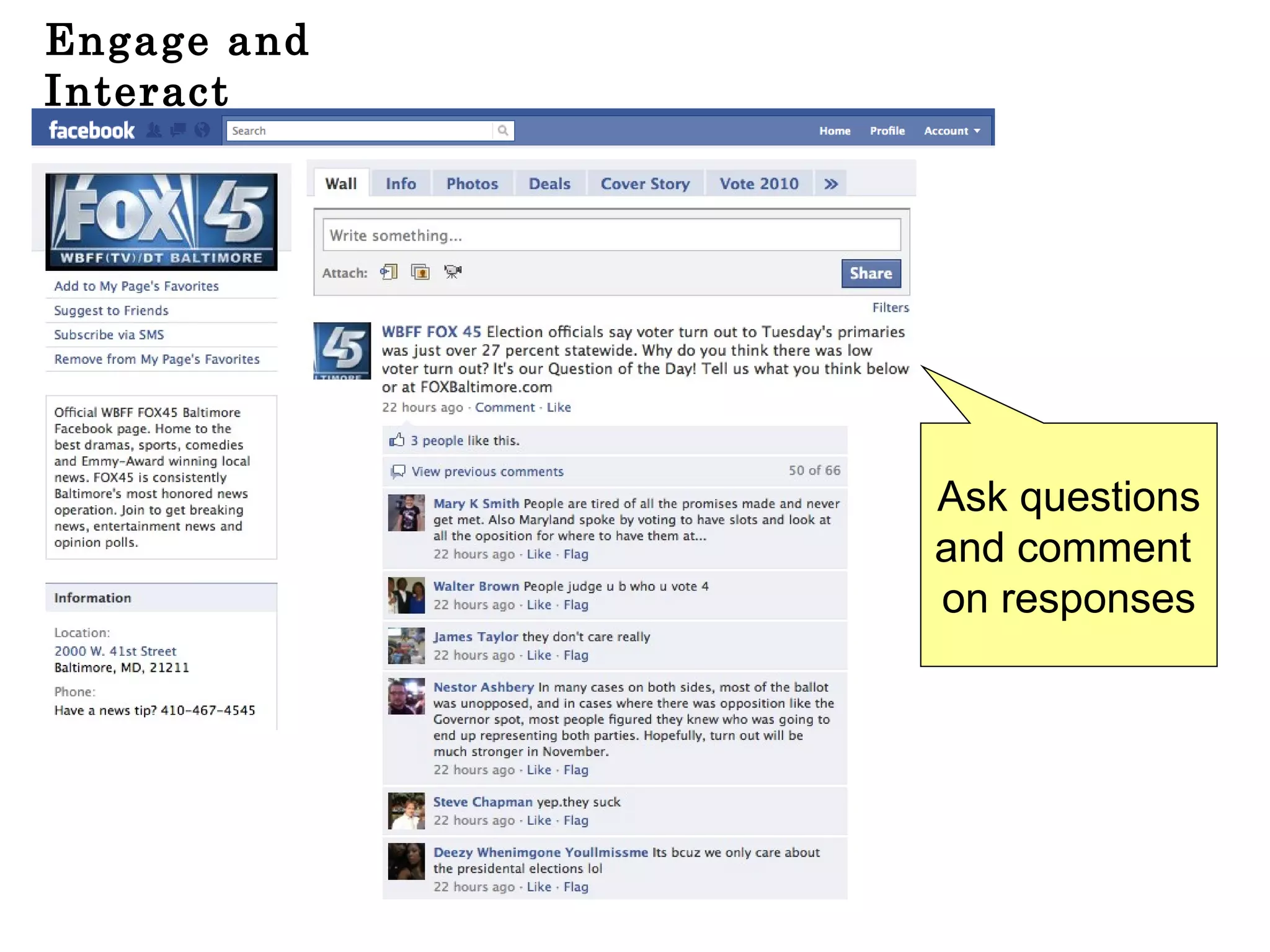
Engage and Interact Ask questions and comment  on responses
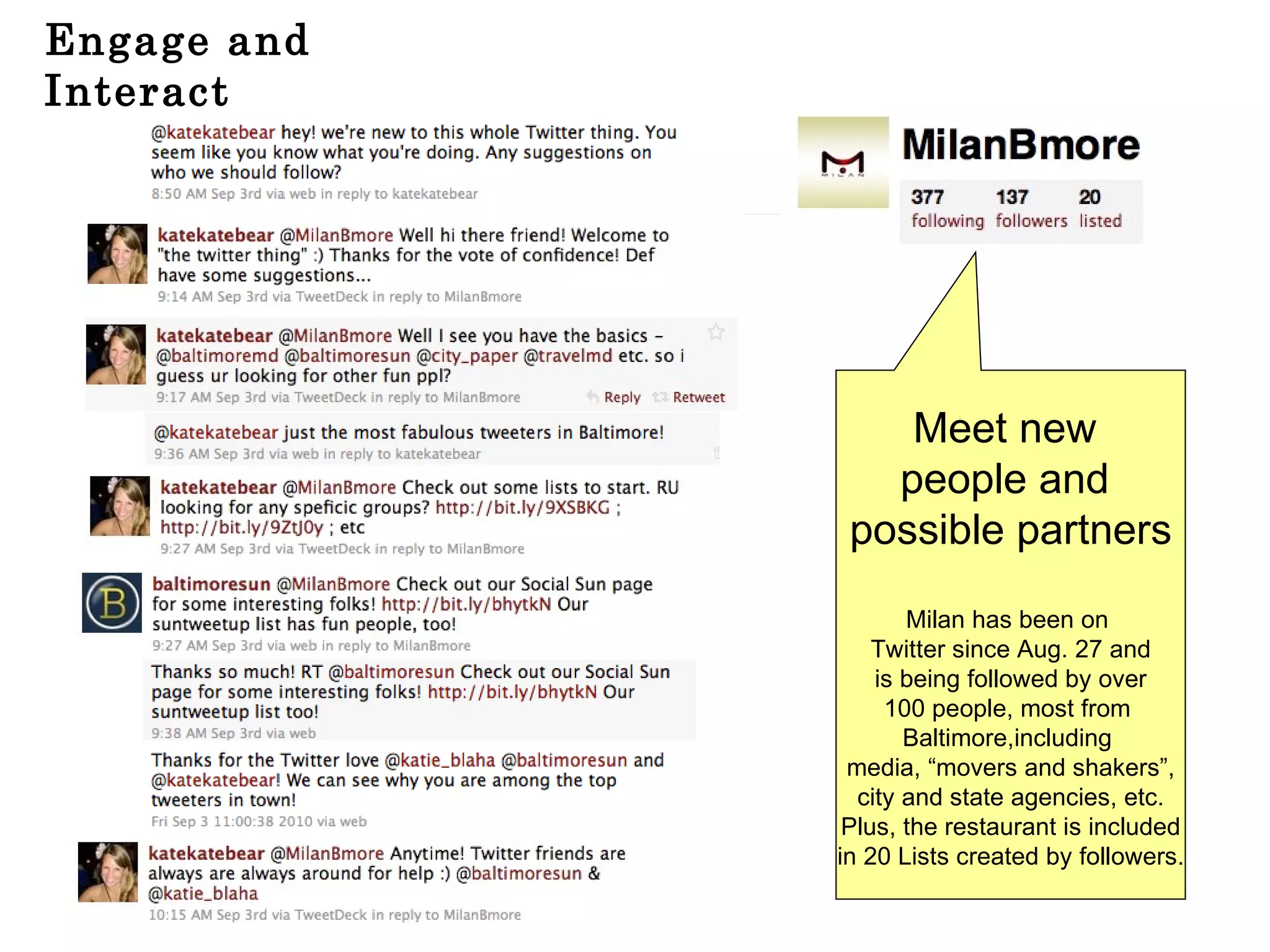
Engage and Interact Meet new  people and  possible partners Milan has been on  Twitter since Aug. 27 and is being followed by over 100 people, most from  Baltimore,including  media, “movers and shakers”, city and state agencies, etc. Plus, the restaurant is included in 20 Lists created by followers.
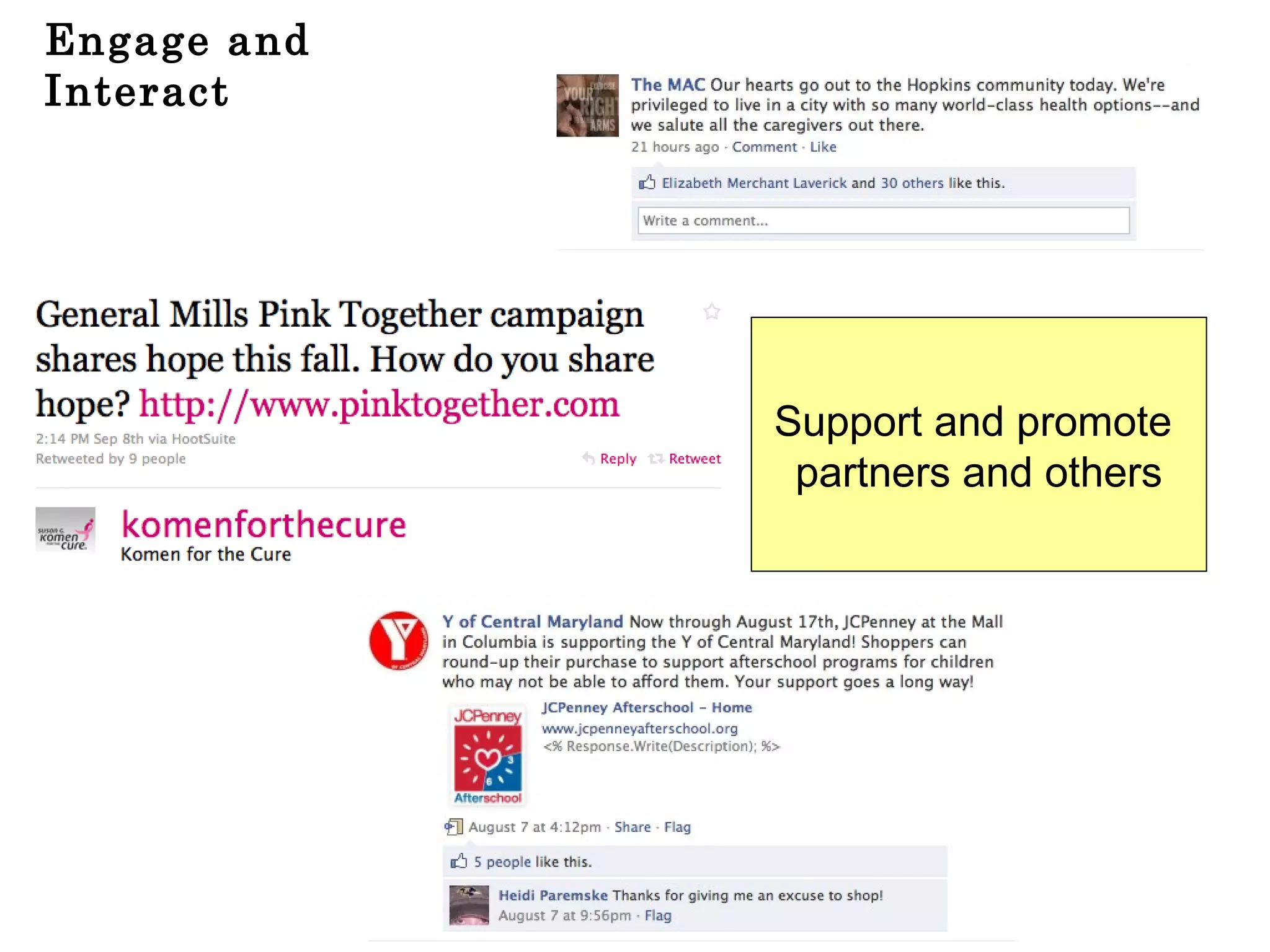
Engage and Interact Support and promote  partners and others
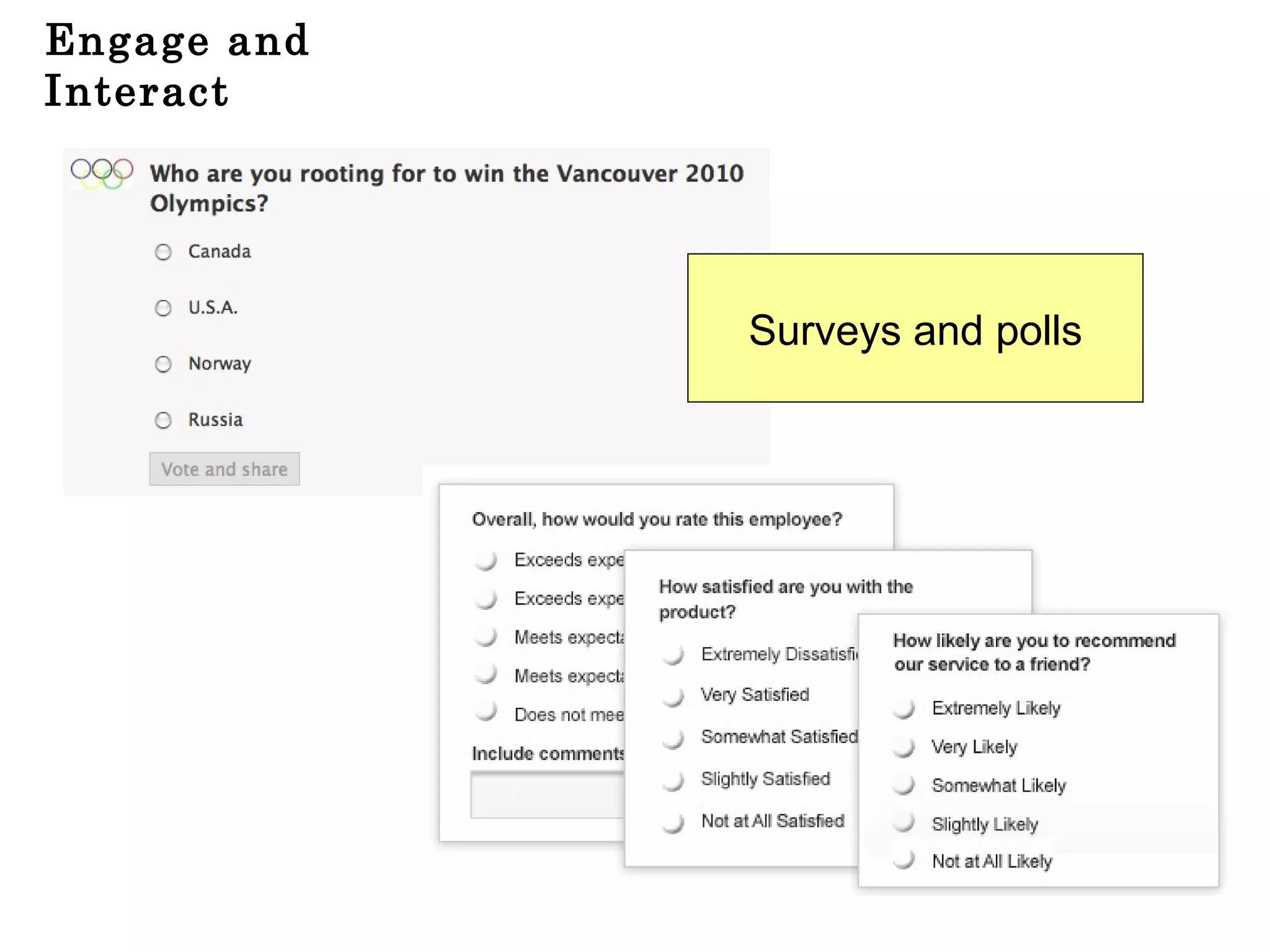
Engage and Interact Surveys and polls
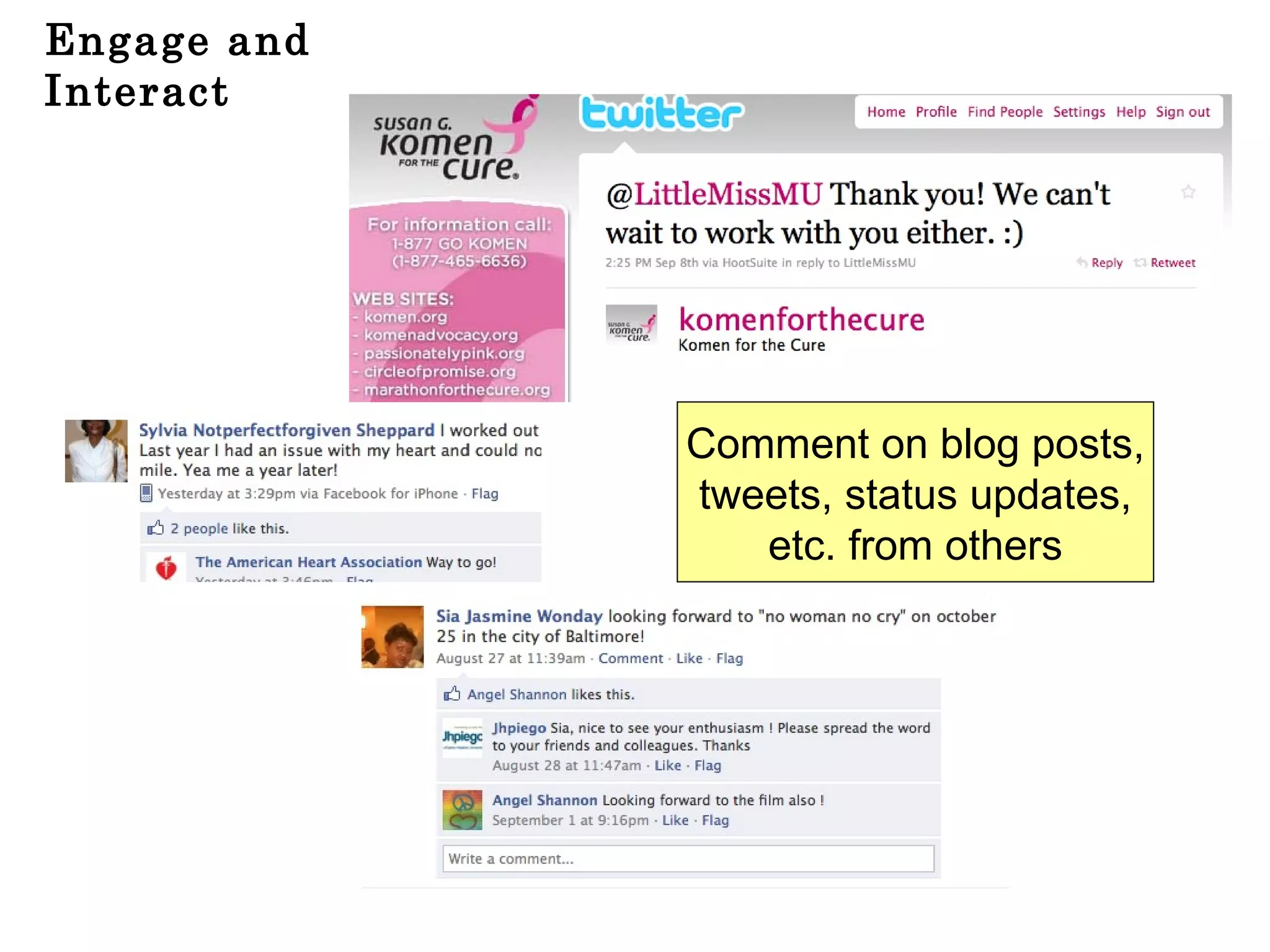
Engage and Interact Comment on blog posts, tweets, status updates, etc. from others
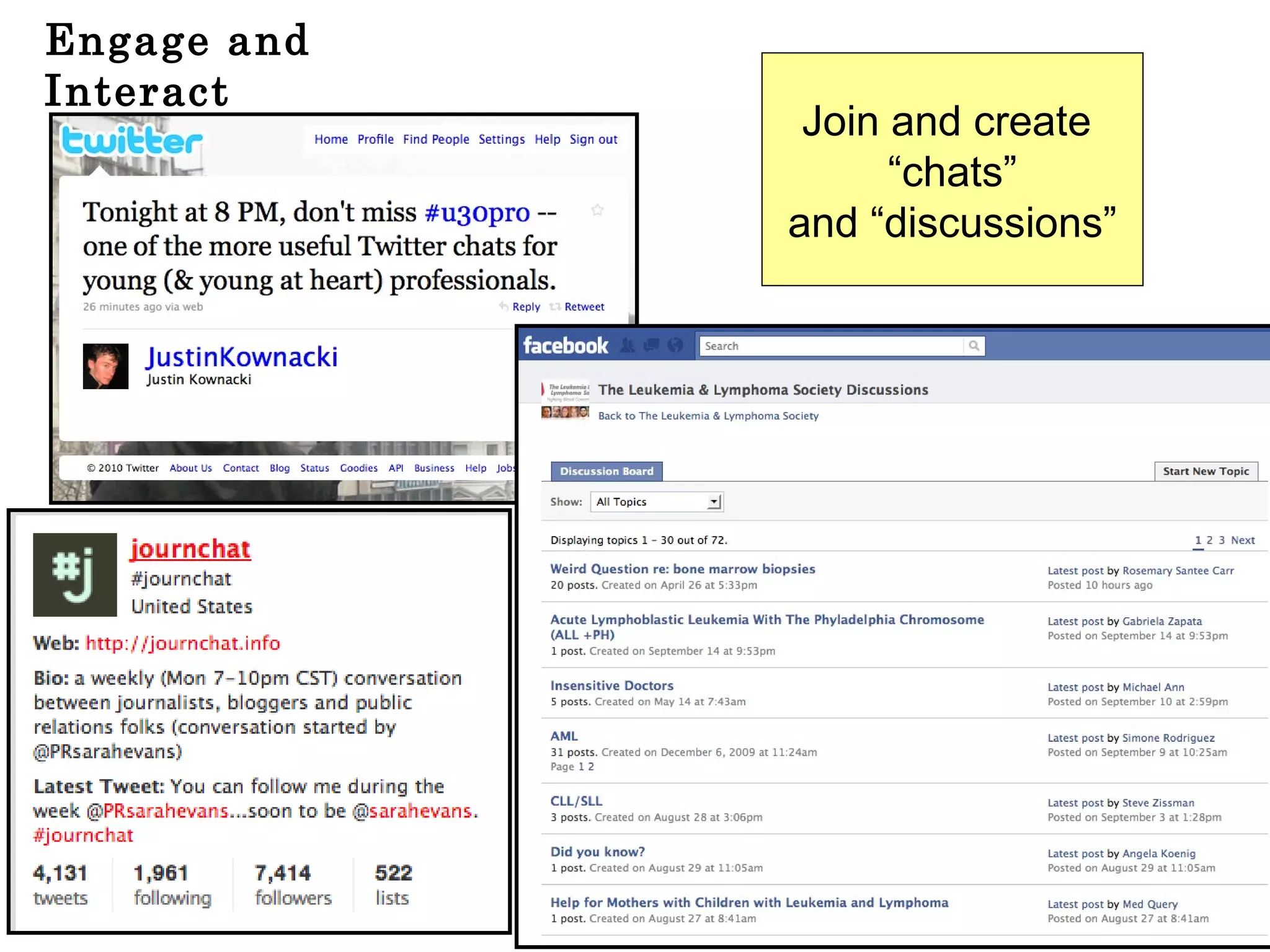
Engage and Interact Join and create  “ chats” and “discussions”
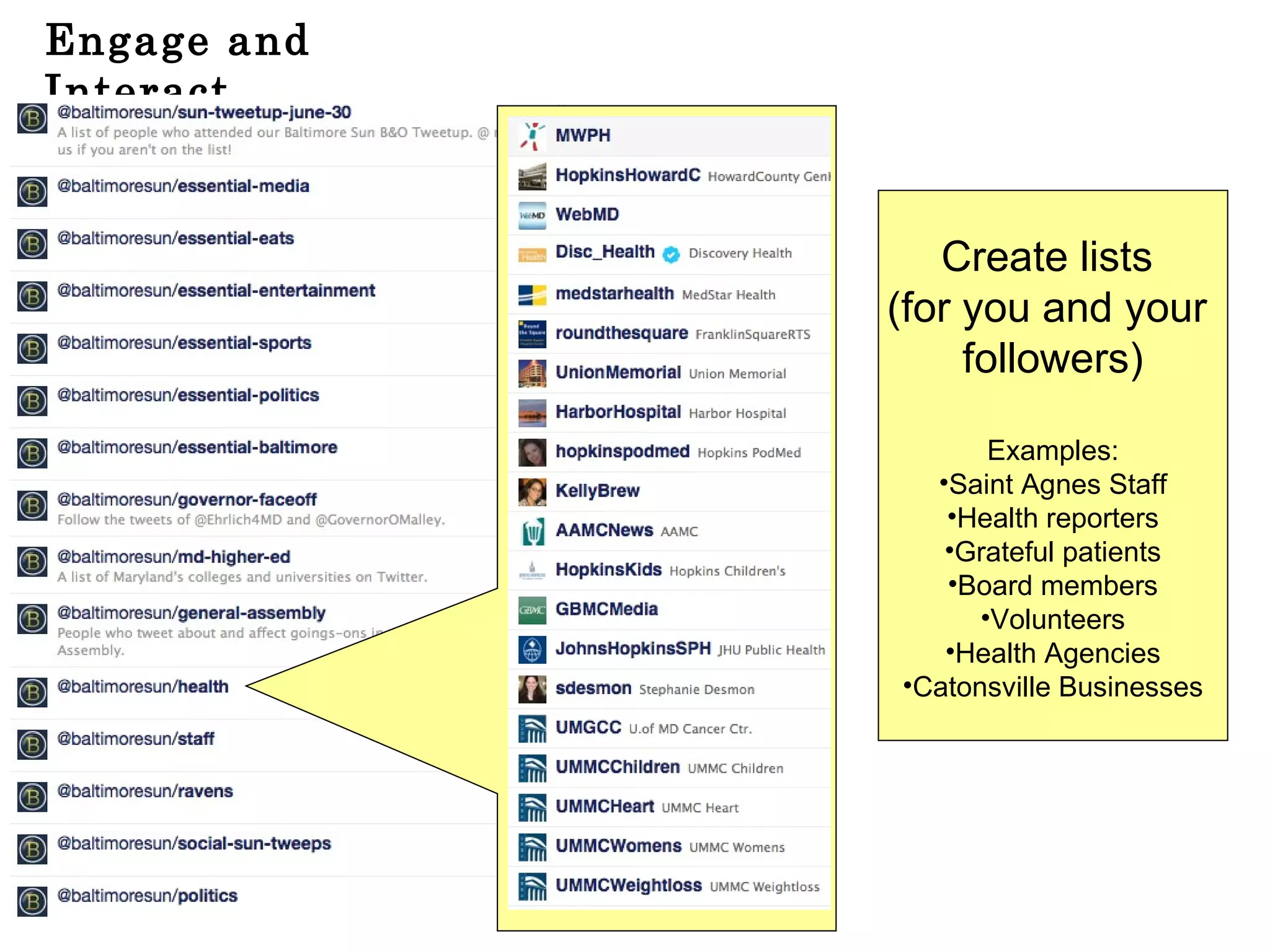
Engage and Interact Create lists  (for you and your  followers) Examples: Saint Agnes Staff Health reporters Grateful patients Board members Volunteers Health Agencies Catonsville Businesses
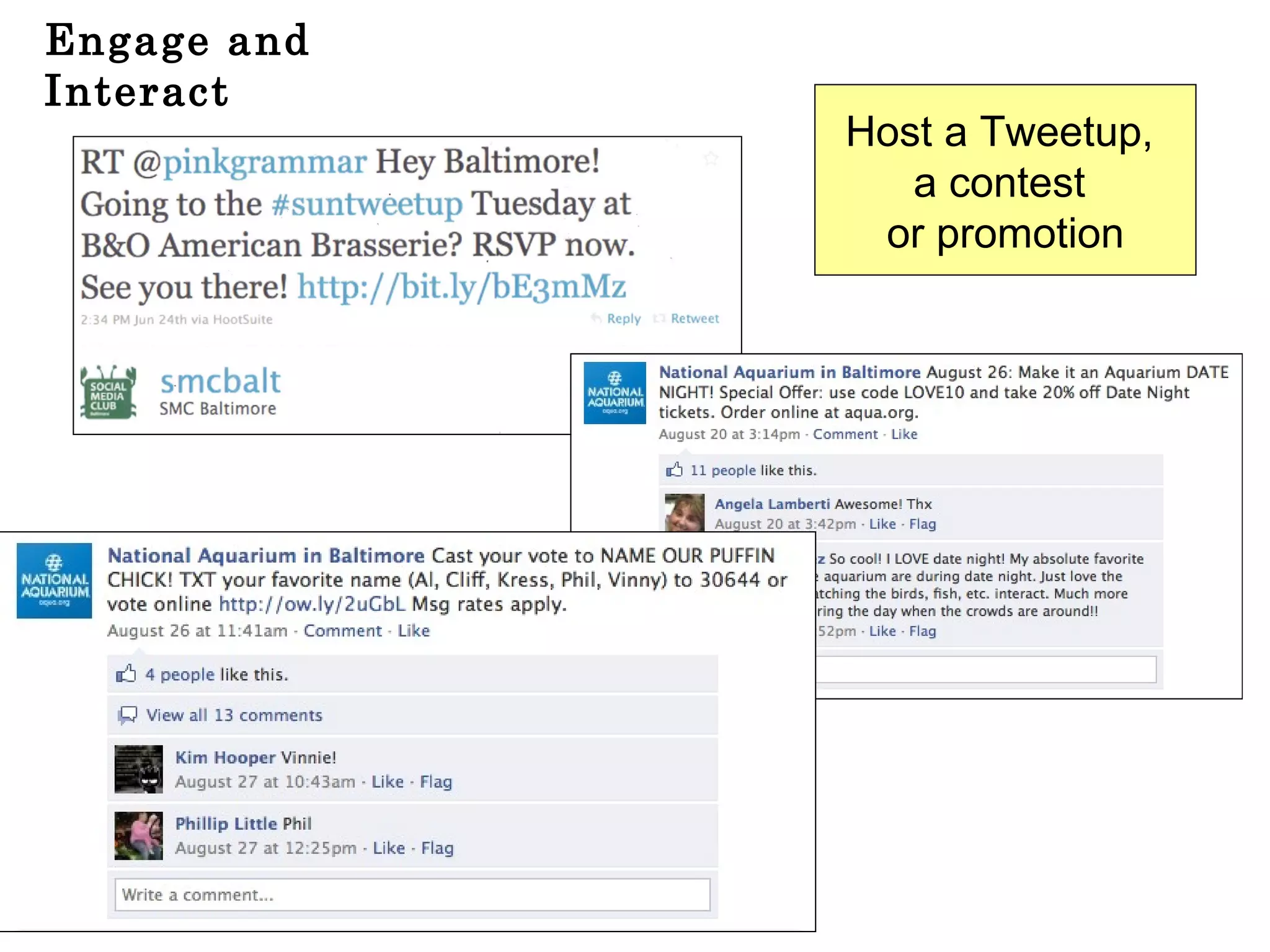
Engage and Interact Host a Tweetup,  a contest  or promotion
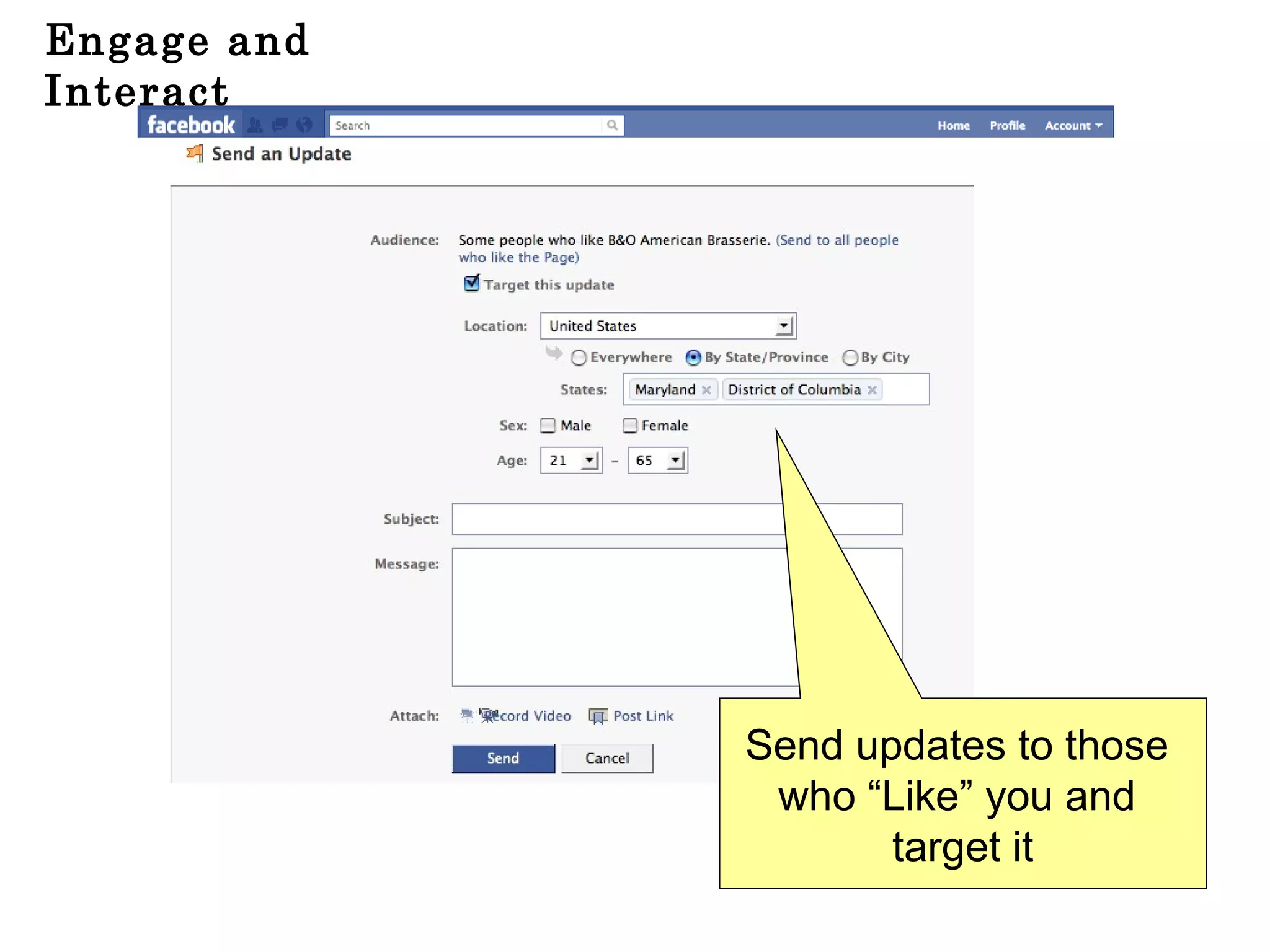
Engage and Interact Send updates to those  who “Like” you and  target it
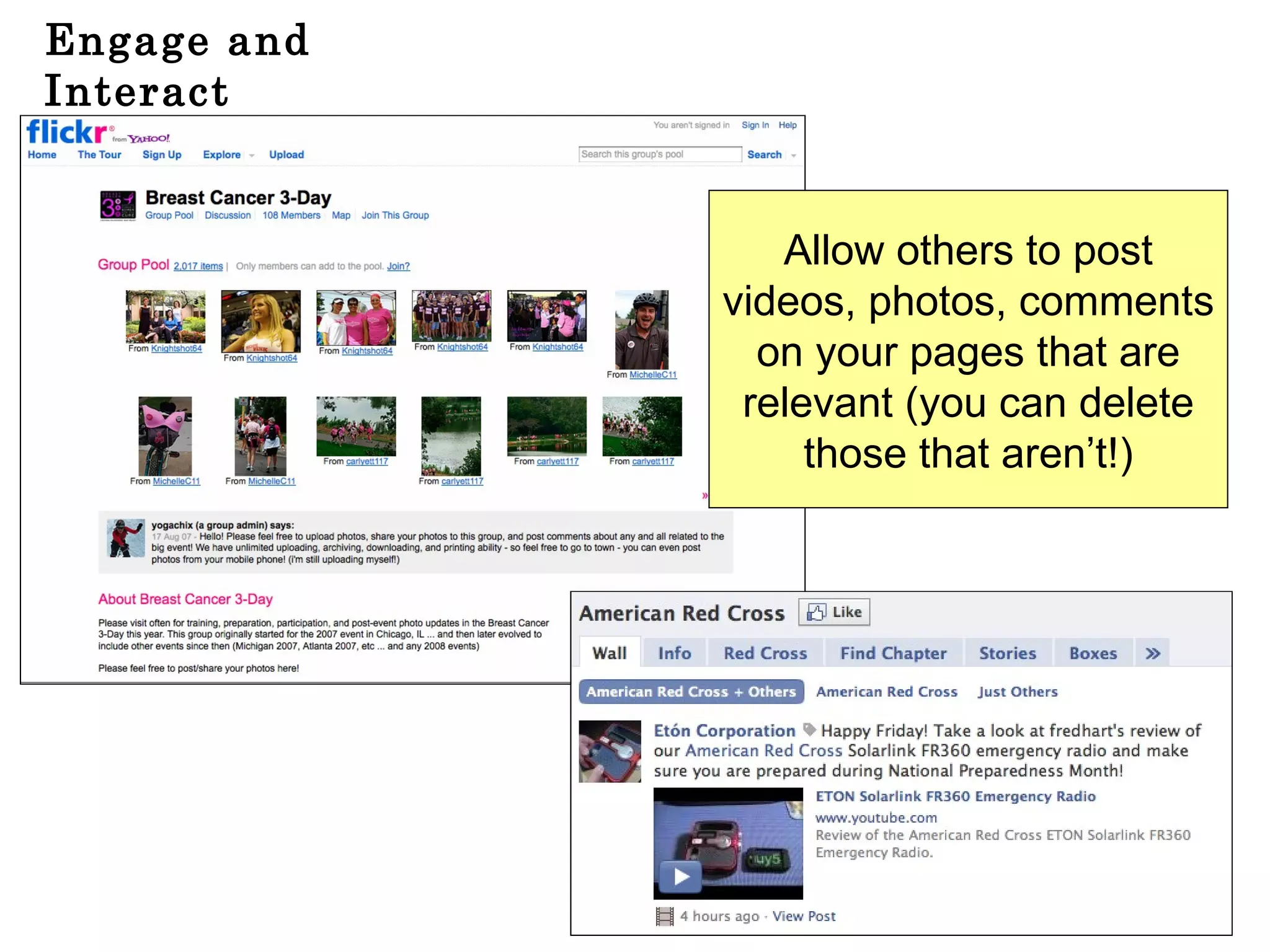
Engage and Interact Allow others to post videos, photos, comments on your pages that are relevant (you can delete those that aren’t!)
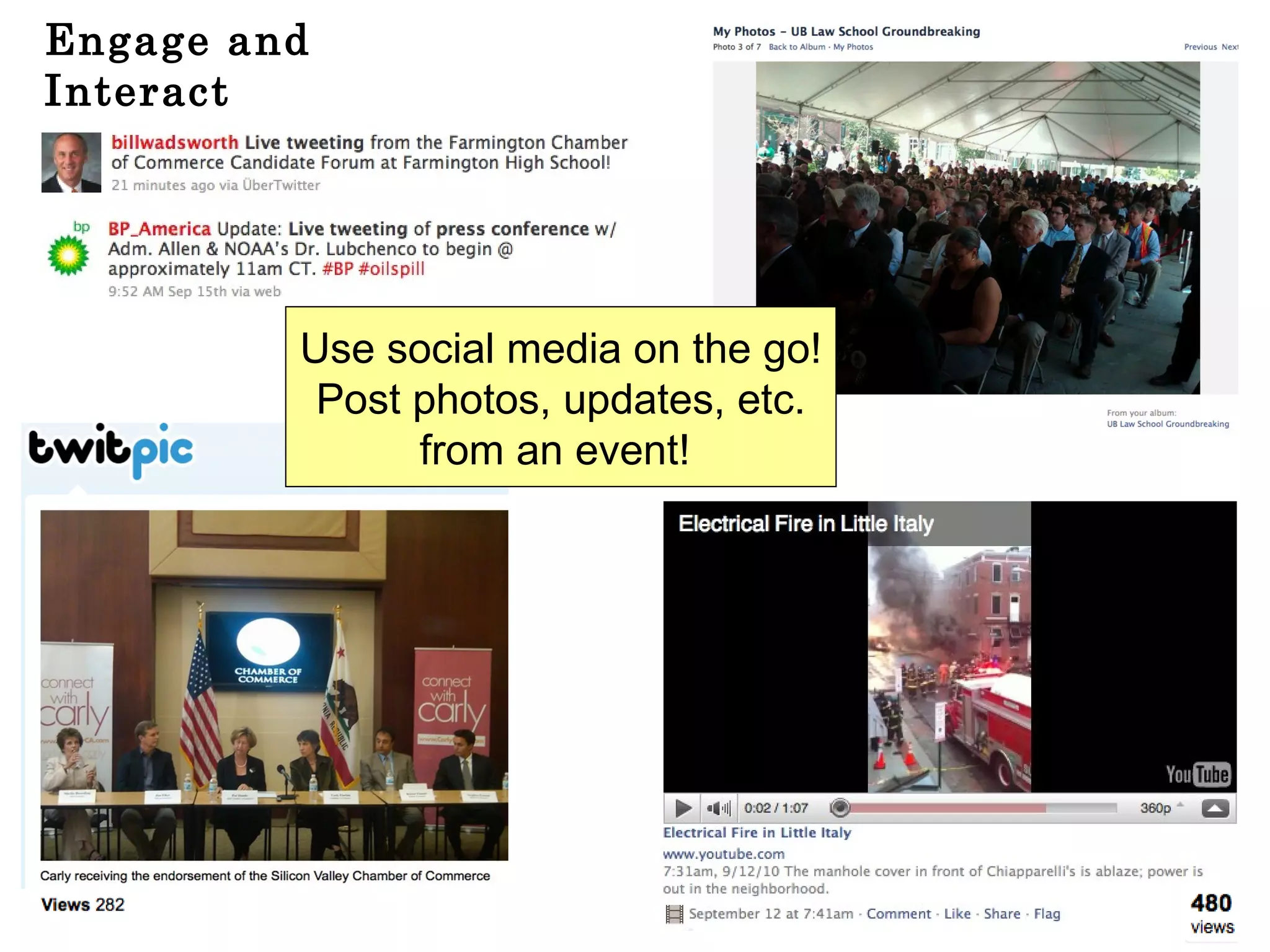
Engage and Interact Use social media on the go! Post photos, updates, etc. from an event!
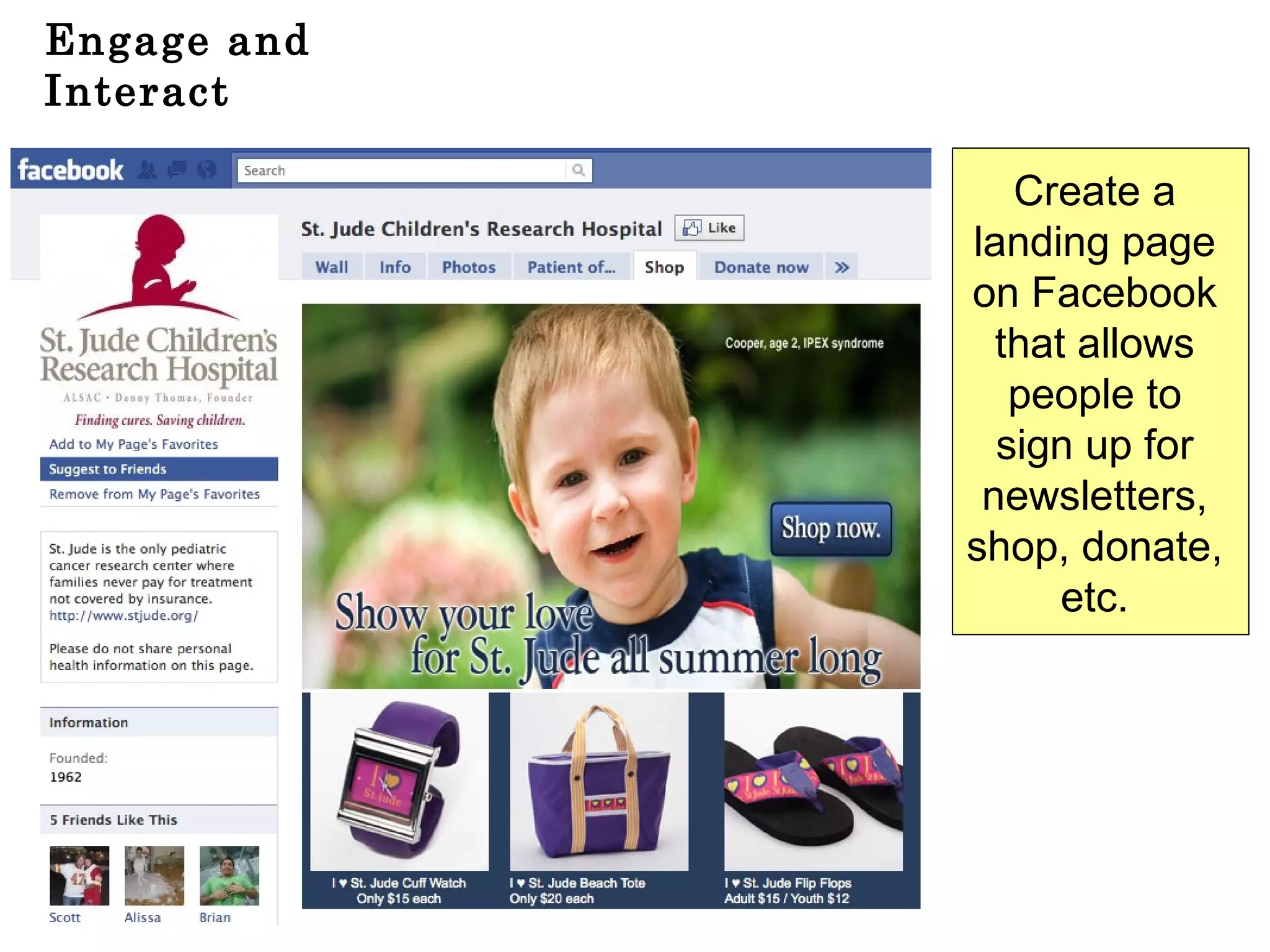
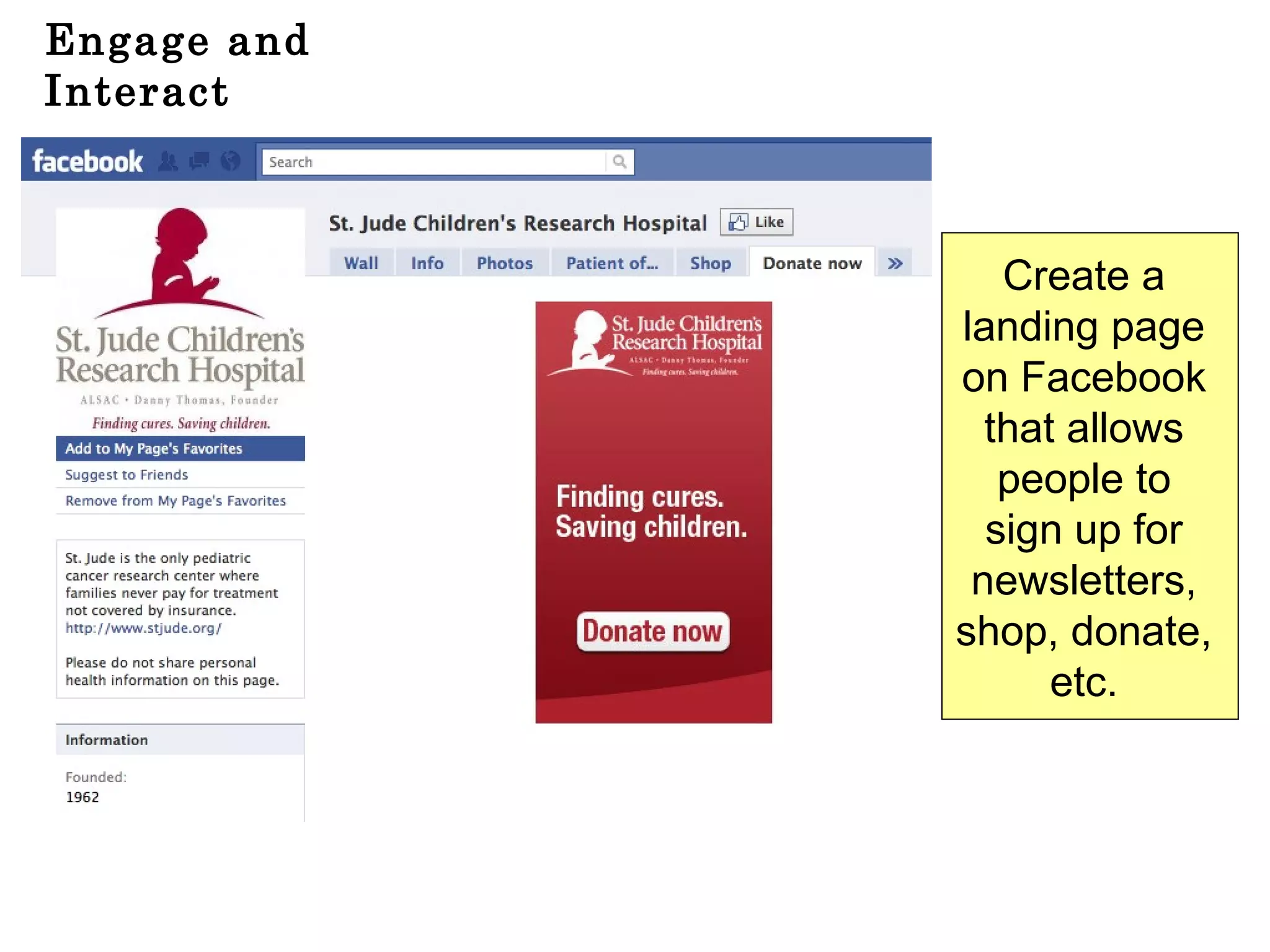
Engage and Interact Create a  landing page  on Facebook  that allows  people to  sign up for  newsletters,  shop, donate,  etc.
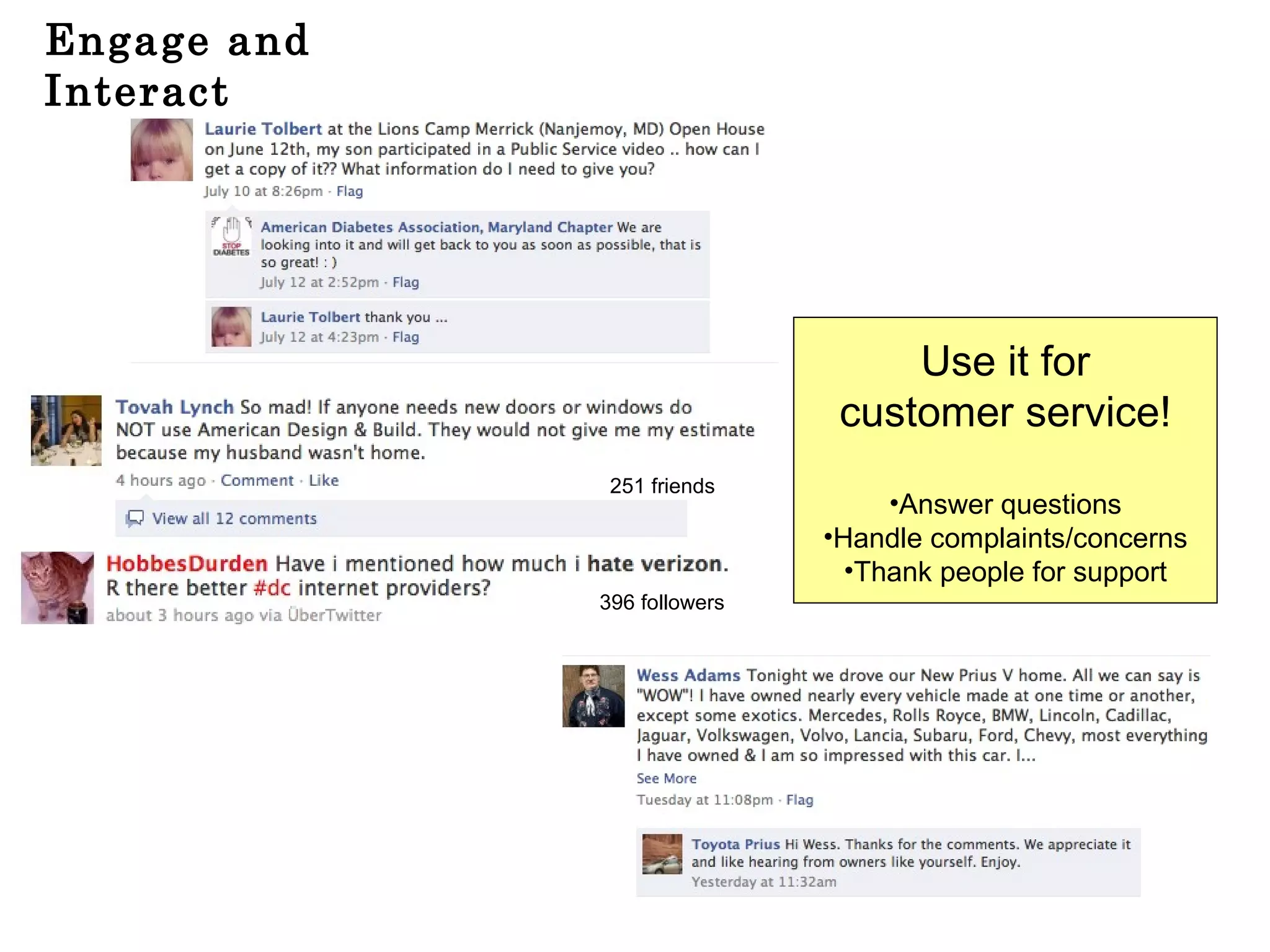
Engage and Interact Use it for customer service! Answer questions Handle complaints/concerns Thank people for support 396 followers 251 friends
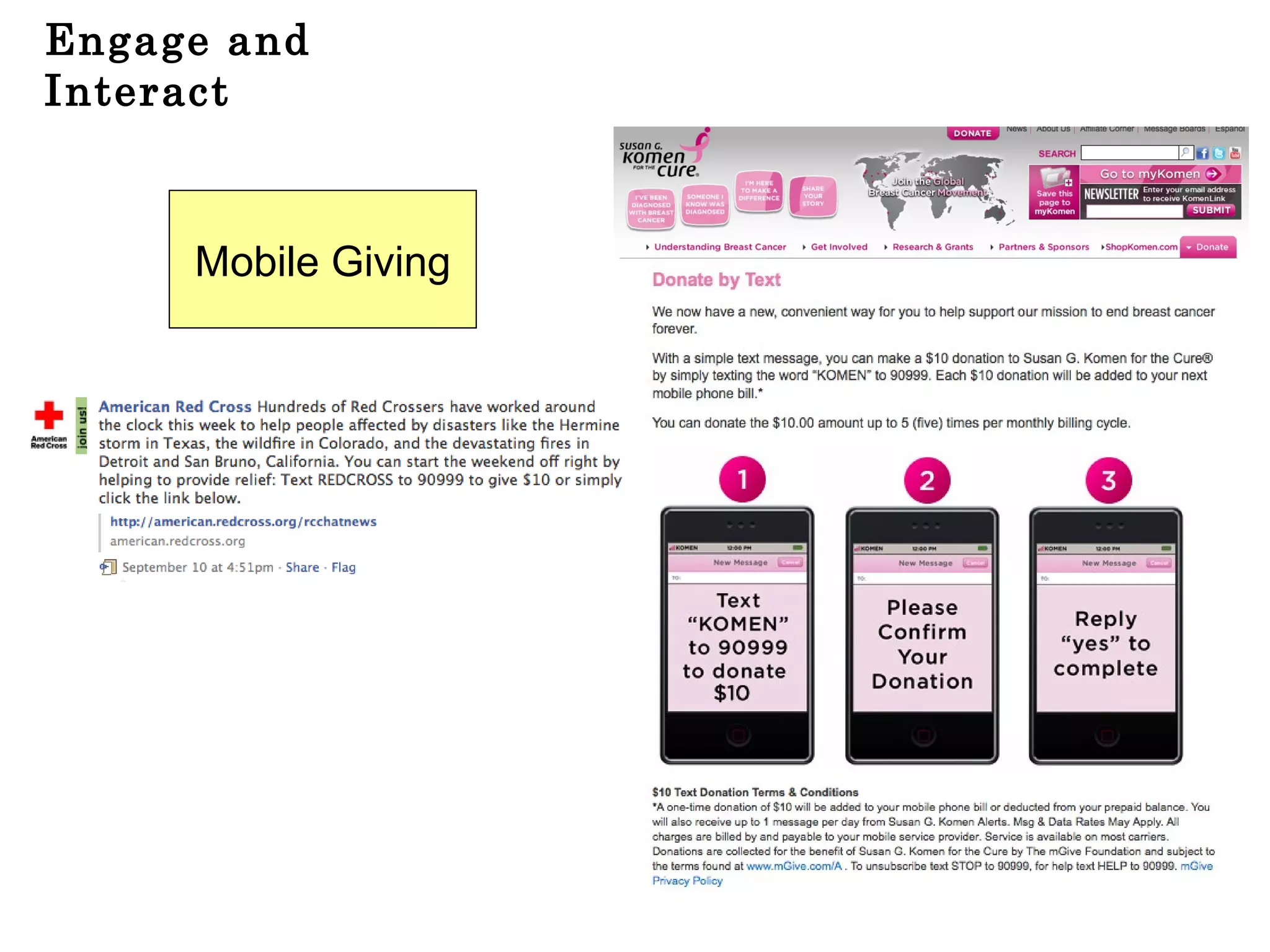
Engage and Interact Mobile Giving
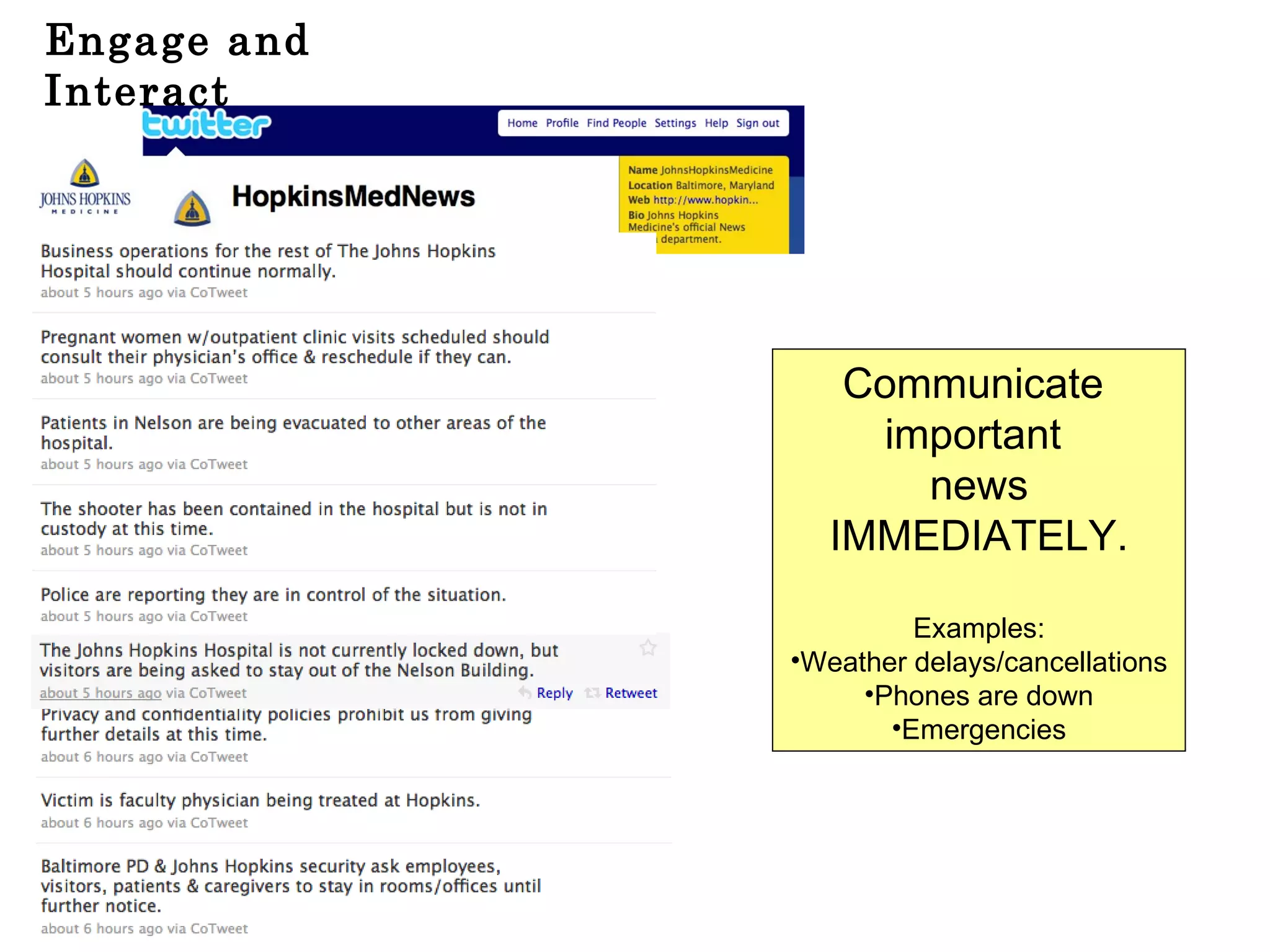
Engage and Interact Communicate  important  news IMMEDIATELY. Examples: Weather delays/cancellations Phones are down Emergencies
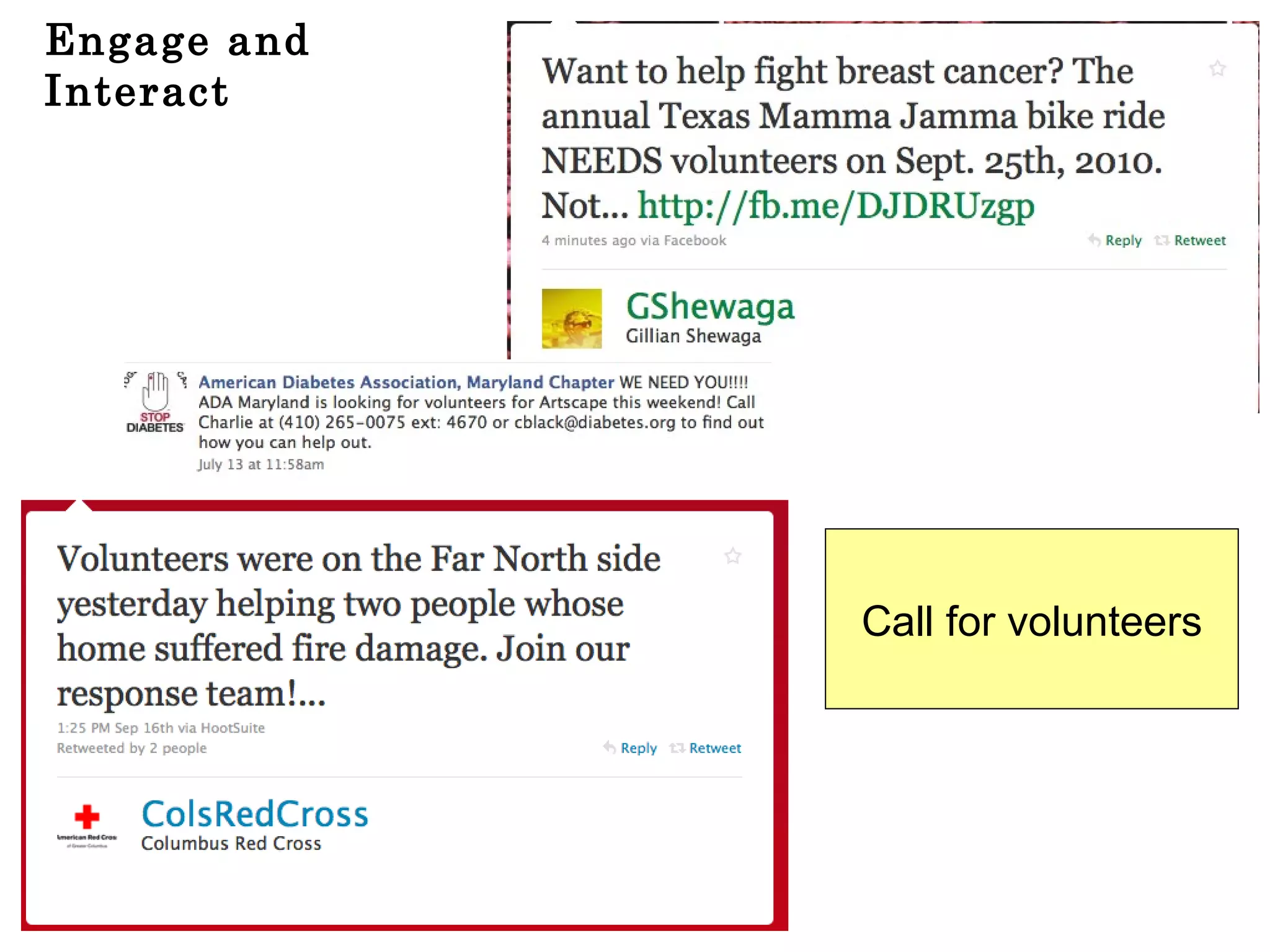
Engage and Interact Call for volunteers
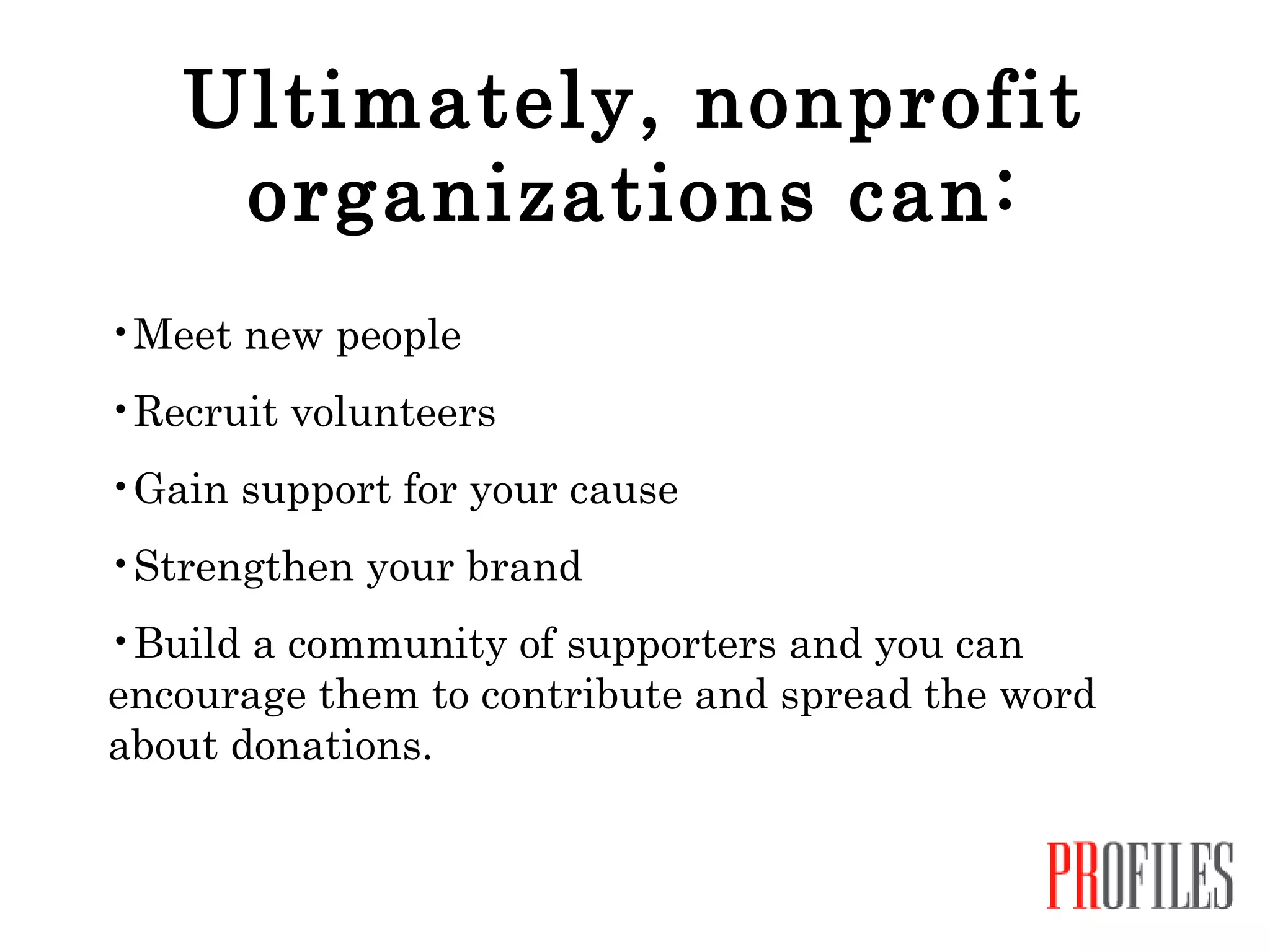
Ultimately, nonprofit organizations can: Meet new people Recruit volunteers Gain support for your cause Strengthen your brand Build a community of supporters and you can encourage them to contribute and spread the word about donations.
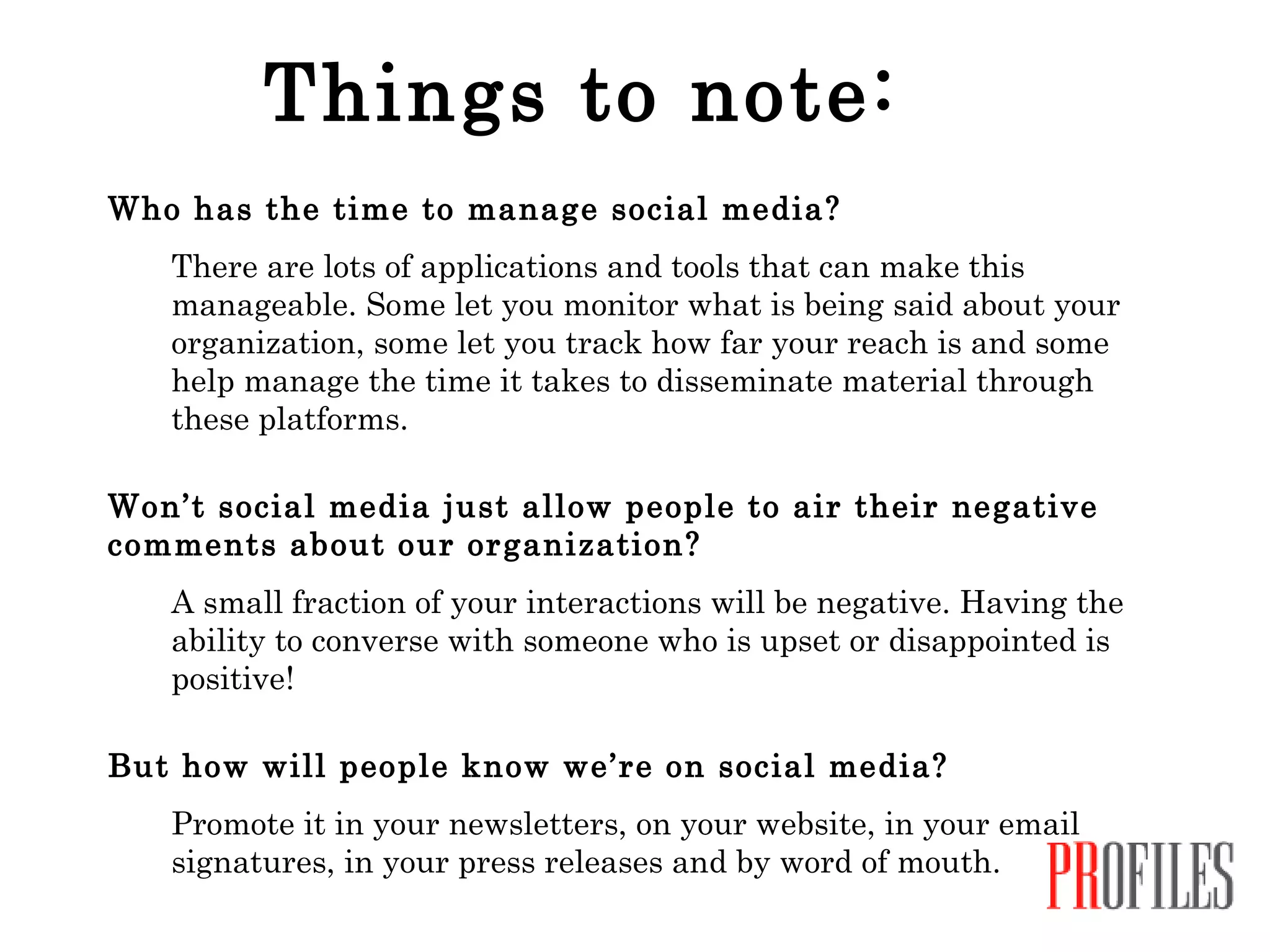
Things to note: Who has the time to manage social media? There are lots of applications and tools that can make this manageable. Some let you monitor what is being said about your organization, some let you track how far your reach is and some help manage the time it takes to disseminate material through these platforms. Won’t social media just allow people to air their negative comments about our organization? A small fraction of your interactions will be negative. Having the ability to converse with someone who is upset or disappointed is positive!  But how will people know we’re on social media?   Promote it in your newsletters, on your website, in your email signatures, in your press releases and by word of mouth.
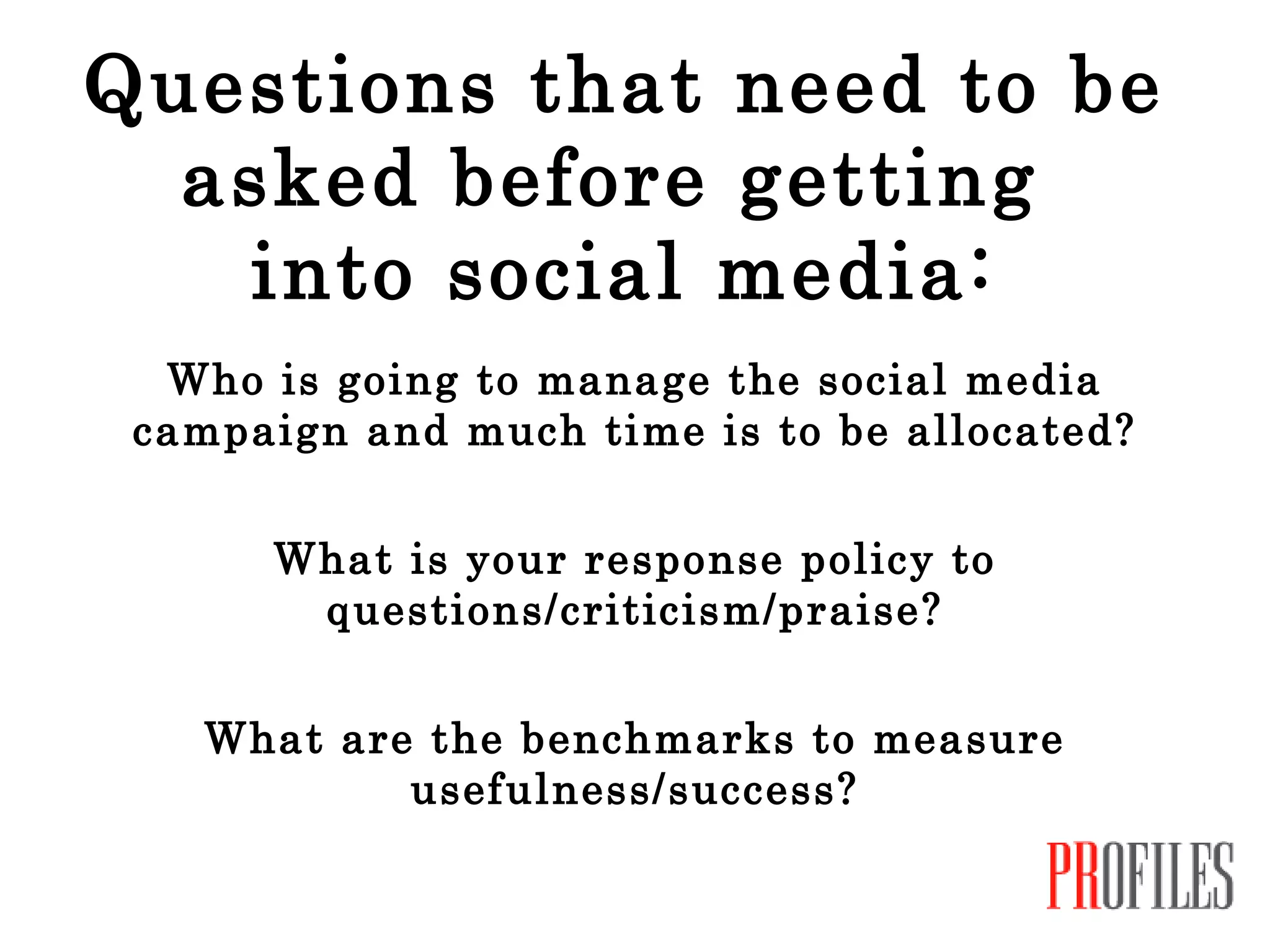
Questions that need to be asked before getting  into social media: Who is going to manage the social media campaign and much time is to be allocated? What is your response policy to questions/criticism/praise? What are the benchmarks to measure usefulness/success?
Links: Twitter -  www.twitter.com Facebook -  www.facebook.com Nonprofits on Facebook -  www.facebook.com/nonprofits Flickr -  www.flickr.com Digg -  www.digg.com YouTube -  www.youtube.com YouTube Nonprofit Program -  www.youtube.com/nonprofits LinkedIn -  www.linkedin.com Blogger -  www.blogger.com SurveyMonkey -  www.surveymonkey.com
Questions? Comments? Contact me at: Amy Burke Friedman Profiles, Inc. 3000 Chestnut Avenue, Suite 201 Baltimore, MD 21211 (410) 243-3790 www.profilespr.com [email_address] Twitter: @amyburke02 or @ProfilesBmore

Using Social Media for Nonprofits

  • 1.
    Social Media forNonprofits
  • 2.
    What is socialmedia? Social media is any tool that lets you share information and interact with others on the Internet.
  • 3.
    Why should wecare? It’s changing the face of marketing and public relations and, more importantly, the way we communicate with each other. Social media allows for real-time conversations among many people. It allows you to build relationships. And, at a relatively low cost to the organization! Because the conversations are happening…with or without you.
  • 4.
    Examples of SocialMedia: Twitter Facebook Flickr Digg YouTube LinkedIn Blogger SurveyMonkey And much, much more!
  • 5.
    Some Fast Facts:There are over 500 million active users on Facebook and 50% log on in any given day There are over 100,000 nonprofits are using Facebook LinkedIn has over 60 million users worldwide Twitter has over 105 million users. New users are signing up at the rate of 300,000 per day. People are watching 2 billion videos a day on YouTube and uploading hundreds of thousands of videos daily. Facts pulled from platform websites and articles.
  • 6.
    How can anonprofit organization benefit from using social media? Increase awareness Engage and interact Build relationships and reap the rewards
  • 7.
    Increase Awareness Linkto articles and press releases about your organization
  • 8.
    Increase Awareness Postexciting news about your organization
  • 9.
    Increase Awareness Promote upcoming events and initiatives
  • 10.
    Increase Awareness Sharephotos and video about your organization
  • 11.
    Increase Awareness Announcenew partnerships and introduce new members of the team
  • 12.
    Increase Awareness Furtheryour brand through logo placement, personalized backgrounds, colors, etc.
  • 13.
    Engage and InteractAsk questions and comment on responses
  • 14.
    Engage and InteractMeet new people and possible partners Milan has been on Twitter since Aug. 27 and is being followed by over 100 people, most from Baltimore,including media, “movers and shakers”, city and state agencies, etc. Plus, the restaurant is included in 20 Lists created by followers.
  • 15.
    Engage and InteractSupport and promote partners and others
  • 16.
    Engage and InteractSurveys and polls
  • 17.
    Engage and InteractComment on blog posts, tweets, status updates, etc. from others
  • 18.
    Engage and InteractJoin and create “ chats” and “discussions”
  • 19.
    Engage and InteractCreate lists (for you and your followers) Examples: Saint Agnes Staff Health reporters Grateful patients Board members Volunteers Health Agencies Catonsville Businesses
  • 20.
    Engage and InteractHost a Tweetup, a contest or promotion
  • 21.
    Engage and InteractSend updates to those who “Like” you and target it
  • 22.
    Engage and InteractAllow others to post videos, photos, comments on your pages that are relevant (you can delete those that aren’t!)
  • 23.
    Engage and InteractUse social media on the go! Post photos, updates, etc. from an event!
  • 24.
    Engage and InteractCreate a landing page on Facebook that allows people to sign up for newsletters, shop, donate, etc.
  • 25.
    Engage and InteractCreate a landing page on Facebook that allows people to sign up for newsletters, shop, donate, etc.
  • 26.
    Engage and InteractUse it for customer service! Answer questions Handle complaints/concerns Thank people for support 396 followers 251 friends
  • 27.
    Engage and InteractMobile Giving
  • 28.
    Engage and InteractCommunicate important news IMMEDIATELY. Examples: Weather delays/cancellations Phones are down Emergencies
  • 29.
    Engage and InteractCall for volunteers
  • 30.
    Ultimately, nonprofit organizationscan: Meet new people Recruit volunteers Gain support for your cause Strengthen your brand Build a community of supporters and you can encourage them to contribute and spread the word about donations.
  • 31.
    Things to note:Who has the time to manage social media? There are lots of applications and tools that can make this manageable. Some let you monitor what is being said about your organization, some let you track how far your reach is and some help manage the time it takes to disseminate material through these platforms. Won’t social media just allow people to air their negative comments about our organization? A small fraction of your interactions will be negative. Having the ability to converse with someone who is upset or disappointed is positive! But how will people know we’re on social media? Promote it in your newsletters, on your website, in your email signatures, in your press releases and by word of mouth.
  • 32.
    Questions that needto be asked before getting into social media: Who is going to manage the social media campaign and much time is to be allocated? What is your response policy to questions/criticism/praise? What are the benchmarks to measure usefulness/success?
  • 33.
    Links: Twitter - www.twitter.com Facebook - www.facebook.com Nonprofits on Facebook - www.facebook.com/nonprofits Flickr - www.flickr.com Digg - www.digg.com YouTube - www.youtube.com YouTube Nonprofit Program - www.youtube.com/nonprofits LinkedIn - www.linkedin.com Blogger - www.blogger.com SurveyMonkey - www.surveymonkey.com
  • 34.
    Questions? Comments? Contactme at: Amy Burke Friedman Profiles, Inc. 3000 Chestnut Avenue, Suite 201 Baltimore, MD 21211 (410) 243-3790 www.profilespr.com [email_address] Twitter: @amyburke02 or @ProfilesBmore