Using LinkedIn for Branding, Networking, and Finding LeadsEdited version of a PPT presentation given to a financial client | RachelKuptz.com
Using LinkedIn
Setting Up Your LinkedIn ProfileParts of Your Profile:General InformationSummaryExperienceEducationAdditional InformationPersonal InformationContact SettingsActivityConnectionsGroupsRecommendationsSimilar Connections
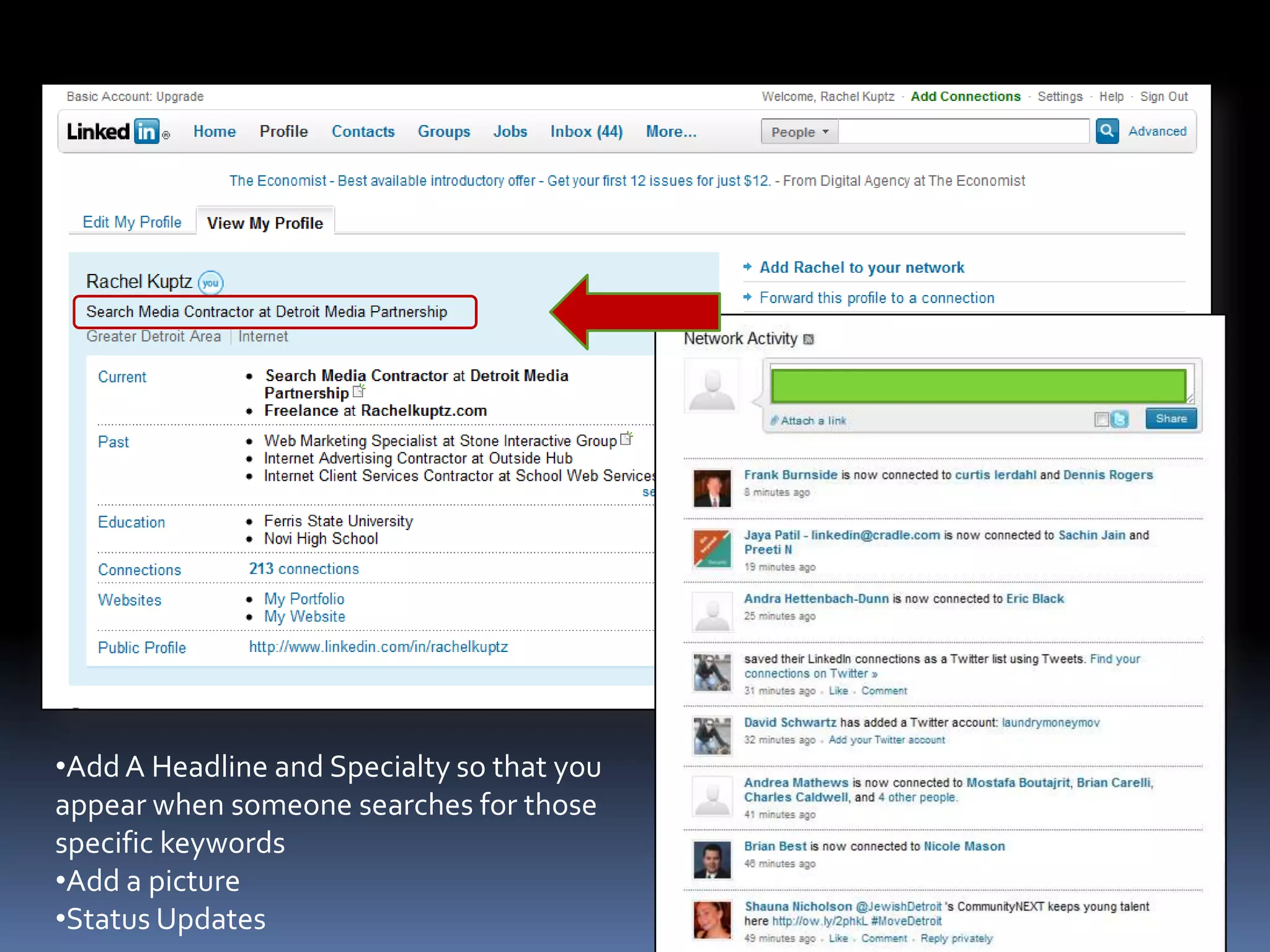
Add A Headline and Specialty so that you appear when someone searches for those specific keywords
Add a picture
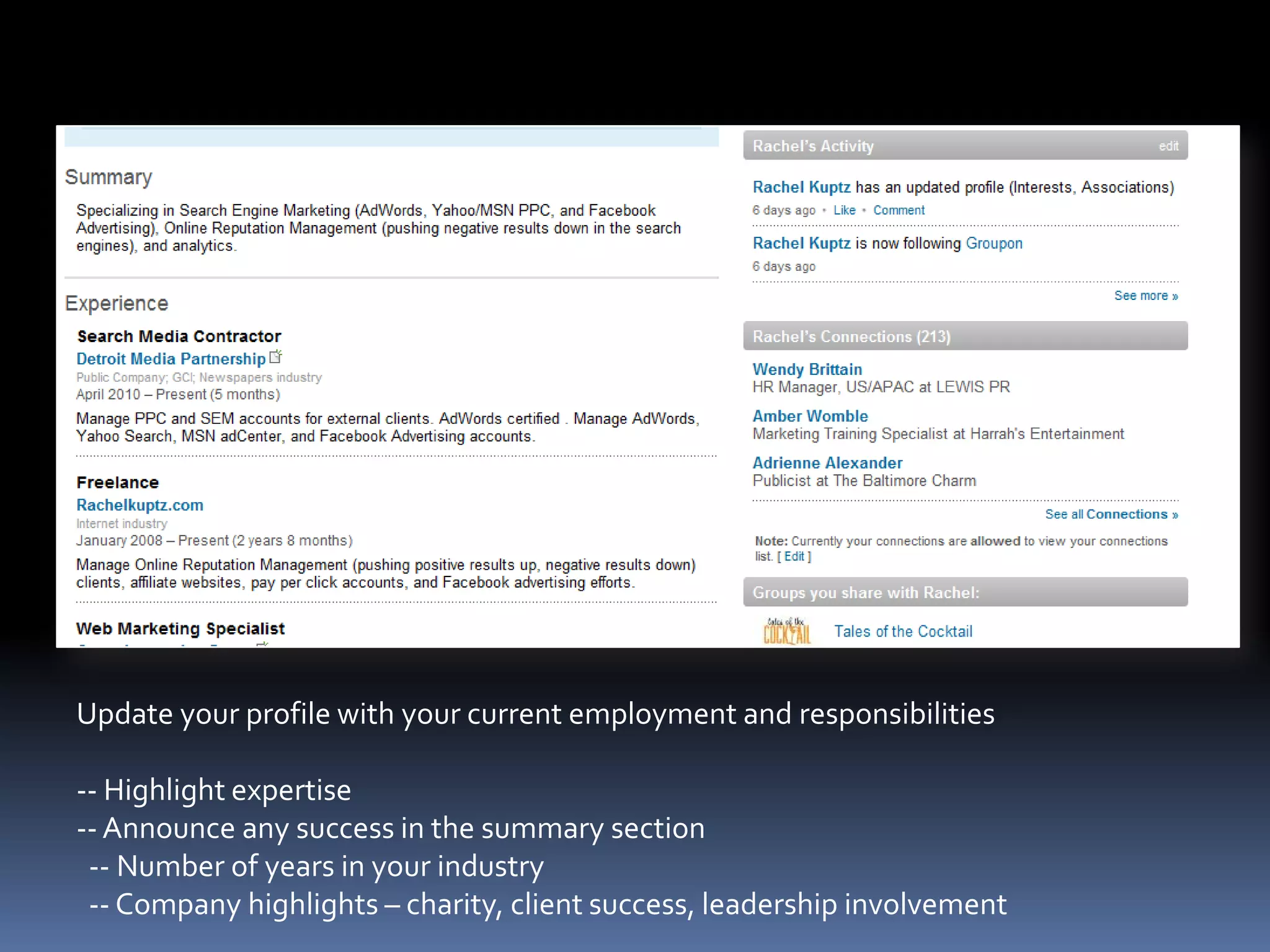
Status UpdatesUpdate your profile with your current employment and responsibilities-- Highlight expertise-- Announce any success in the summary section -- Number of years in your industry-- Company highlights – charity, client success, leadership involvement
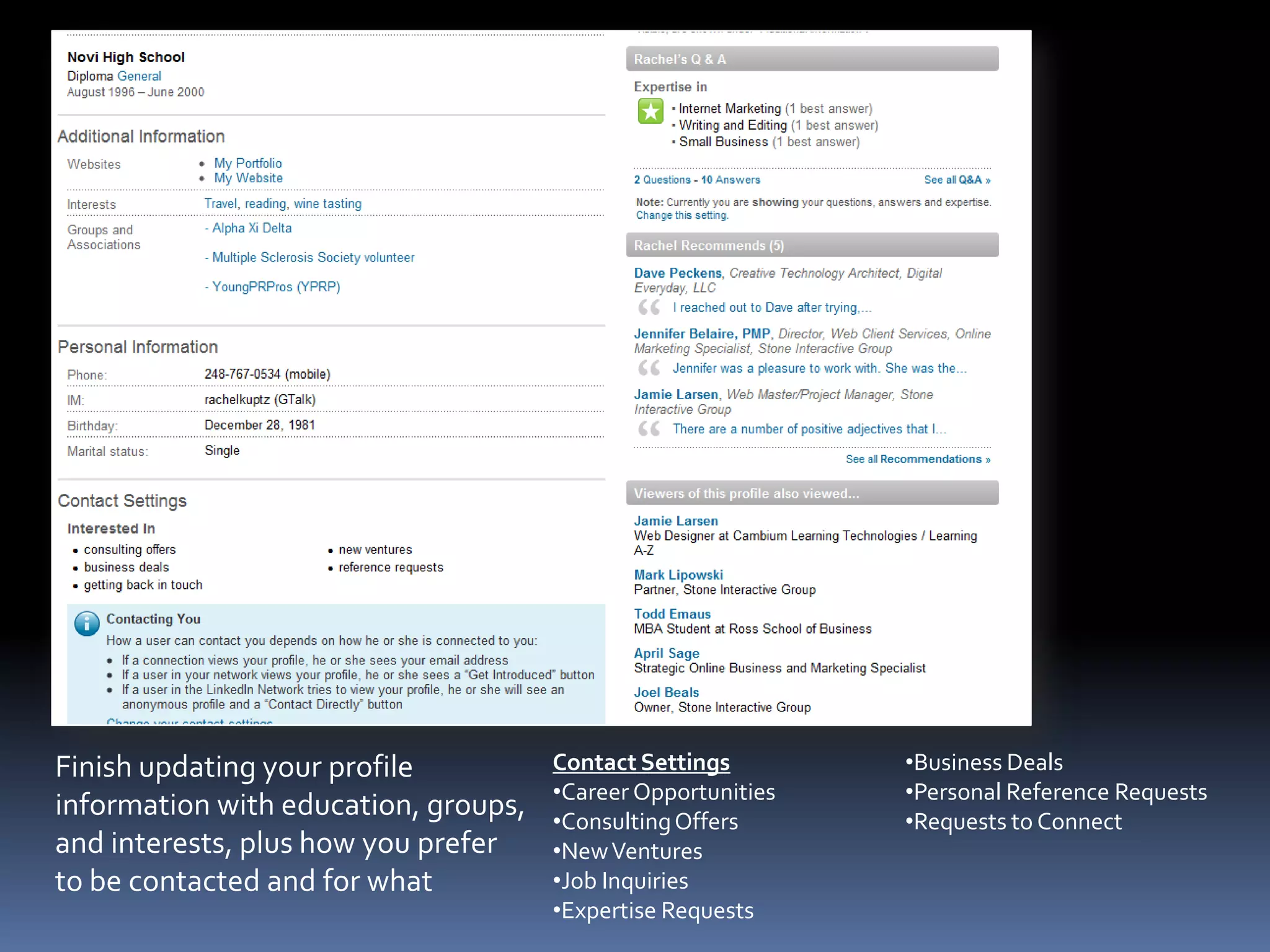
Finish updating your profile information with education, groups, and interests, plus how you prefer to be contacted and for whatContact SettingsCareer Opportunities
Consulting Offers
New Ventures
Job Inquiries
Expertise Requests
Business Deals
Personal Reference Requests
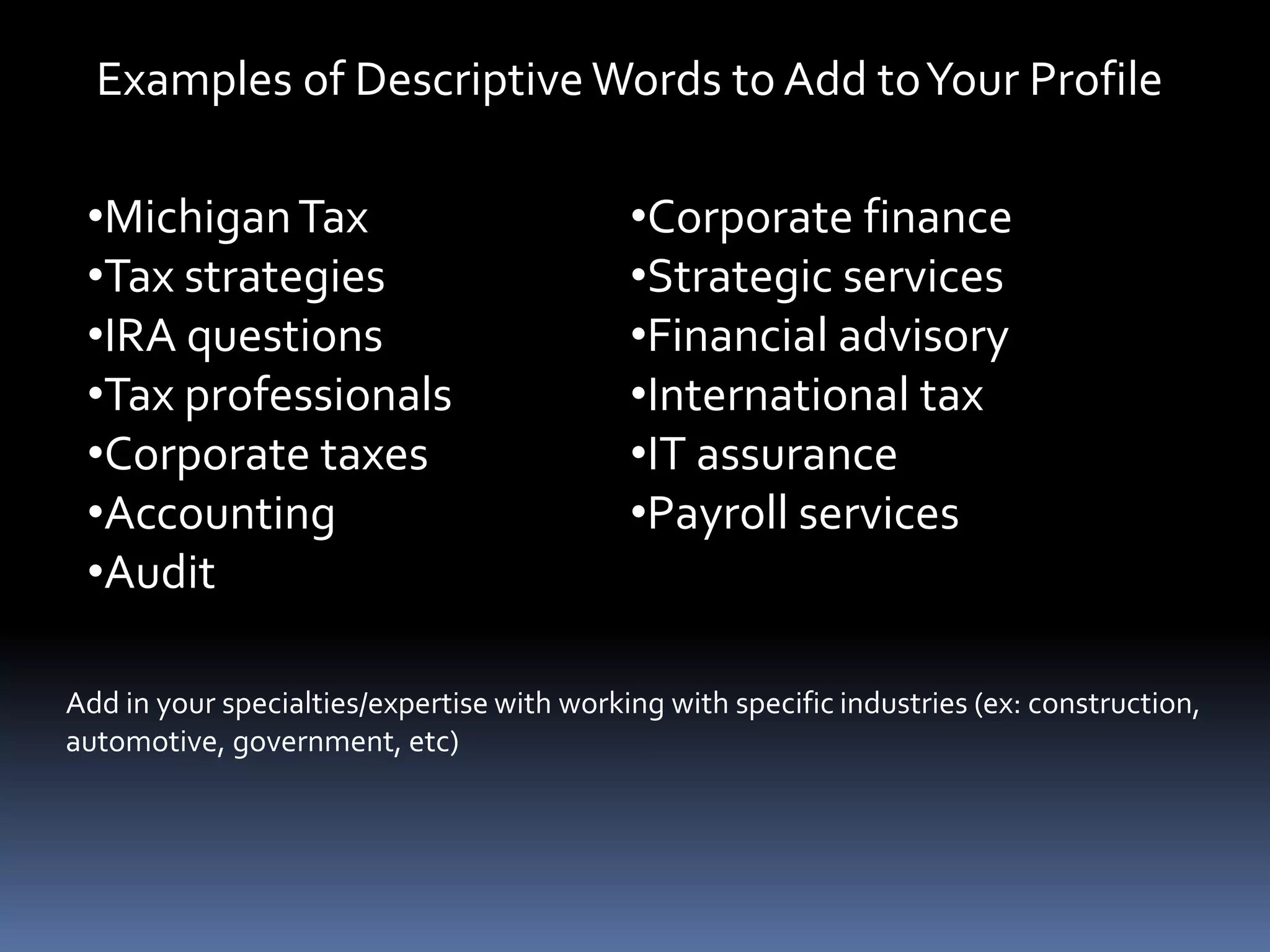
Requests to ConnectExamples of Descriptive Words to Add to Your ProfileMichigan Tax
Tax strategies
IRA questions
Tax professionals
Corporate taxes
Accounting
Audit

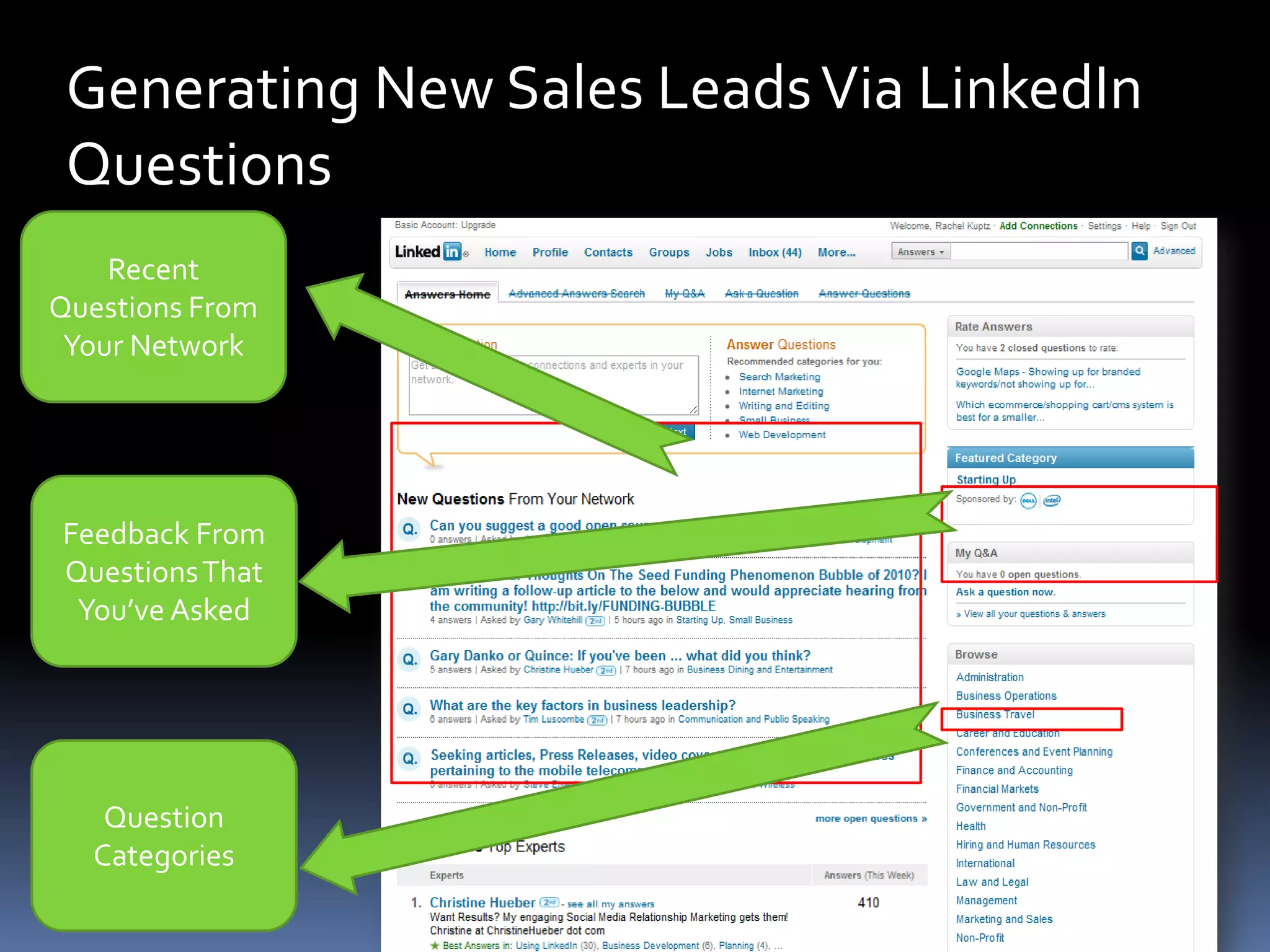
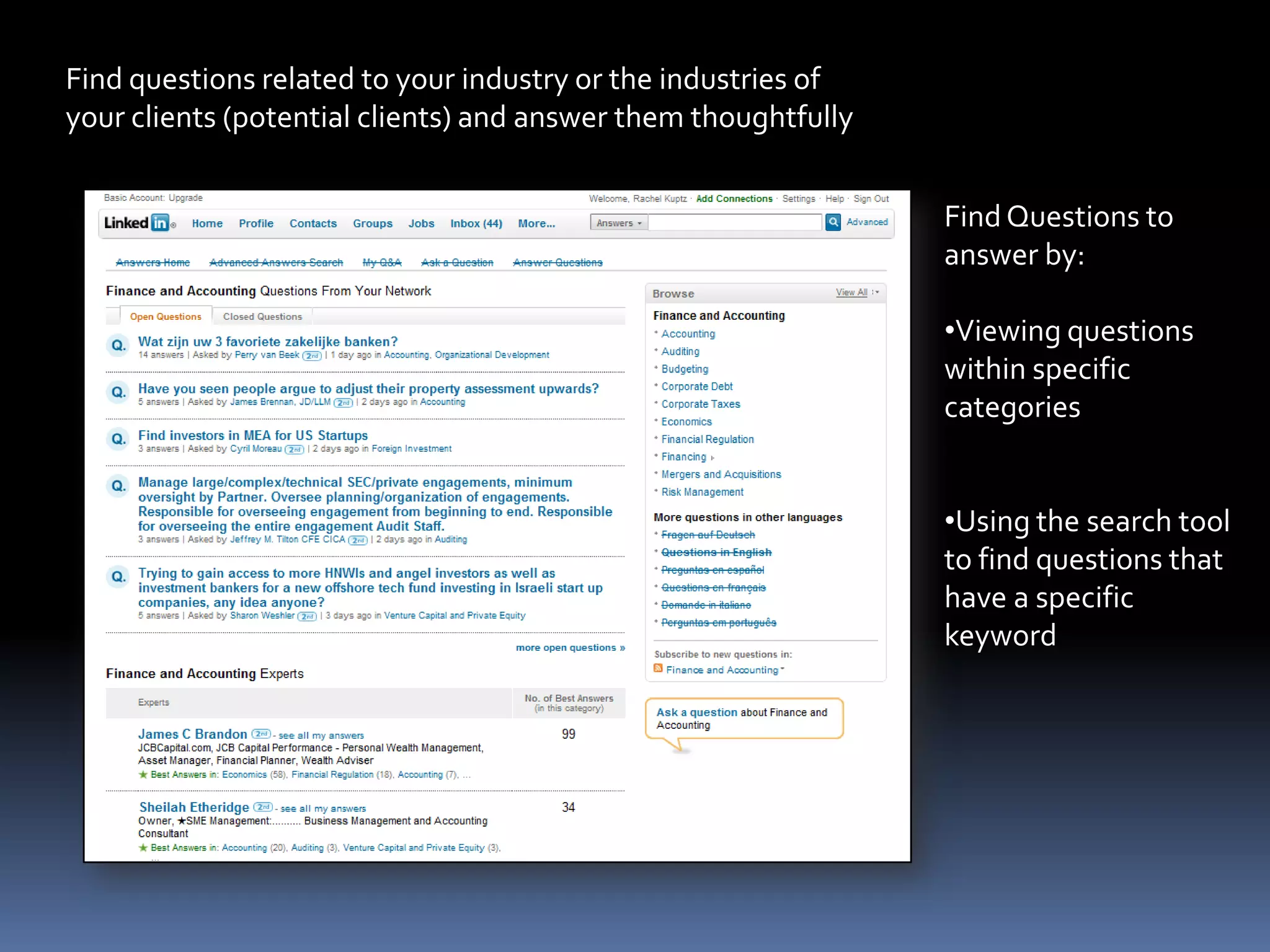
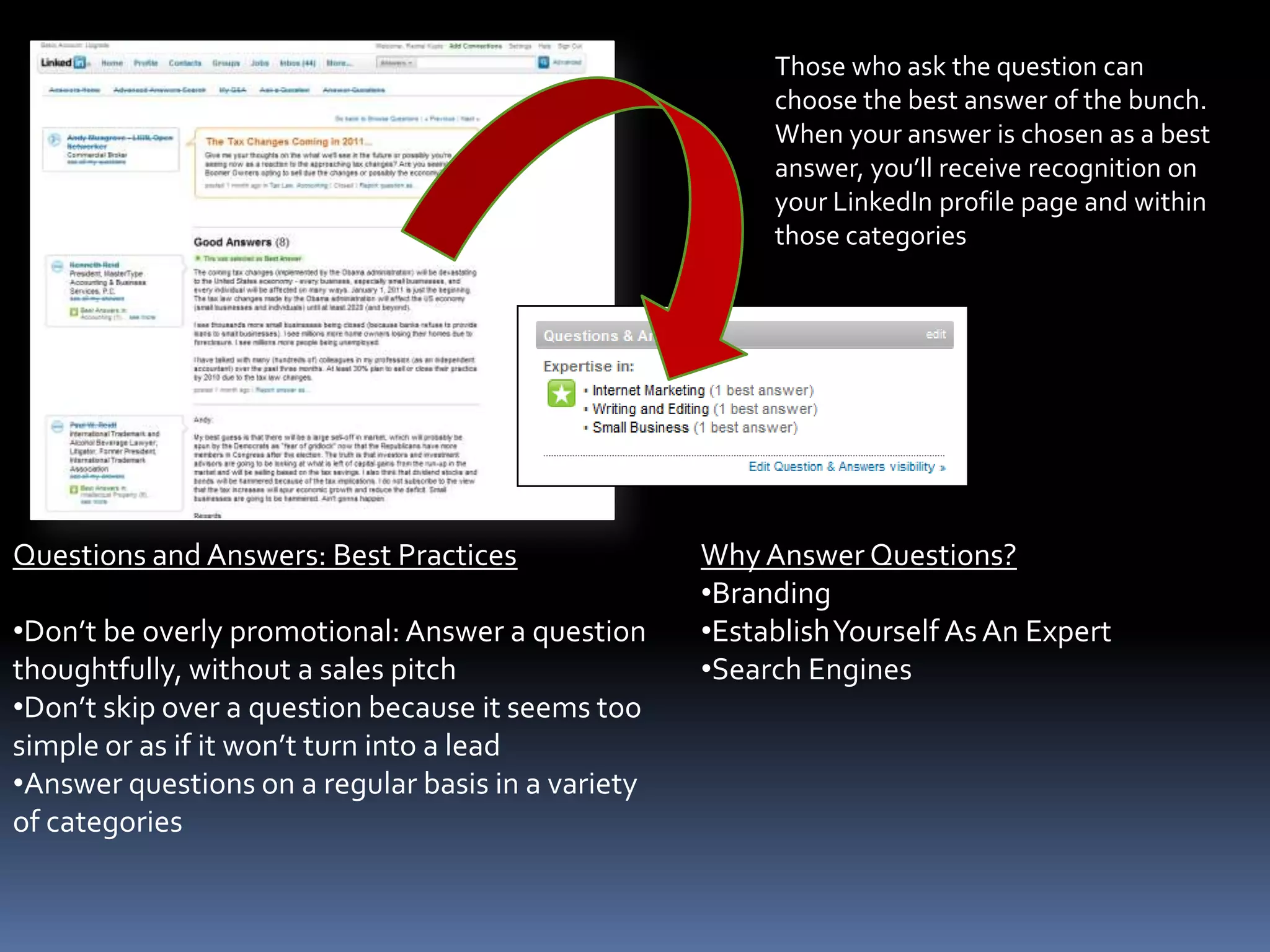
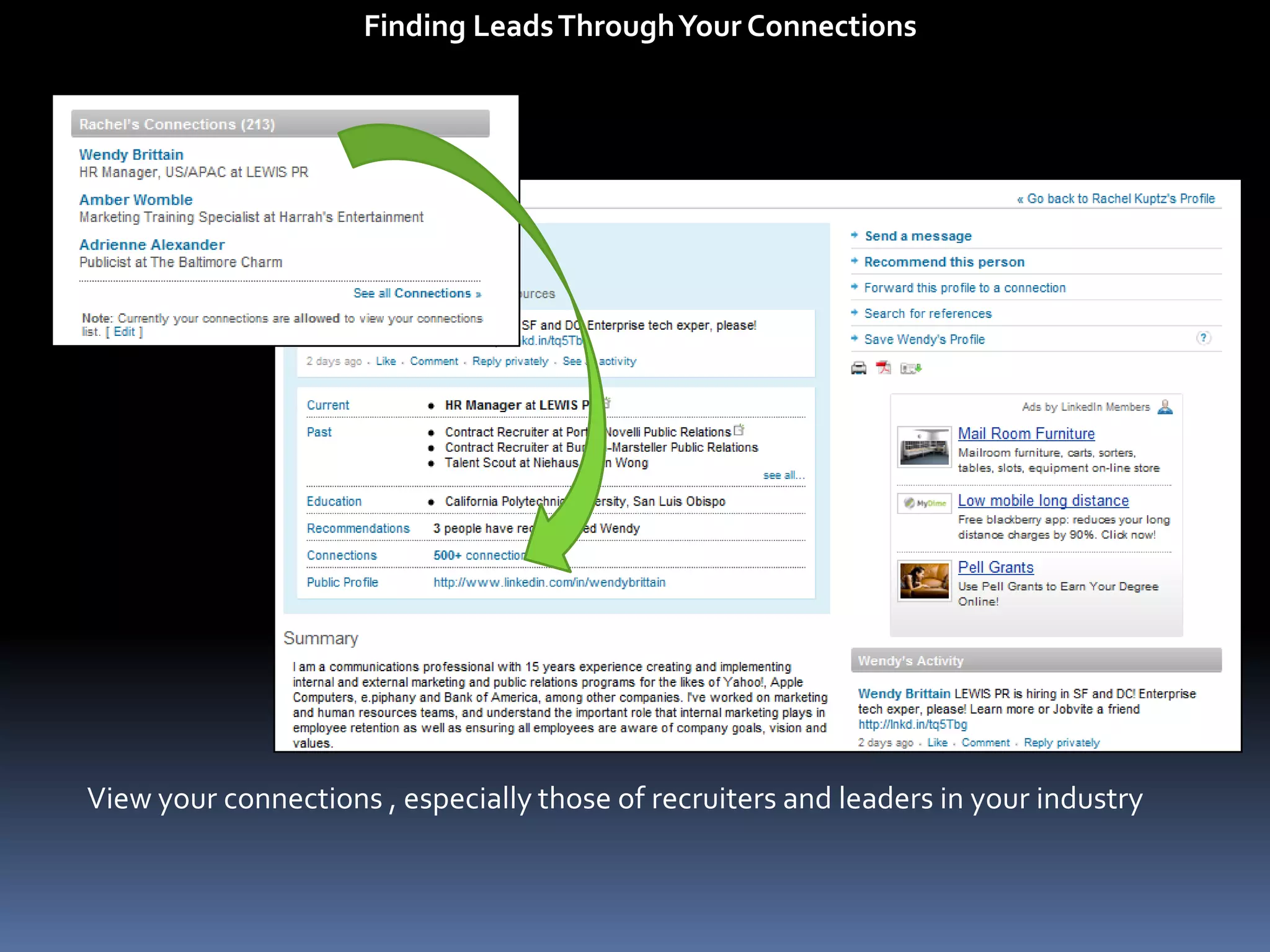
Using LinkedIn To Find Leads

Editor's Notes

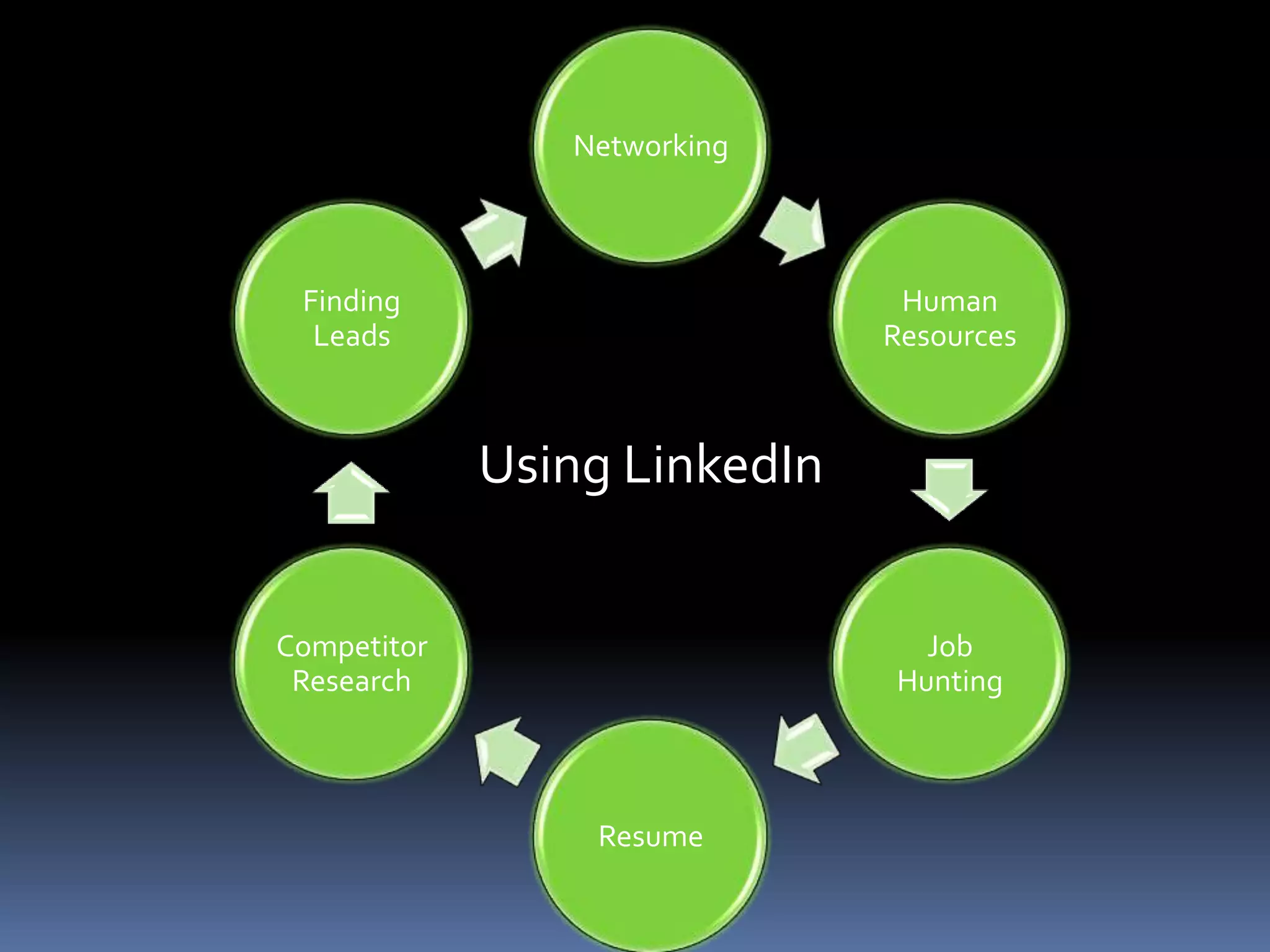
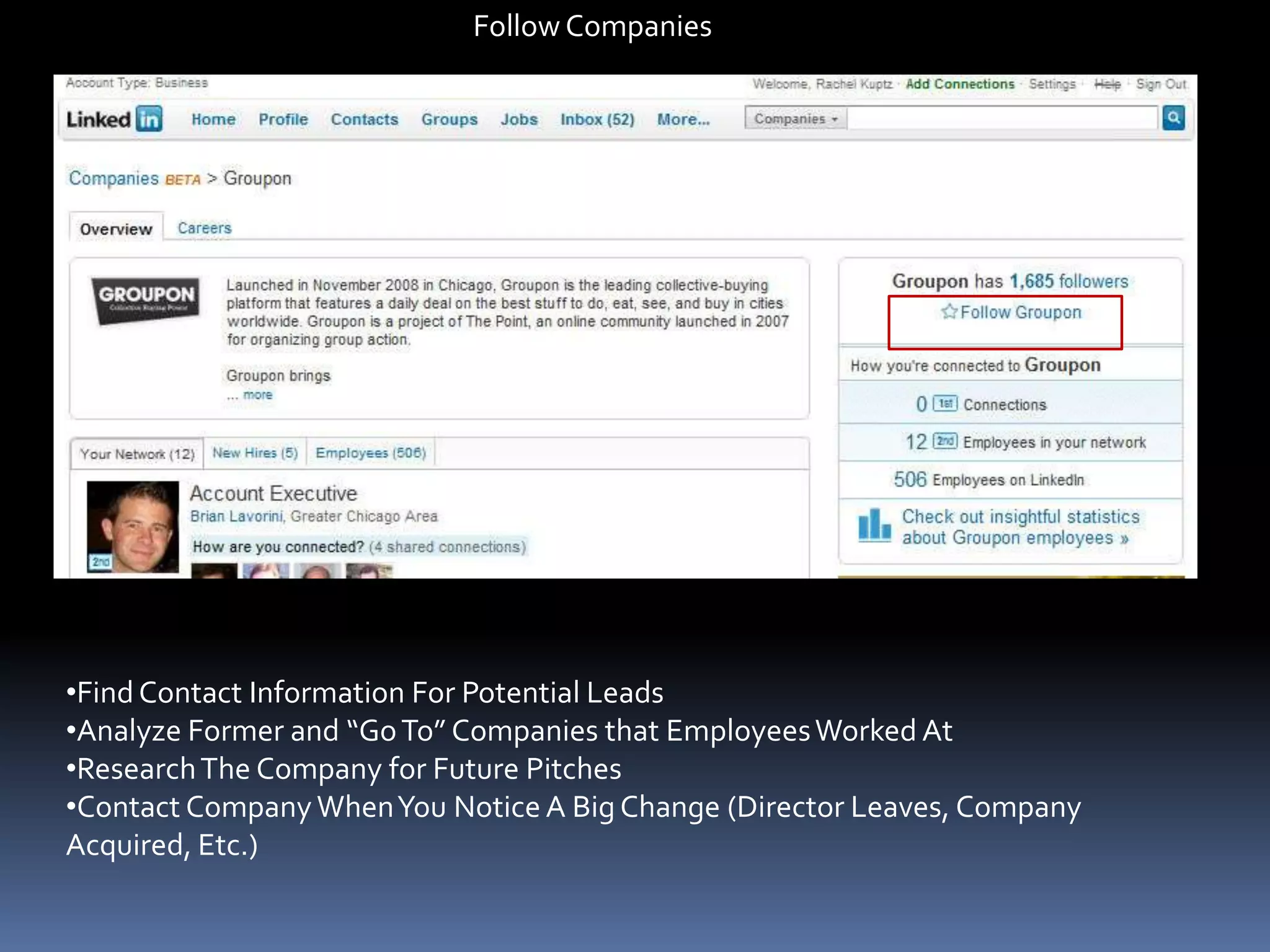
  • #3 Talking points:Human resources – finding new hiresJob hunting – looking for a new position (jobs posted on linkedin, researching companies)Resume – using linkedin as your online resume, both for yourself and for your companyCompetitor research – following companies that are your competitors to find out what they are doing Finding leads – finding contacts at companies you want to work with, answering questions/brandingNetworking – using groups to network with related industries and keep up with industry events, keeping in touch with past employees/employers
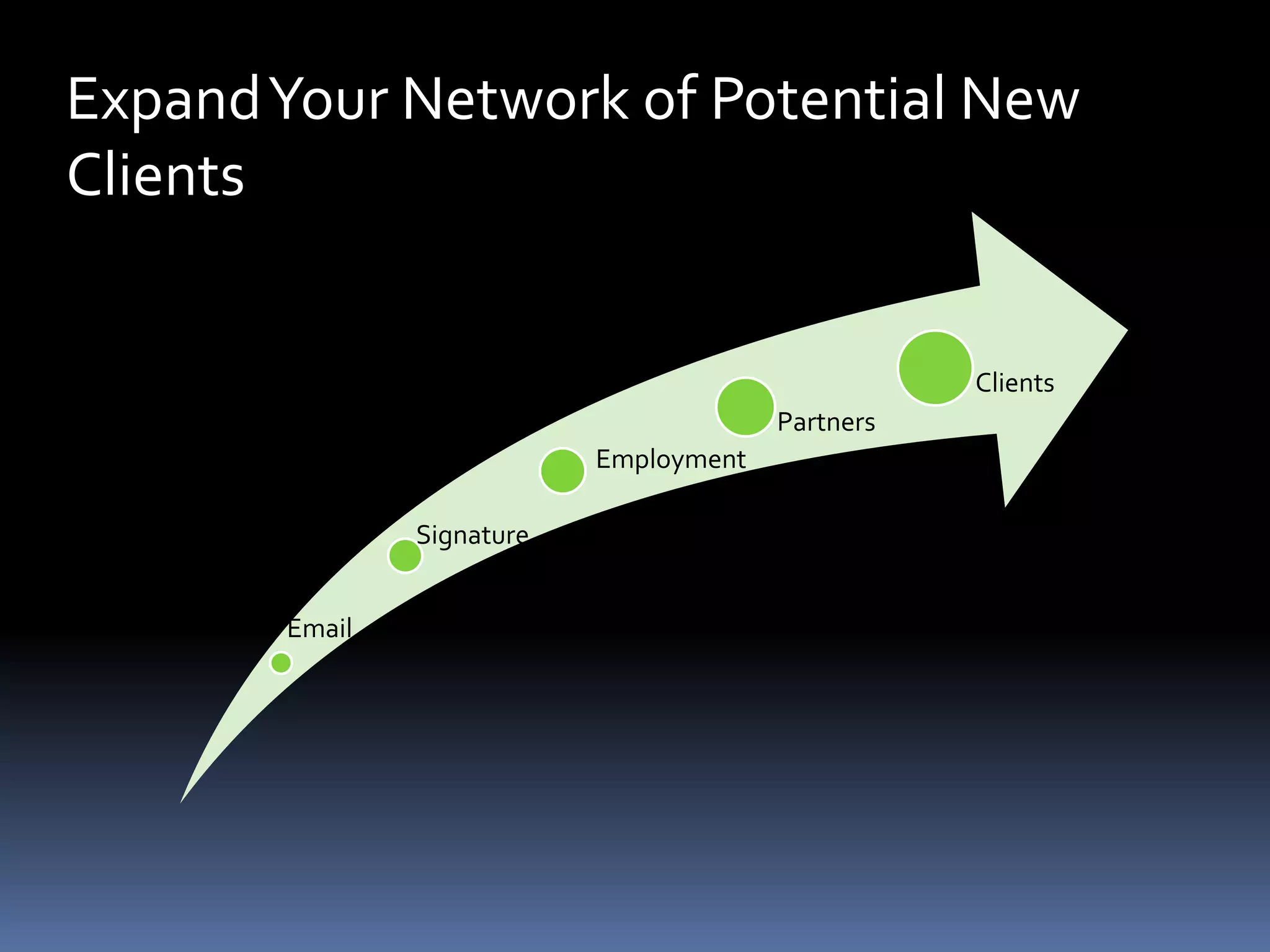
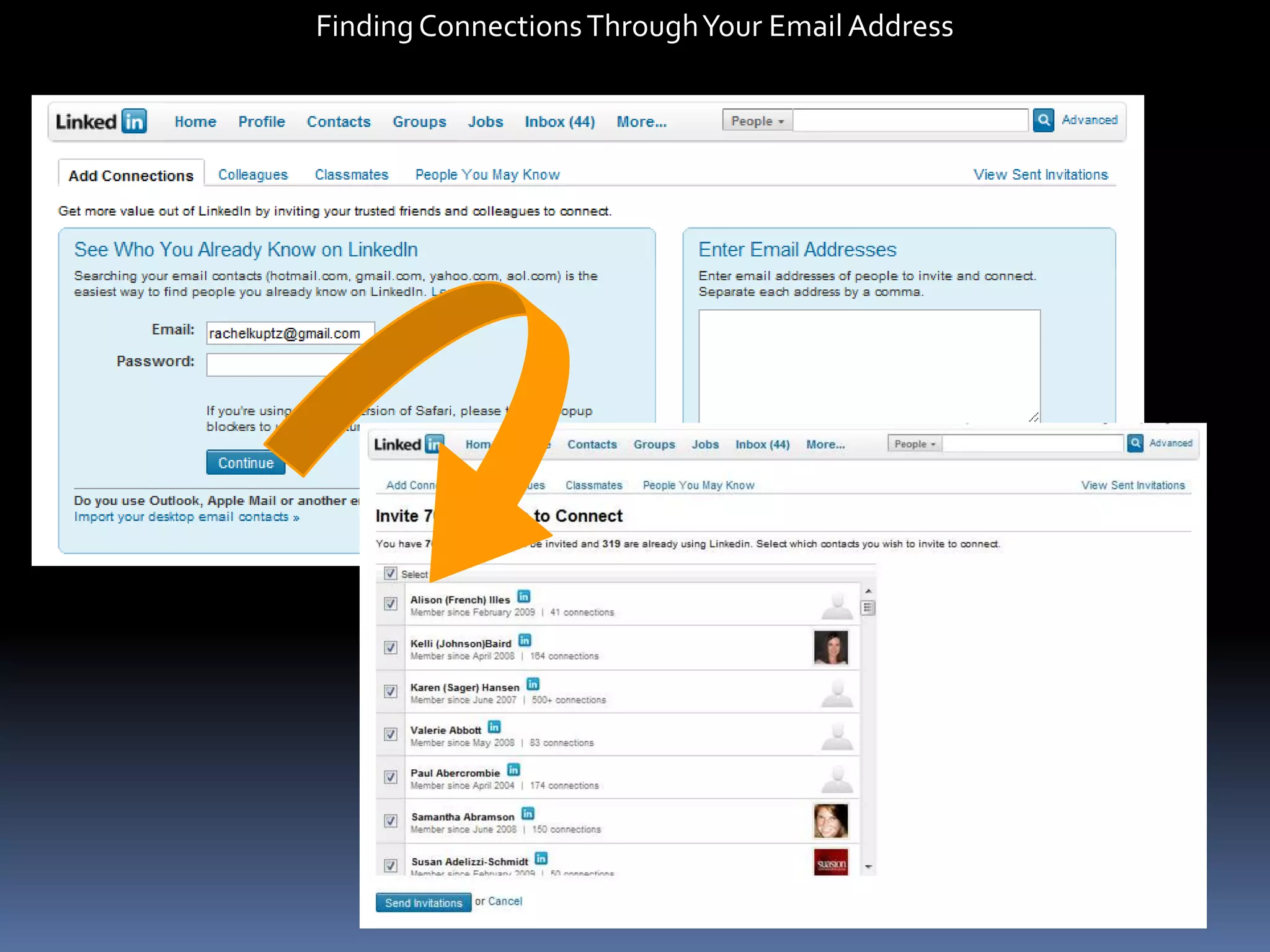
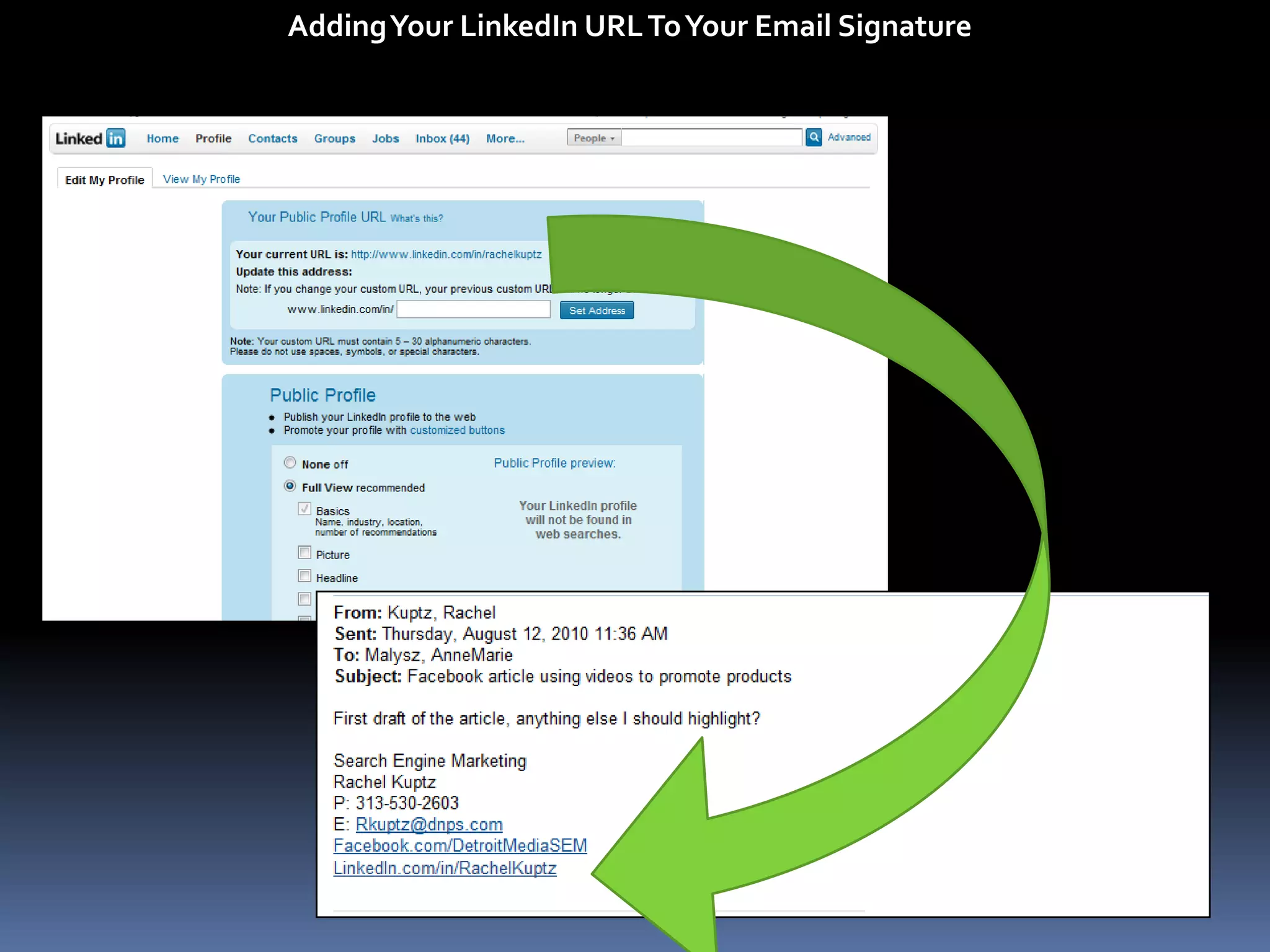
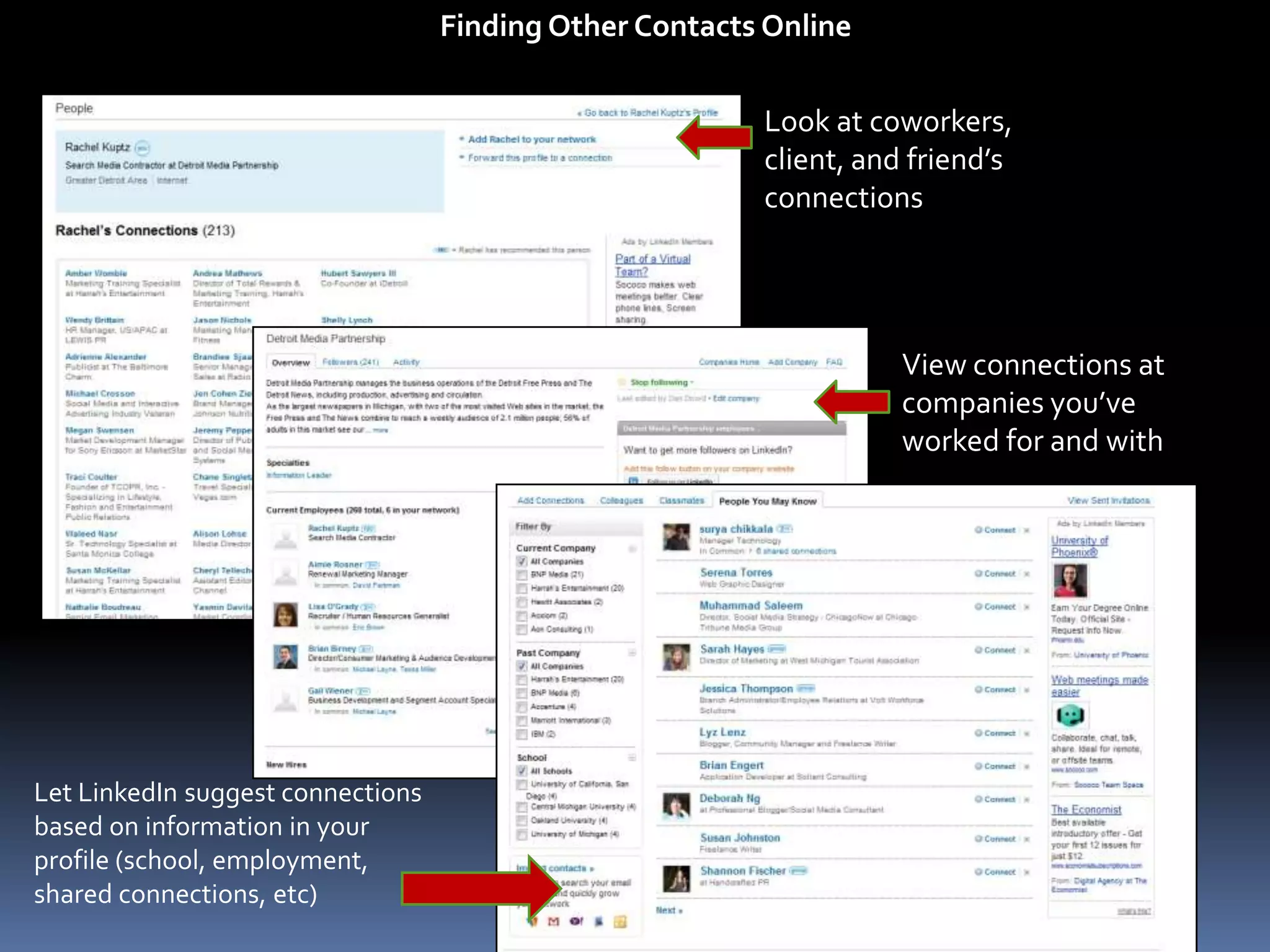
  • #9 Discuss the different ways to find connects:Email: allow linkedin to access your email contactsSignature: add your linkedin profile to your email signature so that contacts know they can connect with you onlineWhy connections are important in linkedin: networks, access to possible leadsPast Employment: visit past employer’s pages to find coworkersCurrent Employment: find current coworkers onlinePartners: find vendors, marketing contacts, and those that you have met through industry eventsClients: connect with current and past clients who may be able to recommend you
  • #10 LinkedIn will read your email contacts and suggest people to connect with; show how
  • #11 Create a friendly LinkedIn URL (instead of linkedin.com/in/rachel-kuptz/54321 change it to your name
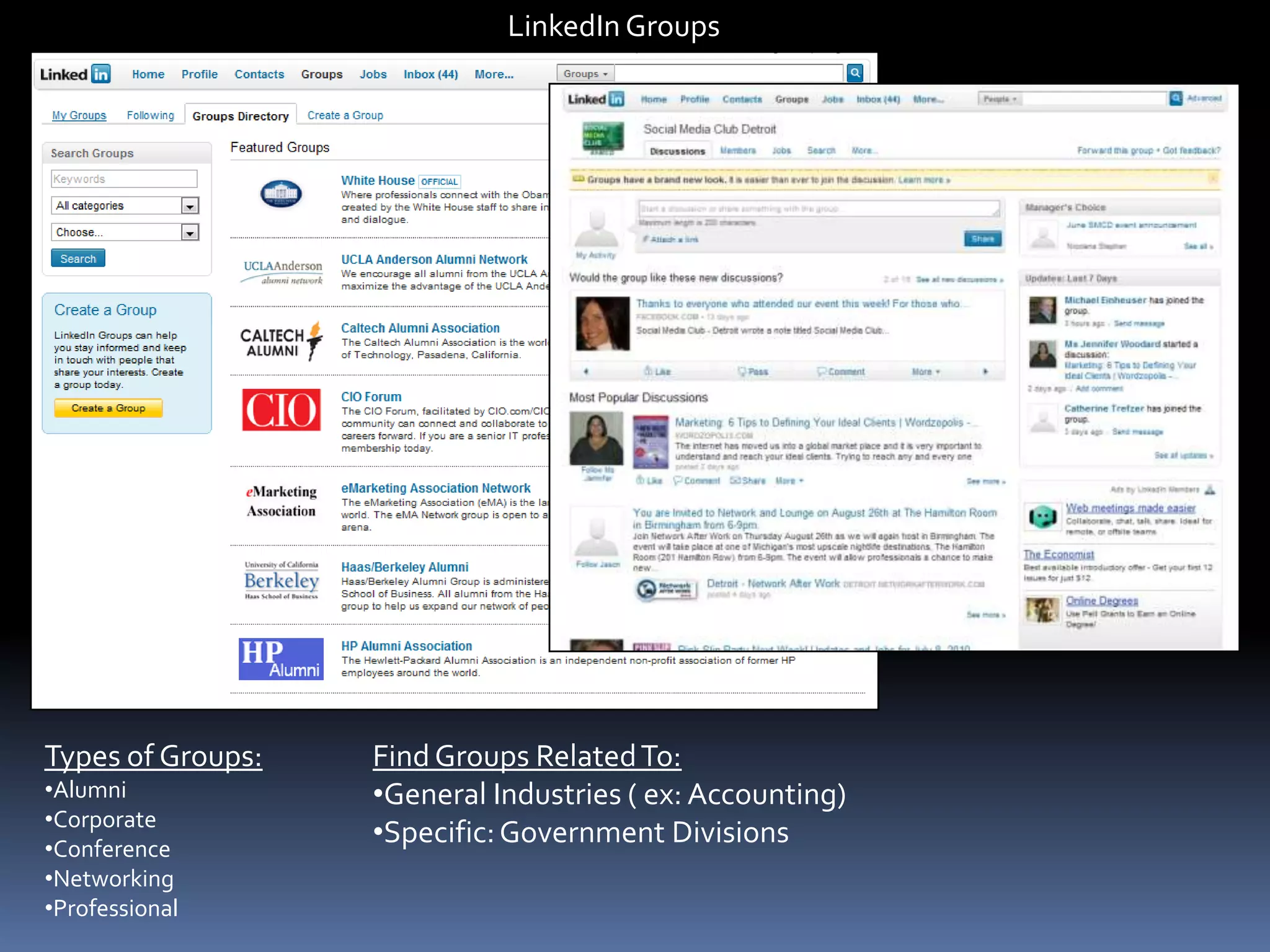
  • #18 Why groups: networking events, talk about current industry trends/happenings, share information, follow leads, call for speakers, job postings, etc