Matt Nolan
CTO, FOEX GmbH
Unlocking the Power of the
APEX Plugin Architecture
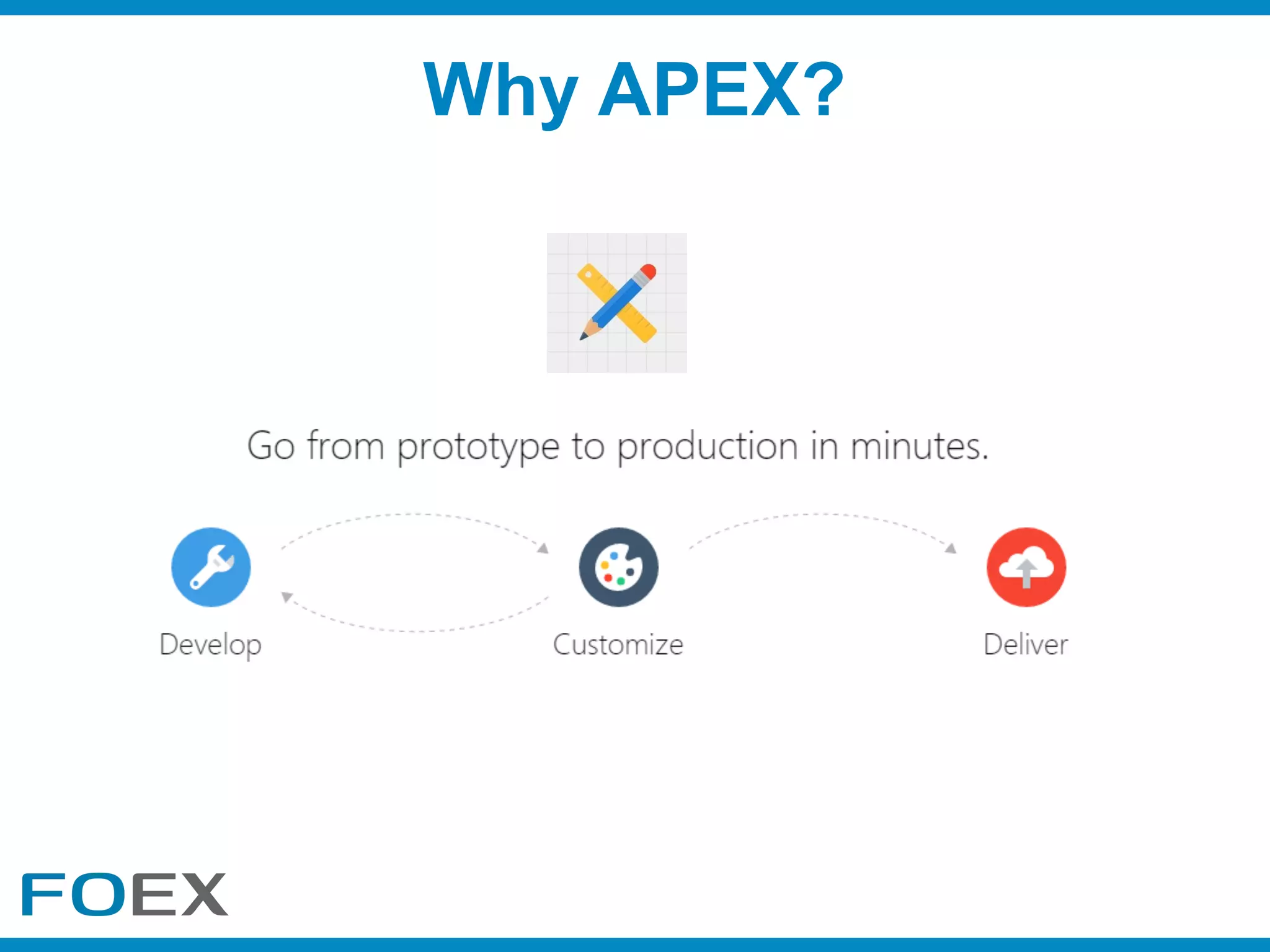
Why APEX?
Missing Tools
Missing Tools
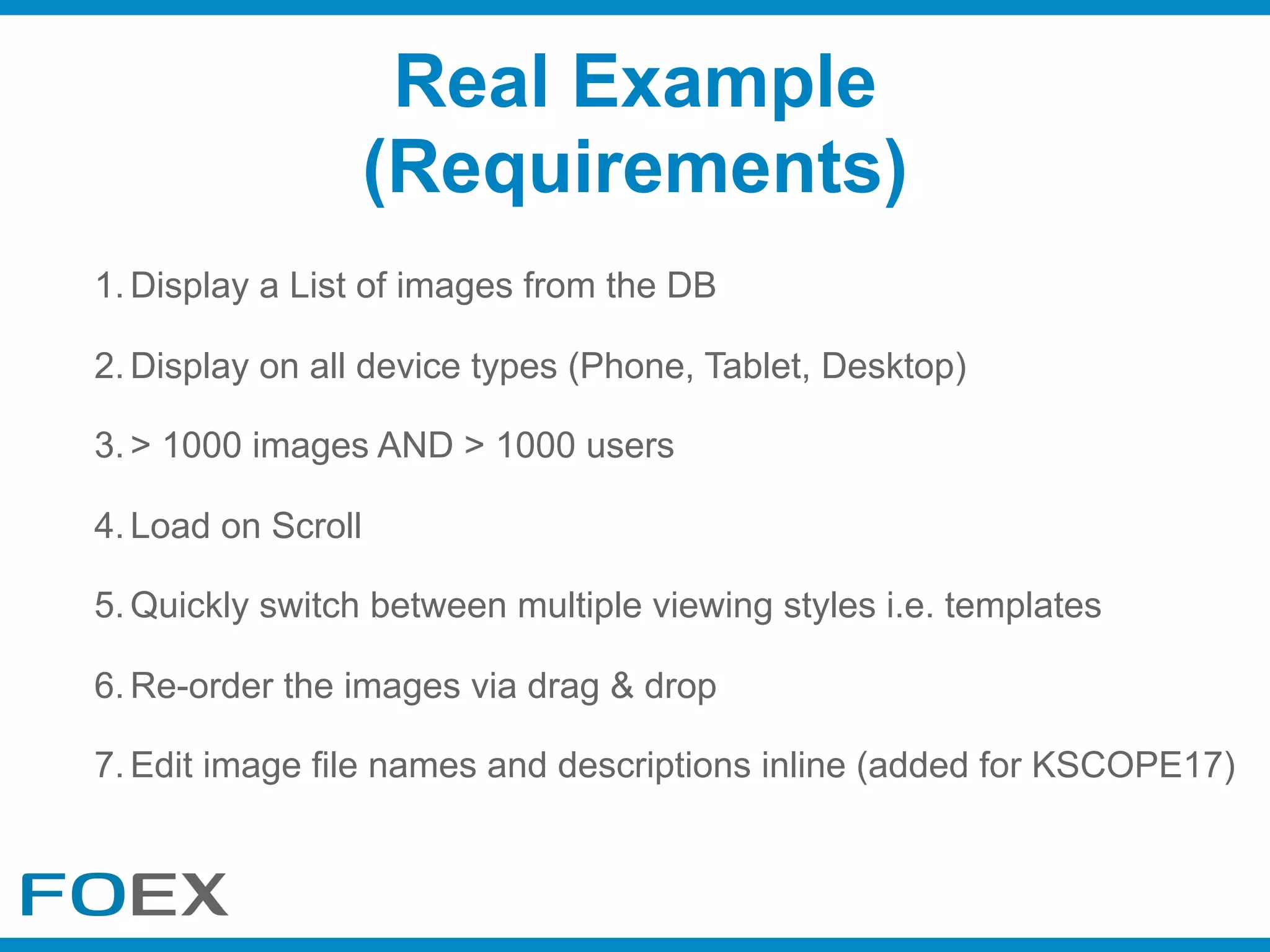
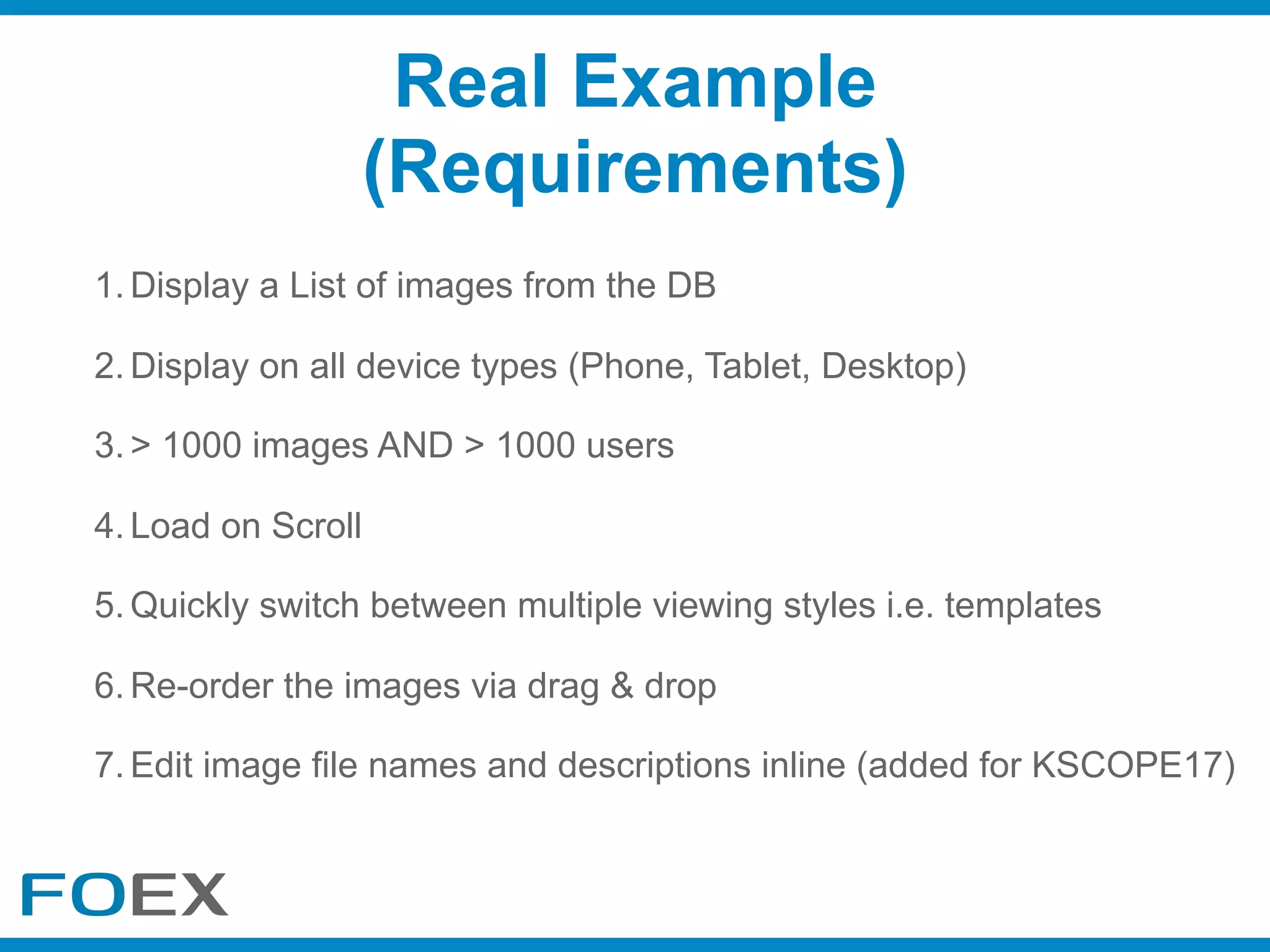
1. Display a List of images from the DB
2. Display on all device types (Phone, Tablet, Desktop)
3. > 1000 images AND > 1000 users
4. Load on Scroll
5. Quickly switch between multiple viewing styles i.e. templates
6. Re-order the images via drag & drop
7. Edit image file names and descriptions inline (added for KSCOPE17)
Real Example
(Requirements)
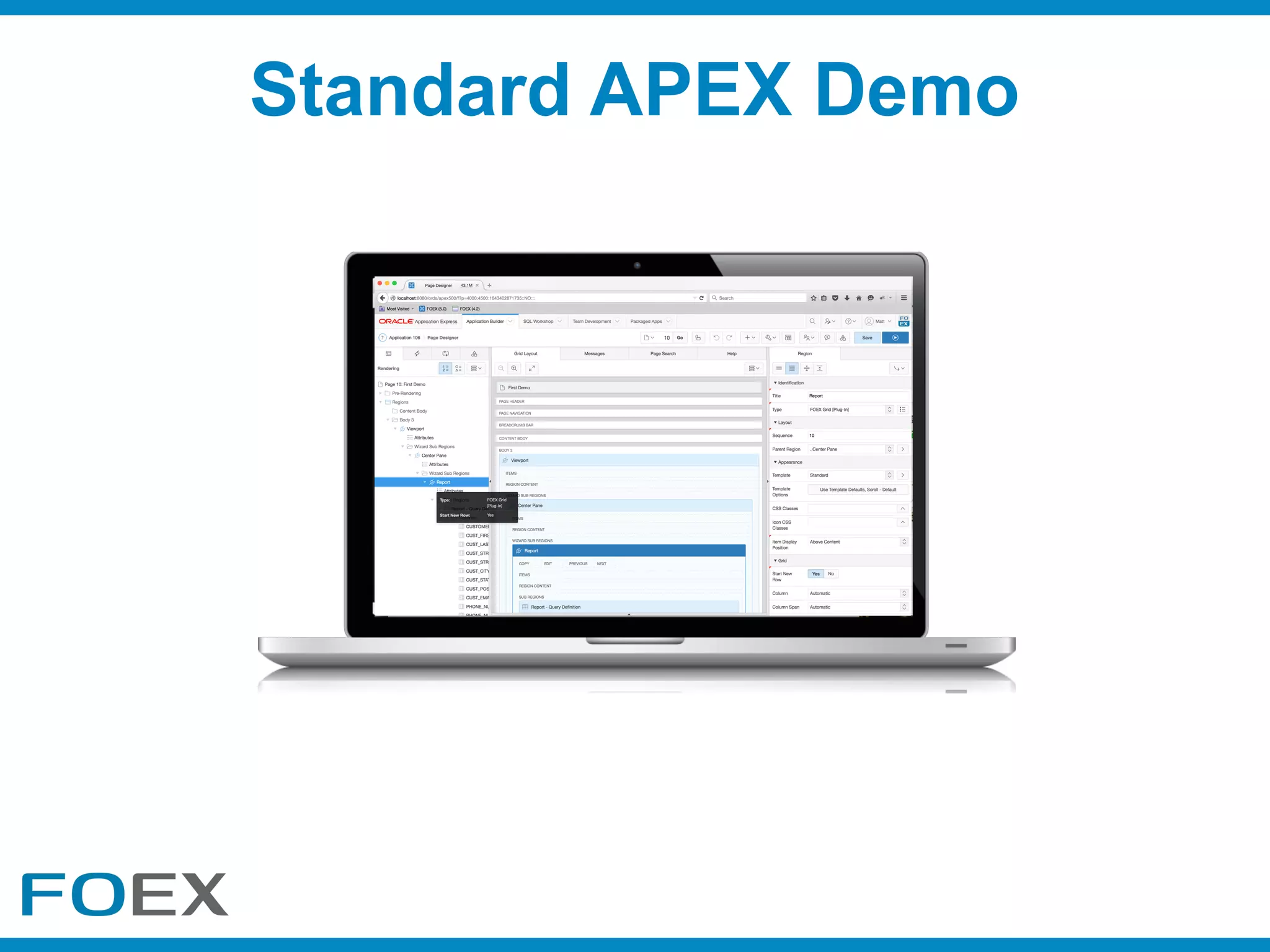
Standard APEX Demo
1. Display a List of images from the DB
2. Display on all device types (Phone, Tablet, Desktop)
3. > 1000 images AND > 1000 users
4. Load on Scroll
5. Quickly switch between multiple viewing styles i.e. templates
6. Re-order the images via drag & drop
7. Edit image file names and descriptions inline (added for KSCOPE17)
Real Example
(Requirements)
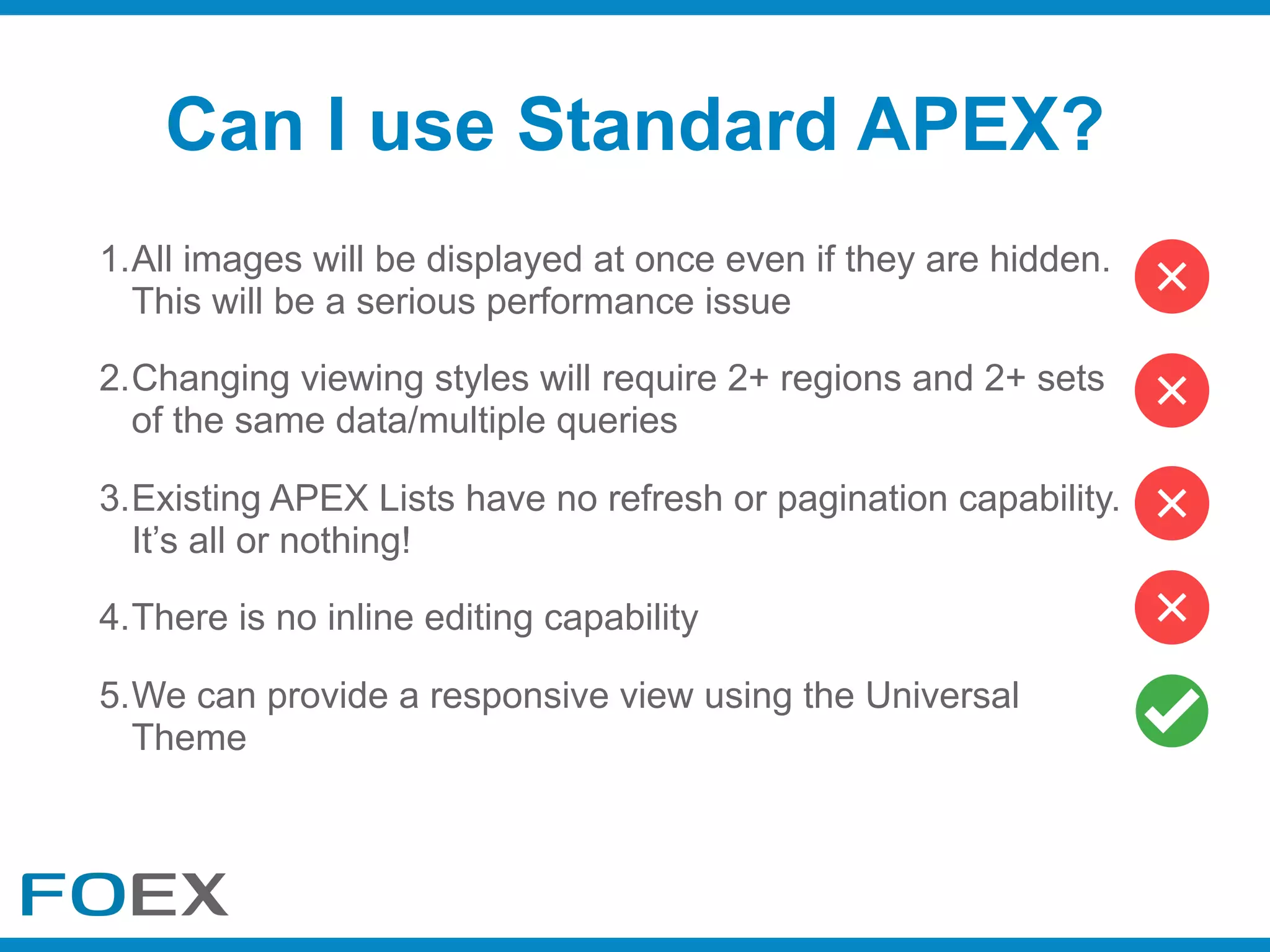
1.All images will be displayed at once even if they are hidden.
This will be a serious performance issue
2.Changing viewing styles will require 2+ regions and 2+ sets
of the same data/multiple queries
3.Existing APEX Lists have no refresh or pagination capability.
It’s all or nothing!
4.There is no inline editing capability
5.We can provide a responsive view using the Universal

Theme
Can I use Standard APEX?
Can I extend APEX?
What can I do?
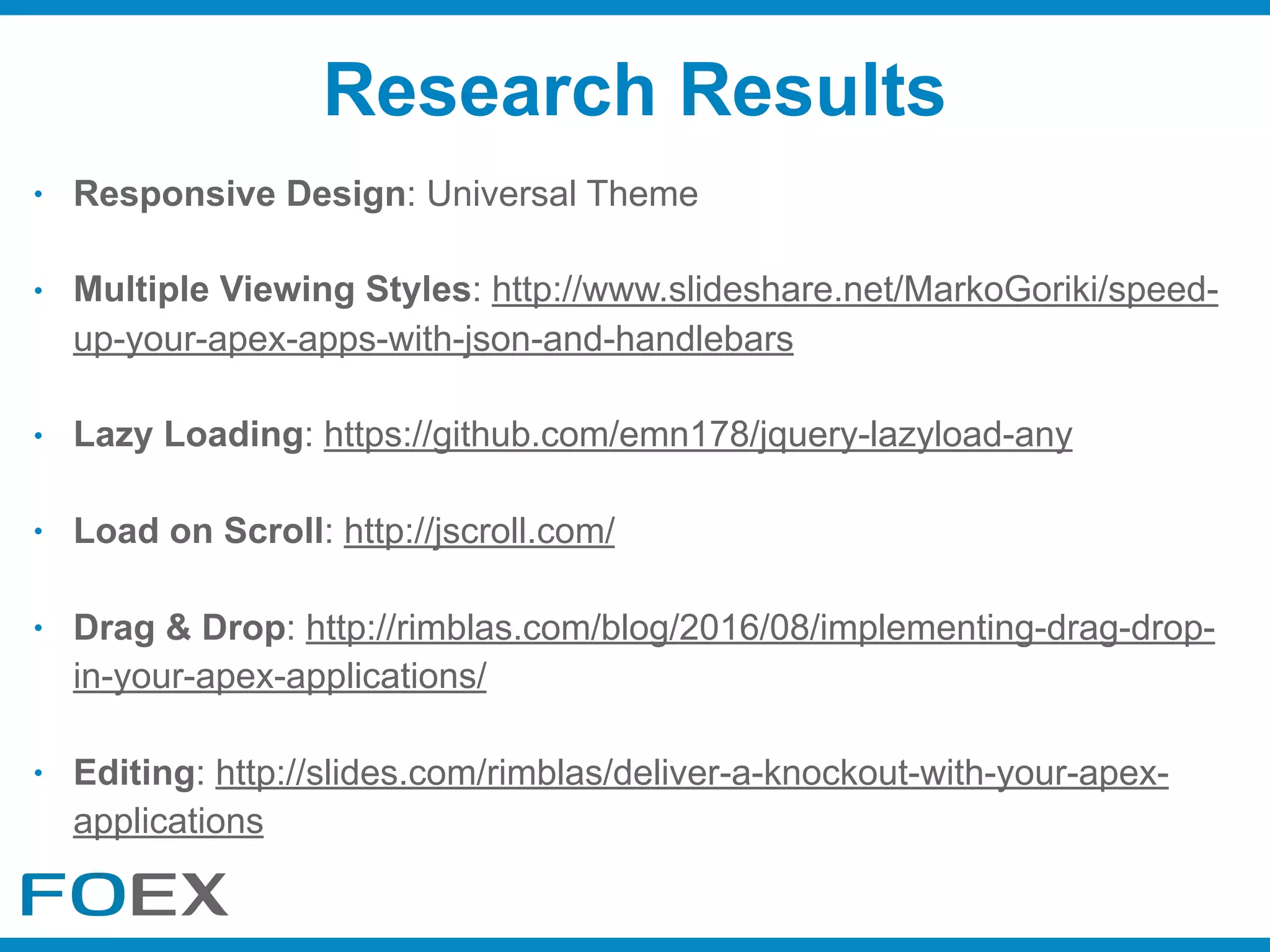
• Responsive Design: Universal Theme
• Multiple Viewing Styles: http://www.slideshare.net/MarkoGoriki/speed-
up-your-apex-apps-with-json-and-handlebars
• Lazy Loading: https://github.com/emn178/jquery-lazyload-any
• Load on Scroll: http://jscroll.com/
• Drag & Drop: http://rimblas.com/blog/2016/08/implementing-drag-drop-
in-your-apex-applications/
• Editing: http://slides.com/rimblas/deliver-a-knockout-with-your-apex-
applications
Research Results
Will writing a HowTo Suffice?
• Separates Developer Responsibilities
• The Focus is on Design
• They are Modular & Reusable
• Loosely Coupled
• Encapsulates Complexity
• Simplifies how you Document
• Easy to Version Control
• Certify against versions of APEX
• Decreases Mistakes
• Increases Development Speed
• Provides Code Centralisation
• Improves Upgradeability
• Easy to Identify Plugin Usage
• Easy to Share (Social)
• Boosts your Developer Profile
• Promotes Testing & Demo creation
Benefits of Plugins
I don’t have time?
What Plugins Can I Build?
• Region Plugins
• Item Plugins
• Dynamic Action Plugins
• Process Plugins
• Authentication Plugins
• Authorization Scheme Plugins
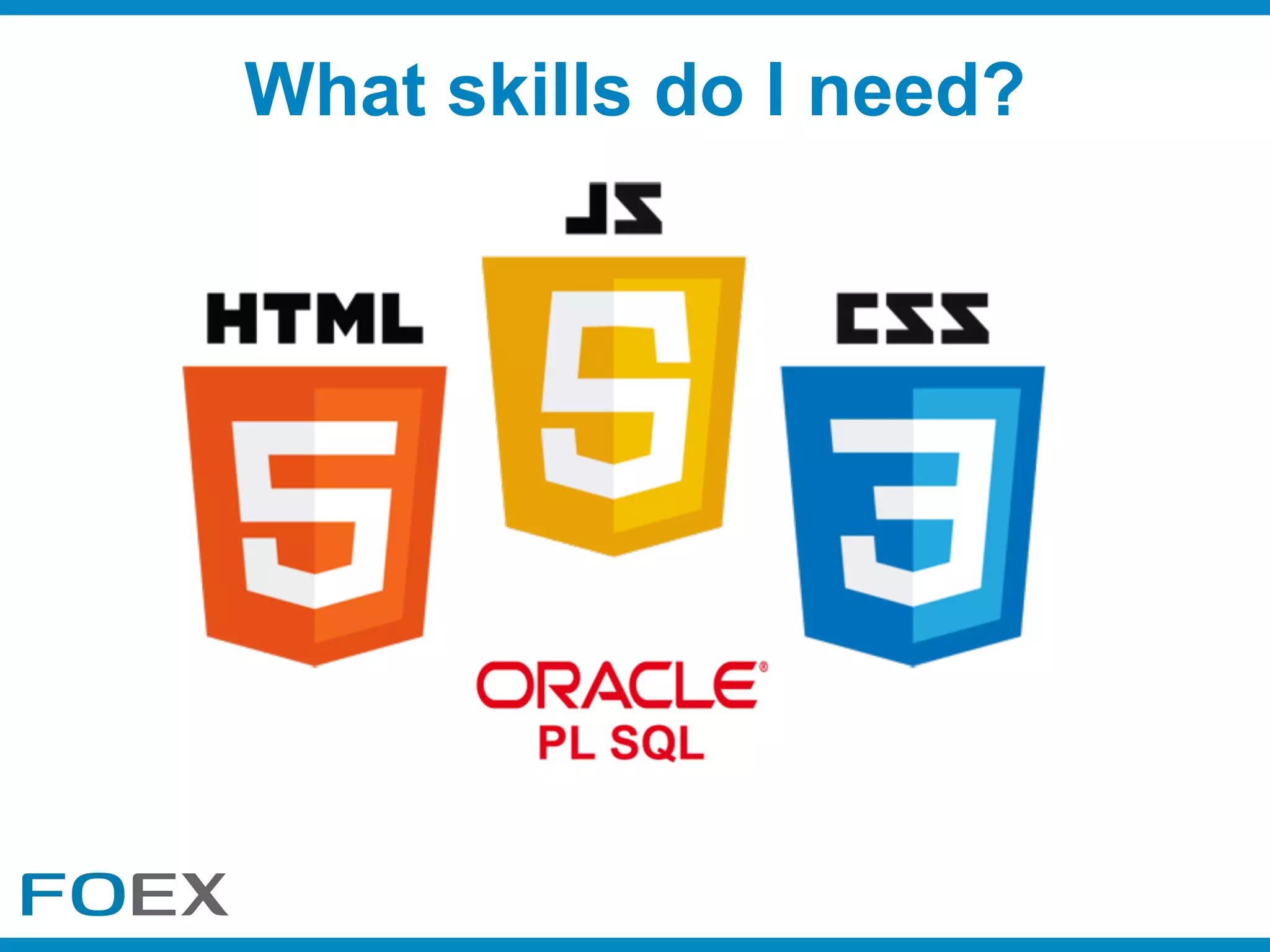
What skills do I need?
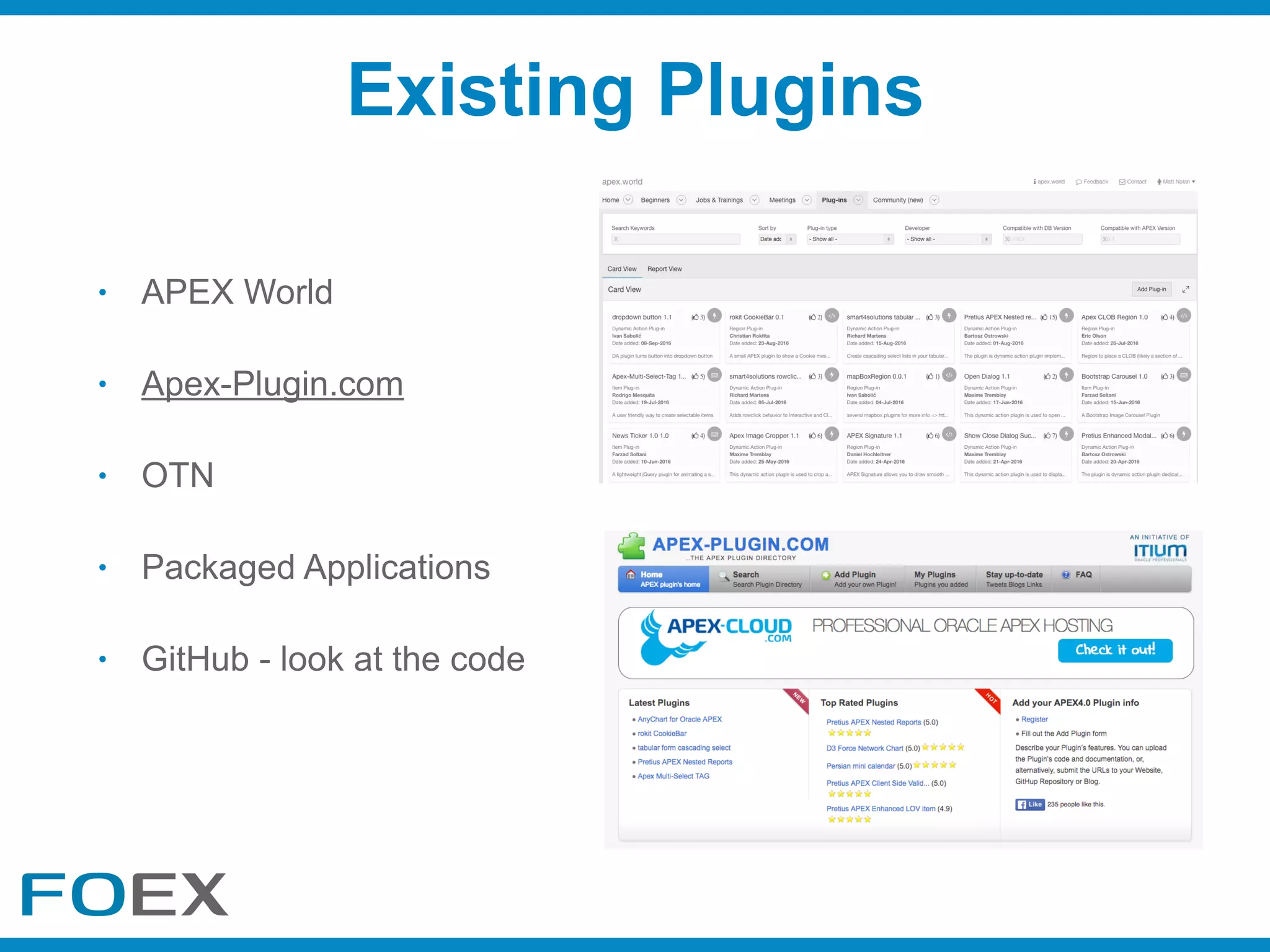
• APEX World
• Apex-Plugin.com
• OTN
• Packaged Applications
• GitHub - look at the code
Existing Plugins
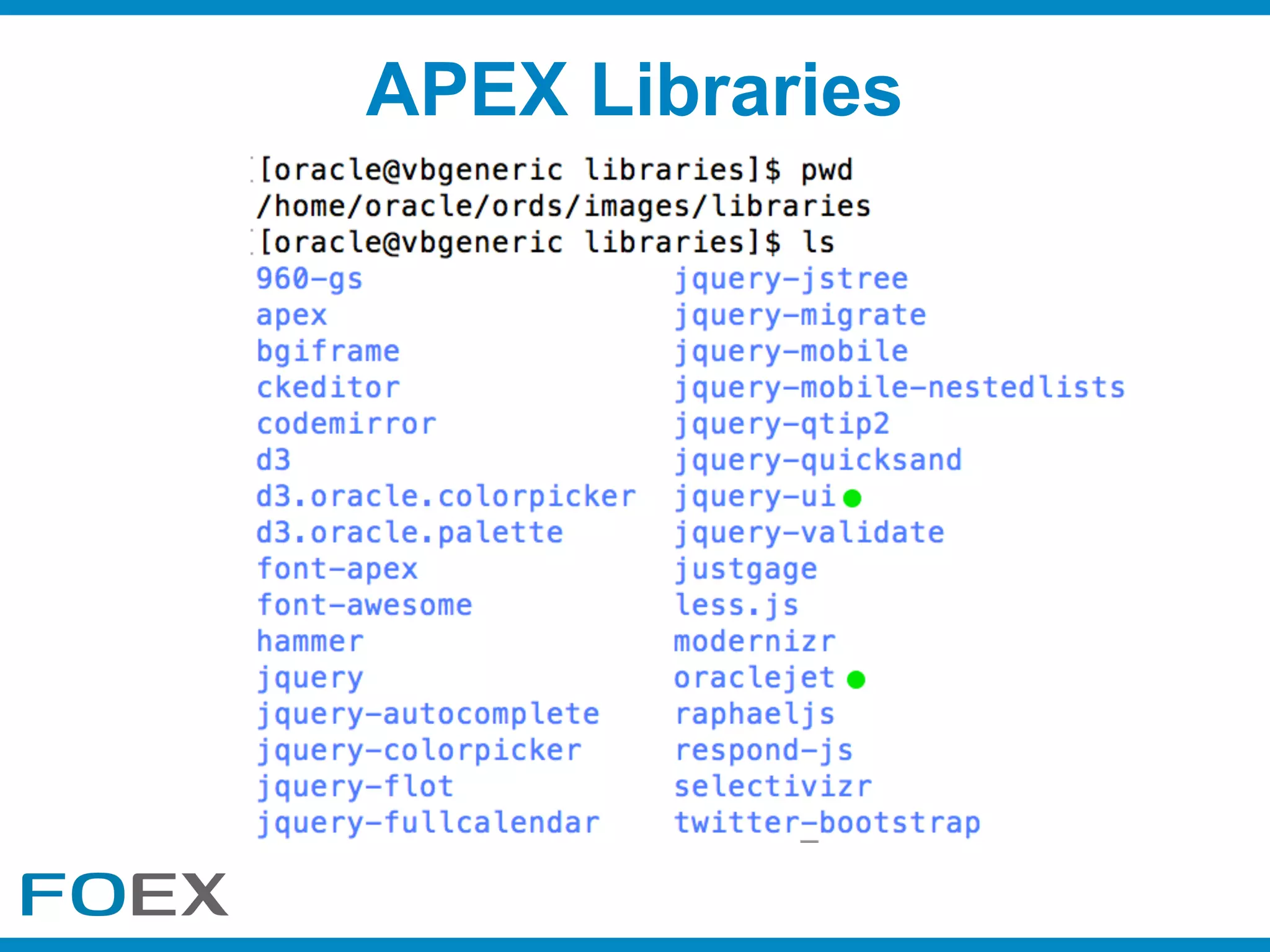
APEX Libraries
• Skill set
• Complexity
• Time
• Cost
• Benefit
• Support
What Should I Consider?
• Target Multiple Devices
• Keeping it generic and as simple as possible
• simple configuration & hide complexity
• reduce/eliminate coding requirements for developers
• Abstract your JS API with one or more Dynamic Actions
• Give Advanced Developers Control
• Globalisation / Translation
• APEX_PLUGIN_UTIL
• APEX_JSON
• APEX_ESCAPE
• APEX_DEBUG
• APEX_JAVASCRIPT & APEX_CSS
• APEX_WEBSERVICES
• You have the full capabilities of the Database
• APEX Javascript API’s e.g. apex.server, apex.event, apex.debug
• jQuery - promises, deferreds, millions of plugins
Useful API’s
What about performance?Increasing Performance
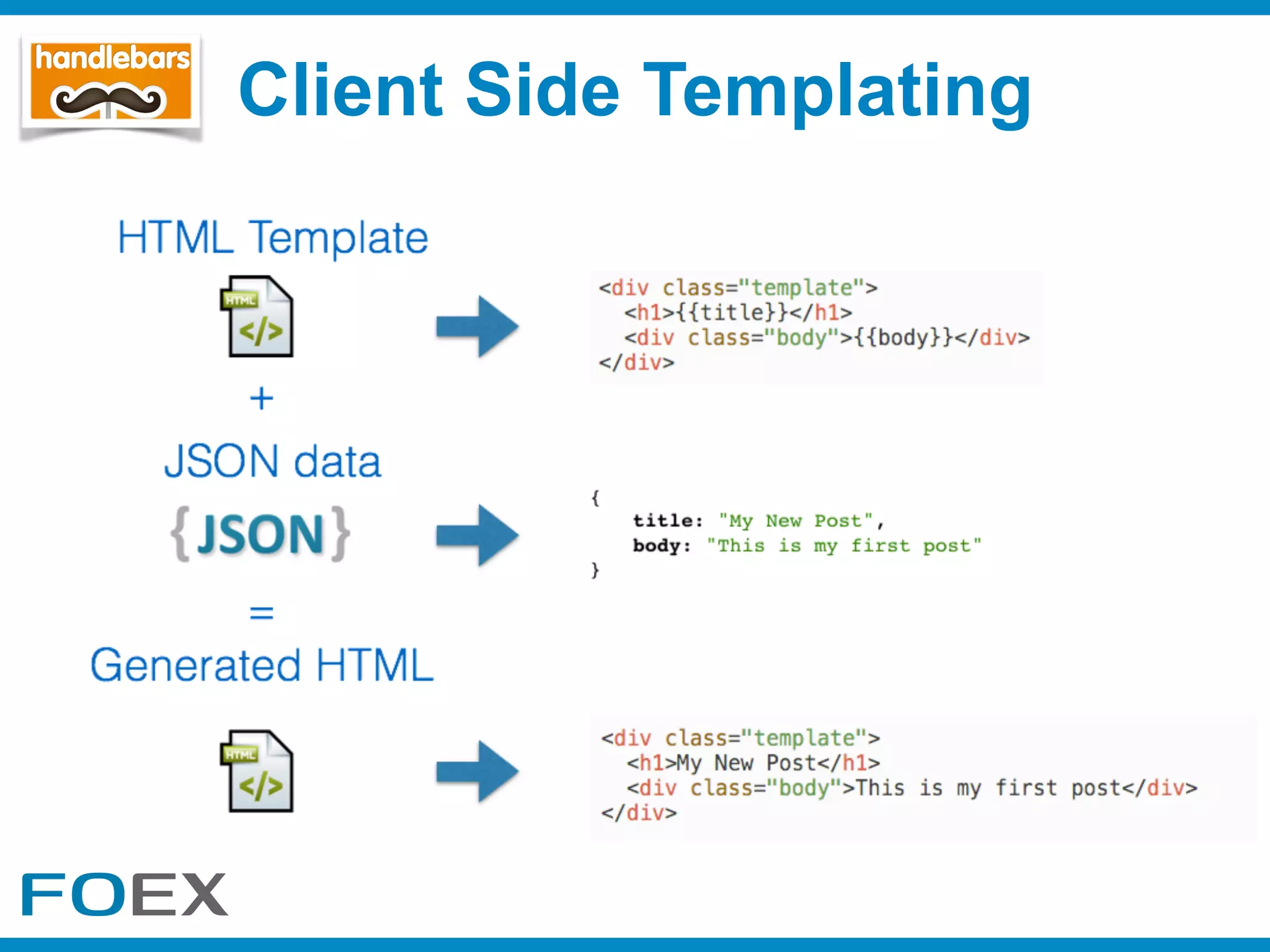
Client Side Templating
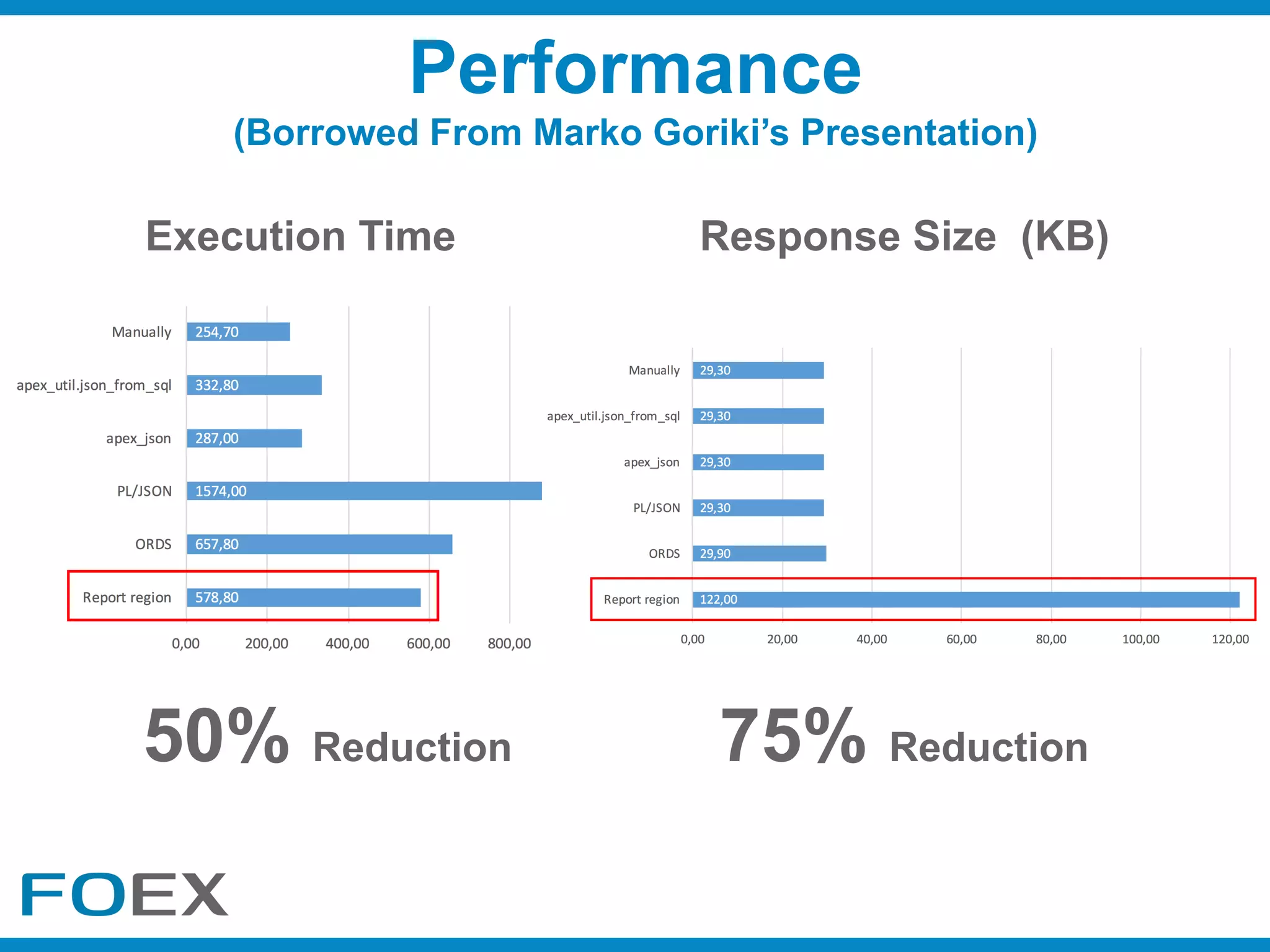
Performance
(Borrowed From Marko Goriki’s Presentation)
Execution Time Response Size (KB)
75% Reduction50% Reduction
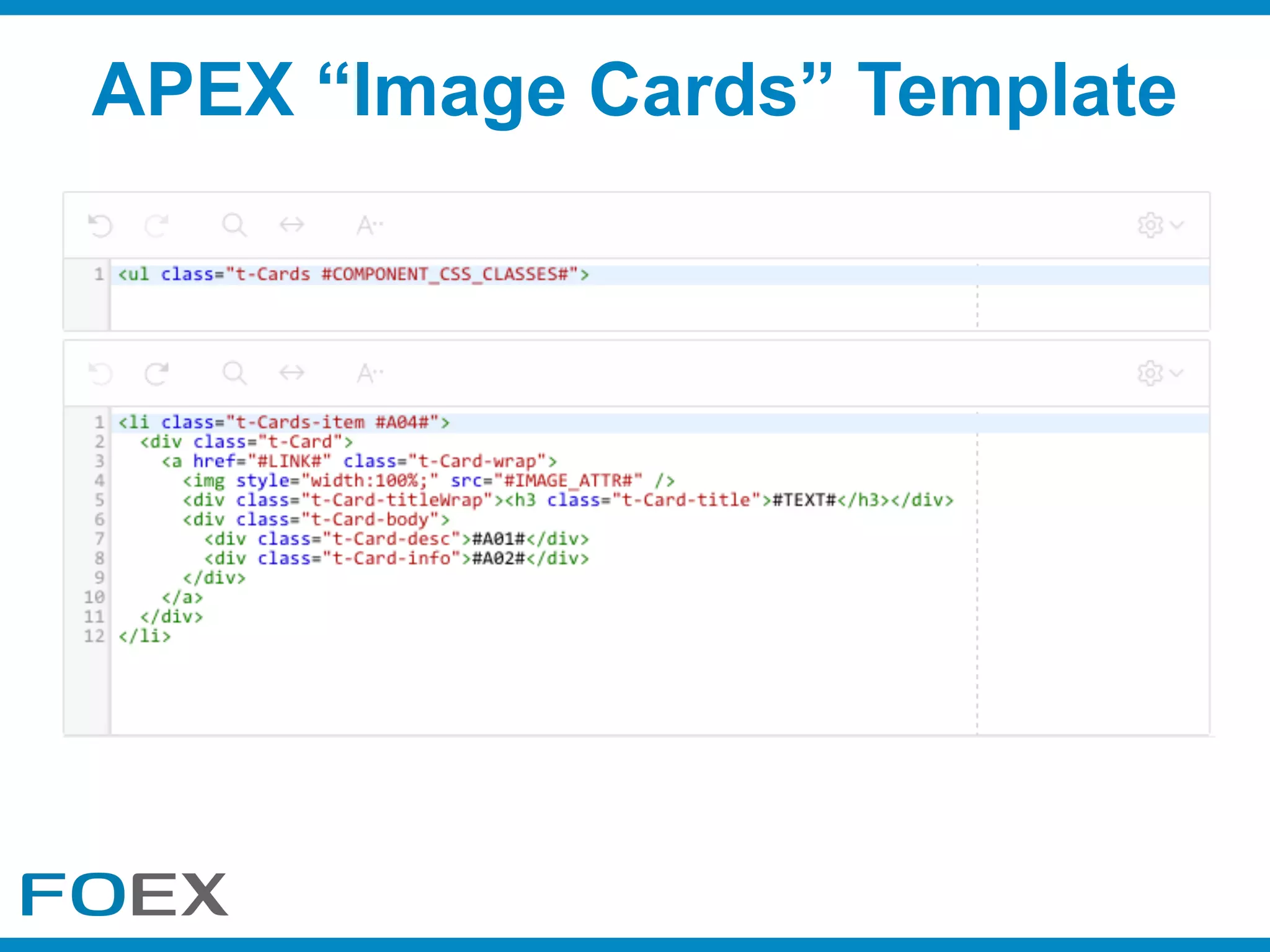
APEX “Image Cards” Template
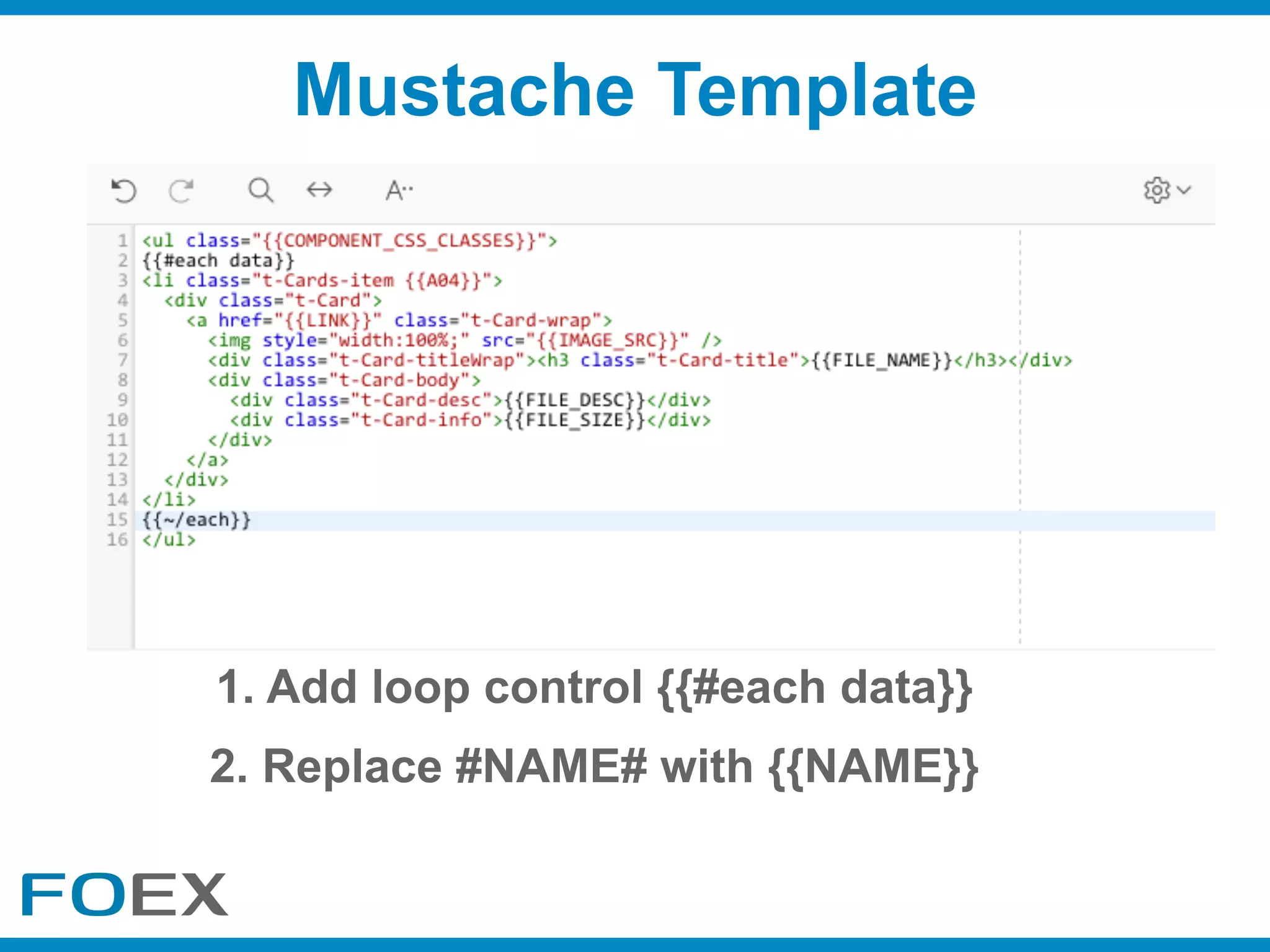
Mustache Template
1. Add loop control {{#each data}}
2. Replace #NAME# with {{NAME}}
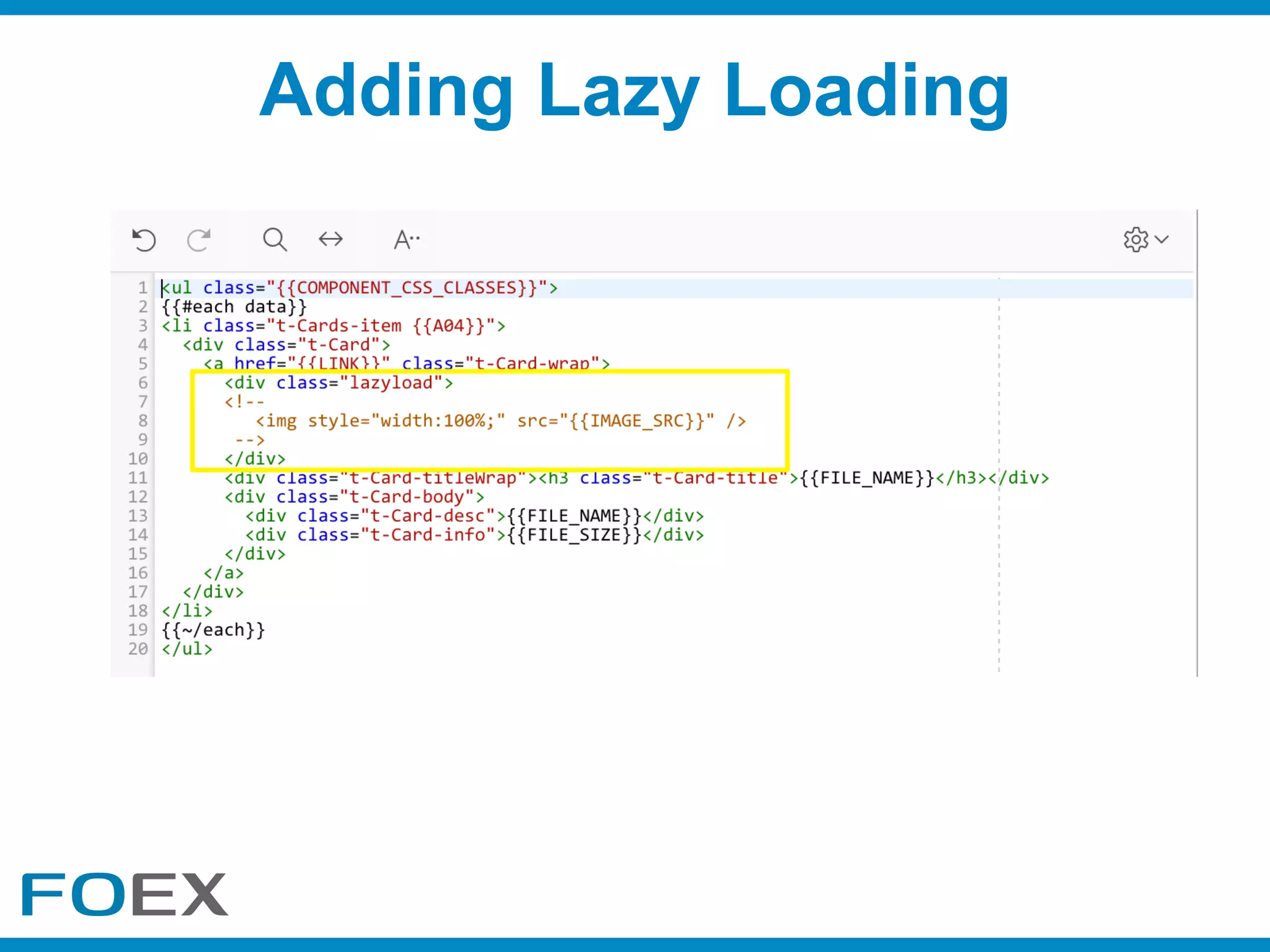
Adding Lazy Loading
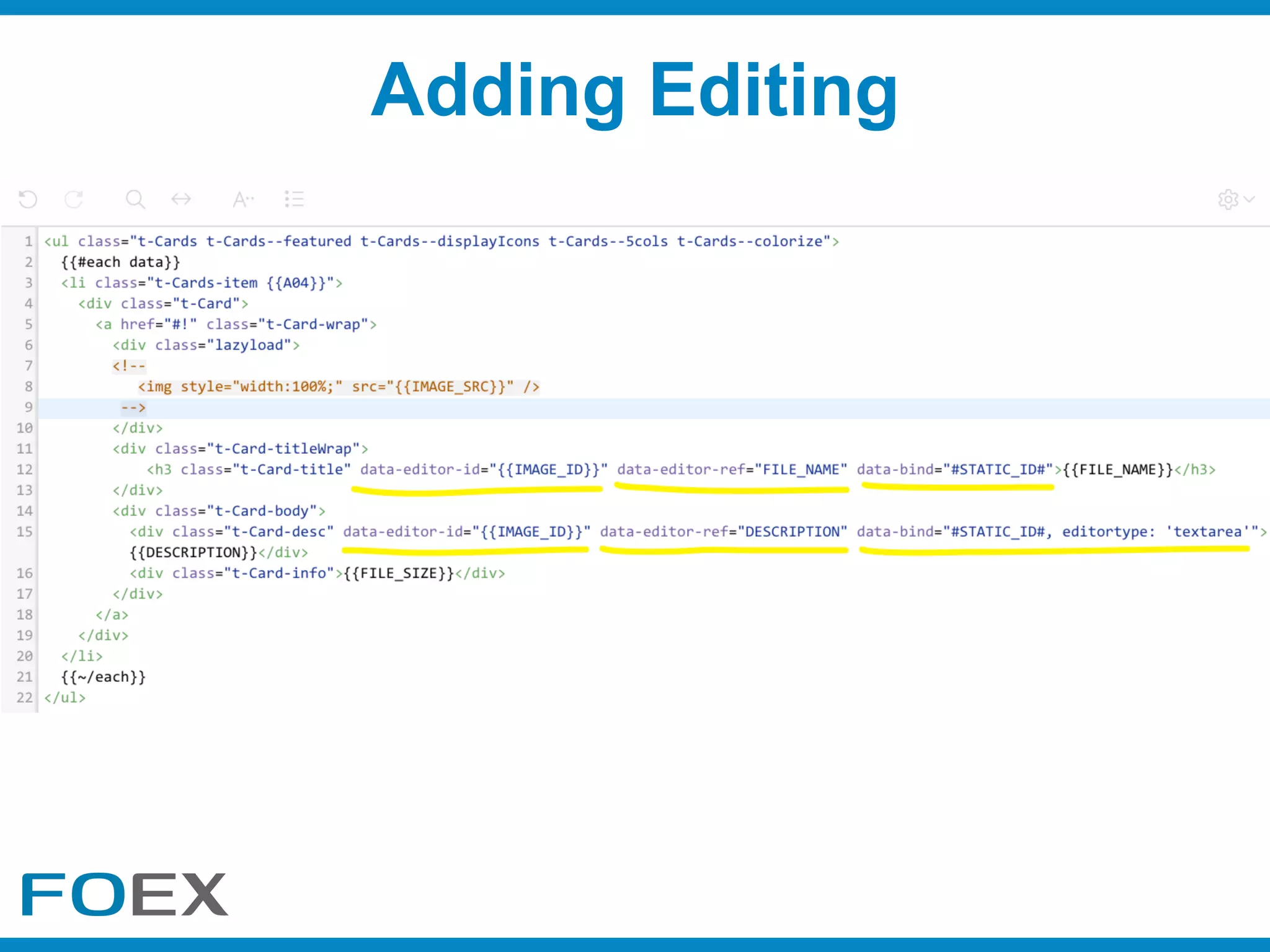
Adding Editing
Adding Editing
Plugin Javascript Design
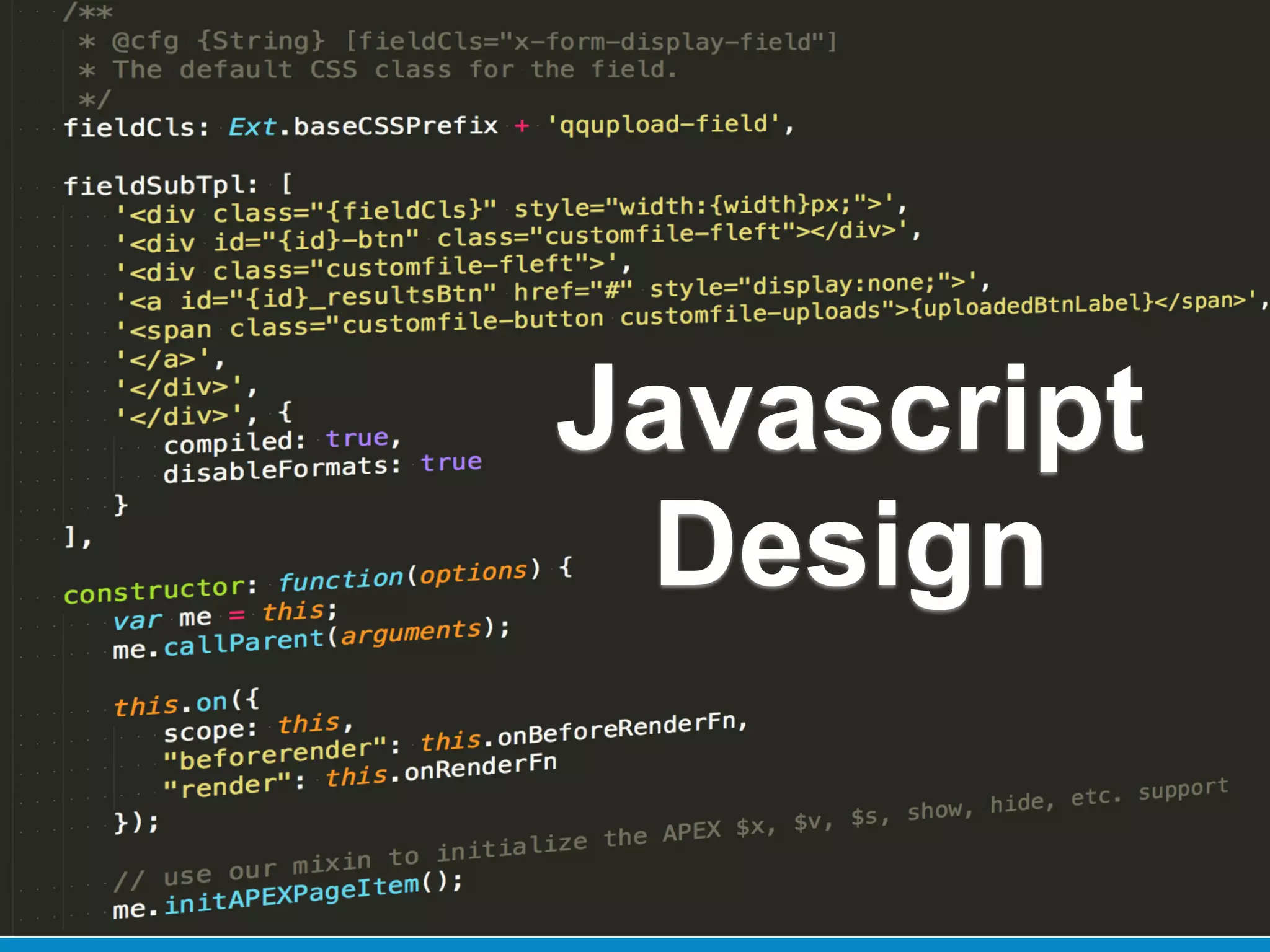
Javascript
Design
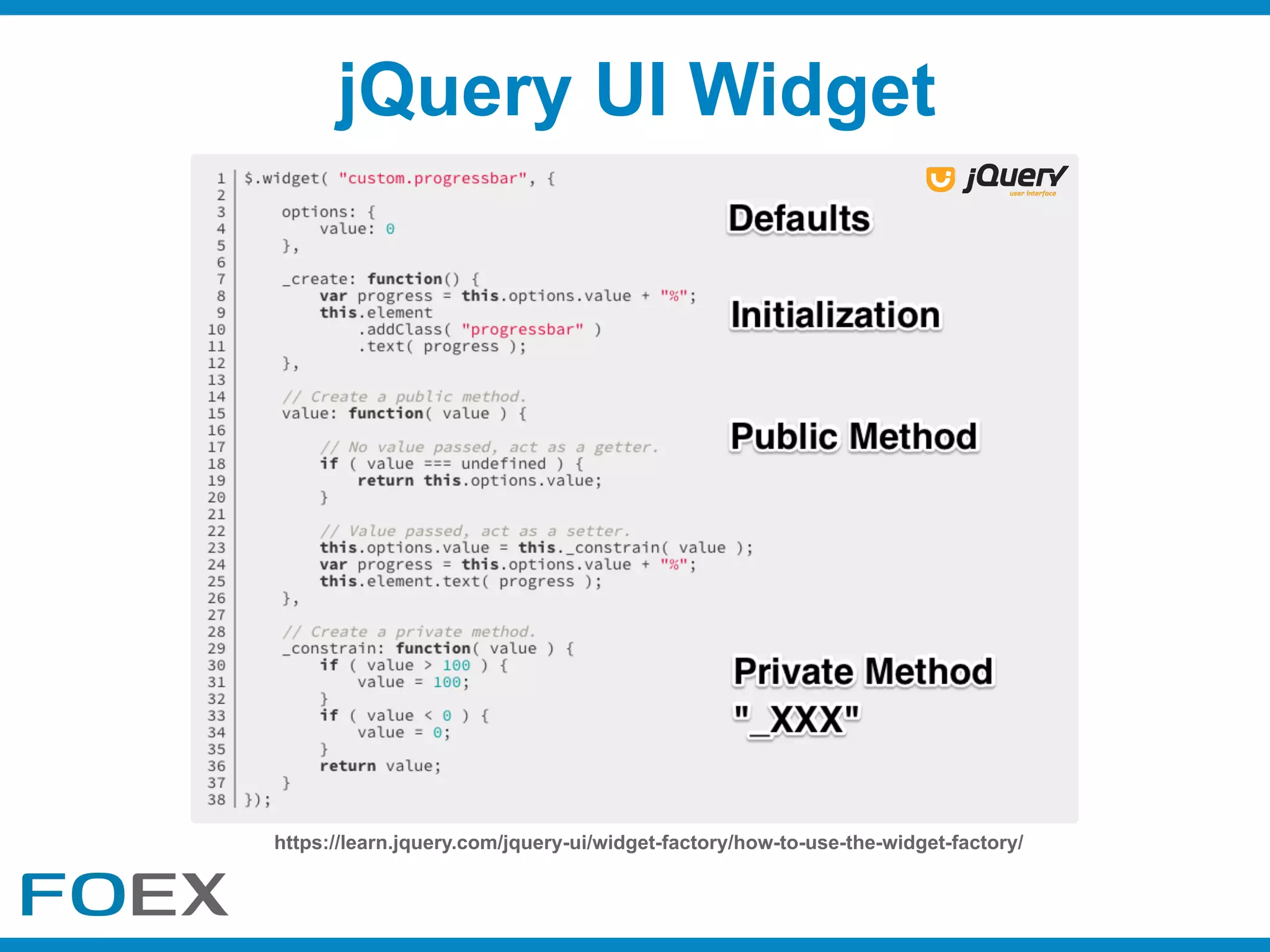
jQuery UI Widget
https://learn.jquery.com/jquery-ui/widget-factory/how-to-use-the-widget-factory/
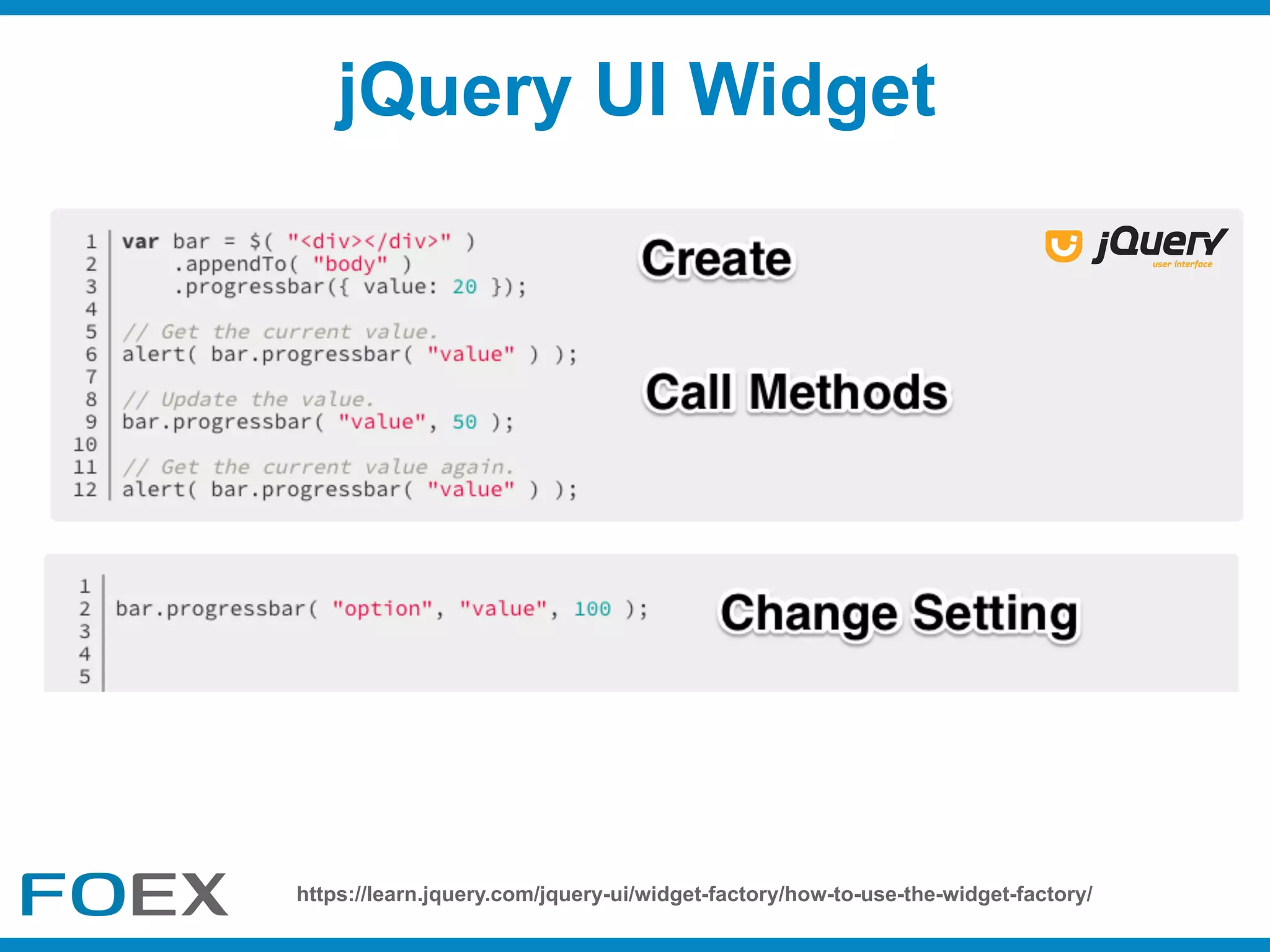
jQuery UI Widget
https://learn.jquery.com/jquery-ui/widget-factory/how-to-use-the-widget-factory/
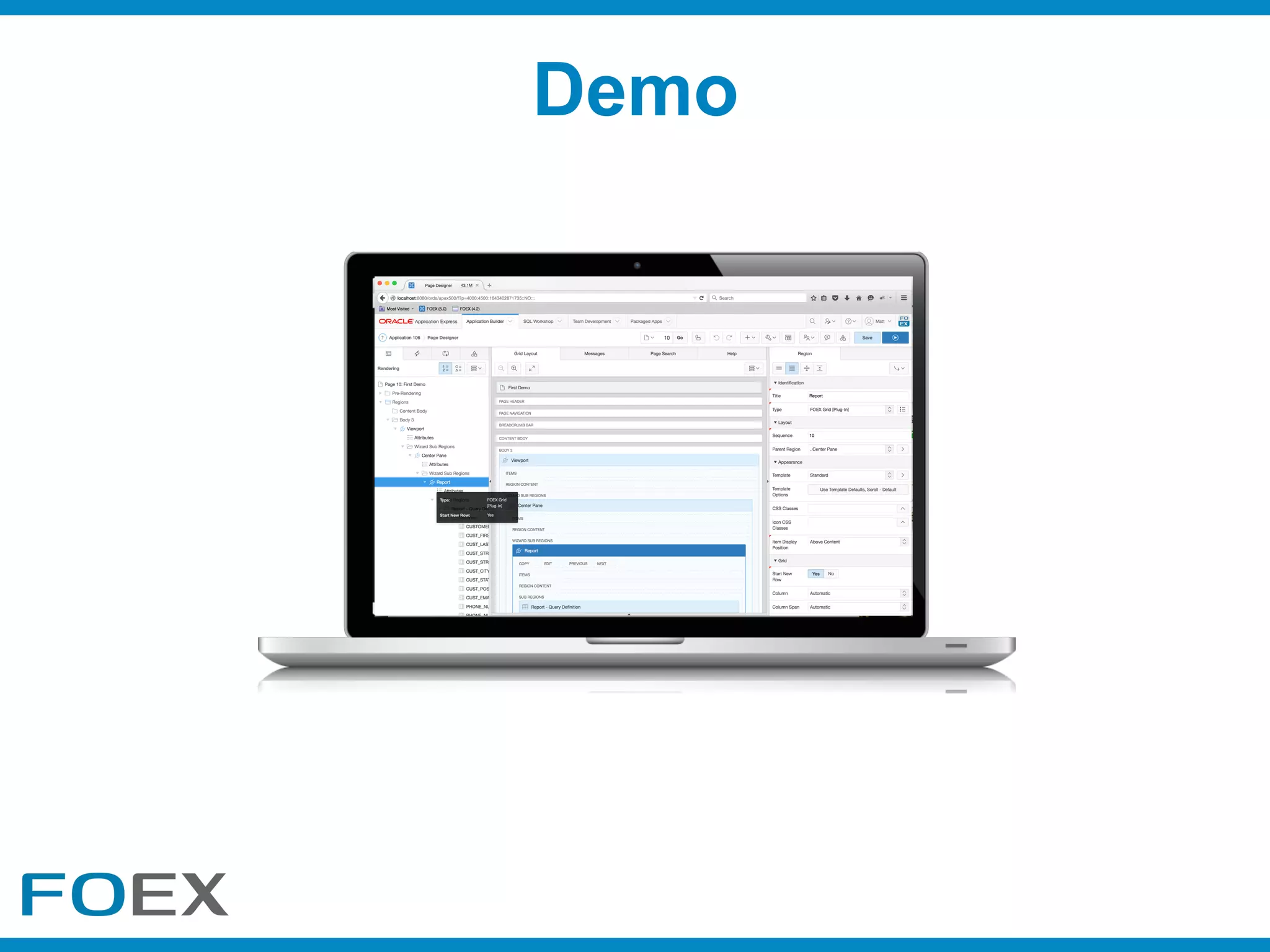
Demo
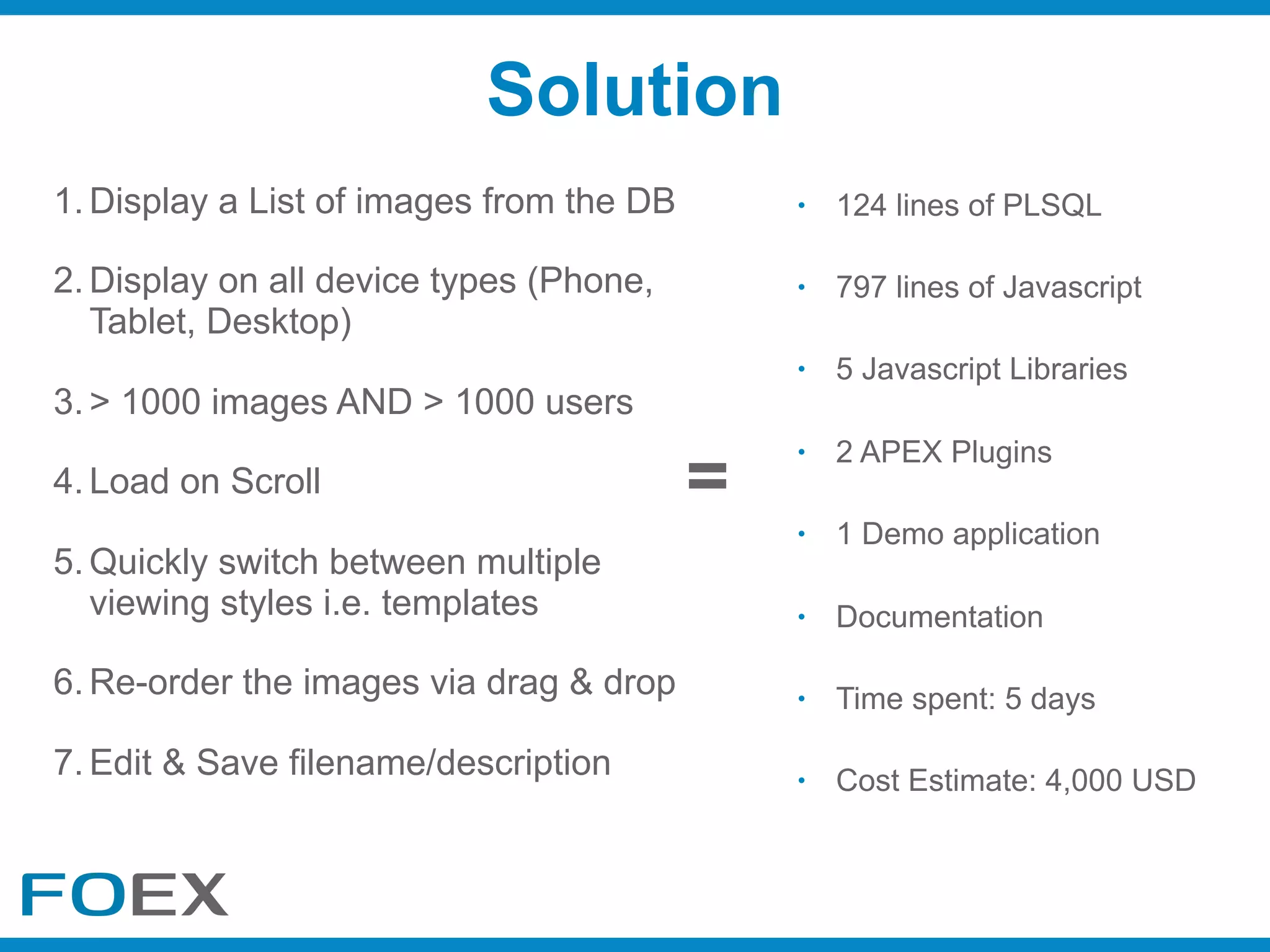
Solution
• 124 lines of PLSQL
• 797 lines of Javascript
• 5 Javascript Libraries
• 2 APEX Plugins
• 1 Demo application
• Documentation
• Time spent: 5 days
• Cost Estimate: 4,000 USD
1. Display a List of images from the DB
2. Display on all device types (Phone,
Tablet, Desktop)
3. > 1000 images AND > 1000 users
4. Load on Scroll
5. Quickly switch between multiple
viewing styles i.e. templates
6. Re-order the images via drag & drop
7. Edit & Save filename/description
=
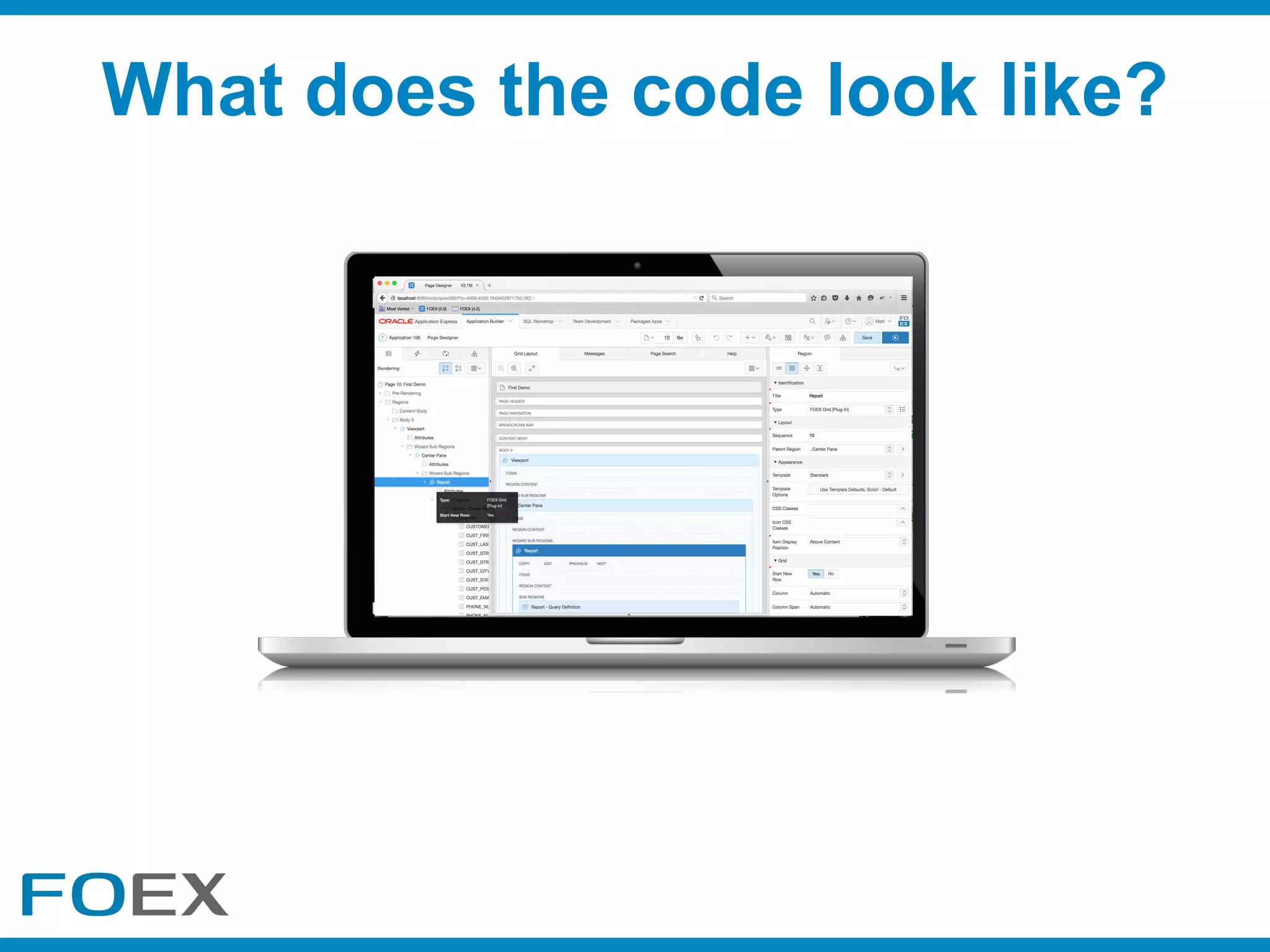
What does the code look like?
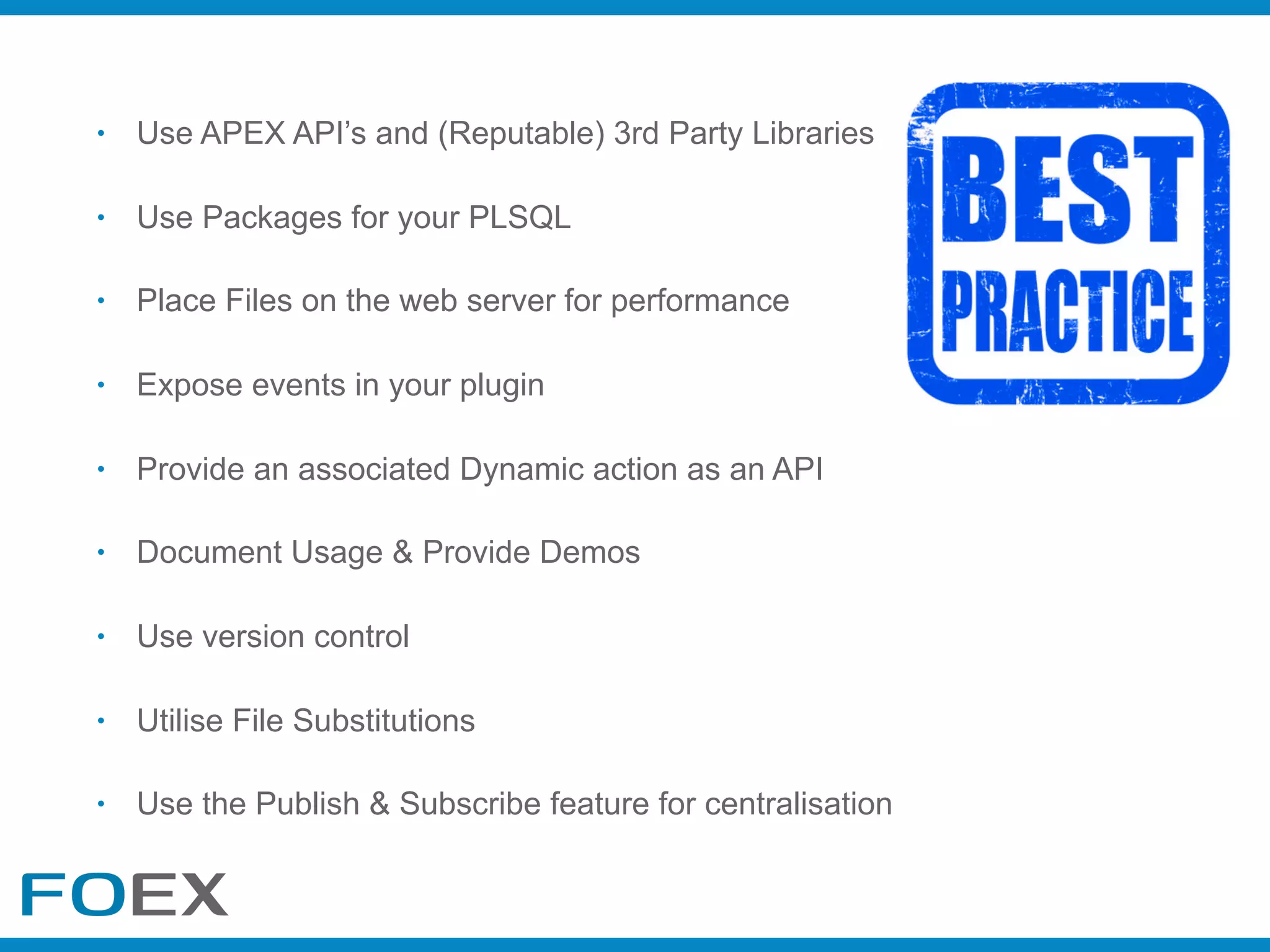
• Use APEX API’s and (Reputable) 3rd Party Libraries
• Use Packages for your PLSQL
• Place Files on the web server for performance
• Expose events in your plugin
• Provide an associated Dynamic action as an API
• Document Usage & Provide Demos
• Use version control
• Utilise File Substitutions
• Use the Publish & Subscribe feature for centralisation
ā'pěks(#orclapex)
Questions?
@FOEXplugins
FOEX-gmbh
FOEXplugins
Let’s connect:
Thank You !
@Matt_FOEX
www.tryfoexnow.com

Unlocking the power of the APEX Plugin Architecture

  • 1.
    Matt Nolan CTO, FOEXGmbH Unlocking the Power of the APEX Plugin Architecture
  • 2.
  • 4.
  • 5.
  • 6.
    1. Display aList of images from the DB 2. Display on all device types (Phone, Tablet, Desktop) 3. > 1000 images AND > 1000 users 4. Load on Scroll 5. Quickly switch between multiple viewing styles i.e. templates 6. Re-order the images via drag & drop 7. Edit image file names and descriptions inline (added for KSCOPE17) Real Example (Requirements)
  • 7.
  • 8.
    1. Display aList of images from the DB 2. Display on all device types (Phone, Tablet, Desktop) 3. > 1000 images AND > 1000 users 4. Load on Scroll 5. Quickly switch between multiple viewing styles i.e. templates 6. Re-order the images via drag & drop 7. Edit image file names and descriptions inline (added for KSCOPE17) Real Example (Requirements)
  • 9.
    1.All images willbe displayed at once even if they are hidden. This will be a serious performance issue 2.Changing viewing styles will require 2+ regions and 2+ sets of the same data/multiple queries 3.Existing APEX Lists have no refresh or pagination capability. It’s all or nothing! 4.There is no inline editing capability 5.We can provide a responsive view using the Universal Theme Can I use Standard APEX?
  • 10.
  • 11.
  • 12.
    • Responsive Design:Universal Theme • Multiple Viewing Styles: http://www.slideshare.net/MarkoGoriki/speed- up-your-apex-apps-with-json-and-handlebars • Lazy Loading: https://github.com/emn178/jquery-lazyload-any • Load on Scroll: http://jscroll.com/ • Drag & Drop: http://rimblas.com/blog/2016/08/implementing-drag-drop- in-your-apex-applications/ • Editing: http://slides.com/rimblas/deliver-a-knockout-with-your-apex- applications Research Results
  • 13.
    Will writing aHowTo Suffice?
  • 14.
    • Separates DeveloperResponsibilities • The Focus is on Design • They are Modular & Reusable • Loosely Coupled • Encapsulates Complexity • Simplifies how you Document • Easy to Version Control • Certify against versions of APEX • Decreases Mistakes • Increases Development Speed • Provides Code Centralisation • Improves Upgradeability • Easy to Identify Plugin Usage • Easy to Share (Social) • Boosts your Developer Profile • Promotes Testing & Demo creation Benefits of Plugins
  • 15.
  • 16.
    What Plugins CanI Build? • Region Plugins • Item Plugins • Dynamic Action Plugins • Process Plugins • Authentication Plugins • Authorization Scheme Plugins
  • 17.
  • 18.
    • APEX World •Apex-Plugin.com • OTN • Packaged Applications • GitHub - look at the code Existing Plugins
  • 19.
  • 20.
    • Skill set •Complexity • Time • Cost • Benefit • Support What Should I Consider?
  • 21.
    What Should IConsider? • Target Multiple Devices • Keeping it generic and as simple as possible • simple configuration & hide complexity • reduce/eliminate coding requirements for developers • Abstract your JS API with one or more Dynamic Actions • Give Advanced Developers Control • Globalisation / Translation
  • 22.
    • APEX_PLUGIN_UTIL • APEX_JSON •APEX_ESCAPE • APEX_DEBUG • APEX_JAVASCRIPT & APEX_CSS • APEX_WEBSERVICES • You have the full capabilities of the Database • APEX Javascript API’s e.g. apex.server, apex.event, apex.debug • jQuery - promises, deferreds, millions of plugins Useful API’s
  • 23.
  • 24.
  • 25.
    Performance (Borrowed From MarkoGoriki’s Presentation) Execution Time Response Size (KB) 75% Reduction50% Reduction
  • 26.
  • 27.
    Mustache Template 1. Addloop control {{#each data}} 2. Replace #NAME# with {{NAME}}
  • 28.
  • 29.
  • 31.
  • 32.
  • 33.
  • 34.
  • 35.
  • 36.
    Solution • 124 linesof PLSQL • 797 lines of Javascript • 5 Javascript Libraries • 2 APEX Plugins • 1 Demo application • Documentation • Time spent: 5 days • Cost Estimate: 4,000 USD 1. Display a List of images from the DB 2. Display on all device types (Phone, Tablet, Desktop) 3. > 1000 images AND > 1000 users 4. Load on Scroll 5. Quickly switch between multiple viewing styles i.e. templates 6. Re-order the images via drag & drop 7. Edit & Save filename/description =
  • 37.
    What does thecode look like?
  • 38.
    • Use APEXAPI’s and (Reputable) 3rd Party Libraries • Use Packages for your PLSQL • Place Files on the web server for performance • Expose events in your plugin • Provide an associated Dynamic action as an API • Document Usage & Provide Demos • Use version control • Utilise File Substitutions • Use the Publish & Subscribe feature for centralisation
  • 39.
  • 40.
  • 41.