Seizure of NetworkingDevices
investigators have the tedious task of scouring through the internet
to obtain tracks of the hacker/attacker
Data travels in the form of packets in cyberspace, and these packets
hold very valuable information such as source, destination, and
contents.
networking-related crime hacker/attacker might have left some
traces, investigators need to analyze these.
footprints
5.
Seizure of NetworkingDevices
1.switch off device and turn off its power supply.
2. Disconnect the cables and pack the device in proper anti-static packing
material.
3. Fill the chain of custody form – which is the official documentation form used
by law enforcement agencies along with all the chronological history of the
electronic evidence.
What we need to look for on Networking Devices like Firewalls is the
• Traffic allowed and blocked on the firewall.
• Bandwidth and protocol usage like high CPU usage and exceeding limits.
• Bytes transferred (large files) if any.
• Detected attack activities like attacks coming from sources.
• Administrator access like log in failed attempts
6.
Seizure of NetworkingDevices
For anti-forensics:-
• Session identification – explains how attacker made his/her way into
the network. Here we analyze all the collected logs from various
sources relevant after the incident
• Pattern discovery and analysis – trying to crack the pattern of an
attacker. It is also called reconstruction and has two major activities:
resolution and backtracing.
• Resolution: it extracts salient rules, patterns, and statistics by
eliminating irrelevant data.
• Backtracing: reconstruction of an event from the end to the start.
7.
Network Forensic Artifacts
•Dynamic Host Configuration Protocol (DHCP) servers
• Domain Name System (DNS) servers
• Web Proxy Servers
• Intrusion Detection Systems (IDS)
• Intrusion Prevention System (IPS)
• firewalls.
Mobile Forensics
• AcquisitionProtocol
• Always handle mobile devices with gloves as fingerprint can be
collected from it.
• Make a note of all open applications running on the device and observe
the files/text in the clipboard.
• Use a Faraday bag to collect the mobile device.
• All details such as device name, IMEI number, serial number etc., must
be noted in the chain of custody form.
10.
Mobile Forensics
Android OperatingSystem
• Android is an open source operating system based on Linux Kernel, developed
by Google for mobile devices
• The T- Mobile G1 was the first Android handset the world saw and since then
Android has come a long way.
• Its releases are codenamed on popular confection items such as Kit Kats,
lollipops, ice cream sandwiches, etc
• The back end of Android programming is done in Java and applications are run
in a Dalvik virtual
• Call Data Records (CDR), Contacts, Messages, Apps information, GPS locations,
passwords, Wi-Fi networks, etc.
• partitioned as YAFFS2 (Yet Another Flash File System),
• ext2, ext3, and ext4 file systems that are synonymous to Linux; and it also
supports vfat, which is used by Windows systems
11.
Mobile Forensics
Rooting anAndroid Device
Advantages of Rooting:
• Access to core system files.
• Ability to remove bloatware.
• Enhances battery performance.
• Special apps can be installed.
Disadvantages of Rooting:
• If rooting is not done properly, there is the danger of bricking the device.
• Security of the device is compromised.
• Warranty is void
12.
Android Debug Bridge
•installing, debugging, and removing apps, etc.
• Also, by using the adb commands, we can flash a custom recovery’ and
then through recovery, we can install root files to root an Android device.
Adb is a part of the Android Software Development Kit (SDK) platform
tools package.
• ADB consists of three components:
• Client – which sends out commands. Client can be invoked by issuing an
adb command using a command-line terminal.
• Daemon (adbd) – runs commands on the device, and it runs as a
background process.
• Server – manages communication between the client and daemon. It
runs as a background process on a computer system.
13.
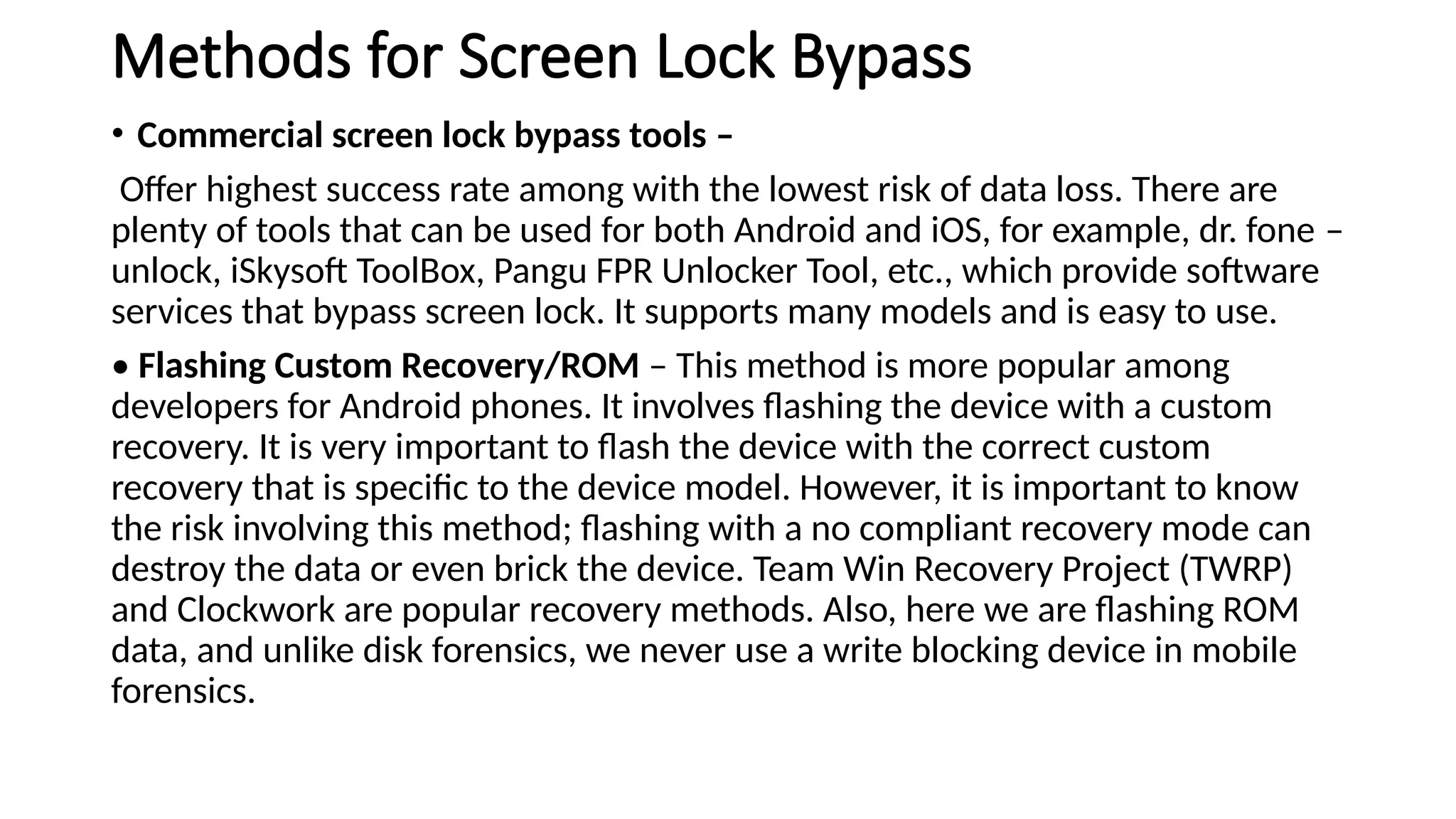
Methods for ScreenLock Bypass
• Commercial screen lock bypass tools –
Offer highest success rate among with the lowest risk of data loss. There are
plenty of tools that can be used for both Android and iOS, for example, dr. fone –
unlock, iSkysoft ToolBox, Pangu FPR Unlocker Tool, etc., which provide software
services that bypass screen lock. It supports many models and is easy to use.
• Flashing Custom Recovery/ROM – This method is more popular among
developers for Android phones. It involves flashing the device with a custom
recovery. It is very important to flash the device with the correct custom
recovery that is specific to the device model. However, it is important to know
the risk involving this method; flashing with a no compliant recovery mode can
destroy the data or even brick the device. Team Win Recovery Project (TWRP)
and Clockwork are popular recovery methods. Also, here we are flashing ROM
data, and unlike disk forensics, we never use a write blocking device in mobile
forensics.
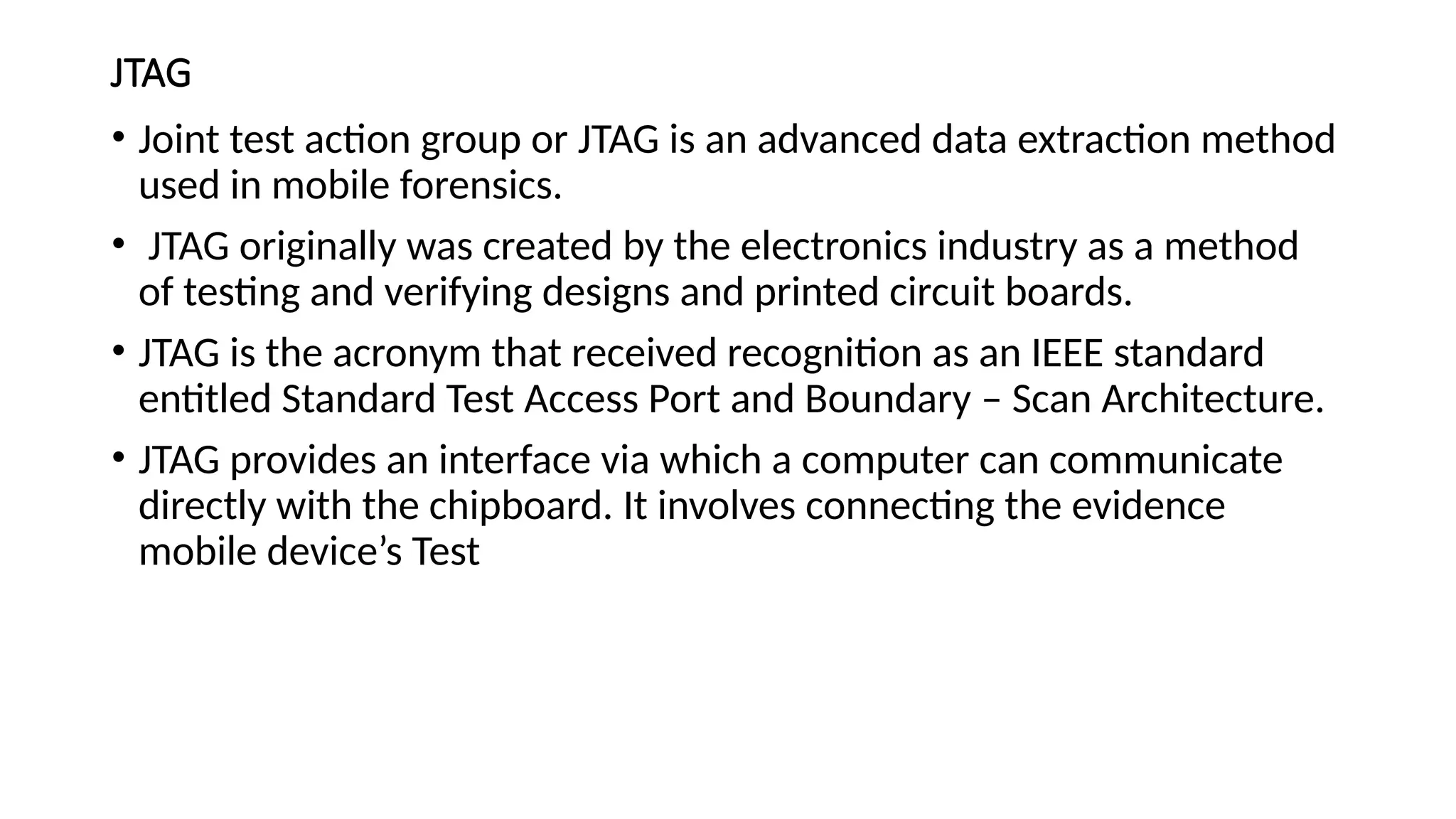
JTAG
• Joint testaction group or JTAG is an advanced data extraction method
used in mobile forensics.
• JTAG originally was created by the electronics industry as a method
of testing and verifying designs and printed circuit boards.
• JTAG is the acronym that received recognition as an IEEE standard
entitled Standard Test Access Port and Boundary – Scan Architecture.
• JTAG provides an interface via which a computer can communicate
directly with the chipboard. It involves connecting the evidence
mobile device’s Test
17.
Steps involved inJTAG forensic examination
1. Identification of TAPs: you can identify TAPs by researching
documented devices. If the TAPs are unknown, inspect the device PCB
for potential TAPs, and then manually trace or probe to pinpoint
appropriate connector pins.
2. Solder wires to TAPs: this leads to the correct connector pins or
utilizes a solderless jig.
3. Connect appropriate JTAG emulator with wire leads for the exhibit
device.
4. Acquire physical image dump.
5. Disconnect the wires and reassemble the device.
6. Analyze image with forensic software
18.
Chip-Off
• As thename suggests, it involves removing the memory chip of the
mobile device and planting it onto a specific hardware for data
acquisition and analyzing its contents.
• With the Chip-Off technique, examiners obtain a binary image of the
memory chip, which is analyzed by specialized software. This is an
advanced forensic method that even works for bricked and/or
damaged devices.
• The nonvolatile memory component is removed and placed on a
hardware reader via which data is acquired.
19.
steps involved inChip-Off forensic
examination:
• 1. The memory chip is removed via de-soldering it.
• 2. The chip is cleaned and repaired (if necessary).
• 3. Memory chip is mounted on special hardware apparatus, and data
is acquired.
20.
Micro-read
• Micro-read examinationinvolves the use of a high-powered electron
microscope and observes output at the gate level.
• The device memory chip is shaved in extremely thin layers, and after that the
data is read bit by bit from the source using an electron microscope or other
device.
• It is a highly sophisticated technique, and very few entities offer Micro-read
examination services.
• Use of this method is for high-value devices or damaged memory chips.
Being such a complicated, and expansive technique, it is reserved for only
high-profile cases.
• It is very difficult to find commercial tools for Micro-read. This might be a
more approachable technique in the near future
21.
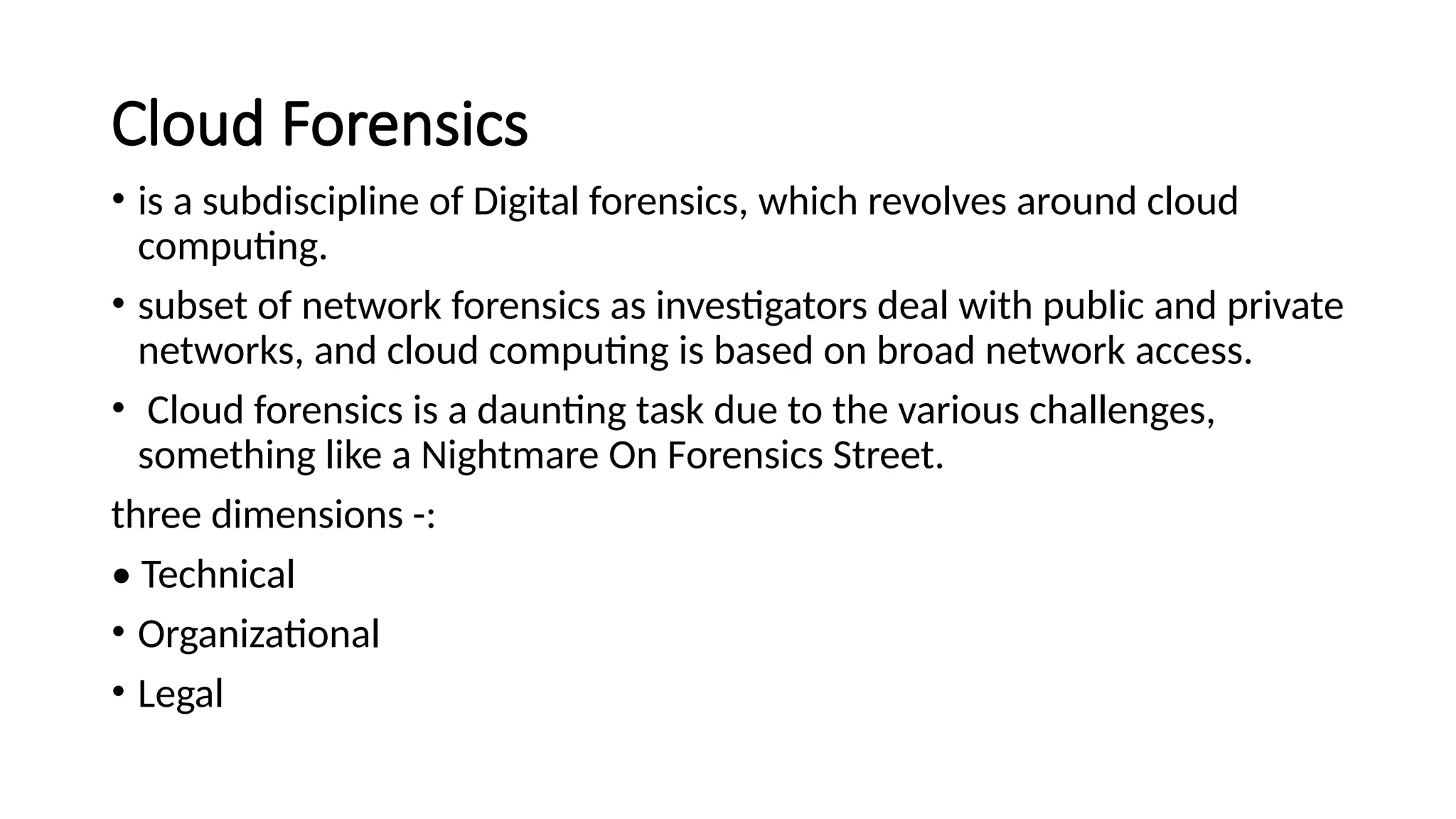
Cloud Forensics
• isa subdiscipline of Digital forensics, which revolves around cloud
computing.
• subset of network forensics as investigators deal with public and private
networks, and cloud computing is based on broad network access.
• Cloud forensics is a daunting task due to the various challenges,
something like a Nightmare On Forensics Street.
three dimensions -:
• Technical
• Organizational
• Legal
Challenges in CloudForensics
• Collection of evidence by the forensics investigator
• Was the CSP providing the services using their self-owned infrastructure,
or was it outsourced from another CSP? In that case, what were the SLAs
signed by the two parties in the context of security and forensics
attributes.
• What policies define the retentions and backups of any forensics
attributed data at the time of a cyber incident by the CSP
• Retrieving erased data in the Cloud.
• Synchronization of date/timestamps.
• Real-time traffic analysis.
• Data backup and mirroring.
• Reconstructing the crime scene –
26.
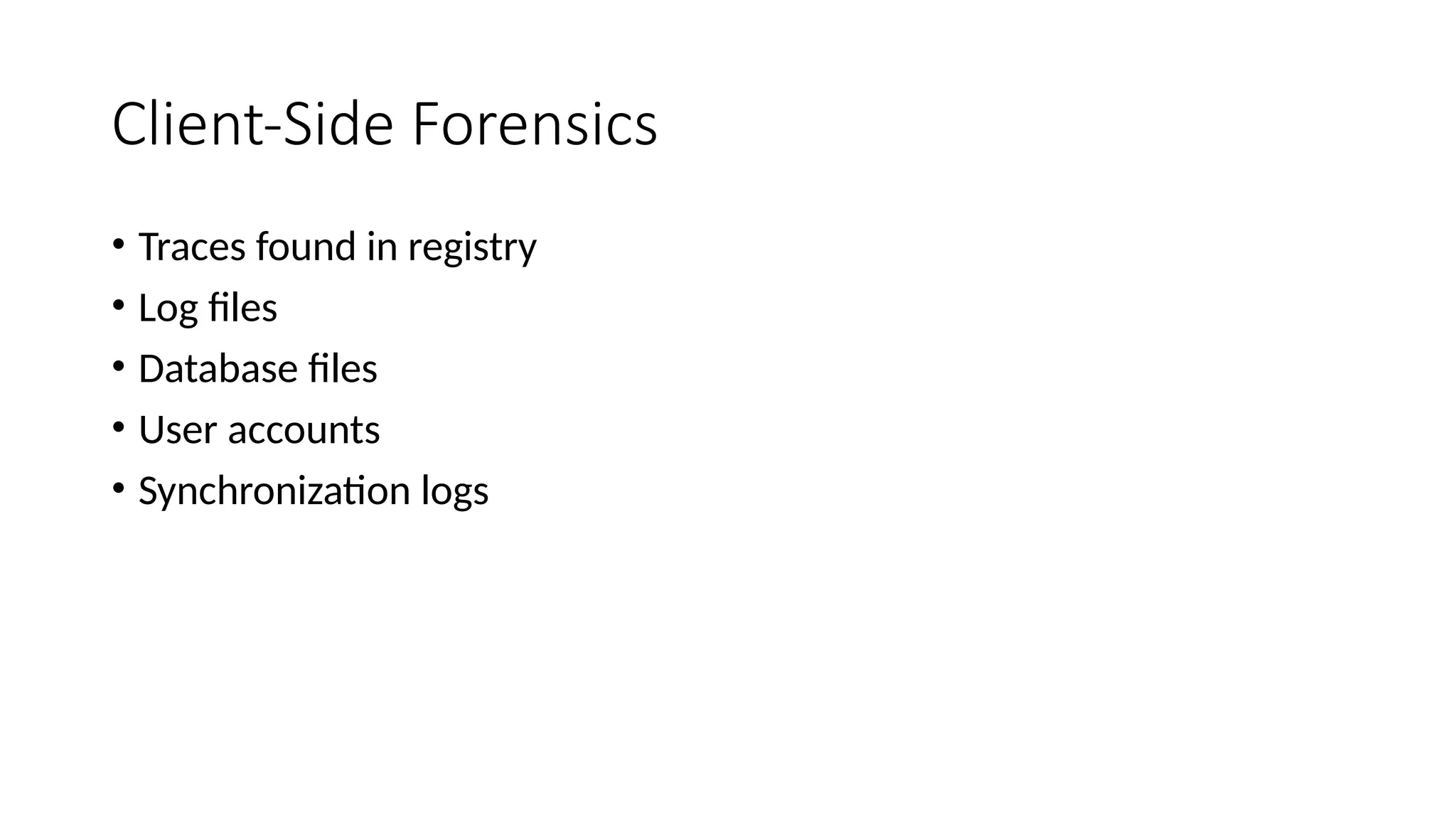
Artifacts in CloudForensics
• Log Files of Browsers
• Physical Memory
• Registry
• Google drive case pg:-249
27.
Malware Forensic
• Itis a process to get to the internals of the malware code to identify malware
type, action, author, etc., and to mitigate future infections.
Static Analysis
• involves analyzing the malware without executing it
• Cyber Forensic Experts examine the program file’s disassembled code,
printable settings, graphical files, and other resources
• Breaking the malware down to its components helps the cyber forensic
experts understand its contents.
• The cyber forensic expert’s goal is to reverse engineer the malware binary to
obtain the source code from the machine – executable code.
28.
Static Analysis Steps
•File type determination
• Strings encoded in binary file
• Obfuscation check
• Hash comparison
• Checking against database
29.
Dynamic Analysis
• runningthe malware and studying its behavior
• Cyber forensic experts create a controlled environment to study the
malware.
• Dynamic analysis is done after static analysis yields no results.
• It allows cyber forensic experts to find out the true functionality of
the malware.
three components of analysis:
• System processes
• Registry analysis
• Network analysis
30.
Challenges in Malwareforensics
significantly high risk
• Analyzing malicious scripts requires proper preparation, and cyber forensic experts
need to follow and take many precautions
• One wrong move, and they risk of damaging their forensic workstation.
In static analysis, if cyber forensic experts encounter advanced malware that use
encryption or are polymorphic in nature, then the efforts might be futile.
• Static malware analysis becomes a time-consuming exercise when a disassembly is
performed in search of evidence.
• As more and more malware scripts are studied, it has been observed that malware
authors are using stronger obfuscation for their scripts. This increases the time to
examine such scripts and, in some cases, even leads to a dead end in static analysis.
• Recently many malware scripts were studied that showcased ‘sandbox evasion’. Such
malware could detect the presence of a sandbox environment.
• Cyber forensic experts become only as skilled as the hacker’s last attack.
• Cyber forensic experts study hackers’ attack patterns and reverse engineer them.