Digital Forensic
By-
FORnSEC Solutions
Digital Forensic
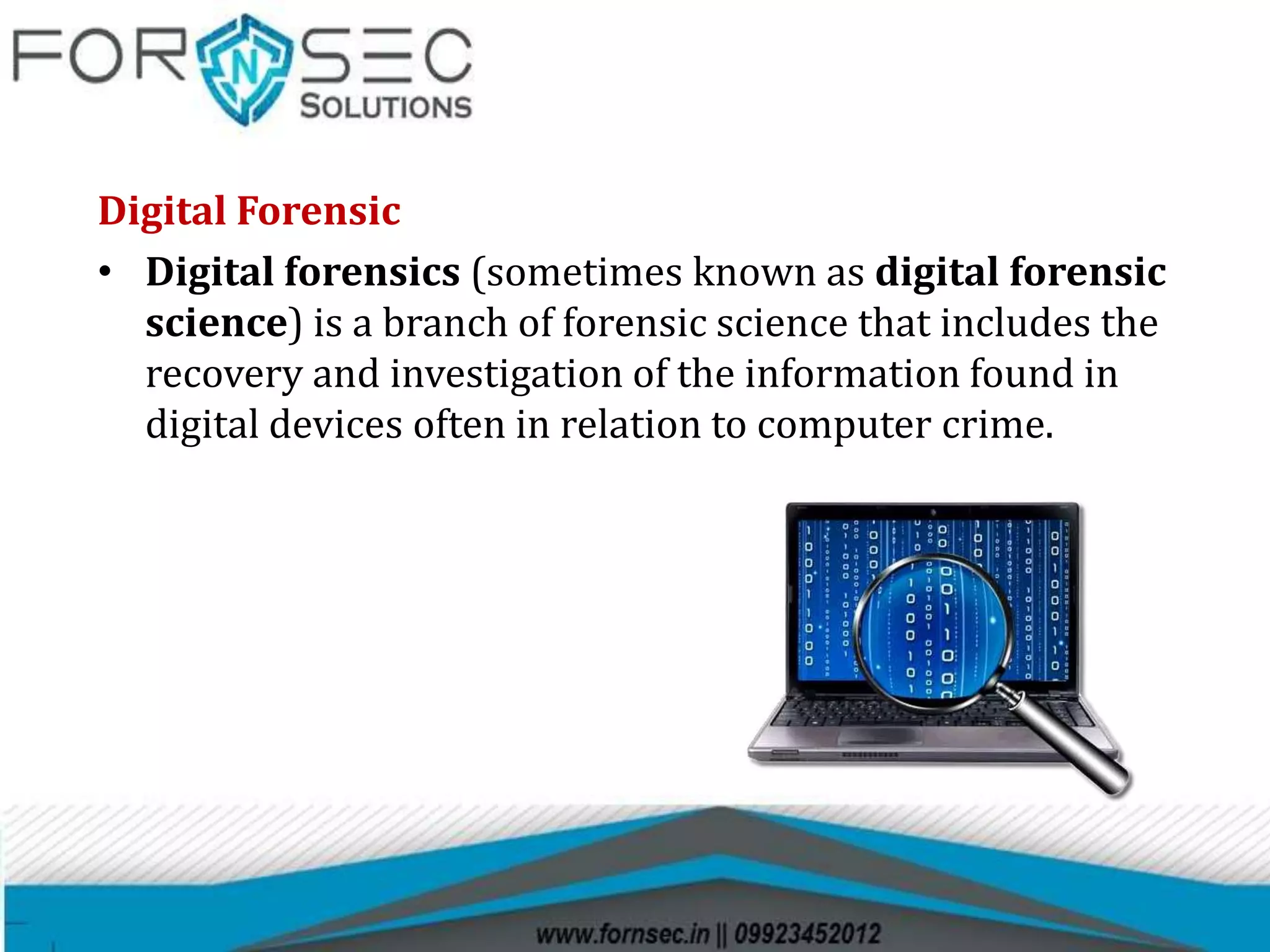
• Digital forensics (sometimes known as digital forensic
science) is a branch of forensic science that includes the
recovery and investigation of the information found in
digital devices often in relation to computer crime.
Digital forensics includes several sub-branches :
• Computer Forensics
• Mobile Forensics
• Network Forensic
Computer forensic:- Computer forensics (also known
as computer forensic science) is a branch of digital forensic
science pertaining to evidence found in computers and
digital storage media.
Mobile Forensic:- Mobile device forensics is a branch of digital
forensics relating to recovery of digital forensics and cyber
investigation or data from a mobile device under forensically
sound conditions.
Network Forensic:- Network forensics is a sub-branch of digital
forensics relating to the monitoring and analysis of computer
network traffic for the purposes of information gathering, legal
evidence, or intrusion detection.
Digital evidence
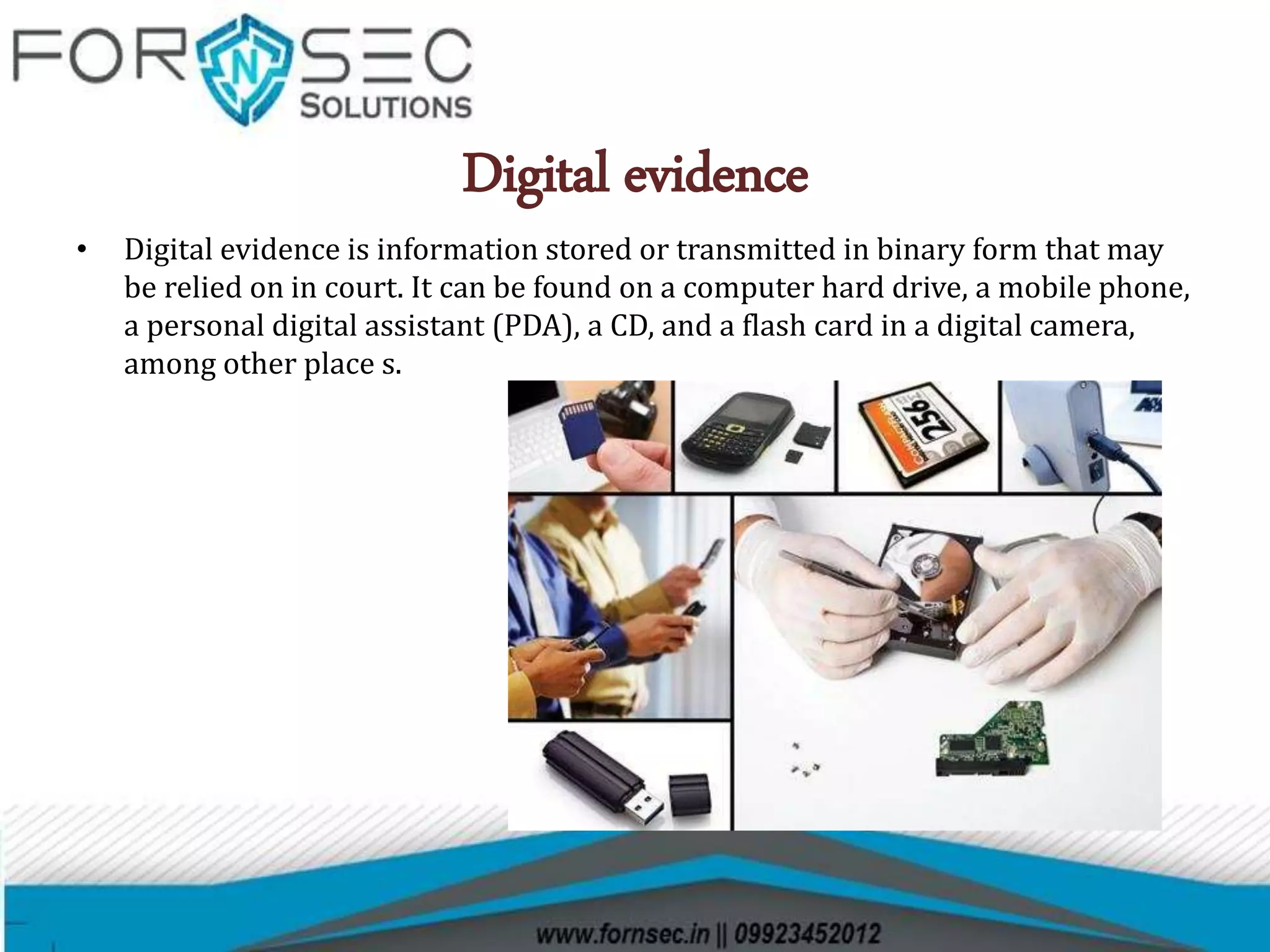
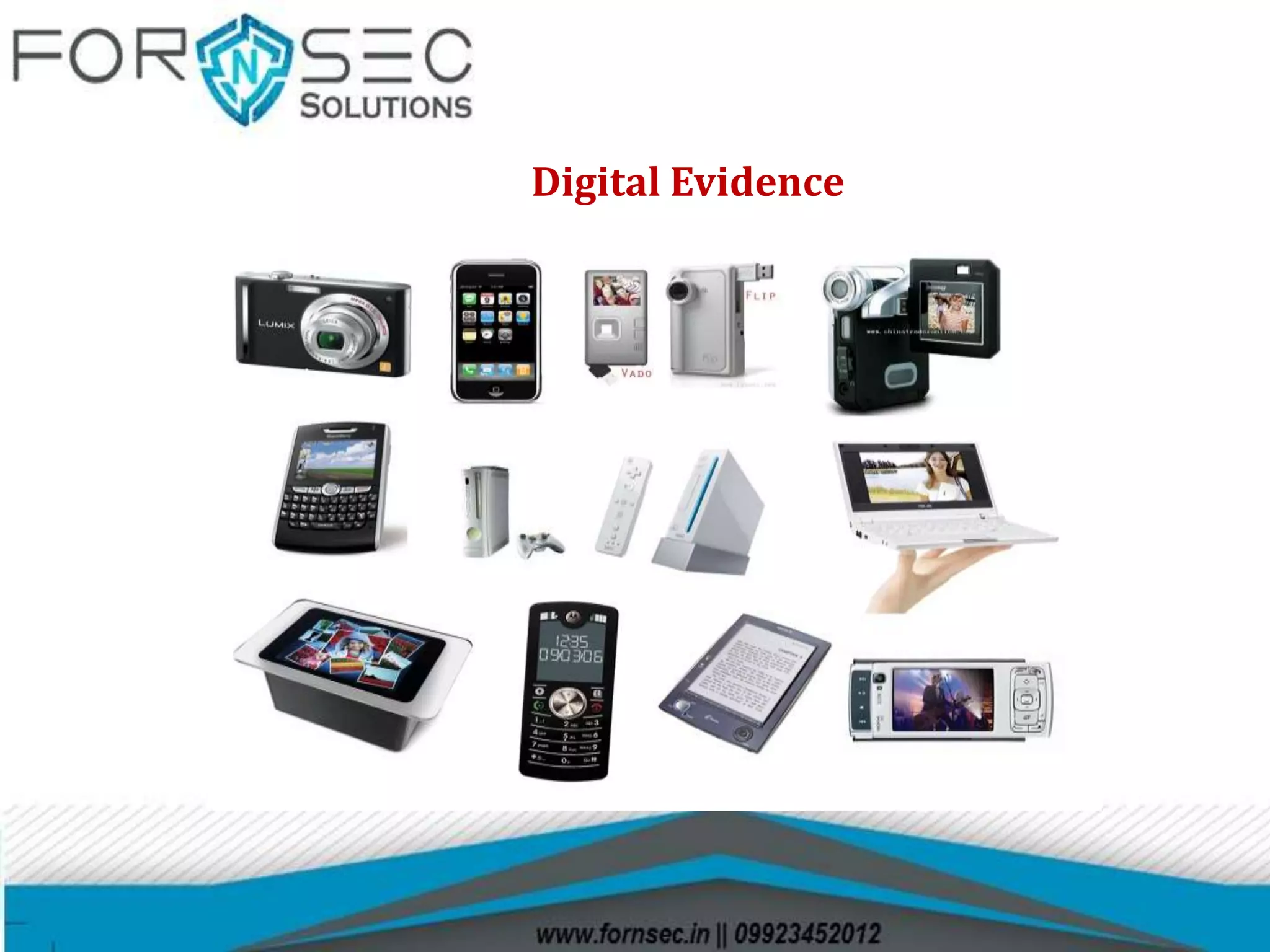
• Digital evidence is information stored or transmitted in binary form that may
be relied on in court. It can be found on a computer hard drive, a mobile phone,
a personal digital assistant (PDA), a CD, and a flash card in a digital camera,
among other place s.
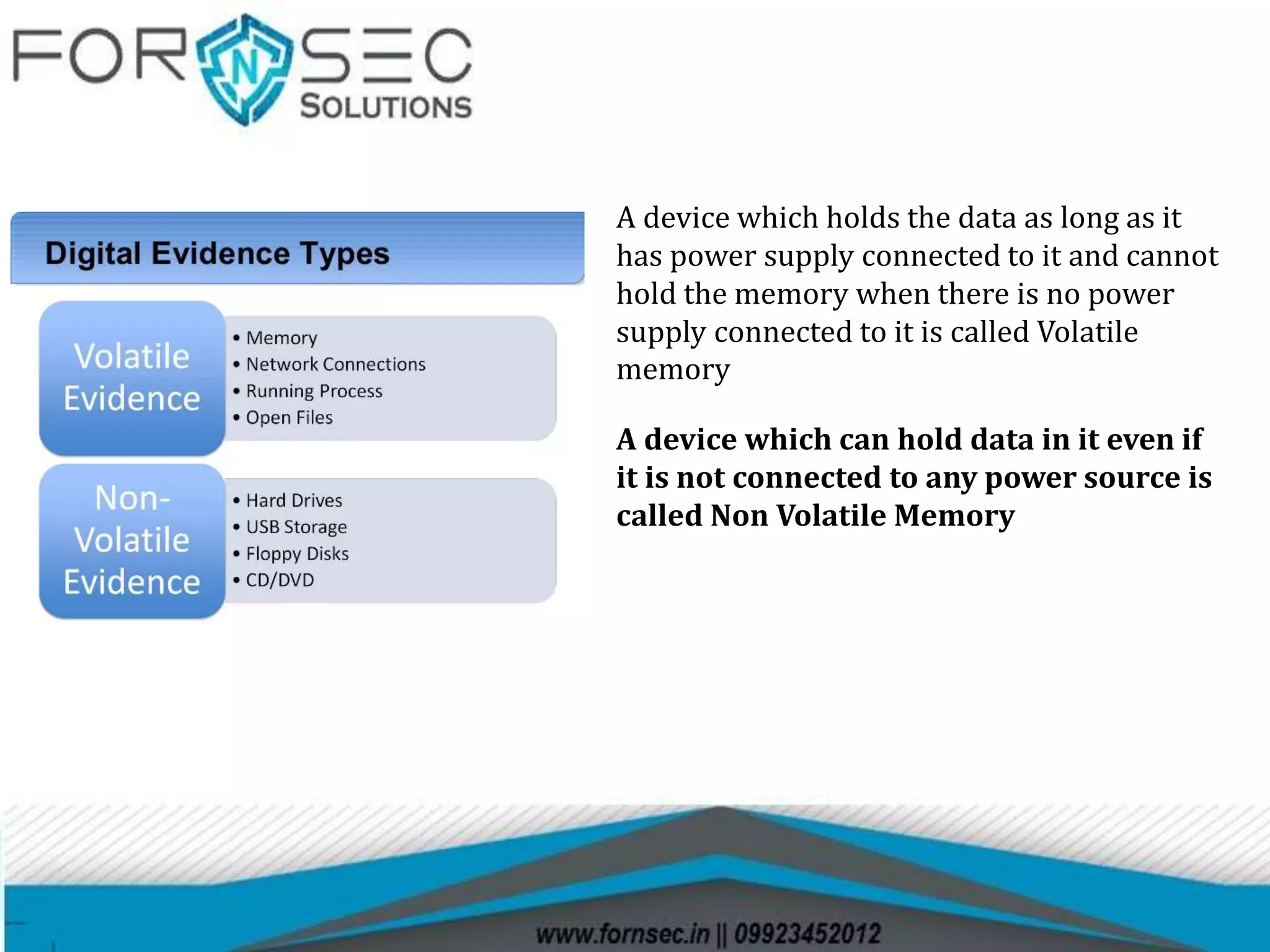
A device which holds the data as long as it
has power supply connected to it and cannot
hold the memory when there is no power
supply connected to it is called Volatile
memory
A device which can hold data in it even if
it is not connected to any power source is
called Non Volatile Memory
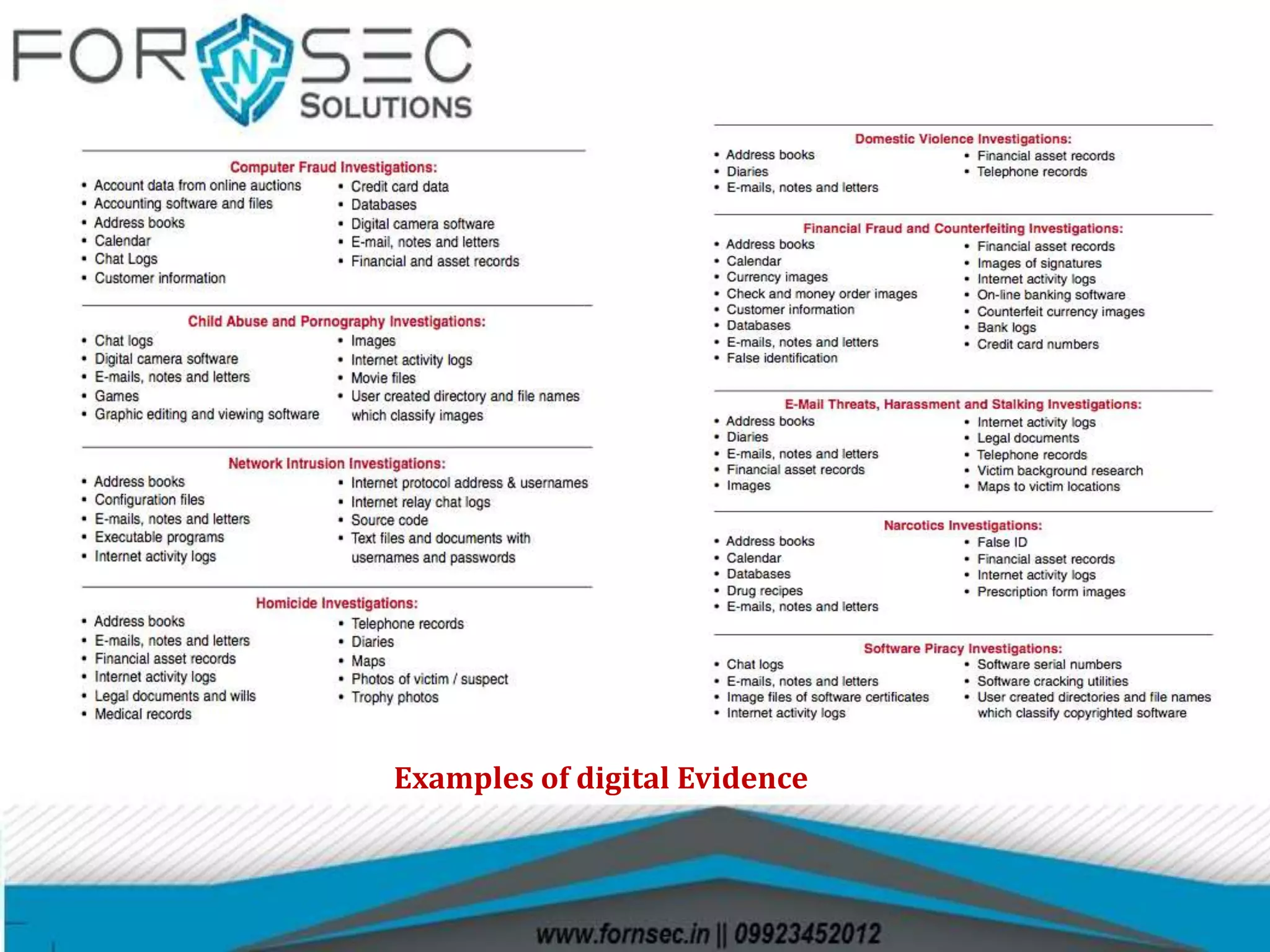
Examples of digital Evidence
Searching and Seizing of Digital Evidence
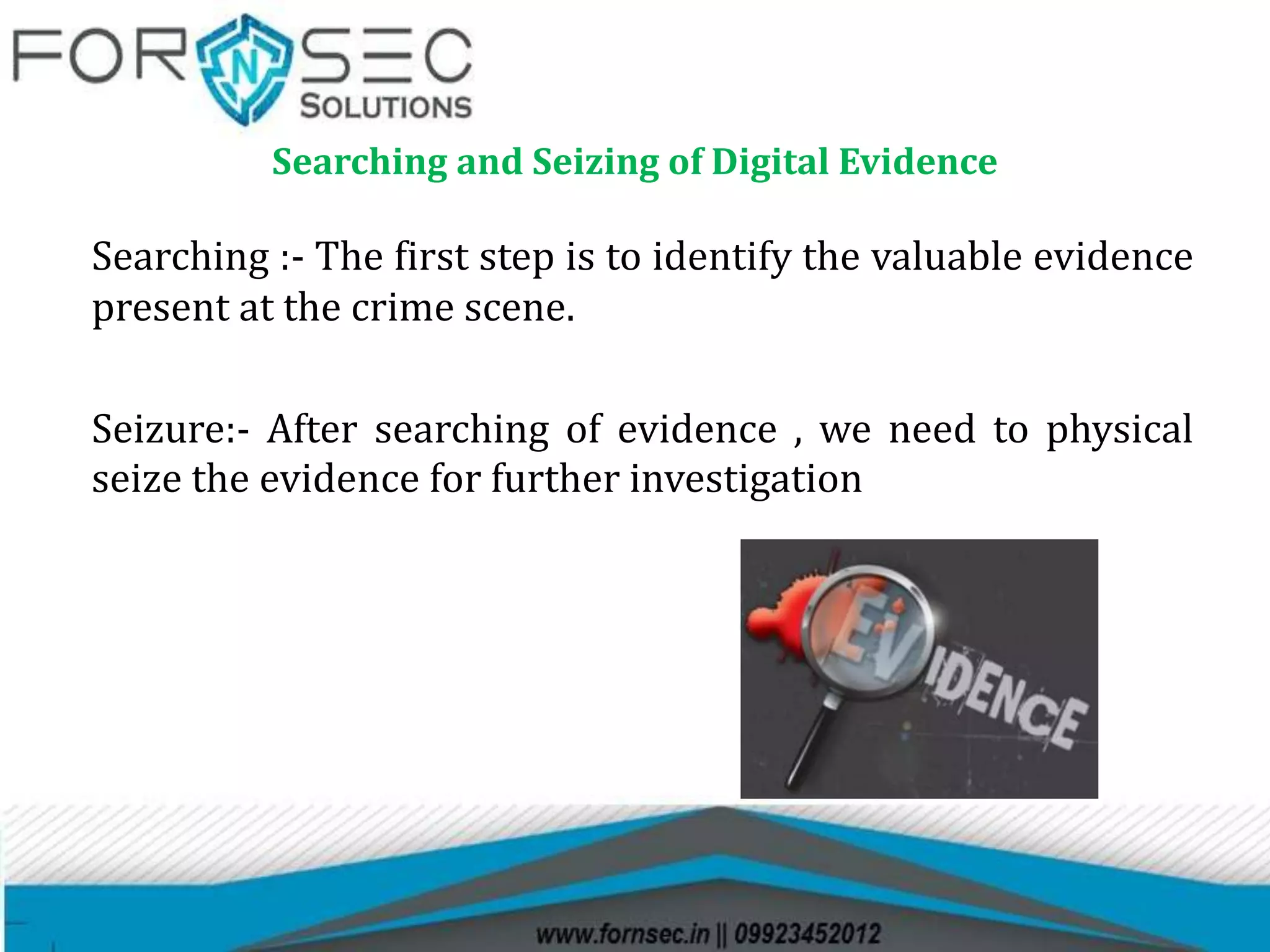
Searching :- The first step is to identify the valuable evidence
present at the crime scene.
Seizure:- After searching of evidence , we need to physical
seize the evidence for further investigation
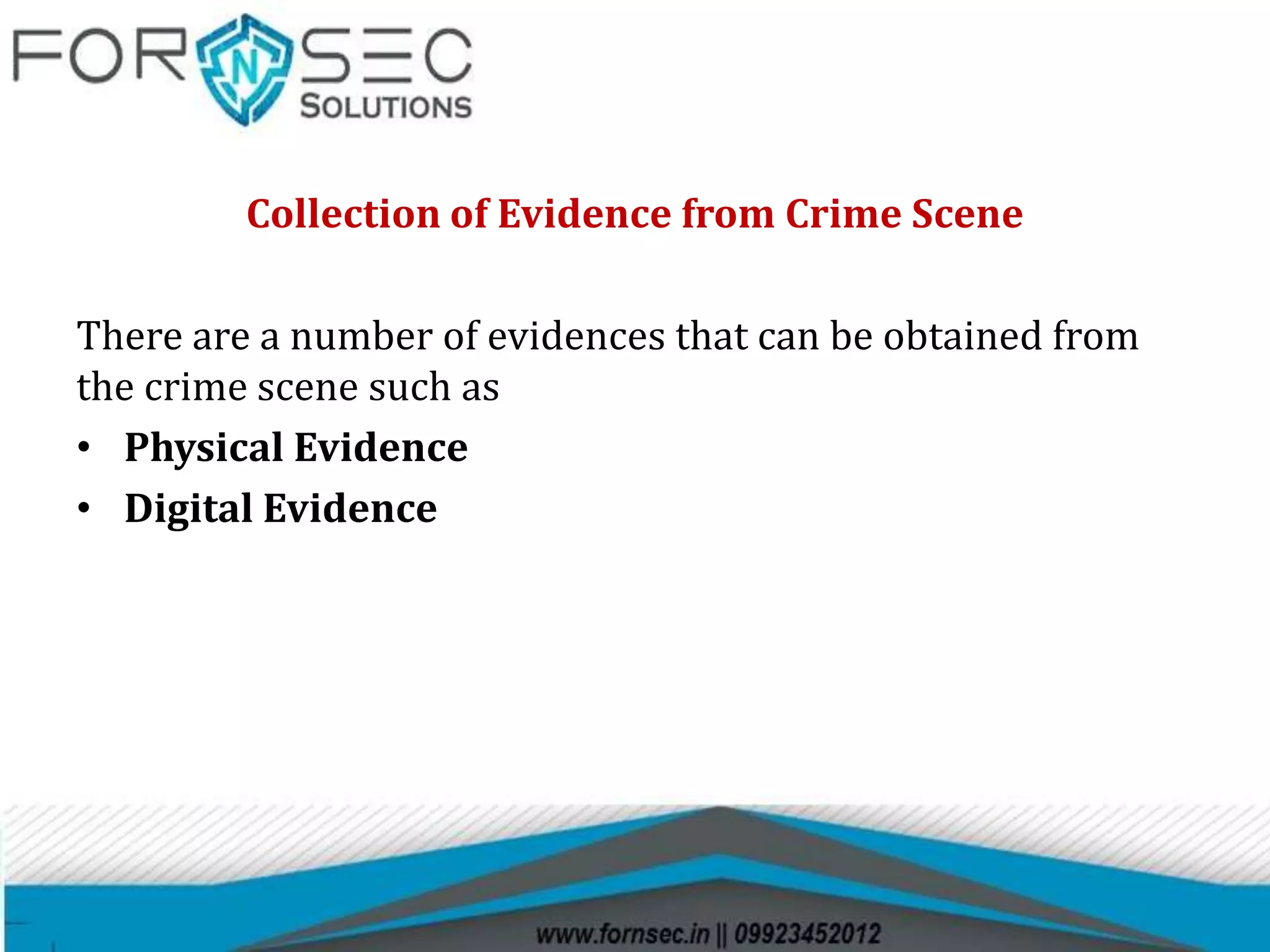
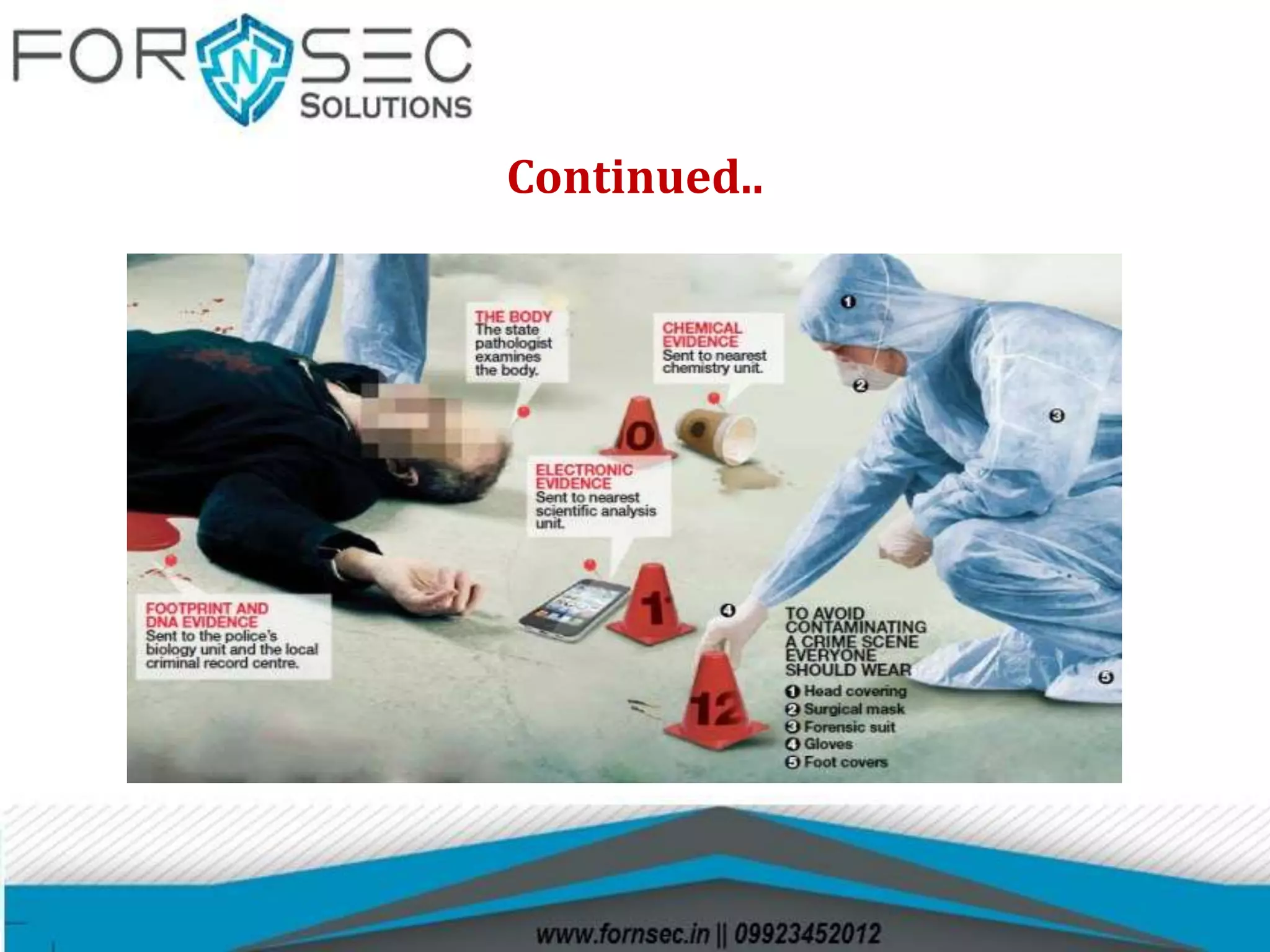
Collection of Evidence from Crime Scene
There are a number of evidences that can be obtained from
the crime scene such as
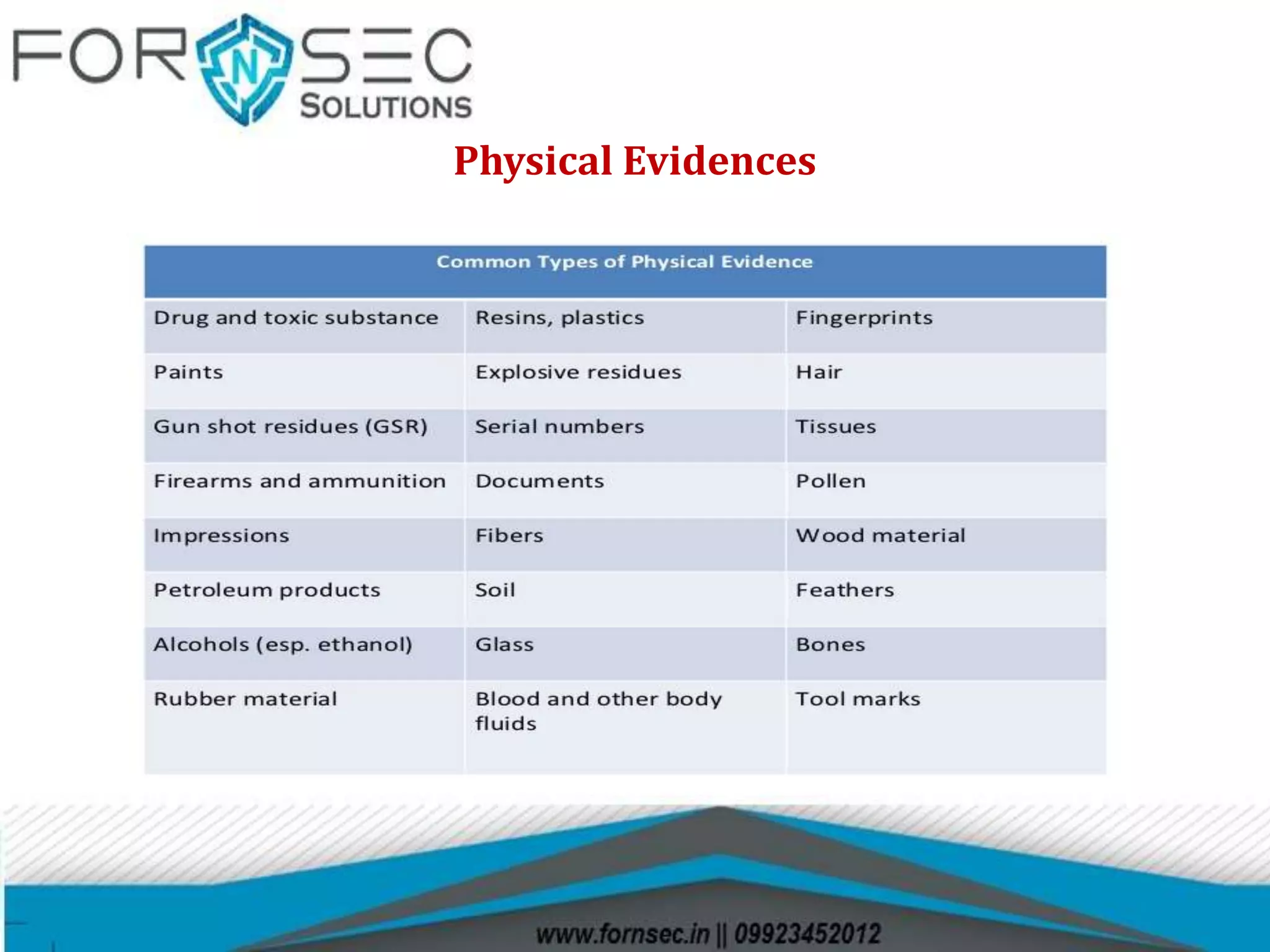
• Physical Evidence
• Digital Evidence
Physical Evidences
Digital Evidence
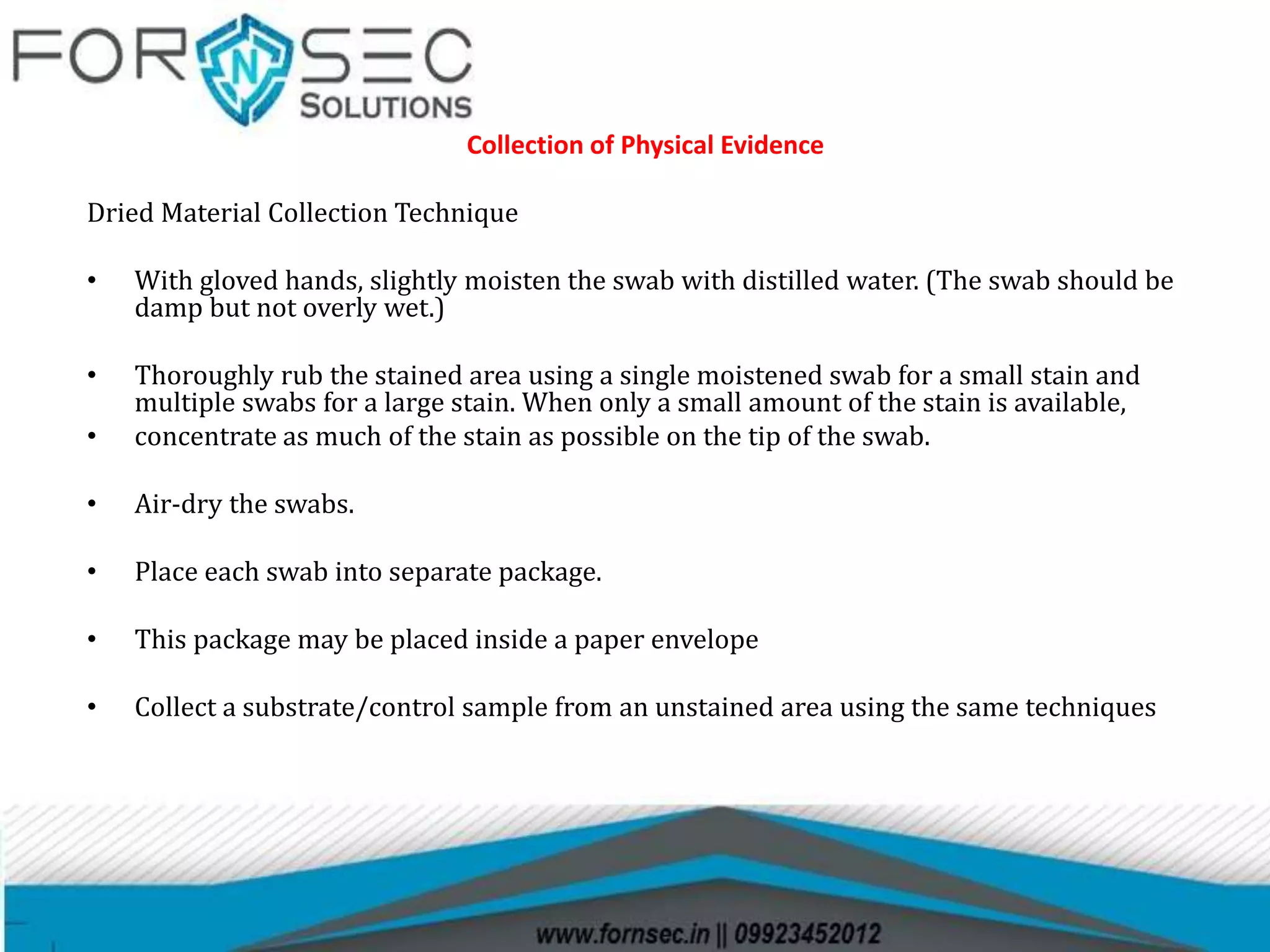
Collection of Physical Evidence
Dried Material Collection Technique
• With gloved hands, slightly moisten the swab with distilled water. (The swab should be
damp but not overly wet.)
• Thoroughly rub the stained area using a single moistened swab for a small stain and
multiple swabs for a large stain. When only a small amount of the stain is available,
• concentrate as much of the stain as possible on the tip of the swab.
• Air-dry the swabs.
• Place each swab into separate package.
• This package may be placed inside a paper envelope
• Collect a substrate/control sample from an unstained area using the same techniques
Continued..
Procedure for Computer Evidence Seizure
The activities/procedures for securing a suspected computer incident
scene include
• Securing the scene
 Shutting down the computer
 Labeling the evidence
 Documenting the evidence
 Transporting the evidence
 Providing chain-of-custody
 Documentation
• Photograph the Scene
• If the computer is ON then photograph the screen
and note down the names of programs being run.
• Do not switch off the computer. Simply pull the
power cord from behind the back of the computer.
• Open the computer and inspect the inside for
unusual connections or configuration.
• Disconnect the Power cables to all the storage hard
drives
Documentation
• Detailed notes should be maintained during all aspects of the
scene processing.
• This not only includes the usual who, what, where, when but
overall observations of the scene.
• A evidence/property document should contain entries with a
description of the items (model and serial number), any visible
markings present on the item, the condition of the item, the
manner it was marked for evidence and the location from within
the scene it was seized.
• Every item of evidence has its own characteristics, but should be
identified in a manner it can be easily identified at a later date.
Items should be collected as found and documented.
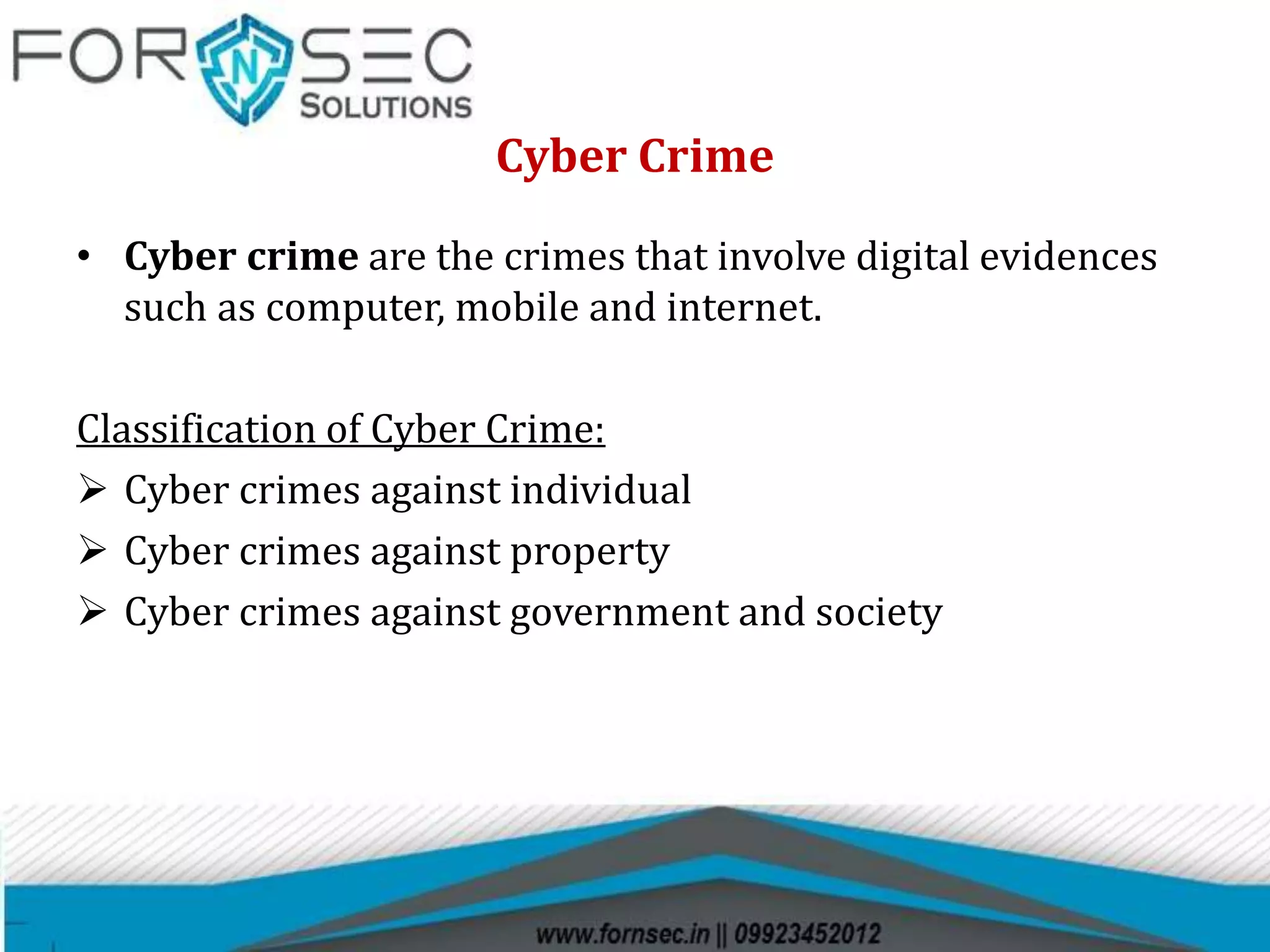
What are the Steps in the Mobile Forensics Process?
Mobile Phone Seizure Box
Airplane Mode
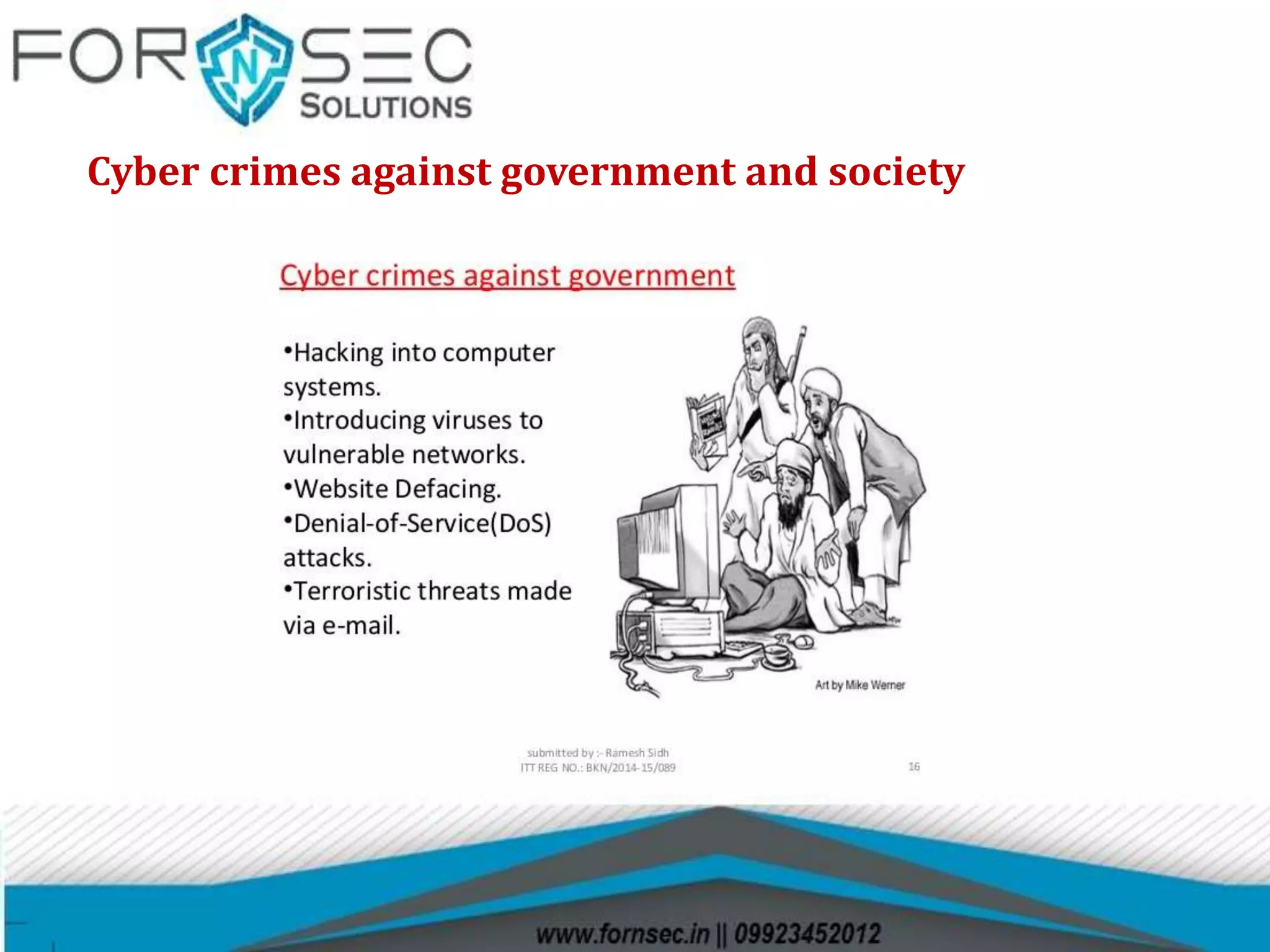
Cyber Crime
• Cyber crime are the crimes that involve digital evidences
such as computer, mobile and internet.
Classification of Cyber Crime:
 Cyber crimes against individual
 Cyber crimes against property
 Cyber crimes against government and society
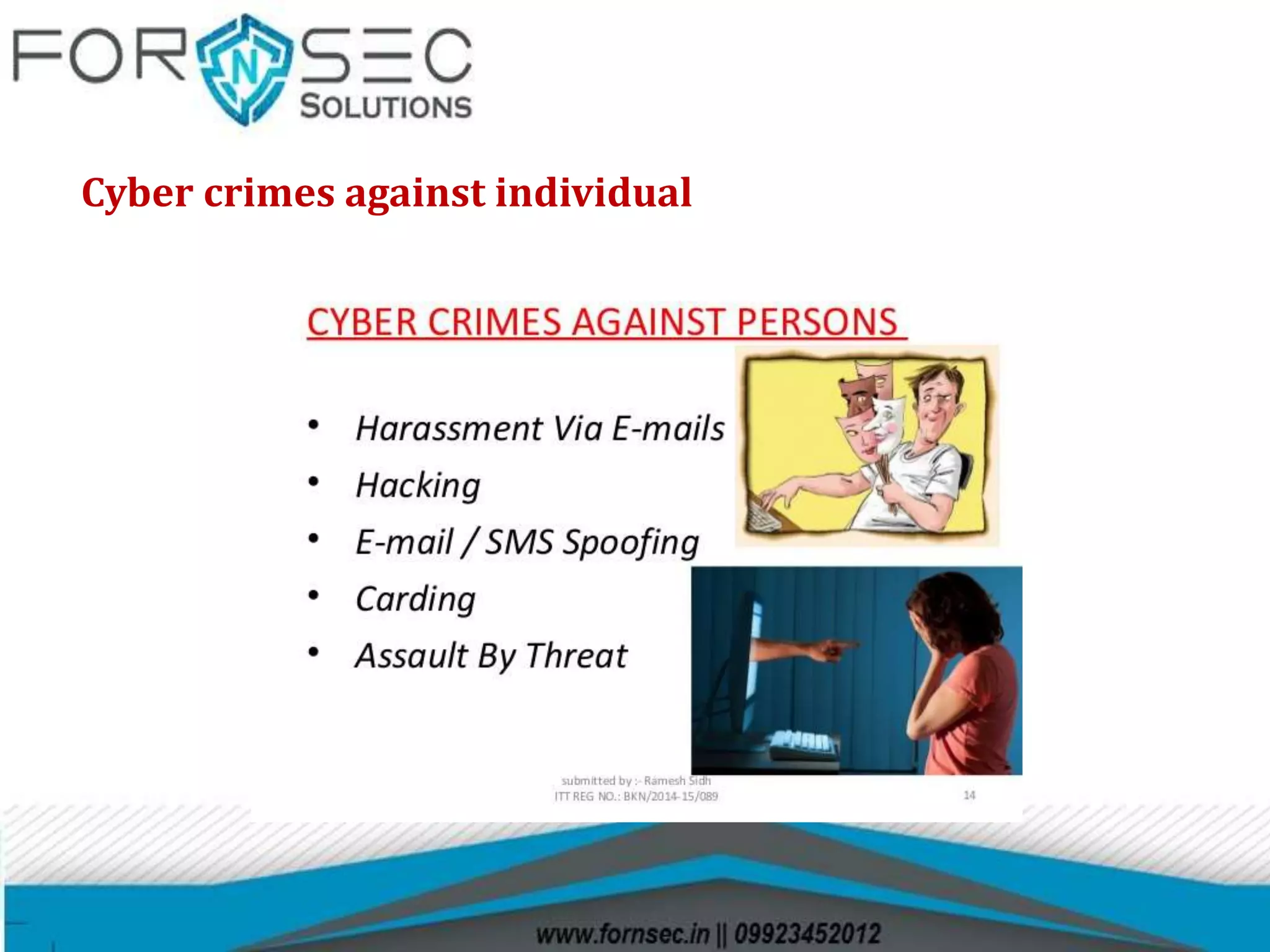
Cyber crimes against individual
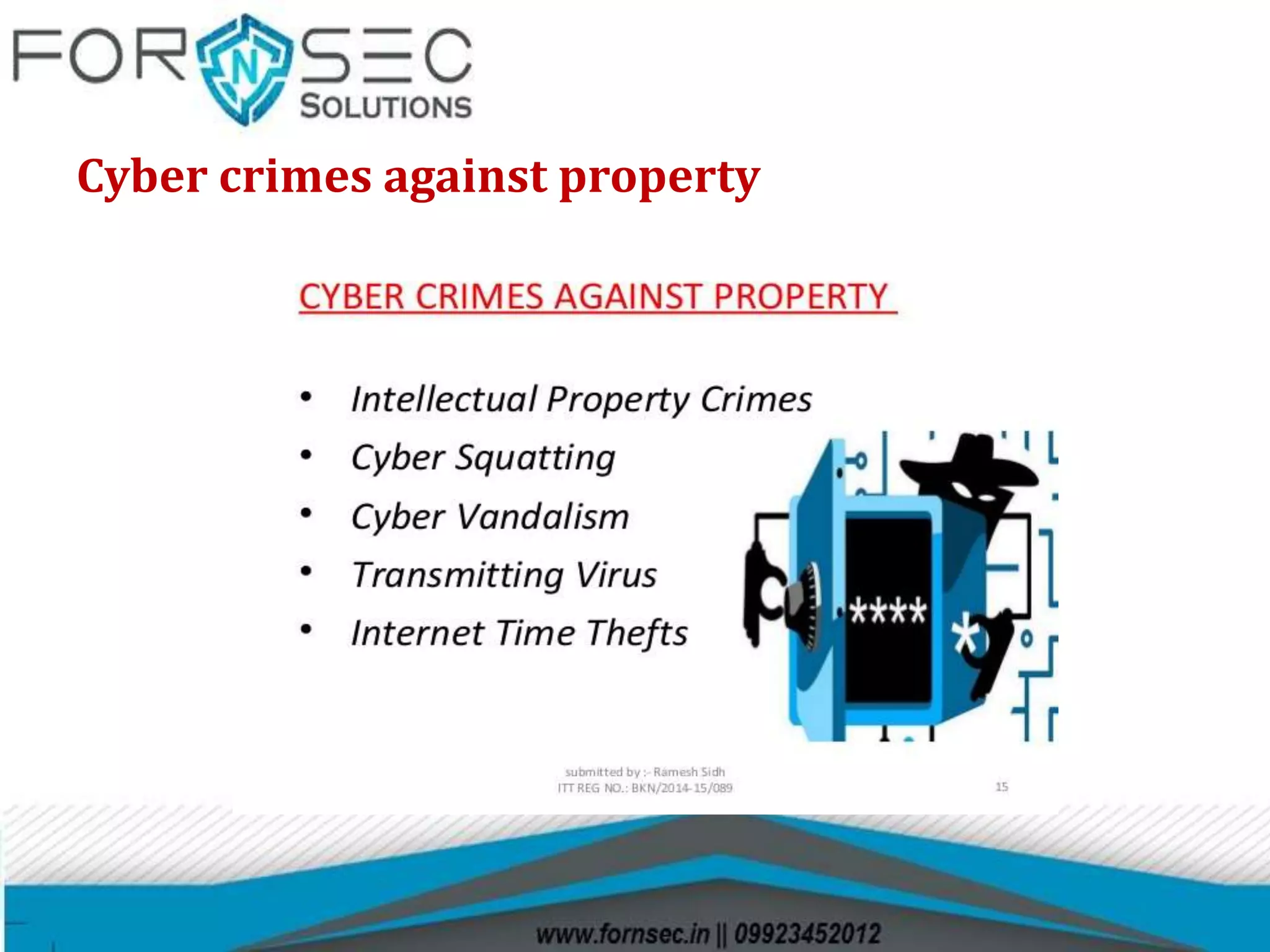
Cyber crimes against property
Cyber crimes against government and society
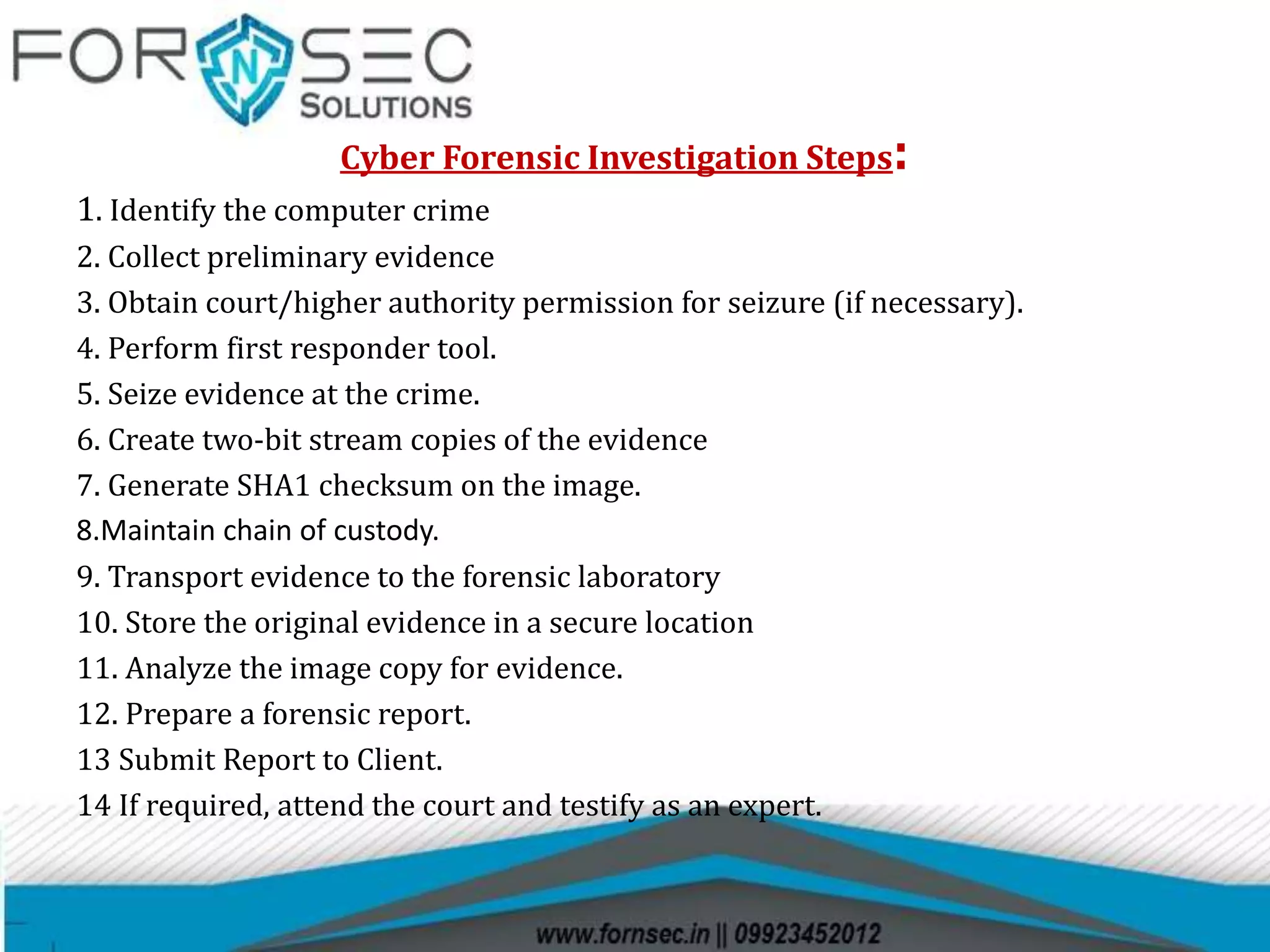
Cyber Forensic Investigation Steps:
1. Identify the computer crime
2. Collect preliminary evidence
3. Obtain court/higher authority permission for seizure (if necessary).
4. Perform first responder tool.
5. Seize evidence at the crime.
6. Create two-bit stream copies of the evidence
7. Generate SHA1 checksum on the image.
8.Maintain chain of custody.
9. Transport evidence to the forensic laboratory
10. Store the original evidence in a secure location
11. Analyze the image copy for evidence.
12. Prepare a forensic report.
13 Submit Report to Client.
14 If required, attend the court and testify as an expert.
Cyber Forensic Tools
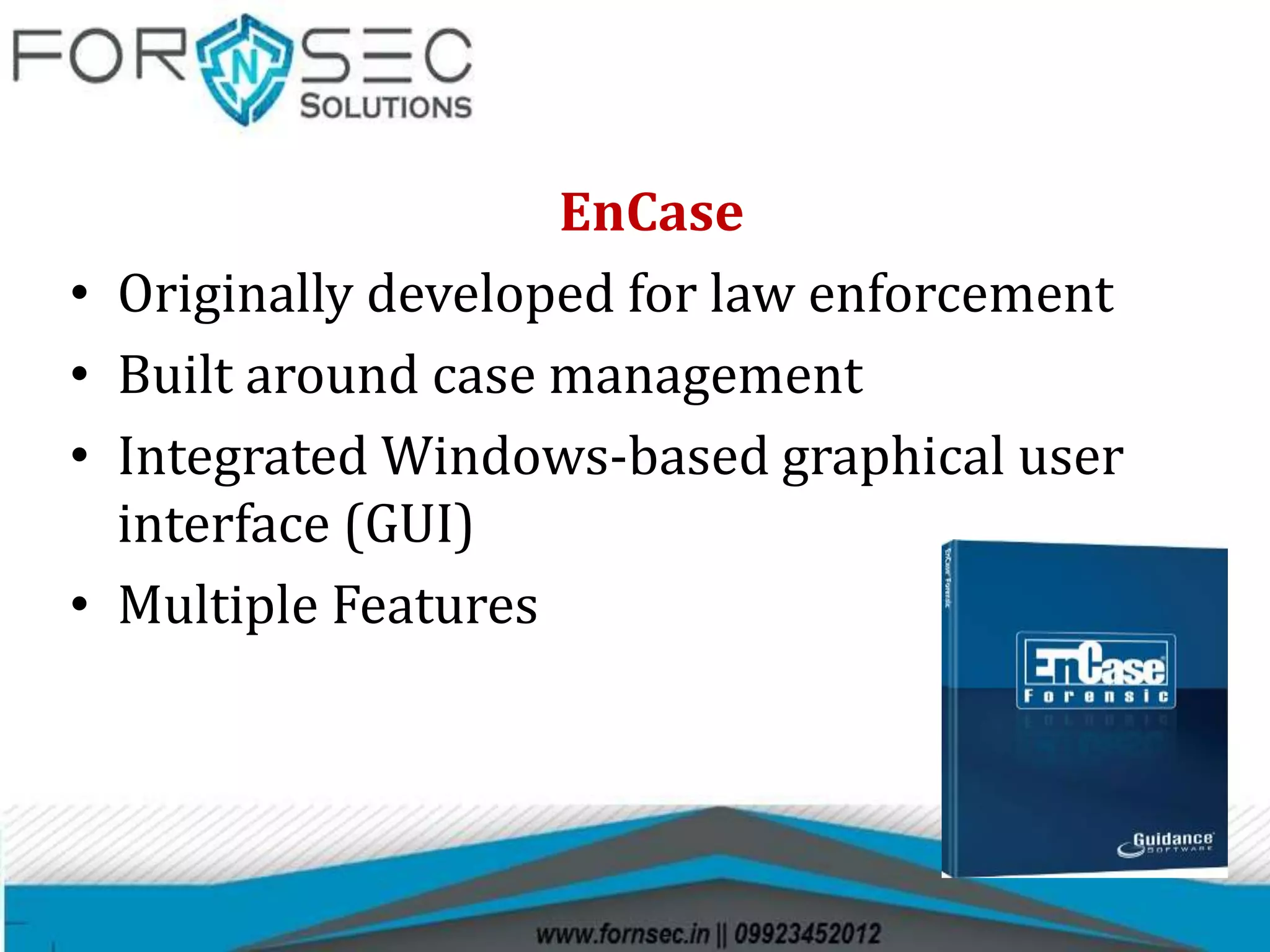
EnCase
• Originally developed for law enforcement
• Built around case management
• Integrated Windows-based graphical user
interface (GUI)
• Multiple Features
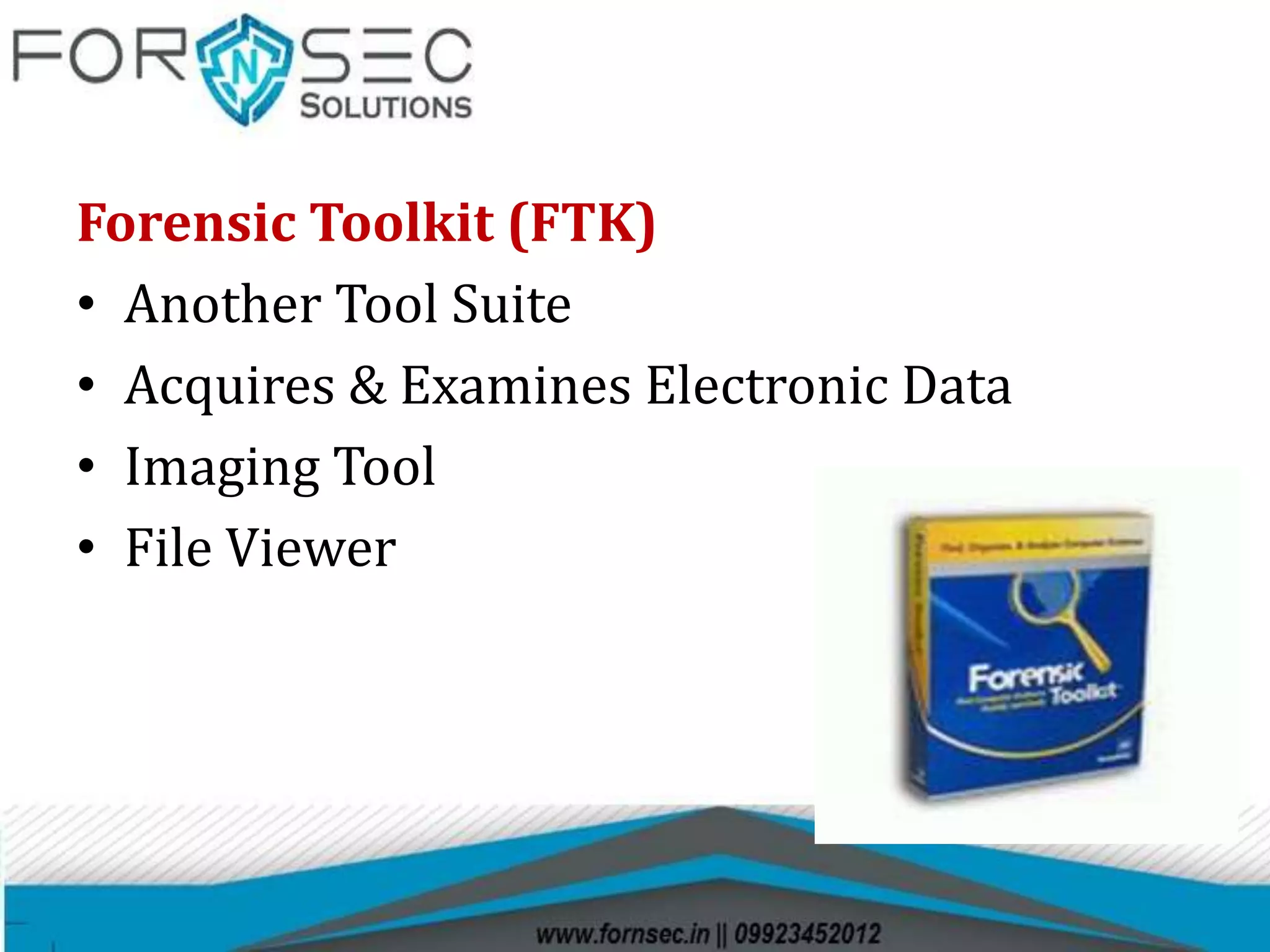
Forensic Toolkit (FTK)
• Another Tool Suite
• Acquires & Examines Electronic Data
• Imaging Tool
• File Viewer
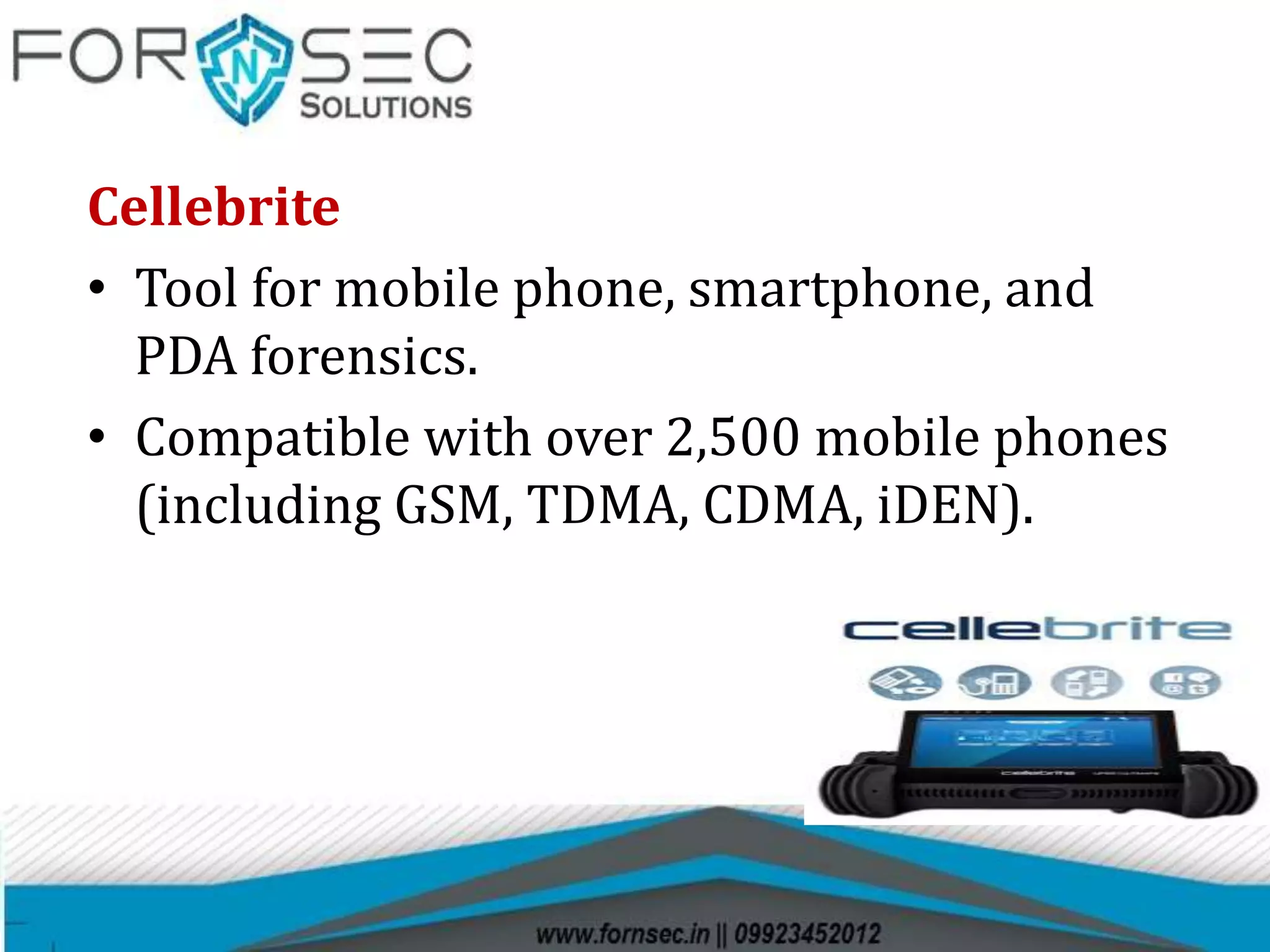
Cellebrite
• Tool for mobile phone, smartphone, and
PDA forensics.
• Compatible with over 2,500 mobile phones
(including GSM, TDMA, CDMA, iDEN).
TYPES OF FORENSIC SOFTWARE
 Cloning And Imaging Tool
 WriteProtection Tool
 Data Recovery/Analysis Tools
 Mobile Data Analysis Tool
 Audio/Video Forensic Tool
 Incidence Response Tool
 CDR Analysis Tool
 Password Recovery Tools
 Mac Forensic Tool
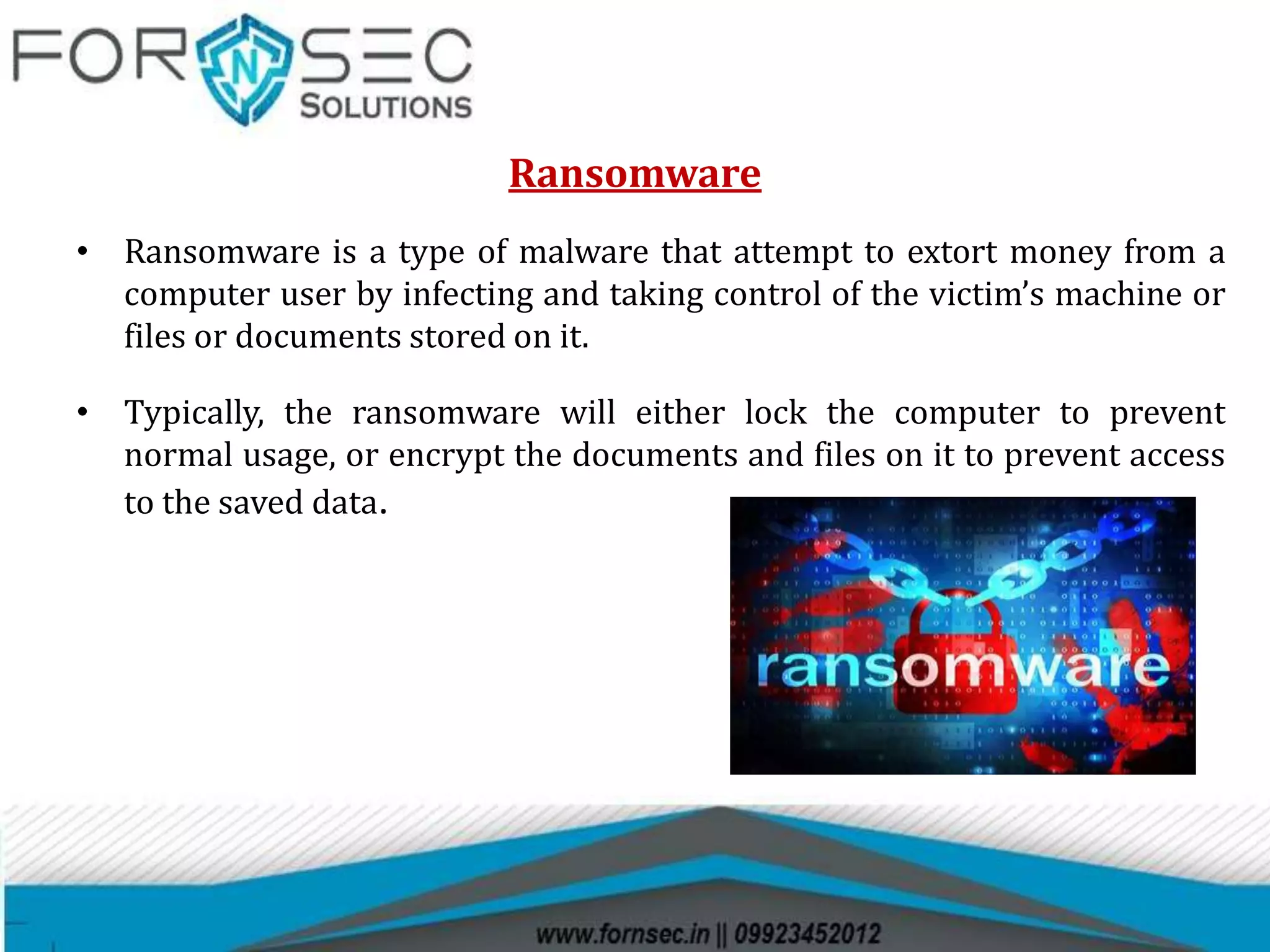
Ransomware
• Ransomware is a type of malware that attempt to extort money from a
computer user by infecting and taking control of the victim’s machine or
files or documents stored on it.
• Typically, the ransomware will either lock the computer to prevent
normal usage, or encrypt the documents and files on it to prevent access
to the saved data.
Bitcoin
• Bitcoin is a cryptocurrency and worldwide payment
system.
• A Peer-to-Peer Electronic Cash System.
• A distributed, decentralized digital currency system
Who created Bitcoin?
• October 31, 2008,
• Satoshi Nakamoto published white paper titled Bitcoin.
• A peer to peer Electronic cash system via “The Cryptography Mailing
List”
• January 3, 2009,
• Satoshi release Bitcoin source code and software client to the world.
Demo
Most promising cyber forensic solution providers  from india   forn sec solutions

Most promising cyber forensic solution providers from india forn sec solutions

  • 1.
  • 2.
    Digital Forensic • Digitalforensics (sometimes known as digital forensic science) is a branch of forensic science that includes the recovery and investigation of the information found in digital devices often in relation to computer crime.
  • 3.
    Digital forensics includesseveral sub-branches : • Computer Forensics • Mobile Forensics • Network Forensic
  • 4.
    Computer forensic:- Computerforensics (also known as computer forensic science) is a branch of digital forensic science pertaining to evidence found in computers and digital storage media. Mobile Forensic:- Mobile device forensics is a branch of digital forensics relating to recovery of digital forensics and cyber investigation or data from a mobile device under forensically sound conditions. Network Forensic:- Network forensics is a sub-branch of digital forensics relating to the monitoring and analysis of computer network traffic for the purposes of information gathering, legal evidence, or intrusion detection.
  • 5.
    Digital evidence • Digitalevidence is information stored or transmitted in binary form that may be relied on in court. It can be found on a computer hard drive, a mobile phone, a personal digital assistant (PDA), a CD, and a flash card in a digital camera, among other place s.
  • 6.
    A device whichholds the data as long as it has power supply connected to it and cannot hold the memory when there is no power supply connected to it is called Volatile memory A device which can hold data in it even if it is not connected to any power source is called Non Volatile Memory
  • 7.
  • 8.
    Searching and Seizingof Digital Evidence Searching :- The first step is to identify the valuable evidence present at the crime scene. Seizure:- After searching of evidence , we need to physical seize the evidence for further investigation
  • 9.
    Collection of Evidencefrom Crime Scene There are a number of evidences that can be obtained from the crime scene such as • Physical Evidence • Digital Evidence
  • 10.
  • 11.
  • 12.
    Collection of PhysicalEvidence Dried Material Collection Technique • With gloved hands, slightly moisten the swab with distilled water. (The swab should be damp but not overly wet.) • Thoroughly rub the stained area using a single moistened swab for a small stain and multiple swabs for a large stain. When only a small amount of the stain is available, • concentrate as much of the stain as possible on the tip of the swab. • Air-dry the swabs. • Place each swab into separate package. • This package may be placed inside a paper envelope • Collect a substrate/control sample from an unstained area using the same techniques
  • 13.
  • 14.
    Procedure for ComputerEvidence Seizure The activities/procedures for securing a suspected computer incident scene include • Securing the scene  Shutting down the computer  Labeling the evidence  Documenting the evidence  Transporting the evidence  Providing chain-of-custody  Documentation
  • 15.
    • Photograph theScene • If the computer is ON then photograph the screen and note down the names of programs being run. • Do not switch off the computer. Simply pull the power cord from behind the back of the computer. • Open the computer and inspect the inside for unusual connections or configuration. • Disconnect the Power cables to all the storage hard drives
  • 16.
    Documentation • Detailed notesshould be maintained during all aspects of the scene processing. • This not only includes the usual who, what, where, when but overall observations of the scene. • A evidence/property document should contain entries with a description of the items (model and serial number), any visible markings present on the item, the condition of the item, the manner it was marked for evidence and the location from within the scene it was seized. • Every item of evidence has its own characteristics, but should be identified in a manner it can be easily identified at a later date. Items should be collected as found and documented.
  • 17.
    What are theSteps in the Mobile Forensics Process? Mobile Phone Seizure Box Airplane Mode
  • 18.
    Cyber Crime • Cybercrime are the crimes that involve digital evidences such as computer, mobile and internet. Classification of Cyber Crime:  Cyber crimes against individual  Cyber crimes against property  Cyber crimes against government and society
  • 19.
  • 20.
  • 21.
    Cyber crimes againstgovernment and society
  • 22.
    Cyber Forensic InvestigationSteps: 1. Identify the computer crime 2. Collect preliminary evidence 3. Obtain court/higher authority permission for seizure (if necessary). 4. Perform first responder tool. 5. Seize evidence at the crime. 6. Create two-bit stream copies of the evidence 7. Generate SHA1 checksum on the image. 8.Maintain chain of custody. 9. Transport evidence to the forensic laboratory 10. Store the original evidence in a secure location 11. Analyze the image copy for evidence. 12. Prepare a forensic report. 13 Submit Report to Client. 14 If required, attend the court and testify as an expert.
  • 23.
  • 24.
    EnCase • Originally developedfor law enforcement • Built around case management • Integrated Windows-based graphical user interface (GUI) • Multiple Features
  • 25.
    Forensic Toolkit (FTK) •Another Tool Suite • Acquires & Examines Electronic Data • Imaging Tool • File Viewer
  • 26.
    Cellebrite • Tool formobile phone, smartphone, and PDA forensics. • Compatible with over 2,500 mobile phones (including GSM, TDMA, CDMA, iDEN).
  • 27.
    TYPES OF FORENSICSOFTWARE  Cloning And Imaging Tool  WriteProtection Tool  Data Recovery/Analysis Tools  Mobile Data Analysis Tool  Audio/Video Forensic Tool  Incidence Response Tool  CDR Analysis Tool  Password Recovery Tools  Mac Forensic Tool
  • 28.
    Ransomware • Ransomware isa type of malware that attempt to extort money from a computer user by infecting and taking control of the victim’s machine or files or documents stored on it. • Typically, the ransomware will either lock the computer to prevent normal usage, or encrypt the documents and files on it to prevent access to the saved data.
  • 29.
    Bitcoin • Bitcoin isa cryptocurrency and worldwide payment system. • A Peer-to-Peer Electronic Cash System. • A distributed, decentralized digital currency system
  • 30.
    Who created Bitcoin? •October 31, 2008, • Satoshi Nakamoto published white paper titled Bitcoin. • A peer to peer Electronic cash system via “The Cryptography Mailing List” • January 3, 2009, • Satoshi release Bitcoin source code and software client to the world.
  • 31.