




Understanding Tasks
End-to-End
Christian Buckley
Microsoft RD & MVP
CollabTalk LLC
@buckleyplanet
Christian Buckley
Microsoft RD & MVP
CollabTalk LLC
@buckleyplanet
Blog www.buckleyplanet.com
YouTube youtube.com/c/collabtalk
Podcast soundcloud.com/collabtalk
(also on Apple & Stitcher)
Microsoft’s
Vision for Tasks
Microsoft’s vision for tasks in Microsoft 365
revolves around these core principles:
• Coherence: ​tasks experiences across Microsoft
365 will have a consistent and familiar
experience anywhere they occur, to enable
action, navigation, and discovery by users.
• Intelligence: tasks will leverage the intelligent
services underpinning Microsoft 365, such as the
Microsoft Graph or MyAnalytics, to proactively
help users manage and prioritize their workload.
• Integration: wherever a task experience exists in
Microsoft apps and services, it will connect to
and feed into one of two key task-management
endpoints – To Do for individual task
management, or Planner for team task
management.
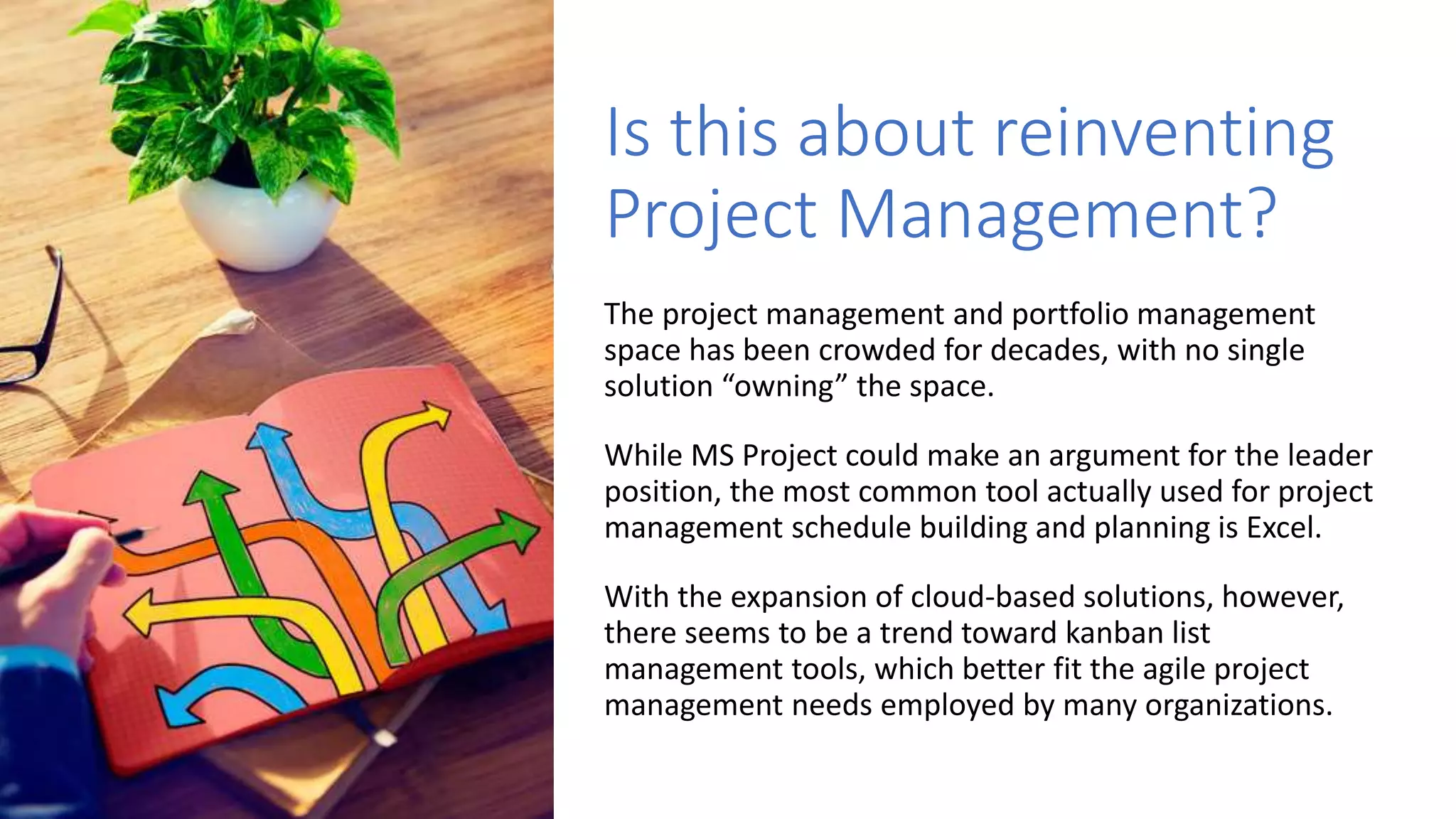
Is this about reinventing
Project Management?
The project management and portfolio management
space has been crowded for decades, with no single
solution “owning” the space.
While MS Project could make an argument for the leader
position, the most common tool actually used for project
management schedule building and planning is Excel.
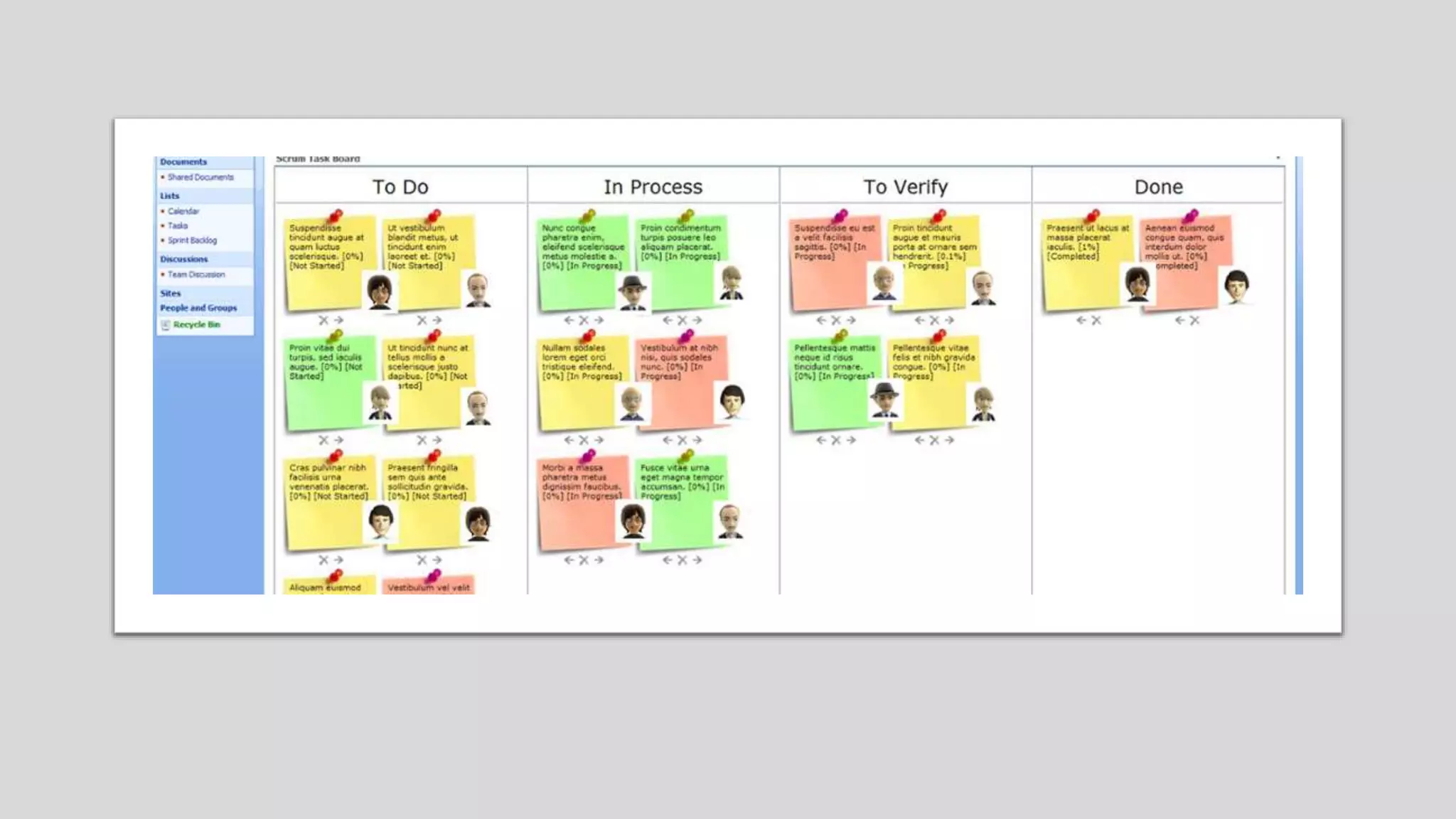
With the expansion of cloud-based solutions, however,
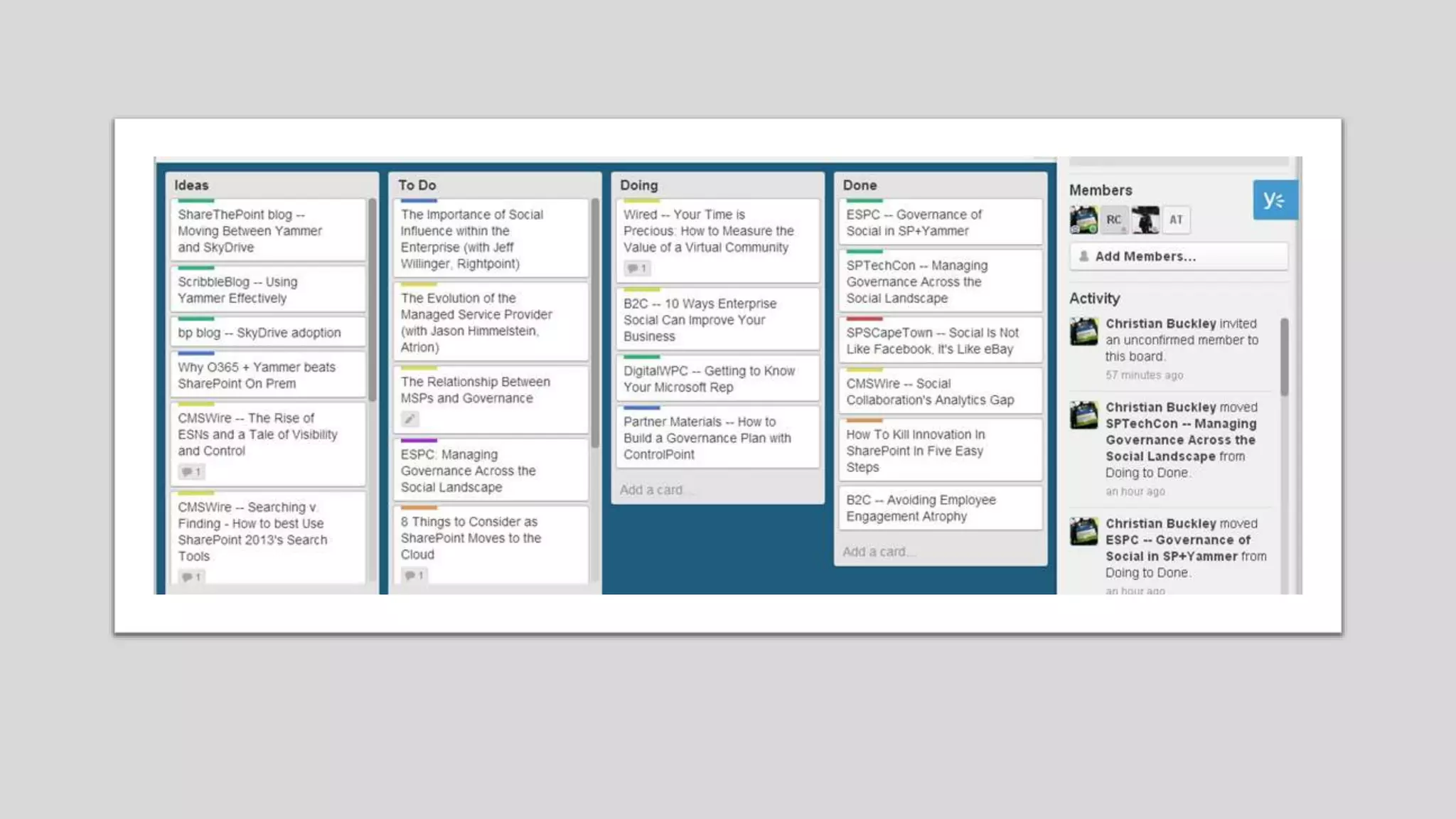
there seems to be a trend toward kanban list
management tools, which better fit the agile project
management needs employed by many organizations.
Project
Management
should be part of
your Collaboration
Strategy
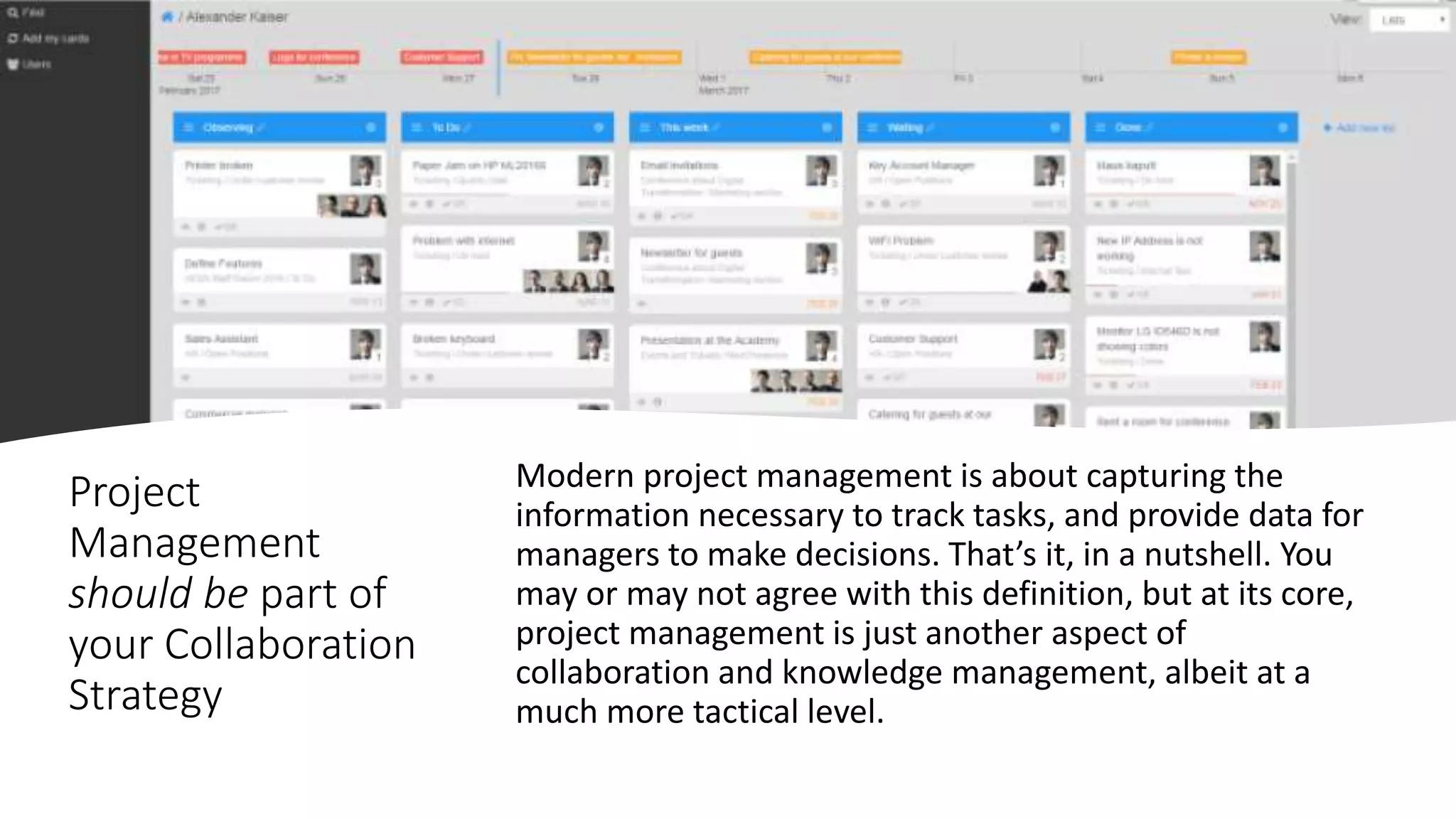
Modern project management is about capturing the
information necessary to track tasks, and provide data for
managers to make decisions. That’s it, in a nutshell. You
may or may not agree with this definition, but at its core,
project management is just another aspect of
collaboration and knowledge management, albeit at a
much more tactical level.
Project
Management
should be part of
your Collaboration
Strategy
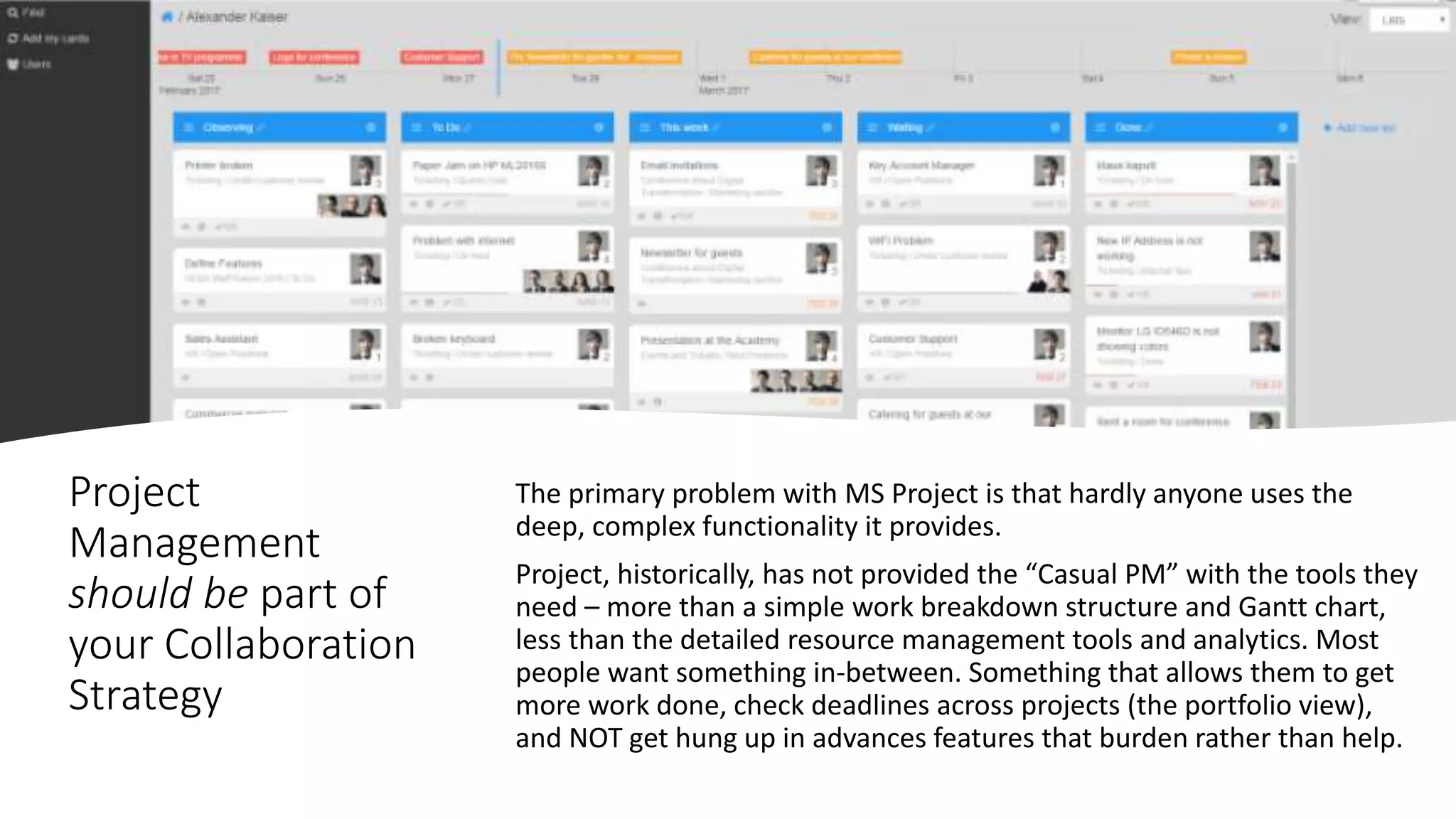
The primary problem with MS Project is that hardly anyone uses the
deep, complex functionality it provides.
Project, historically, has not provided the “Casual PM” with the tools they
need – more than a simple work breakdown structure and Gantt chart,
less than the detailed resource management tools and analytics. Most
people want something in-between. Something that allows them to get
more work done, check deadlines across projects (the portfolio view),
and NOT get hung up in advances features that burden rather than help.
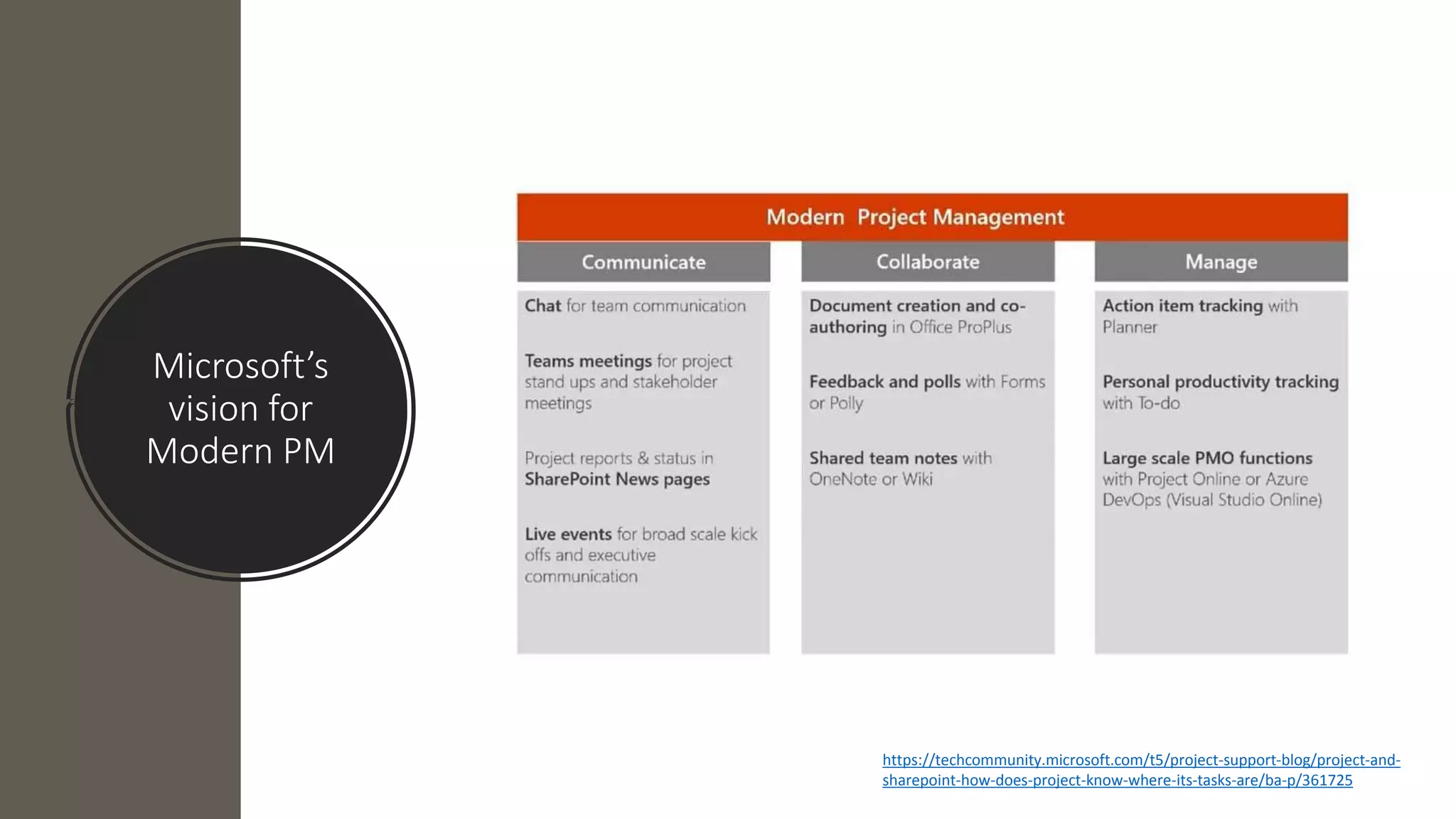
Microsoft’s
vision for
Modern PM
https://techcommunity.microsoft.com/t5/project-support-blog/project-and-
sharepoint-how-does-project-know-where-its-tasks-are/ba-p/361725
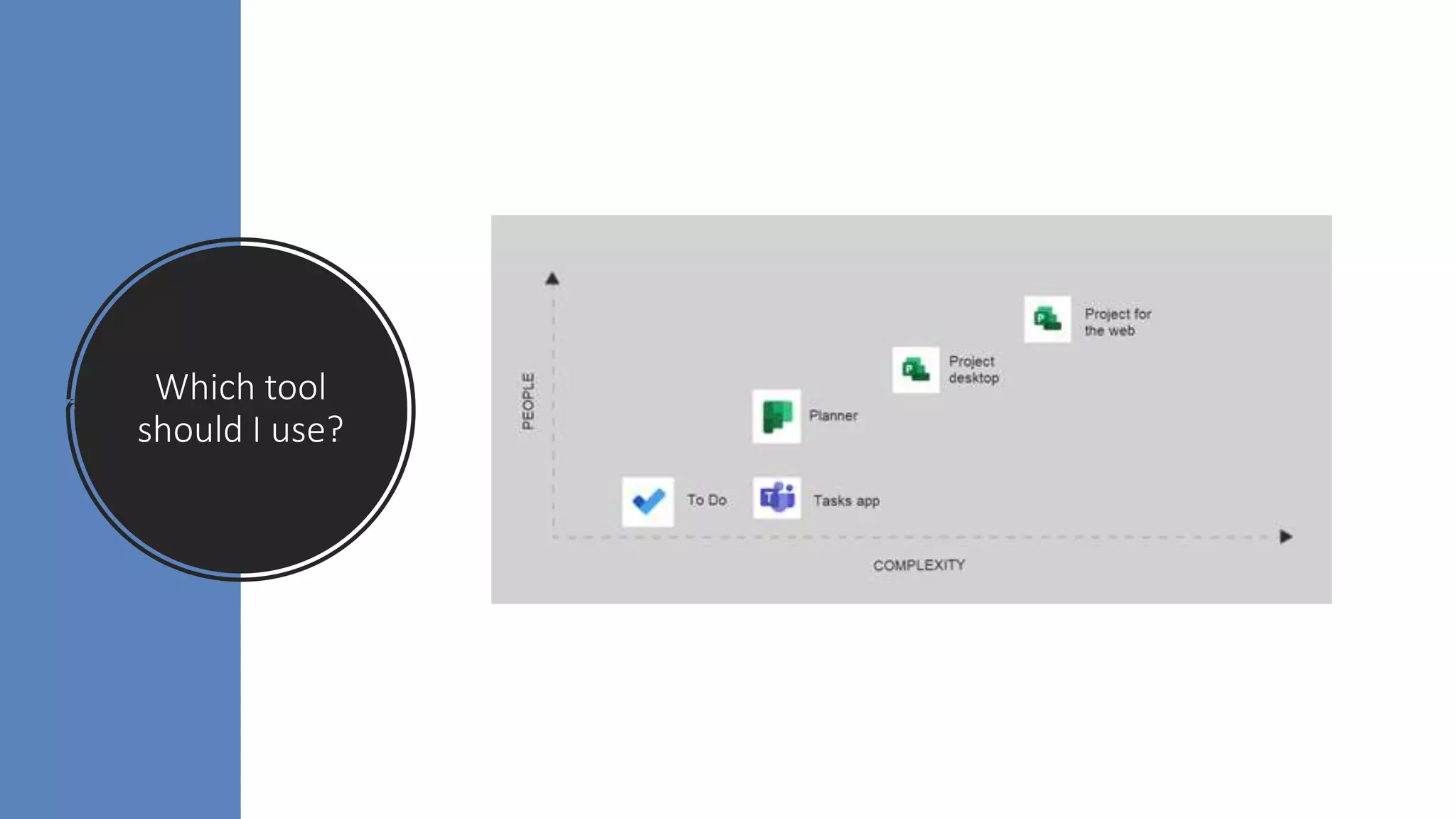
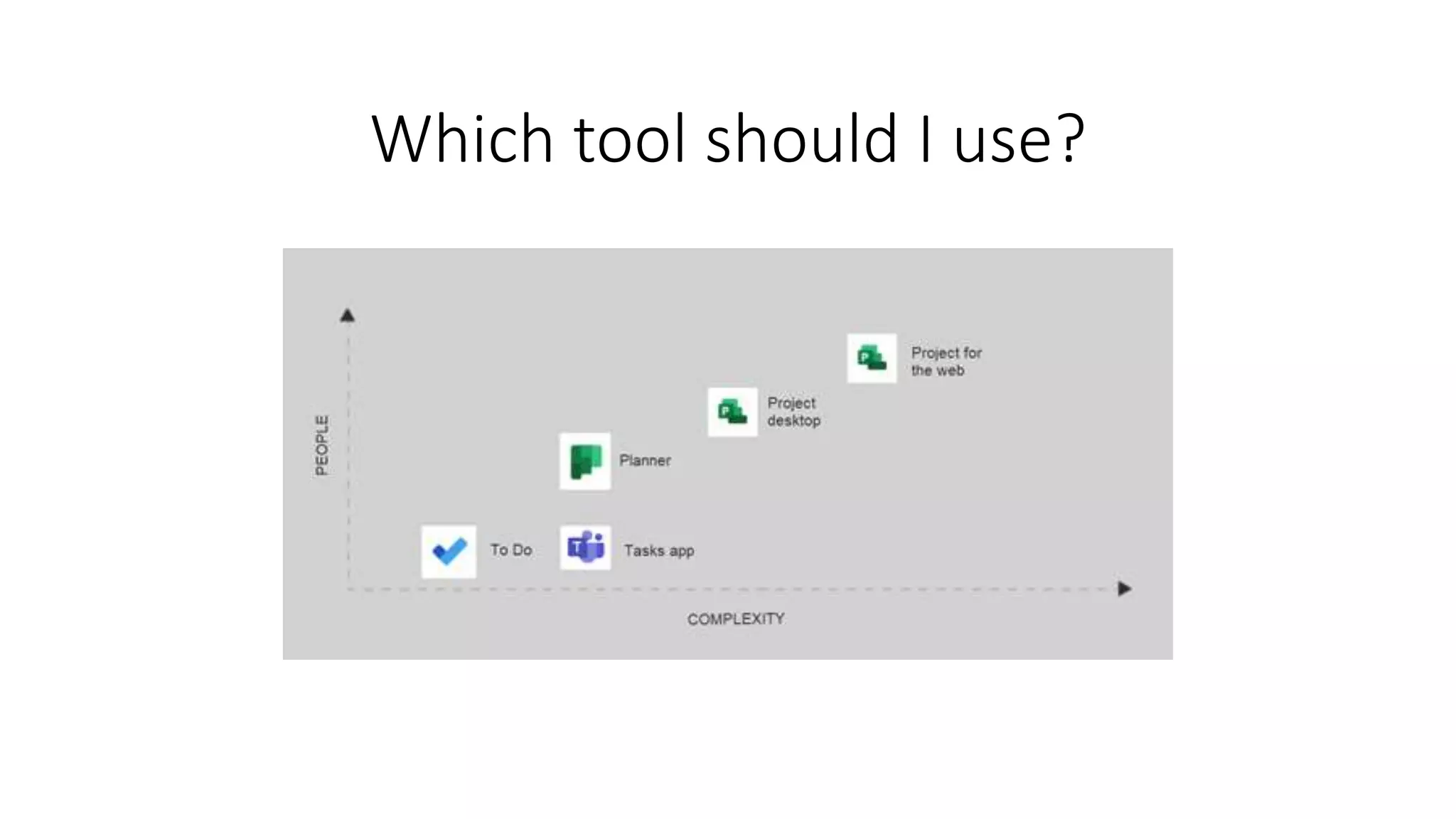
Which tool
should I use?
Microsoft Project Tasks
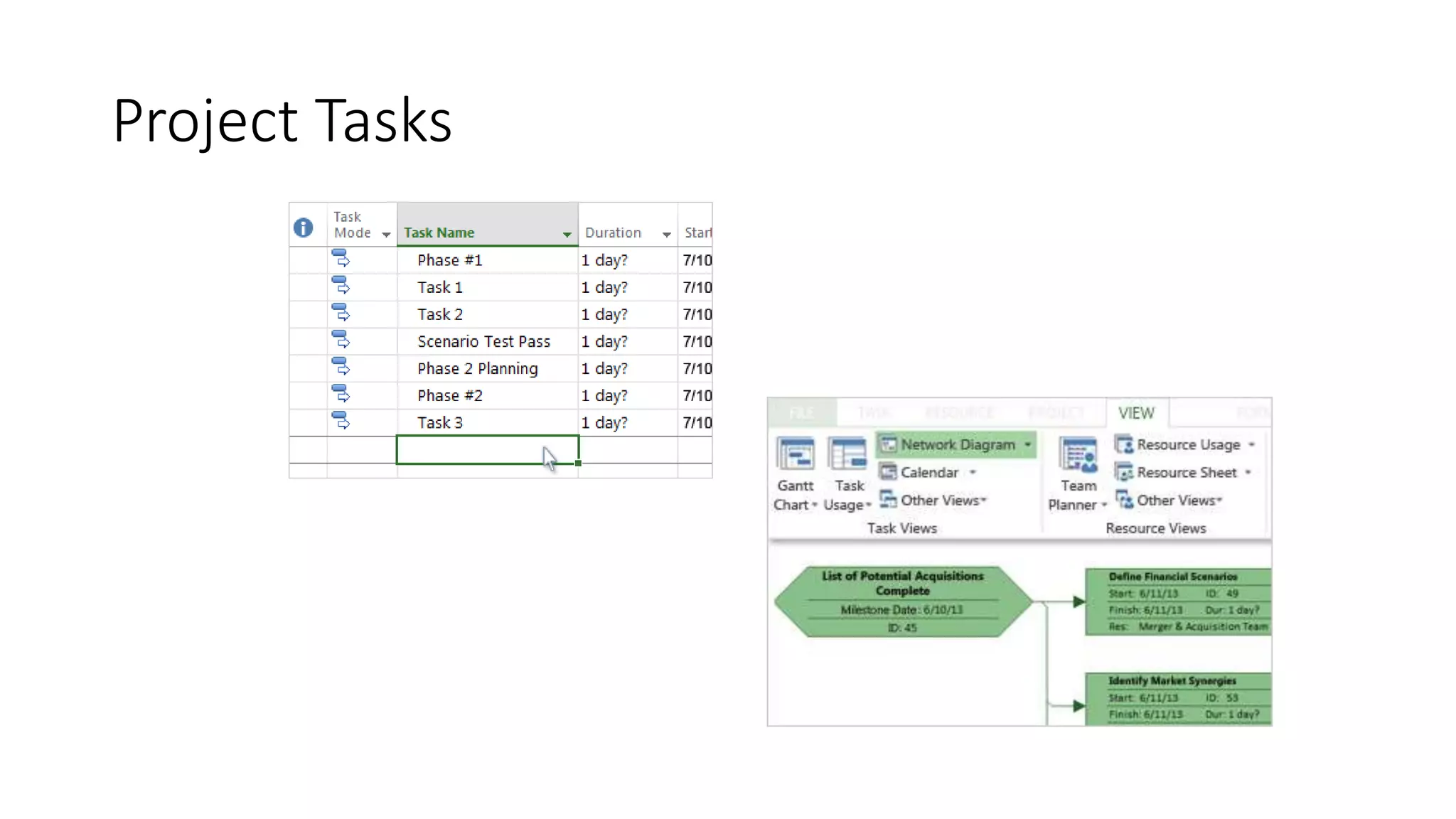
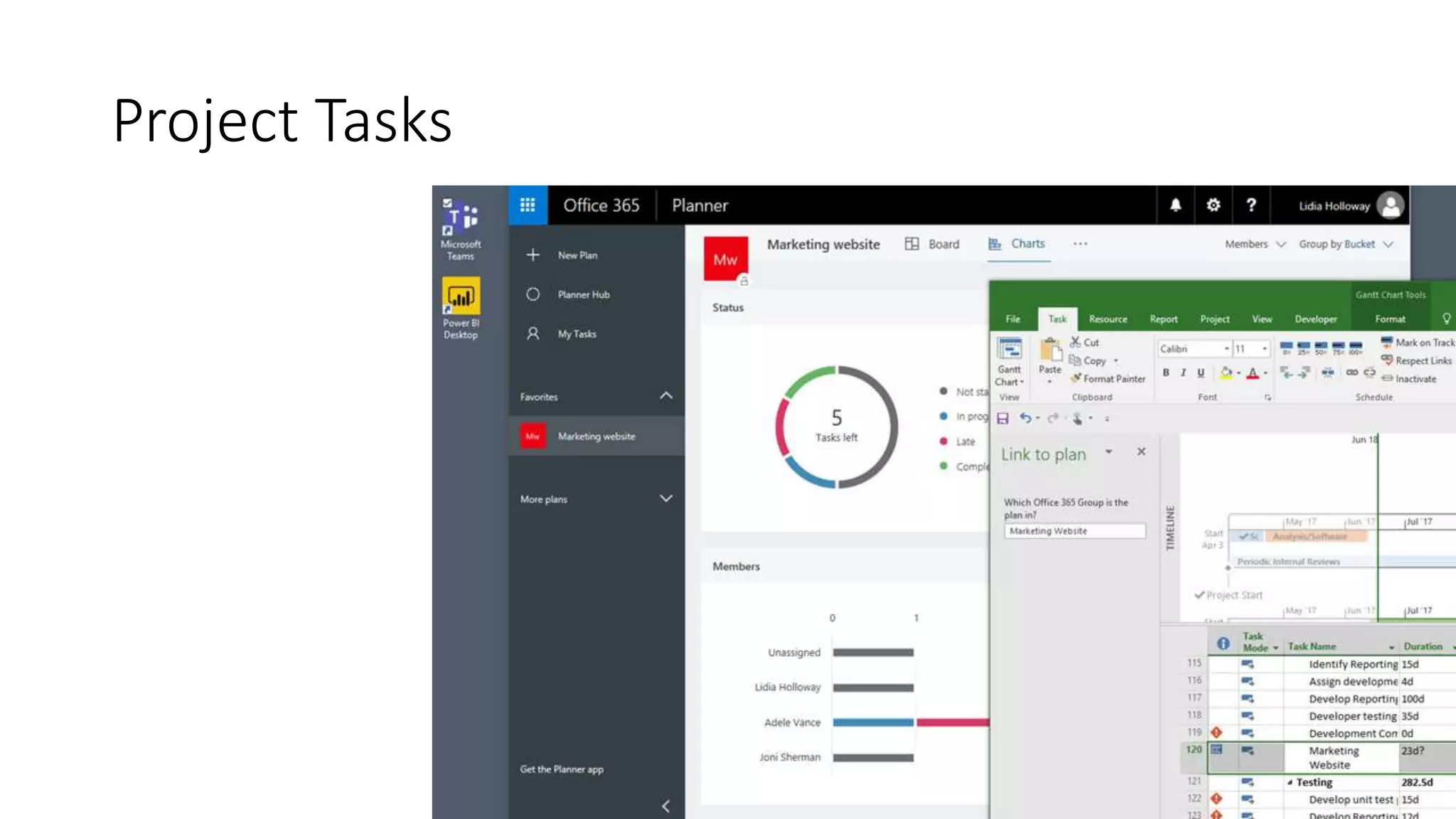
Microsoft Project remains as one of the leading
desktop PM tools on the market, but with the
Project Online and Planner integration, users can
manage the granular tasks in Planner while the
project owner maintains oversight and control of
the entire project plan.
Project Tasks
Project Tasks
Planner Tasks
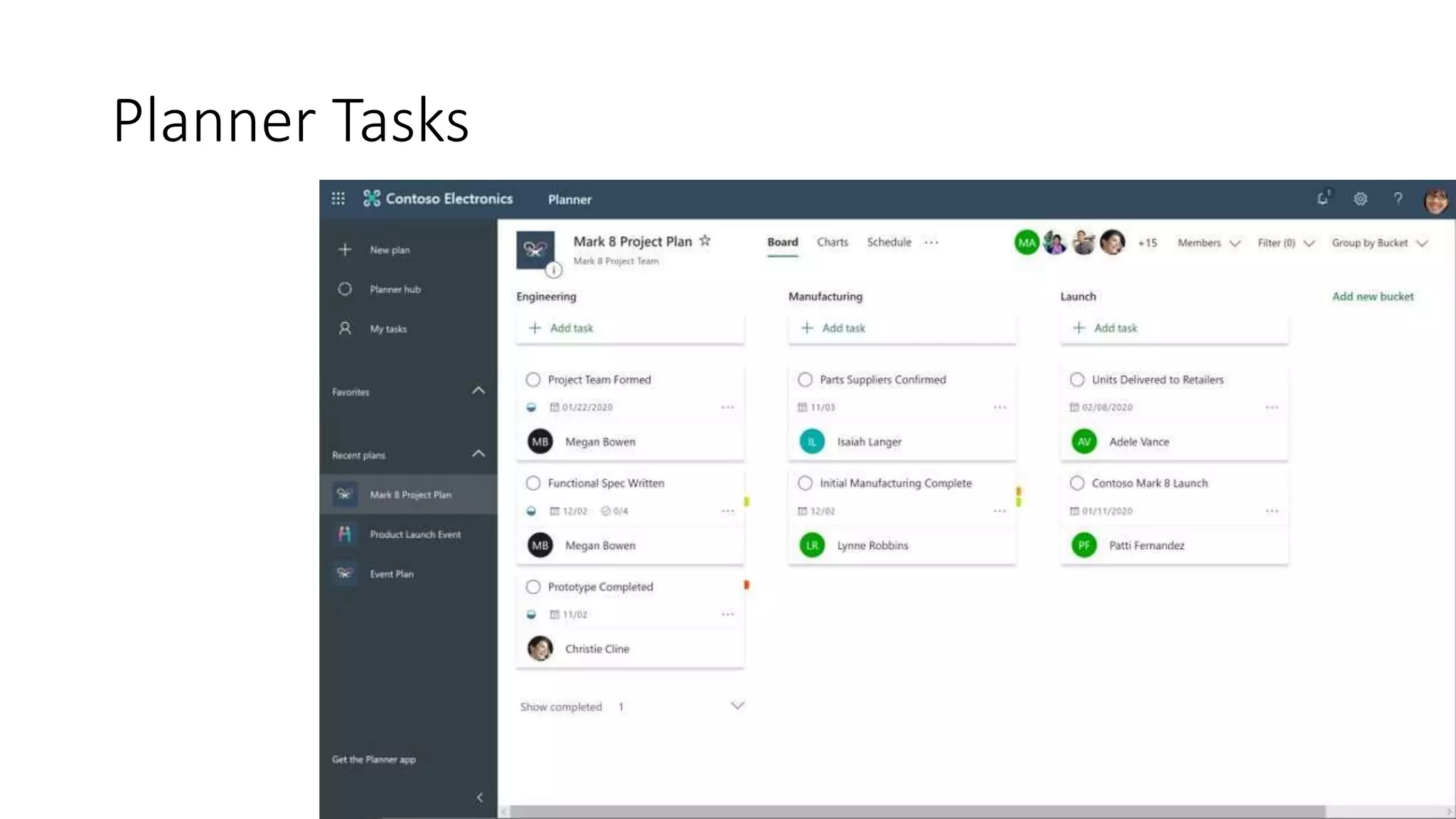
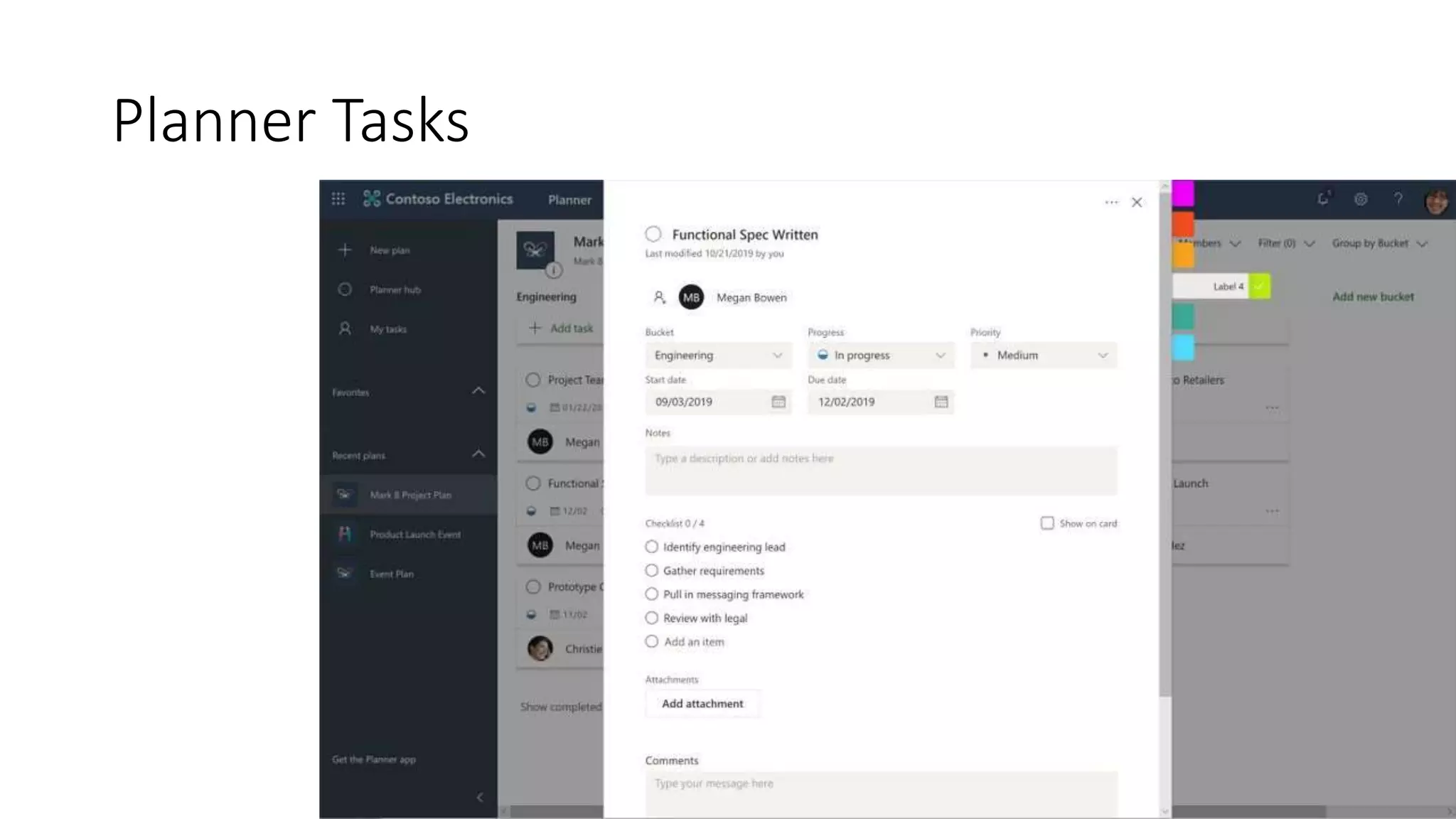
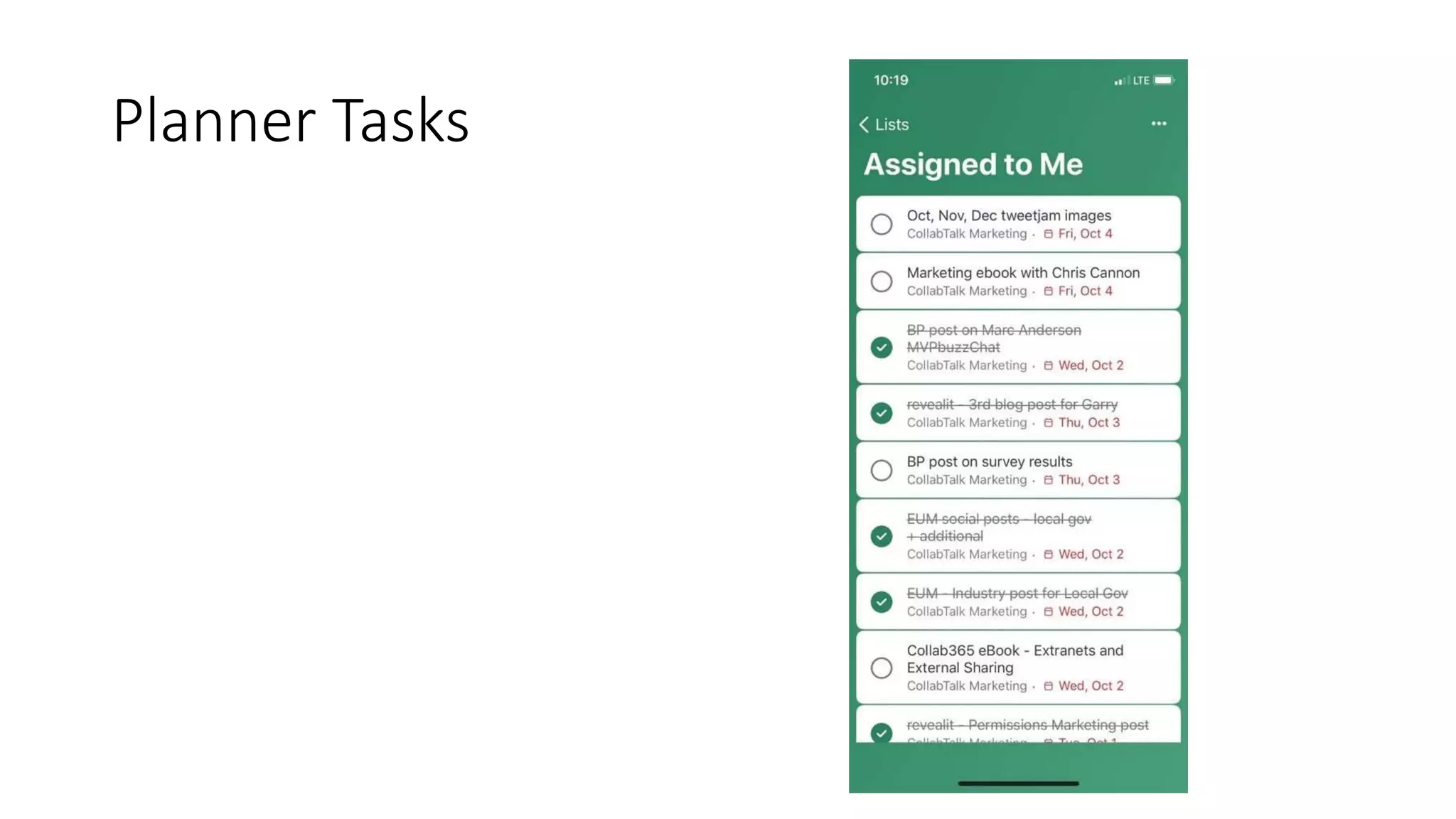
Ideal for team tasks, Planner is the easy, visual
task management app for Microsoft 365. It
offers a familiar experience for teams to create
new plans, organize and assign tasks, share task
details like files, chat about assignments, and
see updates on progress.
Planner Tasks
Planner Tasks
Planner Tasks
Planner Tasks
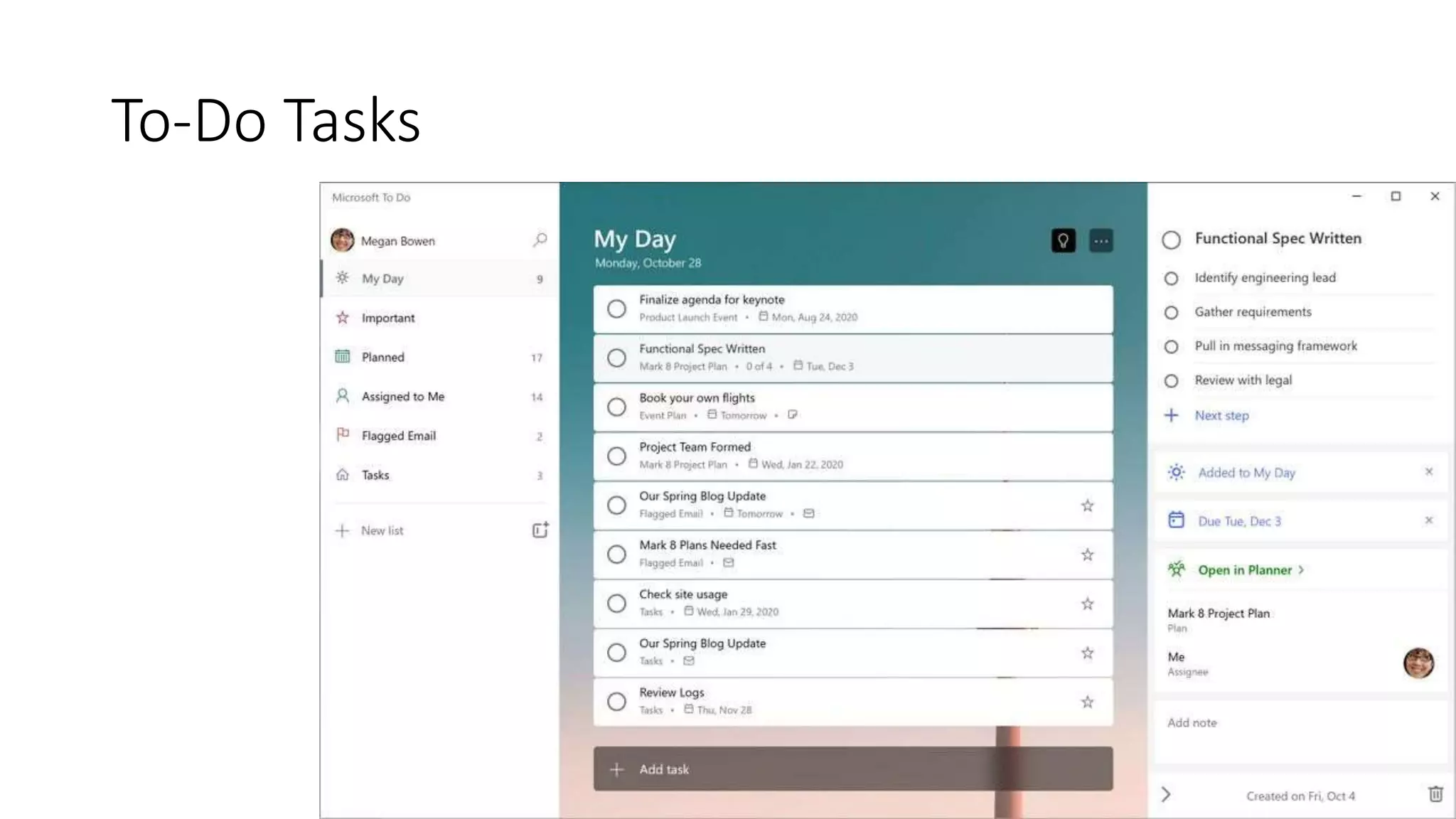
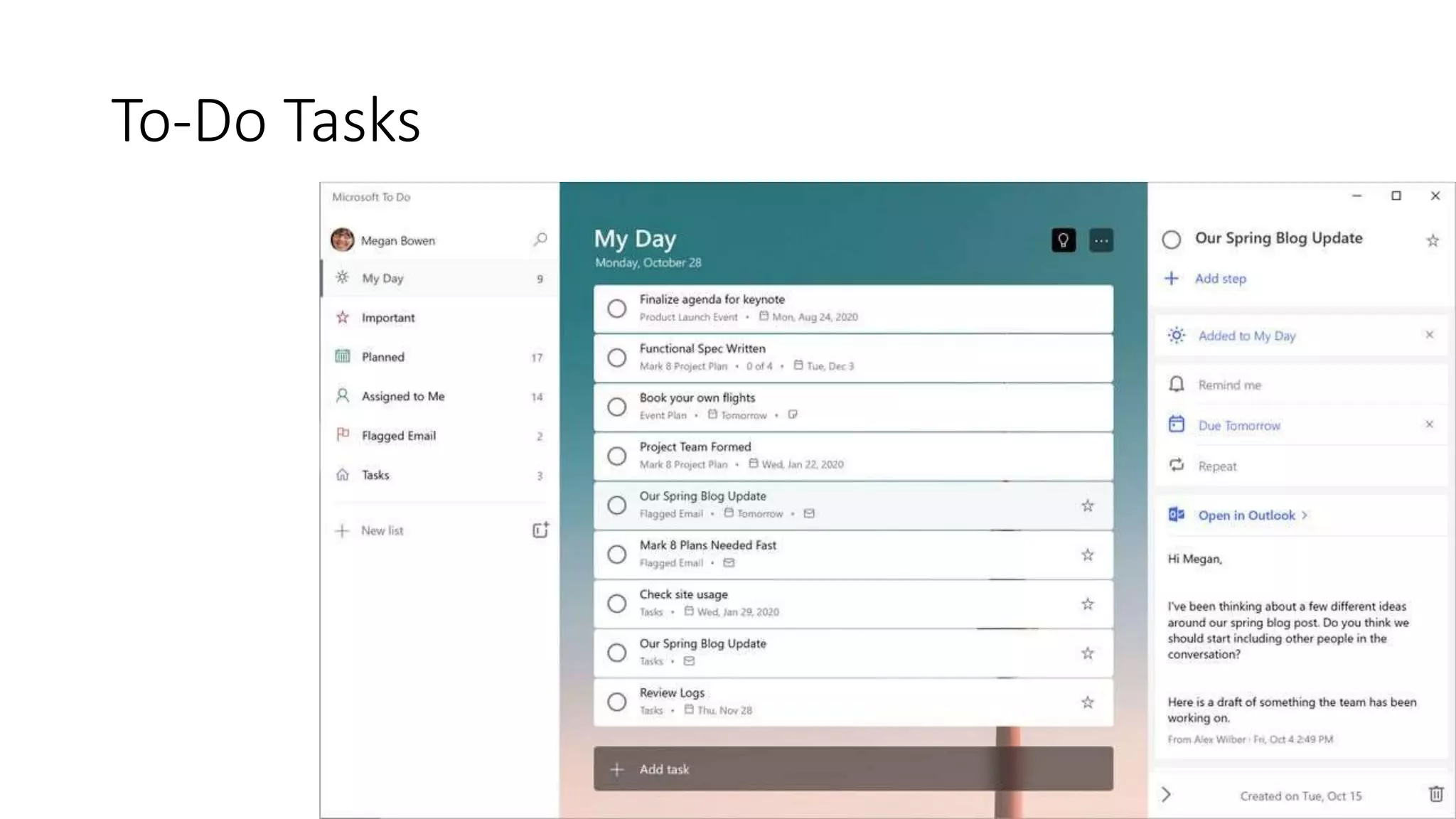
Ideal for the individual, To Do helps keep track of
personal tasks – across both work and life –
organizing and prioritizing their day with
intelligent suggestions. For those who like to
create their own lists in addition to using
collaborative tasks from Planner/Teams for their
assignments, this is a great tool to give people
control and customization.
To-Do Tasks
To-Do Tasks
To-Do Tasks
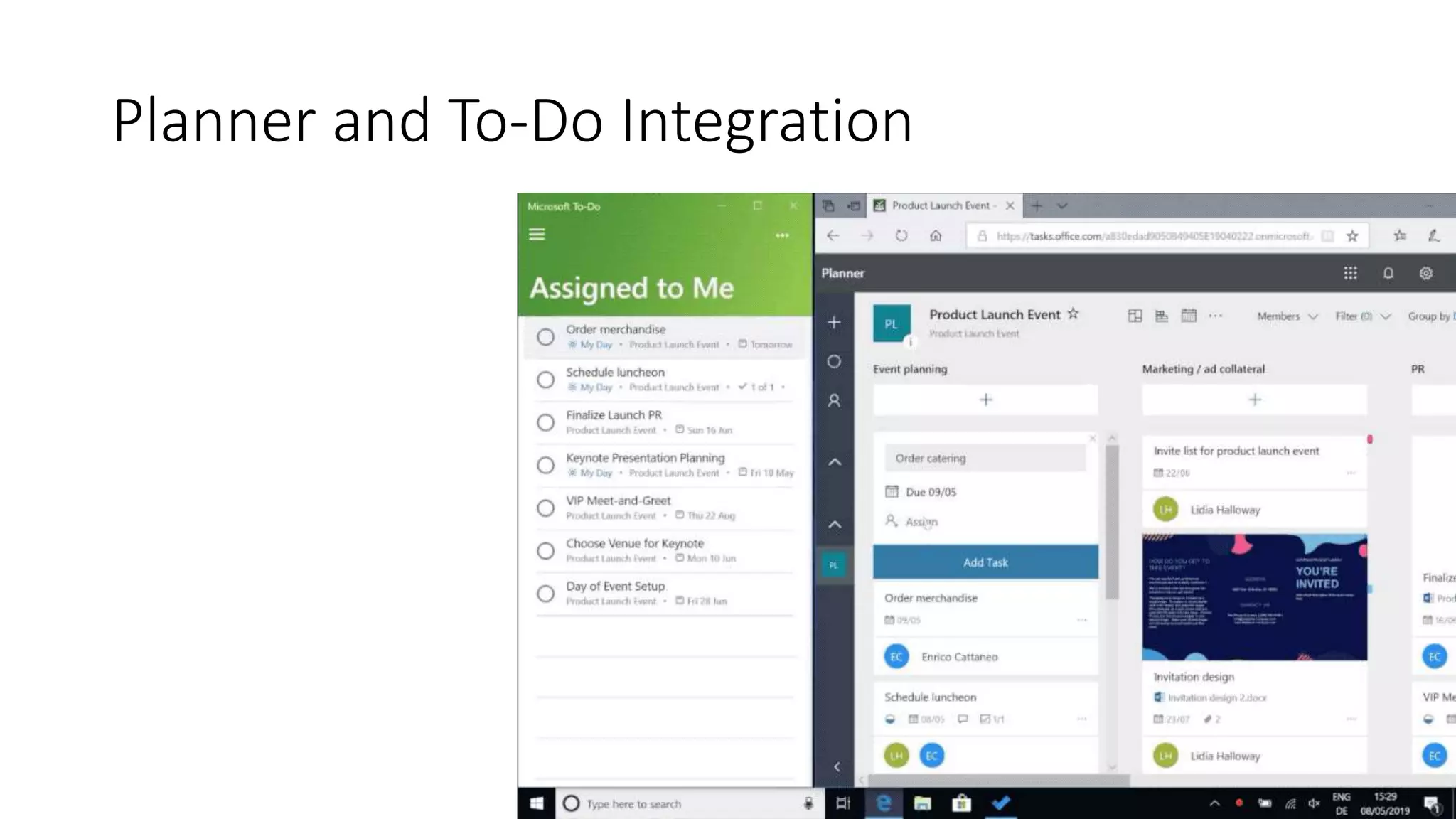
Planner and To-Do Integration
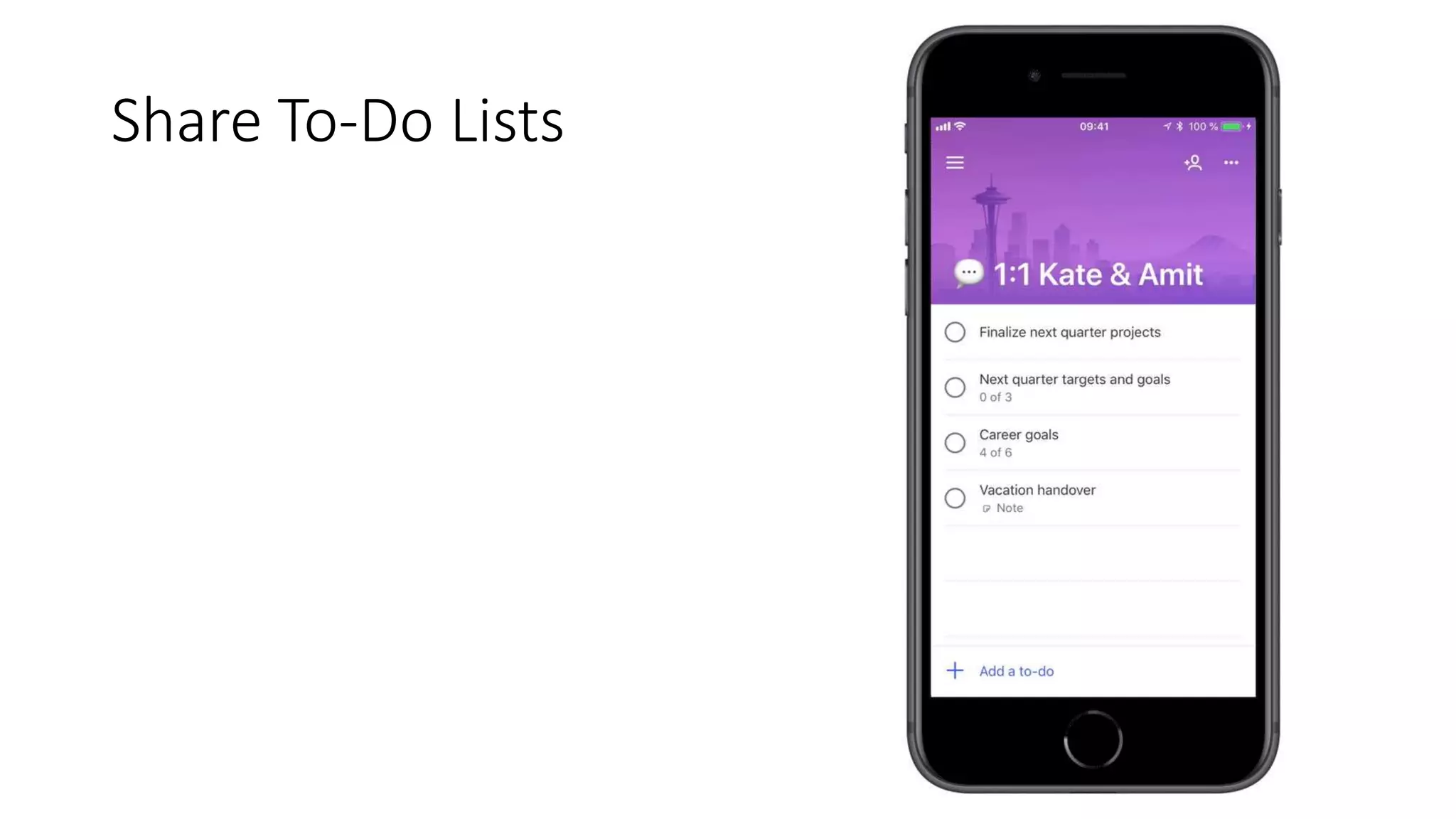
Share To-Do Lists
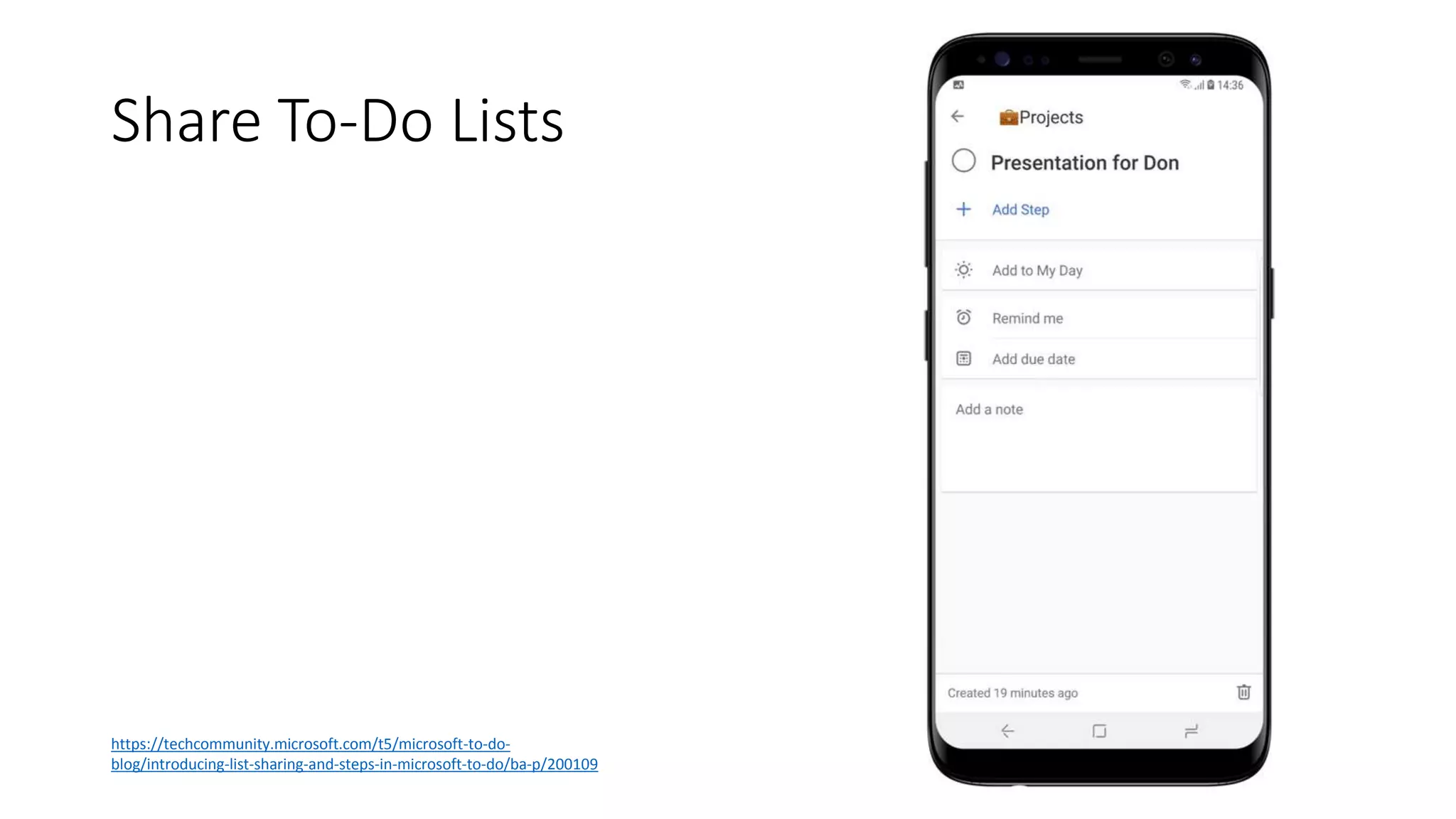
Share To-Do Lists
https://techcommunity.microsoft.com/t5/microsoft-to-do-
blog/introducing-list-sharing-and-steps-in-microsoft-to-do/ba-p/200109
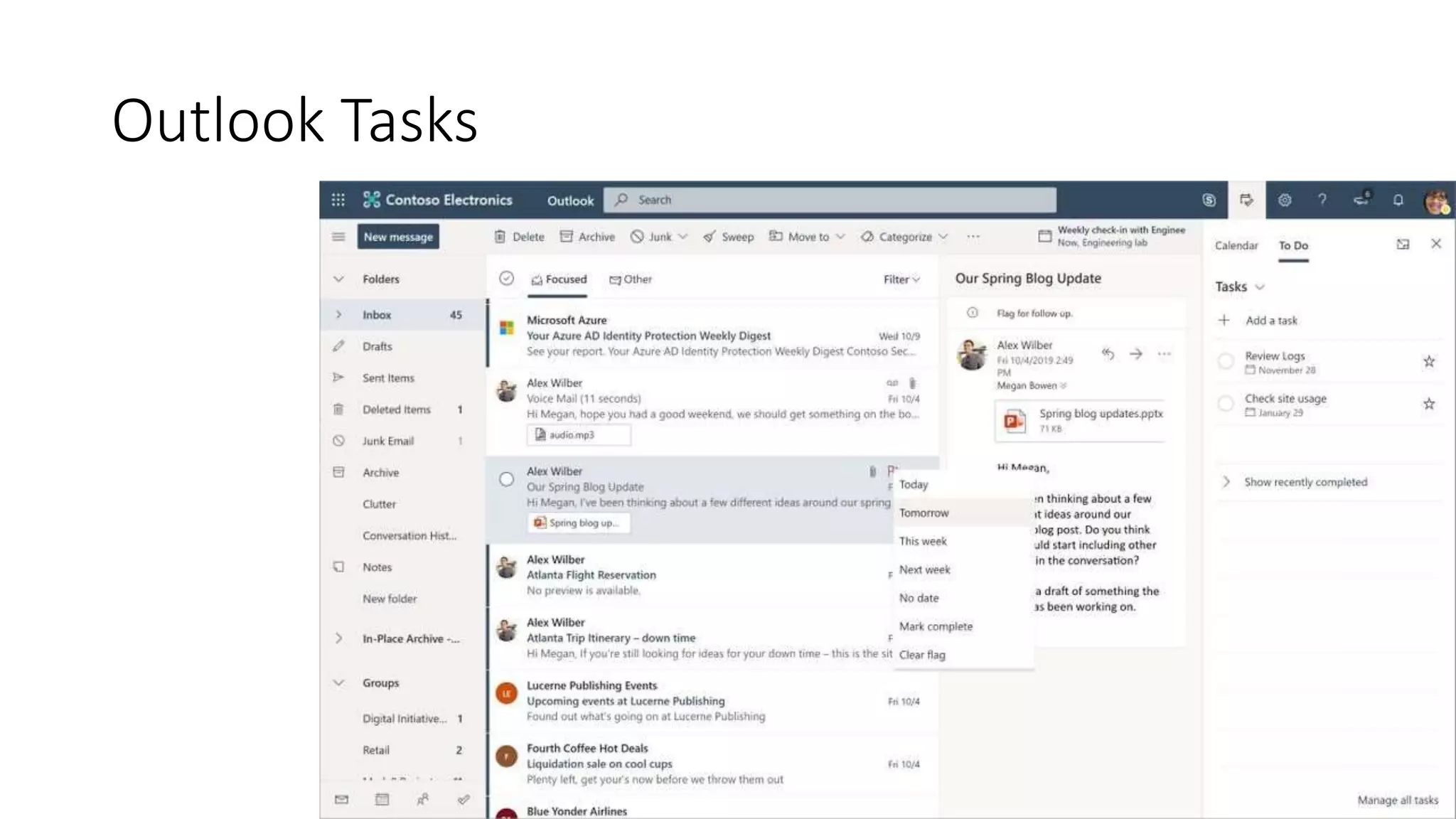
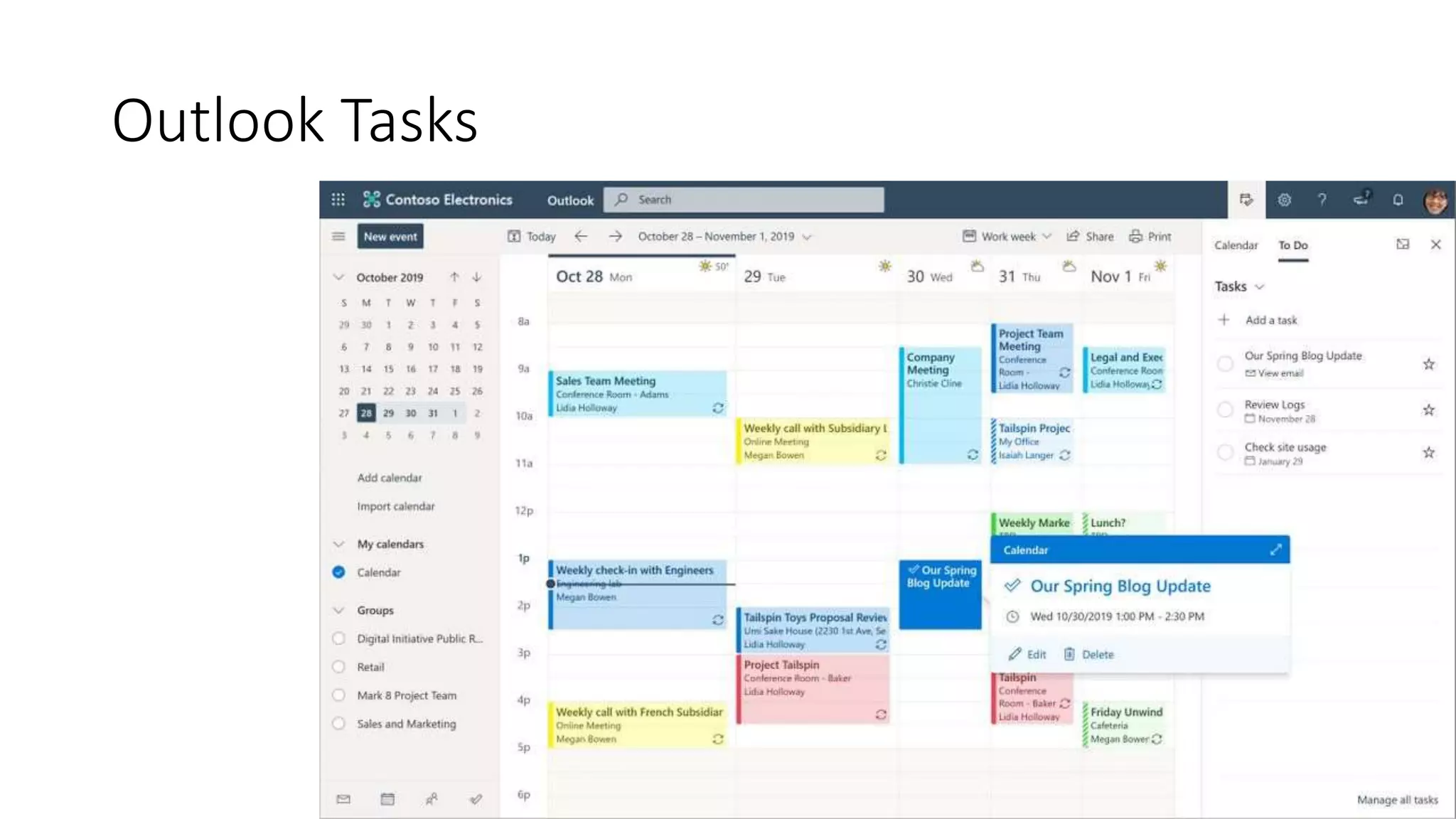
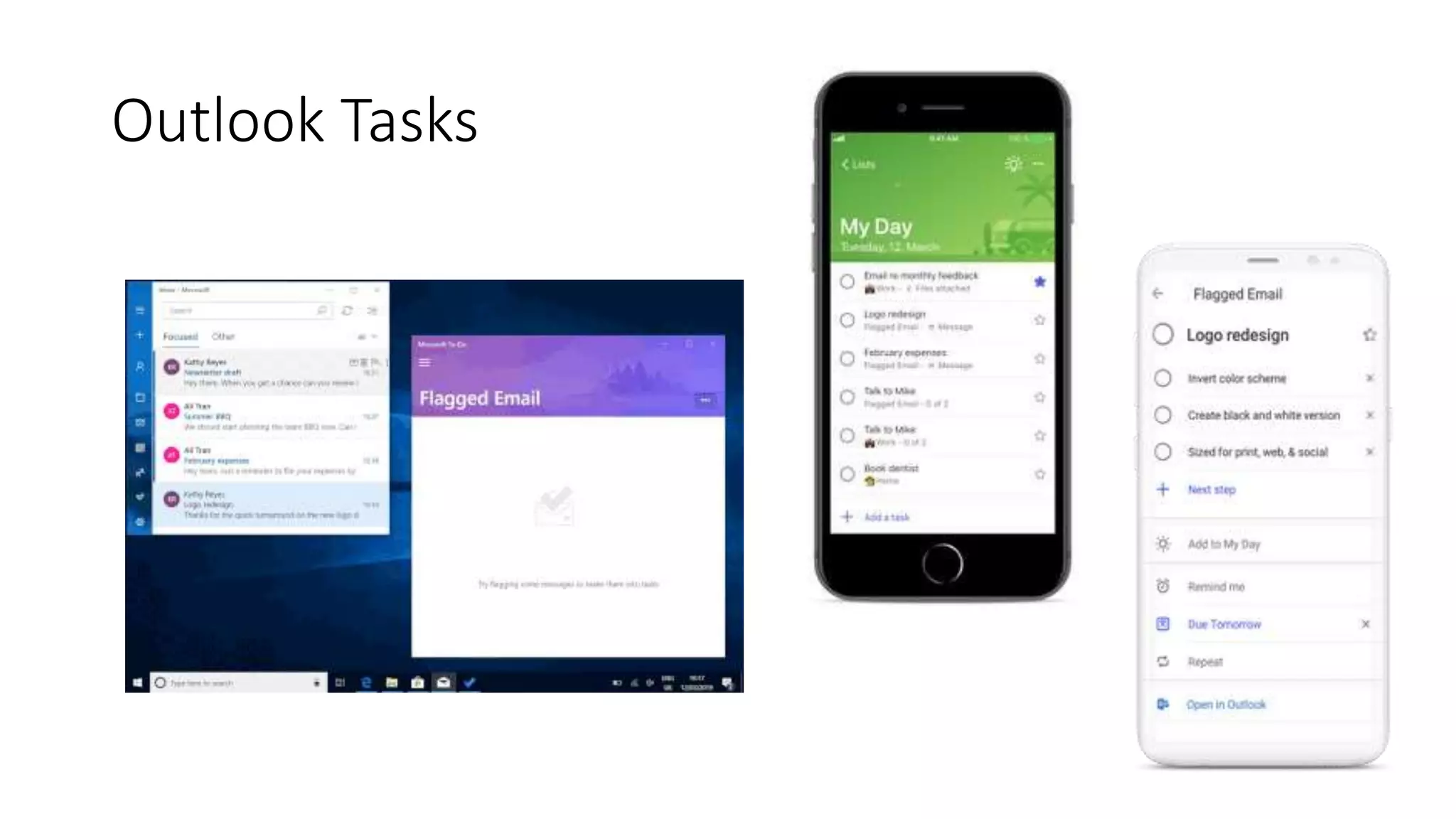
Outlook Tasks
Tasks in the Outlook client app sync with To-Do,
and Tasks in Outlook on the web is powered by
To-Do. There is additional work is planned to
integrate To-Do even more deeply with Outlook
in the future.
Outlook Tasks
Outlook Tasks
Outlook Tasks
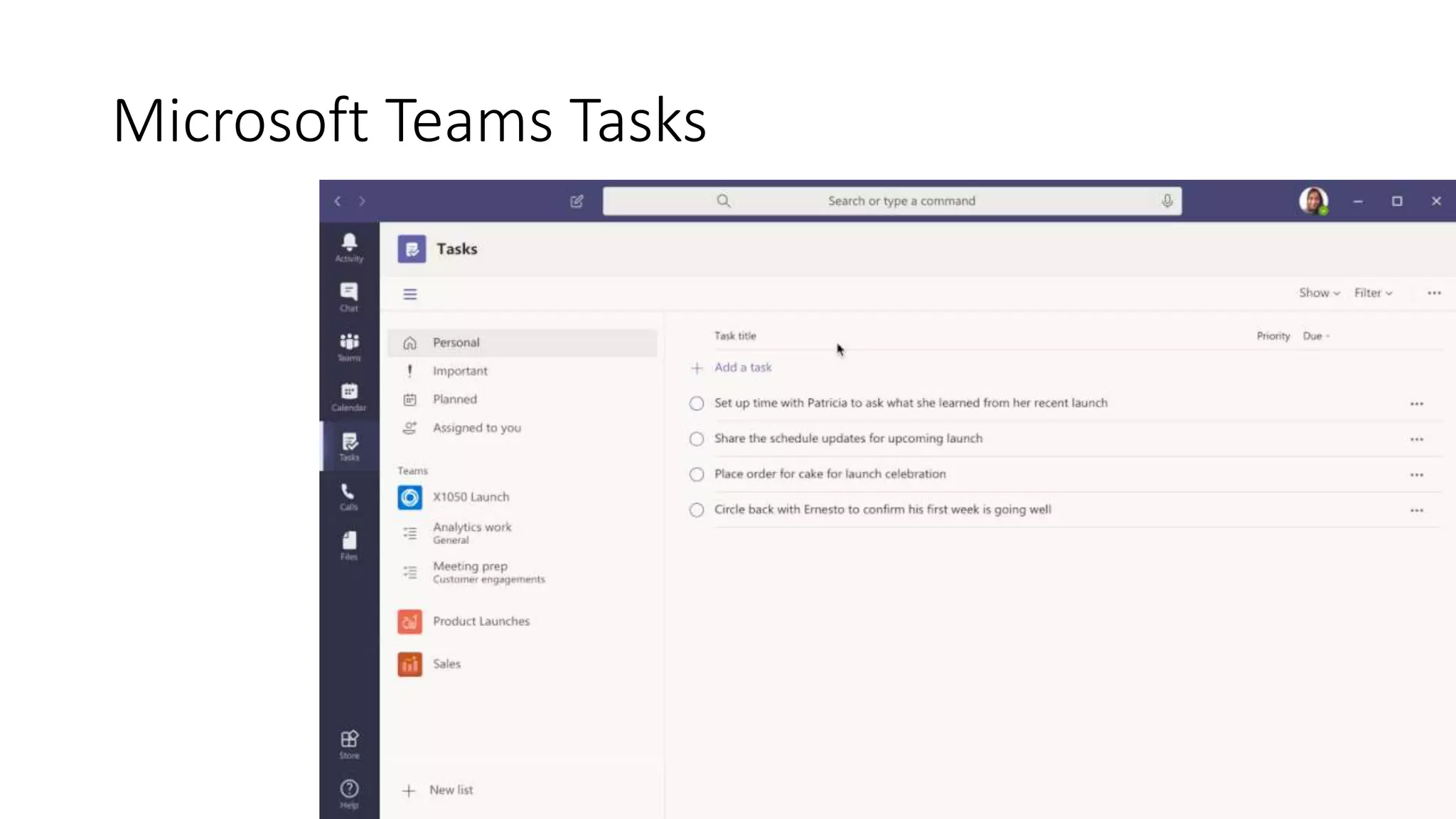
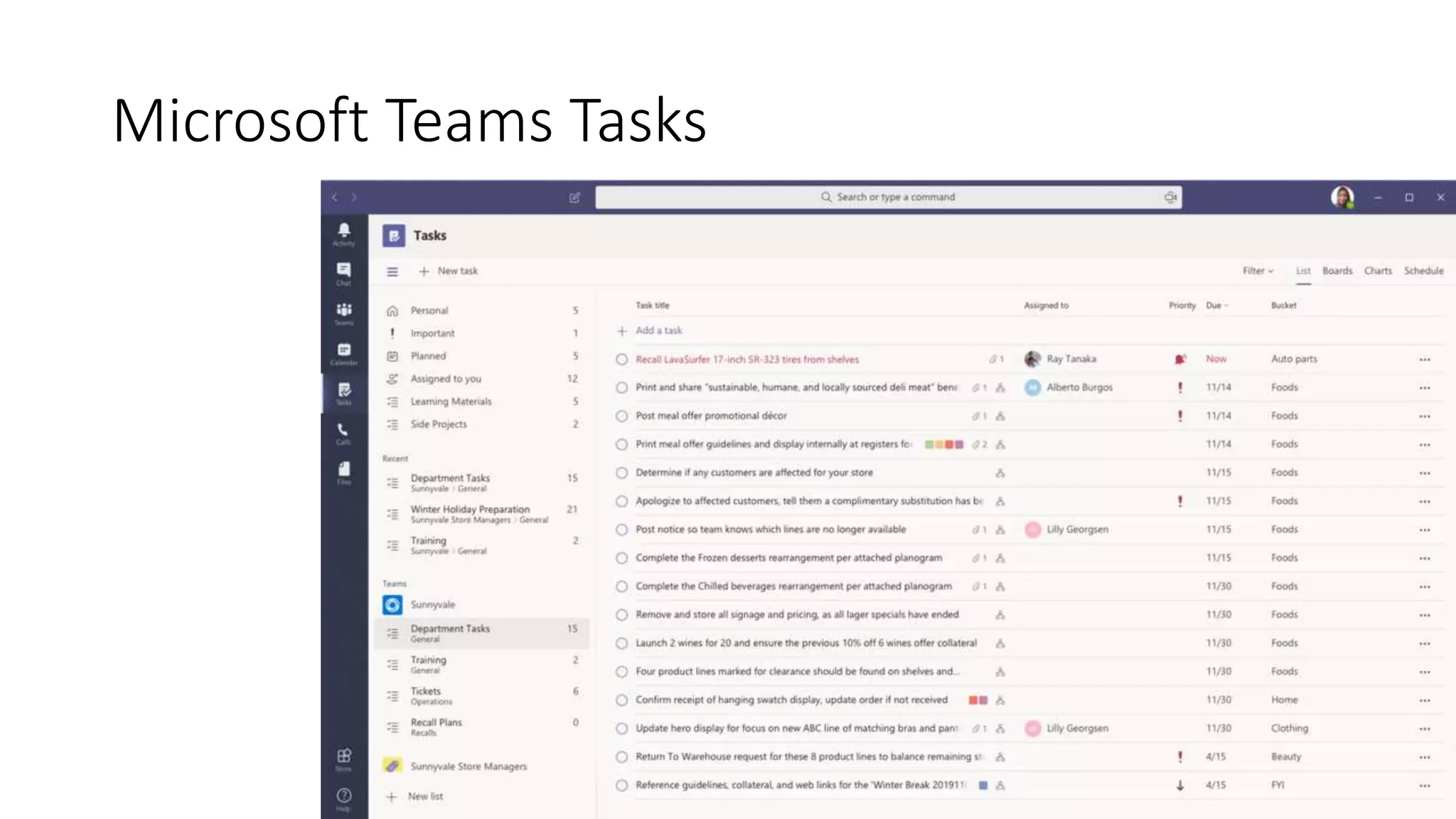
Microsoft Teams Tasks
Tasks in Teams integrates both To-Do and
Planner, so individuals who frequently divide
their attention across personal and team tasks
will have a view that includes both. For users of
To-Do and Planner, it is also a great way to access
tasks while communicating with a team, without
having to switch apps.
Microsoft Teams Tasks
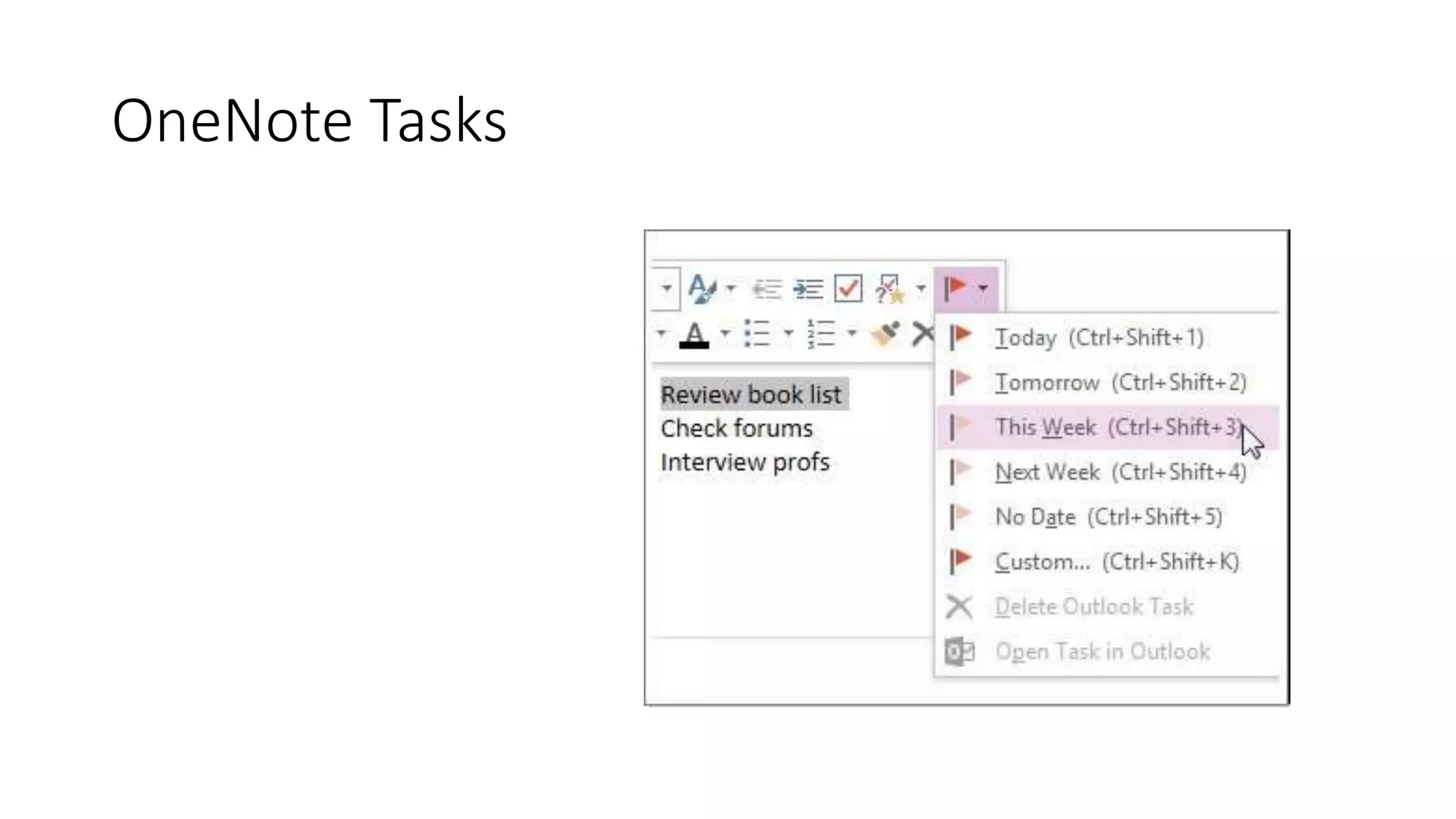
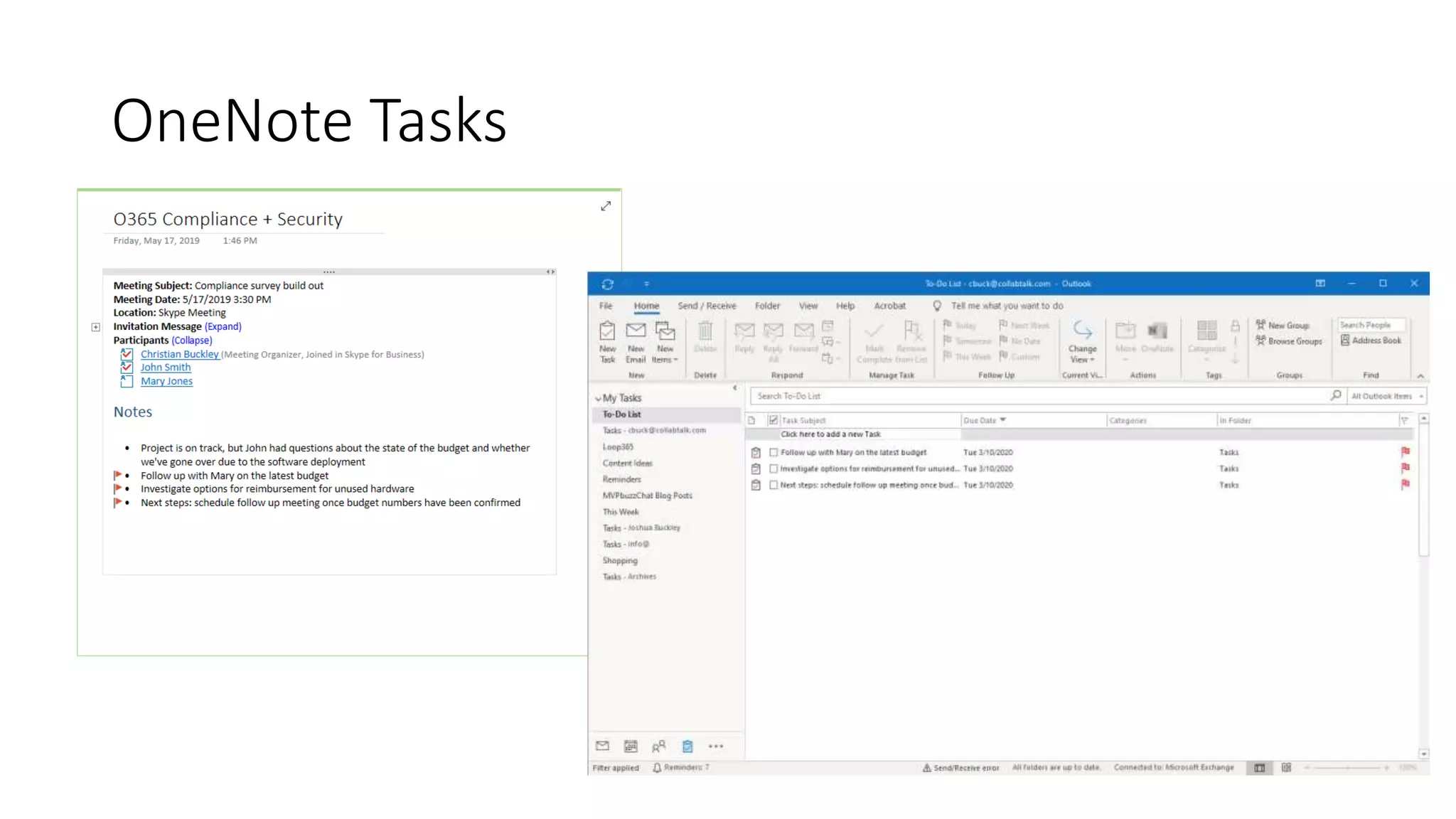
OneNote Tasks
As you take notes in this popular tool, you
have the ability to convert line items into tasks
OneNote Tasks
OneNote Tasks
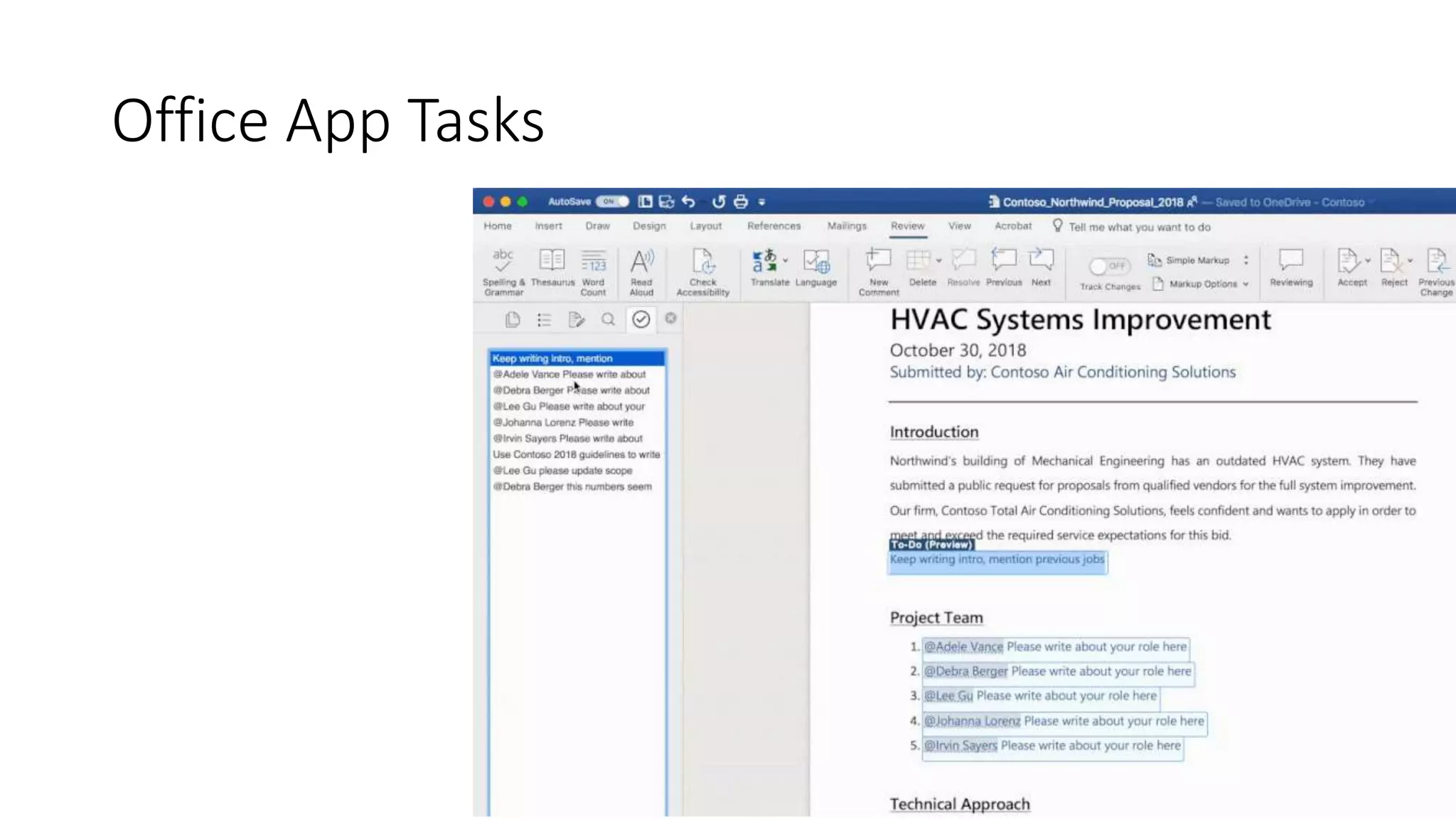
Office App Tasks
Work is underway to allow comments and
@mentions in Word, Excel, and PowerPoint to be
converted into and assigned as tasks.
Office App Tasks
Cortana Tasks
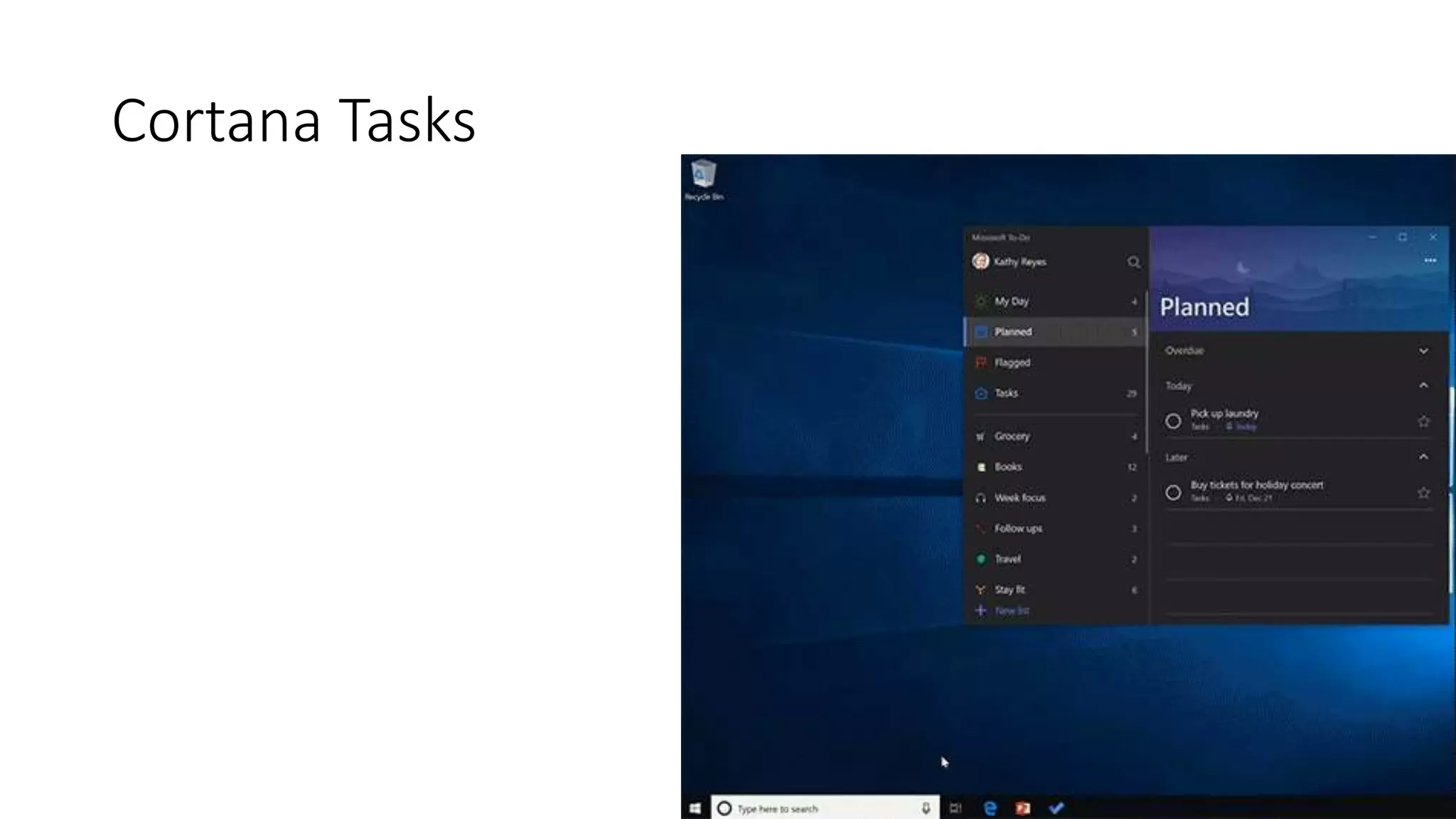
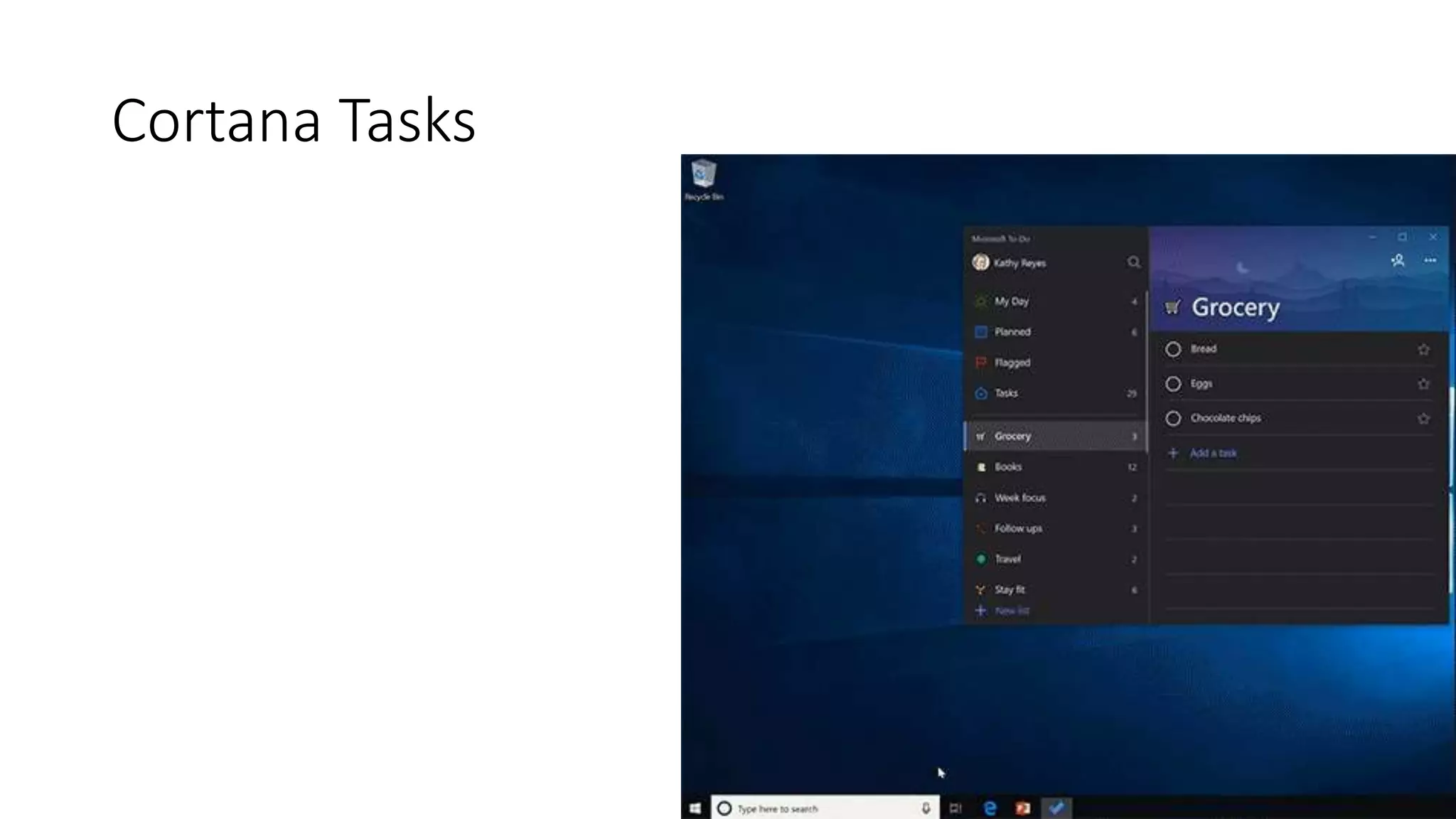
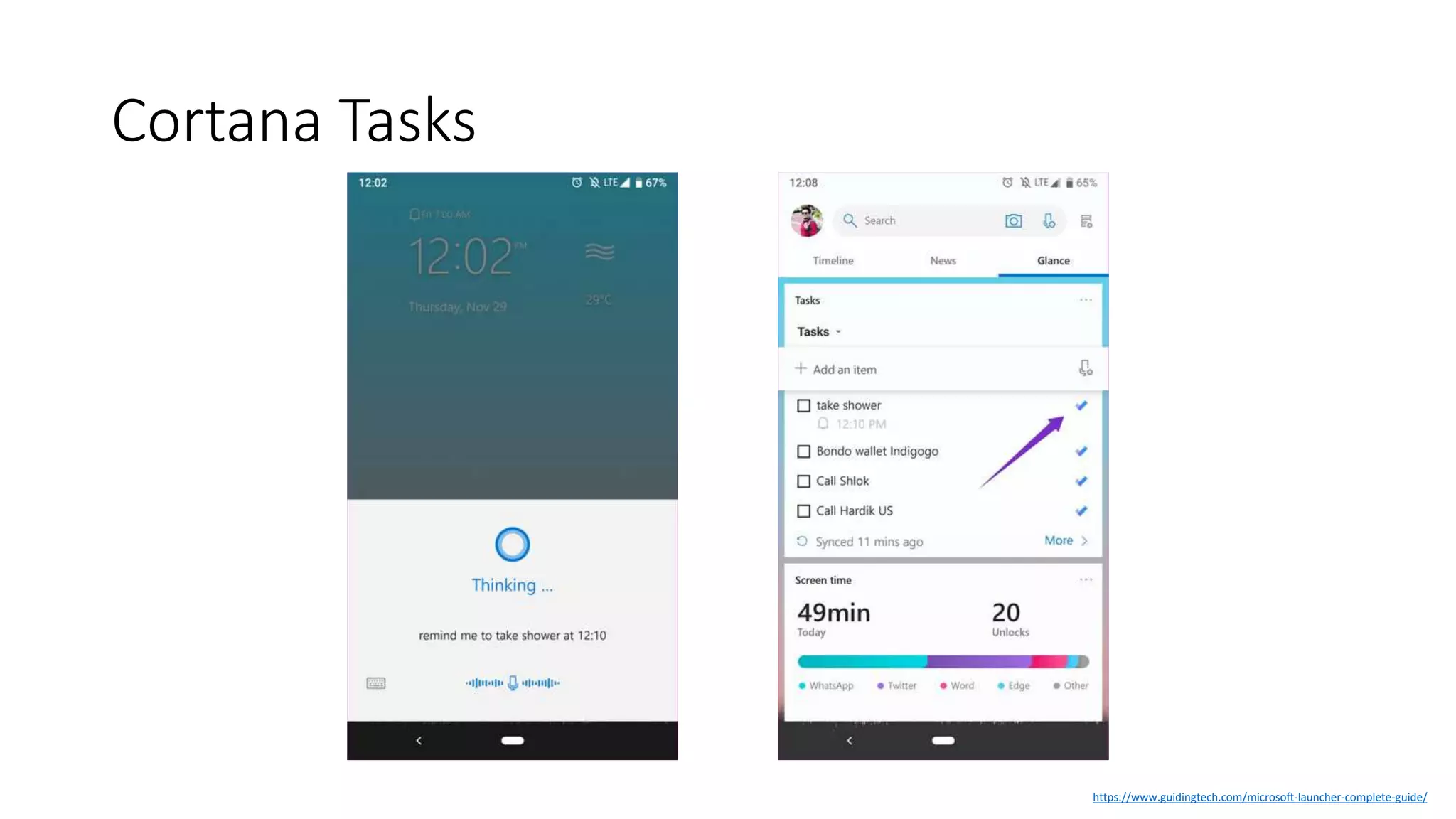
The Lists section in your Cortana notebook
syncs with To-Do. You can also tell Cortana to
add tasks to To-Do, which will then replicate to
the Tasks app.
Cortana Tasks
Cortana Tasks
Cortana Tasks
https://www.guidingtech.com/microsoft-launcher-complete-guide/
Other Task Integrations
There are many other workloads that are
logical starting points for tasks. Watch for
future expansions in apps such as:
• SharePoint
• Yammer
• Microsoft Launcher
Which tool should I use?
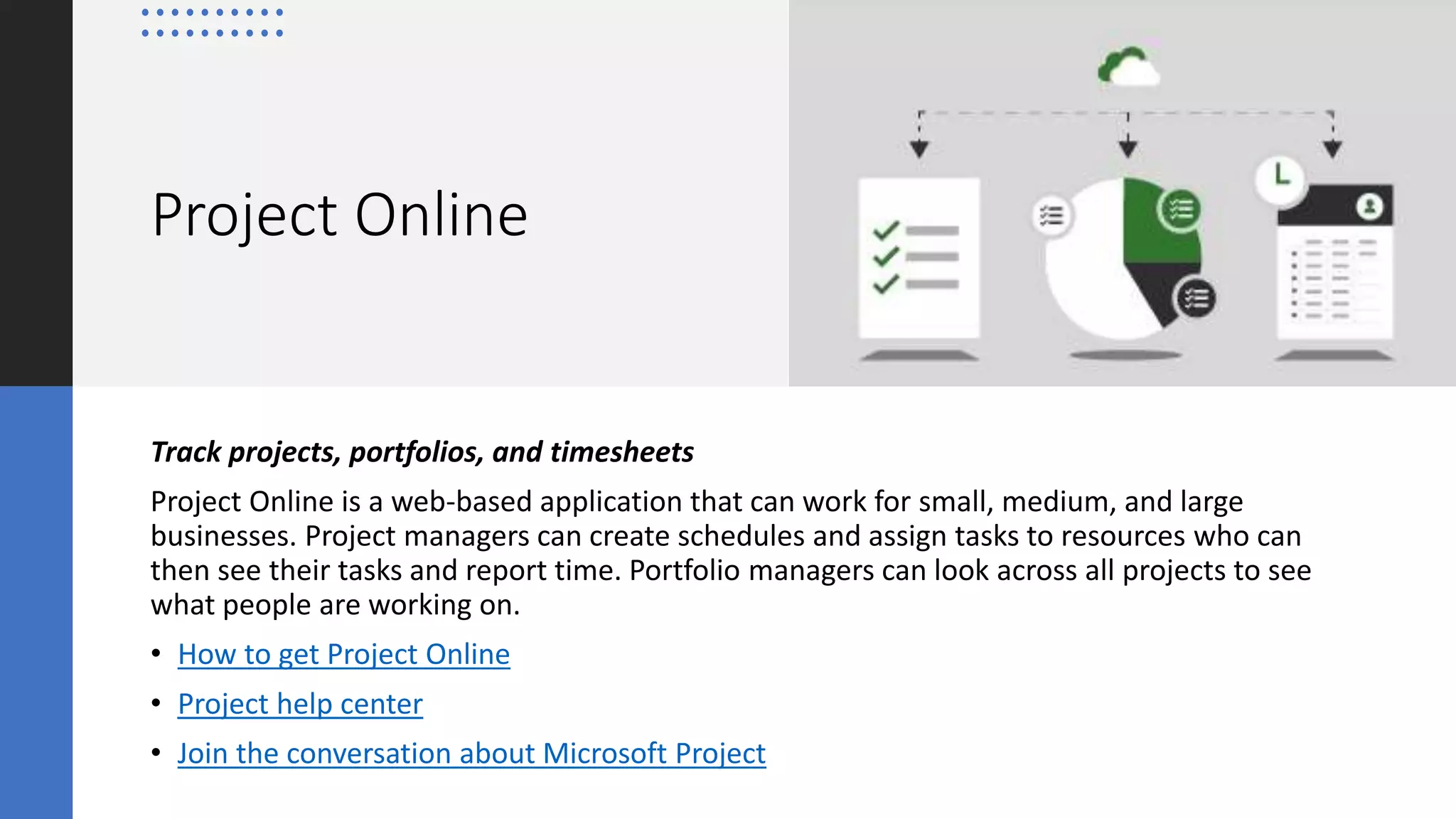
Project Online
Track projects, portfolios, and timesheets
Project Online is a web-based application that can work for small, medium, and large
businesses. Project managers can create schedules and assign tasks to resources who can
then see their tasks and report time. Portfolio managers can look across all projects to see
what people are working on.
• How to get Project Online
• Project help center
• Join the conversation about Microsoft Project
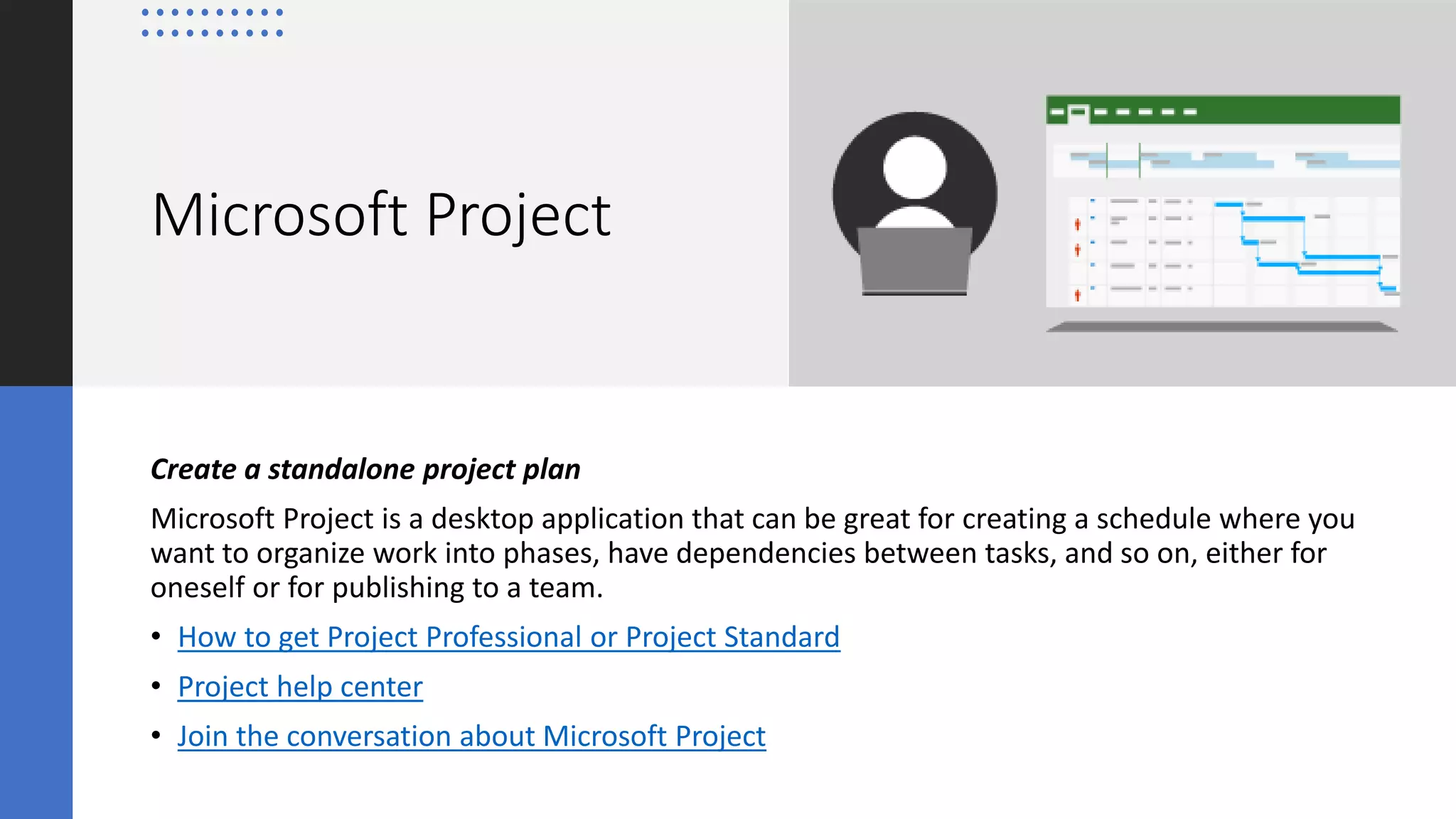
Microsoft Project
Create a standalone project plan
Microsoft Project is a desktop application that can be great for creating a schedule where you
want to organize work into phases, have dependencies between tasks, and so on, either for
oneself or for publishing to a team.
• How to get Project Professional or Project Standard
• Project help center
• Join the conversation about Microsoft Project
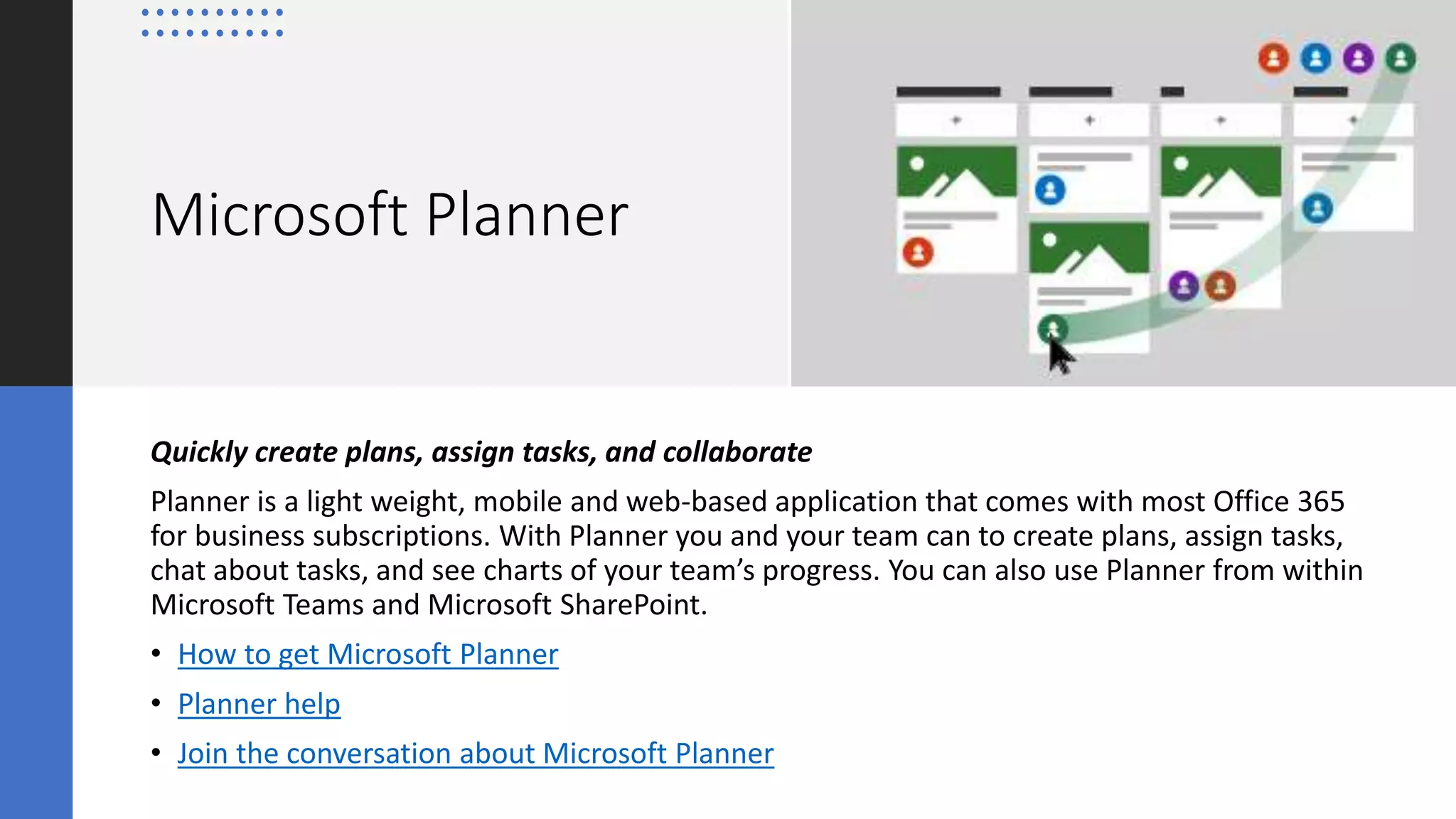
Microsoft Planner
Quickly create plans, assign tasks, and collaborate
Planner is a light weight, mobile and web-based application that comes with most Office 365
for business subscriptions. With Planner you and your team can to create plans, assign tasks,
chat about tasks, and see charts of your team’s progress. You can also use Planner from within
Microsoft Teams and Microsoft SharePoint.
• How to get Microsoft Planner
• Planner help
• Join the conversation about Microsoft Planner
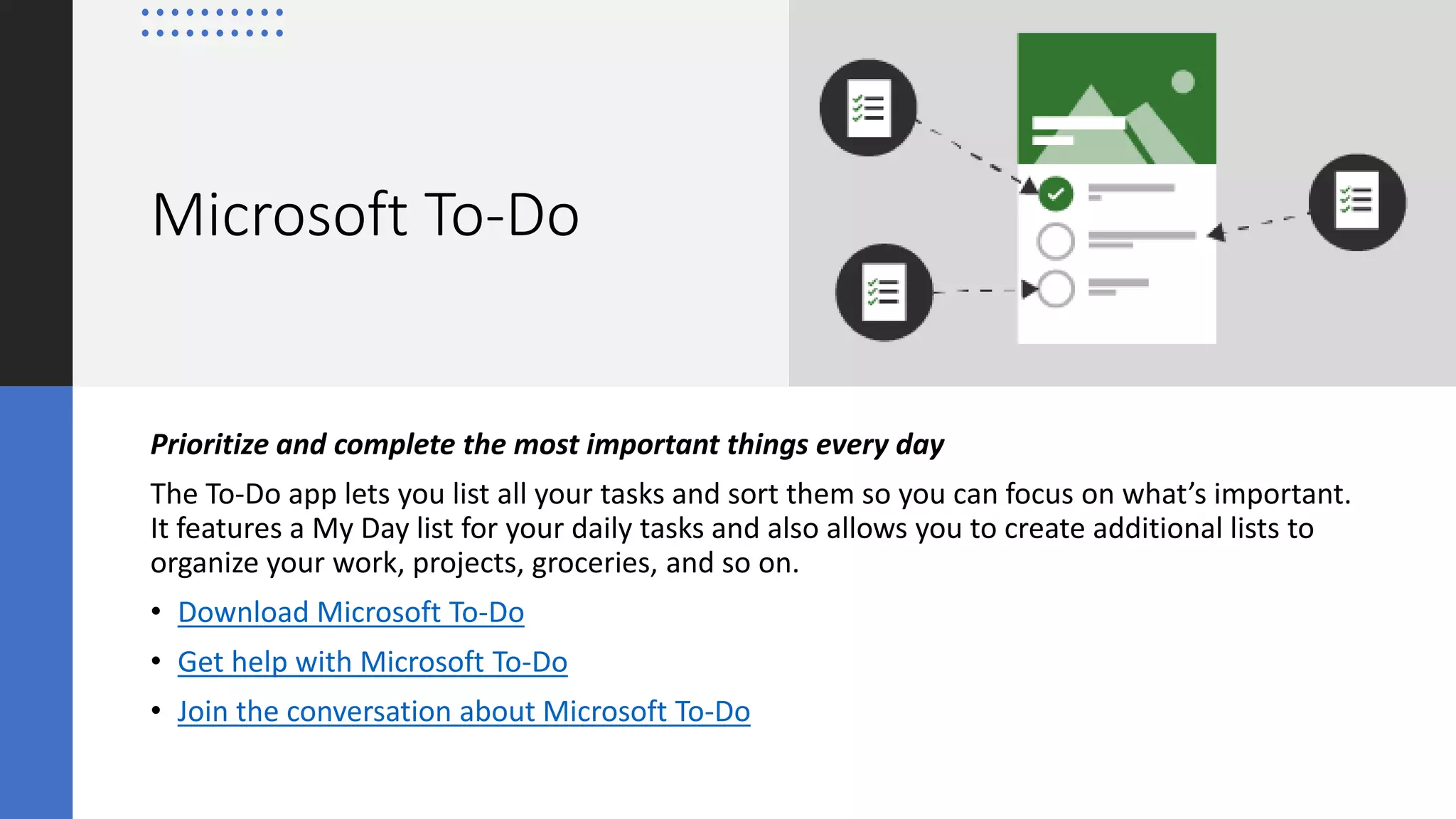
Microsoft To-Do
Prioritize and complete the most important things every day
The To-Do app lets you list all your tasks and sort them so you can focus on what’s important.
It features a My Day list for your daily tasks and also allows you to create additional lists to
organize your work, projects, groceries, and so on.
• Download Microsoft To-Do
• Get help with Microsoft To-Do
• Join the conversation about Microsoft To-Do
Resources
• Microsoft’s Vision for Task Management
https://www.buckleyplanet.com/2020/03/microsofts-vision-for-task-
management.html
• Should I use Project, Planner, To Do, or Tasks in Teams?
https://support.office.com/en-us/article/should-i-use-project-planner-to-do-
or-tasks-in-teams-8f950d32-d5f4-40db-a8b7-4d1b82b55e17
• Project and SharePoint: How does Project know where its tasks
are? https://techcommunity.microsoft.com/t5/project-support-blog/project-
and-sharepoint-how-does-project-know-where-its-tasks-are/ba-p/361725
• Microsoft Teams and Microsoft Planner–what to expect
https://techcommunity.microsoft.com/t5/planner-blog/microsoft-teams-and-
microsoft-planner-8211-what-to-expect/ba-p/362217
• To-Do help center
https://support.office.com/en-us/todo
• Flagged emails come to Microsoft To-Do
https://techcommunity.microsoft.com/t5/microsoft-to-do-blog/flagged-
emails-come-to-microsoft-to-do/ba-p/366684
• Introducing List Sharing and Steps in Microsoft To-Do
https://techcommunity.microsoft.com/t5/microsoft-to-do-blog/introducing-
list-sharing-and-steps-in-microsoft-to-do/ba-p/200109
Thank you very much!
The Twitters @buckleyplanet
Blog www.buckleyplanet.com
YouTube youtube.com/c/collabtalk
Podcast soundcloud.com/collabtalk
(also on Apple & Stitcher)

Understanding Tasks End-to-End

  • 1.
    Understanding Tasks End-to-End Christian Buckley MicrosoftRD & MVP CollabTalk LLC @buckleyplanet
  • 2.
    Christian Buckley Microsoft RD& MVP CollabTalk LLC @buckleyplanet Blog www.buckleyplanet.com YouTube youtube.com/c/collabtalk Podcast soundcloud.com/collabtalk (also on Apple & Stitcher)
  • 5.
    Microsoft’s Vision for Tasks Microsoft’svision for tasks in Microsoft 365 revolves around these core principles: • Coherence: ​tasks experiences across Microsoft 365 will have a consistent and familiar experience anywhere they occur, to enable action, navigation, and discovery by users. • Intelligence: tasks will leverage the intelligent services underpinning Microsoft 365, such as the Microsoft Graph or MyAnalytics, to proactively help users manage and prioritize their workload. • Integration: wherever a task experience exists in Microsoft apps and services, it will connect to and feed into one of two key task-management endpoints – To Do for individual task management, or Planner for team task management.
  • 6.
    Is this aboutreinventing Project Management? The project management and portfolio management space has been crowded for decades, with no single solution “owning” the space. While MS Project could make an argument for the leader position, the most common tool actually used for project management schedule building and planning is Excel. With the expansion of cloud-based solutions, however, there seems to be a trend toward kanban list management tools, which better fit the agile project management needs employed by many organizations.
  • 9.
    Project Management should be partof your Collaboration Strategy Modern project management is about capturing the information necessary to track tasks, and provide data for managers to make decisions. That’s it, in a nutshell. You may or may not agree with this definition, but at its core, project management is just another aspect of collaboration and knowledge management, albeit at a much more tactical level.
  • 10.
    Project Management should be partof your Collaboration Strategy The primary problem with MS Project is that hardly anyone uses the deep, complex functionality it provides. Project, historically, has not provided the “Casual PM” with the tools they need – more than a simple work breakdown structure and Gantt chart, less than the detailed resource management tools and analytics. Most people want something in-between. Something that allows them to get more work done, check deadlines across projects (the portfolio view), and NOT get hung up in advances features that burden rather than help.
  • 11.
  • 12.
  • 14.
    Microsoft Project Tasks MicrosoftProject remains as one of the leading desktop PM tools on the market, but with the Project Online and Planner integration, users can manage the granular tasks in Planner while the project owner maintains oversight and control of the entire project plan.
  • 15.
  • 16.
  • 17.
    Planner Tasks Ideal forteam tasks, Planner is the easy, visual task management app for Microsoft 365. It offers a familiar experience for teams to create new plans, organize and assign tasks, share task details like files, chat about assignments, and see updates on progress.
  • 18.
  • 19.
  • 20.
  • 21.
  • 22.
    Ideal for theindividual, To Do helps keep track of personal tasks – across both work and life – organizing and prioritizing their day with intelligent suggestions. For those who like to create their own lists in addition to using collaborative tasks from Planner/Teams for their assignments, this is a great tool to give people control and customization. To-Do Tasks
  • 23.
  • 24.
  • 25.
    Planner and To-DoIntegration
  • 26.
  • 27.
  • 28.
    Outlook Tasks Tasks inthe Outlook client app sync with To-Do, and Tasks in Outlook on the web is powered by To-Do. There is additional work is planned to integrate To-Do even more deeply with Outlook in the future.
  • 29.
  • 30.
  • 31.
  • 33.
    Microsoft Teams Tasks Tasksin Teams integrates both To-Do and Planner, so individuals who frequently divide their attention across personal and team tasks will have a view that includes both. For users of To-Do and Planner, it is also a great way to access tasks while communicating with a team, without having to switch apps.
  • 34.
  • 35.
  • 36.
    OneNote Tasks As youtake notes in this popular tool, you have the ability to convert line items into tasks
  • 37.
  • 38.
  • 39.
    Office App Tasks Workis underway to allow comments and @mentions in Word, Excel, and PowerPoint to be converted into and assigned as tasks.
  • 40.
  • 41.
    Cortana Tasks The Listssection in your Cortana notebook syncs with To-Do. You can also tell Cortana to add tasks to To-Do, which will then replicate to the Tasks app.
  • 42.
  • 43.
  • 44.
  • 46.
    Other Task Integrations Thereare many other workloads that are logical starting points for tasks. Watch for future expansions in apps such as: • SharePoint • Yammer • Microsoft Launcher
  • 47.
  • 48.
    Project Online Track projects,portfolios, and timesheets Project Online is a web-based application that can work for small, medium, and large businesses. Project managers can create schedules and assign tasks to resources who can then see their tasks and report time. Portfolio managers can look across all projects to see what people are working on. • How to get Project Online • Project help center • Join the conversation about Microsoft Project
  • 49.
    Microsoft Project Create astandalone project plan Microsoft Project is a desktop application that can be great for creating a schedule where you want to organize work into phases, have dependencies between tasks, and so on, either for oneself or for publishing to a team. • How to get Project Professional or Project Standard • Project help center • Join the conversation about Microsoft Project
  • 50.
    Microsoft Planner Quickly createplans, assign tasks, and collaborate Planner is a light weight, mobile and web-based application that comes with most Office 365 for business subscriptions. With Planner you and your team can to create plans, assign tasks, chat about tasks, and see charts of your team’s progress. You can also use Planner from within Microsoft Teams and Microsoft SharePoint. • How to get Microsoft Planner • Planner help • Join the conversation about Microsoft Planner
  • 51.
    Microsoft To-Do Prioritize andcomplete the most important things every day The To-Do app lets you list all your tasks and sort them so you can focus on what’s important. It features a My Day list for your daily tasks and also allows you to create additional lists to organize your work, projects, groceries, and so on. • Download Microsoft To-Do • Get help with Microsoft To-Do • Join the conversation about Microsoft To-Do
  • 52.
    Resources • Microsoft’s Visionfor Task Management https://www.buckleyplanet.com/2020/03/microsofts-vision-for-task- management.html • Should I use Project, Planner, To Do, or Tasks in Teams? https://support.office.com/en-us/article/should-i-use-project-planner-to-do- or-tasks-in-teams-8f950d32-d5f4-40db-a8b7-4d1b82b55e17 • Project and SharePoint: How does Project know where its tasks are? https://techcommunity.microsoft.com/t5/project-support-blog/project- and-sharepoint-how-does-project-know-where-its-tasks-are/ba-p/361725 • Microsoft Teams and Microsoft Planner–what to expect https://techcommunity.microsoft.com/t5/planner-blog/microsoft-teams-and- microsoft-planner-8211-what-to-expect/ba-p/362217 • To-Do help center https://support.office.com/en-us/todo • Flagged emails come to Microsoft To-Do https://techcommunity.microsoft.com/t5/microsoft-to-do-blog/flagged- emails-come-to-microsoft-to-do/ba-p/366684 • Introducing List Sharing and Steps in Microsoft To-Do https://techcommunity.microsoft.com/t5/microsoft-to-do-blog/introducing- list-sharing-and-steps-in-microsoft-to-do/ba-p/200109
  • 53.
    Thank you verymuch! The Twitters @buckleyplanet Blog www.buckleyplanet.com YouTube youtube.com/c/collabtalk Podcast soundcloud.com/collabtalk (also on Apple & Stitcher)

Editor's Notes

  • #5 Microsoft has begun to integrate the various task-based capabilities within the Microsoft 365 ecosystem, creating a consolidated user experience. We're not 100% there yet, but for project managers and task-driven stakeholders, it is important to understand what is available today, how tasks communicate (and don't communicate) with each other across workloads, and where Microsoft is going in the future.
  • #19 For project-centric organizations, Planner is a quick and easy way to get organized. I have argued that MS Project, and certainly Project Server and its direct competitors, are overkill for the needs of most individuals and small teams that really just want something quick and easy to keep their planning organized, and to help drive accountability. Microsoft Planner is integrated within Microsoft Teams, but is also available as a standalone offering for those orgs not yet using Teams.
  • #20 Adding tasks is quick and easy, as is the process of adding columns/stages/phases to your project methodology. Once created, they can be dragged-and-dropped, as needed.
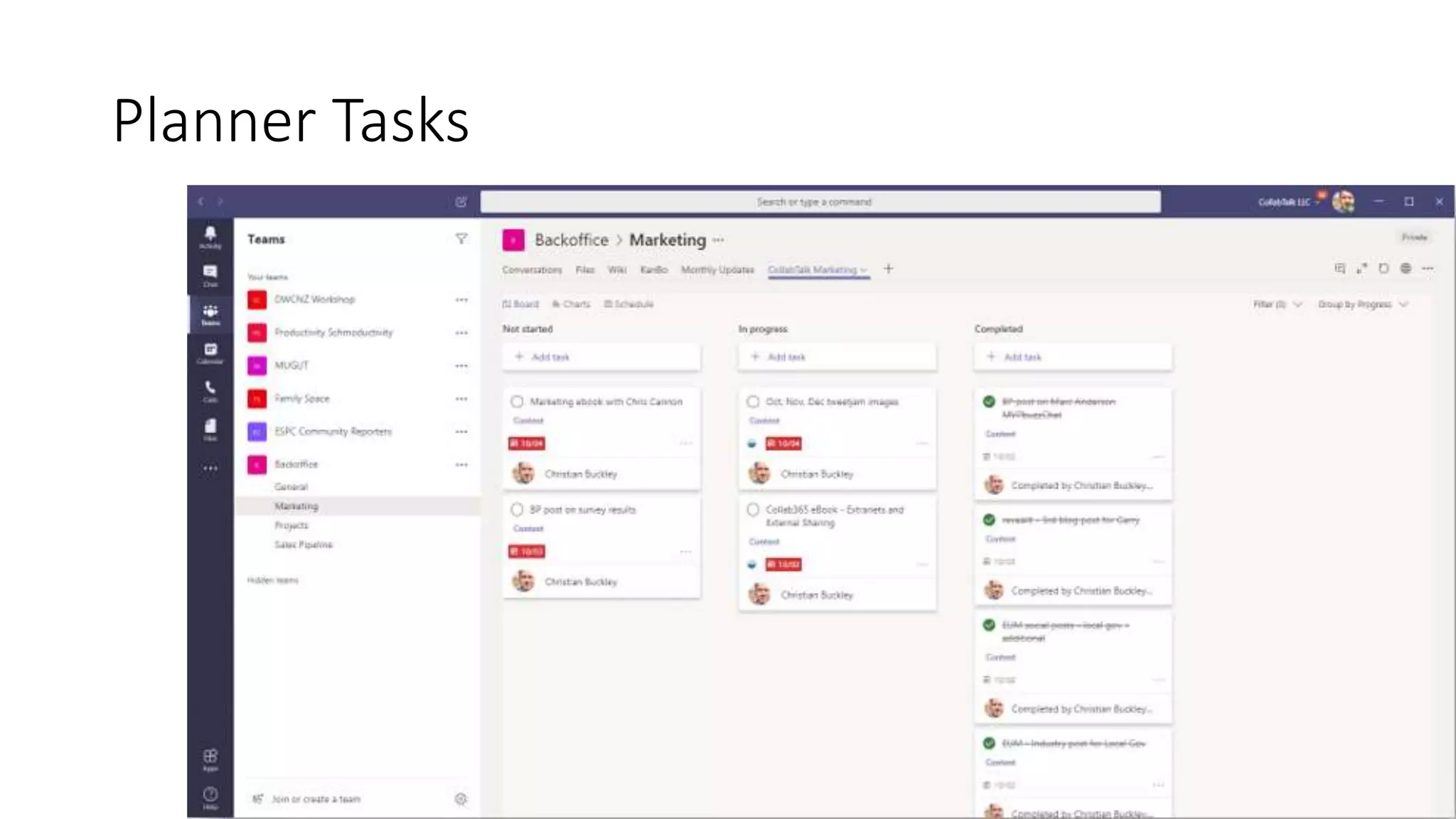
  • #21 Within Teams, Planner has the ability to create multiple Planner boards within a Team/Channel, or to leverage a single plan/board across multiple teams. Over time, you may have been assigned to many tasks within numerous boards across several Teams and Channels.
  • #26 Users can see all of their tasks across Microsoft 365 in To-Do, including flagged emails in Outlook and tasks assigned in Planner. View your tasks, deadlines, and details, and plan to get more done throughout your days.
  • #28 Share your To-Do lists with family and colleagues Easily break down your tasks into smaller steps
  • #35 At Ignite, Microsoft announced Tasks in Microsoft Teams, a cohesive task management experience that brings your tasks from Microsoft To Do and Planner into Teams. Tasks in Teams consolidates personal tasks from To-Do and team tasks from Planner into a single, comprehensive view in Teams. In short, To-Do and Planner are the task services powering this new experience. Tasks syncs with To-Do and Planner, so items added to Tasks are replicated in To-Do and Planner and vice versa. Additional task endpoints, like Outlook and Office documents, connect or will connect soon with Tasks, too. Ultimately, Microsoft’s goal is to bring your tasks to Tasks in Teams no matter where you first create them.
  • #36 The most significant is the new List view for the Tasks tab. You can still easily switch to the existing Board, Charts, and Schedule views you’re used to in Planner. Also added is the Team Task List Picker, which appears under your personal tasks next to the left siderail.
  • #38 Assign line items as Outlook tasks from the top nav
  • #39 Assign line items as Outlook tasks from the top nav