Shell Configuration
Dr.GINNE M JAMES
Assistant Professor
Department of Computer Science with Data Analytics
Sri Ramakrishna College of Arts and Science
Coimbatore - 641 006
Tamil Nadu, India
1
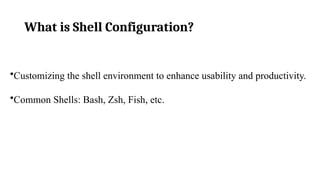
What is Shell Configuration?
•Customizing the shell environment to enhance usability and productivity.
•Common Shells: Bash, Zsh, Fish, etc.
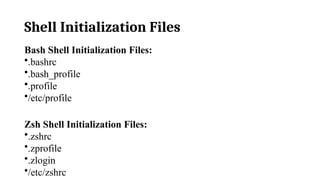
Shell Initialization Files
Bash Shell Initialization Files:
•.bashrc
•.bash_profile
•.profile
•/etc/profile
Zsh Shell Initialization Files:
•.zshrc
•.zprofile
•.zlogin
•/etc/zshrc
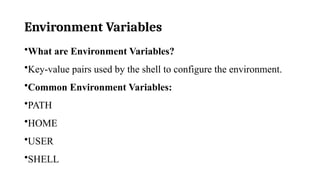
Environment Variables
•What are Environment Variables?
•Key-value pairs used by the shell to configure the environment.
•Common Environment Variables:
•PATH
•HOME
•USER
•SHELL
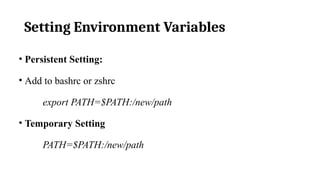
Setting Environment Variables
• Persistent Setting:
• Add to bashrc or zshrc
export PATH=$PATH:/new/path
• Temporary Setting
PATH=$PATH:/new/path
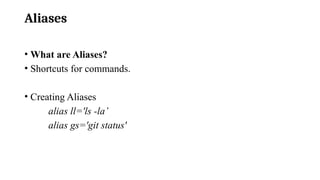
Aliases
• What are Aliases?
• Shortcuts for commands.
• Creating Aliases
alias ll='ls -la’
alias gs='git status'
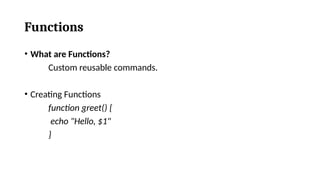
Functions
• What are Functions?
Custom reusable commands.
• Creating Functions
function greet() {
echo "Hello, $1"
}
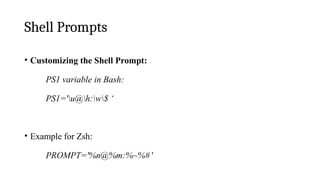
Shell Prompts
• Customizing the Shell Prompt:
PS1 variable in Bash:
PS1='u@h:w$ ‘
• Example for Zsh:
PROMPT='%n@%m:%~%# '
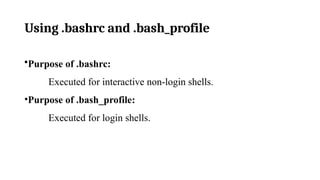
Using .bashrc and .bash_profile
•Purpose of .bashrc:
Executed for interactive non-login shells.
•Purpose of .bash_profile:
Executed for login shells.


Understanding Shell Configuration in Linux

  • 1.
    Shell Configuration Dr.GINNE MJAMES Assistant Professor Department of Computer Science with Data Analytics Sri Ramakrishna College of Arts and Science Coimbatore - 641 006 Tamil Nadu, India 1
  • 2.
    What is ShellConfiguration? •Customizing the shell environment to enhance usability and productivity. •Common Shells: Bash, Zsh, Fish, etc.
  • 3.
    Shell Initialization Files BashShell Initialization Files: •.bashrc •.bash_profile •.profile •/etc/profile Zsh Shell Initialization Files: •.zshrc •.zprofile •.zlogin •/etc/zshrc
  • 4.
    Environment Variables •What areEnvironment Variables? •Key-value pairs used by the shell to configure the environment. •Common Environment Variables: •PATH •HOME •USER •SHELL
  • 5.
    Setting Environment Variables •Persistent Setting: • Add to bashrc or zshrc export PATH=$PATH:/new/path • Temporary Setting PATH=$PATH:/new/path
  • 6.
    Aliases • What areAliases? • Shortcuts for commands. • Creating Aliases alias ll='ls -la’ alias gs='git status'
  • 7.
    Functions • What areFunctions? Custom reusable commands. • Creating Functions function greet() { echo "Hello, $1" }
  • 8.
    Shell Prompts • Customizingthe Shell Prompt: PS1 variable in Bash: PS1='u@h:w$ ‘ • Example for Zsh: PROMPT='%n@%m:%~%# '
  • 9.
    Using .bashrc and.bash_profile •Purpose of .bashrc: Executed for interactive non-login shells. •Purpose of .bash_profile: Executed for login shells.