


Great Technologies and  Cautionary Tales
1. What’s happening outside school? 2. How can we use software for learning? 3. What does this mean for how we teach?


1. Take action 2. Access information 3. Connect with each other 4. Create and publish 5. Consume
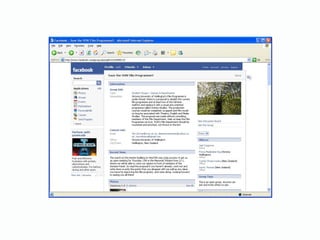
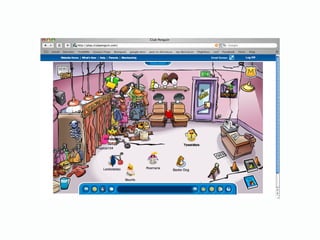
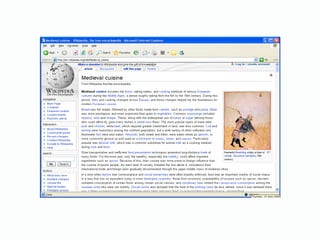
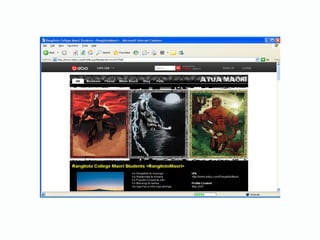
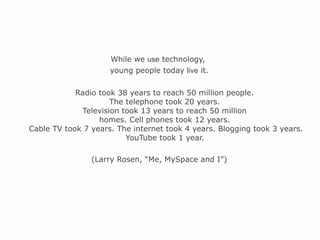
While we  use  technology,  young people today  live  it. Radio took 38 years to reach 50 million people.  The telephone took 20 years.  Television took 13 years to reach 50 million  homes. Cell phones took 12 years.  Cable TV took 7 years. The internet took 4 years. Blogging took 3 years. YouTube took 1 year.   (Larry Rosen, “Me, MySpace and I”)
My teacher is interested in my ideas. My teacher knows what interests us. The teacher uses examples that are relevant to my experience. I can try out new ideas and ways of doing things. (NZCER, Competent Learners at 16)
2. How can we use software for learning?


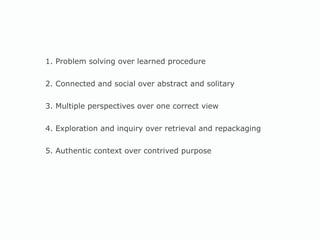
1. Problem solving over learned procedure 2. Connected and social over abstract and solitary 3. Multiple perspectives over one correct view 4. Exploration and inquiry over retrieval and repackaging 5. Authentic context over contrived purpose
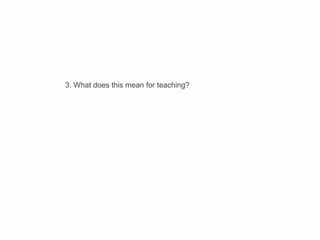
3. What does this mean for teaching?
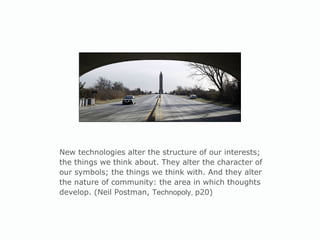
New technologies alter the structure of our interests; the things we think about. They alter the character of our symbols; the things we think with. And they alter the nature of community: the area in which thoughts develop. (Neil Postman,  Technopoly,  p20)
 
Software is most effective when it: 1. Meets the strengths, interests and needs of the learner 2. Complements the nature of the learning environment 3. Supports the intended learning outcomes 4. Is integrated into existing programmes of learning 5. Is blended with complementary resources 6. Extends learning potential
1. Whose voices are included / excluded? 2. Which functions are prioritised? 3. How are relationships structured? 4. What is hidden from view?
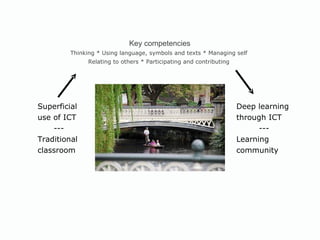
Key competencies Thinking * Using language, symbols and texts * Managing self  Relating to others * Participating and contributing  Superficial use of ICT --- Traditional  classroom Deep learning through ICT --- Learning community
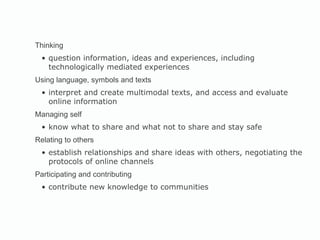
Thinking question information, ideas and experiences, including technologically mediated experiences Using language, symbols and texts  interpret and create multimodal texts, and access and evaluate online information Managing self  know what to share and what not to share and stay safe Relating to others  establish relationships and share ideas with others, negotiating the protocols of online channels Participating and contributing contribute new knowledge to communities
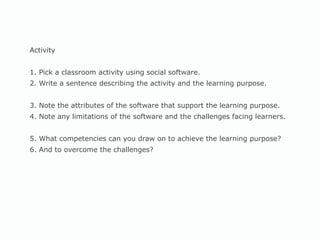
Activity  1. Pick a classroom activity using social software. 2. Write a sentence describing the activity and the learning purpose. 3. Note the attributes of the software that support the learning purpose. 4. Note any limitations of the software and the challenges facing learners. 5. What competencies can you draw on to achieve the learning purpose?  6. And to overcome the challenges?
 
 
Resources Cybersafety: Netsafe  http//www.netsafe.org.nz Guidelines  for Schools for the Online Publication of Student Images and School Work (TKI) Content:  Digital content  http://www.tki.org.nz/r/digistore Flickr Storm  http://www.zoo-m.com/flickr-storm/ Wikimedia Commons  http://commons.wikimedia.org
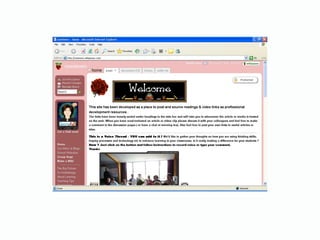
Support Faculties of education at the universities Auckland: Fiona Grant,  [email_address] Waikato: Rochelle Jensen, rjensen@waikato.ac.nz Massey: Heather Bell, h.bell@massey.ac.nz Wellington: Jan Coleman, jan.coleman@vuw.ac.nz Christchurch: Jocelyn Mackay, jocelyn.mackay@xtra.co.nz Otago: David Young, david.young@dce.ac.nz Teacher blogs  http://www.nz-interface.co.nz/teacherblogs/
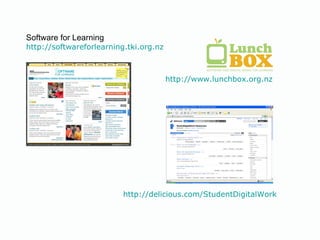
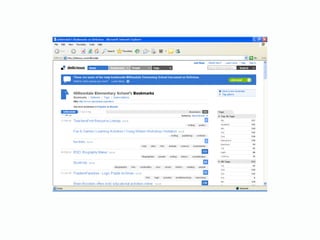
Software for Learning http://softwareforlearning.tki.org.nz http://www.lunchbox.org.nz http://delicious.com/StudentDigitalWork
Sarah Jones Senior Adviser  e-Learning Team Ministry of Education [email_address]

ULearn08

  • 1.
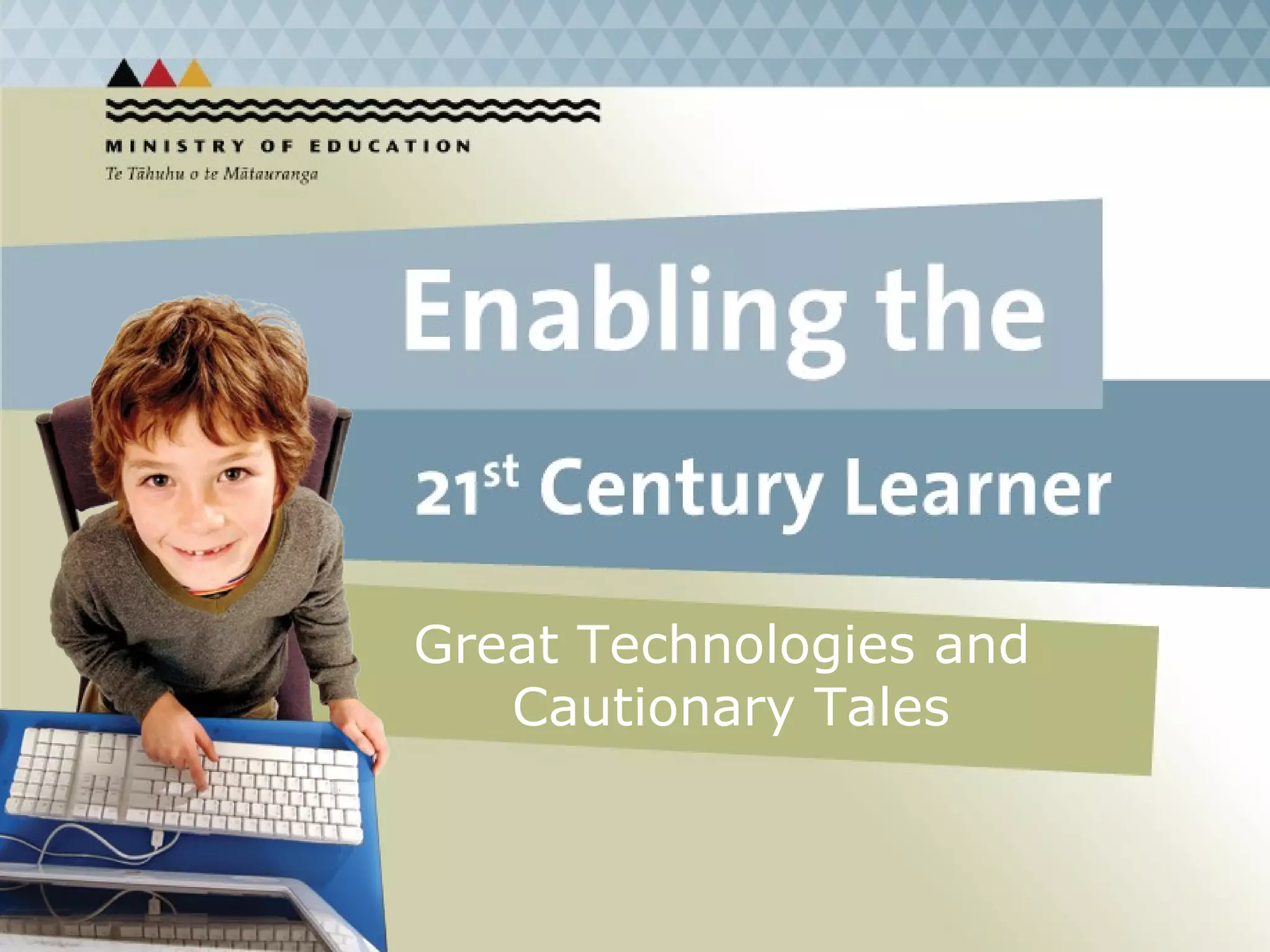
    Great Technologies and Cautionary Tales
  • 2.
    1. What’s happeningoutside school? 2. How can we use software for learning? 3. What does this mean for how we teach?
  • 3.
  • 4.
  • 5.
  • 6.
  • 7.
  • 8.
  • 9.
    1. Take action2. Access information 3. Connect with each other 4. Create and publish 5. Consume
  • 10.
    While we use technology, young people today live it. Radio took 38 years to reach 50 million people. The telephone took 20 years. Television took 13 years to reach 50 million homes. Cell phones took 12 years. Cable TV took 7 years. The internet took 4 years. Blogging took 3 years. YouTube took 1 year. (Larry Rosen, “Me, MySpace and I”)
  • 11.
    My teacher isinterested in my ideas. My teacher knows what interests us. The teacher uses examples that are relevant to my experience. I can try out new ideas and ways of doing things. (NZCER, Competent Learners at 16)
  • 12.
    2. How canwe use software for learning?
  • 13.
  • 14.
  • 15.
  • 16.
  • 17.
  • 18.
  • 19.
    1. Problem solvingover learned procedure 2. Connected and social over abstract and solitary 3. Multiple perspectives over one correct view 4. Exploration and inquiry over retrieval and repackaging 5. Authentic context over contrived purpose
  • 20.
    3. What doesthis mean for teaching?
  • 21.
    New technologies alterthe structure of our interests; the things we think about. They alter the character of our symbols; the things we think with. And they alter the nature of community: the area in which thoughts develop. (Neil Postman, Technopoly, p20)
  • 22.
  • 23.
    Software is mosteffective when it: 1. Meets the strengths, interests and needs of the learner 2. Complements the nature of the learning environment 3. Supports the intended learning outcomes 4. Is integrated into existing programmes of learning 5. Is blended with complementary resources 6. Extends learning potential
  • 24.
    1. Whose voicesare included / excluded? 2. Which functions are prioritised? 3. How are relationships structured? 4. What is hidden from view?
  • 25.
    Key competencies Thinking* Using language, symbols and texts * Managing self Relating to others * Participating and contributing Superficial use of ICT --- Traditional classroom Deep learning through ICT --- Learning community
  • 26.
    Thinking question information,ideas and experiences, including technologically mediated experiences Using language, symbols and texts interpret and create multimodal texts, and access and evaluate online information Managing self know what to share and what not to share and stay safe Relating to others establish relationships and share ideas with others, negotiating the protocols of online channels Participating and contributing contribute new knowledge to communities
  • 27.
    Activity 1.Pick a classroom activity using social software. 2. Write a sentence describing the activity and the learning purpose. 3. Note the attributes of the software that support the learning purpose. 4. Note any limitations of the software and the challenges facing learners. 5. What competencies can you draw on to achieve the learning purpose? 6. And to overcome the challenges?
  • 28.
  • 29.
  • 30.
    Resources Cybersafety: Netsafe http//www.netsafe.org.nz Guidelines for Schools for the Online Publication of Student Images and School Work (TKI) Content: Digital content http://www.tki.org.nz/r/digistore Flickr Storm http://www.zoo-m.com/flickr-storm/ Wikimedia Commons http://commons.wikimedia.org
  • 31.
    Support Faculties ofeducation at the universities Auckland: Fiona Grant, [email_address] Waikato: Rochelle Jensen, rjensen@waikato.ac.nz Massey: Heather Bell, h.bell@massey.ac.nz Wellington: Jan Coleman, jan.coleman@vuw.ac.nz Christchurch: Jocelyn Mackay, jocelyn.mackay@xtra.co.nz Otago: David Young, david.young@dce.ac.nz Teacher blogs http://www.nz-interface.co.nz/teacherblogs/
  • 32.
    Software for Learninghttp://softwareforlearning.tki.org.nz http://www.lunchbox.org.nz http://delicious.com/StudentDigitalWork
  • 33.
    Sarah Jones SeniorAdviser e-Learning Team Ministry of Education [email_address]