Twitter!What it is and how to use itSandy KetchamThe Word Prowww.thewordpro.comTwitter.com/thewordpro
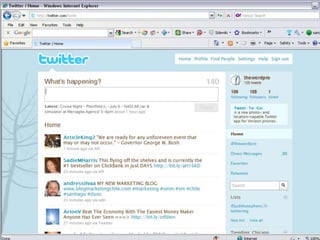
GlossaryTweet  -  “What are you doing” in 140 characters or less.Follow –  See what another person is “tweeting.”Unfollow – Stop seeing another’s tweetsTwittosphere – Everyone on TwitterLink – Add a URL to your tweetBit.ly – a way to shorten a URL for Twitter
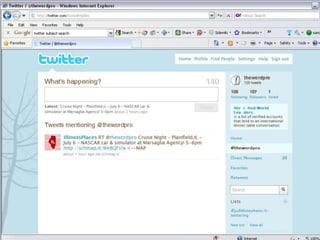
@TheWordPro@username – a way to send a Public Message to individual user.Everyone will see itA way to respond openly or mention someone. Your followers will see it; @username’s followers will also see it.
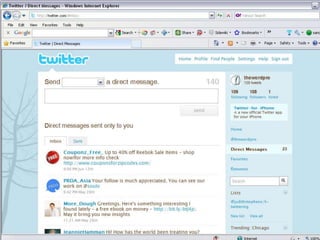
DM – Direct MessageOne-on-one message to someone who is following youNot Public Like email – only shorterYou can have direct messages go to  your email.There is a DM Link on your Twitter Home Page.
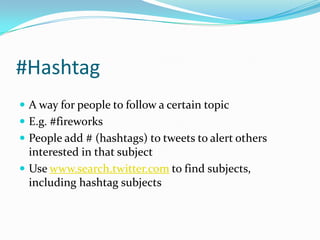
#HashtagA way for people to follow a certain topicE.g. #fireworksPeople add # (hashtags) to tweets to alert others interested in that subjectUse www.search.twitter.com to find subjects, including hashtagsubjects
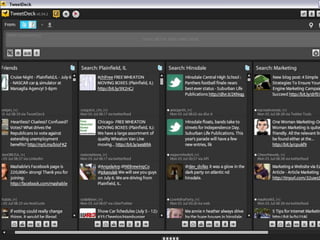
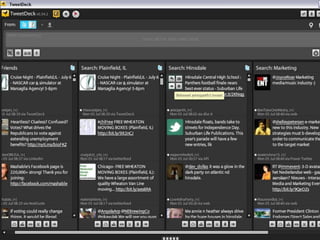
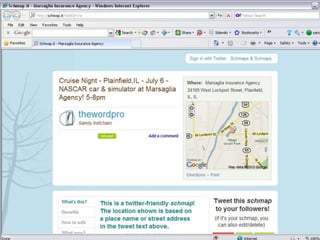
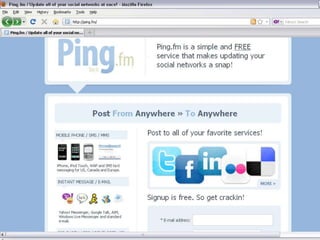
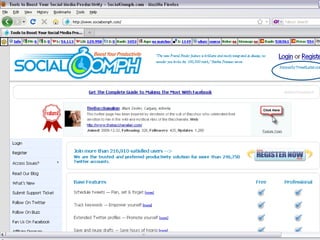
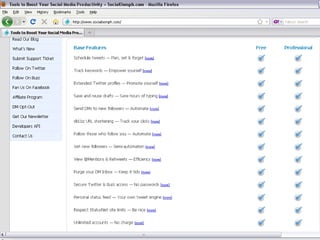
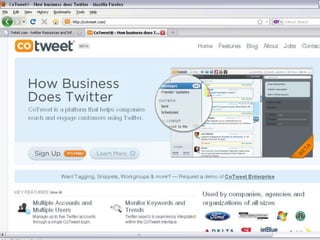
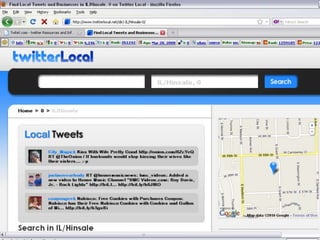
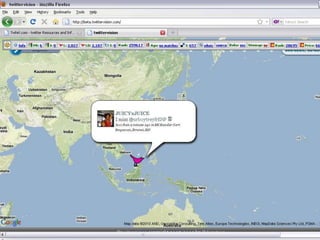
ApplicationsThere are hundreds.  Here are a few…
Twitter StrategyPique interestDirect people to your WebsiteLink to your blog entriesLink to Articles that show why folks need you.NOT a place to sell.        …but you can post “specials” or coupons
 Strategy: Get their attention!
Things to do on Twitter…Share what is going on in your community. (e.g.  A parade, an expo, a Chamber Event.)Be helpful.  Offer tips to help customers     (e.g. Insurance agent: Car care tips.)Talk about non-business things Ask questionsConduct an opinion pollComment on other’s tweets to build a communityRetweet interesting things
More things…Monitor your name/brand/industryMonitor your competitionKeep current on breaking newsLearn from the “experts” in your fieldBecome an “expert” in your fieldDirect attention to good thingsShow you are human     (personal, but not too personal)Start a conversation…
Follow…Follow people and subjects that interest youFollow leaders in your fieldFollow your competitorsFollow your customers Follow your SuppliersFollow influential people in your town/state/countryFollow your mentors Follow interesting people.Follow people who make you laugh 
Be followedUnless your Ashton Kutcher or Oprah, people are not going to flock to your Twitter page.Say interesting/useful thingsUse good keywords and #hashtagsRetweet things from high profile peopleAdd links to your Twitter Account on your website, email, business card, marketing pieces – everywhere you can!Evangelize!  Tell people about Twitter!
Follow me on Twitter…Twitter.com/thewordproRead my blog:  www.sandyketcham.blogspot.comCheck out my website:  www.thewordpro.comLink with me on LinkedIN:  http://www.linkedin.com/in/sandyketcham
Thank you. Sandy KetchamThe Word Prowww.thewordpro.com(815) 556-8505“Innovative Marketing for Small Business”

Twitter!

  • 1.
    Twitter!What it isand how to use itSandy KetchamThe Word Prowww.thewordpro.comTwitter.com/thewordpro
  • 4.
    GlossaryTweet - “What are you doing” in 140 characters or less.Follow – See what another person is “tweeting.”Unfollow – Stop seeing another’s tweetsTwittosphere – Everyone on TwitterLink – Add a URL to your tweetBit.ly – a way to shorten a URL for Twitter
  • 5.
    @TheWordPro@username – away to send a Public Message to individual user.Everyone will see itA way to respond openly or mention someone. Your followers will see it; @username’s followers will also see it.
  • 7.
    DM – DirectMessageOne-on-one message to someone who is following youNot Public Like email – only shorterYou can have direct messages go to your email.There is a DM Link on your Twitter Home Page.
  • 9.
    #HashtagA way forpeople to follow a certain topicE.g. #fireworksPeople add # (hashtags) to tweets to alert others interested in that subjectUse www.search.twitter.com to find subjects, including hashtagsubjects
  • 11.
  • 24.
    Twitter StrategyPique interestDirectpeople to your WebsiteLink to your blog entriesLink to Articles that show why folks need you.NOT a place to sell. …but you can post “specials” or coupons
  • 25.
    Strategy: Gettheir attention!
  • 27.
    Things to doon Twitter…Share what is going on in your community. (e.g. A parade, an expo, a Chamber Event.)Be helpful. Offer tips to help customers (e.g. Insurance agent: Car care tips.)Talk about non-business things Ask questionsConduct an opinion pollComment on other’s tweets to build a communityRetweet interesting things
  • 28.
    More things…Monitor yourname/brand/industryMonitor your competitionKeep current on breaking newsLearn from the “experts” in your fieldBecome an “expert” in your fieldDirect attention to good thingsShow you are human (personal, but not too personal)Start a conversation…
  • 29.
    Follow…Follow people andsubjects that interest youFollow leaders in your fieldFollow your competitorsFollow your customers Follow your SuppliersFollow influential people in your town/state/countryFollow your mentors Follow interesting people.Follow people who make you laugh 
  • 30.
    Be followedUnless yourAshton Kutcher or Oprah, people are not going to flock to your Twitter page.Say interesting/useful thingsUse good keywords and #hashtagsRetweet things from high profile peopleAdd links to your Twitter Account on your website, email, business card, marketing pieces – everywhere you can!Evangelize! Tell people about Twitter!
  • 31.
    Follow me onTwitter…Twitter.com/thewordproRead my blog: www.sandyketcham.blogspot.comCheck out my website: www.thewordpro.comLink with me on LinkedIN: http://www.linkedin.com/in/sandyketcham
  • 32.
    Thank you. SandyKetchamThe Word Prowww.thewordpro.com(815) 556-8505“Innovative Marketing for Small Business”