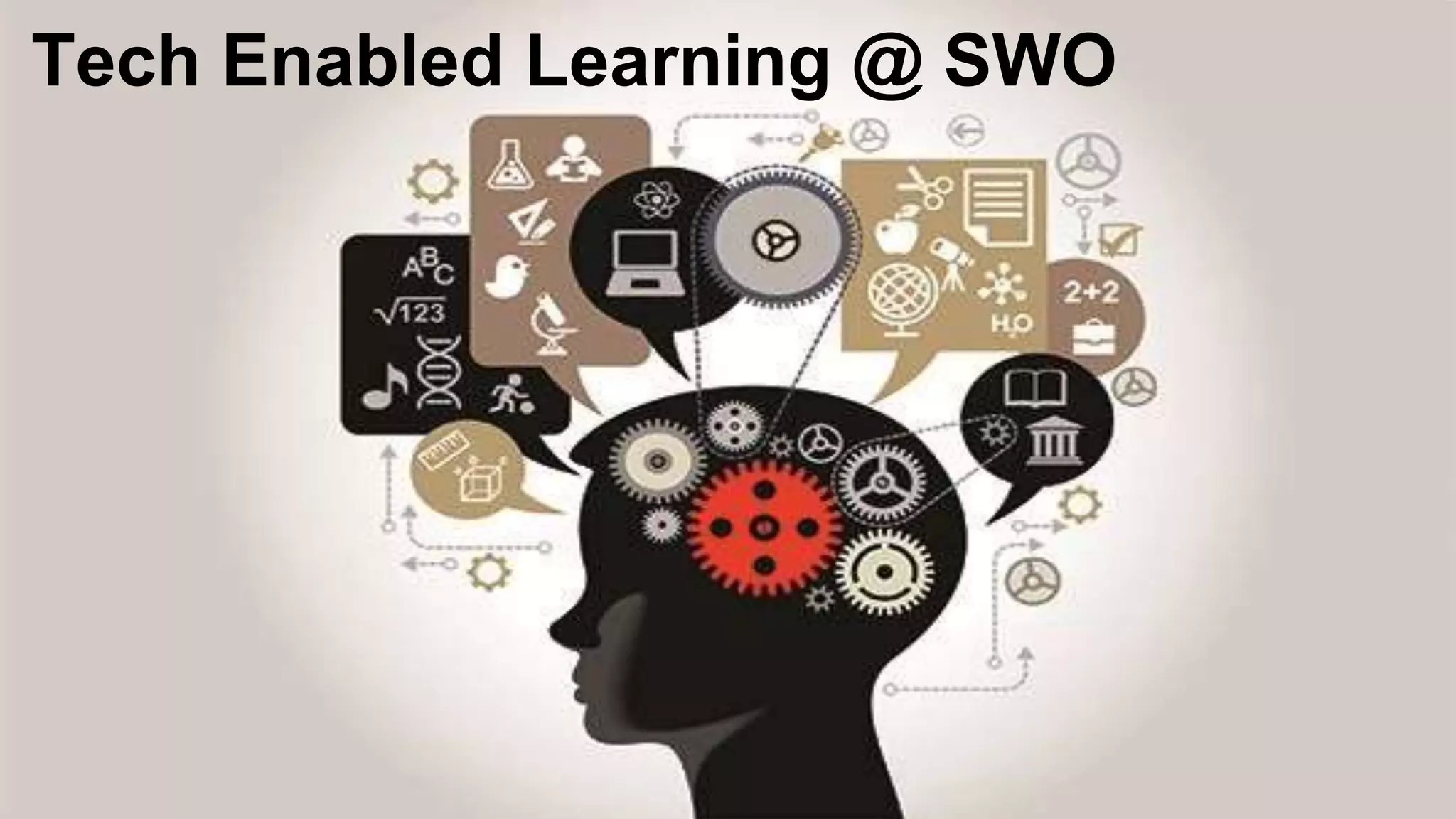
Tech Enabled Learning @ SWO
● engages us in the digital world
● enhances how we learn in a blended way
Power tools that influence how we learn!
What tools do we use here?
Technology-Enabled Learning
A game changer here at @SWO_HWDSB
WHY?
Your life is a blend.
How you choose to contribute matters.
At SWO, we learn in many ways and focus on:
personalized, collaborative inquiry-based learning
blended learning which means mixing up how we
learn individually and together face-to-face and
online
using technology to enhance how we learn with and
from others in our physical and digital world
SWO is a BYOD (Bring Your Own Device)
school.
With parent permission, you may bring your own device to
school for learning during instructional time.
If you choose to bring your own devices, you are responsible for
the care and well-being of the device. The school is not
responsible for lost, stolen or damaged devices.
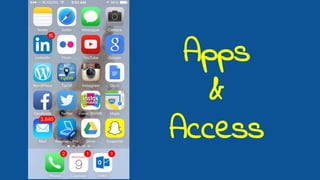
Apps
&
Access
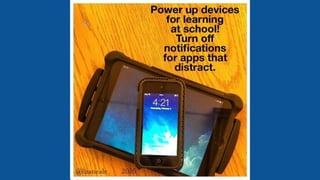
When accessing a device in class, you are to
remain focussed on learning!
Do not text nor take phone calls during instructional time.
Parents are only to text or call you before school, during
nutrition breaks or after school.
If there is an emergency or illness, you are to report to the
office with the permission of your teacher to call home.
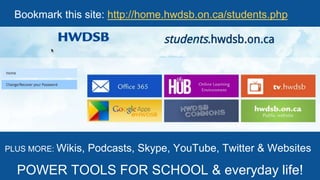
PLUS MORE: Wikis, Podcasts, Skype, YouTube, Twitter & Websites
POWER TOOLS FOR SCHOOL & everyday life!
Bookmark this site: http://home.hwdsb.on.ca/students.php
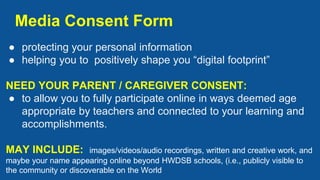
Media Consent Form
● protecting your personal information
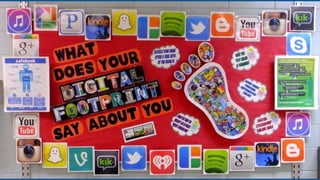
● helping you to positively shape you “digital footprint”
NEED YOUR PARENT / CAREGIVER CONSENT:
● to allow you to fully participate online in ways deemed age
appropriate by teachers and connected to your learning and
accomplishments.
MAY INCLUDE: images/videos/audio recordings, written and creative work, and
maybe your name appearing online beyond HWDSB schools, (i.e., publicly visible to
the community or discoverable on the World
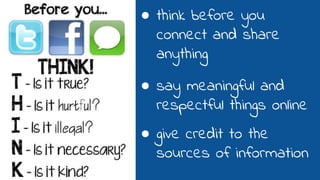
● think before you
connect and share
anything
● say meaningful and
respectful things online
● give credit to the
sources of information
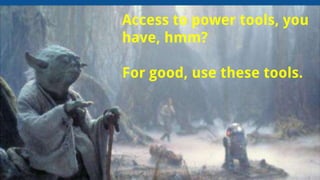
Access to power tools, you
have, hmm?
For good, use these tools.
Be social.
That’s how we humans learn.
You have the power to make choices
everyday in how to connect, contribute,
create and collaborate online with others!
THIS IS GOOD NEWS!

Transforming Learning Everywhere - BYOD

  • 1.
  • 2.
    ● engages usin the digital world ● enhances how we learn in a blended way Power tools that influence how we learn! What tools do we use here? Technology-Enabled Learning
  • 3.
    A game changerhere at @SWO_HWDSB WHY?
  • 4.
    Your life isa blend. How you choose to contribute matters.
  • 6.
    At SWO, welearn in many ways and focus on: personalized, collaborative inquiry-based learning blended learning which means mixing up how we learn individually and together face-to-face and online using technology to enhance how we learn with and from others in our physical and digital world
  • 7.
    SWO is aBYOD (Bring Your Own Device) school. With parent permission, you may bring your own device to school for learning during instructional time. If you choose to bring your own devices, you are responsible for the care and well-being of the device. The school is not responsible for lost, stolen or damaged devices.
  • 8.
  • 9.
    When accessing adevice in class, you are to remain focussed on learning! Do not text nor take phone calls during instructional time. Parents are only to text or call you before school, during nutrition breaks or after school. If there is an emergency or illness, you are to report to the office with the permission of your teacher to call home.
  • 12.
    PLUS MORE: Wikis,Podcasts, Skype, YouTube, Twitter & Websites POWER TOOLS FOR SCHOOL & everyday life! Bookmark this site: http://home.hwdsb.on.ca/students.php
  • 13.
    Media Consent Form ●protecting your personal information ● helping you to positively shape you “digital footprint” NEED YOUR PARENT / CAREGIVER CONSENT: ● to allow you to fully participate online in ways deemed age appropriate by teachers and connected to your learning and accomplishments. MAY INCLUDE: images/videos/audio recordings, written and creative work, and maybe your name appearing online beyond HWDSB schools, (i.e., publicly visible to the community or discoverable on the World
  • 15.
    ● think beforeyou connect and share anything ● say meaningful and respectful things online ● give credit to the sources of information
  • 16.
    Access to powertools, you have, hmm? For good, use these tools.
  • 18.
    Be social. That’s howwe humans learn. You have the power to make choices everyday in how to connect, contribute, create and collaborate online with others! THIS IS GOOD NEWS!

Editor's Notes

  • #4 BYOD & Wifi - review the guidelines for access to wife and devices
  • #9 Let’s talk about the ways you contribute online. Social networking allows people to express their individuality and meet people with similar interests. This includes having profiles, friends, blog posts,widgets, and usually something unique to that particular social networking website -- such as the ability to use #hashtags on Twitter, Instagram.
  • #13 with 21st century learning priorities, the board provides students with Google Apps for Education, access to the HWDSB App Catalogue, email and a calendar, as well as the Ministry of Education Virtual Learning Environment. In addition, students may also use online tools and social media such as wikis, blogs, podcasts, Skype, YouTube, Twitter, and other web apps, websites, and tools as deemed appropriate by the classroom teacher.
  • #17 How do you use these tools for good?