Techugo Updates
Apple reveals new and exciting features for iOS every year.
However, the company outlined most major features coming in iOS 10, there were
some that missed the mention.
Explore more those 11 features of iOS 10 with Techugo…
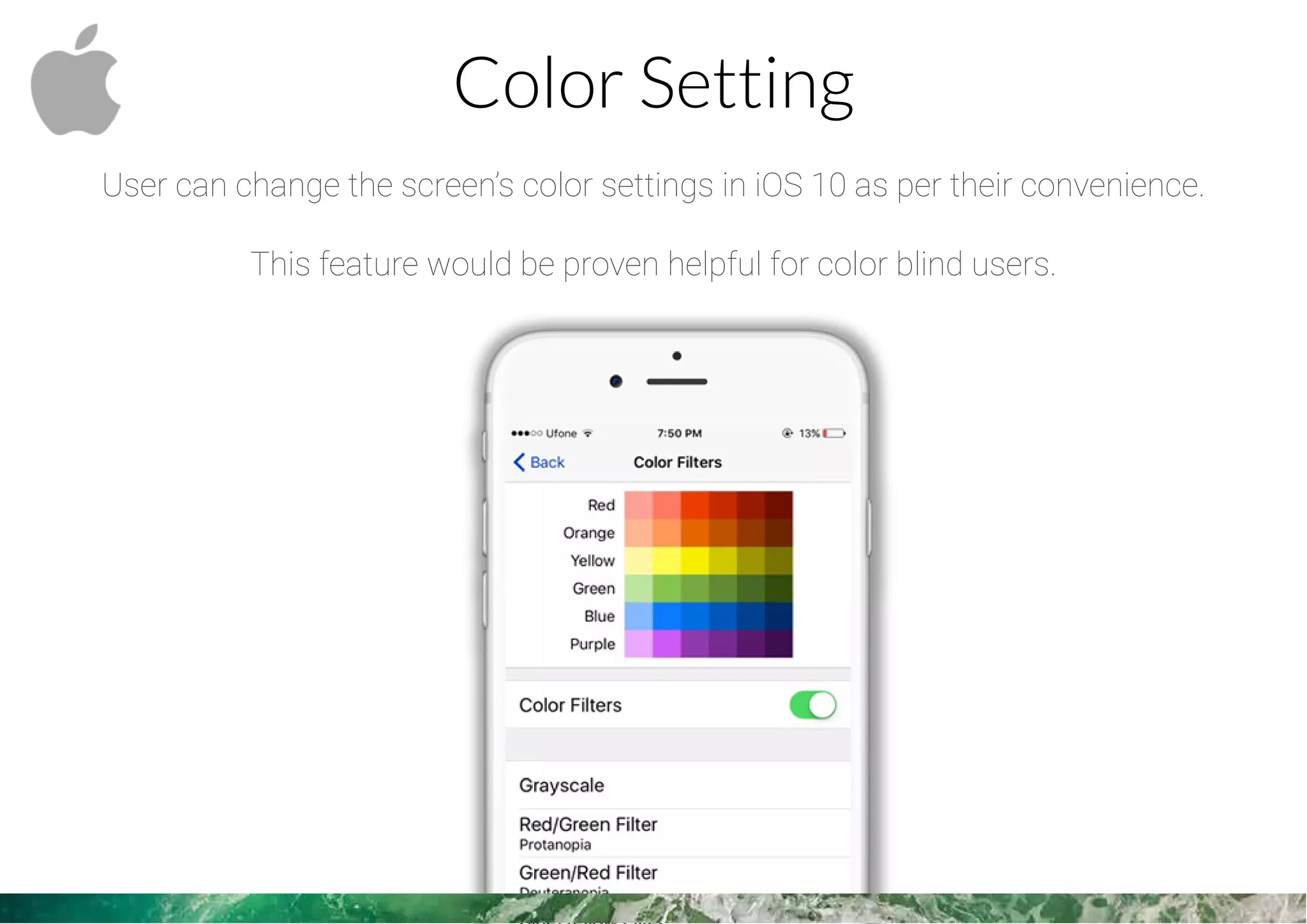
Color Setting
User can change the screen’s color settings in iOS 10 as per their convenience.
This feature would be proven helpful for color blind users.
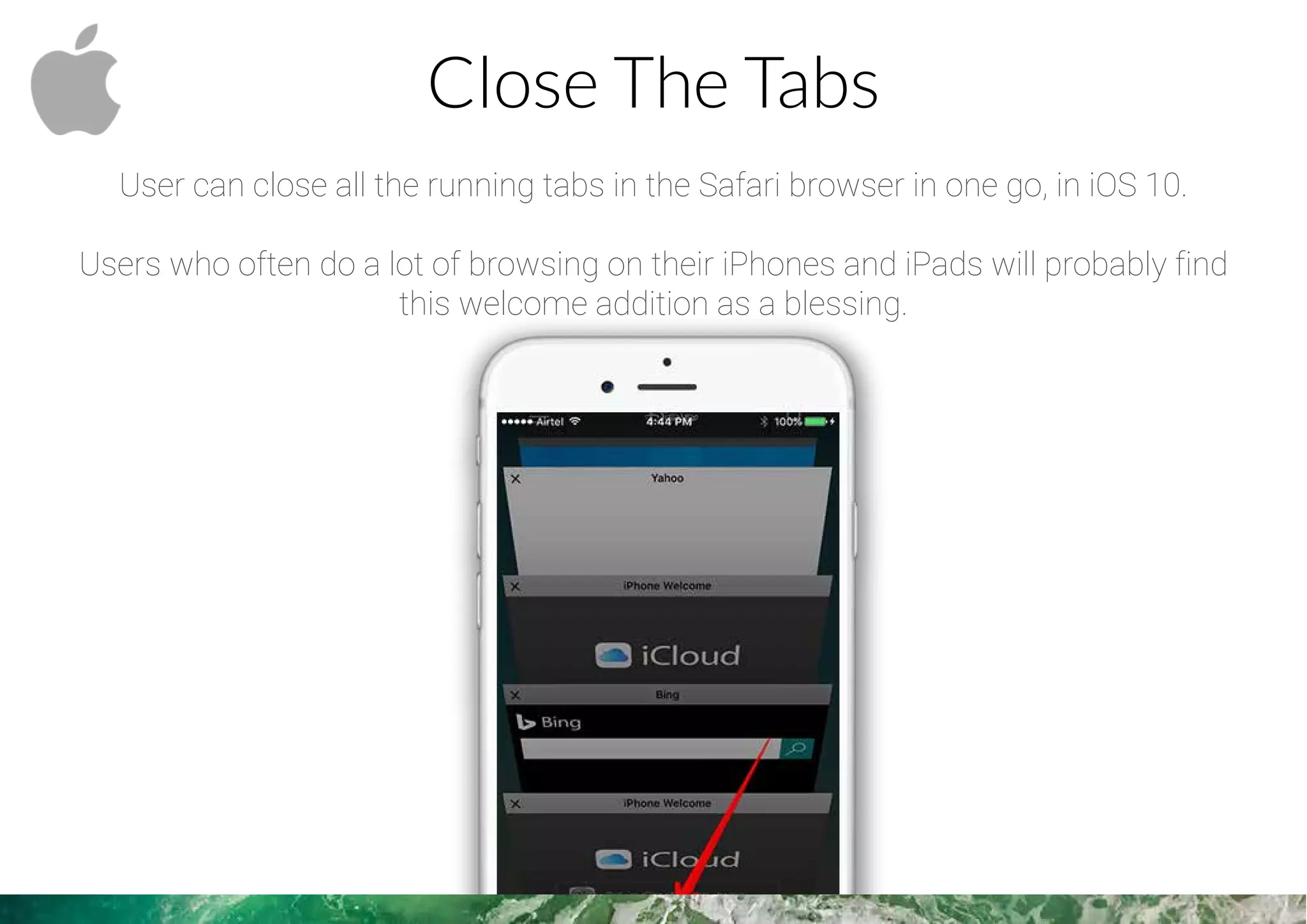
Close The Tabs
User can close all the running tabs in the Safari browser in one go, in iOS 10.
Users who often do a lot of browsing on their iPhones and iPads will probably find
this welcome addition as a blessing.
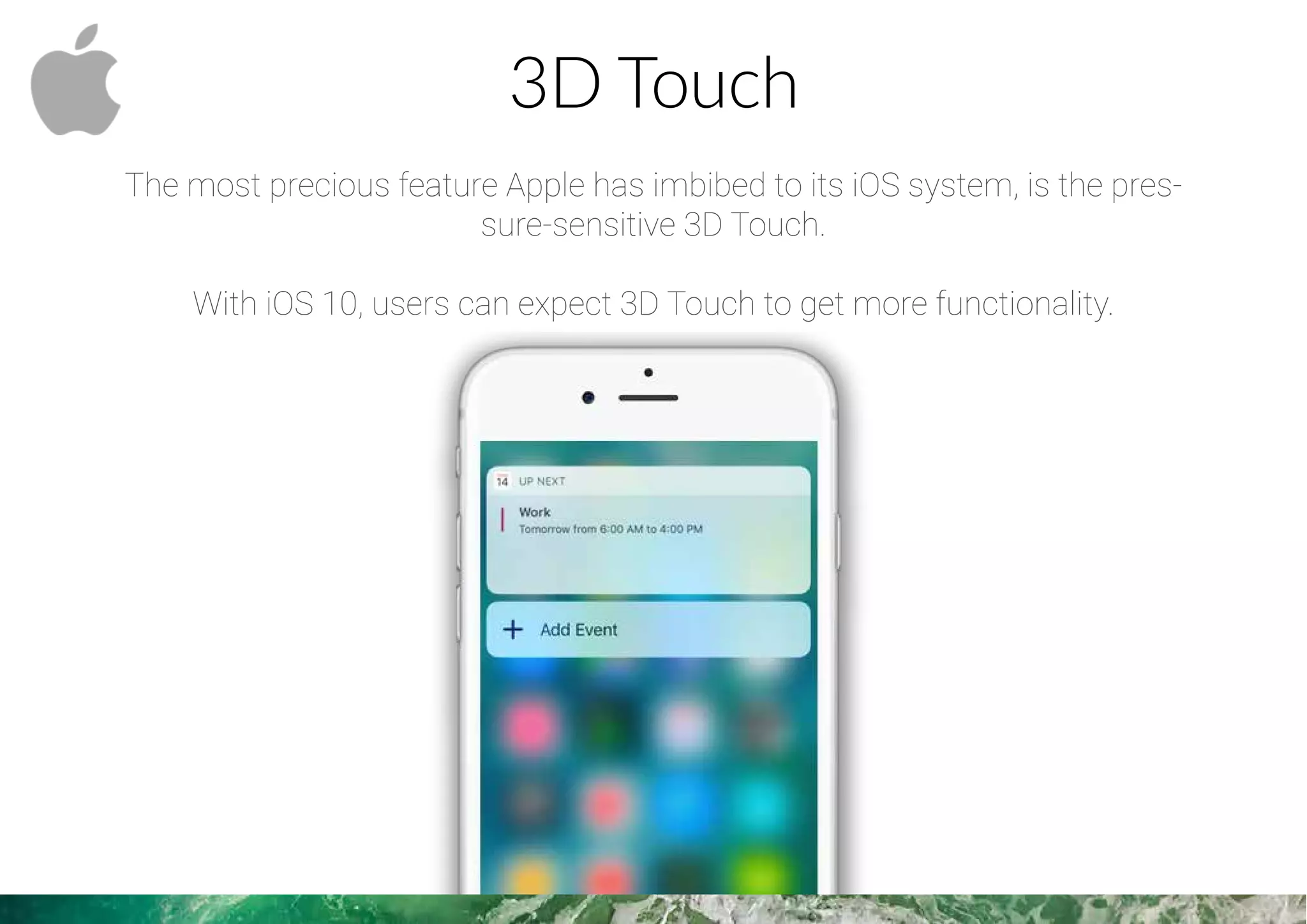
3D Touch
The most precious feature Apple has imbibed to its iOS system, is the pres-
sure-sensitive 3D Touch.
With iOS 10, users can expect 3D Touch to get more functionality.
Bid Adieu To Stock Apps
The annoying pre-installed apps like Stocks, Tips etc. can be deleted in iOS 10.
Better Downloading Options
User will app downloads more efficiently in iOS 10.
Once an app has been put on download, users can go to the app on the home
screen.
It’ll even be possible to use 3D Touch it to initiate actions like pause and cancel.
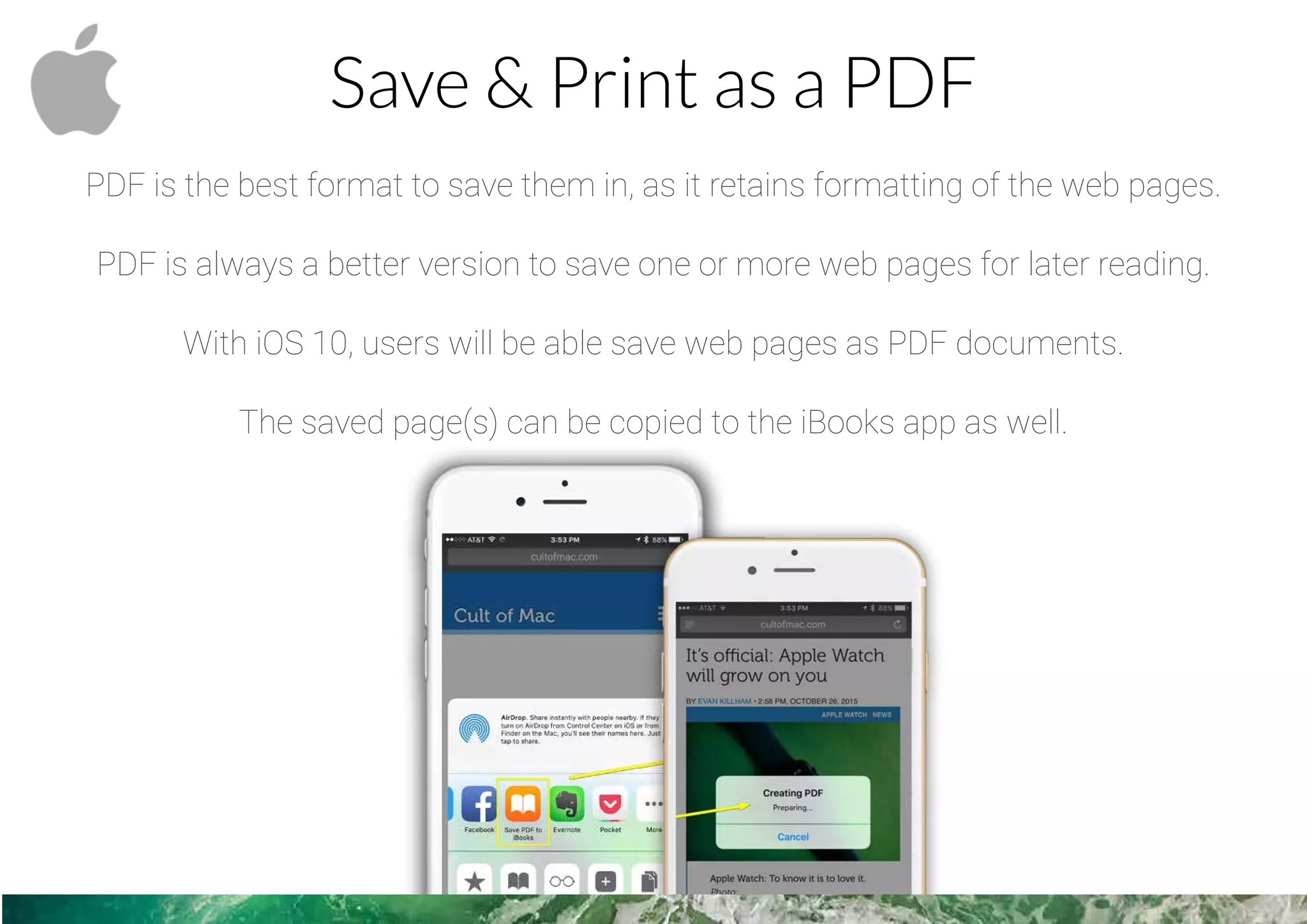
Save & Print as a PDF
PDF is the best format to save them in, as it retains formatting of the web pages.
PDF is always a better version to save one or more web pages for later reading.
With iOS 10, users will be able save web pages as PDF documents.
The saved page(s) can be copied to the iBooks app as well.
Search Bar With History
The search bar in iOS 10, will display previously searched items as history.
This feature would speed up finding earlier accessed items.
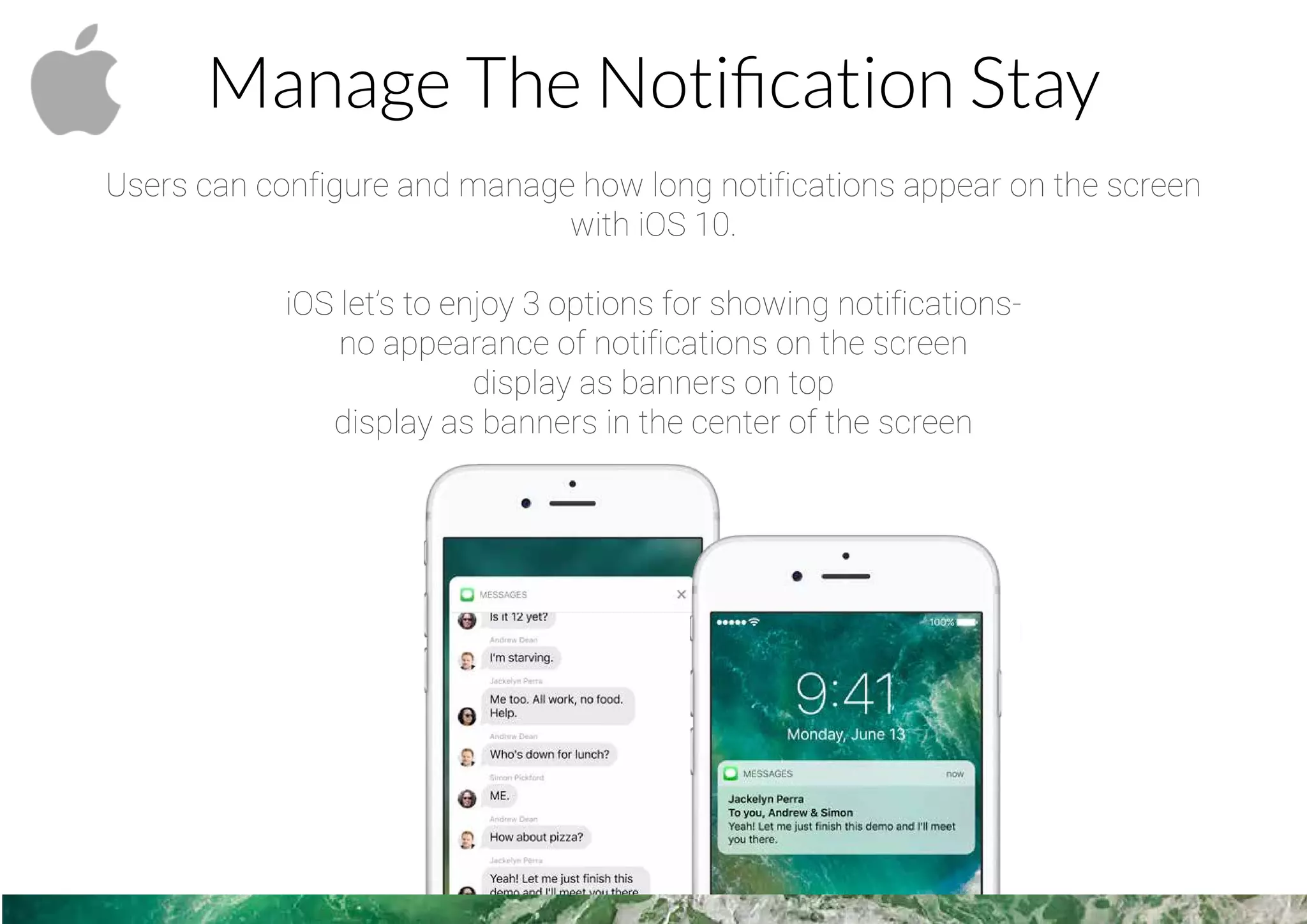
Manage The Notification Stay
Users can configure and manage how long notifications appear on the screen
with iOS 10.
iOS let’s to enjoy 3 options for showing notifications-
no appearance of notifications on the screen
display as banners on top
display as banners in the center of the screen
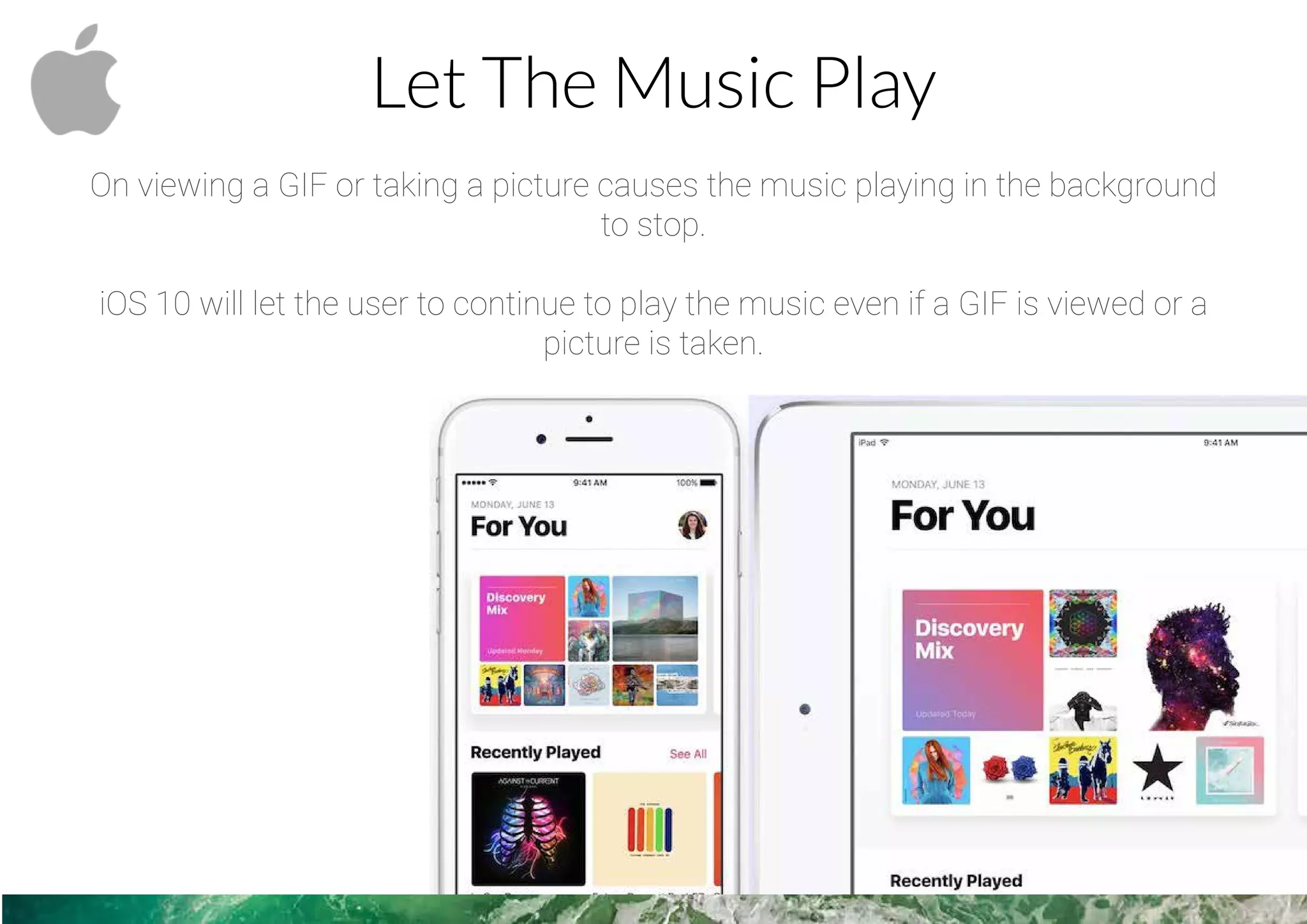
Let The Music Play
On viewing a GIF or taking a picture causes the music playing in the background
to stop.
iOS 10 will let the user to continue to play the music even if a GIF is viewed or a
picture is taken.
Edit The Dialed Number
iOS never had included the basic functionality of being able to edit a number while
dialing, and users had to delete the entire number to correct it.
This finally changes in iOS 10, as numbers being dialed will be able to be edited.
WE LOVE TO BE FOLLOWED
Thank You !
LET TECHNOLOGY SURPASS YOUR IMAGINATION

Top Secrets from iOS 10

  • 2.
    Techugo Updates Apple revealsnew and exciting features for iOS every year. However, the company outlined most major features coming in iOS 10, there were some that missed the mention. Explore more those 11 features of iOS 10 with Techugo…
  • 3.
    Color Setting User canchange the screen’s color settings in iOS 10 as per their convenience. This feature would be proven helpful for color blind users.
  • 4.
    Close The Tabs Usercan close all the running tabs in the Safari browser in one go, in iOS 10. Users who often do a lot of browsing on their iPhones and iPads will probably find this welcome addition as a blessing.
  • 5.
    3D Touch The mostprecious feature Apple has imbibed to its iOS system, is the pres- sure-sensitive 3D Touch. With iOS 10, users can expect 3D Touch to get more functionality.
  • 6.
    Bid Adieu ToStock Apps The annoying pre-installed apps like Stocks, Tips etc. can be deleted in iOS 10.
  • 7.
    Better Downloading Options Userwill app downloads more efficiently in iOS 10. Once an app has been put on download, users can go to the app on the home screen. It’ll even be possible to use 3D Touch it to initiate actions like pause and cancel.
  • 8.
    Save & Printas a PDF PDF is the best format to save them in, as it retains formatting of the web pages. PDF is always a better version to save one or more web pages for later reading. With iOS 10, users will be able save web pages as PDF documents. The saved page(s) can be copied to the iBooks app as well.
  • 9.
    Search Bar WithHistory The search bar in iOS 10, will display previously searched items as history. This feature would speed up finding earlier accessed items.
  • 10.
    Manage The NotificationStay Users can configure and manage how long notifications appear on the screen with iOS 10. iOS let’s to enjoy 3 options for showing notifications- no appearance of notifications on the screen display as banners on top display as banners in the center of the screen
  • 11.
    Let The MusicPlay On viewing a GIF or taking a picture causes the music playing in the background to stop. iOS 10 will let the user to continue to play the music even if a GIF is viewed or a picture is taken.
  • 12.
    Edit The DialedNumber iOS never had included the basic functionality of being able to edit a number while dialing, and users had to delete the entire number to correct it. This finally changes in iOS 10, as numbers being dialed will be able to be edited.
  • 13.
    WE LOVE TOBE FOLLOWED
  • 14.
    Thank You ! LETTECHNOLOGY SURPASS YOUR IMAGINATION