
Top Ten Ways
to be Found on Google
             James Ruppel
             631-615-2983
    jruppel@wsidigitalmarketer.com
 http://jruppel.wsidigitalmarketer.com
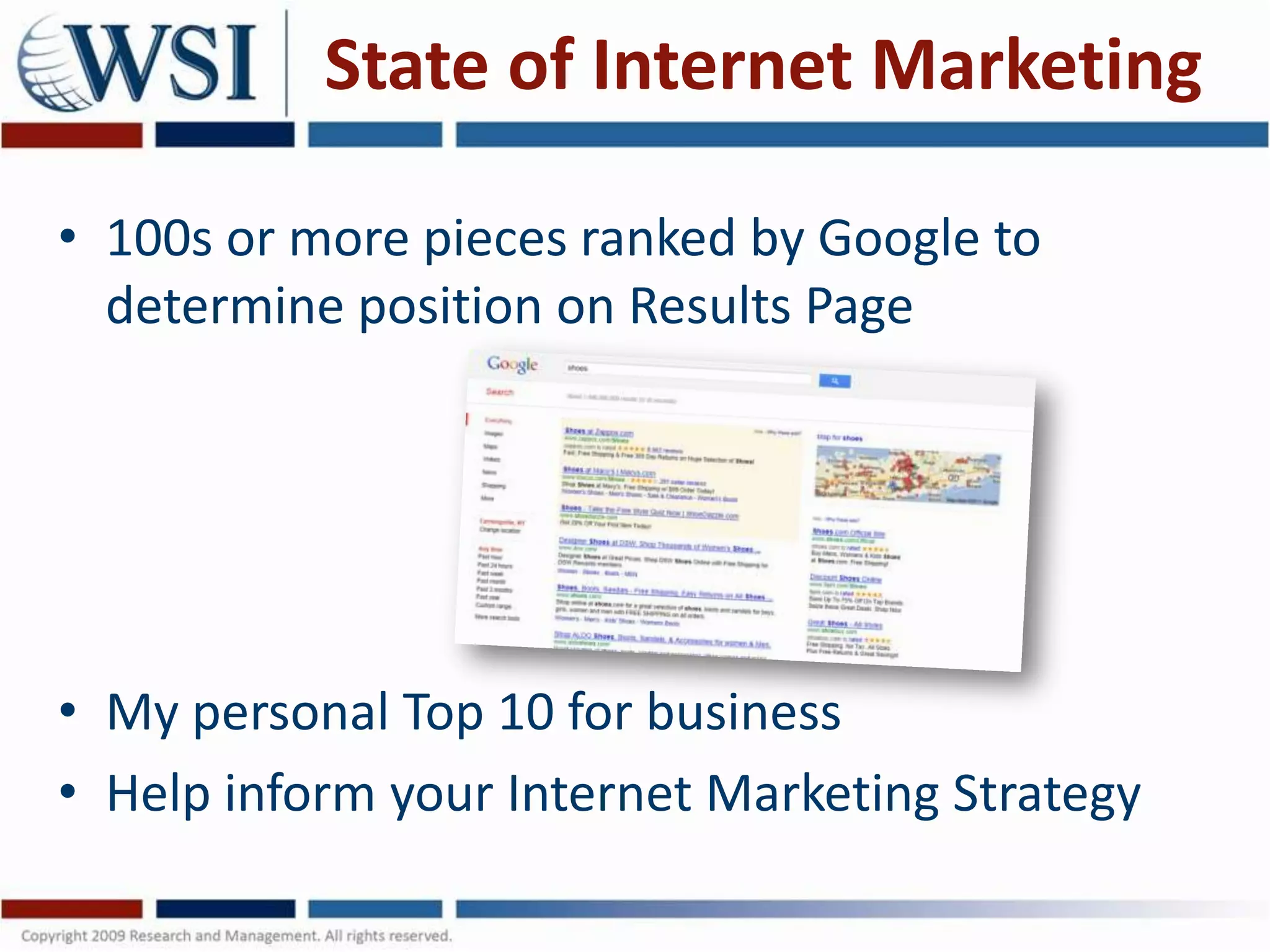
State of Internet Marketing

• 100s or more pieces ranked by Google to
  determine position on Results Page


• My personal Top 10 for business
• Help inform your Internet Marketing Strategy
#1 Site Age

• Google respects older sites
• Shows business is established
• It’s a Trust thing

• Can’t change your site age
• Think 2x before scrapping old URL
• If you do, be sure to re-direct old URLs to new
  site
#2 Link Structure

• Use your keywords in your URL
• URLs should make sense to a human
• If they make sense to human, they’ll make
  sense to the search engine spiders/bots

• Scrap random characters in URLs
  – http://www.MyBusiness.com/shoes
  – NOT http://www.MyBusiness.com/9876ZYX_WTF
#3 Content is King (1)

•   Search Engines index words
•   More is better – to a point
•   Write for your target market
•   Don’t write for Search Engines
•   Don’t “keyword stuff”
•   One or two keyword phrases per page
•   Make it engaging for your target audience/s
    – Answer the questions they went online for
Content is King (2)

• Start with Keyword Research
• What words are your prospects typing into the
  search engines?
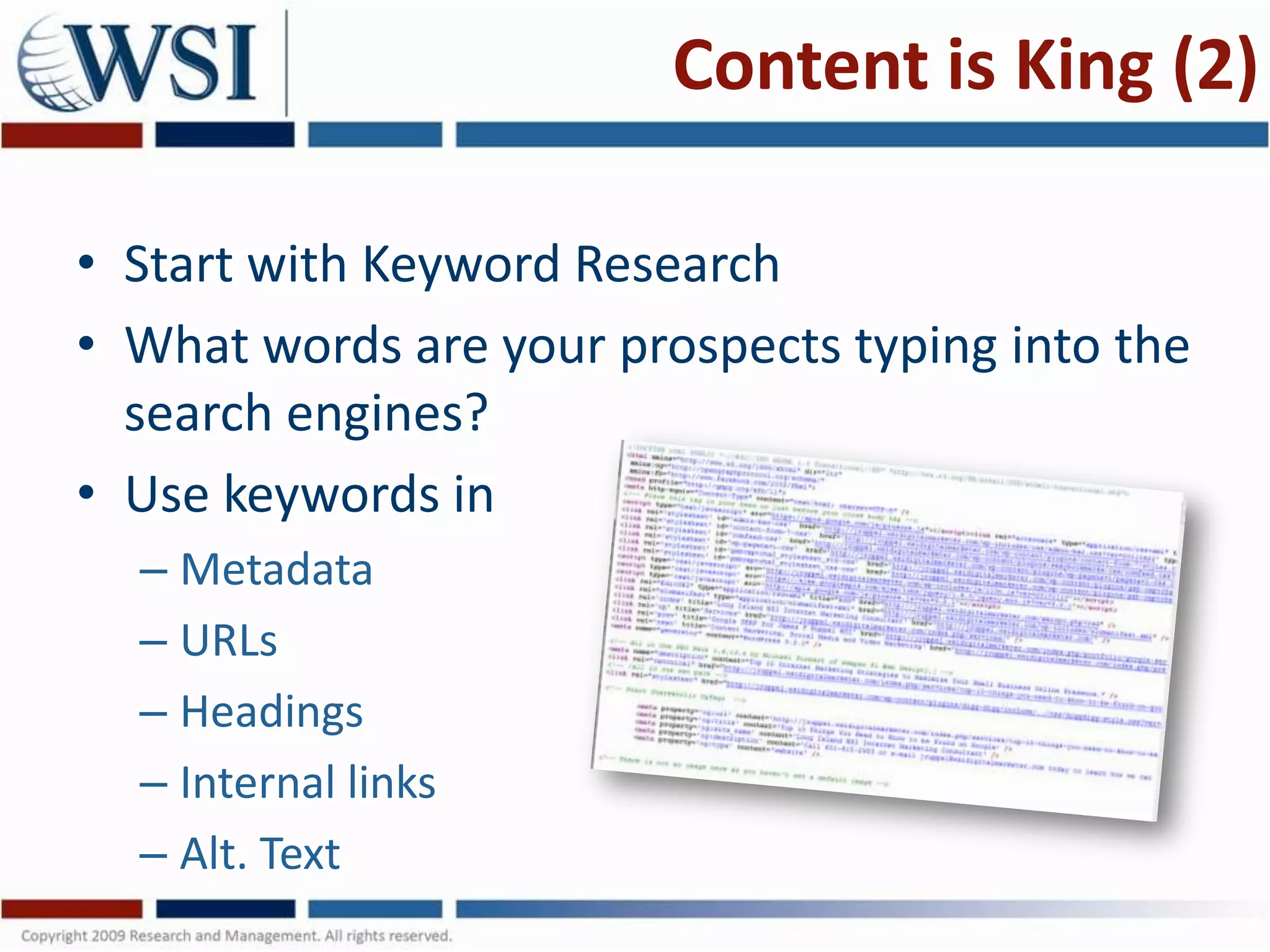
• Use keywords in
  – Metadata
  – URLs
  – Headings
  – Internal links
  – Alt. Text
Content is King (3)

• Beware of “cool” stuff
• Search Engines read text
  – Make sure pictures have
    alternate text for search engines
  – Use captions to describe photos for both visitors
    and search engines
  – Use Flash sparingly
     • Flash is “cool” but unless it serves a purpose,
       it’s just “window dressing”
#4. Content Age

• Google likes age on a site,
  but not in Content
• Old content is “stale”
• Indicates outdated content to search engines
• Could indicate a site for a business that
  doesn’t exist any longer
• Fresh, current content is critical for visitors
  AND search engines
#5. Site Performance

• Search engines look at what visitors
• Visitors who leave quickly,
  or “bounce”, are not finding
  relevant information on your site
• Search engines will “penalize”
  your site for poor visitor performance
• Engage your visitor with your content, answer
  their questions and move them through your
  site with compelling conversion architecture
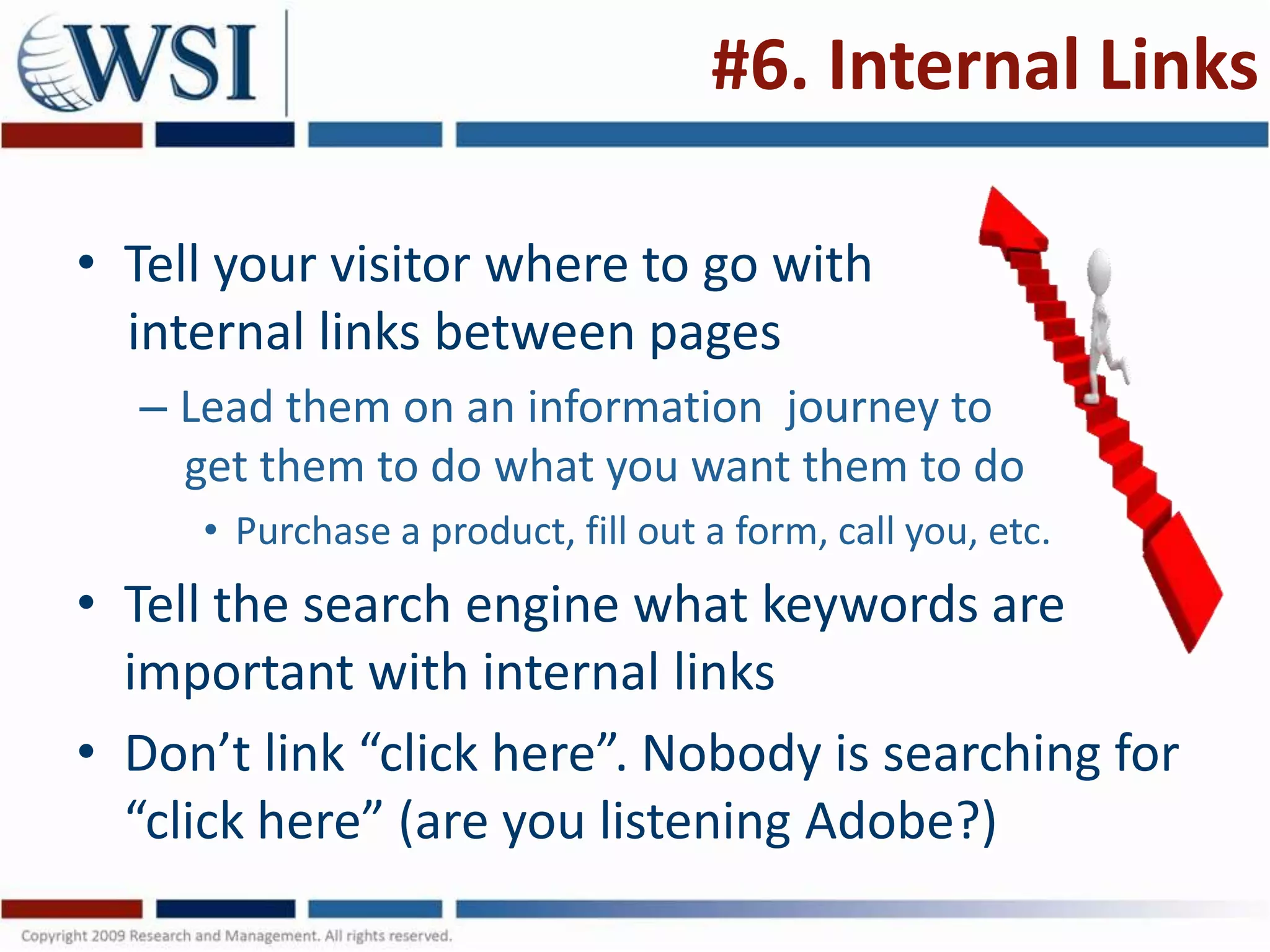
#6. Internal Links

• Tell your visitor where to go with
  internal links between pages
  – Lead them on an information journey to
    get them to do what you want them to do
     • Purchase a product, fill out a form, call you, etc.
• Tell the search engine what keywords are
  important with internal links
• Don’t link “click here”. Nobody is searching for
  “click here” (are you listening Adobe?)
#7. External Links

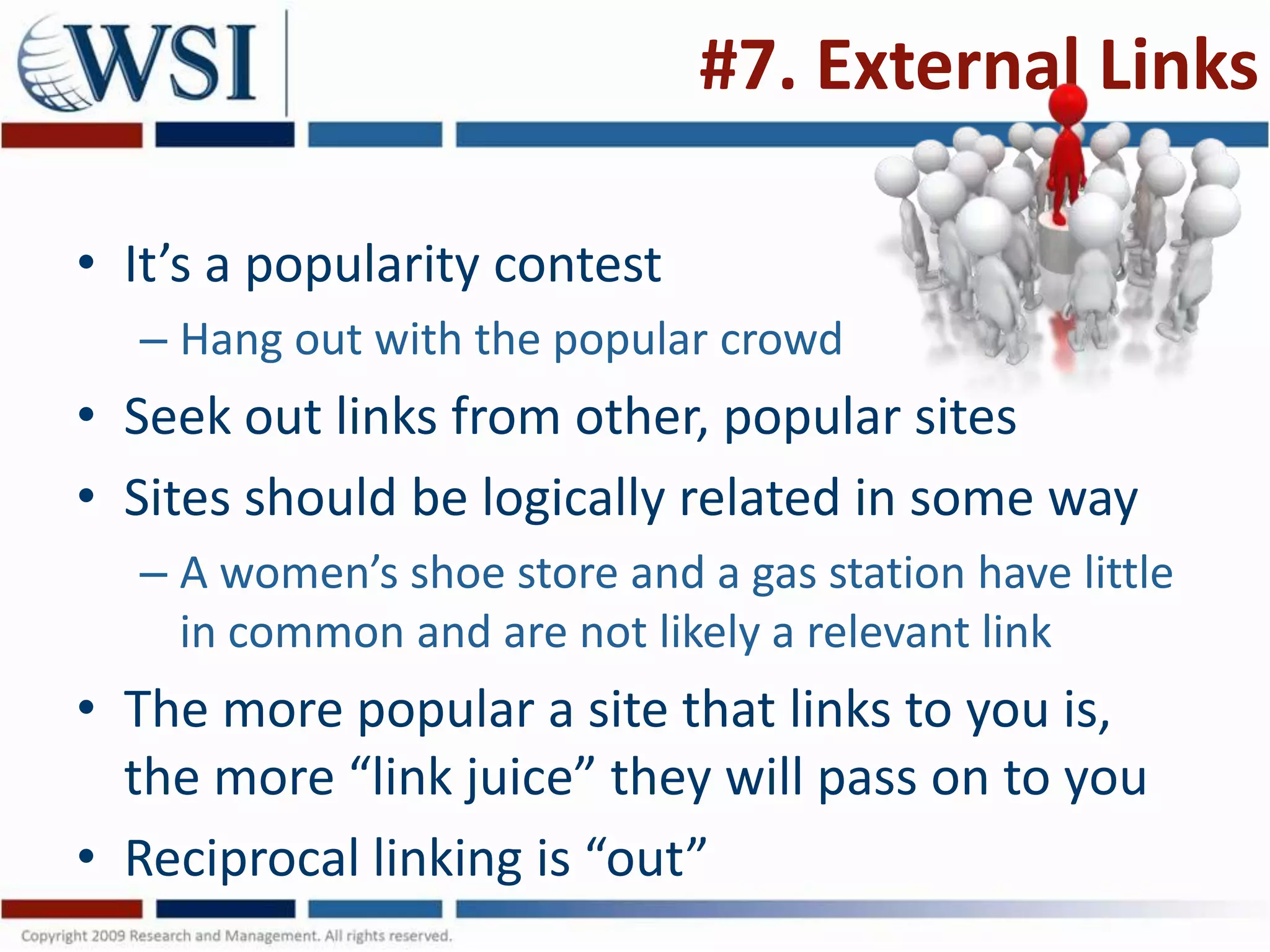
• It’s a popularity contest
  – Hang out with the popular crowd
• Seek out links from other, popular sites
• Sites should be logically related in some way
  – A women’s shoe store and a gas station have little
    in common and are not likely a relevant link
• The more popular a site that links to you is,
  the more “link juice” they will pass on to you
• Reciprocal linking is “out”
#8. Trust

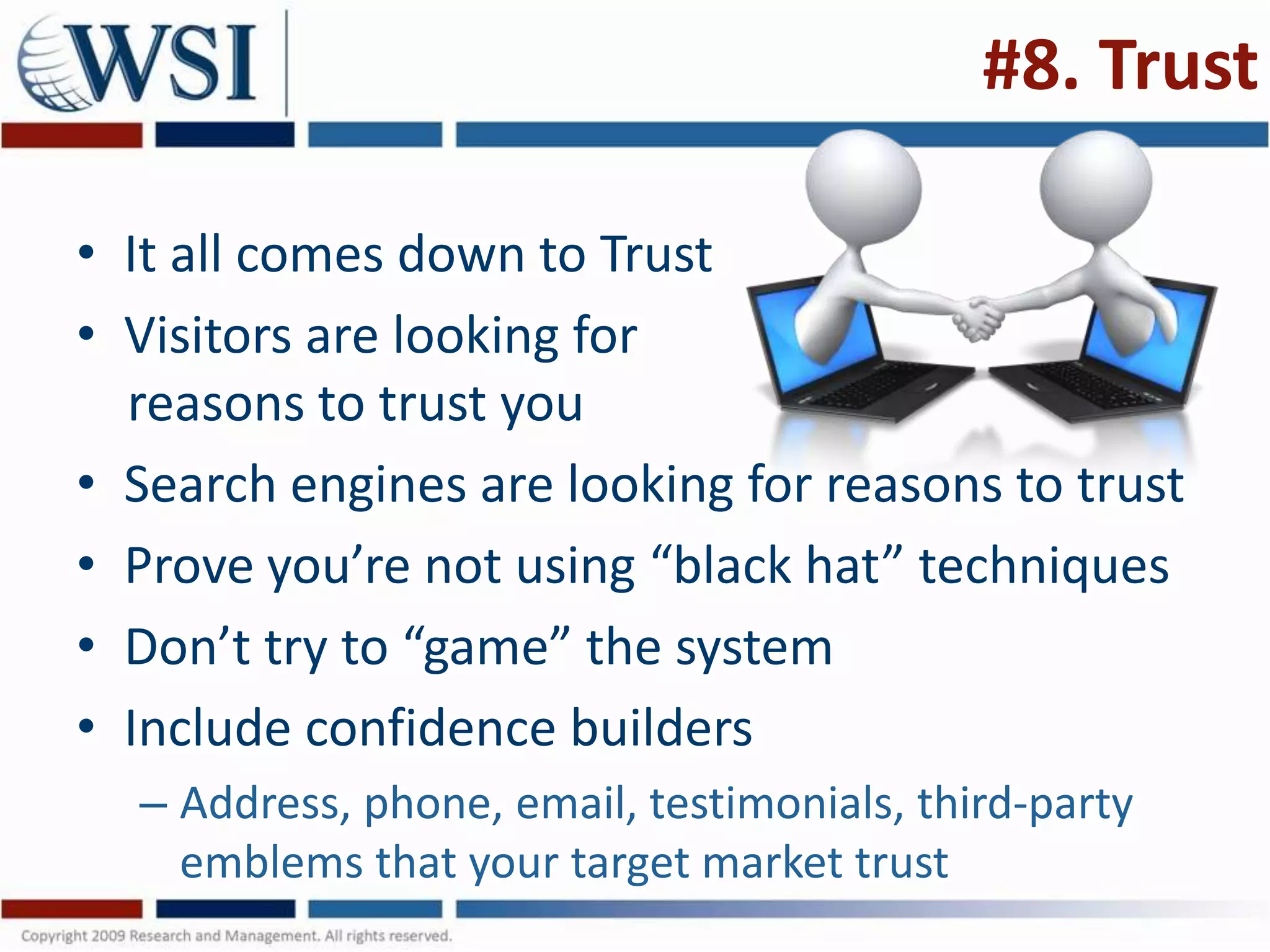
• It all comes down to Trust
• Visitors are looking for
  reasons to trust you
• Search engines are looking for reasons to trust
• Prove you’re not using “black hat” techniques
• Don’t try to “game” the system
• Include confidence builders
  – Address, phone, email, testimonials, third-party
    emblems that your target market trust
#9. Speed (1)

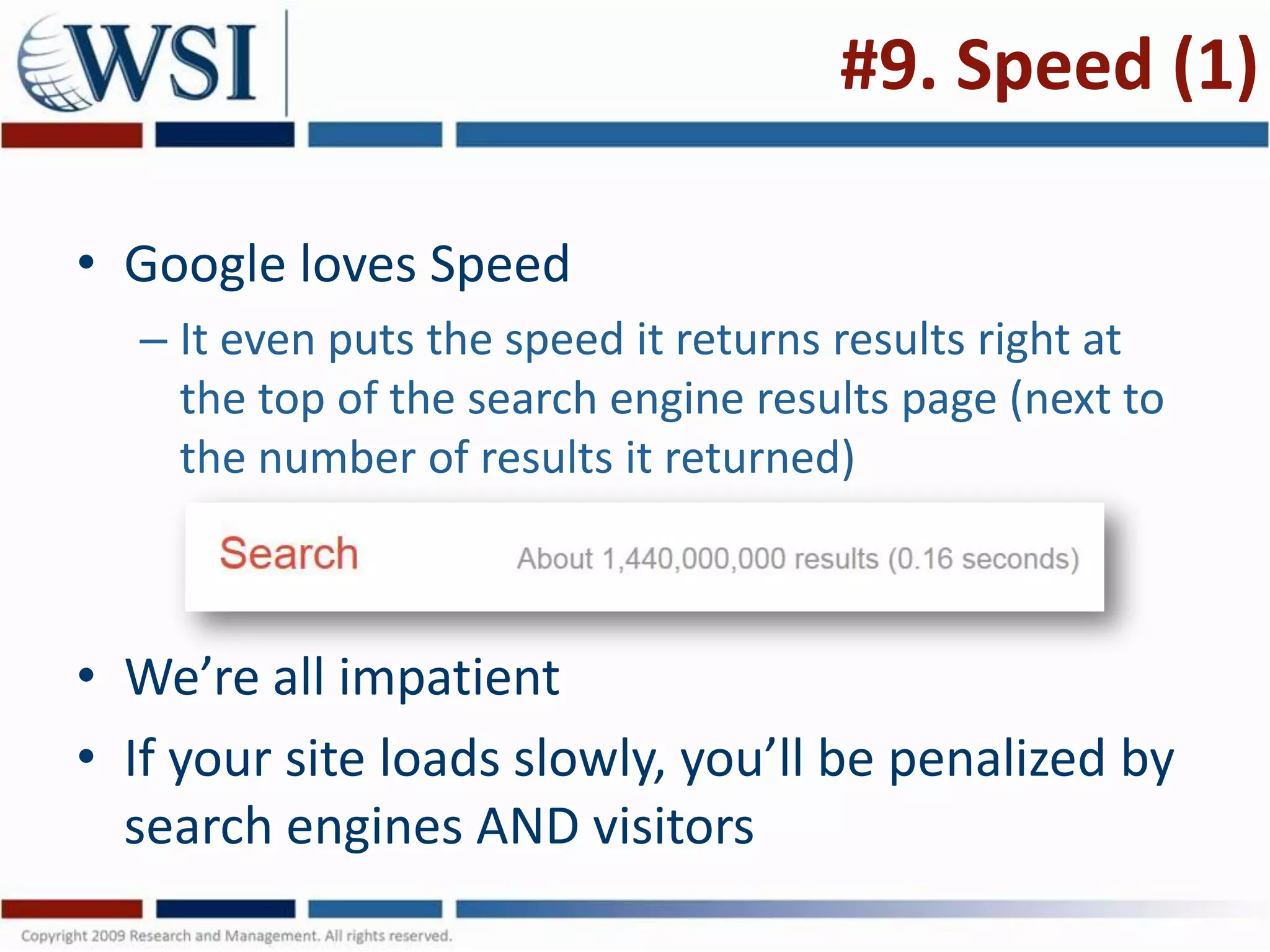
• Google loves Speed
  – It even puts the speed it returns results right at
    the top of the search engine results page (next to
    the number of results it returned)


• We’re all impatient
• If your site loads slowly, you’ll be penalized by
  search engines AND visitors
Speed (2)

•   Speed up your site
•   Get a fast host
•   Simplify your site
•   Get rid of speed hogging large elements
•   Use Cascading Style Sheets
•   Remove anything your don’t really need
•   Avoid nested tables
•   Don’t over-use Flash
#10. Local Search (1)

• Google placing greater emphasis on Local
  Search Results
• Helps local business compete with the big
  boys
• Use geo-modifiers to improve your local
  search results
  – City, State modifiers
  – Anything a searcher might use
     • “Cheapest Big Screen TVs on Long Island, NY”
#10. Local Search (2)

• Claim and Optimize your local “Places”
  – Google Places, Bing and Yahoo local, etc.
  – Ensure information is accurate
  – Add Photos, Videos
  – Get customers to add positive reviews
• Claim your directory listings
  – Search for your business to see what listings are
    out there
  – Claim them, verify the information
#10. Local Search (3)

• Accuracy is Critical!

• Make sure every one of your listings has
  exactly the same information in exactly the
  same format
  – It makes a difference if one listing has your
    address as “Street” and another has it as “St.”
  – Make sure all the phone numbers are the same
  – Be vigilant
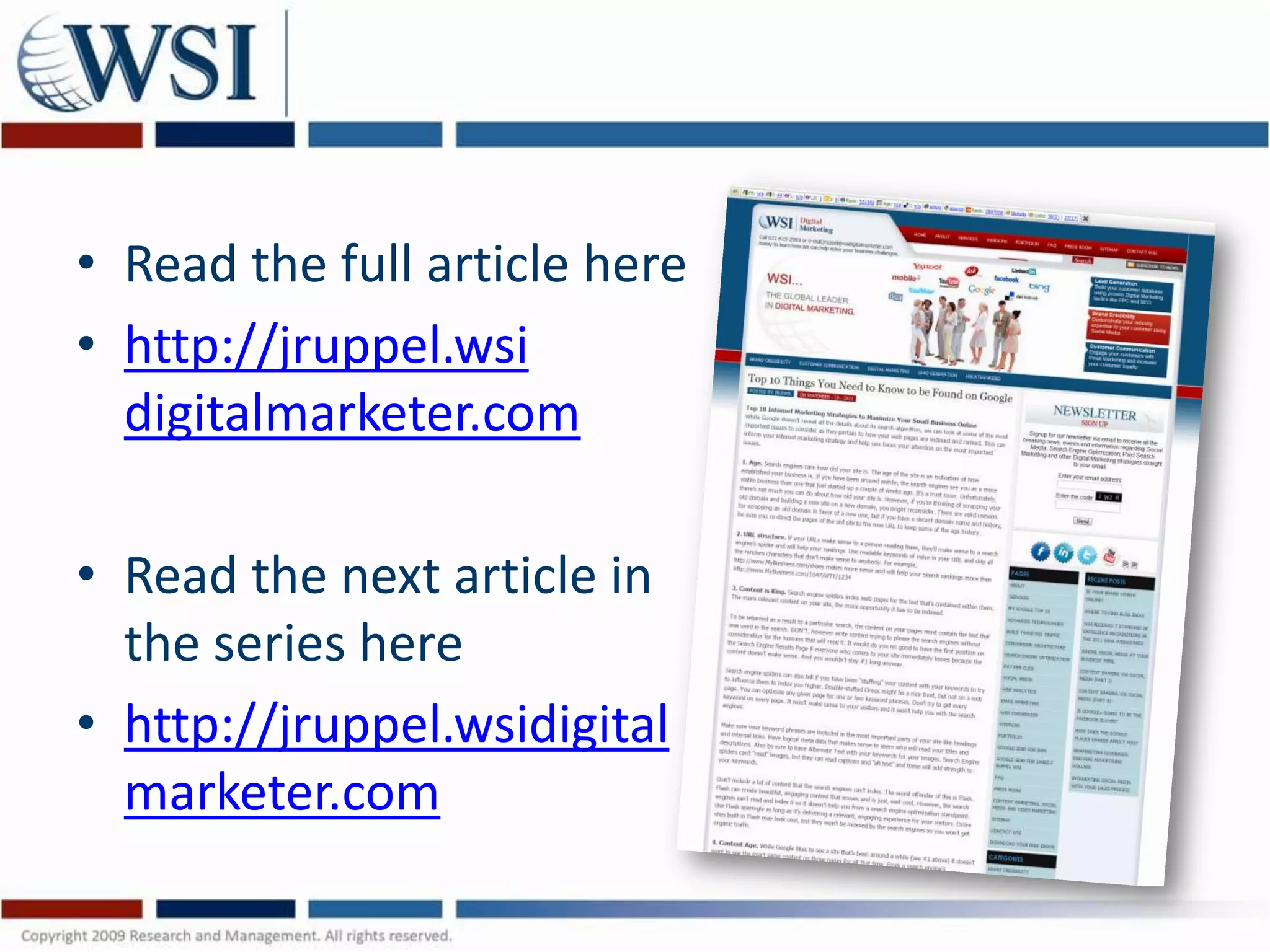
• Read the full article here
• http://jruppel.wsi
  digitalmarketer.com

• Read the next article in
  the series here
• http://jruppel.wsidigital
  marketer.com

Top 10 Ways to be Found on Google

  • 1.
    Top Ten Ways tobe Found on Google James Ruppel 631-615-2983 jruppel@wsidigitalmarketer.com http://jruppel.wsidigitalmarketer.com
  • 2.
    State of InternetMarketing • 100s or more pieces ranked by Google to determine position on Results Page • My personal Top 10 for business • Help inform your Internet Marketing Strategy
  • 3.
    #1 Site Age •Google respects older sites • Shows business is established • It’s a Trust thing • Can’t change your site age • Think 2x before scrapping old URL • If you do, be sure to re-direct old URLs to new site
  • 4.
    #2 Link Structure •Use your keywords in your URL • URLs should make sense to a human • If they make sense to human, they’ll make sense to the search engine spiders/bots • Scrap random characters in URLs – http://www.MyBusiness.com/shoes – NOT http://www.MyBusiness.com/9876ZYX_WTF
  • 5.
    #3 Content isKing (1) • Search Engines index words • More is better – to a point • Write for your target market • Don’t write for Search Engines • Don’t “keyword stuff” • One or two keyword phrases per page • Make it engaging for your target audience/s – Answer the questions they went online for
  • 6.
    Content is King(2) • Start with Keyword Research • What words are your prospects typing into the search engines? • Use keywords in – Metadata – URLs – Headings – Internal links – Alt. Text
  • 7.
    Content is King(3) • Beware of “cool” stuff • Search Engines read text – Make sure pictures have alternate text for search engines – Use captions to describe photos for both visitors and search engines – Use Flash sparingly • Flash is “cool” but unless it serves a purpose, it’s just “window dressing”
  • 8.
    #4. Content Age •Google likes age on a site, but not in Content • Old content is “stale” • Indicates outdated content to search engines • Could indicate a site for a business that doesn’t exist any longer • Fresh, current content is critical for visitors AND search engines
  • 9.
    #5. Site Performance •Search engines look at what visitors • Visitors who leave quickly, or “bounce”, are not finding relevant information on your site • Search engines will “penalize” your site for poor visitor performance • Engage your visitor with your content, answer their questions and move them through your site with compelling conversion architecture
  • 10.
    #6. Internal Links •Tell your visitor where to go with internal links between pages – Lead them on an information journey to get them to do what you want them to do • Purchase a product, fill out a form, call you, etc. • Tell the search engine what keywords are important with internal links • Don’t link “click here”. Nobody is searching for “click here” (are you listening Adobe?)
  • 11.
    #7. External Links •It’s a popularity contest – Hang out with the popular crowd • Seek out links from other, popular sites • Sites should be logically related in some way – A women’s shoe store and a gas station have little in common and are not likely a relevant link • The more popular a site that links to you is, the more “link juice” they will pass on to you • Reciprocal linking is “out”
  • 12.
    #8. Trust • Itall comes down to Trust • Visitors are looking for reasons to trust you • Search engines are looking for reasons to trust • Prove you’re not using “black hat” techniques • Don’t try to “game” the system • Include confidence builders – Address, phone, email, testimonials, third-party emblems that your target market trust
  • 13.
    #9. Speed (1) •Google loves Speed – It even puts the speed it returns results right at the top of the search engine results page (next to the number of results it returned) • We’re all impatient • If your site loads slowly, you’ll be penalized by search engines AND visitors
  • 14.
    Speed (2) • Speed up your site • Get a fast host • Simplify your site • Get rid of speed hogging large elements • Use Cascading Style Sheets • Remove anything your don’t really need • Avoid nested tables • Don’t over-use Flash
  • 15.
    #10. Local Search(1) • Google placing greater emphasis on Local Search Results • Helps local business compete with the big boys • Use geo-modifiers to improve your local search results – City, State modifiers – Anything a searcher might use • “Cheapest Big Screen TVs on Long Island, NY”
  • 16.
    #10. Local Search(2) • Claim and Optimize your local “Places” – Google Places, Bing and Yahoo local, etc. – Ensure information is accurate – Add Photos, Videos – Get customers to add positive reviews • Claim your directory listings – Search for your business to see what listings are out there – Claim them, verify the information
  • 17.
    #10. Local Search(3) • Accuracy is Critical! • Make sure every one of your listings has exactly the same information in exactly the same format – It makes a difference if one listing has your address as “Street” and another has it as “St.” – Make sure all the phone numbers are the same – Be vigilant
  • 18.
    • Read thefull article here • http://jruppel.wsi digitalmarketer.com • Read the next article in the series here • http://jruppel.wsidigital marketer.com