








The Ugly Truth of
Technology Integration
Mark Fijor

The Cove School

Twitter- @newschooltech

ICE 2014
I’ll let you in on a secret
Technology integration is messy
The right mindset is key
Fixed Mindset

Growth Mindset

Desire

Look smart in every situation
and prove myself over and
over again. Never fail!

Stretch myself, take risks and
learn. Bring on the challenges!

Evaluation of
Situations

Will I succeed or fail?
Will I look smart or dumb?

Will this allow me to grow?
Will this help me overcome
some of my challenges?

Dealing With
Setbacks

“I’m a failure” (identity)
“I’m an idiot”

“I failed” (action)
“I’ll try harder next time”

Challenges

Avoid challenges, get
defensive or give up easily

Embrace challenges, persist in
the face of set-backs.

Success of
Others

Feel threatened by the
success of others. If you
succeed, then I fail.

Find lessons & inspiration in
other people’s success.
Isn’t this preaching to the choir?

What if I already have a Growth Mindset?
Help someone else make the shift

Simplify
Technological
Knowledge

Embrace the
Messiness

Empower
Your Students
Teachers do not have to be
experts in technology

Teachers need to be experts in teaching
with some knowledge of technology
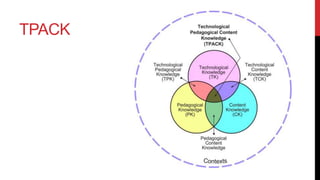
TPACK
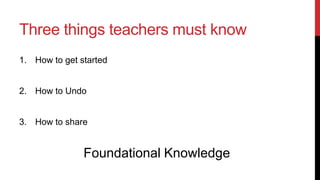
Three things teachers must know (TK)
1. How to get started

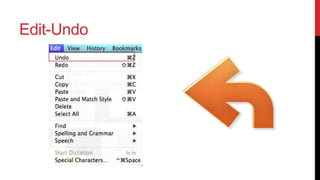
2. How to Undo

3. How to share

Foundational Technological Knowledge
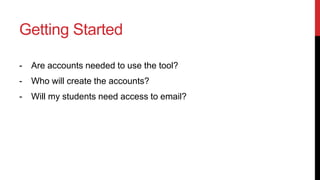
Getting Started
-

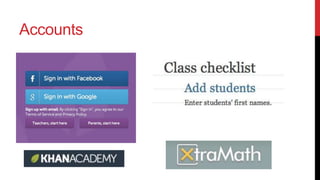
Are accounts needed to use the tool?

-

Who will create the accounts?

-

Will my students need access to email?
Accounts
No Accounts Needed

Ask 3
Requires
classroom Code
Edit-Undo
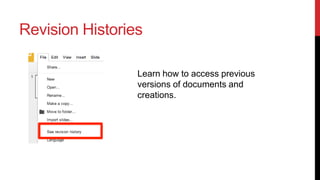
Revision Histories
Learn how to access previous
versions of documents and
creations.
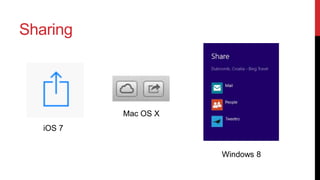
Sharing

Mac OS X
iOS 7
Windows 8
Sharing

Email

Dropbox
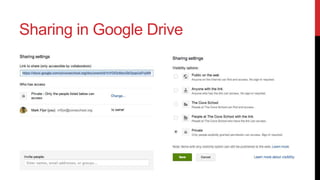
Sharing in Google Drive
Sharing to Social Media

YouTube

Vimeo

Twitter
Important Questions
-

What additional knowledge and skills will I need as a teacher?

-

What knowledge and skills will my students need to use this
tool?

-

What will the learning look like?
Embracing Messiness
Embracing Messiness
-

Build in time for free exploration for students.

-

Allow opportunities for discovery

-

Provide students opportunities to share what they’ve learned
during that process.
Embracing Messiness
- Develop technology skill “Boot Camp” lessons.
- 20 – 40 minutes in length depending on age.
Embracing Messiness
Design low-stakes activities for students to
practice new technology tools and skills

Example
Embracing Messiness
Mirror low-stakes activities to skills and
processes to be used on upcoming
assignments.
Boot Camp

Actual Lesson
Embracing Messiness

Look at lessons as prototypes.
Empower Students

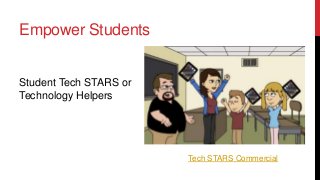
Student Tech STARS or
Technology Helpers

Tech STARS Commercial
Empower Students

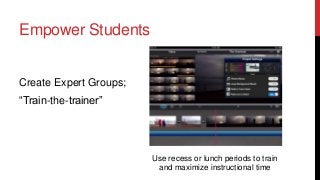
Create Expert Groups;
“Train-the-trainer”

Use recess or lunch periods to train
and maximize instructional time
Key Takeaways
Avoid designing lessons that ask kids to
use new technology skills while learning
new academic skills for the first time.
Key Takeaways
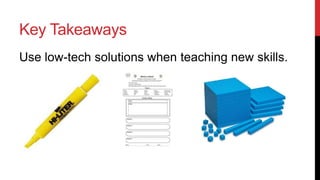
Use low-tech solutions when teaching new skills.
Key Takeaways
• FOCUS – Pick several tools and focus on them.
• Allow students to practice and build fluency using the tool.
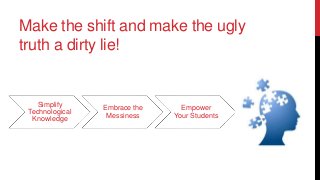
Make the shift and make the ugly
truth a dirty lie!

Simplify
Technological
Knowledge

Embrace the
Messiness

Empower
Your Students
Questions?
Contact Me:
Mark Fijor

Twitter - @newschooltech
Web- http://newschooltechnology.org

The Ugly Truth of Technology Integration