Ring Documentation, Release 1.9
39.2 odbc_drivers() Function
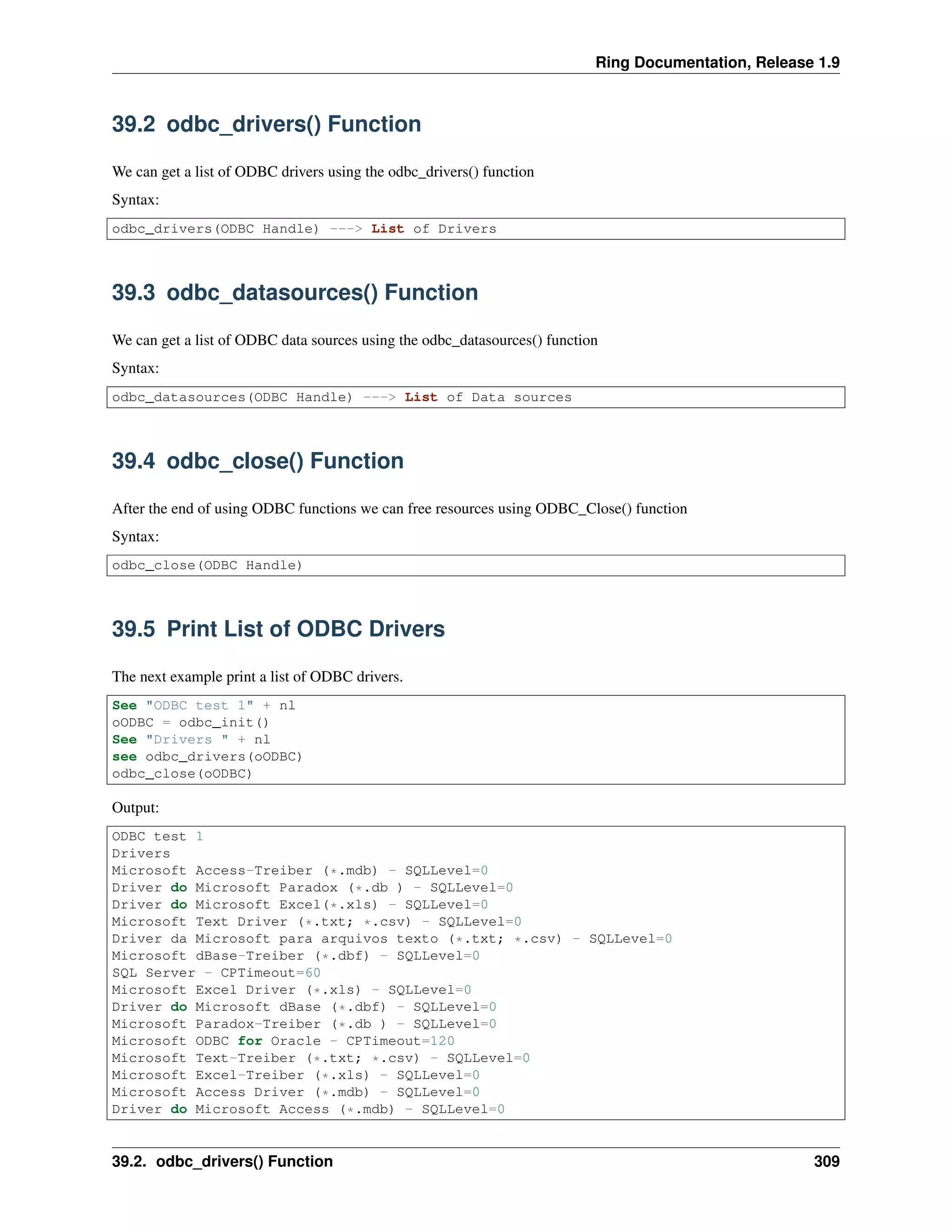
We can get a list of ODBC drivers using the odbc_drivers() function
Syntax:
odbc_drivers(ODBC Handle) ---> List of Drivers
39.3 odbc_datasources() Function
We can get a list of ODBC data sources using the odbc_datasources() function
Syntax:
odbc_datasources(ODBC Handle) ---> List of Data sources
39.4 odbc_close() Function
After the end of using ODBC functions we can free resources using ODBC_Close() function
Syntax:
odbc_close(ODBC Handle)
39.5 Print List of ODBC Drivers
The next example print a list of ODBC drivers.
See "ODBC test 1" + nl
oODBC = odbc_init()
See "Drivers " + nl
see odbc_drivers(oODBC)
odbc_close(oODBC)
Output:
ODBC test 1
Drivers
Microsoft Access-Treiber (*.mdb) - SQLLevel=0
Driver do Microsoft Paradox (*.db ) - SQLLevel=0
Driver do Microsoft Excel(*.xls) - SQLLevel=0
Microsoft Text Driver (*.txt; *.csv) - SQLLevel=0
Driver da Microsoft para arquivos texto (*.txt; *.csv) - SQLLevel=0
Microsoft dBase-Treiber (*.dbf) - SQLLevel=0
SQL Server - CPTimeout=60
Microsoft Excel Driver (*.xls) - SQLLevel=0
Driver do Microsoft dBase (*.dbf) - SQLLevel=0
Microsoft Paradox-Treiber (*.db ) - SQLLevel=0
Microsoft ODBC for Oracle - CPTimeout=120
Microsoft Text-Treiber (*.txt; *.csv) - SQLLevel=0
Microsoft Excel-Treiber (*.xls) - SQLLevel=0
Microsoft Access Driver (*.mdb) - SQLLevel=0
Driver do Microsoft Access (*.mdb) - SQLLevel=0
39.2. odbc_drivers() Function 309
Ring Documentation, Release 1.9
Microsoft Paradox Driver (*.db ) - SQLLevel=0
Microsoft dBase Driver (*.dbf) - SQLLevel=0
Microsoft Access Driver (*.mdb, *.accdb) - UsageCount=3
Microsoft Excel Driver (*.xls, *.xlsx, *.xlsm, *.xlsb) - UsageCount=3
Microsoft Access Text Driver (*.txt, *.csv) - UsageCount=3
SQL Server Native Client 10.0 - UsageCount=1
SQL Server Native Client 11.0 - UsageCount=1
Microsoft Access dBASE Driver (*.dbf, *.ndx, *.mdx) - UsageCount=3
Microsoft Access Paradox Driver (*.db) - UsageCount=3
MySQL ODBC 5.3 ANSI Driver - UsageCount=1
MySQL ODBC 5.3 Unicode Driver - UsageCount=1
ODBC Driver 11 for SQL Server - UsageCount=1
Lianja ODBC Driver - CPTimeout=60
Microsoft Visual FoxPro Driver - UsageCount=1
Microsoft Visual FoxPro-Treiber - UsageCount=1
Driver para o Microsoft Visual FoxPro - UsageCount=1
Microsoft FoxPro VFP Driver (*.dbf) - UsageCount=1
39.6 Print List of ODBC Data Sources
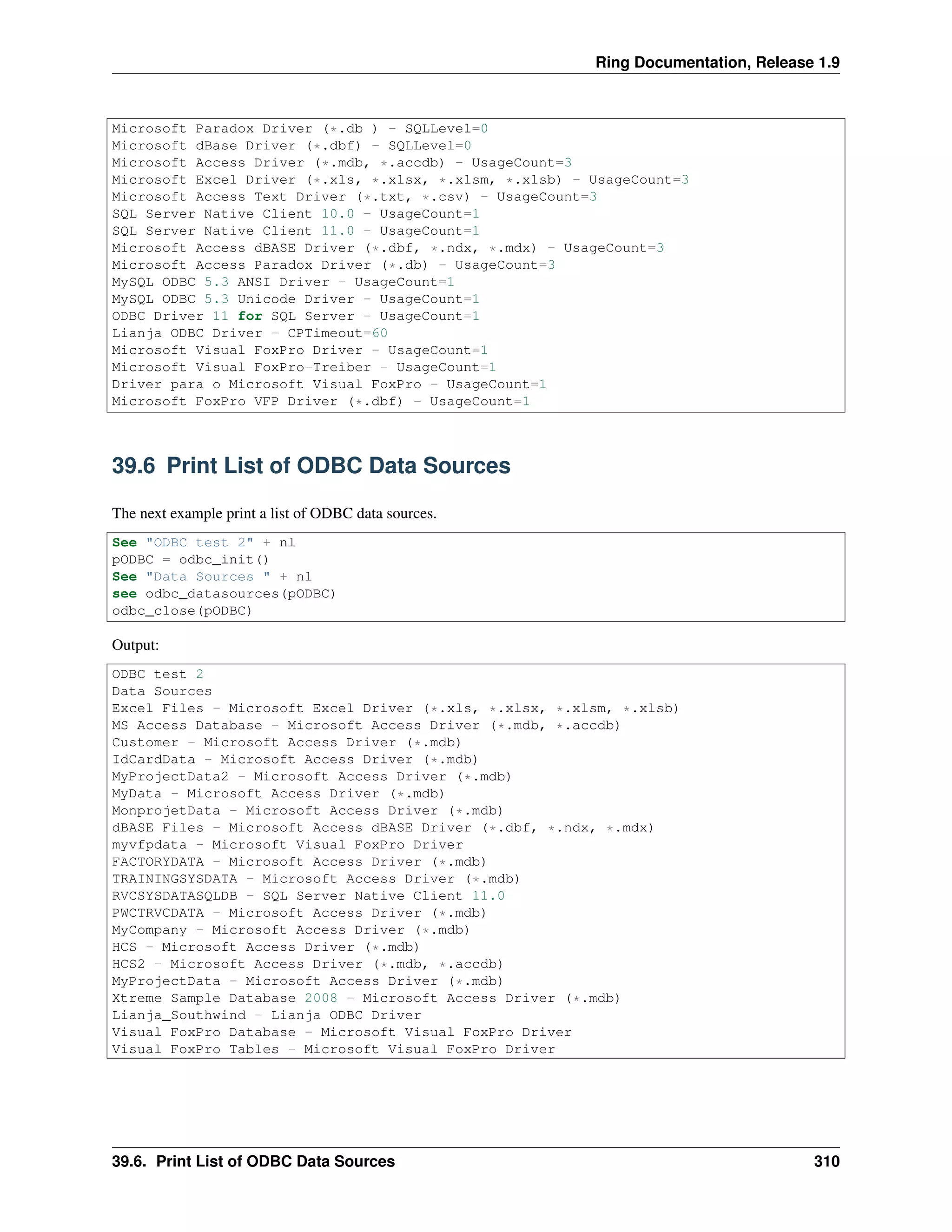
The next example print a list of ODBC data sources.
See "ODBC test 2" + nl
pODBC = odbc_init()
See "Data Sources " + nl
see odbc_datasources(pODBC)
odbc_close(pODBC)
Output:
ODBC test 2
Data Sources
Excel Files - Microsoft Excel Driver (*.xls, *.xlsx, *.xlsm, *.xlsb)
MS Access Database - Microsoft Access Driver (*.mdb, *.accdb)
Customer - Microsoft Access Driver (*.mdb)
IdCardData - Microsoft Access Driver (*.mdb)
MyProjectData2 - Microsoft Access Driver (*.mdb)
MyData - Microsoft Access Driver (*.mdb)
MonprojetData - Microsoft Access Driver (*.mdb)
dBASE Files - Microsoft Access dBASE Driver (*.dbf, *.ndx, *.mdx)
myvfpdata - Microsoft Visual FoxPro Driver
FACTORYDATA - Microsoft Access Driver (*.mdb)
TRAININGSYSDATA - Microsoft Access Driver (*.mdb)
RVCSYSDATASQLDB - SQL Server Native Client 11.0
PWCTRVCDATA - Microsoft Access Driver (*.mdb)
MyCompany - Microsoft Access Driver (*.mdb)
HCS - Microsoft Access Driver (*.mdb)
HCS2 - Microsoft Access Driver (*.mdb, *.accdb)
MyProjectData - Microsoft Access Driver (*.mdb)
Xtreme Sample Database 2008 - Microsoft Access Driver (*.mdb)
Lianja_Southwind - Lianja ODBC Driver
Visual FoxPro Database - Microsoft Visual FoxPro Driver
Visual FoxPro Tables - Microsoft Visual FoxPro Driver
39.6. Print List of ODBC Data Sources 310
Ring Documentation, Release 1.9
39.7 odbc_connect() Function
We can connect to the database using the odbc_connect() function.
Syntax:
odbc_connect(ODBC Handle, cConnectionString)
39.8 odbc_disconnect() Function
We can close the connection to the database using the odbc_disconnect() function.
Syntax:
odbc_disconnect(ODBC Handle)
39.9 Open and Close Connection
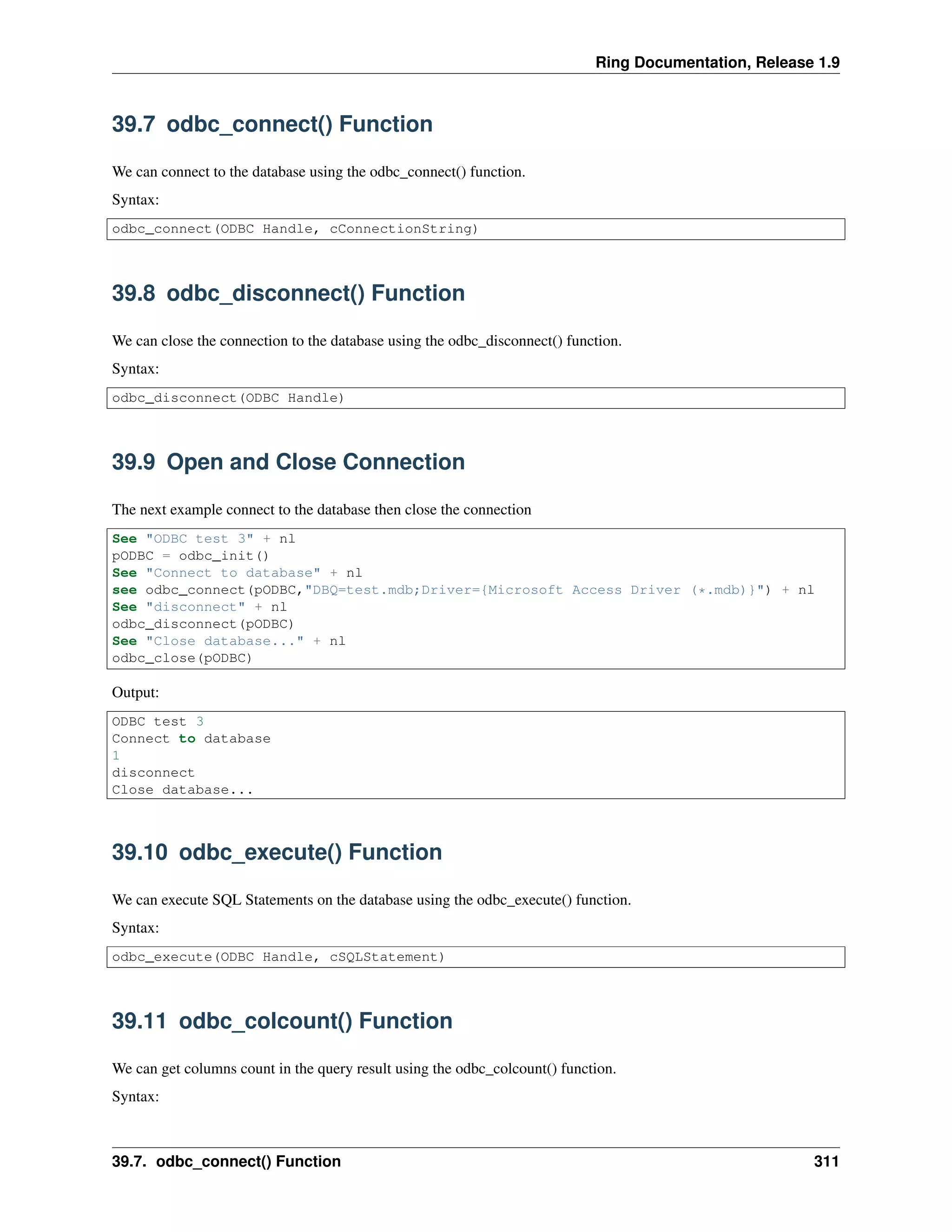
The next example connect to the database then close the connection
See "ODBC test 3" + nl
pODBC = odbc_init()
See "Connect to database" + nl
see odbc_connect(pODBC,"DBQ=test.mdb;Driver={Microsoft Access Driver (*.mdb)}") + nl
See "disconnect" + nl
odbc_disconnect(pODBC)
See "Close database..." + nl
odbc_close(pODBC)
Output:
ODBC test 3
Connect to database
1
disconnect
Close database...
39.10 odbc_execute() Function
We can execute SQL Statements on the database using the odbc_execute() function.
Syntax:
odbc_execute(ODBC Handle, cSQLStatement)
39.11 odbc_colcount() Function
We can get columns count in the query result using the odbc_colcount() function.
Syntax:
39.7. odbc_connect() Function 311
Ring Documentation, Release 1.9
odbc_colcount(ODBC Handle) ---> Columns Count as Number
39.12 odbc_fetch() Function
We can fetch a row from the query result using the odbc_fetch() function.
Syntax:
odbc_fetch(ODBC Handle)
39.13 odbc_getdata() Function
We can get column value from the fetched row using the odbc_getdata() function.
Syntax:
odbc_getdata(ODBC Handle, nColumnNumber) ---> Column Value
39.14 Execute Query and Print Result
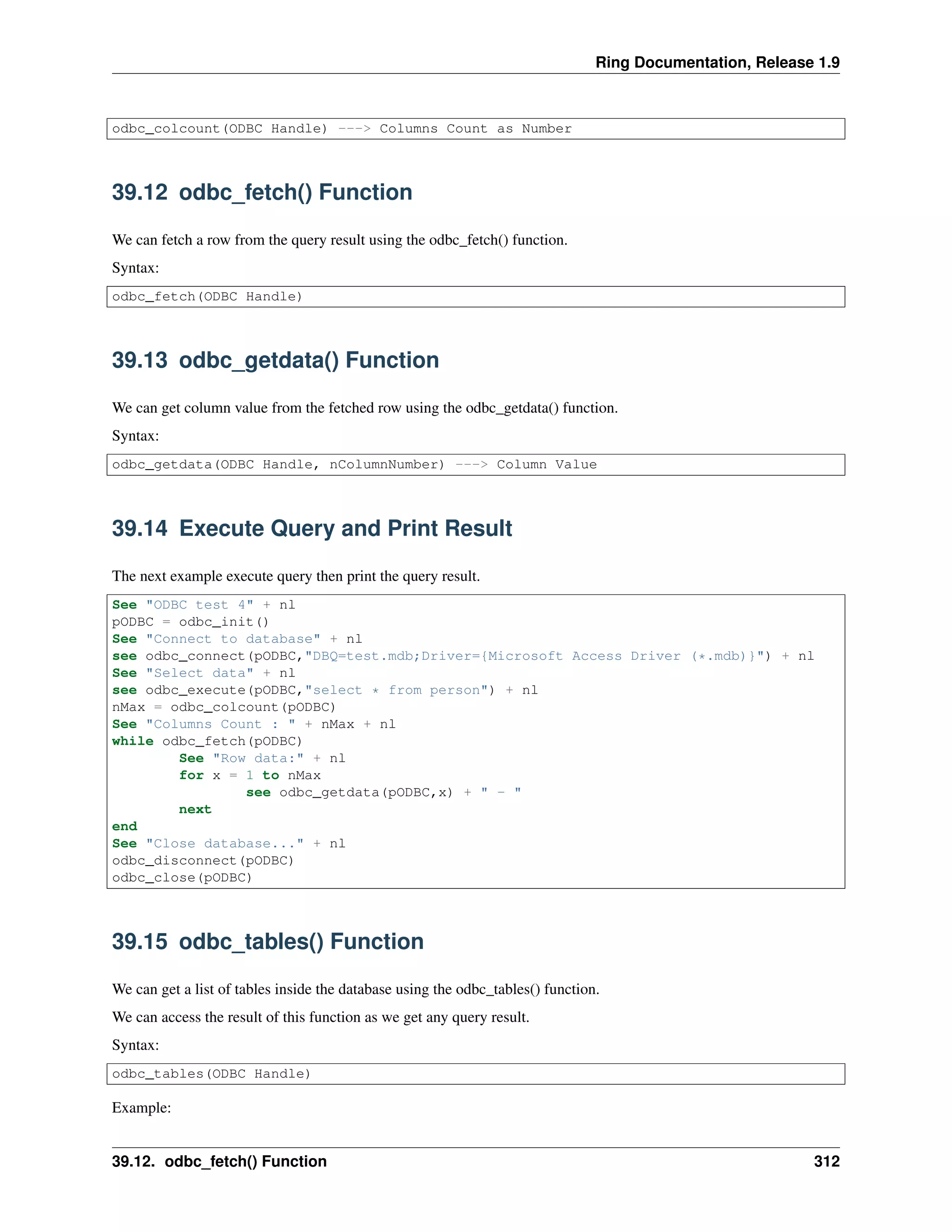
The next example execute query then print the query result.
See "ODBC test 4" + nl
pODBC = odbc_init()
See "Connect to database" + nl
see odbc_connect(pODBC,"DBQ=test.mdb;Driver={Microsoft Access Driver (*.mdb)}") + nl
See "Select data" + nl
see odbc_execute(pODBC,"select * from person") + nl
nMax = odbc_colcount(pODBC)
See "Columns Count : " + nMax + nl
while odbc_fetch(pODBC)
See "Row data:" + nl
for x = 1 to nMax
see odbc_getdata(pODBC,x) + " - "
next
end
See "Close database..." + nl
odbc_disconnect(pODBC)
odbc_close(pODBC)
39.15 odbc_tables() Function
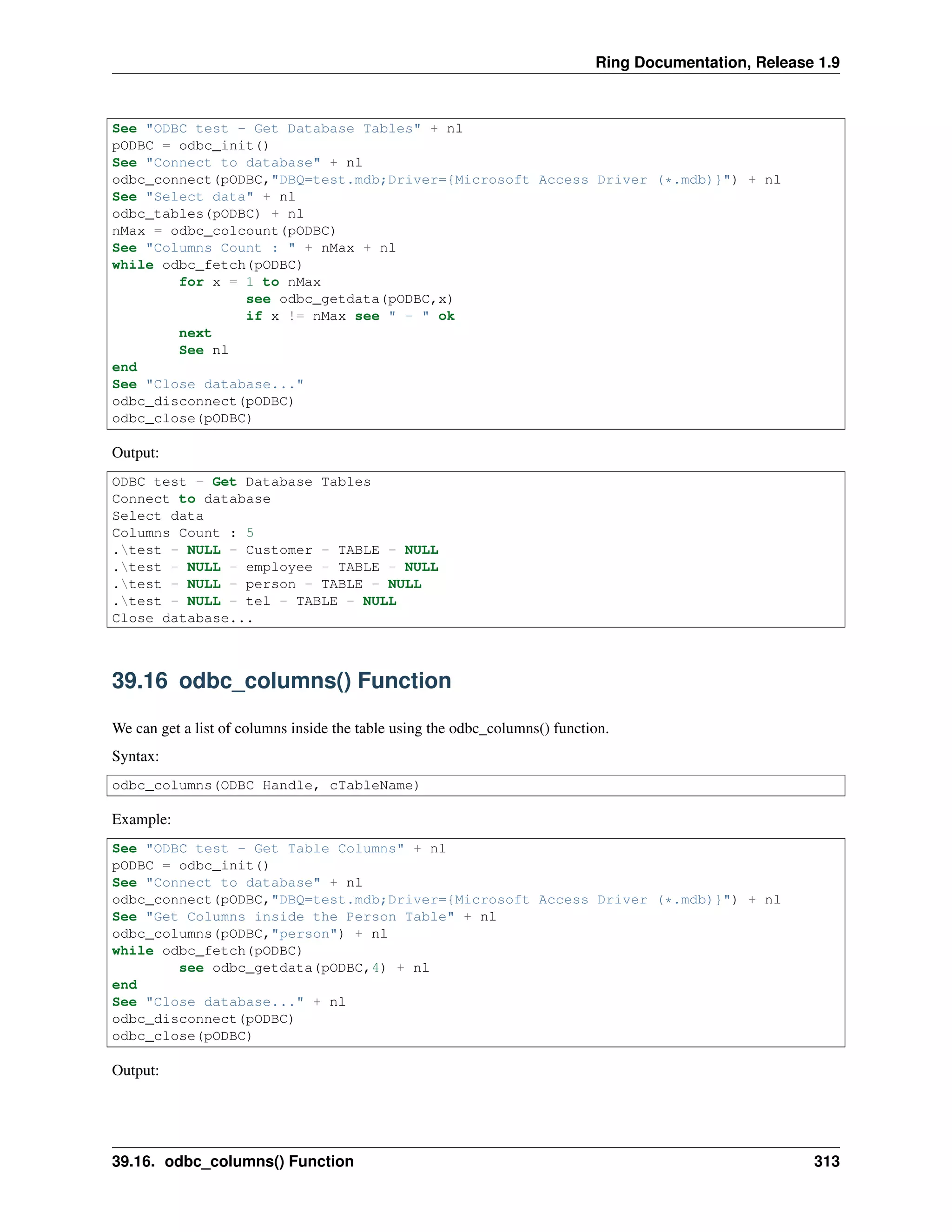
We can get a list of tables inside the database using the odbc_tables() function.
We can access the result of this function as we get any query result.
Syntax:
odbc_tables(ODBC Handle)
Example:
39.12. odbc_fetch() Function 312
Ring Documentation, Release 1.9
See "ODBC test - Get Database Tables" + nl
pODBC = odbc_init()
See "Connect to database" + nl
odbc_connect(pODBC,"DBQ=test.mdb;Driver={Microsoft Access Driver (*.mdb)}") + nl
See "Select data" + nl
odbc_tables(pODBC) + nl
nMax = odbc_colcount(pODBC)
See "Columns Count : " + nMax + nl
while odbc_fetch(pODBC)
for x = 1 to nMax
see odbc_getdata(pODBC,x)
if x != nMax see " - " ok
next
See nl
end
See "Close database..."
odbc_disconnect(pODBC)
odbc_close(pODBC)
Output:
ODBC test - Get Database Tables
Connect to database
Select data
Columns Count : 5
.test - NULL - Customer - TABLE - NULL
.test - NULL - employee - TABLE - NULL
.test - NULL - person - TABLE - NULL
.test - NULL - tel - TABLE - NULL
Close database...
39.16 odbc_columns() Function
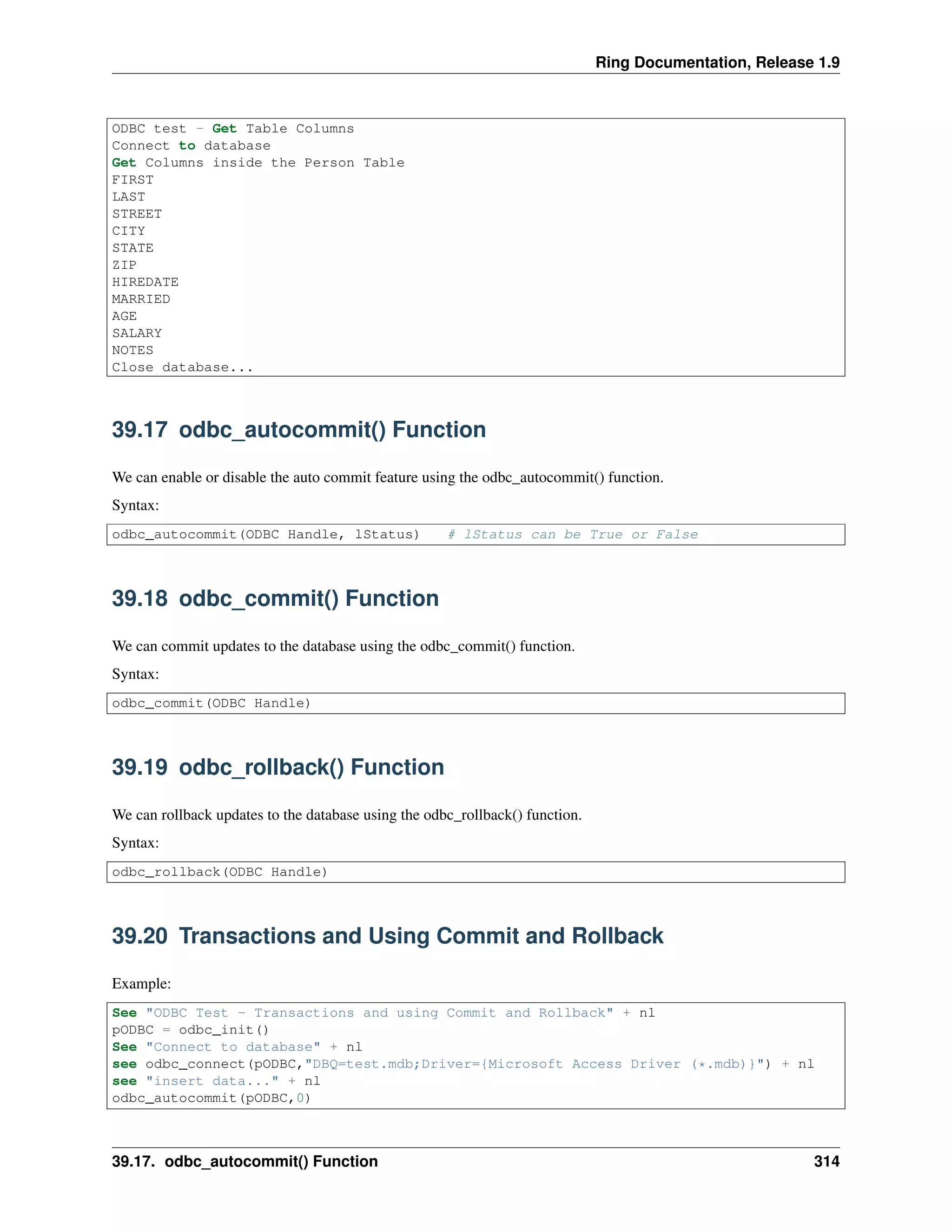
We can get a list of columns inside the table using the odbc_columns() function.
Syntax:
odbc_columns(ODBC Handle, cTableName)
Example:
See "ODBC test - Get Table Columns" + nl
pODBC = odbc_init()
See "Connect to database" + nl
odbc_connect(pODBC,"DBQ=test.mdb;Driver={Microsoft Access Driver (*.mdb)}") + nl
See "Get Columns inside the Person Table" + nl
odbc_columns(pODBC,"person") + nl
while odbc_fetch(pODBC)
see odbc_getdata(pODBC,4) + nl
end
See "Close database..." + nl
odbc_disconnect(pODBC)
odbc_close(pODBC)
Output:
39.16. odbc_columns() Function 313
Ring Documentation, Release 1.9
ODBC test - Get Table Columns
Connect to database
Get Columns inside the Person Table
FIRST
LAST
STREET
CITY
STATE
ZIP
HIREDATE
MARRIED
AGE
SALARY
NOTES
Close database...
39.17 odbc_autocommit() Function
We can enable or disable the auto commit feature using the odbc_autocommit() function.
Syntax:
odbc_autocommit(ODBC Handle, lStatus) # lStatus can be True or False
39.18 odbc_commit() Function
We can commit updates to the database using the odbc_commit() function.
Syntax:
odbc_commit(ODBC Handle)
39.19 odbc_rollback() Function
We can rollback updates to the database using the odbc_rollback() function.
Syntax:
odbc_rollback(ODBC Handle)
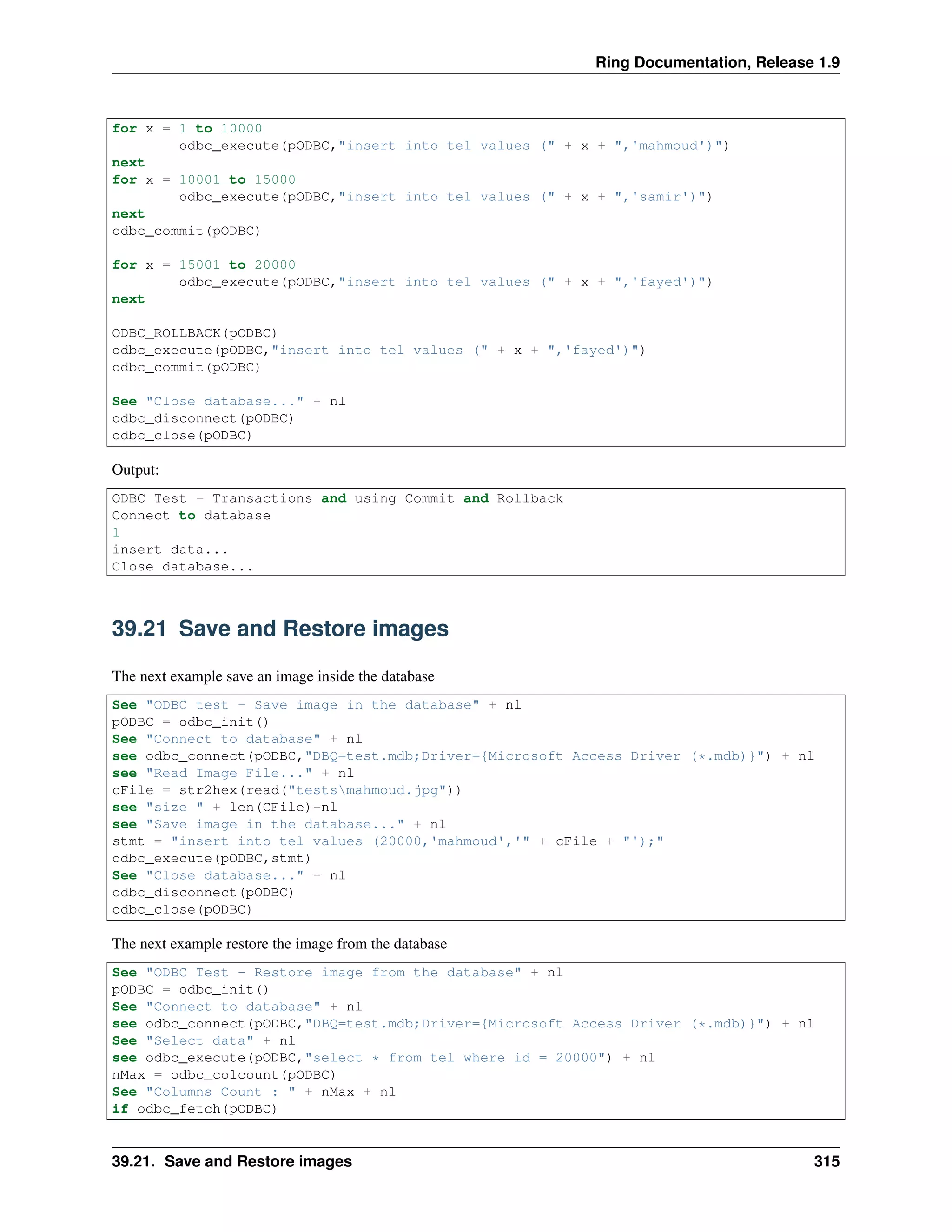
39.20 Transactions and Using Commit and Rollback
Example:
See "ODBC Test - Transactions and using Commit and Rollback" + nl
pODBC = odbc_init()
See "Connect to database" + nl
see odbc_connect(pODBC,"DBQ=test.mdb;Driver={Microsoft Access Driver (*.mdb)}") + nl
see "insert data..." + nl
odbc_autocommit(pODBC,0)
39.17. odbc_autocommit() Function 314
Ring Documentation, Release 1.9
for x = 1 to 10000
odbc_execute(pODBC,"insert into tel values (" + x + ",'mahmoud')")
next
for x = 10001 to 15000
odbc_execute(pODBC,"insert into tel values (" + x + ",'samir')")
next
odbc_commit(pODBC)
for x = 15001 to 20000
odbc_execute(pODBC,"insert into tel values (" + x + ",'fayed')")
next
ODBC_ROLLBACK(pODBC)
odbc_execute(pODBC,"insert into tel values (" + x + ",'fayed')")
odbc_commit(pODBC)
See "Close database..." + nl
odbc_disconnect(pODBC)
odbc_close(pODBC)
Output:
ODBC Test - Transactions and using Commit and Rollback
Connect to database
1
insert data...
Close database...
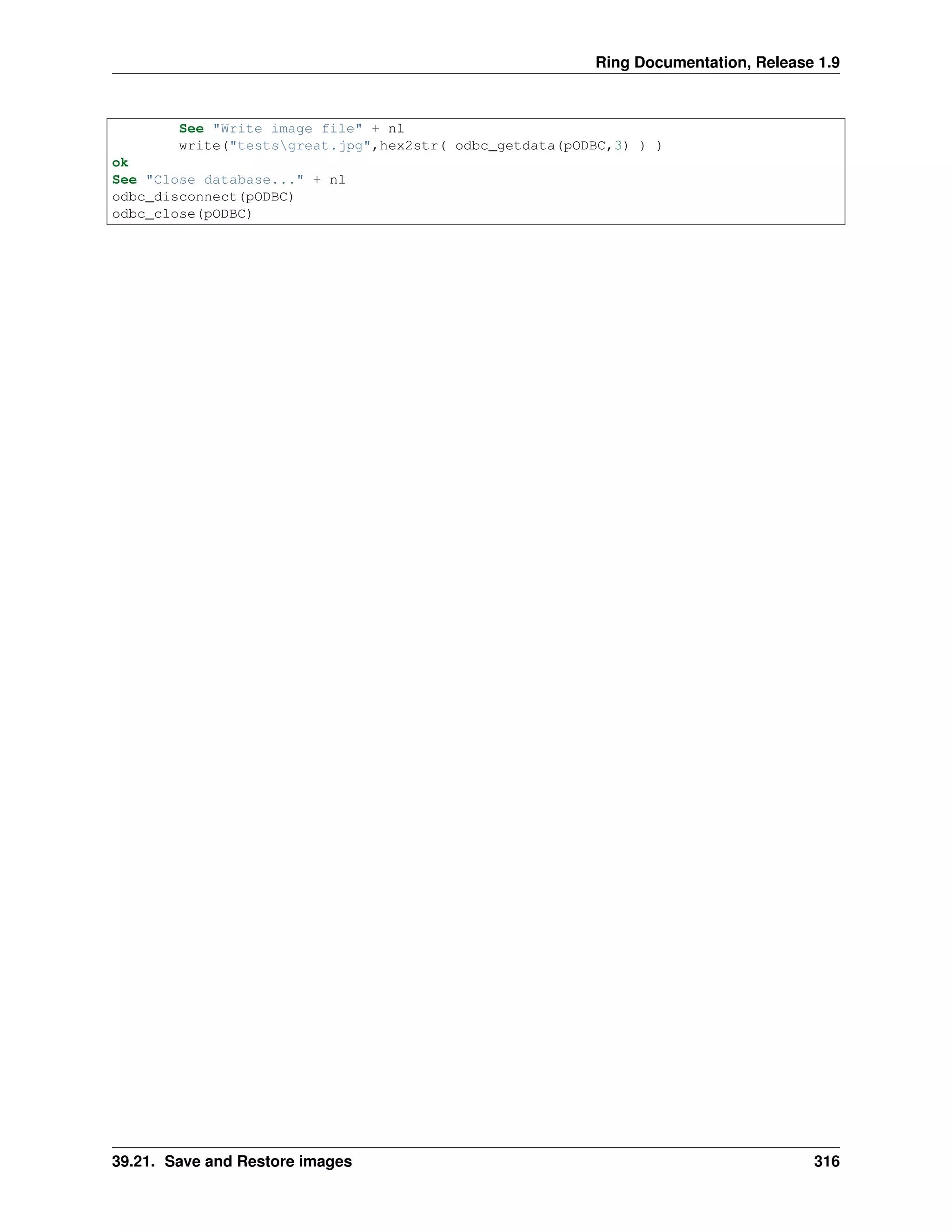
39.21 Save and Restore images
The next example save an image inside the database
See "ODBC test - Save image in the database" + nl
pODBC = odbc_init()
See "Connect to database" + nl
see odbc_connect(pODBC,"DBQ=test.mdb;Driver={Microsoft Access Driver (*.mdb)}") + nl
see "Read Image File..." + nl
cFile = str2hex(read("testsmahmoud.jpg"))
see "size " + len(CFile)+nl
see "Save image in the database..." + nl
stmt = "insert into tel values (20000,'mahmoud','" + cFile + "');"
odbc_execute(pODBC,stmt)
See "Close database..." + nl
odbc_disconnect(pODBC)
odbc_close(pODBC)
The next example restore the image from the database
See "ODBC Test - Restore image from the database" + nl
pODBC = odbc_init()
See "Connect to database" + nl
see odbc_connect(pODBC,"DBQ=test.mdb;Driver={Microsoft Access Driver (*.mdb)}") + nl
See "Select data" + nl
see odbc_execute(pODBC,"select * from tel where id = 20000") + nl
nMax = odbc_colcount(pODBC)
See "Columns Count : " + nMax + nl
if odbc_fetch(pODBC)
39.21. Save and Restore images 315
Ring Documentation, Release 1.9
See "Write image file" + nl
write("testsgreat.jpg",hex2str( odbc_getdata(pODBC,3) ) )
ok
See "Close database..." + nl
odbc_disconnect(pODBC)
odbc_close(pODBC)
39.21. Save and Restore images 316
CHAPTER
FORTY
MYSQL FUNCTIONS
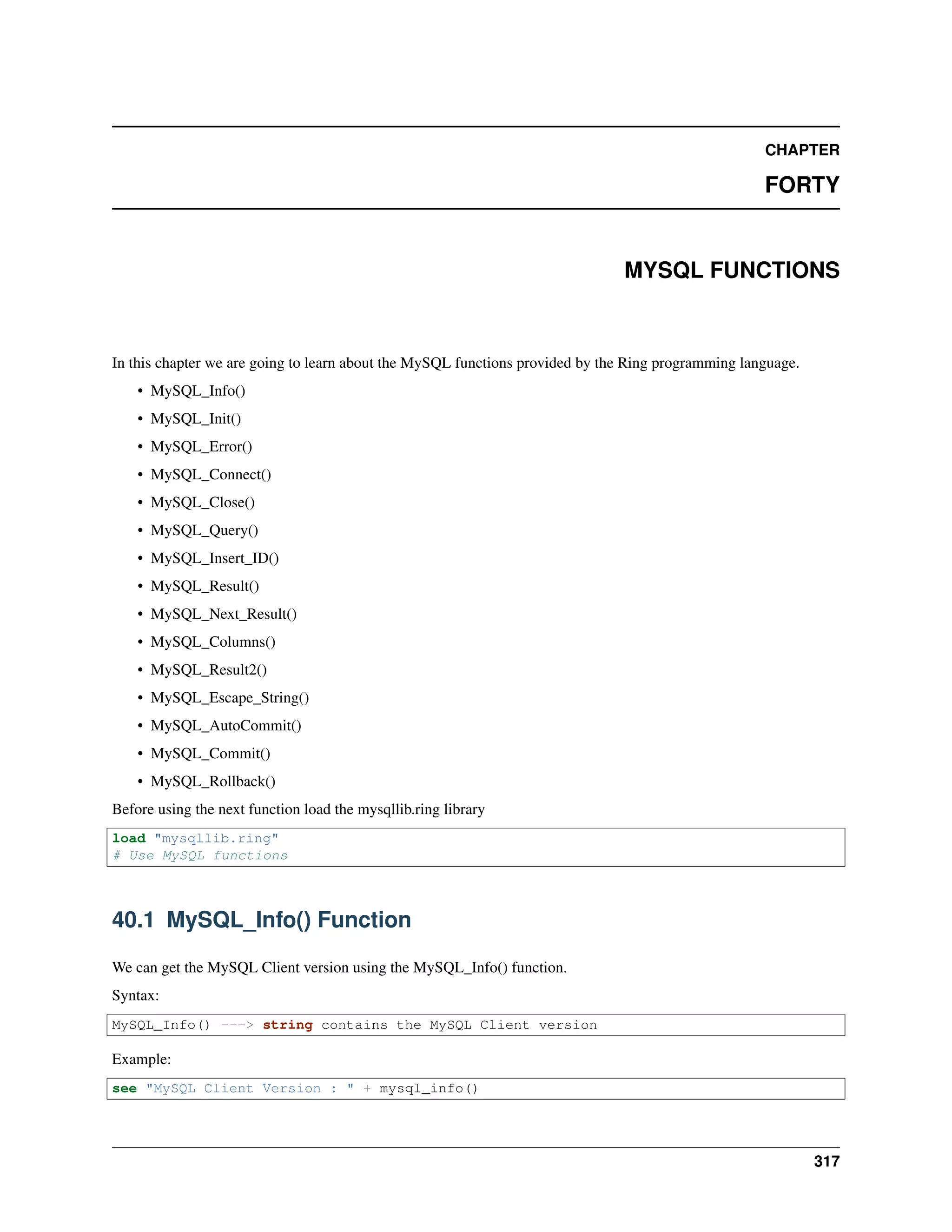
In this chapter we are going to learn about the MySQL functions provided by the Ring programming language.
• MySQL_Info()
• MySQL_Init()
• MySQL_Error()
• MySQL_Connect()
• MySQL_Close()
• MySQL_Query()
• MySQL_Insert_ID()
• MySQL_Result()
• MySQL_Next_Result()
• MySQL_Columns()
• MySQL_Result2()
• MySQL_Escape_String()
• MySQL_AutoCommit()
• MySQL_Commit()
• MySQL_Rollback()
Before using the next function load the mysqllib.ring library
load "mysqllib.ring"
# Use MySQL functions
40.1 MySQL_Info() Function
We can get the MySQL Client version using the MySQL_Info() function.
Syntax:
MySQL_Info() ---> string contains the MySQL Client version
Example:
see "MySQL Client Version : " + mysql_info()
317
Ring Documentation, Release 1.9
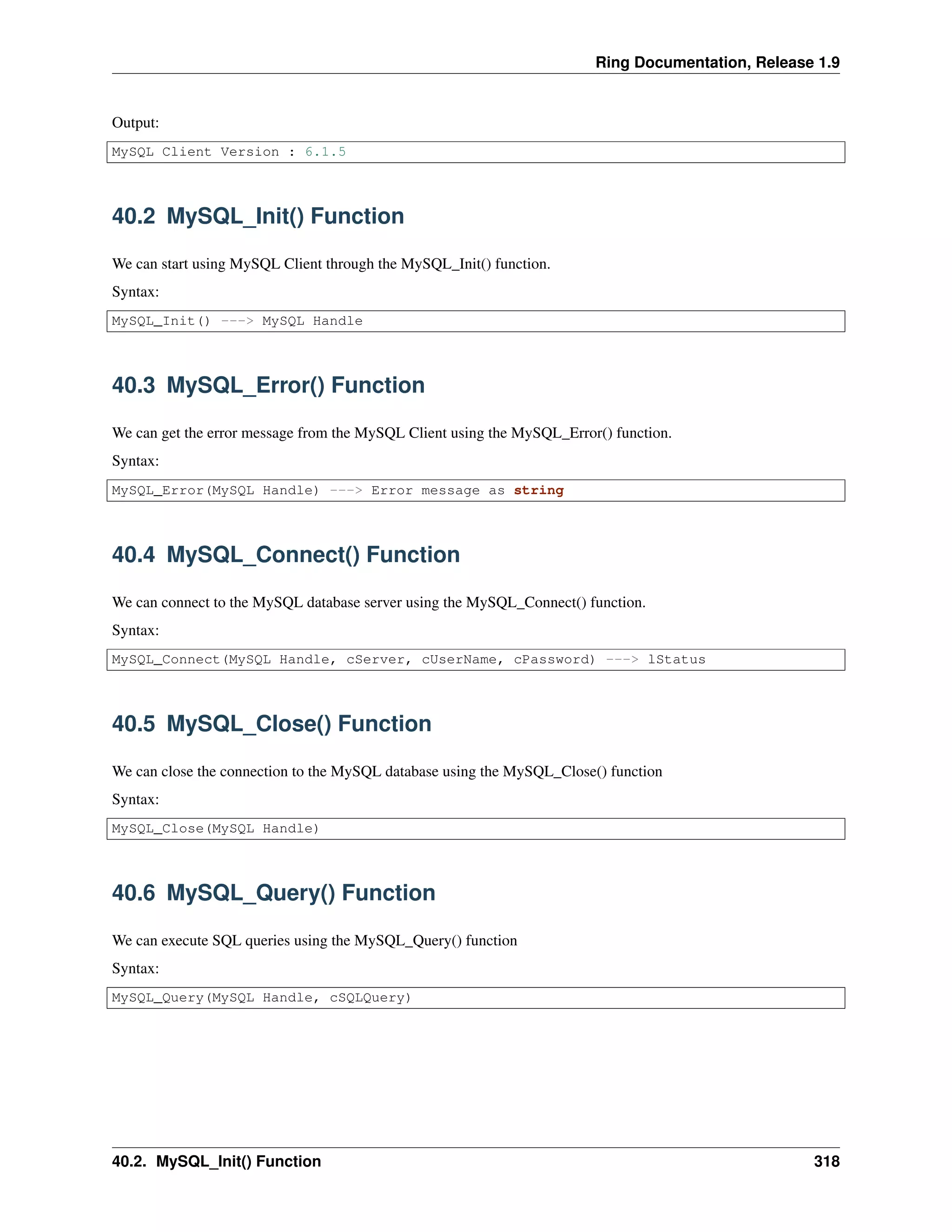
Output:
MySQL Client Version : 6.1.5
40.2 MySQL_Init() Function
We can start using MySQL Client through the MySQL_Init() function.
Syntax:
MySQL_Init() ---> MySQL Handle
40.3 MySQL_Error() Function
We can get the error message from the MySQL Client using the MySQL_Error() function.
Syntax:
MySQL_Error(MySQL Handle) ---> Error message as string
40.4 MySQL_Connect() Function
We can connect to the MySQL database server using the MySQL_Connect() function.
Syntax:
MySQL_Connect(MySQL Handle, cServer, cUserName, cPassword) ---> lStatus
40.5 MySQL_Close() Function
We can close the connection to the MySQL database using the MySQL_Close() function
Syntax:
MySQL_Close(MySQL Handle)
40.6 MySQL_Query() Function
We can execute SQL queries using the MySQL_Query() function
Syntax:
MySQL_Query(MySQL Handle, cSQLQuery)
40.2. MySQL_Init() Function 318

The Ring programming language version 1.9 book - Part 35 of 210

  • 1.
    Ring Documentation, Release1.9 39.2 odbc_drivers() Function We can get a list of ODBC drivers using the odbc_drivers() function Syntax: odbc_drivers(ODBC Handle) ---> List of Drivers 39.3 odbc_datasources() Function We can get a list of ODBC data sources using the odbc_datasources() function Syntax: odbc_datasources(ODBC Handle) ---> List of Data sources 39.4 odbc_close() Function After the end of using ODBC functions we can free resources using ODBC_Close() function Syntax: odbc_close(ODBC Handle) 39.5 Print List of ODBC Drivers The next example print a list of ODBC drivers. See "ODBC test 1" + nl oODBC = odbc_init() See "Drivers " + nl see odbc_drivers(oODBC) odbc_close(oODBC) Output: ODBC test 1 Drivers Microsoft Access-Treiber (*.mdb) - SQLLevel=0 Driver do Microsoft Paradox (*.db ) - SQLLevel=0 Driver do Microsoft Excel(*.xls) - SQLLevel=0 Microsoft Text Driver (*.txt; *.csv) - SQLLevel=0 Driver da Microsoft para arquivos texto (*.txt; *.csv) - SQLLevel=0 Microsoft dBase-Treiber (*.dbf) - SQLLevel=0 SQL Server - CPTimeout=60 Microsoft Excel Driver (*.xls) - SQLLevel=0 Driver do Microsoft dBase (*.dbf) - SQLLevel=0 Microsoft Paradox-Treiber (*.db ) - SQLLevel=0 Microsoft ODBC for Oracle - CPTimeout=120 Microsoft Text-Treiber (*.txt; *.csv) - SQLLevel=0 Microsoft Excel-Treiber (*.xls) - SQLLevel=0 Microsoft Access Driver (*.mdb) - SQLLevel=0 Driver do Microsoft Access (*.mdb) - SQLLevel=0 39.2. odbc_drivers() Function 309
  • 2.
    Ring Documentation, Release1.9 Microsoft Paradox Driver (*.db ) - SQLLevel=0 Microsoft dBase Driver (*.dbf) - SQLLevel=0 Microsoft Access Driver (*.mdb, *.accdb) - UsageCount=3 Microsoft Excel Driver (*.xls, *.xlsx, *.xlsm, *.xlsb) - UsageCount=3 Microsoft Access Text Driver (*.txt, *.csv) - UsageCount=3 SQL Server Native Client 10.0 - UsageCount=1 SQL Server Native Client 11.0 - UsageCount=1 Microsoft Access dBASE Driver (*.dbf, *.ndx, *.mdx) - UsageCount=3 Microsoft Access Paradox Driver (*.db) - UsageCount=3 MySQL ODBC 5.3 ANSI Driver - UsageCount=1 MySQL ODBC 5.3 Unicode Driver - UsageCount=1 ODBC Driver 11 for SQL Server - UsageCount=1 Lianja ODBC Driver - CPTimeout=60 Microsoft Visual FoxPro Driver - UsageCount=1 Microsoft Visual FoxPro-Treiber - UsageCount=1 Driver para o Microsoft Visual FoxPro - UsageCount=1 Microsoft FoxPro VFP Driver (*.dbf) - UsageCount=1 39.6 Print List of ODBC Data Sources The next example print a list of ODBC data sources. See "ODBC test 2" + nl pODBC = odbc_init() See "Data Sources " + nl see odbc_datasources(pODBC) odbc_close(pODBC) Output: ODBC test 2 Data Sources Excel Files - Microsoft Excel Driver (*.xls, *.xlsx, *.xlsm, *.xlsb) MS Access Database - Microsoft Access Driver (*.mdb, *.accdb) Customer - Microsoft Access Driver (*.mdb) IdCardData - Microsoft Access Driver (*.mdb) MyProjectData2 - Microsoft Access Driver (*.mdb) MyData - Microsoft Access Driver (*.mdb) MonprojetData - Microsoft Access Driver (*.mdb) dBASE Files - Microsoft Access dBASE Driver (*.dbf, *.ndx, *.mdx) myvfpdata - Microsoft Visual FoxPro Driver FACTORYDATA - Microsoft Access Driver (*.mdb) TRAININGSYSDATA - Microsoft Access Driver (*.mdb) RVCSYSDATASQLDB - SQL Server Native Client 11.0 PWCTRVCDATA - Microsoft Access Driver (*.mdb) MyCompany - Microsoft Access Driver (*.mdb) HCS - Microsoft Access Driver (*.mdb) HCS2 - Microsoft Access Driver (*.mdb, *.accdb) MyProjectData - Microsoft Access Driver (*.mdb) Xtreme Sample Database 2008 - Microsoft Access Driver (*.mdb) Lianja_Southwind - Lianja ODBC Driver Visual FoxPro Database - Microsoft Visual FoxPro Driver Visual FoxPro Tables - Microsoft Visual FoxPro Driver 39.6. Print List of ODBC Data Sources 310
  • 3.
    Ring Documentation, Release1.9 39.7 odbc_connect() Function We can connect to the database using the odbc_connect() function. Syntax: odbc_connect(ODBC Handle, cConnectionString) 39.8 odbc_disconnect() Function We can close the connection to the database using the odbc_disconnect() function. Syntax: odbc_disconnect(ODBC Handle) 39.9 Open and Close Connection The next example connect to the database then close the connection See "ODBC test 3" + nl pODBC = odbc_init() See "Connect to database" + nl see odbc_connect(pODBC,"DBQ=test.mdb;Driver={Microsoft Access Driver (*.mdb)}") + nl See "disconnect" + nl odbc_disconnect(pODBC) See "Close database..." + nl odbc_close(pODBC) Output: ODBC test 3 Connect to database 1 disconnect Close database... 39.10 odbc_execute() Function We can execute SQL Statements on the database using the odbc_execute() function. Syntax: odbc_execute(ODBC Handle, cSQLStatement) 39.11 odbc_colcount() Function We can get columns count in the query result using the odbc_colcount() function. Syntax: 39.7. odbc_connect() Function 311
  • 4.
    Ring Documentation, Release1.9 odbc_colcount(ODBC Handle) ---> Columns Count as Number 39.12 odbc_fetch() Function We can fetch a row from the query result using the odbc_fetch() function. Syntax: odbc_fetch(ODBC Handle) 39.13 odbc_getdata() Function We can get column value from the fetched row using the odbc_getdata() function. Syntax: odbc_getdata(ODBC Handle, nColumnNumber) ---> Column Value 39.14 Execute Query and Print Result The next example execute query then print the query result. See "ODBC test 4" + nl pODBC = odbc_init() See "Connect to database" + nl see odbc_connect(pODBC,"DBQ=test.mdb;Driver={Microsoft Access Driver (*.mdb)}") + nl See "Select data" + nl see odbc_execute(pODBC,"select * from person") + nl nMax = odbc_colcount(pODBC) See "Columns Count : " + nMax + nl while odbc_fetch(pODBC) See "Row data:" + nl for x = 1 to nMax see odbc_getdata(pODBC,x) + " - " next end See "Close database..." + nl odbc_disconnect(pODBC) odbc_close(pODBC) 39.15 odbc_tables() Function We can get a list of tables inside the database using the odbc_tables() function. We can access the result of this function as we get any query result. Syntax: odbc_tables(ODBC Handle) Example: 39.12. odbc_fetch() Function 312
  • 5.
    Ring Documentation, Release1.9 See "ODBC test - Get Database Tables" + nl pODBC = odbc_init() See "Connect to database" + nl odbc_connect(pODBC,"DBQ=test.mdb;Driver={Microsoft Access Driver (*.mdb)}") + nl See "Select data" + nl odbc_tables(pODBC) + nl nMax = odbc_colcount(pODBC) See "Columns Count : " + nMax + nl while odbc_fetch(pODBC) for x = 1 to nMax see odbc_getdata(pODBC,x) if x != nMax see " - " ok next See nl end See "Close database..." odbc_disconnect(pODBC) odbc_close(pODBC) Output: ODBC test - Get Database Tables Connect to database Select data Columns Count : 5 .test - NULL - Customer - TABLE - NULL .test - NULL - employee - TABLE - NULL .test - NULL - person - TABLE - NULL .test - NULL - tel - TABLE - NULL Close database... 39.16 odbc_columns() Function We can get a list of columns inside the table using the odbc_columns() function. Syntax: odbc_columns(ODBC Handle, cTableName) Example: See "ODBC test - Get Table Columns" + nl pODBC = odbc_init() See "Connect to database" + nl odbc_connect(pODBC,"DBQ=test.mdb;Driver={Microsoft Access Driver (*.mdb)}") + nl See "Get Columns inside the Person Table" + nl odbc_columns(pODBC,"person") + nl while odbc_fetch(pODBC) see odbc_getdata(pODBC,4) + nl end See "Close database..." + nl odbc_disconnect(pODBC) odbc_close(pODBC) Output: 39.16. odbc_columns() Function 313
  • 6.
    Ring Documentation, Release1.9 ODBC test - Get Table Columns Connect to database Get Columns inside the Person Table FIRST LAST STREET CITY STATE ZIP HIREDATE MARRIED AGE SALARY NOTES Close database... 39.17 odbc_autocommit() Function We can enable or disable the auto commit feature using the odbc_autocommit() function. Syntax: odbc_autocommit(ODBC Handle, lStatus) # lStatus can be True or False 39.18 odbc_commit() Function We can commit updates to the database using the odbc_commit() function. Syntax: odbc_commit(ODBC Handle) 39.19 odbc_rollback() Function We can rollback updates to the database using the odbc_rollback() function. Syntax: odbc_rollback(ODBC Handle) 39.20 Transactions and Using Commit and Rollback Example: See "ODBC Test - Transactions and using Commit and Rollback" + nl pODBC = odbc_init() See "Connect to database" + nl see odbc_connect(pODBC,"DBQ=test.mdb;Driver={Microsoft Access Driver (*.mdb)}") + nl see "insert data..." + nl odbc_autocommit(pODBC,0) 39.17. odbc_autocommit() Function 314
  • 7.
    Ring Documentation, Release1.9 for x = 1 to 10000 odbc_execute(pODBC,"insert into tel values (" + x + ",'mahmoud')") next for x = 10001 to 15000 odbc_execute(pODBC,"insert into tel values (" + x + ",'samir')") next odbc_commit(pODBC) for x = 15001 to 20000 odbc_execute(pODBC,"insert into tel values (" + x + ",'fayed')") next ODBC_ROLLBACK(pODBC) odbc_execute(pODBC,"insert into tel values (" + x + ",'fayed')") odbc_commit(pODBC) See "Close database..." + nl odbc_disconnect(pODBC) odbc_close(pODBC) Output: ODBC Test - Transactions and using Commit and Rollback Connect to database 1 insert data... Close database... 39.21 Save and Restore images The next example save an image inside the database See "ODBC test - Save image in the database" + nl pODBC = odbc_init() See "Connect to database" + nl see odbc_connect(pODBC,"DBQ=test.mdb;Driver={Microsoft Access Driver (*.mdb)}") + nl see "Read Image File..." + nl cFile = str2hex(read("testsmahmoud.jpg")) see "size " + len(CFile)+nl see "Save image in the database..." + nl stmt = "insert into tel values (20000,'mahmoud','" + cFile + "');" odbc_execute(pODBC,stmt) See "Close database..." + nl odbc_disconnect(pODBC) odbc_close(pODBC) The next example restore the image from the database See "ODBC Test - Restore image from the database" + nl pODBC = odbc_init() See "Connect to database" + nl see odbc_connect(pODBC,"DBQ=test.mdb;Driver={Microsoft Access Driver (*.mdb)}") + nl See "Select data" + nl see odbc_execute(pODBC,"select * from tel where id = 20000") + nl nMax = odbc_colcount(pODBC) See "Columns Count : " + nMax + nl if odbc_fetch(pODBC) 39.21. Save and Restore images 315
  • 8.
    Ring Documentation, Release1.9 See "Write image file" + nl write("testsgreat.jpg",hex2str( odbc_getdata(pODBC,3) ) ) ok See "Close database..." + nl odbc_disconnect(pODBC) odbc_close(pODBC) 39.21. Save and Restore images 316
  • 9.
    CHAPTER FORTY MYSQL FUNCTIONS In thischapter we are going to learn about the MySQL functions provided by the Ring programming language. • MySQL_Info() • MySQL_Init() • MySQL_Error() • MySQL_Connect() • MySQL_Close() • MySQL_Query() • MySQL_Insert_ID() • MySQL_Result() • MySQL_Next_Result() • MySQL_Columns() • MySQL_Result2() • MySQL_Escape_String() • MySQL_AutoCommit() • MySQL_Commit() • MySQL_Rollback() Before using the next function load the mysqllib.ring library load "mysqllib.ring" # Use MySQL functions 40.1 MySQL_Info() Function We can get the MySQL Client version using the MySQL_Info() function. Syntax: MySQL_Info() ---> string contains the MySQL Client version Example: see "MySQL Client Version : " + mysql_info() 317
  • 10.
    Ring Documentation, Release1.9 Output: MySQL Client Version : 6.1.5 40.2 MySQL_Init() Function We can start using MySQL Client through the MySQL_Init() function. Syntax: MySQL_Init() ---> MySQL Handle 40.3 MySQL_Error() Function We can get the error message from the MySQL Client using the MySQL_Error() function. Syntax: MySQL_Error(MySQL Handle) ---> Error message as string 40.4 MySQL_Connect() Function We can connect to the MySQL database server using the MySQL_Connect() function. Syntax: MySQL_Connect(MySQL Handle, cServer, cUserName, cPassword) ---> lStatus 40.5 MySQL_Close() Function We can close the connection to the MySQL database using the MySQL_Close() function Syntax: MySQL_Close(MySQL Handle) 40.6 MySQL_Query() Function We can execute SQL queries using the MySQL_Query() function Syntax: MySQL_Query(MySQL Handle, cSQLQuery) 40.2. MySQL_Init() Function 318