The Invisible Reference Desk: Virtual Library Service May 26, 2009
What is  virtual reference service? “The delivery of personalized reference resources to users outside the physical library.” Source: Breeding, Marshall, “Providing Virtual Reference Service”,  Information Today , Vol. 18, Issue 4, April, 2001.
Why should my library  offer virtual reference? To help achieve your library’s mission To reverse declines in face-to-face requests for reference assistance To maintain the library’s patron base To reach a larger segment of the user community To provide resources regardless of time and location
What else can we do with virtual reference? Online Office Hours Online Library Instruction Online Programming Interviews with local authors, faculty members, etc.
Virtual Reference Formats Webliographies Pathfinders Ask A Services: Email and chat Frequently Asked Questions Information and referral
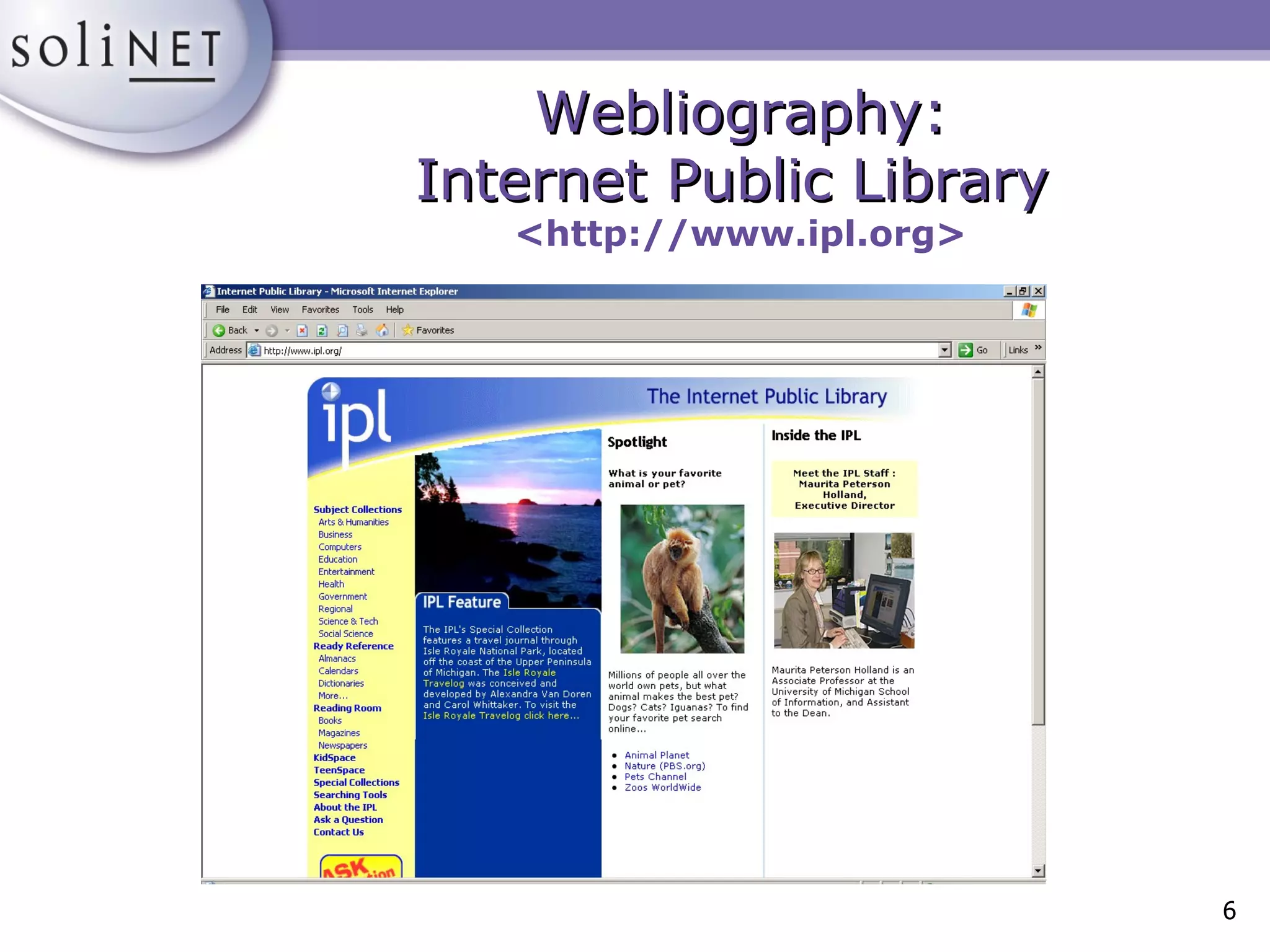
Webliography: Internet Public Library   <http://www.ipl.org>
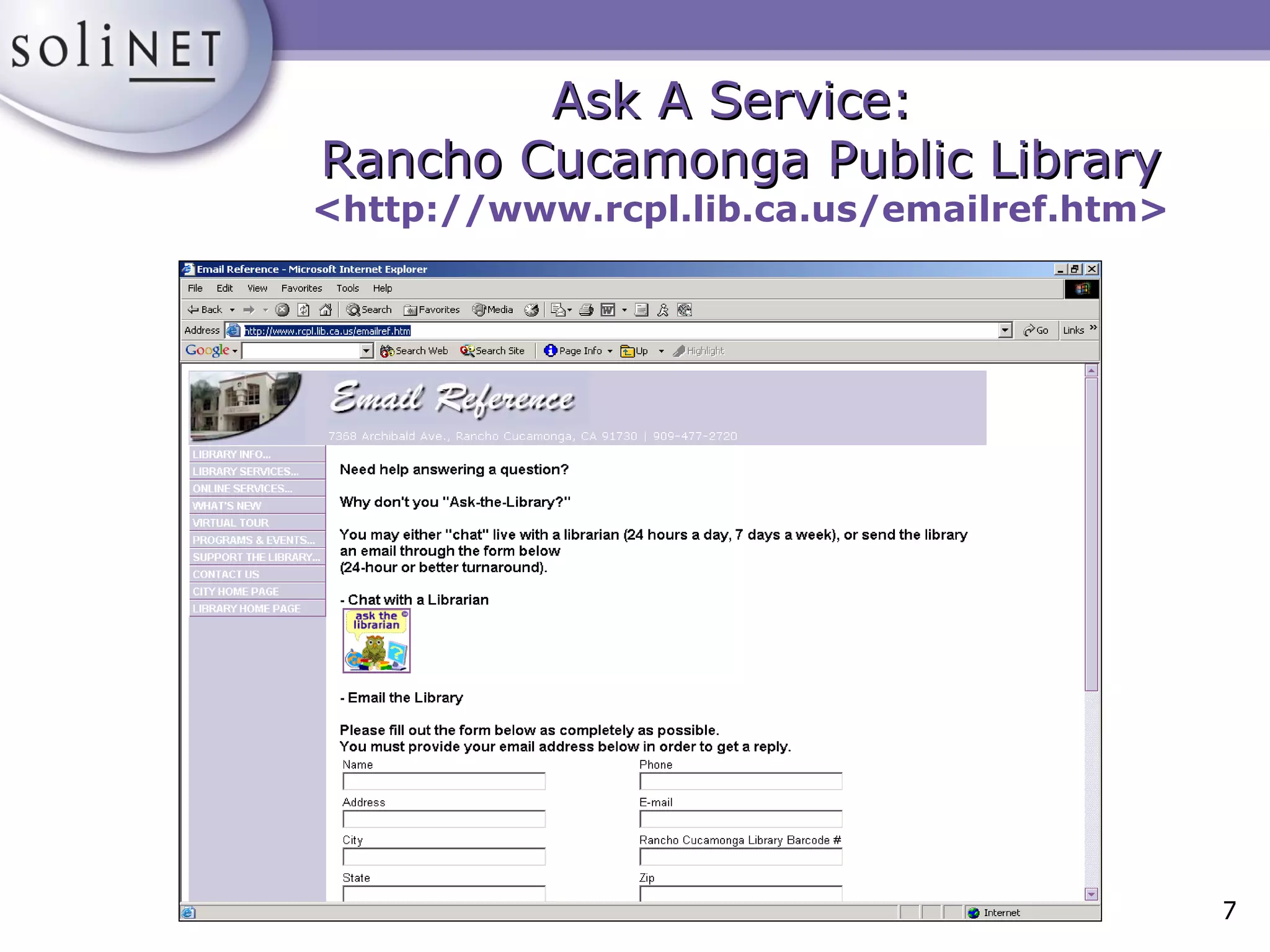
Ask A Service:  Rancho Cucamonga Public Library <http://www.rcpl.lib.ca.us/emailref.htm>
Getting Started Technical Requirements: Internet access Web browser Email program Web server Optional software
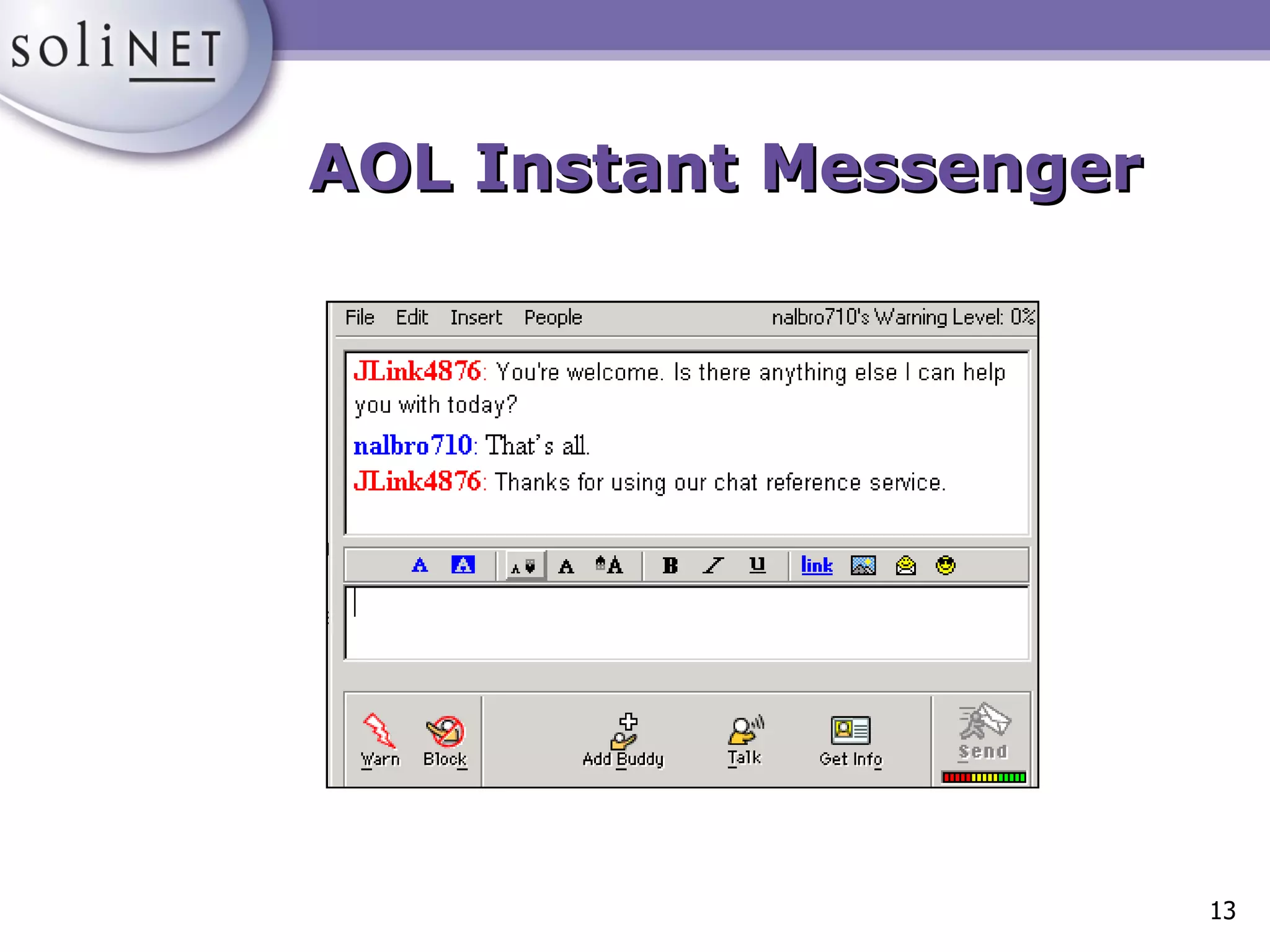
Instant Messaging “ A type of communications service that enables you to create a private chat room with another individual.  Typically, the instant messaging system alerts you whenever somebody on your private list is online. You can then initiate a chat session with that particular individual.” Source: Webopedia, <http://www.webopedia.com>
Some IM Services AOL Instant Messenger, www.aim.com Yahoo! Messenger, messenger.yahoo.com ICQ, web.icq.com MSN Messenger, messenger.msn.com All are free!
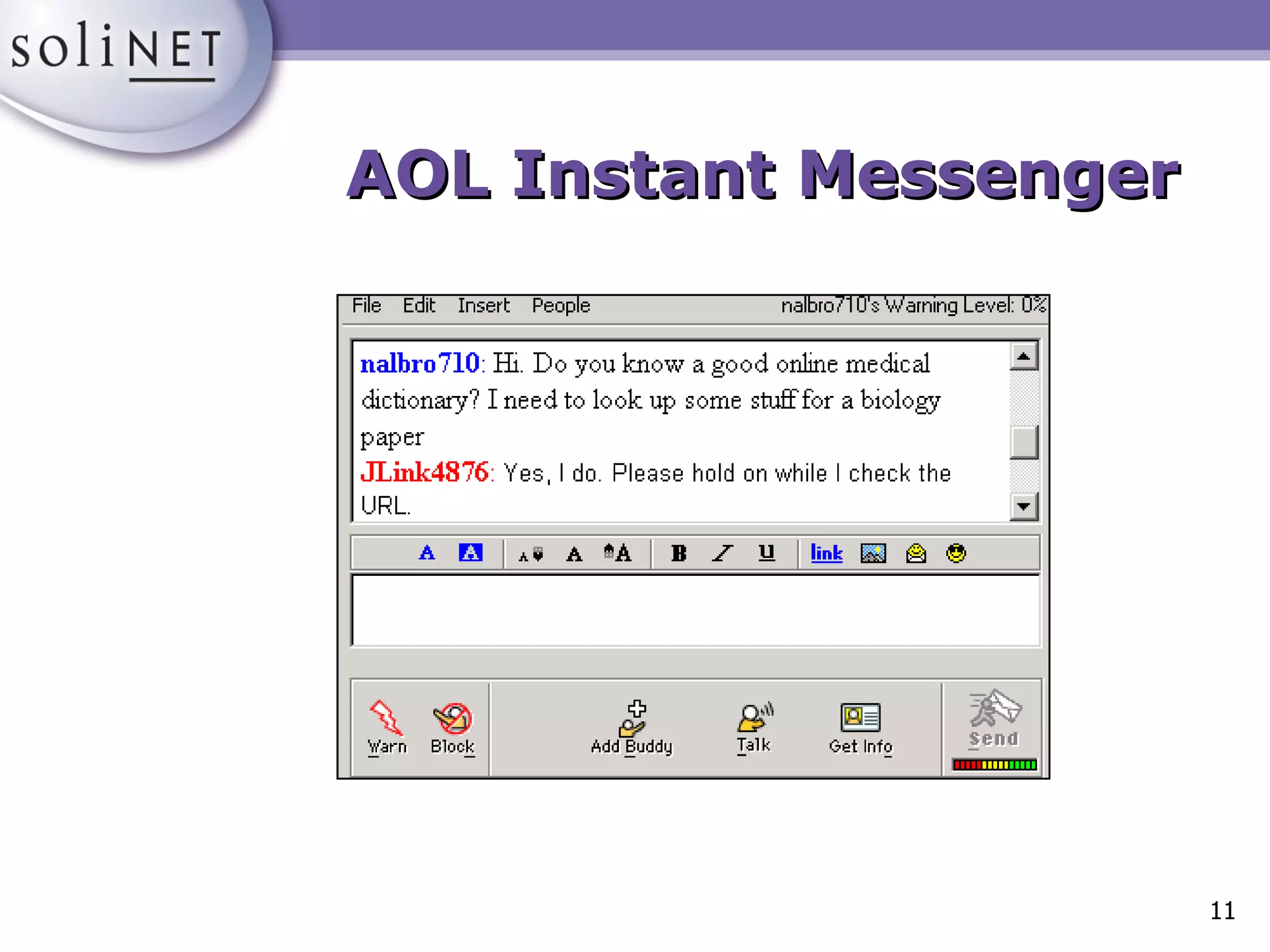
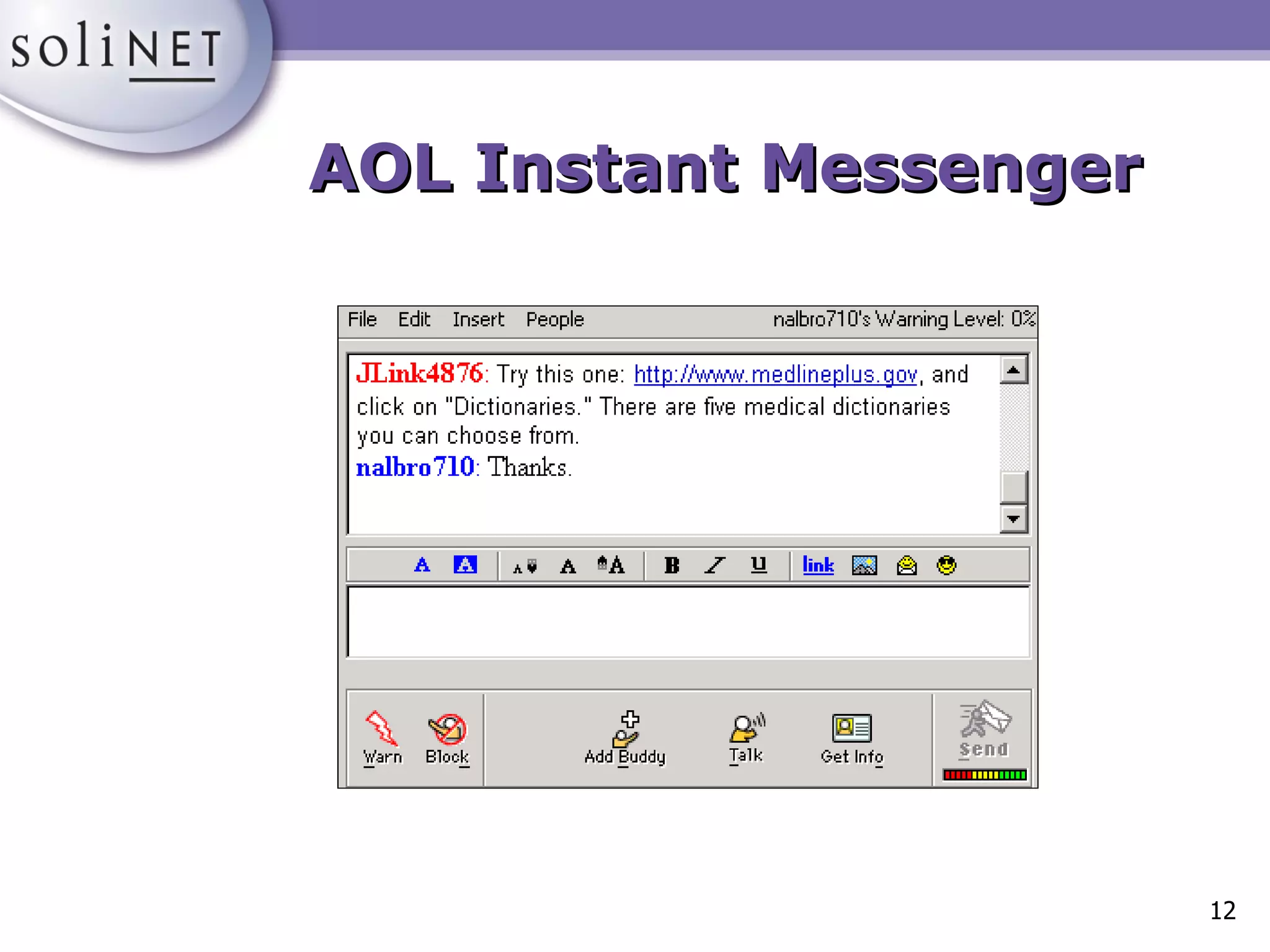
AOL Instant Messenger
Contact Center Software “ Web contact center software was designed expressly for answering questions and providing live, interactive customer service on very high-traffic ecommerce sites . . . The software is based on the call center model, so it queues and routes Web calls to the next available agent (or librarian).” Source: Coffman, Steve, “Distance Education and Virtual Reference…”,  Computers in Libraries , vol. 21, no. 4.
Virtual Reference Product Features Chat capability Pushing Web pages Co-browsing/Two-way browsing Statistical reports Creation of scripts
Virtual Reference Product Features Automatic generation of transcripts Knowledge base creation Display slideshows and presentations Send screen captures Question referral
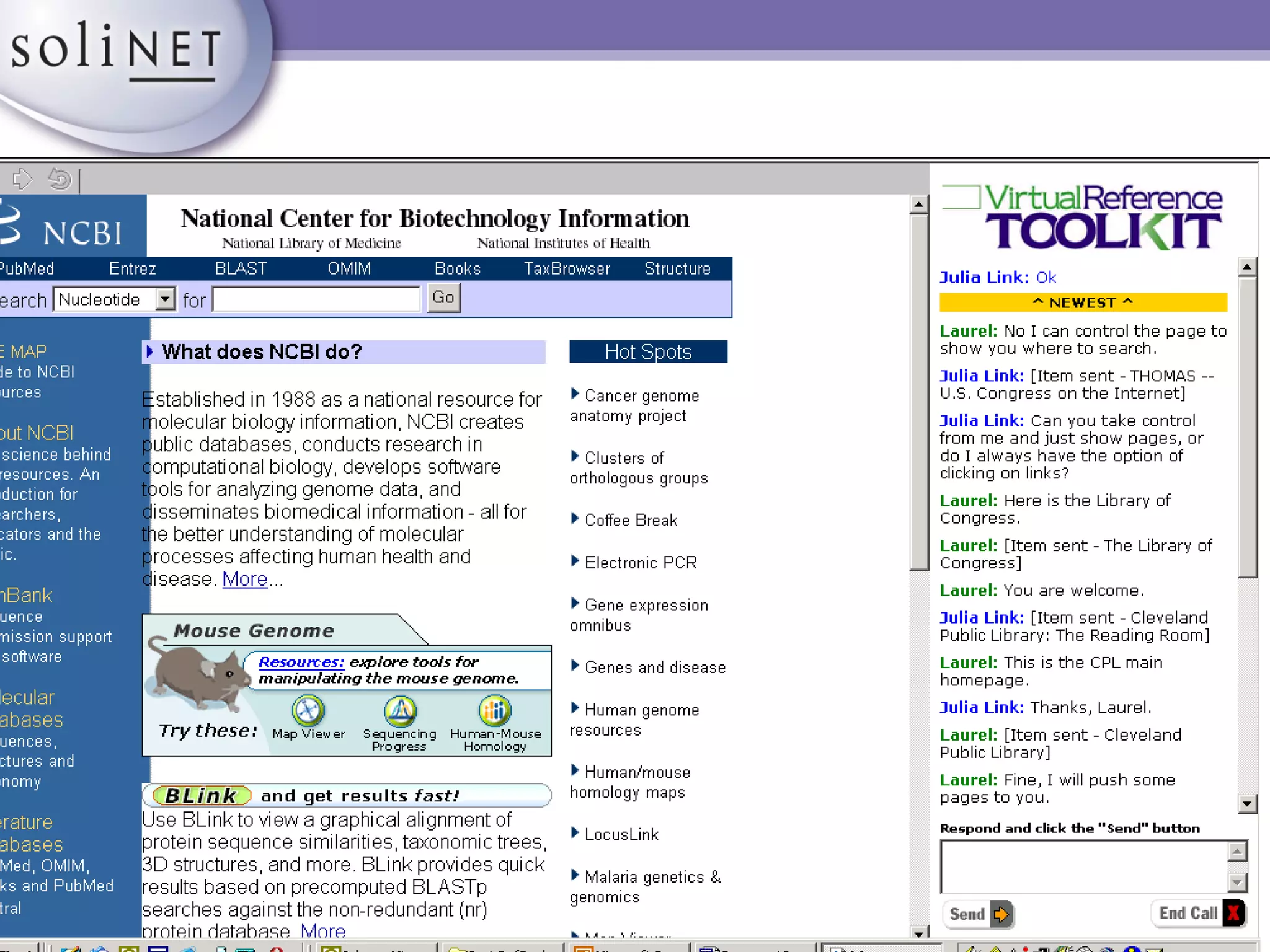
Designed for use in libraries Popular among academic libraries and regional consortia Cost per year for one seat: $6000 One-time installation and training fee: $9000 Virtual Reference ToolKit  by LSSI   <http://www.vrtoolkit.net>
Chat Co-browsing Scripted responses Page pushing File pushing Virtual Reference ToolKit: Features
Form sharing Transcripts for users and librarians Call transfer to other sites and librarians Visual or audio alert for entering patrons Spell check Virtual Reference ToolKit: Features
 
Started by the Metropolitan Cooperative Library System (greater Los Angeles) Launched in January 2000 Standard product: Staffed by your library only Cooperative product: Staffed during the hours your staff isn’t available  24/7 Reference <http://www.247ref.org>
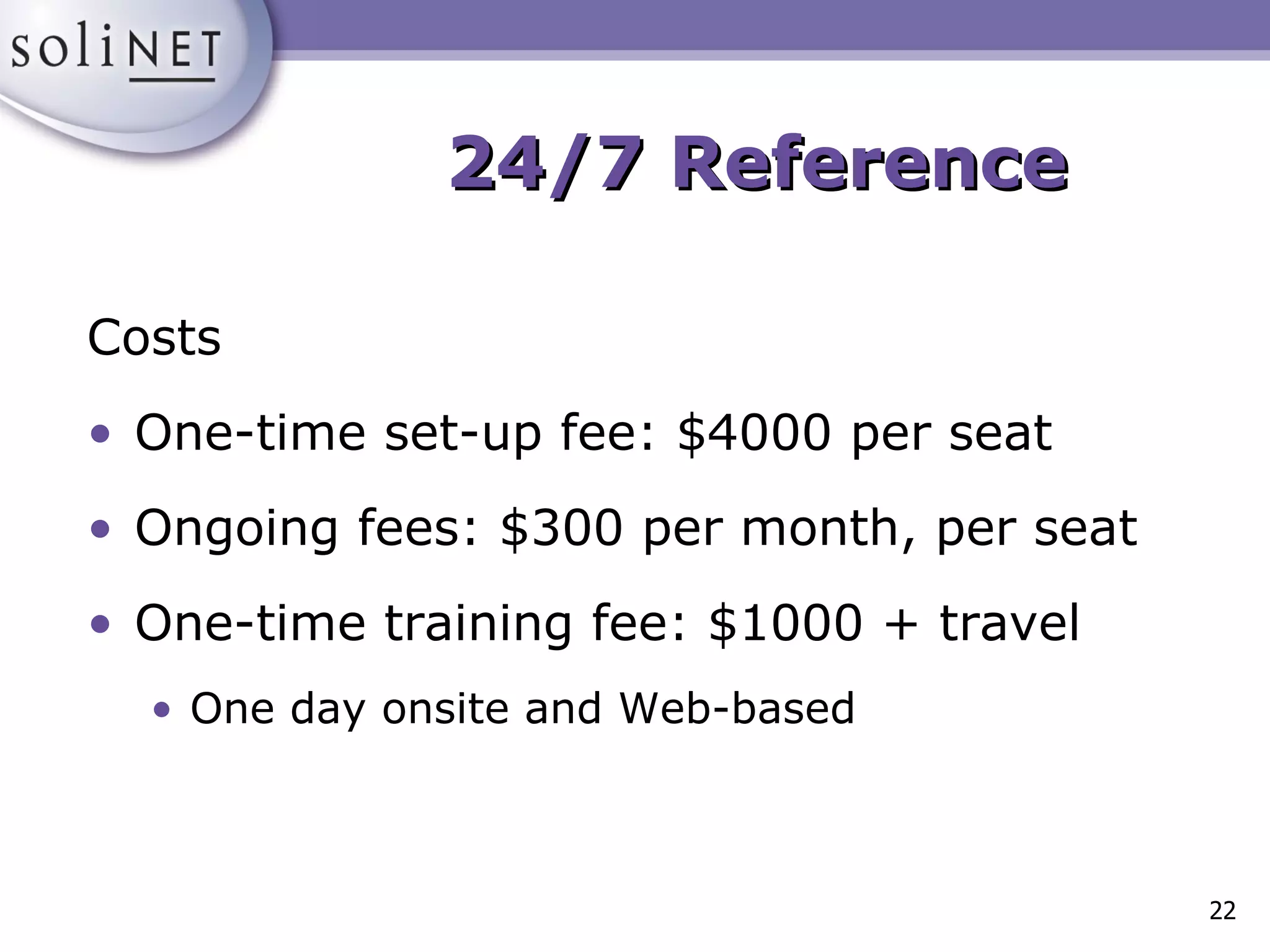
Costs One-time set-up fee: $4000 per seat Ongoing fees: $300 per month, per seat One-time training fee: $1000 + travel  One day onsite and Web-based 24/7 Reference
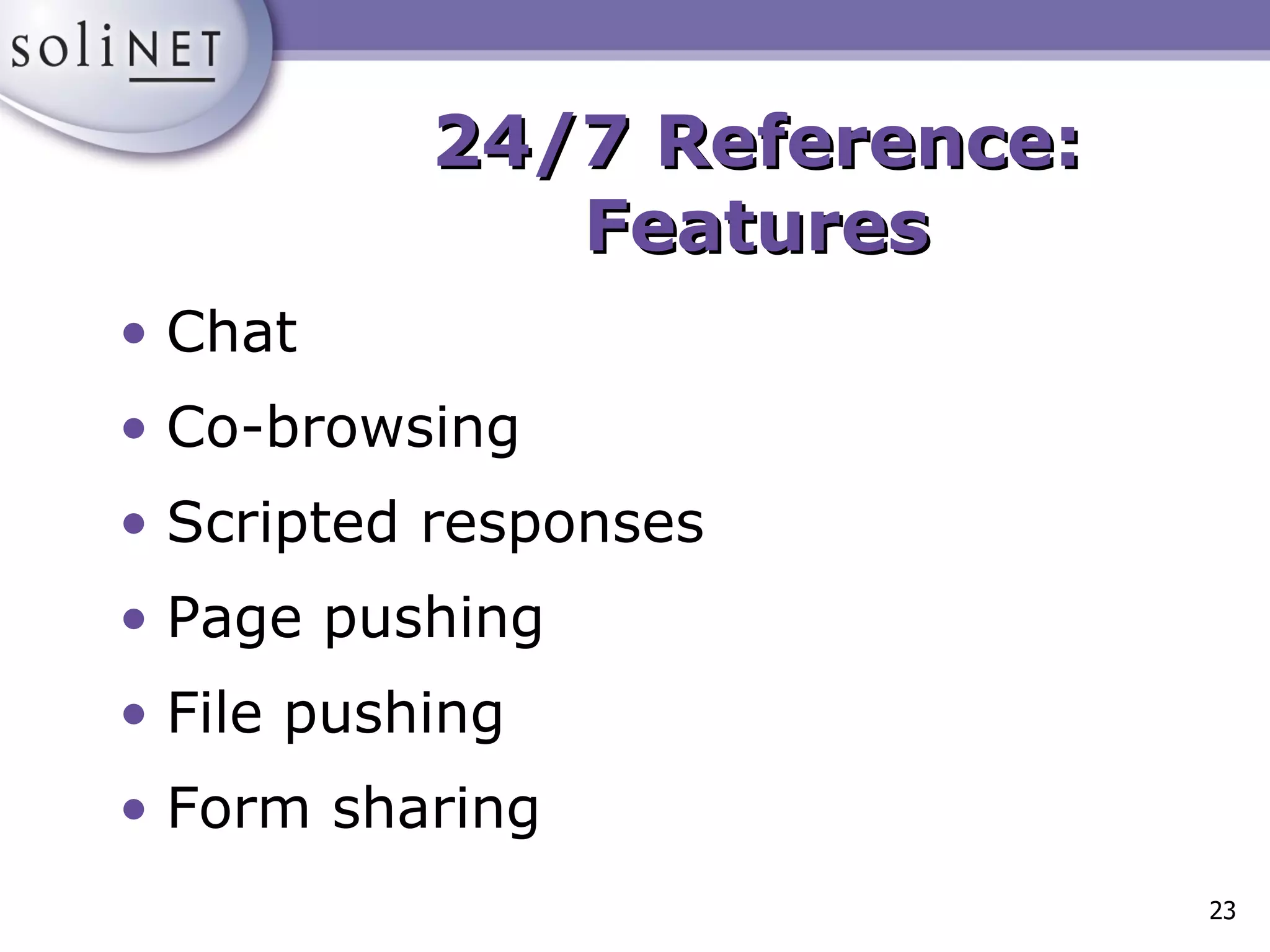
Chat Co-browsing Scripted responses Page pushing File pushing Form sharing 24/7 Reference: Features
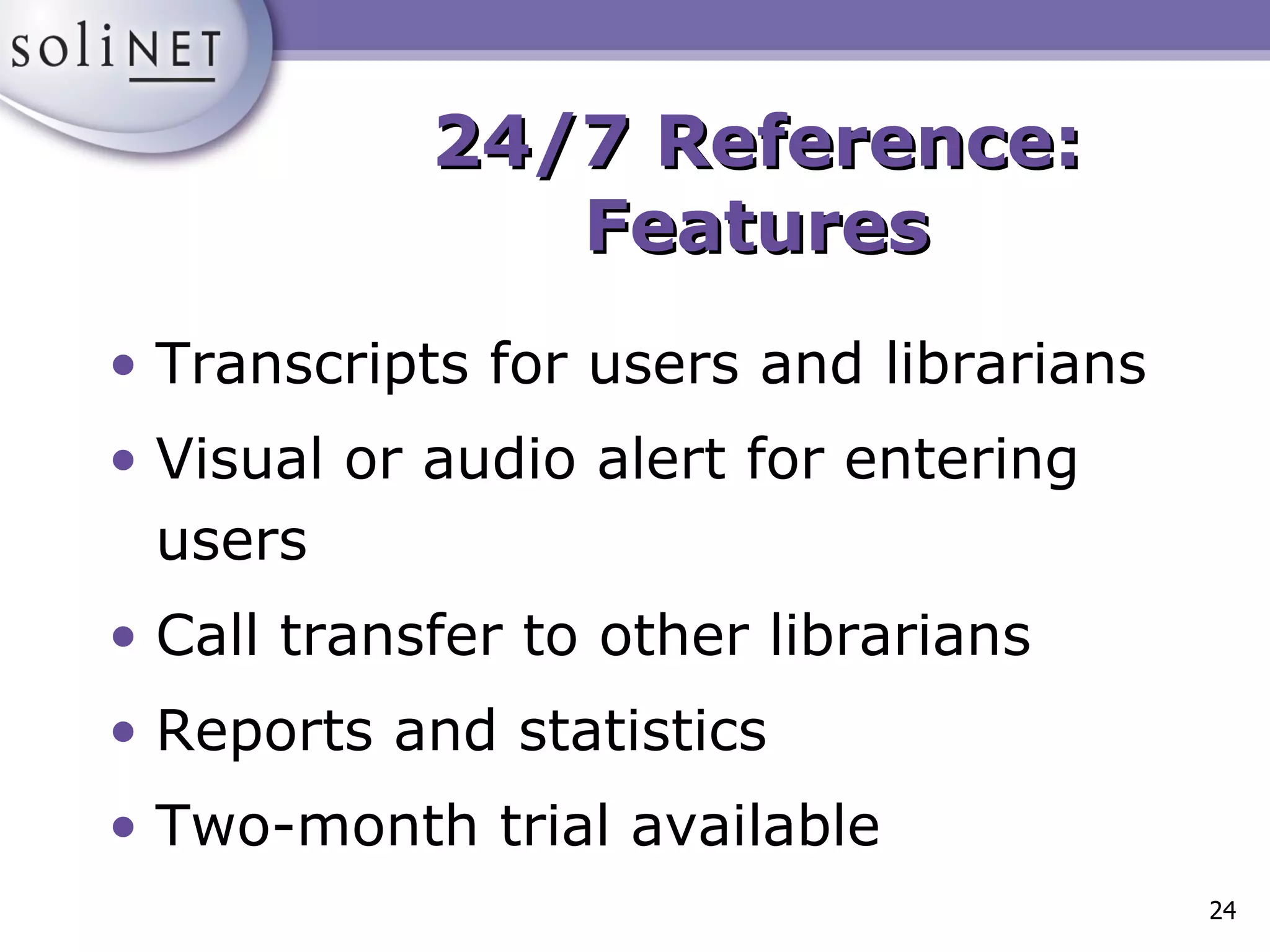
Transcripts for users and librarians Visual or audio alert for entering users Call transfer to other librarians Reports and statistics Two-month trial available 24/7 Reference: Features
QuestionPoint Co-branded service from OCLC and the Library of Congress Global solution: access to a worldwide network of libraries and a global knowledge base Local solution: services for local patrons and access to the worldwide network
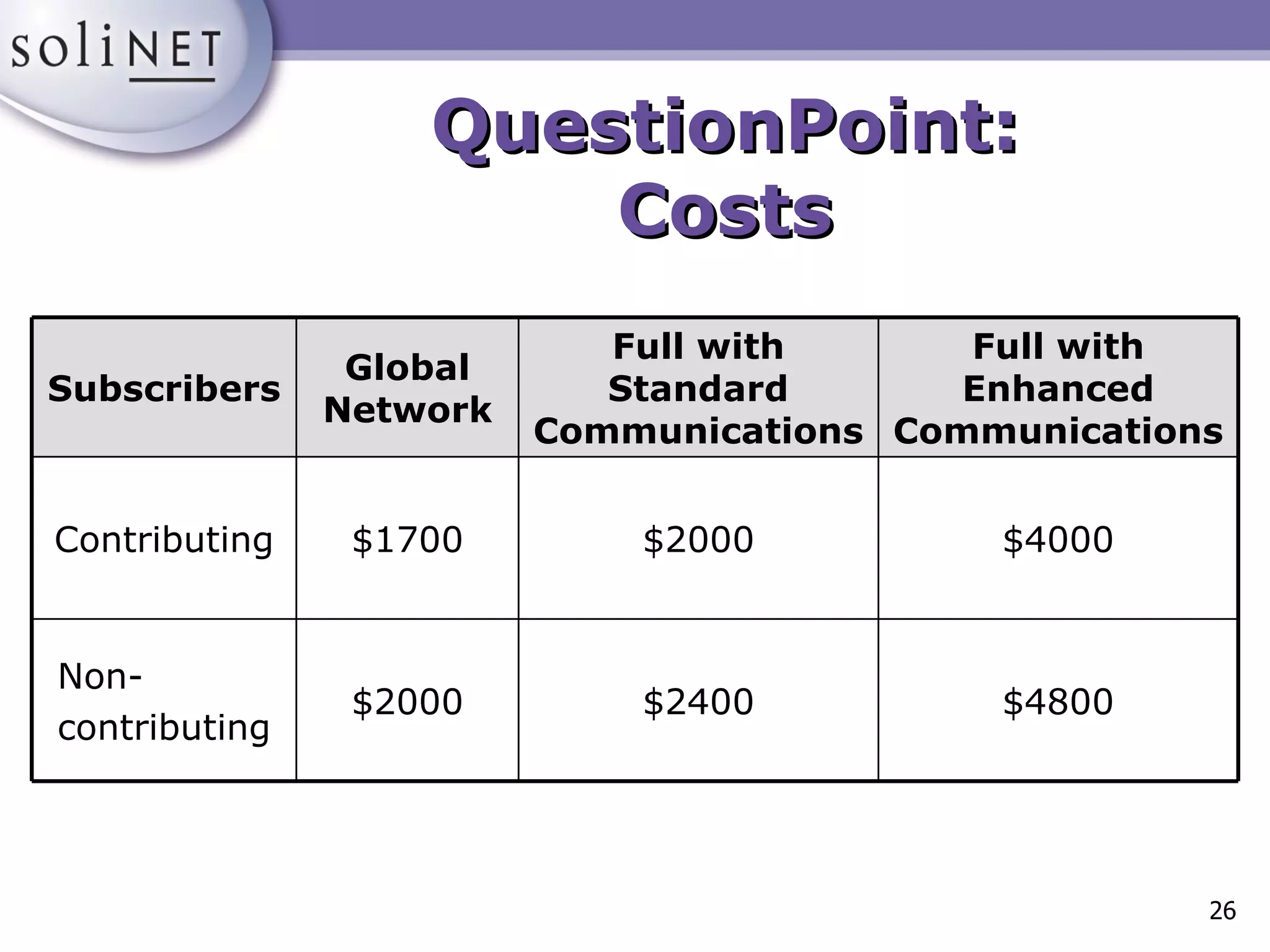
QuestionPoint: Costs $4800 $2400 $2000 Non- contributing $4000 $2000 $1700 Contributing Full with Enhanced Communications Full with Standard Communications Global Network Subscribers
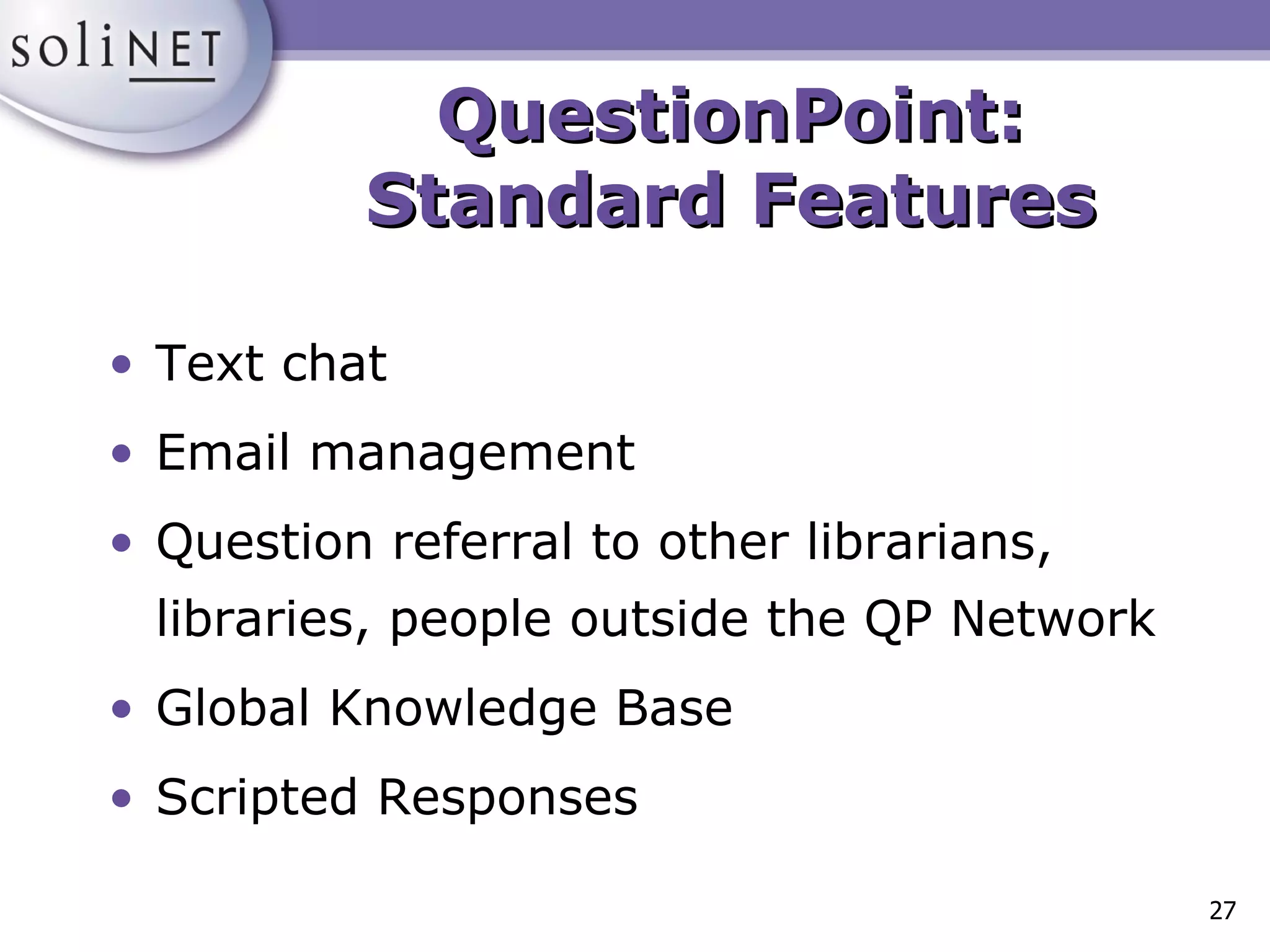
QuestionPoint: Standard Features Text chat Email management Question referral to other librarians, libraries, people outside the QP Network Global Knowledge Base Scripted Responses
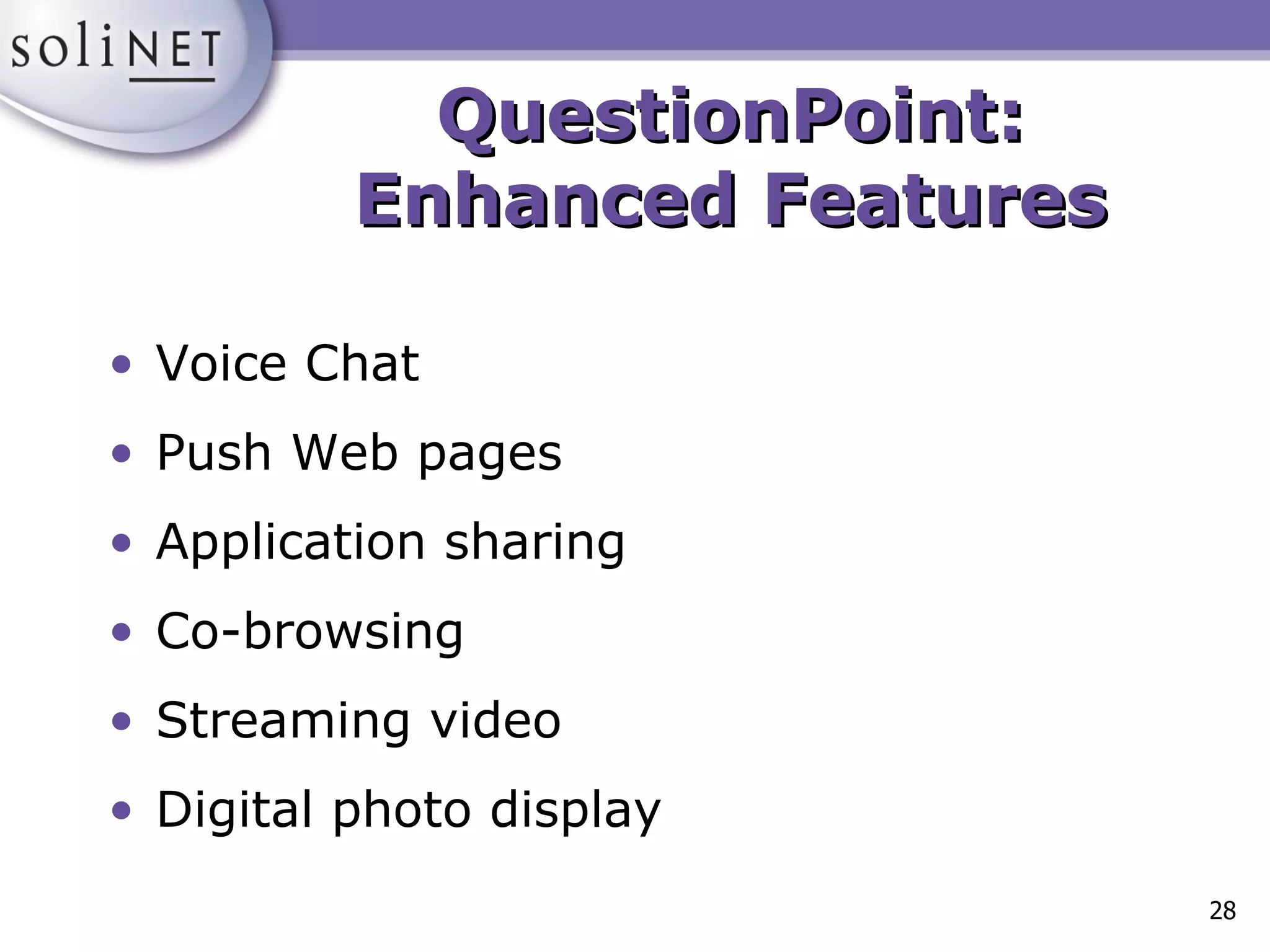
QuestionPoint: Enhanced Features Voice Chat Push Web pages Application sharing Co-browsing Streaming video Digital photo display
The Virtual Reference Desk <http://www.vrd.org> “ The Virtual Reference Desk (VRD) is a project dedicated to the advancement of digital reference and the successful creation and operation of human-mediated, Internet-based information services.” Source: “About VRD” <http://www.vrd.org/about.shtml>
The Virtual Reference Desk <http://www.vrd.org> Funded by the U.S. Department of Education Goal: To promote digital reference services through education, sharing, and training Resources include a mailing list, a bibliography, and a database of services Establishes standards: “Facets of Quality for Digital Reference Services” Links to past conference proceedings
Implementing Planning Staffing Budgeting Designing  Publicizing
Evaluating & Updating Evaluating Seek user comments Evaluation forms Surveys Questionnaires Usage Statistics Informally Troubleshooting
Evaluating & Updating Updating Test links Look for new resources to add Keep up with technology Review other sites for ideas Communicate and network

The Invisible Reference Desk

  • 1.
    The Invisible ReferenceDesk: Virtual Library Service May 26, 2009
  • 2.
    What is virtual reference service? “The delivery of personalized reference resources to users outside the physical library.” Source: Breeding, Marshall, “Providing Virtual Reference Service”, Information Today , Vol. 18, Issue 4, April, 2001.
  • 3.
    Why should mylibrary offer virtual reference? To help achieve your library’s mission To reverse declines in face-to-face requests for reference assistance To maintain the library’s patron base To reach a larger segment of the user community To provide resources regardless of time and location
  • 4.
    What else canwe do with virtual reference? Online Office Hours Online Library Instruction Online Programming Interviews with local authors, faculty members, etc.
  • 5.
    Virtual Reference FormatsWebliographies Pathfinders Ask A Services: Email and chat Frequently Asked Questions Information and referral
  • 6.
    Webliography: Internet PublicLibrary <http://www.ipl.org>
  • 7.
    Ask A Service: Rancho Cucamonga Public Library <http://www.rcpl.lib.ca.us/emailref.htm>
  • 8.
    Getting Started TechnicalRequirements: Internet access Web browser Email program Web server Optional software
  • 9.
    Instant Messaging “A type of communications service that enables you to create a private chat room with another individual. Typically, the instant messaging system alerts you whenever somebody on your private list is online. You can then initiate a chat session with that particular individual.” Source: Webopedia, <http://www.webopedia.com>
  • 10.
    Some IM ServicesAOL Instant Messenger, www.aim.com Yahoo! Messenger, messenger.yahoo.com ICQ, web.icq.com MSN Messenger, messenger.msn.com All are free!
  • 11.
  • 12.
  • 13.
  • 14.
    Contact Center Software“ Web contact center software was designed expressly for answering questions and providing live, interactive customer service on very high-traffic ecommerce sites . . . The software is based on the call center model, so it queues and routes Web calls to the next available agent (or librarian).” Source: Coffman, Steve, “Distance Education and Virtual Reference…”, Computers in Libraries , vol. 21, no. 4.
  • 15.
    Virtual Reference ProductFeatures Chat capability Pushing Web pages Co-browsing/Two-way browsing Statistical reports Creation of scripts
  • 16.
    Virtual Reference ProductFeatures Automatic generation of transcripts Knowledge base creation Display slideshows and presentations Send screen captures Question referral
  • 17.
    Designed for usein libraries Popular among academic libraries and regional consortia Cost per year for one seat: $6000 One-time installation and training fee: $9000 Virtual Reference ToolKit by LSSI <http://www.vrtoolkit.net>
  • 18.
    Chat Co-browsing Scriptedresponses Page pushing File pushing Virtual Reference ToolKit: Features
  • 19.
    Form sharing Transcriptsfor users and librarians Call transfer to other sites and librarians Visual or audio alert for entering patrons Spell check Virtual Reference ToolKit: Features
  • 20.
  • 21.
    Started by theMetropolitan Cooperative Library System (greater Los Angeles) Launched in January 2000 Standard product: Staffed by your library only Cooperative product: Staffed during the hours your staff isn’t available 24/7 Reference <http://www.247ref.org>
  • 22.
    Costs One-time set-upfee: $4000 per seat Ongoing fees: $300 per month, per seat One-time training fee: $1000 + travel One day onsite and Web-based 24/7 Reference
  • 23.
    Chat Co-browsing Scriptedresponses Page pushing File pushing Form sharing 24/7 Reference: Features
  • 24.
    Transcripts for usersand librarians Visual or audio alert for entering users Call transfer to other librarians Reports and statistics Two-month trial available 24/7 Reference: Features
  • 25.
    QuestionPoint Co-branded servicefrom OCLC and the Library of Congress Global solution: access to a worldwide network of libraries and a global knowledge base Local solution: services for local patrons and access to the worldwide network
  • 26.
    QuestionPoint: Costs $4800$2400 $2000 Non- contributing $4000 $2000 $1700 Contributing Full with Enhanced Communications Full with Standard Communications Global Network Subscribers
  • 27.
    QuestionPoint: Standard FeaturesText chat Email management Question referral to other librarians, libraries, people outside the QP Network Global Knowledge Base Scripted Responses
  • 28.
    QuestionPoint: Enhanced FeaturesVoice Chat Push Web pages Application sharing Co-browsing Streaming video Digital photo display
  • 29.
    The Virtual ReferenceDesk <http://www.vrd.org> “ The Virtual Reference Desk (VRD) is a project dedicated to the advancement of digital reference and the successful creation and operation of human-mediated, Internet-based information services.” Source: “About VRD” <http://www.vrd.org/about.shtml>
  • 30.
    The Virtual ReferenceDesk <http://www.vrd.org> Funded by the U.S. Department of Education Goal: To promote digital reference services through education, sharing, and training Resources include a mailing list, a bibliography, and a database of services Establishes standards: “Facets of Quality for Digital Reference Services” Links to past conference proceedings
  • 31.
    Implementing Planning StaffingBudgeting Designing Publicizing
  • 32.
    Evaluating & UpdatingEvaluating Seek user comments Evaluation forms Surveys Questionnaires Usage Statistics Informally Troubleshooting
  • 33.
    Evaluating & UpdatingUpdating Test links Look for new resources to add Keep up with technology Review other sites for ideas Communicate and network

Editor's Notes

  • #2 Bookmarks: GA Tech Real Time Reference: http://www.library.gatech.edu/research_help/ask.html Webliography: www.ipl.org, www.lkwdpl.org/readref.htm Pathfinder: www.jsu.edu/depart/library/graphic/amhypath.htm Ask A Service: www.rcpl.lib.ca.us/emailref.htm I&amp;R: www.cumberland.lib.nc.us www.vrtoolkit.net www.247ref.org www.questionpoint.org www.solinet.net/workshops/qp/qpchat.htm and www.solinet.net/workshops/qp/qpques.htm www.vrd.org *Check for AOL Instant Messenger, Yahoo Messenger, etc. Intros Needs Assessment: Distribute index cards. Have students record one thing they’d like to discuss. Packets Review Objectives Review Agenda and Housekeeping