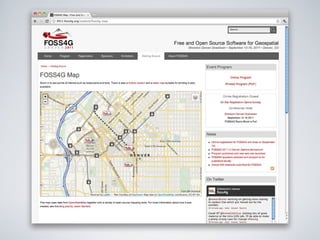
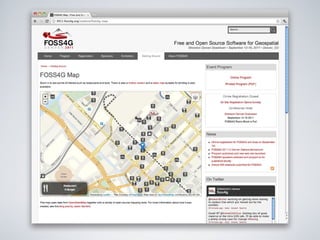
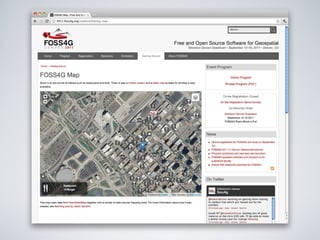
The foss4g Map
or ... how many open source geo tools can I use to create a simple web map


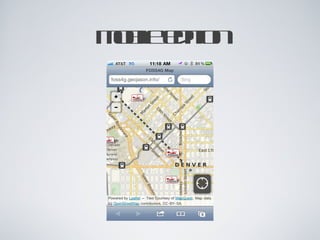
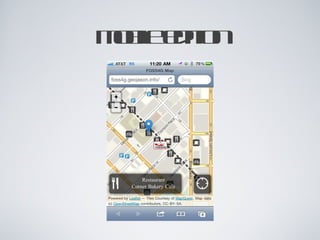
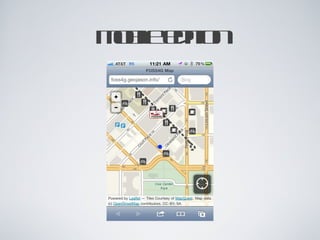
mobile edition
mobile edition
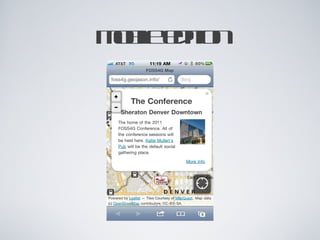
mobile edition
mobile edition
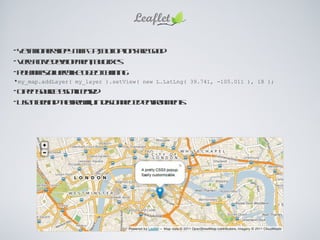
Yet another slippy map API, but options are good Very active development, bug fixes Polymaps/jQuery-like object chaining my_map.addLayer( my_layer ).setView( new L.LatLng( 39.741, -105.011 ), 18 ); Open Source BSD-licensed Use it behind the firewall, in disconnected environments
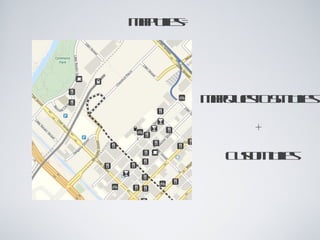
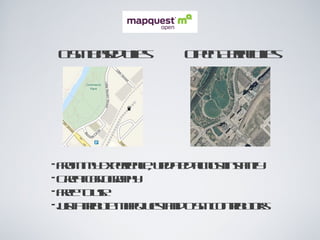
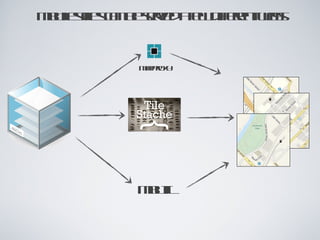
Map Tiles = MapQuest OSM Tiles + Custom Tiles
OSM Based Tiles Open Aerial Tiles From my experience, updated almost instantly Great cartography Free to use just attribute MapQuest and OSM contributors
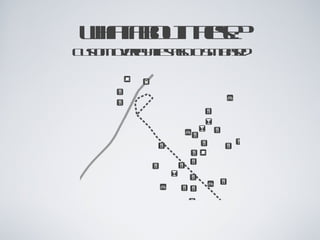
what about these? Custom overlay tiles also OSM based
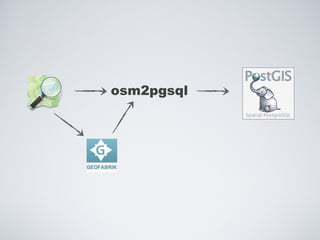
osm2pgsql
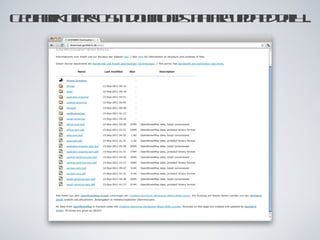
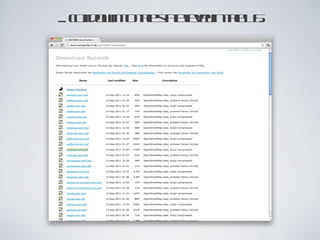
Geofabrik offers OSM downloads that are updated daily ...
... cut down to the state level in the US.
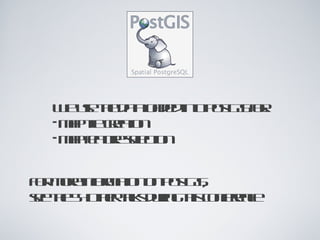
We use the data loaded into PostGIS for: map tile creation map feature selection For more information on PostGIS, see the 54 other talks during this conference
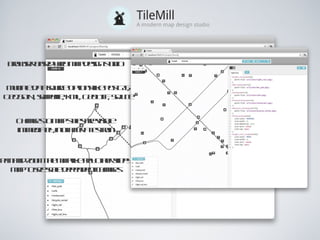
Browser based web map design studio Changes to map styles are visible immediately, not after a test run Pan and zoom the map like any other slippy map to see scale dependent changes Multiple data source options like PostGIS, GeoJSON, shapefile, KML, GeoTIFF, SQLite
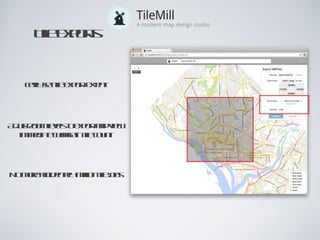
Easily set tile export extent Tile Exports Adjust zoom levels to export and view immediate change in tile count No more accidental 4 million tile jobs
TileMill Exports = MBTiles file Tiles are stored in a  single  file, not thousands (or millions), making them much more portable MBTiles files are simple SQLite databases
MBTiles files can be served a few different ways mbutil MapProxy
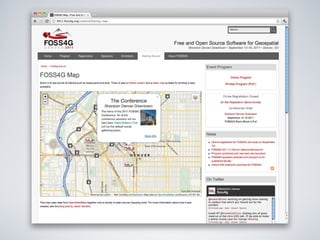
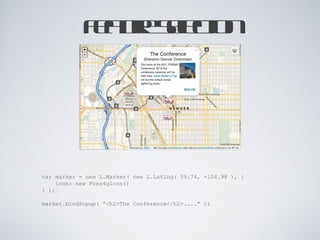
Feature Selection var marker = new L.Marker( new L.LatLng(  39.74, -104.98  ), { icon: new Foss4gIcon() } ); marker.bindPopup( “<h2>The Conference</h2>....” );
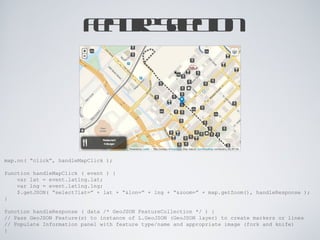
Feature Selection map.on( “click”, handleMapClick ); function handleMapClick ( event ) { var lat = event.latlng.lat; var lng = event.latlng.lng; $.getJSON( “select?lat=” + lat + “&lon=” + lng + “&zoom=” + map.getZoom(), handleResponse ); } function handleResponse ( data /* GeoJSON FeatureCollection */ ) { // Pass GeoJSON Feature(s) to instance of L.GeoJSON (GeoJSON layer) to create markers or lines // Populate Information panel with feature type/name and appropriate image (fork and knife) }
Thanks! @JCSanford [email_address] http://geojason.info

The FOSS4G Map

  • 1.
  • 2.
    or ... howmany open source geo tools can I use to create a simple web map
  • 3.
  • 4.
  • 5.
  • 6.
  • 7.
  • 8.
  • 9.
  • 10.
  • 11.
    Yet another slippymap API, but options are good Very active development, bug fixes Polymaps/jQuery-like object chaining my_map.addLayer( my_layer ).setView( new L.LatLng( 39.741, -105.011 ), 18 ); Open Source BSD-licensed Use it behind the firewall, in disconnected environments
  • 12.
    Map Tiles =MapQuest OSM Tiles + Custom Tiles
  • 13.
    OSM Based TilesOpen Aerial Tiles From my experience, updated almost instantly Great cartography Free to use just attribute MapQuest and OSM contributors
  • 14.
    what about these?Custom overlay tiles also OSM based
  • 15.
  • 16.
    Geofabrik offers OSMdownloads that are updated daily ...
  • 17.
    ... cut downto the state level in the US.
  • 18.
    We use thedata loaded into PostGIS for: map tile creation map feature selection For more information on PostGIS, see the 54 other talks during this conference
  • 19.
    Browser based webmap design studio Changes to map styles are visible immediately, not after a test run Pan and zoom the map like any other slippy map to see scale dependent changes Multiple data source options like PostGIS, GeoJSON, shapefile, KML, GeoTIFF, SQLite
  • 20.
    Easily set tileexport extent Tile Exports Adjust zoom levels to export and view immediate change in tile count No more accidental 4 million tile jobs
  • 21.
    TileMill Exports =MBTiles file Tiles are stored in a single file, not thousands (or millions), making them much more portable MBTiles files are simple SQLite databases
  • 22.
    MBTiles files canbe served a few different ways mbutil MapProxy
  • 23.
    Feature Selection varmarker = new L.Marker( new L.LatLng( 39.74, -104.98 ), { icon: new Foss4gIcon() } ); marker.bindPopup( “<h2>The Conference</h2>....” );
  • 24.
    Feature Selection map.on(“click”, handleMapClick ); function handleMapClick ( event ) { var lat = event.latlng.lat; var lng = event.latlng.lng; $.getJSON( “select?lat=” + lat + “&lon=” + lng + “&zoom=” + map.getZoom(), handleResponse ); } function handleResponse ( data /* GeoJSON FeatureCollection */ ) { // Pass GeoJSON Feature(s) to instance of L.GeoJSON (GeoJSON layer) to create markers or lines // Populate Information panel with feature type/name and appropriate image (fork and knife) }
  • 25.