The content26 Guide to Amazon A+ Content Requirements
The document outlines Amazon's A+ content requirements, emphasizing the importance of enhanced content for increasing sales and improving customer confidence. It details text and design considerations, including specific guidelines on module usage, image specifications, and prohibited claims. Additionally, it promotes the services of Content26 in helping clients optimize their A+ pages.
VC modules usuallyaccommodate line breaks,
so in most modules, you can add your required
footnote at the end of the relevant paragraph.
16.
The modules willlet you paste a superscript
number in, but it will show up in your text
as a normal number. Using an asterisk is
your best bet for WYSIWYG text.
17.
Special characters suchas ® and ™ have
always been rejected by Amazon. This remains
true for both the templates and the Amazon
Build for You options.
18.
When adding aproduct matrix,
you can include links…but only to
other products listed on Amazon.
CaveatsThe modules alsomake certain basics
of the Amazon A+ page optional, which
(we find) makes the product-detail page
far less effective at boosting
conversion and customer satisfaction
What’s in theBox?
This section was once standard in Amazon
A+pages. It tells customers what to
expect in their packages, but it is not
required in the modules.
27.
(Which is toobad–it boosts customer
confidence in ordering, and a clear
explanation of what the customer will
be receiving reduce return rates.)
28.
Bulleted
Product Highlights
Some moduleshave a paragraph that defaults
to bullets, referencing the once-standard
Product Highlights setion. This section is vital
because it gives people a quick idea of
your product’s top features. It’s good for
people who scan and for people doing a last
double-check of features before ordering.
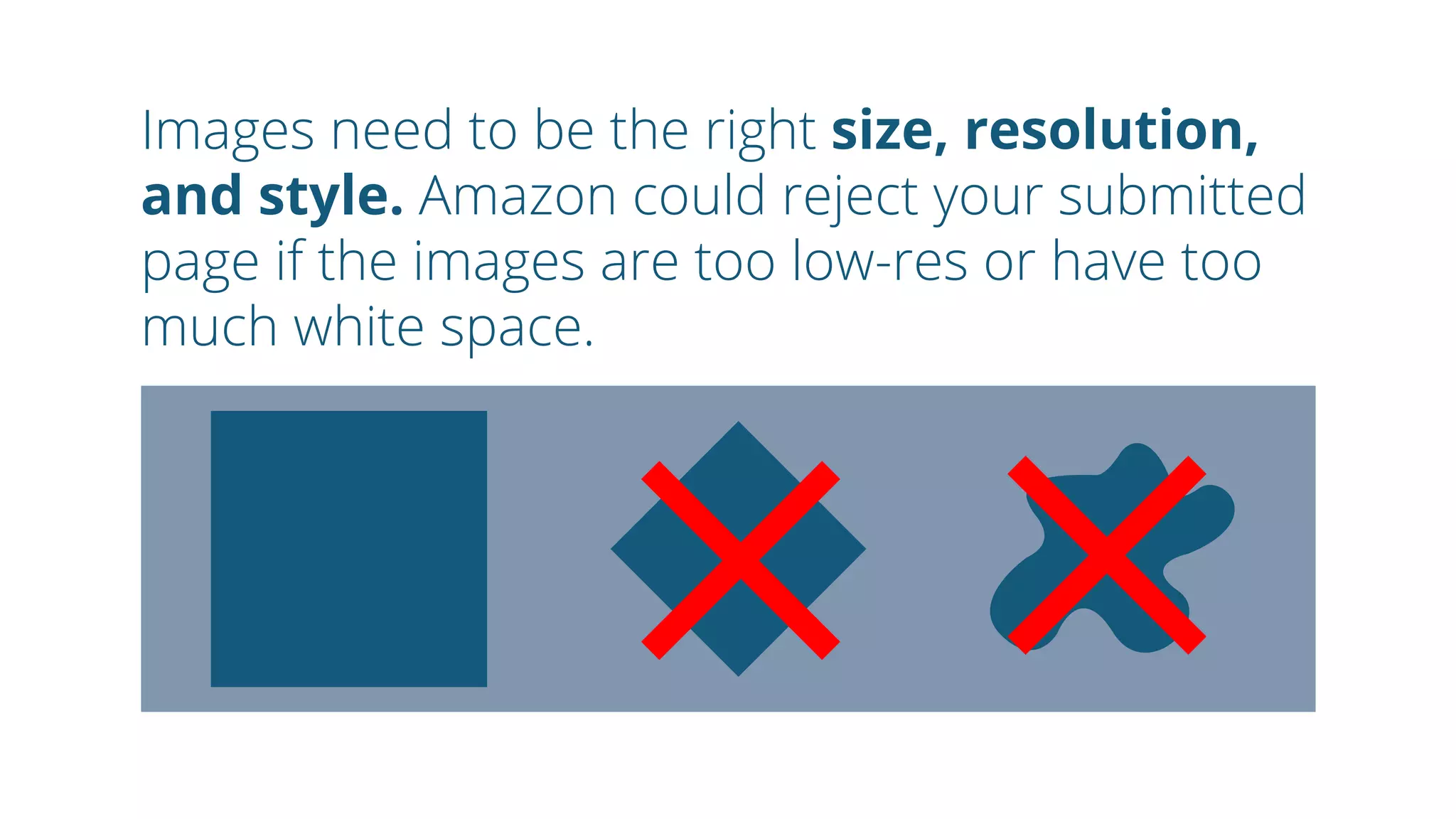
Images need tobe the right size, resolution,
and style. Amazon could reject your submitted
page if the images are too low-res or have too
much white space.
31.
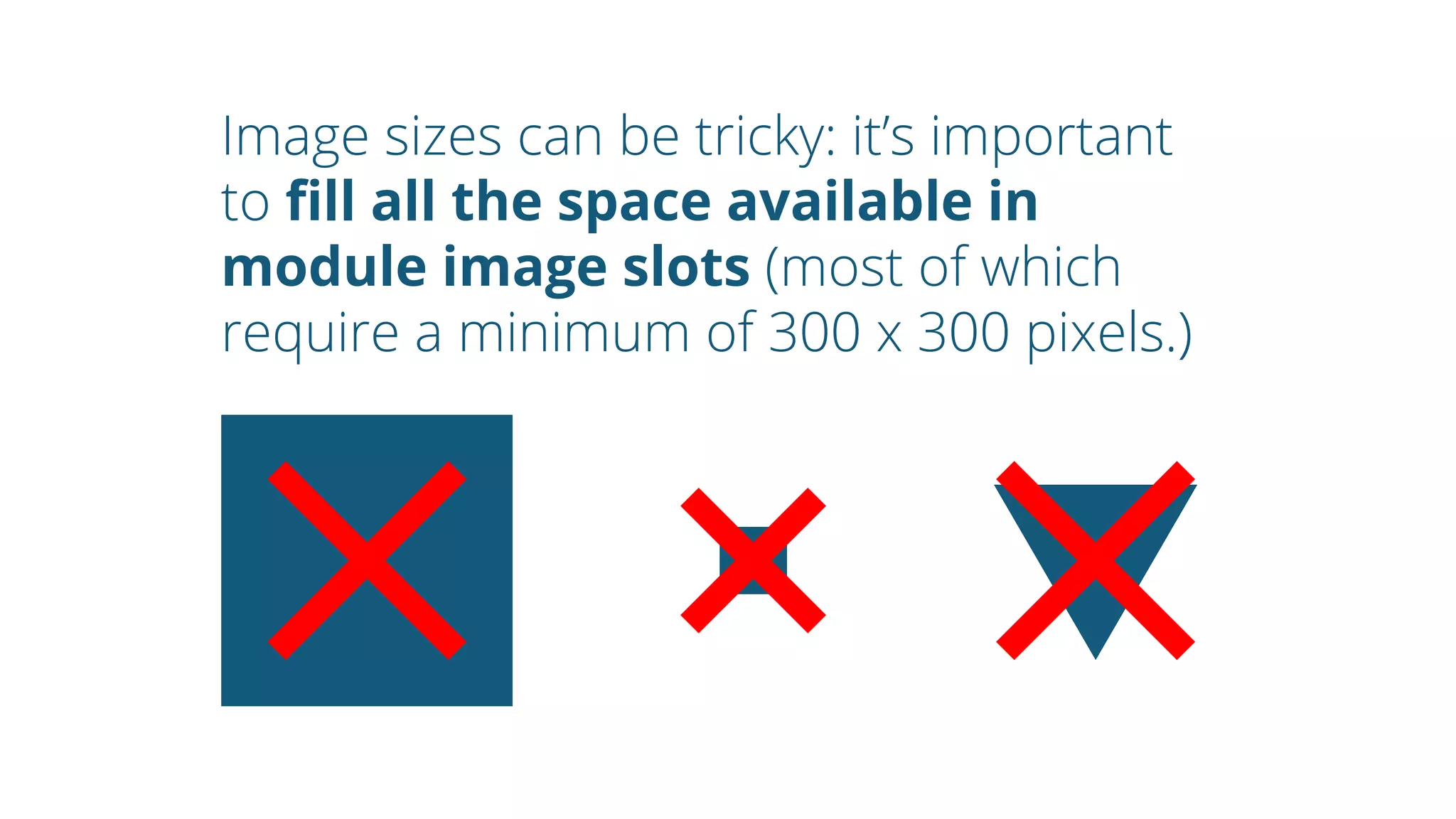
Image sizes canbe tricky: it’s important
to fill all the space available in
module image slots (most of which
require a minimum of 300 x 300 pixels.)
32.
Incorrectly sized imageslook weird.
Make sure to upload the proper
ratio given in the module of your
choice.
When you workwith content26, we help
you choose the modules that best suit
your products and your available assets,
and we can maximize the modules to create
an A+ page that showcases your brand.
43.
Still confused?Good news:content26 has been helping clients
get the most from Vendor Central’s A+ options
for over 10 years.
44.
Learn more aboutenhanced content on our blog https://content26.com/
Visit our website https://content26.com/blog/
Thanks, and please share.