Retail readiness
optimization
Creating a retail-ready product listing on Amazon is vital for
attracting and converting customers. It includes essential details
like clear product pictures, descriptions, and customer reviews.
This builds trust and helps customers make informed decisions.
Unlocking Amazon Retail: Post #1
1
Optimizing titles
Product titles are one of the first things that customers see when browsing Amazon.com,
therefore they should be well-optimized, clear and descriptive.
● Titles can be a maximum of 200 characters, but are recommended to be approximately 60
characters to concisely identify your product.
○ Tip: If you advertise on Amazon.com using Sponsored Products, product titles will
appear prominently in your creative, so being concise helps ensure your title won’t
appear truncated.
● Titles should include your brand, product line, material or key feature, product type, color,
size, unit quantity, and relevant keywords.
○ Here’s an example of a product title Organique might create: Organique
Strengthening Shampoo - Aloe + Lemongrass, 24 fl oz
● Each Amazon.com category has specific title guidelines, so make sure you check the
category-specific style guides (use this link if you have access to Seller Central). 2
Optimizing descriptions
Product descriptions are useful in providing customers with necessary information when
considering products to purchase.
● Product descriptions should include a clear overview of your product’s key features such
as: contents, uses, dimensions, operational considerations, age rating, skill level, and
country of origin.
● Product descriptions should include at least three bullet points, but may include up to five
bullet points, of 500 characters each.
● Include keywords in each bullet to help the product gain visibility.
● Bullet points should be formatted as a sentence fragment without end punctuation.
3
Enhancing product images and videos
4
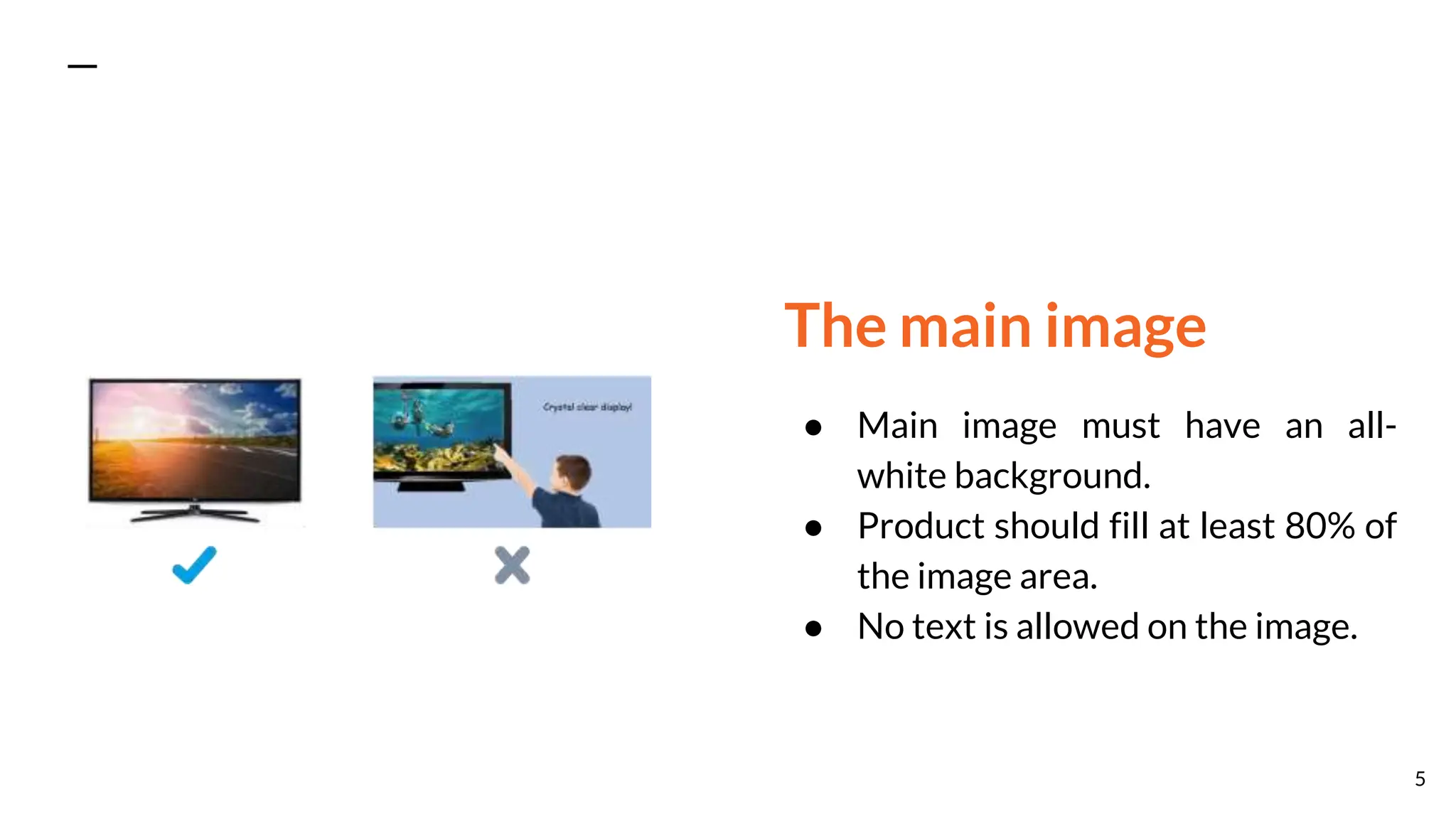
The main image
● Main image must have an all-
white background.
● Product should fill at least 80% of
the image area.
● No text is allowed on the image.
5
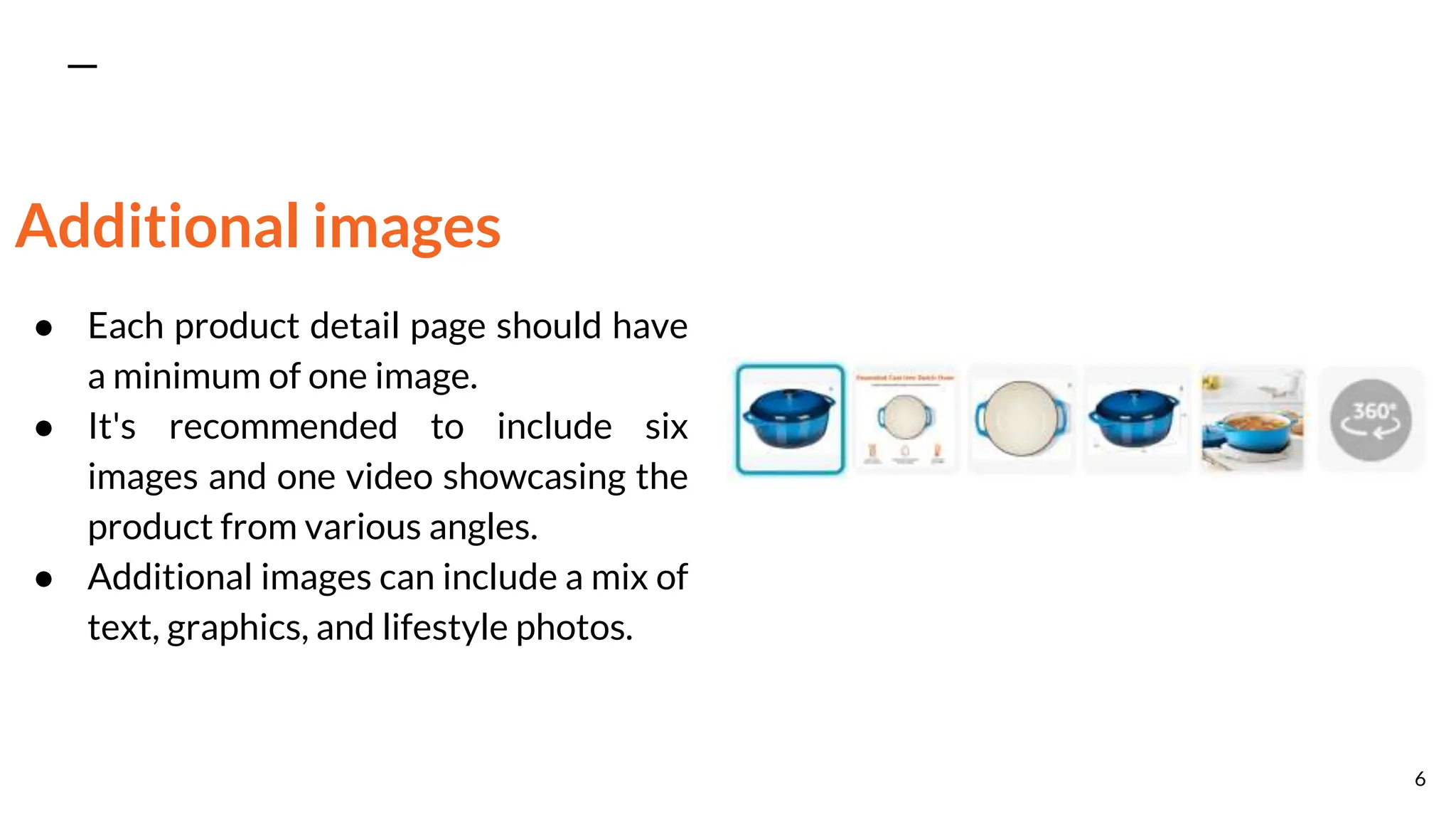
Additional images
● Each product detail page should have
a minimum of one image.
● It's recommended to include six
images and one video showcasing the
product from various angles.
● Additional images can include a mix of
text, graphics, and lifestyle photos.
6
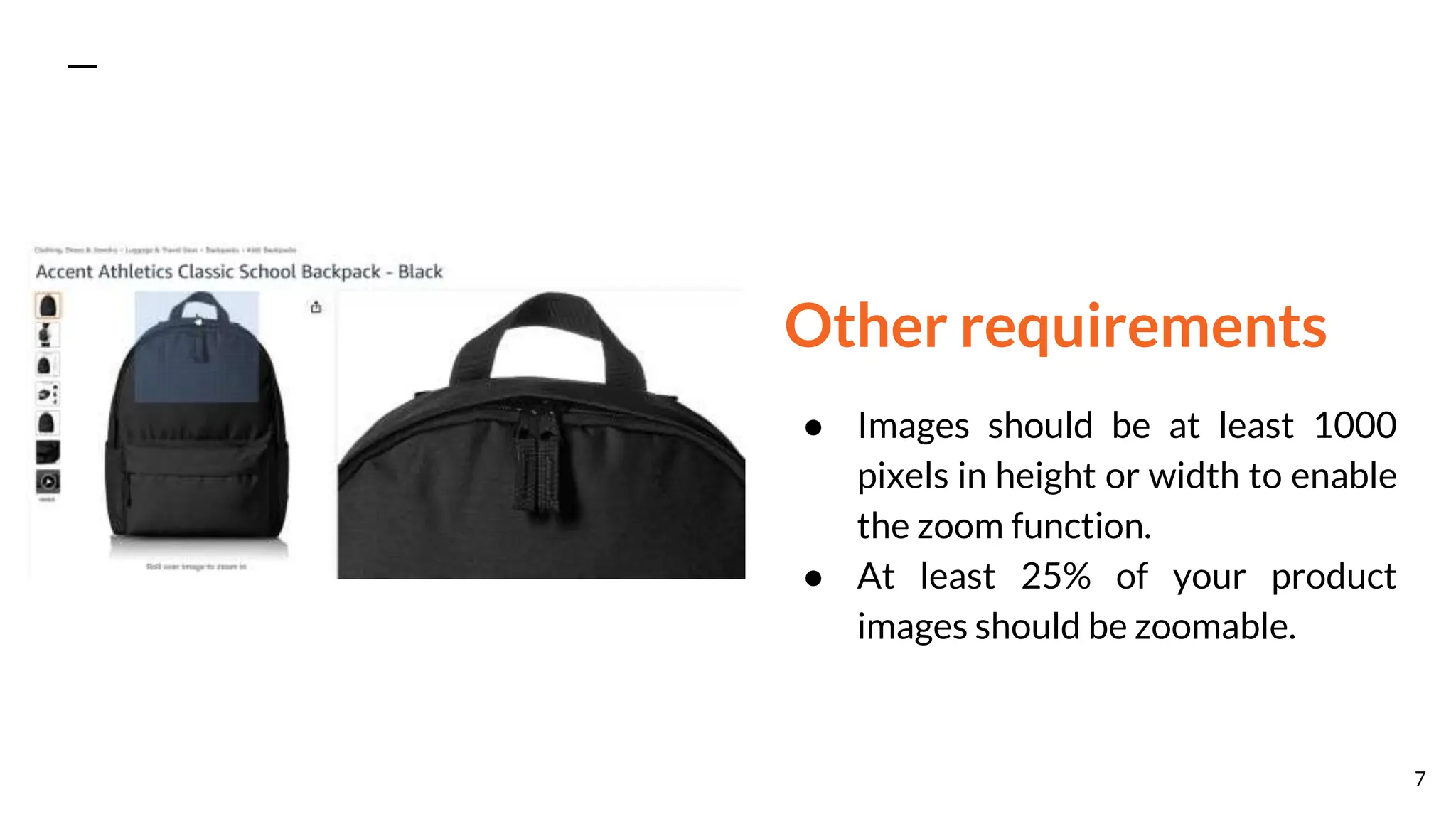
Other requirements
● Images should be at least 1000
pixels in height or width to enable
the zoom function.
● At least 25% of your product
images should be zoomable.
7
The importance of customer ratings and reviews
● Customer ratings and reviews play a crucial role in the shopping experience on
Amazon.com.
● They allow customers to give a star rating and provide detailed product reviews, enhancing
transparency and trust in the purchasing process.
● These reviews benefit both customers and selling partners by offering valuable insights
and feedback on the product.
8
Customers can use reviews to:
● Learn more about the product: Customers can get product information that might not be
clear in the product description through reviews.
● Assess whether it fits their needs: By learning about the experience that other shoppers
have had with the product, customers can better assess whether it matches what they
intend to use it for.
● Make informed purchase decisions: Product reviews complement the product’s description
and help give customers a comprehensive overview of the product, allowing them to make
the best decision for them.
9
Selling partners can use reviews to:
● Understand the sentiment surrounding their products: Reviews and ratings from
customers can help selling partners evaluate the quality of their products.
● Learn what aspects of the product customers like or dislike: Reviews provide specific
feedback from customers on what exactly they like or dislike about the product and ideas to
improve it.
● Provide a better service to customers: Selling partners can reply to comments from
unsatisfied customers and offer to resolve their issues for any bad experience they had with
the product.
10
Tips to help generate more reviews
● Amazon Vine: This program invites trusted Amazon.com customers, known as "Vine
Voices," to share opinions about new and pre-release items. These reviews help fellow
customers make informed purchase decisions. It's worth noting that Amazon does not
influence or alter the opinions of Vine Voices.
● Request a Review: Sellers can proactively ask customers to leave reviews by sending
messages through Seller Central, as long as they follow the customer review community
guidelines. This is an effective way to encourage more customer feedback.
11
How inventory issues may impact customer
experience
● Ensure accurate inventory levels for a positive customer experience.
● Products must be in-stock to be eligible for the Featured Offer.
● Monitor inventory through Seller Central (for professional sellers) or Vendor Central (for
vendors).
12
Increase your chances to
be the Featured Offer
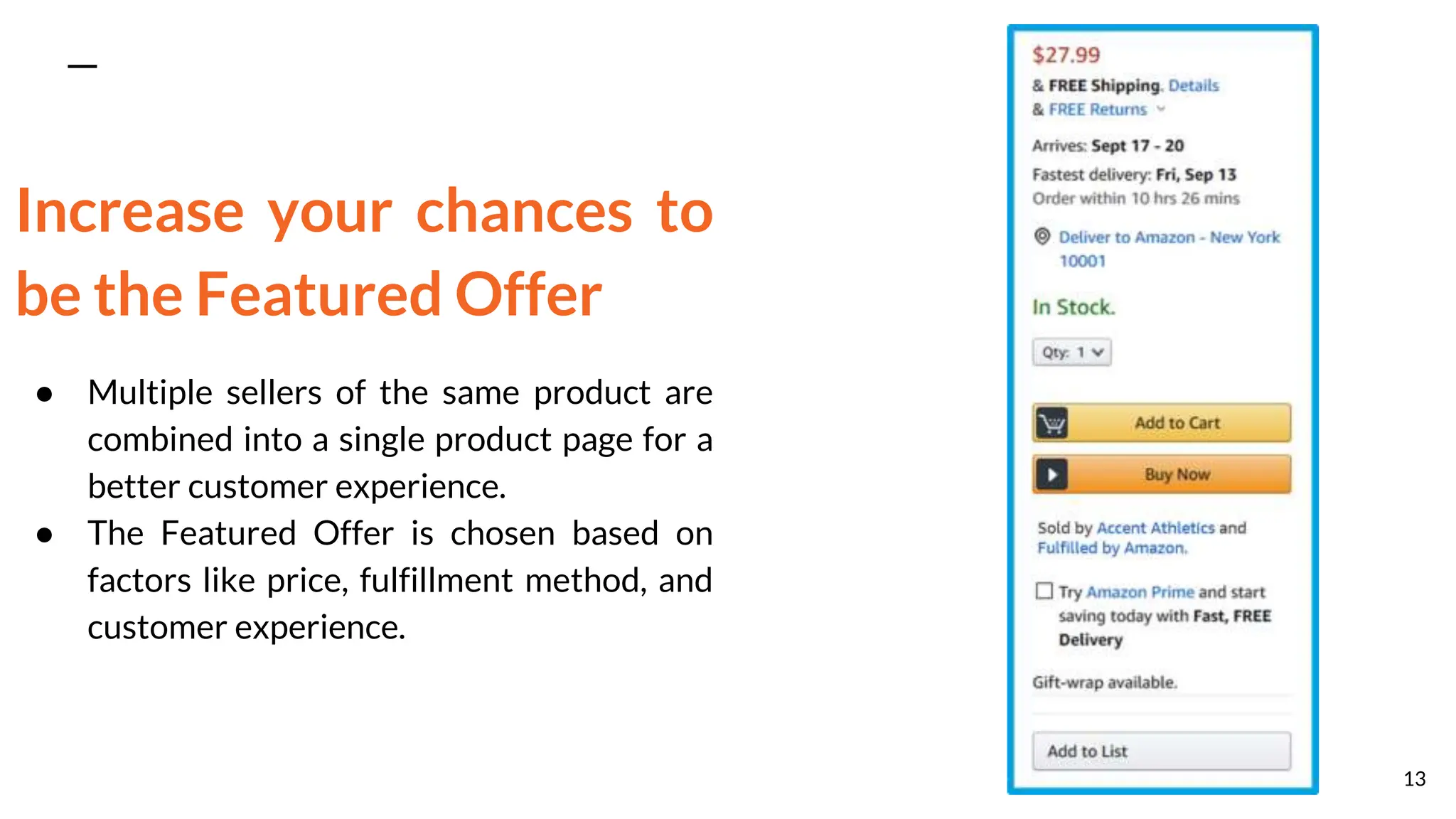
● Multiple sellers of the same product are
combined into a single product page for a
better customer experience.
● The Featured Offer is chosen based on
factors like price, fulfillment method, and
customer experience.
13
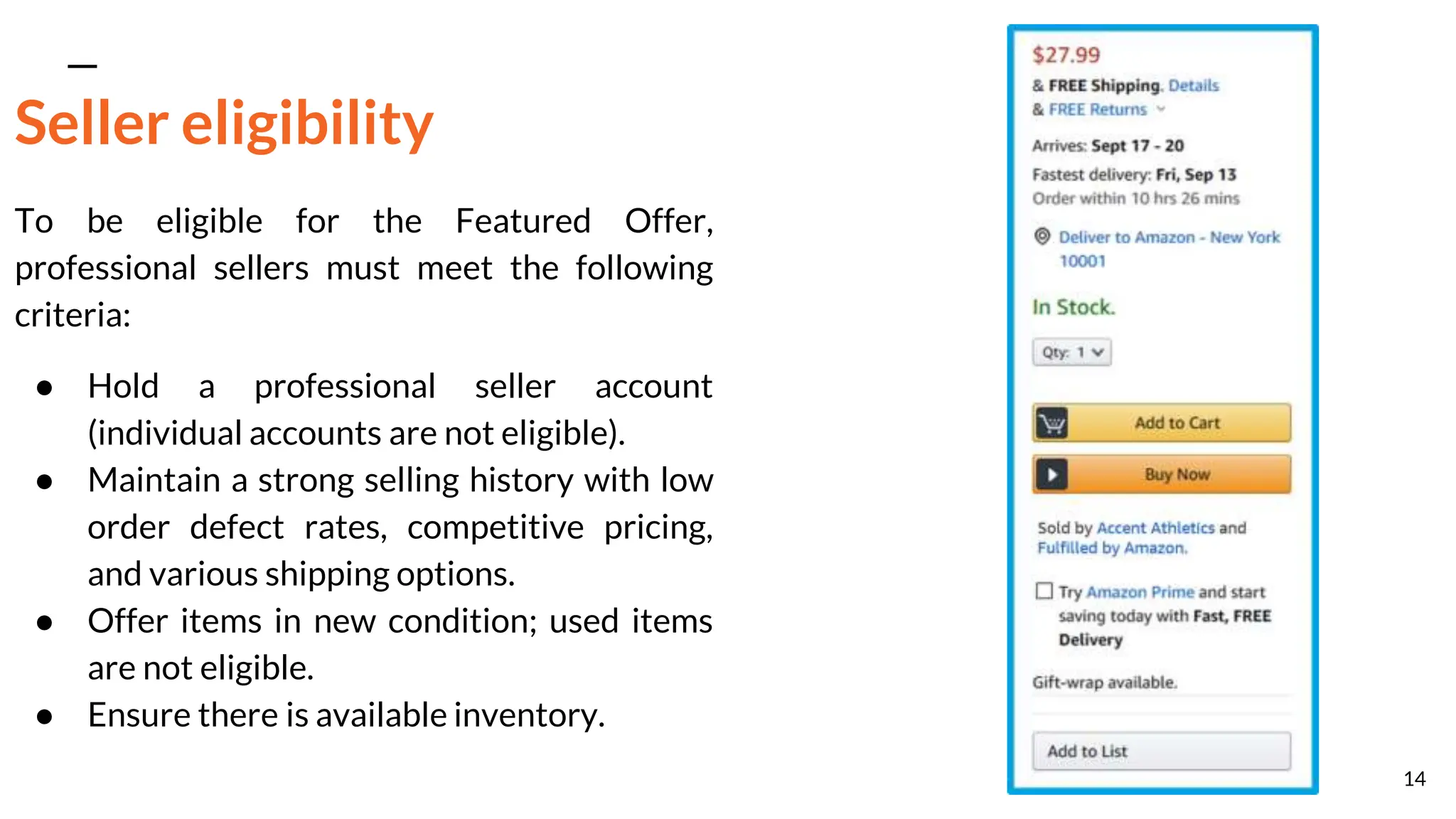
Seller eligibility
To be eligible for the Featured Offer,
professional sellers must meet the following
criteria:
● Hold a professional seller account
(individual accounts are not eligible).
● Maintain a strong selling history with low
order defect rates, competitive pricing,
and various shipping options.
● Offer items in new condition; used items
are not eligible.
● Ensure there is available inventory.
14
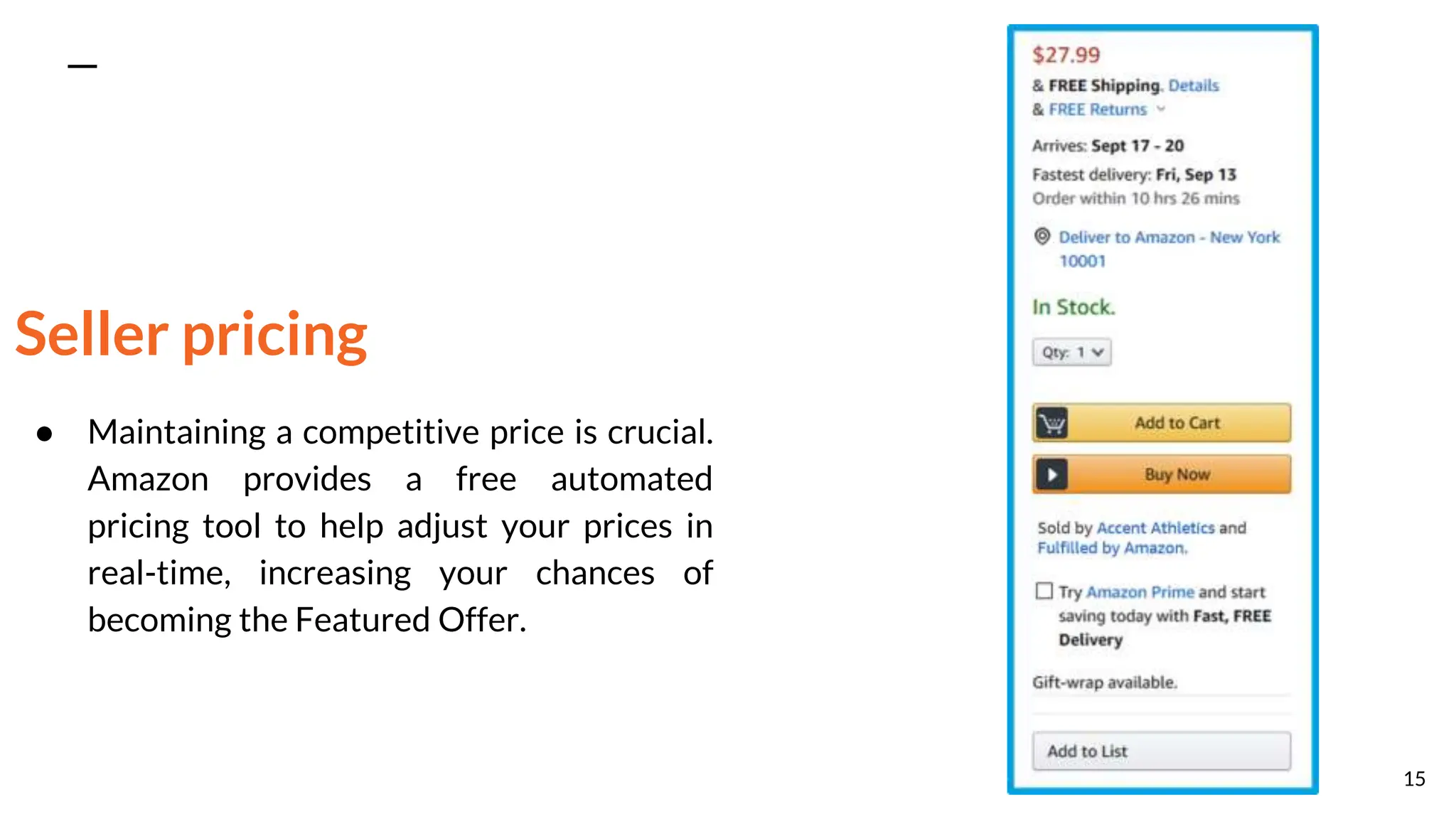
Seller pricing
● Maintaining a competitive price is crucial.
Amazon provides a free automated
pricing tool to help adjust your prices in
real-time, increasing your chances of
becoming the Featured Offer.
15
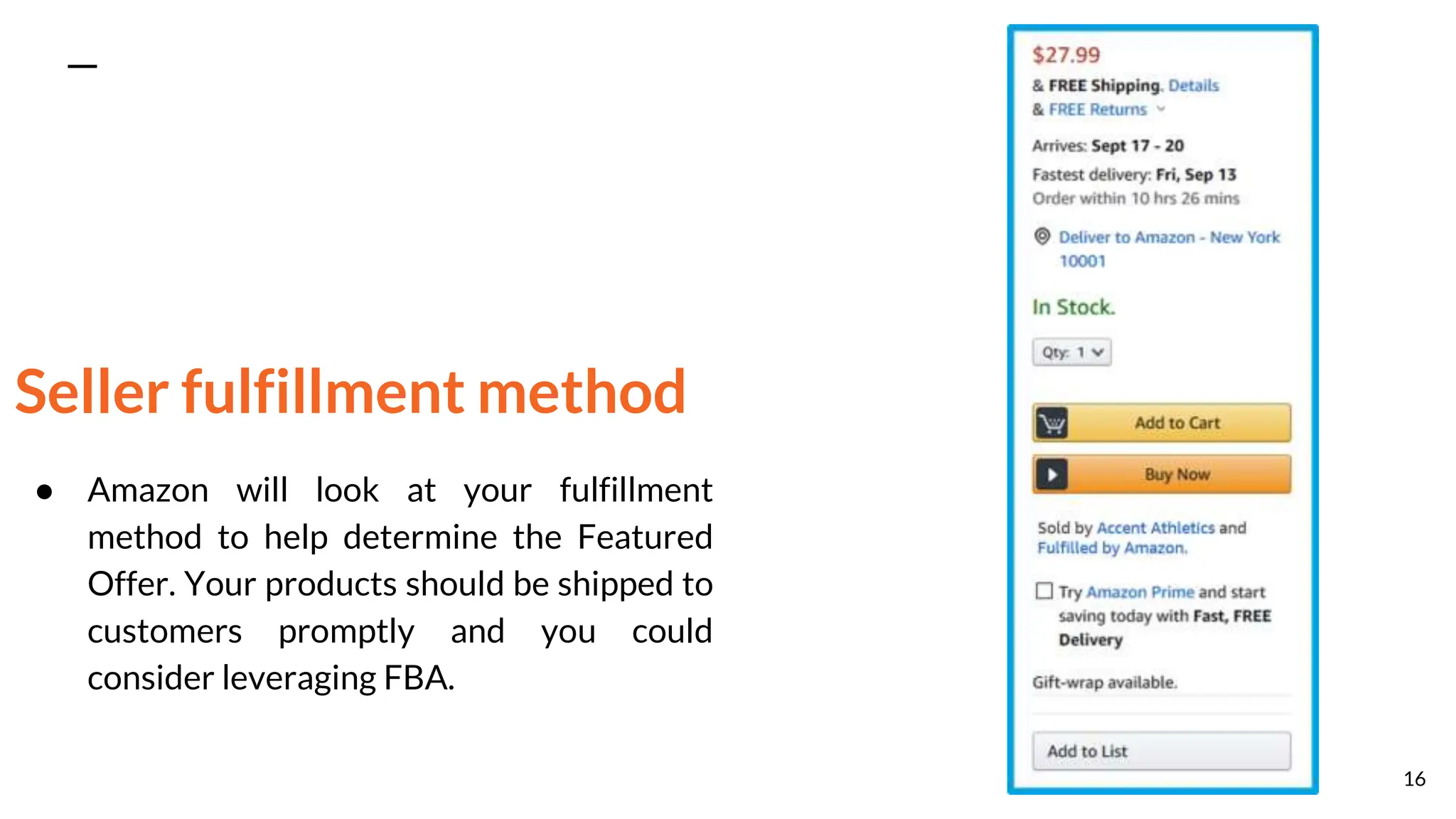
Seller fulfillment method
● Amazon will look at your fulfillment
method to help determine the Featured
Offer. Your products should be shipped to
customers promptly and you could
consider leveraging FBA.
16
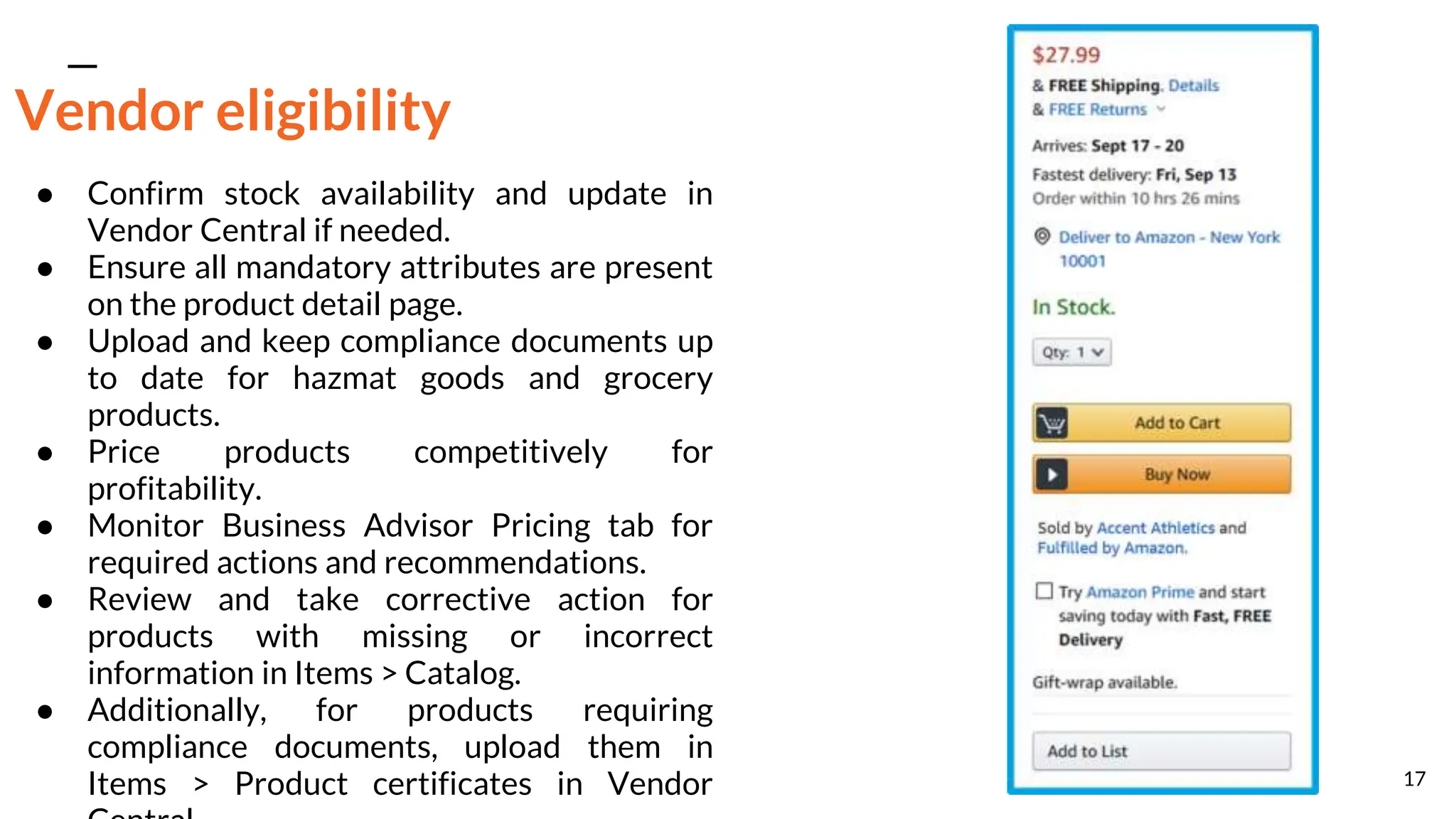
Vendor eligibility
● Confirm stock availability and update in
Vendor Central if needed.
● Ensure all mandatory attributes are present
on the product detail page.
● Upload and keep compliance documents up
to date for hazmat goods and grocery
products.
● Price products competitively for
profitability.
● Monitor Business Advisor Pricing tab for
required actions and recommendations.
● Review and take corrective action for
products with missing or incorrect
information in Items > Catalog.
● Additionally, for products requiring
compliance documents, upload them in
Items > Product certificates in Vendor 17
How inventory issues may impact advertising
campaigns
Inventory issues can not only impact the customer experience, but may also have a direct impact
on your advertising campaigns. For campaigns that are live, inventory issues can impact the
campaign's performance as well as the eligibility to be selected as the Featured Offer.
18
Sponsored Products
● Out of stock product in a campaign leads
to automatic visibility pause.
● If the campaign only contains one product,
the entire campaign will pause.
19
Sponsored Brands
● Out of stock product in a campaign leads
to automatic visibility pause.
● Sponsored Brands and DSP campaigns
may still deliver impressions if you're not
the Featured Offer.
● This could result in spending on campaigns
that lead to another seller's product detail
page.
20
Sponsored Display
● Sponsored Display ads halt when your
products are unavailable or no longer the
Featured Offer.
21
Types of A+ Content
● A+ Content is a customizable section on product detail pages for selling partners to
showcase brand values and product features.
● It replaces traditional product descriptions and can include images, videos, comparison
charts, and more.
● A+ Content enhances the overall shopping experience and allows brand registered partners
to align pages with their brand's identity.
● Three options are available: Basic A+ Content, Premium A+ Content, and Brand Story.
22
Basic A+ Content
Basic A+ Content includes:
● 12 module options comprising of text and
images.
● A maximum of 5 modules per product
detail page.
● Smaller size imagery (970x300) compared
to Premium A+ Content.
● Rich text editor, including
bulleted/number feature lists.
23
Premium A+ Content
Premium A+ Content includes:
● 17 module options made up of text,
images and additional components such
as videos, hotspots, image carousels, and
enhanced comparison charts.
● A maximum of 7 modules per product
detail page.
● Larger size imagery (1464x600)
compared to Basic A+ Content.
● Desktop, tablet, and mobile optimization.
24
Requirement for Premium A+ Content
● Every ASIN in your catalog must have published Brand Story content.
● You need a minimum of 15 approved A+ Content project submissions in the past 12 months
to qualify for Premium A+ access.
● Access to Premium A+ is automatically granted based on meeting these criteria. You will be
notified accordingly.
25
Brand Story
● A+ Content: Customizable section for
product details and features.
● Brand Story: Unified brand representation
across all product detail pages.
● A+ Content boosts sales with tailored
product information.
● Brand Story offers brand values insight
and cross-selling opportunities.
● Both maximize brand presence and
customer engagement.
26
Optimizing A+ Content
● Text: Provide detailed explanations using specific language and figures.
● Tables: Utilize comparison tables to highlight features across your product line.
● Banners: Showcase products in use, incorporating brand logo for consistency.
● Images: Employ high-quality, clear images focusing on product features or usage. Ensure
any text is legible on mobile devices.
● Fields: Use text fields instead of embedding text in images for better SEO visibility.
● Mix and match: Explore various A+ Content modules for the ideal combination of images
and text.
● Customer Insights: Review customer feedback, returns, and communication to address
potential concerns.
● Storytelling: Narrate your brand's mission, story, and production process. Provide in-depth
feature information with specific data, adopting a helpful tone.
27

Unveiling Amazon Retail Advance Part 1 - A Comprehensive Guide

  • 1.
    Retail readiness optimization Creating aretail-ready product listing on Amazon is vital for attracting and converting customers. It includes essential details like clear product pictures, descriptions, and customer reviews. This builds trust and helps customers make informed decisions. Unlocking Amazon Retail: Post #1 1
  • 2.
    Optimizing titles Product titlesare one of the first things that customers see when browsing Amazon.com, therefore they should be well-optimized, clear and descriptive. ● Titles can be a maximum of 200 characters, but are recommended to be approximately 60 characters to concisely identify your product. ○ Tip: If you advertise on Amazon.com using Sponsored Products, product titles will appear prominently in your creative, so being concise helps ensure your title won’t appear truncated. ● Titles should include your brand, product line, material or key feature, product type, color, size, unit quantity, and relevant keywords. ○ Here’s an example of a product title Organique might create: Organique Strengthening Shampoo - Aloe + Lemongrass, 24 fl oz ● Each Amazon.com category has specific title guidelines, so make sure you check the category-specific style guides (use this link if you have access to Seller Central). 2
  • 3.
    Optimizing descriptions Product descriptionsare useful in providing customers with necessary information when considering products to purchase. ● Product descriptions should include a clear overview of your product’s key features such as: contents, uses, dimensions, operational considerations, age rating, skill level, and country of origin. ● Product descriptions should include at least three bullet points, but may include up to five bullet points, of 500 characters each. ● Include keywords in each bullet to help the product gain visibility. ● Bullet points should be formatted as a sentence fragment without end punctuation. 3
  • 4.
  • 5.
    The main image ●Main image must have an all- white background. ● Product should fill at least 80% of the image area. ● No text is allowed on the image. 5
  • 6.
    Additional images ● Eachproduct detail page should have a minimum of one image. ● It's recommended to include six images and one video showcasing the product from various angles. ● Additional images can include a mix of text, graphics, and lifestyle photos. 6
  • 7.
    Other requirements ● Imagesshould be at least 1000 pixels in height or width to enable the zoom function. ● At least 25% of your product images should be zoomable. 7
  • 8.
    The importance ofcustomer ratings and reviews ● Customer ratings and reviews play a crucial role in the shopping experience on Amazon.com. ● They allow customers to give a star rating and provide detailed product reviews, enhancing transparency and trust in the purchasing process. ● These reviews benefit both customers and selling partners by offering valuable insights and feedback on the product. 8
  • 9.
    Customers can usereviews to: ● Learn more about the product: Customers can get product information that might not be clear in the product description through reviews. ● Assess whether it fits their needs: By learning about the experience that other shoppers have had with the product, customers can better assess whether it matches what they intend to use it for. ● Make informed purchase decisions: Product reviews complement the product’s description and help give customers a comprehensive overview of the product, allowing them to make the best decision for them. 9
  • 10.
    Selling partners canuse reviews to: ● Understand the sentiment surrounding their products: Reviews and ratings from customers can help selling partners evaluate the quality of their products. ● Learn what aspects of the product customers like or dislike: Reviews provide specific feedback from customers on what exactly they like or dislike about the product and ideas to improve it. ● Provide a better service to customers: Selling partners can reply to comments from unsatisfied customers and offer to resolve their issues for any bad experience they had with the product. 10
  • 11.
    Tips to helpgenerate more reviews ● Amazon Vine: This program invites trusted Amazon.com customers, known as "Vine Voices," to share opinions about new and pre-release items. These reviews help fellow customers make informed purchase decisions. It's worth noting that Amazon does not influence or alter the opinions of Vine Voices. ● Request a Review: Sellers can proactively ask customers to leave reviews by sending messages through Seller Central, as long as they follow the customer review community guidelines. This is an effective way to encourage more customer feedback. 11
  • 12.
    How inventory issuesmay impact customer experience ● Ensure accurate inventory levels for a positive customer experience. ● Products must be in-stock to be eligible for the Featured Offer. ● Monitor inventory through Seller Central (for professional sellers) or Vendor Central (for vendors). 12
  • 13.
    Increase your chancesto be the Featured Offer ● Multiple sellers of the same product are combined into a single product page for a better customer experience. ● The Featured Offer is chosen based on factors like price, fulfillment method, and customer experience. 13
  • 14.
    Seller eligibility To beeligible for the Featured Offer, professional sellers must meet the following criteria: ● Hold a professional seller account (individual accounts are not eligible). ● Maintain a strong selling history with low order defect rates, competitive pricing, and various shipping options. ● Offer items in new condition; used items are not eligible. ● Ensure there is available inventory. 14
  • 15.
    Seller pricing ● Maintaininga competitive price is crucial. Amazon provides a free automated pricing tool to help adjust your prices in real-time, increasing your chances of becoming the Featured Offer. 15
  • 16.
    Seller fulfillment method ●Amazon will look at your fulfillment method to help determine the Featured Offer. Your products should be shipped to customers promptly and you could consider leveraging FBA. 16
  • 17.
    Vendor eligibility ● Confirmstock availability and update in Vendor Central if needed. ● Ensure all mandatory attributes are present on the product detail page. ● Upload and keep compliance documents up to date for hazmat goods and grocery products. ● Price products competitively for profitability. ● Monitor Business Advisor Pricing tab for required actions and recommendations. ● Review and take corrective action for products with missing or incorrect information in Items > Catalog. ● Additionally, for products requiring compliance documents, upload them in Items > Product certificates in Vendor 17
  • 18.
    How inventory issuesmay impact advertising campaigns Inventory issues can not only impact the customer experience, but may also have a direct impact on your advertising campaigns. For campaigns that are live, inventory issues can impact the campaign's performance as well as the eligibility to be selected as the Featured Offer. 18
  • 19.
    Sponsored Products ● Outof stock product in a campaign leads to automatic visibility pause. ● If the campaign only contains one product, the entire campaign will pause. 19
  • 20.
    Sponsored Brands ● Outof stock product in a campaign leads to automatic visibility pause. ● Sponsored Brands and DSP campaigns may still deliver impressions if you're not the Featured Offer. ● This could result in spending on campaigns that lead to another seller's product detail page. 20
  • 21.
    Sponsored Display ● SponsoredDisplay ads halt when your products are unavailable or no longer the Featured Offer. 21
  • 22.
    Types of A+Content ● A+ Content is a customizable section on product detail pages for selling partners to showcase brand values and product features. ● It replaces traditional product descriptions and can include images, videos, comparison charts, and more. ● A+ Content enhances the overall shopping experience and allows brand registered partners to align pages with their brand's identity. ● Three options are available: Basic A+ Content, Premium A+ Content, and Brand Story. 22
  • 23.
    Basic A+ Content BasicA+ Content includes: ● 12 module options comprising of text and images. ● A maximum of 5 modules per product detail page. ● Smaller size imagery (970x300) compared to Premium A+ Content. ● Rich text editor, including bulleted/number feature lists. 23
  • 24.
    Premium A+ Content PremiumA+ Content includes: ● 17 module options made up of text, images and additional components such as videos, hotspots, image carousels, and enhanced comparison charts. ● A maximum of 7 modules per product detail page. ● Larger size imagery (1464x600) compared to Basic A+ Content. ● Desktop, tablet, and mobile optimization. 24
  • 25.
    Requirement for PremiumA+ Content ● Every ASIN in your catalog must have published Brand Story content. ● You need a minimum of 15 approved A+ Content project submissions in the past 12 months to qualify for Premium A+ access. ● Access to Premium A+ is automatically granted based on meeting these criteria. You will be notified accordingly. 25
  • 26.
    Brand Story ● A+Content: Customizable section for product details and features. ● Brand Story: Unified brand representation across all product detail pages. ● A+ Content boosts sales with tailored product information. ● Brand Story offers brand values insight and cross-selling opportunities. ● Both maximize brand presence and customer engagement. 26
  • 27.
    Optimizing A+ Content ●Text: Provide detailed explanations using specific language and figures. ● Tables: Utilize comparison tables to highlight features across your product line. ● Banners: Showcase products in use, incorporating brand logo for consistency. ● Images: Employ high-quality, clear images focusing on product features or usage. Ensure any text is legible on mobile devices. ● Fields: Use text fields instead of embedding text in images for better SEO visibility. ● Mix and match: Explore various A+ Content modules for the ideal combination of images and text. ● Customer Insights: Review customer feedback, returns, and communication to address potential concerns. ● Storytelling: Narrate your brand's mission, story, and production process. Provide in-depth feature information with specific data, adopting a helpful tone. 27