Engaging Students Series:
Talk, Text or Skpe?
Reaching the
Connected Generation
Your Hostess
Cyndy McDonald
- Middle school and high school counselor
- Experience working in college access program
AVID
- Founder of HECA, MyCCA.net and co-founder
of GuidedPath
- Launching Military non-profit organization
- Passion for education
- First generation college student
Webinar Agenda
 Agenda for the meeting
The Connected Generation
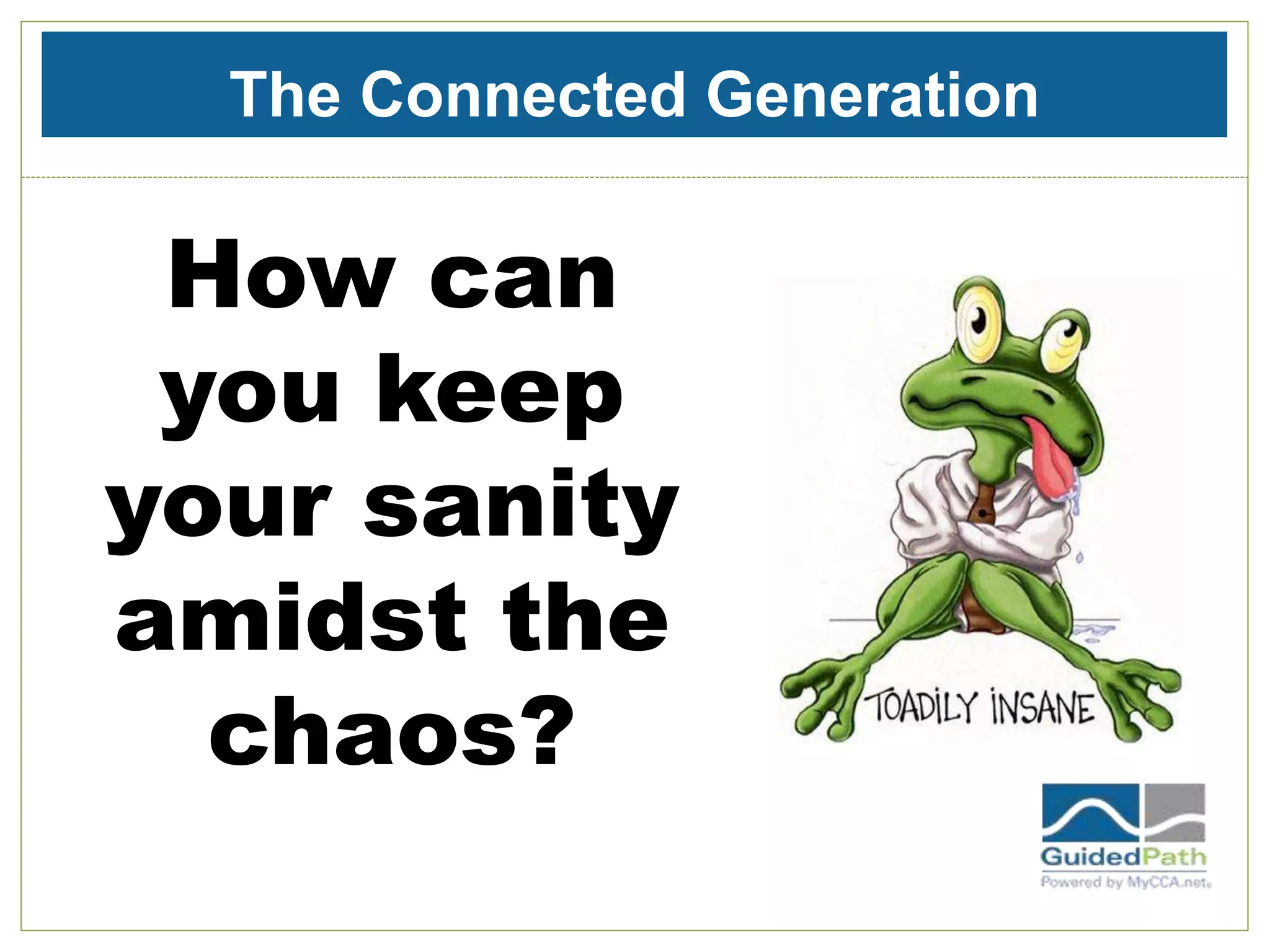
How can
you keep
your sanity
amidst the
chaos?
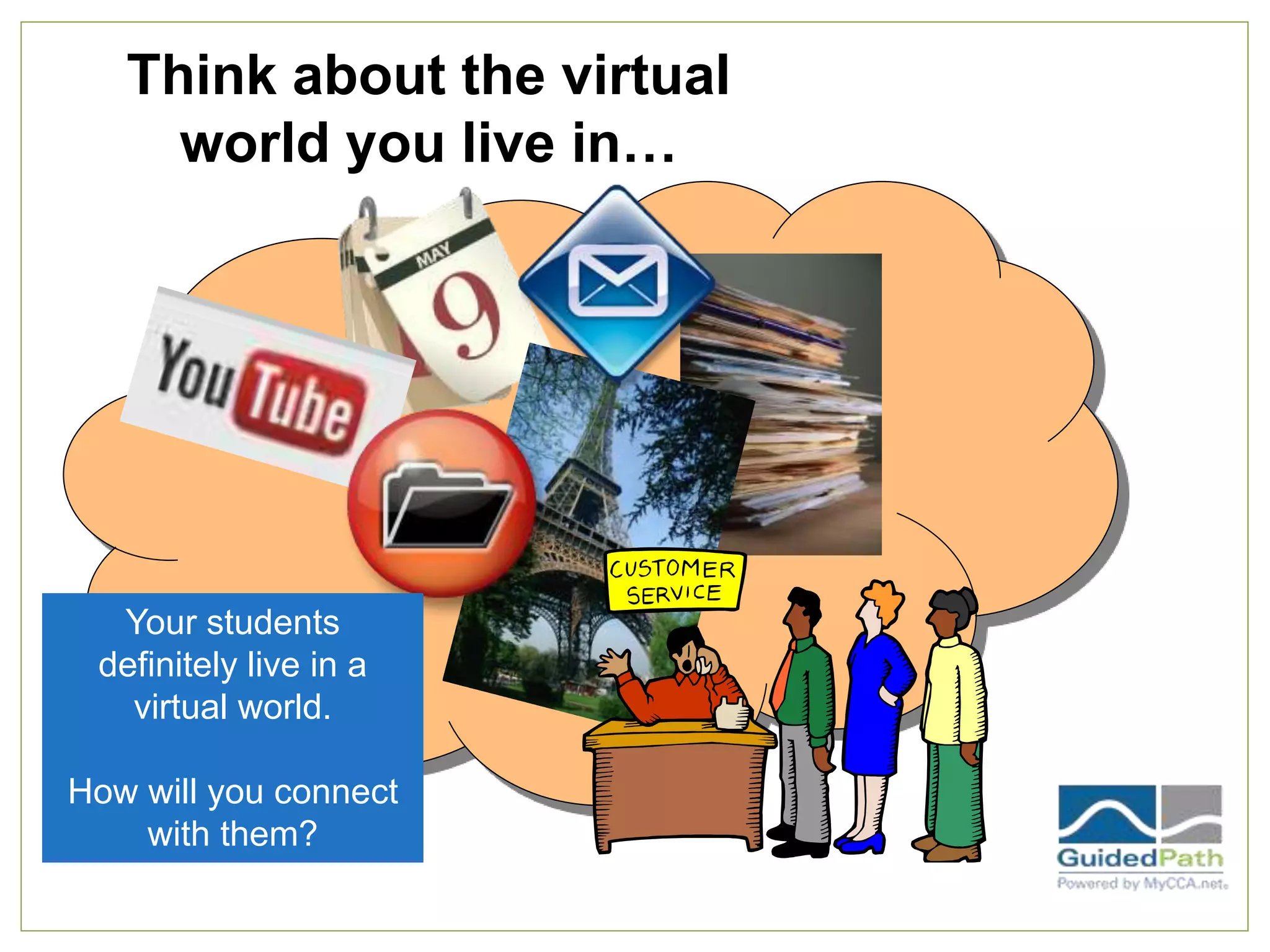
Think about the virtual
world you live in…
Your students
definitely live in a
virtual world.
How will you connect
with them?
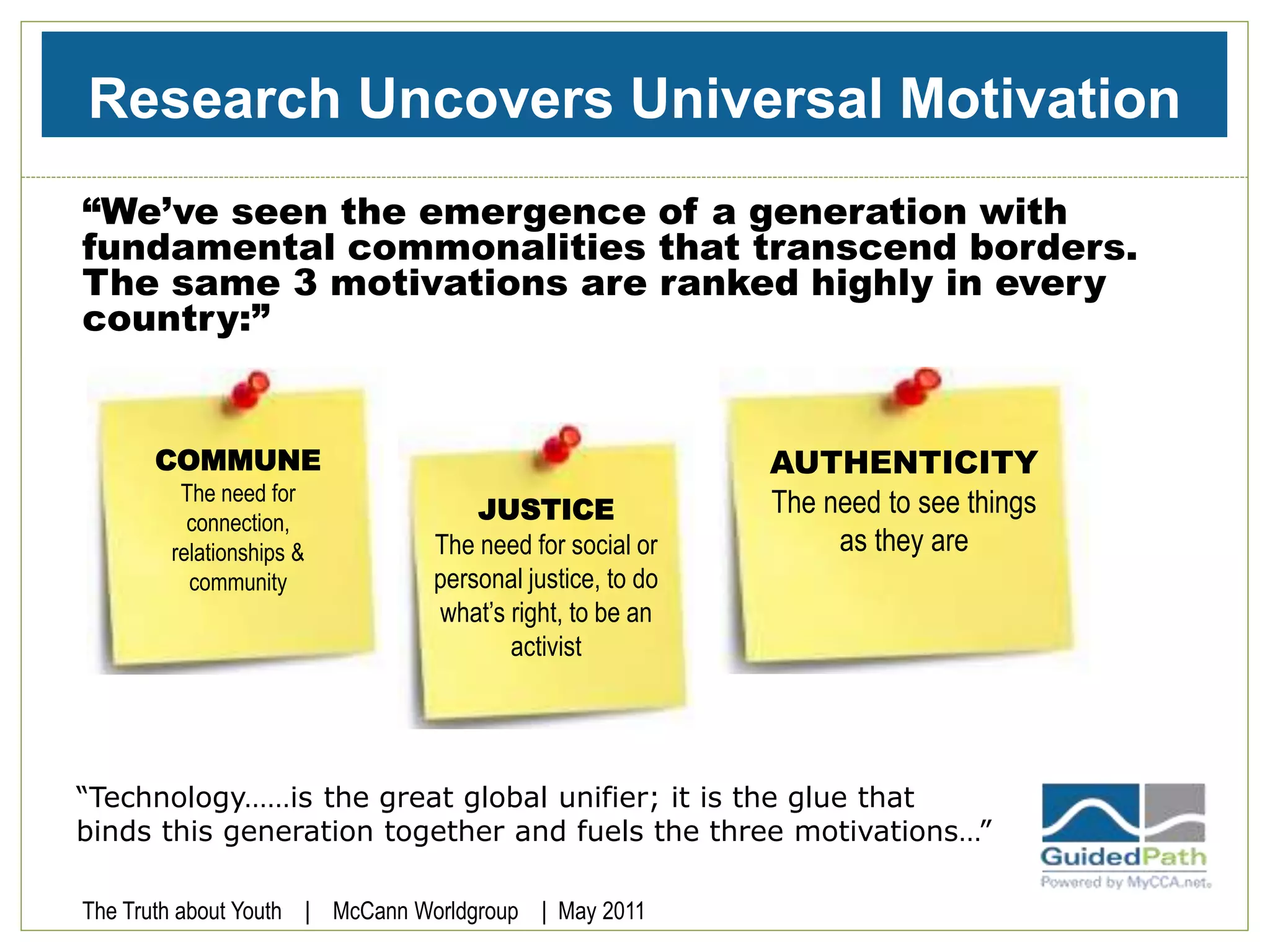
Research Uncovers Universal Motivation
“We’ve seen the emergence of a generation with
fundamental commonalities that transcend borders.
The same 3 motivations are ranked highly in every
country:”
“Technology……is the great global unifier; it is the glue that
binds this generation together and fuels the three motivations…”
JUSTICE
The need for social or
personal justice, to do
what’s right, to be an
activist
AUTHENTICITY
The need to see things
as they are
COMMUNE
The need for
connection,
relationships &
community
The Truth about Youth | McCann Worldgroup | May 2011
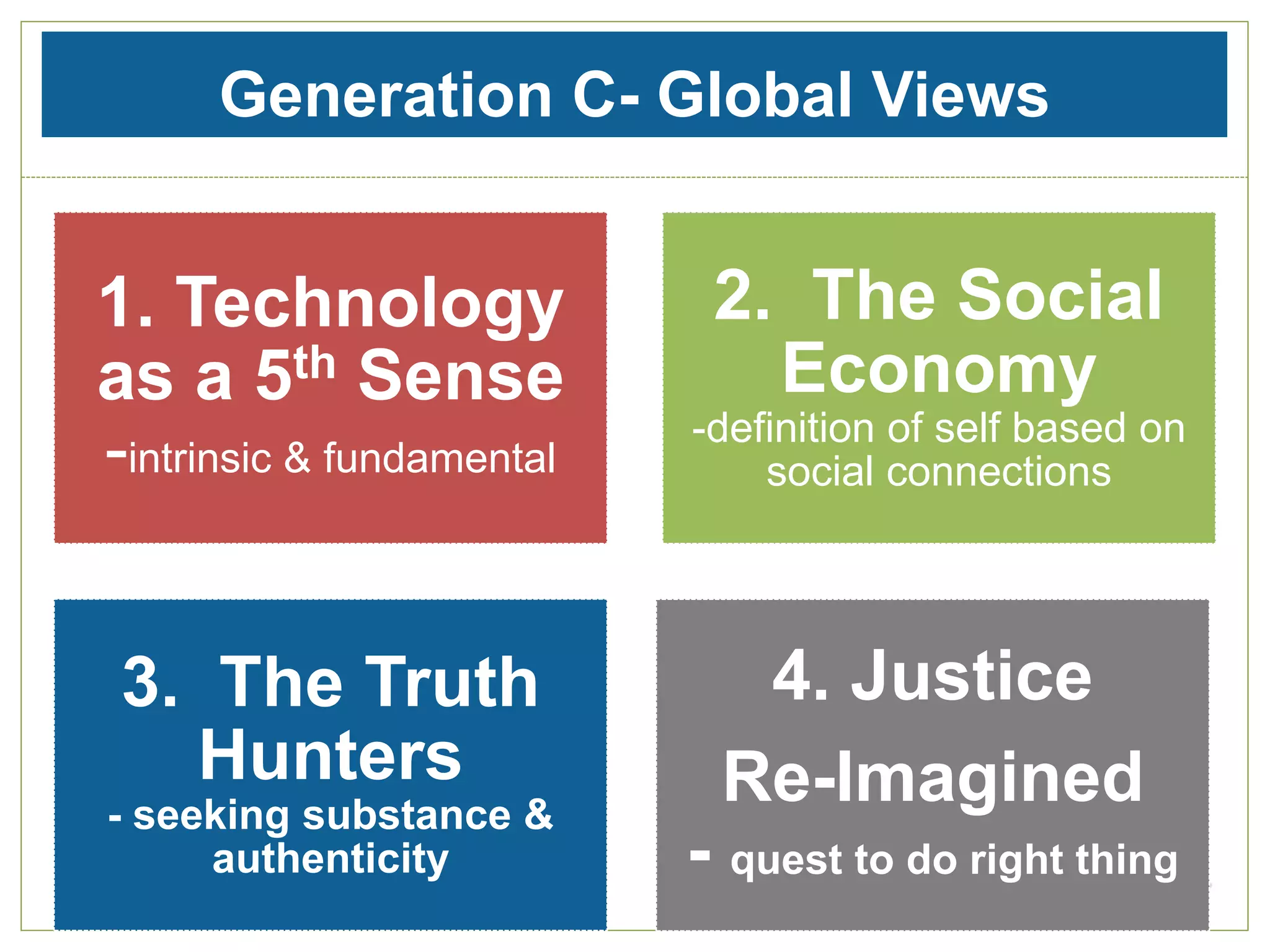
Generation C- Global Views
1. Technology
as a 5th Sense
-intrinsic & fundamental
2. The Social
Economy
-definition of self based on
social connections
3. The Truth
Hunters
- seeking substance &
authenticity
4. Justice
Re-Imagined
- quest to do right thing
Technology- Embraced
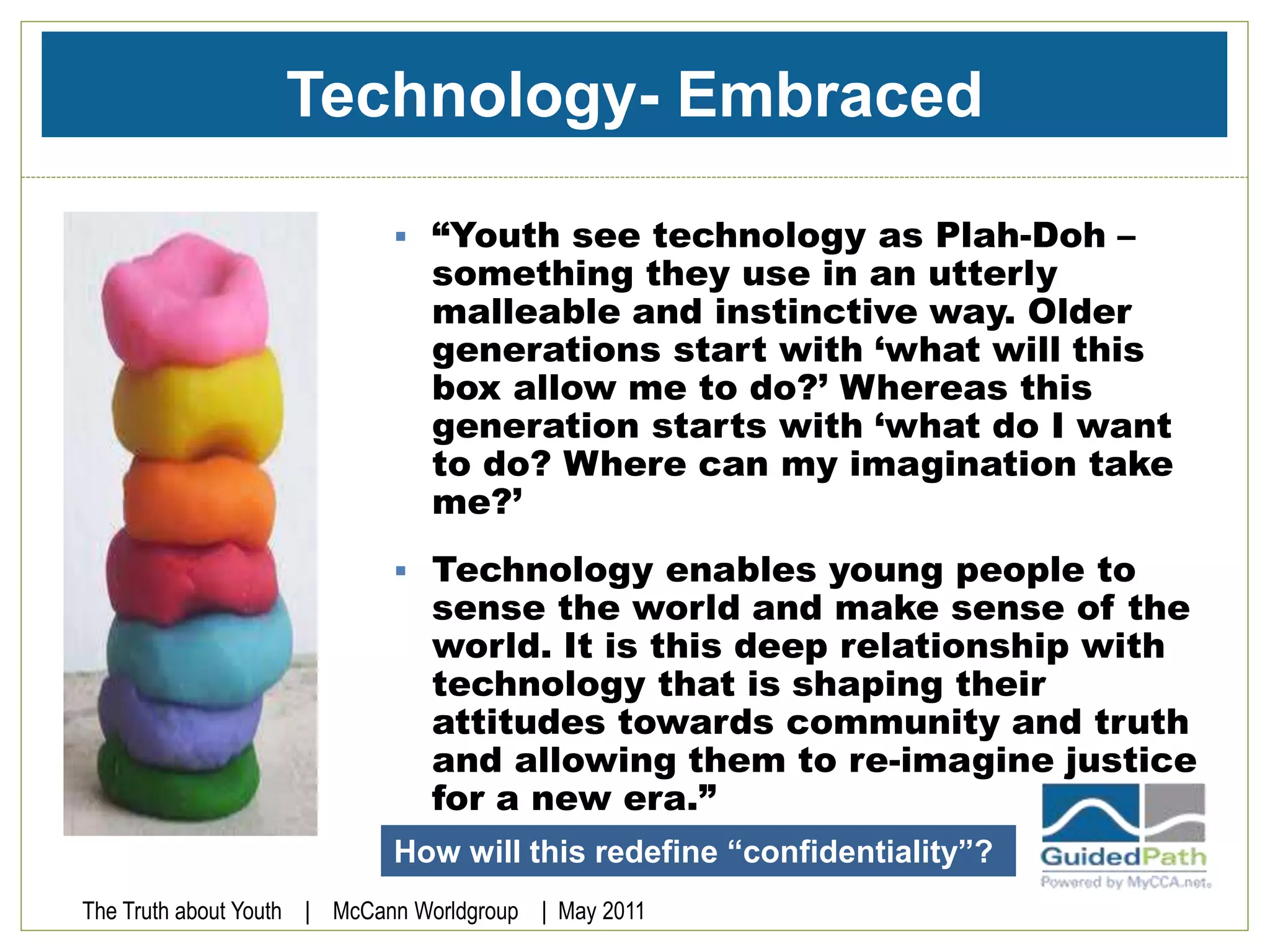
 “Youth see technology as Plah-Doh –
something they use in an utterly
malleable and instinctive way. Older
generations start with ‘what will this
box allow me to do?’ Whereas this
generation starts with ‘what do I want
to do? Where can my imagination take
me?’
 Technology enables young people to
sense the world and make sense of the
world. It is this deep relationship with
technology that is shaping their
attitudes towards community and truth
and allowing them to re-imagine justice
for a new era.”
The Truth about Youth | McCann Worldgroup | May 2011
How will this redefine “confidentiality”?
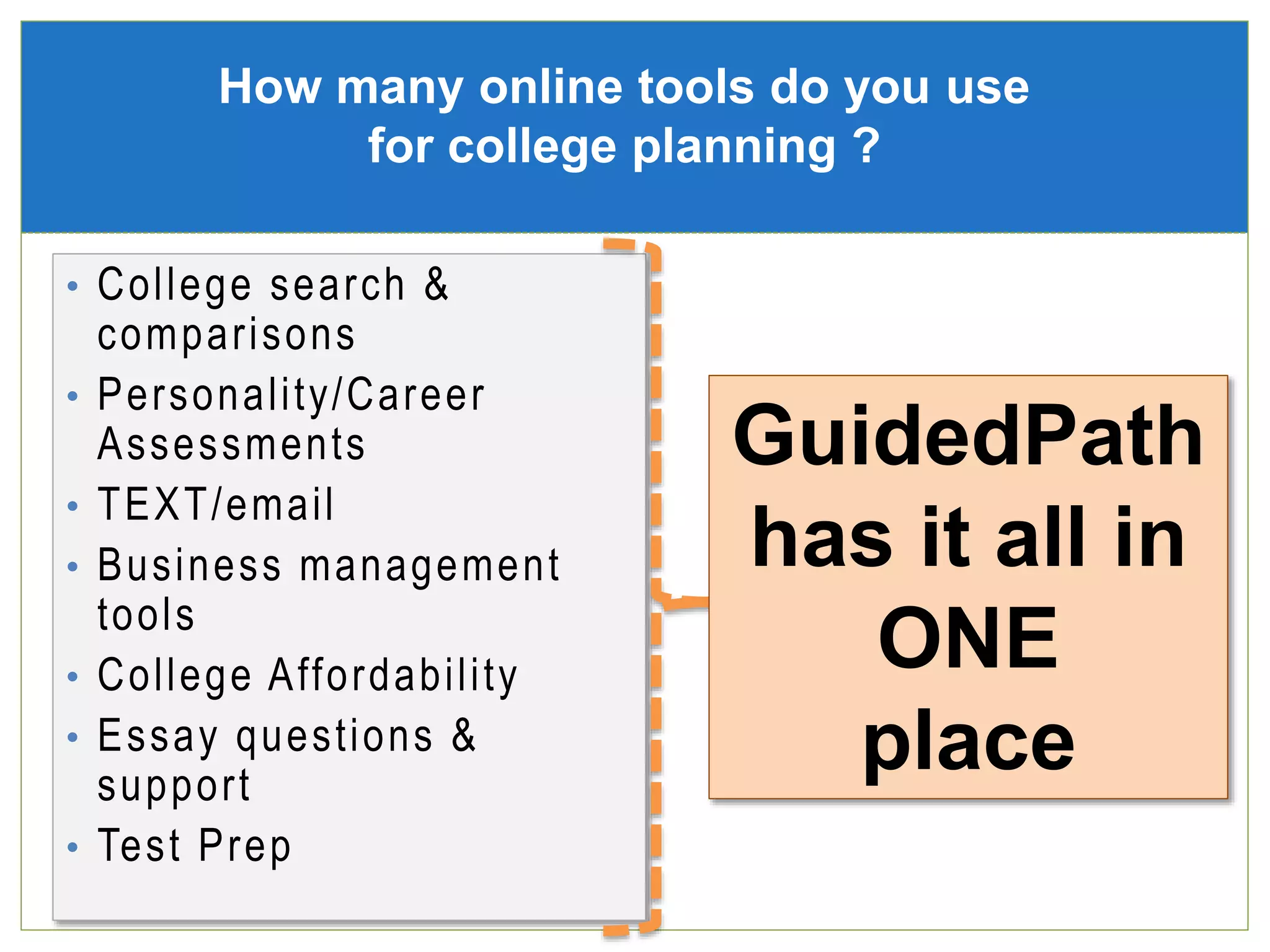
• College search &
comparisons
• Personality/Career
Assessments
• TEXT/email
• Business management
tools
• College Affordability
• Essay questions &
support
• Test Prep
How many online tools do you use
for college planning ?
GuidedPath
has it all in
ONE
place
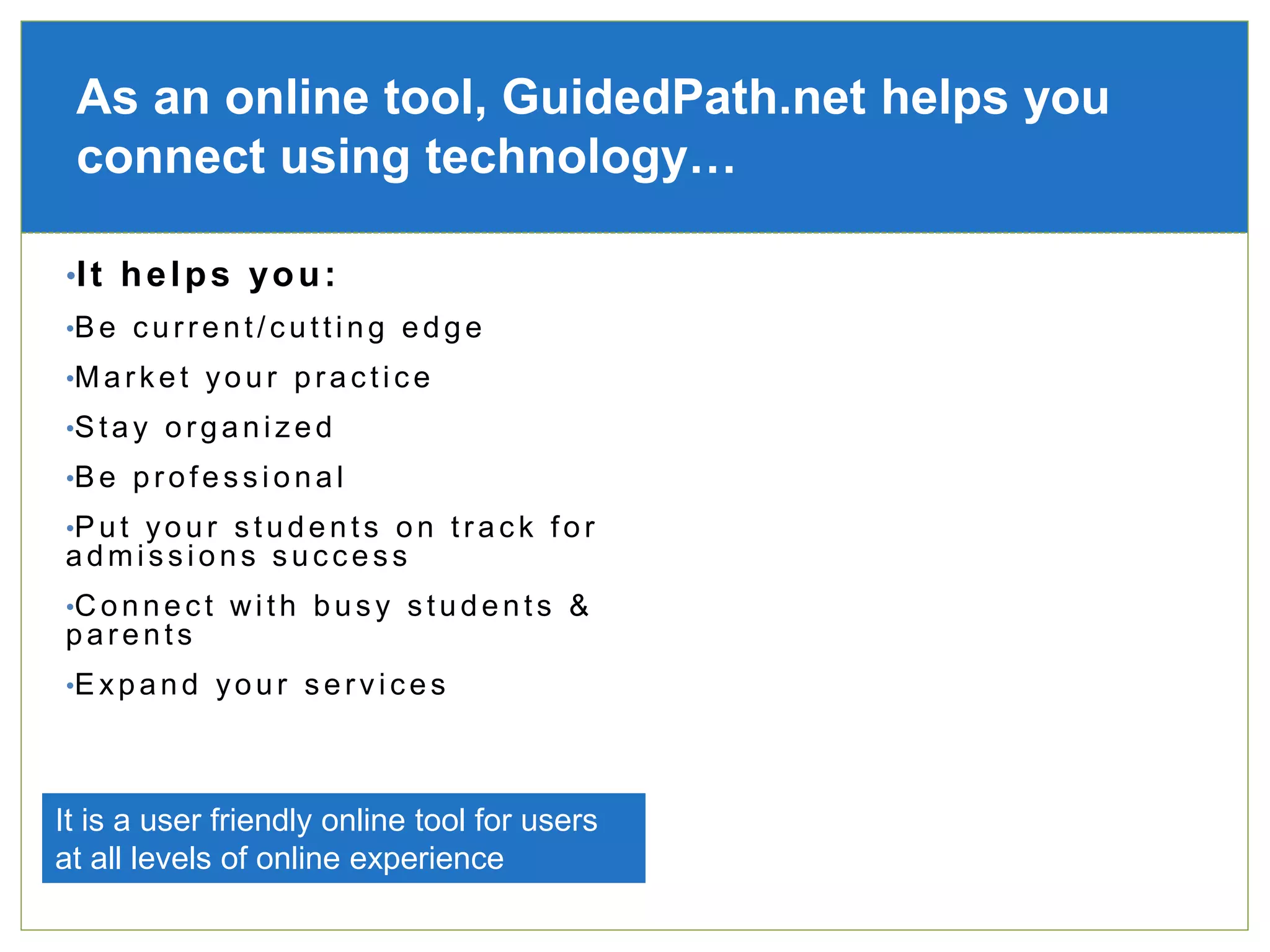
•It helps you:
•Be current/cutting edge
•Market your practice
•Stay organized
•Be professional
•Put your students on track for
admissions success
•Connect with busy students &
parents
•Expand your services
As an online tool, GuidedPath.net helps you
connect using technology…
It is a user friendly online tool for users
at all levels of online experience
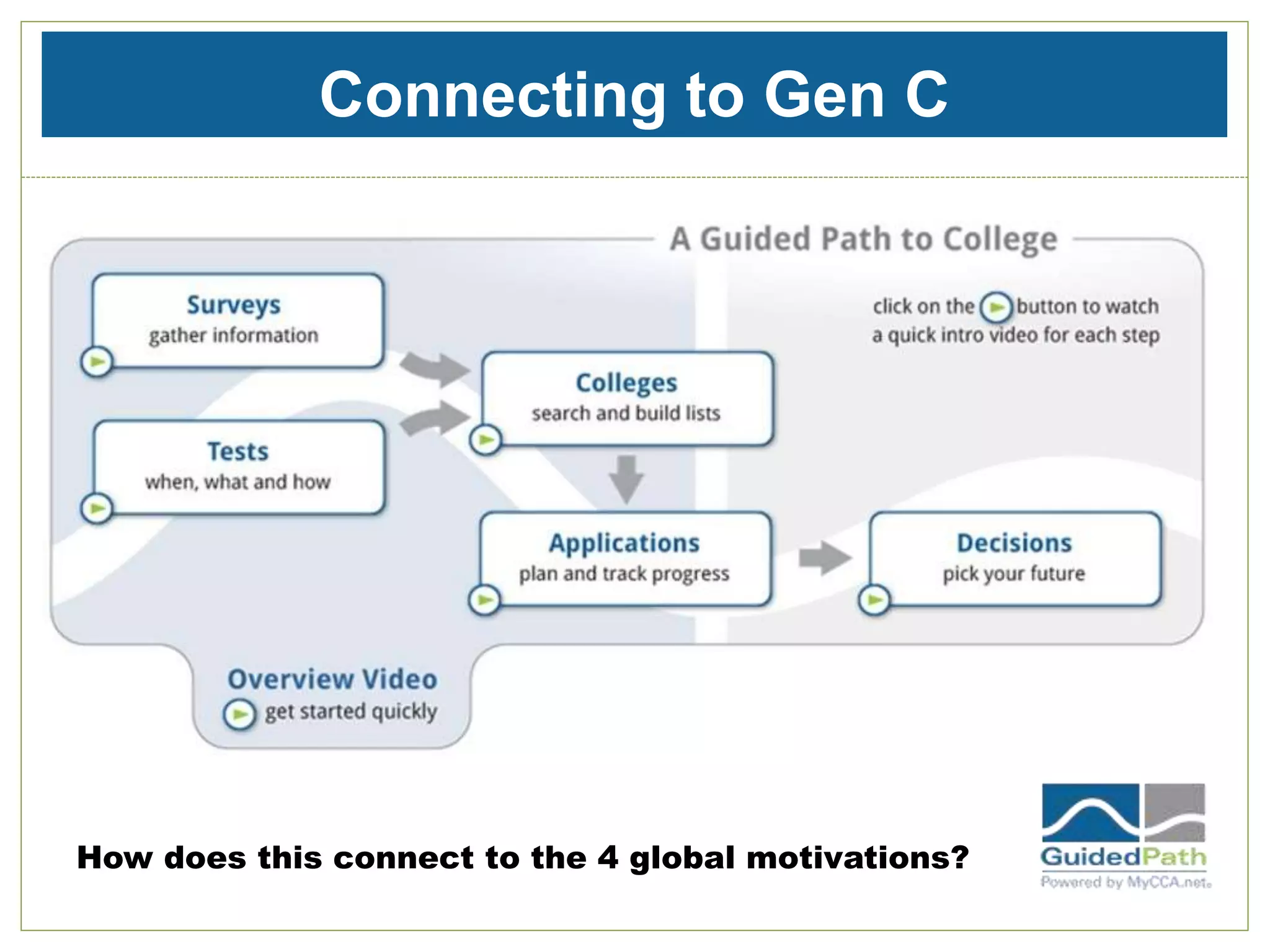
Connecting to Gen C
How does this connect to the 4 global motivations?
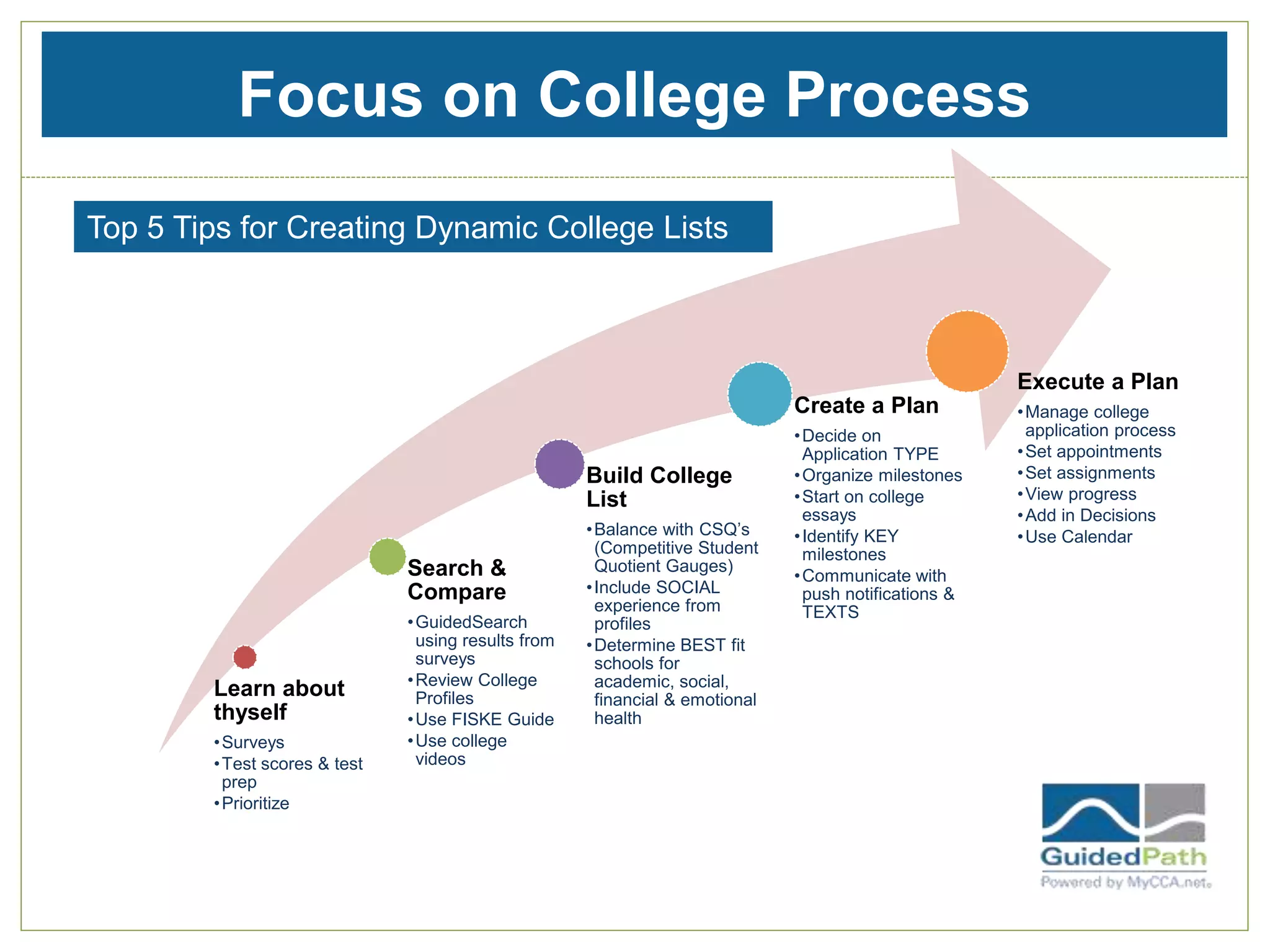
Focus on College Process
Learn about
thyself
•Surveys
•Test scores & test
prep
•Prioritize
Search &
Compare
•GuidedSearch
using results from
surveys
•Review College
Profiles
•Use FISKE Guide
•Use college
videos
Build College
List
•Balance with CSQ’s
(Competitive Student
Quotient Gauges)
•Include SOCIAL
experience from
profiles
•Determine BEST fit
schools for
academic, social,
financial & emotional
health
Create a Plan
•Decide on
Application TYPE
•Organize milestones
•Start on college
essays
•Identify KEY
milestones
•Communicate with
push notifications &
TEXTS
Execute a Plan
•Manage college
application process
•Set appointments
•Set assignments
•View progress
•Add in Decisions
•Use Calendar
Top 5 Tips for Creating Dynamic College Lists
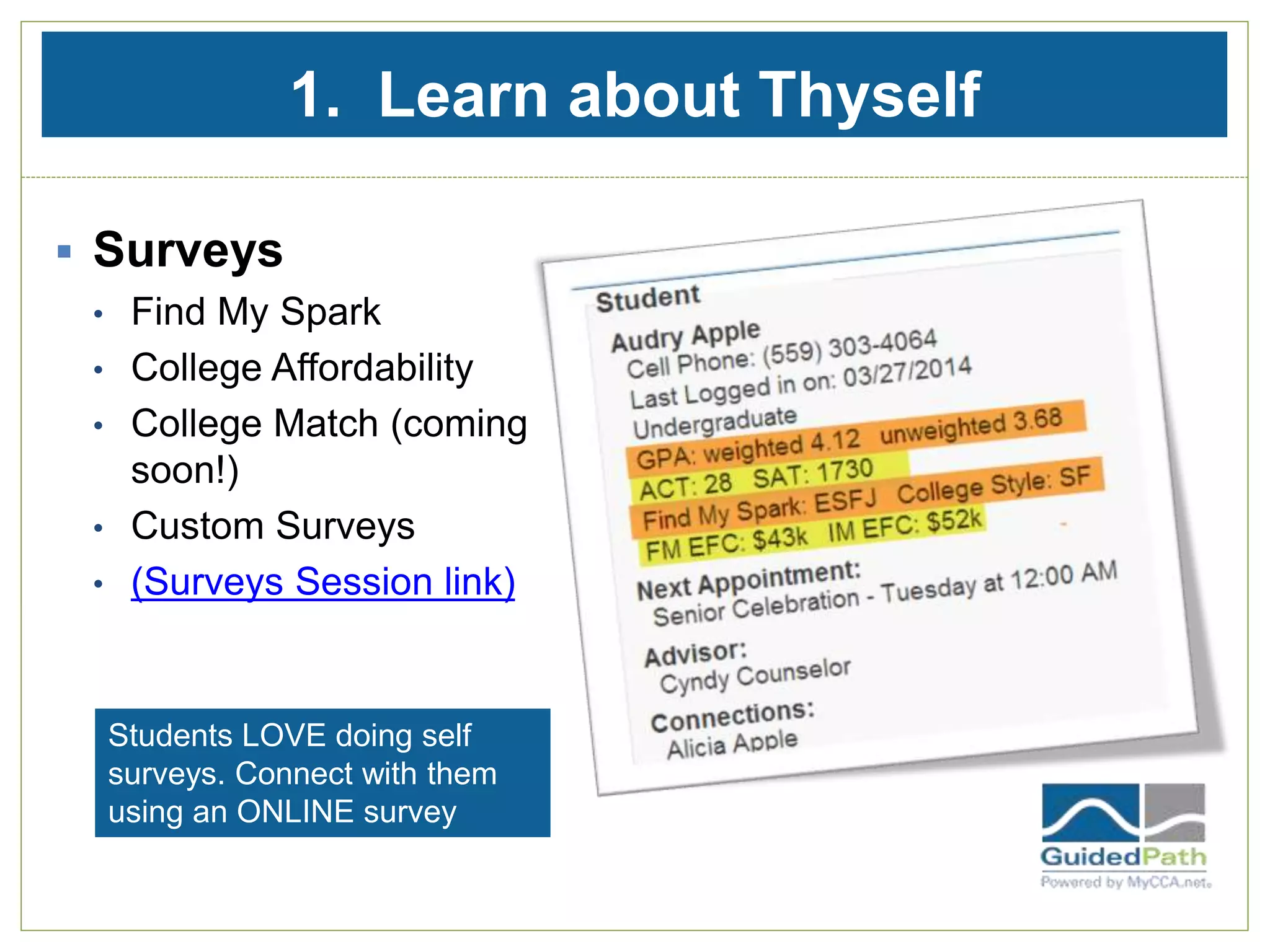
1. Learn about Thyself
 Surveys
• Find My Spark
• College Affordability
• College Match (coming
soon!)
• Custom Surveys
• (Surveys Session link)
Students LOVE doing self
surveys. Connect with them
using an ONLINE survey
1. Learn about Thyself
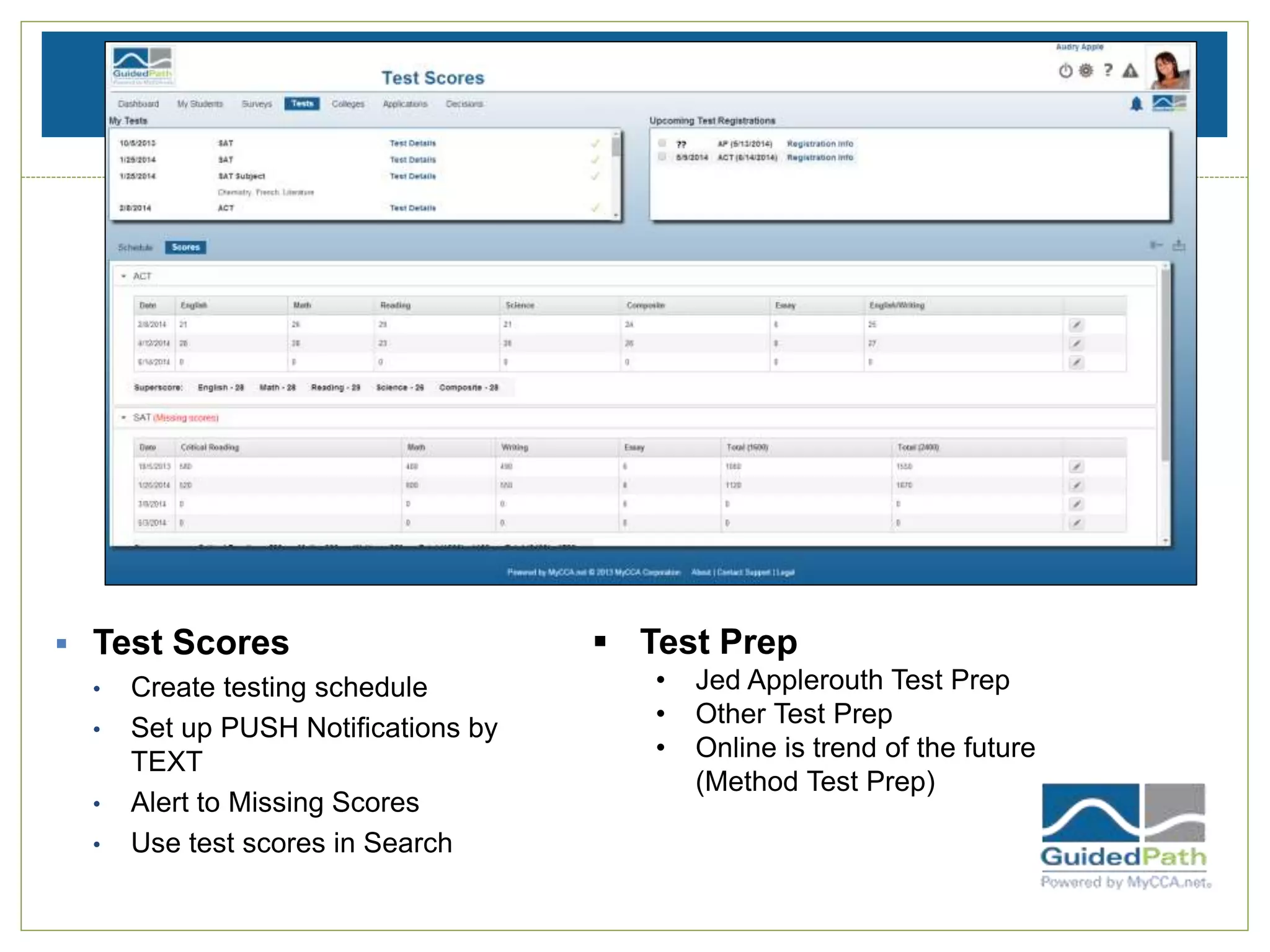
 Test Scores
• Create testing schedule
• Set up PUSH Notifications by
TEXT
• Alert to Missing Scores
• Use test scores in Search
 Test Prep
• Jed Applerouth Test Prep
• Other Test Prep
• Online is trend of the future
(Method Test Prep)
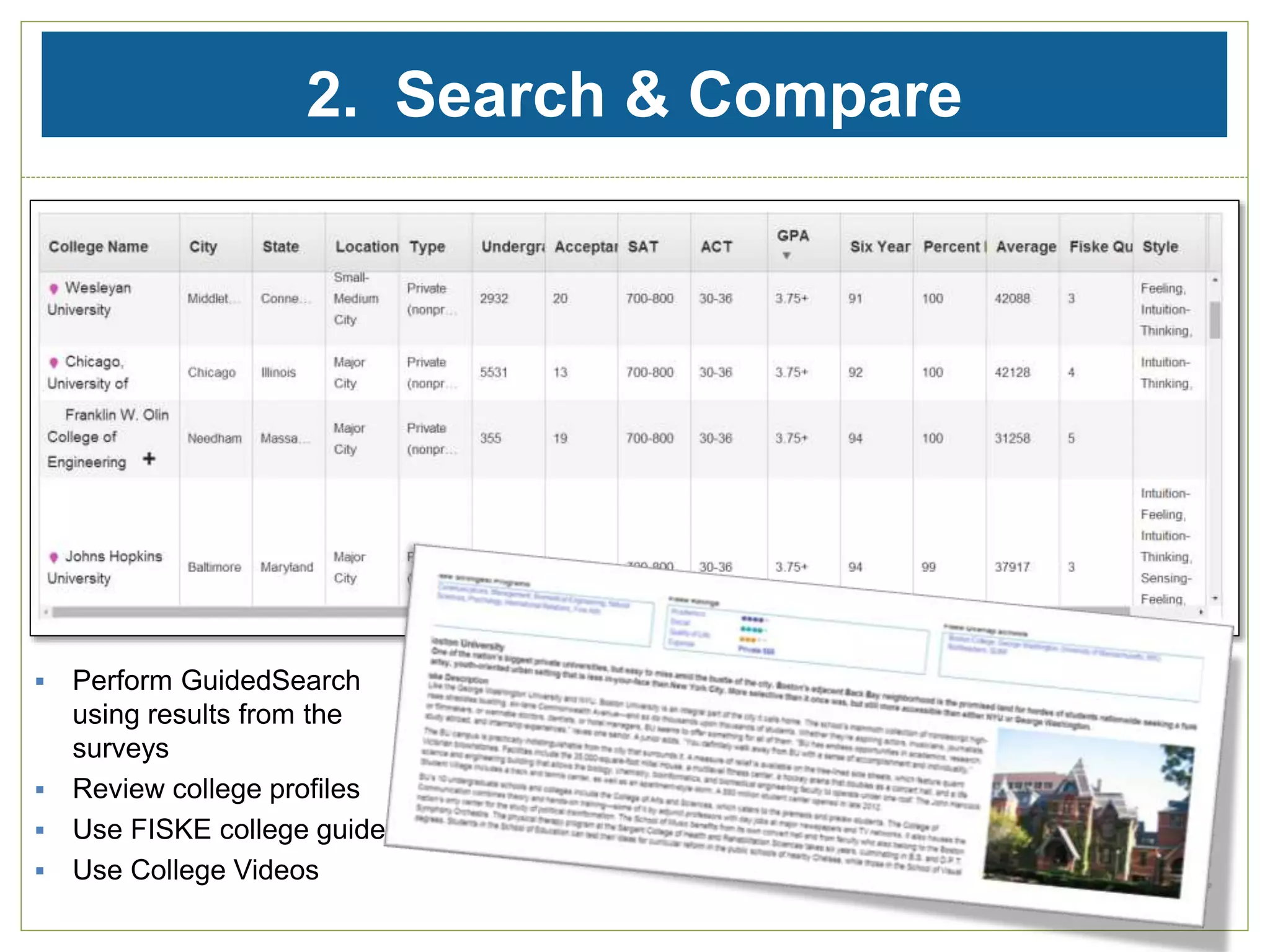
2. Search & Compare
 Perform GuidedSearch
using results from the
surveys
 Review college profiles
 Use FISKE college guide
 Use College Videos
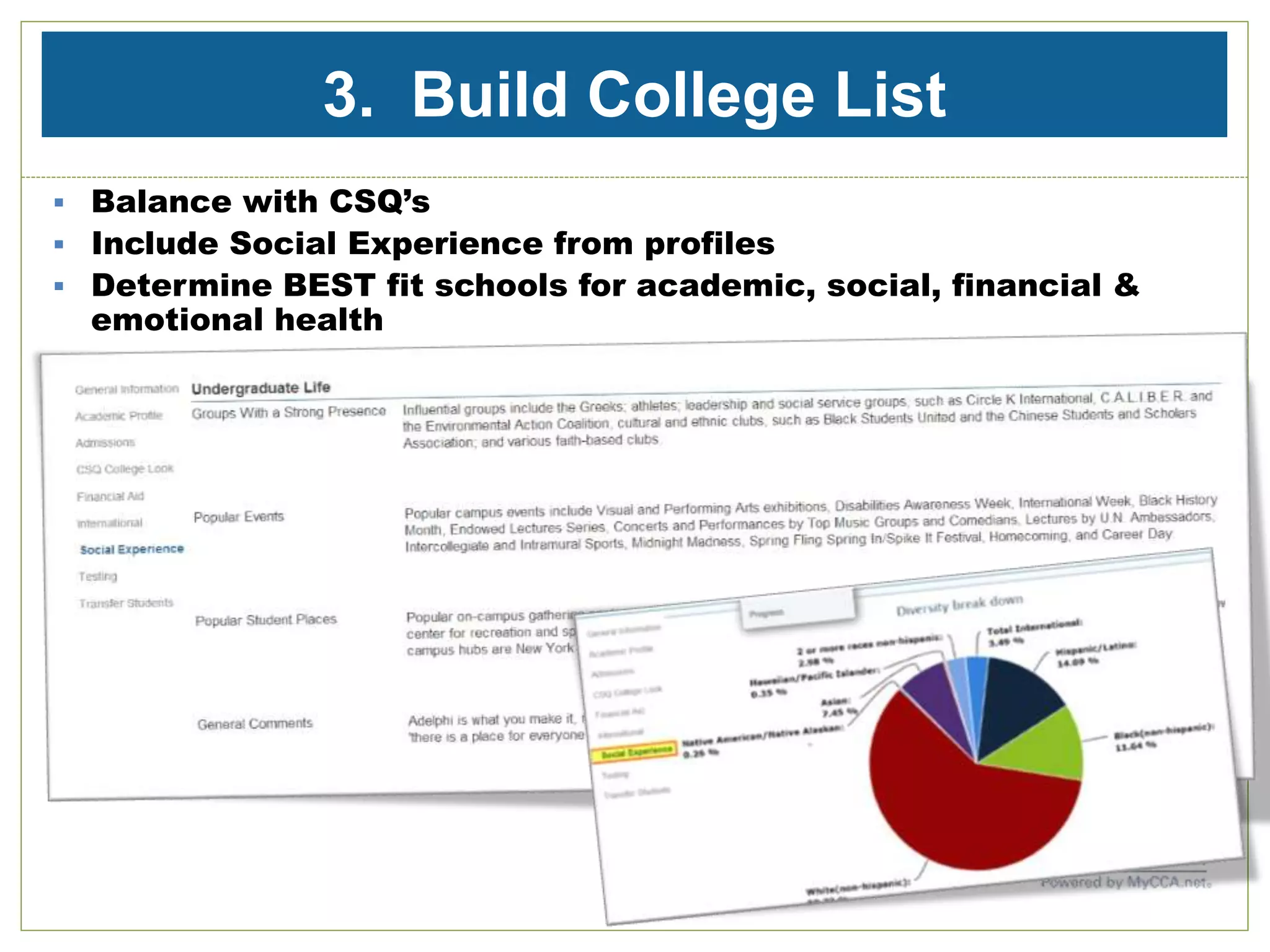
3. Build College List
 Balance with CSQ’s
 Include Social Experience from profiles
 Determine BEST fit schools for academic, social, financial &
emotional health
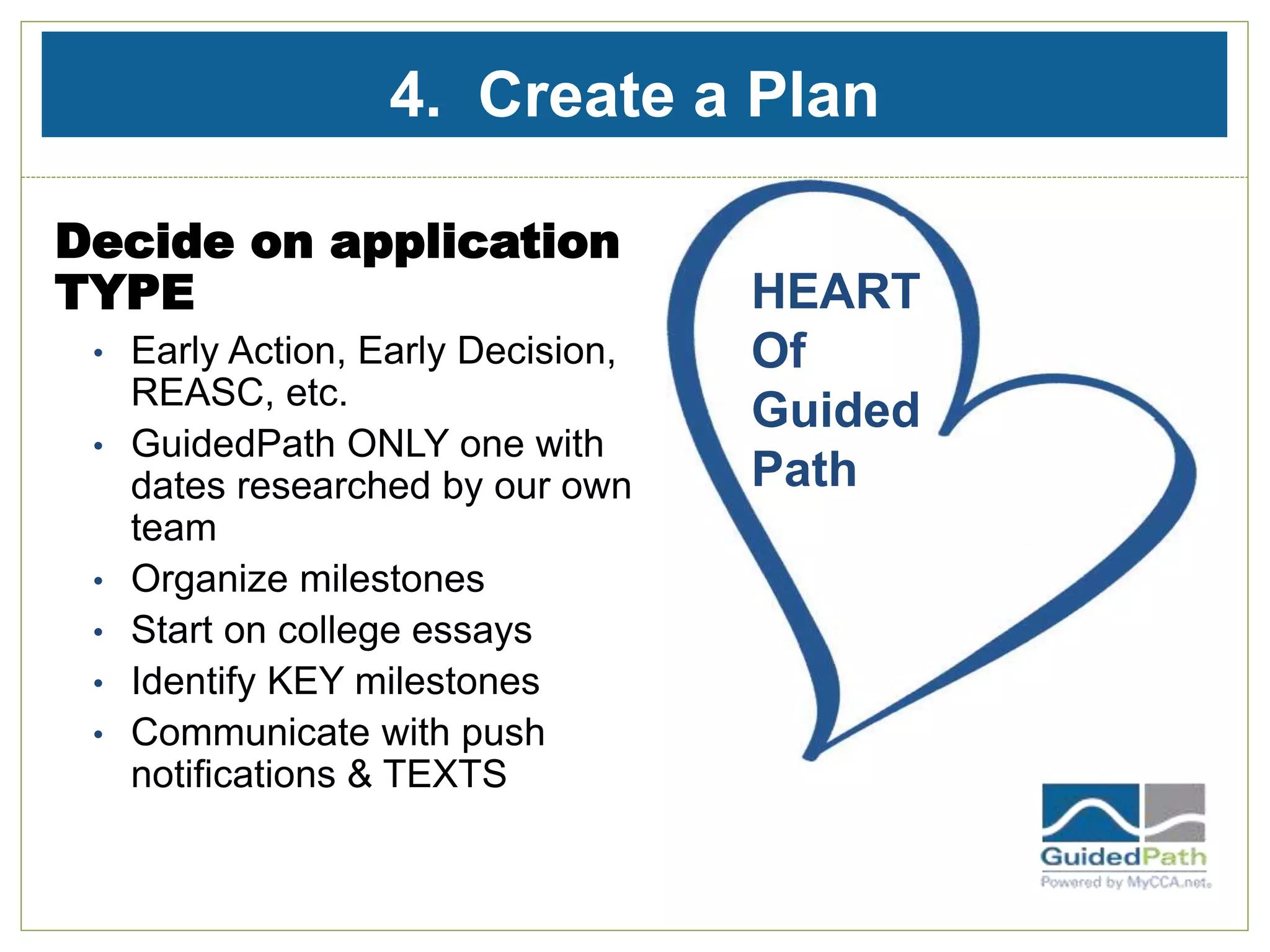
4. Create a Plan
Decide on application
TYPE
• Early Action, Early Decision,
REASC, etc.
• GuidedPath ONLY one with
dates researched by our own
team
• Organize milestones
• Start on college essays
• Identify KEY milestones
• Communicate with push
notifications & TEXTS
HEART
Of
Guided
Path
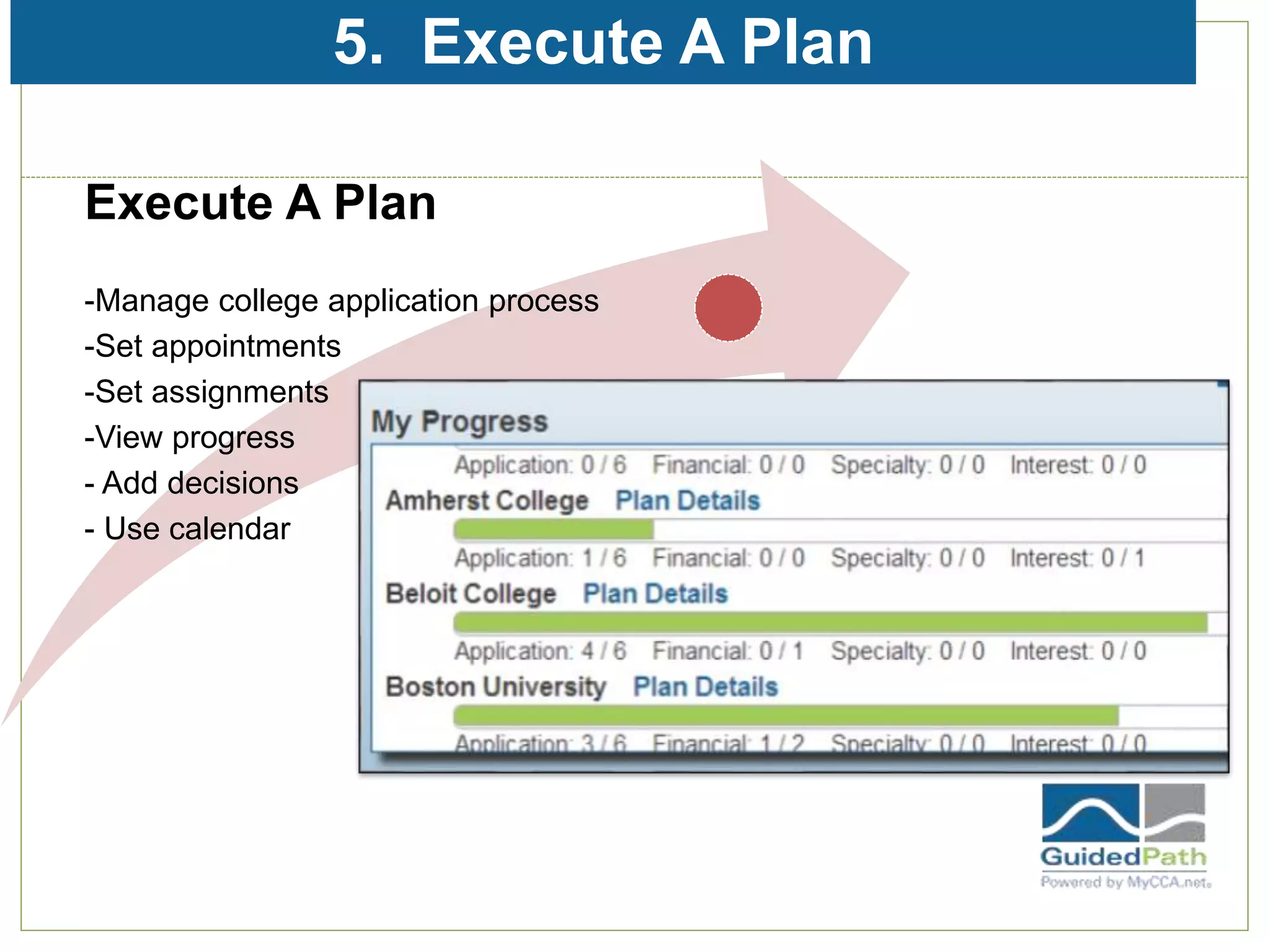
5. Execute A Plan
Execute A Plan
-Manage college application process
-Set appointments
-Set assignments
-View progress
- Add decisions
- Use calendar
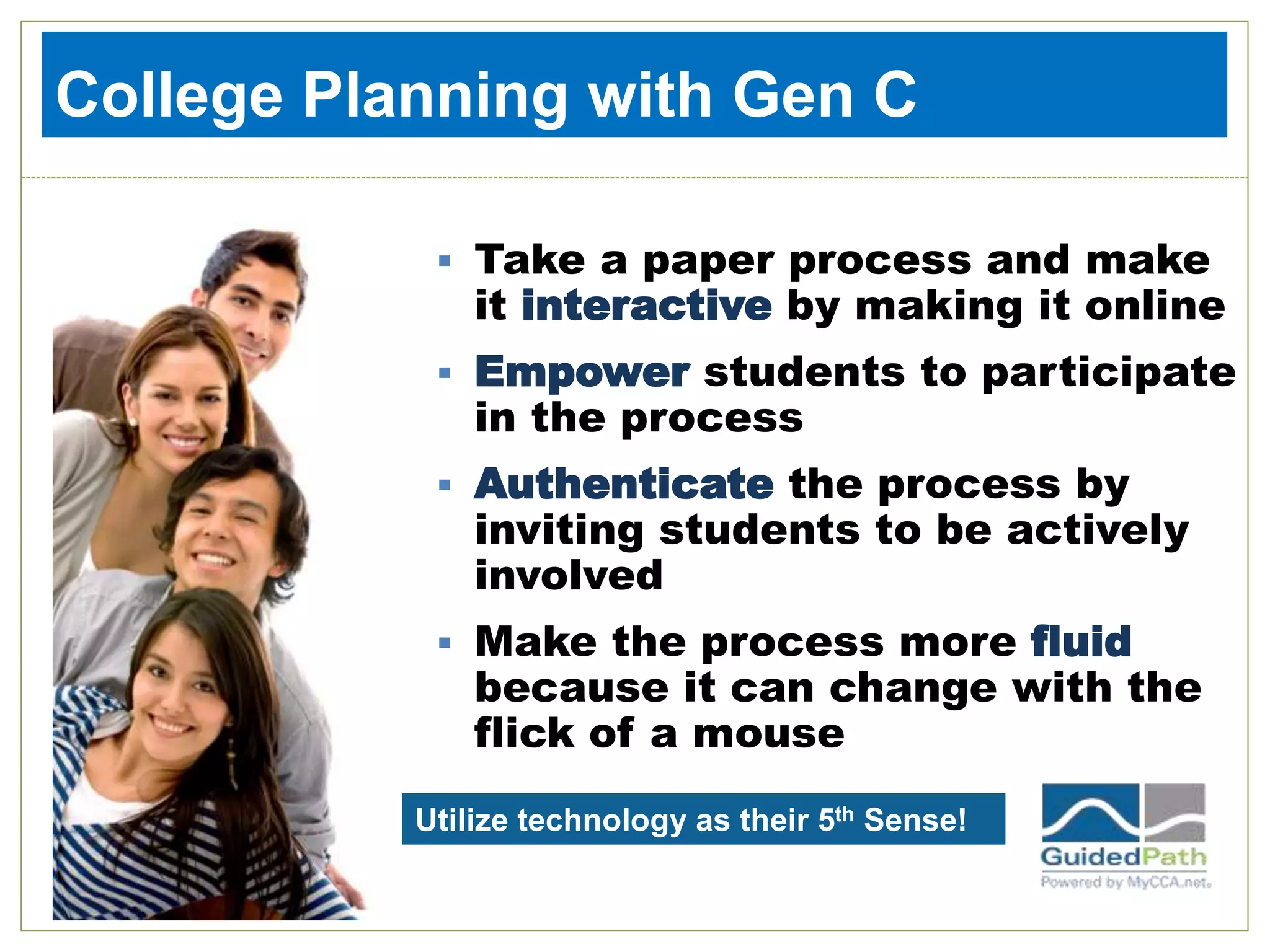
 Take a paper process and make
it interactive by making it online
 Empower students to participate
in the process
 Authenticate the process by
inviting students to be actively
involved
 Make the process more fluid
because it can change with the
flick of a mouse
College Planning with Gen C
Utilize technology as their 5th Sense!
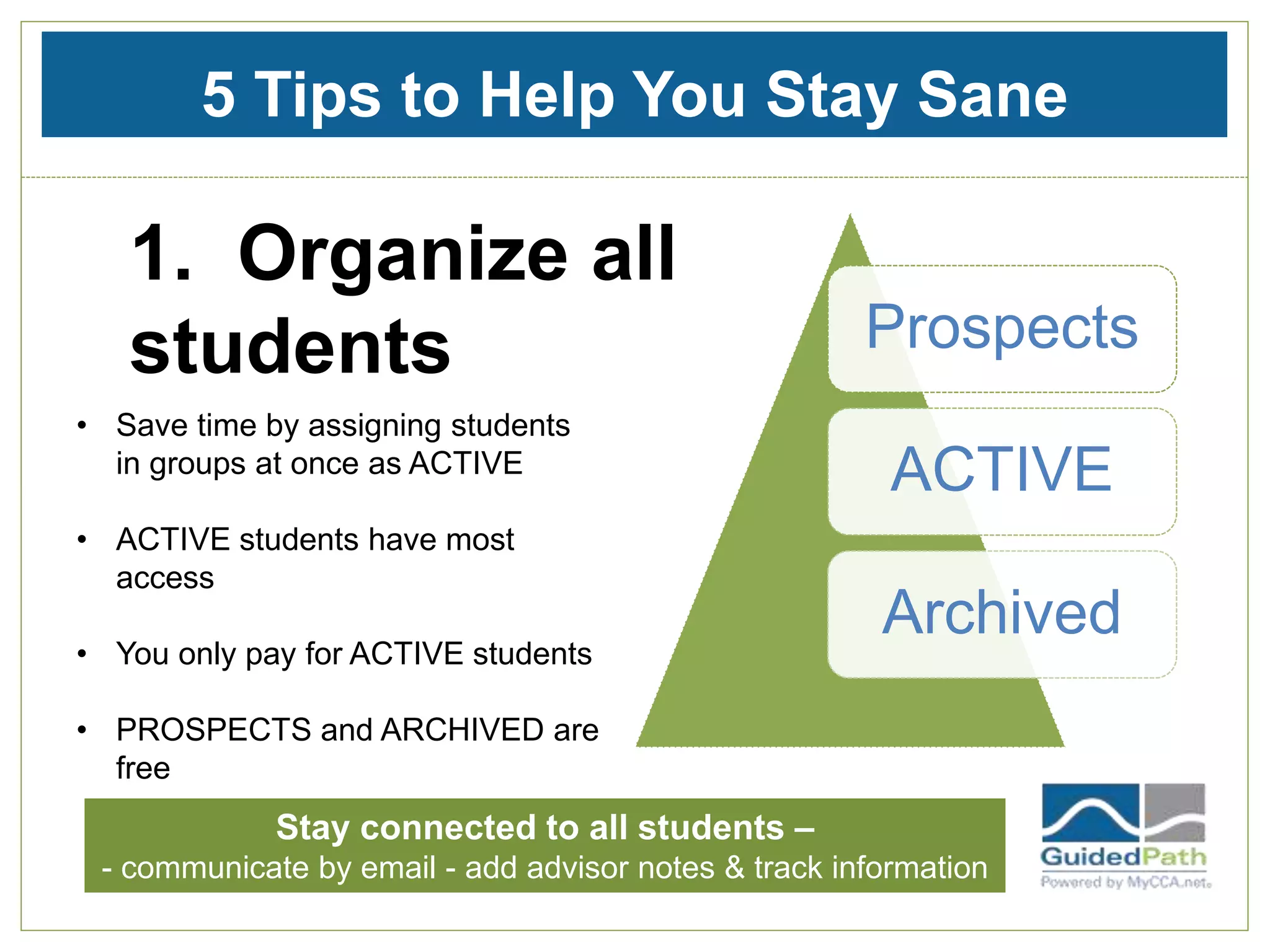
5 Tips to Help You Stay Sane
1. Organize all
students Prospects
ACTIVE
Archived
• Save time by assigning students
in groups at once as ACTIVE
• ACTIVE students have most
access
• You only pay for ACTIVE students
• PROSPECTS and ARCHIVED are
free
Stay connected to all students –
- communicate by email - add advisor notes & track information
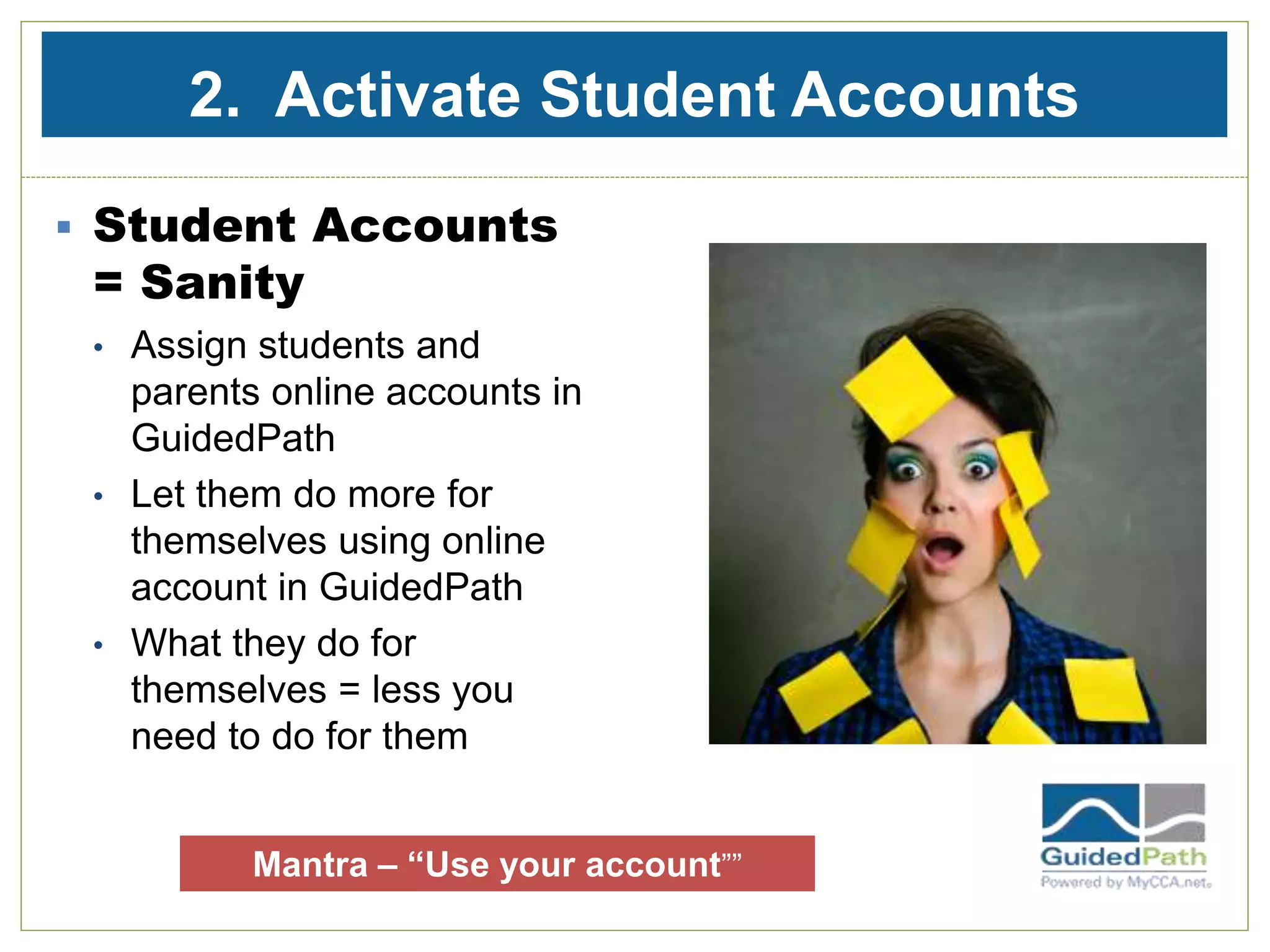
2. Activate Student Accounts
 Student Accounts
= Sanity
• Assign students and
parents online accounts in
GuidedPath
• Let them do more for
themselves using online
account in GuidedPath
• What they do for
themselves = less you
need to do for them
Mantra – “Use your account””
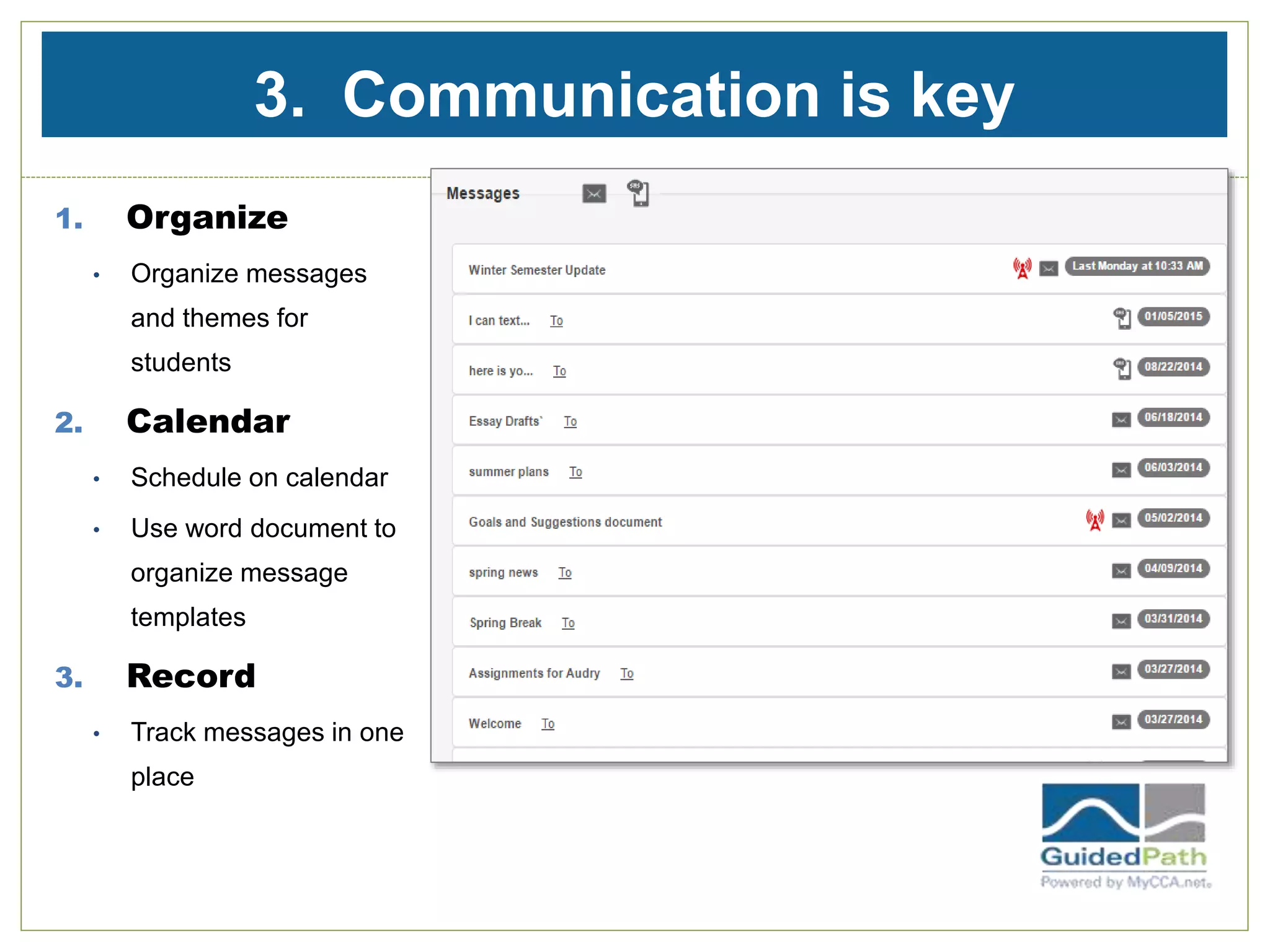
3. Communication is key
1. Organize
• Organize messages
and themes for
students
2. Calendar
• Schedule on calendar
• Use word document to
organize message
templates
3. Record
• Track messages in one
place
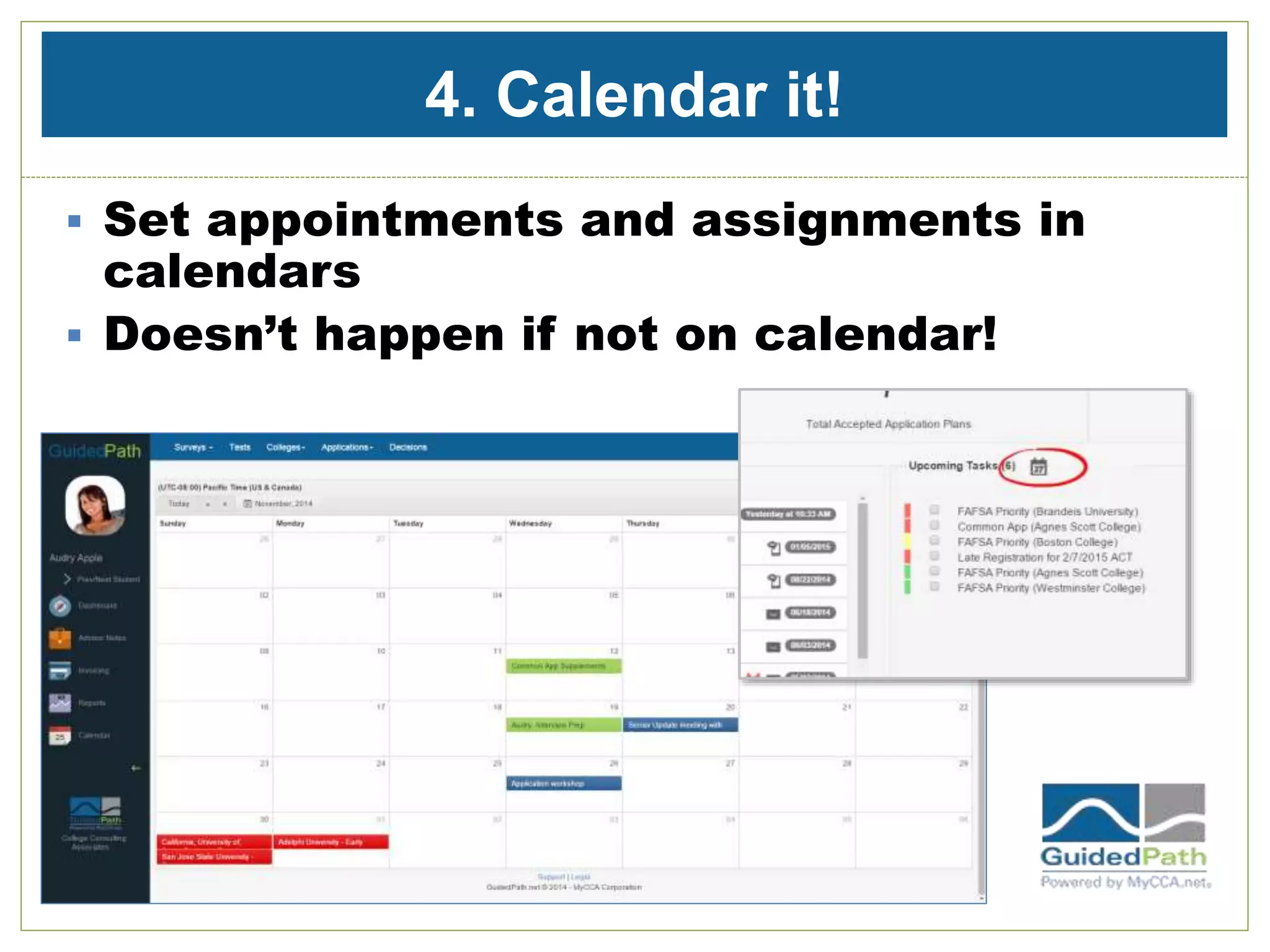
4. Calendar it!
 Set appointments and assignments in
calendars
 Doesn’t happen if not on calendar!
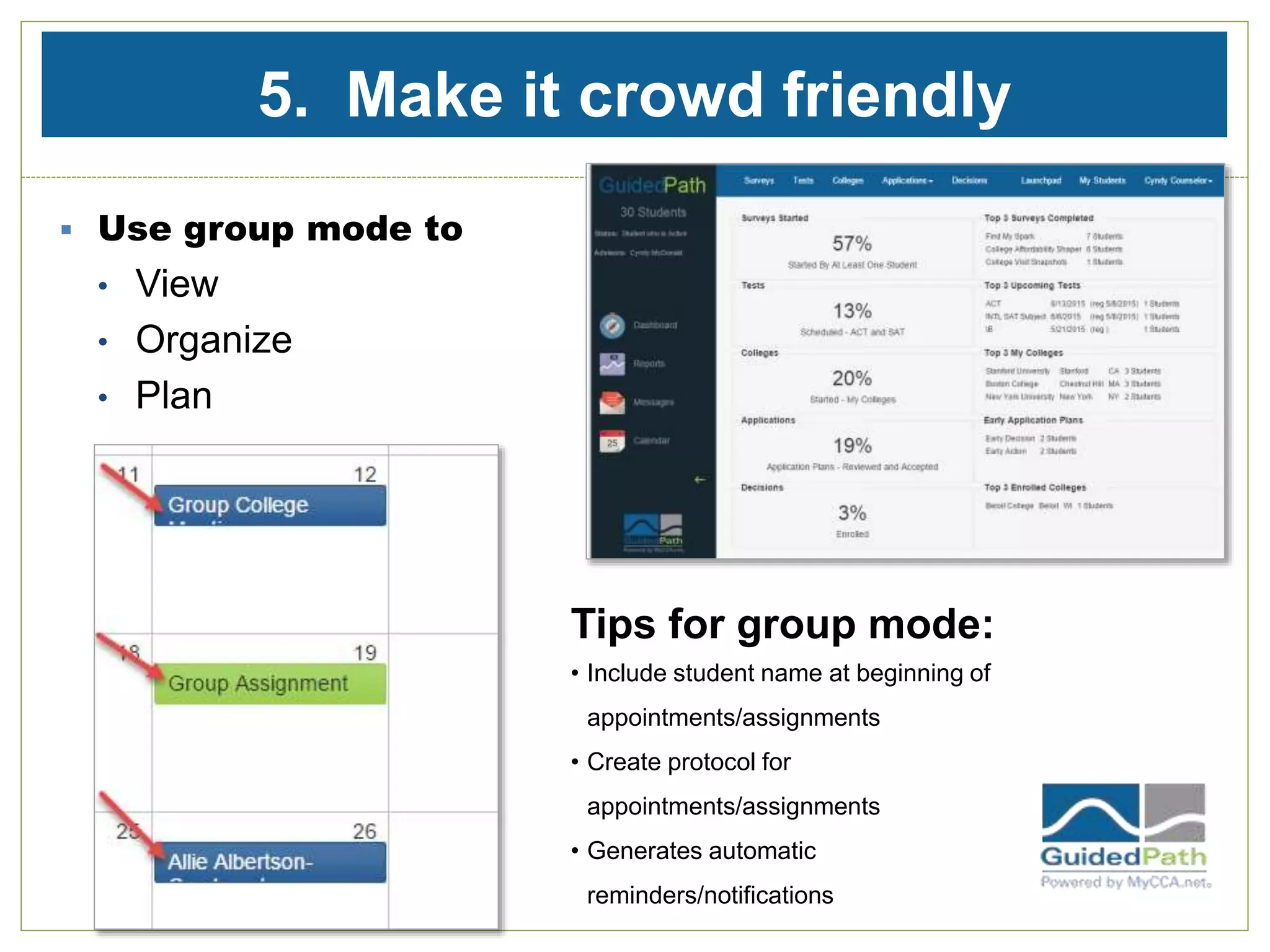
5. Make it crowd friendly
 Use group mode to
• View
• Organize
• Plan
Tips for group mode:
• Include student name at beginning of
appointments/assignments
• Create protocol for
appointments/assignments
• Generates automatic
reminders/notifications
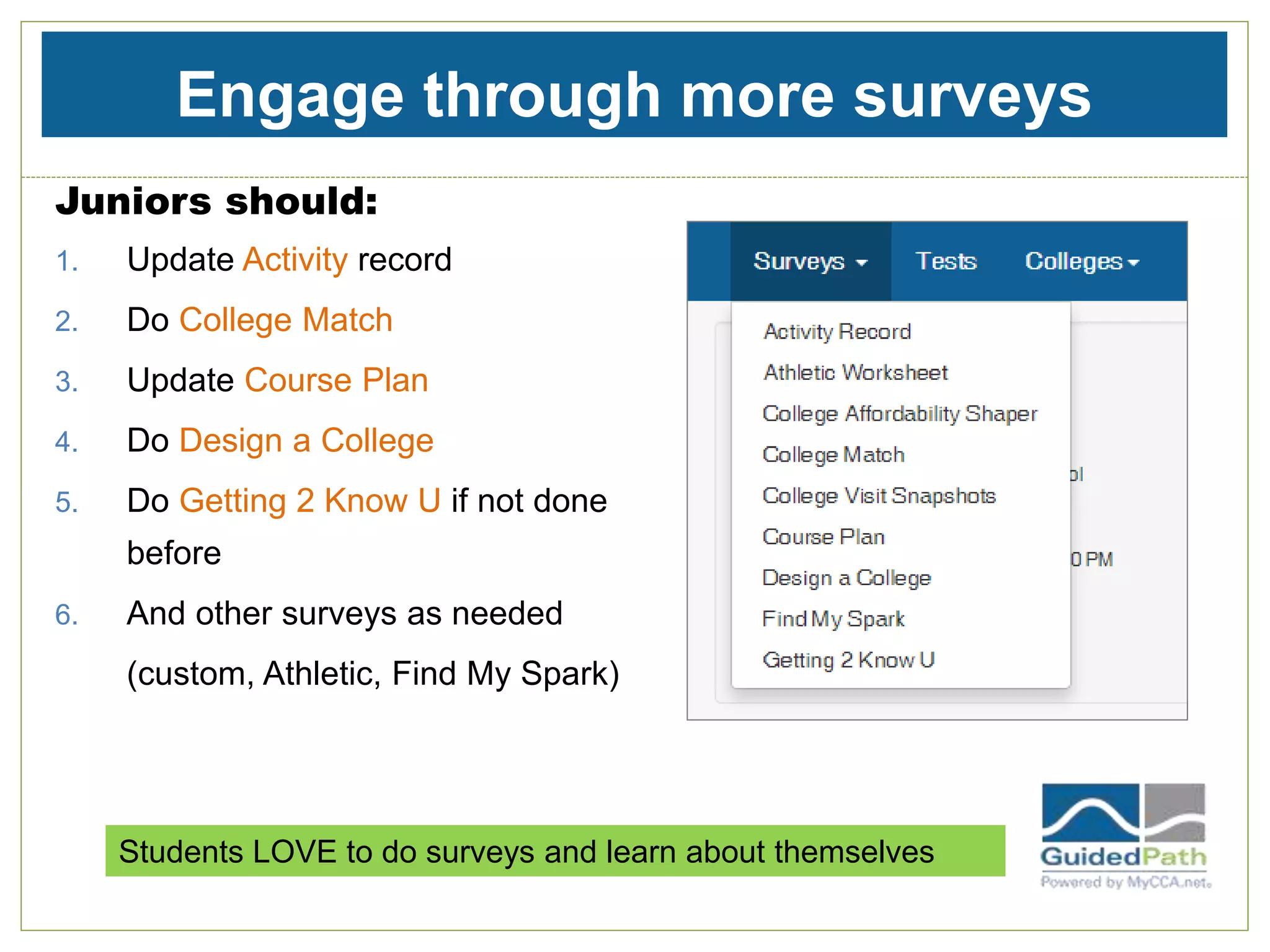
Engage through more surveys
Juniors should:
1. Update Activity record
2. Do College Match
3. Update Course Plan
4. Do Design a College
5. Do Getting 2 Know U if not done
before
6. And other surveys as needed
(custom, Athletic, Find My Spark)
Students LOVE to do surveys and learn about themselves
Kaetlyn Tells It Like it Is
Getting 2 Know U.
 Coming up with something to write about for the Common Application
was particularly challenging for me, as the prompts are very broad. The
Getting 2 Know U survey gets your brain rolling and ideas flowing. Any
question within this survey is a great place to start when trying to write
your Common Application essay.
Design A College.
 I find the Design a College survey most useful in organizing my
thoughts. For me, after visiting ten colleges I became unsure as to why
I liked a college. I simply had a general feeling for each school. This
survey helped me to focus on the specifics of a college, and gave me a
general idea of my ideal college. This survey can be used both as a
starting point when creating a college list, as well as a reminder when
all of your potential schools begin to blur together.
Read all of Kaetlyn’s blogs at www.guidedpath.net
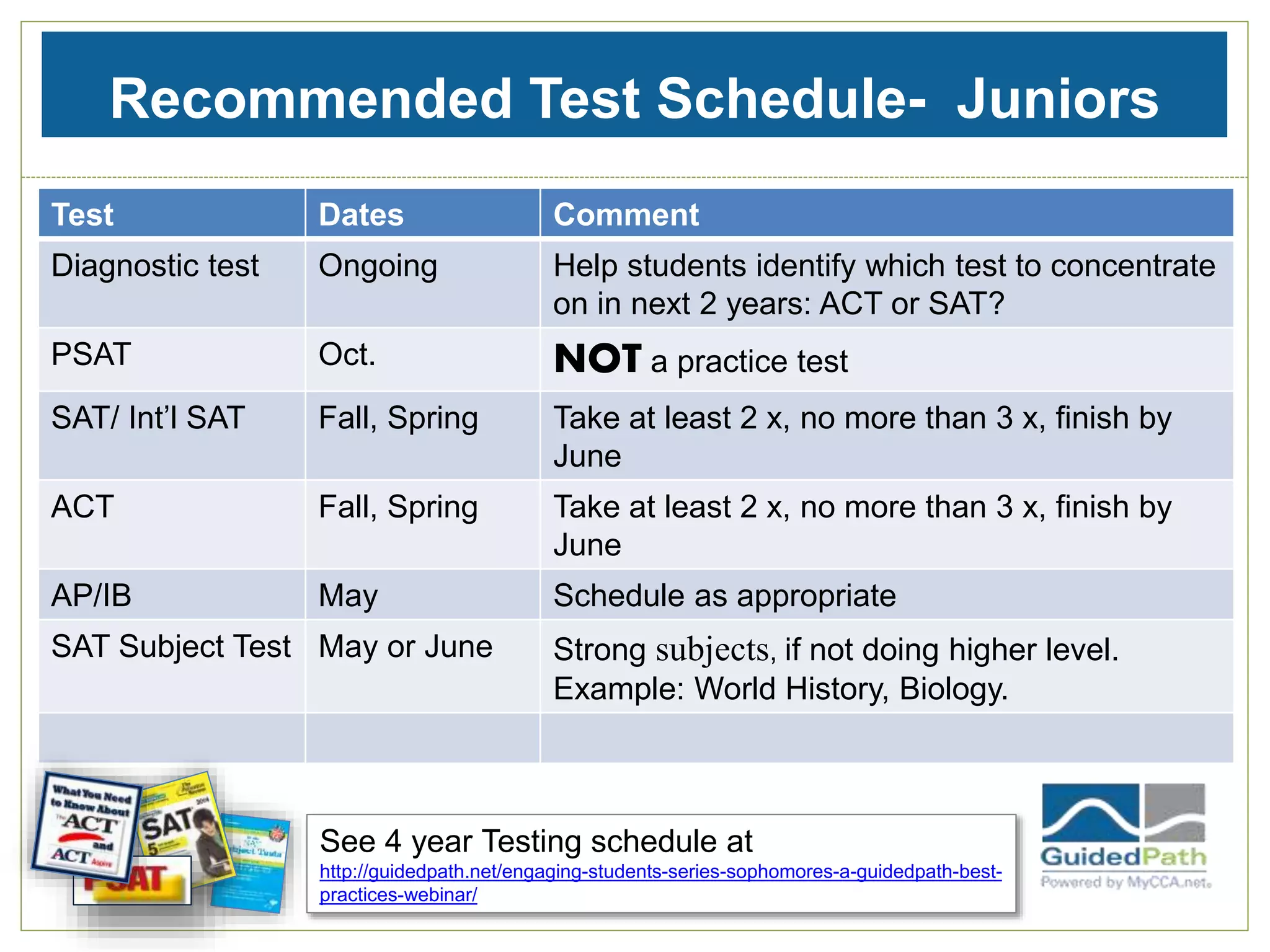
Recommended Test Schedule- Juniors
Test Dates Comment
Diagnostic test Ongoing Help students identify which test to concentrate
on in next 2 years: ACT or SAT?
PSAT Oct. NOT a practice test
SAT/ Int’l SAT Fall, Spring Take at least 2 x, no more than 3 x, finish by
June
ACT Fall, Spring Take at least 2 x, no more than 3 x, finish by
June
AP/IB May Schedule as appropriate
SAT Subject Test May or June Strong subjects, if not doing higher level.
Example: World History, Biology.
See 4 year Testing schedule at
http://guidedpath.net/engaging-students-series-sophomores-a-guidedpath-best-
practices-webinar/
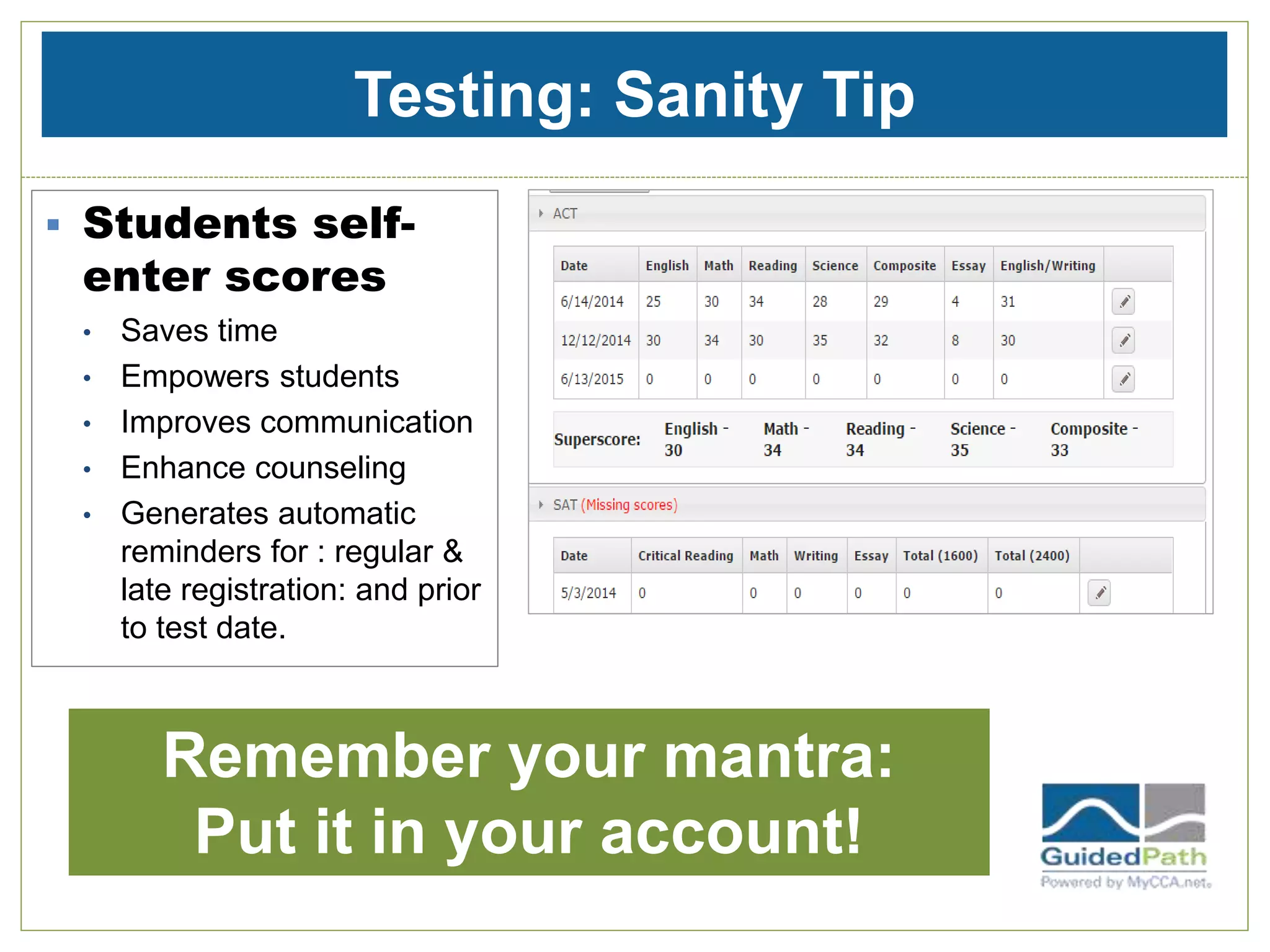
Testing: Sanity Tip
 Students self-
enter scores
• Saves time
• Empowers students
• Improves communication
• Enhance counseling
• Generates automatic
reminders for : regular &
late registration: and prior
to test date.
Remember your mantra:
Put it in your account!
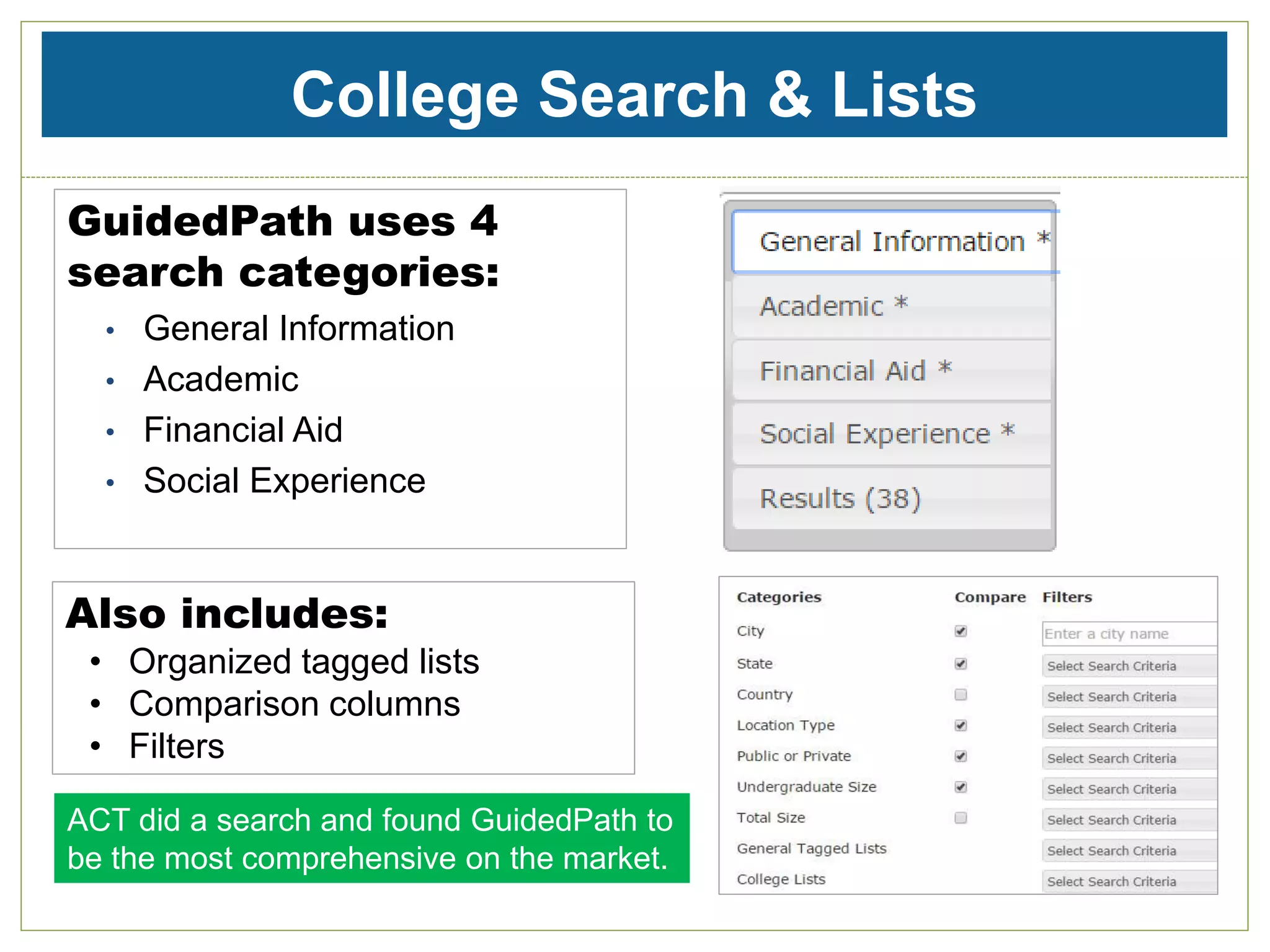
College Search & Lists
GuidedPath uses 4
search categories:
• General Information
• Academic
• Financial Aid
• Social Experience
Also includes:
• Organized tagged lists
• Comparison columns
• Filters
ACT did a search and found GuidedPath to
be the most comprehensive on the market.
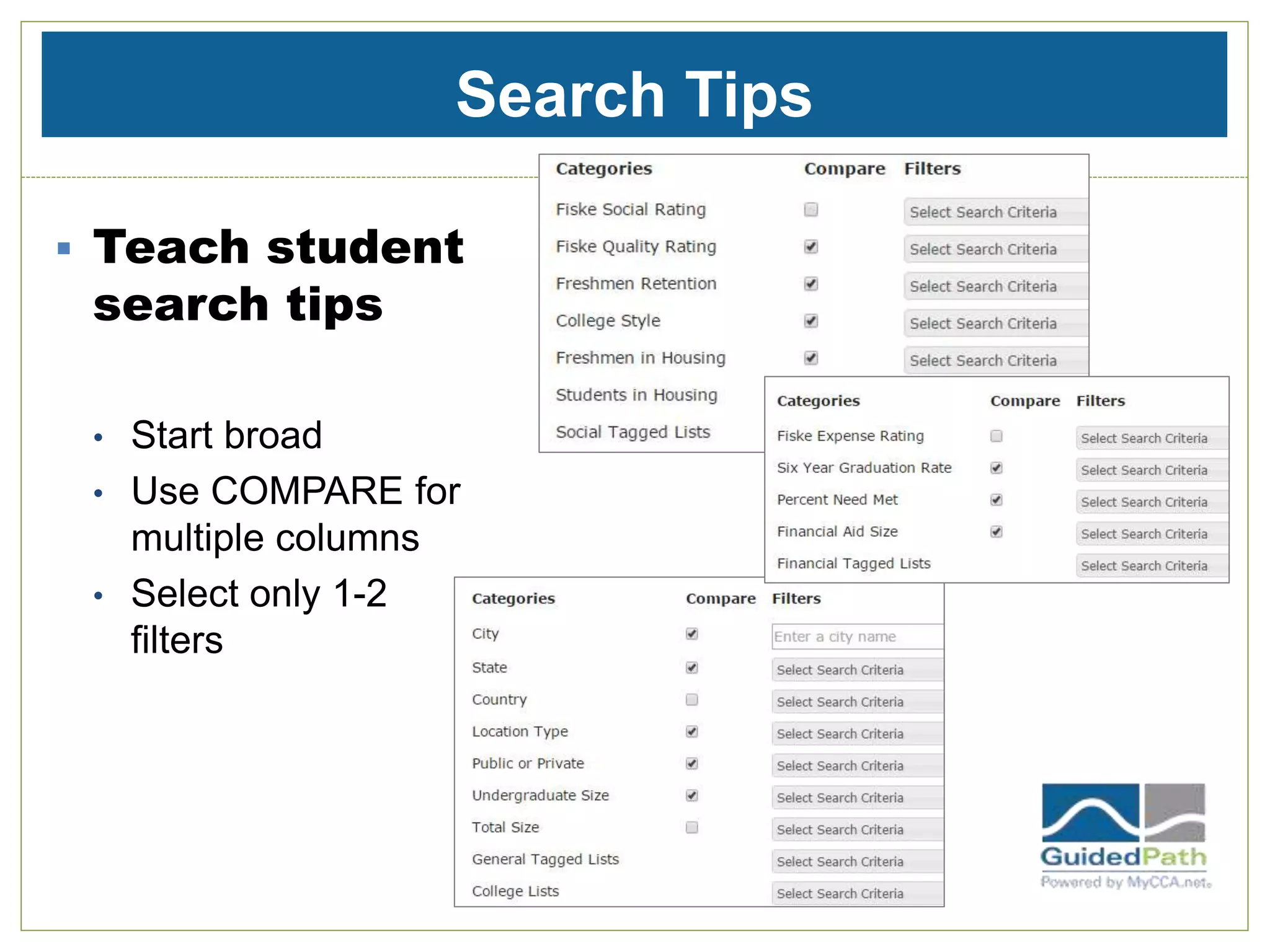
Search Tips
 Teach student
search tips
• Start broad
• Use COMPARE for
multiple columns
• Select only 1-2
filters
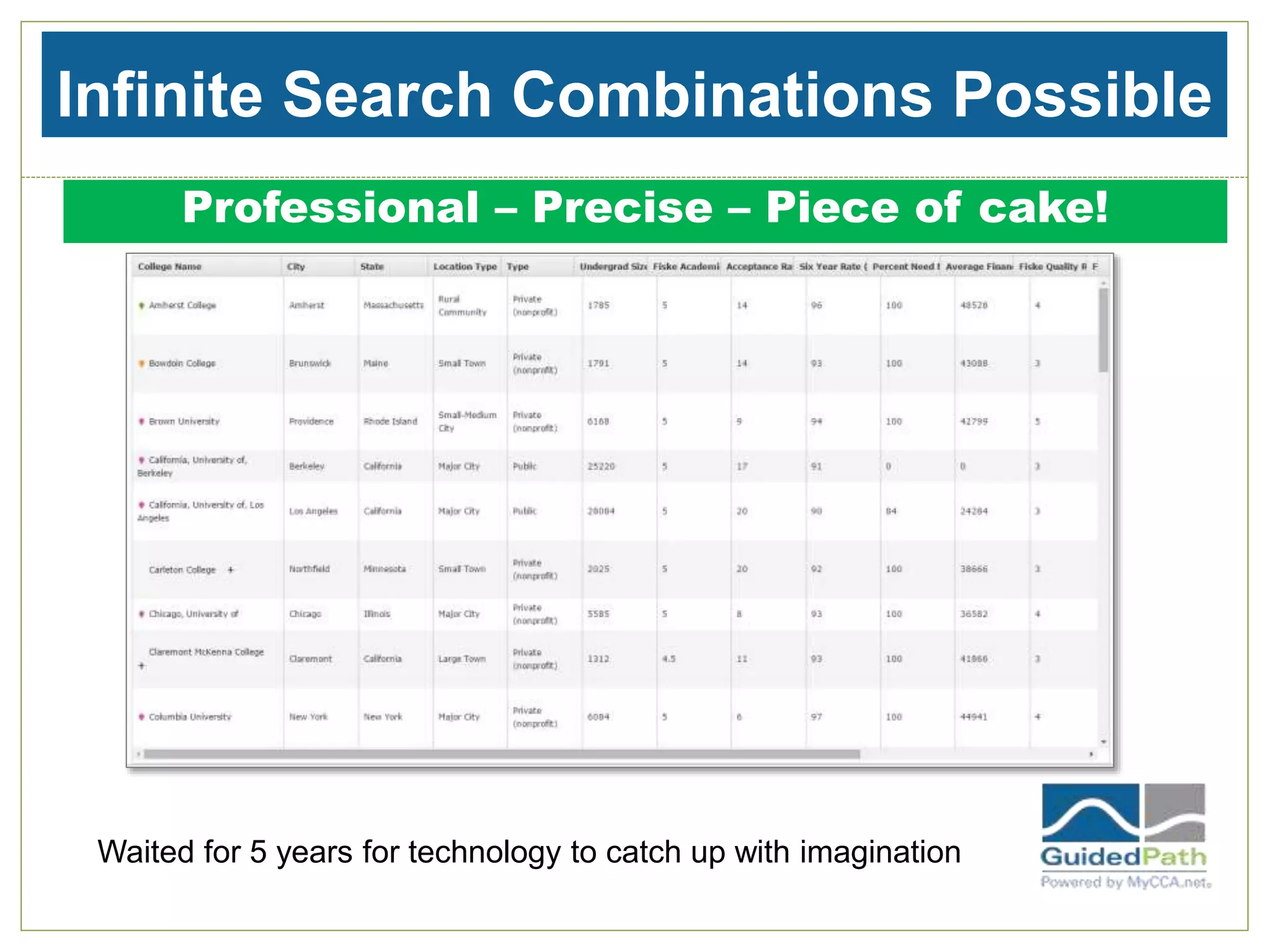
Infinite Search Combinations Possible
Professional – Precise – Piece of cake!
Waited for 5 years for technology to catch up with imagination
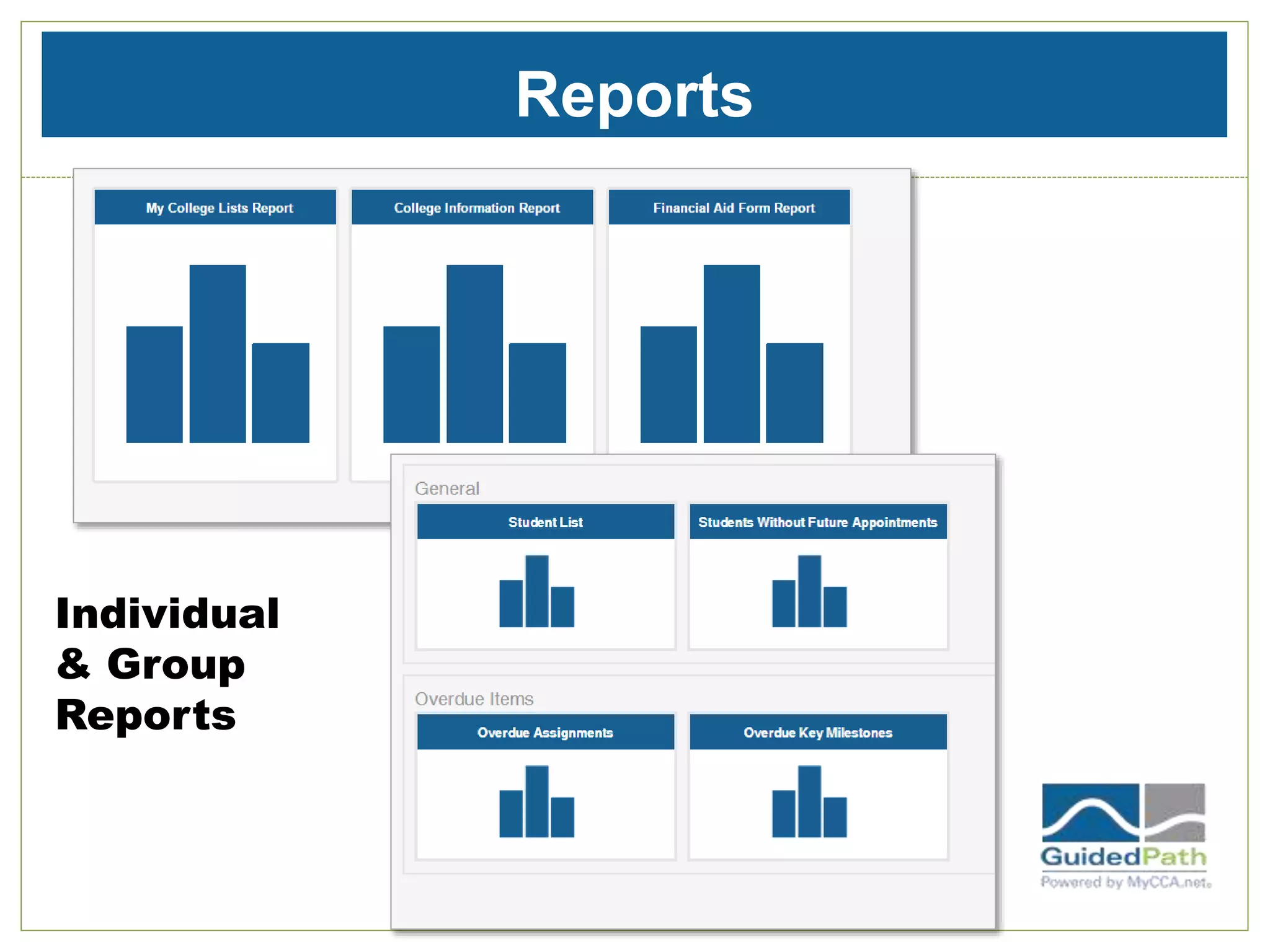
Reports
Individual
& Group
Reports
Coming Next: Engaging Juniors: Part 2
 Agenda
• Using Advisor notes
• Using notifications & reminders effectively
• Finalizing lists
• Activities for essay brainstorming
• Understanding My Chances
• Group mode- more ways to keep your sanity!
• Special features for International Students
Register now! Feb. 12 10 am PST Details at
www.guidedpath.net/training
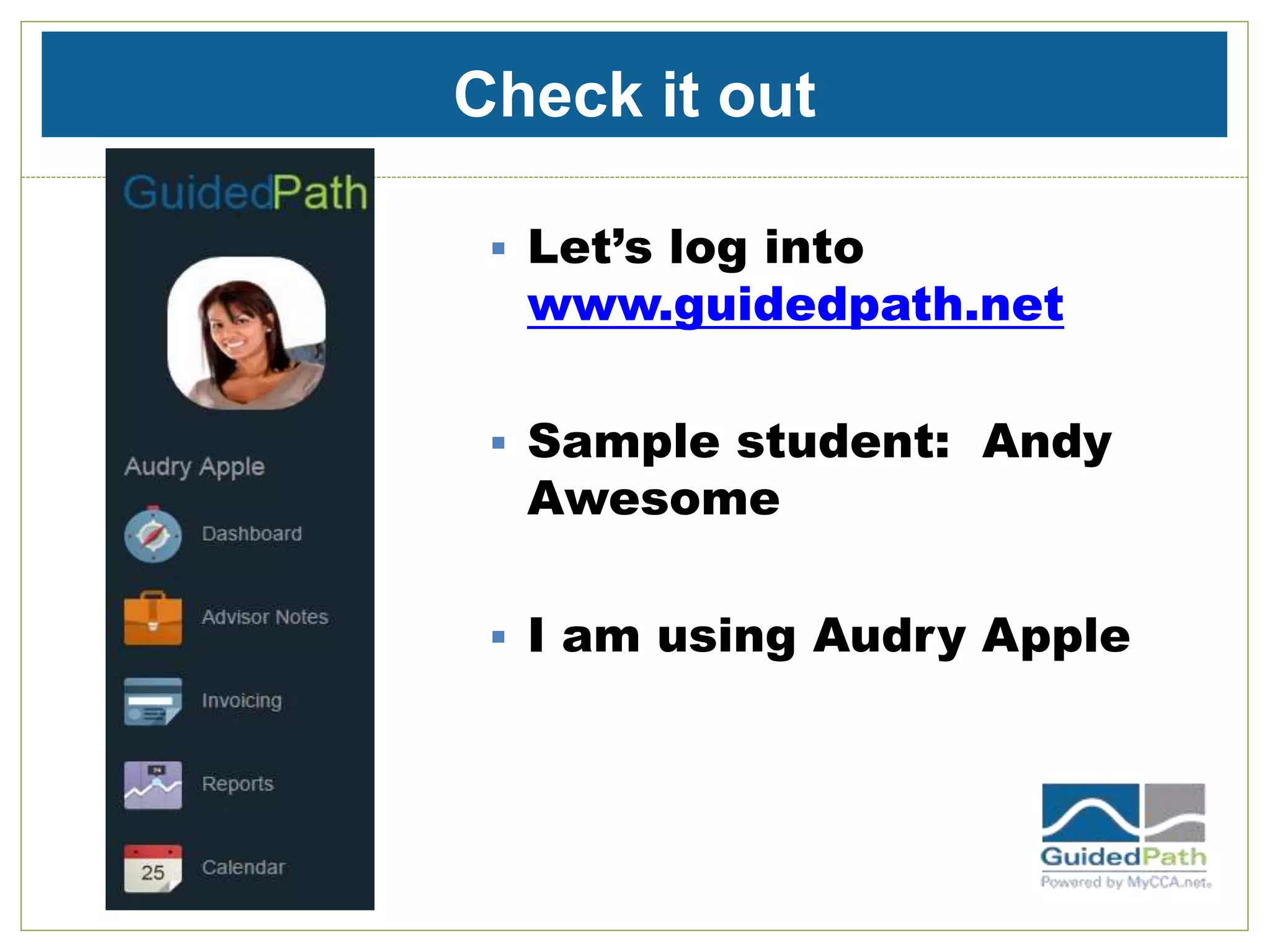
Check it out
 Let’s log into
www.guidedpath.net
 Sample student: Andy
Awesome
 I am using Audry Apple
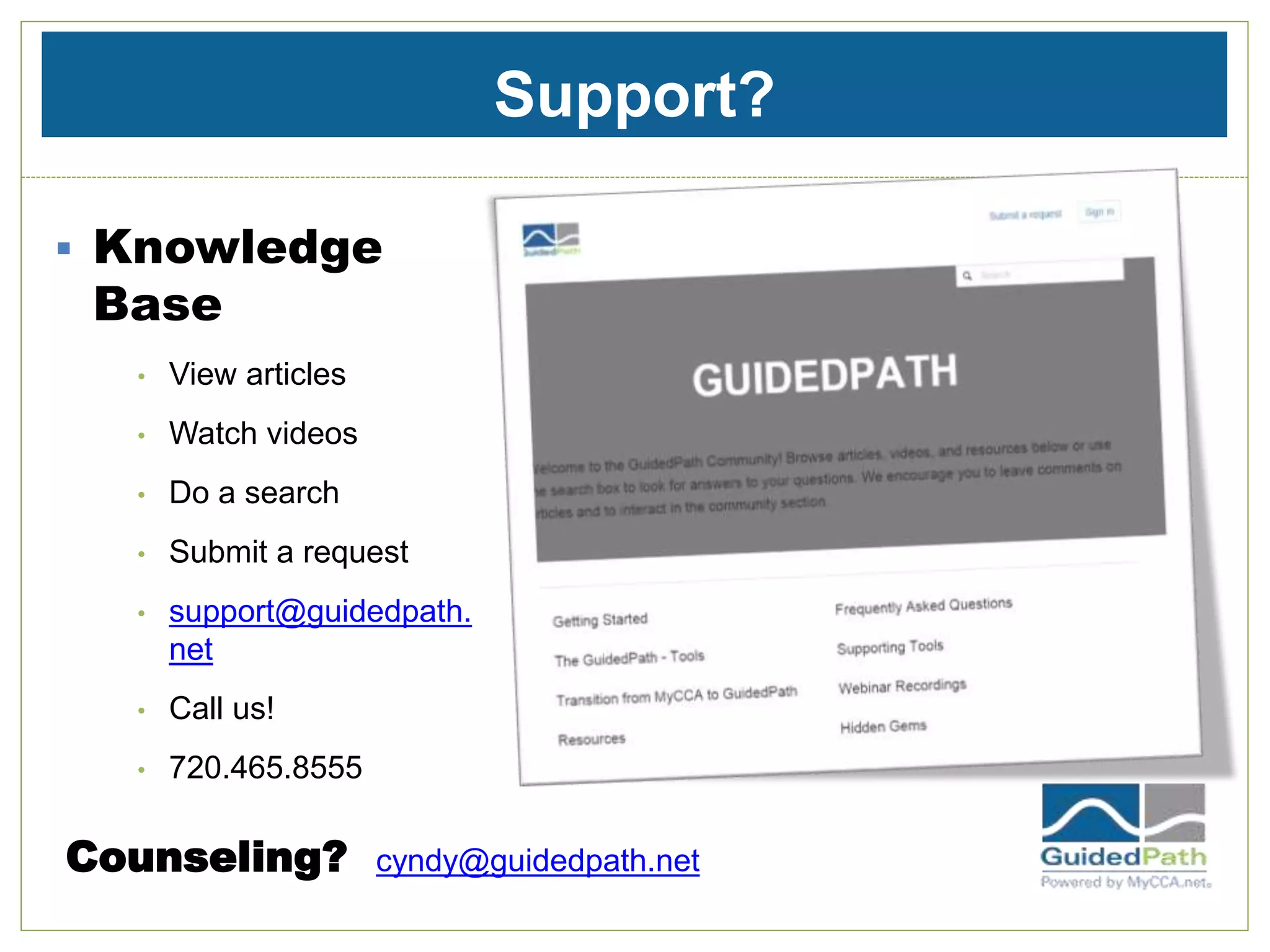
Support?
 Knowledge
Base
• View articles
• Watch videos
• Do a search
• Submit a request
• support@guidedpath.
net
• Call us!
• 720.465.8555
Counseling? cyndy@guidedpath.net

Engaging Students: Modes of Communication: Text, Type or Skype

  • 1.
    Engaging Students Series: Talk,Text or Skpe? Reaching the Connected Generation
  • 2.
    Your Hostess Cyndy McDonald -Middle school and high school counselor - Experience working in college access program AVID - Founder of HECA, MyCCA.net and co-founder of GuidedPath - Launching Military non-profit organization - Passion for education - First generation college student
  • 3.
  • 4.
    The Connected Generation Howcan you keep your sanity amidst the chaos?
  • 5.
    Think about thevirtual world you live in… Your students definitely live in a virtual world. How will you connect with them?
  • 6.
    Research Uncovers UniversalMotivation “We’ve seen the emergence of a generation with fundamental commonalities that transcend borders. The same 3 motivations are ranked highly in every country:” “Technology……is the great global unifier; it is the glue that binds this generation together and fuels the three motivations…” JUSTICE The need for social or personal justice, to do what’s right, to be an activist AUTHENTICITY The need to see things as they are COMMUNE The need for connection, relationships & community The Truth about Youth | McCann Worldgroup | May 2011
  • 7.
    Generation C- GlobalViews 1. Technology as a 5th Sense -intrinsic & fundamental 2. The Social Economy -definition of self based on social connections 3. The Truth Hunters - seeking substance & authenticity 4. Justice Re-Imagined - quest to do right thing
  • 8.
    Technology- Embraced  “Youthsee technology as Plah-Doh – something they use in an utterly malleable and instinctive way. Older generations start with ‘what will this box allow me to do?’ Whereas this generation starts with ‘what do I want to do? Where can my imagination take me?’  Technology enables young people to sense the world and make sense of the world. It is this deep relationship with technology that is shaping their attitudes towards community and truth and allowing them to re-imagine justice for a new era.” The Truth about Youth | McCann Worldgroup | May 2011 How will this redefine “confidentiality”?
  • 9.
    • College search& comparisons • Personality/Career Assessments • TEXT/email • Business management tools • College Affordability • Essay questions & support • Test Prep How many online tools do you use for college planning ? GuidedPath has it all in ONE place
  • 10.
    •It helps you: •Becurrent/cutting edge •Market your practice •Stay organized •Be professional •Put your students on track for admissions success •Connect with busy students & parents •Expand your services As an online tool, GuidedPath.net helps you connect using technology… It is a user friendly online tool for users at all levels of online experience
  • 11.
    Connecting to GenC How does this connect to the 4 global motivations?
  • 12.
    Focus on CollegeProcess Learn about thyself •Surveys •Test scores & test prep •Prioritize Search & Compare •GuidedSearch using results from surveys •Review College Profiles •Use FISKE Guide •Use college videos Build College List •Balance with CSQ’s (Competitive Student Quotient Gauges) •Include SOCIAL experience from profiles •Determine BEST fit schools for academic, social, financial & emotional health Create a Plan •Decide on Application TYPE •Organize milestones •Start on college essays •Identify KEY milestones •Communicate with push notifications & TEXTS Execute a Plan •Manage college application process •Set appointments •Set assignments •View progress •Add in Decisions •Use Calendar Top 5 Tips for Creating Dynamic College Lists
  • 13.
    1. Learn aboutThyself  Surveys • Find My Spark • College Affordability • College Match (coming soon!) • Custom Surveys • (Surveys Session link) Students LOVE doing self surveys. Connect with them using an ONLINE survey
  • 14.
    1. Learn aboutThyself  Test Scores • Create testing schedule • Set up PUSH Notifications by TEXT • Alert to Missing Scores • Use test scores in Search  Test Prep • Jed Applerouth Test Prep • Other Test Prep • Online is trend of the future (Method Test Prep)
  • 15.
    2. Search &Compare  Perform GuidedSearch using results from the surveys  Review college profiles  Use FISKE college guide  Use College Videos
  • 16.
    3. Build CollegeList  Balance with CSQ’s  Include Social Experience from profiles  Determine BEST fit schools for academic, social, financial & emotional health
  • 17.
    4. Create aPlan Decide on application TYPE • Early Action, Early Decision, REASC, etc. • GuidedPath ONLY one with dates researched by our own team • Organize milestones • Start on college essays • Identify KEY milestones • Communicate with push notifications & TEXTS HEART Of Guided Path
  • 18.
    5. Execute APlan Execute A Plan -Manage college application process -Set appointments -Set assignments -View progress - Add decisions - Use calendar
  • 19.
     Take apaper process and make it interactive by making it online  Empower students to participate in the process  Authenticate the process by inviting students to be actively involved  Make the process more fluid because it can change with the flick of a mouse College Planning with Gen C Utilize technology as their 5th Sense!
  • 20.
    5 Tips toHelp You Stay Sane 1. Organize all students Prospects ACTIVE Archived • Save time by assigning students in groups at once as ACTIVE • ACTIVE students have most access • You only pay for ACTIVE students • PROSPECTS and ARCHIVED are free Stay connected to all students – - communicate by email - add advisor notes & track information
  • 21.
    2. Activate StudentAccounts  Student Accounts = Sanity • Assign students and parents online accounts in GuidedPath • Let them do more for themselves using online account in GuidedPath • What they do for themselves = less you need to do for them Mantra – “Use your account””
  • 22.
    3. Communication iskey 1. Organize • Organize messages and themes for students 2. Calendar • Schedule on calendar • Use word document to organize message templates 3. Record • Track messages in one place
  • 23.
    4. Calendar it! Set appointments and assignments in calendars  Doesn’t happen if not on calendar!
  • 24.
    5. Make itcrowd friendly  Use group mode to • View • Organize • Plan Tips for group mode: • Include student name at beginning of appointments/assignments • Create protocol for appointments/assignments • Generates automatic reminders/notifications
  • 25.
    Engage through moresurveys Juniors should: 1. Update Activity record 2. Do College Match 3. Update Course Plan 4. Do Design a College 5. Do Getting 2 Know U if not done before 6. And other surveys as needed (custom, Athletic, Find My Spark) Students LOVE to do surveys and learn about themselves
  • 26.
    Kaetlyn Tells ItLike it Is Getting 2 Know U.  Coming up with something to write about for the Common Application was particularly challenging for me, as the prompts are very broad. The Getting 2 Know U survey gets your brain rolling and ideas flowing. Any question within this survey is a great place to start when trying to write your Common Application essay. Design A College.  I find the Design a College survey most useful in organizing my thoughts. For me, after visiting ten colleges I became unsure as to why I liked a college. I simply had a general feeling for each school. This survey helped me to focus on the specifics of a college, and gave me a general idea of my ideal college. This survey can be used both as a starting point when creating a college list, as well as a reminder when all of your potential schools begin to blur together. Read all of Kaetlyn’s blogs at www.guidedpath.net
  • 27.
    Recommended Test Schedule-Juniors Test Dates Comment Diagnostic test Ongoing Help students identify which test to concentrate on in next 2 years: ACT or SAT? PSAT Oct. NOT a practice test SAT/ Int’l SAT Fall, Spring Take at least 2 x, no more than 3 x, finish by June ACT Fall, Spring Take at least 2 x, no more than 3 x, finish by June AP/IB May Schedule as appropriate SAT Subject Test May or June Strong subjects, if not doing higher level. Example: World History, Biology. See 4 year Testing schedule at http://guidedpath.net/engaging-students-series-sophomores-a-guidedpath-best- practices-webinar/
  • 28.
    Testing: Sanity Tip Students self- enter scores • Saves time • Empowers students • Improves communication • Enhance counseling • Generates automatic reminders for : regular & late registration: and prior to test date. Remember your mantra: Put it in your account!
  • 29.
    College Search &Lists GuidedPath uses 4 search categories: • General Information • Academic • Financial Aid • Social Experience Also includes: • Organized tagged lists • Comparison columns • Filters ACT did a search and found GuidedPath to be the most comprehensive on the market.
  • 30.
    Search Tips  Teachstudent search tips • Start broad • Use COMPARE for multiple columns • Select only 1-2 filters
  • 31.
    Infinite Search CombinationsPossible Professional – Precise – Piece of cake! Waited for 5 years for technology to catch up with imagination
  • 32.
  • 33.
    Coming Next: EngagingJuniors: Part 2  Agenda • Using Advisor notes • Using notifications & reminders effectively • Finalizing lists • Activities for essay brainstorming • Understanding My Chances • Group mode- more ways to keep your sanity! • Special features for International Students Register now! Feb. 12 10 am PST Details at www.guidedpath.net/training
  • 34.
    Check it out Let’s log into www.guidedpath.net  Sample student: Andy Awesome  I am using Audry Apple
  • 35.
    Support?  Knowledge Base • Viewarticles • Watch videos • Do a search • Submit a request • support@guidedpath. net • Call us! • 720.465.8555 Counseling? cyndy@guidedpath.net