Ten Things
You Should Know
About
WordPress             Sé Reed
                     @sereedmedia
          facebook.com/sereedmedia
01.
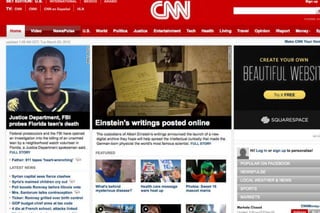
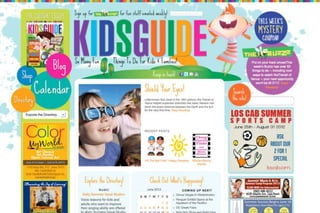
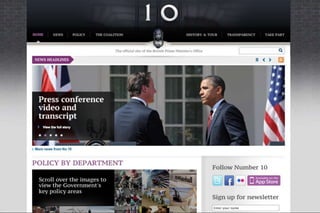
WordPress can
do way more
than blog.
Content Management System
          (CMS)
02.
wordpress.com
and
WordPress
are different.
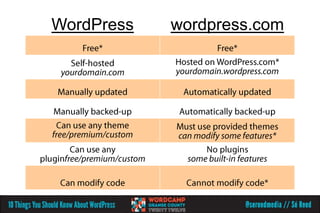
WordPress   wordpress.com
03.
What's under the
hood matters.
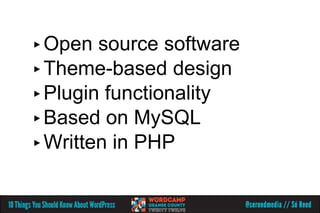
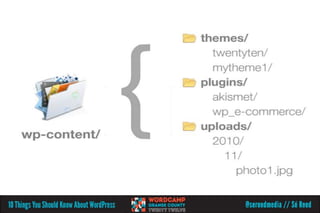
▸ Open  source software
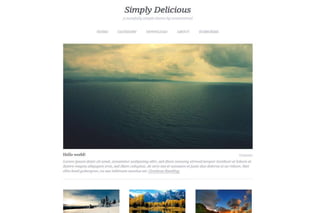
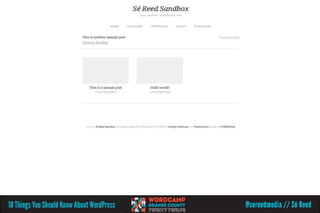
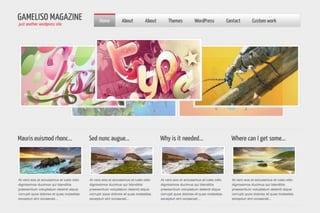
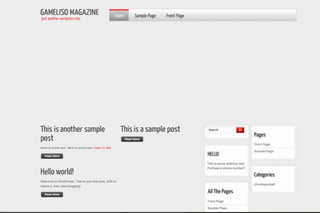
▸ Theme-based design
▸ Plugin functionality
▸ Based on MySQL
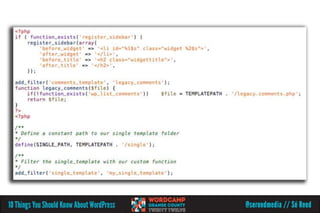
▸ Written in PHP
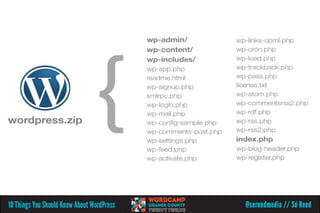
FDI
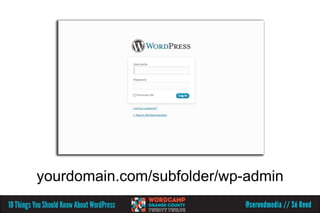
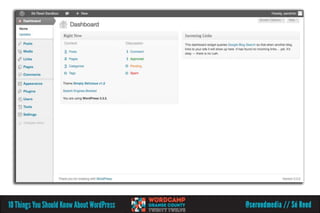
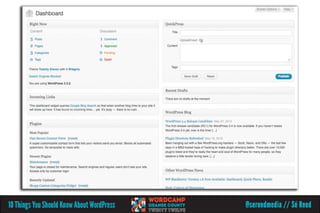
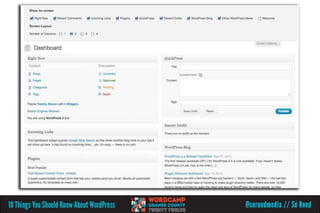
yourdomain.com/subfolder/wp-admin
04.
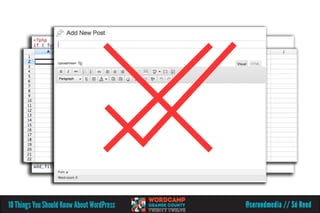
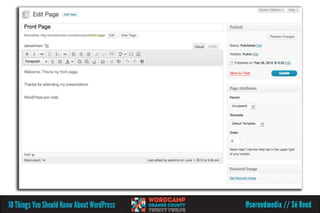
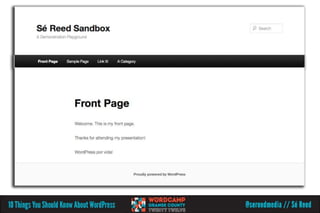
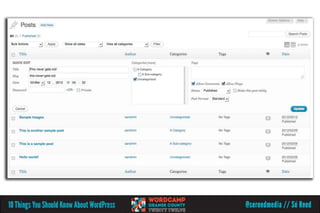
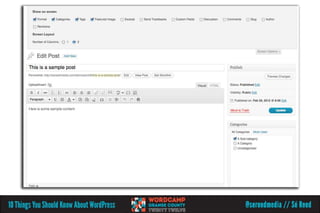
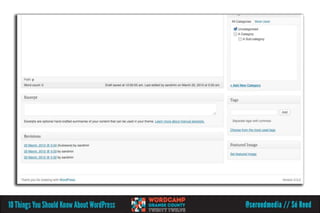
Posts and pages
are where the
magic happens.
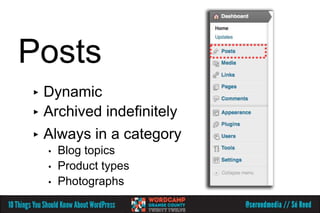
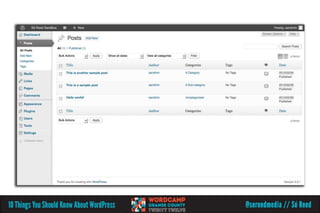
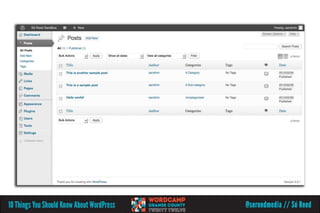
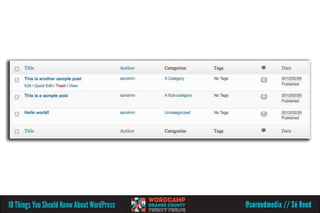
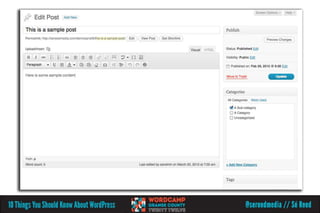
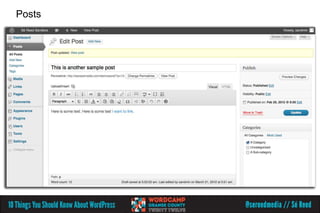
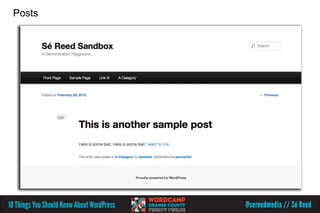
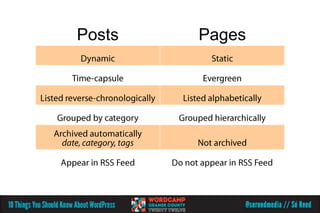
Posts
▸ Dynamic
▸ Archived indefinitely
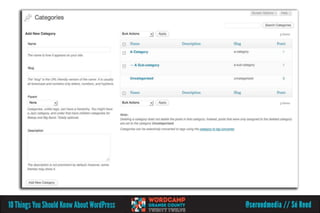
▸ Always in a category
    •   Blog topics
    •   Product types
    •   Photographs
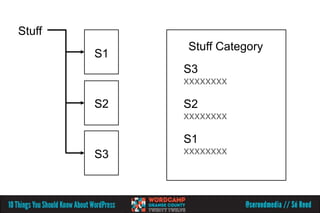
Stuff
             Stuff Category
        S1
             S3

        S2   S2

             S1
        S3
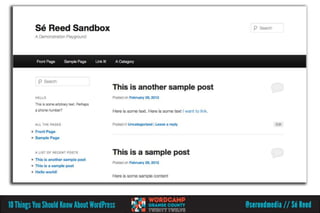
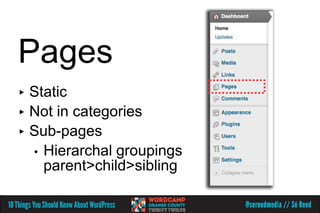
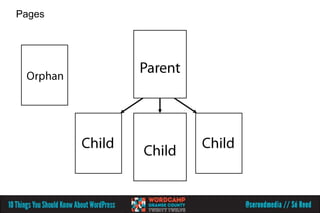
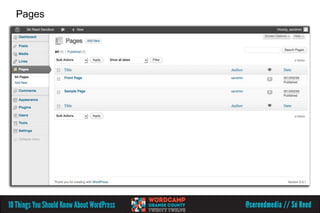
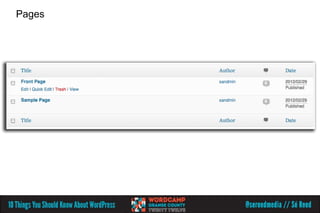
Pages
▸ Static
▸ Not in categories
▸ Sub-pages
  • Hierarchal groupings
    parent>child>sibling
Posts
Posts
Pages
Pages
Pages
Posts   Pages
05.
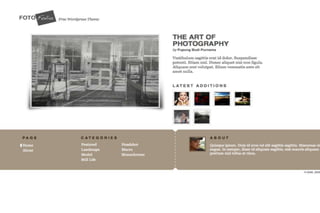
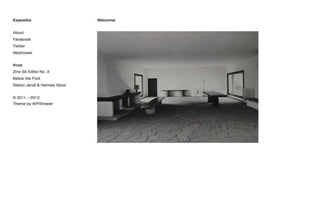
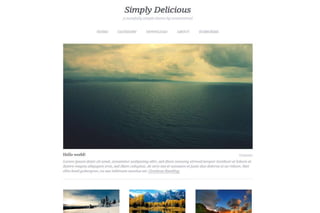
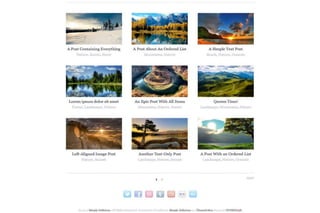
Not all themes
are created
equal.
(Or equally.)
post_id
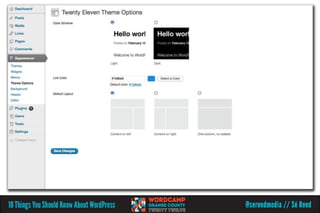
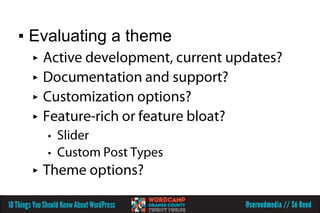
▪ Evaluating a theme
 ▸
 ▸
 ▸
 ▸
     •
     •
 ▸
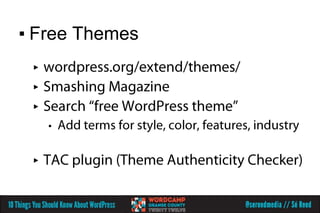
▪ Free Themes
 ▸
 ▸
 ▸
     •


 ▸
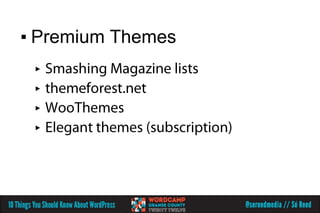
▪ Premium Themes
 ▸
 ▸
 ▸
 ▸
06.
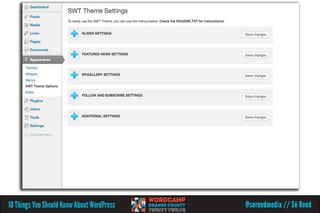
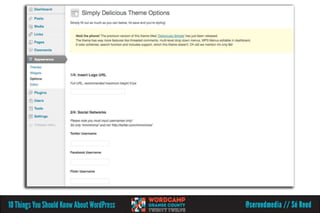
Look for
options,
customize
your settings.
07.
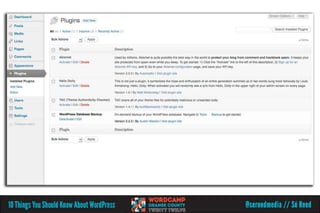
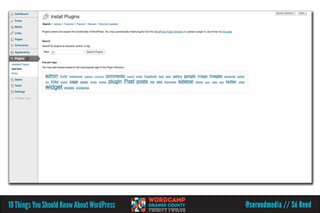
Plugins are a
double-edged
sword.
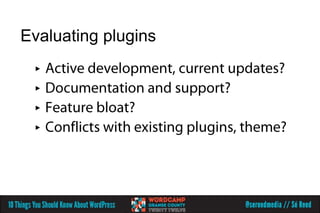
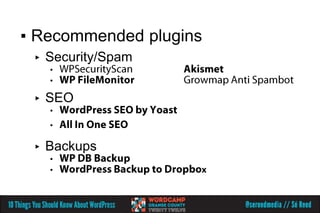
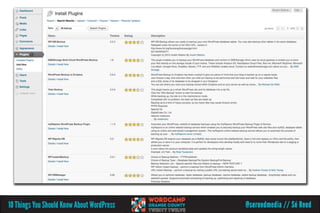
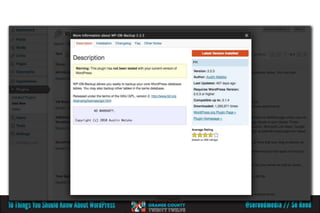
Evaluating plugins
 ▸
 ▸
 ▸
 ▸
▪ Recommended plugins
 ▸   Security/Spam
     •
     •

 ▸   SEO
     •
     •

 ▸   Backups
     •
     •
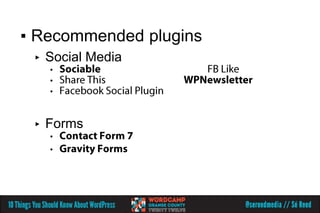
▪ Recommended plugins
 ▸   Social Media
     •
     •
     •


 ▸   Forms
     •
     •
08.
Documentation
is your friend.
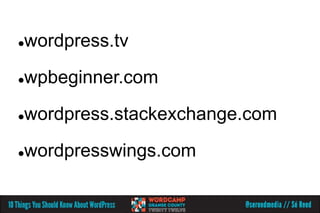
codex.wordpress.org
wordpress.tv



wpbeginner.com



wordpress.stackexchange.com



wordpresswings.com

09.
Back-up
your entire
set-up.*
*no, really.
09b.
Where you
host matters.
09c.
Update.
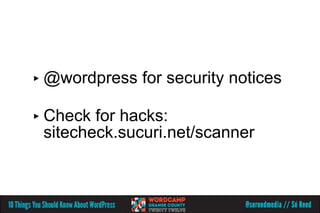
▸ @wordpress   for security notices

▸ Check for hacks:
 sitecheck.sucuri.net/scanner
10.
WordPress ONLY
works
if you do.
#3 Be patient
 ▸   Pace yourself.
     You don't have to be
     an expert on your first day.
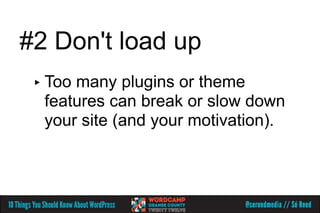
#2 Don't load up
 ▸ Toomany plugins or theme
  features can break or slow down
  your site (and your motivation).
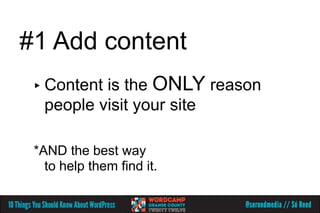
#1 Add content
 ▸ Contentis the ONLY reason
  people visit your site

 *AND the best way
   to help them find it.
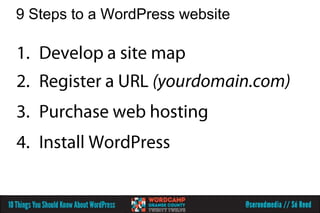
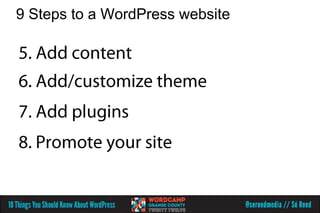
9 Steps to a WordPress website


  9. KEEP ADDING CONTENT!!!
Questions!

                    Sé Reed
                   @sereedmedia
        facebook.com/sereedmedia

Ten Things You Should Know About WordPress