========
Swagger
========
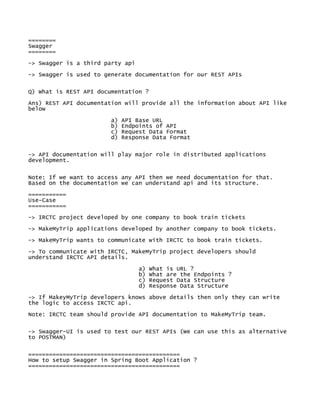
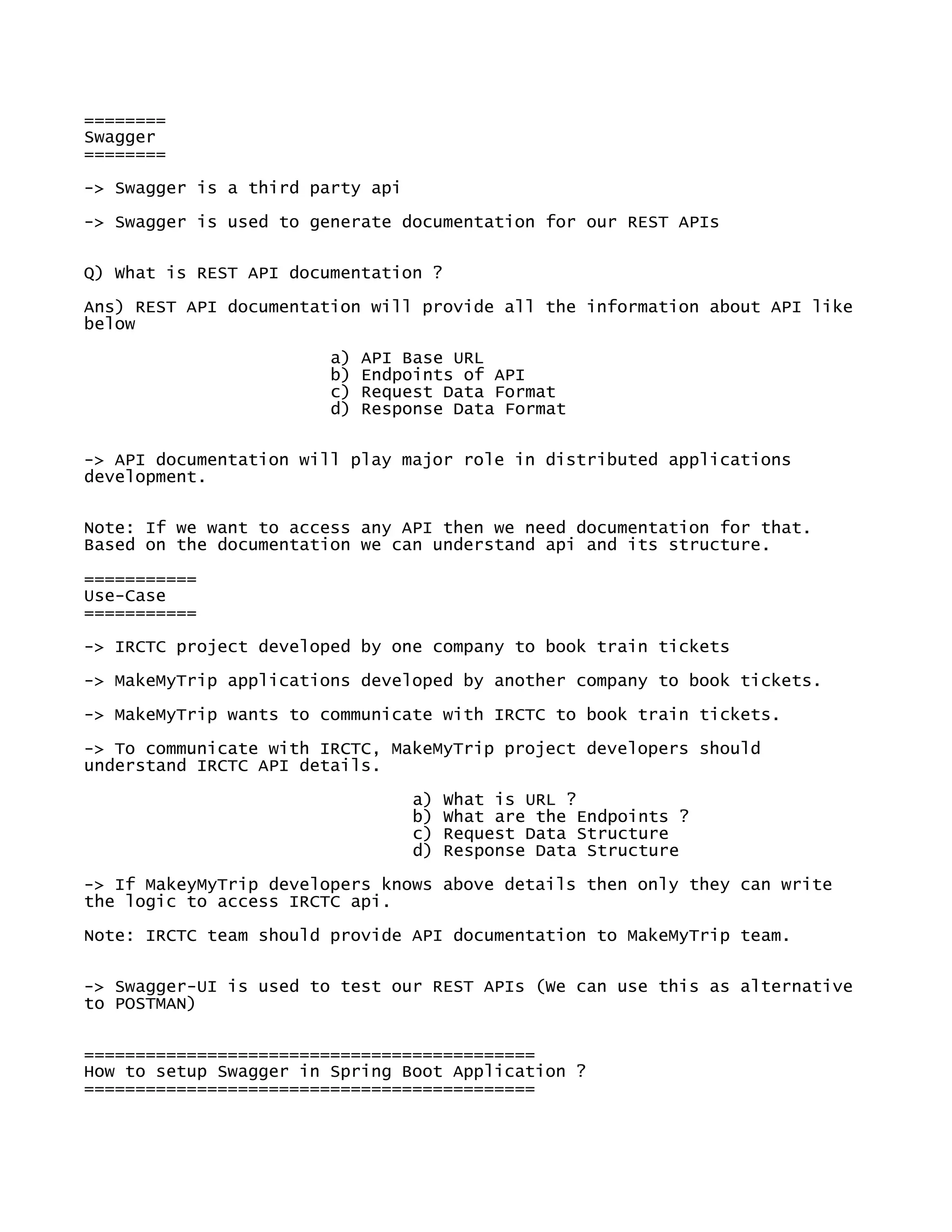
-> Swagger is a third party api
-> Swagger is used to generate documentation for our REST APIs
Q) What is REST API documentation ?
Ans) REST API documentation will provide all the information about API like
below
a) API Base URL
b) Endpoints of API
c) Request Data Format
d) Response Data Format
-> API documentation will play major role in distributed applications
development.
Note: If we want to access any API then we need documentation for that.
Based on the documentation we can understand api and its structure.
===========
Use-Case
===========
-> IRCTC project developed by one company to book train tickets
-> MakeMyTrip applications developed by another company to book tickets.
-> MakeMyTrip wants to communicate with IRCTC to book train tickets.
-> To communicate with IRCTC, MakeMyTrip project developers should
understand IRCTC API details.
a) What is URL ?
b) What are the Endpoints ?
c) Request Data Structure
d) Response Data Structure
-> If MakeyMyTrip developers knows above details then only they can write
the logic to access IRCTC api.
Note: IRCTC team should provide API documentation to MakeMyTrip team.
-> Swagger-UI is used to test our REST APIs (We can use this as alternative
to POSTMAN)
============================================
How to setup Swagger in Spring Boot Application ?
============================================
############### 1) Add Swagger & Swagger-UI dependencies in pom.xml file
###############
<dependency>
<groupId>io.springfox</groupId>
<artifactId>springfox-swagger2</artifactId>
<version>2.9.2</version>
</dependency>
<dependency>
<groupId>io.springfox</groupId>
<artifactId>springfox-swagger-ui</artifactId>
<version>2.9.2</version>
</dependency>
################# 2) Create Swagger Config class ######################
package in.ashokit.config;
import org.springframework.context.annotation.Bean;
import org.springframework.context.annotation.Configuration;
import springfox.documentation.builders.PathSelectors;
import springfox.documentation.builders.RequestHandlerSelectors;
import springfox.documentation.spi.DocumentationType;
import springfox.documentation.spring.web.plugins.Docket;
import springfox.documentation.swagger2.annotations.EnableSwagger2;
@Configuration
@EnableSwagger2
public class SwaggerConfig {
@Bean
public Docket apiDoc() {
return new Docket(DocumentationType.SWAGGER_2)
.select()
.apis(RequestHandlerSelectors.basePackage("in.ashokit.rest"))
.paths(PathSelectors.any())
.build();
}
}
################ 3) Configure below property in application.properties file
#################
spring.mvc.pathmatch.matching-strategy = ANT_PATH_MATCHER
############### 4) Run the spring boot application and access below URL
###################
URL : http://localhost:8080/swagger-ui.html
============================================================================
=====

Swagger Notes.pdf

  • 1.
    ======== Swagger ======== -> Swagger isa third party api -> Swagger is used to generate documentation for our REST APIs Q) What is REST API documentation ? Ans) REST API documentation will provide all the information about API like below a) API Base URL b) Endpoints of API c) Request Data Format d) Response Data Format -> API documentation will play major role in distributed applications development. Note: If we want to access any API then we need documentation for that. Based on the documentation we can understand api and its structure. =========== Use-Case =========== -> IRCTC project developed by one company to book train tickets -> MakeMyTrip applications developed by another company to book tickets. -> MakeMyTrip wants to communicate with IRCTC to book train tickets. -> To communicate with IRCTC, MakeMyTrip project developers should understand IRCTC API details. a) What is URL ? b) What are the Endpoints ? c) Request Data Structure d) Response Data Structure -> If MakeyMyTrip developers knows above details then only they can write the logic to access IRCTC api. Note: IRCTC team should provide API documentation to MakeMyTrip team. -> Swagger-UI is used to test our REST APIs (We can use this as alternative to POSTMAN) ============================================ How to setup Swagger in Spring Boot Application ? ============================================
  • 2.
    ############### 1) AddSwagger & Swagger-UI dependencies in pom.xml file ############### <dependency> <groupId>io.springfox</groupId> <artifactId>springfox-swagger2</artifactId> <version>2.9.2</version> </dependency> <dependency> <groupId>io.springfox</groupId> <artifactId>springfox-swagger-ui</artifactId> <version>2.9.2</version> </dependency> ################# 2) Create Swagger Config class ###################### package in.ashokit.config; import org.springframework.context.annotation.Bean; import org.springframework.context.annotation.Configuration; import springfox.documentation.builders.PathSelectors; import springfox.documentation.builders.RequestHandlerSelectors; import springfox.documentation.spi.DocumentationType; import springfox.documentation.spring.web.plugins.Docket; import springfox.documentation.swagger2.annotations.EnableSwagger2; @Configuration @EnableSwagger2 public class SwaggerConfig { @Bean public Docket apiDoc() { return new Docket(DocumentationType.SWAGGER_2) .select() .apis(RequestHandlerSelectors.basePackage("in.ashokit.rest")) .paths(PathSelectors.any()) .build(); } } ################ 3) Configure below property in application.properties file ################# spring.mvc.pathmatch.matching-strategy = ANT_PATH_MATCHER ############### 4) Run the spring boot application and access below URL ################### URL : http://localhost:8080/swagger-ui.html
  • 3.