DATABASE MANAGEMENT
SYSTEM
Dr. G.Jasmine Beulah,
Dept. Computer Science,
Kristu Jayanti College(Autonomous)
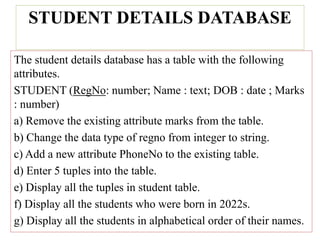
STUDENT DETAILS DATABASE
The student details database has a table with the following
attributes.
STUDENT (RegNo: number; Name : text; DOB : date ; Marks
: number)
a) Remove the existing attribute marks from the table.
b) Change the data type of regno from integer to string.
c) Add a new attribute PhoneNo to the existing table.
d) Enter 5 tuples into the table.
e) Display all the tuples in student table.
f) Display all the students who were born in 2022s.
g) Display all the students in alphabetical order of their names.
Data definition in SQL:
• SQL commands for data definition are CREATE,
DROP and ALTER
CREATE TABLE
• This command is used to create a relation by
giving its attributes and initial constraints.
• The relations declared through CREATE TABLE
are called base tables. Syntax: CREATE
TABLE(,……,TABCONSTRAINT
1,…….TABCONSTRAINT N); The syntax for
column definition is [default ][]
• The syntax for the table constraint is, [constraint ]
[not]NULL|check() Unique|primary
key|references[][on delete cascade] The five
possible column constraints are, not null: used if
null values are not permitted. Check constraint:
used to impose restrictions on column values.
Unique and primary key: to specify if a column is
the primary key. Reference clause: used when the
column is a foreign key and it refers to a unique
or primary key. delete cascade: used to delete all
dependent rows when a referenced row
containing a unique or primary key is deleted.
Table constraints:
• These constraints apply to the whole table.
The three table constraints are, Primary key,
foreign key, candidate key. Syntax for table
constraints, [constraint] Unique({,}) Primary
key({,}) Foreign key ({,}) References({,}) [on
delete cascade]
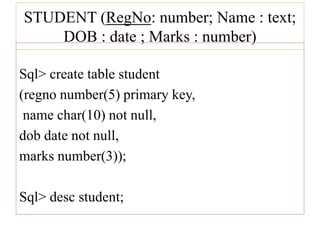
STUDENT (RegNo: number; Name : text;
DOB : date ; Marks : number)
Sql> create table student
(regno number(5) primary key,
name char(10) not null,
dob date not null,
marks number(3));
Sql> desc student;
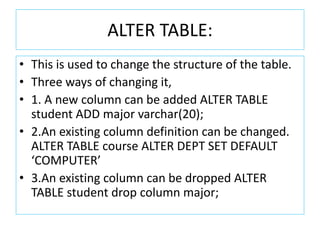
ALTER TABLE:
• This is used to change the structure of the table.
• Three ways of changing it,
• 1. A new column can be added ALTER TABLE
student ADD major varchar(20);
• 2.An existing column definition can be changed.
ALTER TABLE course ALTER DEPT SET DEFAULT
‘COMPUTER’
• 3.An existing column can be dropped ALTER
TABLE student drop column major;
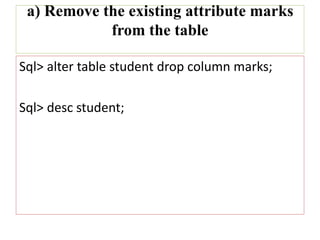
a) Remove the existing attribute marks
from the table
Sql> alter table student drop column marks;
Sql> desc student;
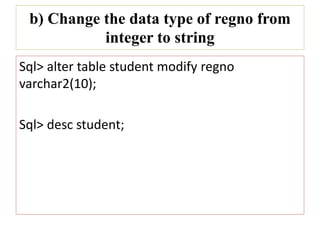
b) Change the data type of regno from
integer to string
Sql> alter table student modify regno
varchar2(10);
Sql> desc student;
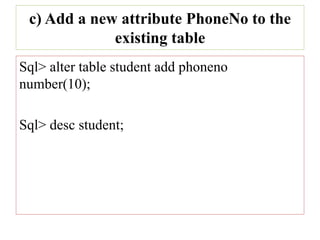
c) Add a new attribute PhoneNo to the
existing table
Sql> alter table student add phoneno
number(10);
Sql> desc student;
INSERTING ROWS:
To insert tuple values insert command is used.
Syntax: INSERT INTO [,…..]values(expr
1,expr2……);
Example:
insert into student values(‘s01’’raju’,’2000-feb-
23’);
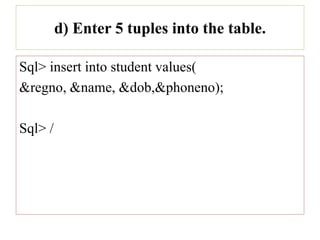
d) Enter 5 tuples into the table.
Sql> insert into student values(
&regno, &name, &dob,&phoneno);
Sql> /
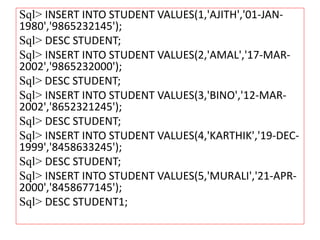
Sql> INSERT INTO STUDENT VALUES(1,'AJITH','01-JAN-
1980','9865232145');
Sql> DESC STUDENT;
Sql> INSERT INTO STUDENT VALUES(2,'AMAL','17-MAR-
2002','9865232000');
Sql> DESC STUDENT;
Sql> INSERT INTO STUDENT VALUES(3,'BINO','12-MAR-
2002','8652321245');
Sql> DESC STUDENT;
Sql> INSERT INTO STUDENT VALUES(4,'KARTHIK','19-DEC-
1999','8458633245');
Sql> DESC STUDENT;
Sql> INSERT INTO STUDENT VALUES(5,'MURALI','21-APR-
2000','8458677145');
Sql> DESC STUDENT1;
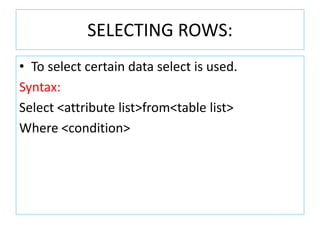
SELECTING ROWS:
• To select certain data select is used.
Syntax:
Select <attribute list>from<table list>
Where <condition>
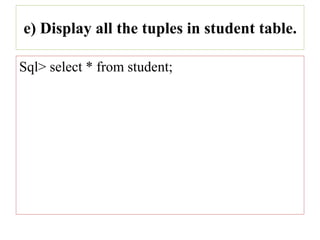
e) Display all the tuples in student table.
Sql> select * from student;
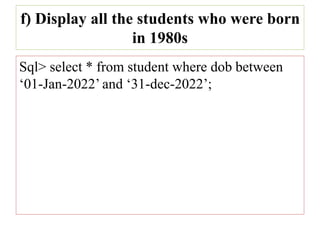
f) Display all the students who were born
in 1980s
Sql> select * from student where dob between
‘01-Jan-2022’ and ‘31-dec-2022’;
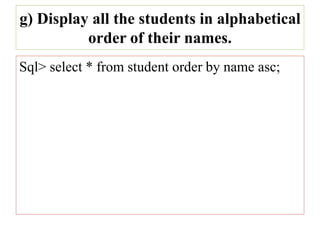
g) Display all the students in alphabetical
order of their names.
Sql> select * from student order by name asc;
Thank You

STUDENT DETAILS DATABASE.pptx

  • 1.
    DATABASE MANAGEMENT SYSTEM Dr. G.JasmineBeulah, Dept. Computer Science, Kristu Jayanti College(Autonomous)
  • 2.
    STUDENT DETAILS DATABASE Thestudent details database has a table with the following attributes. STUDENT (RegNo: number; Name : text; DOB : date ; Marks : number) a) Remove the existing attribute marks from the table. b) Change the data type of regno from integer to string. c) Add a new attribute PhoneNo to the existing table. d) Enter 5 tuples into the table. e) Display all the tuples in student table. f) Display all the students who were born in 2022s. g) Display all the students in alphabetical order of their names.
  • 3.
    Data definition inSQL: • SQL commands for data definition are CREATE, DROP and ALTER
  • 4.
    CREATE TABLE • Thiscommand is used to create a relation by giving its attributes and initial constraints. • The relations declared through CREATE TABLE are called base tables. Syntax: CREATE TABLE(,……,TABCONSTRAINT 1,…….TABCONSTRAINT N); The syntax for column definition is [default ][]
  • 5.
    • The syntaxfor the table constraint is, [constraint ] [not]NULL|check() Unique|primary key|references[][on delete cascade] The five possible column constraints are, not null: used if null values are not permitted. Check constraint: used to impose restrictions on column values. Unique and primary key: to specify if a column is the primary key. Reference clause: used when the column is a foreign key and it refers to a unique or primary key. delete cascade: used to delete all dependent rows when a referenced row containing a unique or primary key is deleted.
  • 6.
    Table constraints: • Theseconstraints apply to the whole table. The three table constraints are, Primary key, foreign key, candidate key. Syntax for table constraints, [constraint] Unique({,}) Primary key({,}) Foreign key ({,}) References({,}) [on delete cascade]
  • 7.
    STUDENT (RegNo: number;Name : text; DOB : date ; Marks : number) Sql> create table student (regno number(5) primary key, name char(10) not null, dob date not null, marks number(3)); Sql> desc student;
  • 8.
    ALTER TABLE: • Thisis used to change the structure of the table. • Three ways of changing it, • 1. A new column can be added ALTER TABLE student ADD major varchar(20); • 2.An existing column definition can be changed. ALTER TABLE course ALTER DEPT SET DEFAULT ‘COMPUTER’ • 3.An existing column can be dropped ALTER TABLE student drop column major;
  • 9.
    a) Remove theexisting attribute marks from the table Sql> alter table student drop column marks; Sql> desc student;
  • 10.
    b) Change thedata type of regno from integer to string Sql> alter table student modify regno varchar2(10); Sql> desc student;
  • 11.
    c) Add anew attribute PhoneNo to the existing table Sql> alter table student add phoneno number(10); Sql> desc student;
  • 12.
    INSERTING ROWS: To inserttuple values insert command is used. Syntax: INSERT INTO [,…..]values(expr 1,expr2……); Example: insert into student values(‘s01’’raju’,’2000-feb- 23’);
  • 13.
    d) Enter 5tuples into the table. Sql> insert into student values( &regno, &name, &dob,&phoneno); Sql> /
  • 14.
    Sql> INSERT INTOSTUDENT VALUES(1,'AJITH','01-JAN- 1980','9865232145'); Sql> DESC STUDENT; Sql> INSERT INTO STUDENT VALUES(2,'AMAL','17-MAR- 2002','9865232000'); Sql> DESC STUDENT; Sql> INSERT INTO STUDENT VALUES(3,'BINO','12-MAR- 2002','8652321245'); Sql> DESC STUDENT; Sql> INSERT INTO STUDENT VALUES(4,'KARTHIK','19-DEC- 1999','8458633245'); Sql> DESC STUDENT; Sql> INSERT INTO STUDENT VALUES(5,'MURALI','21-APR- 2000','8458677145'); Sql> DESC STUDENT1;
  • 15.
    SELECTING ROWS: • Toselect certain data select is used. Syntax: Select <attribute list>from<table list> Where <condition>
  • 16.
    e) Display allthe tuples in student table. Sql> select * from student;
  • 17.
    f) Display allthe students who were born in 1980s Sql> select * from student where dob between ‘01-Jan-2022’ and ‘31-dec-2022’;
  • 18.
    g) Display allthe students in alphabetical order of their names. Sql> select * from student order by name asc;
  • 19.