C Programming Language
Defining Constants and Unformatted Input
Output Functions
Dr.G.Jasmine Beulah
Defining Constants
There are two simple ways in C to define
constants:
1. Using #define preprocessor.
2. Using const keyword.
1.The #define Preprocessor
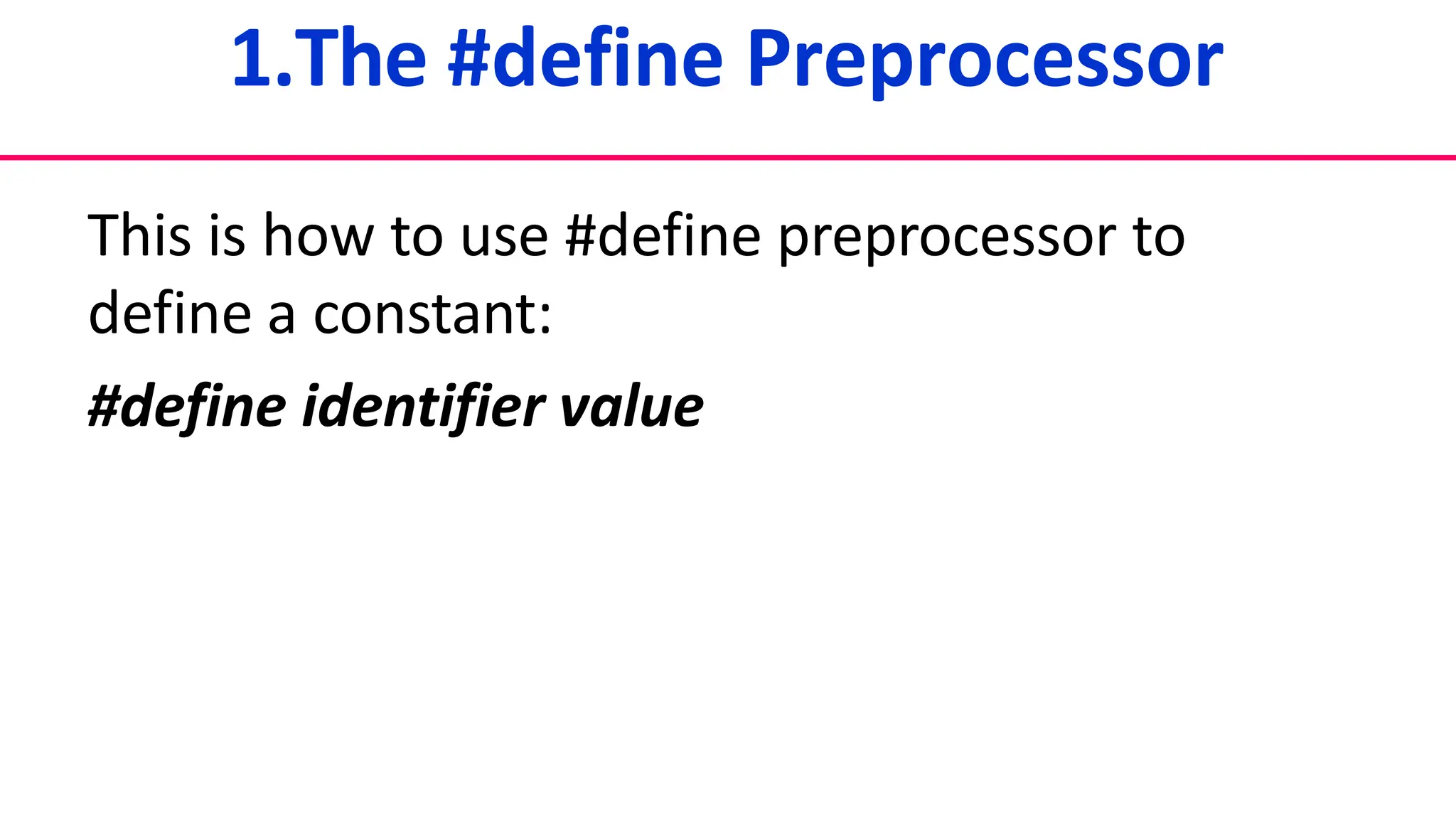
This is how to use #define preprocessor to
define a constant:
#define identifier value
Example
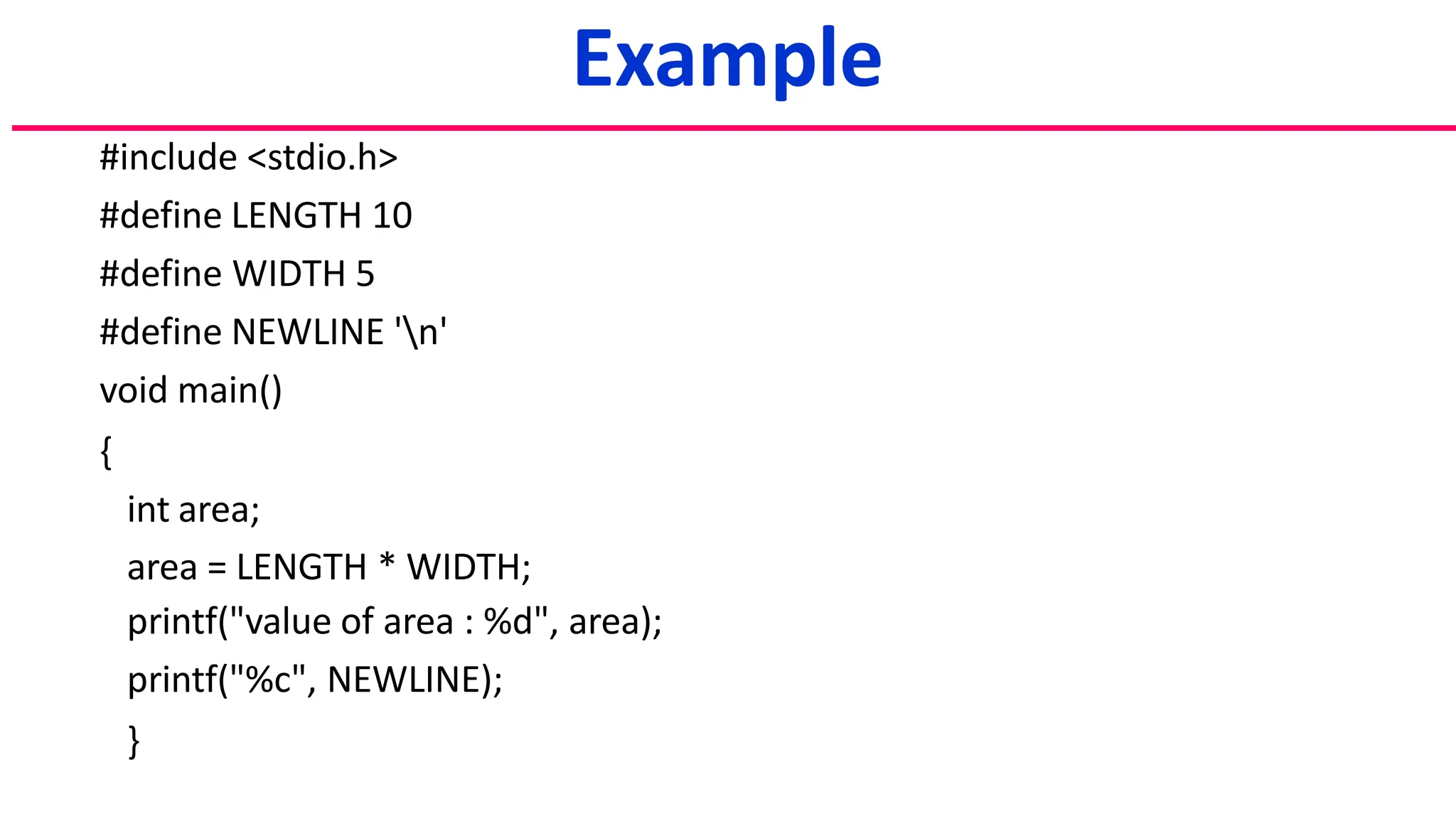
#include <stdio.h>
#define LENGTH 10
#define WIDTH 5
#define NEWLINE 'n'
void main()
{
int area;
area = LENGTH * WIDTH;
printf("value of area : %d", area);
printf("%c", NEWLINE);
}
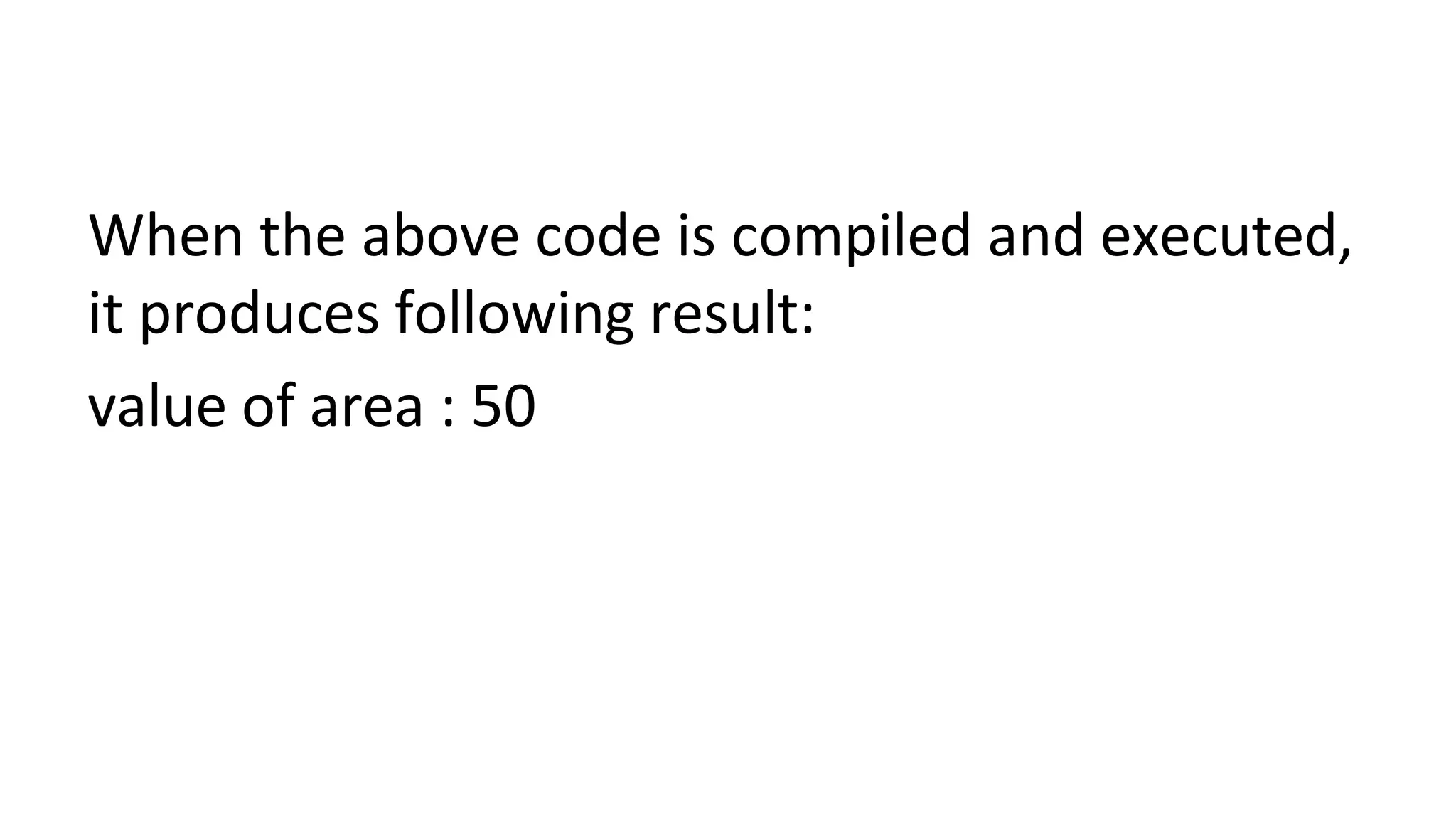
When the above code is compiled and executed,
it produces following result:
value of area : 50
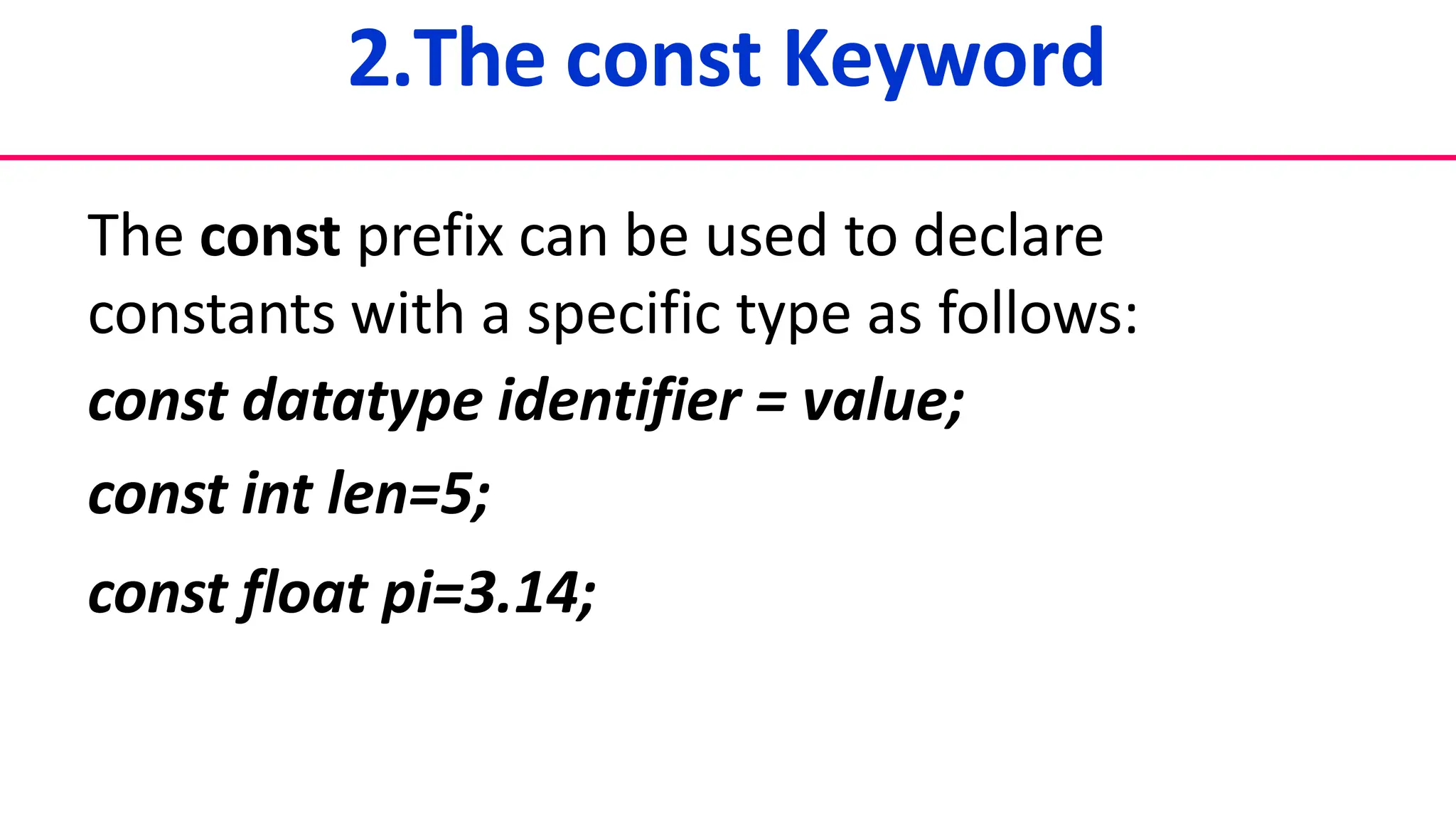
2.The const Keyword
The const prefix can be used to declare
constants with a specific type as follows:
const datatype identifier = value;
const int len=5;
const float pi=3.14;
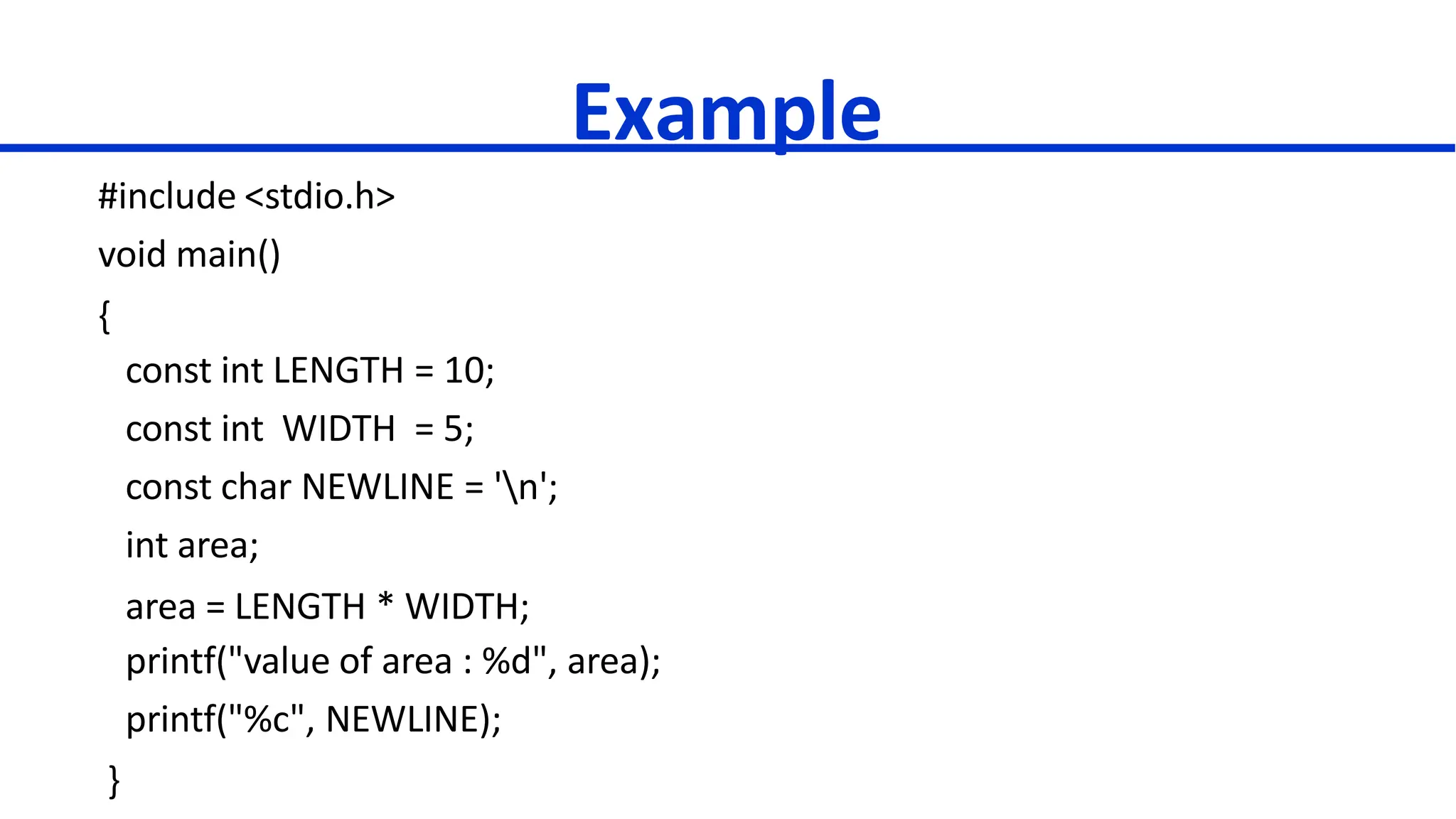
Example
#include <stdio.h>
void main()
{
const int LENGTH = 10;
const int WIDTH = 5;
const char NEWLINE = 'n';
int area;
area = LENGTH * WIDTH;
printf("value of area : %d", area);
printf("%c", NEWLINE);
}
OUTPUT
50
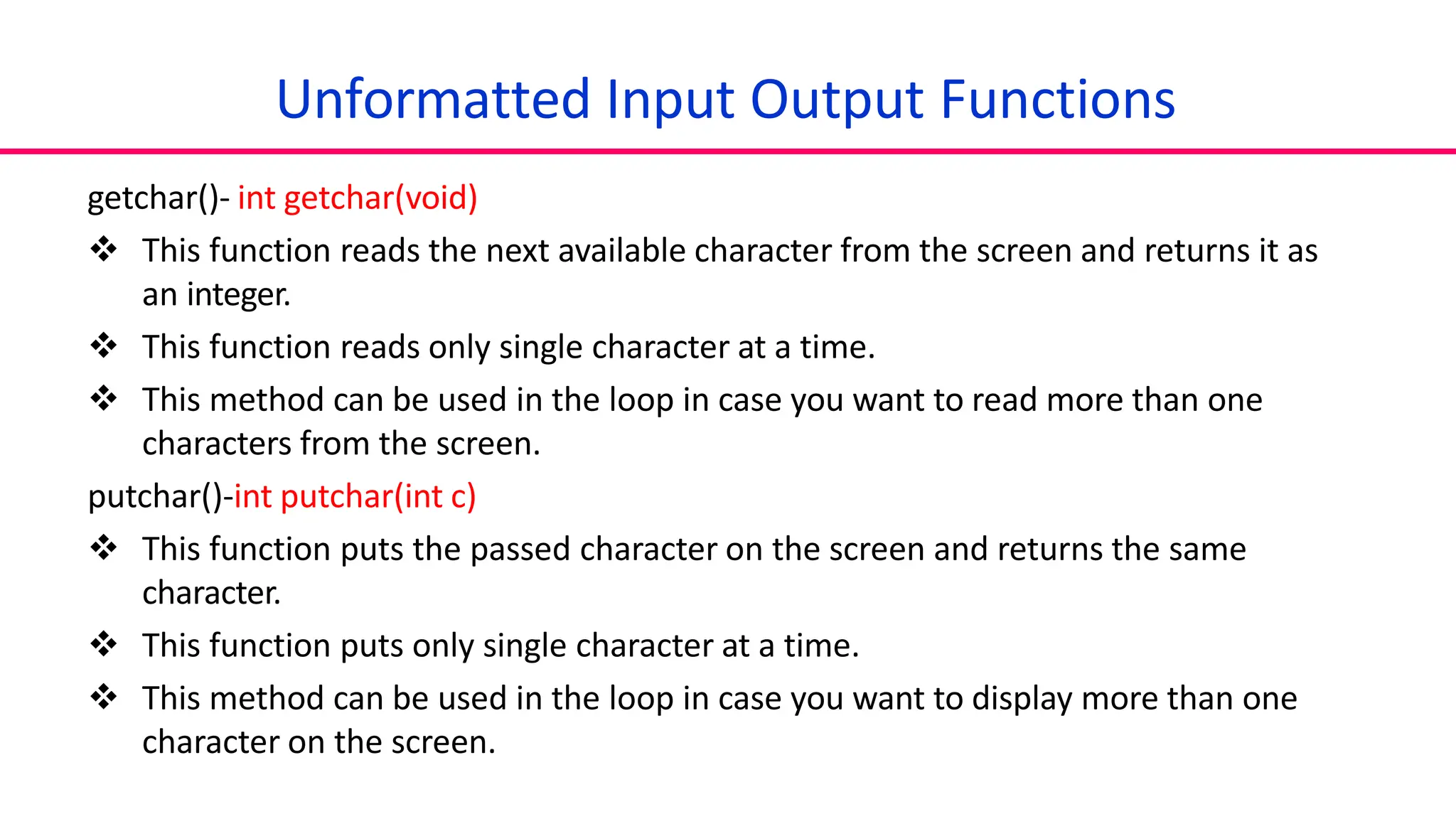
Unformatted Input Output Functions
getchar()- int getchar(void)
 This function reads the next available character from the screen and returns it as
an integer.
 This function reads only single character at a time.
 This method can be used in the loop in case you want to read more than one
characters from the screen.
putchar()-int putchar(int c)
 This function puts the passed character on the screen and returns the same
character.
 This function puts only single character at a time.
 This method can be used in the loop in case you want to display more than one
character on the screen.
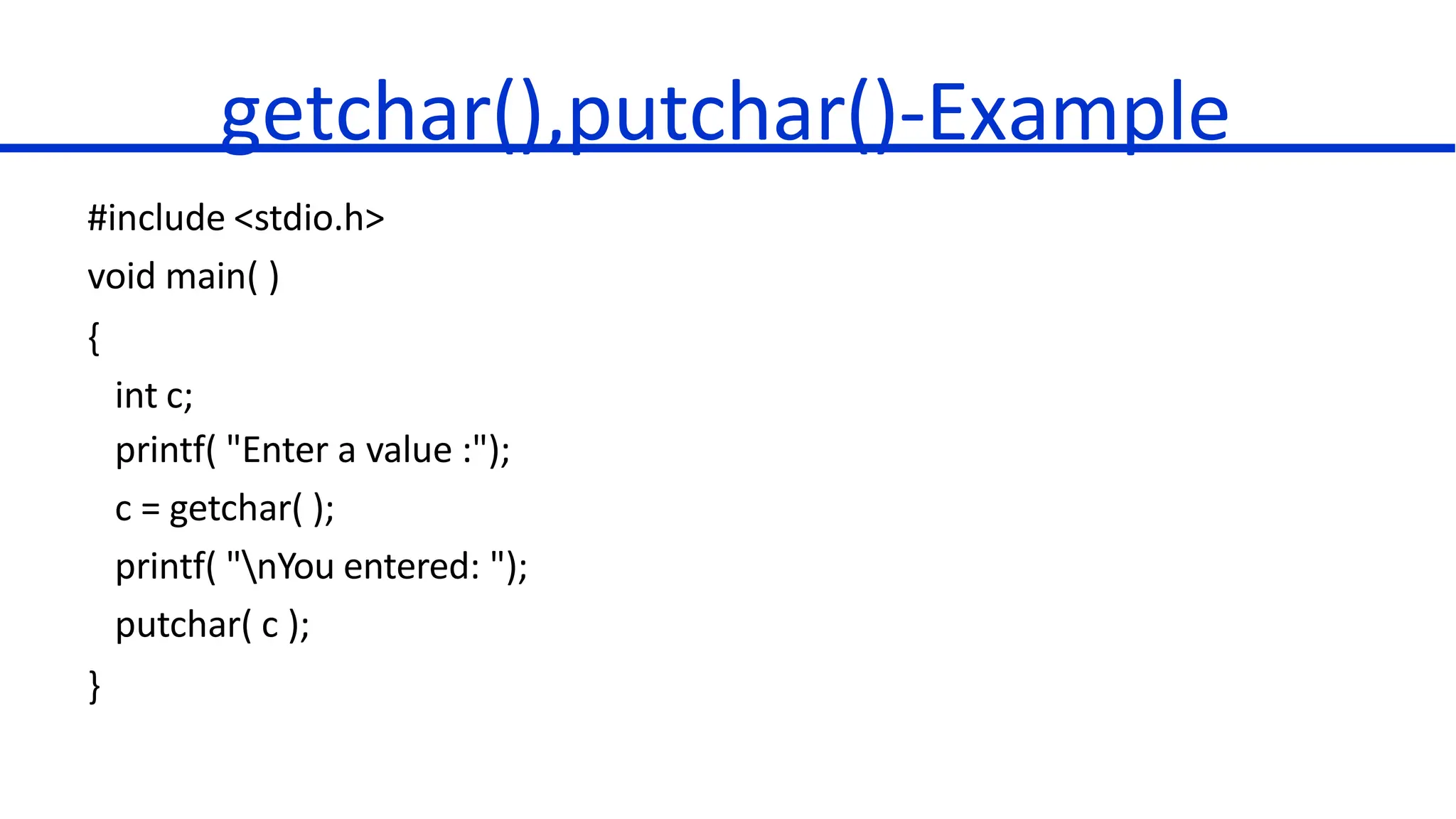
getchar(),putchar()-Example
#include <stdio.h>
void main( )
{
int c;
printf( "Enter a value :");
c = getchar( );
printf( "nYou entered: ");
putchar( c );
}
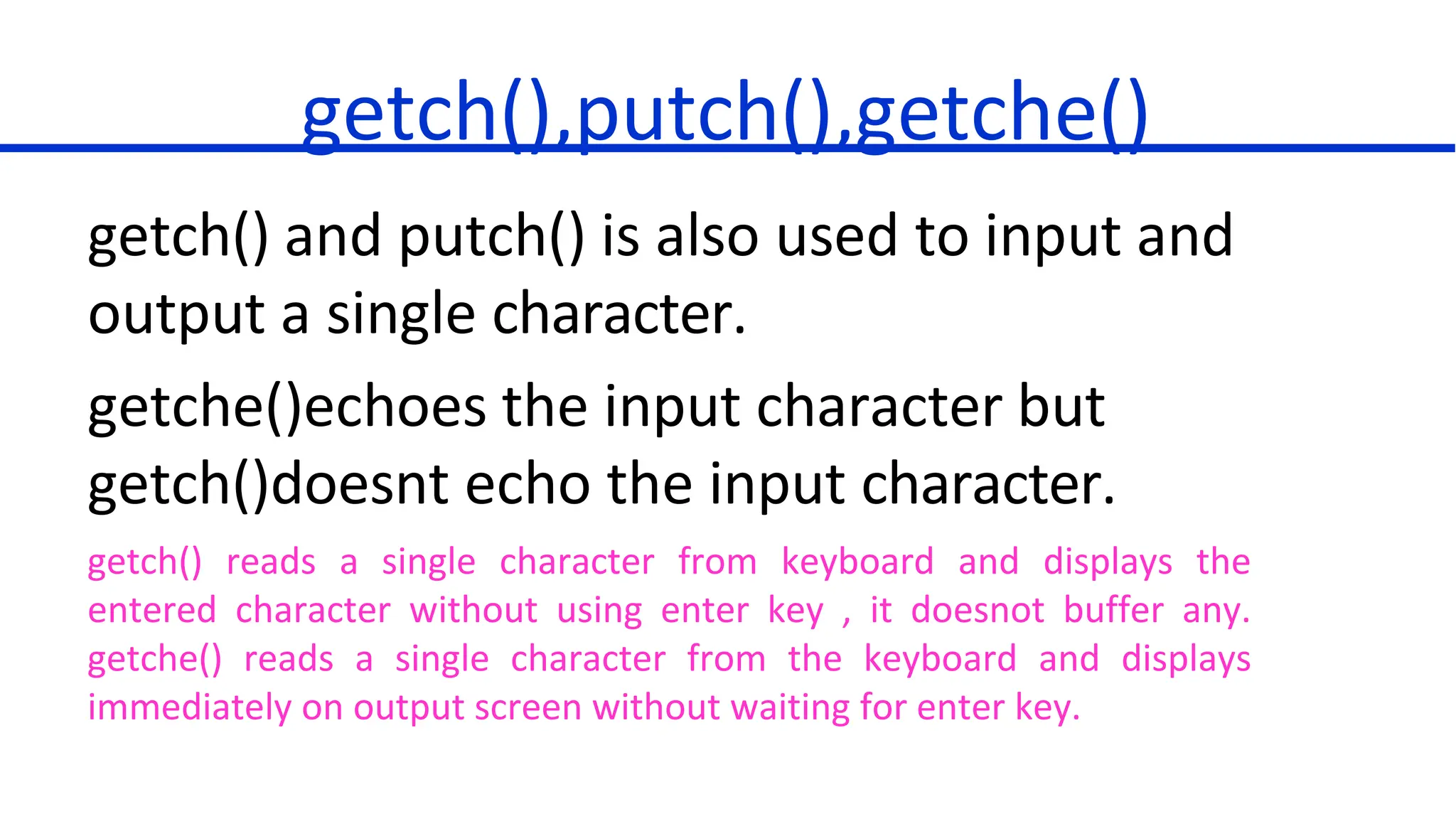
getch(),putch(),getche()
getch() and putch() is also used to input and
output a single character.
getche()echoes the input character but
getch()doesnt echo the input character.
getch() reads a single character from keyboard and displays the
entered character without using enter key , it doesnot buffer any.
getche() reads a single character from the keyboard and displays
immediately on output screen without waiting for enter key.
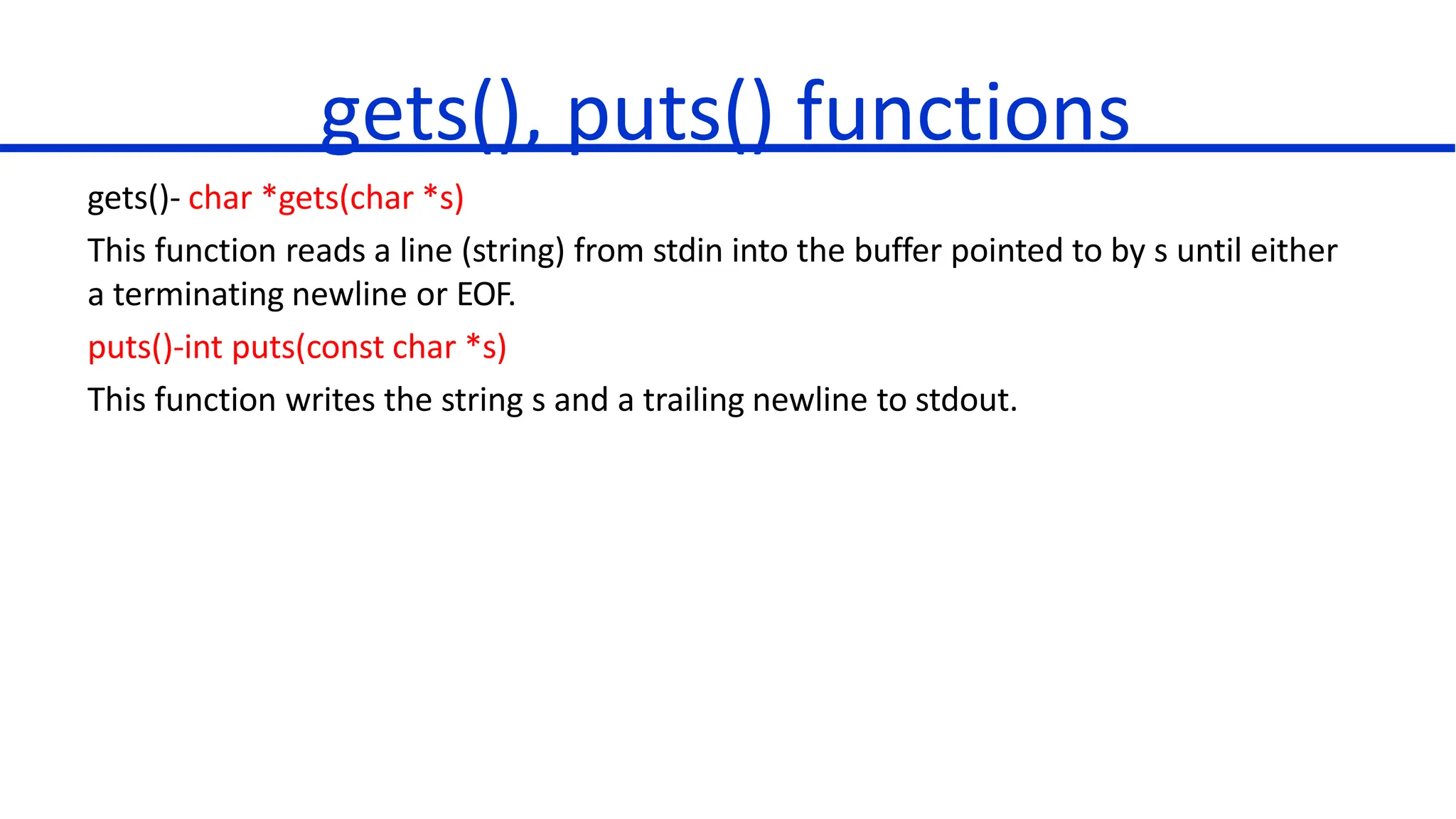
gets(), puts() functions
gets()- char *gets(char *s)
This function reads a line (string) from stdin into the buffer pointed to by s until either
a terminating newline or EOF.
puts()-int puts(const char *s)
This function writes the string s and a trailing newline to stdout.
#include <stdio.h>
void main( )
{
char str[100];
printf( "Enter a value :");
gets( str );
printf( "nYou entered: ");
puts( str );
}
gets(), puts() -Example

Constants and Unformatted Input Output Functions.pptx

  • 1.
    C Programming Language DefiningConstants and Unformatted Input Output Functions Dr.G.Jasmine Beulah
  • 2.
    Defining Constants There aretwo simple ways in C to define constants: 1. Using #define preprocessor. 2. Using const keyword.
  • 3.
    1.The #define Preprocessor Thisis how to use #define preprocessor to define a constant: #define identifier value
  • 4.
    Example #include <stdio.h> #define LENGTH10 #define WIDTH 5 #define NEWLINE 'n' void main() { int area; area = LENGTH * WIDTH; printf("value of area : %d", area); printf("%c", NEWLINE); }
  • 5.
    When the abovecode is compiled and executed, it produces following result: value of area : 50
  • 6.
    2.The const Keyword Theconst prefix can be used to declare constants with a specific type as follows: const datatype identifier = value; const int len=5; const float pi=3.14;
  • 7.
    Example #include <stdio.h> void main() { constint LENGTH = 10; const int WIDTH = 5; const char NEWLINE = 'n'; int area; area = LENGTH * WIDTH; printf("value of area : %d", area); printf("%c", NEWLINE); }
  • 8.
  • 9.
    Unformatted Input OutputFunctions getchar()- int getchar(void)  This function reads the next available character from the screen and returns it as an integer.  This function reads only single character at a time.  This method can be used in the loop in case you want to read more than one characters from the screen. putchar()-int putchar(int c)  This function puts the passed character on the screen and returns the same character.  This function puts only single character at a time.  This method can be used in the loop in case you want to display more than one character on the screen.
  • 10.
    getchar(),putchar()-Example #include <stdio.h> void main() { int c; printf( "Enter a value :"); c = getchar( ); printf( "nYou entered: "); putchar( c ); }
  • 11.
    getch(),putch(),getche() getch() and putch()is also used to input and output a single character. getche()echoes the input character but getch()doesnt echo the input character. getch() reads a single character from keyboard and displays the entered character without using enter key , it doesnot buffer any. getche() reads a single character from the keyboard and displays immediately on output screen without waiting for enter key.
  • 12.
    gets(), puts() functions gets()-char *gets(char *s) This function reads a line (string) from stdin into the buffer pointed to by s until either a terminating newline or EOF. puts()-int puts(const char *s) This function writes the string s and a trailing newline to stdout.
  • 13.
    #include <stdio.h> void main() { char str[100]; printf( "Enter a value :"); gets( str ); printf( "nYou entered: "); puts( str ); } gets(), puts() -Example