Streamlining UX: How
Laser-Focused Messaging and
Design Can Increase Revenue
I am Preston Zeller
Digital Marketing at DiscoverOrg
Strategist, Designer, Writer, Technologist
You can find me at @zellerhaus
or PrestonZeller.com
Hey There
What We’ll Cover
1. Who is this for?
2. Why do we design?
3. UX….or UI?
4. Aligning Product & Marketing
5. UX Principles & Strategy
6. Design Optimization Process
7. Experimentation
8. FAQ
Who is this for?
And why should you care about great UX/messaging?
1
Who is this for?
◉ Product
○ desktop, mobile, app
◉ Lead Generation
◉ eCommerce
◉ Anyone designing/building a product they
want to have maximum impact
Why do we design?
Goals, motivation, why you care...
2
Solve Problems
Bring clarity to ideas, actions, and concepts
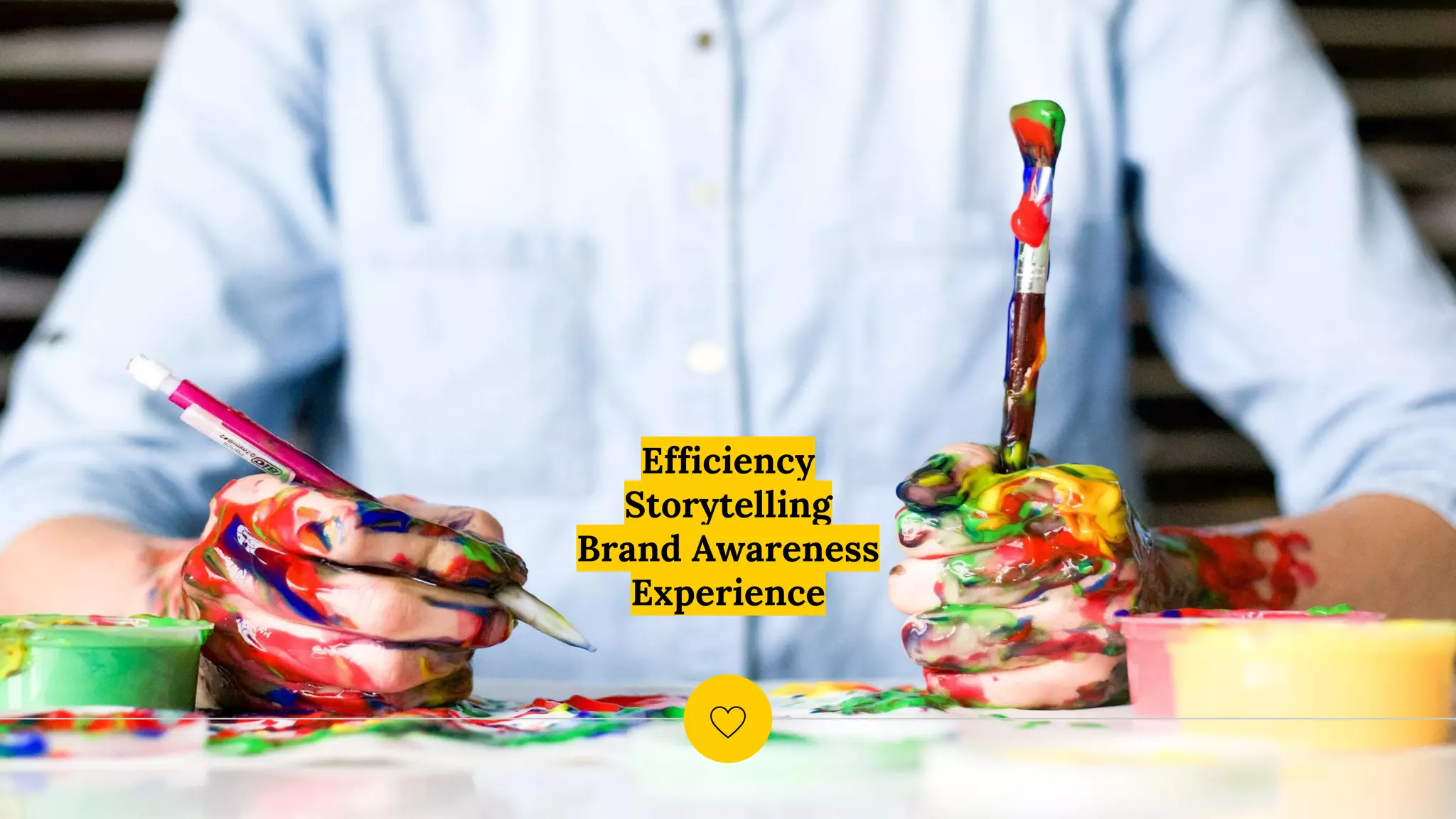
Efficiency
Storytelling
Brand Awareness
Experience
Why does design sometimes feel like this?
UX…or UI?
Aren’t they the same? Not exactly.
3
“
Something that looks great but is difficult to use is
exemplary of great UI and poor UX. While
something very usable that looks terrible is
exemplary of great UX and poor UI.
Helga Moreno
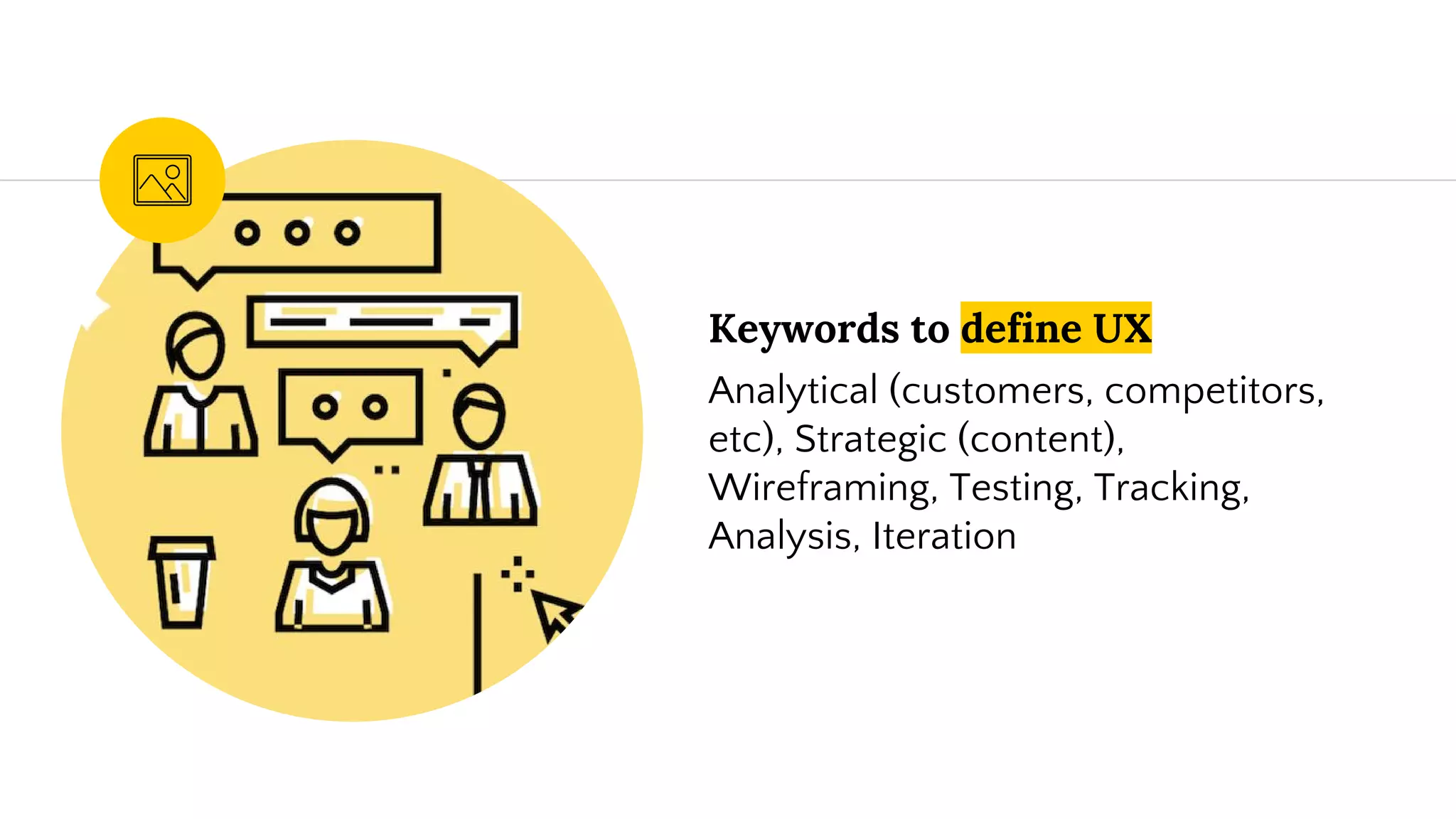
Keywords to define UX
Analytical (customers, competitors,
etc), Strategic (content),
Wireframing, Testing, Tracking,
Analysis, Iteration
Keywords to define UI
Research, Brand, User
Guides/Storyline, Interactivity &
Animation, Screen size adaptation,
Working with Dev
It’s a Subjective Practice -
Designing for the User
Align Product &
Marketing
They’re more related than we think.
4
Buyer Personas
◉ What drives them?
◉ What do they want to accomplish?
◉ What problem are you solving for them?
◉ Why you, not the ‘other guy’?
Do research on these people -
both customers and prospects
Value-based selling
Focus on messaging selling
the financial impact relative
to the price paid...relative to
the competition.
Feature -> Benefit
Other areas to refine
Product launch timelines
The success of that new
product hinges greatly on a
the marketing roll out -
communicate new features
and benefits clearly so when
the product it out, your
buyers are ready.
UX Principles &
Strategy
Highlights for your UX improvements
5
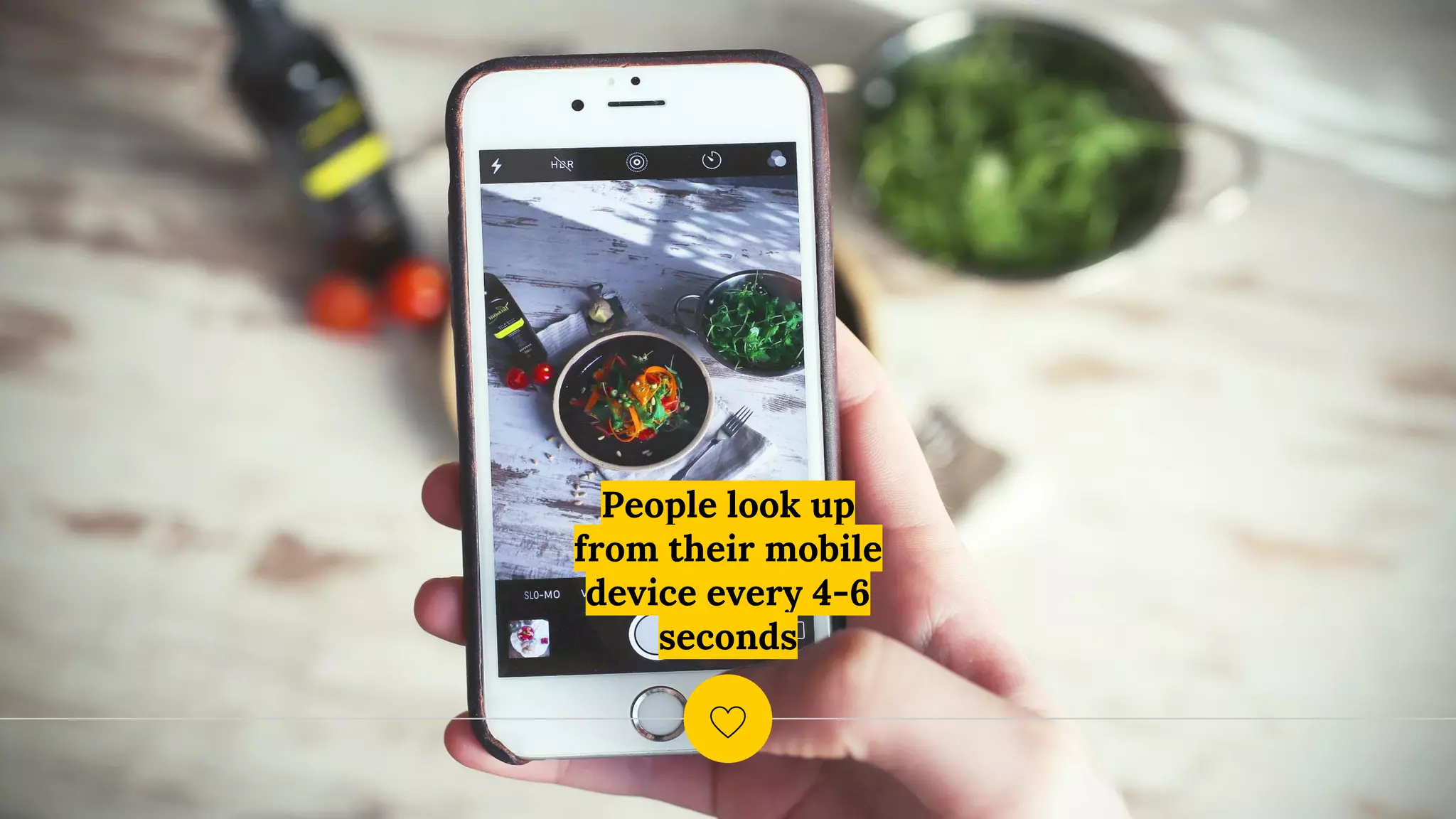
People look up
from their mobile
device every 4-6
seconds
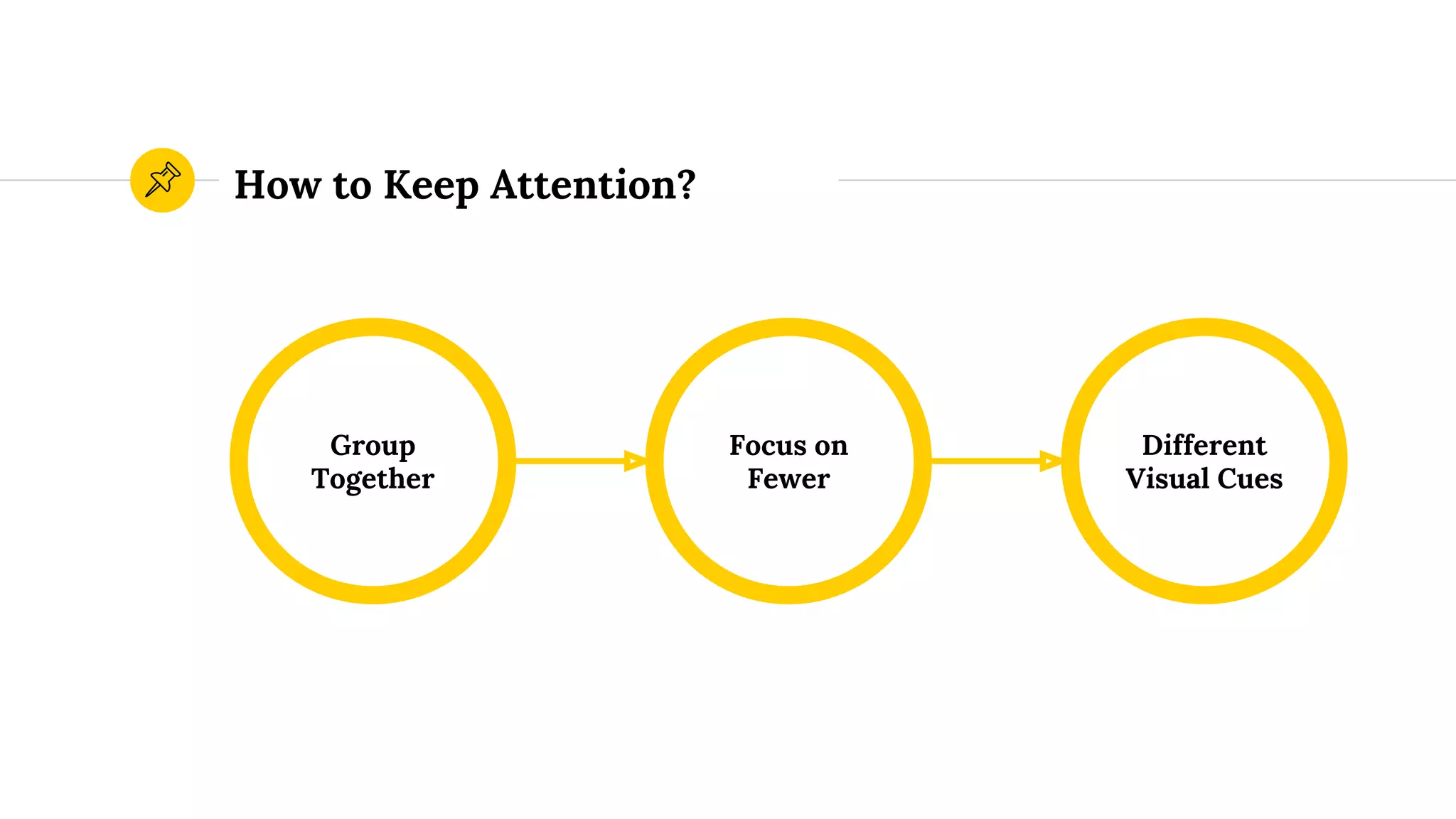
How to Keep Attention?
Group
Together
Different
Visual Cues
Focus on
Fewer
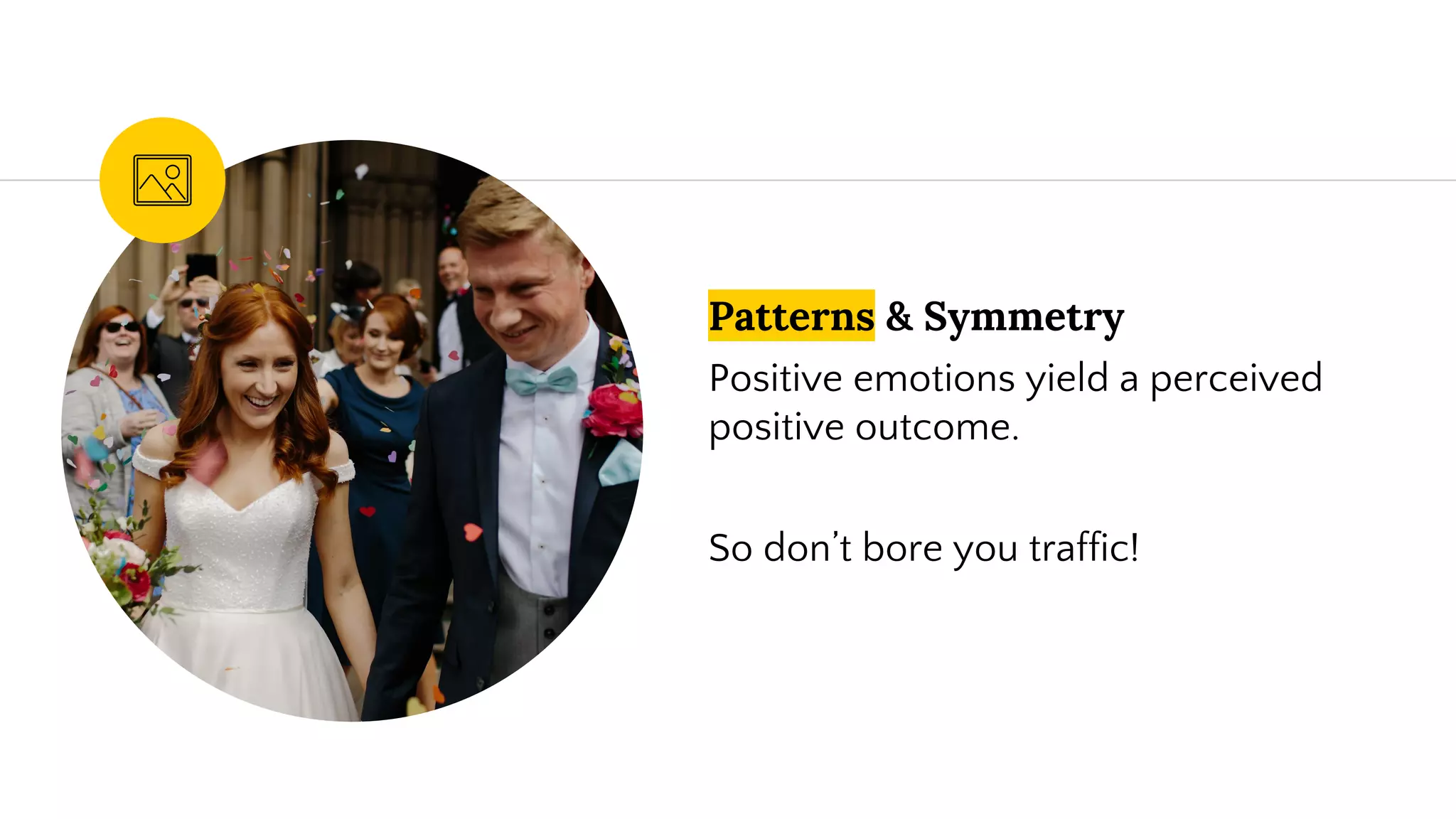
Patterns & Symmetry
Positive emotions yield a perceived
positive outcome.
So don’t bore you traffic!
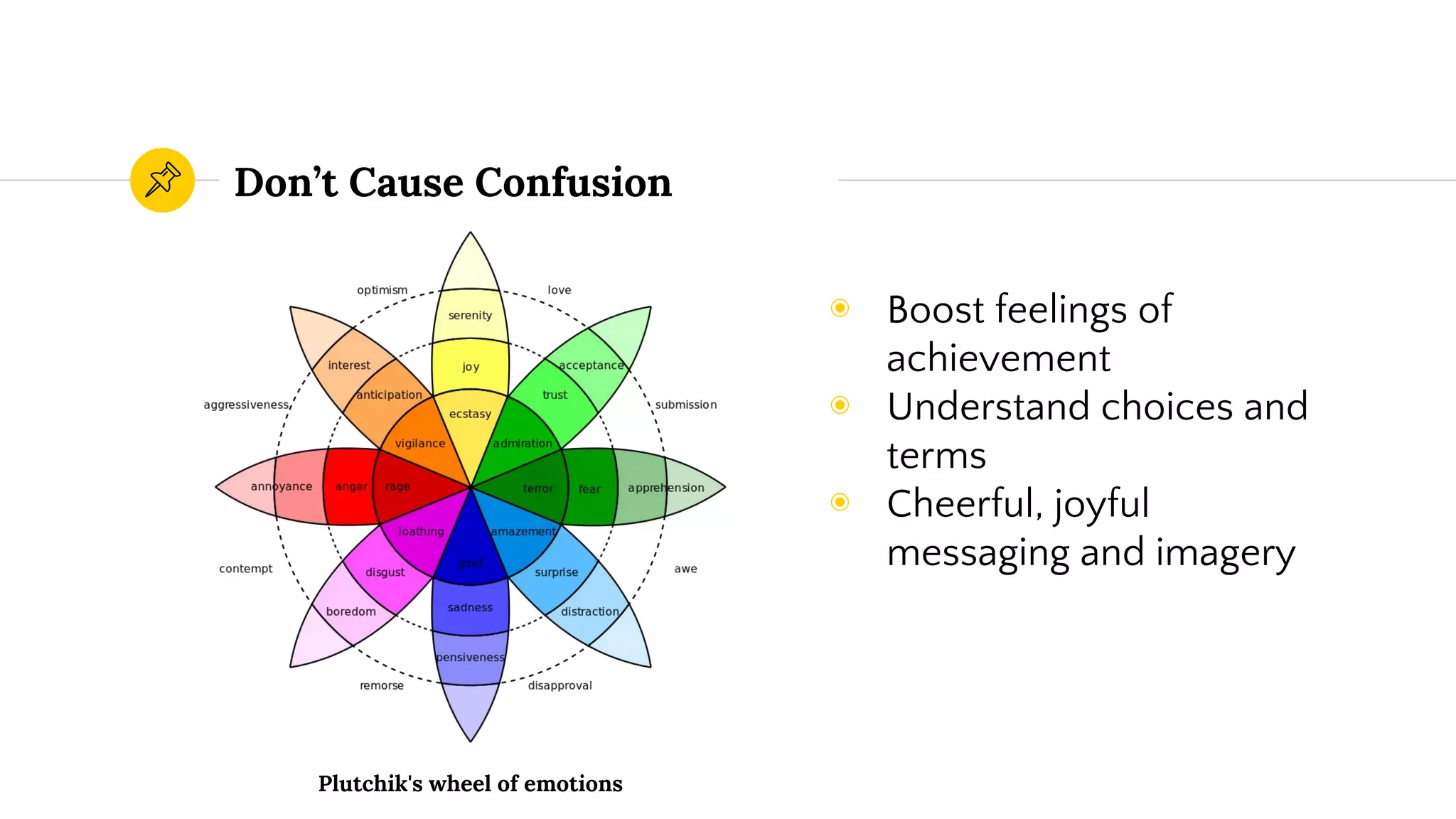
Don’t Cause Confusion
◉ Boost feelings of
achievement
◉ Understand choices and
terms
◉ Cheerful, joyful
messaging and imagery
Plutchik's wheel of emotions
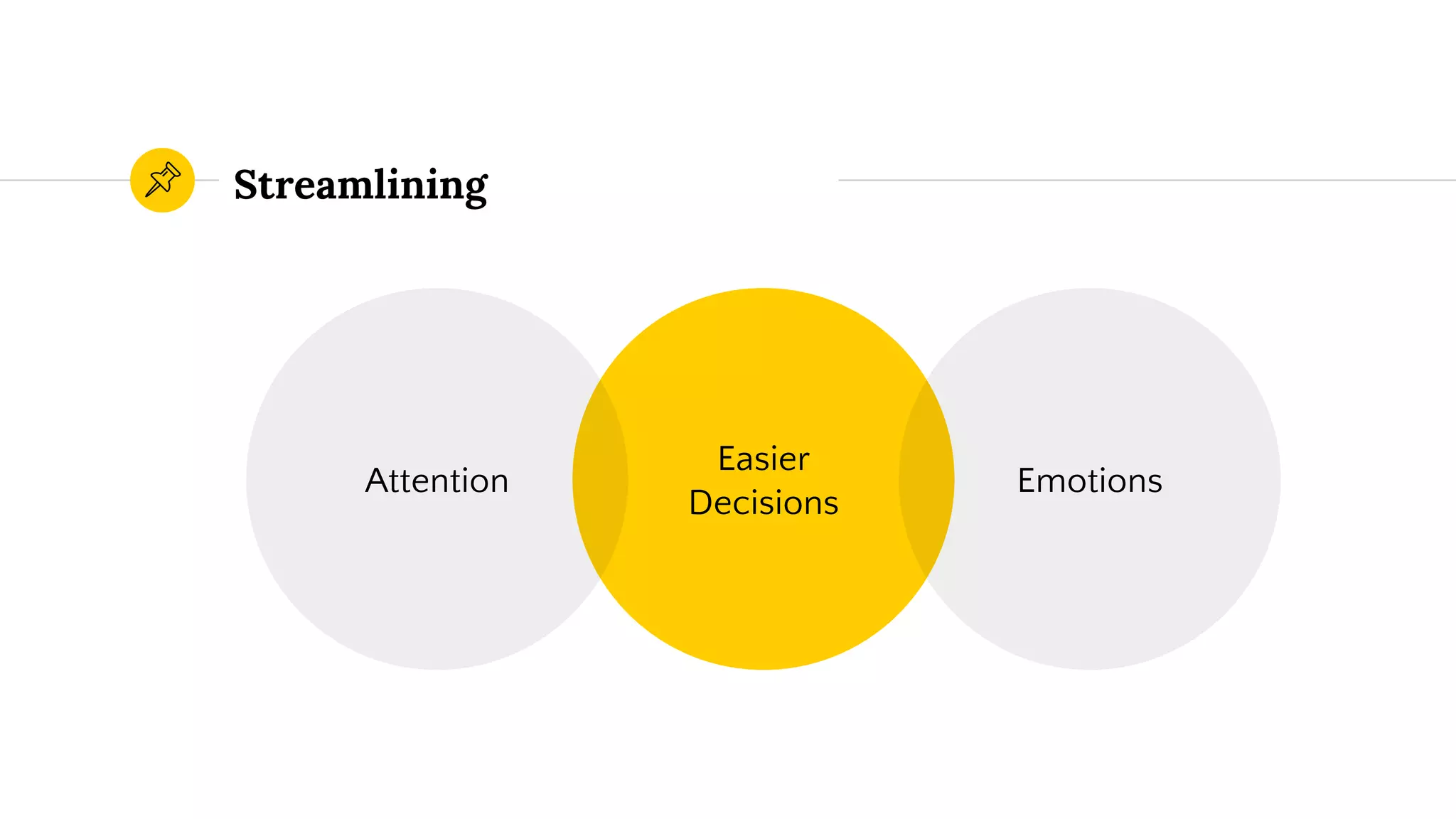
Streamlining
Easier
Decisions
Attention Emotions
Multiple Options?
FREEDOM TO ACT
Strike a Balance
Limiting the User?
PREVENTING ERRORS
Don’t piss off your users.
Design Optimization
Process
How do we design smarter?
6
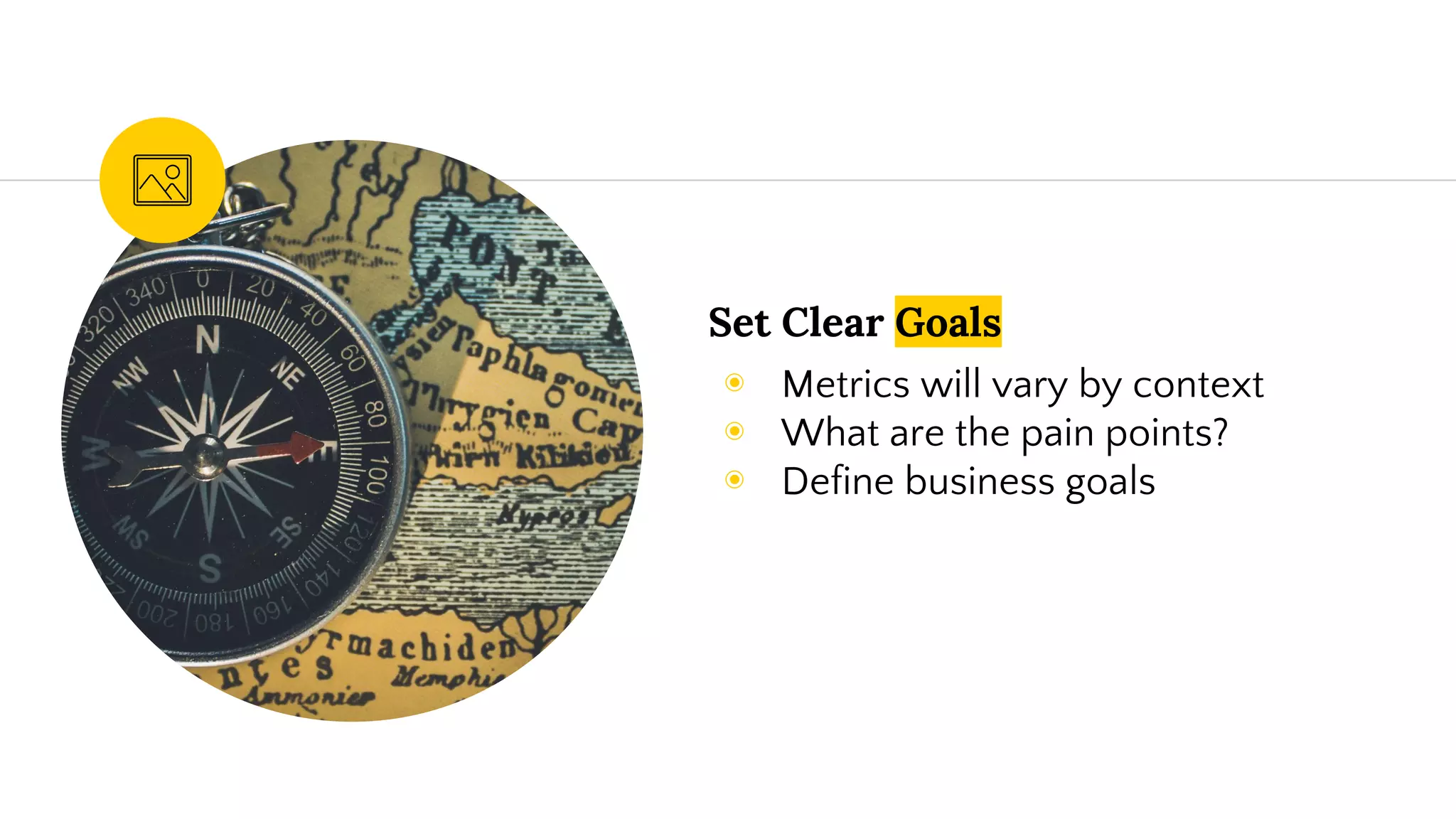
Set Clear Goals
◉ Metrics will vary by context
◉ What are the pain points?
◉ Define business goals
Research
◉ Validate hypothesis
◉ Site analytics
◉ UserTesting, Interviews, etc.
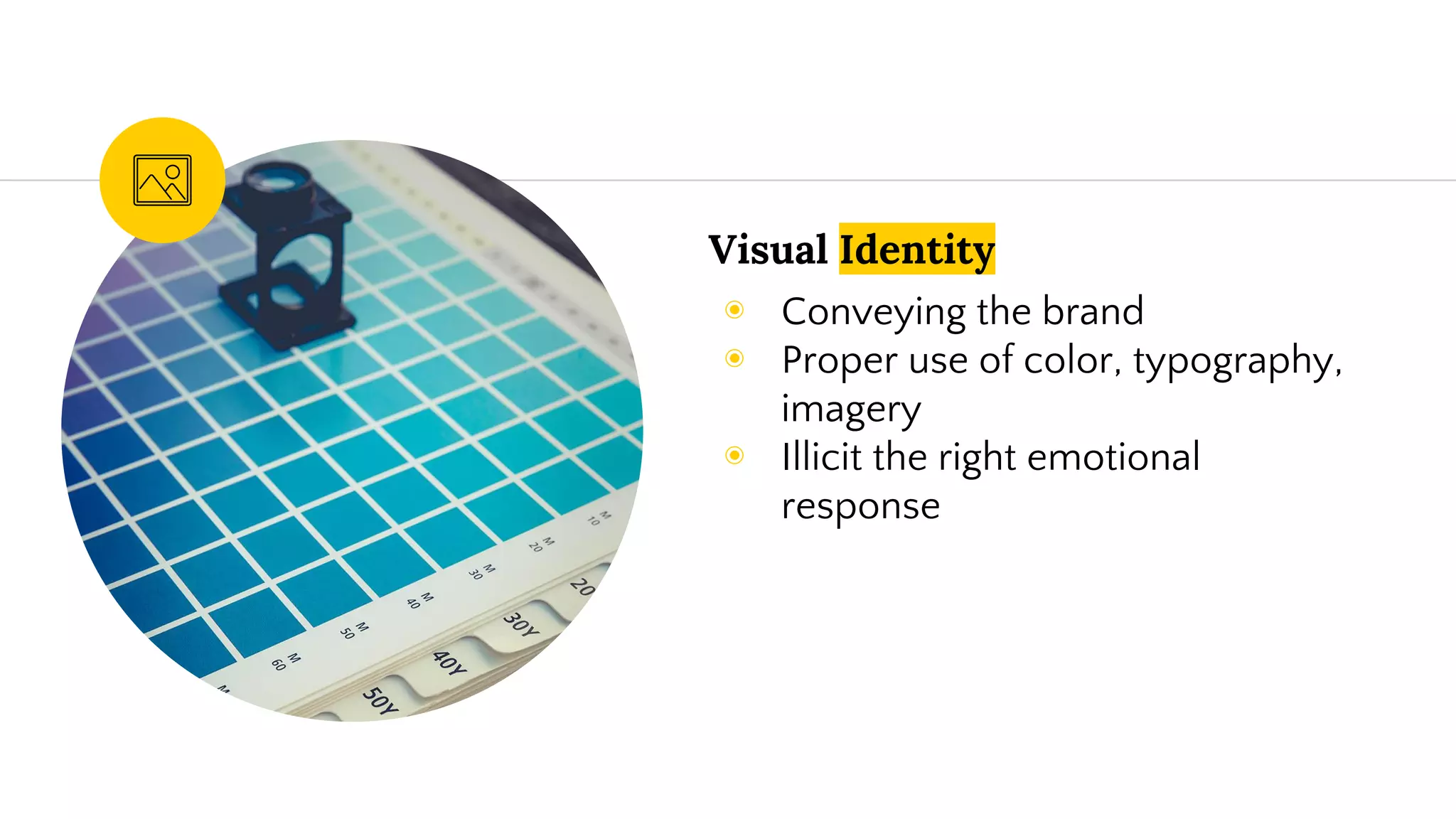
Visual Identity
◉ Conveying the brand
◉ Proper use of color, typography,
imagery
◉ Illicit the right emotional
response
Content Creation
◉ Information Architecture
◉ Taking stock
◉ Updating messaging
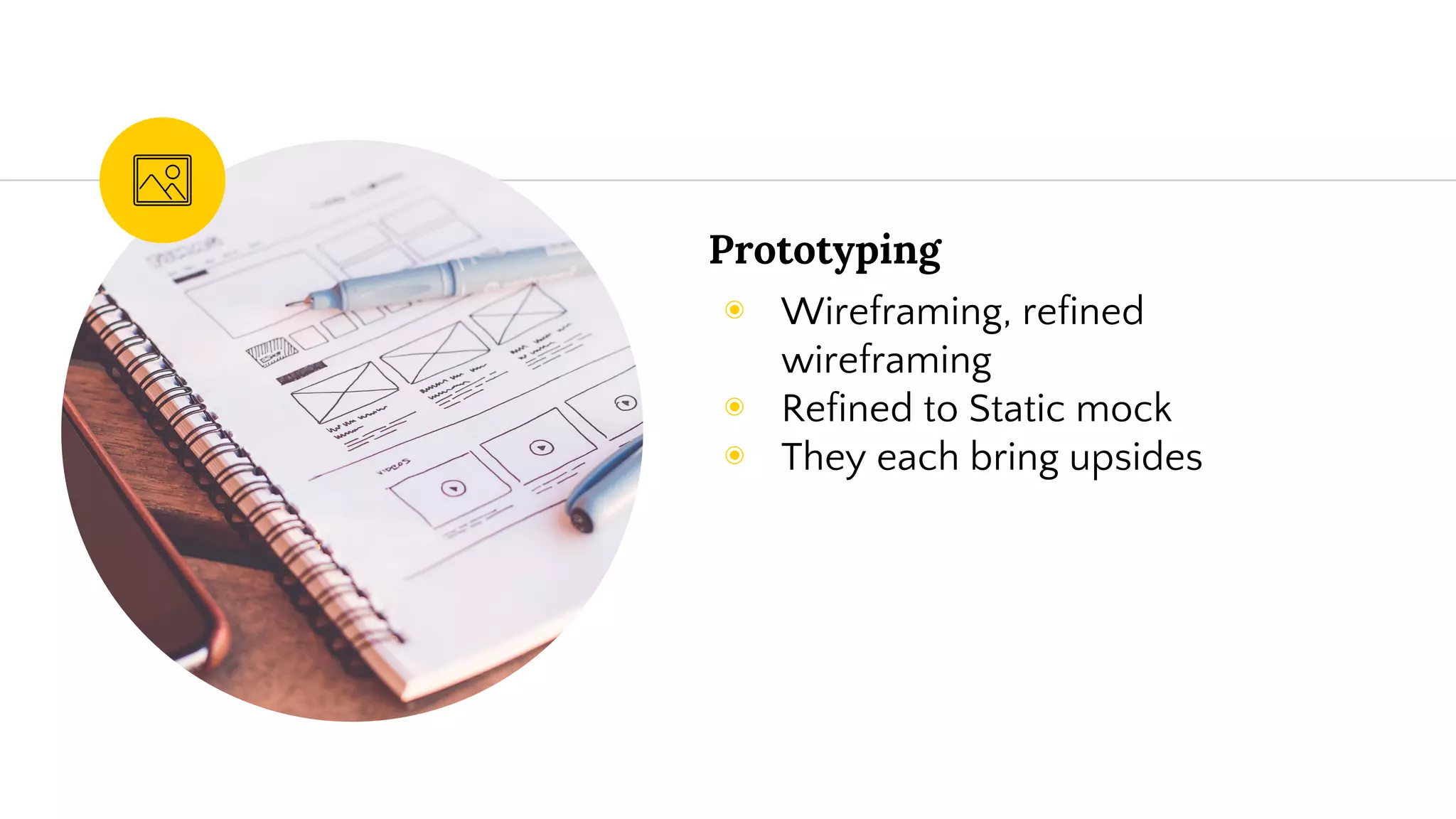
Prototyping
◉ Wireframing, refined
wireframing
◉ Refined to Static mock
◉ They each bring upsides
Dev QA
◉ Ensure the end experience is
what it should be
◉ Speed!
◉ Crossbrowser & device
Launch
◉ Plan to mitigate bugs,
performance issues, etc
◉ Rollback plan if necessary
Building for
Experimentation
Turn it into a conversion machine
7
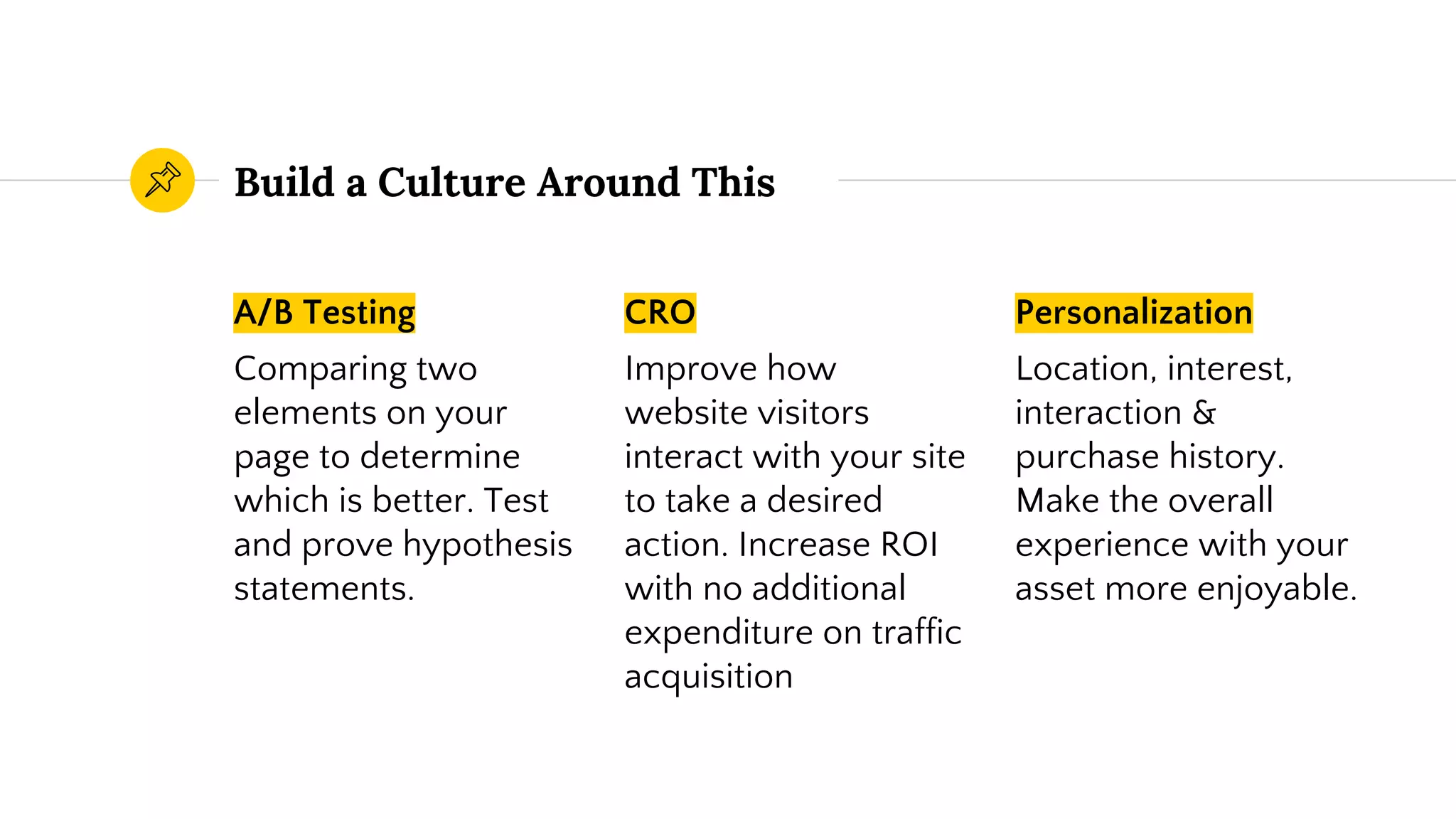
Build a Culture Around This
A/B Testing
Comparing two
elements on your
page to determine
which is better. Test
and prove hypothesis
statements.
CRO
Improve how
website visitors
interact with your site
to take a desired
action. Increase ROI
with no additional
expenditure on traffic
acquisition
Personalization
Location, interest,
interaction &
purchase history.
Make the overall
experience with your
asset more enjoyable.
Summing it Up
◉ Establish goals for improving UX
◉ Research & Analyze
◉ Formulate a Strategy
◉ Execute & Measure
◉ Improve Incrementally
Resources
Wireframe
◉ Pen, pencil, paper
◉ Sketch
Design
◉ Sketch, PS
Research
◉ UserTesting
◉ Customer database
Optimization
◉ CrazyEgg
◉ Optimizely
◉ SumoMe
◉ A/B Title Tester
◉ InVision
◉ Intercom
Any questions ?
You can find me at
◉ @zellerhaus
◉ PrestonZeller.com
◉ preston@zellerhaus.com
Thanks!
Sources
◉ http://usabilitygeek.com/ethics-in-user-experience-design/
◉ “Master Your Next Website Redesign” eBook - by Optimizely
◉ https://careerfoundry.com/en/blog/ux-design/the-difference
-between-ux-and-ui-design-a-laymans-guide/
◉ http://snip.ly/mjj7s#http://www.onextrapixel.com/2014/04/2
4/the-gap-between-ui-and-ux-design-know-the-difference/

Streamlining UX: How Laser-Focused Messaging and Design Can Increase Revenue

Editor's Notes

  • #3 Brief self intro Overview of the Dorg marketing dept 30% is good, we’re at 50% Q: What do people want out of this presentation?
  • #9 Preface the next slide….sometimes it feels like
  • #10 Salvaging something we shouldn’t be Should be starting over
  • #11 Often see these confused
  • #15 Regarding experience…..
  • #17 -
  • #18 IS NOT: Most features, cool features, no financial result, competing on price. Don’t look same as competitors. IS: The description….this is particularly for B2B. Old home page vs new home page
  • #20 Mobile is first...remember that
  • #21 Group Together: Automaticity, speed FoF: Don’t drain attention, fewer items at a time, easier to digest Spacing, negative space, brings focus
  • #22 Motivation to make things clearer.
  • #24 Users feel in control when they understand Easy attention, positive emotions Easier decisions
  • #28 B2B, B2C, eCommerce Offer not clear? Too many steps? Different offer TOS, Signups, AOV, Decrease HP bounce
  • #29 With research….validate (drop off points, high bounce rates, etc)