bobward@microsoft.com
@bobwardms
http://aka.ms/bobsql
Want decks and demos now? http://aka.ms/bobwardms
Credits to Joe Sack,
Arvind Shyamsundar,
and the SQL R Team
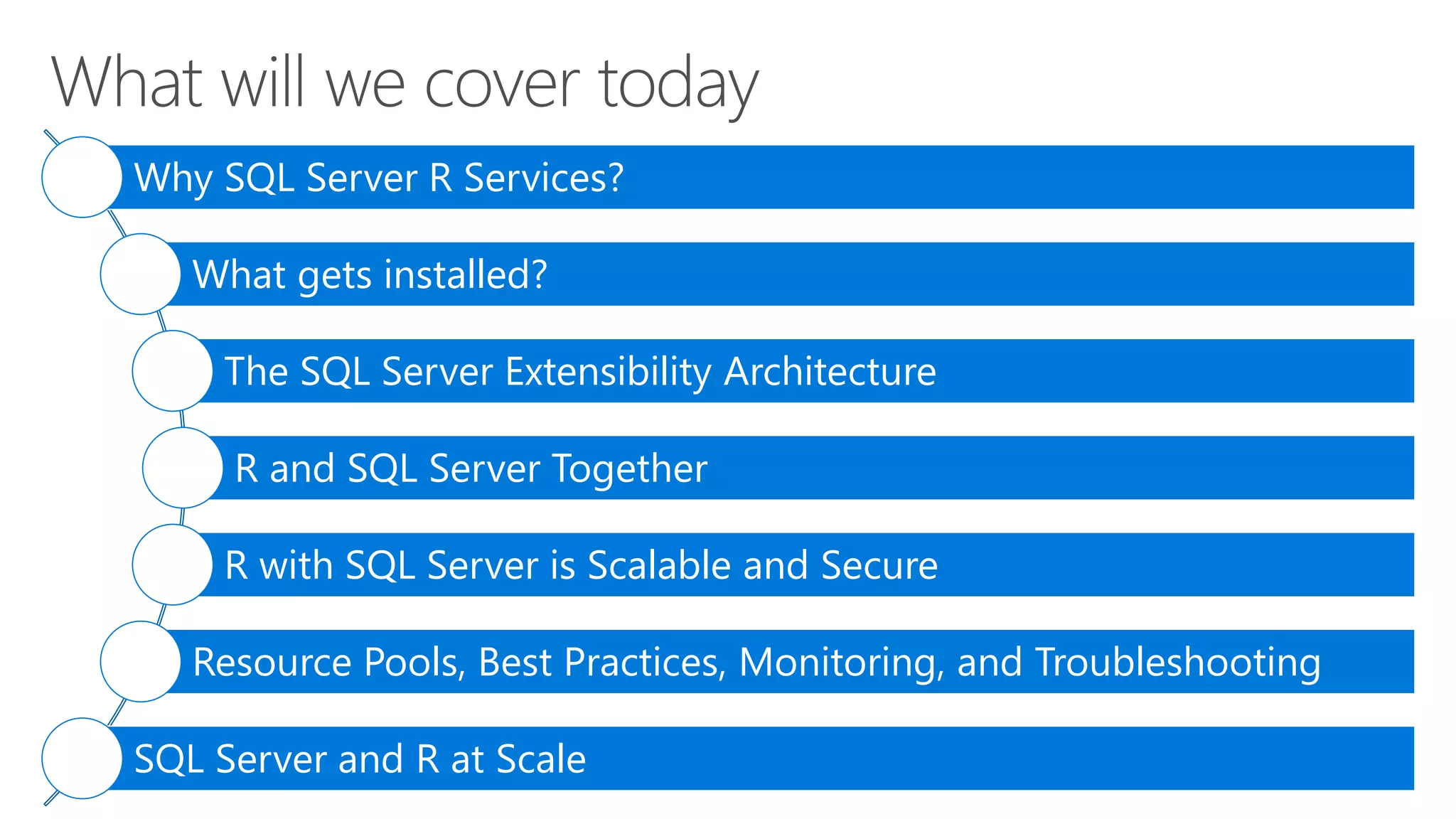
Why SQL Server R Services?
What gets installed?
The SQL Server Extensibility Architecture
R and SQL Server Together
R with SQL Server is Scalable and Secure
Resource Pools, Best Practices, Monitoring, and Troubleshooting
SQL Server and R at Scale
Familiar
Scalable
Secure
SQL Server and Microsoft R
T-SQL
SQLOS
DMVs
Resource Governor
XEvent
Query Store
LOG files
Seconds and ms
R Open
R Client (R Studio)
ScaleR
R Server
R Data Sources
Hours and Days
R Services (In-Database)
SQL Server
R Services
Microsoft
R Server
Some differences
by edition
Not installed by
default in Azure VM
A few things to
do for Azure VM
Open Source
R Package
Microsoft R
Package
The offline experience
You must download both
• CUs and SPs will have new download packages
• Don’t forget /IACCEPTROPENLICENSETERMS for unattended installs
• Rsetup.exe and rsetup.log
launchpad.exe
sp_execute_external_script
sqlservr.exe
Named pipe
Each SQL
instance has a
launchpad
SQLOS
XEvent
MSSQLSERVER Service MSSQLLAUNCHPAD Service
“What” and “How”
to “launch”
“launcher”
Windows
“satellite” process
sqlsatellite.dll
Windows
“satellite” process
Windows
“satellite” process
Windows
“satellite” process
Windows
“satellite” process
execute sp_execute_external_script
@language = N'R'
, @script = N'
x <- as.matrix(InputDataSet);
y <- array(dim1:dim2);
OutputDataSet <- as.data.frame(x %*% y);'
, @input_data_1 = N' SELECT [Col1] from MyData;'
, @params = N'@dim1 int, @dim2 int'
, @dim1 = 12, @dim2 = 15
WITH RESULT SETS (([Col1] int, [Col2] int, [Col3] int, [Col4] int));
Getting started with R
docs installed in
R_SERVICESdoc
R is only currently
supported script language
today
R script. Use a @var
or read from a file
Input data for script. Can be
any T-SQL SELECT.
Parameters for script. OUTPUT supported
Result set bindingMessages can also be
returned including STDOUT
and STDERR
Lessons learned with customers from SQLCAT
SQL query tuning
Some R scripts work better as T-SQL (Ex. Result set aggregation)
Develop, Train, and Operationalize
R Client to develop, explore and experiment
Train a model with sp_execute_external_script and save the result to a table
Operationalize by using sp_execute_external_script to “run” the model
sp_execute_external_script
from T-SQL client
SQL Server Compute
Context from R client
RODBC data source in R
scripts
“Input data” queries traced
like any other query
Encapsulate in stored
procedure for SQL clients
sp_execute_external_script
sqlservr.exe
MSSQLSERVER Service
launchpad.exe
MSSQLLAUNCHPAD Service
rlauncher.dll
BxlServer.exe
sqlsatellite.dll
rterm.exe conhost.exe
process pool
compile input data
query
Send message to pipe
Execute input query
Push results
Pull results SNI/TCP – Comm technology as SQL
Retrieve input rows and params
Send back results and output params
stdout and stderr
R script
pipe CreateProcess
pipe
Windows Job Object
CreateProcess
SQLOS
XEvent
ScaleR“satellite”
process
interleaved
Open R
docs
rxlink.dll
Local User Account
Local User Account
Service SIDService SID
This is all local!
SATELLITE_* wait type
rlauncher.dll
rlauncher.dll
More efficient than standalone R clients
Data does not have to all fit in memory
Reduced data transmission over the network
Most R Open functions are single threaded
Use the ScaleR APIs for scalable R scripts that are multi-threaded on the SQL Server computer
We can stream data in parallel and batches from SQL Server
Use the power of SQL Server and R Server to develop, train, and execution
SQL Server Compute Context
T-SQL queries
Columnstore indexes
Data compression
Parallel query execution
Stored procedures
Enterprise Edition
gives you the
optimum
scalability
Reduced surface area
and isolation
‘external scripts enabled’
required
R script execution outside of
SQL Server process space
Script execution
requires explicit
permission
sp_execute_external_script
requires EXECUTE ANY
EXTERNAL SCRIPT for non-
admins
SQL Server login/user
required and db/table access
Satellite processes has
limited privileges
Satellite processes run under
local user accounts in the
SQLRUserGroup
Each execution is isolated.
Different users with different
accounts
Windows firewall rules to
block outbound traffic
MSSQLSERVR0n
Computer with enough cores, memory, and disk speed
High Performance Power Option
Balance memory needed by SQL Server and external pool
Launchpad needs specific privileges
Be sure SQLRUserGroup has log on local rights
Restart the SQL Server Service not stop/start (Launchpad is dependent)
8dot3 notation needs to be enabled. Read more here
Remote ODBC execution requires SQLRUserGroup login
20 unique users allowed to execute R scripts concurrently by default
SQL Server Query and Index design still apply
R scripts can often benefit from tuning
docs recommend
min 32Gb
Default max
memory is
20% of RAM
Need to add
more?
internal, default, “user”, and now external
Controls resources for external processes through Launchpad.
Default external pool and user external pools. User classifier function supported
The controls
• MAX_CPU_PERCENT – Max CPU percentage for external processes
• MAX_PROCESSES – Max number of external processes
• MAX_MEMORY – Max committed memory % for external processes
• AFFINITY – Control NODEs or CPUs for external processes
Windows Job
Objects
Each pool
requires a
separate job
object
dynamic
Min is 12 due to process
pool. conhost.exe doesn’t
count. 0 = unlimited
Install R
Services (In
Database)
Enable and
verify
Develop
model
Train and save
model
Operationalize
the model
Tune and
configure for
production
sp_configure
“hello world
test”
R Client
Migrate to ScaleR
SQL Compute Context
Some R scripts to T-SQL
Encapsulate in
a stored
procedure
SQL query tuning
R script tuning
Batch size
Resource Governor
sp_execute_external_script
Fraud detection at 1
million predictions per
second
SQL Server R 100 times
faster at price
optimizations for airline
tickets and hotel rooms
price predictions
Start here with the docs
SQL team blog post
Experiences from the SQLCAT team
bobsql blog series
Tiger team blog series
Revolution Analytics blog series
R libraries
• library
R
documentation
• doc
R tools
• bin
Microsoft ScaleR
libraries
• libraryRevoScaleR
<sql install dir>Microsoft SQL
ServerMSSQL13.<instance>R_SERVICES
How to install other R
packages
SQL specific binaries are installed
in MSSQLBINN
sqlservr.exe
BxlServer.exe
sqlsatellite.dll
R Client
rterm.exe
Open R
rxlink.dll
BxlServer.exe
CreateProces
s
pipe
launchpad.exe
rterm.exe
sqlCompute <- RxInSqlServer(connectionString = sqlConnString, wait = TRUE, consoleOutput = TRUE)
rxSetComputeContext("sqlCompute")
sp_execute_external-
script
RODBC
SQL Server R Services: What Every SQL Professional Should Know

SQL Server R Services: What Every SQL Professional Should Know

  • 1.
    bobward@microsoft.com @bobwardms http://aka.ms/bobsql Want decks anddemos now? http://aka.ms/bobwardms Credits to Joe Sack, Arvind Shyamsundar, and the SQL R Team
  • 2.
    Why SQL ServerR Services? What gets installed? The SQL Server Extensibility Architecture R and SQL Server Together R with SQL Server is Scalable and Secure Resource Pools, Best Practices, Monitoring, and Troubleshooting SQL Server and R at Scale
  • 4.
    Familiar Scalable Secure SQL Server andMicrosoft R T-SQL SQLOS DMVs Resource Governor XEvent Query Store LOG files Seconds and ms R Open R Client (R Studio) ScaleR R Server R Data Sources Hours and Days R Services (In-Database)
  • 5.
    SQL Server R Services Microsoft RServer Some differences by edition Not installed by default in Azure VM
  • 6.
    A few thingsto do for Azure VM Open Source R Package Microsoft R Package The offline experience You must download both • CUs and SPs will have new download packages • Don’t forget /IACCEPTROPENLICENSETERMS for unattended installs • Rsetup.exe and rsetup.log
  • 7.
    launchpad.exe sp_execute_external_script sqlservr.exe Named pipe Each SQL instancehas a launchpad SQLOS XEvent MSSQLSERVER Service MSSQLLAUNCHPAD Service “What” and “How” to “launch” “launcher” Windows “satellite” process sqlsatellite.dll Windows “satellite” process Windows “satellite” process Windows “satellite” process Windows “satellite” process
  • 8.
    execute sp_execute_external_script @language =N'R' , @script = N' x <- as.matrix(InputDataSet); y <- array(dim1:dim2); OutputDataSet <- as.data.frame(x %*% y);' , @input_data_1 = N' SELECT [Col1] from MyData;' , @params = N'@dim1 int, @dim2 int' , @dim1 = 12, @dim2 = 15 WITH RESULT SETS (([Col1] int, [Col2] int, [Col3] int, [Col4] int)); Getting started with R docs installed in R_SERVICESdoc R is only currently supported script language today R script. Use a @var or read from a file Input data for script. Can be any T-SQL SELECT. Parameters for script. OUTPUT supported Result set bindingMessages can also be returned including STDOUT and STDERR
  • 9.
    Lessons learned withcustomers from SQLCAT SQL query tuning Some R scripts work better as T-SQL (Ex. Result set aggregation) Develop, Train, and Operationalize R Client to develop, explore and experiment Train a model with sp_execute_external_script and save the result to a table Operationalize by using sp_execute_external_script to “run” the model sp_execute_external_script from T-SQL client SQL Server Compute Context from R client RODBC data source in R scripts “Input data” queries traced like any other query Encapsulate in stored procedure for SQL clients
  • 10.
    sp_execute_external_script sqlservr.exe MSSQLSERVER Service launchpad.exe MSSQLLAUNCHPAD Service rlauncher.dll BxlServer.exe sqlsatellite.dll rterm.execonhost.exe process pool compile input data query Send message to pipe Execute input query Push results Pull results SNI/TCP – Comm technology as SQL Retrieve input rows and params Send back results and output params stdout and stderr R script pipe CreateProcess pipe Windows Job Object CreateProcess SQLOS XEvent ScaleR“satellite” process interleaved Open R docs rxlink.dll Local User Account Local User Account Service SIDService SID This is all local! SATELLITE_* wait type rlauncher.dll rlauncher.dll
  • 12.
    More efficient thanstandalone R clients Data does not have to all fit in memory Reduced data transmission over the network Most R Open functions are single threaded Use the ScaleR APIs for scalable R scripts that are multi-threaded on the SQL Server computer We can stream data in parallel and batches from SQL Server Use the power of SQL Server and R Server to develop, train, and execution SQL Server Compute Context T-SQL queries Columnstore indexes Data compression Parallel query execution Stored procedures Enterprise Edition gives you the optimum scalability
  • 13.
    Reduced surface area andisolation ‘external scripts enabled’ required R script execution outside of SQL Server process space Script execution requires explicit permission sp_execute_external_script requires EXECUTE ANY EXTERNAL SCRIPT for non- admins SQL Server login/user required and db/table access Satellite processes has limited privileges Satellite processes run under local user accounts in the SQLRUserGroup Each execution is isolated. Different users with different accounts Windows firewall rules to block outbound traffic MSSQLSERVR0n
  • 14.
    Computer with enoughcores, memory, and disk speed High Performance Power Option Balance memory needed by SQL Server and external pool Launchpad needs specific privileges Be sure SQLRUserGroup has log on local rights Restart the SQL Server Service not stop/start (Launchpad is dependent) 8dot3 notation needs to be enabled. Read more here Remote ODBC execution requires SQLRUserGroup login 20 unique users allowed to execute R scripts concurrently by default SQL Server Query and Index design still apply R scripts can often benefit from tuning docs recommend min 32Gb Default max memory is 20% of RAM Need to add more?
  • 15.
    internal, default, “user”,and now external Controls resources for external processes through Launchpad. Default external pool and user external pools. User classifier function supported The controls • MAX_CPU_PERCENT – Max CPU percentage for external processes • MAX_PROCESSES – Max number of external processes • MAX_MEMORY – Max committed memory % for external processes • AFFINITY – Control NODEs or CPUs for external processes Windows Job Objects Each pool requires a separate job object dynamic Min is 12 due to process pool. conhost.exe doesn’t count. 0 = unlimited
  • 17.
    Install R Services (In Database) Enableand verify Develop model Train and save model Operationalize the model Tune and configure for production sp_configure “hello world test” R Client Migrate to ScaleR SQL Compute Context Some R scripts to T-SQL Encapsulate in a stored procedure SQL query tuning R script tuning Batch size Resource Governor sp_execute_external_script
  • 18.
    Fraud detection at1 million predictions per second SQL Server R 100 times faster at price optimizations for airline tickets and hotel rooms price predictions
  • 19.
    Start here withthe docs SQL team blog post Experiences from the SQLCAT team bobsql blog series Tiger team blog series Revolution Analytics blog series
  • 21.
    R libraries • library R documentation •doc R tools • bin Microsoft ScaleR libraries • libraryRevoScaleR <sql install dir>Microsoft SQL ServerMSSQL13.<instance>R_SERVICES How to install other R packages SQL specific binaries are installed in MSSQLBINN
  • 22.
    sqlservr.exe BxlServer.exe sqlsatellite.dll R Client rterm.exe Open R rxlink.dll BxlServer.exe CreateProces s pipe launchpad.exe rterm.exe sqlCompute<- RxInSqlServer(connectionString = sqlConnString, wait = TRUE, consoleOutput = TRUE) rxSetComputeContext("sqlCompute") sp_execute_external- script RODBC

Editor's Notes

  • #4 Follow the instructions in justshowus\readme.txt
  • #5 What does R mean in “R services”. R is a statistical computing programming language based on an Open Source Standard, R Open.
  • #6 MPI is Messaging Passing Interface and is used by R and ScaleR to support parallel computing: https://msdn.microsoft.com/en-us/library/bb524831(v=vs.85).aspx
  • #7 This is one of the very few scenarios where setup has to connect to the internet
  • #8 Talk about other “extensible” environments we have used in the past xproc sp_OA Linked servers Full-text
  • #9 sp_execute_external_script is an example of a special proc or specproc. The source code of the procedure can’t be found in the resource db. It is implemented in our source code
  • #11 We deploy a “process pool” when launching scripts so when you run a script execution you will see more than one rterm/bxlserver pair. Since rterm is a windows console app you will also see a conhost.exe for each rterm.exe Rterm = R runtime command interpreter Bxlserver = Microsoft R Server process which also hosts sqlsatellite.dll
  • #12 Follow the instructions in insidesqlr\readme.txt
  • #13 Perhaps the #1 reason why SQL R Services is a value proposition is because we are pushing the computing power of SQL Server queries and R scripts to the server leaving the R client to analyze the results (such as plots)
  • #16 TODO: max memory is % of computer physical memory.