Copyright ©2022 Version 1. All rights reserved.
1
Classification: Controlled
Tech Tips - Using the Descriptive
Statistics Tool
Copyright ©2022 Version 1. All rights reserved.
2
Classification: Controlled
Tech Tips - Using the Descriptive Statistics Tool
Copyright ©2022 Version 1. All rights reserved.
3
Classification: Controlled
Tech Tips - Using the Descriptive Statistics Tool
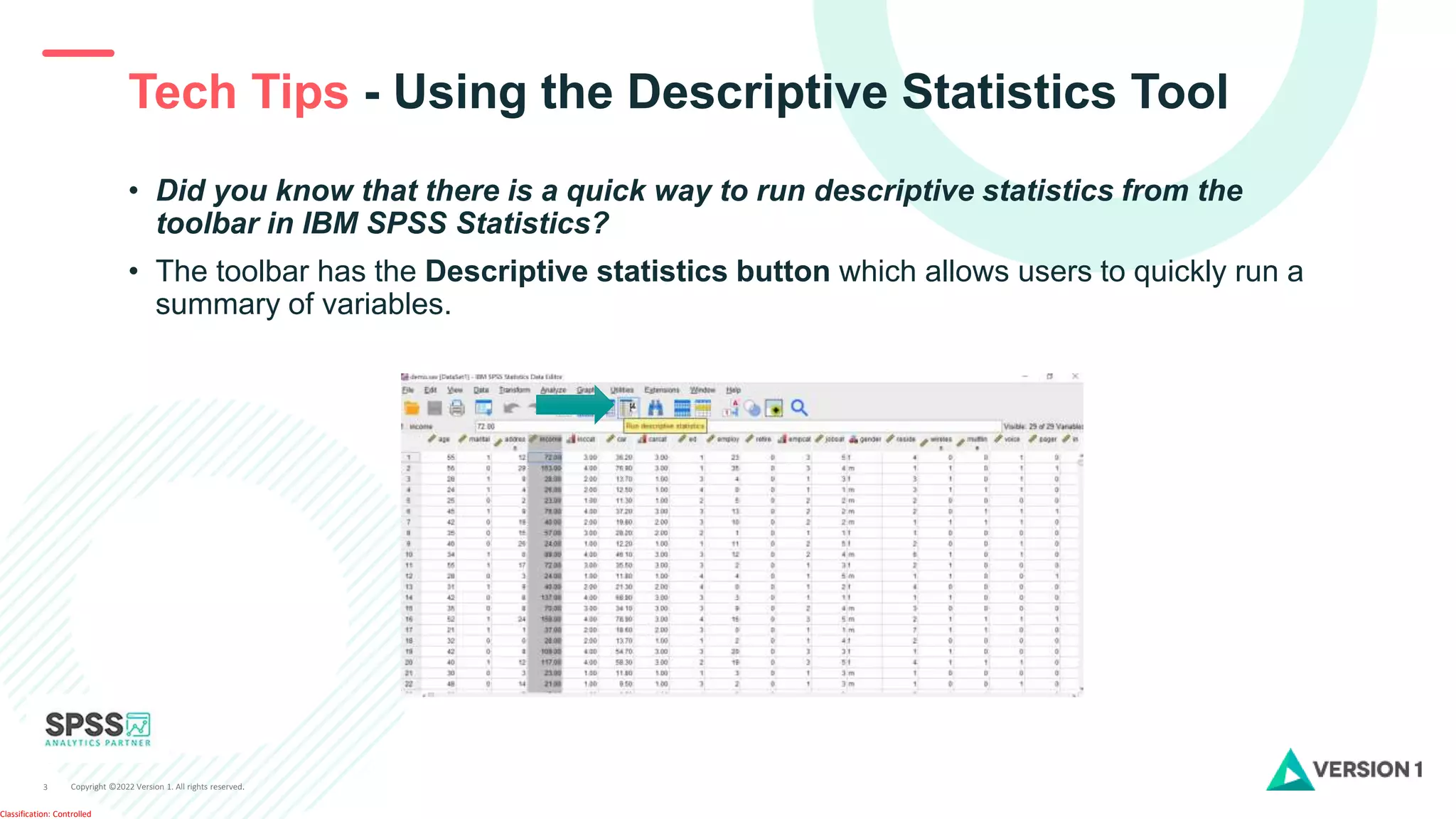
• Did you know that there is a quick way to run descriptive statistics from the
toolbar in IBM SPSS Statistics?
• The toolbar has the Descriptive statistics button which allows users to quickly run a
summary of variables.
Copyright ©2022 Version 1. All rights reserved.
4
Classification: Controlled
Tech Tips - Using the Descriptive Statistics Tool
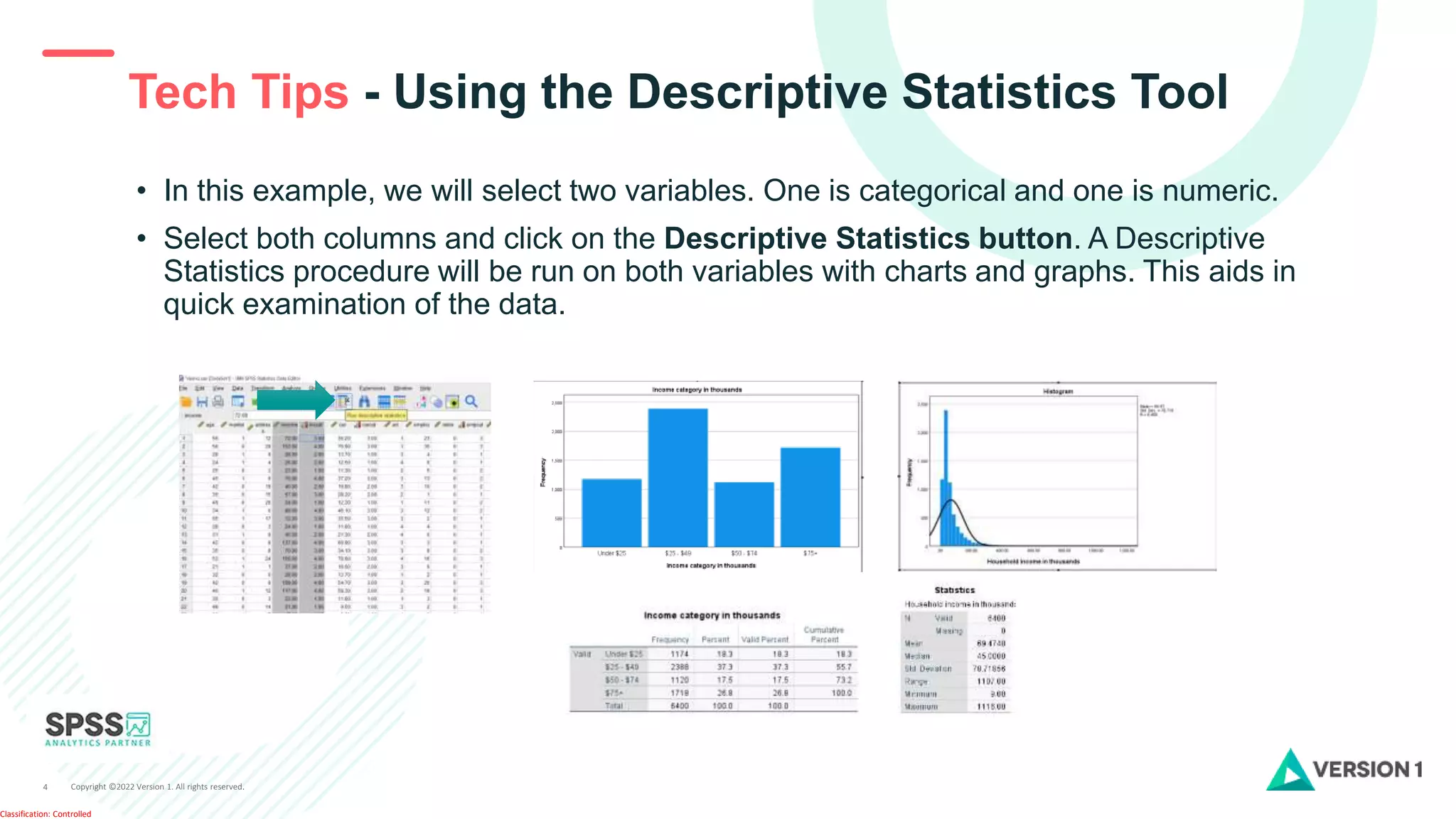
• In this example, we will select two variables. One is categorical and one is numeric.
• Select both columns and click on the Descriptive Statistics button. A Descriptive
Statistics procedure will be run on both variables with charts and graphs. This aids in
quick examination of the data.
Copyright ©2022 Version 1. All rights reserved.
5
Classification: Controlled
SPSS Tech Tips
Contact us
SPSSAdmin@version1.com
+ 44 (0) 203 859 4790
+ 353 (0) 1 865 7800
www.spssanalyticspartner.com
For more Tech Tips, go to the Tech Tips
section within the Learning Hub.
Copyright ©2022 Version 1. All rights reserved.
6
Classification: Controlled
Thank you.

SPSS Statistics - Using the Descriptive Statistics Tool in IBM SPSS Statistics.pptx

  • 1.
    Copyright ©2022 Version1. All rights reserved. 1 Classification: Controlled Tech Tips - Using the Descriptive Statistics Tool
  • 2.
    Copyright ©2022 Version1. All rights reserved. 2 Classification: Controlled Tech Tips - Using the Descriptive Statistics Tool
  • 3.
    Copyright ©2022 Version1. All rights reserved. 3 Classification: Controlled Tech Tips - Using the Descriptive Statistics Tool • Did you know that there is a quick way to run descriptive statistics from the toolbar in IBM SPSS Statistics? • The toolbar has the Descriptive statistics button which allows users to quickly run a summary of variables.
  • 4.
    Copyright ©2022 Version1. All rights reserved. 4 Classification: Controlled Tech Tips - Using the Descriptive Statistics Tool • In this example, we will select two variables. One is categorical and one is numeric. • Select both columns and click on the Descriptive Statistics button. A Descriptive Statistics procedure will be run on both variables with charts and graphs. This aids in quick examination of the data.
  • 5.
    Copyright ©2022 Version1. All rights reserved. 5 Classification: Controlled SPSS Tech Tips Contact us SPSSAdmin@version1.com + 44 (0) 203 859 4790 + 353 (0) 1 865 7800 www.spssanalyticspartner.com For more Tech Tips, go to the Tech Tips section within the Learning Hub.
  • 6.
    Copyright ©2022 Version1. All rights reserved. 6 Classification: Controlled Thank you.