Solving Design Problem
in 2 days 2.5 hours with
Google Design Sprint
Borrys Hasian
Google Expert UX/UI
Google UX Day
Jakarta, March 2016
Source: The Crazy Ones - Youtube
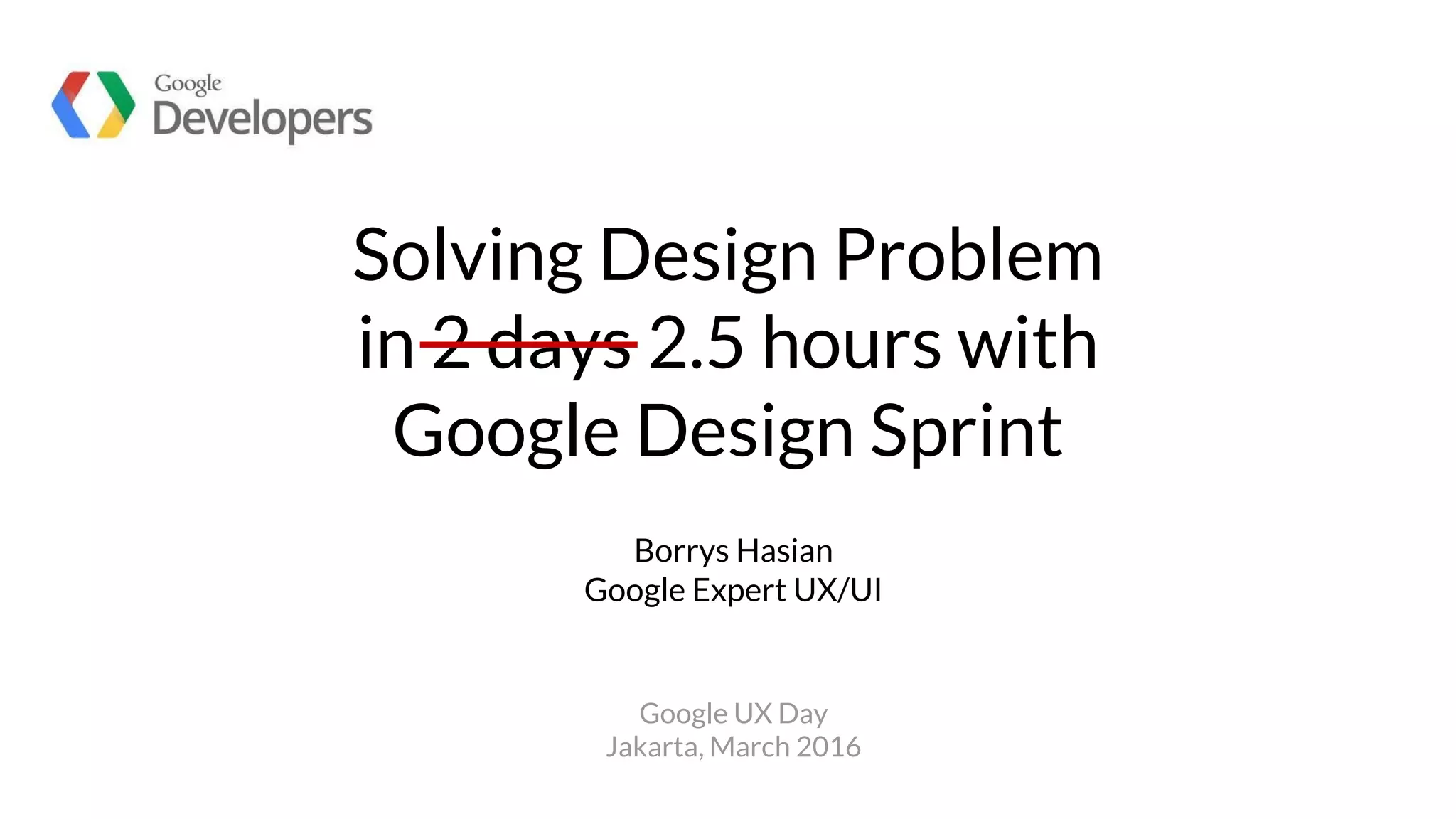
Viki App
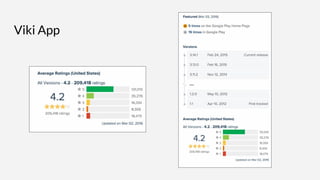
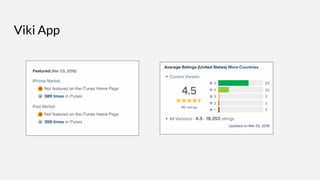
Viki App
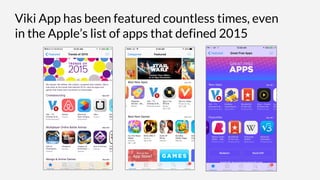
Viki App has been featured countless times, even
in the Apple’s list of apps that defined 2015
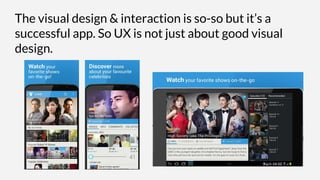
The visual design & interaction is so-so but it’s a
successful app. So UX is not just about good visual
design.
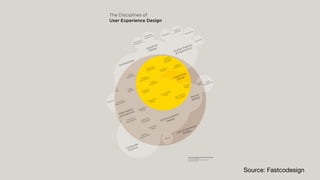
Source: Fastcodesign
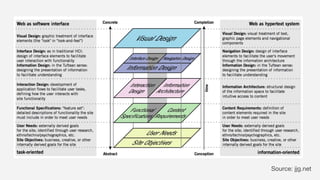
Source: jjg.net
“Product design is about creating something
that’s right for your customer by completely
understanding what they feel, what they
think, and what they want.
But ultimately, designing a product means
designing something that sells.”
Scott Hurff
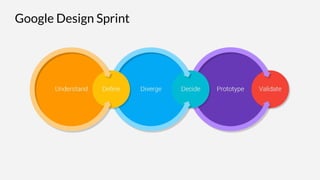
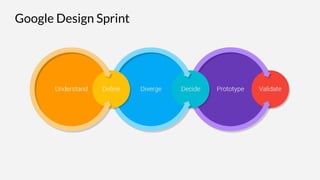
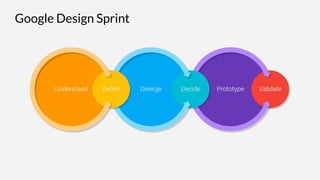
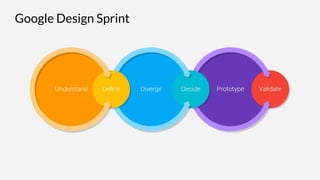
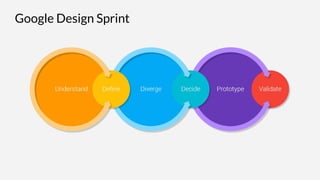
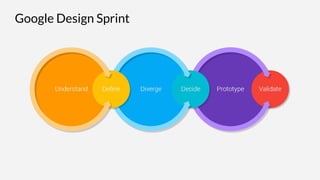
Google Design Sprint
Design sprints are a framework for
teams of any size to solve and test
design problems in 2-5 days.
Design Sprint Playbook
Google Design Sprint
Appoint Sprint Master
Relevant, Tied to the team goals, Concise
Inspiring
Focused on a target user or target segment
5min. Sprint Master to define key challenge
Goal
Redesign episode selection for returning users
on mobile app.
Situation (context scenario)
Jenny is a Korean drama fan who finds it
troublesome to rewatch episodes of a show
that she has watched.
What’s the goal and the situation (context)?
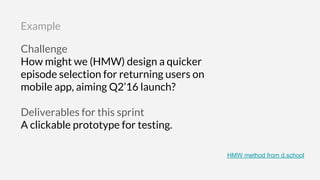
Challenge
How might we (HMW) design a quicker
episode selection for returning users on
mobile app, aiming Q2’16 launch?
Deliverables for this sprint
A clickable prototype for testing.
Example
HMW method from d.school
Google Design Sprint
Stage 1. Understand
What are the user needs,
business need and technology
capacities?
Stage 1. Understand
Business goals and success
metrics.
5min. Method: 360 Lightning talk
Stage 1. Understand
What other products and services
can inspire you? Pick 2-3, and list
down what you like and dislike.
5min. Method: Competitive Overview
Stage 1. Understand
Google Design Sprint
Stage 2. Define
What is the key strategy
and focus?
Stage 2. Define
Pick 1-2 key goals of your target
user or segment.
5min. Method: User Journey
Stage 2. Define
What 3 words would you like for
users to describe your
product/feature?
5min. Method: Design Principles
Stage 2. Define
Imagine it's time to launch your
product/feature. What would be
your first tweet?
5min. Method: The First Tweet
Stage 2. Define
Google Design Sprint
Stage 3. Diverge
How might we explore as
many ideas as possible?
Stage 3. Diverge
Work individually and come up
with 8 ideas.
5min. Method: 8 ideas in 5 minutes
Work individually and come up
with 1 big idea.
5min. Method: 1 big ideas in 5 minutes
Google Design Sprint
Stage 4. Decide
Select the best ideas so
far.
Stage 4. Decide
Review the ideas and voting in
silence. It allows you to form your
own unbiased opinion.
5min. Method: Zen Voting
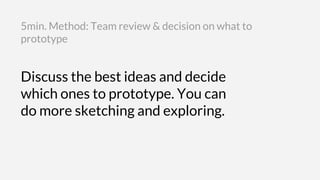
Discuss the best ideas and decide
which ones to prototype. You can
do more sketching and exploring.
5min. Method: Team review & decision on what to
prototype
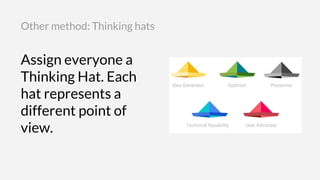
Assign everyone a
Thinking Hat. Each
hat represents a
different point of
view.
Other method: Thinking hats
Stage 5. Prototype
Create an artifact that
allows to test the ideas
with users.
Stage 5. Prototype
Something that makes your
ideas ‘real enough to feel’, so
you can get feedback from
users.
20min. Method: Prototyping
(mock/demo/video/physical prototype)
Google Design Sprint
Stage 6. Validate
Test the ideas with users,
business stakeholders and
technical experts.
Stage 6. Validate
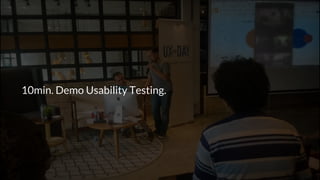
10min. Demo Usability Testing.
Facts are better than dreams.
Winston Churchill
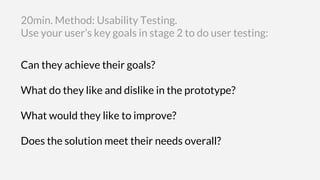
Can they achieve their goals?
What do they like and dislike in the prototype?
What would they like to improve?
Does the solution meet their needs overall?
20min. Method: Usability Testing.
Use your user’s key goals in stage 2 to do user testing:
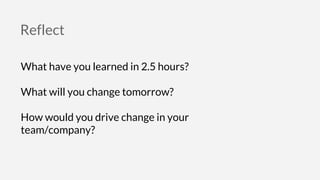
Reflect
What have you learned in 2.5 hours?
What will you change tomorrow?
How would you drive change in your
team/company?
Thank you.
Borrys Hasian
Google Expert UX/UI
@borryshasian
borrys.com
Most of the images/icons used were from Google Design Sprint
The startups in Google UX Day

Solving Design Problem in 2.5 Hours with Google Design Sprint