By Hasan Ali
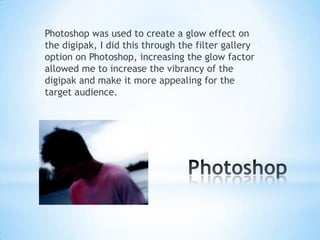
Photoshop was used to create a glow effect on
the digipak, I did this through the filter gallery
option on Photoshop, increasing the glow factor
allowed me to increase the vibrancy of the
digipak and make it more appealing for the
target audience.
Publisher was used as it is a great tool to move
images around and to also enable transparency,
this can be done through the transparency tool,
this allowed us to easily compile pictures onto
our poster and make them blend in with the
background image.
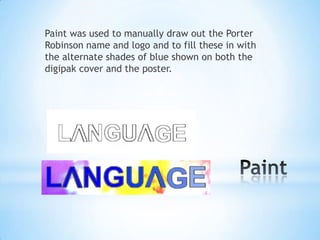
Paint was used to manually draw out the Porter
Robinson name and logo and to fill these in with
the alternate shades of blue shown on both the
digipak cover and the poster.

Software used for media products

  • 1.
  • 2.
    Photoshop was usedto create a glow effect on the digipak, I did this through the filter gallery option on Photoshop, increasing the glow factor allowed me to increase the vibrancy of the digipak and make it more appealing for the target audience.
  • 3.
    Publisher was usedas it is a great tool to move images around and to also enable transparency, this can be done through the transparency tool, this allowed us to easily compile pictures onto our poster and make them blend in with the background image.
  • 4.
    Paint was usedto manually draw out the Porter Robinson name and logo and to fill these in with the alternate shades of blue shown on both the digipak cover and the poster.