April 23th, 2020 - Integrated Computer Solutions, Inc.
Ryan Hampton - rhampton@ics.com
Separating UI from Business Logic
Software Development Best Practices
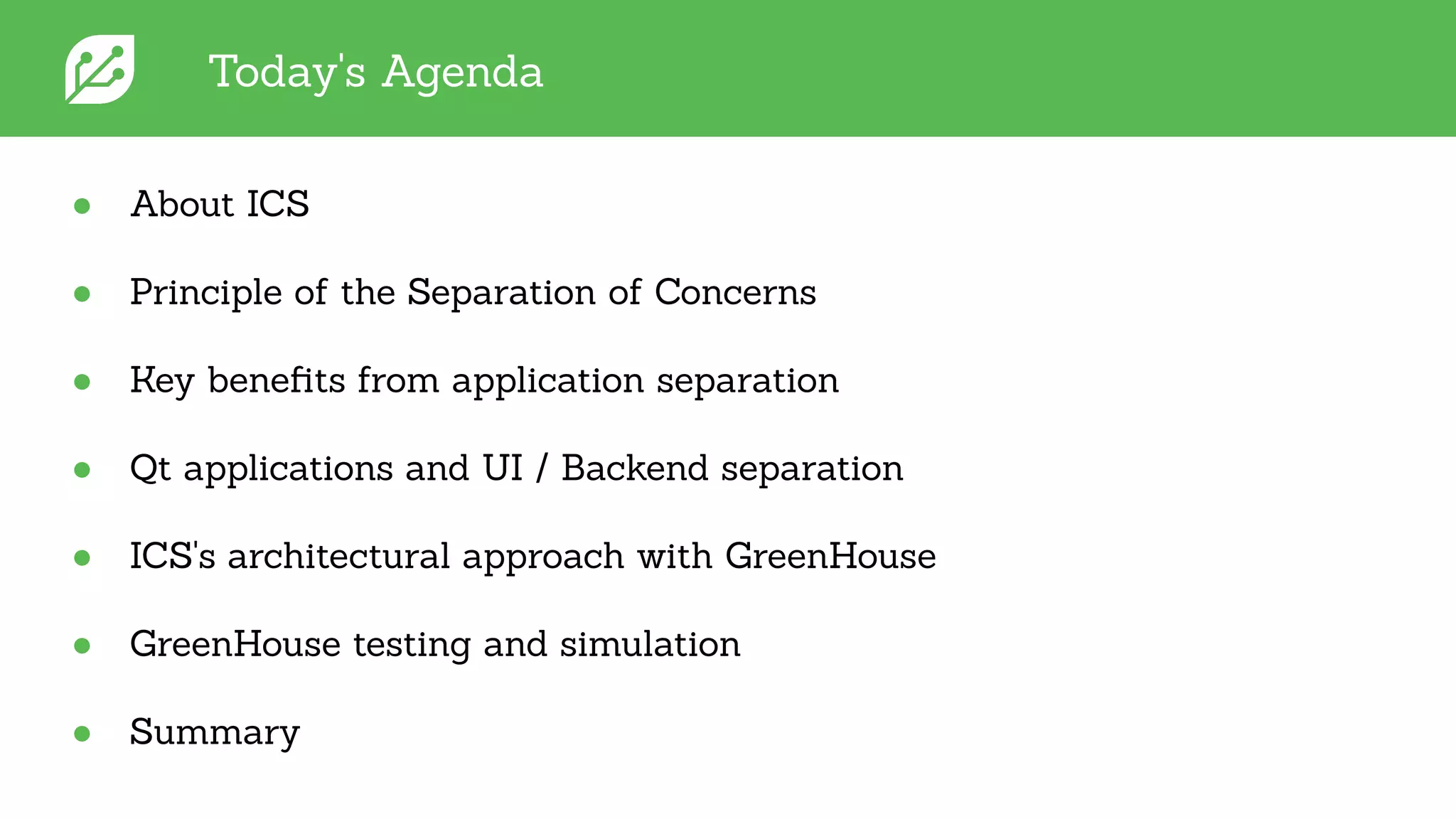
Today's Agenda
● About ICS
● Principle of the Separation of Concerns
● Key benefits from application separation
● Qt applications and UI / Backend separation
● ICS's architectural approach with GreenHouse
● GreenHouse testing and simulation
● Summary
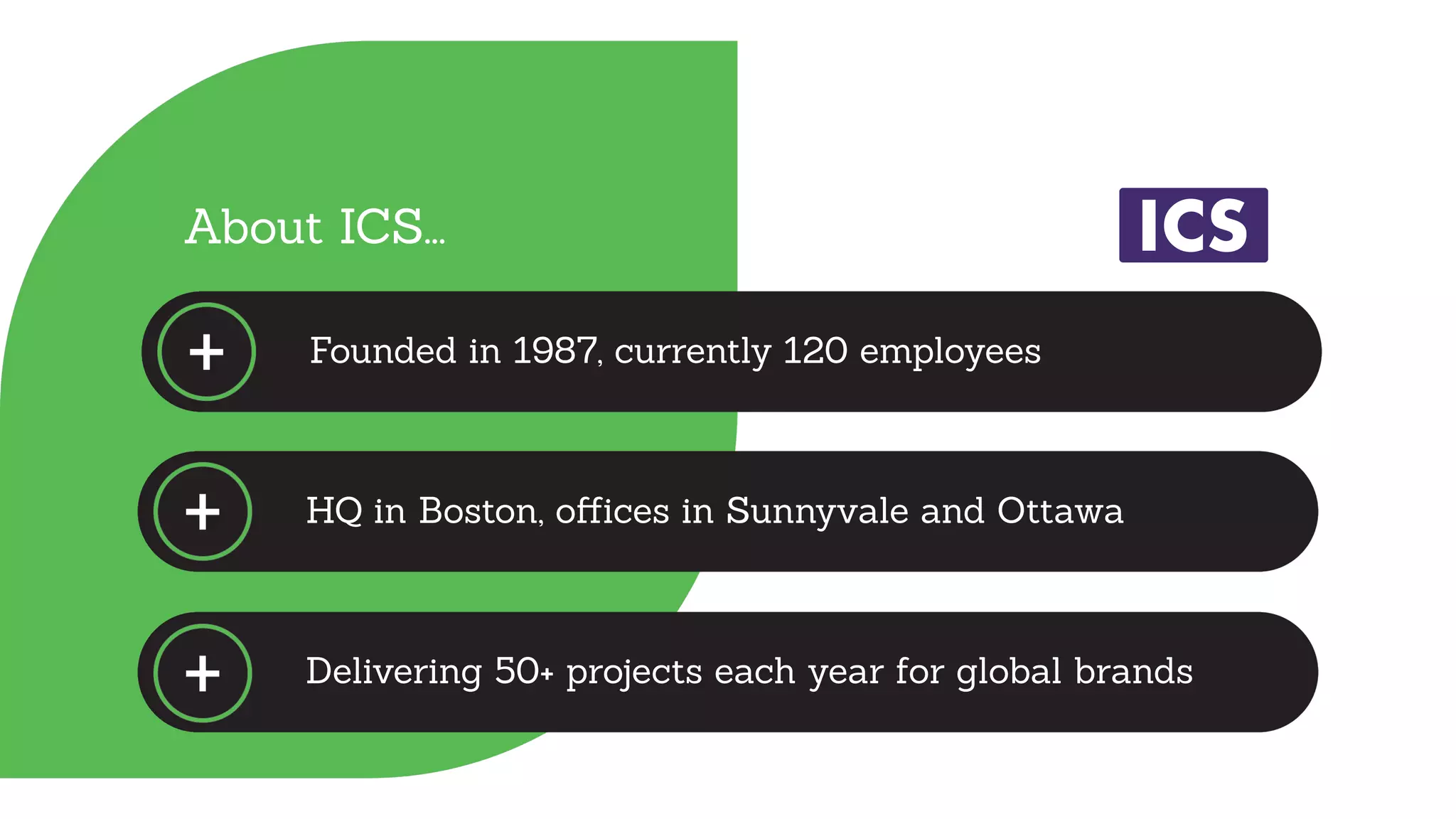
HQ in Boston, offices in Sunnyvale and Ottawa
Delivering 50+ projects each year for global brands
About ICS...
Founded in 1987, currently 120 employees
We offer...
● UX design services
● Custom software engineering
for embedded devices
● Platform and board support
● Software modules
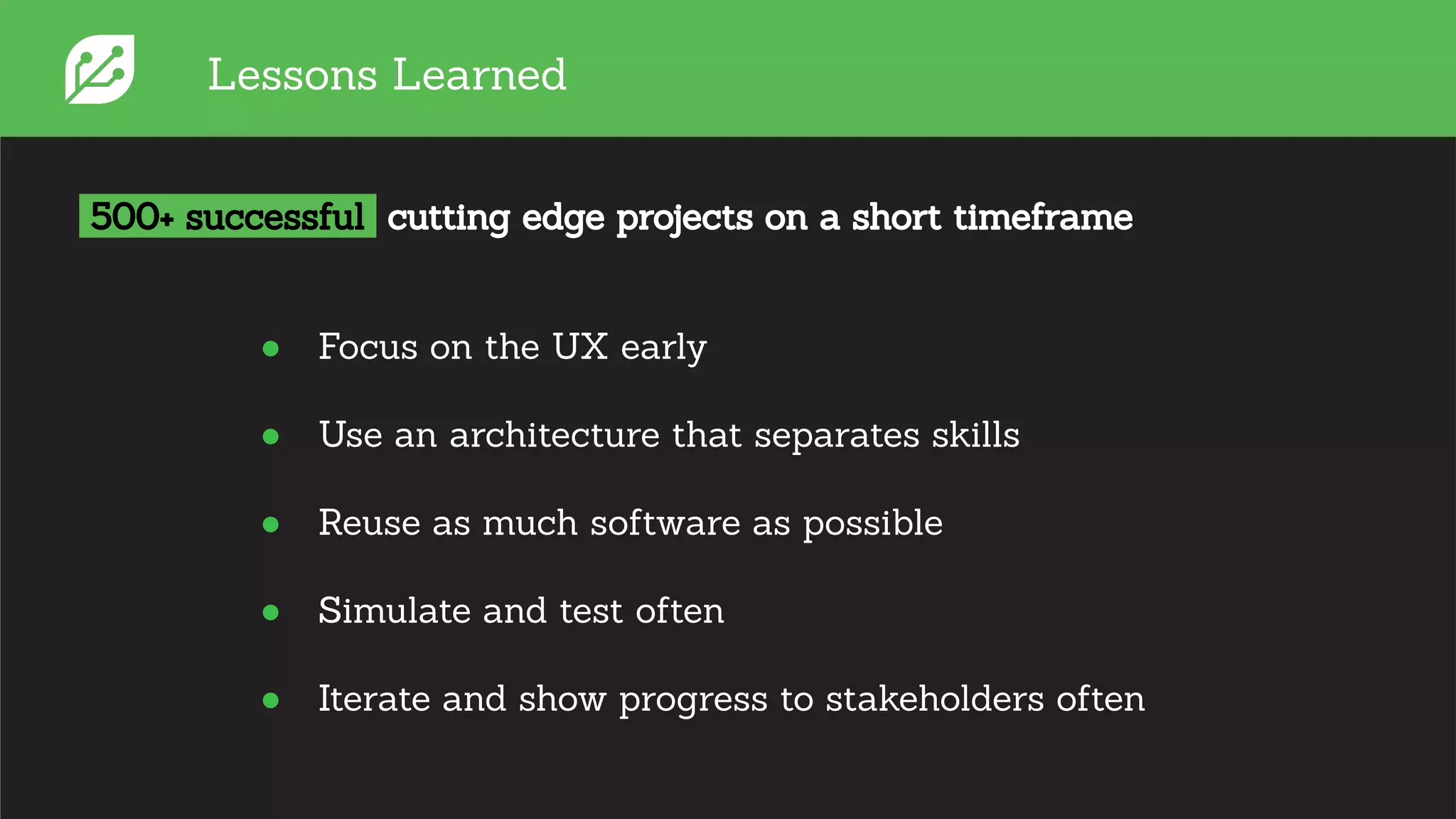
Lessons Learned
● Focus on the UX early
● Use an architecture that separates skills
● Reuse as much software as possible
● Simulate and test often
● Iterate and show progress to stakeholders often
500+ successful cutting edge projects on a short timeframe
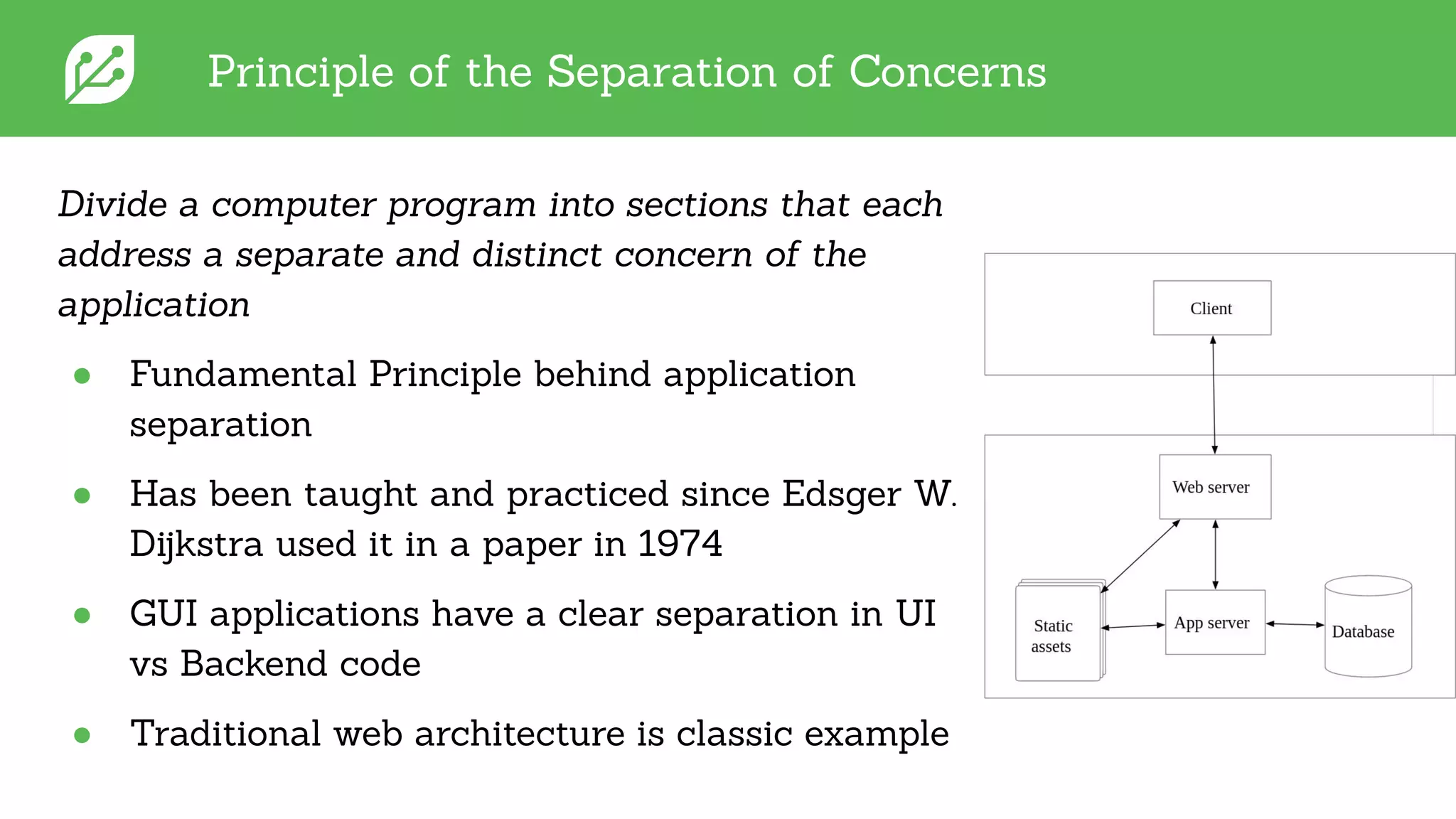
Principle of the Separation of Concerns
Divide a computer program into sections that each
address a separate and distinct concern of the
application
● Fundamental Principle behind application
separation
● Has been taught and practiced since Edsger W.
Dijkstra used it in a paper in 1974
● GUI applications have a clear separation in UI
vs Backend code
● Traditional web architecture is classic example
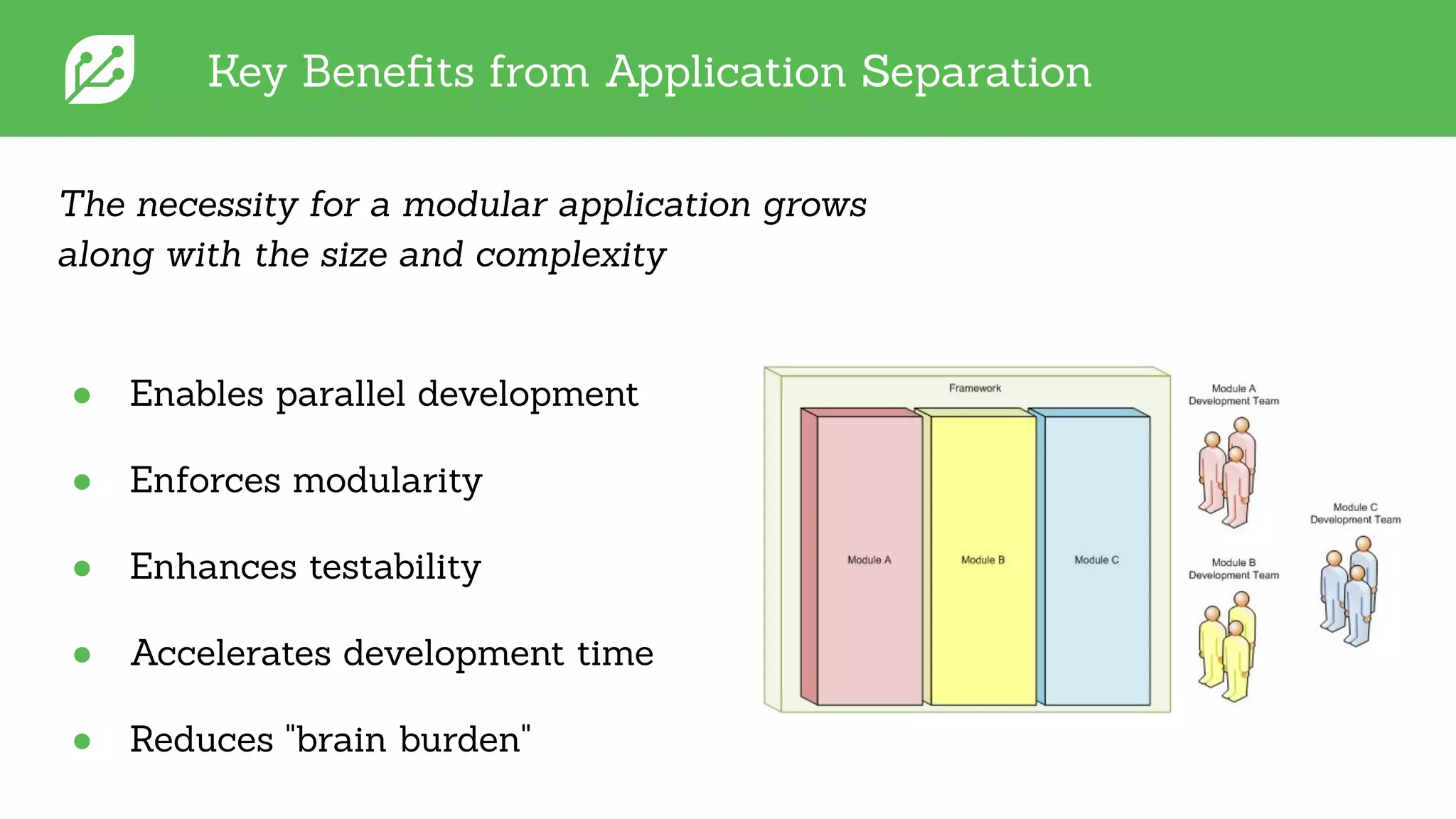
Key Benefits from Application Separation
The necessity for a modular application grows
along with the size and complexity
● Enables parallel development
● Enforces modularity
● Enhances testability
● Accelerates development time
● Reduces "brain burden"
Qt Applications and UI / Backend Separation
● Qt developers tend to focus more on classes/object trees (generalization)
○ The architecture is the whole forest
● Break down application in terms of layers with well defined interfaces
○ Promotes high cohesion and loose coupling (good)
● A layer could be a module within an executable, a separate process in a
system, or even a physically separate system
○ One can ship multiple UIs with the same business logic backend or
allow the backend to be swapped out for a testing harness
● This matches up closely to the classic Qt application model…
○ Separate the UI code from the app logic code, by implementing the
former with QML and JavaScript and the latter with C++
Qt Applications and UI / Backend Separation
● Qt Quick provides four main ways to integrate C++ and QML.
○ Each has its own place and purpose.
● Subclassing QQuickItem: QQuickItem allows you to write your own visual
and non-visual QML items using C++.
● Registering C++ types with QML: C++ classes can be registered with the
QML type system, allowing them to be instantiated as QML types.
● Registering Context Properties / QML Singleton: QObjects can be
registered with the QML context, allowing their properties to be directly
accessed.
● Accessing QML objects through the QML object tree: All QML objects
reside in a tree hierarchy and can be accessed via the root of the tree.
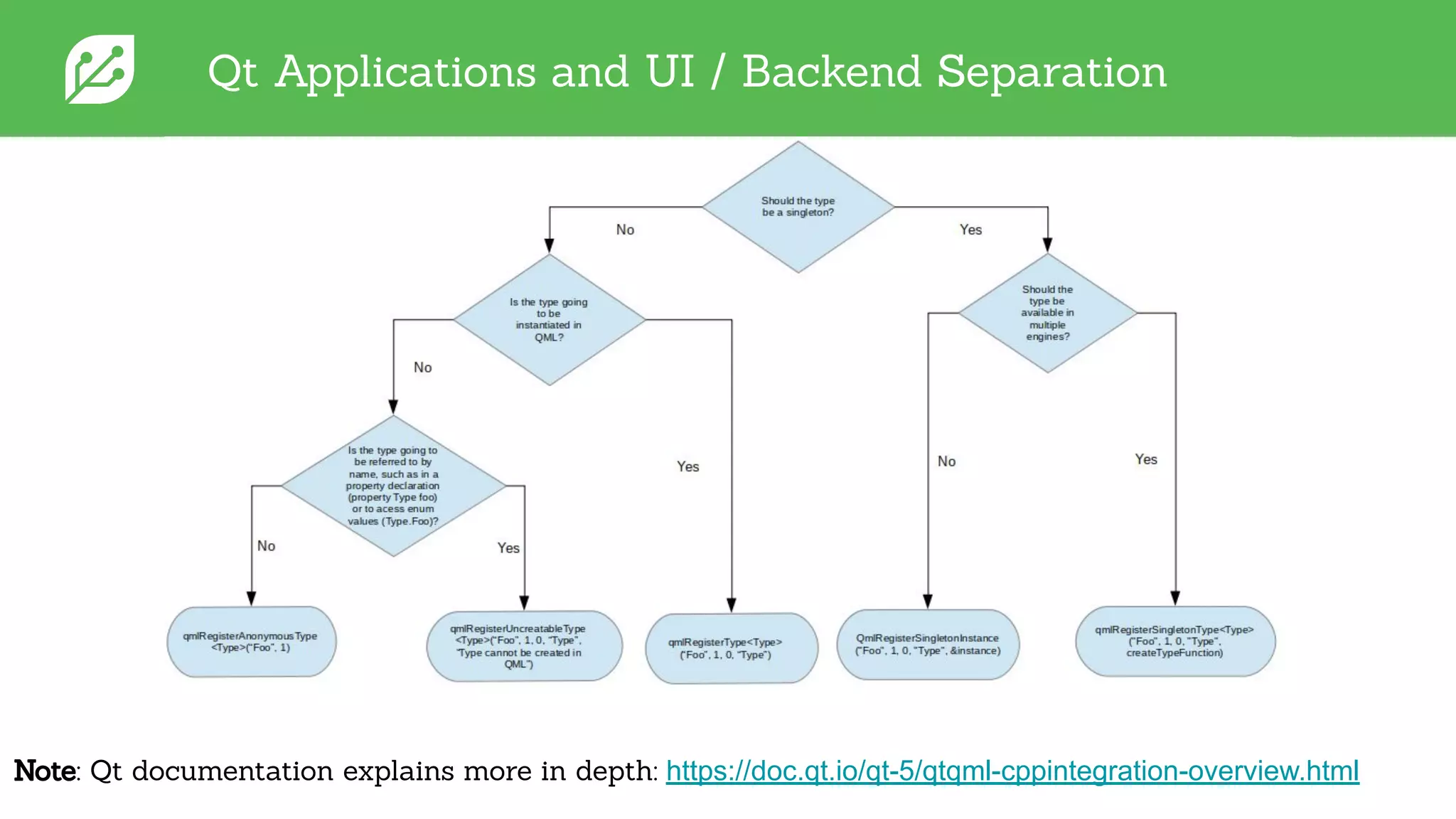
Qt Applications and UI / Backend Separation
Note: Qt documentation explains more in depth: https://doc.qt.io/qt-5/qtqml-cppintegration-overview.html
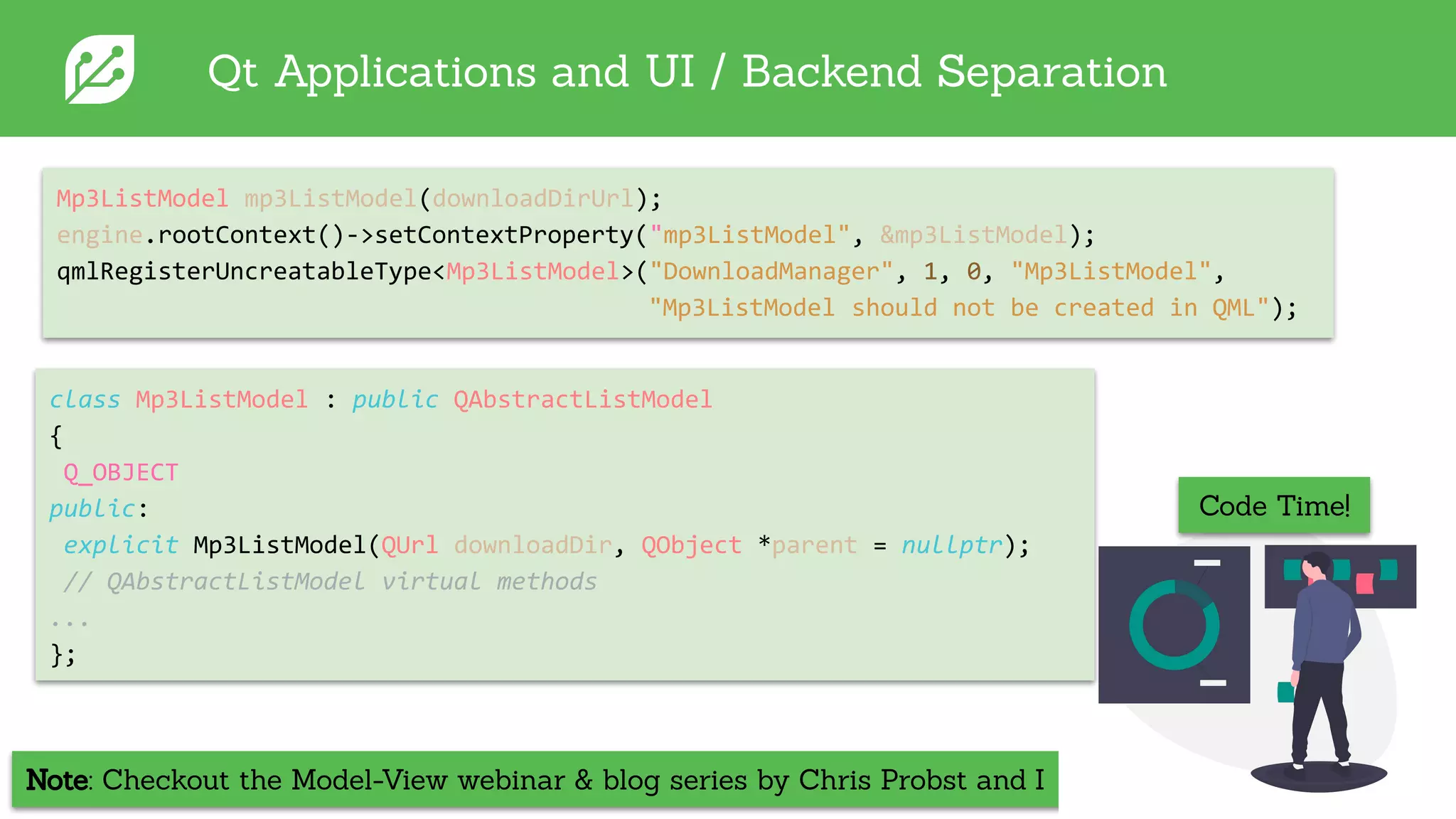
Note: Checkout the Model-View webinar & blog series by Chris Probst and I
Qt Applications and UI / Backend Separation
Mp3ListModel mp3ListModel(downloadDirUrl);
engine.rootContext()->setContextProperty("mp3ListModel", &mp3ListModel);
qmlRegisterUncreatableType<Mp3ListModel>("DownloadManager", 1, 0, "Mp3ListModel",
"Mp3ListModel should not be created in QML");
Code Time!
class Mp3ListModel : public QAbstractListModel
{
Q_OBJECT
public:
explicit Mp3ListModel(QUrl downloadDir, QObject *parent = nullptr);
// QAbstractListModel virtual methods
...
};
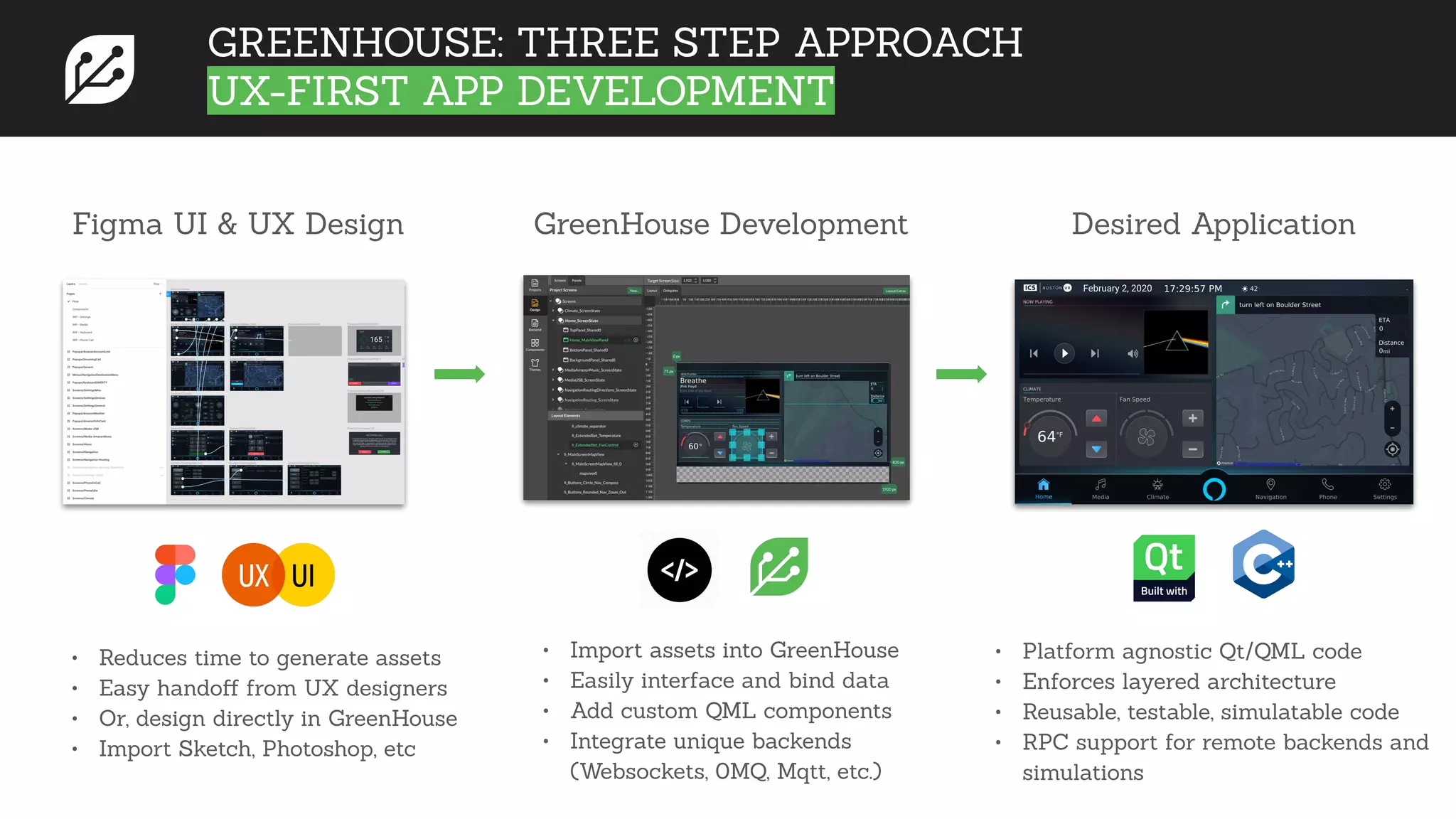
Figma UI & UX Design GreenHouse Development Desired Application
• Reduces time to generate assets
• Easy handoff from UX designers
• Or, design directly in GreenHouse
• Import Sketch, Photoshop, etc
• Platform agnostic Qt/QML code
• Enforces layered architecture
• Reusable, testable, simulatable code
• RPC support for remote backends and
simulations
• Import assets into GreenHouse
• Easily interface and bind data
• Add custom QML components
• Integrate unique backends
(Websockets, 0MQ, Mqtt, etc.)
GREENHOUSE: THREE STEP APPROACH
UX-FIRST APP DEVELOPMENT
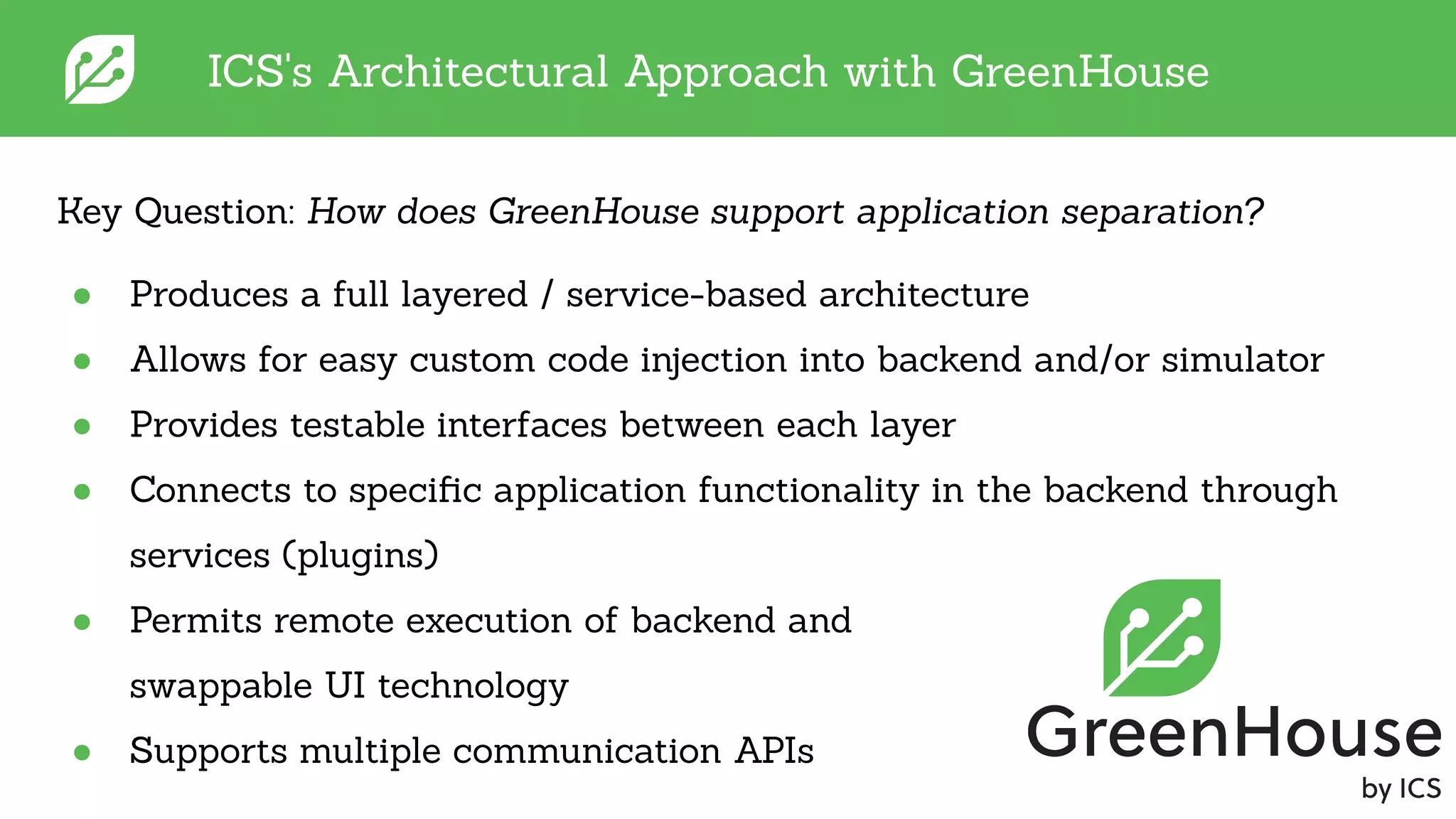
ICS's Architectural Approach with GreenHouse
● Produces a full layered / service-based architecture
● Allows for easy custom code injection into backend and/or simulator
● Provides testable interfaces between each layer
● Connects to specific application functionality in the backend through
services (plugins)
● Permits remote execution of backend and
swappable UI technology
● Supports multiple communication APIs
Key Question: How does GreenHouse support application separation?
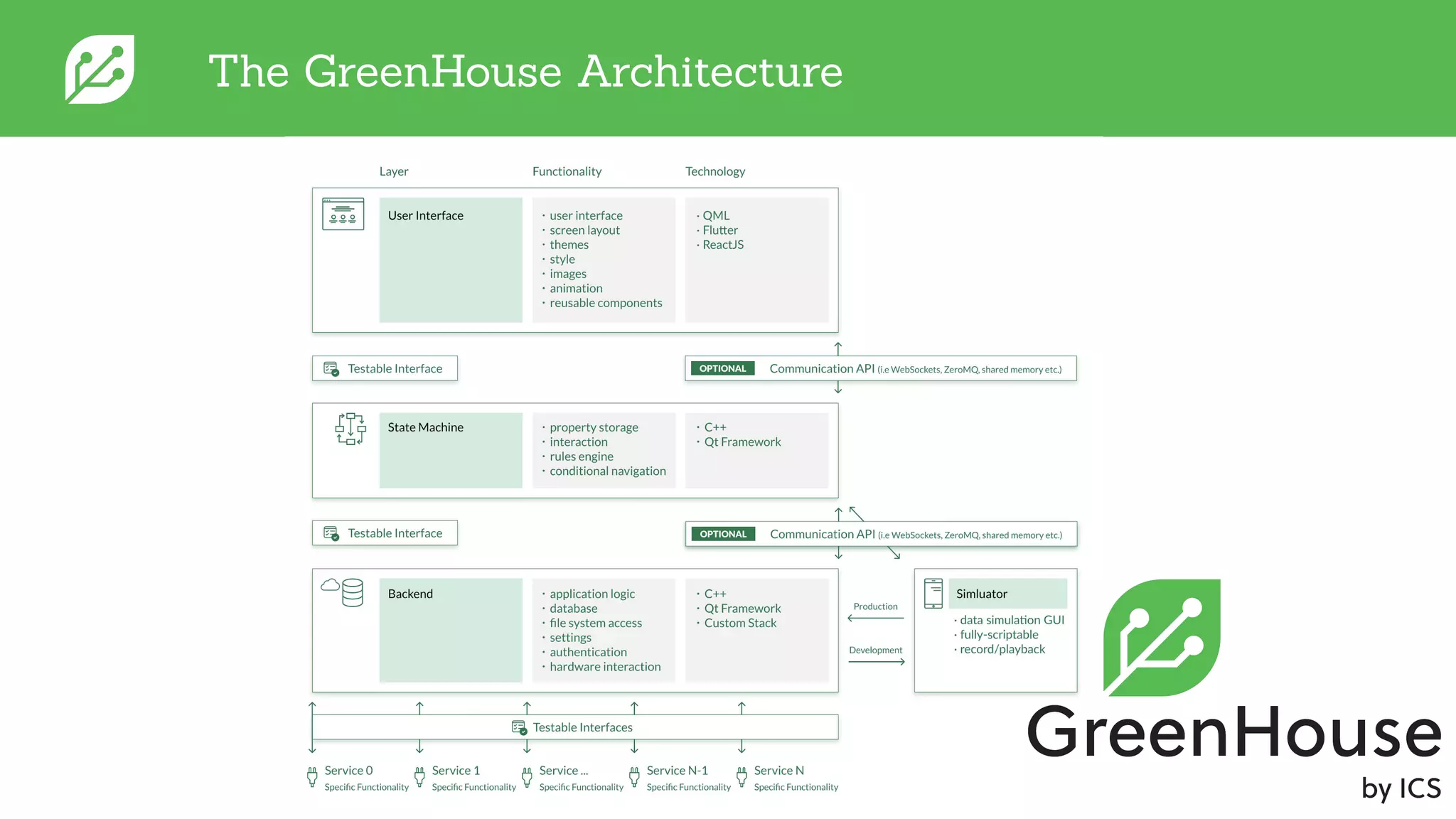
The GreenHouse Architecture
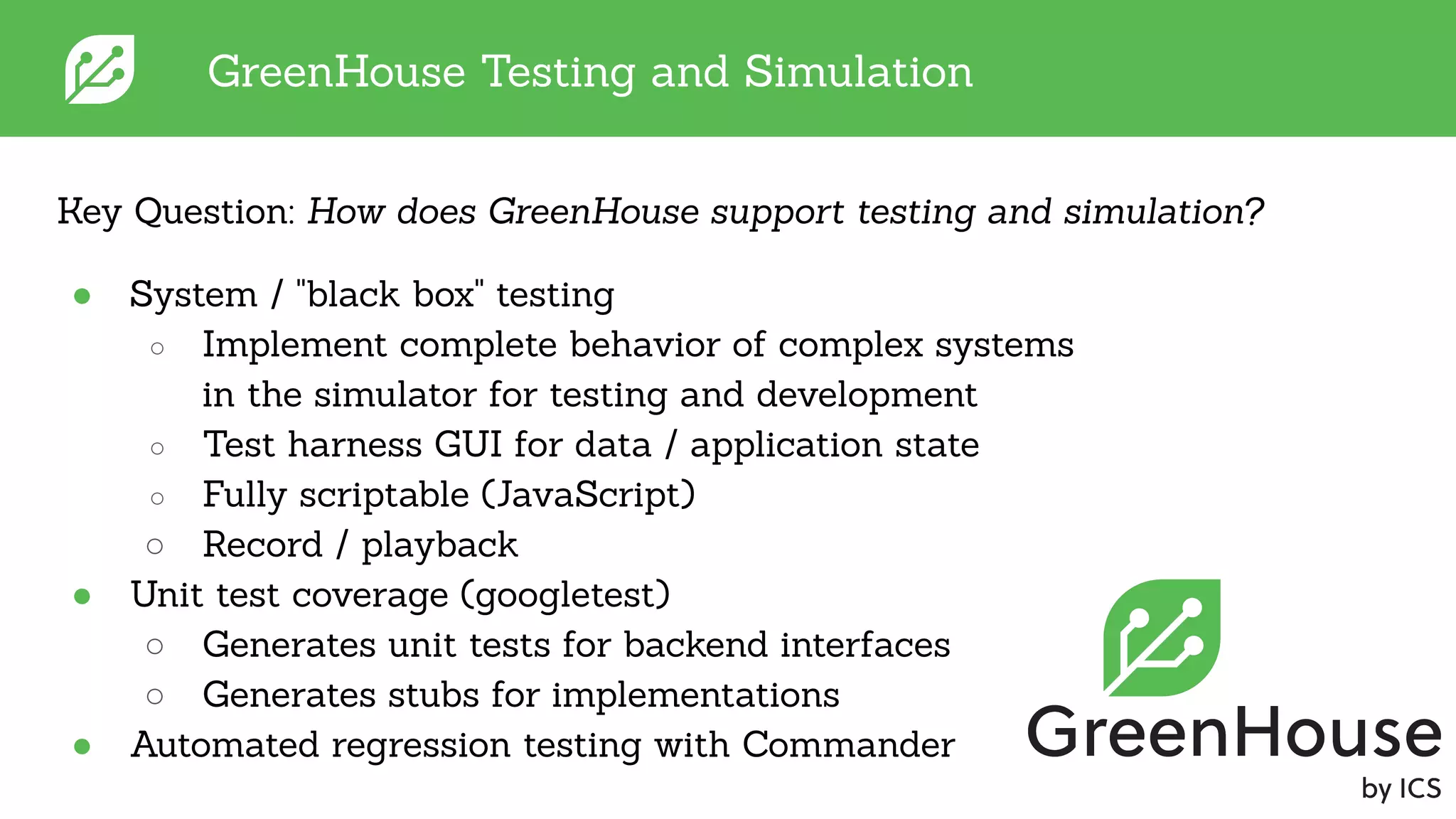
GreenHouse Testing and Simulation
● System / "black box" testing
○ Implement complete behavior of complex systems
in the simulator for testing and development
○ Test harness GUI for data / application state
○ Fully scriptable (JavaScript)
○ Record / playback
● Unit test coverage (googletest)
○ Generates unit tests for backend interfaces
○ Generates stubs for implementations
● Automated regression testing with Commander
Key Question: How does GreenHouse support testing and simulation?
GreenHouse Architecture Demo
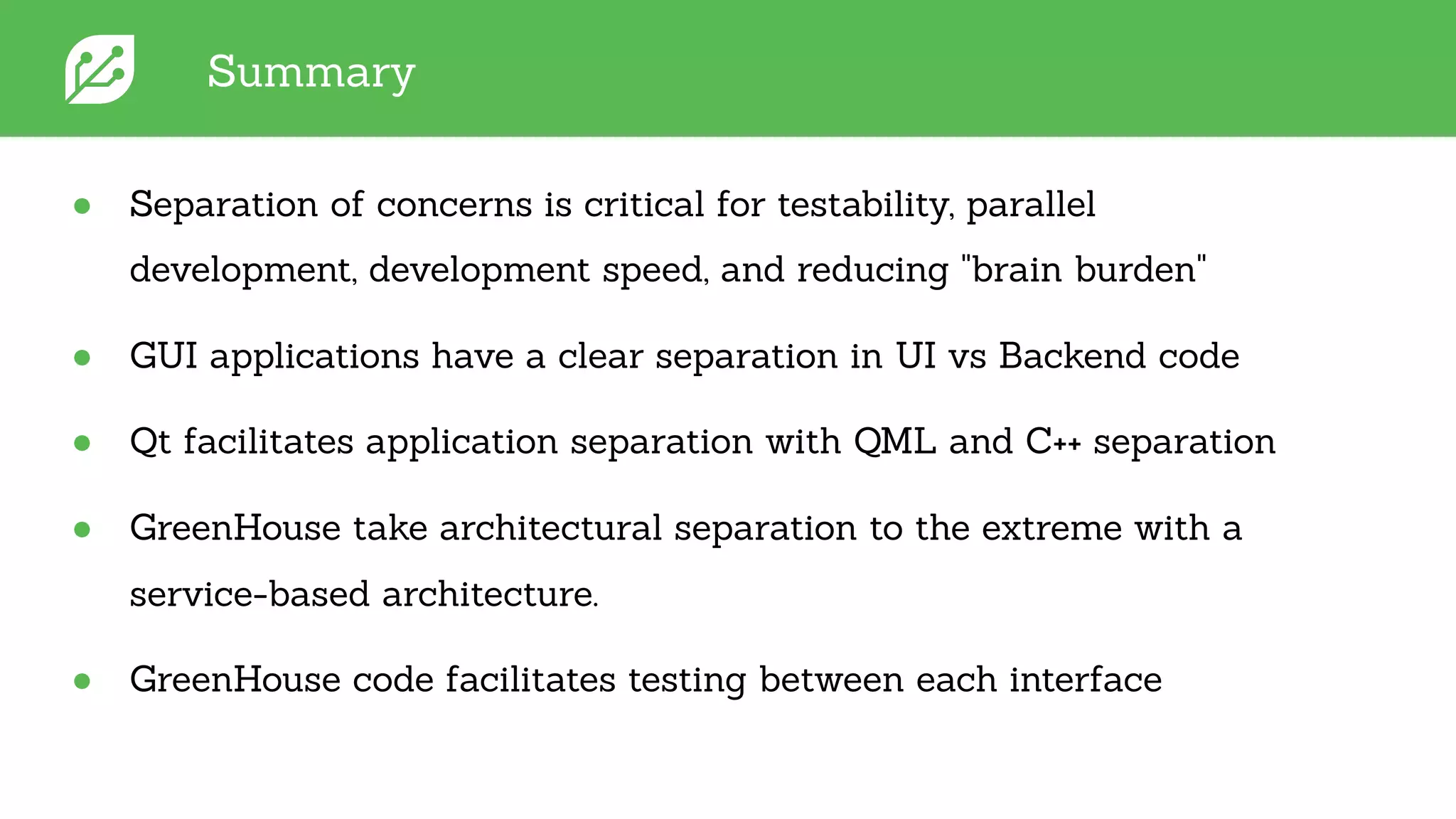
Summary
● Separation of concerns is critical for testability, parallel
development, development speed, and reducing "brain burden"
● GUI applications have a clear separation in UI vs Backend code
● Qt facilitates application separation with QML and C++ separation
● GreenHouse take architectural separation to the extreme with a
service-based architecture.
● GreenHouse code facilitates testing between each interface
QUESTIONS?
Application Separation is
a Software Best Practice
Key Enforcer
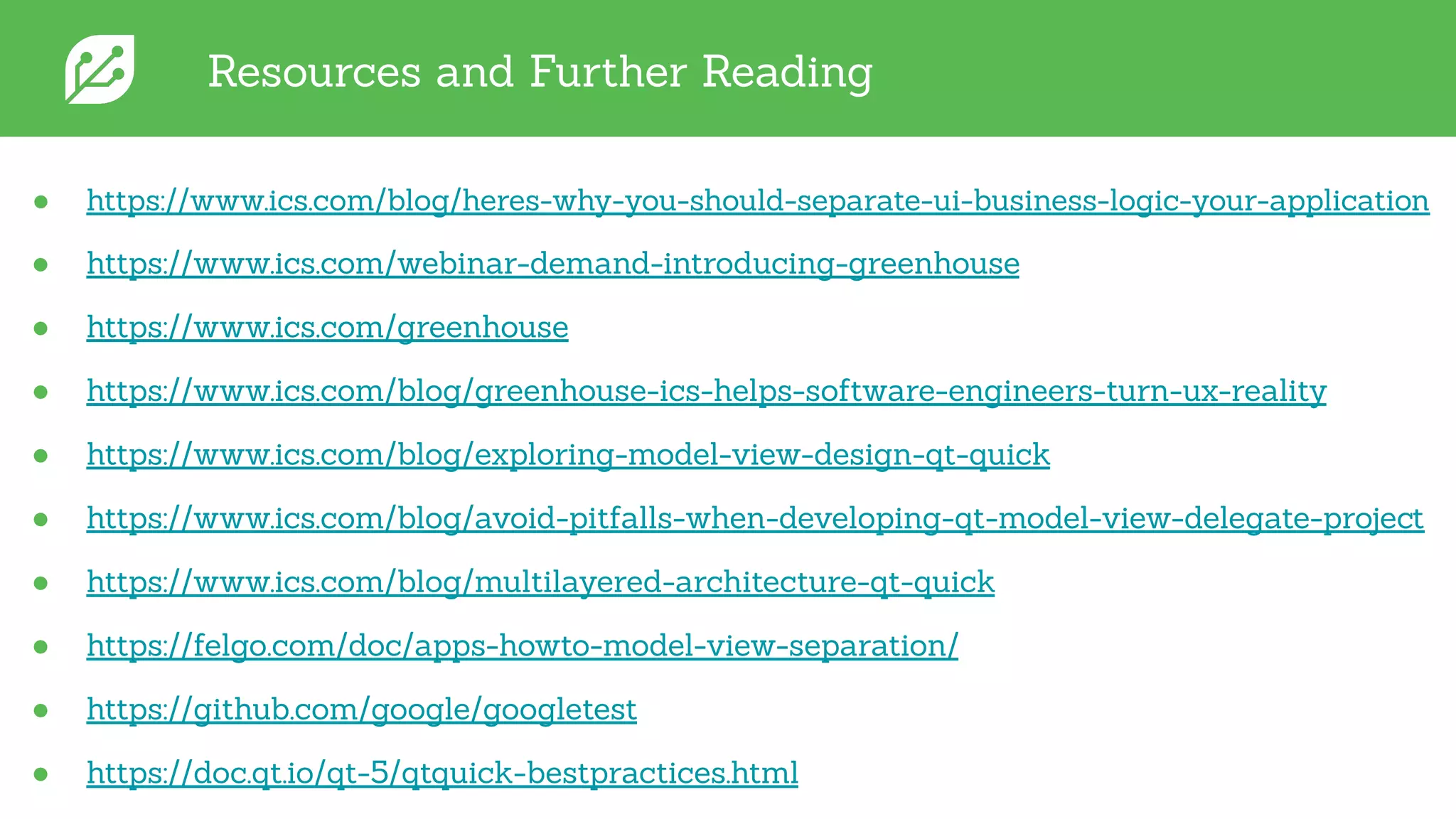
Resources and Further Reading
● https://www.ics.com/blog/heres-why-you-should-separate-ui-business-logic-your-application
● https://www.ics.com/webinar-demand-introducing-greenhouse
● https://www.ics.com/greenhouse
● https://www.ics.com/blog/greenhouse-ics-helps-software-engineers-turn-ux-reality
● https://www.ics.com/blog/exploring-model-view-design-qt-quick
● https://www.ics.com/blog/avoid-pitfalls-when-developing-qt-model-view-delegate-project
● https://www.ics.com/blog/multilayered-architecture-qt-quick
● https://felgo.com/doc/apps-howto-model-view-separation/
● https://github.com/google/googletest
● https://doc.qt.io/qt-5/qtquick-bestpractices.html

Software Development Best Practices: Separating UI from Business Logic

  • 1.
    April 23th, 2020- Integrated Computer Solutions, Inc. Ryan Hampton - rhampton@ics.com Separating UI from Business Logic Software Development Best Practices
  • 2.
    Today's Agenda ● AboutICS ● Principle of the Separation of Concerns ● Key benefits from application separation ● Qt applications and UI / Backend separation ● ICS's architectural approach with GreenHouse ● GreenHouse testing and simulation ● Summary
  • 3.
    HQ in Boston,offices in Sunnyvale and Ottawa Delivering 50+ projects each year for global brands About ICS... Founded in 1987, currently 120 employees
  • 4.
    We offer... ● UXdesign services ● Custom software engineering for embedded devices ● Platform and board support ● Software modules
  • 5.
    Lessons Learned ● Focuson the UX early ● Use an architecture that separates skills ● Reuse as much software as possible ● Simulate and test often ● Iterate and show progress to stakeholders often 500+ successful cutting edge projects on a short timeframe
  • 6.
    Principle of theSeparation of Concerns Divide a computer program into sections that each address a separate and distinct concern of the application ● Fundamental Principle behind application separation ● Has been taught and practiced since Edsger W. Dijkstra used it in a paper in 1974 ● GUI applications have a clear separation in UI vs Backend code ● Traditional web architecture is classic example
  • 7.
    Key Benefits fromApplication Separation The necessity for a modular application grows along with the size and complexity ● Enables parallel development ● Enforces modularity ● Enhances testability ● Accelerates development time ● Reduces "brain burden"
  • 8.
    Qt Applications andUI / Backend Separation ● Qt developers tend to focus more on classes/object trees (generalization) ○ The architecture is the whole forest ● Break down application in terms of layers with well defined interfaces ○ Promotes high cohesion and loose coupling (good) ● A layer could be a module within an executable, a separate process in a system, or even a physically separate system ○ One can ship multiple UIs with the same business logic backend or allow the backend to be swapped out for a testing harness ● This matches up closely to the classic Qt application model… ○ Separate the UI code from the app logic code, by implementing the former with QML and JavaScript and the latter with C++
  • 9.
    Qt Applications andUI / Backend Separation ● Qt Quick provides four main ways to integrate C++ and QML. ○ Each has its own place and purpose. ● Subclassing QQuickItem: QQuickItem allows you to write your own visual and non-visual QML items using C++. ● Registering C++ types with QML: C++ classes can be registered with the QML type system, allowing them to be instantiated as QML types. ● Registering Context Properties / QML Singleton: QObjects can be registered with the QML context, allowing their properties to be directly accessed. ● Accessing QML objects through the QML object tree: All QML objects reside in a tree hierarchy and can be accessed via the root of the tree.
  • 10.
    Qt Applications andUI / Backend Separation Note: Qt documentation explains more in depth: https://doc.qt.io/qt-5/qtqml-cppintegration-overview.html
  • 11.
    Note: Checkout theModel-View webinar & blog series by Chris Probst and I Qt Applications and UI / Backend Separation Mp3ListModel mp3ListModel(downloadDirUrl); engine.rootContext()->setContextProperty("mp3ListModel", &mp3ListModel); qmlRegisterUncreatableType<Mp3ListModel>("DownloadManager", 1, 0, "Mp3ListModel", "Mp3ListModel should not be created in QML"); Code Time! class Mp3ListModel : public QAbstractListModel { Q_OBJECT public: explicit Mp3ListModel(QUrl downloadDir, QObject *parent = nullptr); // QAbstractListModel virtual methods ... };
  • 12.
    Figma UI &UX Design GreenHouse Development Desired Application • Reduces time to generate assets • Easy handoff from UX designers • Or, design directly in GreenHouse • Import Sketch, Photoshop, etc • Platform agnostic Qt/QML code • Enforces layered architecture • Reusable, testable, simulatable code • RPC support for remote backends and simulations • Import assets into GreenHouse • Easily interface and bind data • Add custom QML components • Integrate unique backends (Websockets, 0MQ, Mqtt, etc.) GREENHOUSE: THREE STEP APPROACH UX-FIRST APP DEVELOPMENT
  • 13.
    ICS's Architectural Approachwith GreenHouse ● Produces a full layered / service-based architecture ● Allows for easy custom code injection into backend and/or simulator ● Provides testable interfaces between each layer ● Connects to specific application functionality in the backend through services (plugins) ● Permits remote execution of backend and swappable UI technology ● Supports multiple communication APIs Key Question: How does GreenHouse support application separation?
  • 14.
  • 15.
    GreenHouse Testing andSimulation ● System / "black box" testing ○ Implement complete behavior of complex systems in the simulator for testing and development ○ Test harness GUI for data / application state ○ Fully scriptable (JavaScript) ○ Record / playback ● Unit test coverage (googletest) ○ Generates unit tests for backend interfaces ○ Generates stubs for implementations ● Automated regression testing with Commander Key Question: How does GreenHouse support testing and simulation?
  • 16.
  • 17.
    Summary ● Separation ofconcerns is critical for testability, parallel development, development speed, and reducing "brain burden" ● GUI applications have a clear separation in UI vs Backend code ● Qt facilitates application separation with QML and C++ separation ● GreenHouse take architectural separation to the extreme with a service-based architecture. ● GreenHouse code facilitates testing between each interface
  • 18.
    QUESTIONS? Application Separation is aSoftware Best Practice Key Enforcer
  • 19.
    Resources and FurtherReading ● https://www.ics.com/blog/heres-why-you-should-separate-ui-business-logic-your-application ● https://www.ics.com/webinar-demand-introducing-greenhouse ● https://www.ics.com/greenhouse ● https://www.ics.com/blog/greenhouse-ics-helps-software-engineers-turn-ux-reality ● https://www.ics.com/blog/exploring-model-view-design-qt-quick ● https://www.ics.com/blog/avoid-pitfalls-when-developing-qt-model-view-delegate-project ● https://www.ics.com/blog/multilayered-architecture-qt-quick ● https://felgo.com/doc/apps-howto-model-view-separation/ ● https://github.com/google/googletest ● https://doc.qt.io/qt-5/qtquick-bestpractices.html