Jordan Ayan  CEO & Founder  SubscriberMail
Top 10 Things  You Need  To Know  About Email Creative
Follow Up @jordanayan @subscribermail [email_address] [email_address] http://blog.subscribermail.com/ www.subscribermail.com/creative
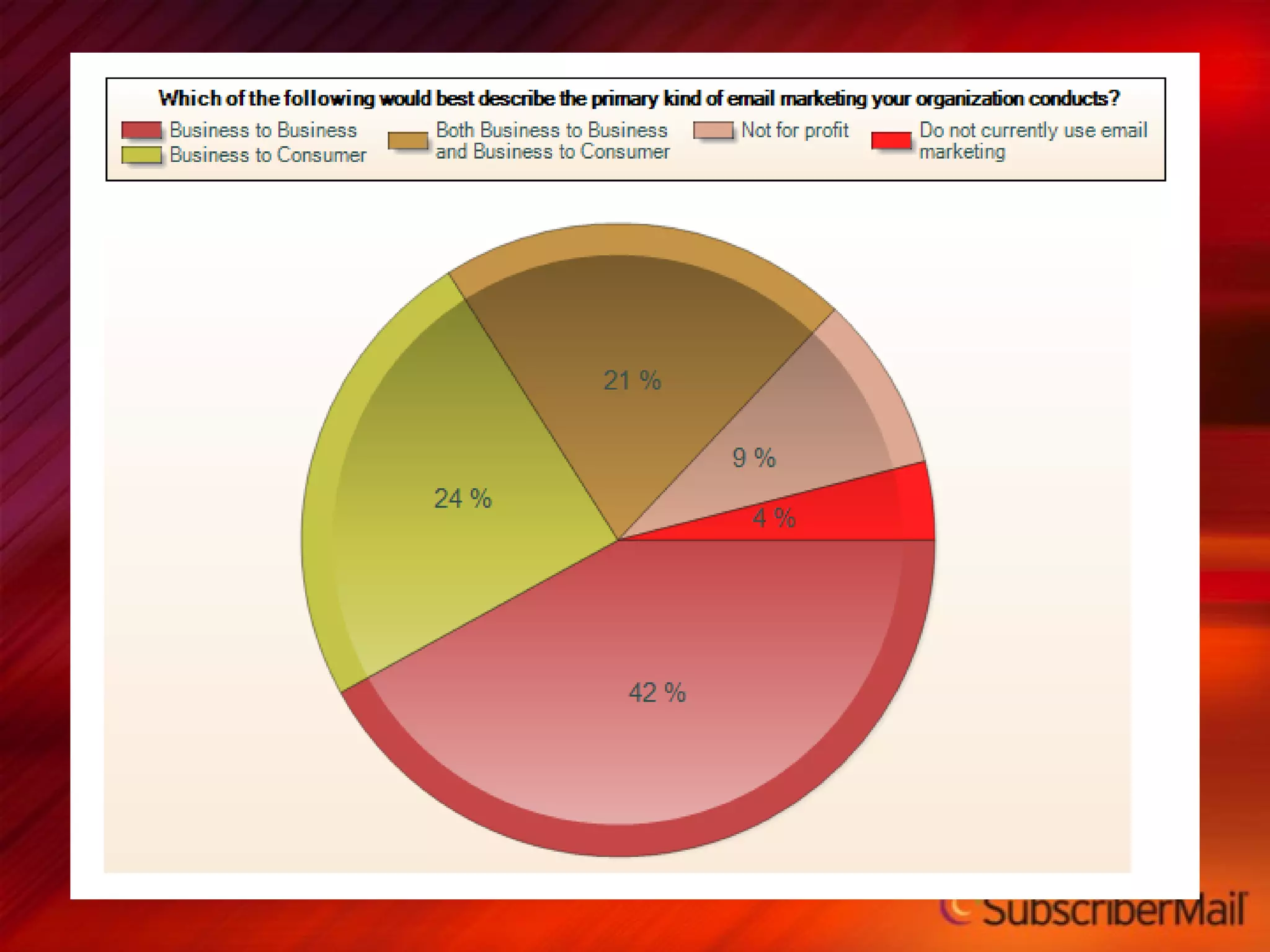
Producing  great  email  creative requires being great at adapting to  changing standards
 
 
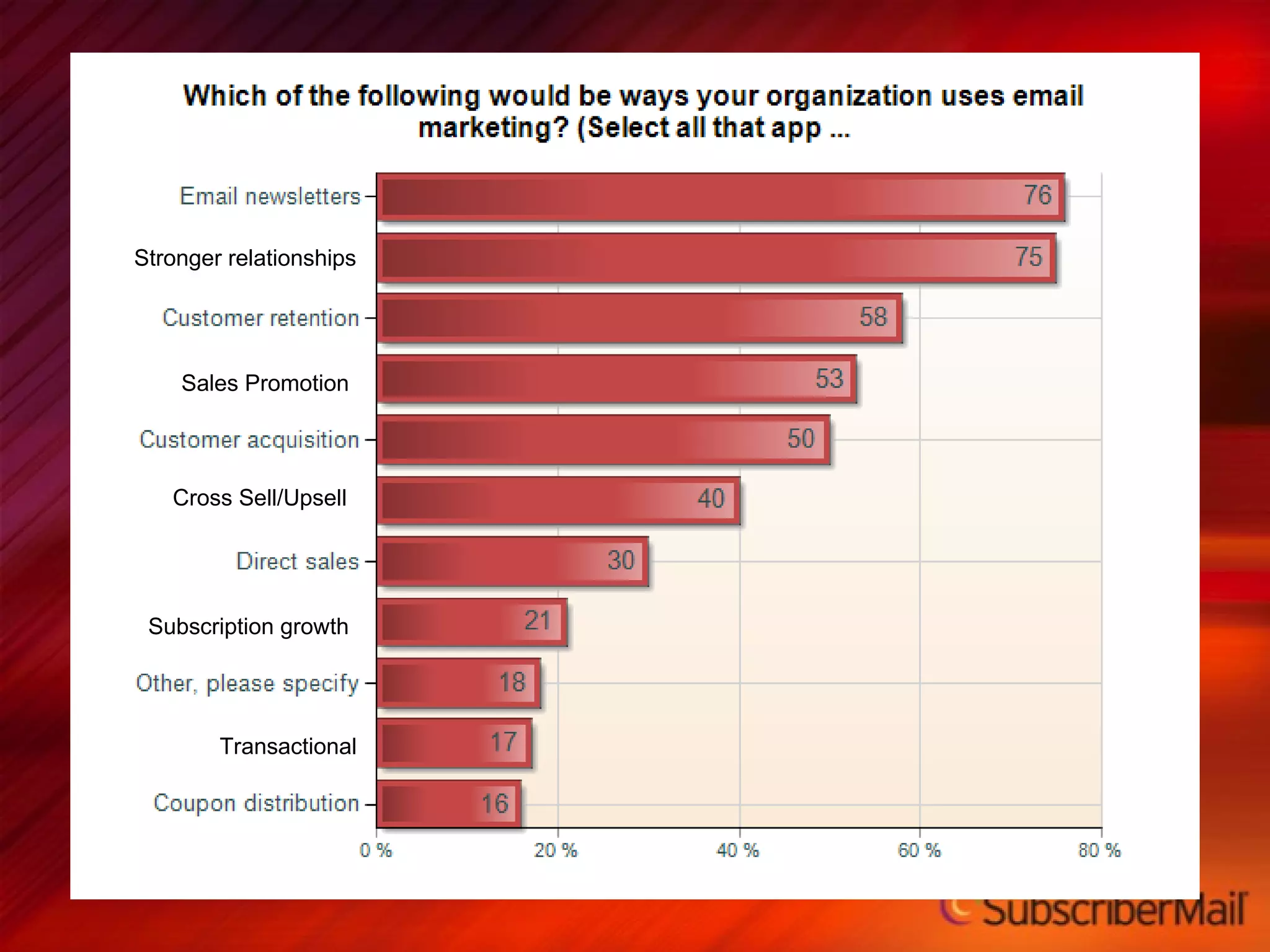
Stronger relationships Sales Promotion Cross Sell/Upsell Subscription growth Transactional
 
 
Creative Encompasses the Entire Messaging Process 1
Email Creative Includes: Graphical elements Use of Logos and branding Your Subject line The “From” address The “To” address Delivery date and time Images Used Content and copy Order & flow Welcome message Landing pages
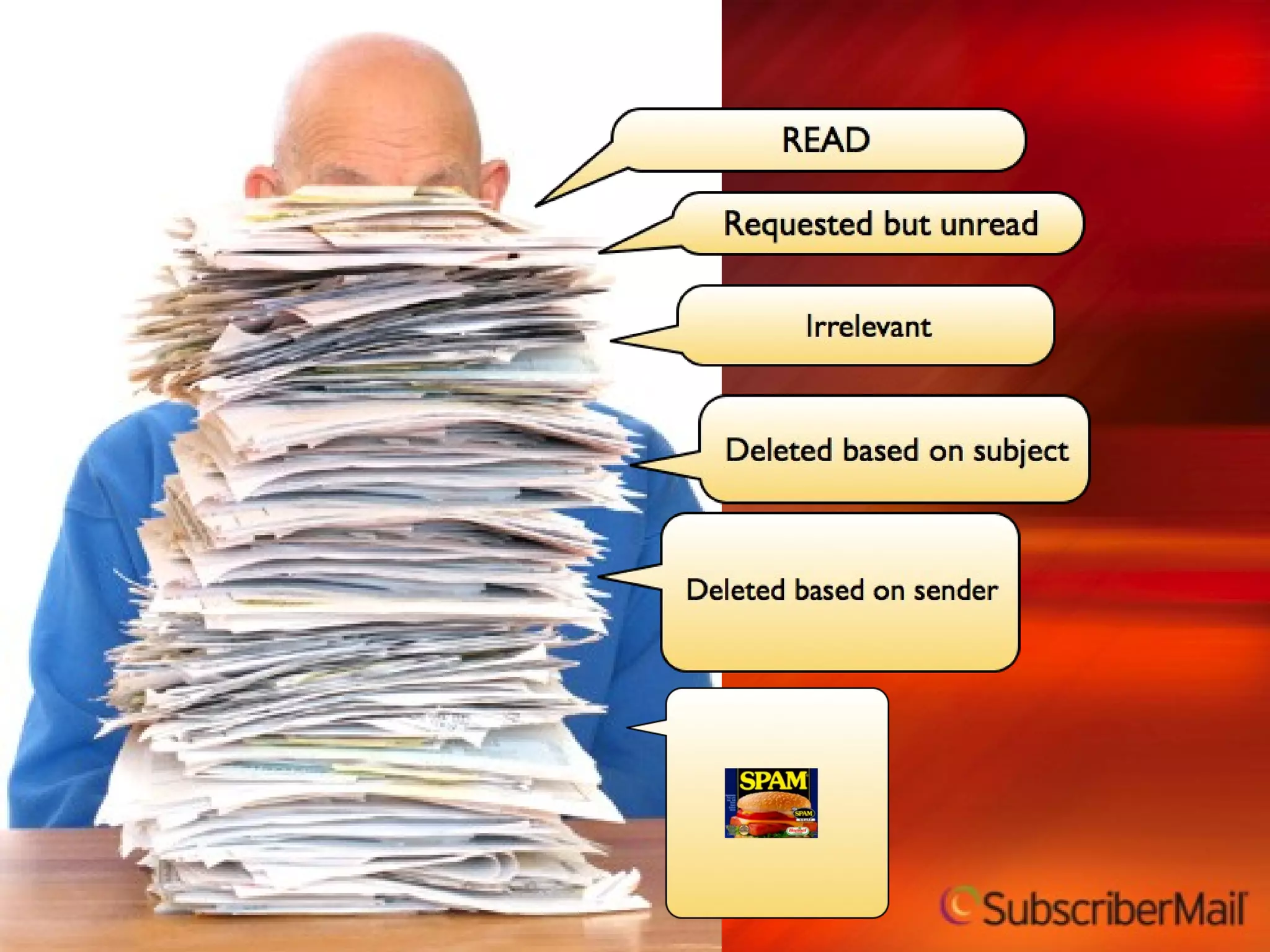
What makes email creative different How you read it Process rather than flow Where you read it Usually stationary Why you read it Usually for information not for pleasure What can go wrong Electronic distraction  Auto sorting, blocking, multi-tasking, beeps, bells and whistles
Define the Goal of Each Message  2
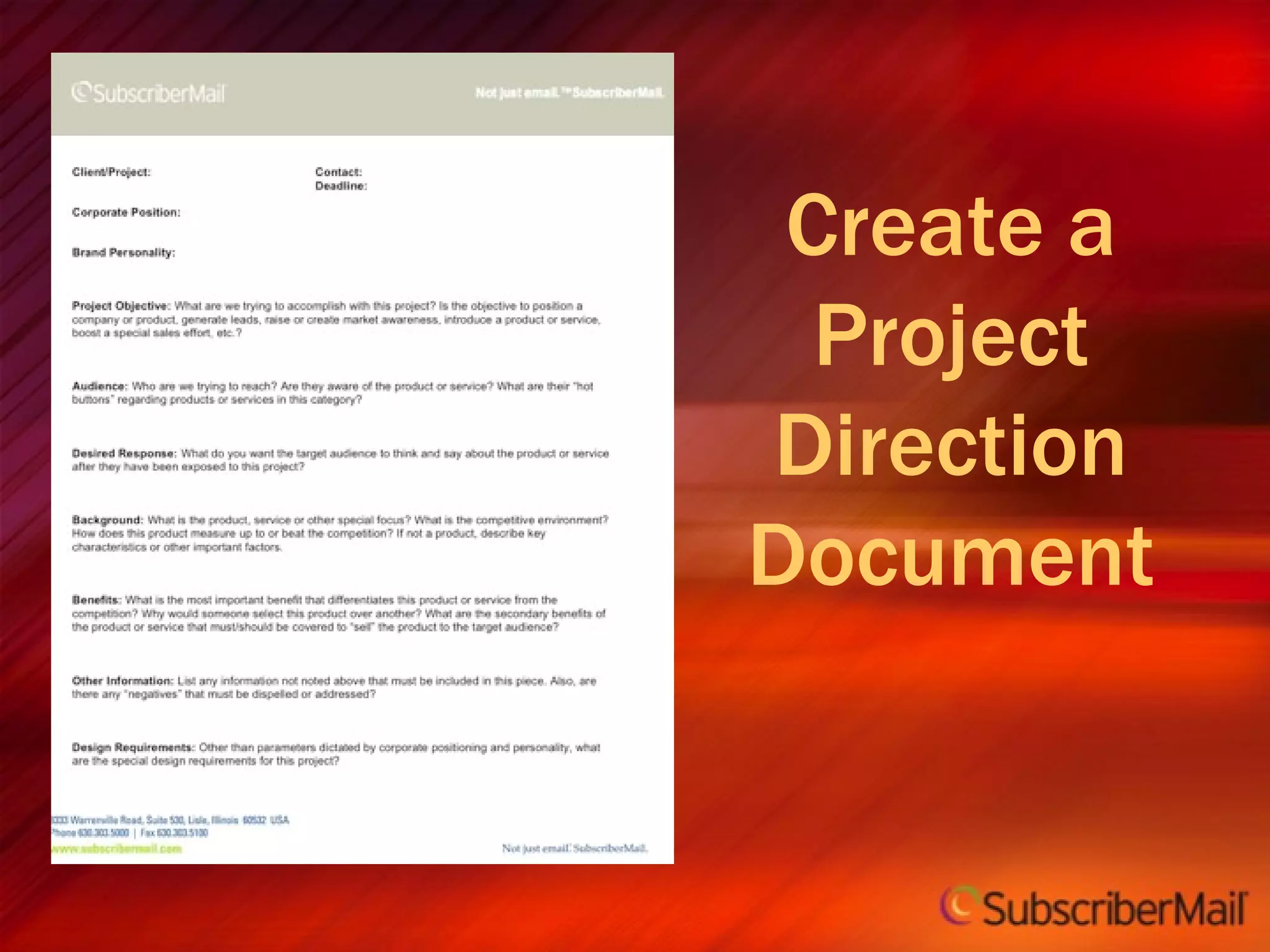
Create a Project Direction Document
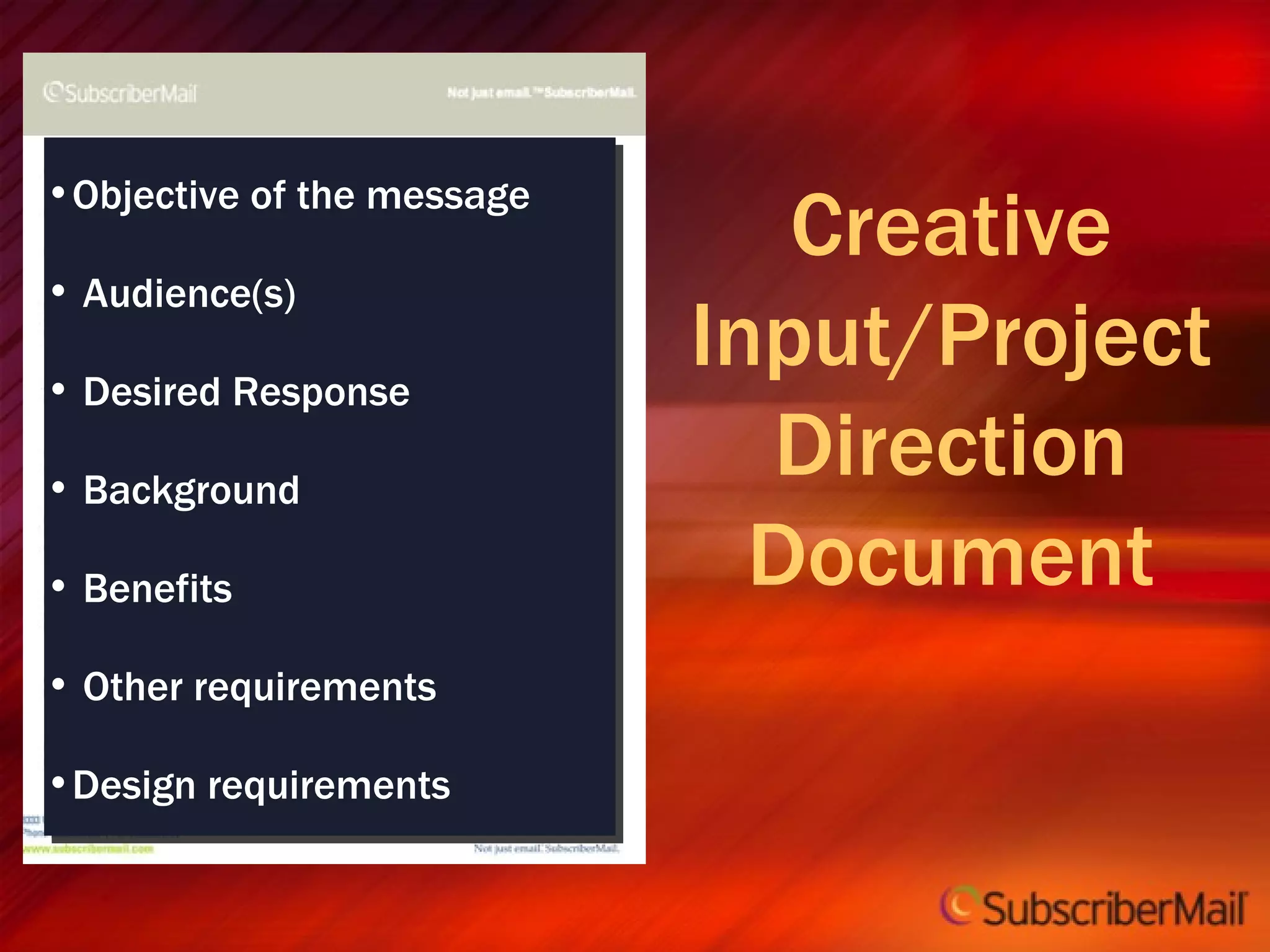
Creative Input/Project Direction Document Objective of the message Audience(s) Desired Response Background Benefits Other requirements Design requirements
Subject Lines are a critical part of the email creative process 3
Subject Line Style Guidelines Try to limit to 45 characters or 5 words NEVER USE ALL CAPS Only…use…punctuation, that is...necessary!!! Be relevant to your recipient Think like a filter Test, test, test
Subject Line Creative Rules Clear indication of why it should be opened and what to expect Most important words up front Content focused vs entity focused Example – “101 Ways to Offend Employees” is stronger than “January HR News” Have someone write the subject line who did not write the copy Mention brand if possible Think relationship, not message Avoid SPAMMY words
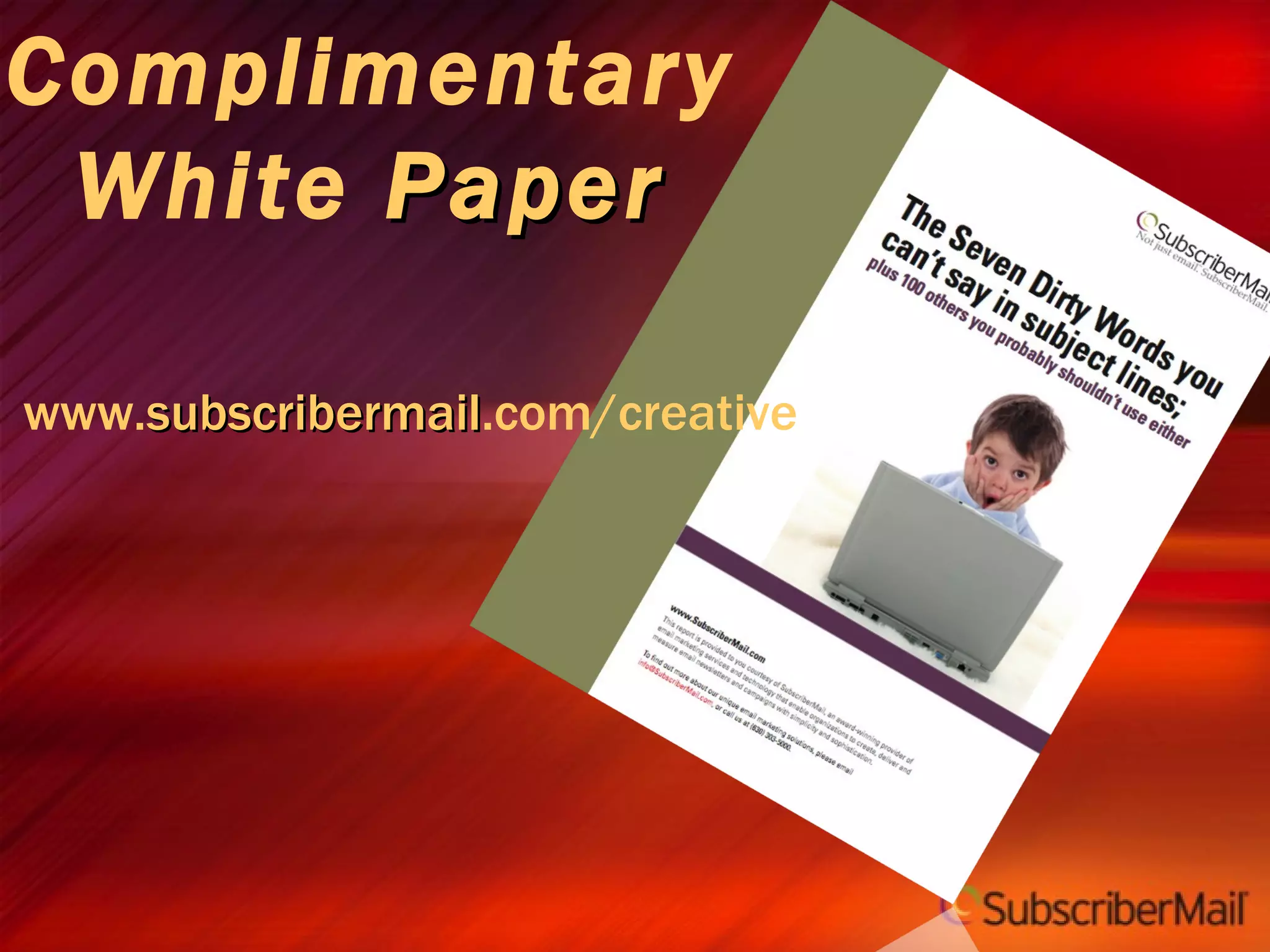
Complimentary White  Paper www. subscribermail .com/creative
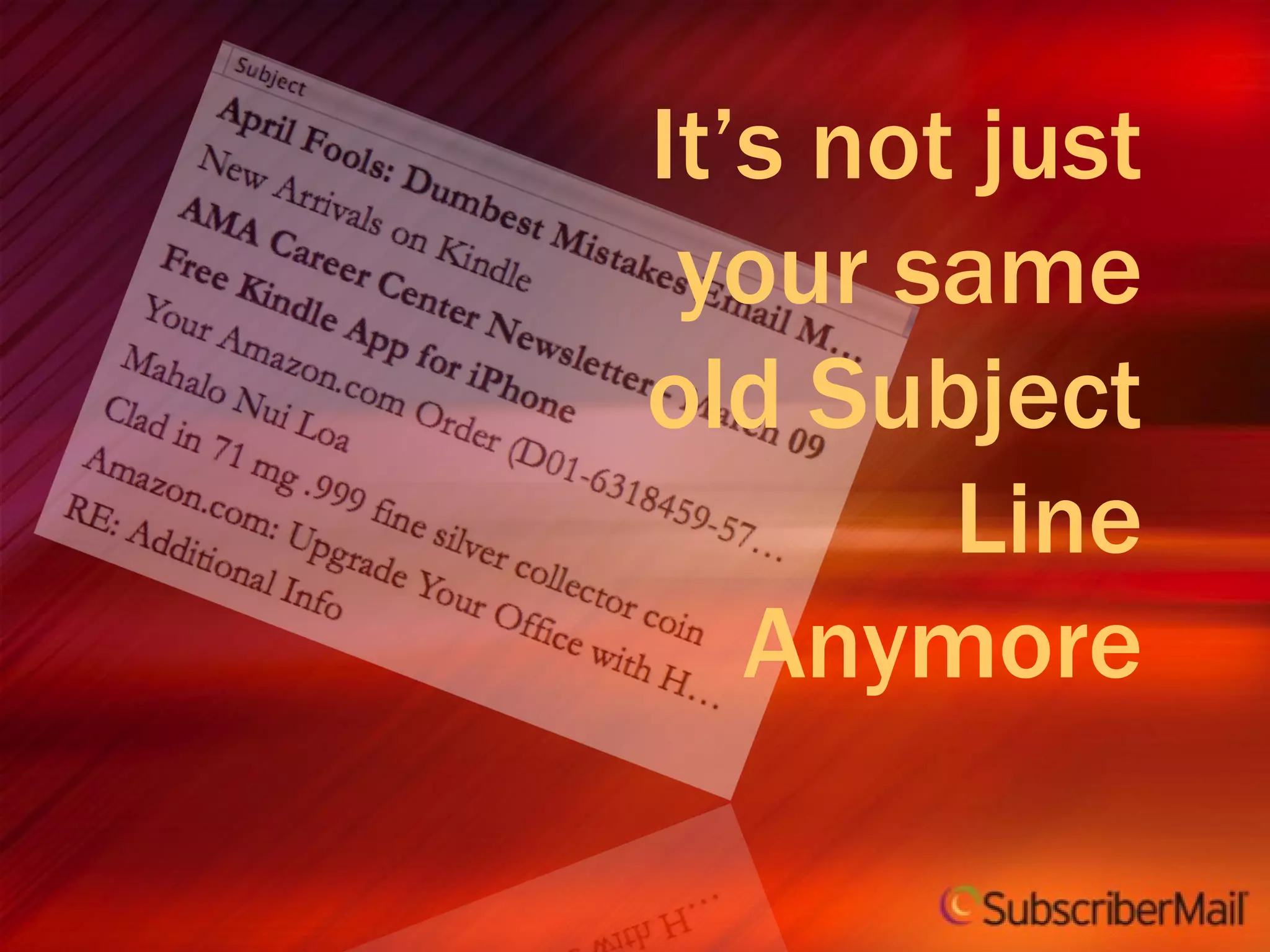
It’s not just your same old Subject Line Anymore
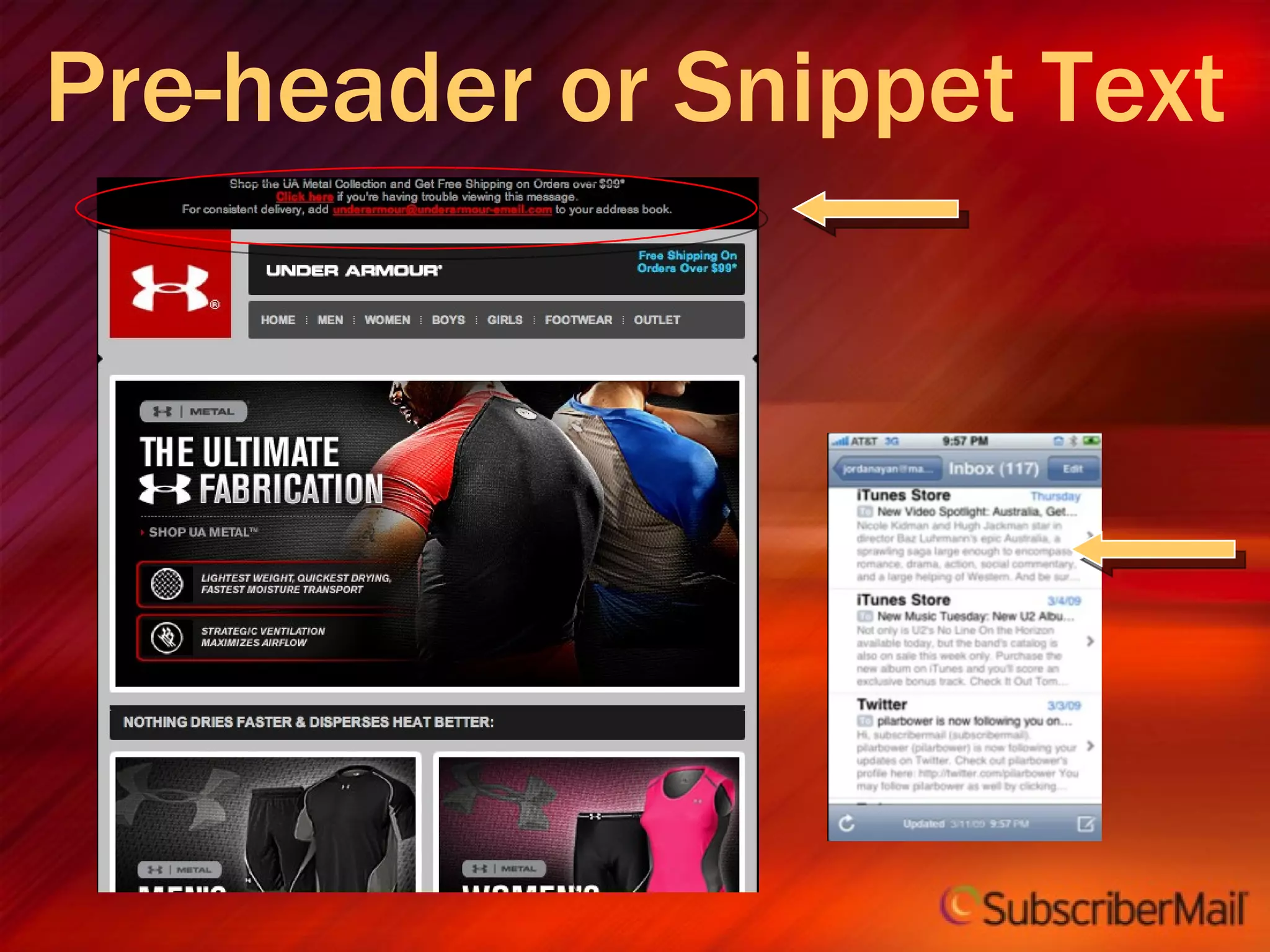
Pre-header or Snippet Text
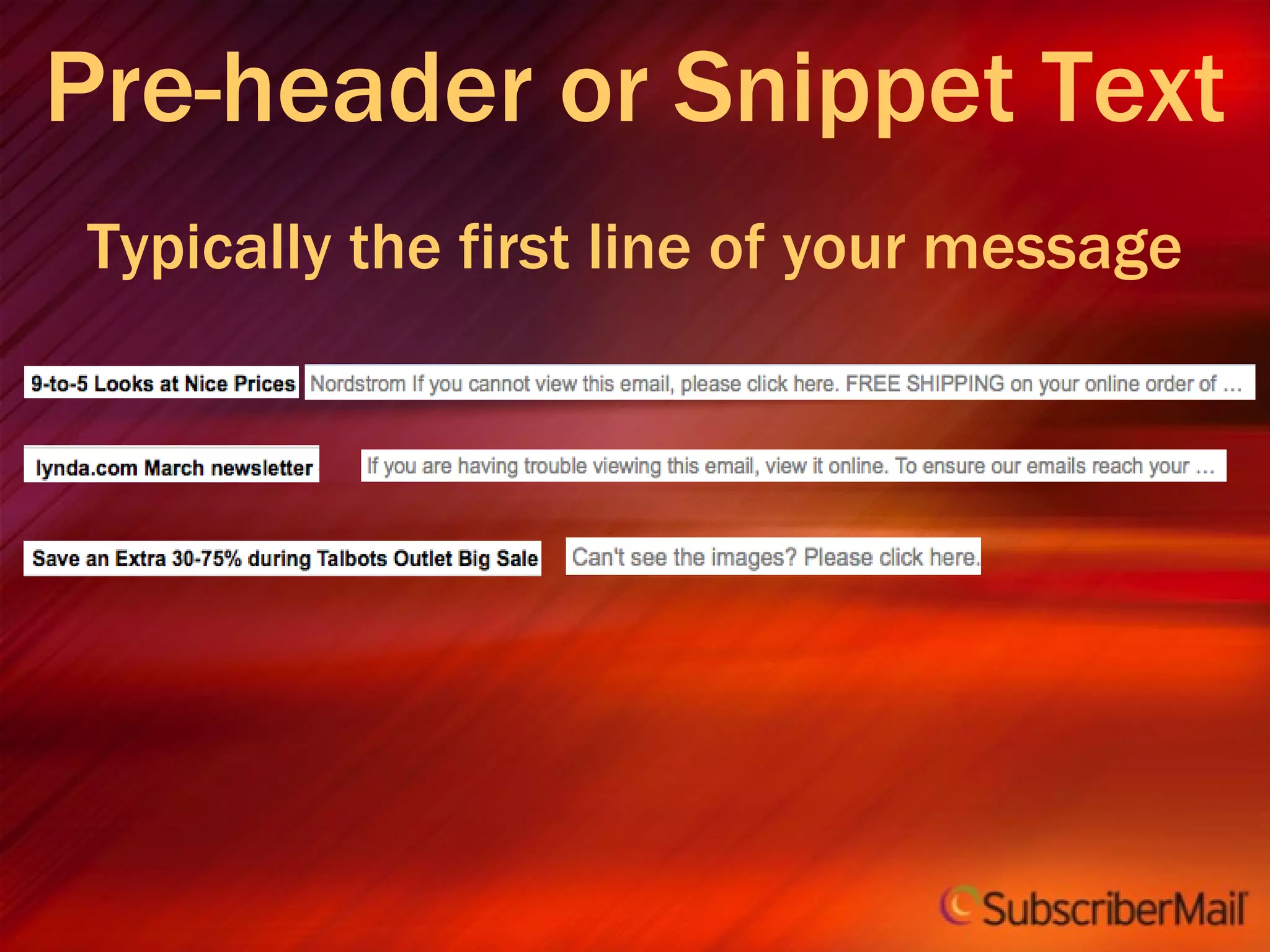
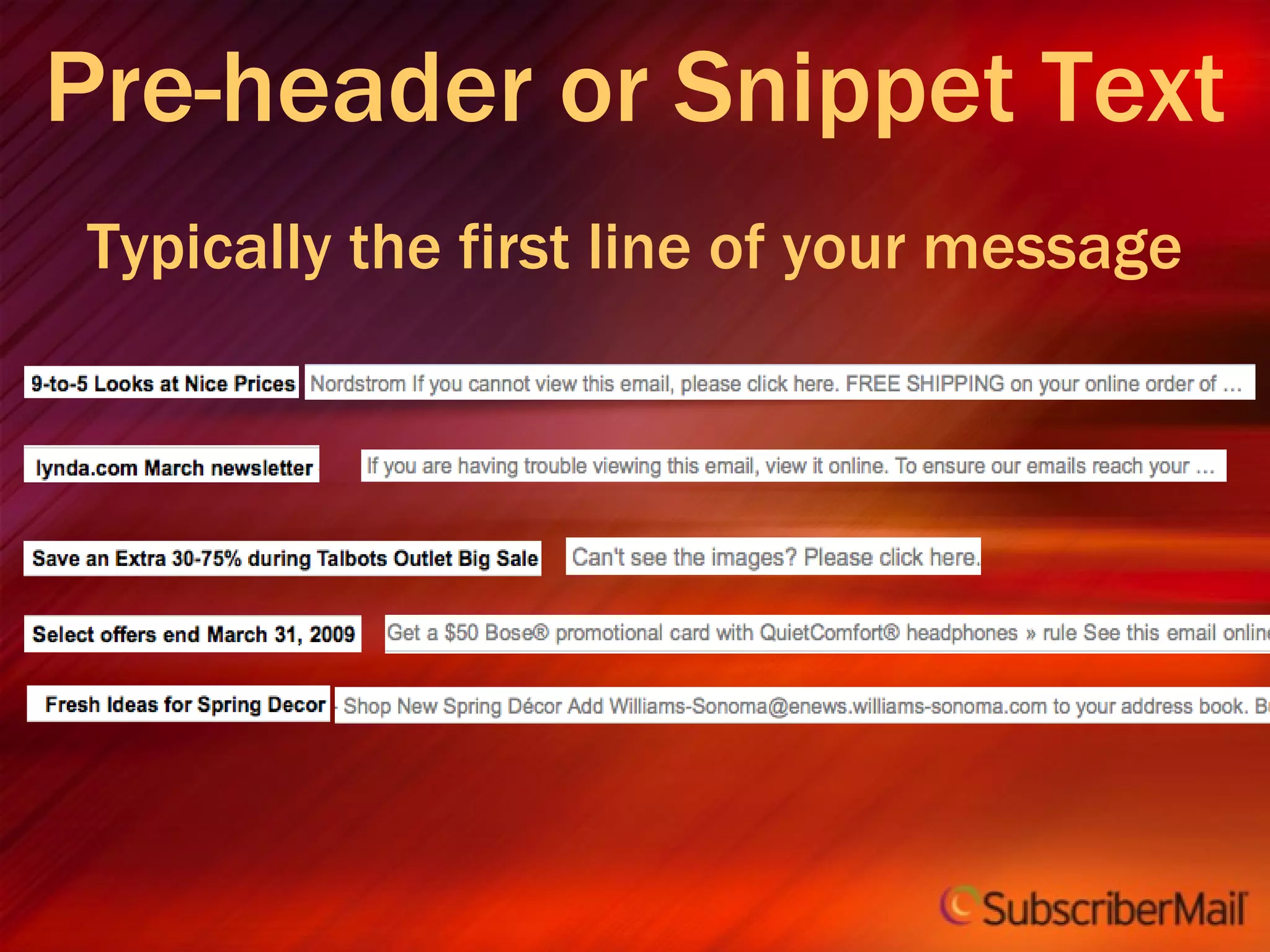
Pre-header or Snippet Text Typically the first line of your message
 
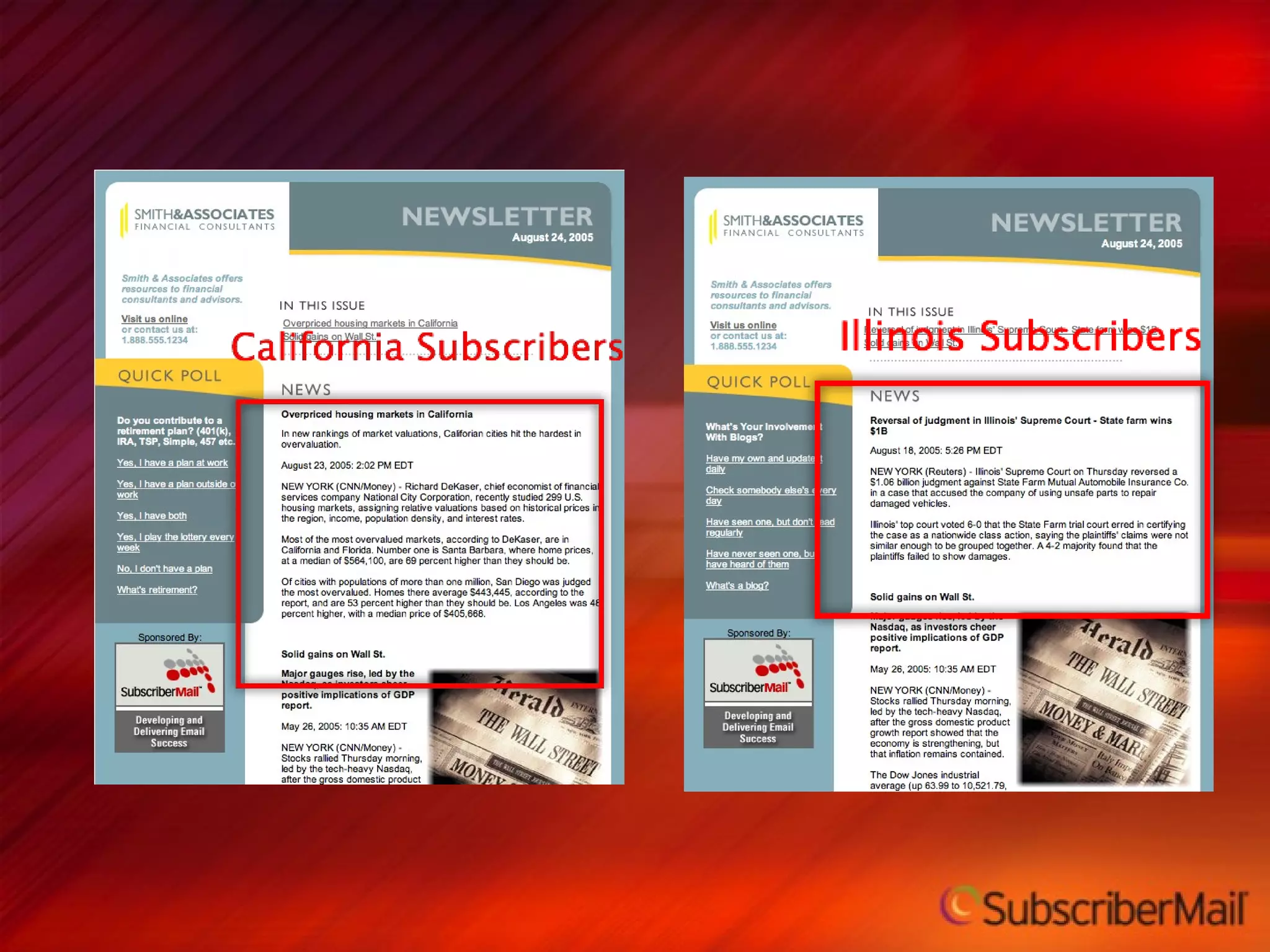
Relevancy 4
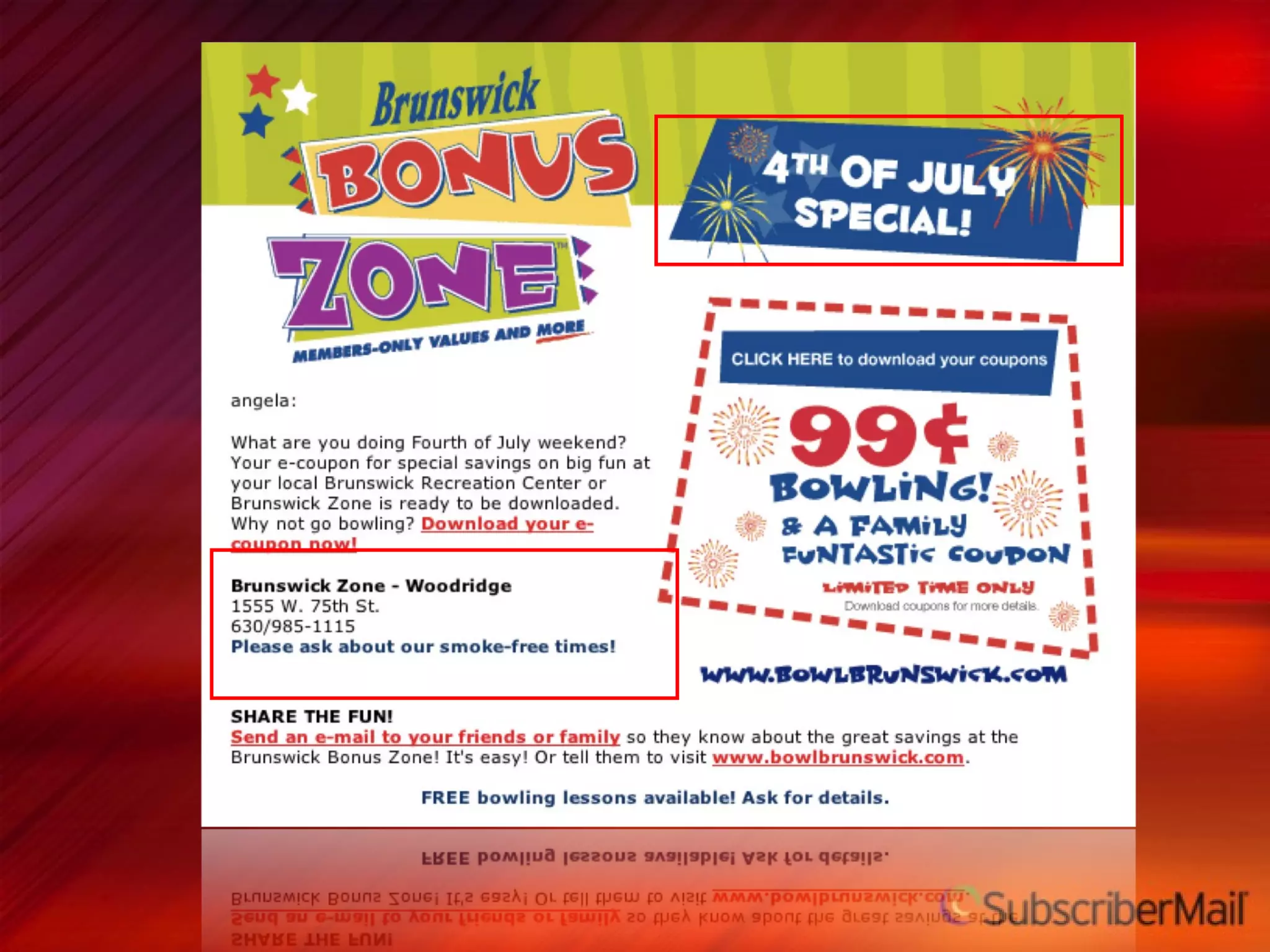
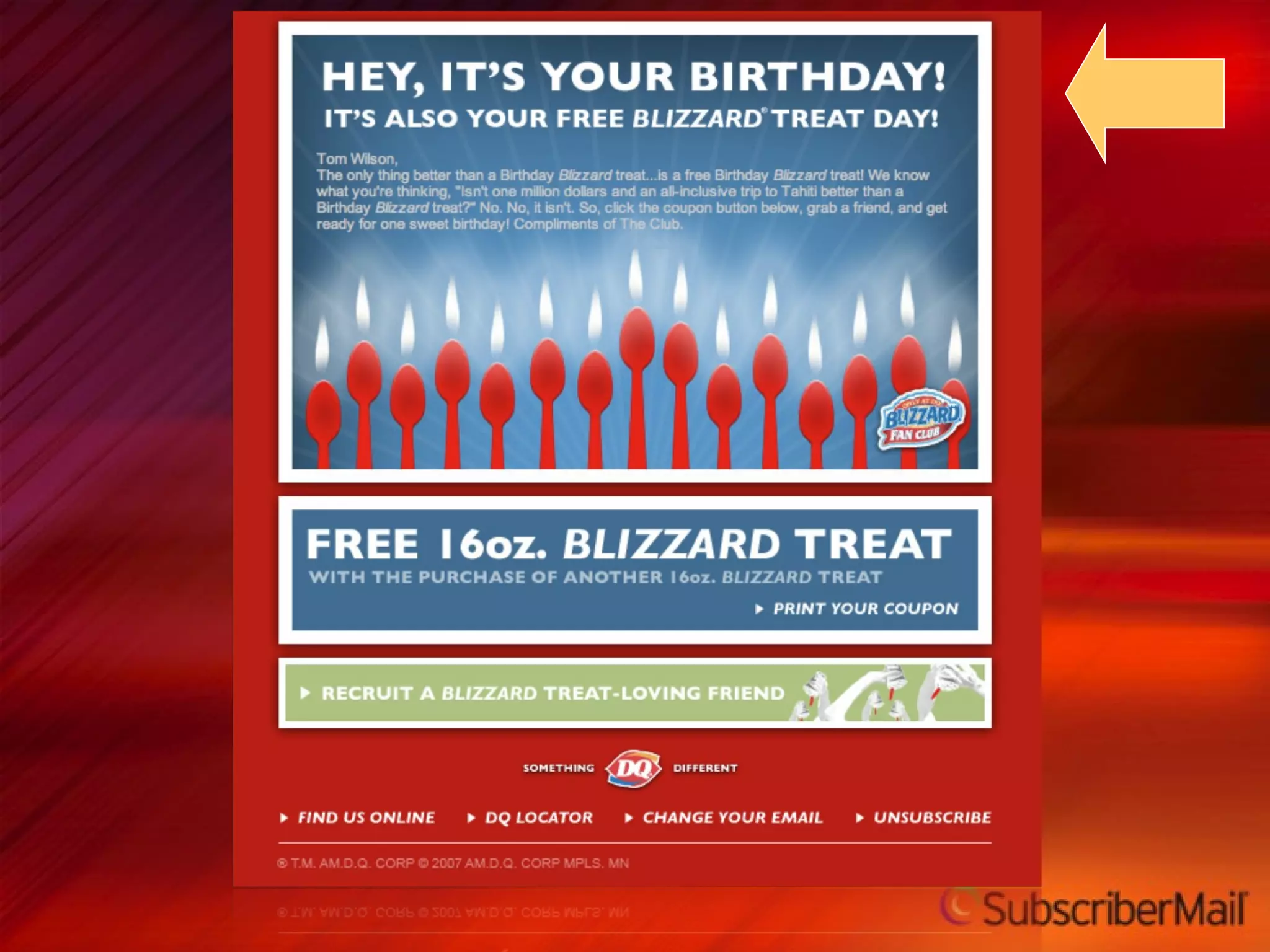
Creative, Relevant Content Meaningful Interesting Rewarding Timely Non-Intrusive WII-FM


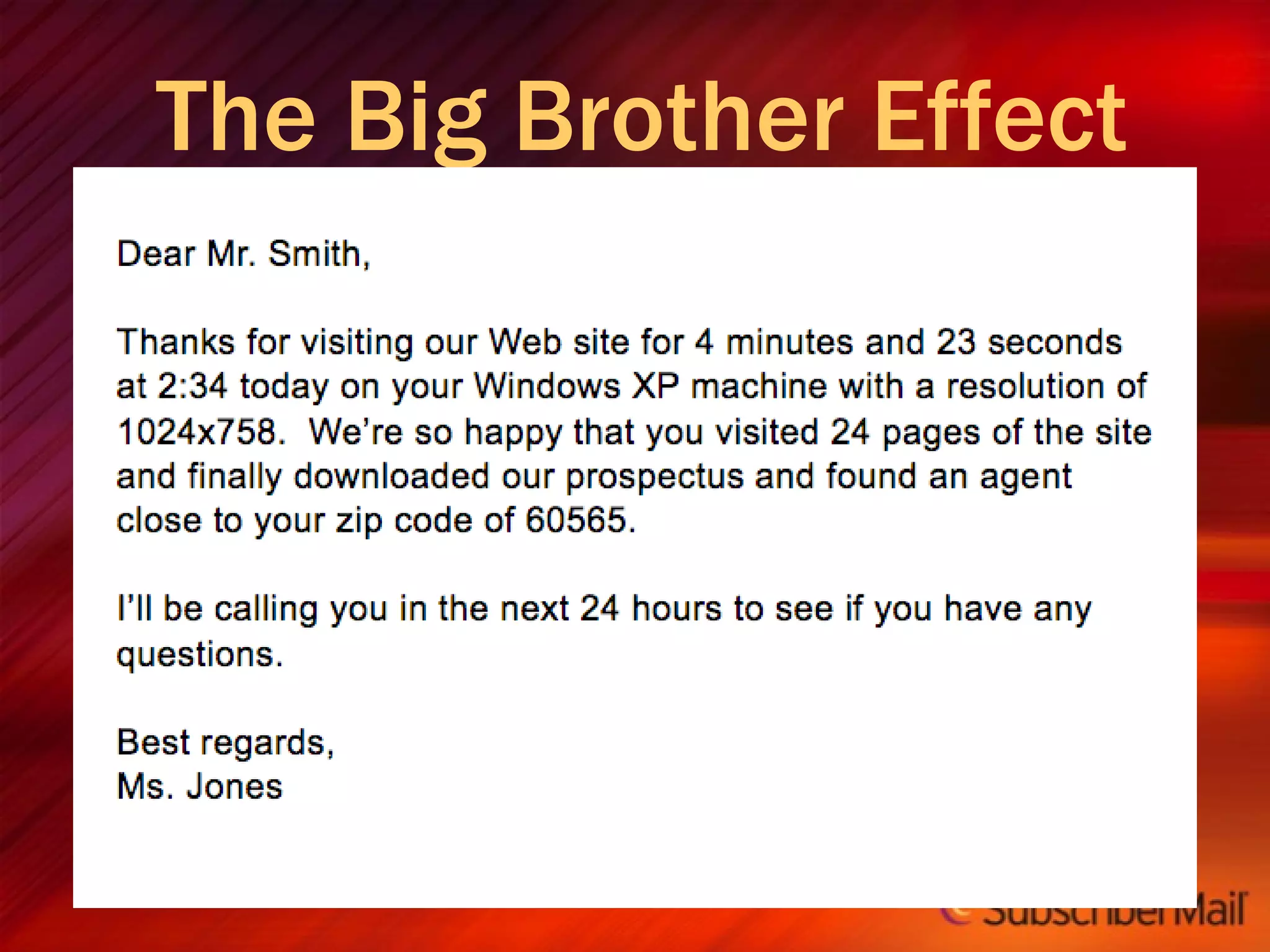
The Big Brother Effect
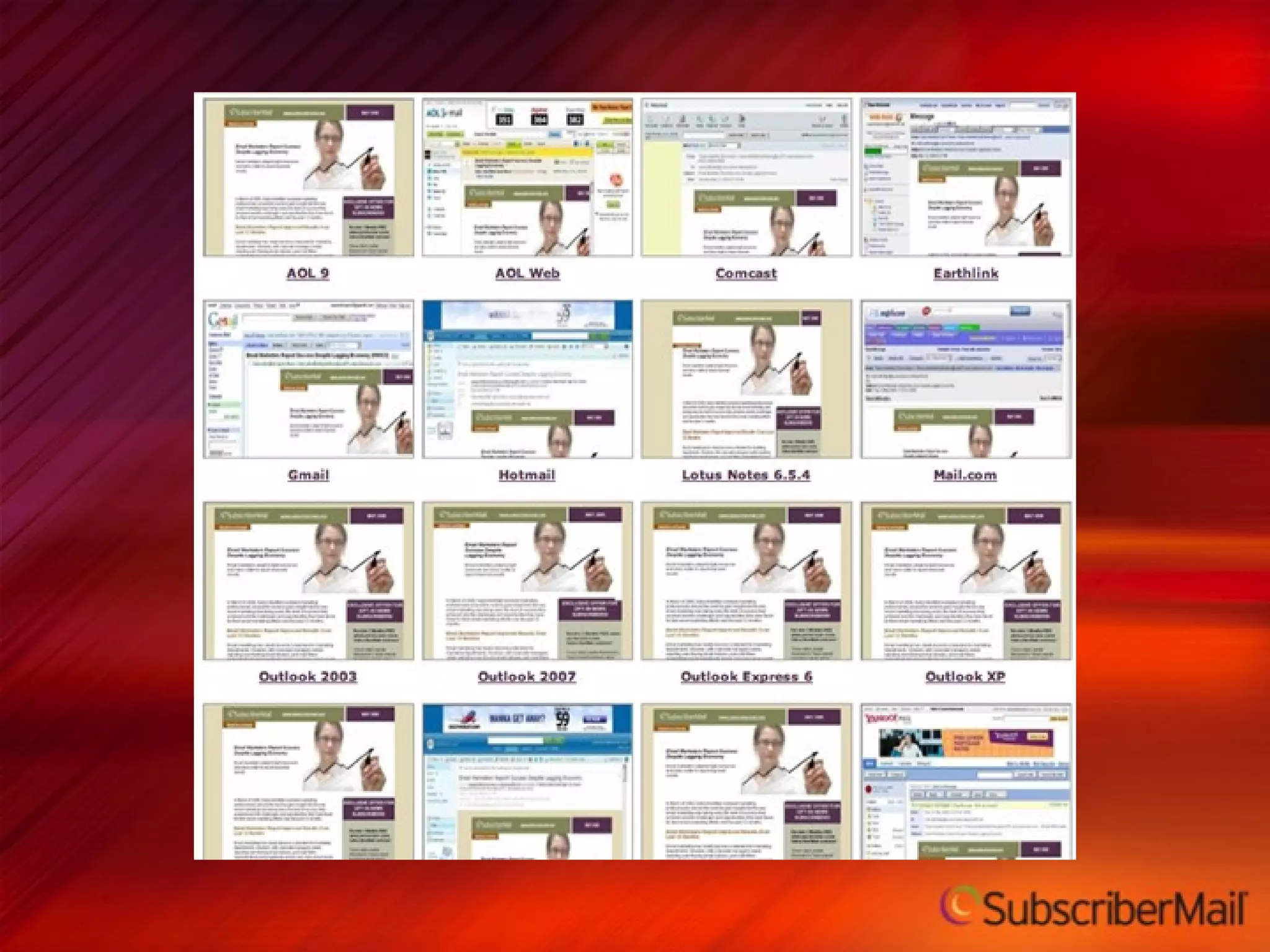
Consistency across email clients 5
 
 
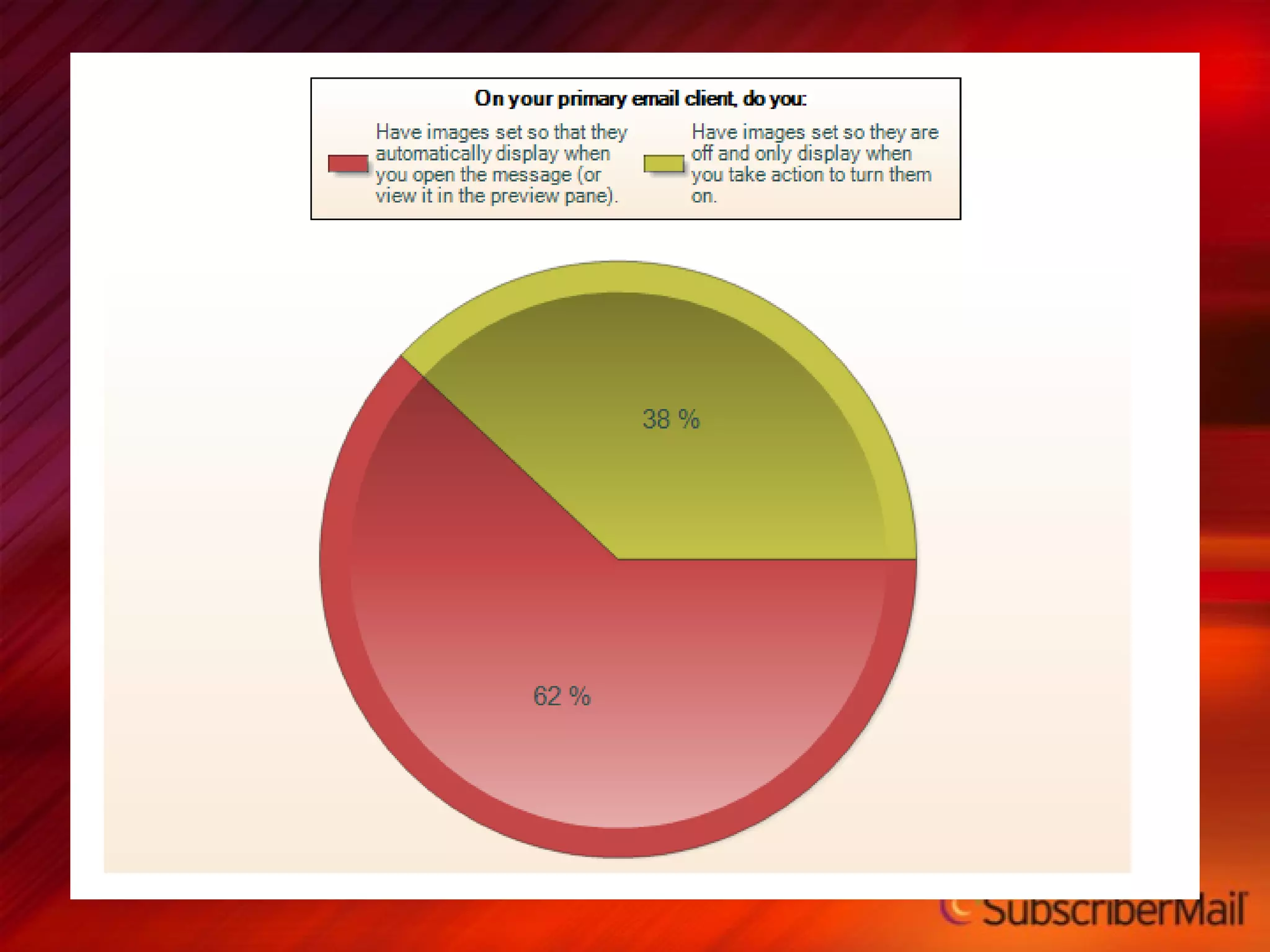
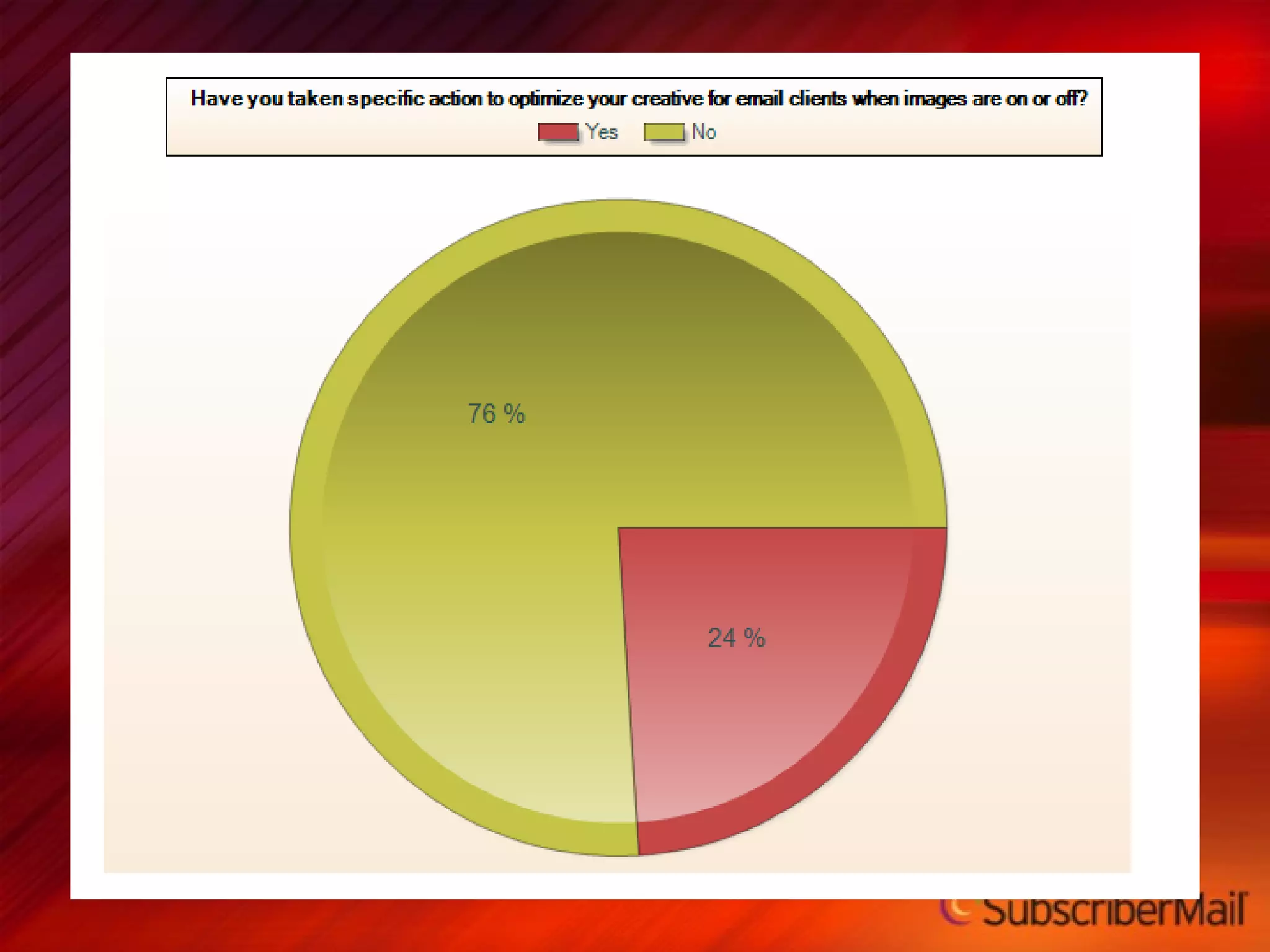
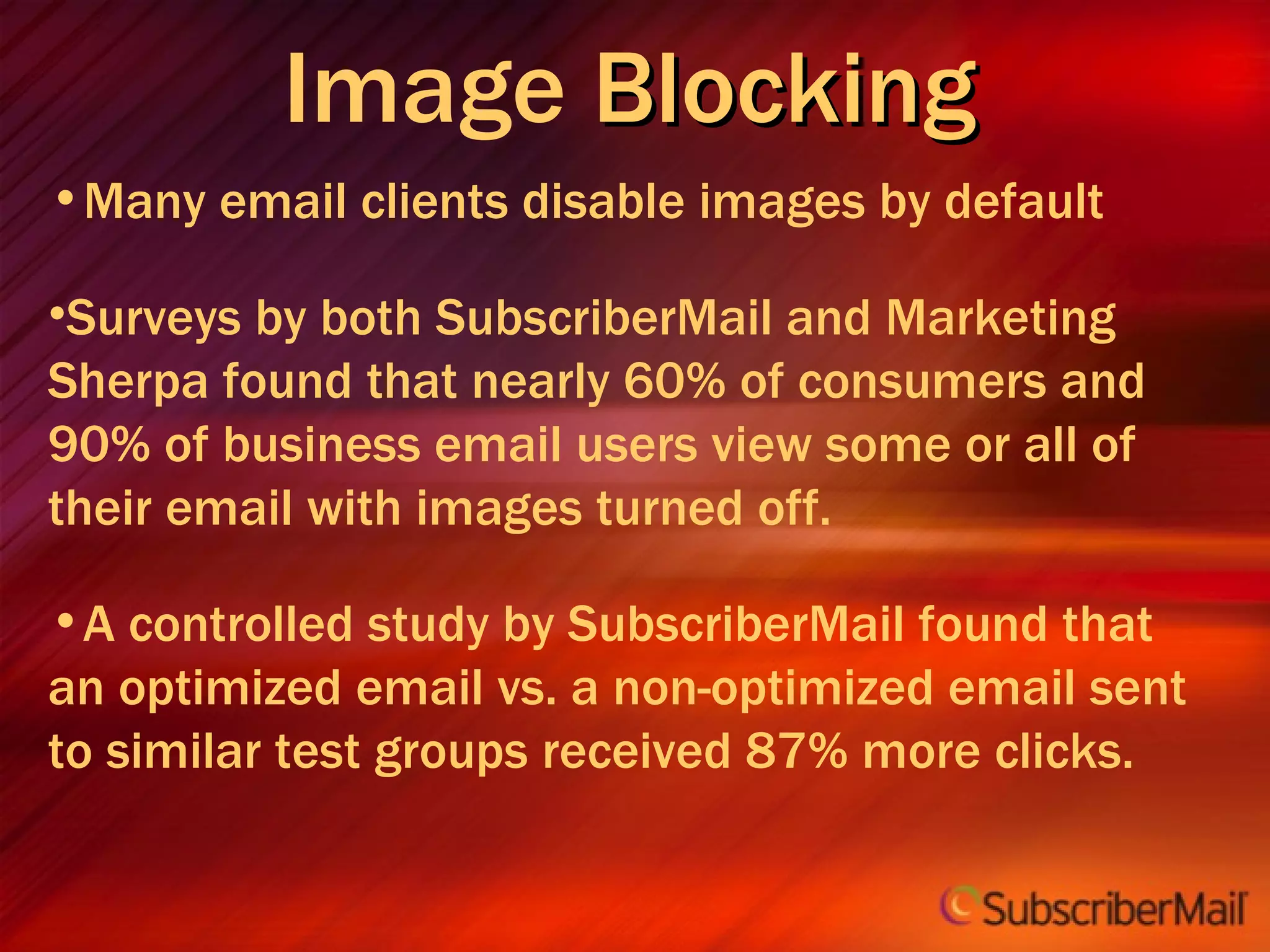
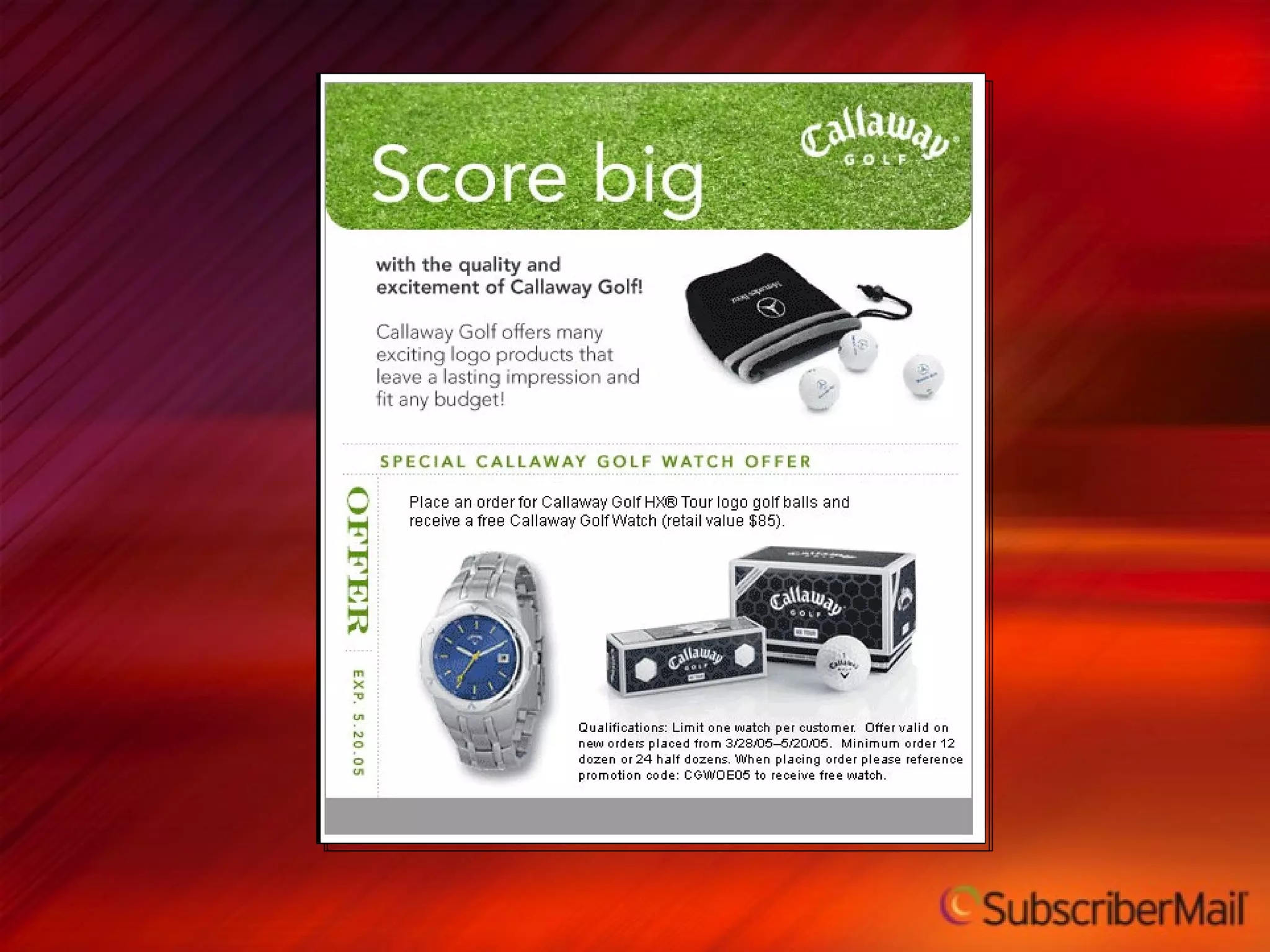
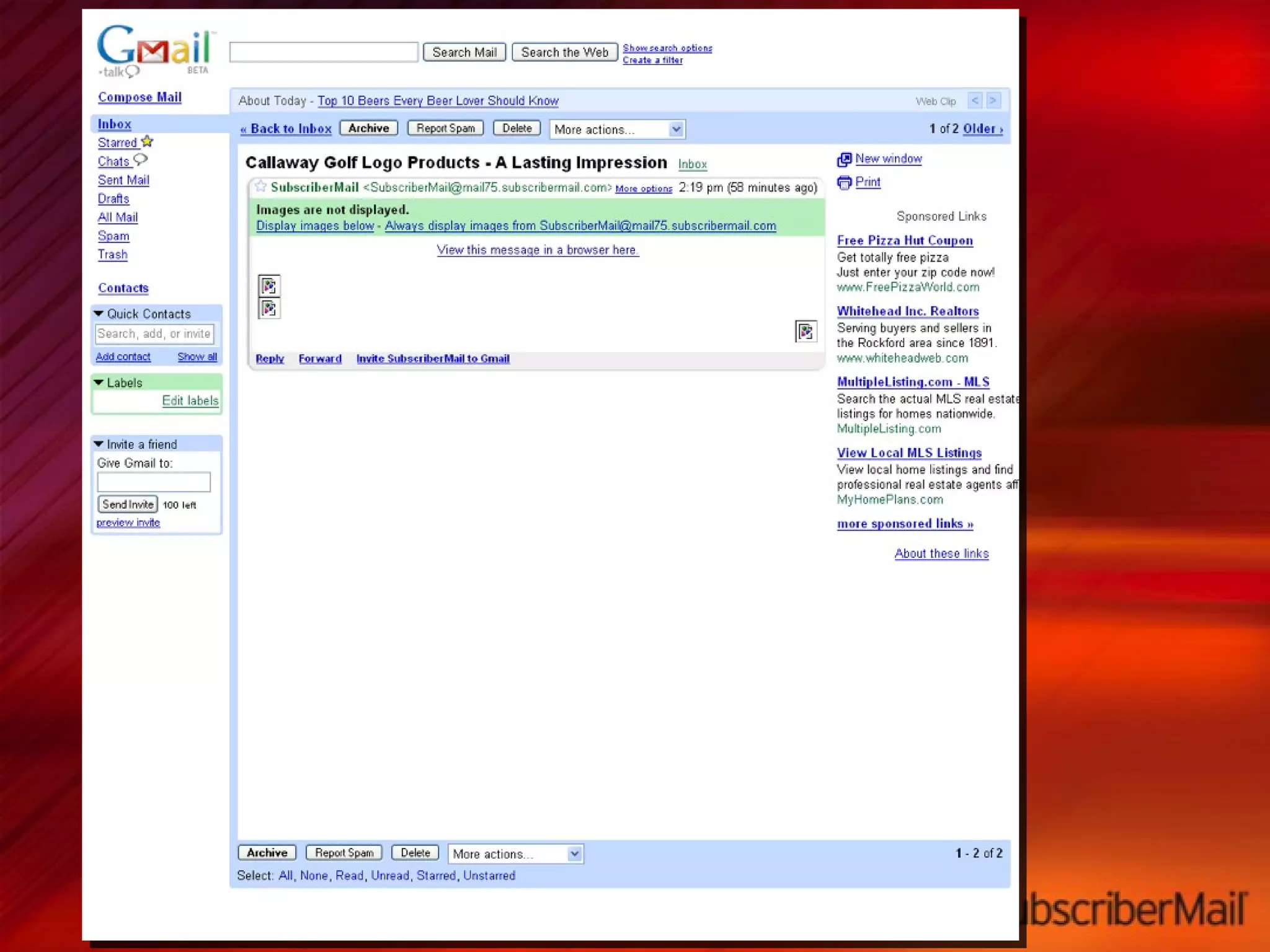
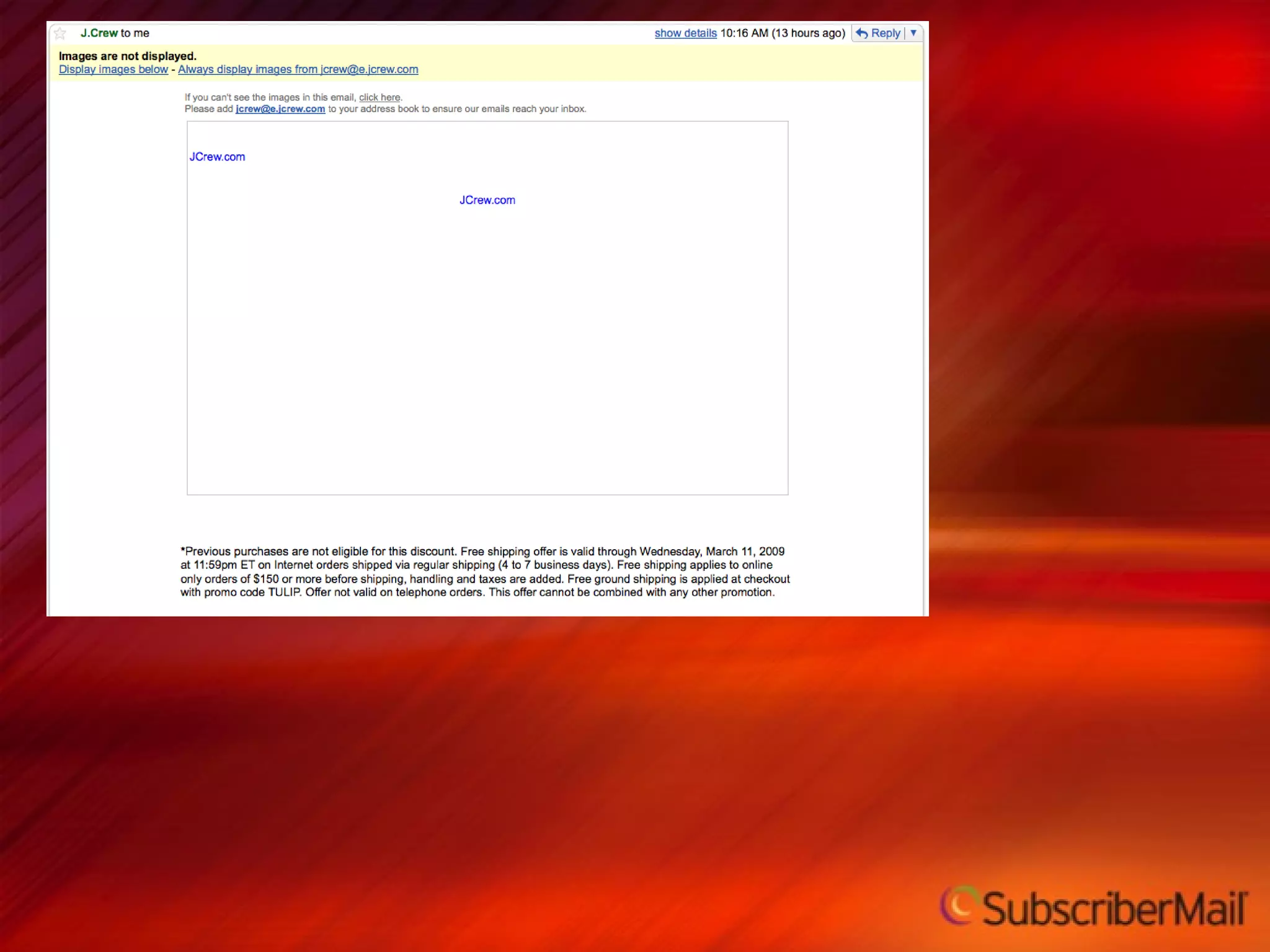
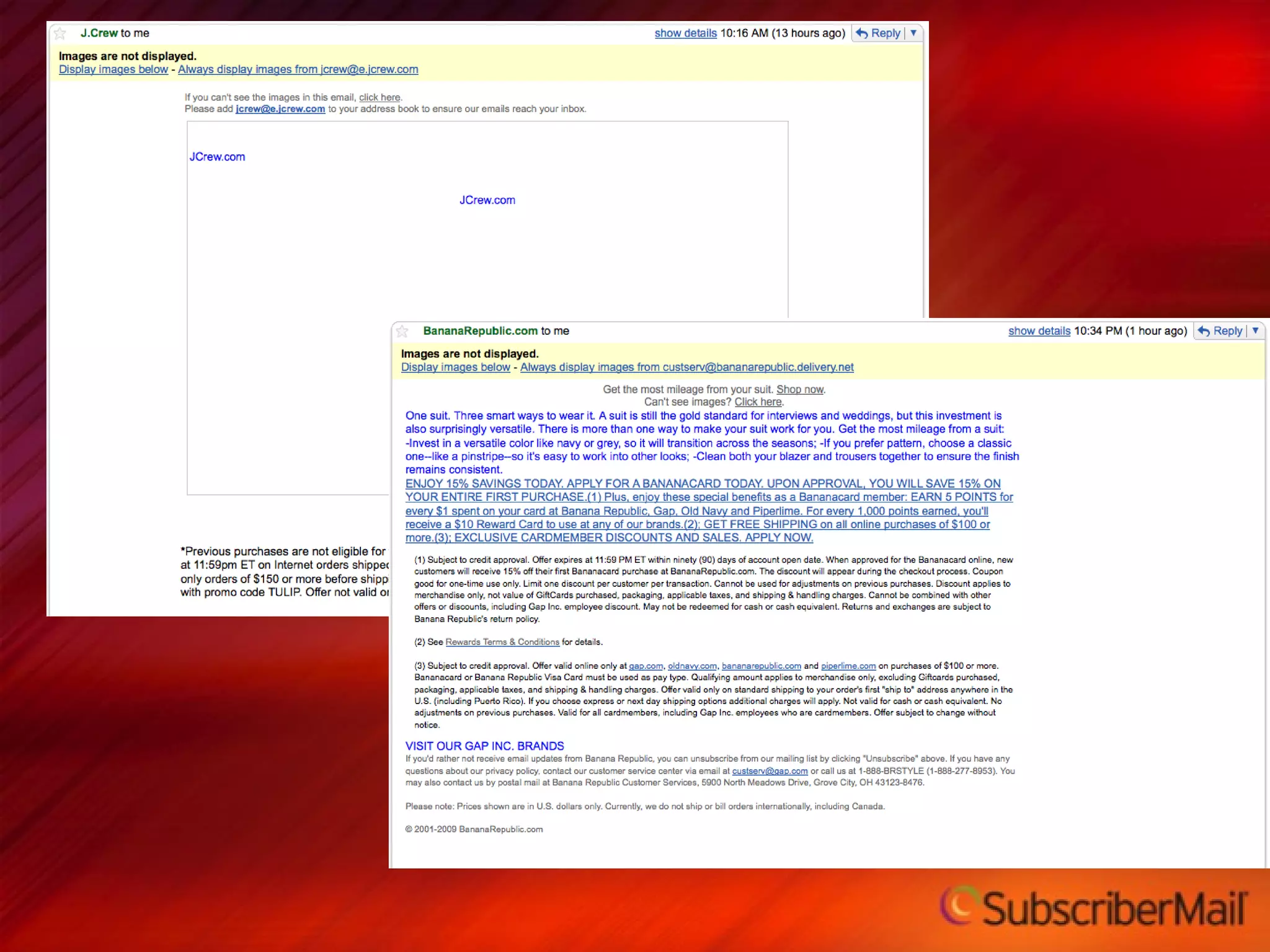
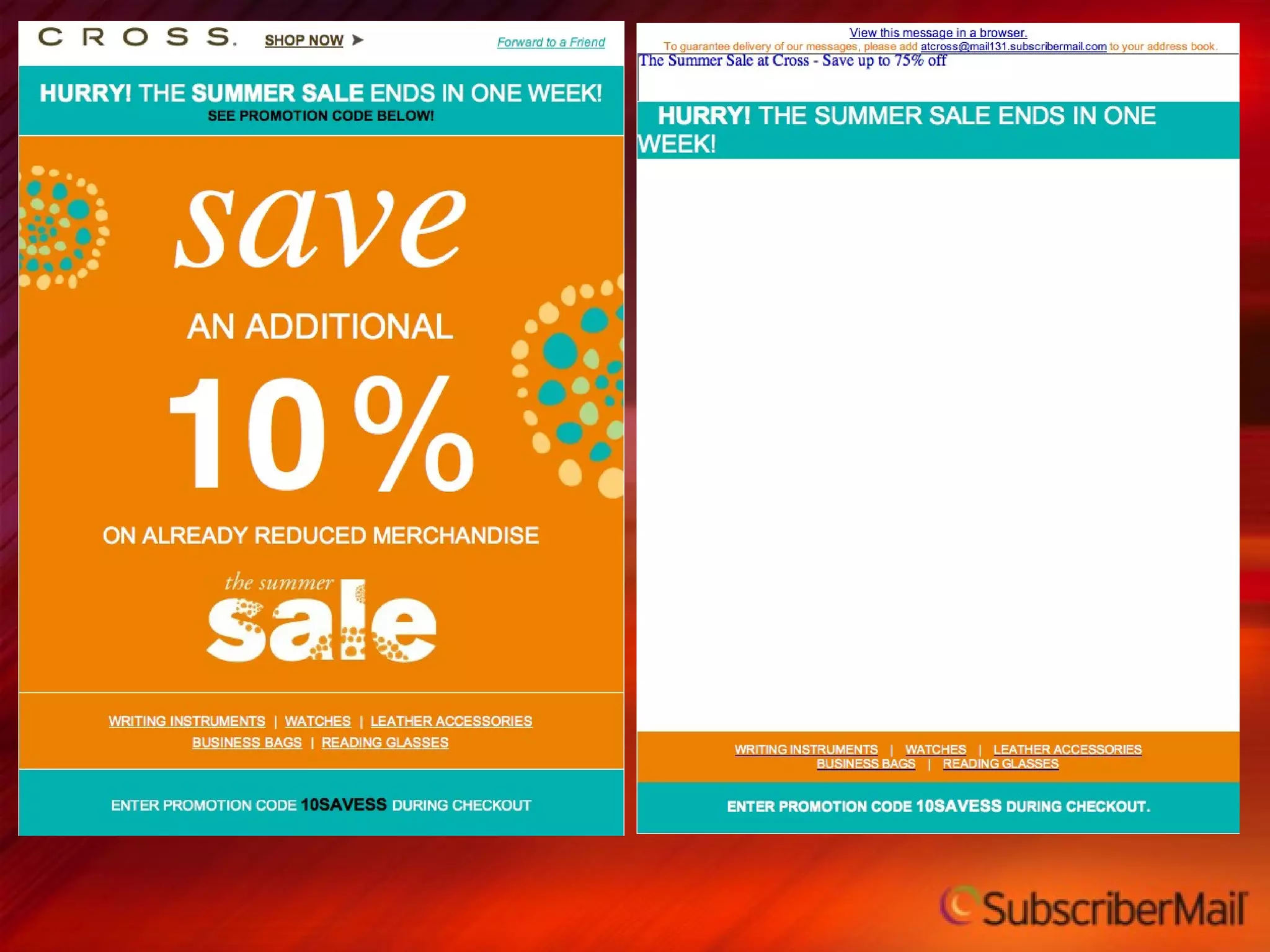
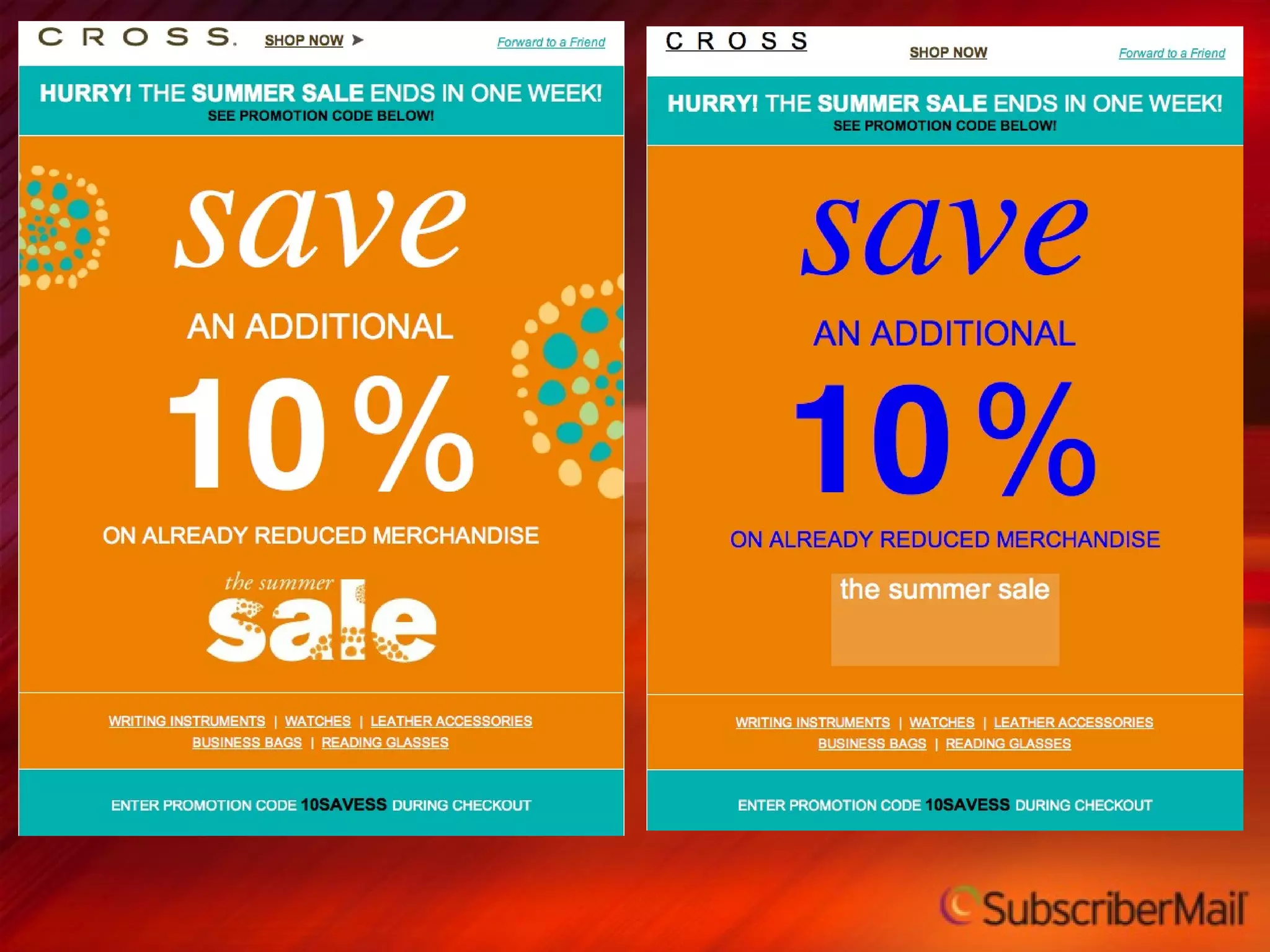
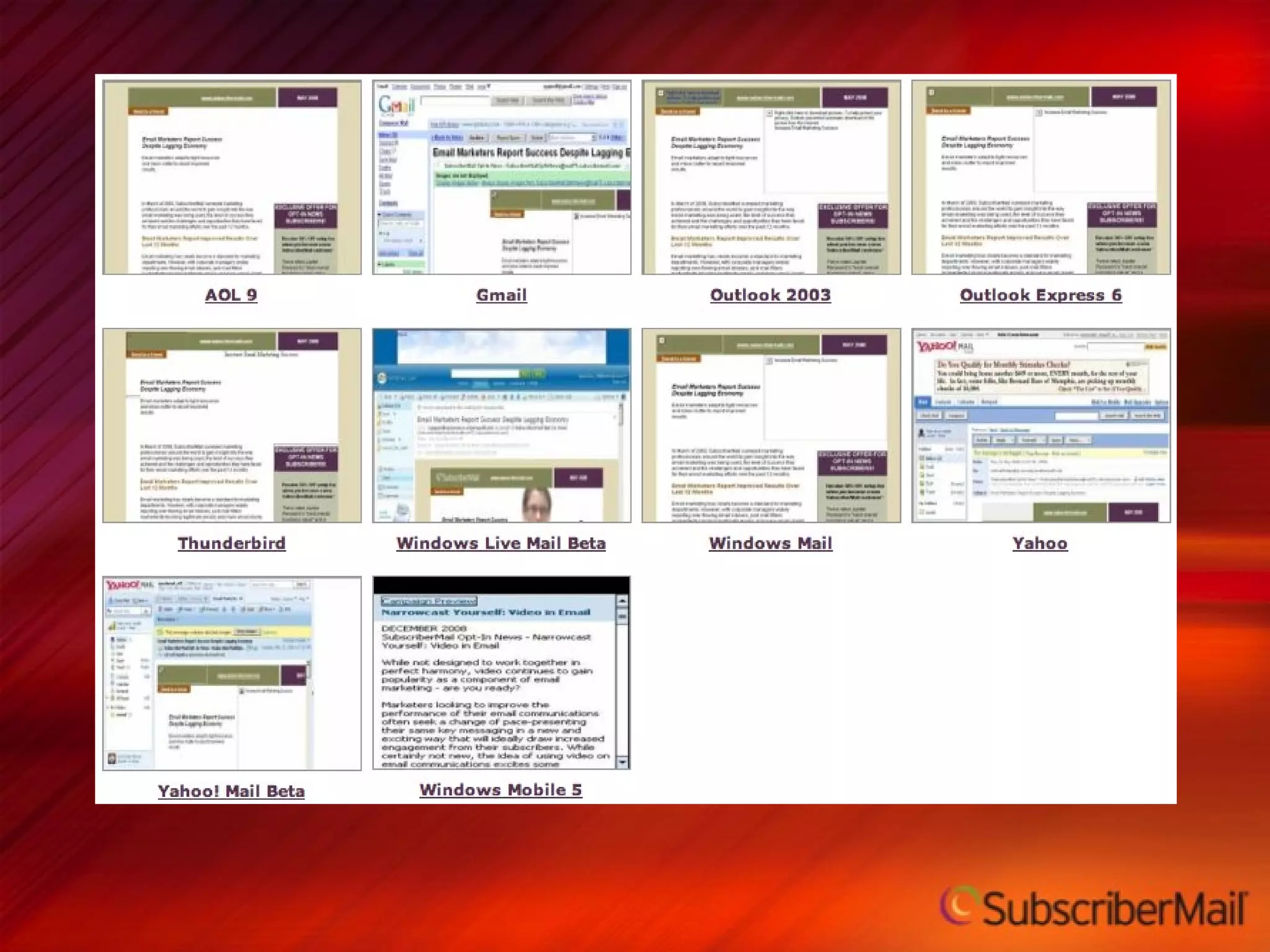
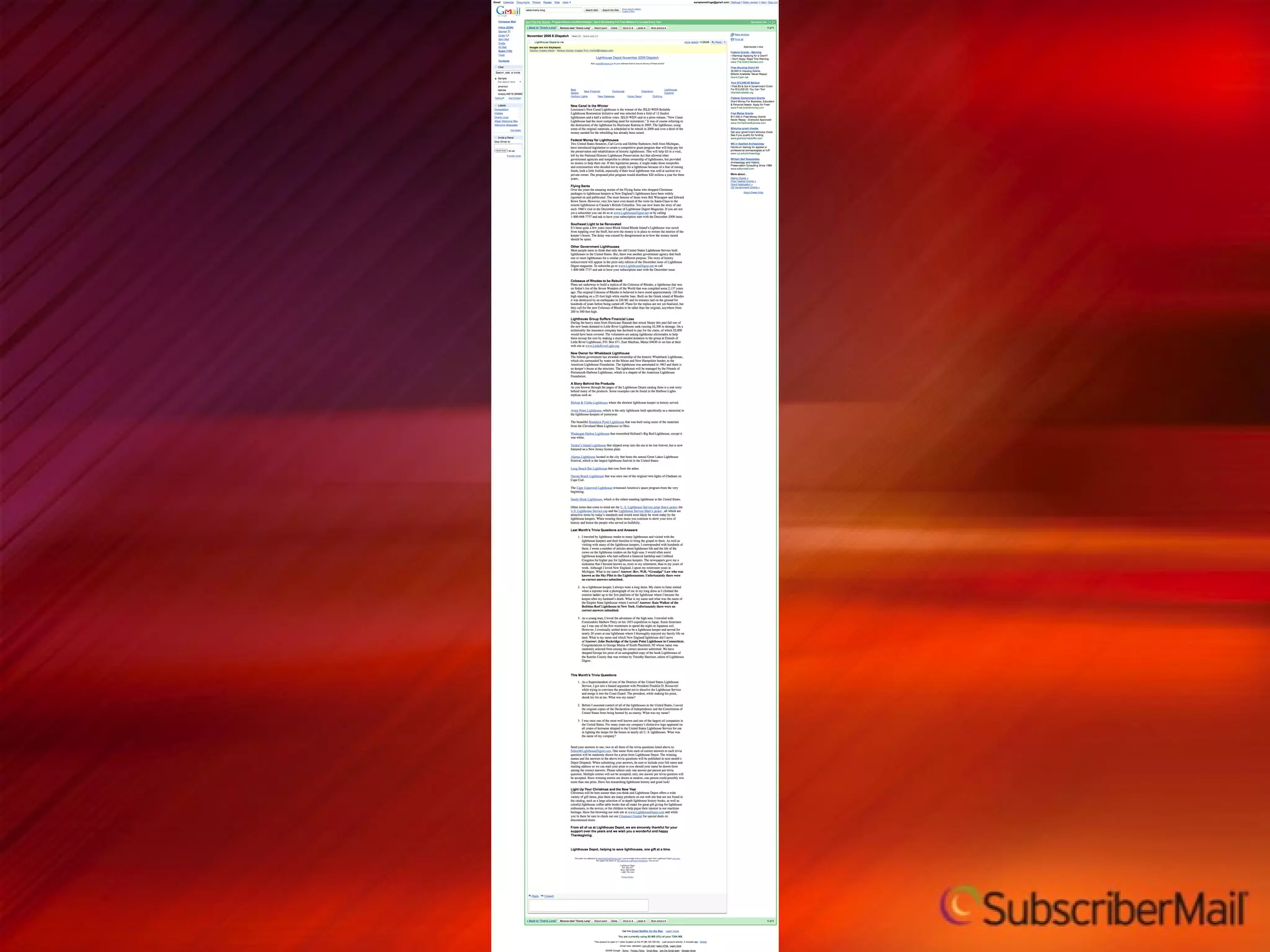
Image  Blocking   Many email clients disable images by default Surveys by both SubscriberMail and Marketing Sherpa found that nearly 60% of consumers and 90% of business email users view some or all of their email with images turned off. A controlled study by SubscriberMail found that an optimized email vs. a non-optimized email sent to similar test groups received 87% more clicks.


Preview Technology  Test across multiple email clients Identify layout and rendering issues before it’s too late Allows for testing with or without images suppressed
 
 
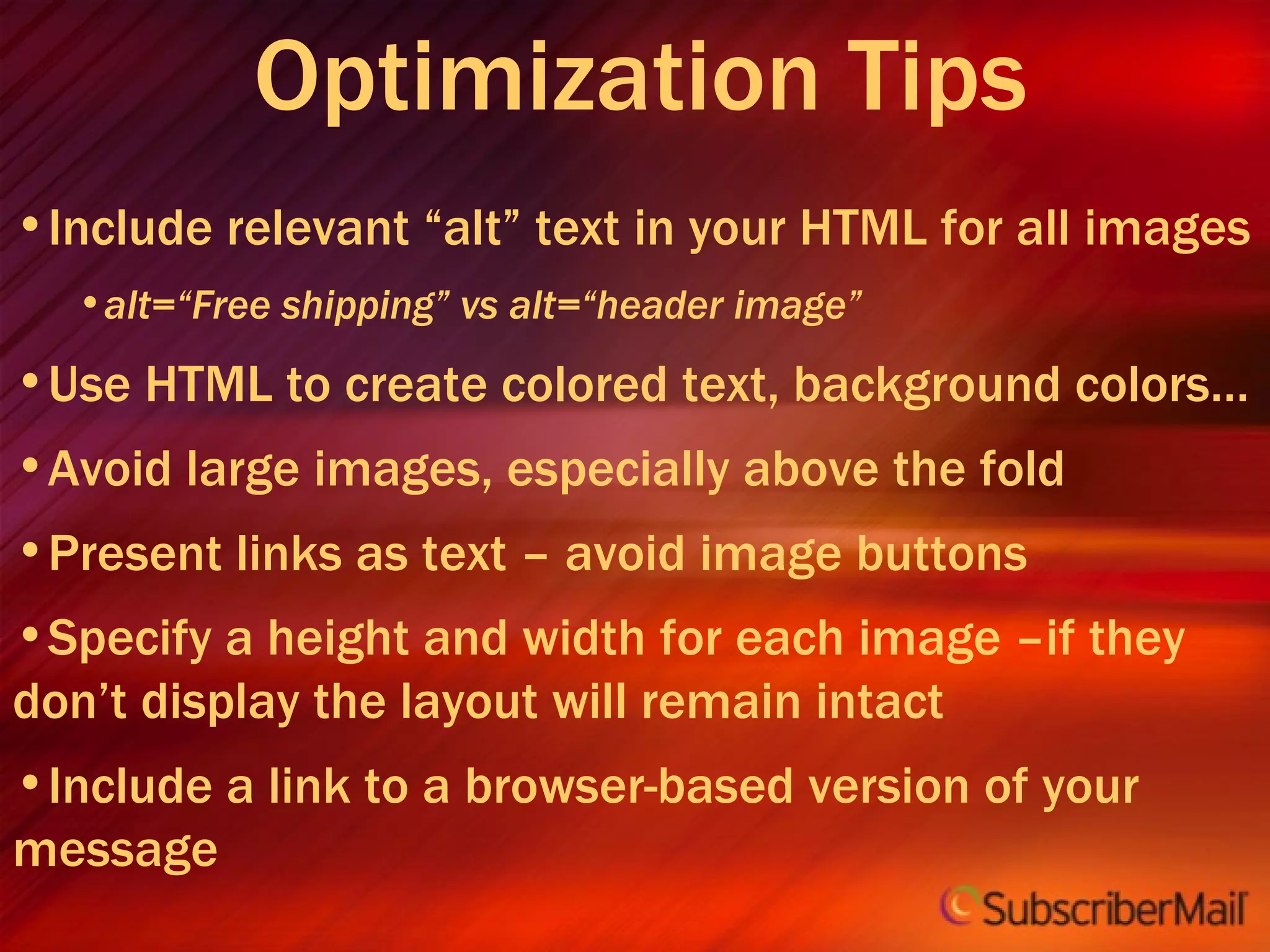
Optimization Tips Include relevant “alt” text in your HTML for all images alt=“Free shipping” vs alt=“header image” Use HTML to create colored text, background colors… Avoid large images, especially above the fold Present links as text – avoid image buttons Specify a height and width for each image –if they don’t display the layout will remain intact Include a link to a browser-based version of your message
Copy, Content and Offers 6
Copy Guidelines Test, test, test Experiment with readers’ preferences for bulleted text versus details. Use strong headlines that grab! Test both long and short versions on your readers Summarize content for easy scanning. Call to action should be prominently above the fold and also at the bottom Include multiple links to main destination as appropriate.
Additional Copy Ideas Add a special message for inactives We’ve missed you! Add a special message for new customers Welcome to the our family! Add a special message to prospects on file We have the highest Security encryption available today Our company has over 50 years….
 
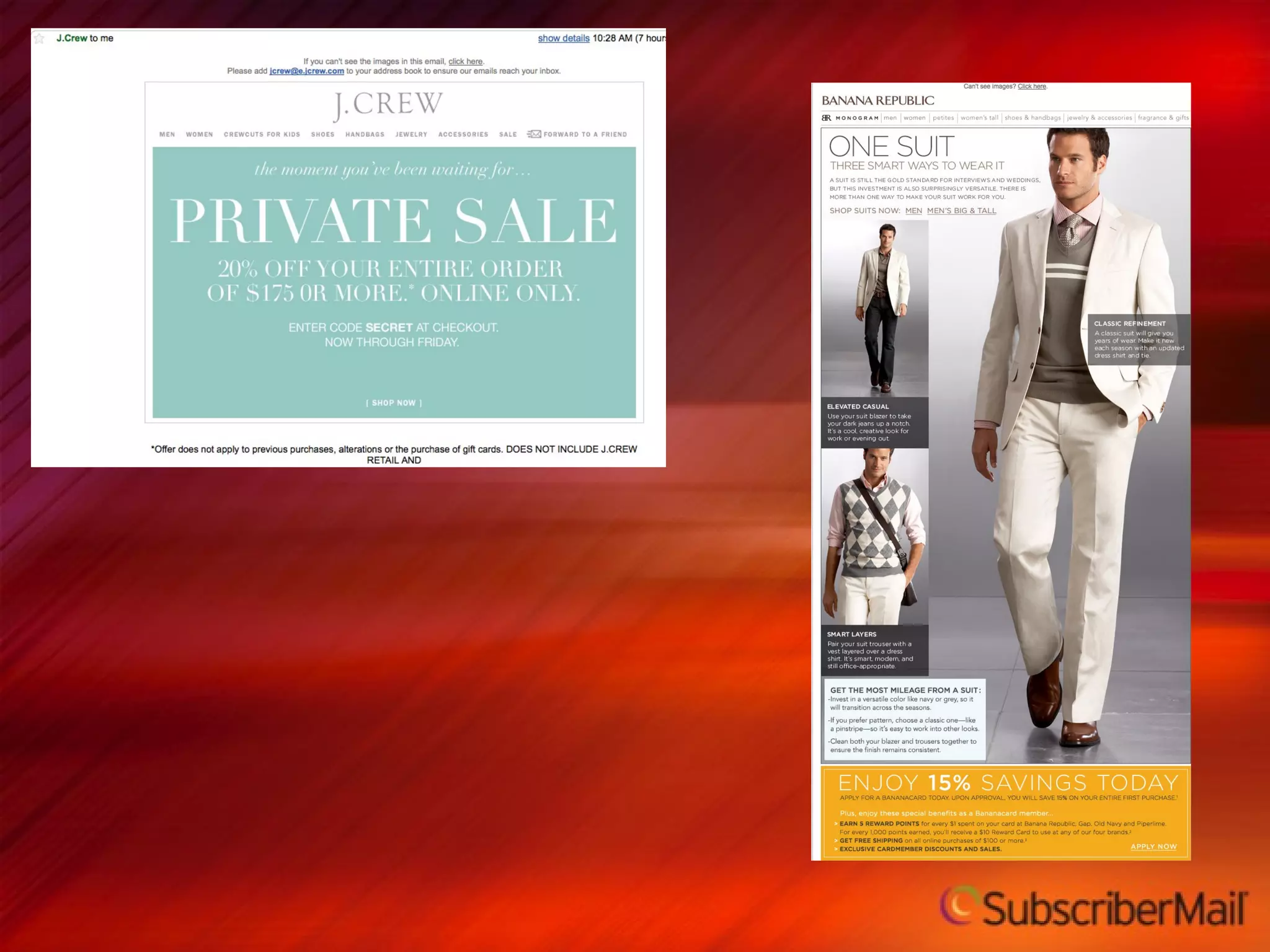
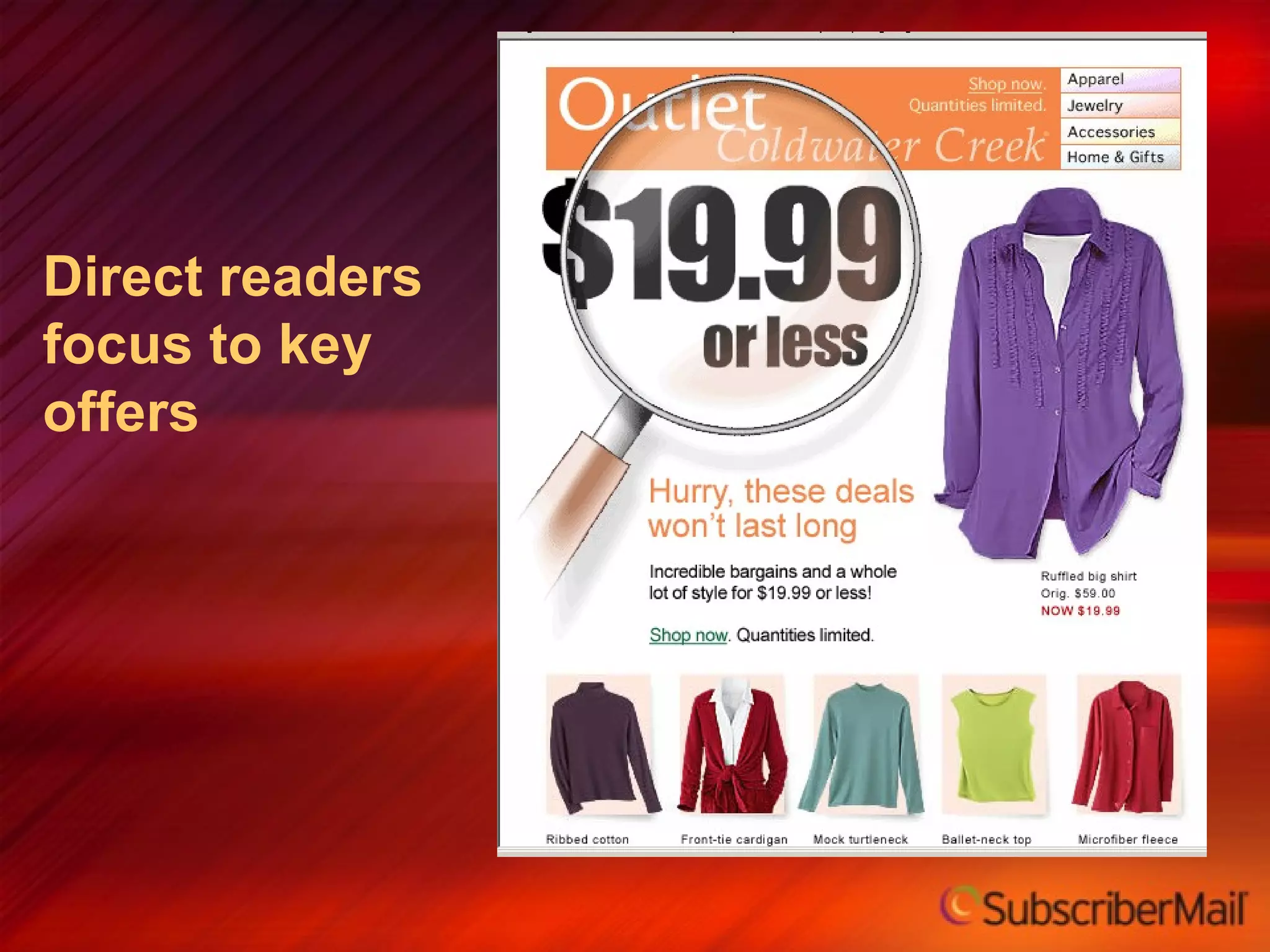
Direct readers focus to key offers
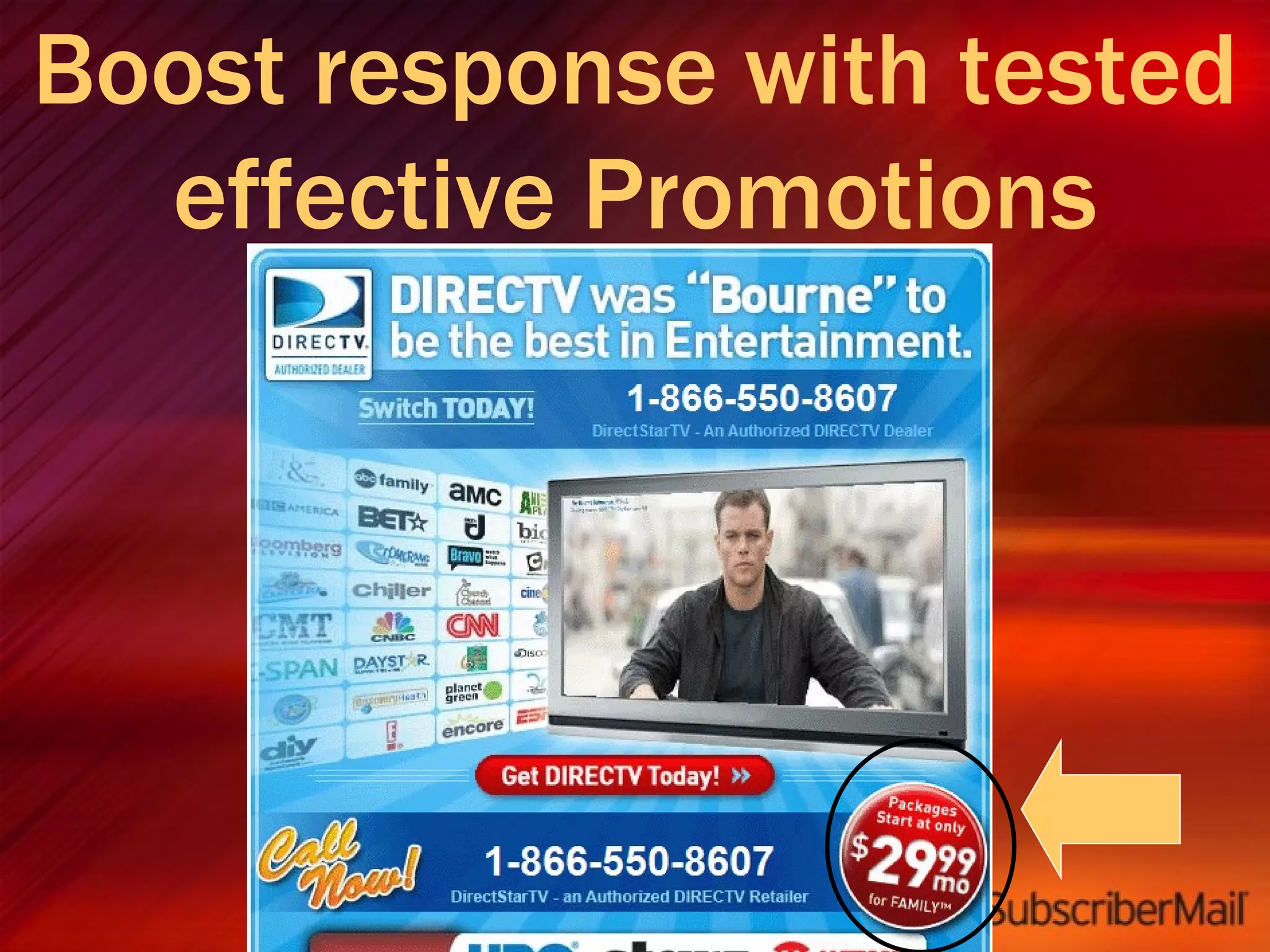
Boost response with tested effective Promotions
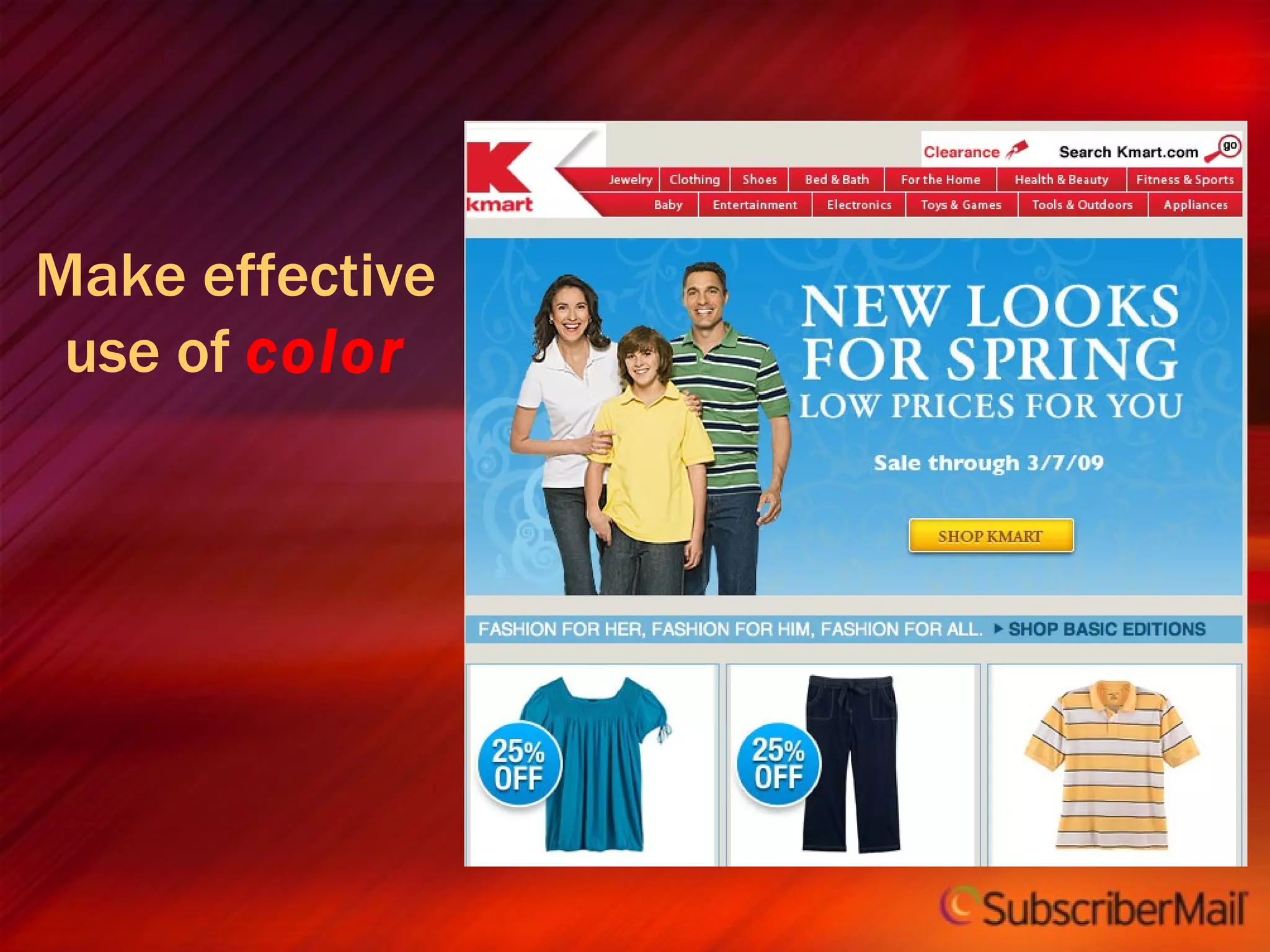
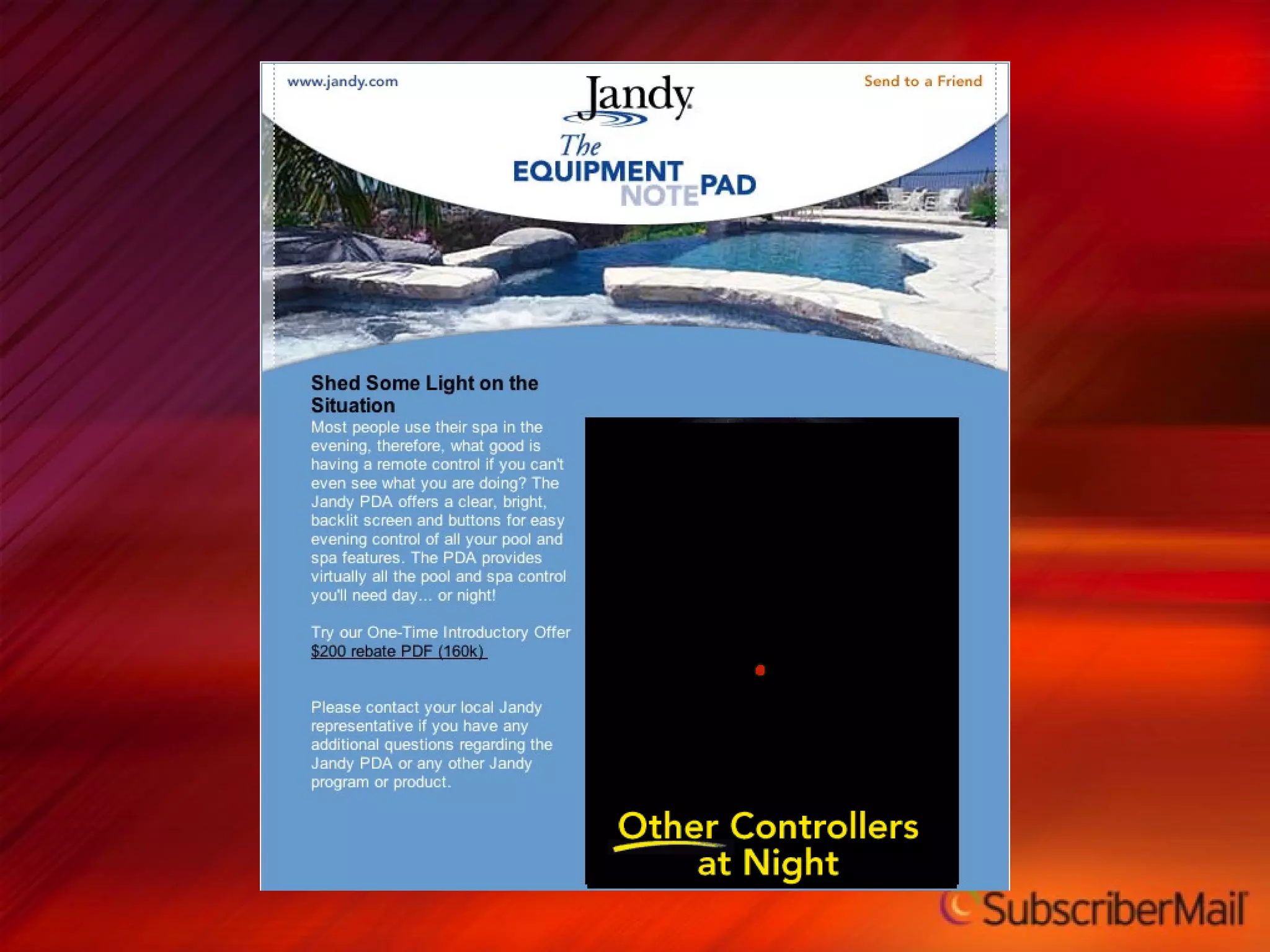
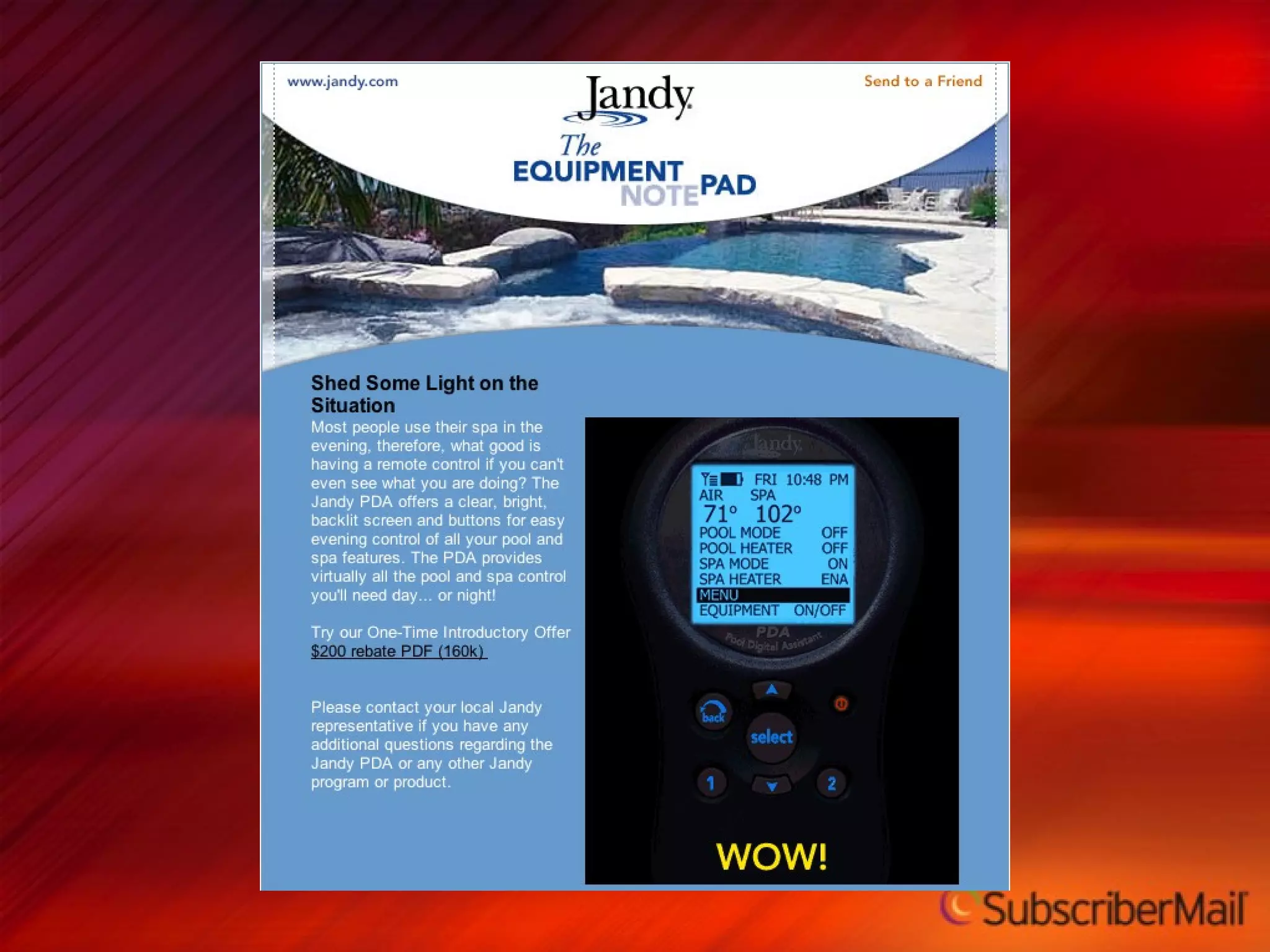
Make effective use of  color
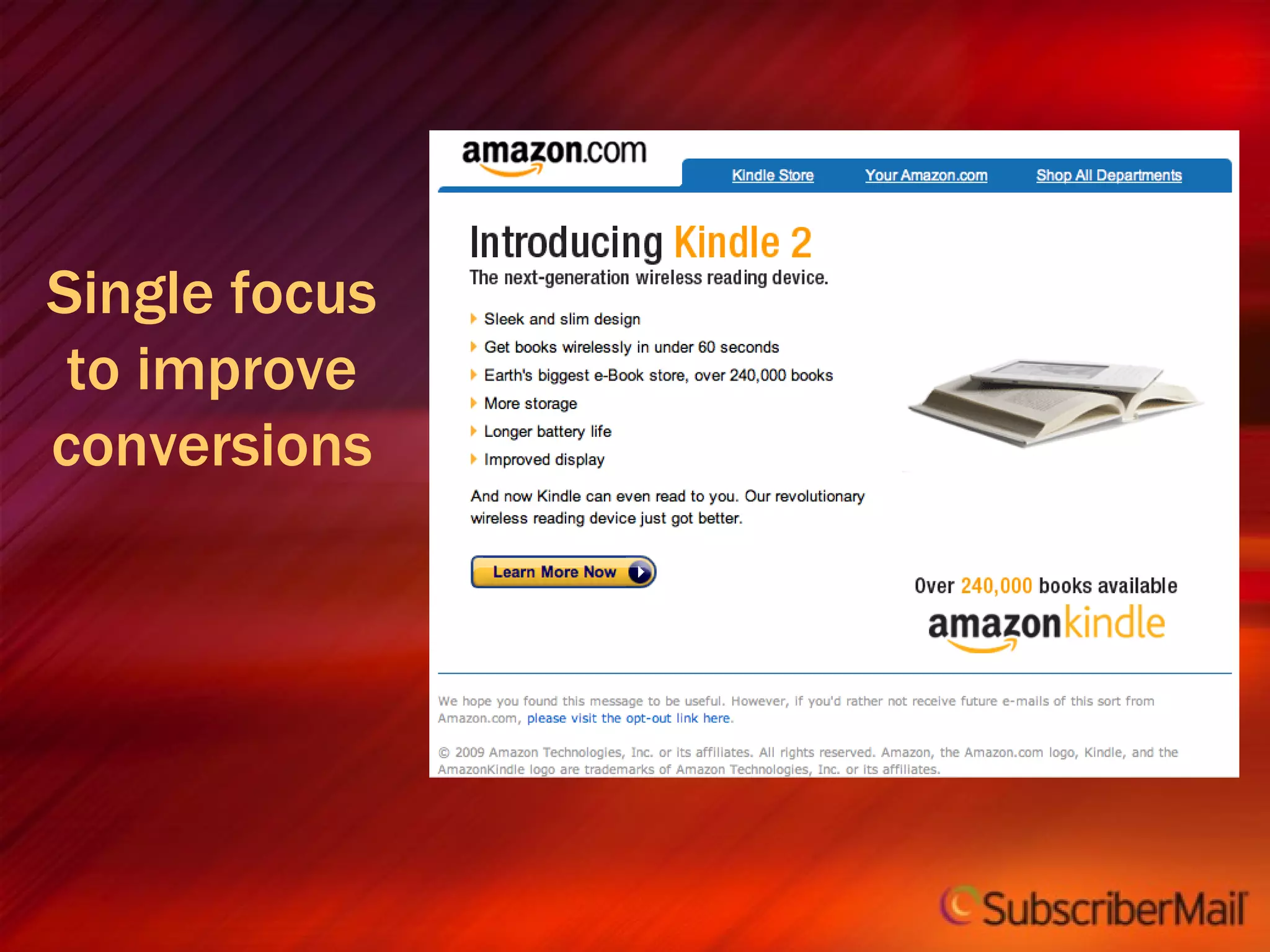
Single focus to improve conversions
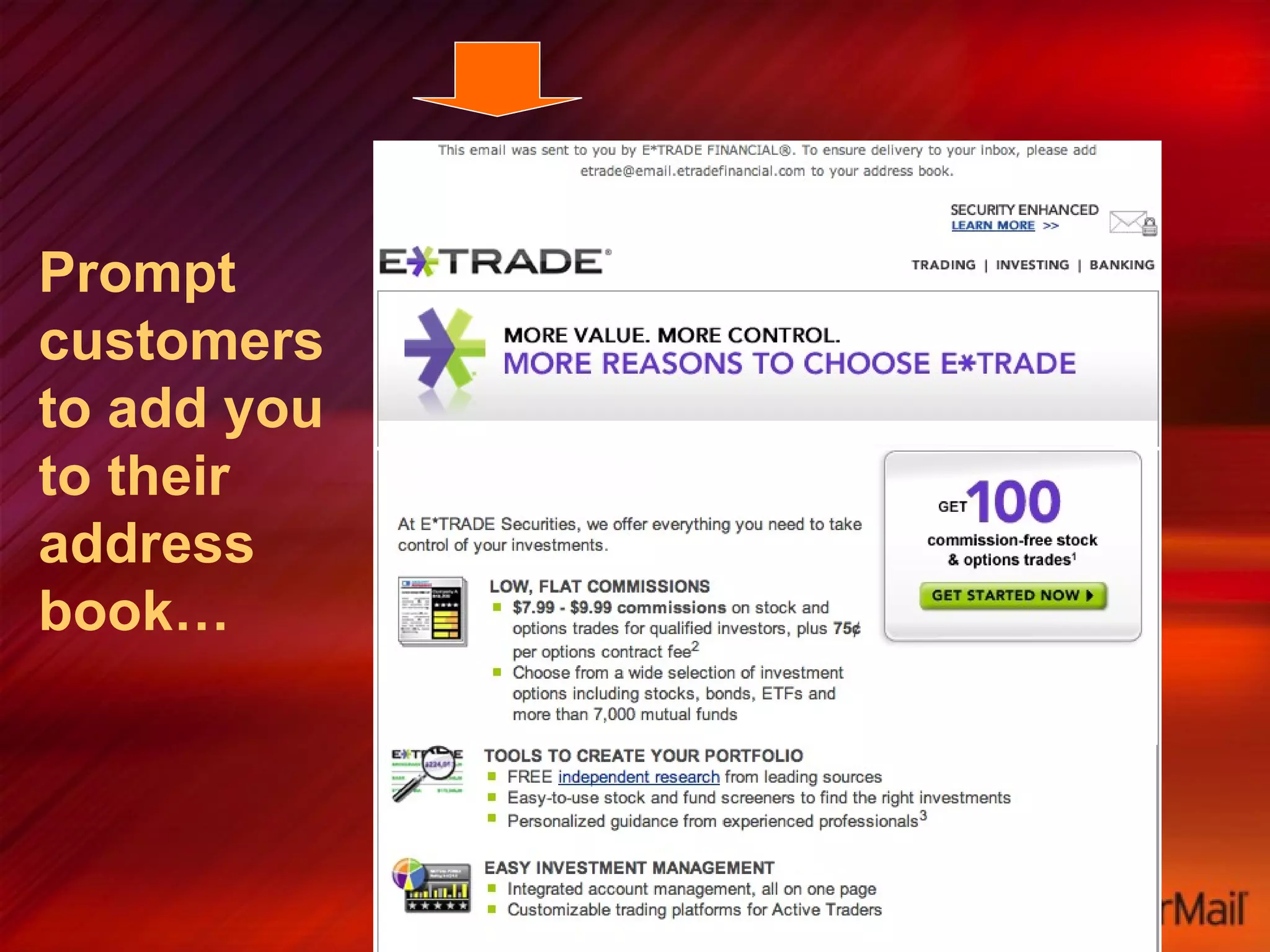
Prompt customers to add you to their address book…
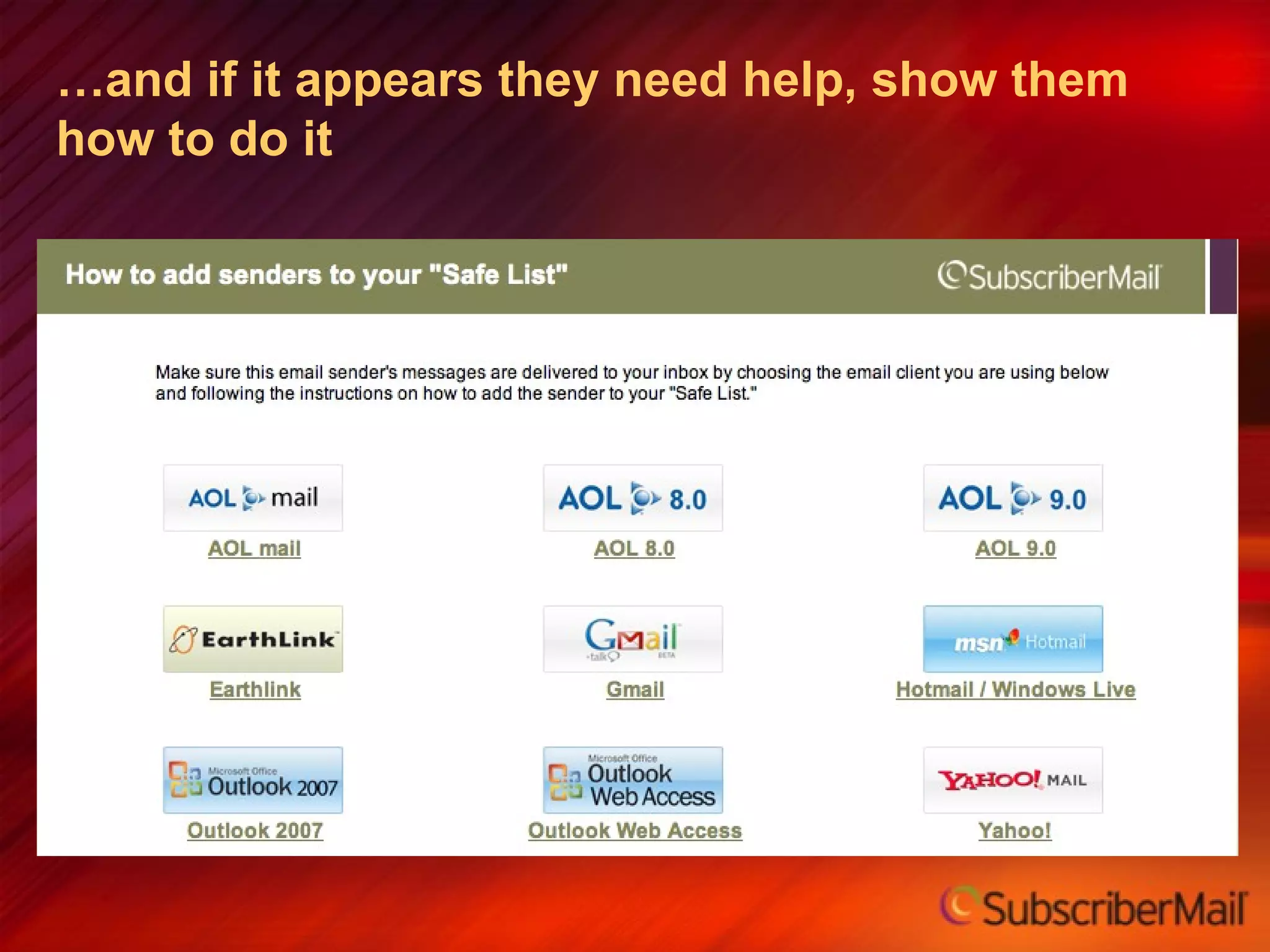
… and if it appears they need help, show them how to do it
Layout Guidelines Test and optimize “hot spots.” Generally, the top left quadrant is best placement for logo/branding. Avoid white text on dark backgrounds (default settings may delete background and type  will be “invisible”).
Design -Typography, Images  and  Rich Media 7
Try to keep email width under 600 pixels wide Keep it simple Avoid nested tables, multiple columns, etc Use caution and test: Style sheets URLs Email clients can strip out style sheets (solution: use inline styles and plan for CSS degradation) Don't use javascript, it will be stripped out Design Guidelines


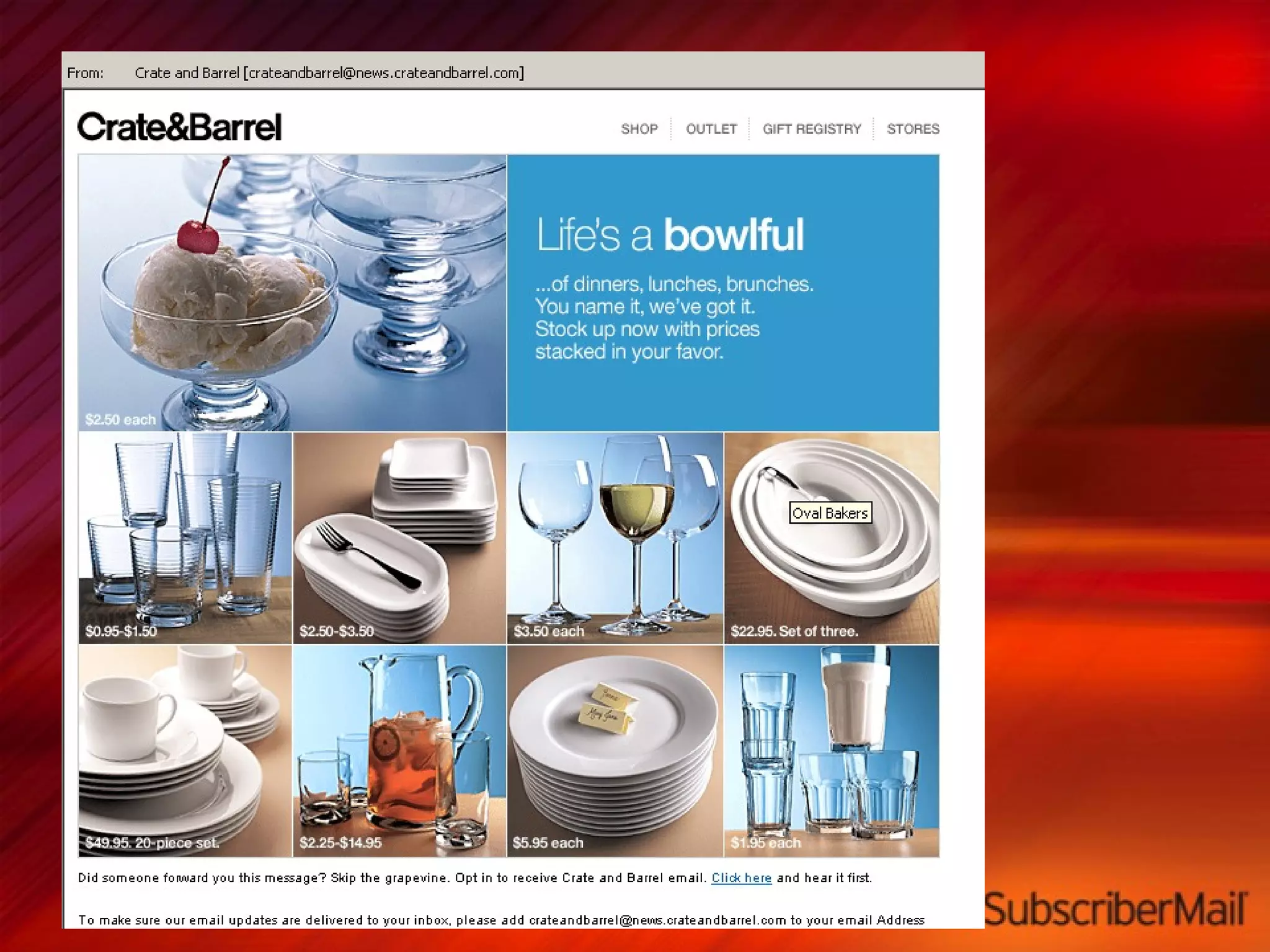
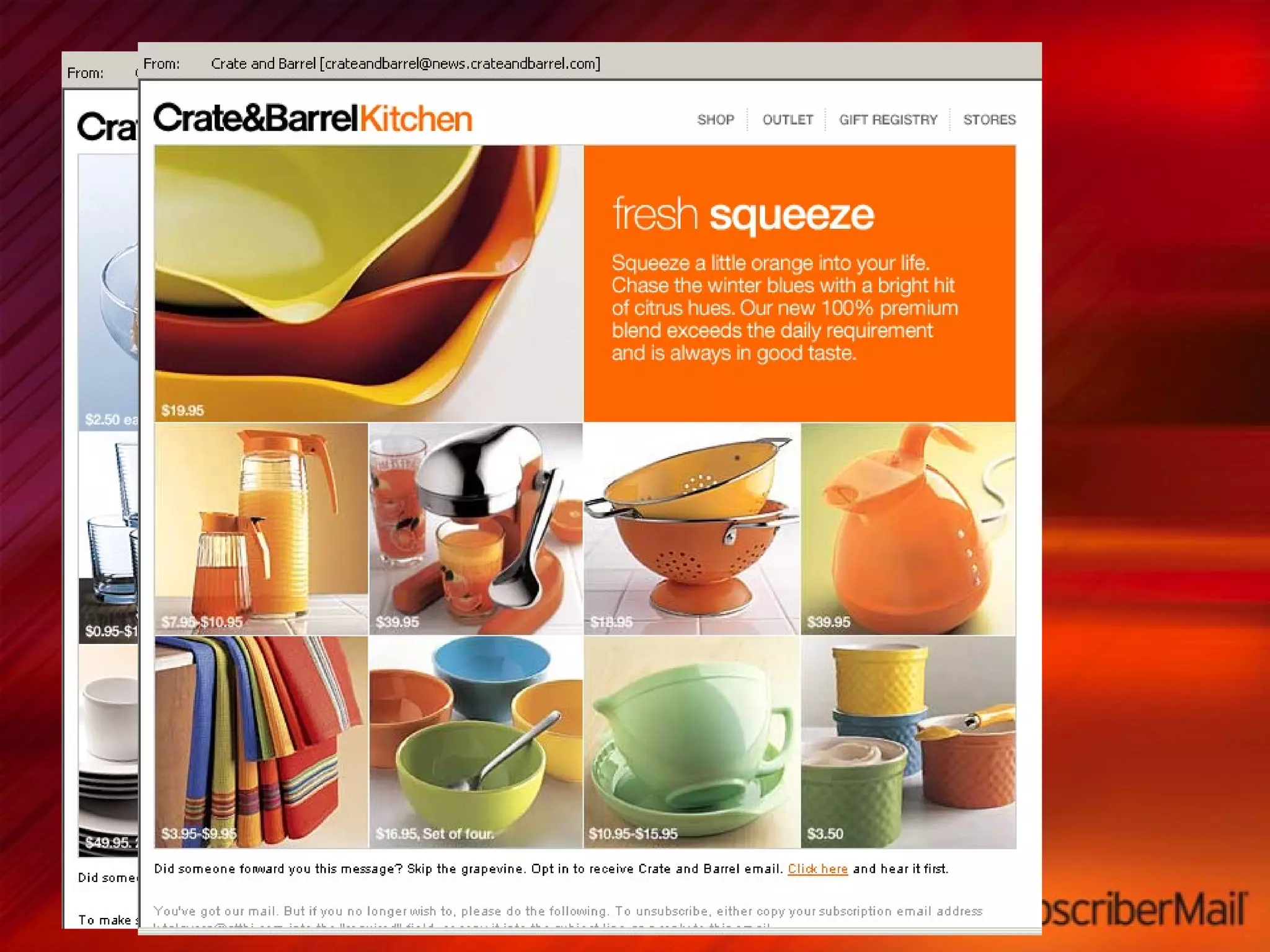
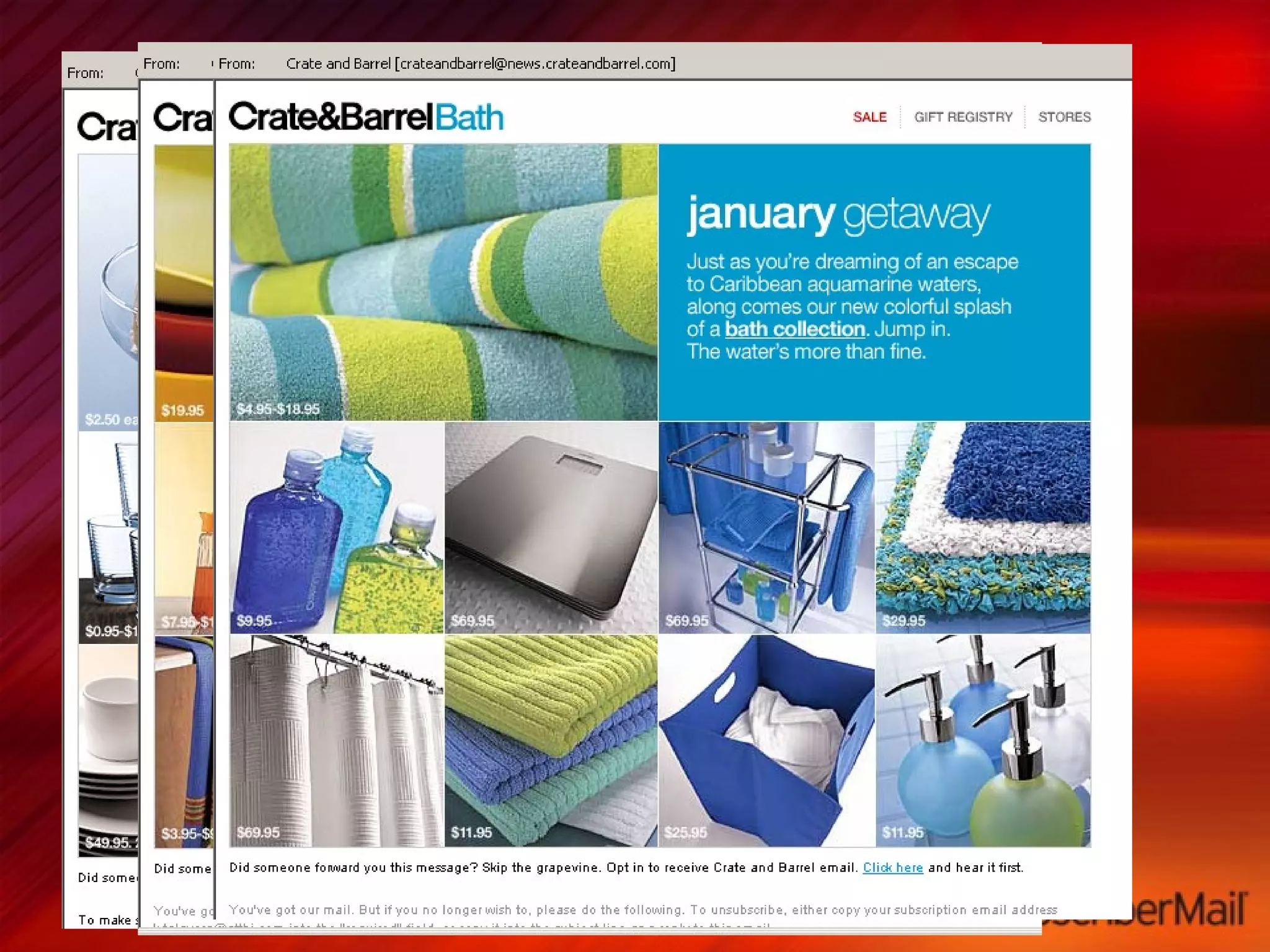
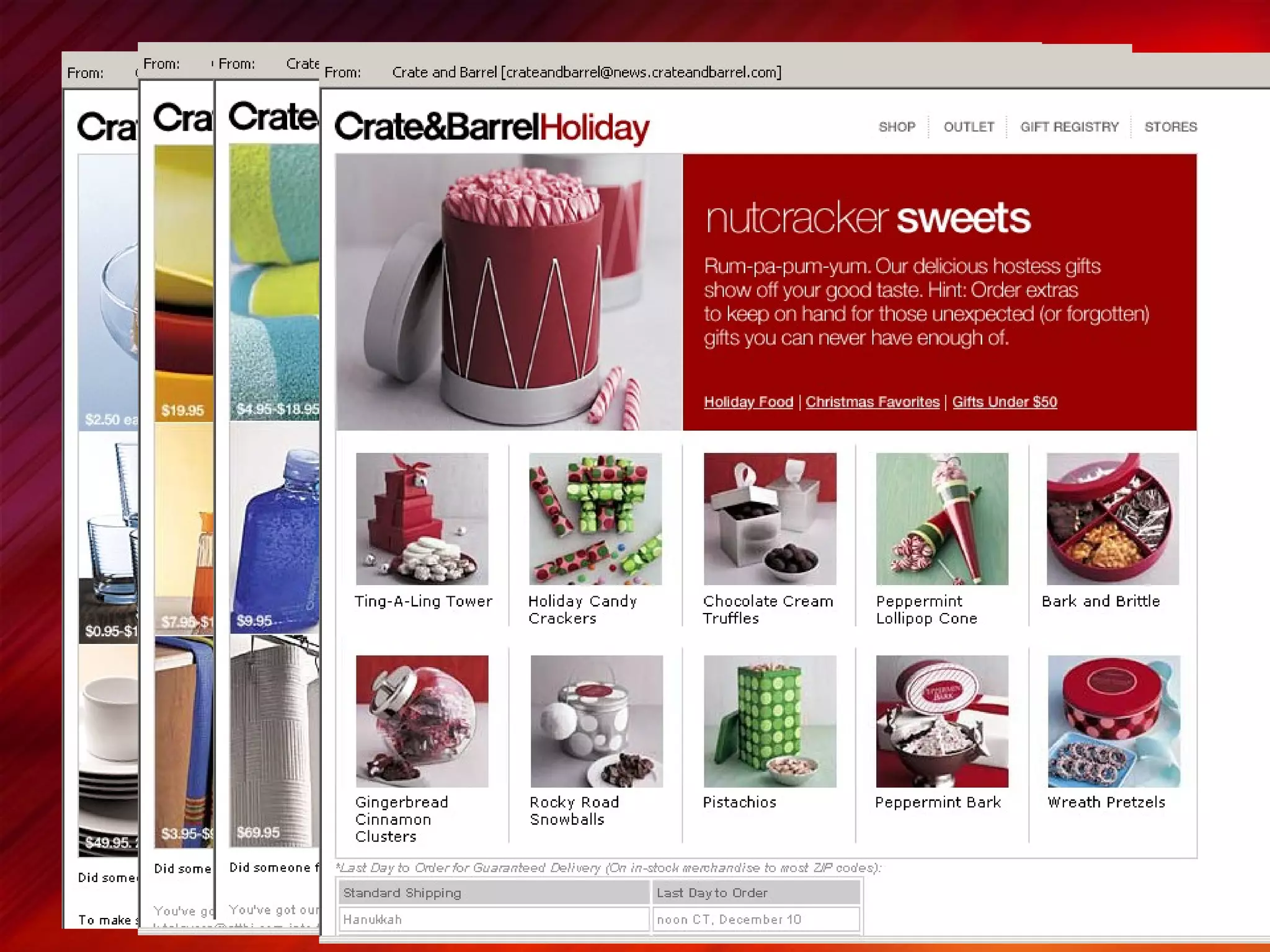
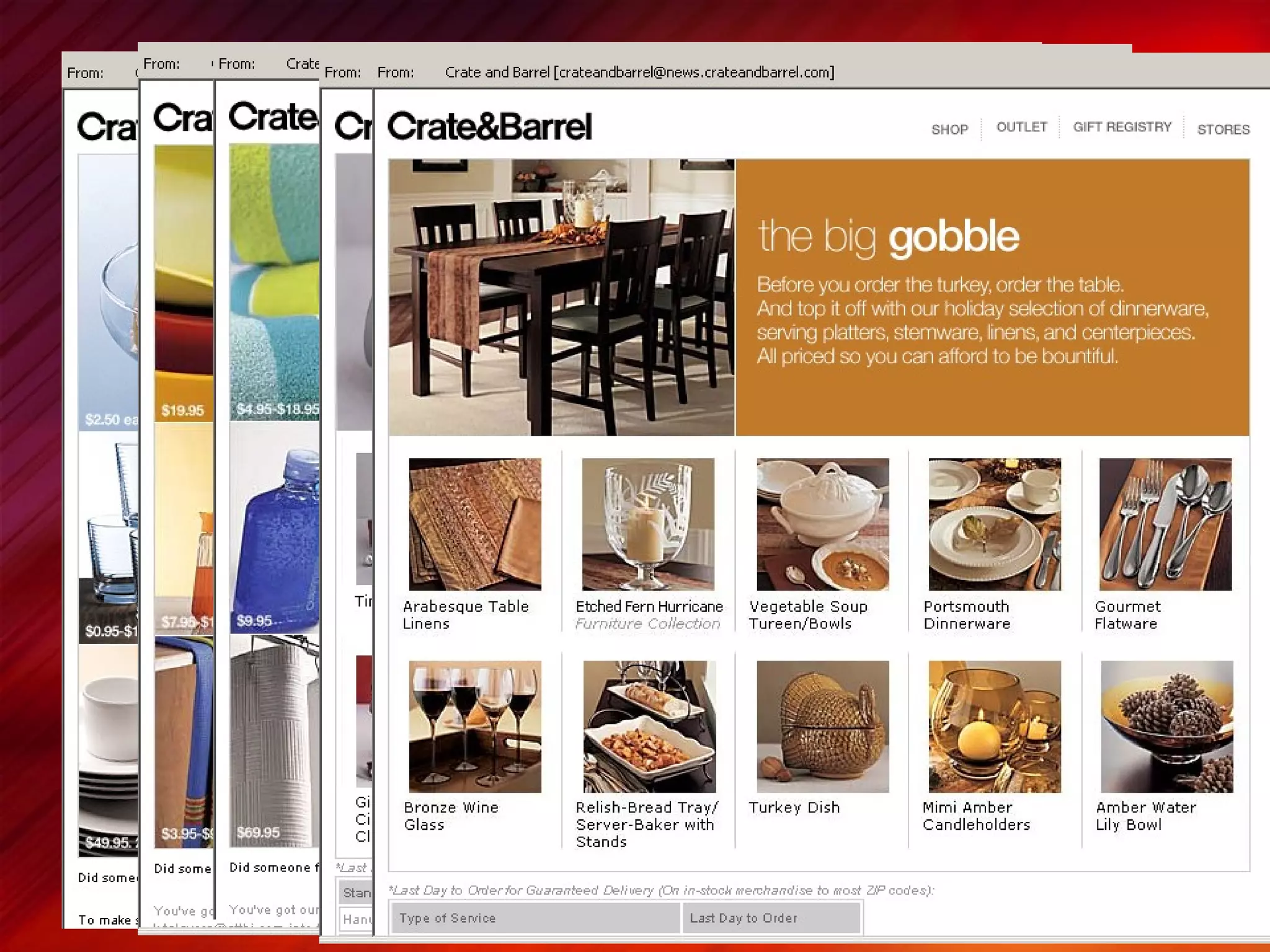
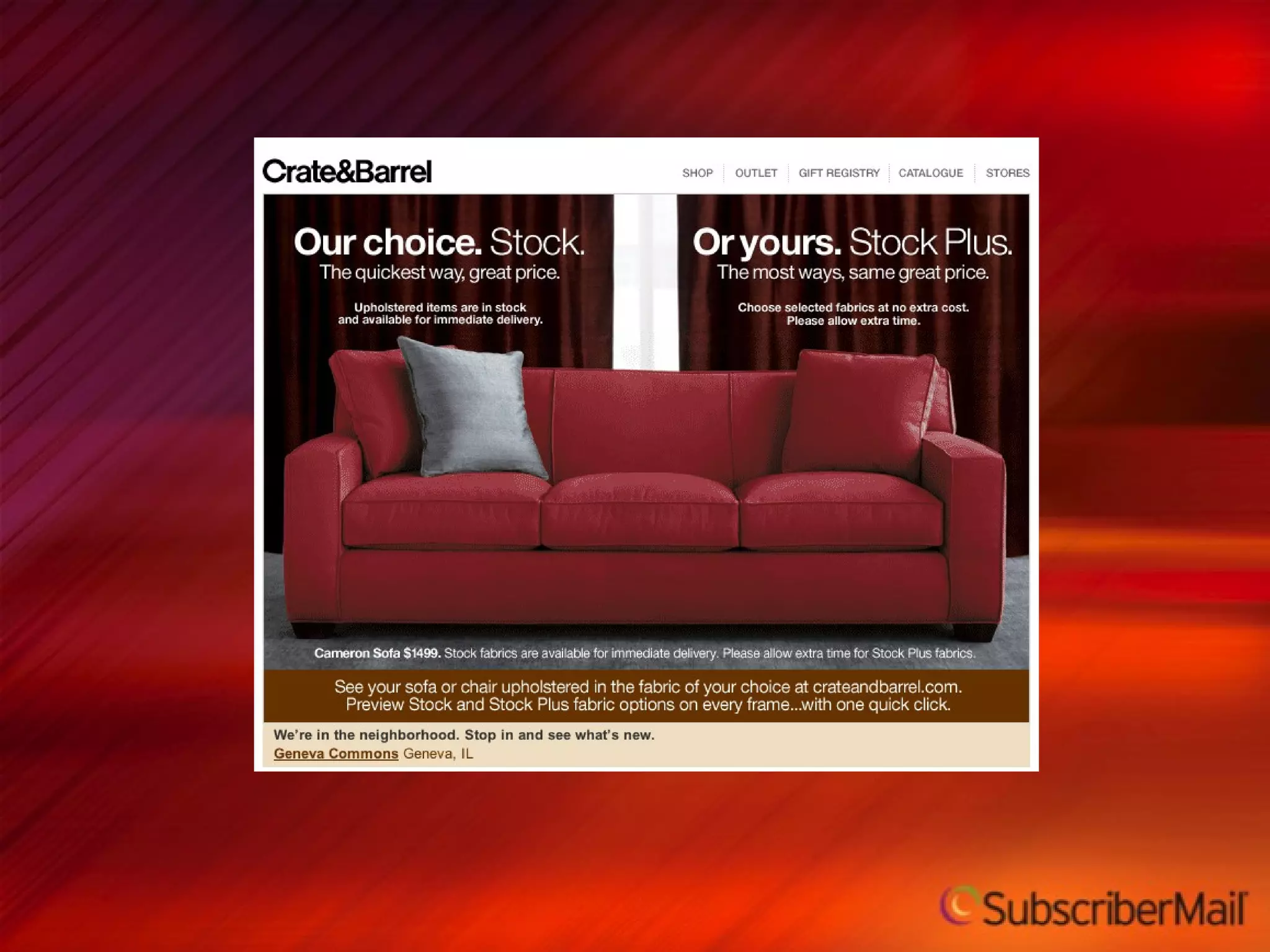
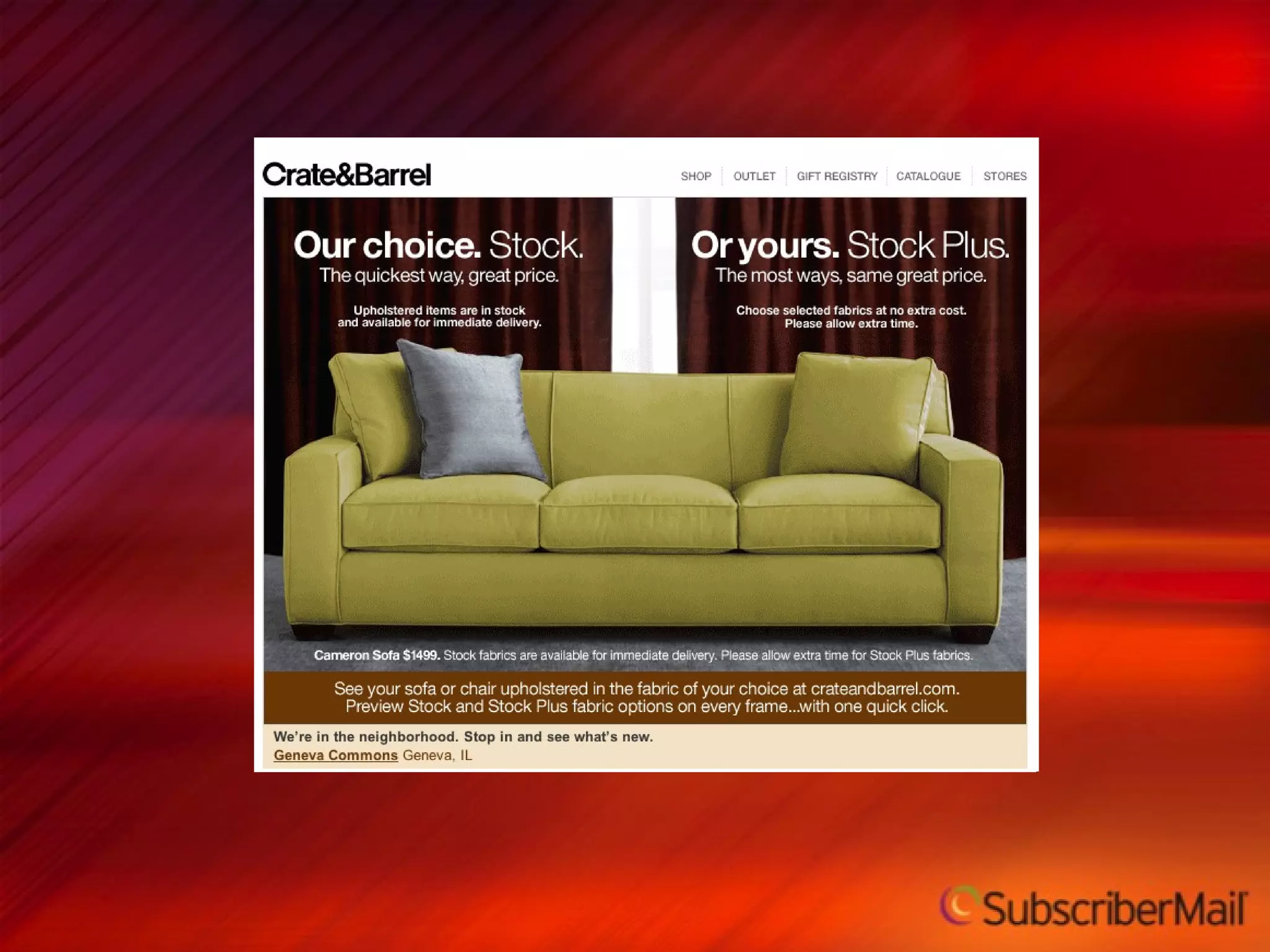
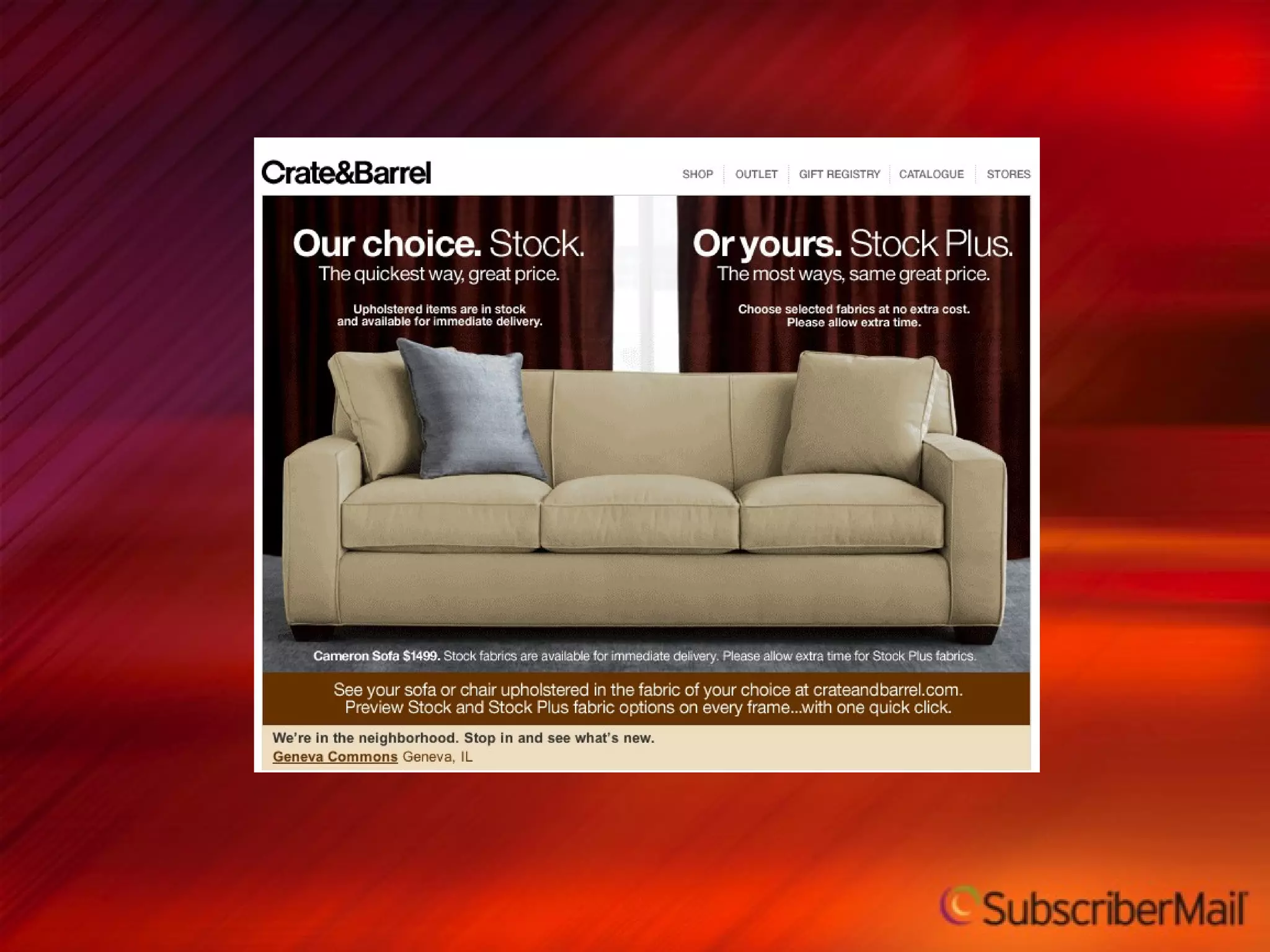
Crate & Barrel applies a consistent creative treatment, seasonal relevance, and templated approach to their customer retention campaigns


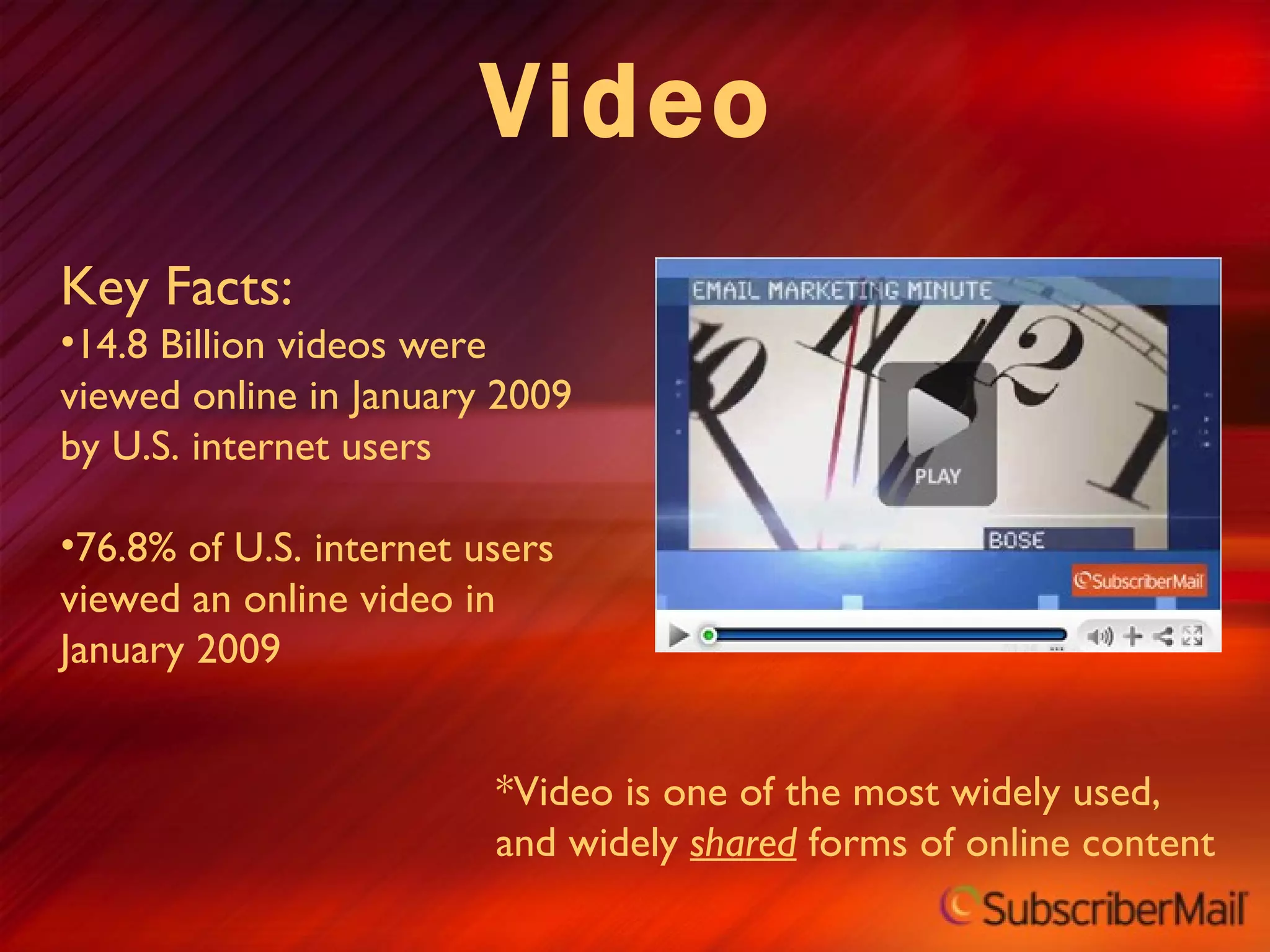
Video Key Facts: 14.8 Billion videos were viewed online in January 2009 by U.S. internet users 76.8% of U.S. internet users viewed an online video in January 2009 *Video is one of the most widely used, and widely  shared  forms of online content
Video Guidelines Most popular email clients block embedded video players Use an image of a video player on your email rather than embedding a player Make the PLAY button visible Don’t forget the “alt” text! Make the video image clickable, but include a text link as well Direct traffic to a landing page where the video is front and center
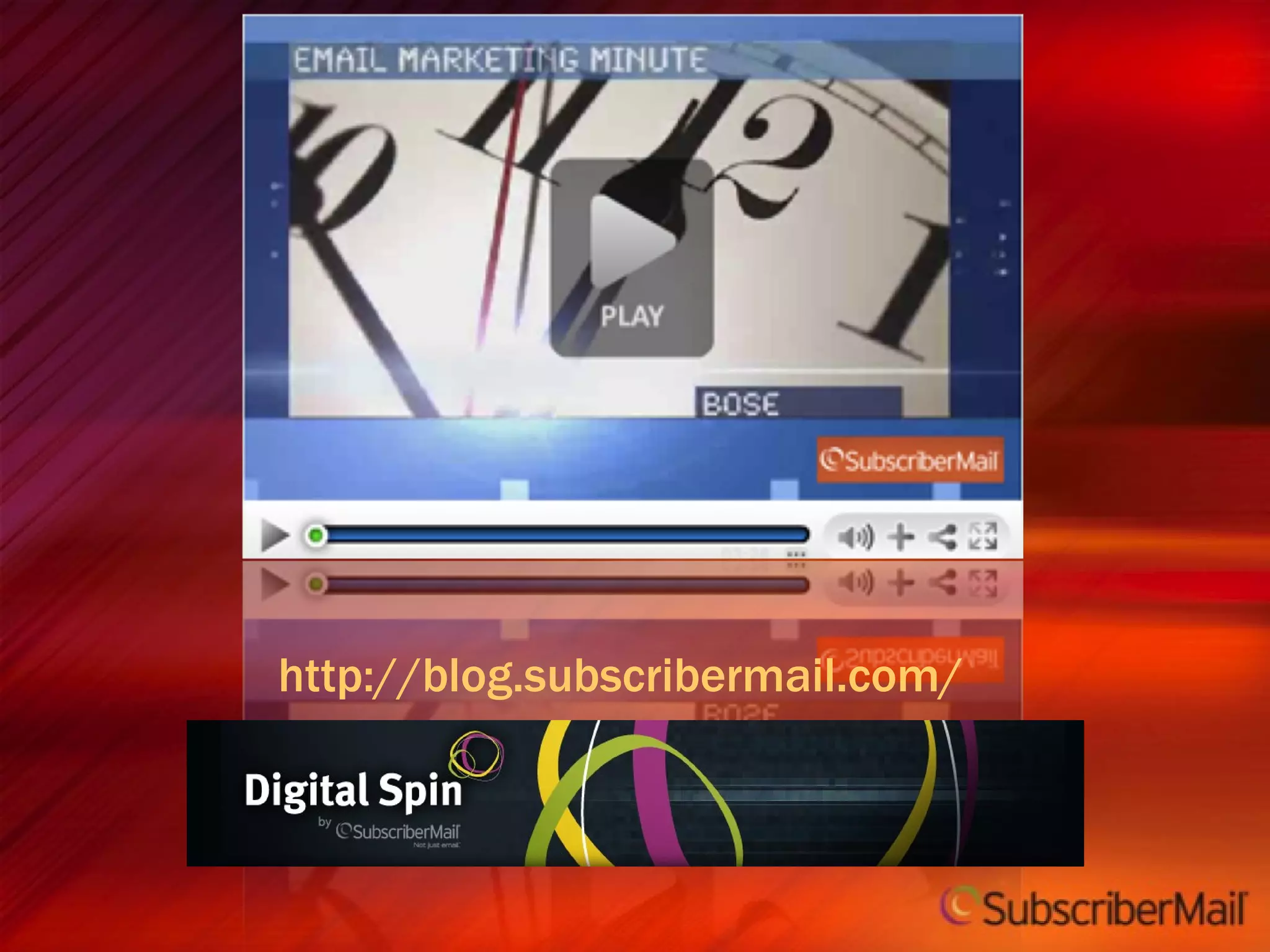
http://blog.subscribermail.com/
Links and Calls-to-Action 8
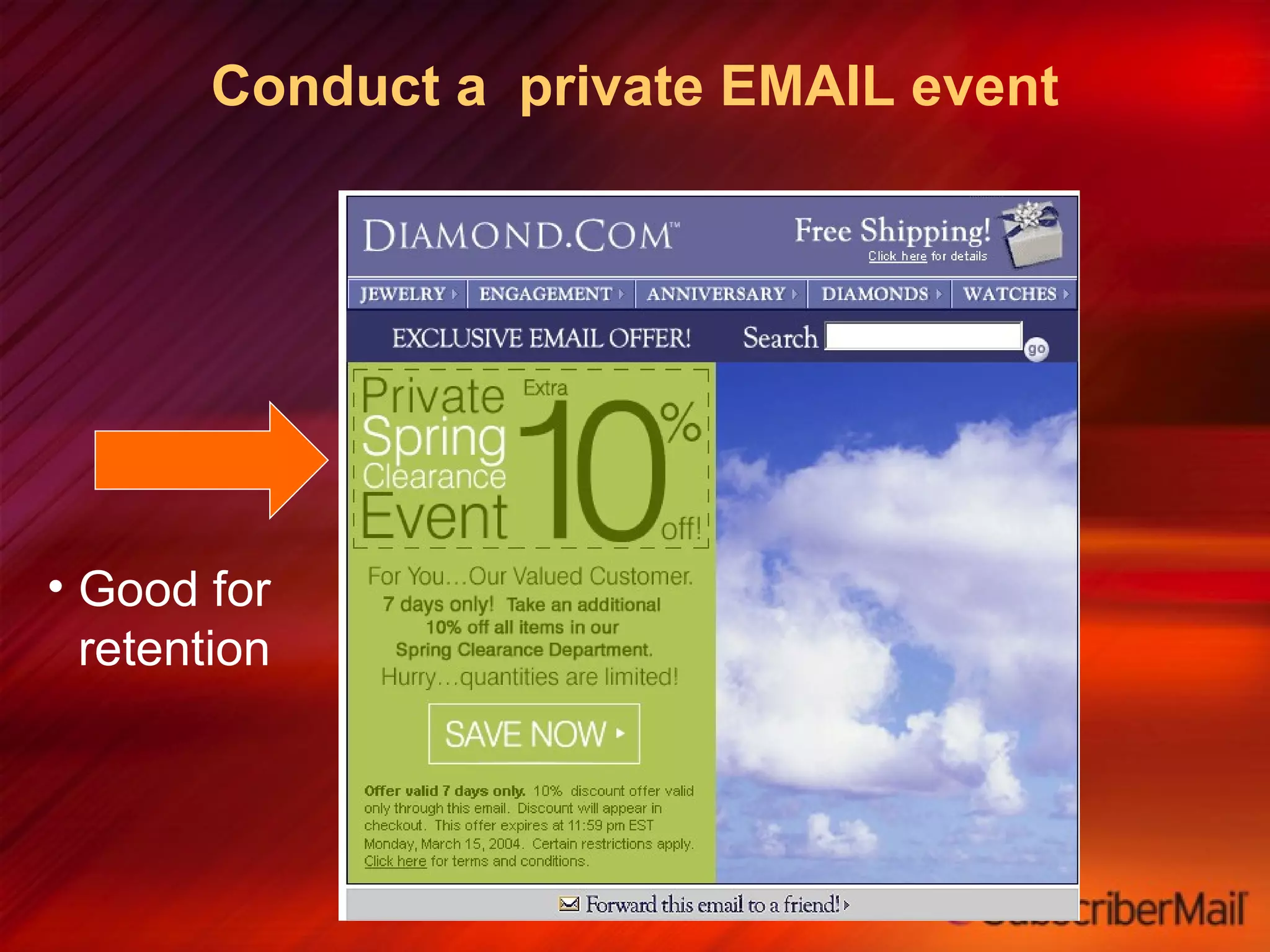
Conduct a  private EMAIL event Good for retention
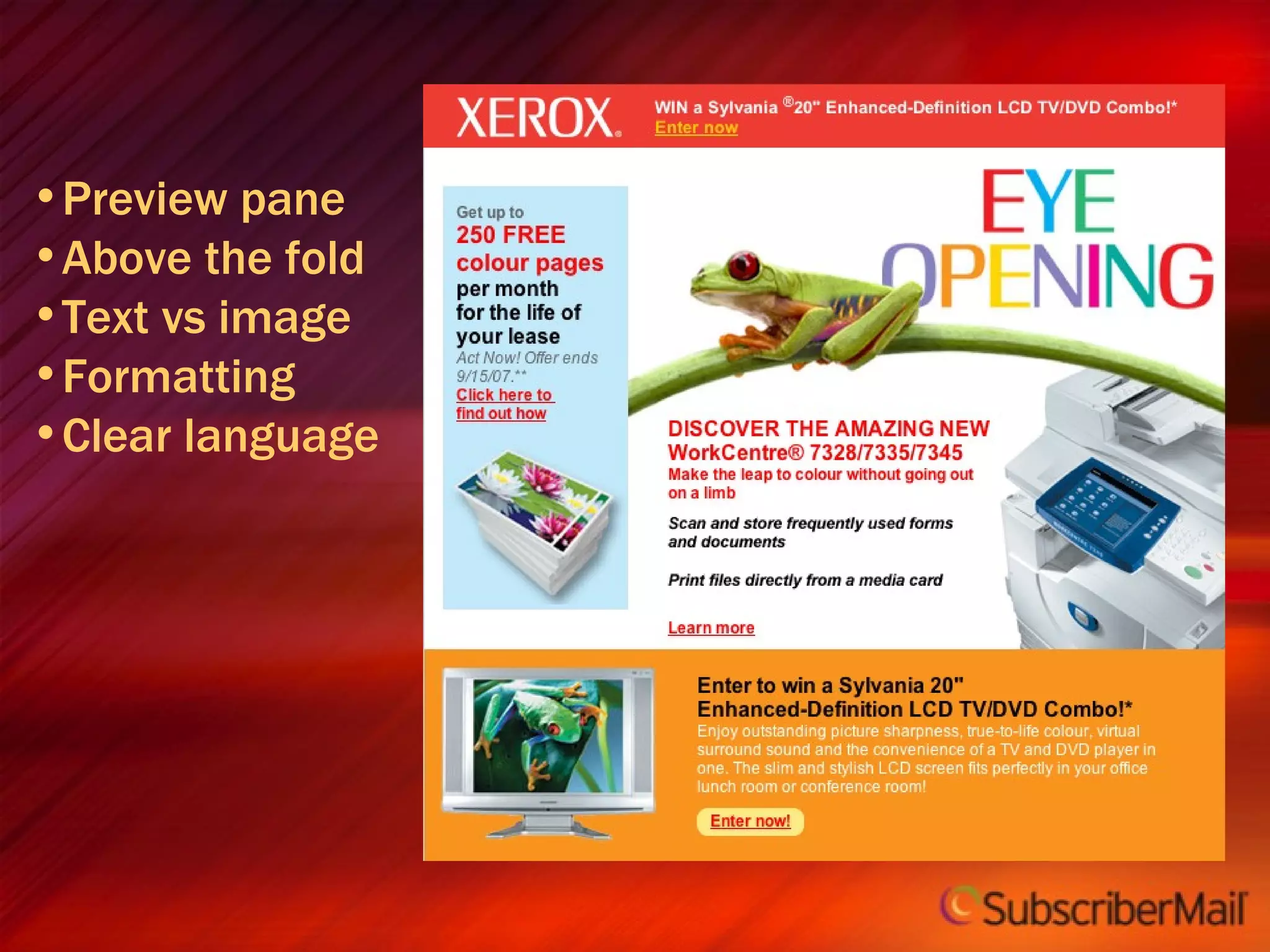
Preview pane Above the fold Text vs image Formatting Clear language
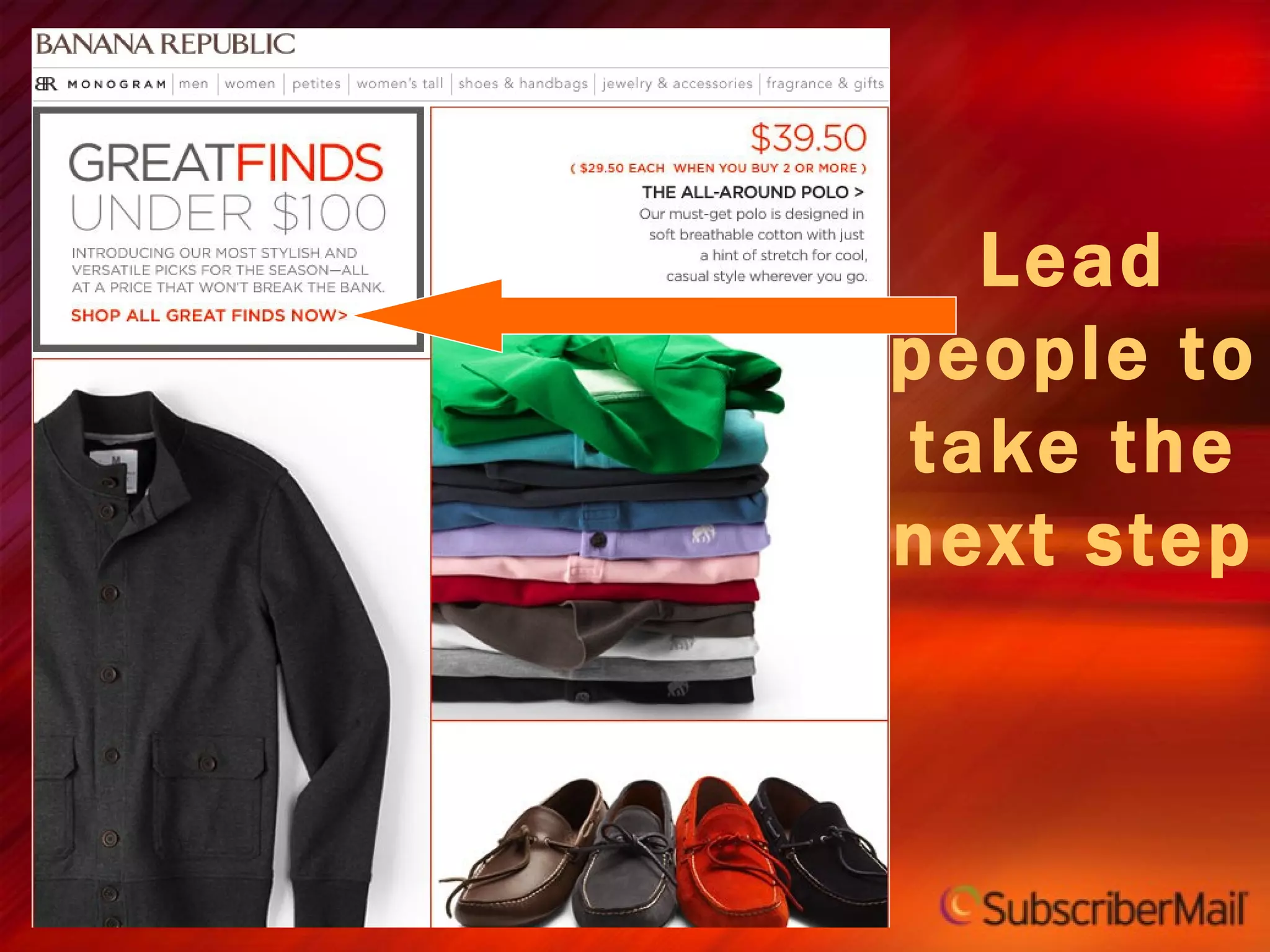
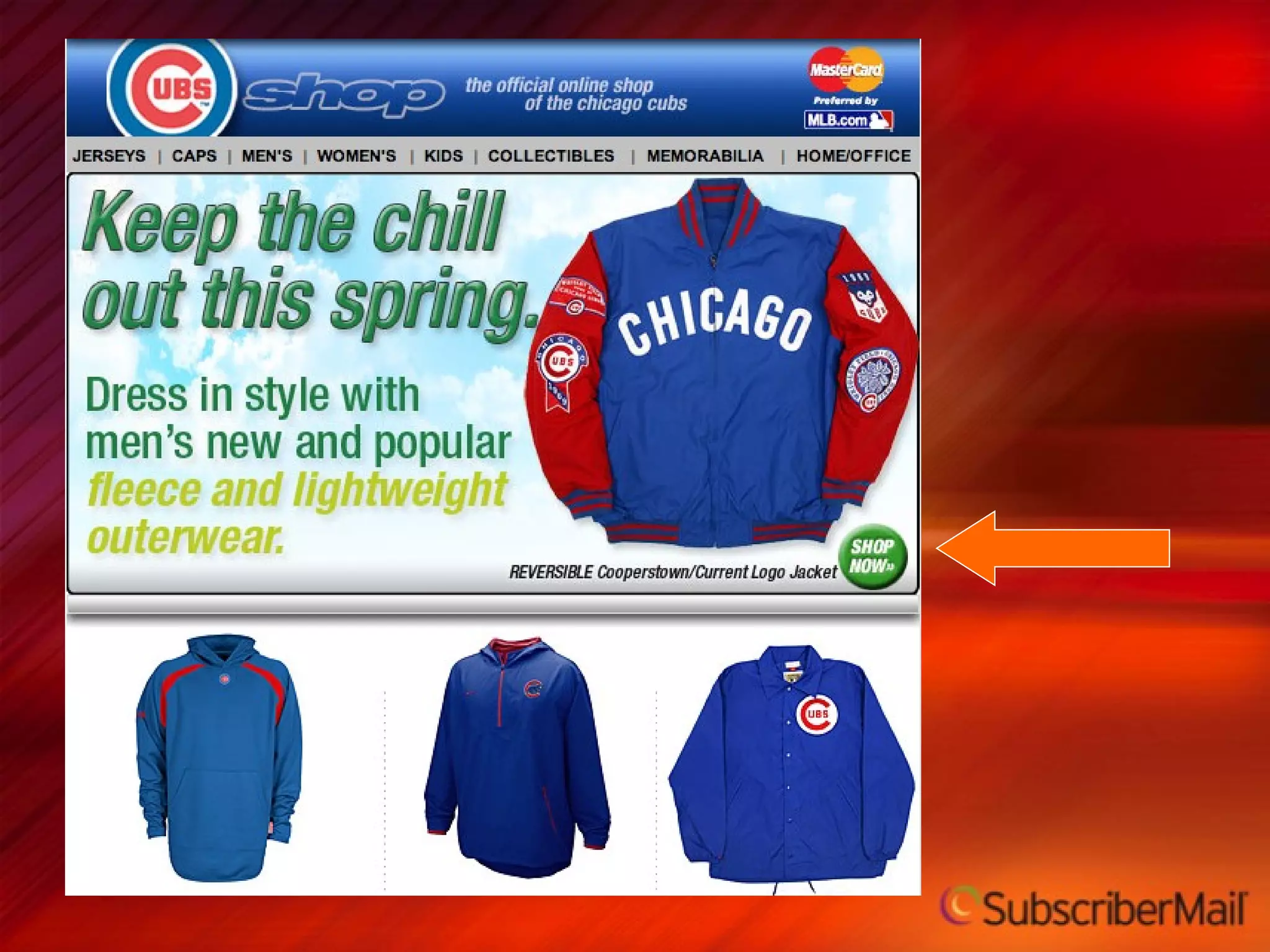
Lead people to take the next step
 
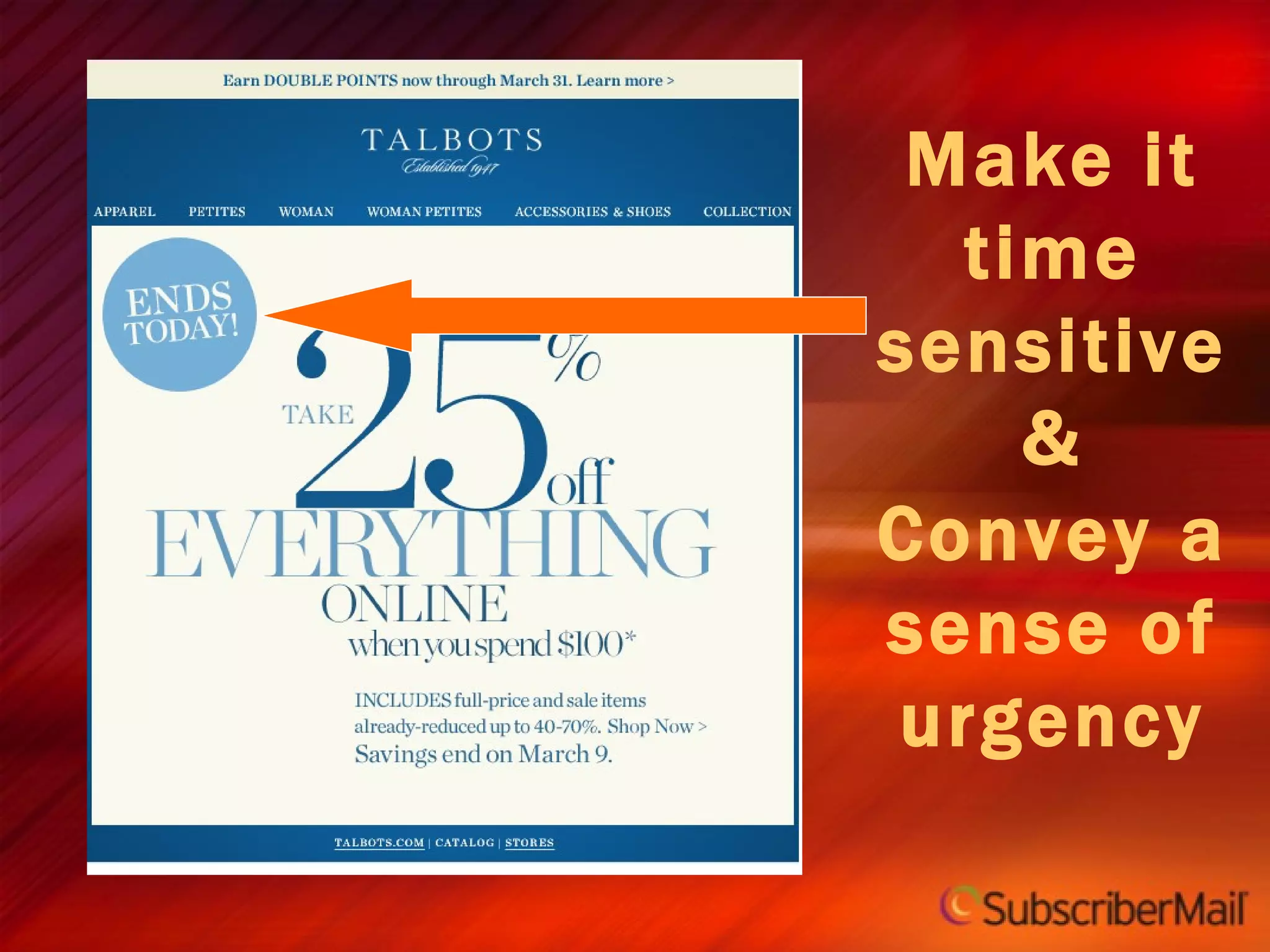
Make it time sensitive & Convey a sense of urgency
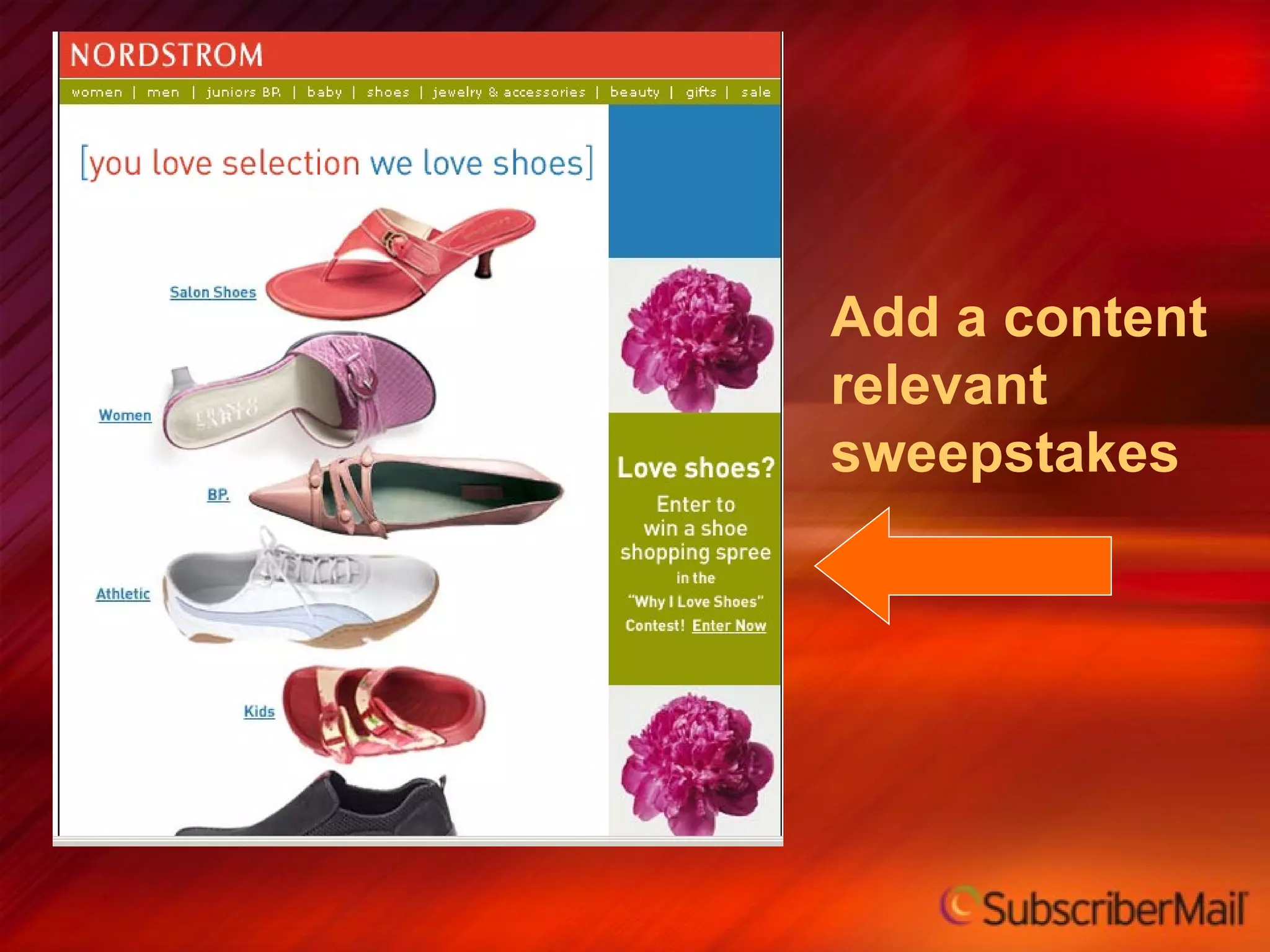
Add a content relevant sweepstakes
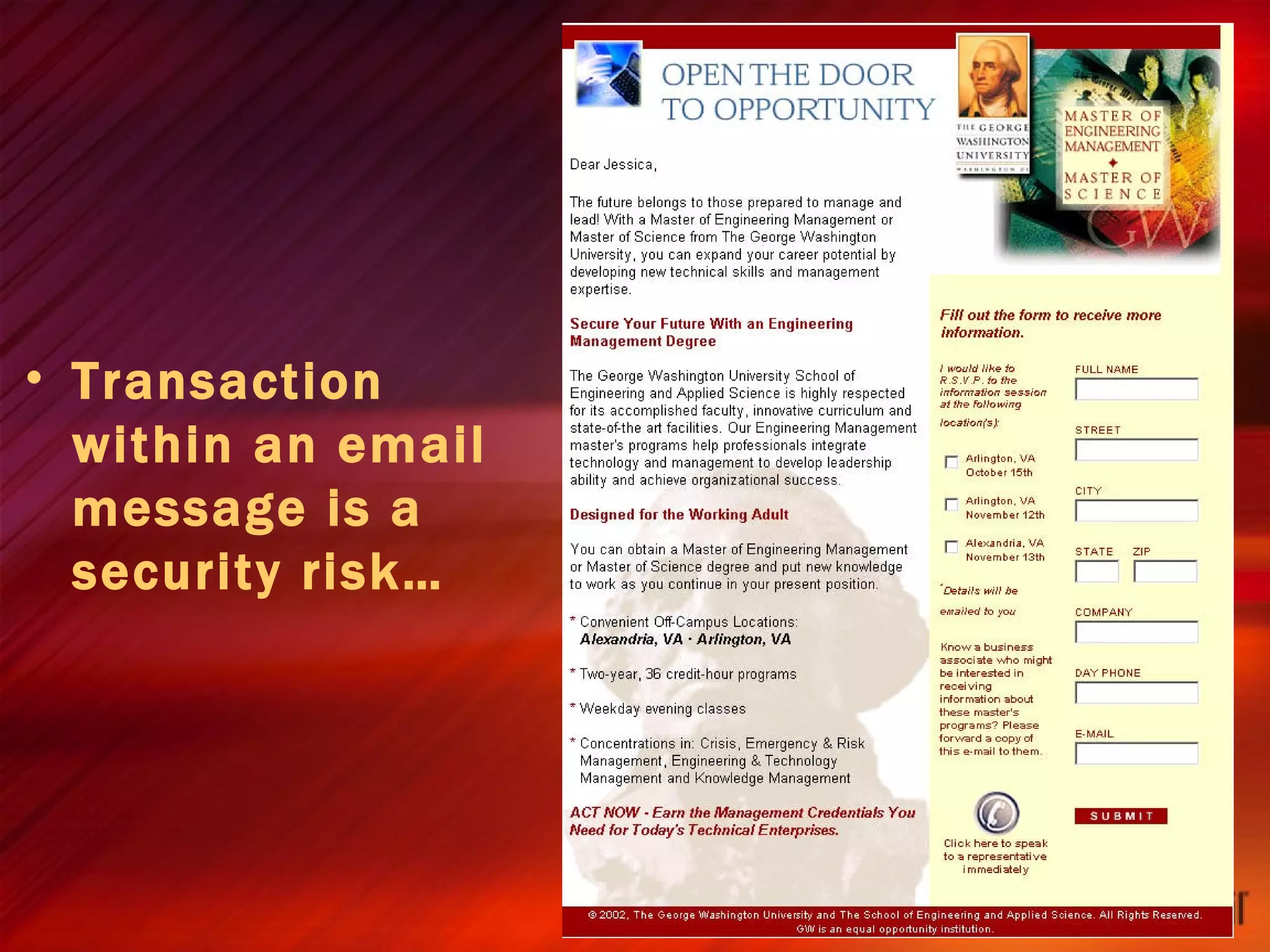
Transaction within an email message is a security risk…
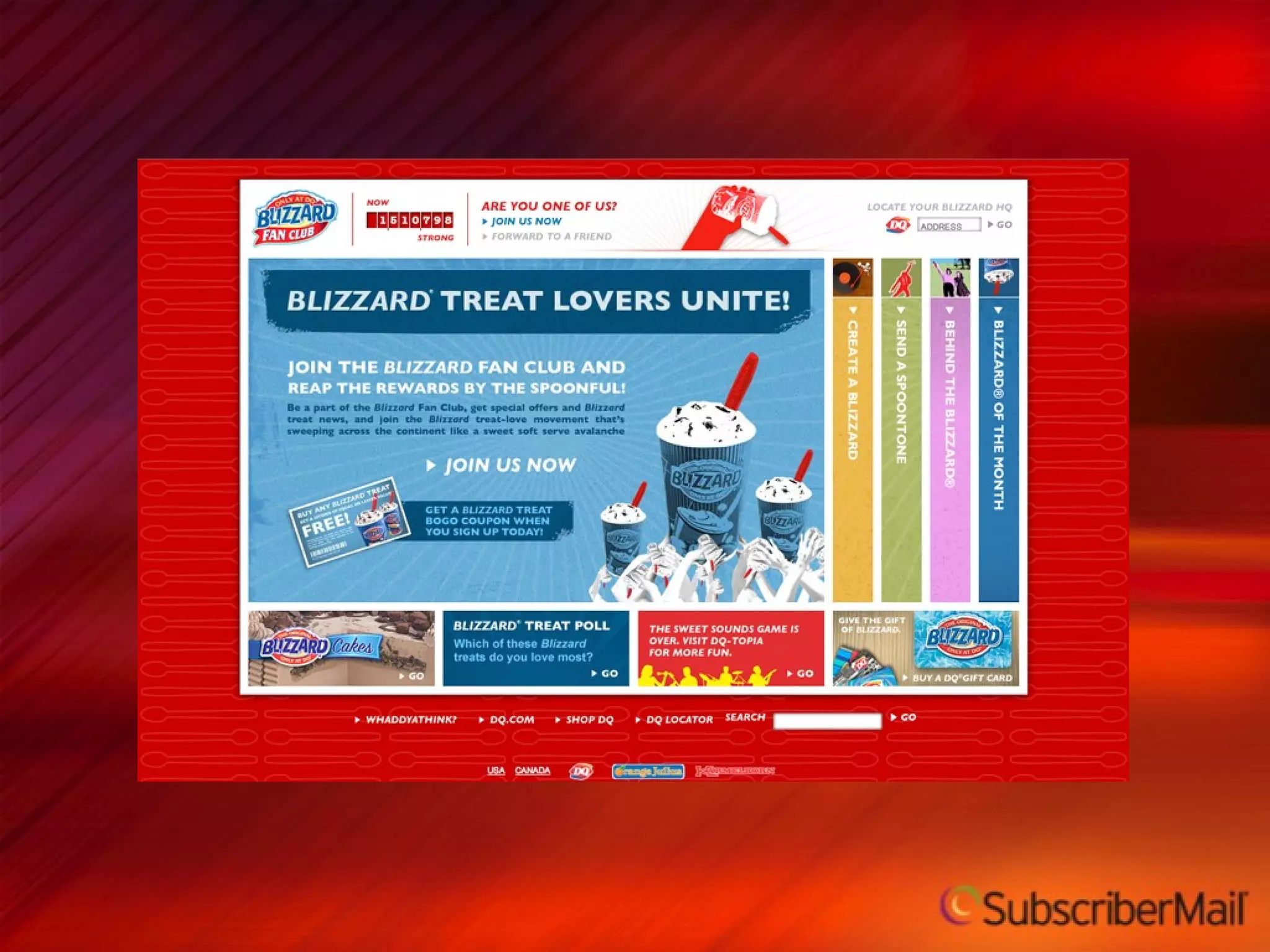
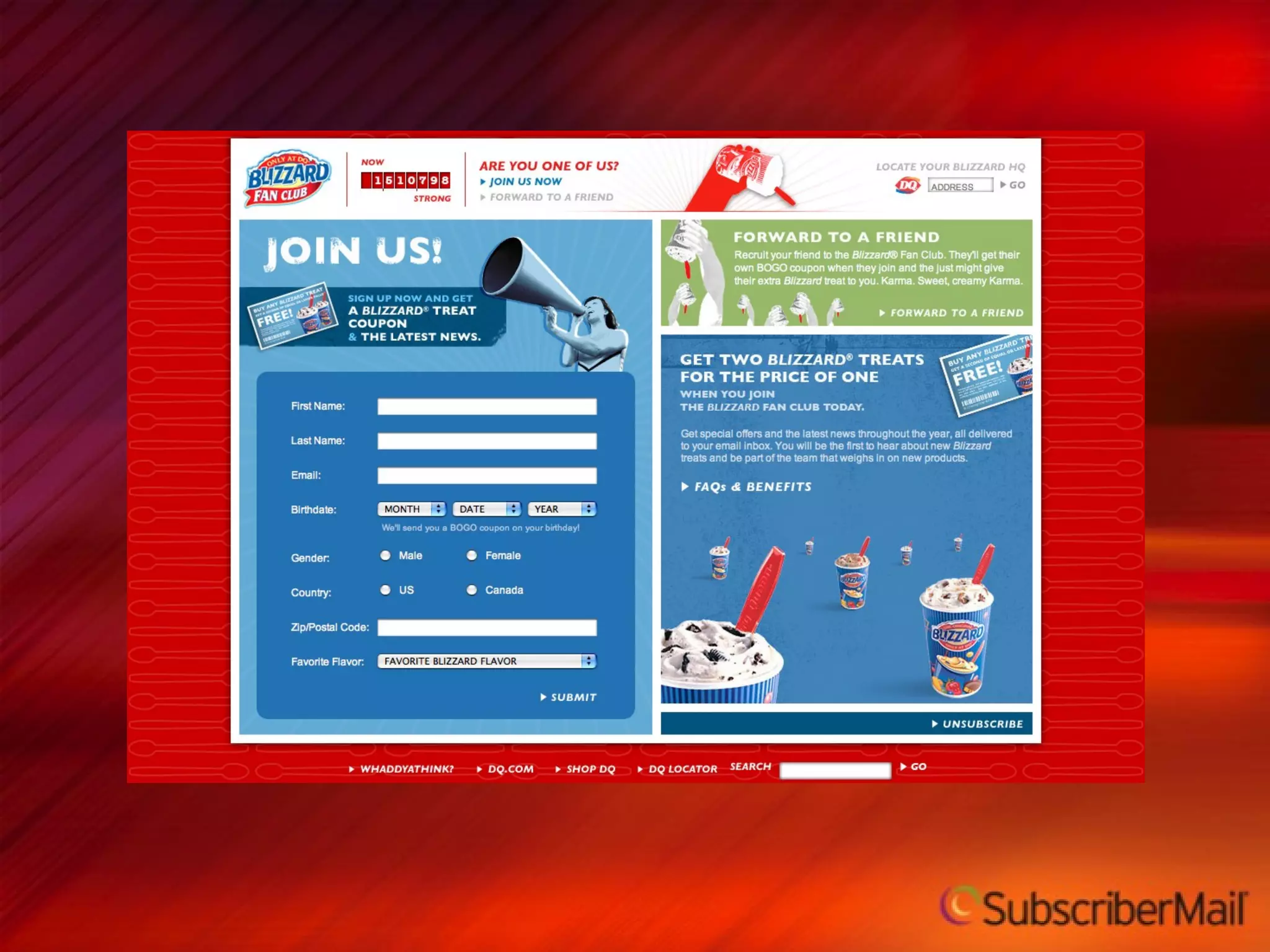
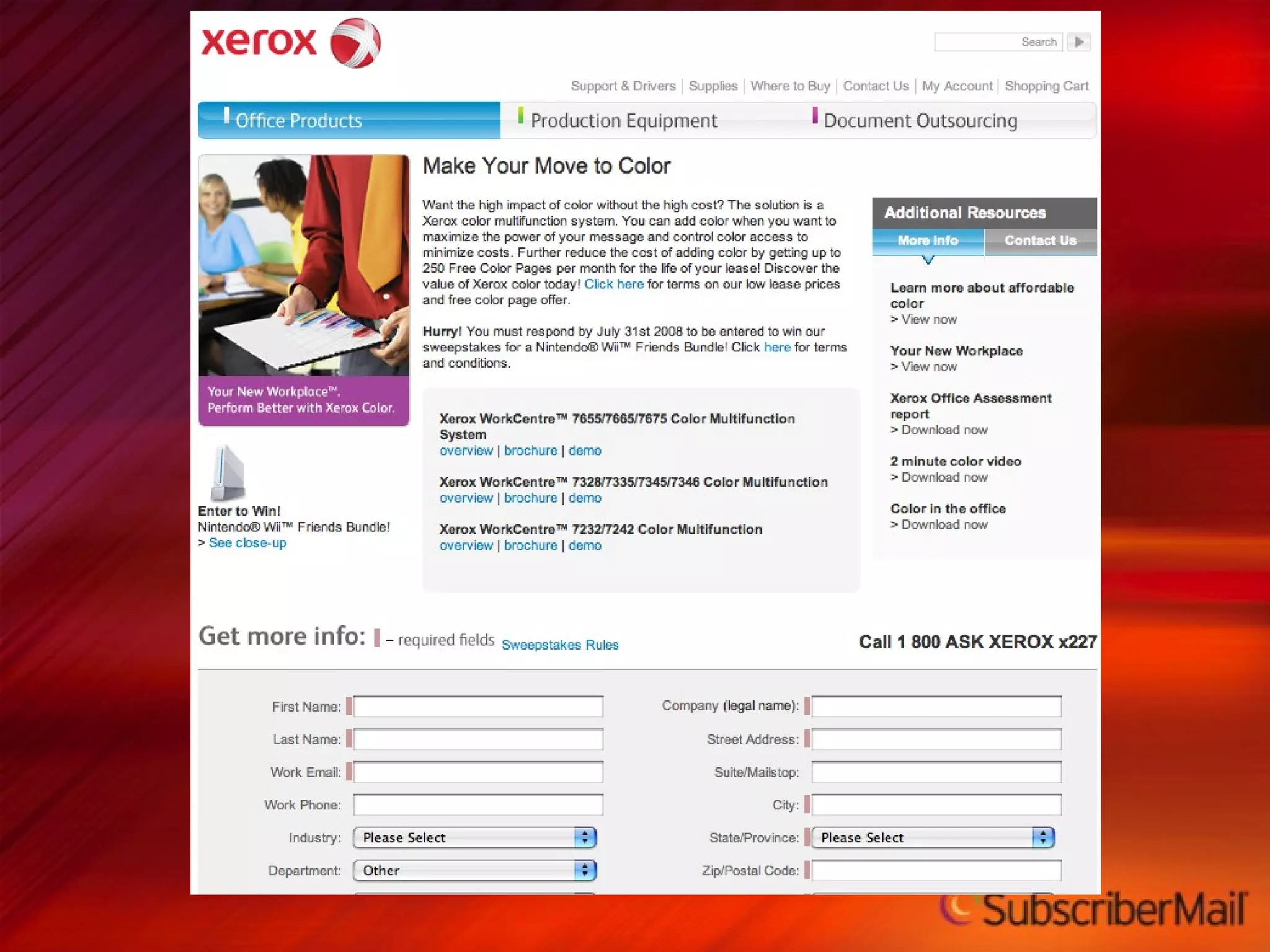
Landing Page Considerations 9


Relevancy to offer or link Positioning on the page is important Amount of data collected Complexity of copy Data collected Landing Pages
Guidelines Never send them to your home page Clear, Concise, Quality copy Ensure congruity with message Minimize page distractions Nothing that counts below the fold Make sure they realize there is a fold
Viral Opportunities 10
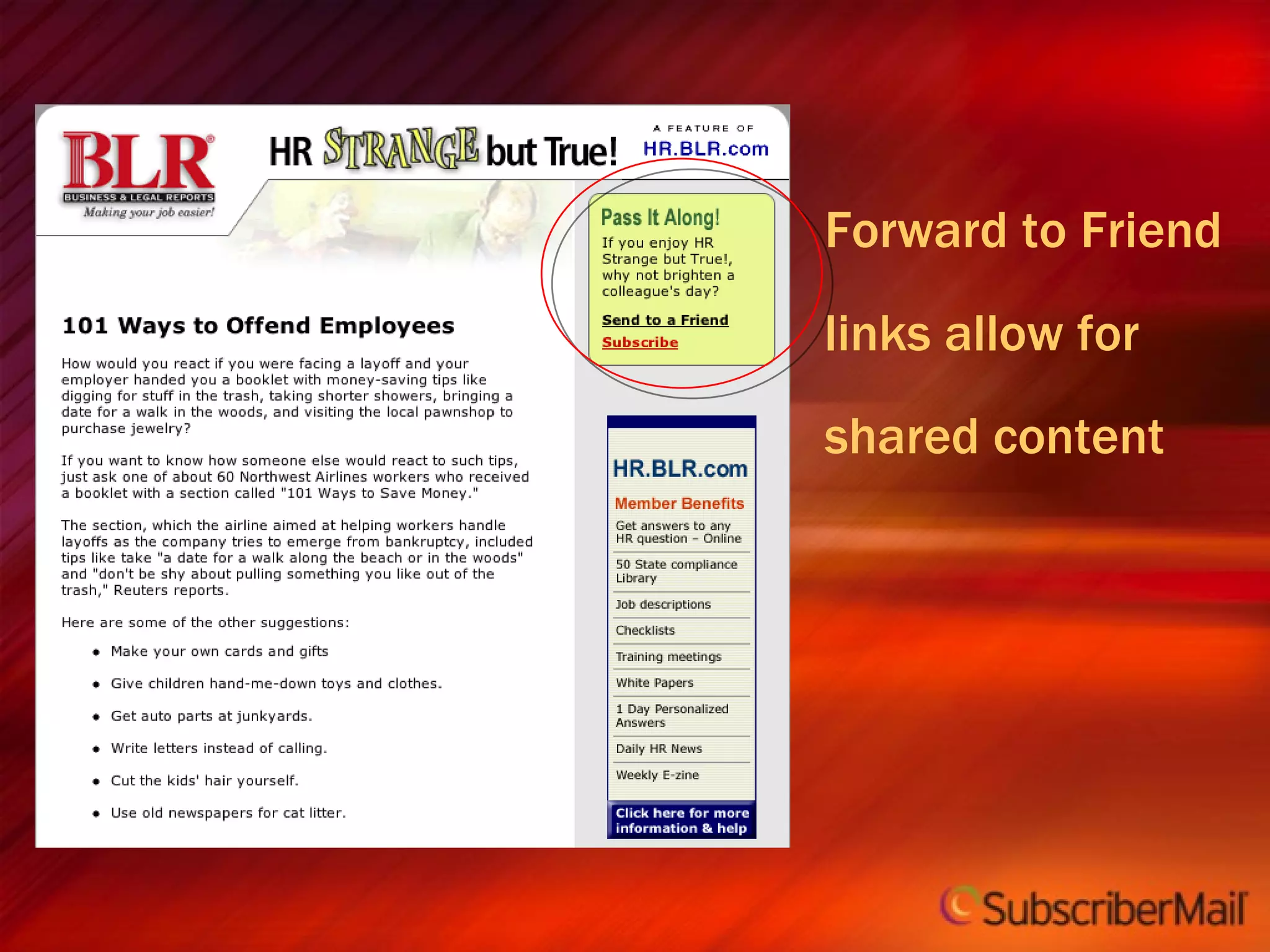
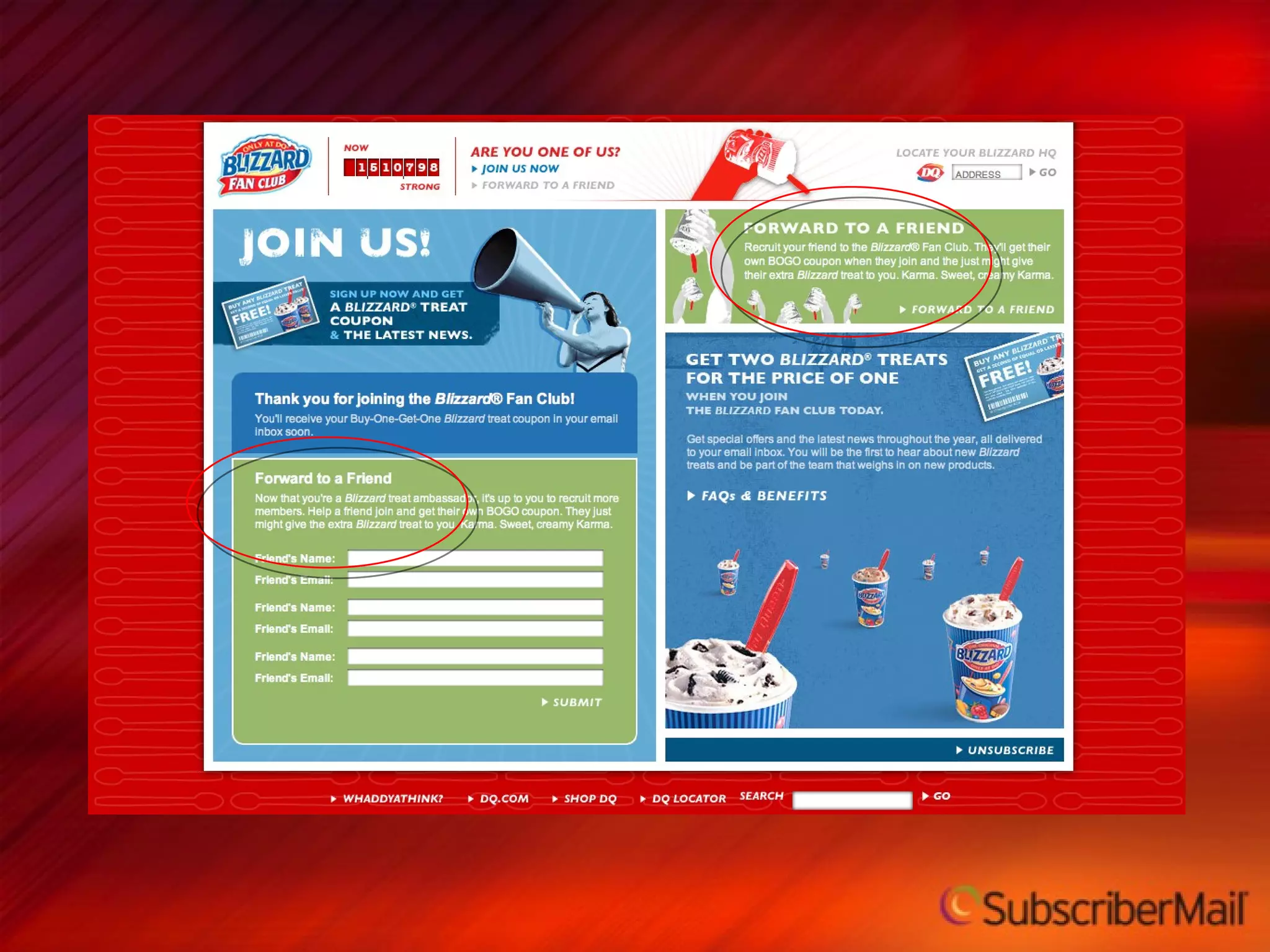
Forward to Friend  links allow for  shared content
 
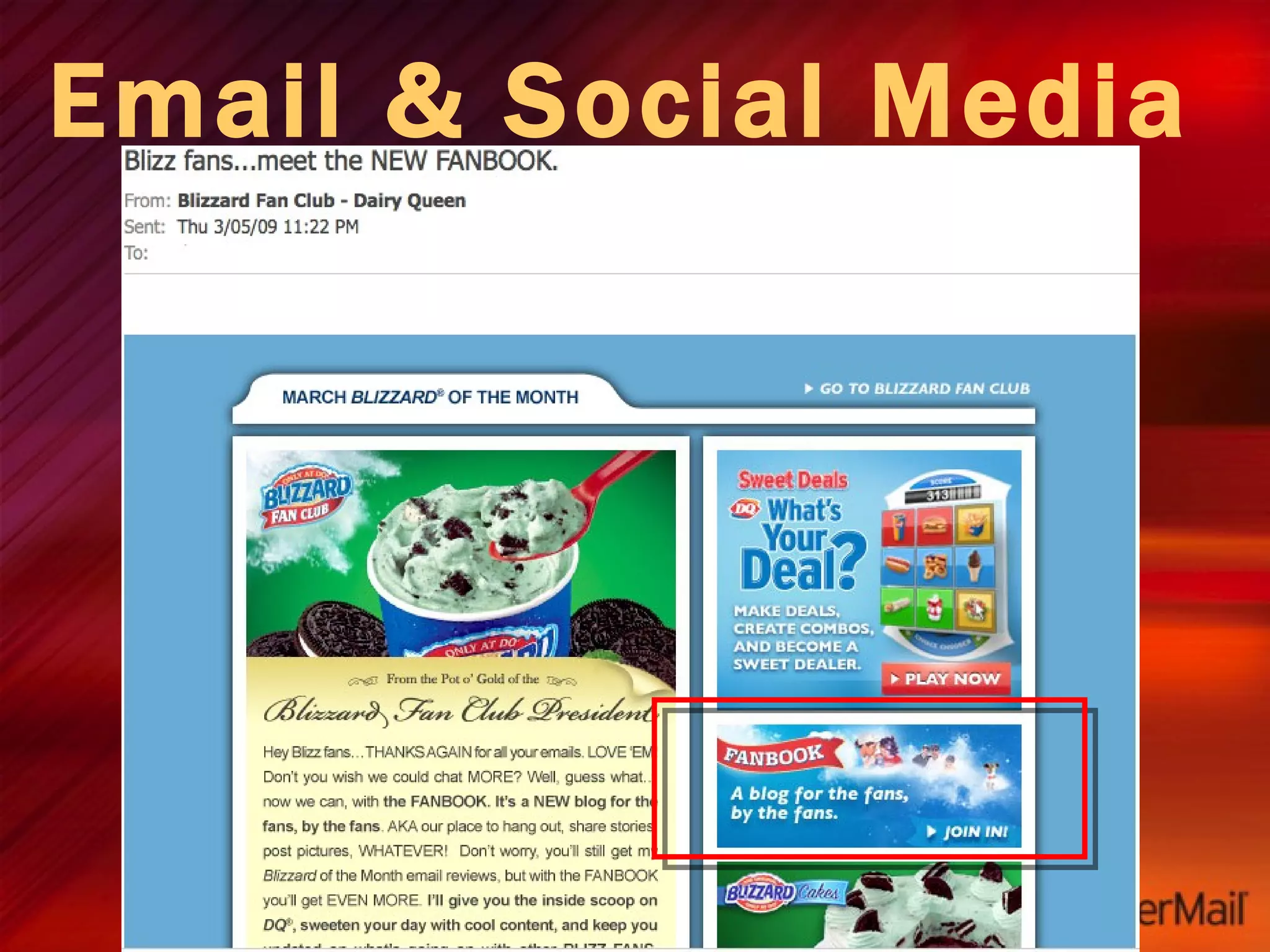
Email & Social Media Drive
Email & Social Media Include links to blogs and/or social media profiles in emails to increase following Make it worth their while - avoid re-purposing email content on social media outlets Is your content worth sharing?
Follow me on Twitter @jordanayan @subscribermail
Viral Opportunities: What you need to get beyond the inbox Engaged subscriber base, strong branding Unique, relevant and high-value content—articles, video, special offers Means for recipients to share content Realm for audience discussion/interaction
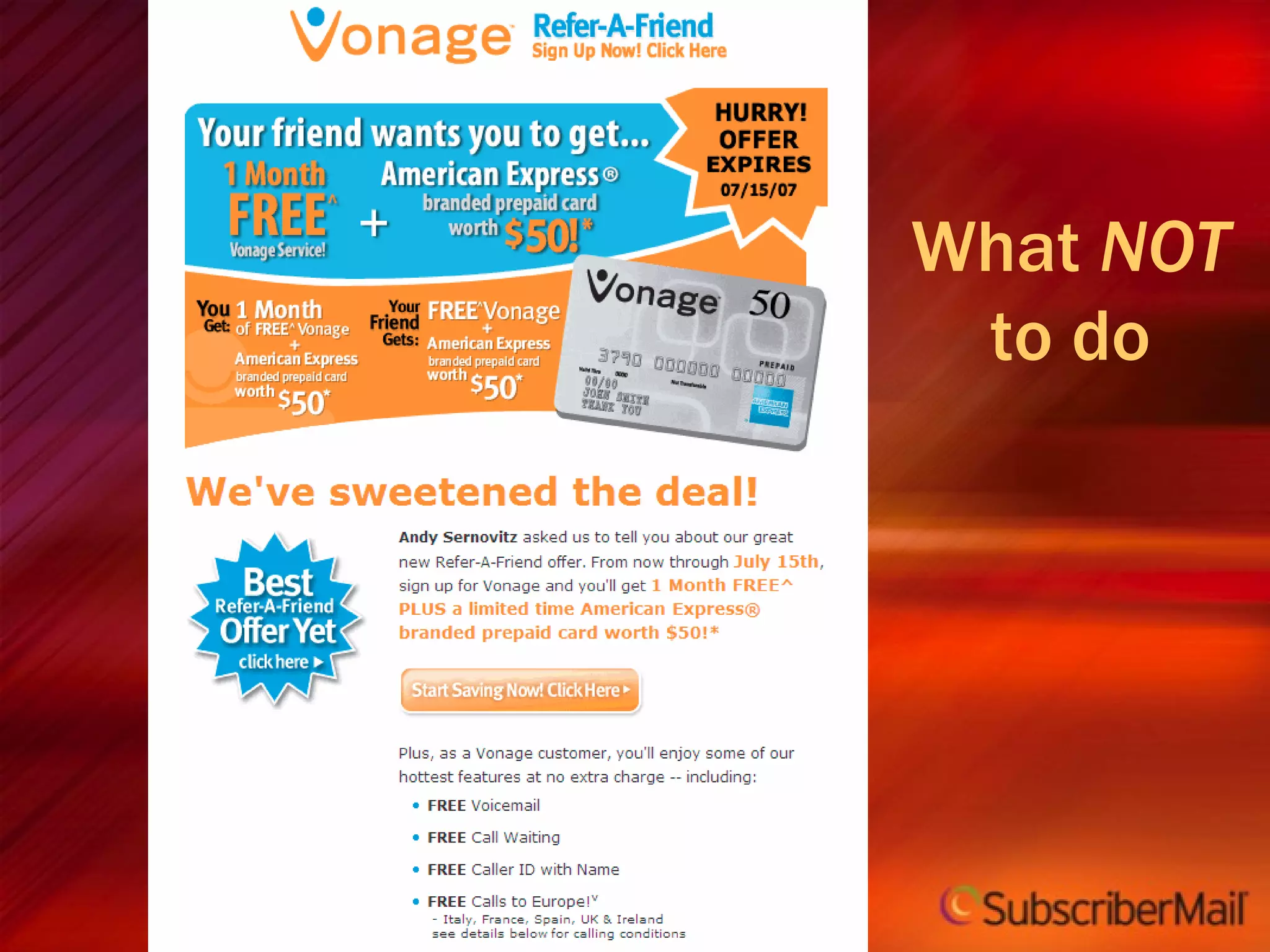
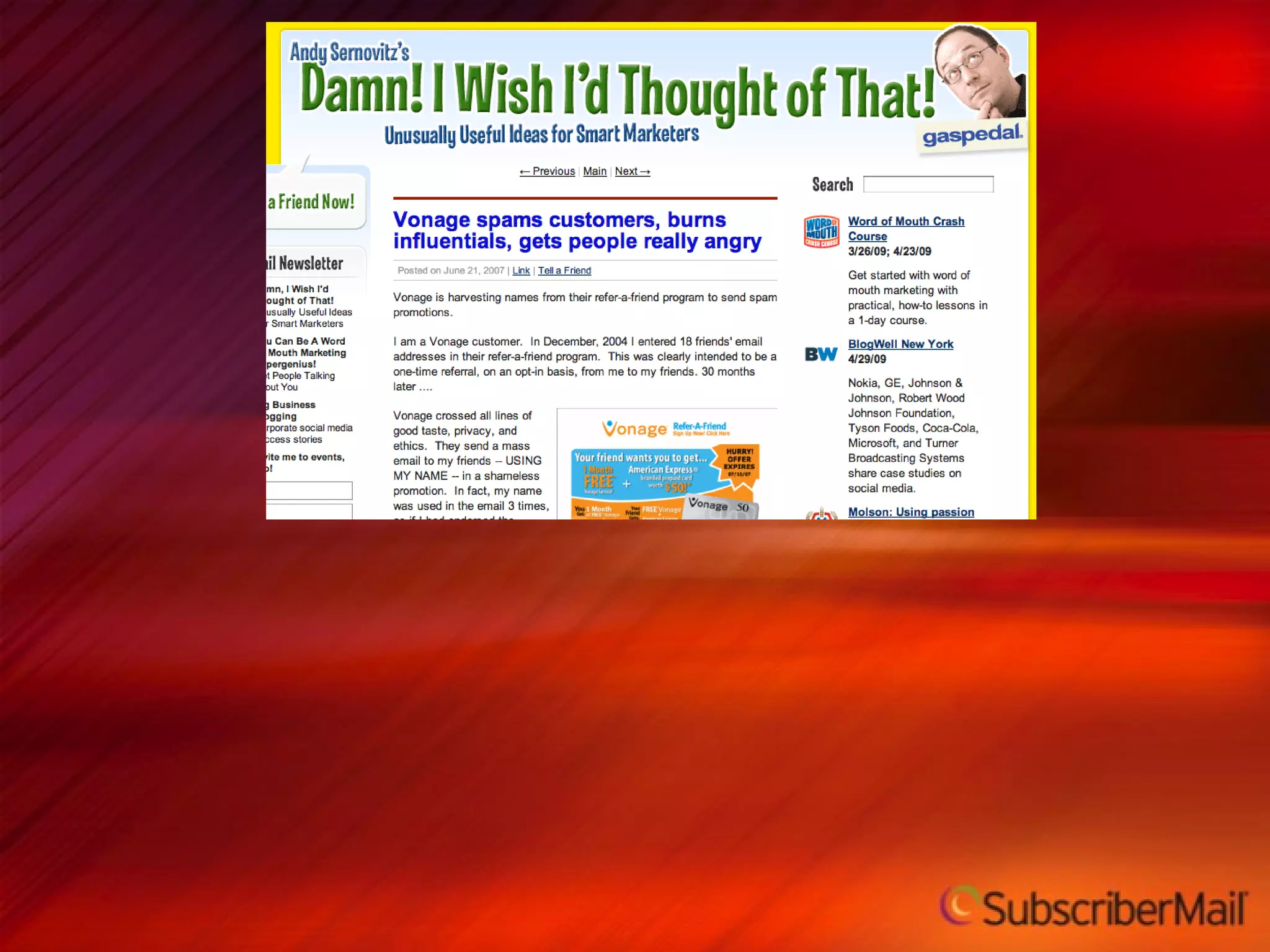
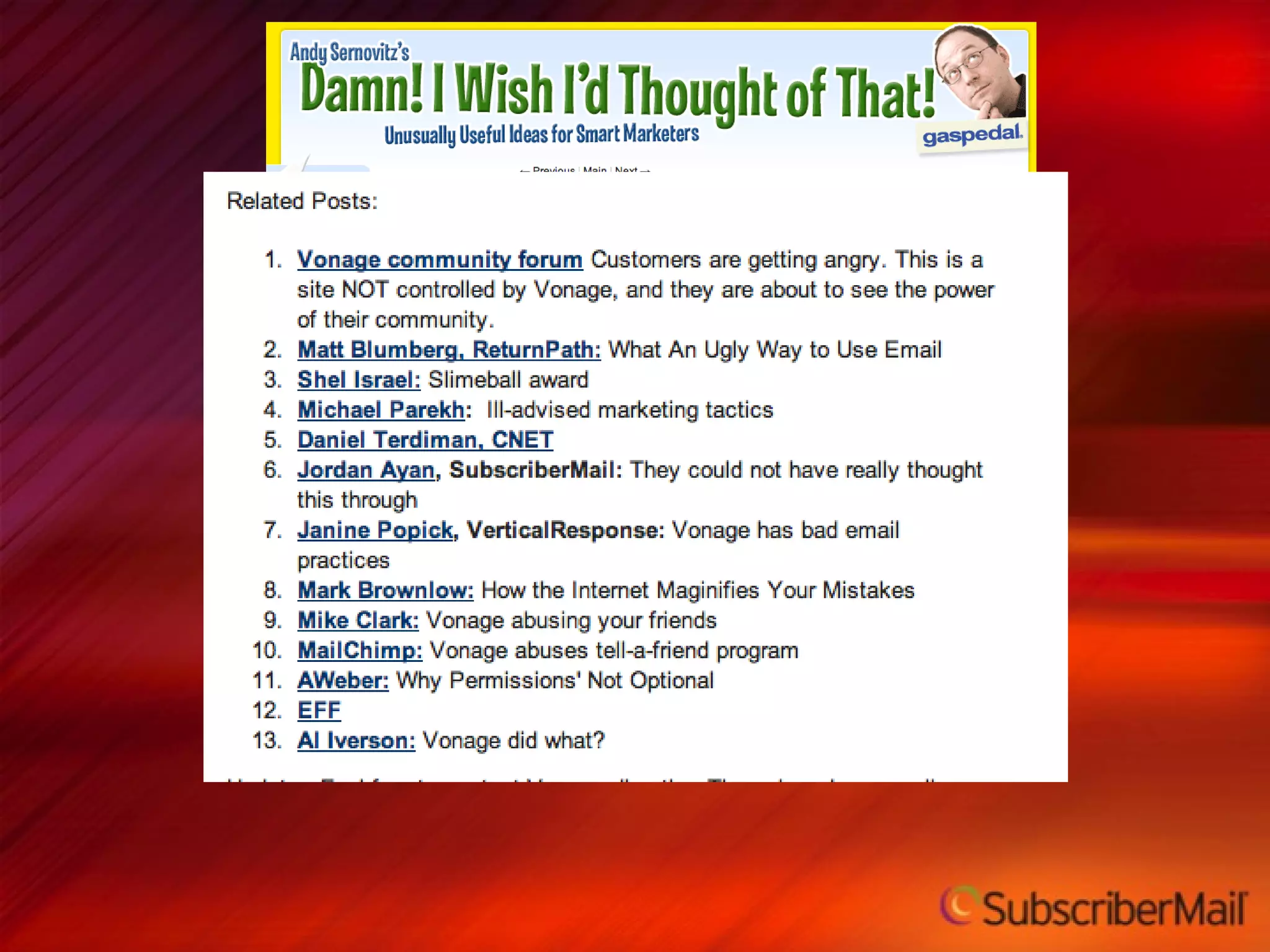
What  NOT  to do
 
 
Top 10 things you should remember Creative is about the entire process of email Clearly define each message’s goal Subject lines are a critical part of the email creative process Message relevancy is key to long-term creative success Email client inconsistency can ruin great creative – pay attention to the impact Impact of Type, Images and Rich media Impact of copy and content Impact of links and calls to action Don’t forget about landing pages Don’t forget about viral components
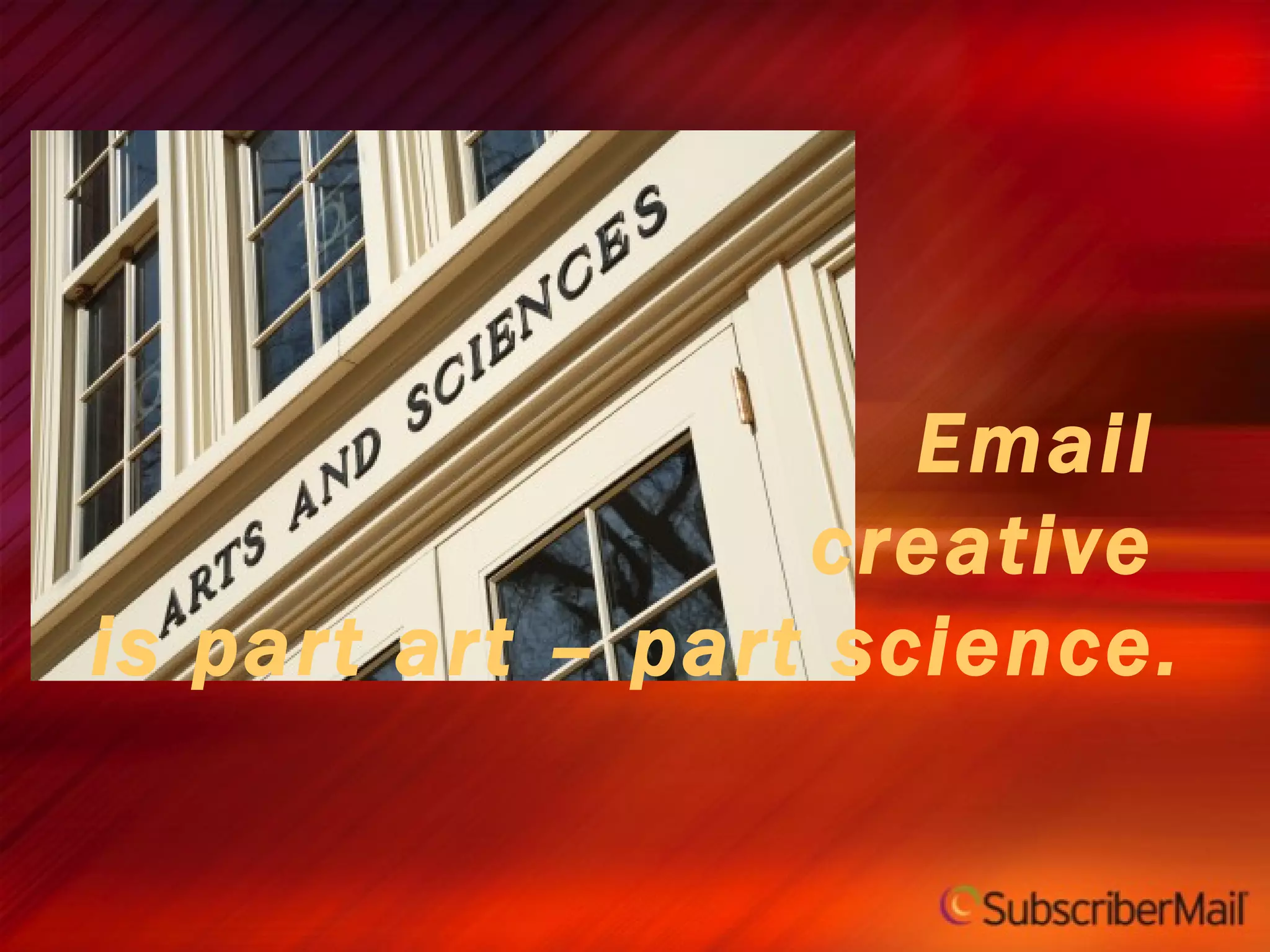
Email  creative  is part art – part science.
Follow Up www.subscribermail.com/creative @jordanayan @subscribermail [email_address] [email_address] http://blog.subscribermail.com/

Top 10 Things You Need to Know about Email Creative

  • 1.
    Jordan Ayan CEO & Founder SubscriberMail
  • 2.
    Top 10 Things You Need To Know About Email Creative
  • 3.
    Follow Up @jordanayan@subscribermail [email_address] [email_address] http://blog.subscribermail.com/ www.subscribermail.com/creative
  • 4.
    Producing great email creative requires being great at adapting to changing standards
  • 5.
  • 6.
  • 7.
    Stronger relationships SalesPromotion Cross Sell/Upsell Subscription growth Transactional
  • 8.
  • 9.
  • 10.
    Creative Encompasses theEntire Messaging Process 1
  • 11.
    Email Creative Includes:Graphical elements Use of Logos and branding Your Subject line The “From” address The “To” address Delivery date and time Images Used Content and copy Order & flow Welcome message Landing pages
  • 12.
    What makes emailcreative different How you read it Process rather than flow Where you read it Usually stationary Why you read it Usually for information not for pleasure What can go wrong Electronic distraction Auto sorting, blocking, multi-tasking, beeps, bells and whistles
  • 13.
    Define the Goalof Each Message 2
  • 14.
    Create a ProjectDirection Document
  • 15.
    Creative Input/Project DirectionDocument Objective of the message Audience(s) Desired Response Background Benefits Other requirements Design requirements
  • 16.
    Subject Lines area critical part of the email creative process 3
  • 17.
    Subject Line StyleGuidelines Try to limit to 45 characters or 5 words NEVER USE ALL CAPS Only…use…punctuation, that is...necessary!!! Be relevant to your recipient Think like a filter Test, test, test
  • 18.
    Subject Line CreativeRules Clear indication of why it should be opened and what to expect Most important words up front Content focused vs entity focused Example – “101 Ways to Offend Employees” is stronger than “January HR News” Have someone write the subject line who did not write the copy Mention brand if possible Think relationship, not message Avoid SPAMMY words
  • 19.
    Complimentary White Paper www. subscribermail .com/creative
  • 20.
    It’s not justyour same old Subject Line Anymore
  • 21.
  • 22.
    Pre-header or SnippetText Typically the first line of your message
  • 23.
    Pre-header or SnippetText Typically the first line of your message
  • 24.
  • 25.
  • 26.
    Creative, Relevant ContentMeaningful Interesting Rewarding Timely Non-Intrusive WII-FM
  • 27.
  • 28.
  • 29.
  • 30.
  • 31.
  • 32.
  • 33.
  • 34.
    Image Blocking Many email clients disable images by default Surveys by both SubscriberMail and Marketing Sherpa found that nearly 60% of consumers and 90% of business email users view some or all of their email with images turned off. A controlled study by SubscriberMail found that an optimized email vs. a non-optimized email sent to similar test groups received 87% more clicks.
  • 35.
  • 36.
  • 37.
  • 38.
  • 39.
  • 40.
  • 41.
  • 42.
    Preview Technology Test across multiple email clients Identify layout and rendering issues before it’s too late Allows for testing with or without images suppressed
  • 43.
  • 44.
  • 45.
    Optimization Tips Includerelevant “alt” text in your HTML for all images alt=“Free shipping” vs alt=“header image” Use HTML to create colored text, background colors… Avoid large images, especially above the fold Present links as text – avoid image buttons Specify a height and width for each image –if they don’t display the layout will remain intact Include a link to a browser-based version of your message
  • 46.
  • 47.
    Copy Guidelines Test,test, test Experiment with readers’ preferences for bulleted text versus details. Use strong headlines that grab! Test both long and short versions on your readers Summarize content for easy scanning. Call to action should be prominently above the fold and also at the bottom Include multiple links to main destination as appropriate.
  • 48.
    Additional Copy IdeasAdd a special message for inactives We’ve missed you! Add a special message for new customers Welcome to the our family! Add a special message to prospects on file We have the highest Security encryption available today Our company has over 50 years….
  • 49.
  • 50.
    Direct readers focusto key offers
  • 51.
    Boost response withtested effective Promotions
  • 52.
  • 53.
    Single focus toimprove conversions
  • 54.
    Prompt customers toadd you to their address book…
  • 55.
    … and ifit appears they need help, show them how to do it
  • 56.
    Layout Guidelines Testand optimize “hot spots.” Generally, the top left quadrant is best placement for logo/branding. Avoid white text on dark backgrounds (default settings may delete background and type will be “invisible”).
  • 57.
    Design -Typography, Images and Rich Media 7
  • 58.
    Try to keepemail width under 600 pixels wide Keep it simple Avoid nested tables, multiple columns, etc Use caution and test: Style sheets URLs Email clients can strip out style sheets (solution: use inline styles and plan for CSS degradation) Don't use javascript, it will be stripped out Design Guidelines
  • 59.
  • 60.
  • 61.
  • 62.
    Crate & Barrelapplies a consistent creative treatment, seasonal relevance, and templated approach to their customer retention campaigns
  • 63.
    Crate & Barrelapplies a consistent creative treatment, seasonal relevance, and templated approach to their customer retention campaigns
  • 64.
  • 65.
  • 66.
  • 67.
  • 68.
  • 69.
  • 70.
  • 71.
    Video Key Facts:14.8 Billion videos were viewed online in January 2009 by U.S. internet users 76.8% of U.S. internet users viewed an online video in January 2009 *Video is one of the most widely used, and widely shared forms of online content
  • 72.
    Video Guidelines Mostpopular email clients block embedded video players Use an image of a video player on your email rather than embedding a player Make the PLAY button visible Don’t forget the “alt” text! Make the video image clickable, but include a text link as well Direct traffic to a landing page where the video is front and center
  • 73.
  • 74.
  • 75.
    Conduct a private EMAIL event Good for retention
  • 76.
    Preview pane Abovethe fold Text vs image Formatting Clear language
  • 77.
    Lead people totake the next step
  • 78.
  • 79.
    Make it timesensitive & Convey a sense of urgency
  • 80.
    Add a contentrelevant sweepstakes
  • 81.
    Transaction within anemail message is a security risk…
  • 82.
  • 83.
  • 84.
  • 85.
  • 86.
    Relevancy to offeror link Positioning on the page is important Amount of data collected Complexity of copy Data collected Landing Pages
  • 87.
    Guidelines Never sendthem to your home page Clear, Concise, Quality copy Ensure congruity with message Minimize page distractions Nothing that counts below the fold Make sure they realize there is a fold
  • 88.
  • 89.
    Forward to Friend links allow for shared content
  • 90.
  • 91.
    Email & SocialMedia Drive
  • 92.
    Email & SocialMedia Include links to blogs and/or social media profiles in emails to increase following Make it worth their while - avoid re-purposing email content on social media outlets Is your content worth sharing?
  • 93.
    Follow me onTwitter @jordanayan @subscribermail
  • 94.
    Viral Opportunities: Whatyou need to get beyond the inbox Engaged subscriber base, strong branding Unique, relevant and high-value content—articles, video, special offers Means for recipients to share content Realm for audience discussion/interaction
  • 95.
    What NOT to do
  • 96.
  • 97.
  • 98.
    Top 10 thingsyou should remember Creative is about the entire process of email Clearly define each message’s goal Subject lines are a critical part of the email creative process Message relevancy is key to long-term creative success Email client inconsistency can ruin great creative – pay attention to the impact Impact of Type, Images and Rich media Impact of copy and content Impact of links and calls to action Don’t forget about landing pages Don’t forget about viral components
  • 99.
    Email creative is part art – part science.
  • 100.
    Follow Up www.subscribermail.com/creative@jordanayan @subscribermail [email_address] [email_address] http://blog.subscribermail.com/