Signs You’re Ready for a
 Database/CRM System
Presentation by Kendra Von Achen
             DB Pros
Introduction to Databases
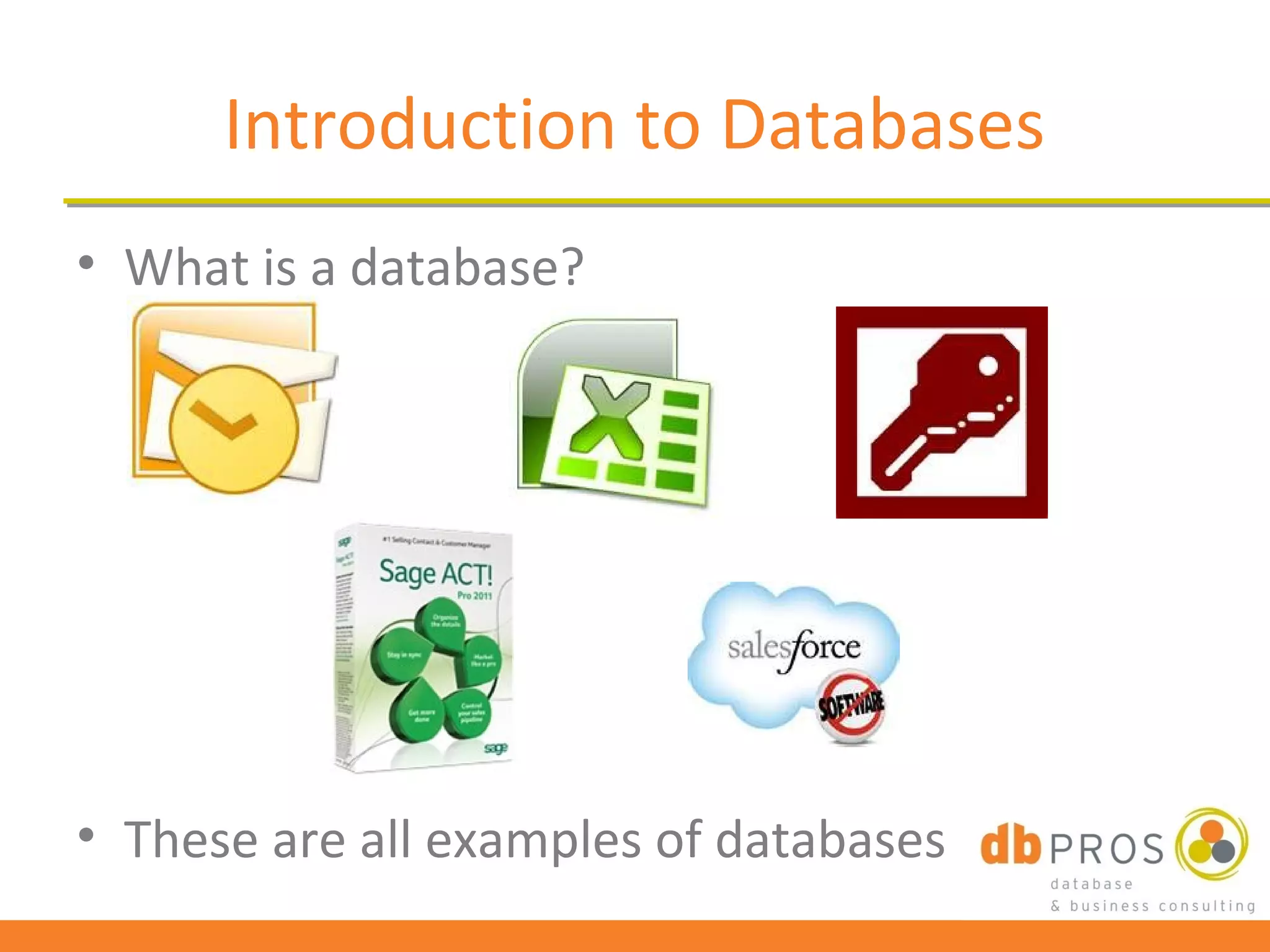
• What is a database?


• These are all examples of databases
What is CRM?
• Stands for Customer Relationship
  Management
• Definition: CRM is the process of managing all
  aspects of interaction a company has with its
  customers, including prospecting, sales, and
  service.
• CRM applications attempt to provide insight
  into and improve the company/customer
  relationship by combining all these views of
  customer interaction into one picture.
Key Features of CRM Systems
• Account/Contact         • Notes and History Tracking
  Management              • Email Management
• Opportunity/Sales       • Project Management
  Management              • Dashboards/Business
• Customer Service/Case     Intelligence
  Management              • Customized Reports
• Marketing/Campaign      • Workflow/Process
  Management                Automation
• Activity and Calendar   • Mobile/Remote Tools
  Management
Why Use CRM in a Business?
• Organize all key information
    – Contacts
    – Prospect
    – Clients/customers
    – Proposals
•   Keeps all key employees on the same page
•   Saves time
•   Helps increase the company’s revenues
•   Track metrics
•   Email marketing integration
Using Outlook to Manage
          Business Activities
• Key areas – Contacts, Calendar, Tasks, Email
• Functions:
  – Categories
  – Drag-and-drop
  – Integrate with Word for Mail Merge
  – Flags/Reminders
What Outlook (or Excel) Can’t Do
•   Tie records together
•   Manage opportunities/pipeline/forecasts
•   Mass update fields/records
•   Send out mass emails (limited to 50-100)
•   Create hierarchies of records
    – Eases data entry
    – Reduces/removes duplicates
• Categorize records with separate fields
Signs You’ve Outgrown
             Outlook/Excel
• Filtering on Categories just isn’t cutting it anymore
• You have 10 records for the same company with 10
  different company names listed
• You’re losing productivity entering the same
  information over and over again
• You’re ready to track your pipeline
• You have a group of people trying to share
  information easily
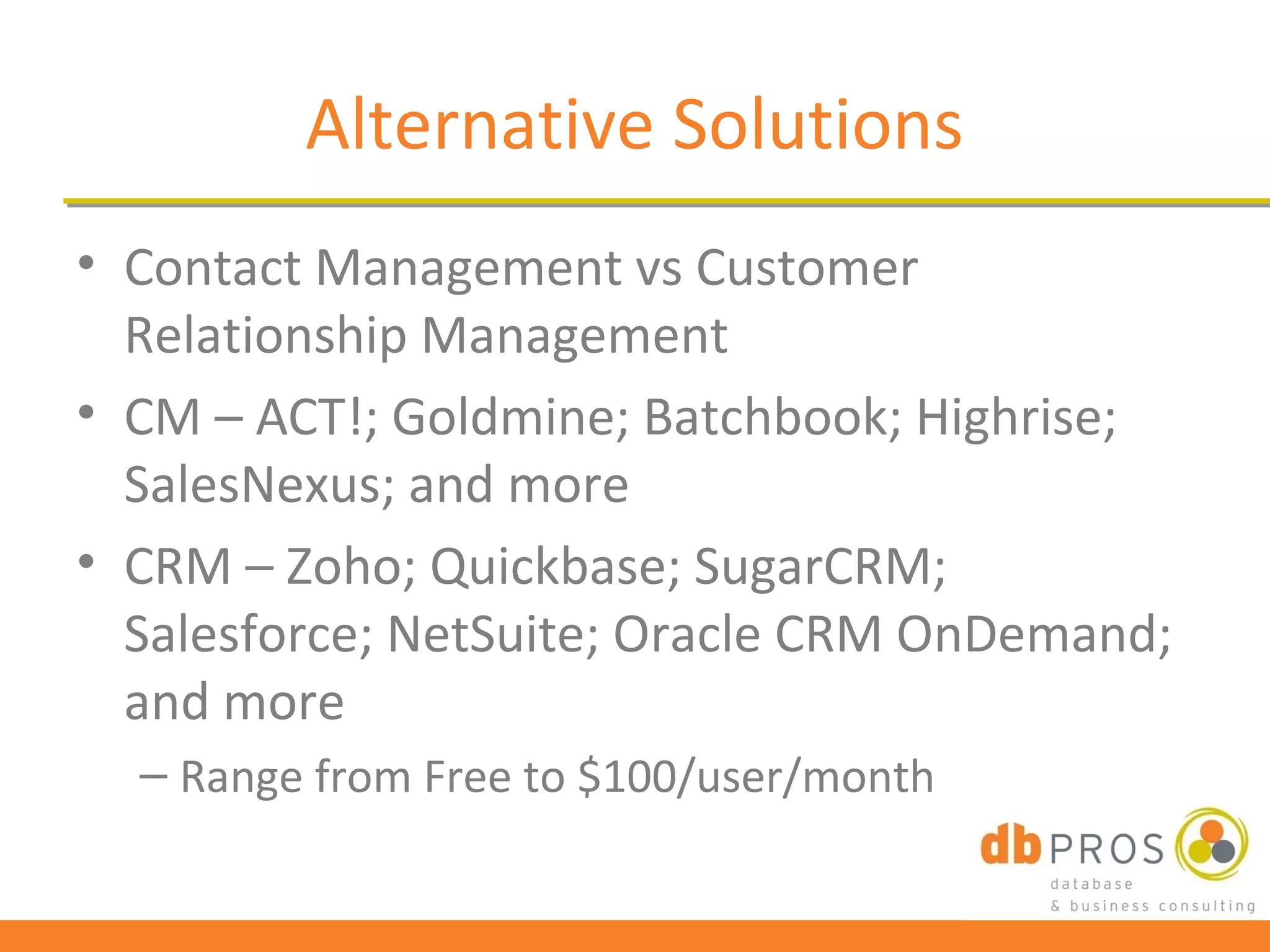
Alternative Solutions
• Contact Management vs Customer
  Relationship Management
• CM – ACT!; Goldmine; Batchbook; Highrise;
  SalesNexus; and more
• CRM – Zoho; Quickbase; SugarCRM;
  Salesforce; NetSuite; Oracle CRM OnDemand;
  and more
  – Range from Free to $100/user/month
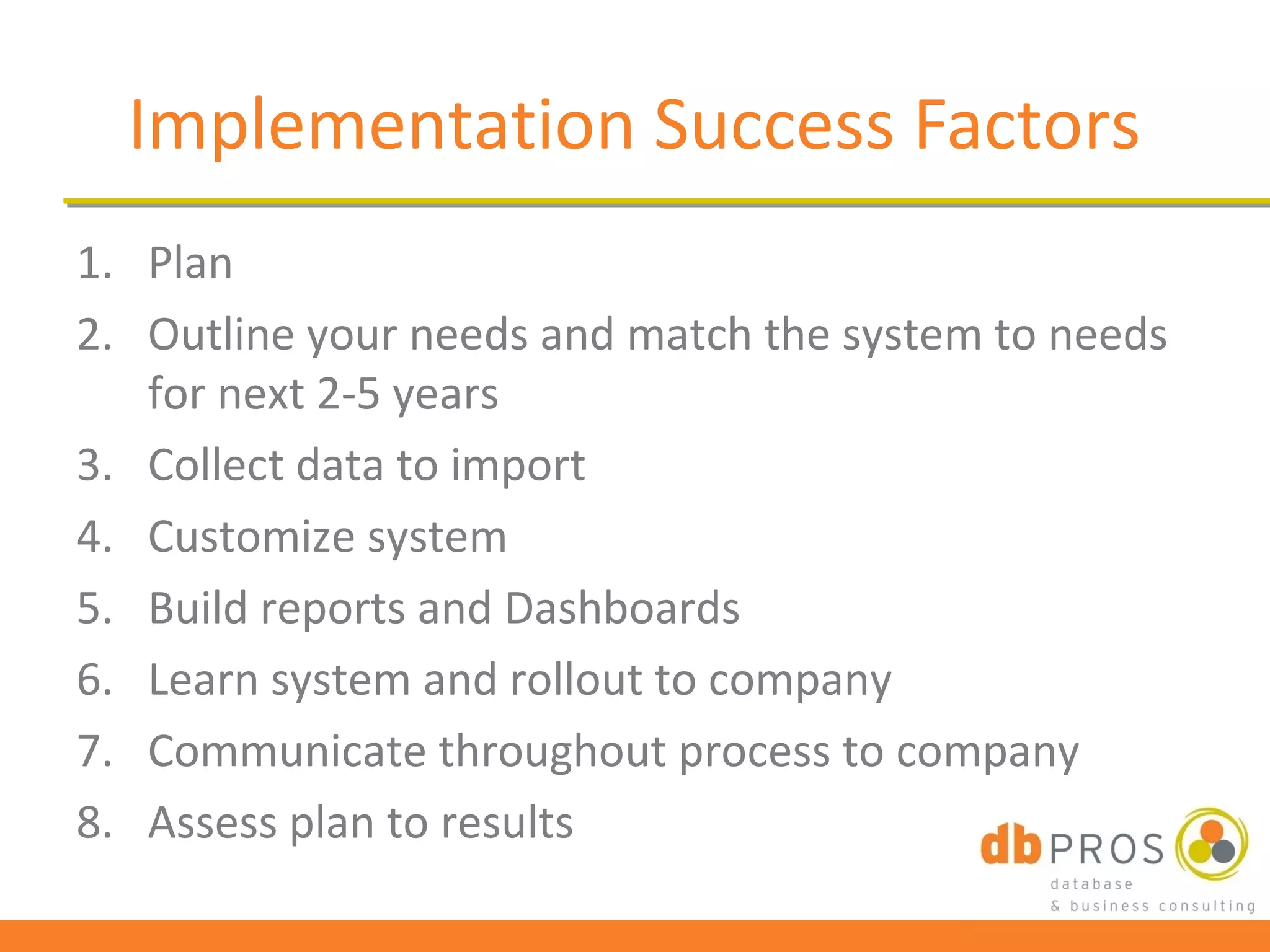
Implementation Success Factors
1. Plan
2. Outline your needs and match the system to needs
   for next 2-5 years
3. Collect data to import
4. Customize system
5. Build reports and Dashboards
6. Learn system and rollout to company
7. Communicate throughout process to company
8. Assess plan to results
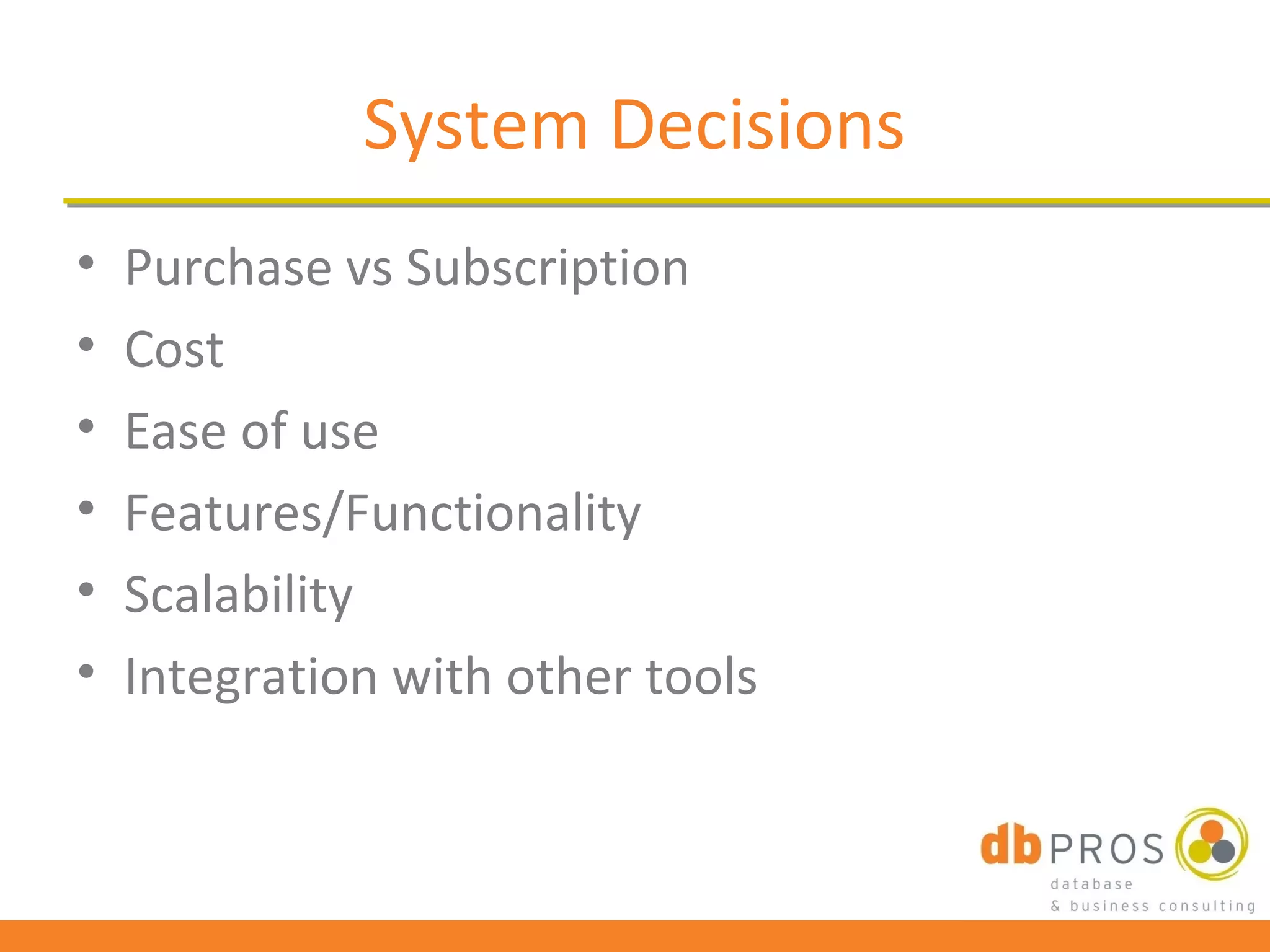
System Decisions
•   Purchase vs Subscription
•   Cost
•   Ease of use
•   Features/Functionality
•   Scalability
•   Integration with other tools
QUESTIONS?
Thank you!

      Kendra Von Achen
          DB Pros
         Denville, NJ
       (973) 607-1627
kendra@dbprosconsulting.com
 www.dbprosconsulting.com

Signs you're ready for a database crm

  • 1.
    Signs You’re Readyfor a Database/CRM System Presentation by Kendra Von Achen DB Pros
  • 2.
    Introduction to Databases •What is a database? • These are all examples of databases
  • 3.
    What is CRM? •Stands for Customer Relationship Management • Definition: CRM is the process of managing all aspects of interaction a company has with its customers, including prospecting, sales, and service. • CRM applications attempt to provide insight into and improve the company/customer relationship by combining all these views of customer interaction into one picture.
  • 4.
    Key Features ofCRM Systems • Account/Contact • Notes and History Tracking Management • Email Management • Opportunity/Sales • Project Management Management • Dashboards/Business • Customer Service/Case Intelligence Management • Customized Reports • Marketing/Campaign • Workflow/Process Management Automation • Activity and Calendar • Mobile/Remote Tools Management
  • 5.
    Why Use CRMin a Business? • Organize all key information – Contacts – Prospect – Clients/customers – Proposals • Keeps all key employees on the same page • Saves time • Helps increase the company’s revenues • Track metrics • Email marketing integration
  • 6.
    Using Outlook toManage Business Activities • Key areas – Contacts, Calendar, Tasks, Email • Functions: – Categories – Drag-and-drop – Integrate with Word for Mail Merge – Flags/Reminders
  • 7.
    What Outlook (orExcel) Can’t Do • Tie records together • Manage opportunities/pipeline/forecasts • Mass update fields/records • Send out mass emails (limited to 50-100) • Create hierarchies of records – Eases data entry – Reduces/removes duplicates • Categorize records with separate fields
  • 8.
    Signs You’ve Outgrown Outlook/Excel • Filtering on Categories just isn’t cutting it anymore • You have 10 records for the same company with 10 different company names listed • You’re losing productivity entering the same information over and over again • You’re ready to track your pipeline • You have a group of people trying to share information easily
  • 9.
    Alternative Solutions • ContactManagement vs Customer Relationship Management • CM – ACT!; Goldmine; Batchbook; Highrise; SalesNexus; and more • CRM – Zoho; Quickbase; SugarCRM; Salesforce; NetSuite; Oracle CRM OnDemand; and more – Range from Free to $100/user/month
  • 10.
    Implementation Success Factors 1.Plan 2. Outline your needs and match the system to needs for next 2-5 years 3. Collect data to import 4. Customize system 5. Build reports and Dashboards 6. Learn system and rollout to company 7. Communicate throughout process to company 8. Assess plan to results
  • 11.
    System Decisions • Purchase vs Subscription • Cost • Ease of use • Features/Functionality • Scalability • Integration with other tools
  • 12.
  • 13.
    Thank you! Kendra Von Achen DB Pros Denville, NJ (973) 607-1627 kendra@dbprosconsulting.com www.dbprosconsulting.com

Editor's Notes

  • #3 How many of you use a database for work or personal use? How many of you use/have heard of Outlook? Excel? Access? ACT! These are all forms of databases. A database, by definition, is “a comprehensive collection of related data organized for convenient access, generally in a computer.” It can also be thought of as an electronic filing cabinet.
  • #4 Last bullet – 360 degree view; customer-centric (have you heard these terms before?) – both terms relate to CRM and its philosophy
  • #5 Also discuss the “bells and whistles” that CRM can do using these features Examples: Automatically send report to the manager weekly of all team activities Field changes based on other data entry rules (when an opportunity is won, change company status from prospect to client) These are like “if-then” statements Send email notification to sales team when an opportunity is lost so they can follow-up on it -- How many of you would like a computer to automatically tell you what you need to do tomorrow? This can be done through active CRM use -- How many times do you prepare to send out a proposal, only to find out you forgot what steps need to be taken since the last one went out? -- This can be cured through CRM usage and workflow creation – create a set of steps to complete with due date, and even assign them to other users of the system.
  • #6 2 nd bullet: I don’t know if any of you have experienced this before, but I can’t tell you how may times in my past jobs where I was given a task to do and when I was halfway through with it, I’d find out someone else was already working on it! This is an example of poor management, but CRM can help eliminate this by assigning tasks to team members so they are the only one responsible to complete the task.