Windows short cut keys
Windows Key+ Other keys
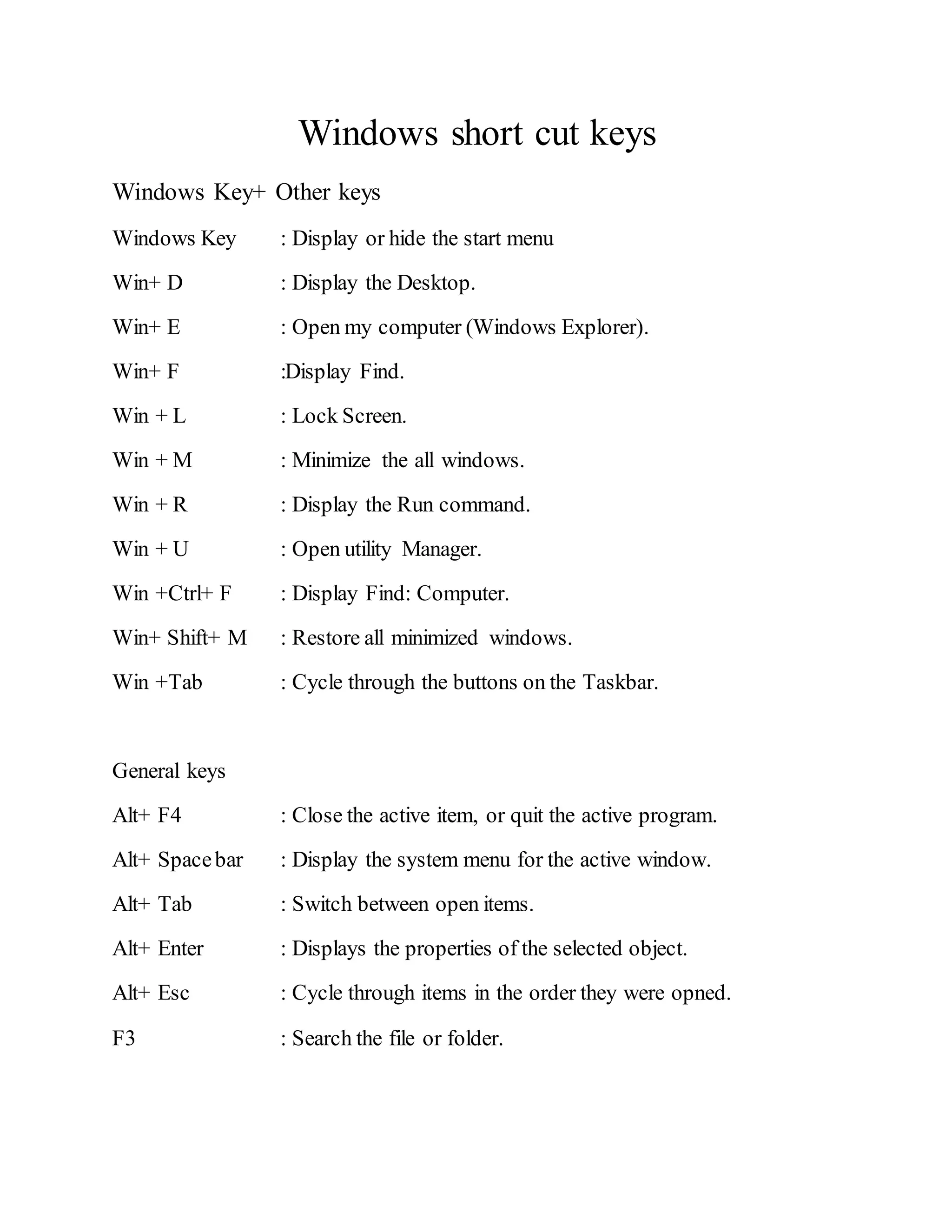
Windows Key : Display or hide the start menu
Win+ D : Display the Desktop.
Win+ E : Open my computer (Windows Explorer).
Win+ F :Display Find.
Win + L : Lock Screen.
Win + M : Minimize the all windows.
Win + R : Display the Run command.
Win + U : Open utility Manager.
Win +Ctrl+ F : Display Find: Computer.
Win+ Shift+ M : Restore all minimized windows.
Win +Tab : Cycle through the buttons on the Taskbar.
General keys
Alt+ F4 : Close the active item, or quit the active program.
Alt+ Spacebar : Display the system menu for the active window.
Alt+ Tab : Switch between open items.
Alt+ Enter : Displays the properties of the selected object.
Alt+ Esc : Cycle through items in the order they were opned.
F3 : Search the file or folder.
Ctrl + F4 : Close the active document in programs that allow you to have
multiple documents open simultaneously.
F5 : Refresh the active window.
Shift + Delete : Delete selected item permanently without placing the item in
the Recycle Bin.
Ctrl + Esc : Display the start menu.

Short cut keys

  • 1.
    Windows short cutkeys Windows Key+ Other keys Windows Key : Display or hide the start menu Win+ D : Display the Desktop. Win+ E : Open my computer (Windows Explorer). Win+ F :Display Find. Win + L : Lock Screen. Win + M : Minimize the all windows. Win + R : Display the Run command. Win + U : Open utility Manager. Win +Ctrl+ F : Display Find: Computer. Win+ Shift+ M : Restore all minimized windows. Win +Tab : Cycle through the buttons on the Taskbar. General keys Alt+ F4 : Close the active item, or quit the active program. Alt+ Spacebar : Display the system menu for the active window. Alt+ Tab : Switch between open items. Alt+ Enter : Displays the properties of the selected object. Alt+ Esc : Cycle through items in the order they were opned. F3 : Search the file or folder.
  • 2.
    Ctrl + F4: Close the active document in programs that allow you to have multiple documents open simultaneously. F5 : Refresh the active window. Shift + Delete : Delete selected item permanently without placing the item in the Recycle Bin. Ctrl + Esc : Display the start menu.