Presented By: Peter Ward December  12th, 2007  Planning User  Acceptance Workflow Enterprise Information Processes Web  2.0 Office 2007
Thank you for attending this web X The conference call dial in will be put on  mute for the presentation Q&A – We will have time at the end of the presentation for questions A copy of the presentation is on my blog:  www.wardpeter.com
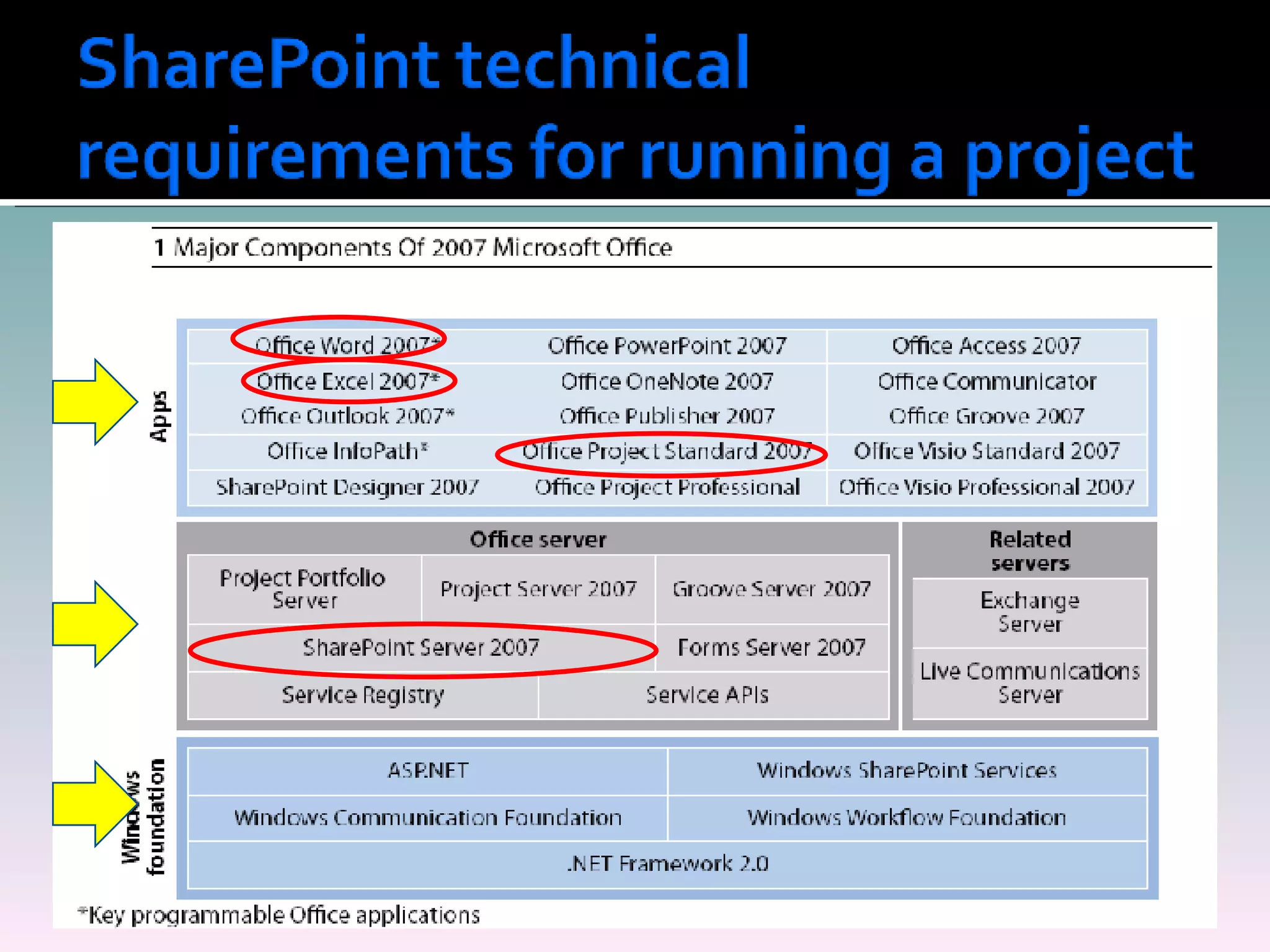
Why use SharePoint for Project Management The SharePoint technical requirements for running a project.  Project management best practices with SharePoint Out of the box SharePoint project features- Gantt charts, workflow, issue tracking, email routing Demo·           Differences between SharePoint and Project Server 2007 Why implement Project Server or SharePoint? Session Review Questions
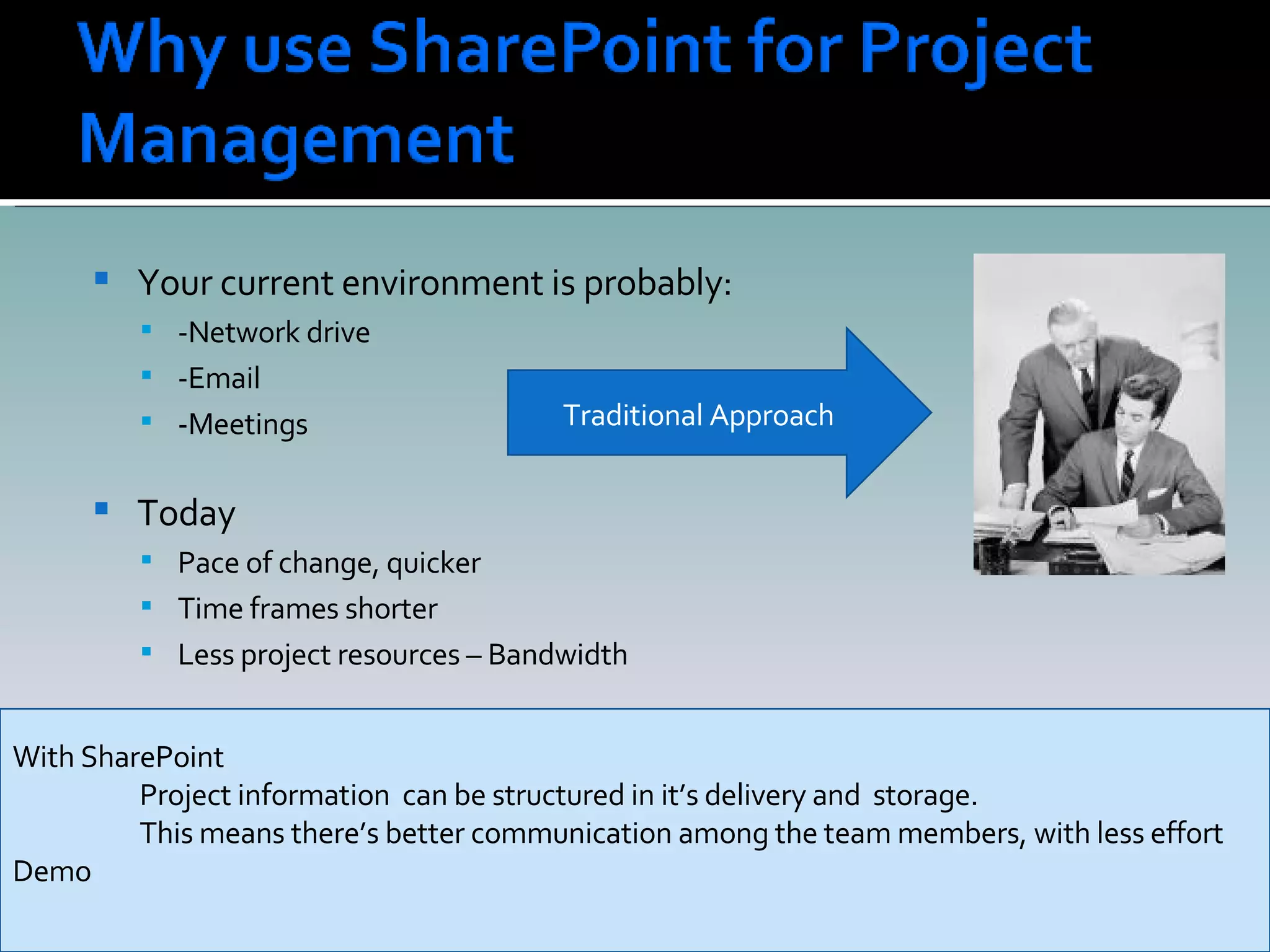
Your current environment is probably: -Network drive -Email -Meetings  Today  Pace of change, quicker Time frames shorter Less project resources – Bandwidth Traditional Approach With SharePoint Project information  can be structured in it’s delivery and  storage. This means there’s better communication among the team members, with less effort Demo
 
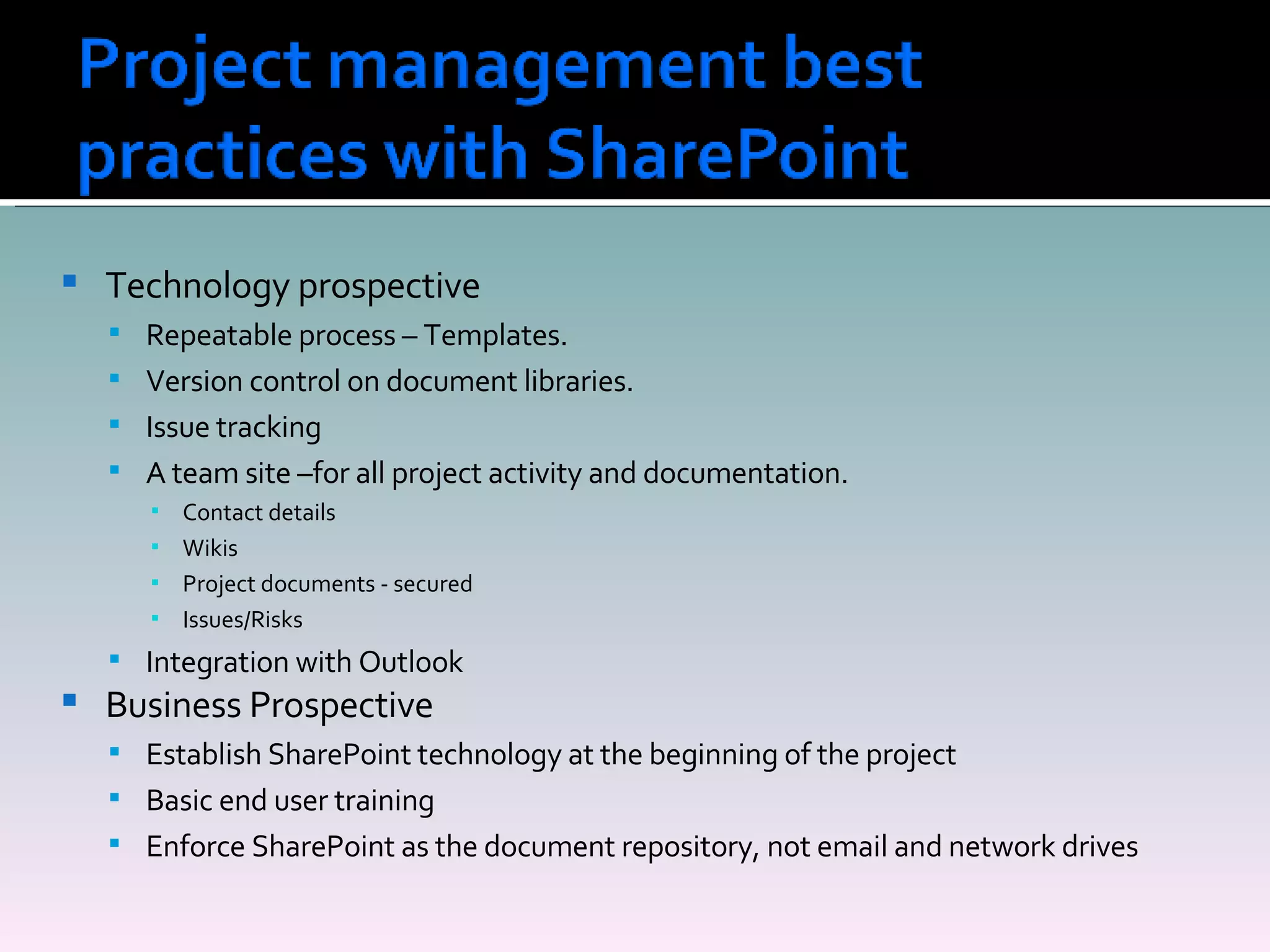
Technology prospective Repeatable process – Templates. Version control on document libraries. Issue tracking A team site –for all project activity and documentation. Contact details Wikis Project documents - secured Issues/Risks Integration with Outlook Business Prospective Establish SharePoint technology at the beginning of the project Basic end user training Enforce SharePoint as the document repository, not email and network drives
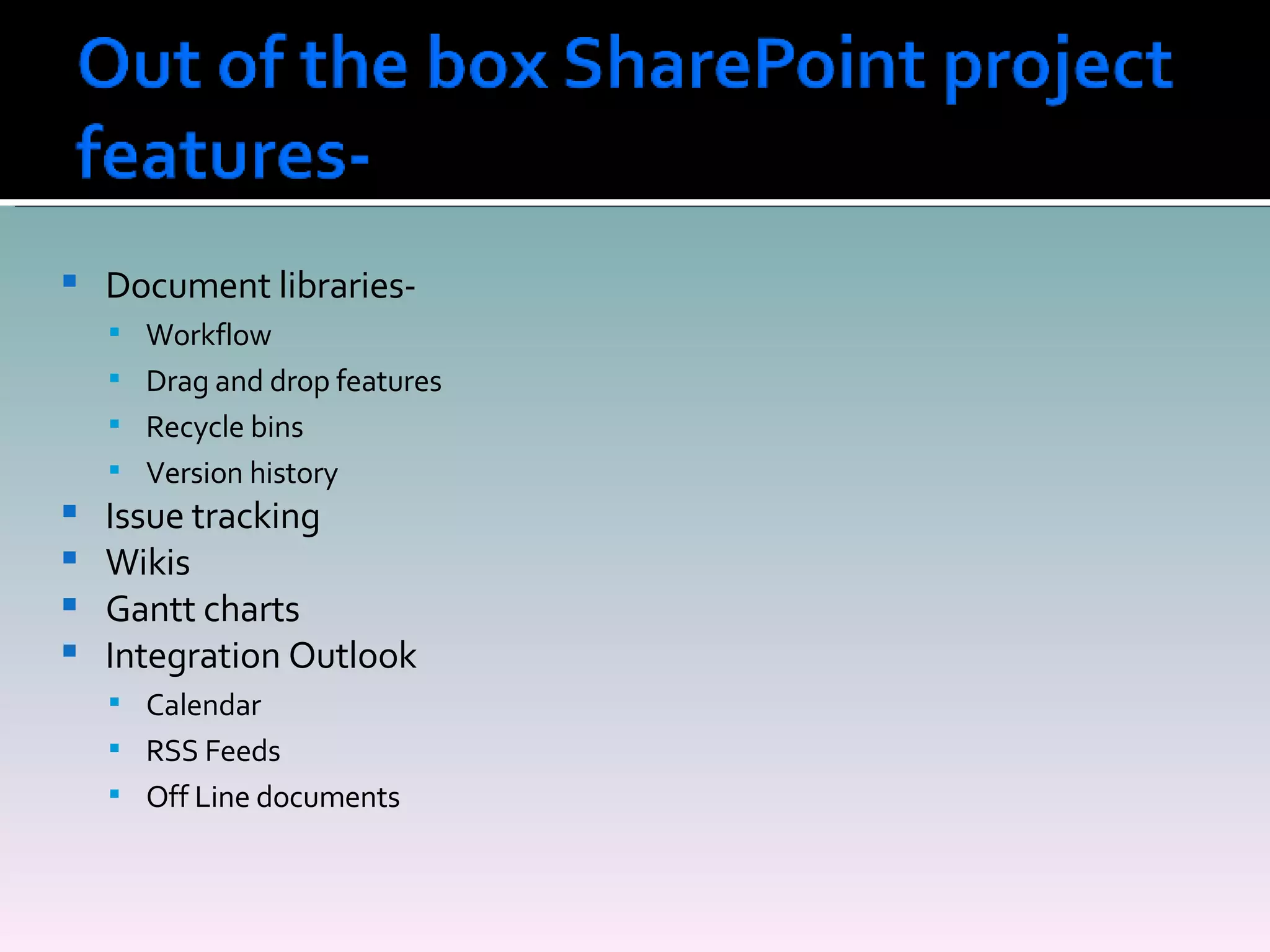
Document libraries-  Workflow Drag and drop features Recycle bins Version history Issue tracking Wikis Gantt charts Integration Outlook Calendar RSS Feeds Off Line documents
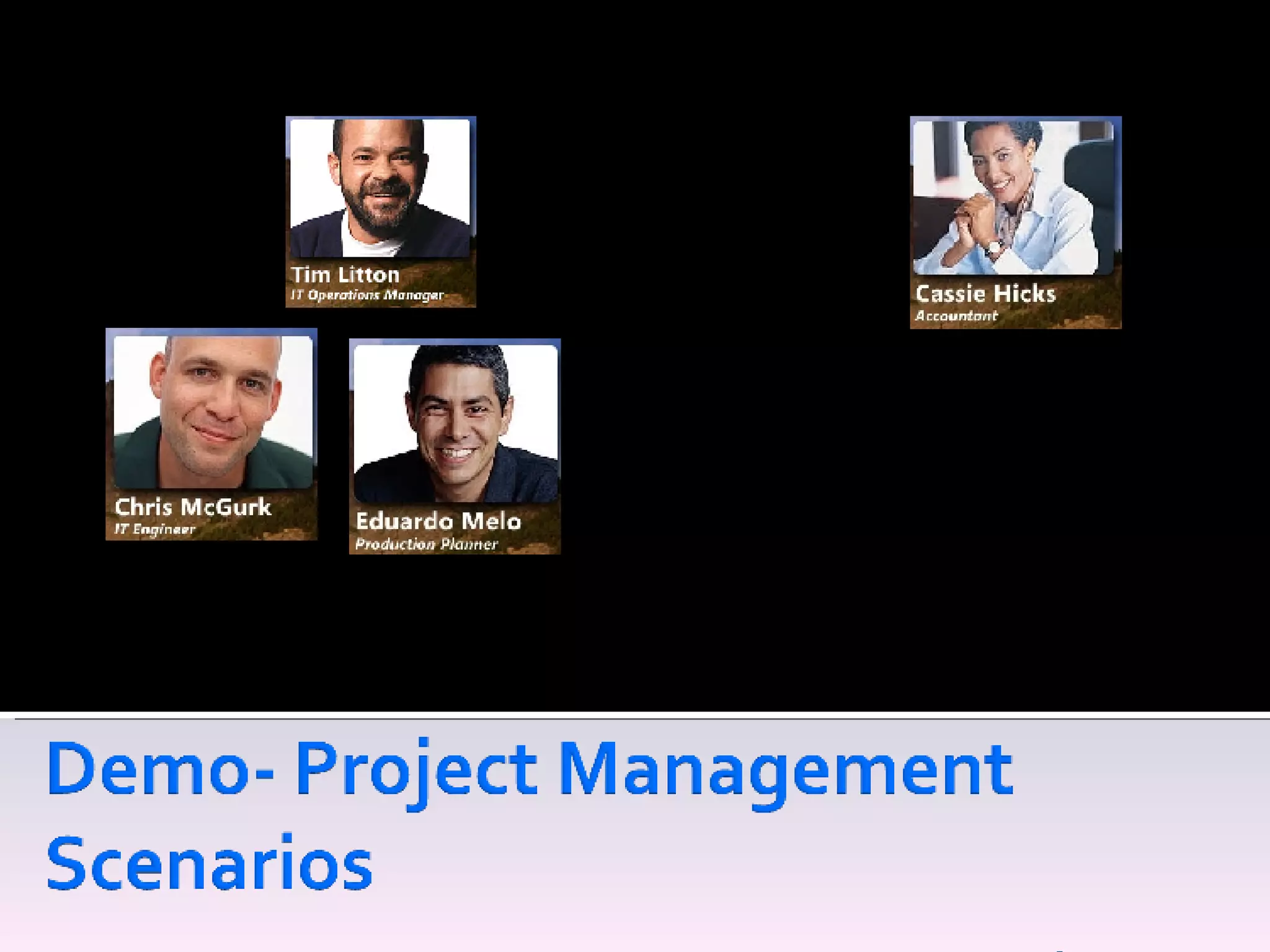
IT Department Internal Customer Project:- Great Plain upgrade
Pain Points Spends a lot of time in meetings, reporting to senior management  Too many emails, which are unrelated to him Not always 100% up to date on the project status or workload of team His desire Wants project related information structured and searchable. Less clicks to find information Solution :SharePoint integrating with Outlook and one place to look
Pain Points Spread on many projects Too many emails, asking for information His desire Wants users to have more visibility to the projects Less clicks to find information Solution :SharePoint to share information and work with internal customers
Pain Points Spends too much time following up on projects Desire :  A single place to place to get information  Know who’s working on what Solution : SharePoint as the presentation layer
Pain Points Spends too much time finding vendors details and following up with them His desire Access to the accounting systems to obtain vendors details Solution : SharePoint Business Data Catalog to integrate the  accounting systems and the portal.
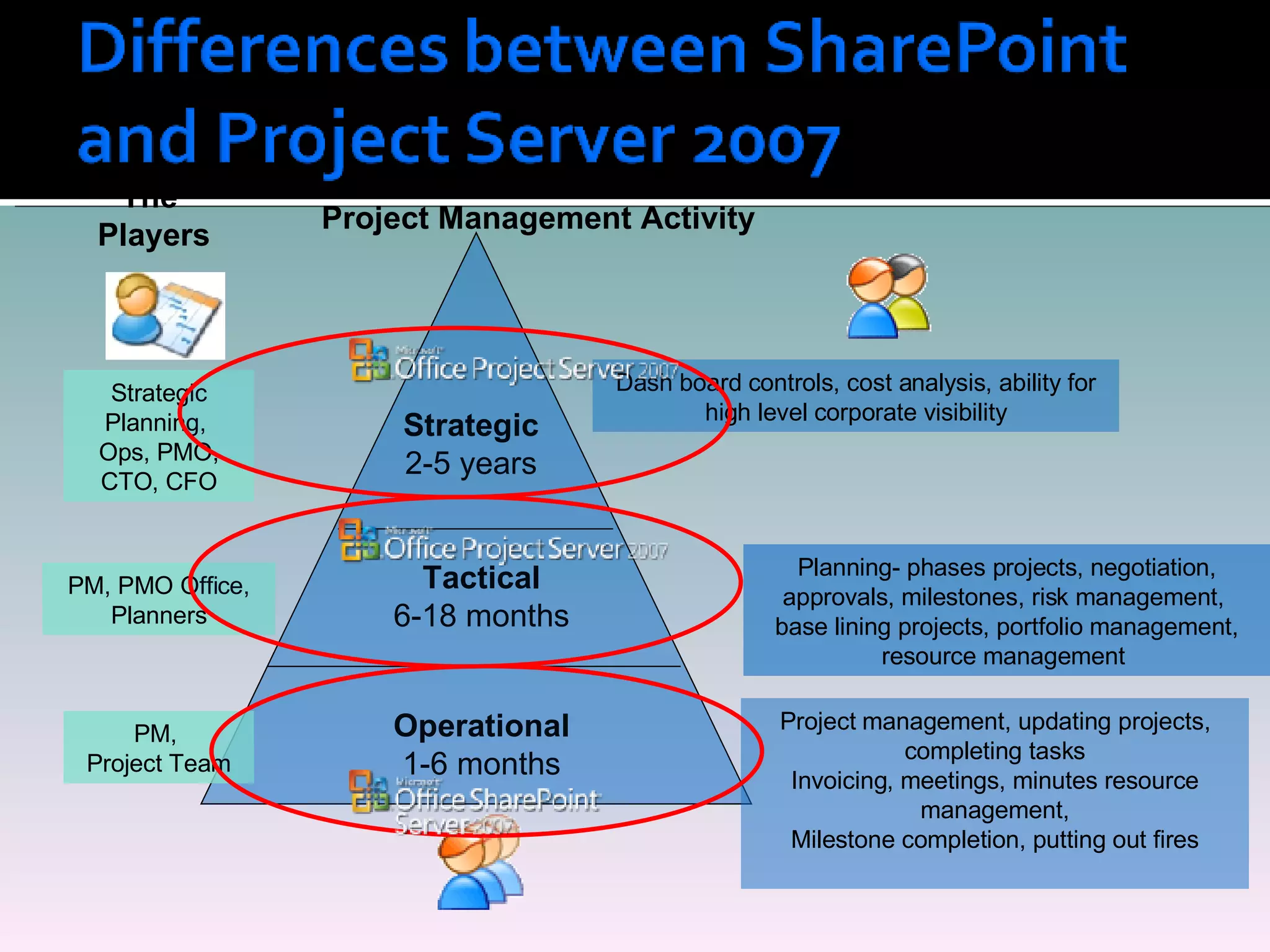
Project Management Activity Operational 1-6 months Tactical 6-18 months Strategic 2-5 years Project management, updating projects, completing tasks Invoicing, meetings, minutes resource management, Milestone completion, putting out fires Planning- phases projects, negotiation, approvals, milestones, risk management,  base lining projects, portfolio management, resource management  Dash board controls, cost analysis, ability for high level corporate visibility The  Players Strategic Planning,  Ops, PMO, CTO, CFO PM, PMO Office, Planners PM,  Project Team
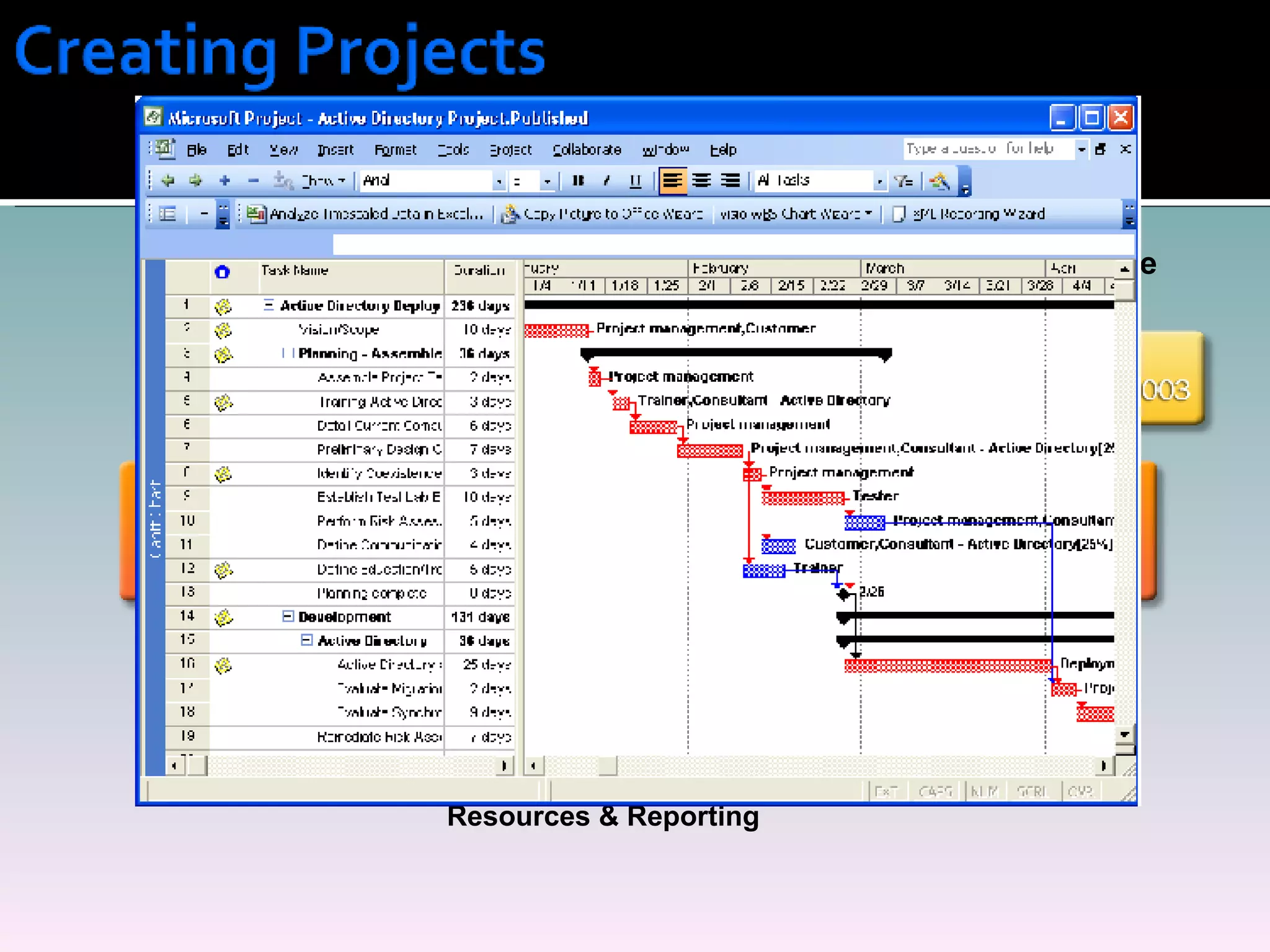
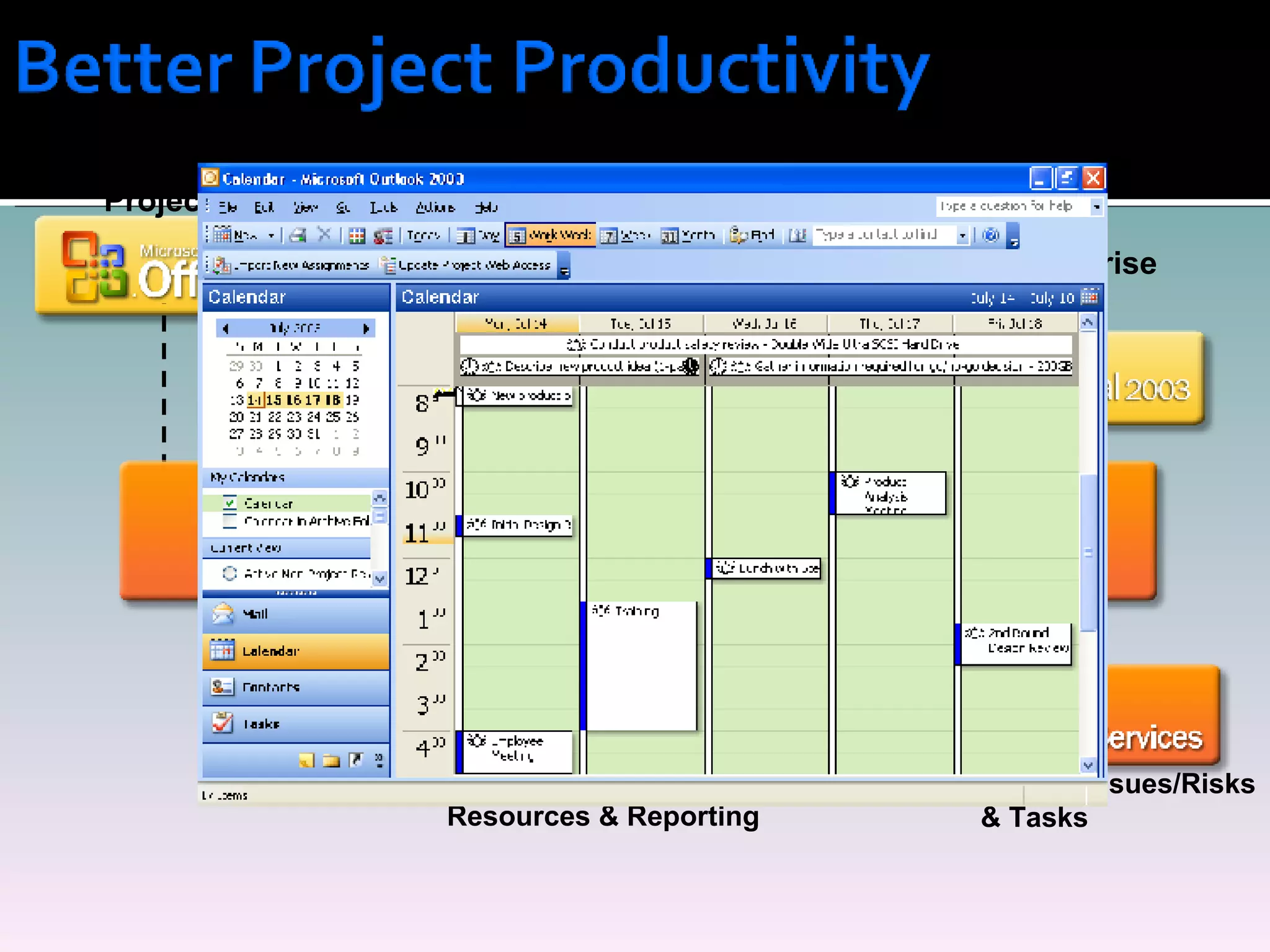
Easily Create Enterprise Project Plans Centrally Store Projects, Resources & Reporting
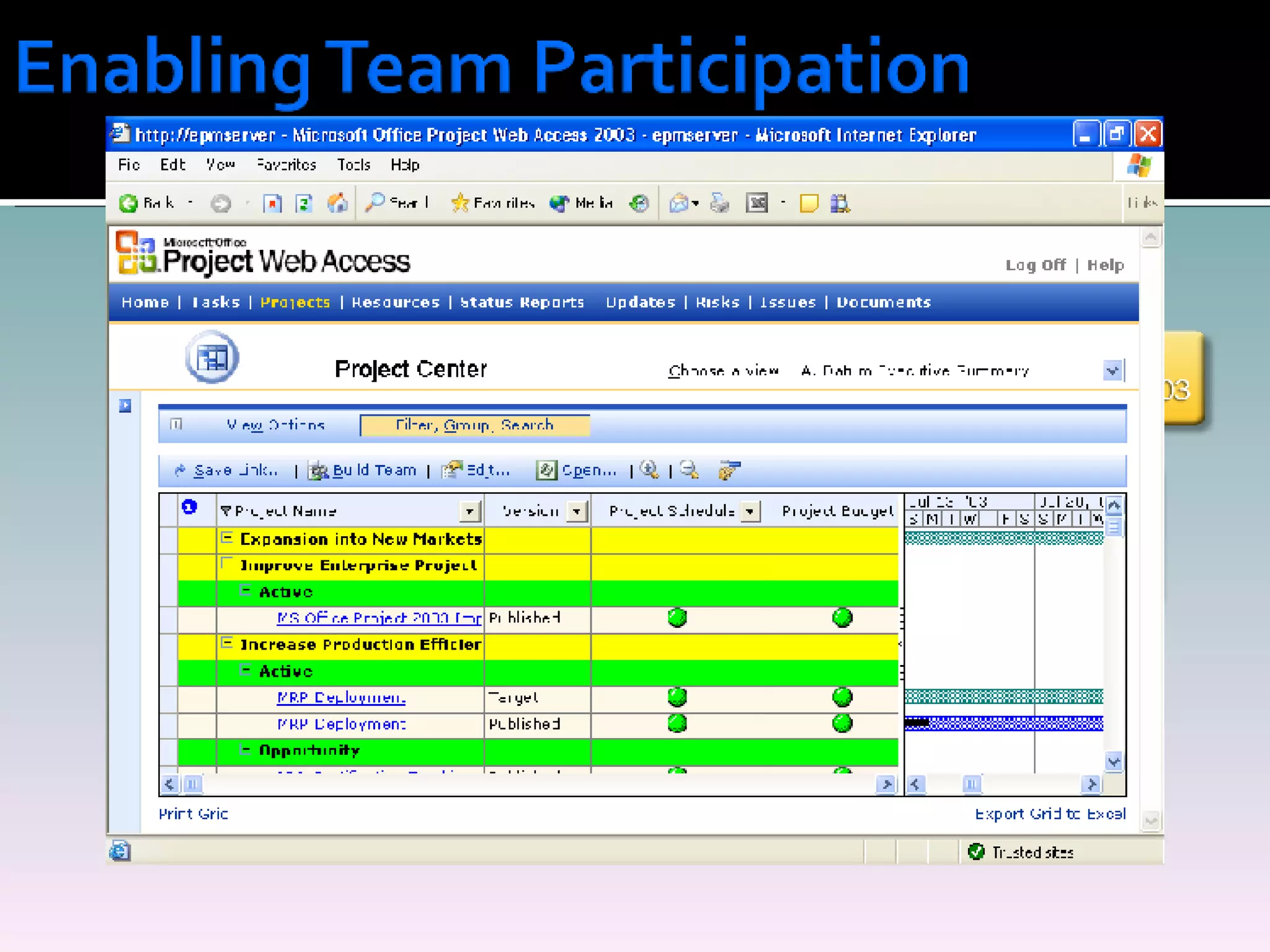
Easily Create Enterprise Project Plans Centrally Store Projects, Resources & Reporting Team Participation
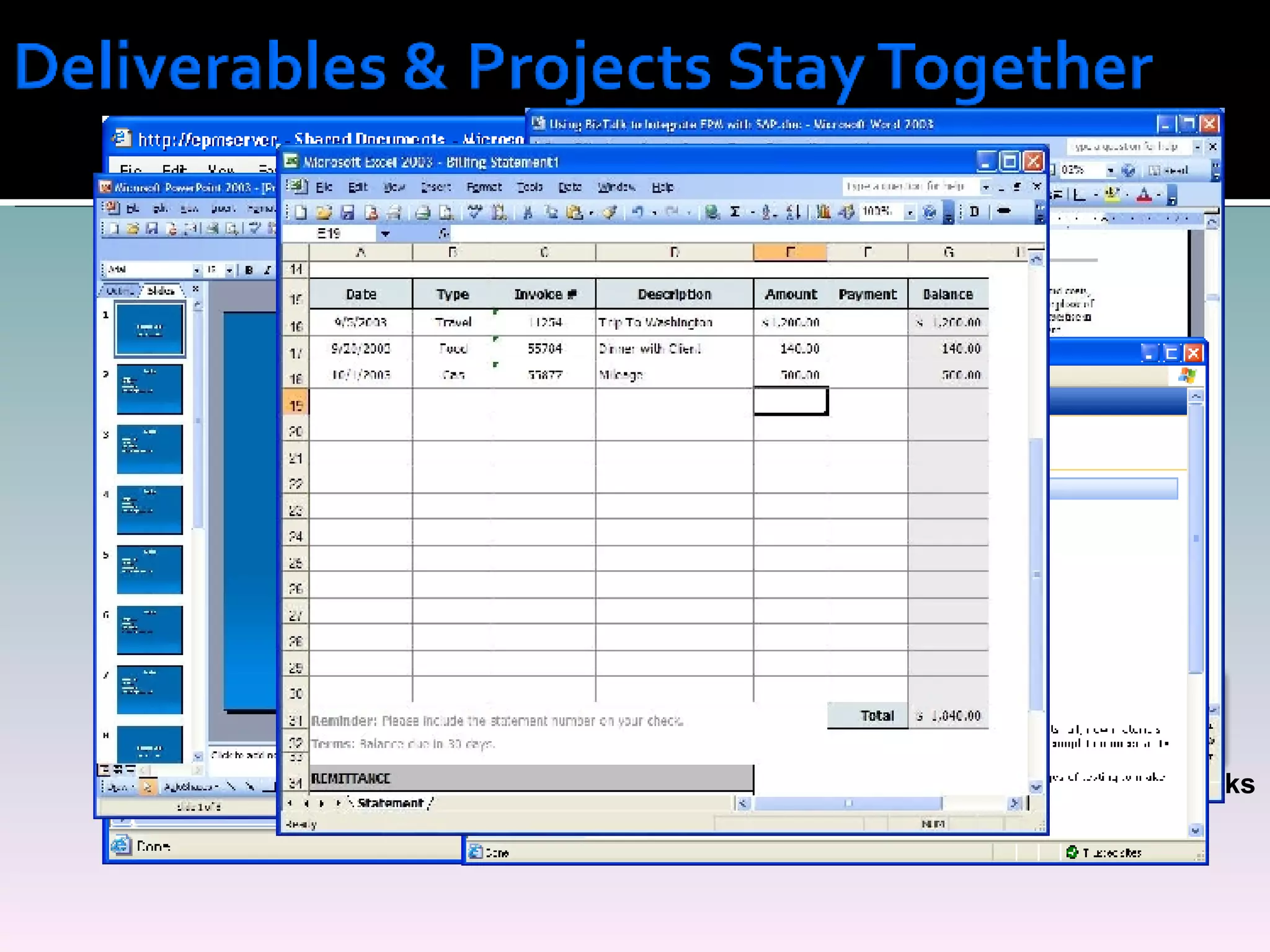
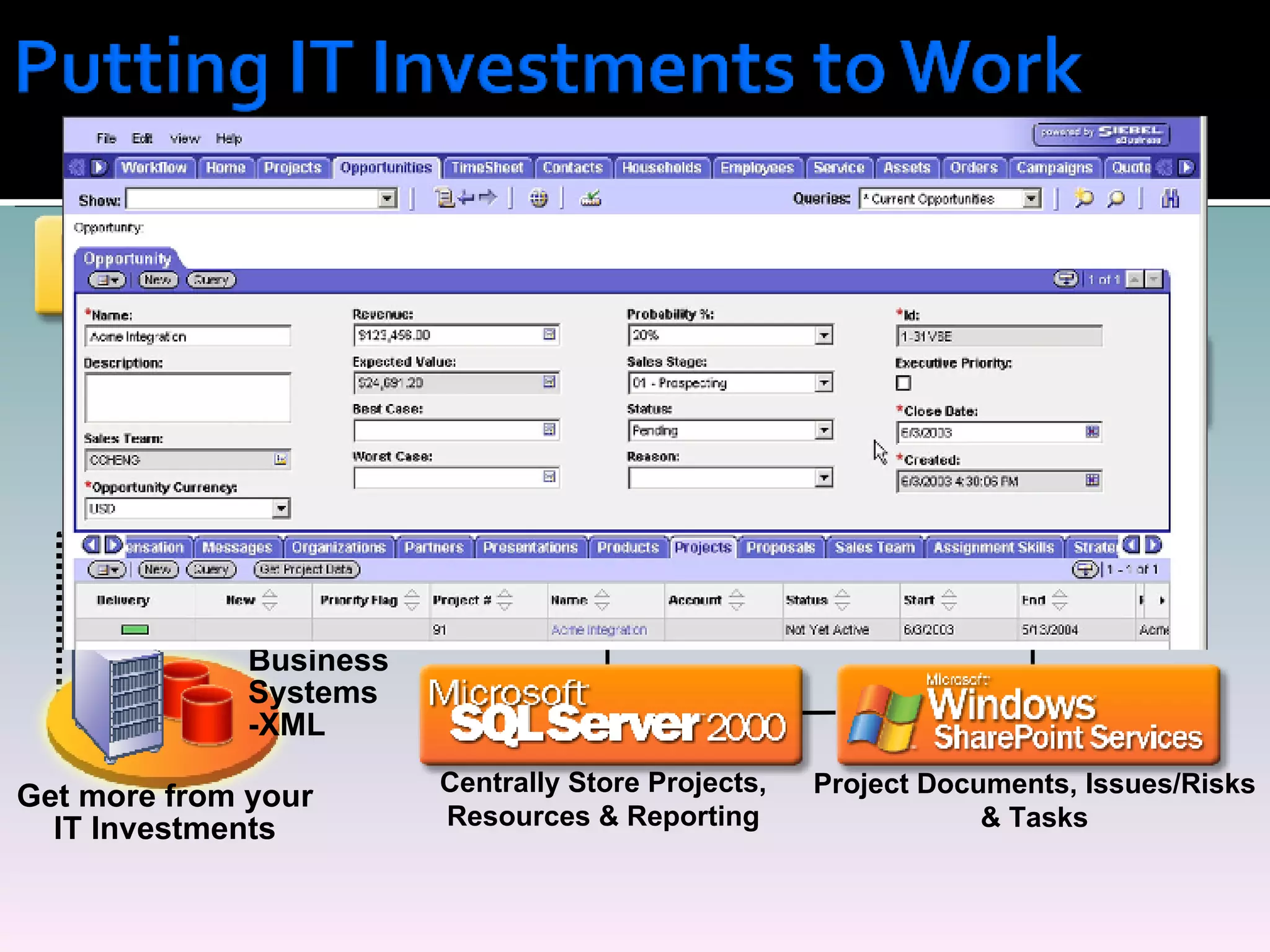
Easily Create Enterprise Project Plans Project Documents, Issues/Risks & Tasks Centrally Store Projects, Resources & Reporting Team Participation
Easily Create Enterprise Project Plans More Productive Projects Centrally Store Projects, Resources & Reporting Team Participation Project Documents, Issues/Risks & Tasks
Easily Create Enterprise Project Plans Project Documents, Issues/Risks & Tasks More Productive Projects Get more from your IT Investments Centrally Store Projects, Resources & Reporting Team Participation Line of  Business  Systems -XML
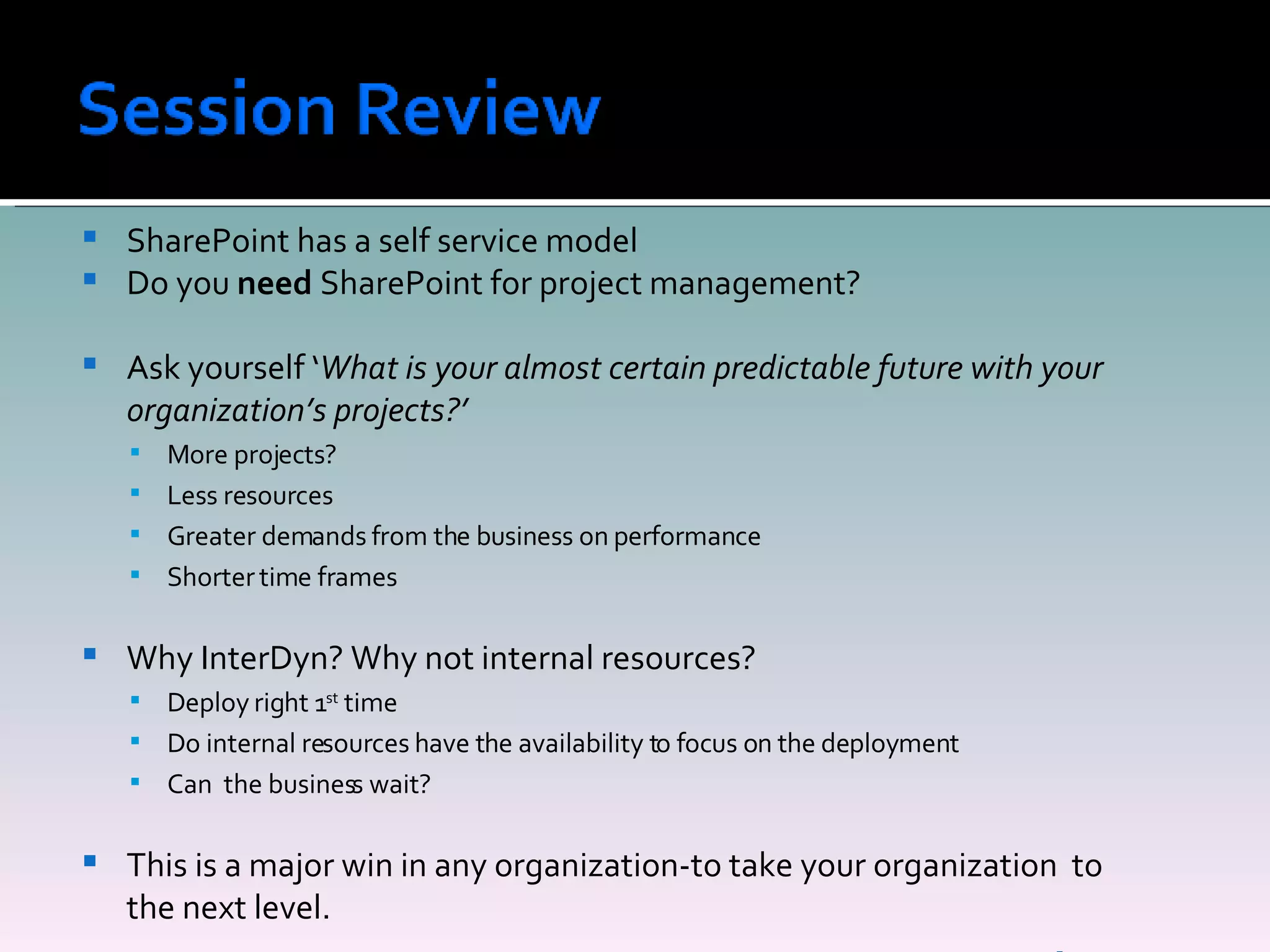
SharePoint has a self service model Do you  need  SharePoint for project management? Ask yourself ‘ What is your almost certain predictable future with your organization’s projects?’ More projects? Less resources Greater demands from the business on performance Shorter time frames Why InterDyn? Why not internal resources? Deploy right 1 st  time Do internal resources have the availability to focus on the deployment Can  the business wait? This is a major win in any organization-to take your organization  to the next level.
 
Peter Ward Business Collaboration Manager E:  [email_address] P:  212-502-3937 W:  www.InterDynAKA.com B:  www.wardpeter.com
What is Convergence? Convergence is the premier Microsoft Dynamics event, bringing customers, team members and industry experts together in an environment created for you to discuss solutions, address business needs and establish a true community that can be leveraged throughout the year. When is Convergence?  March 11 th  – 14 th Where is Convergence?  Orlando, Fl
Join the Microsoft Dynamics community User Experience Lounge Technical Support Desk Build your skills Breakout Sessions Hands-On Labs Chalk & Talks Expos Learn about the vision and strategy of Microsoft and the business-technology industry Keynote speeches-featuring Steve Ballmer and Kirill Tatarinov.   General sessions-learn more about the full range of Microsoft Dynamics solutions, business intelligence software, and an array of Microsoft services.
What does it Cost? Before January 11 th  - $1,195 per person Regular conference fee is $1,495 (There is a discount of $100 off each registration past the 2 nd  attendee) Convergence Website   www.microsoft.com/dynamics/convergence/orlando/ How do I Register? Email  [email_address]  or call (212) 502-3923

Share Point Project Management

  • 1.
    Presented By: PeterWard December 12th, 2007 Planning User Acceptance Workflow Enterprise Information Processes Web 2.0 Office 2007
  • 2.
    Thank you forattending this web X The conference call dial in will be put on mute for the presentation Q&A – We will have time at the end of the presentation for questions A copy of the presentation is on my blog: www.wardpeter.com
  • 3.
    Why use SharePointfor Project Management The SharePoint technical requirements for running a project. Project management best practices with SharePoint Out of the box SharePoint project features- Gantt charts, workflow, issue tracking, email routing Demo·          Differences between SharePoint and Project Server 2007 Why implement Project Server or SharePoint? Session Review Questions
  • 4.
    Your current environmentis probably: -Network drive -Email -Meetings Today Pace of change, quicker Time frames shorter Less project resources – Bandwidth Traditional Approach With SharePoint Project information can be structured in it’s delivery and storage. This means there’s better communication among the team members, with less effort Demo
  • 5.
  • 6.
    Technology prospective Repeatableprocess – Templates. Version control on document libraries. Issue tracking A team site –for all project activity and documentation. Contact details Wikis Project documents - secured Issues/Risks Integration with Outlook Business Prospective Establish SharePoint technology at the beginning of the project Basic end user training Enforce SharePoint as the document repository, not email and network drives
  • 7.
    Document libraries- Workflow Drag and drop features Recycle bins Version history Issue tracking Wikis Gantt charts Integration Outlook Calendar RSS Feeds Off Line documents
  • 8.
    IT Department InternalCustomer Project:- Great Plain upgrade
  • 9.
    Pain Points Spendsa lot of time in meetings, reporting to senior management Too many emails, which are unrelated to him Not always 100% up to date on the project status or workload of team His desire Wants project related information structured and searchable. Less clicks to find information Solution :SharePoint integrating with Outlook and one place to look
  • 10.
    Pain Points Spreadon many projects Too many emails, asking for information His desire Wants users to have more visibility to the projects Less clicks to find information Solution :SharePoint to share information and work with internal customers
  • 11.
    Pain Points Spendstoo much time following up on projects Desire : A single place to place to get information Know who’s working on what Solution : SharePoint as the presentation layer
  • 12.
    Pain Points Spendstoo much time finding vendors details and following up with them His desire Access to the accounting systems to obtain vendors details Solution : SharePoint Business Data Catalog to integrate the accounting systems and the portal.
  • 13.
    Project Management ActivityOperational 1-6 months Tactical 6-18 months Strategic 2-5 years Project management, updating projects, completing tasks Invoicing, meetings, minutes resource management, Milestone completion, putting out fires Planning- phases projects, negotiation, approvals, milestones, risk management, base lining projects, portfolio management, resource management Dash board controls, cost analysis, ability for high level corporate visibility The Players Strategic Planning, Ops, PMO, CTO, CFO PM, PMO Office, Planners PM, Project Team
  • 14.
    Easily Create EnterpriseProject Plans Centrally Store Projects, Resources & Reporting
  • 15.
    Easily Create EnterpriseProject Plans Centrally Store Projects, Resources & Reporting Team Participation
  • 16.
    Easily Create EnterpriseProject Plans Project Documents, Issues/Risks & Tasks Centrally Store Projects, Resources & Reporting Team Participation
  • 17.
    Easily Create EnterpriseProject Plans More Productive Projects Centrally Store Projects, Resources & Reporting Team Participation Project Documents, Issues/Risks & Tasks
  • 18.
    Easily Create EnterpriseProject Plans Project Documents, Issues/Risks & Tasks More Productive Projects Get more from your IT Investments Centrally Store Projects, Resources & Reporting Team Participation Line of Business Systems -XML
  • 19.
    SharePoint has aself service model Do you need SharePoint for project management? Ask yourself ‘ What is your almost certain predictable future with your organization’s projects?’ More projects? Less resources Greater demands from the business on performance Shorter time frames Why InterDyn? Why not internal resources? Deploy right 1 st time Do internal resources have the availability to focus on the deployment Can the business wait? This is a major win in any organization-to take your organization to the next level.
  • 20.
  • 21.
    Peter Ward BusinessCollaboration Manager E: [email_address] P: 212-502-3937 W: www.InterDynAKA.com B: www.wardpeter.com
  • 22.
    What is Convergence?Convergence is the premier Microsoft Dynamics event, bringing customers, team members and industry experts together in an environment created for you to discuss solutions, address business needs and establish a true community that can be leveraged throughout the year. When is Convergence? March 11 th – 14 th Where is Convergence? Orlando, Fl
  • 23.
    Join the MicrosoftDynamics community User Experience Lounge Technical Support Desk Build your skills Breakout Sessions Hands-On Labs Chalk & Talks Expos Learn about the vision and strategy of Microsoft and the business-technology industry Keynote speeches-featuring Steve Ballmer and Kirill Tatarinov. General sessions-learn more about the full range of Microsoft Dynamics solutions, business intelligence software, and an array of Microsoft services.
  • 24.
    What does itCost? Before January 11 th - $1,195 per person Regular conference fee is $1,495 (There is a discount of $100 off each registration past the 2 nd attendee) Convergence Website www.microsoft.com/dynamics/convergence/orlando/ How do I Register? Email [email_address] or call (212) 502-3923